
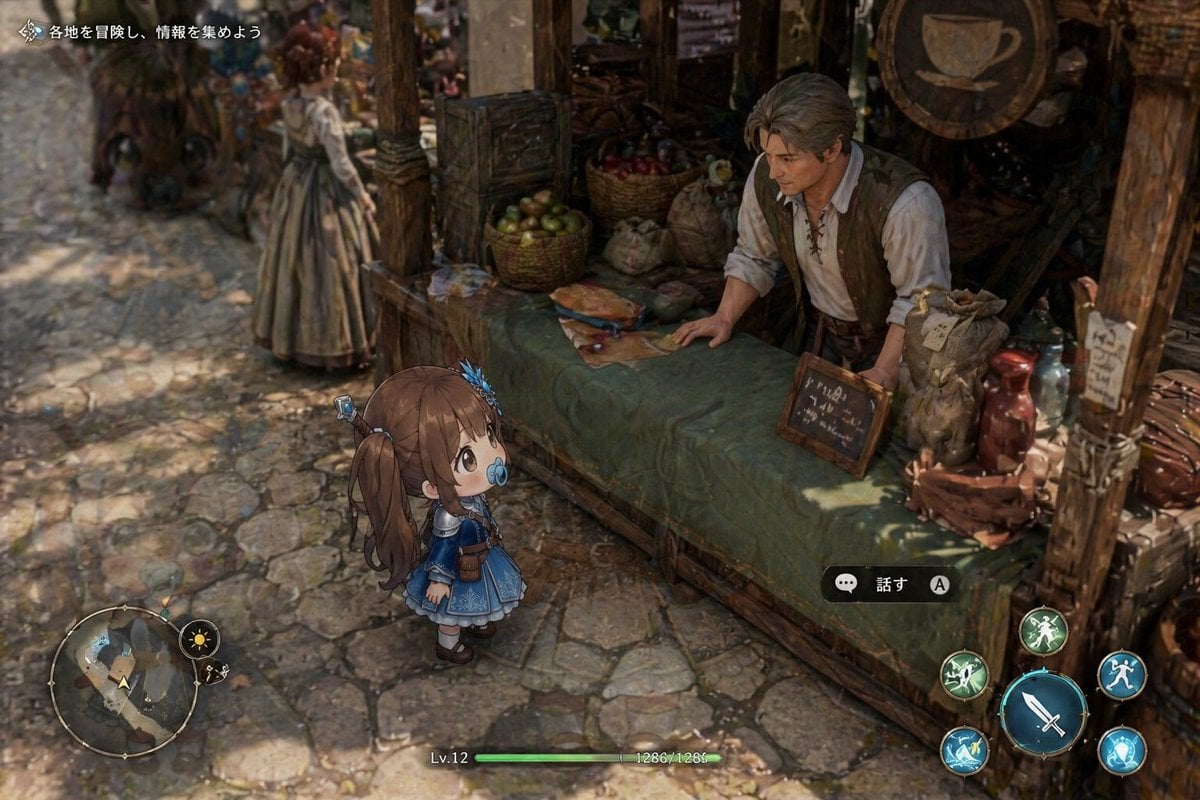
Isometric Fantasy RPG Market Bug Scene
This prompt generates a detailed JRPG-style market gameplay screenshot with a chibi heroine, full UI, and a glitched faceless merchant, ideal for recreating a bug-like eerie game scene.
- Prompt included
- Model and format preset
- Free template
The prompt behind this image
Copy the exact prompt behind Isometric Fantasy RPG Market Bug Scene, or open it in the studio and make it yours.
A top-down isometric fantasy RPG gameplay screenshot set in a rustic medieval market street, with a strong tilt-shift depth-of-field effect that makes the scene look miniature. In the foreground, a tiny chibi-style anime girl adventurer stands facing a merchant stall; she has {argument name="hair color" default="medium brown"} hair in twin ponytails with blue ribbon ornaments, very large round eyes, a blue pacifier in her mouth, and a detailed blue-and-white dress with lace trim, puff sleeves, white stockings, dark shoes, and a small brown pouch at her waist. She is positioned slightly left of center, looking up at a male shopkeeper leaning over a long wooden counter covered with a muted green cloth. The shopkeeper wears a white lace-up shirt with rolled sleeves and a brown vest, but his face is unnaturally blurred, smeared, or featureless like a rendering bug. The stall is dense with props: 2 wicker baskets of produce, 2 cloth sacks, 1 loaf of bread on the counter, 1 folded map or paper, 1 small framed chalkboard sign, 2 ceramic bottles or jars in reddish tones, stacked wooden crates, wooden beams, and a round hanging shop sign with a cup emblem. In the background, 1 blurry woman in a long dress walks along the cobblestone street, and a horse-drawn cart or wagon shape is visible in soft focus on the left. The lighting is warm afternoon sunlight with dappled shadows across the stone pavement and stall. Include a full game UI overlay: top-left Japanese quest text reading "各地を冒険し、情報を集めよう", bottom-left circular minimap with 2 small adjacent icons, bottom-center status bar showing "Lv.12" and "1286/1286" with a green HP bar, center-right interaction prompt with a speech bubble icon and the Japanese text "話す" plus an "A" button icon, and bottom-right 4 circular action buttons including 1 large blue sword attack button and 3 smaller skill buttons around it. The overall feeling should be a high-detail JRPG town scene, cozy and painterly, but with one eerie glitched face that makes the image resemble a ghostly bugged screenshot.
How to use Isometric Fantasy RPG Market Bug Scene in 3 steps
- 1Upload ImagePNG, JPG or paste
Add your photo
Upload the photo the template builds on. The prompt, model and format are already set.
- 2…a portrait of your subject in softgolden-hour light, 85mm…
Personalize
Edit the subject and creative details for your destination.
- 3Generate
Generate
Press Generate — your image is created in PicX Studio, so you can compare it with the original and refine one variable at a time.
More like this
Templates with the same subject, style or setup. Open one to see its prompt.
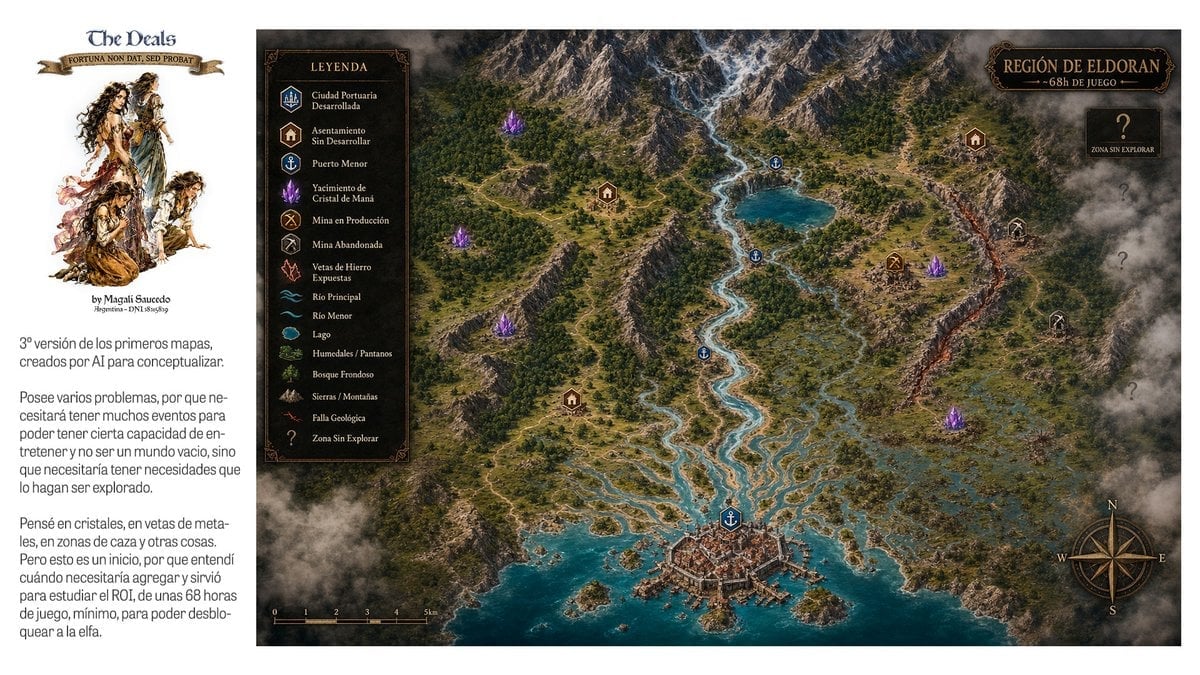
Fantasy RPG Region Map Sheet
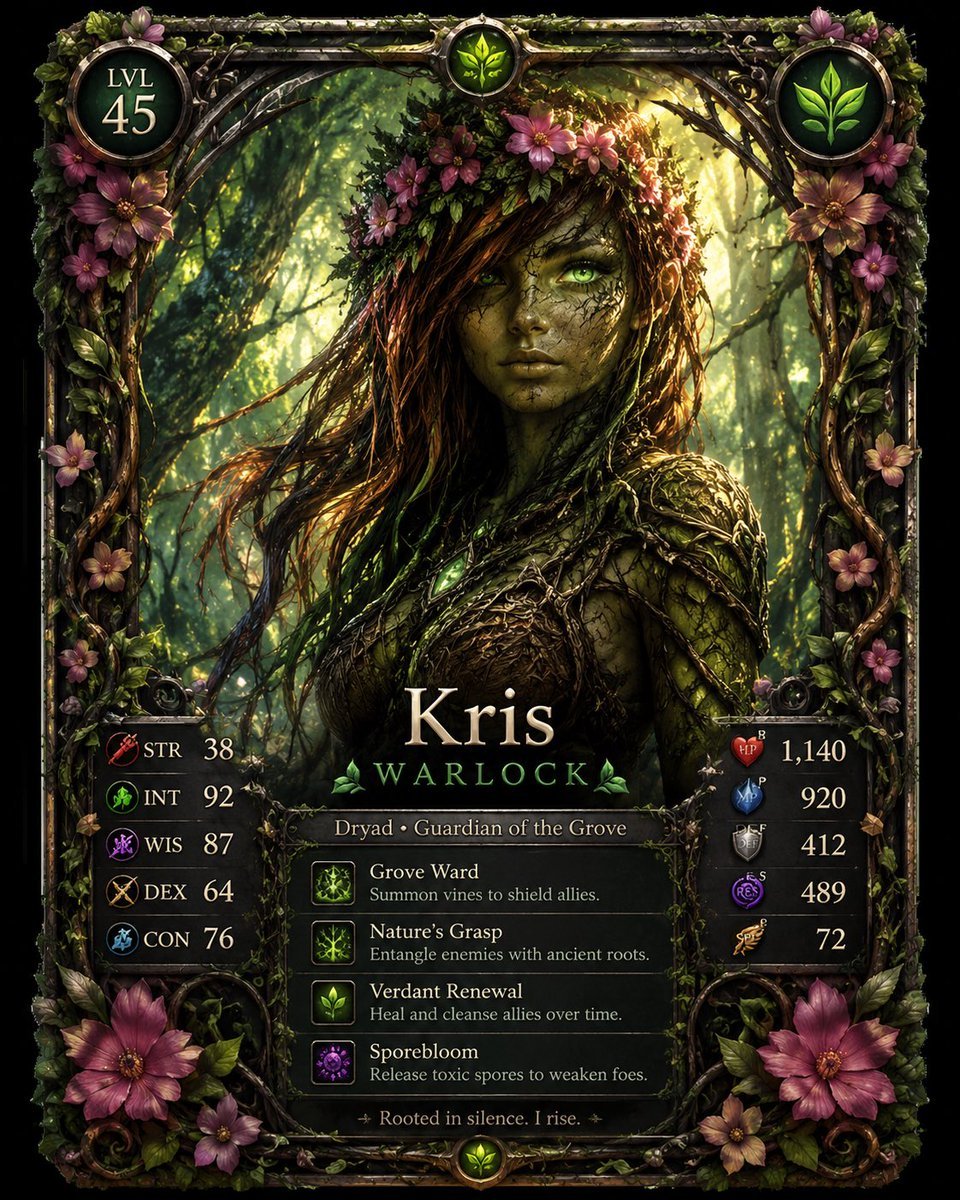
Fantasy Dryad RPG Character Card

Anime Fantasy Celestial Movie Poster
Anime Fantasy Celestial Movie Poster

Minecraft Fantasy Kingdom Voxel Landscape

Isometric Process Educational Diorama

Isometric Brand Store Diorama

Unfinished Sketch Comes Alive Portrait

Open Travel Journal Overhead Still Life

Tiny Woman Miniature Fantasy Macro Scene

Isometric Vehicle Teardown Infographic Template

JRPG Fantasy Title Logo Splash Screen
Make it yours
Isometric Fantasy RPG Market Bug Scene works as-is. These are the safest ways to change it without losing the look.
Change one field
Copy a single group, rewrite it, and generate again so you can see what that field is doing.
Keep the frame, change the subject
Hold the composition and light of Isometric Fantasy RPG Market Bug Scene, then swap wardrobe, props or the person for a new take.
| If the result… | Why | Fix |
|---|---|---|
| The result drifts from the preview | Too many fields changed at once. | Reuse Isometric Fantasy RPG Market Bug Scene as-is first, then change one group — subject, light, or setting. |
| The model over-stylizes the scene | The prose prompt leaves finish and camera underspecified. | Add one camera or lighting sentence and stay on GPT Image 2. |
More GPT Image 2 templates
Other prompts made for GPT Image 2.

Six VTuber Japanese Logo Sheet

Realistic Portrait of Woman and Deer

The Vista Modular Condo Poster

AI Model Routing Comparison Infographic

2.5D Anime Art Board

Isometric Productivity Desk Scene

New York Double Exposure Poster

Four-Panel AI Landscape Comparison

Japanese Tatami Lifestyle Magazine Cover

NESCAFÉ Coffee Map Poster
More image prompts
Fresh picks from across the catalog.
Cinematic surreal garden portrait prompt
Side Profile Photo of Man in Pain with Molten Fissures
Luxury Car Editorial Portrait (Identity Lock)
Fantasy Auto-Battler Spritesheet
Green Armored Dual-Sword Warrior
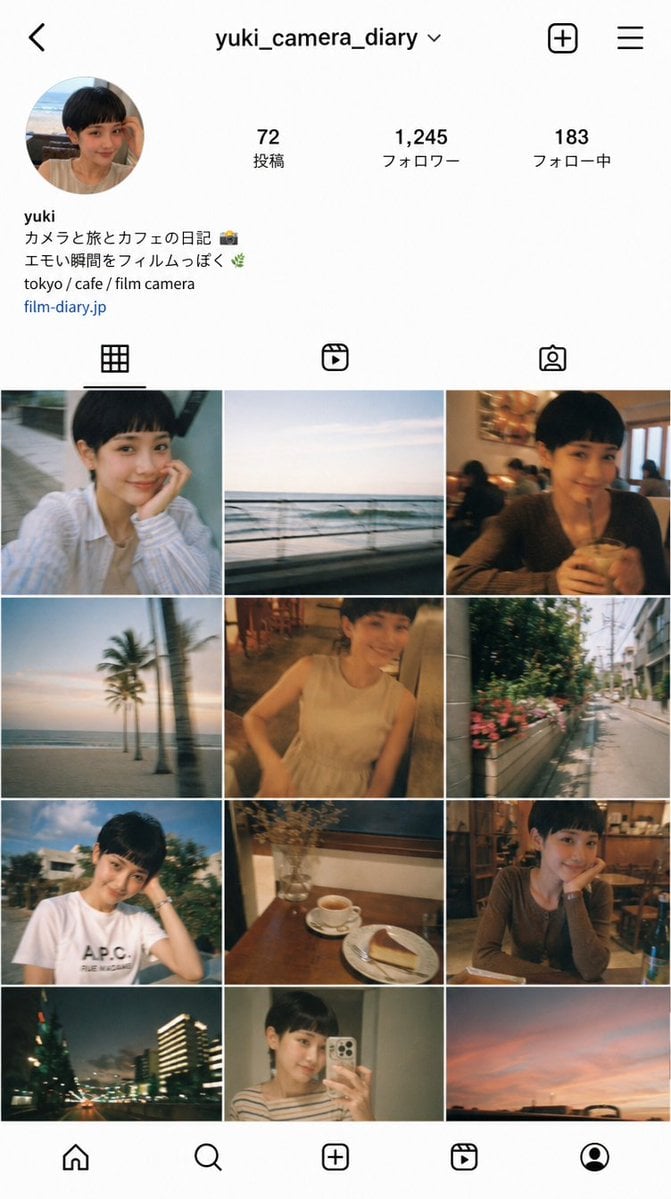
Instagram Profile Grid Aesthetic
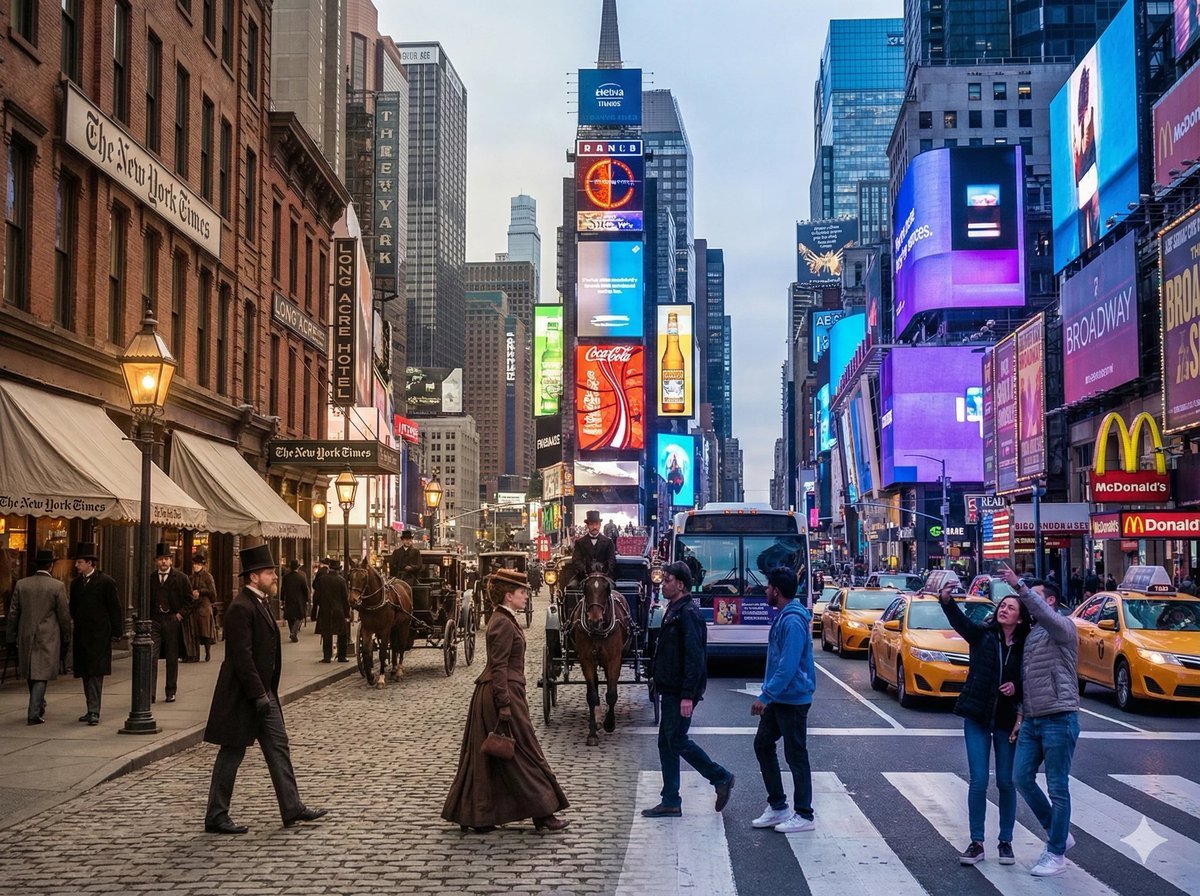
Times Square Time-Blend Split-Screen
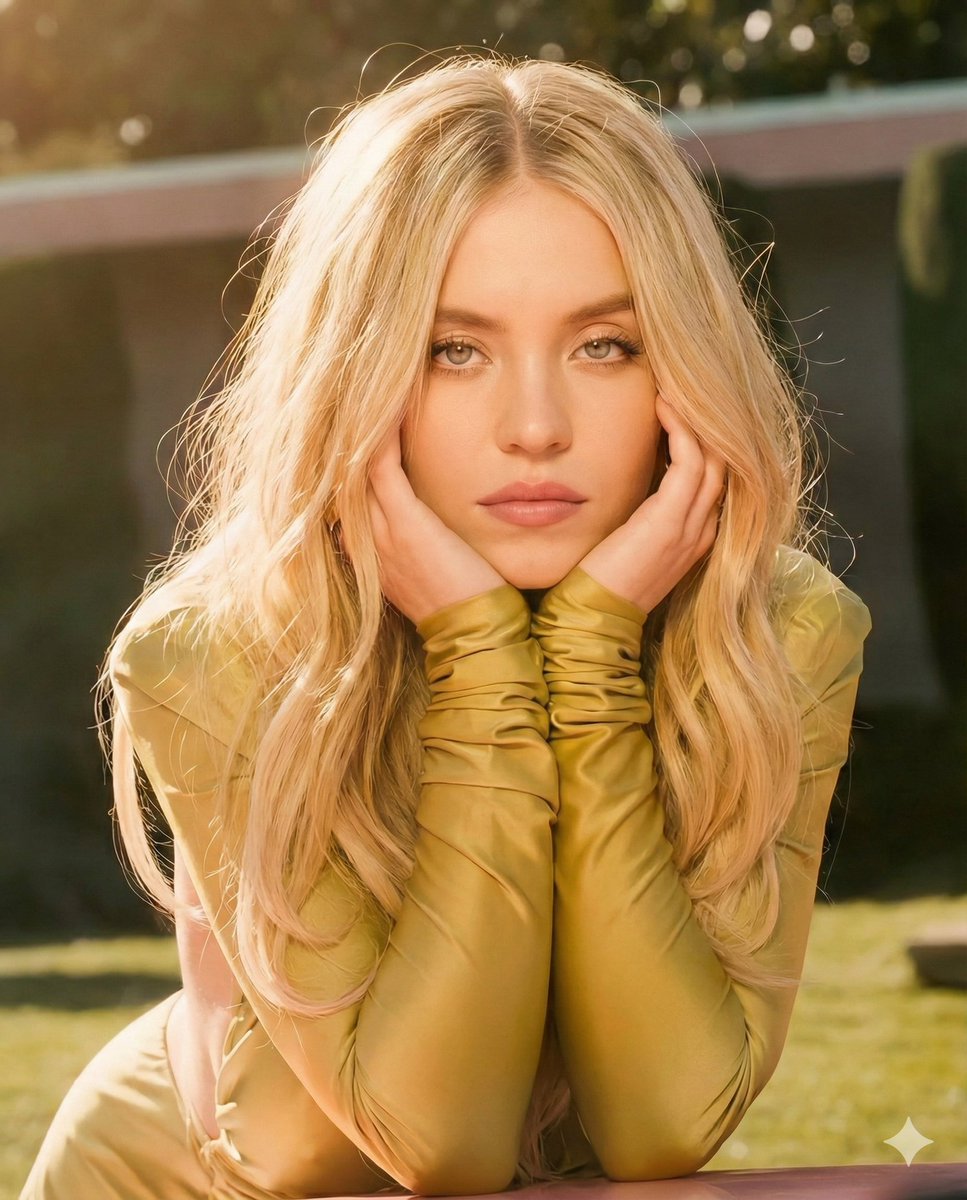
Golden Hour Cinematic Portrait Prompt
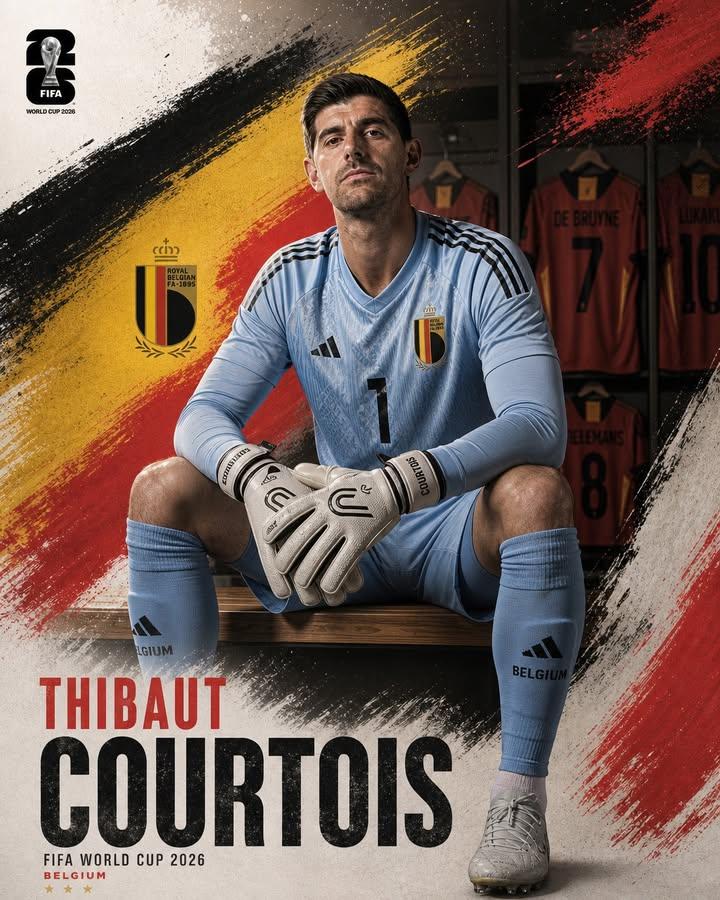
Professional Footballer Locker Room Poster
Monochrome Fashion Editorial Triptych of Young Man
Browse template categories
Isometric Fantasy RPG Market Bug Scene questions
How do I use the Isometric Fantasy RPG Market Bug Scene template?
Add your photo if the template asks for one, edit the prompt if you like — the template's model and format are already selected — and press Generate. Your version opens in PicX Studio.
Can I customize the Isometric Fantasy RPG Market Bug Scene template?
Yes. You can change the subject, setting, lighting, mood, format, and available model controls before creating your image.
Is the Isometric Fantasy RPG Market Bug Scene template free?
Opening and editing this template is free. Generating uses credits, shown on the Generate button when you are signed in.
Which AI model should I use?
Start with GPT Image 2, which is the model associated with this template. You can compare another compatible model for a different finish.
Looking for something else? Browse all templates.

Your photo, any look
Thousands of ready templates for every top image and video model, from one credit balance.