
Medieval Scriptorium Hall
Generates an antique parchment-style illustration of monks copying manuscripts in a vast medieval scriptorium, useful for historical or literary artwork.
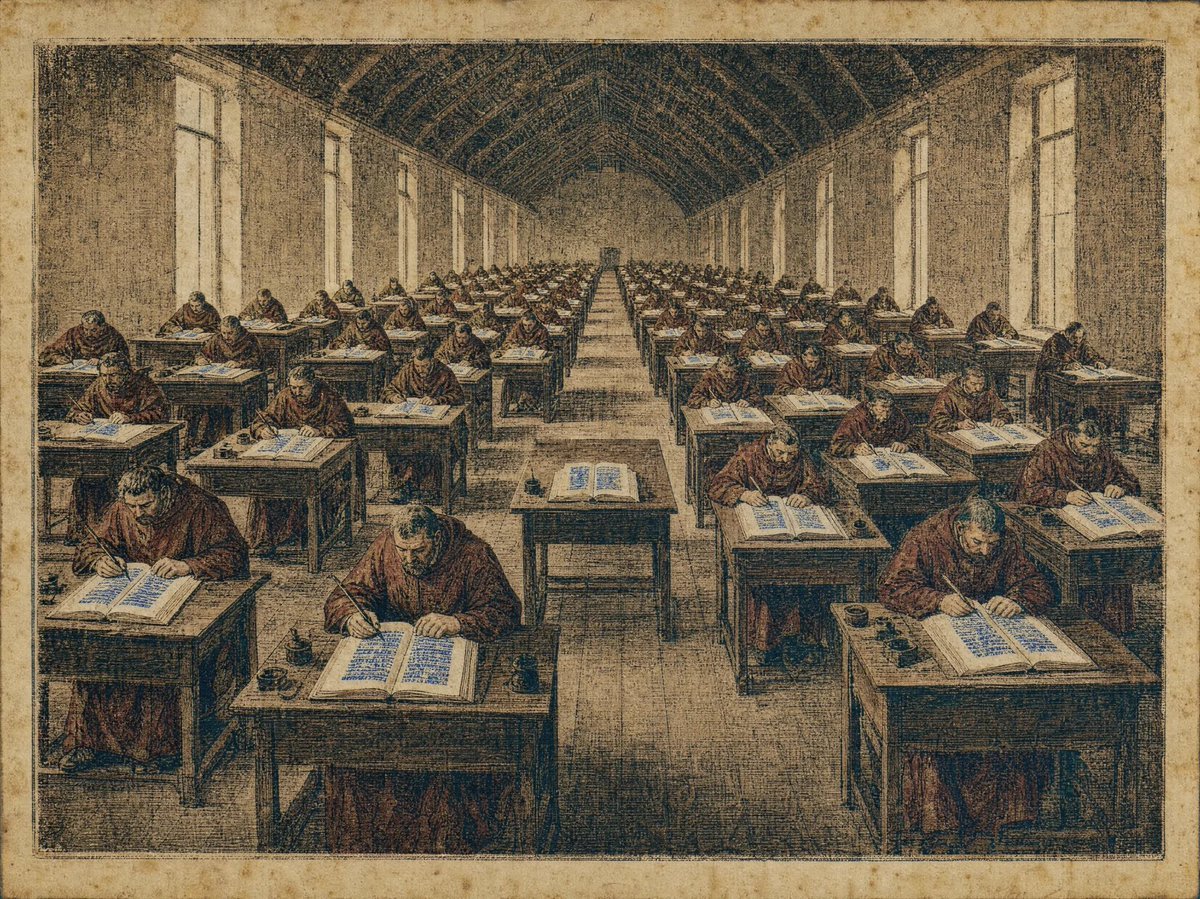
- Prompt included
- Model and format preset
- Free template
The prompt behind this image
Copy the exact prompt behind Medieval Scriptorium Hall, or open it in the studio and make it yours.
Create an antique illuminated-manuscript style illustration of a vast medieval scriptorium hall filled with monks copying books. The image should look like a weathered parchment print with sepia, ochre, dark brown, faded blue ink accents, visible crosshatching, stippled engraving texture, foxing stains, and an aged paper border. Show a long vaulted rectangular hall in deep one-point perspective, with a high arched timber ceiling, tall narrow windows lining both left and right walls, and a central aisle receding to a small doorway at the far end. Include exactly 53 visible monks in brown robes seated at individual wooden desks arranged in orderly rows on both sides of the aisle; each monk is bent over an open manuscript, writing with a quill. Place open books on every desk with dense blue calligraphic lines, plus small black inkpots and writing tools on many desktops. The nearest foreground desks should be larger and more detailed, with three prominent monks at the front left, front center, and front right, while the remaining monks diminish toward the vanishing point. Use a solemn scholarly atmosphere, no modern objects, no readable modern text, no captions, no watermark, and keep the composition framed like an old historical etching on parchment.
How to use Medieval Scriptorium Hall in 3 steps
- 1Upload ImagePNG, JPG or paste
Add your photo
Upload the photo the template builds on. The prompt, model and format are already set.
- 2…a portrait of your subject in softgolden-hour light, 85mm…
Personalize
Edit the subject and creative details for your destination.
- 3Generate
Generate
Press Generate — your image is created in PicX Studio, so you can compare it with the original and refine one variable at a time.
More like this
Templates with the same subject, style or setup. Open one to see its prompt.
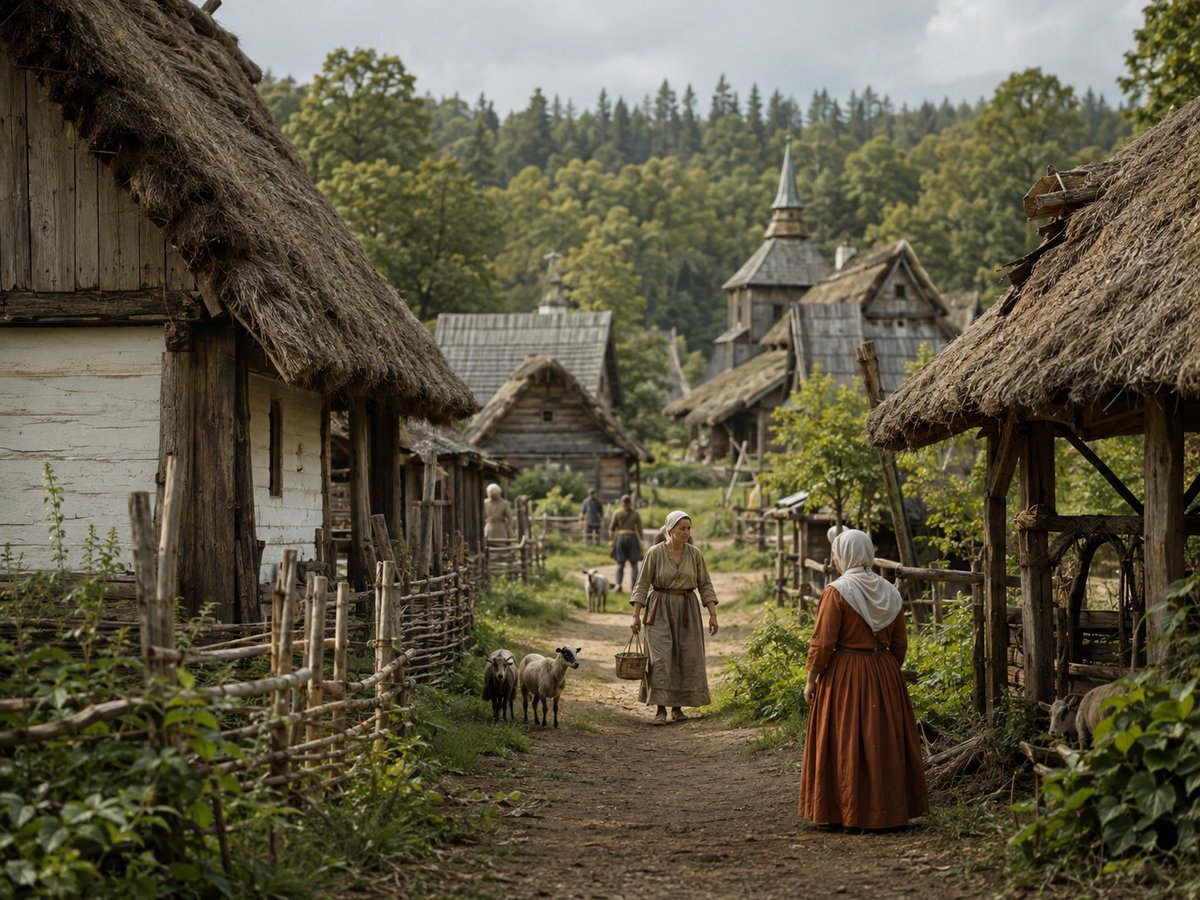
Photorealistic Medieval Village Lane
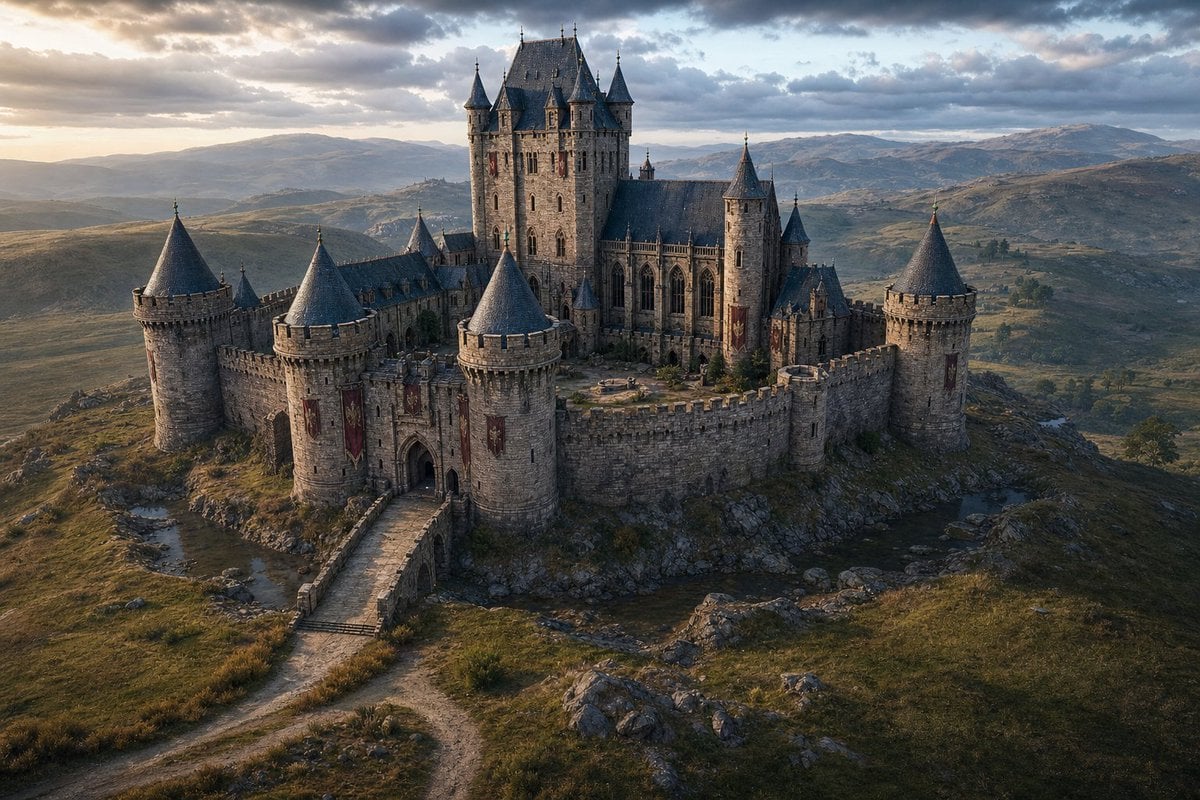
Cinematic Medieval Hilltop Castle

Satellite Map Medieval City
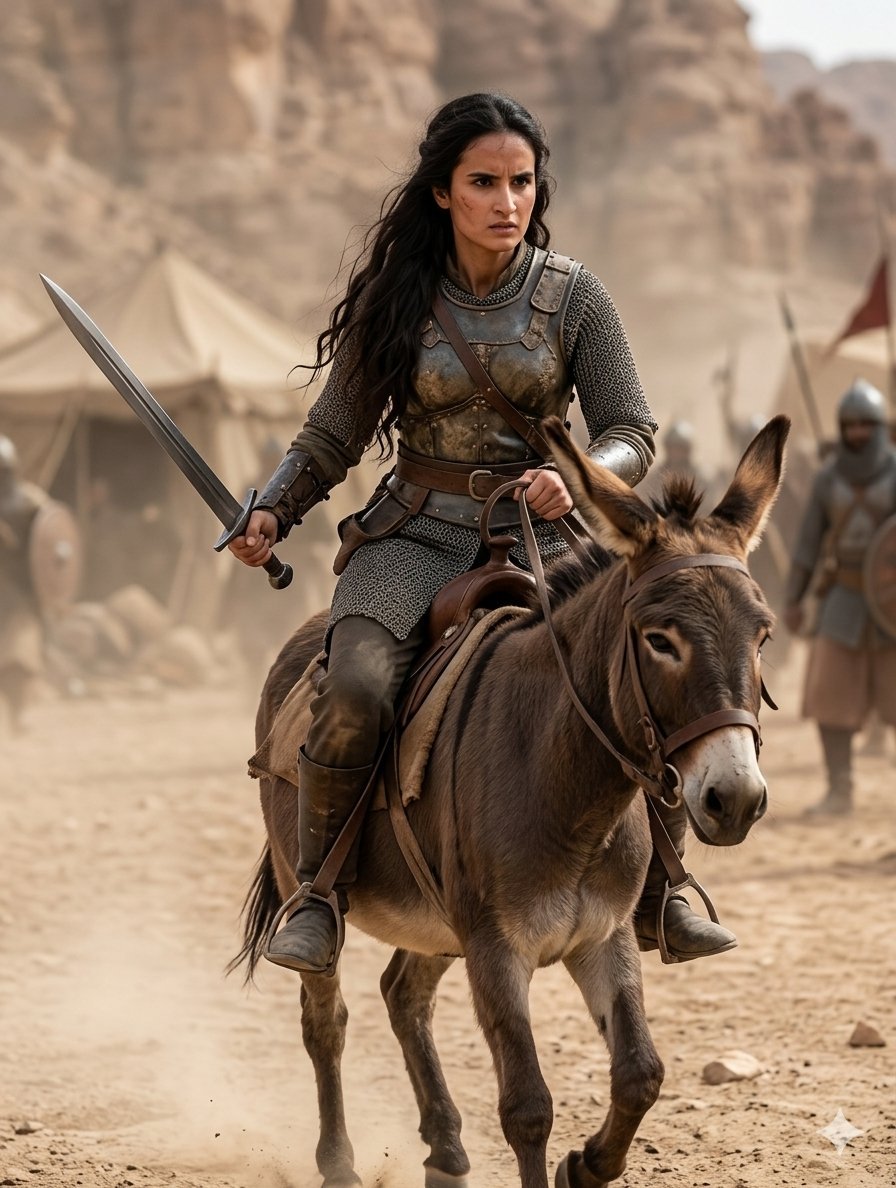
Medieval Desert Battlefield Warrior
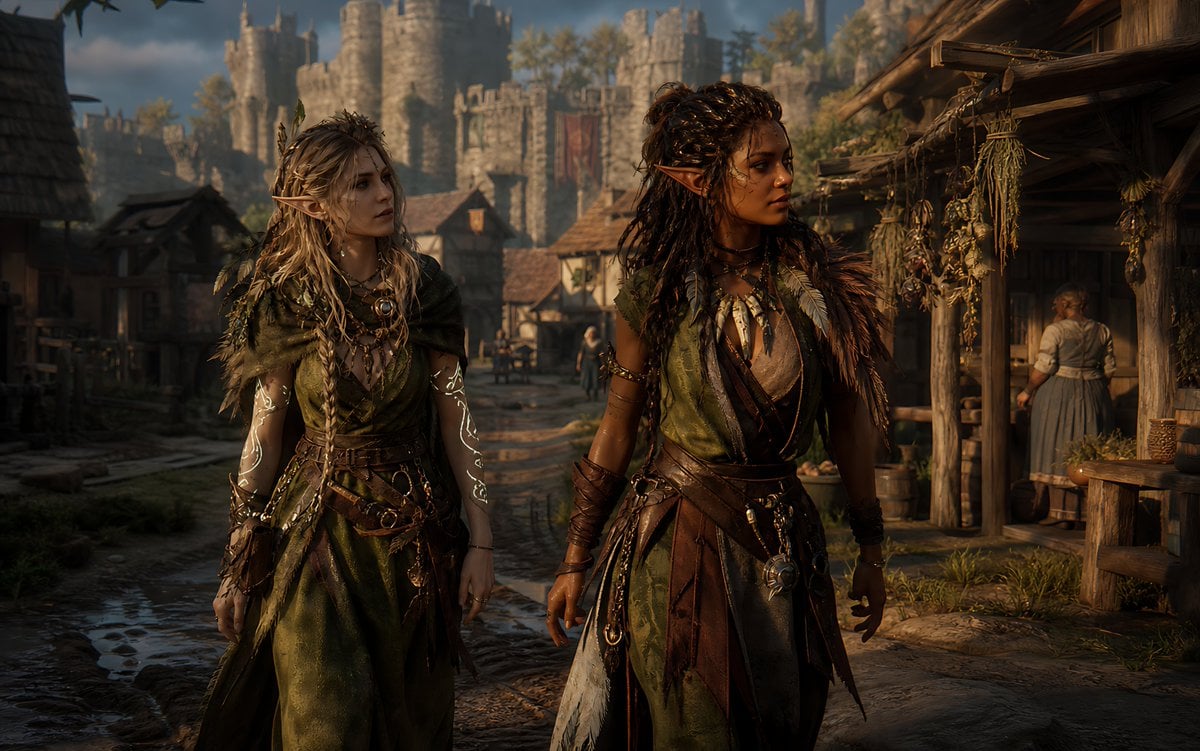
Censored Elven Adventurers in Medieval Village
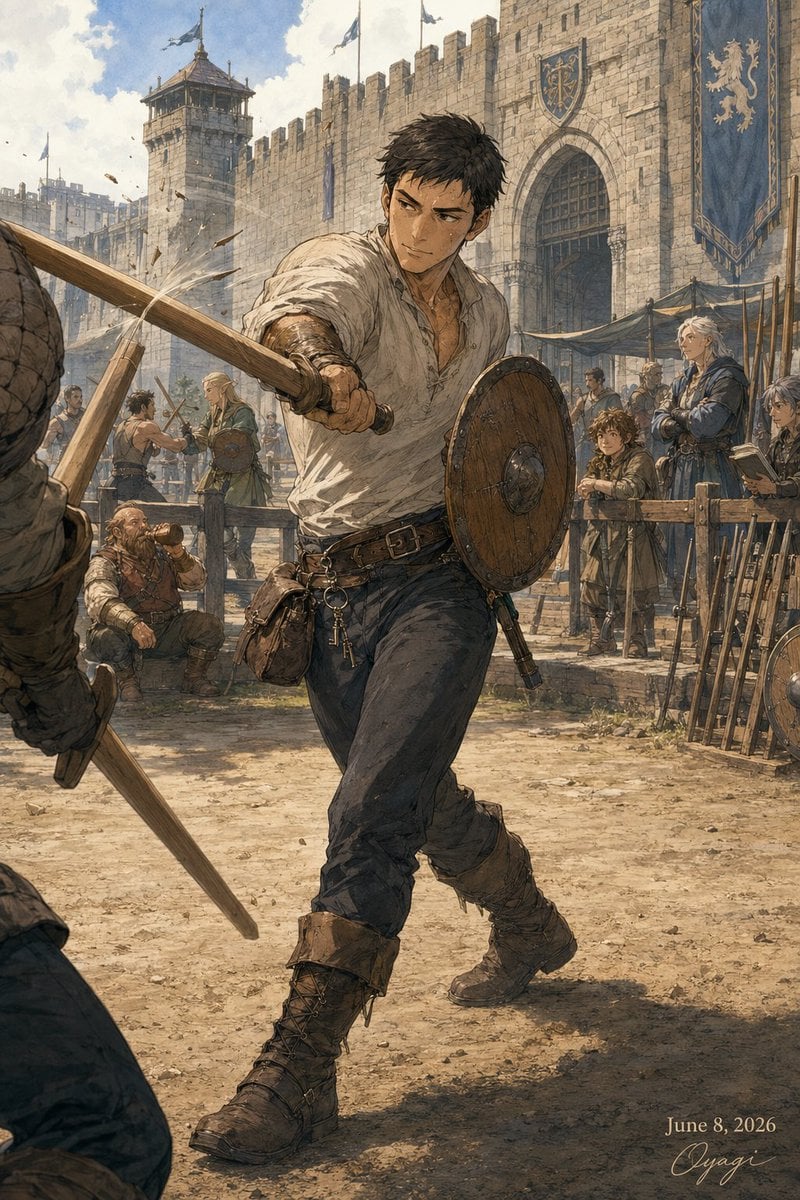
Medieval Fortress Training Yard
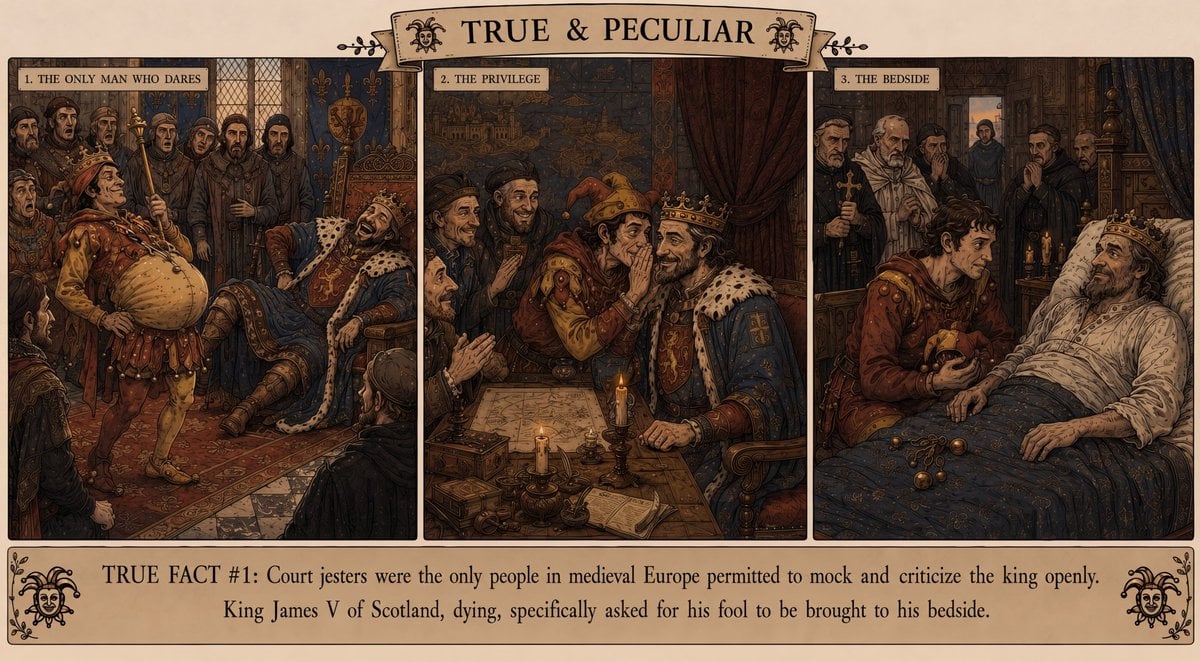
Medieval Jester Fact Triptych
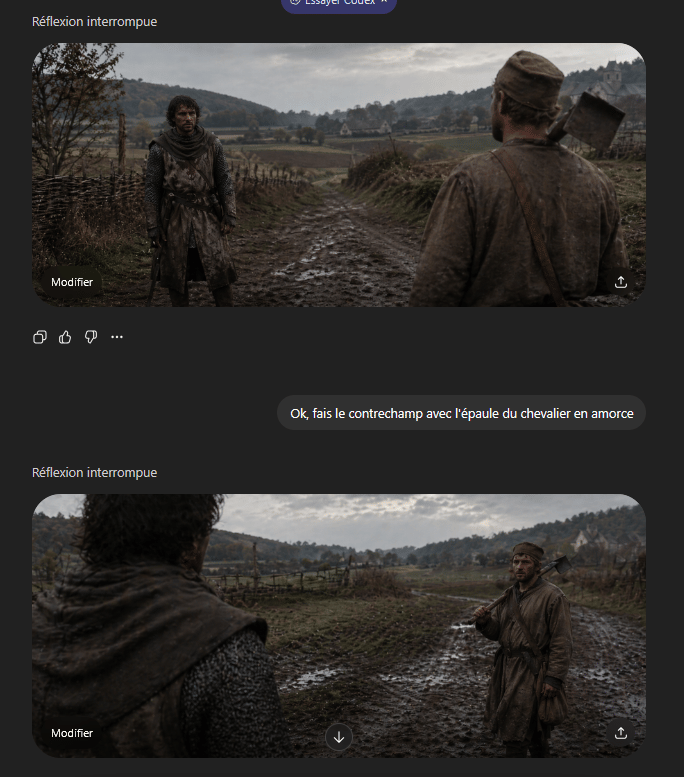
Medieval Shot Reverse Shot
Medieval Castle Mock Duel
Misty Medieval Village Establishing Shot
Dark Medieval Sorceress Scene
Medieval Fantasy Sword in Apocalyptic Landscape
Make it yours
Medieval Scriptorium Hall works as-is. These are the safest ways to change it without losing the look.
Change one field
Copy a single group, rewrite it, and generate again so you can see what that field is doing.
Keep the frame, change the subject
Hold the composition and light of Medieval Scriptorium Hall, then swap wardrobe, props or the person for a new take.
| If the result… | Why | Fix |
|---|---|---|
| The result drifts from the preview | Too many fields changed at once. | Reuse Medieval Scriptorium Hall as-is first, then change one group — subject, light, or setting. |
| The model over-stylizes the scene | The prose prompt leaves finish and camera underspecified. | Add one camera or lighting sentence and stay on GPT Image 2. |
More GPT Image 2 templates
Other prompts made for GPT Image 2.

Six VTuber Japanese Logo Sheet

Realistic Portrait of Woman and Deer

The Vista Modular Condo Poster

AI Model Routing Comparison Infographic

2.5D Anime Art Board

Isometric Productivity Desk Scene

New York Double Exposure Poster

Four-Panel AI Landscape Comparison

Japanese Tatami Lifestyle Magazine Cover

NESCAFÉ Coffee Map Poster
More image prompts
Fresh picks from across the catalog.
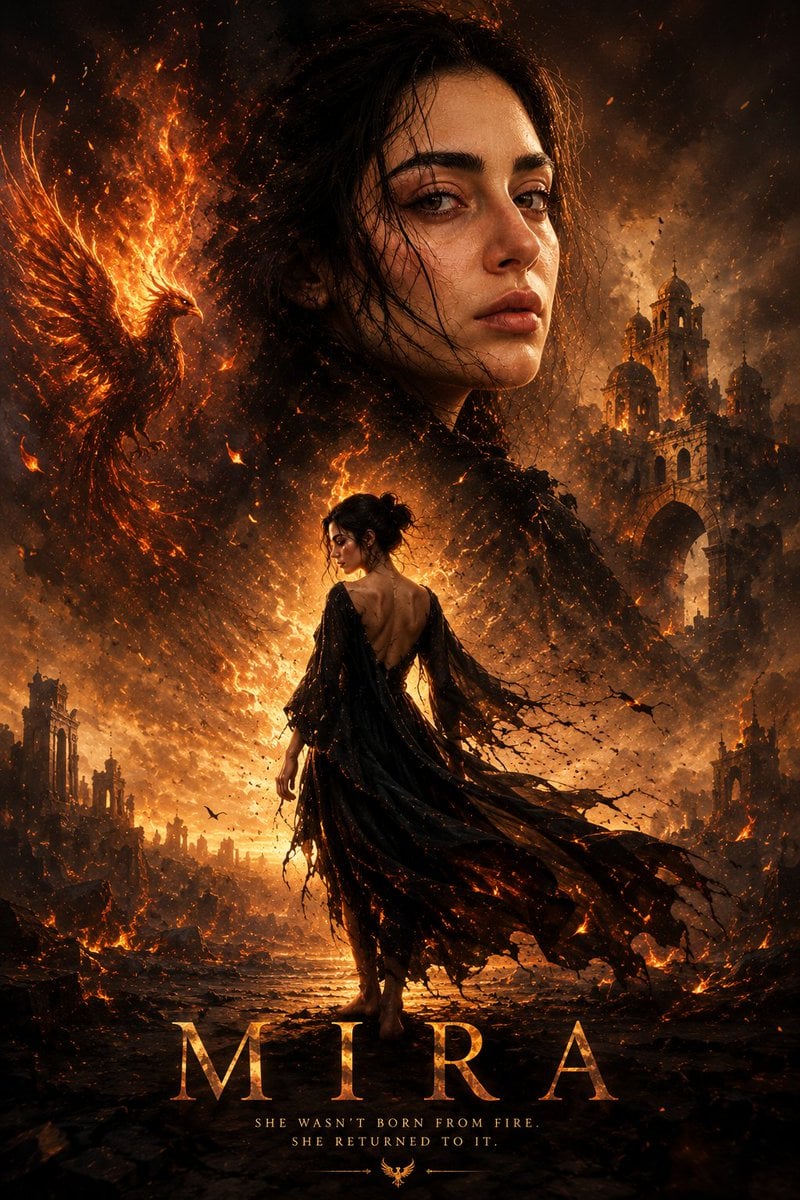
Cinematic Mira Poster Fire Rebirth
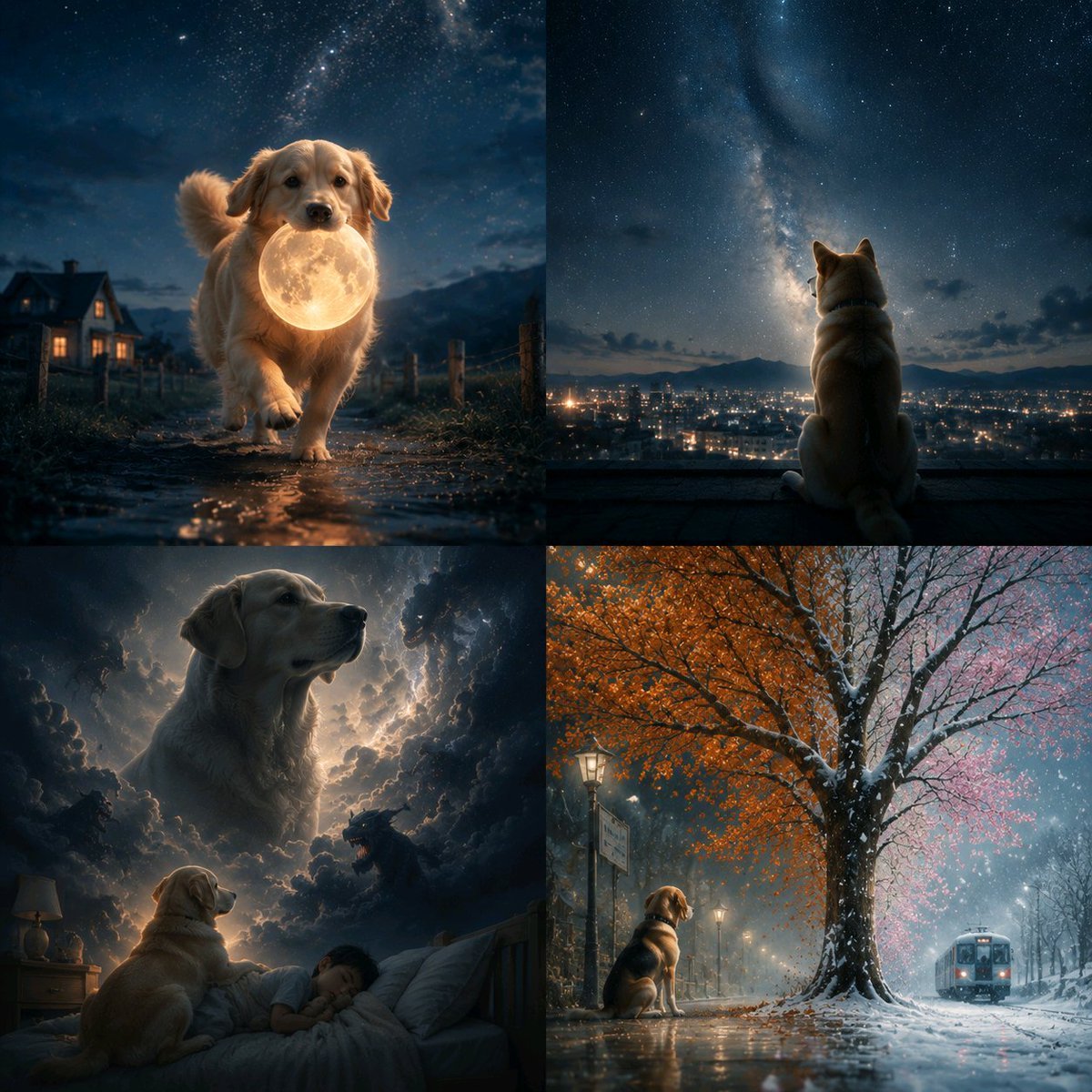
Abstract Surreal Visual Metaphor
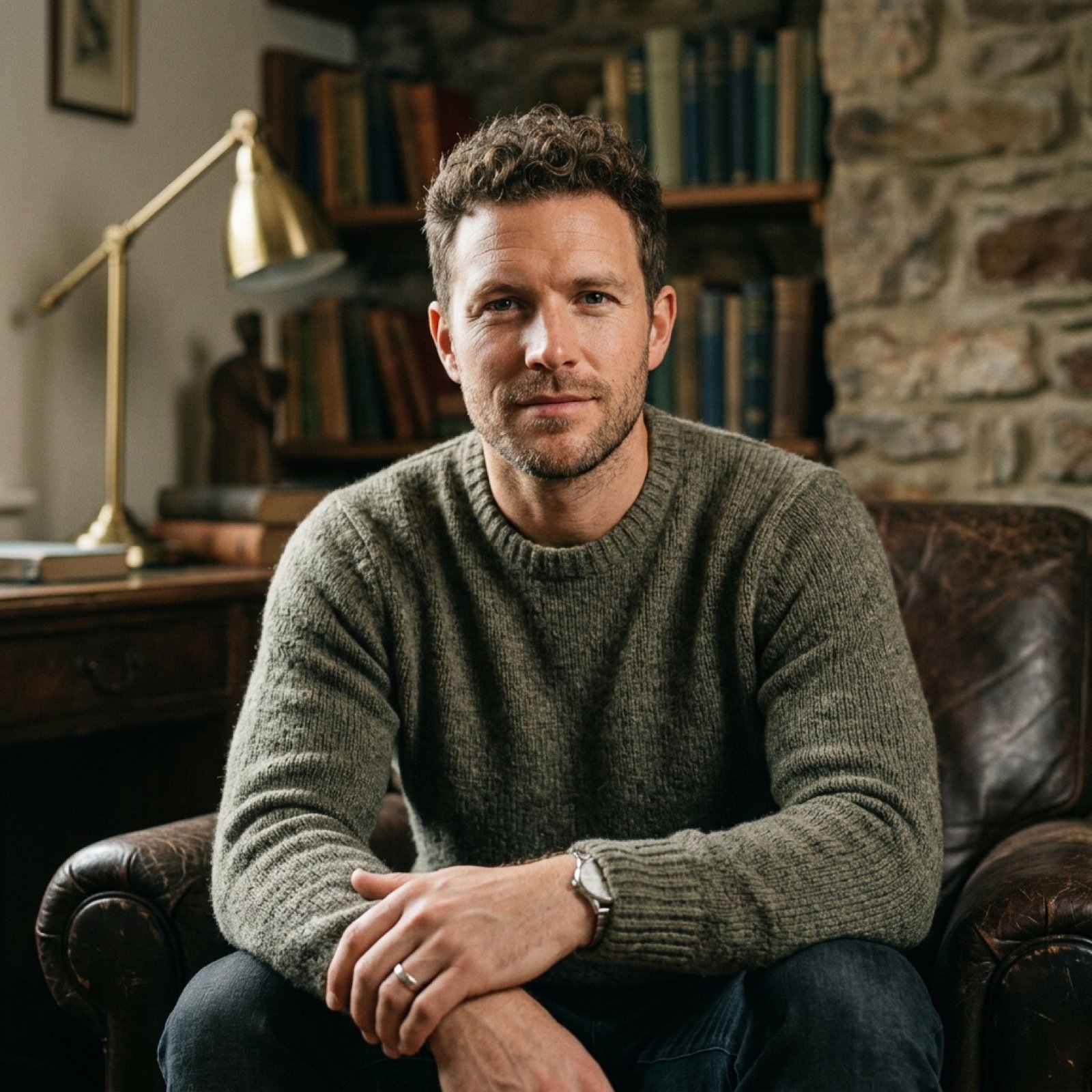
Realistic Image Generation with Identity Reference Prompt
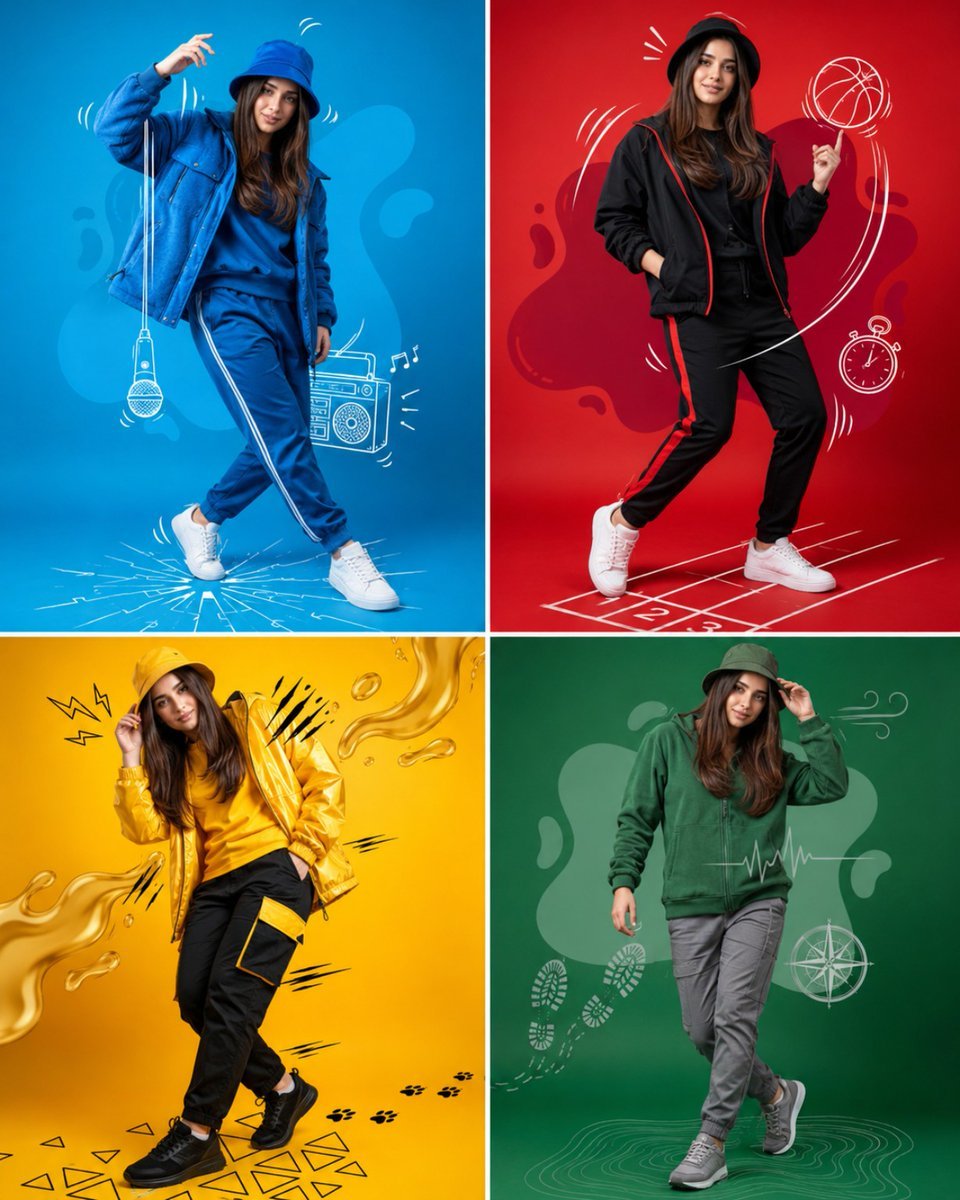
Fashion Color Theme Advertising Grid
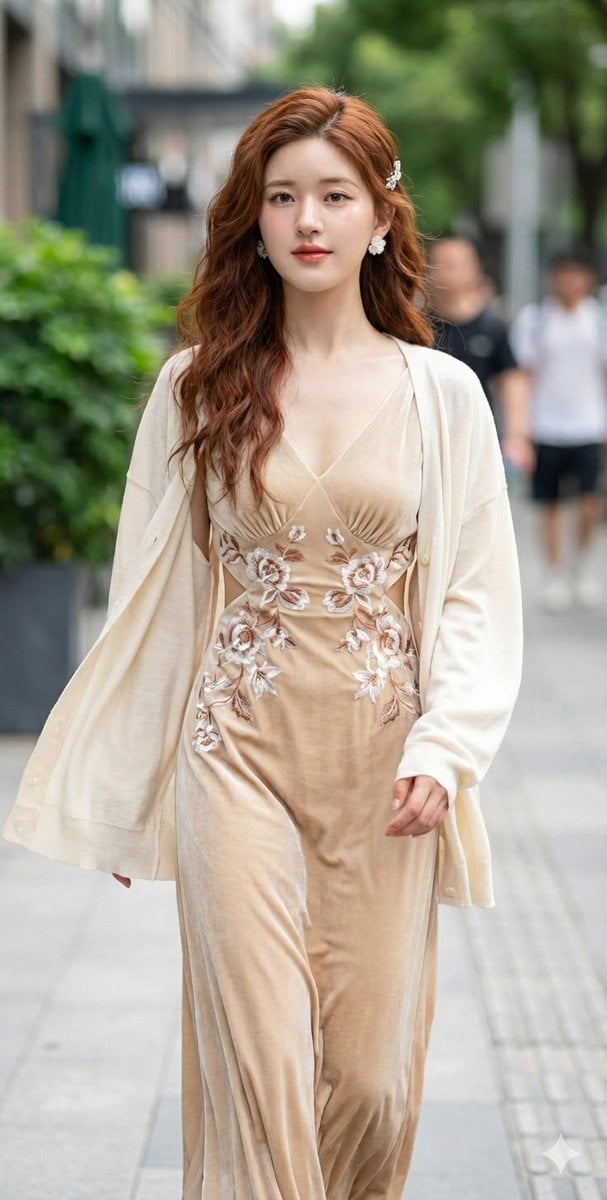
JSON Prompt for Cinematic Portrait of Zhao Lusi
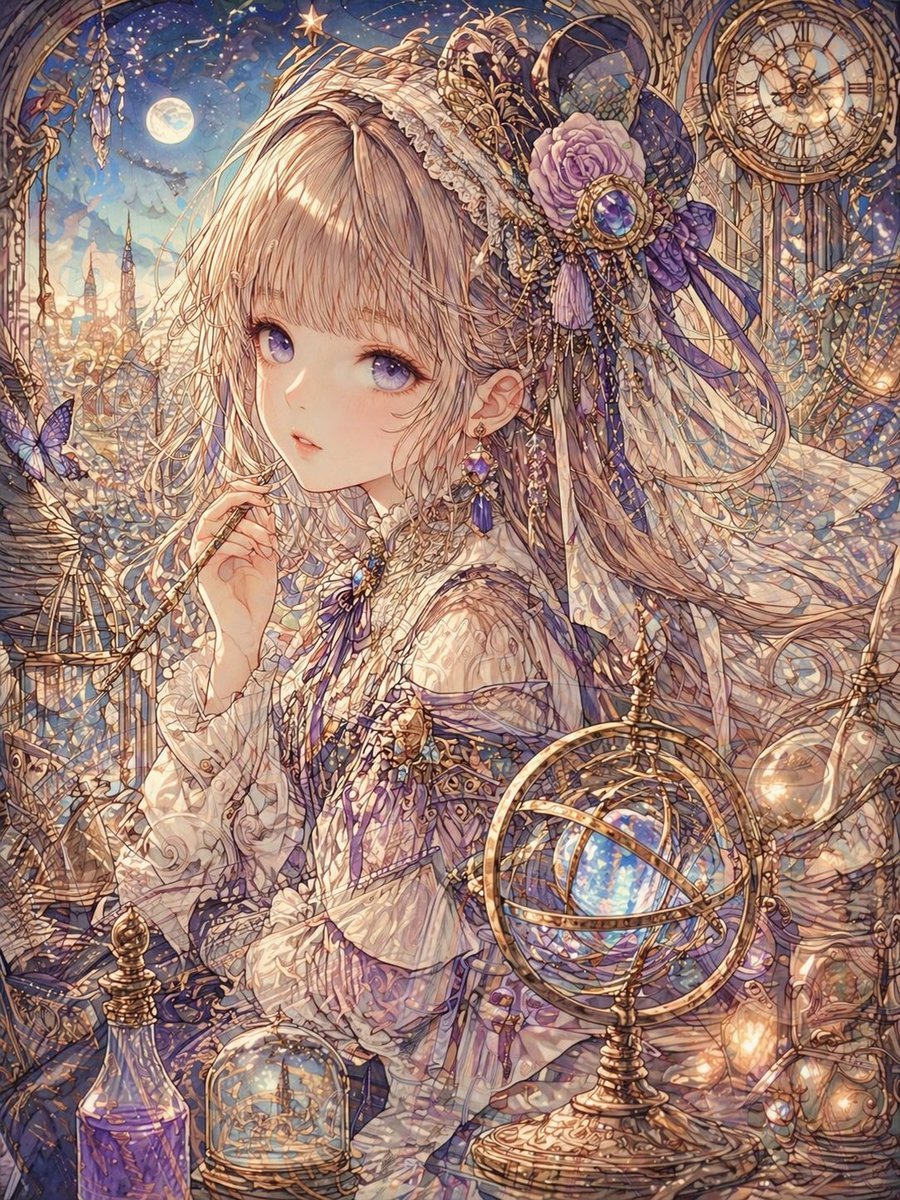
Delicate Line Art and Watercolor Glaze
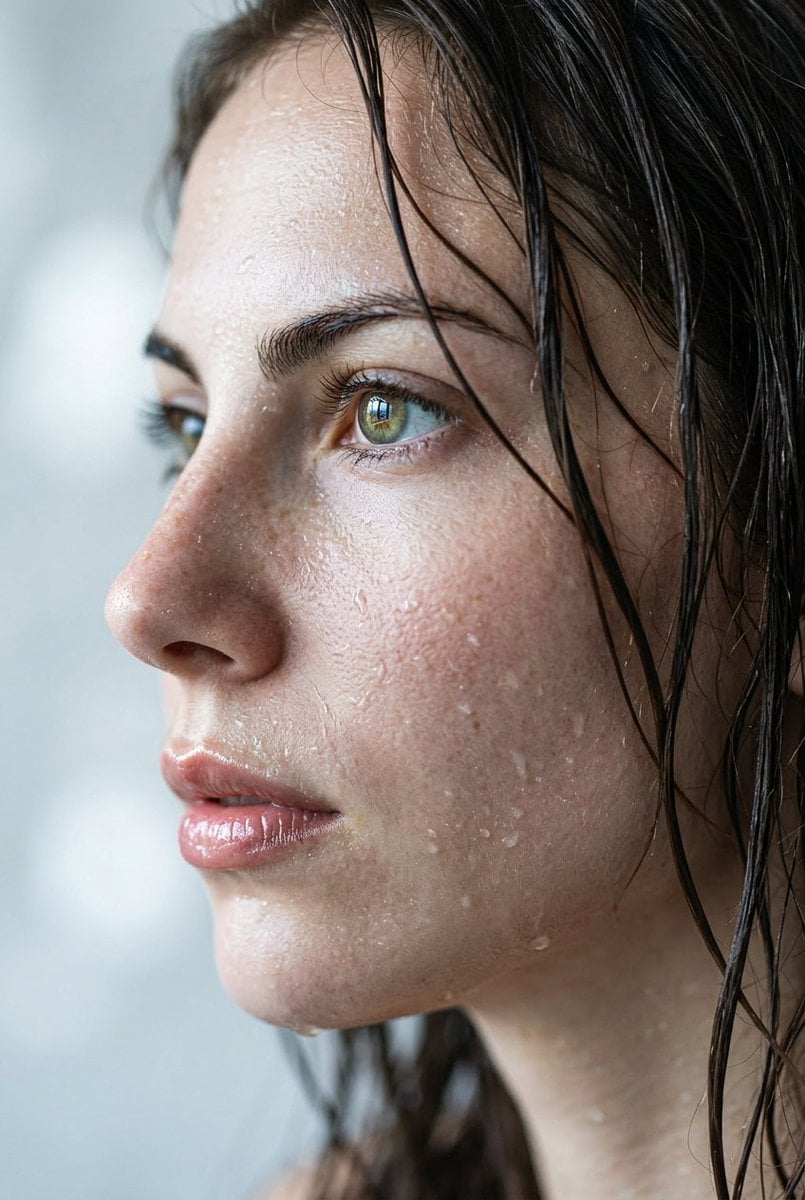
Extreme Wet Close-up Portrait
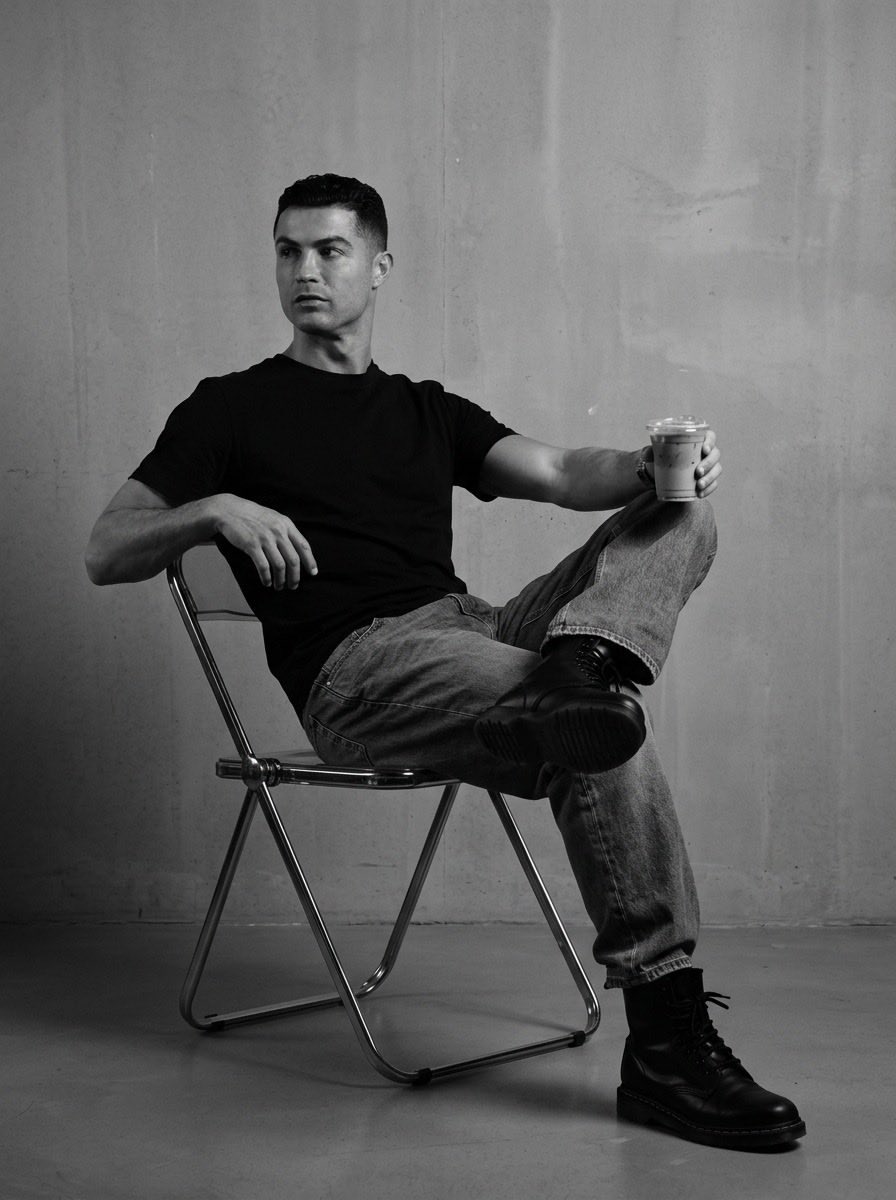
Industrial Studio Fashion Portrait
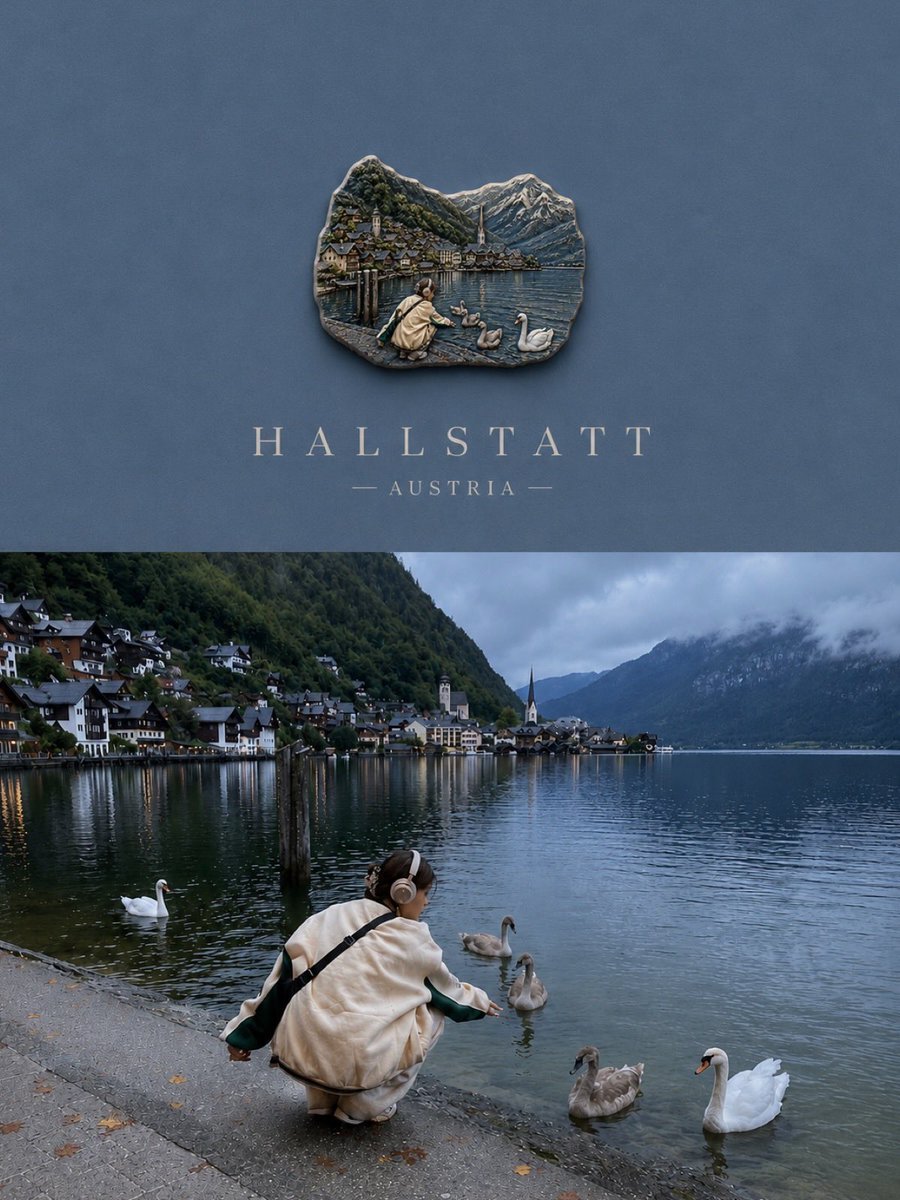
Luxury Travel Poster Split Layout
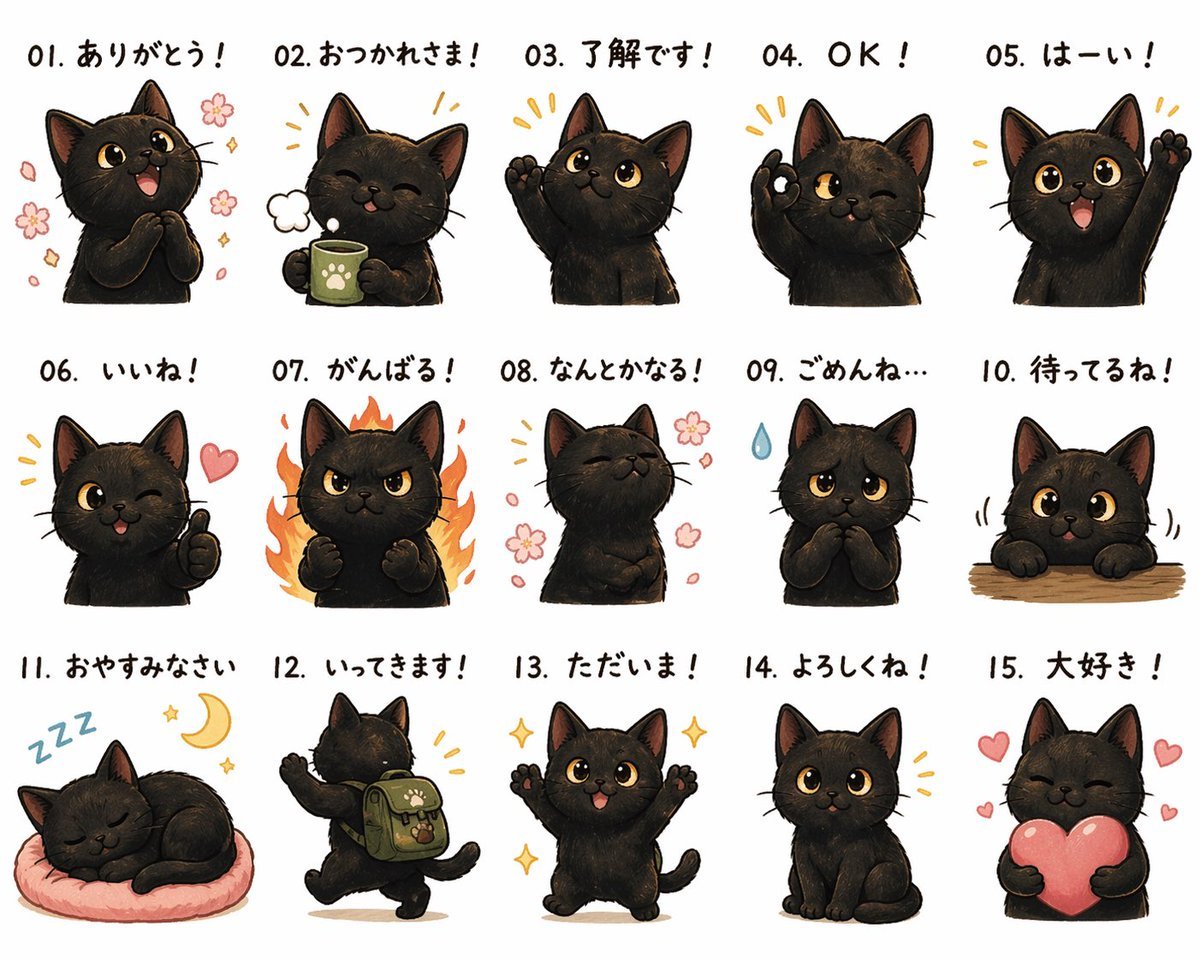
Cute Black Cat Japanese Sticker Sheet
Browse template categories
Medieval Scriptorium Hall questions
How do I use the Medieval Scriptorium Hall template?
Add your photo if the template asks for one, edit the prompt if you like — the template's model and format are already selected — and press Generate. Your version opens in PicX Studio.
Can I customize the Medieval Scriptorium Hall template?
Yes. You can change the subject, setting, lighting, mood, format, and available model controls before creating your image.
Is the Medieval Scriptorium Hall template free?
Opening and editing this template is free. Generating uses credits, shown on the Generate button when you are signed in.
Which AI model should I use?
Start with GPT Image 2, which is the model associated with this template. You can compare another compatible model for a different finish.
Looking for something else? Browse all templates.

Your photo, any look
Thousands of ready templates for every top image and video model, from one credit balance.