
Fashion Color Theme Advertising Grid
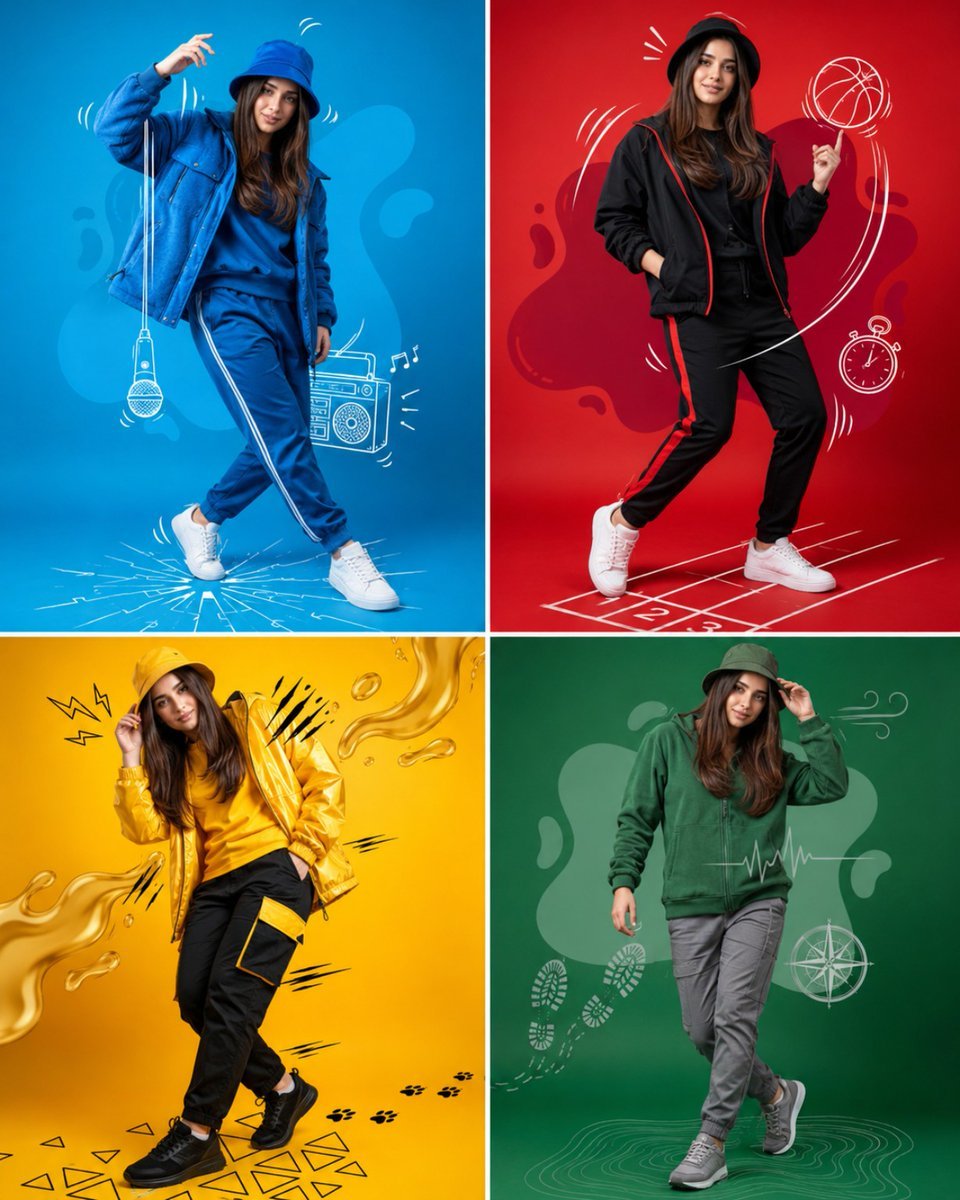
A 4-panel fashion grid layout showcasing a single subject in four different vibrant color-themed outfits with doodle overlays.
- Prompt included
- Model and format preset
- Free template
The prompt behind this image
Copy the exact prompt behind Fashion Color Theme Advertising Grid, or open it in the studio and make it yours.
Create a high-end fashion advertising poster inspired by colorful sportswear campaigns. Full-body pose, standing confidently in a dynamic dance-like streetwear stance. The subject wears a stylish monochrome outfit that perfectly matches the background color theme. Create a 4-panel grid layout (2×2), each panel featuring the same person in a different color-themed fashion look: Top Left: vibrant blue studio background, blue bucket hat, blue jacket, matching streetwear outfit, white sneakers. Add hand-drawn white doodles including microphone, music player, motion lines, and energetic sketch effects. Top Right: bold red studio background, black and red sportswear outfit, bucket hat, white sneakers. Add basketball doodles, stopwatch sketch, curved motion trails, and sporty graphic elements. Bottom Left: bright yellow studio background, yellow bucket hat, yellow jacket, black-yellow fashion outfit, black sneakers. Add flowing liquid shapes, speed lines, geometric patterns, and energetic comic-style accents. Bottom Right: rich green studio background, green casual sportswear outfit, grey pants, green bucket hat, sporty sneakers. Add wind symbols, footprints, compass sketches, heartbeat line graphics, and minimal adventure-themed doodles. Style & Quality: Ultra-realistic commercial fashion photography Full-body composition Clean seamless studio backgrounds Matching color palette in each panel High-fashion sportswear campaign aesthetic Professional softbox lighting Sharp details and realistic fabric textures Premium magazine advertisement look Creative white hand-drawn doodle overlays Dynamic body language and movement Vibrant colors with perfect contrast 8K ultra-detailed quality Instagram viral poster style No text, no watermark, no logo Consistent face identity across all four panels Photorealistic, cinematic, modern fashion editorial photography Negative Prompt: blurry face, extra fingers, duplicate body parts, distorted anatomy, low quality, cropped feet, text, watermark, logo, frame, border, oversaturated colors, unrealistic proportions, cartoon style, CGI look.
How to use Fashion Color Theme Advertising Grid in 3 steps
- 1
Open
The prompt is already in the box next to the preview, with the template's model and format selected.
- 2…a portrait of your subject in softgolden-hour light, 85mm…
Personalize
Edit the subject and creative details for your destination.
- 3Generate
Generate
Press Generate — your image is created in PicX Studio, so you can compare it with the original and refine one variable at a time.
More like this
Templates with the same subject, style or setup. Open one to see its prompt.

80s College Gate

1988 Mall Style

80s Polka Dot Saree
Premium iPhone Fashion Advertising Poster

Minimalist Studio Fashion Portrait Grid
Themed Knolling Flat-Lay Grid

Polo Ralph Lauren Luxury American Heritage Fashion Campaign

Cinematic Street Fashion Photographer Portrait

High-Fashion Editorial Magazine Cover ICON

Fine Art Monochrome Fashion Portrait

Korean Streetwear Minimalist Campaign Portrait

Cinematic Korean Streetwear Street Portrait
Make it yours
Fashion Color Theme Advertising Grid works as-is. These are the safest ways to change it without losing the look.
Change one field
Copy a single group, rewrite it, and generate again so you can see what that field is doing.
Keep the frame, change the subject
Hold the composition and light of Fashion Color Theme Advertising Grid, then swap wardrobe, props or the person for a new take.
| If the result… | Why | Fix |
|---|---|---|
| The result drifts from the preview | Too many fields changed at once. | Reuse Fashion Color Theme Advertising Grid as-is first, then change one group — subject, light, or setting. |
| The model over-stylizes the scene | The prose prompt leaves finish and camera underspecified. | Add one camera or lighting sentence and stay on GPT Image 2. |
More GPT Image 2 templates
Other prompts made for GPT Image 2.

Six VTuber Japanese Logo Sheet

Realistic Portrait of Woman and Deer

The Vista Modular Condo Poster

AI Model Routing Comparison Infographic

2.5D Anime Art Board

Isometric Productivity Desk Scene

New York Double Exposure Poster

Four-Panel AI Landscape Comparison

Japanese Tatami Lifestyle Magazine Cover

NESCAFÉ Coffee Map Poster
More image prompts
Fresh picks from across the catalog.
Old Photo Restoration and Upscaling
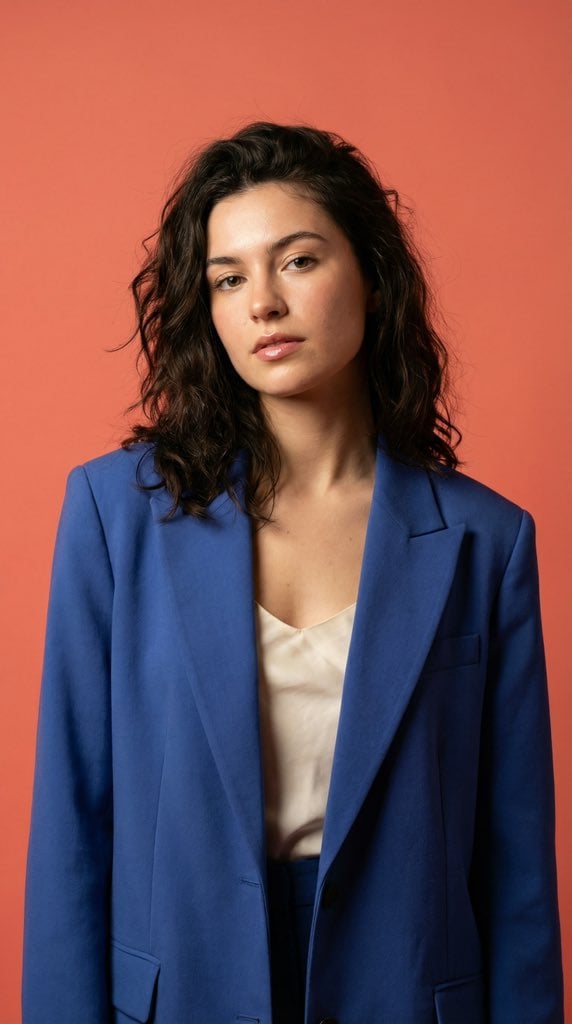
Ultra-Realistic Fashion Model Studio Photoshoot

Ultra-Realistic Corporate Lifestyle Portrait

3D Caricature from Uploaded Face
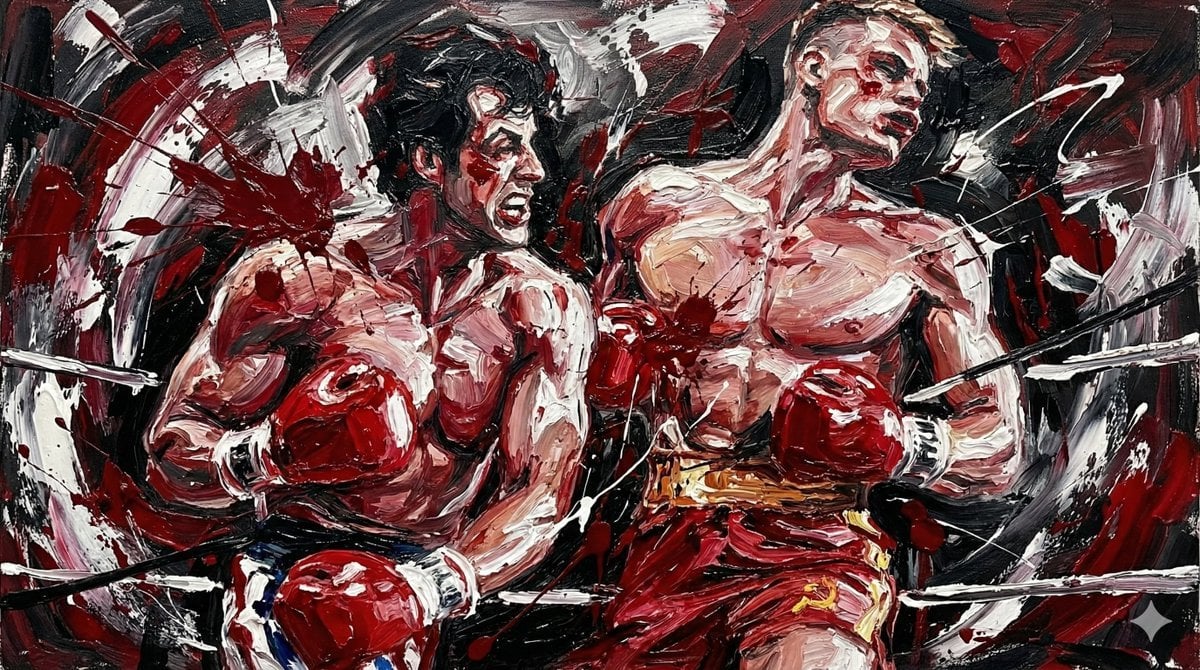
Abstract Expressionist Boxing Match

Darkly Comic Bug Spray Ad
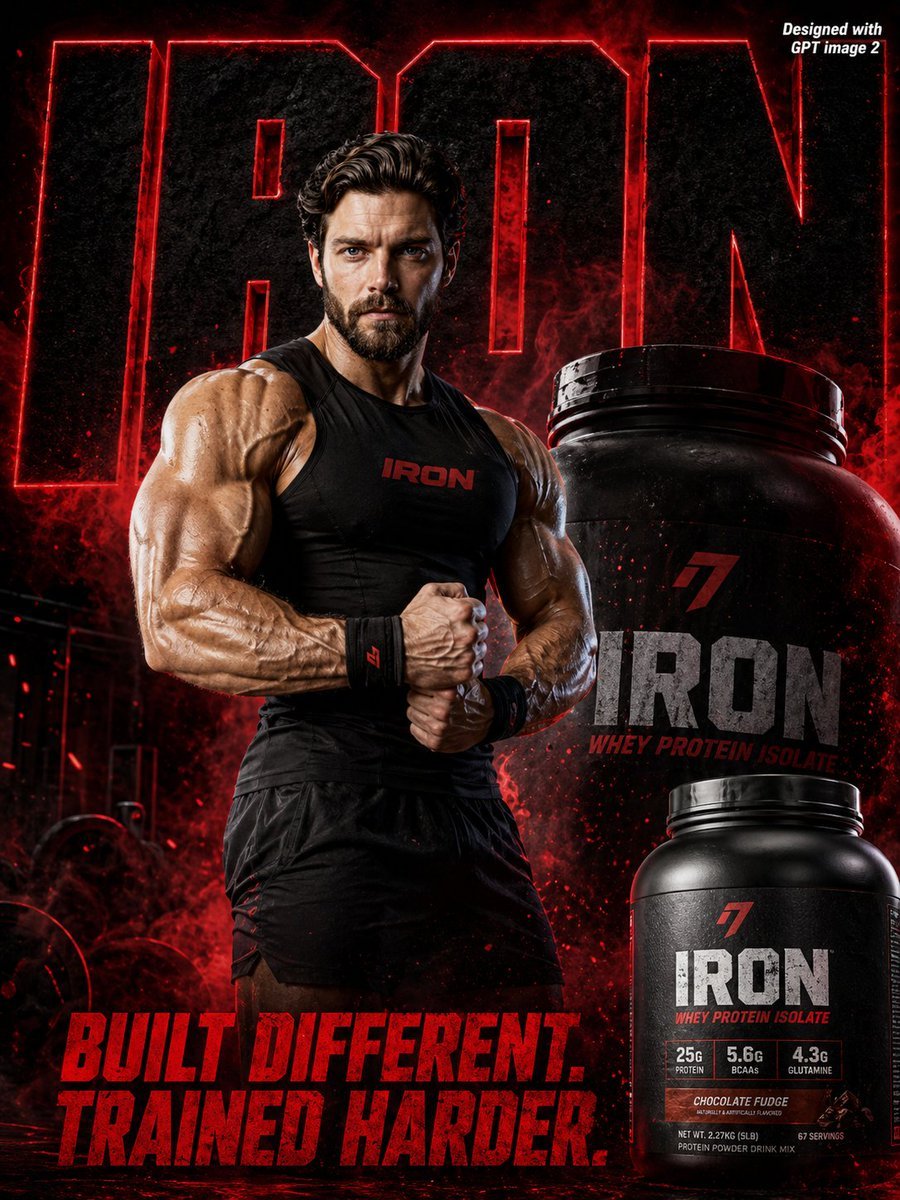
Supplement Brand Ad Campaign
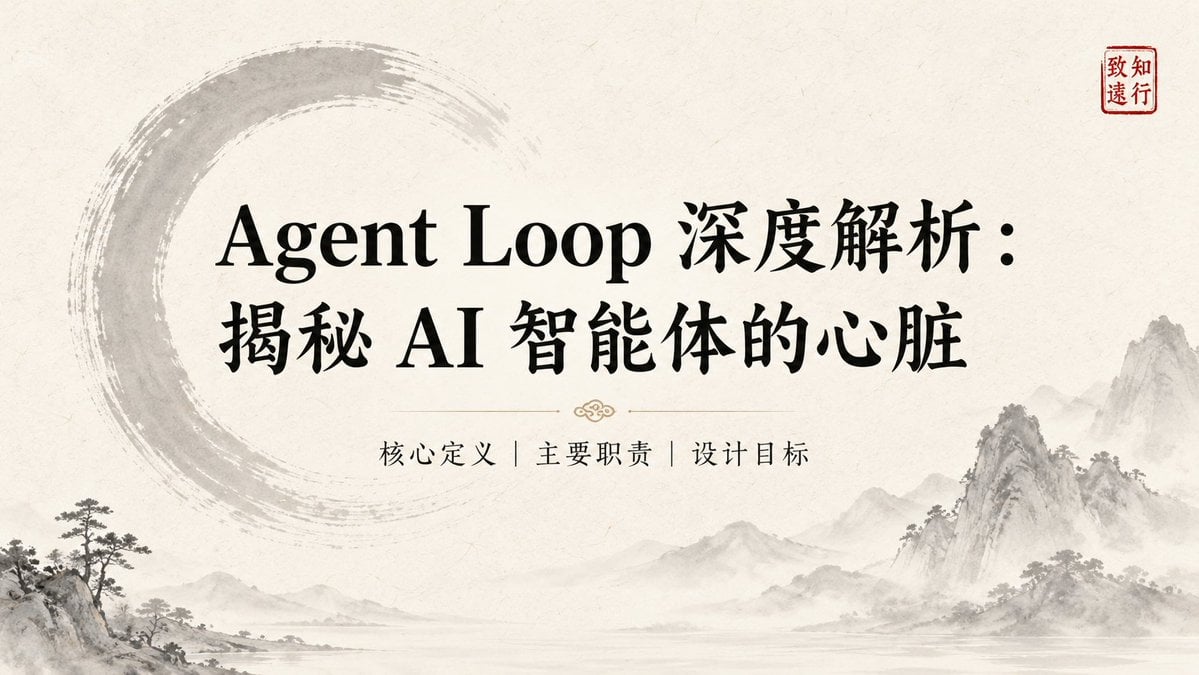
Ink-Wash Style Presentation Slides
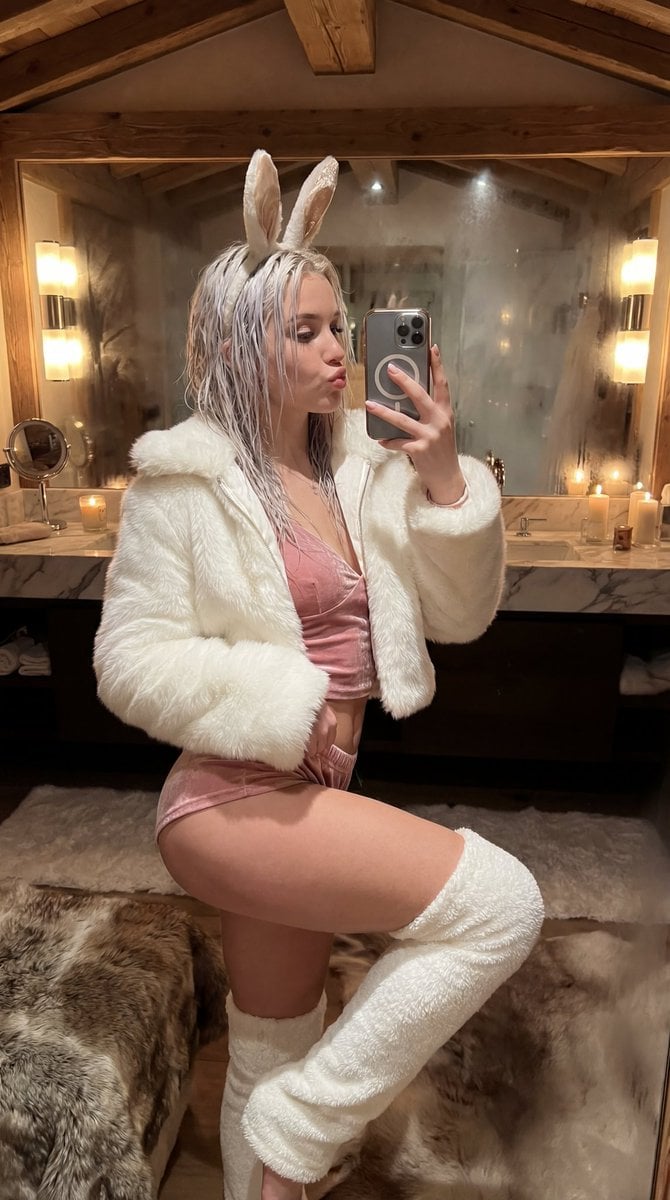
Après-Ski Naughty Bunny Selfie Prompt
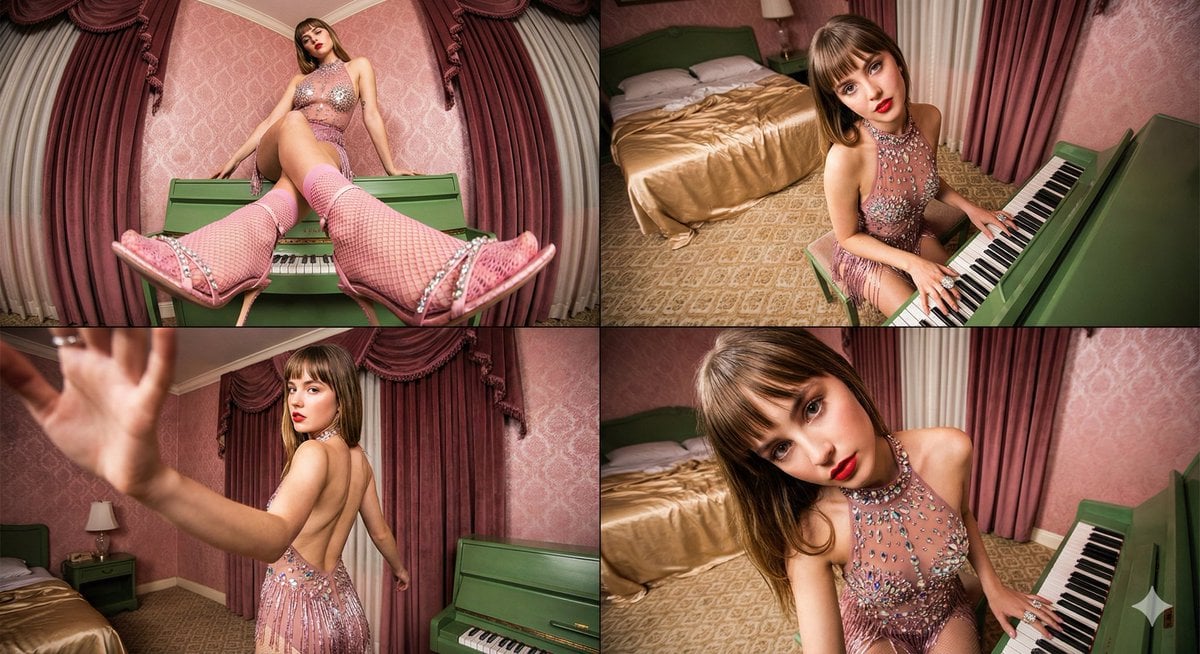
Four-frame vintage glamour collage of a woman in a crystal bodysuit at a piano
Browse template categories
Fashion Color Theme Advertising Grid questions
How do I use the Fashion Color Theme Advertising Grid template?
Add your photo if the template asks for one, edit the prompt if you like — the template's model and format are already selected — and press Generate. Your version opens in PicX Studio.
Can I customize the Fashion Color Theme Advertising Grid template?
Yes. You can change the subject, setting, lighting, mood, format, and available model controls before creating your image.
Is the Fashion Color Theme Advertising Grid template free?
Opening and editing this template is free. Generating uses credits, shown on the Generate button when you are signed in.
Which AI model should I use?
Start with GPT Image 2, which is the model associated with this template. You can compare another compatible model for a different finish.
Looking for something else? Browse all templates.

Your photo, any look
Thousands of ready templates for every top image and video model, from one credit balance.