
Censored Elven Adventurers in Medieval Village
Generates a cinematic fantasy scene of two detailed elven adventurers walking through a medieval village with castle backdrop and obscured faces.
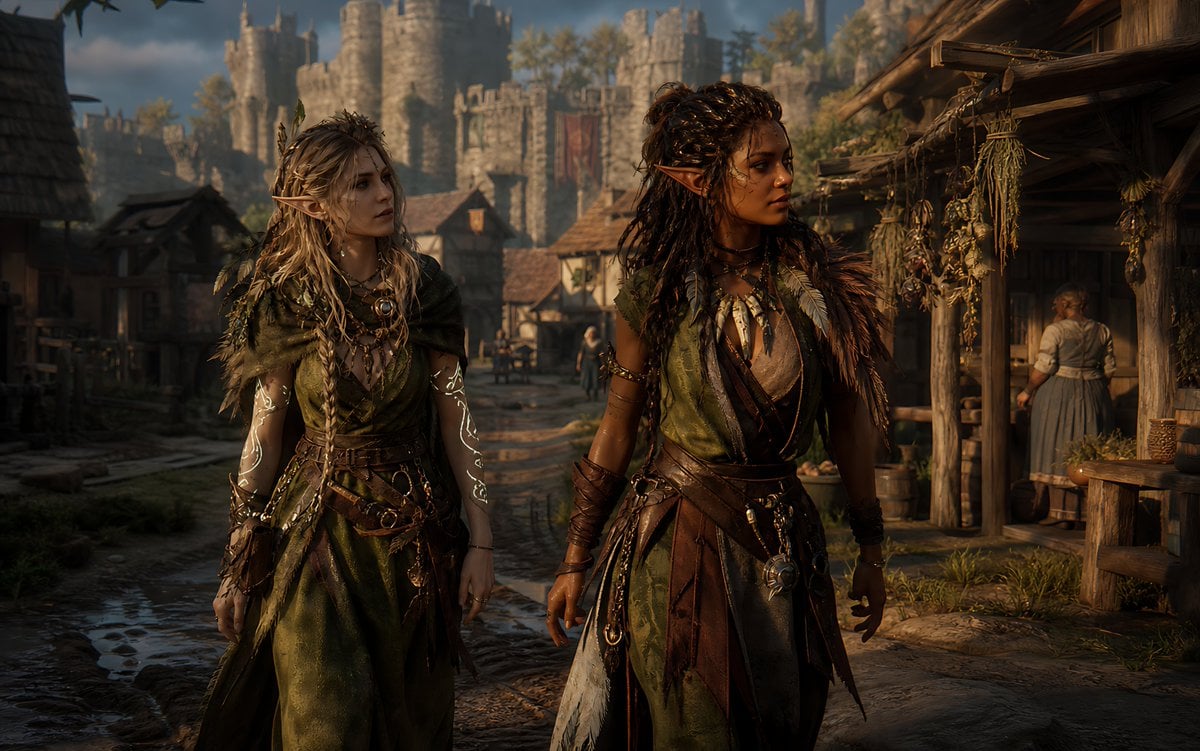
- Prompt included
- Model and format preset
- Free template
The prompt behind this image
Copy the exact prompt behind Censored Elven Adventurers in Medieval Village, or open it in the studio and make it yours.
Create a cinematic dark-fantasy medieval street scene in ultra-realistic 3D game concept art style, widescreen 16:9. In the foreground, show two adult elven adventurers walking side by side toward the viewer through a muddy cobblestone village road. The left character is a pale-skinned elf woman with long messy {argument name="left character hair color" default="ash blonde"} braided hair, pointed ears, layered olive-green druid robes, leather belts, pouches, dangling metal charms, necklaces, torn fabric strips, leaf-and-feather details, and glowing white vine-like magical tattoos spiraling down both forearms. The right character is a darker-skinned elf woman with long thick {argument name="right character hair color" default="dark brown"} dreadlocked hair, pointed ears, a green-and-brown leather ranger outfit, fur shoulder mantle, feather ornaments, arm wraps, belts, chains, talismans, and a confident warrior posture. Both faces are intentionally hidden by plain opaque {argument name="face covering color" default="dark brown"} square censor blocks, centered over their faces. Set the background in a richly detailed medieval market village with timber-and-thatch houses, hanging bundles of dried herbs on the right-side shopfront, barrels, baskets, wooden stalls, distant townspeople, and a large stone castle with towers and battlements rising in the background. Use {argument name="lighting mood" default="warm late-afternoon golden sunlight"}, dramatic shadows, volumetric haze, shallow depth of field, realistic fabric and leather textures, high detail, moody fantasy atmosphere, cinematic composition, Unreal Engine quality, no text, no logos.
How to use Censored Elven Adventurers in Medieval Village in 3 steps
- 1Upload ImagePNG, JPG or paste
Add your photo
Upload the photo the template builds on. The prompt, model and format are already set.
- 2…a portrait of your subject in softgolden-hour light, 85mm…
Personalize
Edit the subject and creative details for your destination.
- 3Generate
Generate
Press Generate — your image is created in PicX Studio, so you can compare it with the original and refine one variable at a time.
More like this
Templates with the same subject, style or setup. Open one to see its prompt.
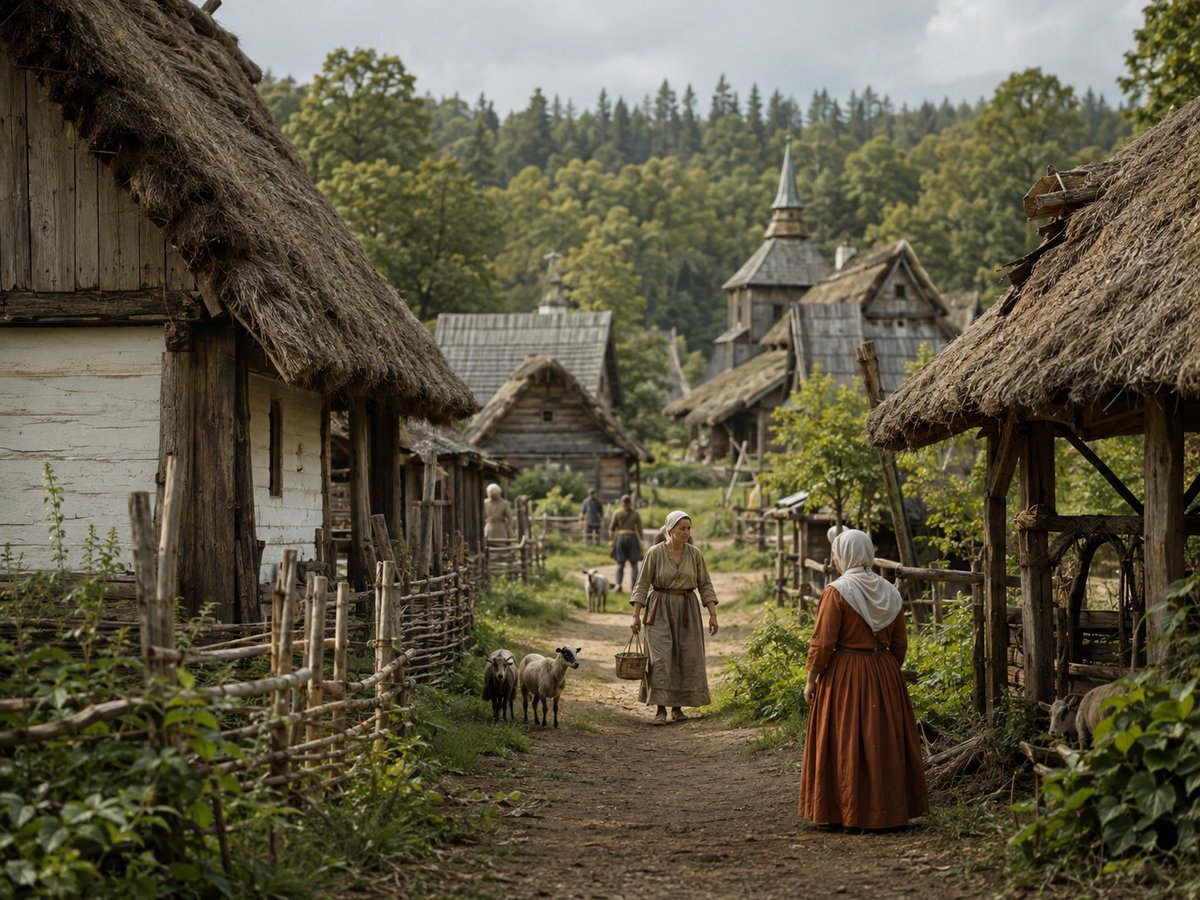
Photorealistic Medieval Village Lane

Photoreal Village Lanterns Minecraft Scene

Photoreal Selfie Minecraft Village Ghast UI
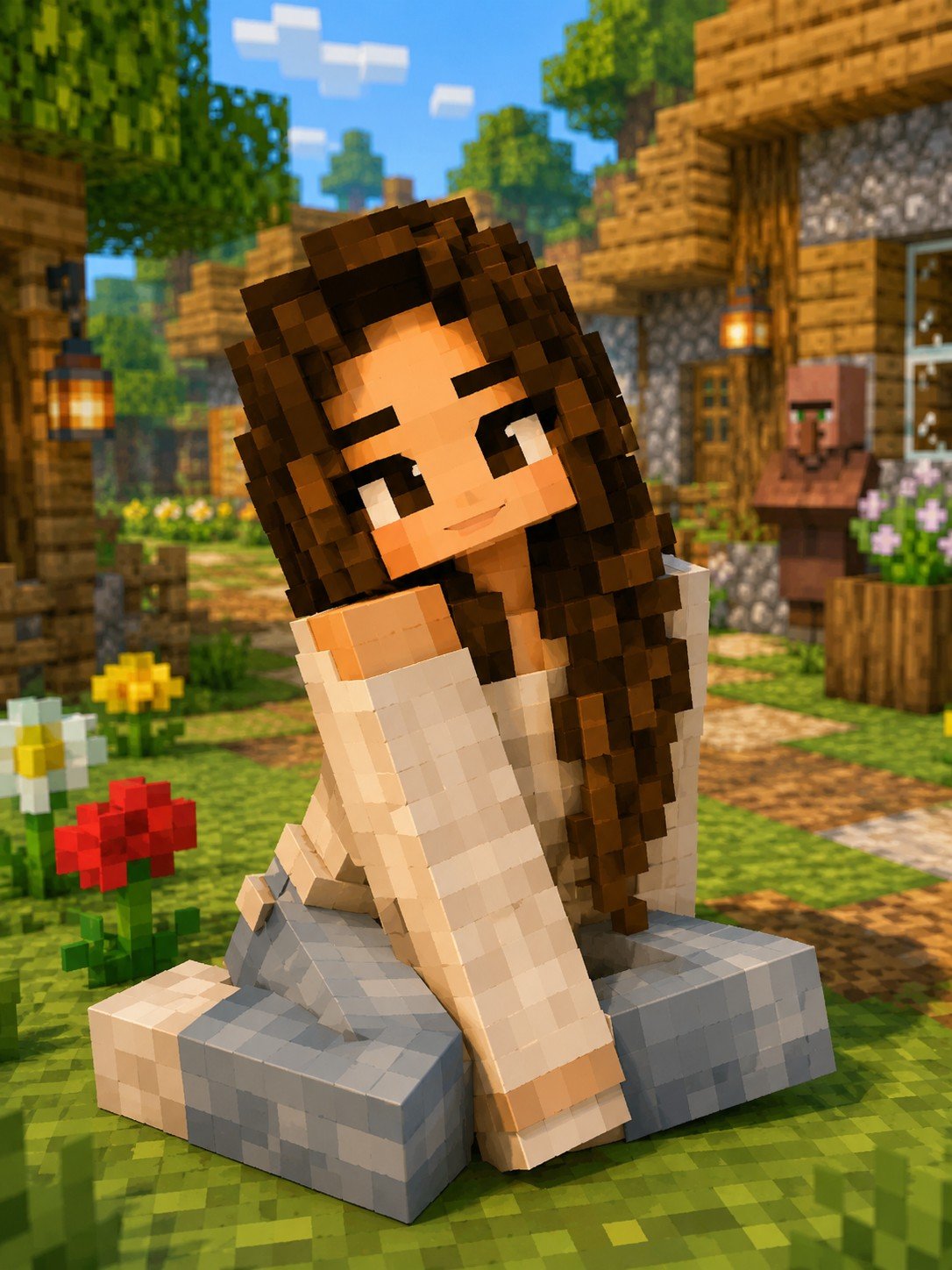
Minecraft Voxel Character Village Portrait
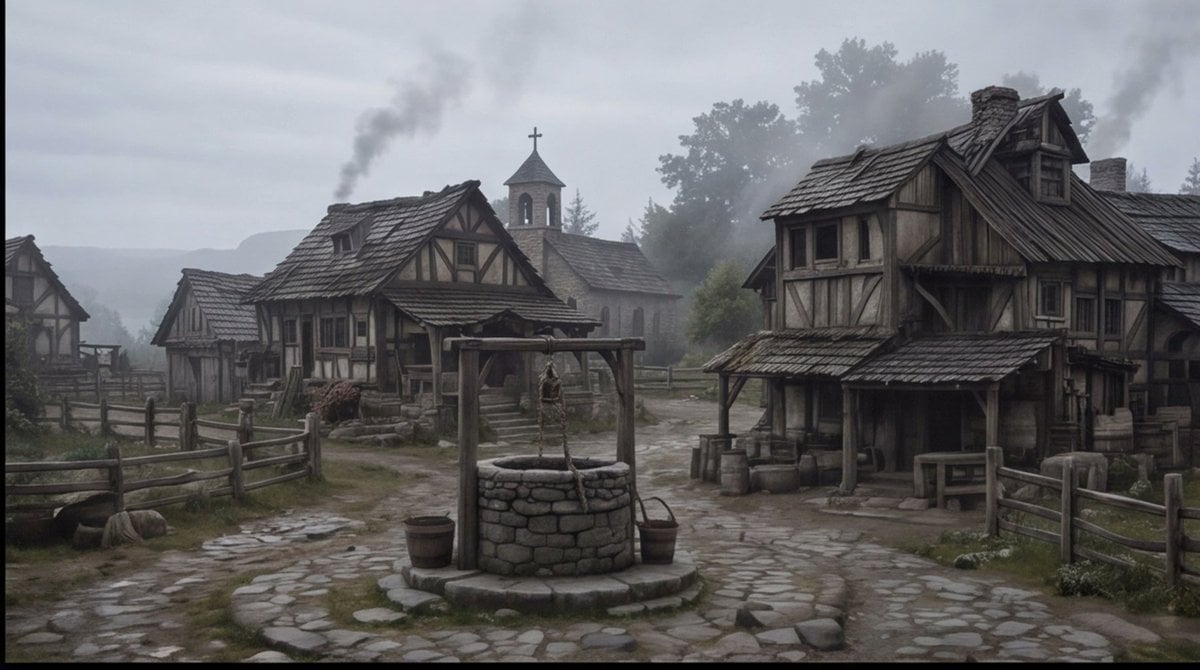
Misty Medieval Village Establishing Shot
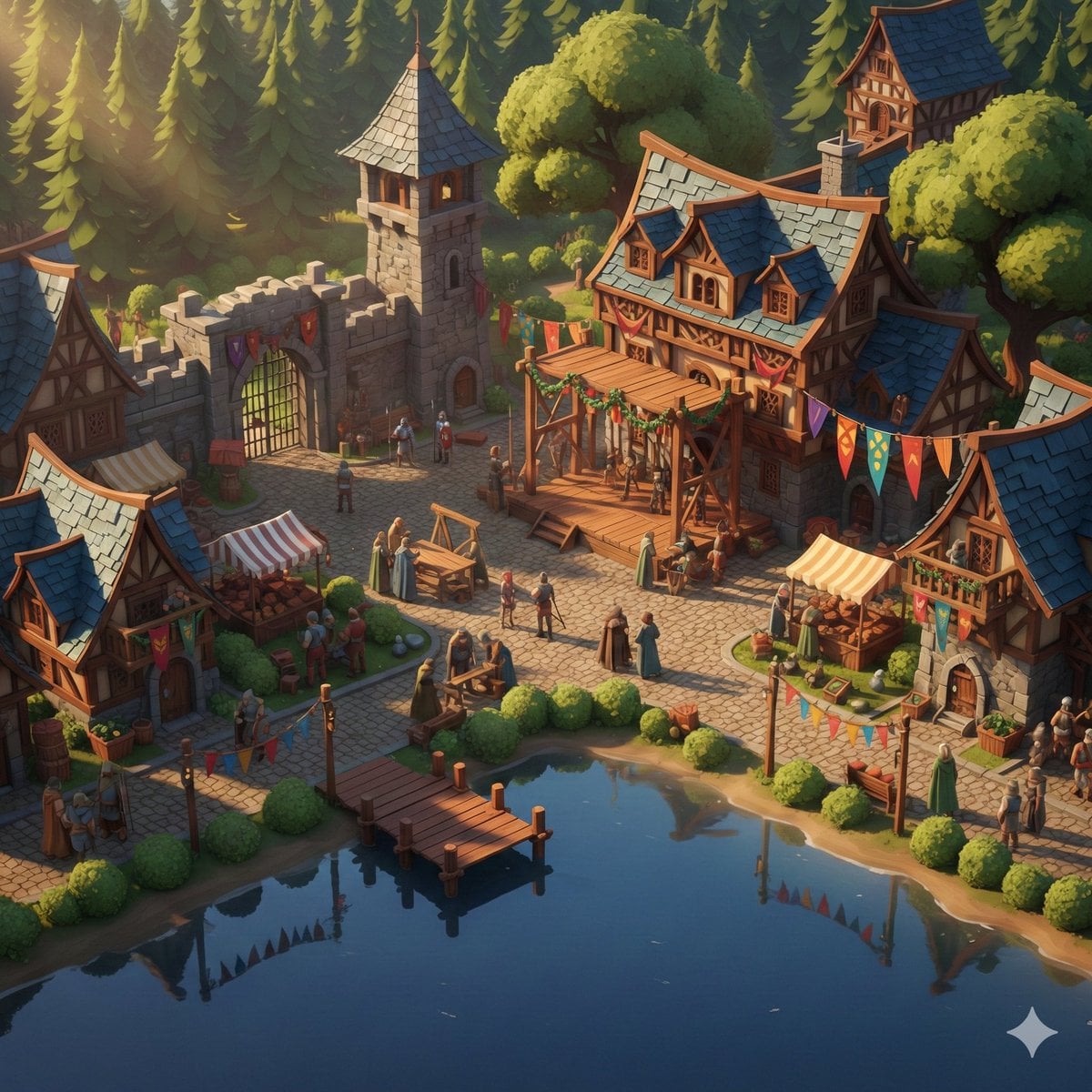
Cinematic Stylized Medieval Village Festival Scene

Indian Village Cattle Herding — Nano Banana
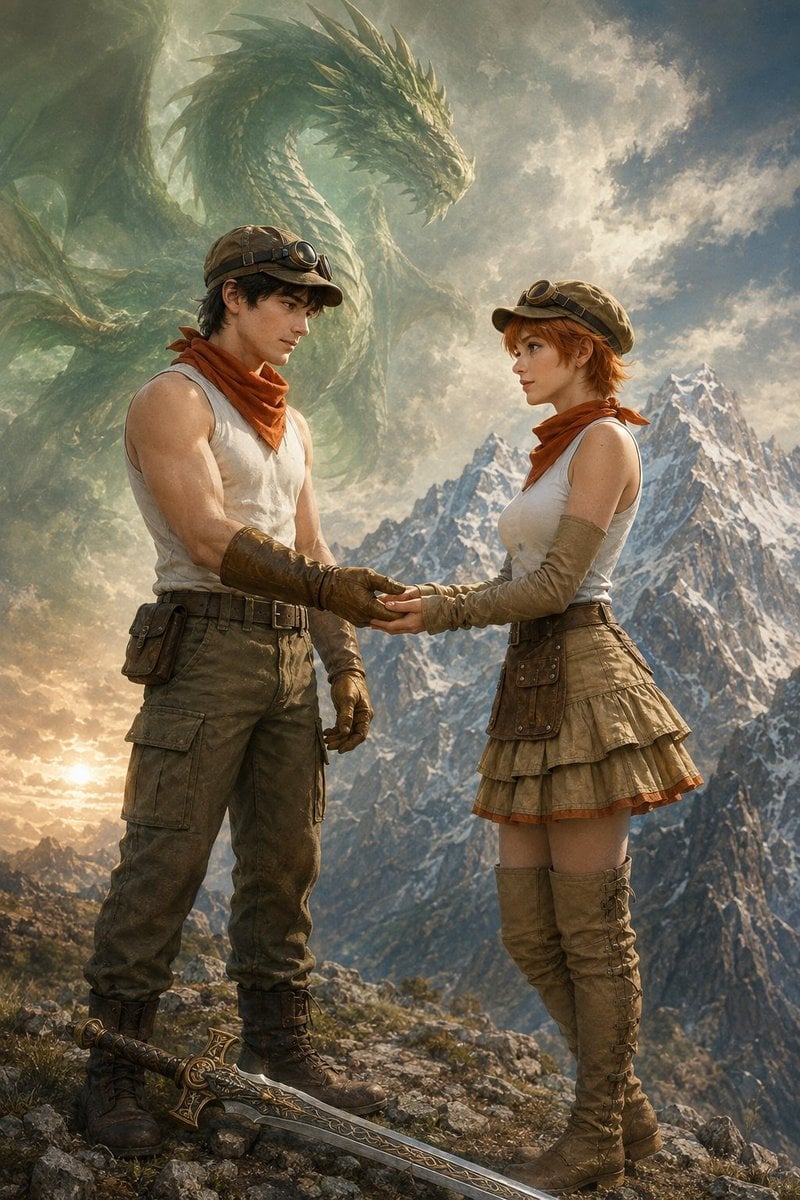
Fantasy Adventurers and Sky Dragon
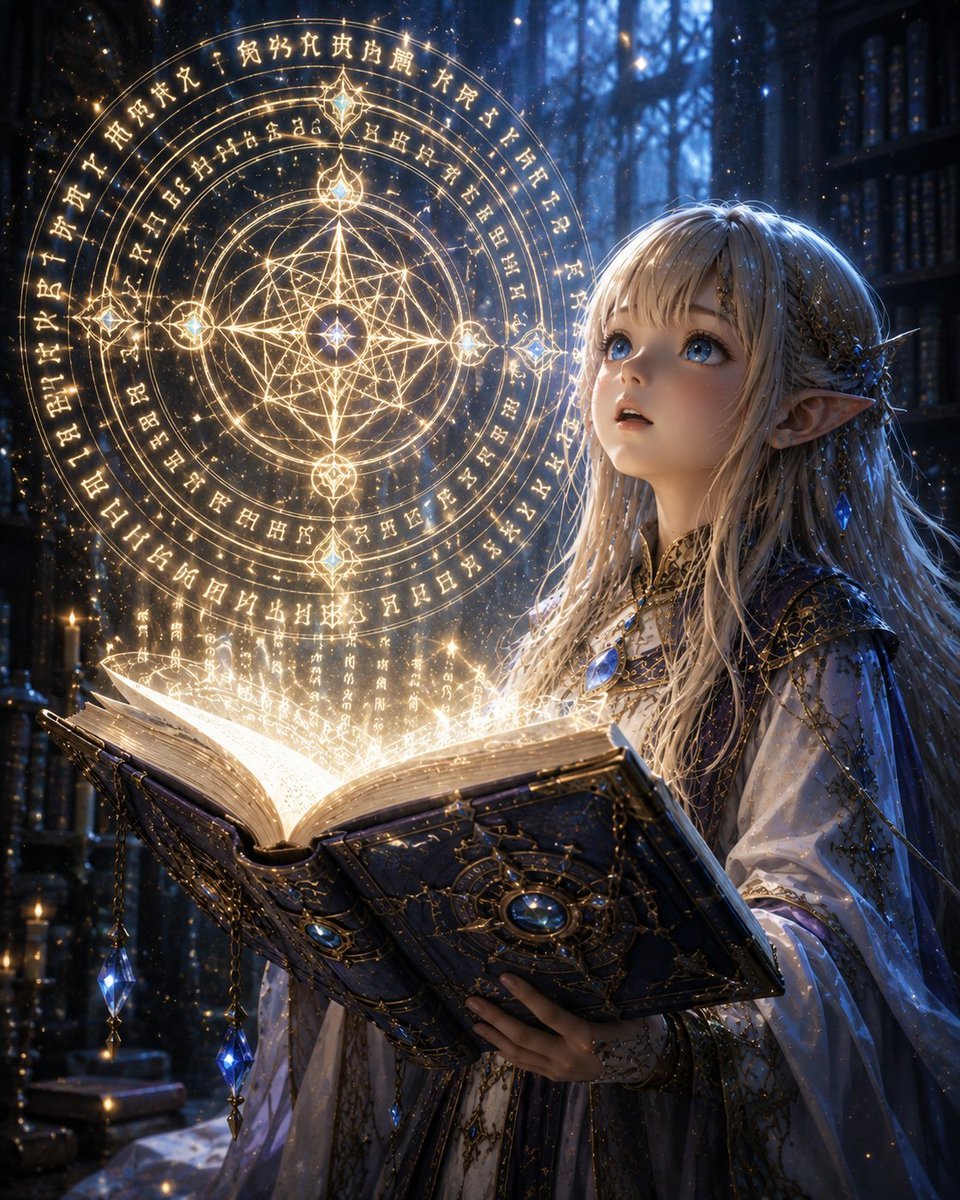
Elven Grimoire Contract
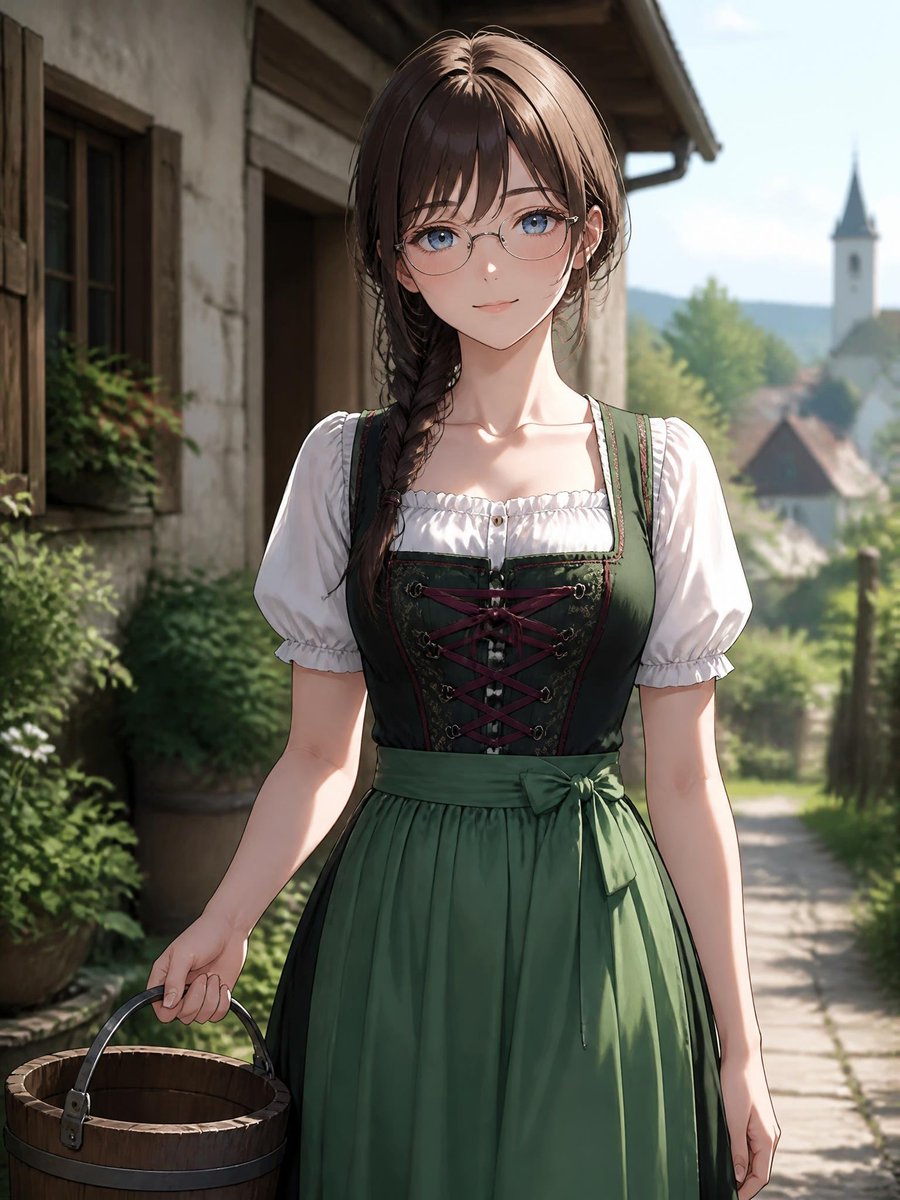
Anime Dirndl Village Portrait
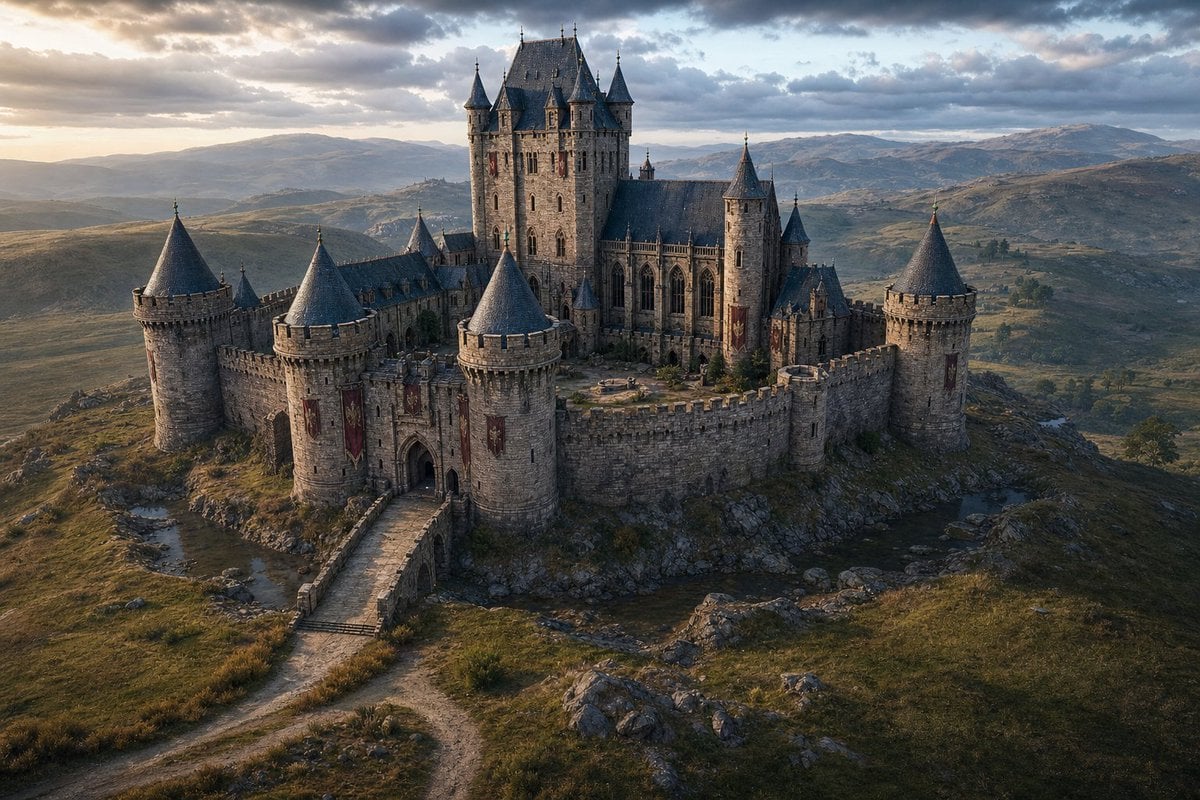
Cinematic Medieval Hilltop Castle
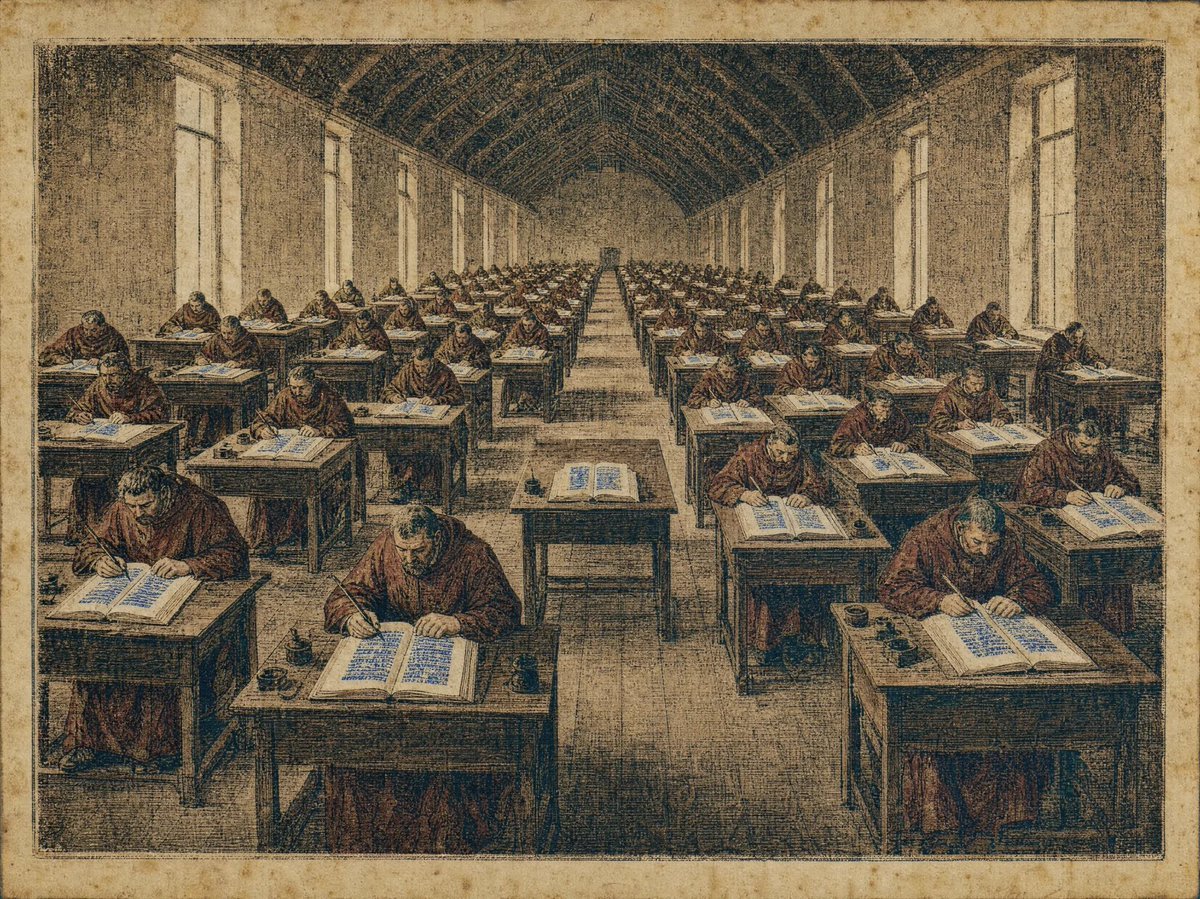
Medieval Scriptorium Hall
Make it yours
Censored Elven Adventurers in Medieval Village works as-is. These are the safest ways to change it without losing the look.
Change one field
Copy a single group, rewrite it, and generate again so you can see what that field is doing.
Keep the frame, change the subject
Hold the composition and light of Censored Elven Adventurers in Medieval Village, then swap wardrobe, props or the person for a new take.
| If the result… | Why | Fix |
|---|---|---|
| The result drifts from the preview | Too many fields changed at once. | Reuse Censored Elven Adventurers in Medieval Village as-is first, then change one group — subject, light, or setting. |
| The model over-stylizes the scene | The prose prompt leaves finish and camera underspecified. | Add one camera or lighting sentence and stay on GPT Image 2. |
More GPT Image 2 templates
Other prompts made for GPT Image 2.

Six VTuber Japanese Logo Sheet

Realistic Portrait of Woman and Deer

The Vista Modular Condo Poster

AI Model Routing Comparison Infographic

2.5D Anime Art Board

Isometric Productivity Desk Scene

New York Double Exposure Poster

Four-Panel AI Landscape Comparison

Japanese Tatami Lifestyle Magazine Cover

NESCAFÉ Coffee Map Poster
More image prompts
Fresh picks from across the catalog.
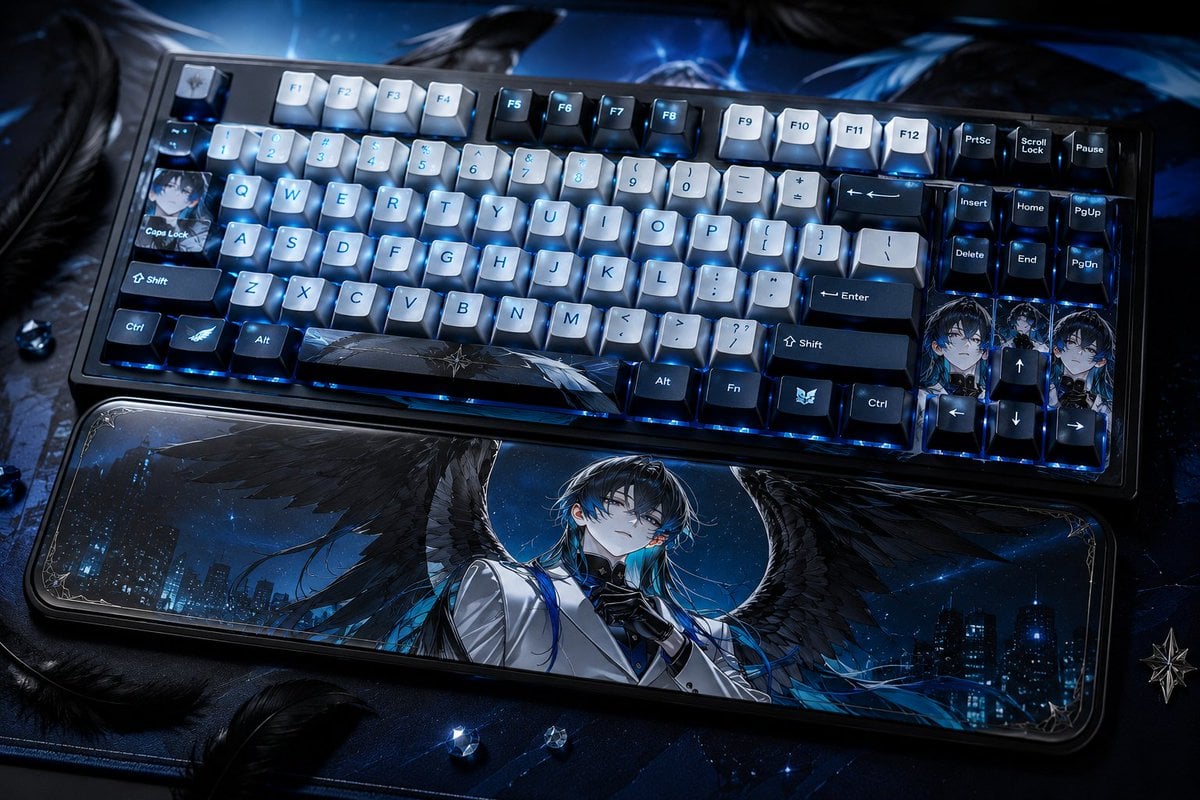
Character-Themed Custom Keyboard
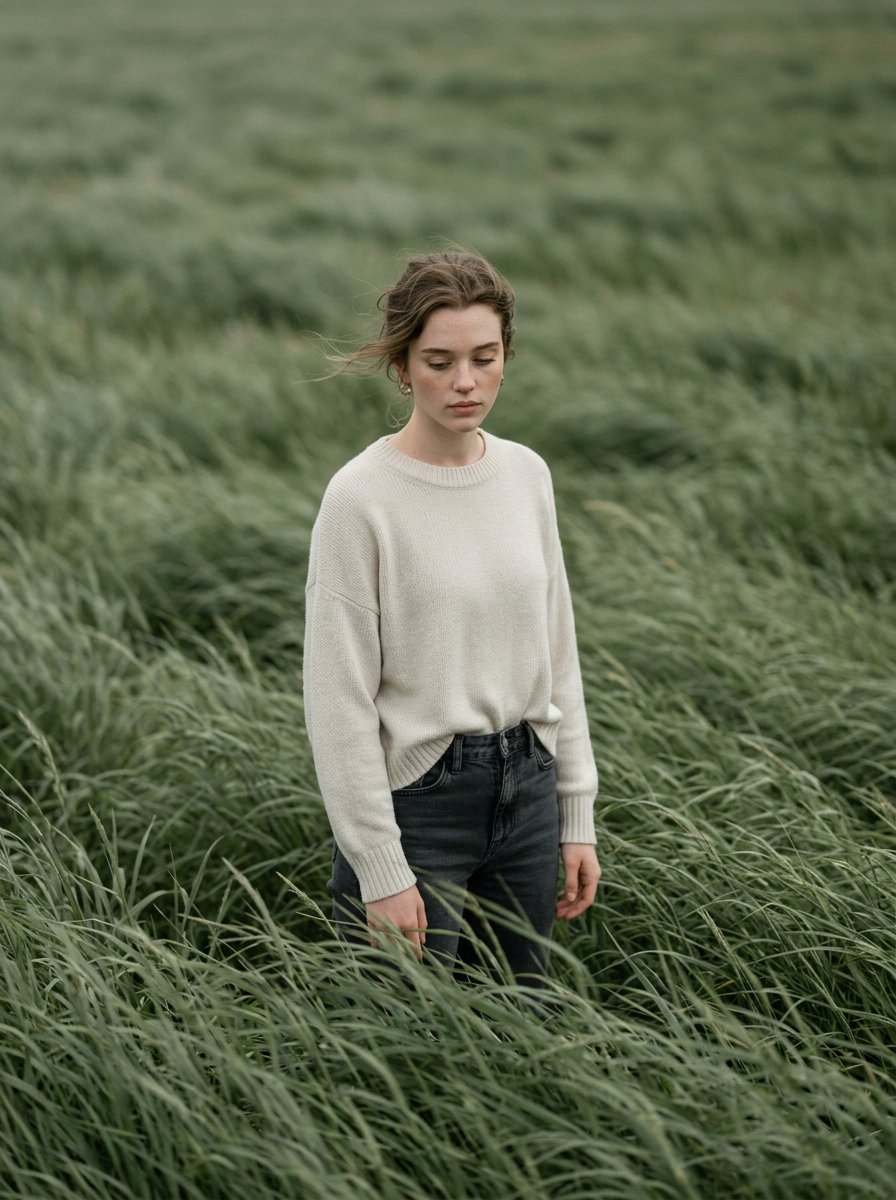
Cinematic Editorial Style Portrait in a
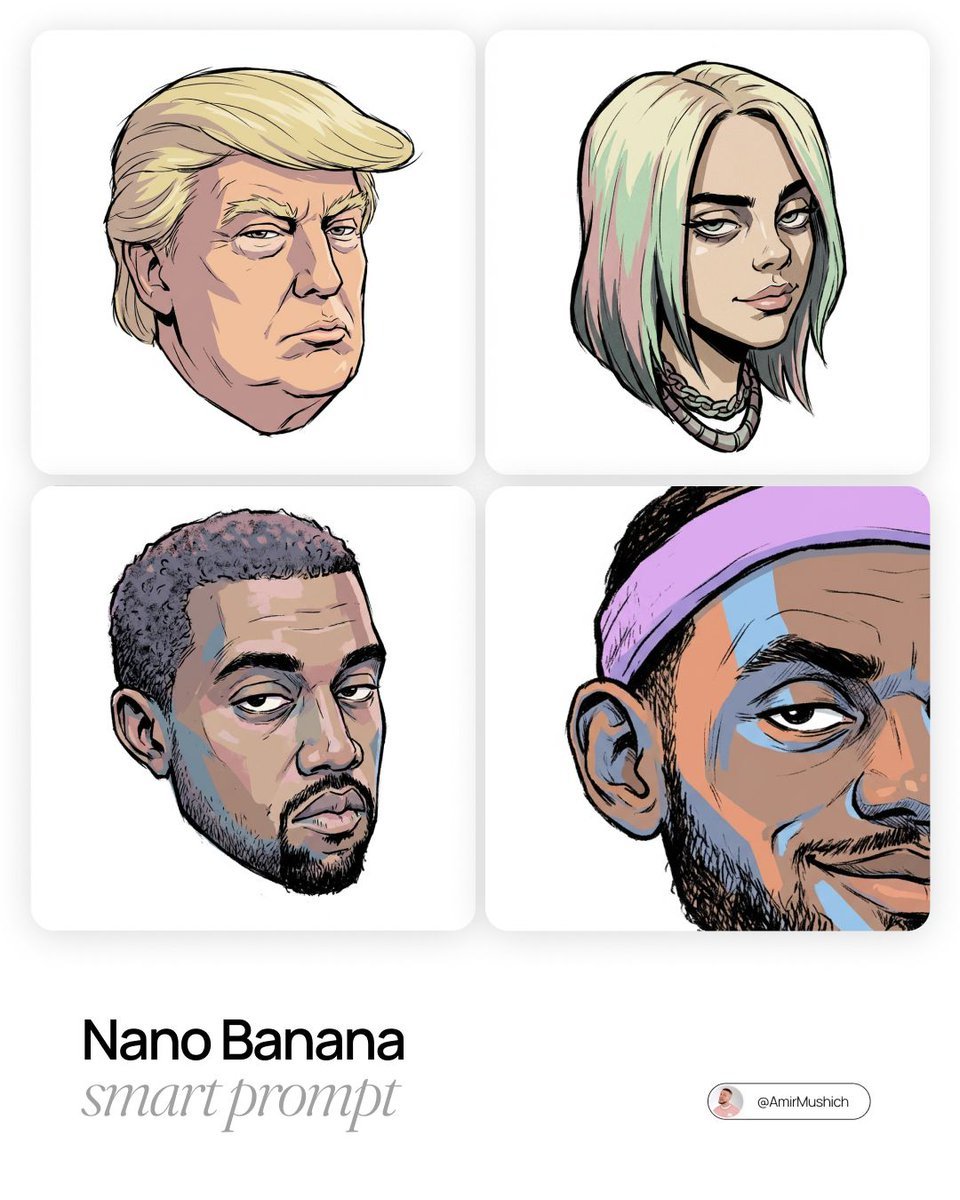
Gorillaz-Styled Illustration Prompt
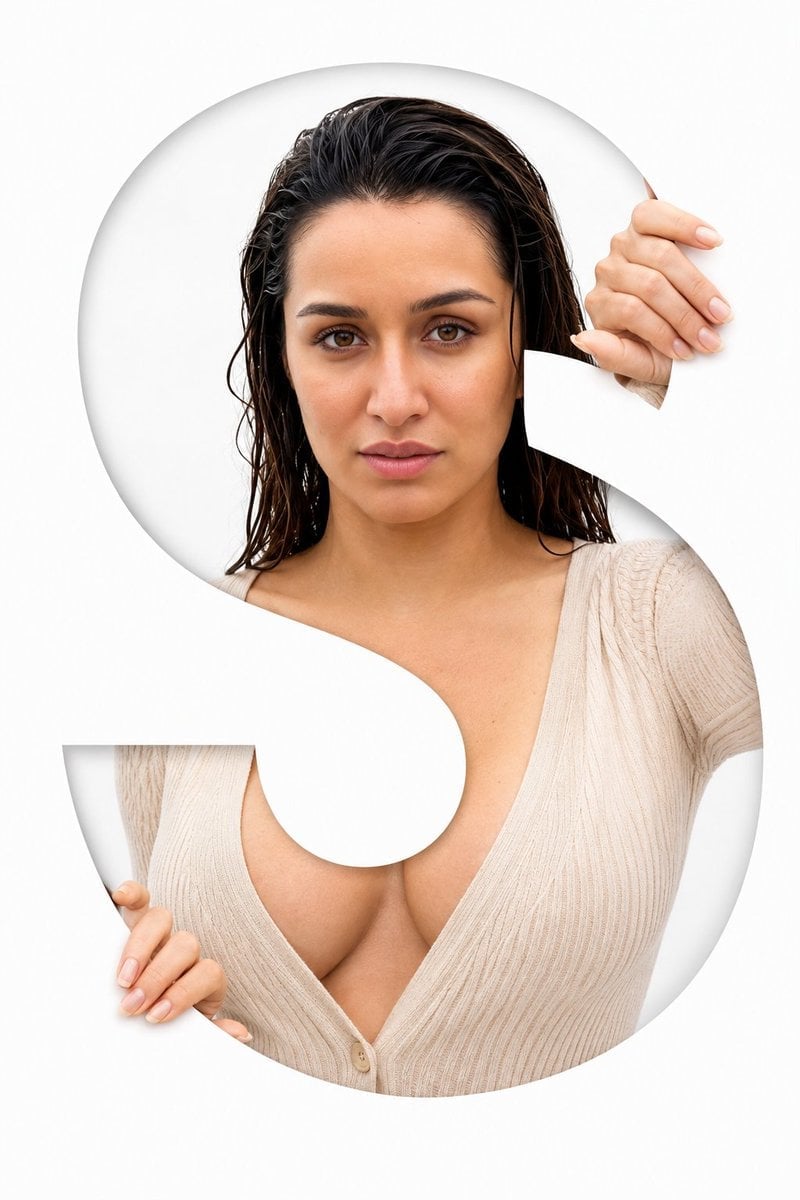
Letter S Editorial Portrait
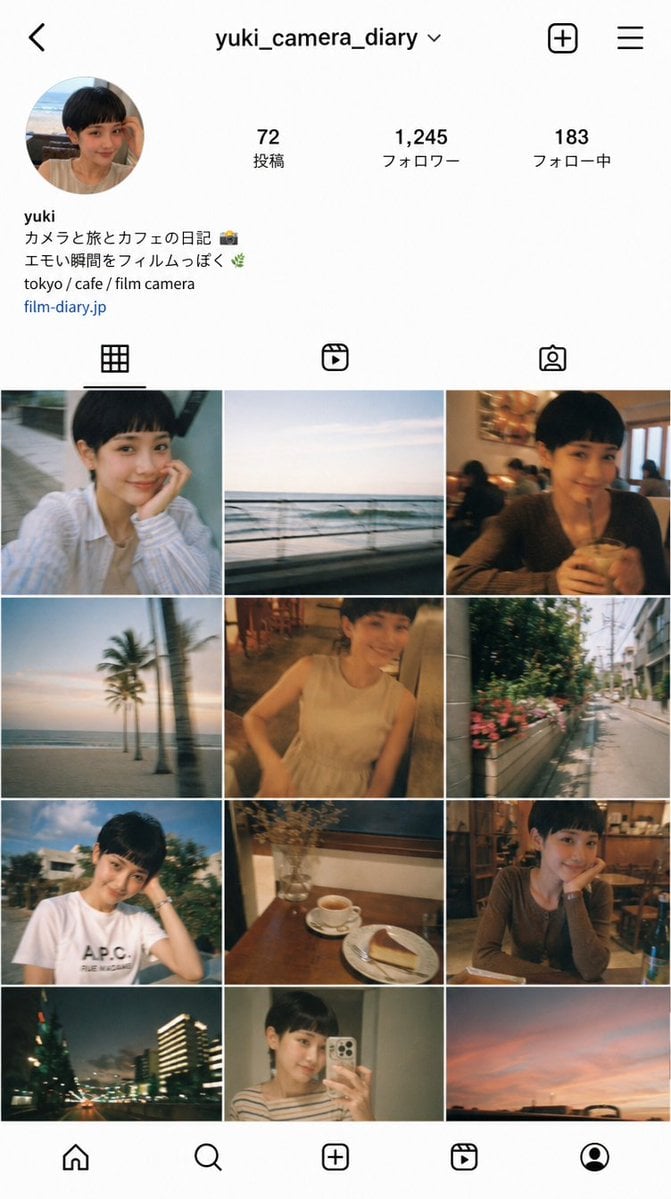
Instagram Profile Grid Aesthetic
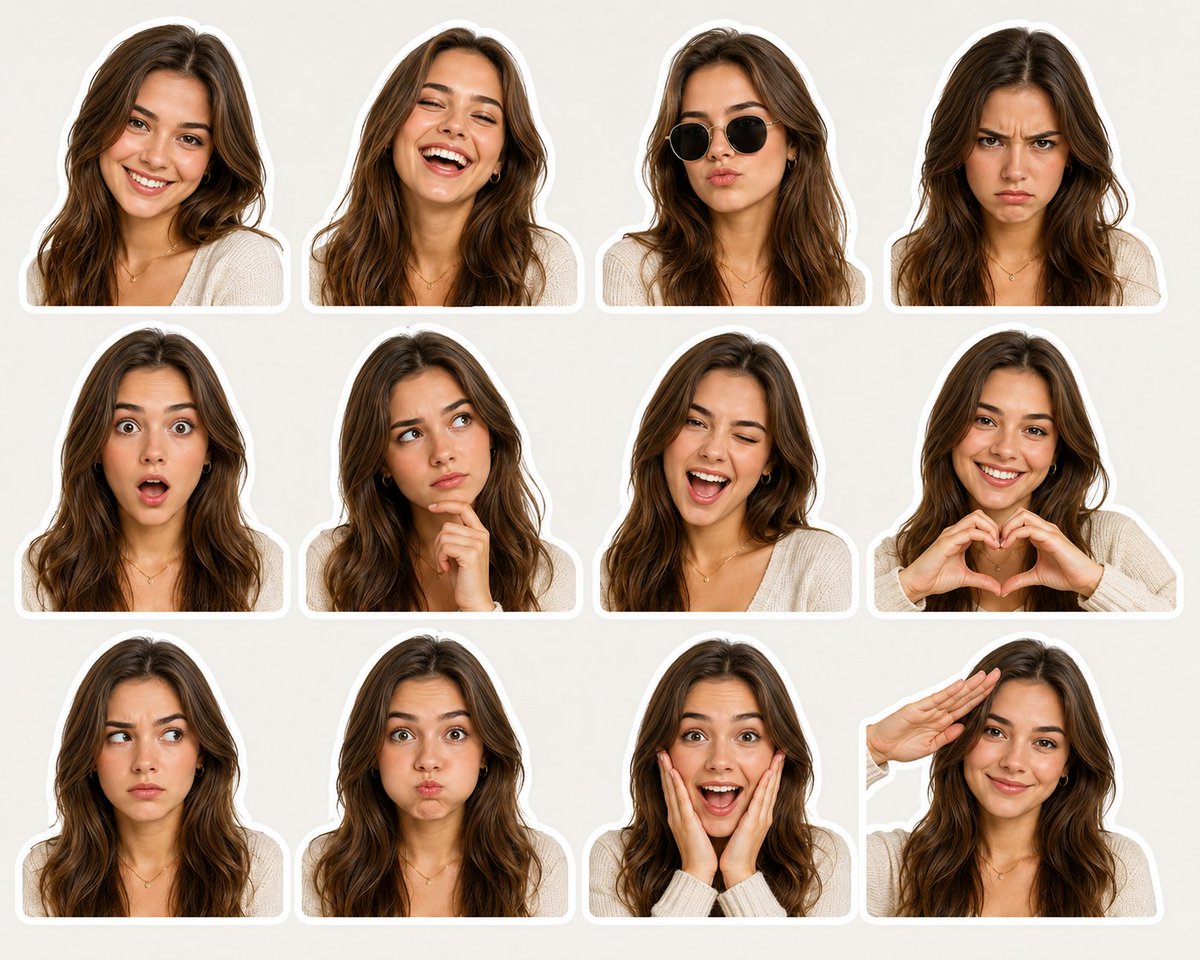
Sticker Pack Facial Expressions Grid
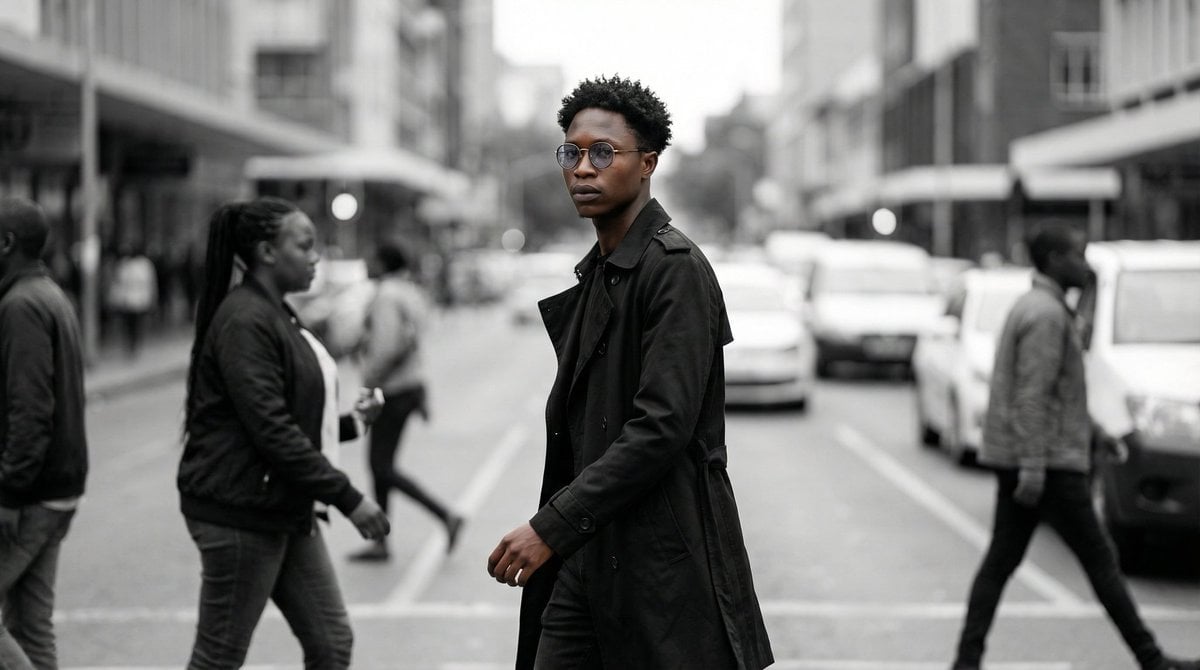
Cinematic Street Portrait
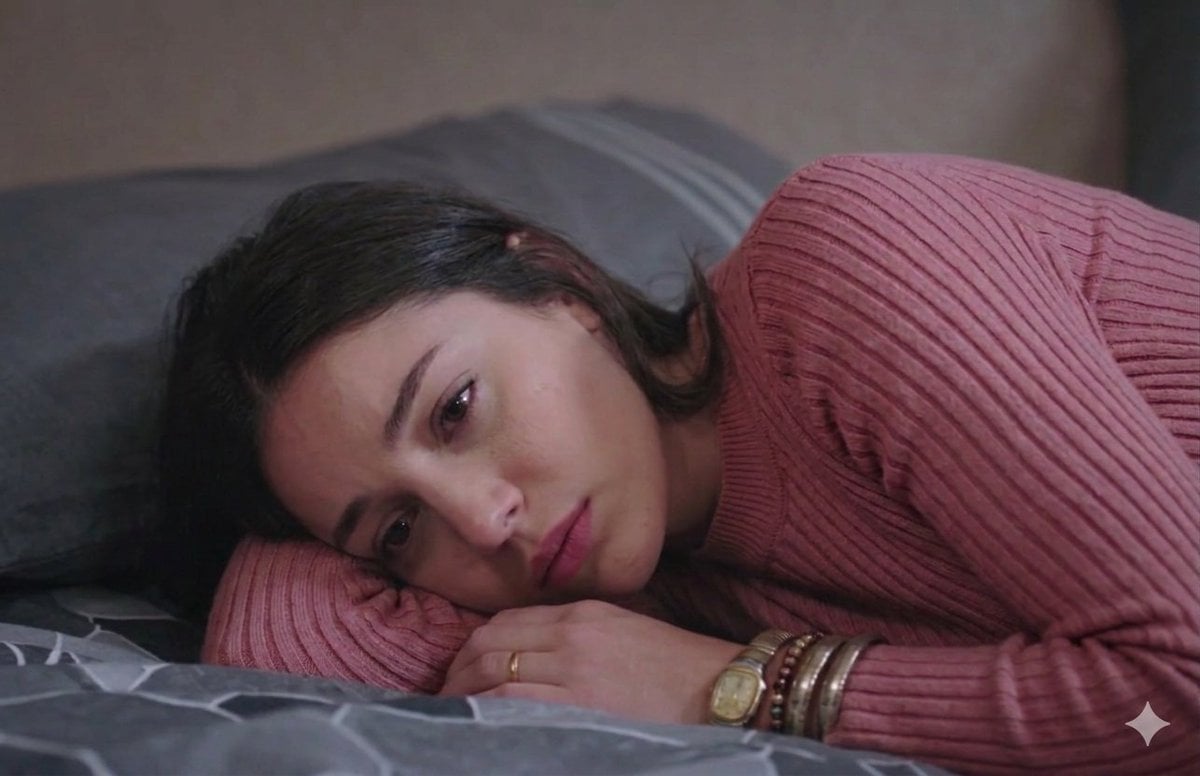
Cinematic Close-up of Pensive Woman
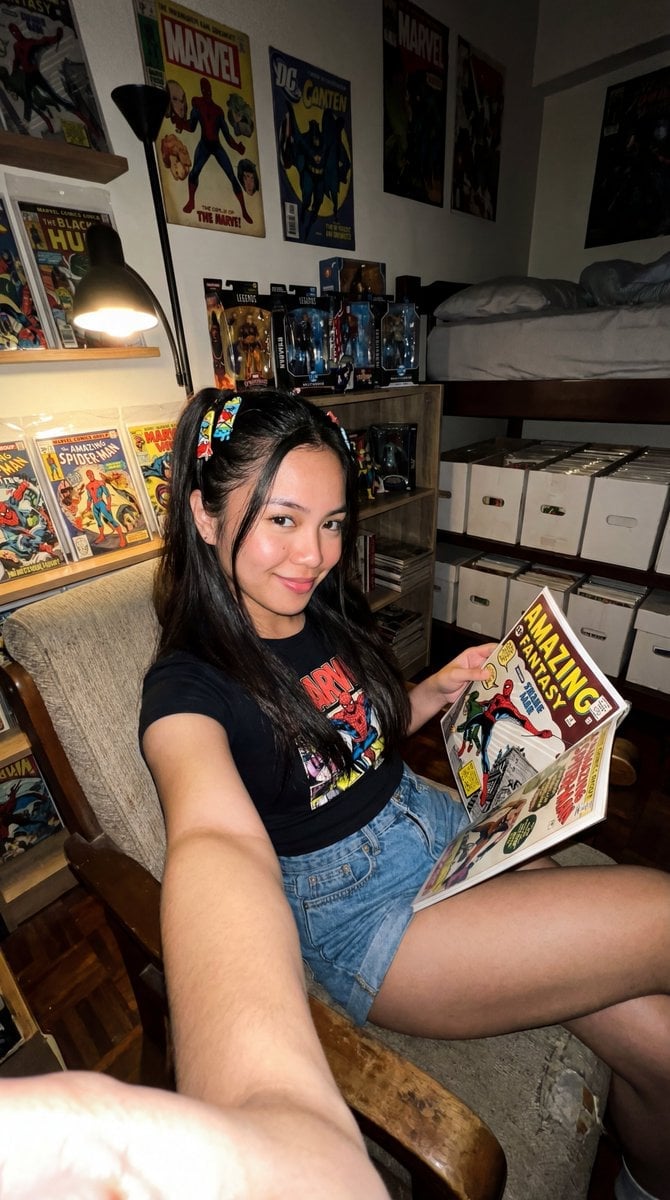
Filipina Comic Geek Selfie in Collector's Room
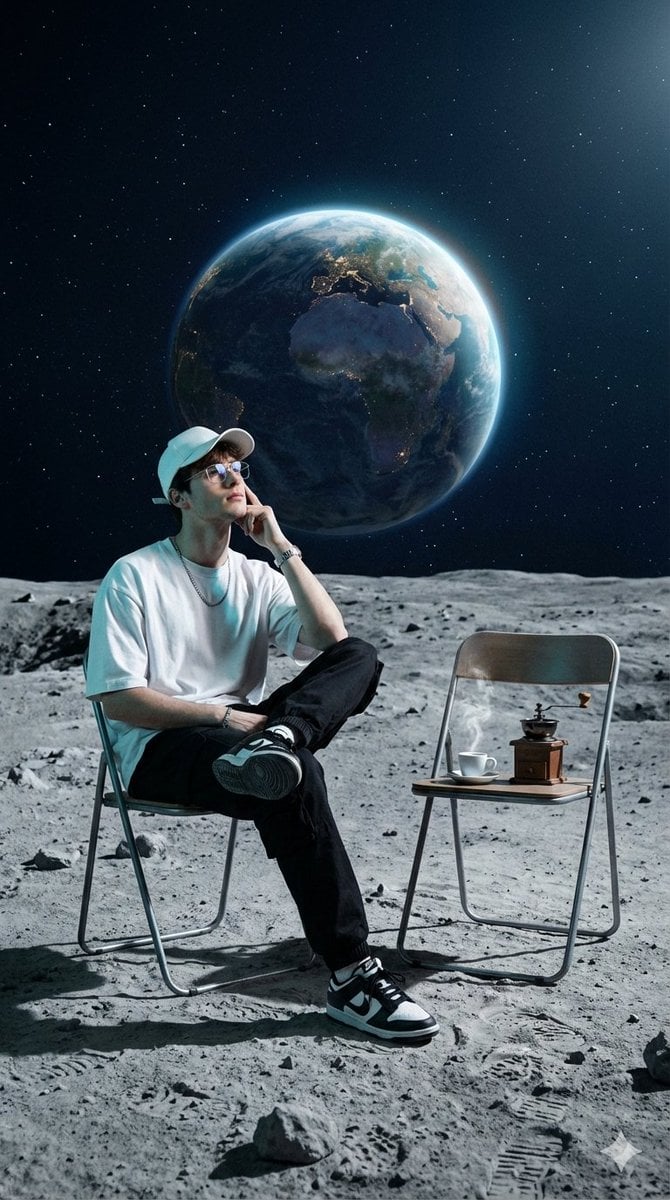
Surreal Cinematic Fashion Editorial on a Lunar Plain
Browse template categories
Censored Elven Adventurers in Medieval Village questions
How do I use the Censored Elven Adventurers in Medieval Village template?
Add your photo if the template asks for one, edit the prompt if you like — the template's model and format are already selected — and press Generate. Your version opens in PicX Studio.
Can I customize the Censored Elven Adventurers in Medieval Village template?
Yes. You can change the subject, setting, lighting, mood, format, and available model controls before creating your image.
Is the Censored Elven Adventurers in Medieval Village template free?
Opening and editing this template is free. Generating uses credits, shown on the Generate button when you are signed in.
Which AI model should I use?
Start with GPT Image 2, which is the model associated with this template. You can compare another compatible model for a different finish.
Looking for something else? Browse all templates.

Your photo, any look
Thousands of ready templates for every top image and video model, from one credit balance.