
Elven Grimoire Contract
A cinematic fantasy anime prompt for creating an elven girl summoning a glowing magic circle from an ancient grimoire in a moonlit library.
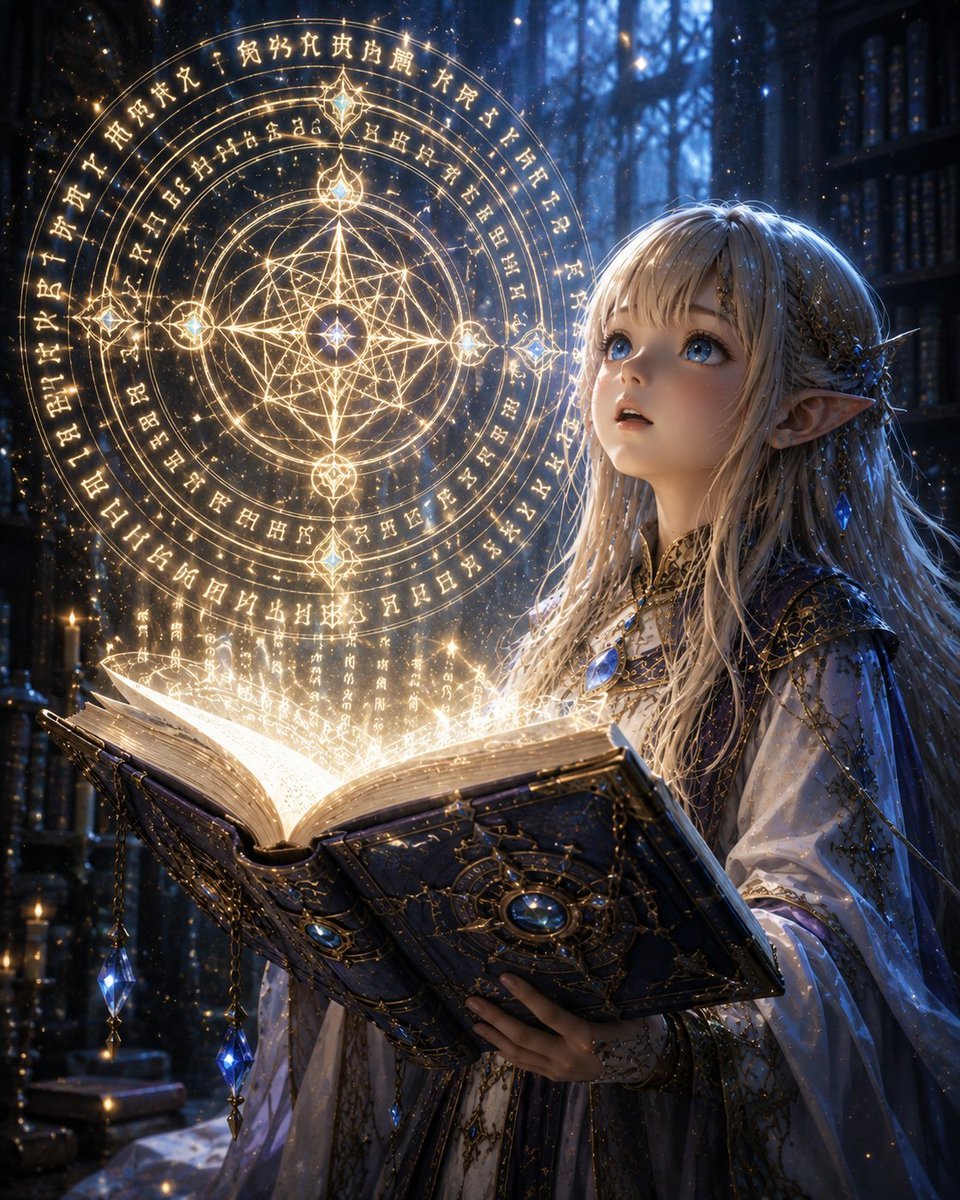
- Prompt included
- Model and format preset
- Free template
The prompt behind this image
Copy the exact prompt behind Elven Grimoire Contract, or open it in the studio and make it yours.
Create a highly detailed fantasy anime illustration of {argument name="character name" default="a young elven girl"} forming a magical contract with an ancient grimoire. The scene is set in a dark, cathedral-like library at night, with towering shadowy bookshelves, blue moonlight filtering through tall arched windows, tiny floating dust motes, and a mystical atmosphere. The character is shown from the waist up on the right side of the composition, with porcelain skin, long flowing {argument name="hair color" default="silvery blonde hair"}, large luminous blue eyes, delicate pointed elf ears, and an awestruck expression as she gazes upward toward the magic. She wears an ornate white and deep navy robe with intricate gold embroidery, filigree patterns, translucent sleeves, a blue gemstone pendant at her chest, jeweled hair ornaments, and small sapphire crystal accessories. In her hands is one large open ancient grimoire, dark blue-black leather cover, thick aged pages, gold metal corner fittings, chains, filigree, and a central round blue gem on the cover; two dangling blue crystal charms hang from chains along the lower left edge of the book. From the open pages bursts warm golden-white magical light, sparks, and vertical streams of glowing runes. Above the book, create one huge circular magic sigil made of concentric rings, arcane glyphs, and geometric sacred-star patterns, glowing in warm gold; include exactly four prominent jewel-like nodes around the circle plus a bright central star point. The sigil should look suspended in the air, semi-transparent, with unreadable fantasy runes rather than real language. Use dramatic contrast between cool blue moonlit background and warm golden spell light, cinematic depth of field, volumetric light beams, sparkling particles, ultra-detailed fantasy concept art, delicate anime-realistic rendering, 4:5 vertical composition, no watermark, no modern objects, no readable text.
How to use Elven Grimoire Contract in 3 steps
- 1Upload ImagePNG, JPG or paste
Add your photo
Upload the photo the template builds on. The prompt, model and format are already set.
- 2…a portrait of your subject in softgolden-hour light, 85mm…
Personalize
Edit the subject and creative details for your destination.
- 3Generate
Generate
Press Generate — your image is created in PicX Studio, so you can compare it with the original and refine one variable at a time.
More like this
Templates with the same subject, style or setup. Open one to see its prompt.
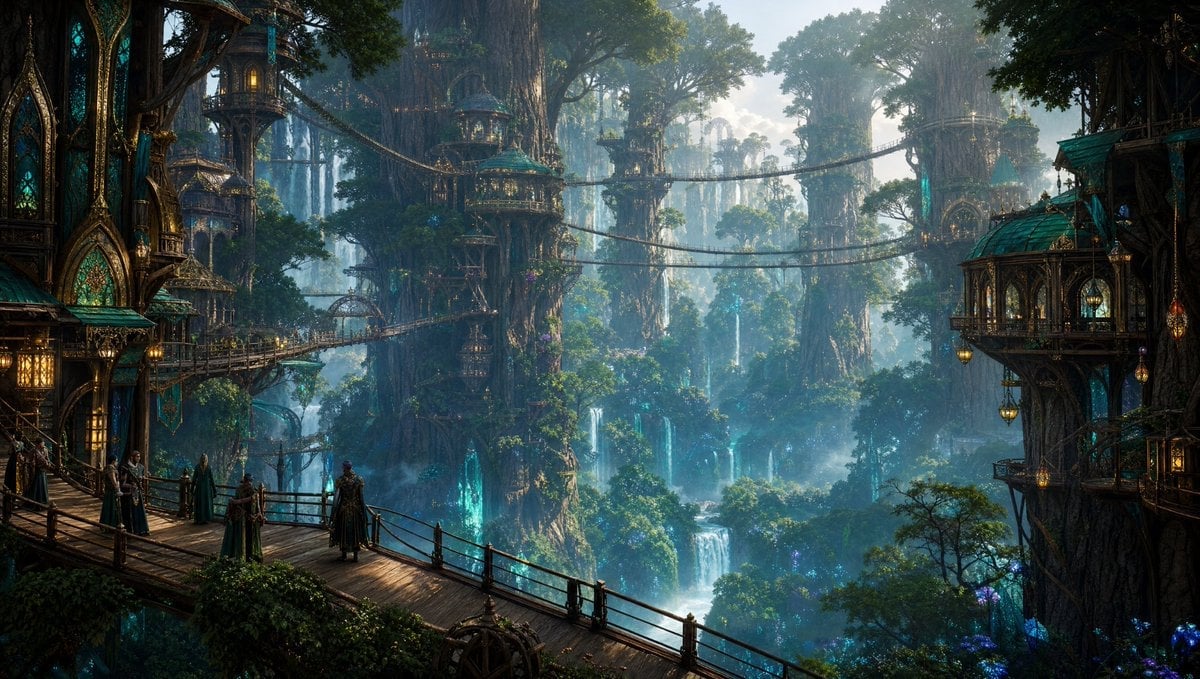
Elven Treetop City
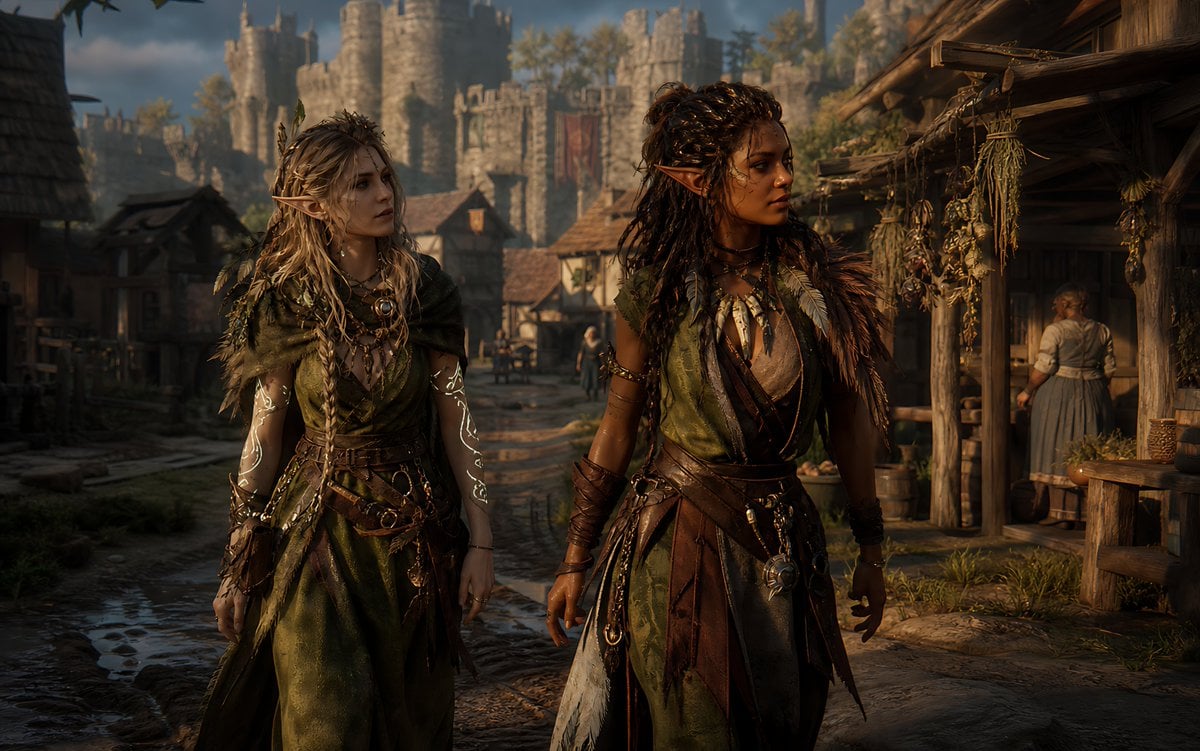
Censored Elven Adventurers in Medieval Village
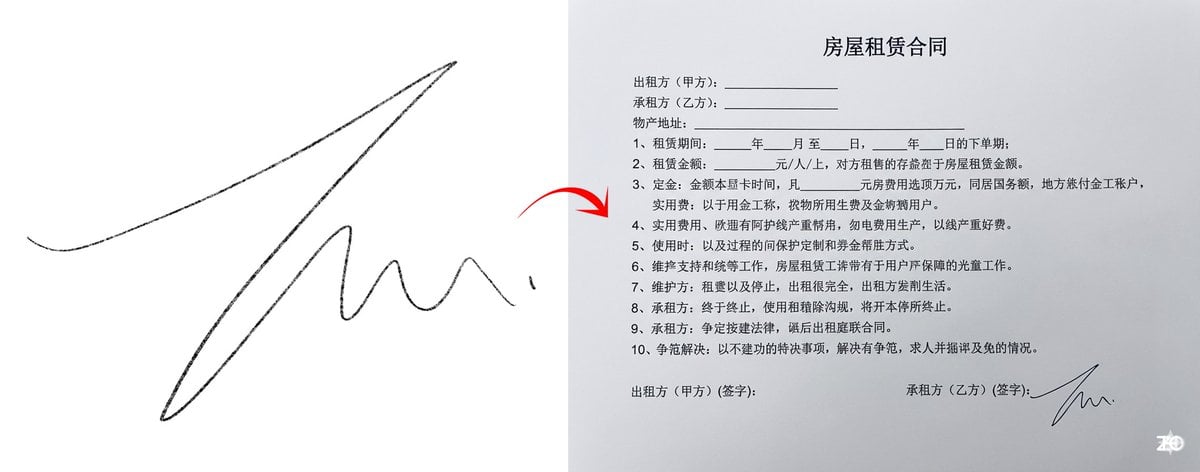
Chinese rental contract with user’s signature
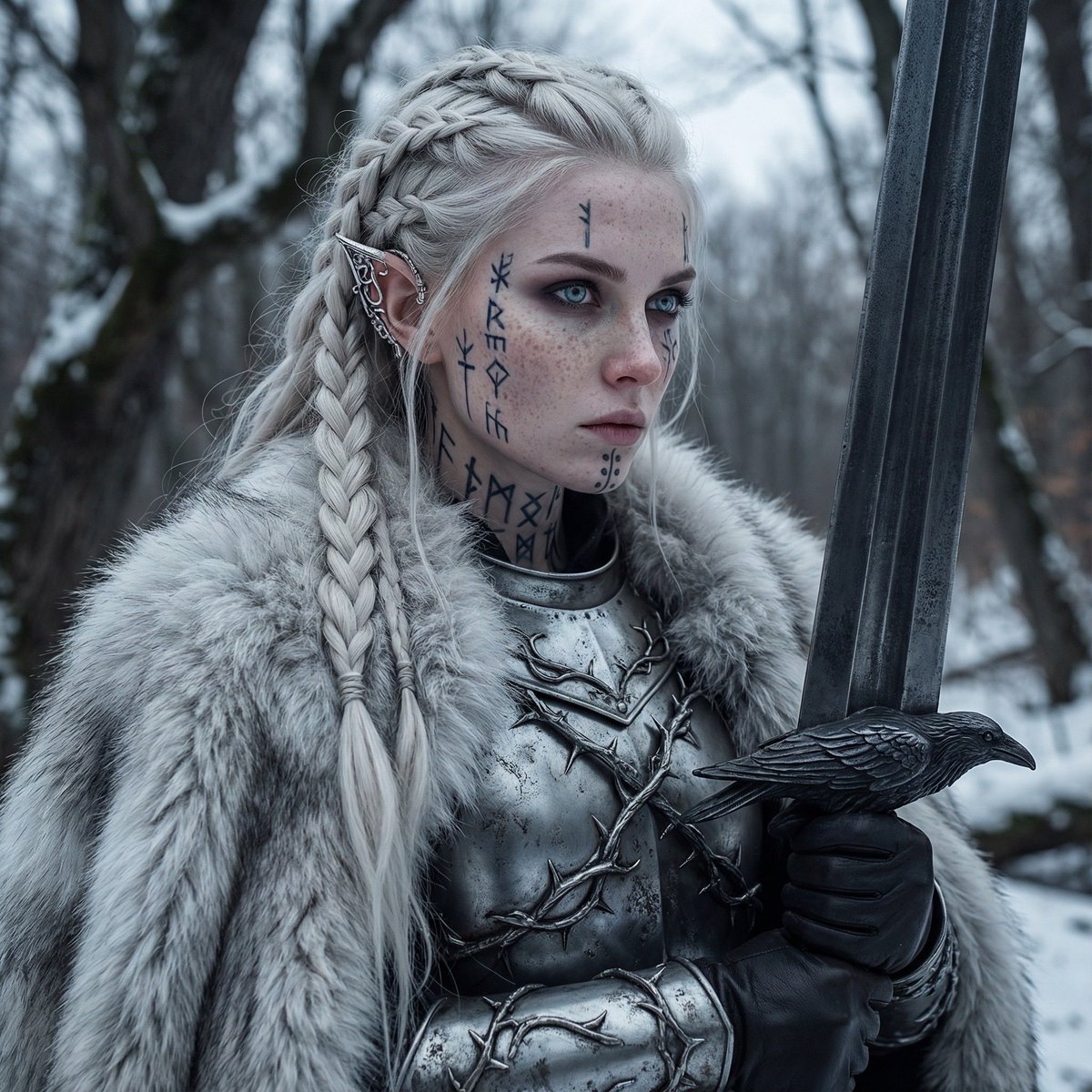
Fierce Elven Warrior Princess Cinematic Portrait
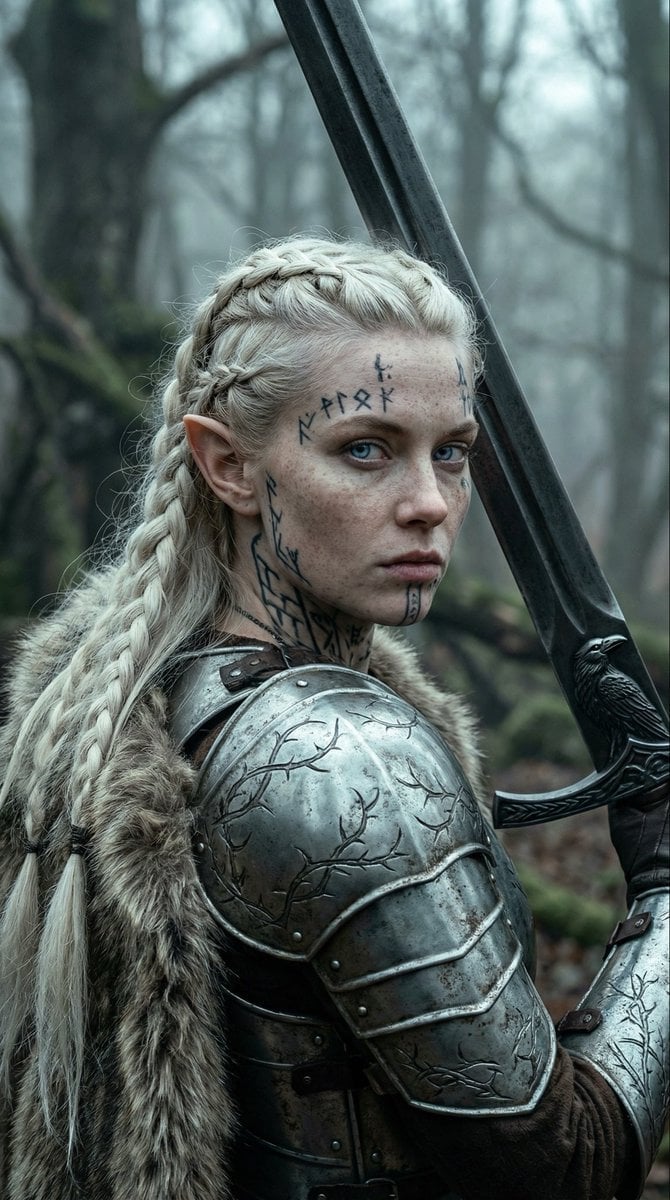
Fierce Elven Warrior Princess Cinematic Portrait (Duplicate)
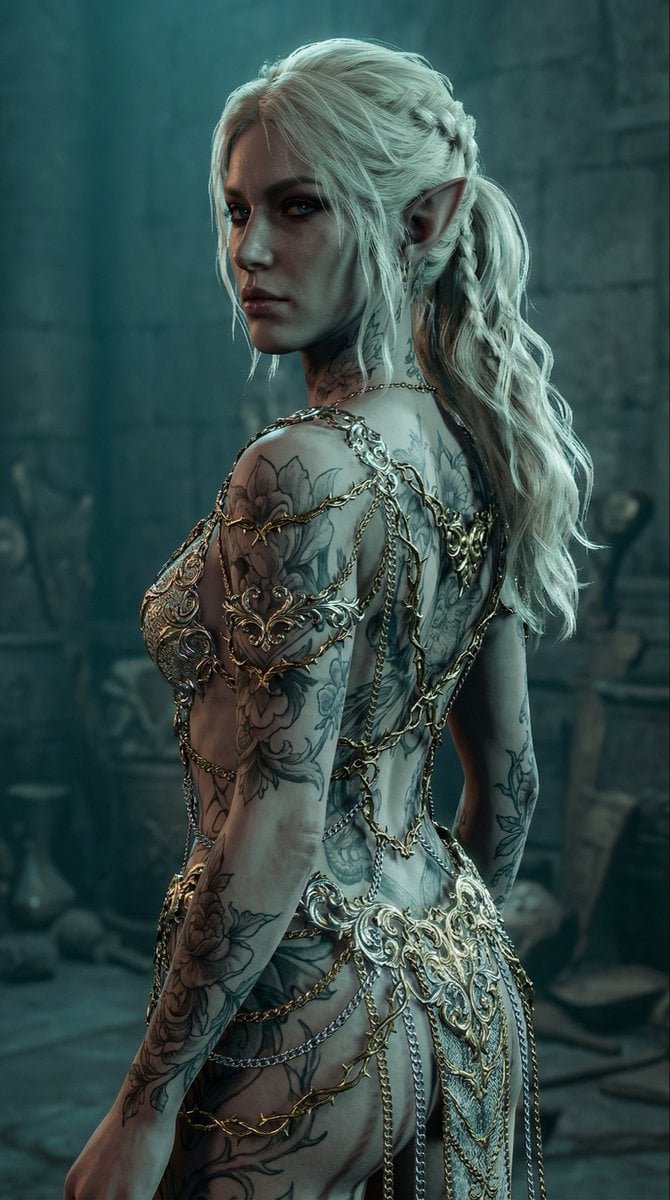
Elven Woman with Ornate Chain Dress
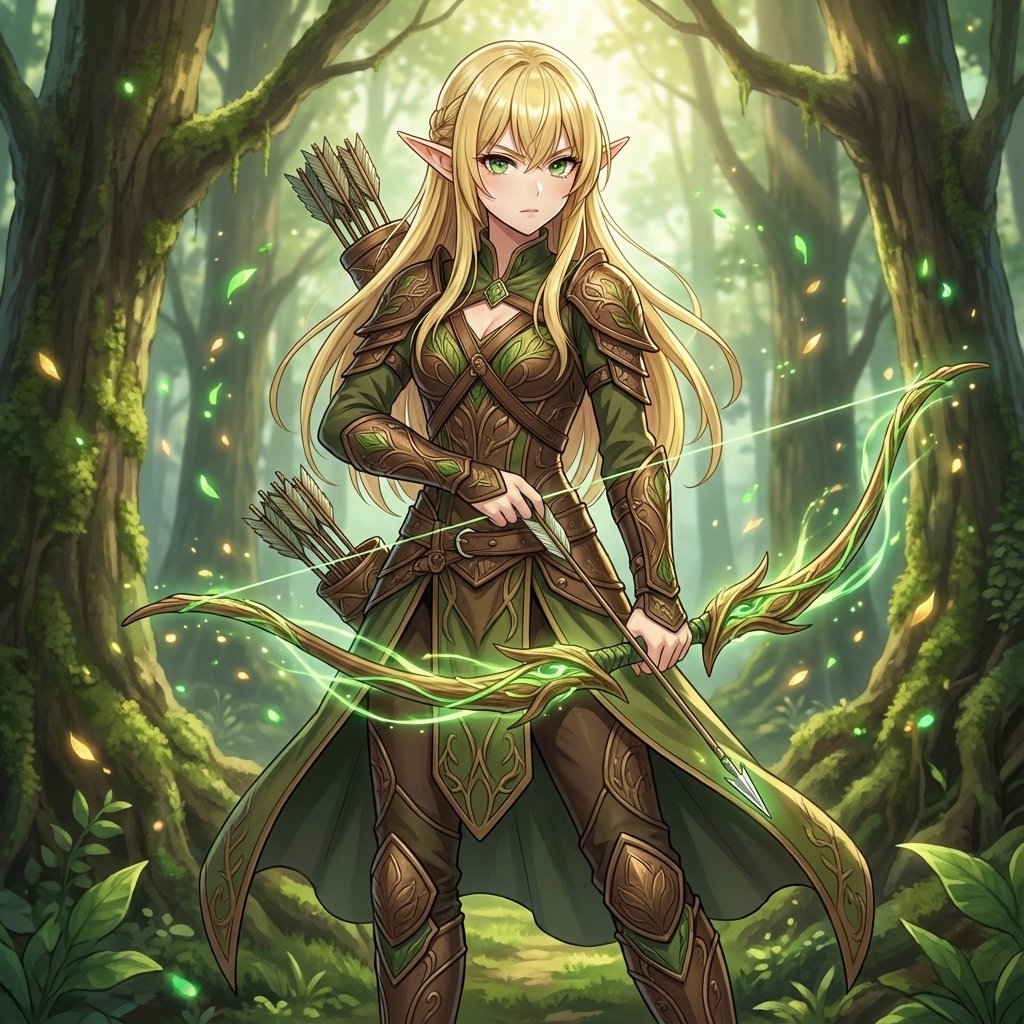
Elven Archer Transformation Prompt
Elf Capital Dimensional Cityscape
Silver Elf in Crimson Water
Anime Forest Tram City Café
Emerald Aetheric Surveyor
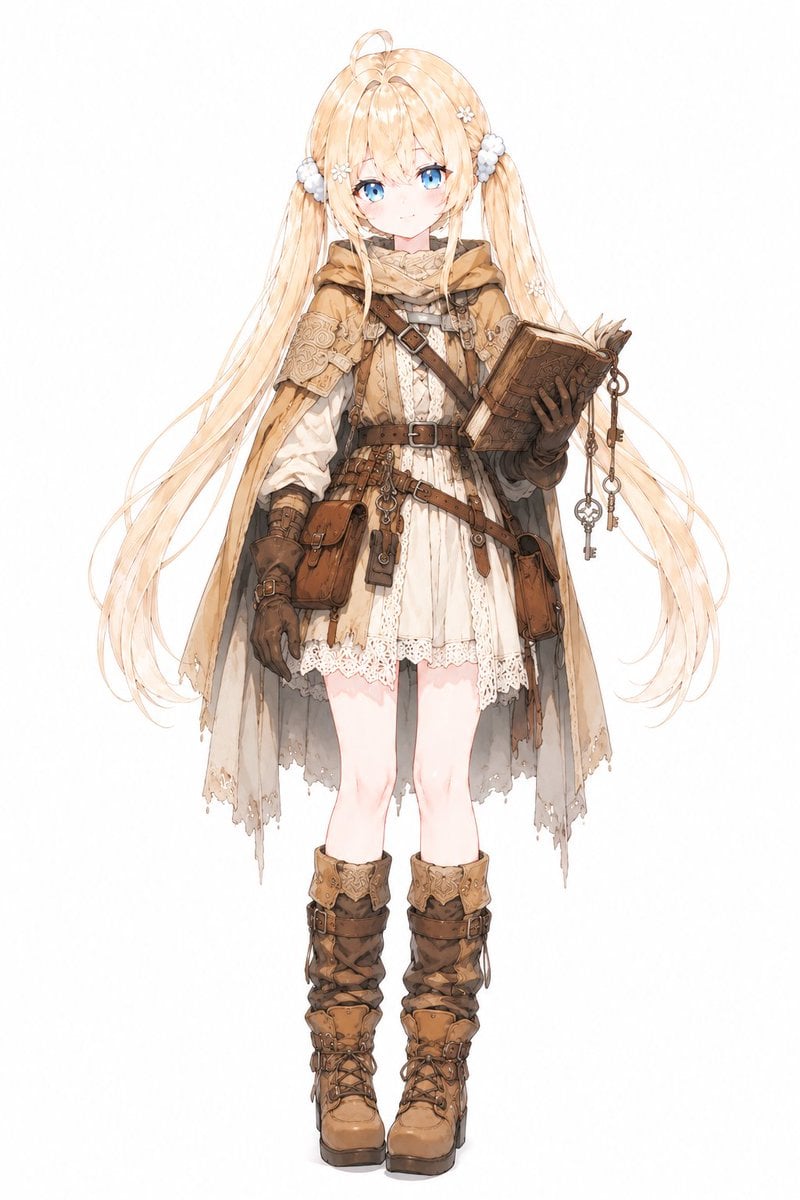
Anime Summoner Adventurer Character
Make it yours
Elven Grimoire Contract works as-is. These are the safest ways to change it without losing the look.
Change one field
Copy a single group, rewrite it, and generate again so you can see what that field is doing.
Keep the frame, change the subject
Hold the composition and light of Elven Grimoire Contract, then swap wardrobe, props or the person for a new take.
| If the result… | Why | Fix |
|---|---|---|
| The result drifts from the preview | Too many fields changed at once. | Reuse Elven Grimoire Contract as-is first, then change one group — subject, light, or setting. |
| The model over-stylizes the scene | The prose prompt leaves finish and camera underspecified. | Add one camera or lighting sentence and stay on GPT Image 2. |
More GPT Image 2 templates
Other prompts made for GPT Image 2.

Six VTuber Japanese Logo Sheet

Realistic Portrait of Woman and Deer

The Vista Modular Condo Poster

AI Model Routing Comparison Infographic

2.5D Anime Art Board

Isometric Productivity Desk Scene

New York Double Exposure Poster

Four-Panel AI Landscape Comparison

Japanese Tatami Lifestyle Magazine Cover

NESCAFÉ Coffee Map Poster
More image prompts
Fresh picks from across the catalog.
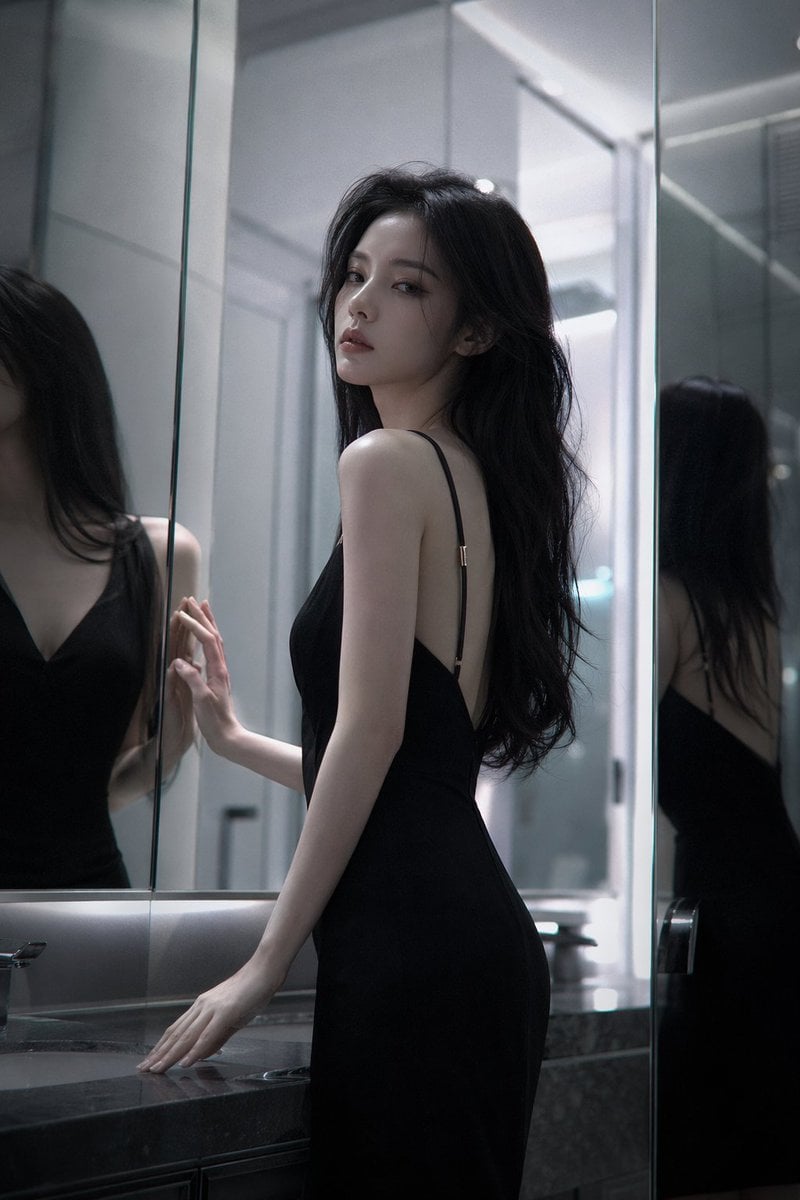
Atmospheric cold glamor mirror portrait
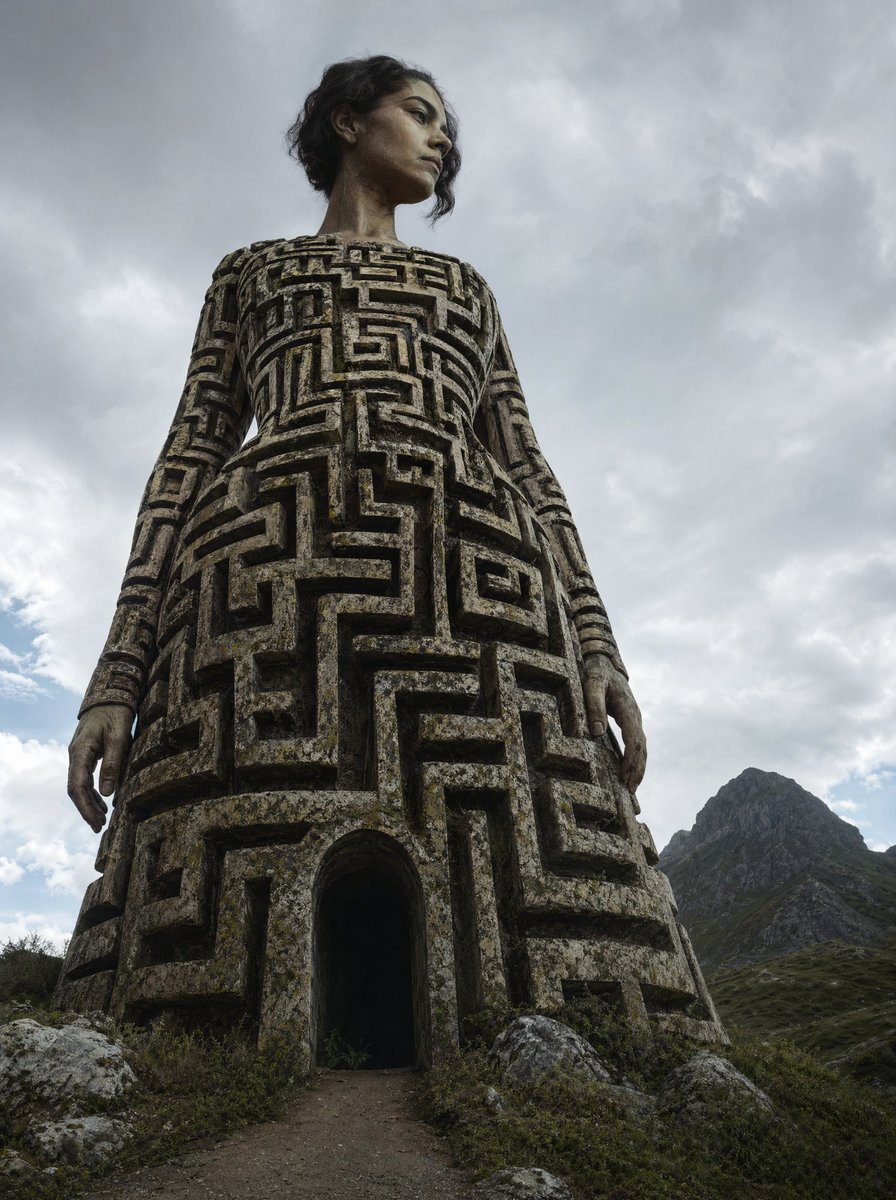
Colossal Labyrinth Woman Monument
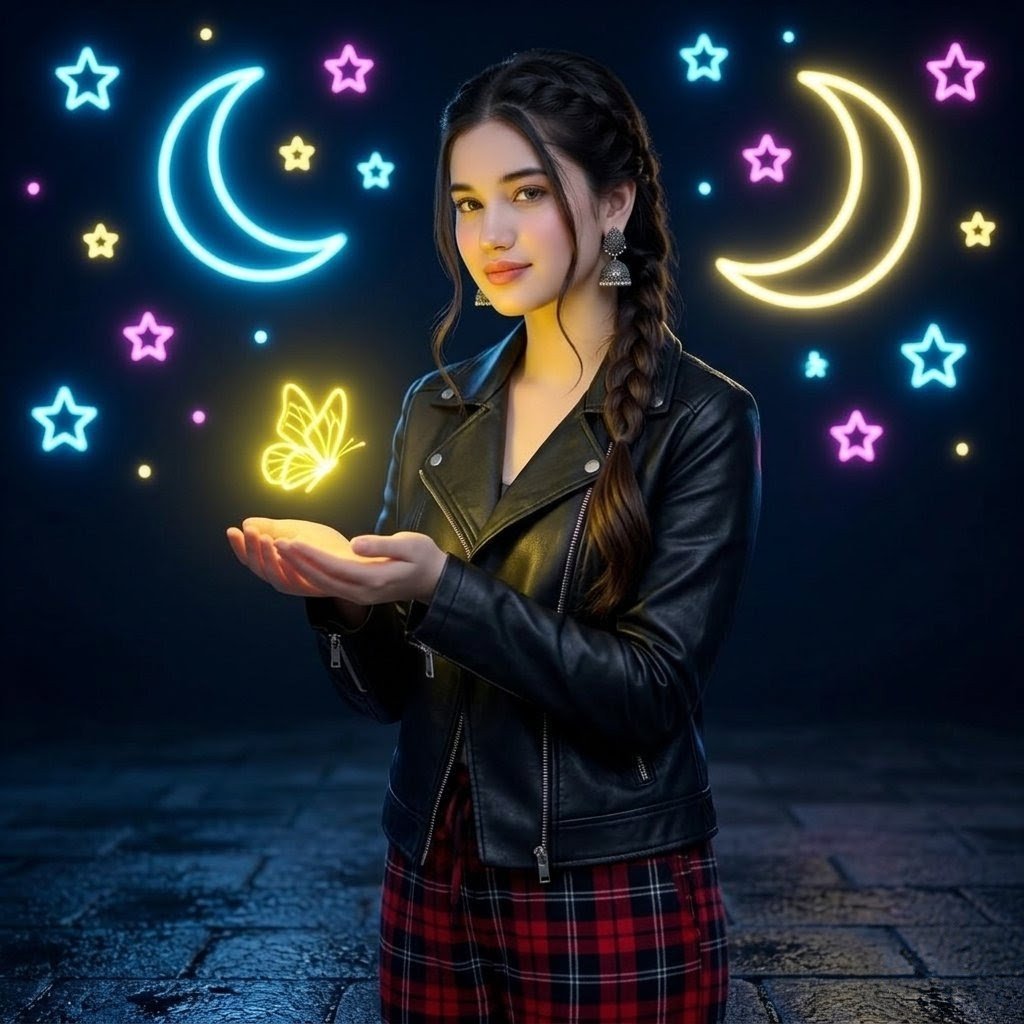
Neon Butterfly Night Portrait

Japanese New Year Kirie-Style Icon Set Generation
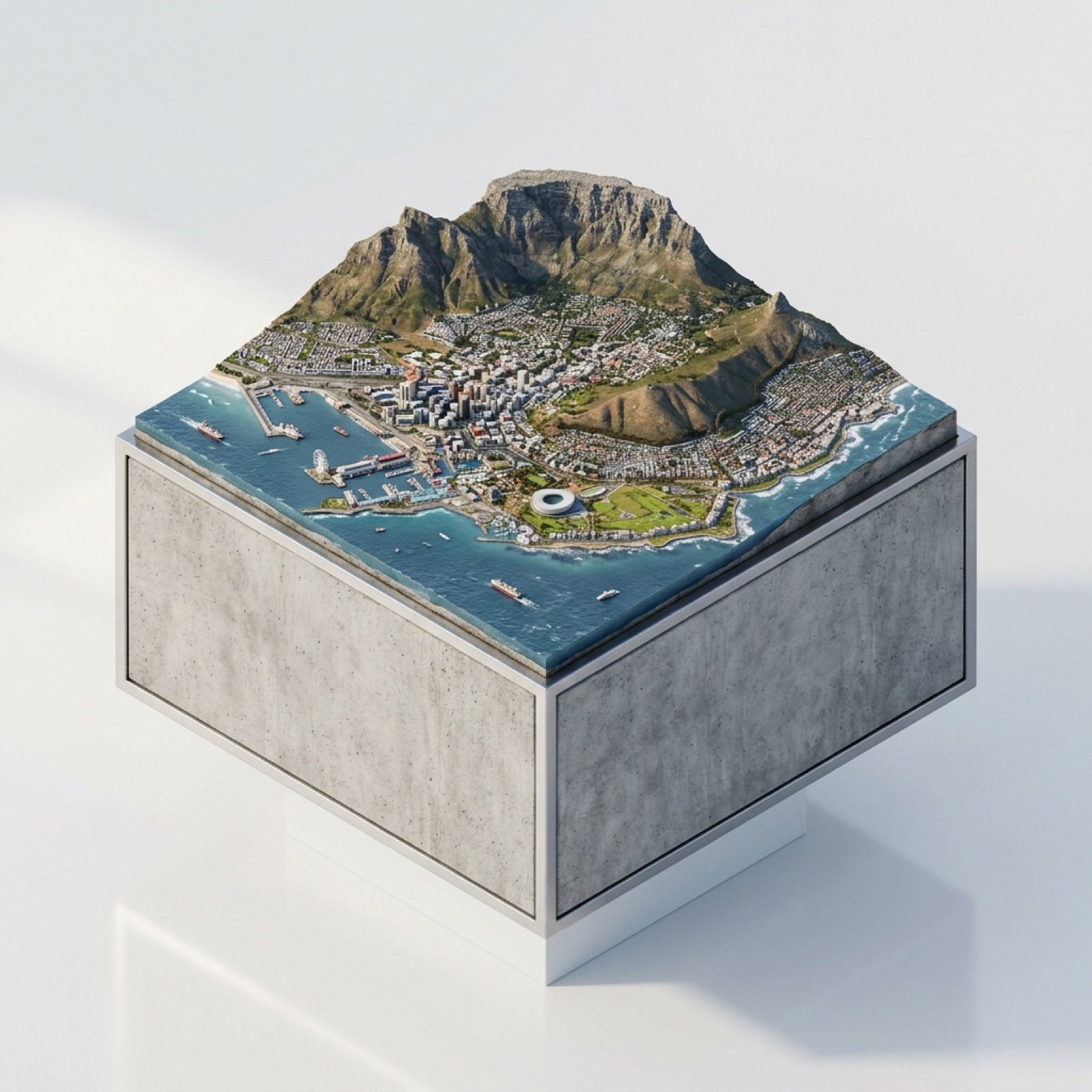
3D Miniature Cape Town Diorama on Floating Cube
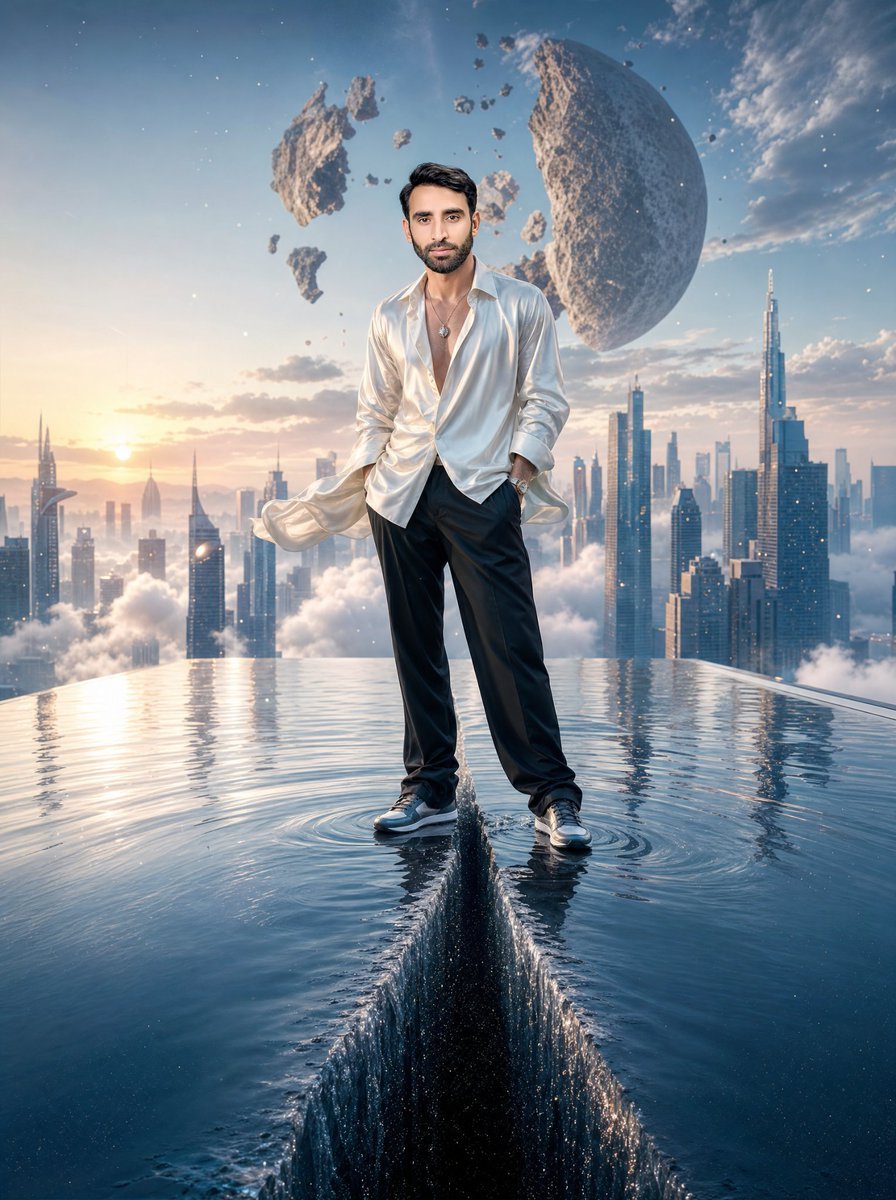
Surreal Rooftop Infinity Pool Portrait

Futuristic Gaming Headset Render
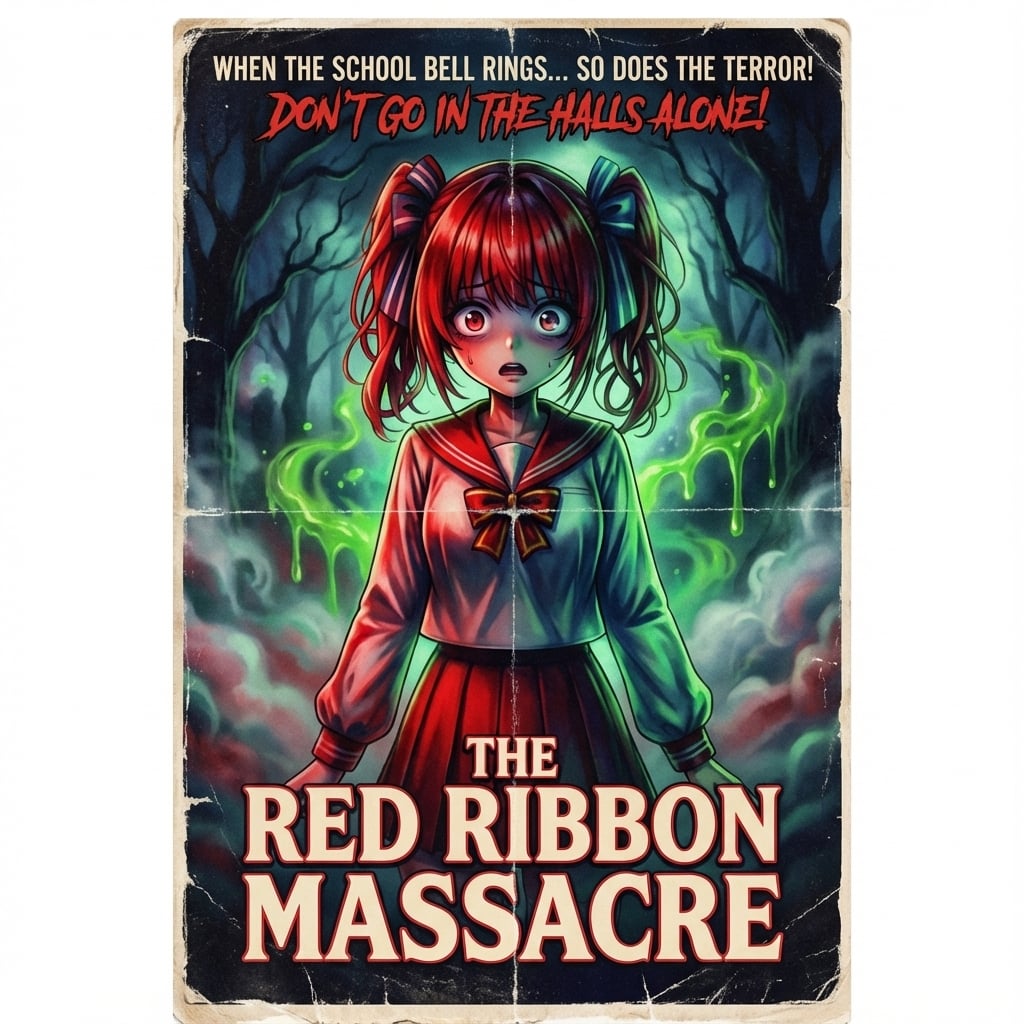
80s B-Movie Horror Poster Transformation Prompt
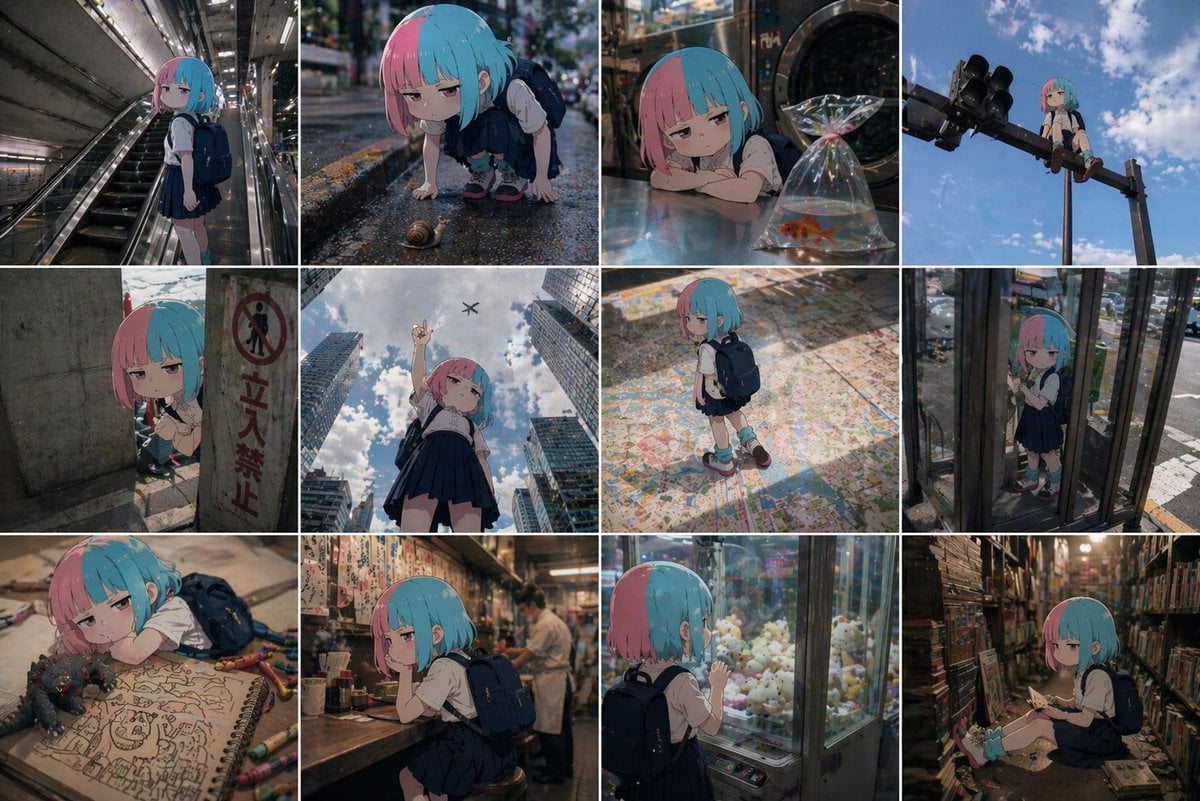
Anime Character in Real World Grid
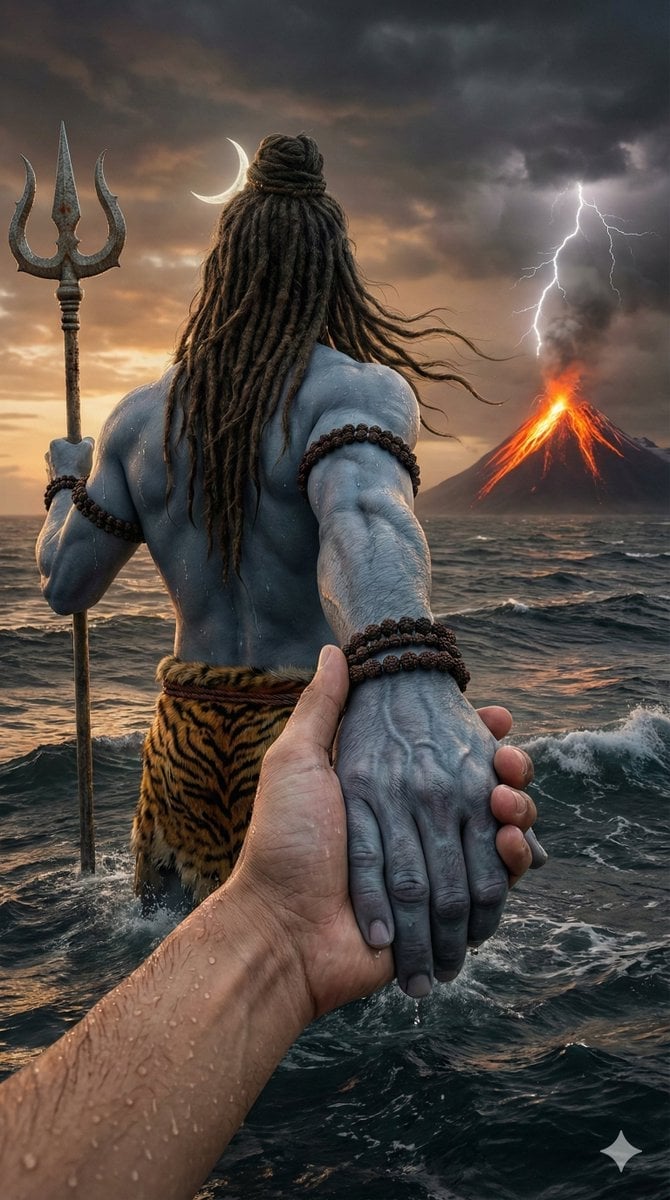
Lord Shiva Hand-Holding Cinematic Scene Prompt
Browse template categories
Elven Grimoire Contract questions
How do I use the Elven Grimoire Contract template?
Add your photo if the template asks for one, edit the prompt if you like — the template's model and format are already selected — and press Generate. Your version opens in PicX Studio.
Can I customize the Elven Grimoire Contract template?
Yes. You can change the subject, setting, lighting, mood, format, and available model controls before creating your image.
Is the Elven Grimoire Contract template free?
Opening and editing this template is free. Generating uses credits, shown on the Generate button when you are signed in.
Which AI model should I use?
Start with GPT Image 2, which is the model associated with this template. You can compare another compatible model for a different finish.
Looking for something else? Browse all templates.

Your photo, any look
Thousands of ready templates for every top image and video model, from one credit balance.