
Anime Forest Tram City Café
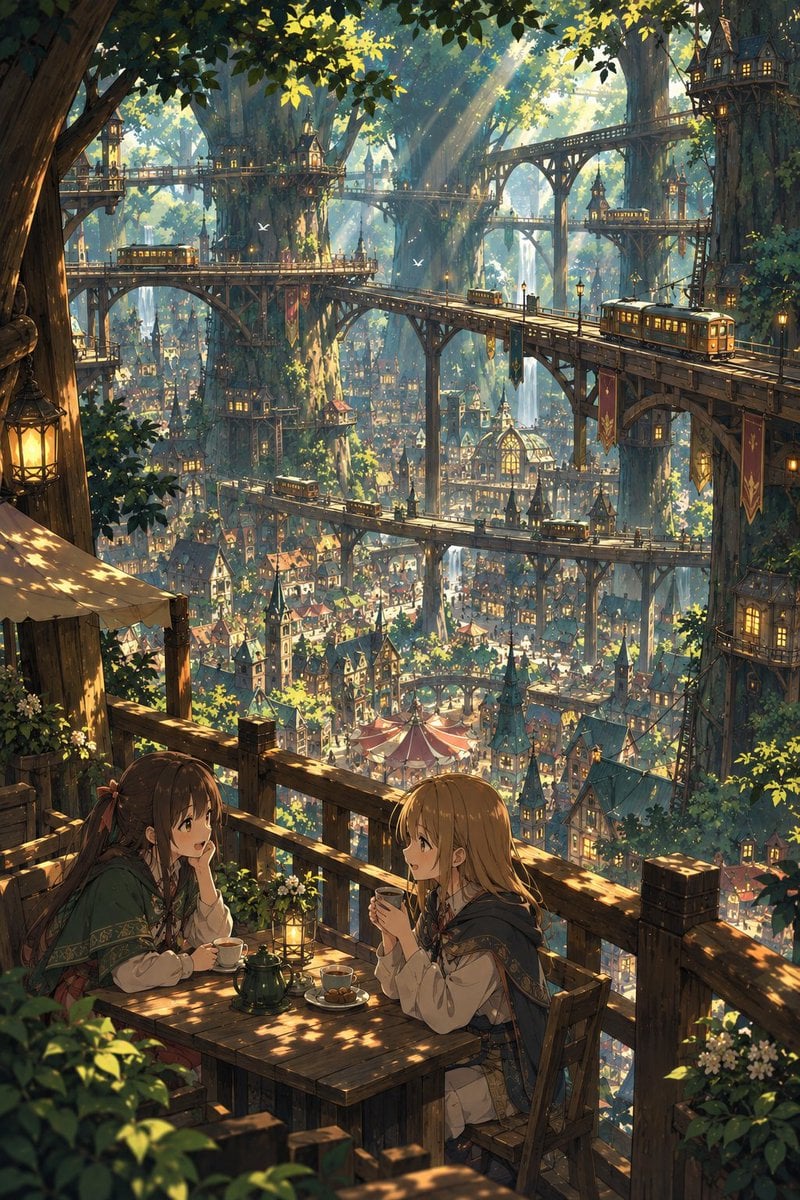
A detailed text prompt for generating a vertical anime fantasy scene of two adventurers having tea above a vast treehouse city with elevated trams.
- Prompt included
- Model and format preset
- Free template
The prompt behind this image
Copy the exact prompt behind Anime Forest Tram City Café, or open it in the studio and make it yours.
Create a richly detailed vertical anime fantasy illustration of two young women relaxing at a small wooden café table on a high balcony built into an enormous forest city. In the foreground, show exactly 2 characters: a brown-haired girl in a green cloak on the left, leaning on one hand and smiling while holding a teacup, and a blonde girl in a blue-and-cream adventurer outfit on the right, seated with both hands around a cup, facing her friend. The table should include exactly 5 visible tabletop items: one dark green teapot, two teacups, one small plate with pastries, and one glowing lantern. Surround them with wooden railings, flower boxes, leafy plants, a canvas awning, and warm dappled sunlight. Beyond the balcony, reveal a vast vertical elven/treehouse metropolis built among gigantic ancient trees, with countless cozy houses, spires, market tents, hanging banners, glowing windows, and multiple elevated wooden bridges and rail lines layered into the distance. Include exactly 5 visible tram cars on the elevated tracks at different depths, with warm lit windows. Add a few small white birds flying in the sunbeams. Use a breathtaking high-angle composition, immense depth, intricate architecture, golden morning light filtering through dense green canopy, soft atmospheric haze, painterly anime style, cinematic fantasy worldbuilding, extremely detailed but clean linework, warm inviting mood, no text, no watermark. Customization slots: the city should feel like {argument name="fantasy city type" default="an elven forest tram city"}, the foreground characters should be {argument name="main characters" default="two young female adventurers having tea"}, the lighting should be {argument name="lighting mood" default="golden morning sunbeams through leaves"}, the setting details should emphasize {argument name="architectural focus" default="wooden bridges, treehouse towers, and elevated tram rails"}, and the art style should be {argument name="art style" default="highly detailed painterly anime fantasy illustration"}.
How to use Anime Forest Tram City Café in 3 steps
- 1Upload ImagePNG, JPG or paste
Add your photo
Upload the photo the template builds on. The prompt, model and format are already set.
- 2…a portrait of your subject in softgolden-hour light, 85mm…
Personalize
Edit the subject and creative details for your destination.
- 3Generate
Generate
Press Generate — your image is created in PicX Studio, so you can compare it with the original and refine one variable at a time.
More like this
Templates with the same subject, style or setup. Open one to see its prompt.










Make it yours
Anime Forest Tram City Café works as-is. These are the safest ways to change it without losing the look.
Change one field
Copy a single group, rewrite it, and generate again so you can see what that field is doing.
Keep the frame, change the subject
Hold the composition and light of Anime Forest Tram City Café, then swap wardrobe, props or the person for a new take.
| If the result… | Why | Fix |
|---|---|---|
| The result drifts from the preview | Too many fields changed at once. | Reuse Anime Forest Tram City Café as-is first, then change one group — subject, light, or setting. |
| The model over-stylizes the scene | The prose prompt leaves finish and camera underspecified. | Add one camera or lighting sentence and stay on GPT Image 2. |
More GPT Image 2 templates
Other prompts made for GPT Image 2.

Six VTuber Japanese Logo Sheet

Realistic Portrait of Woman and Deer

The Vista Modular Condo Poster

AI Model Routing Comparison Infographic

2.5D Anime Art Board

Isometric Productivity Desk Scene

New York Double Exposure Poster

Four-Panel AI Landscape Comparison

Japanese Tatami Lifestyle Magazine Cover

NESCAFÉ Coffee Map Poster
More image prompts
Fresh picks from across the catalog.

Customizable Chat Interface Image Generation Prompt
Daisy Field Cinematic Portrait
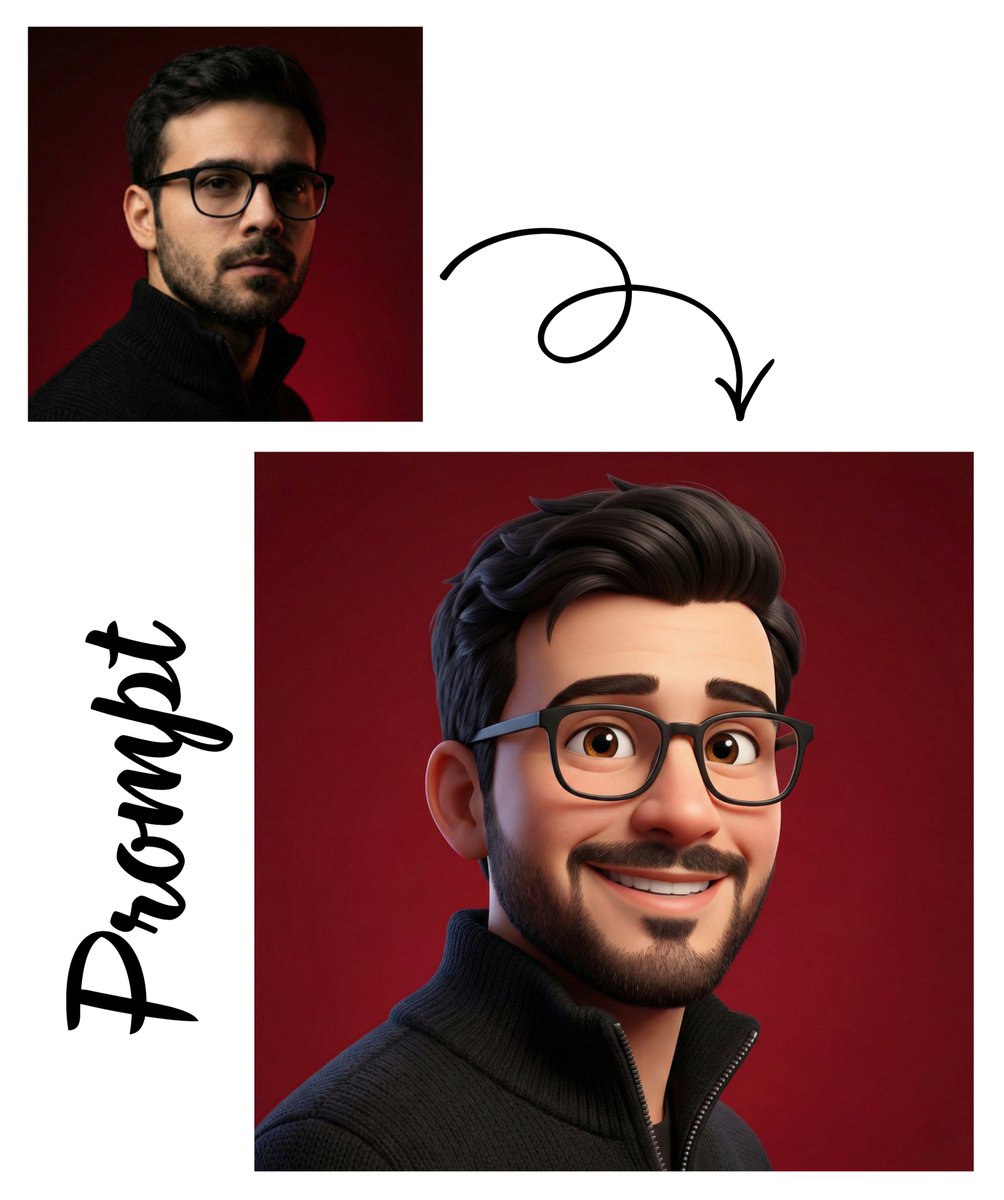
Pixar-Style 3D Avatar Generation

Surreal deep sea storage illusion prompt
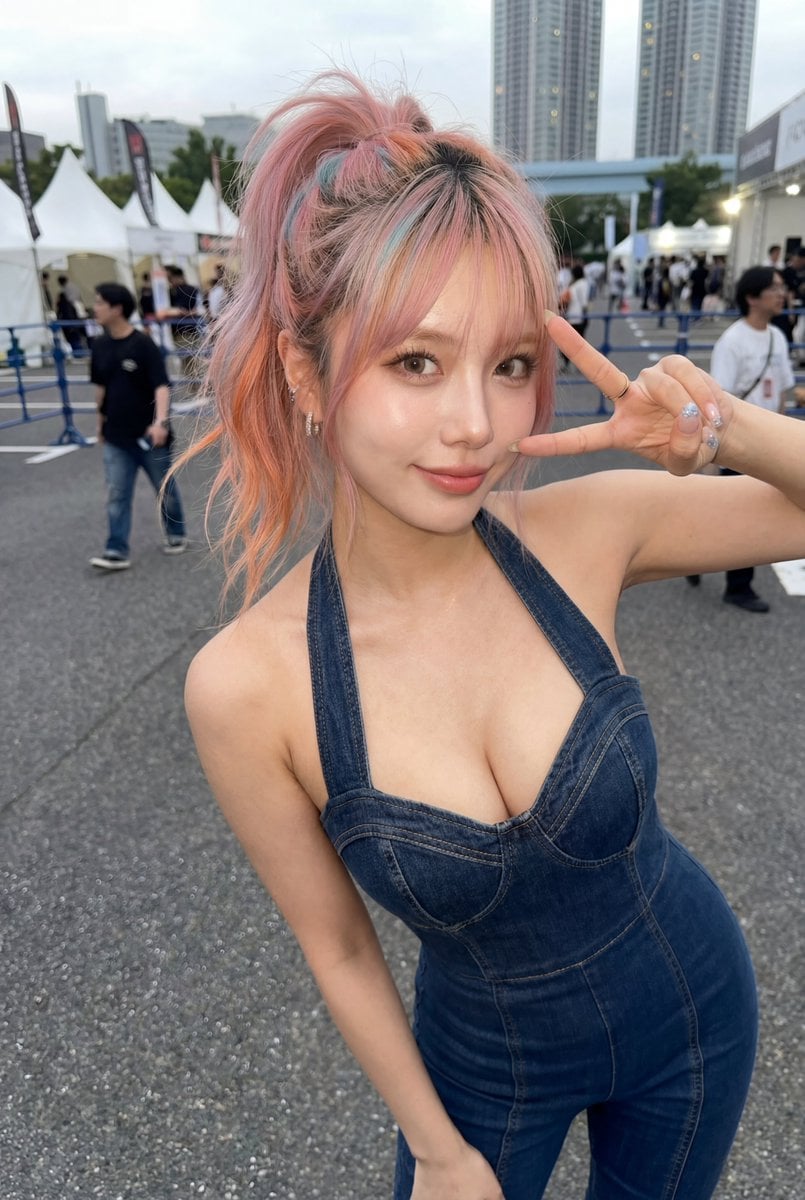
Candid Denim Overall Event Photo
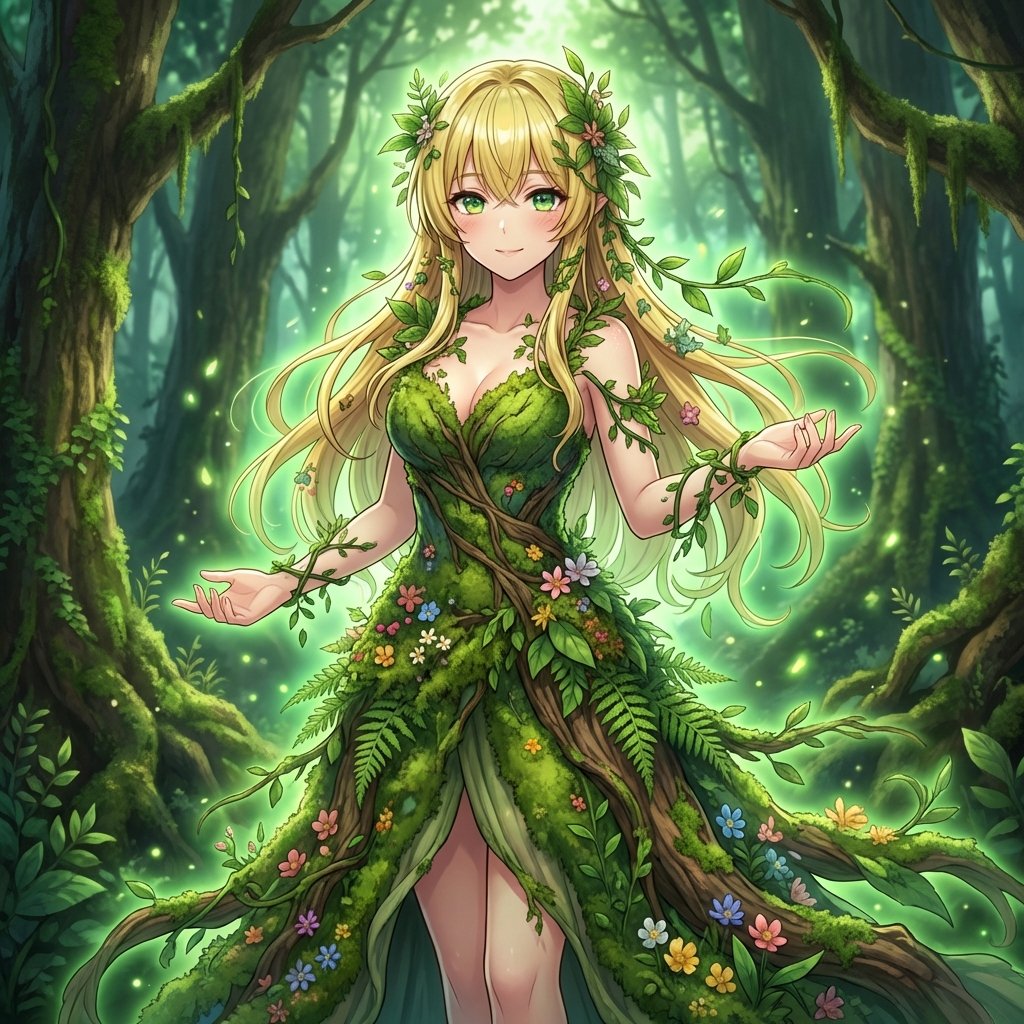
AI Transformation to Dryad
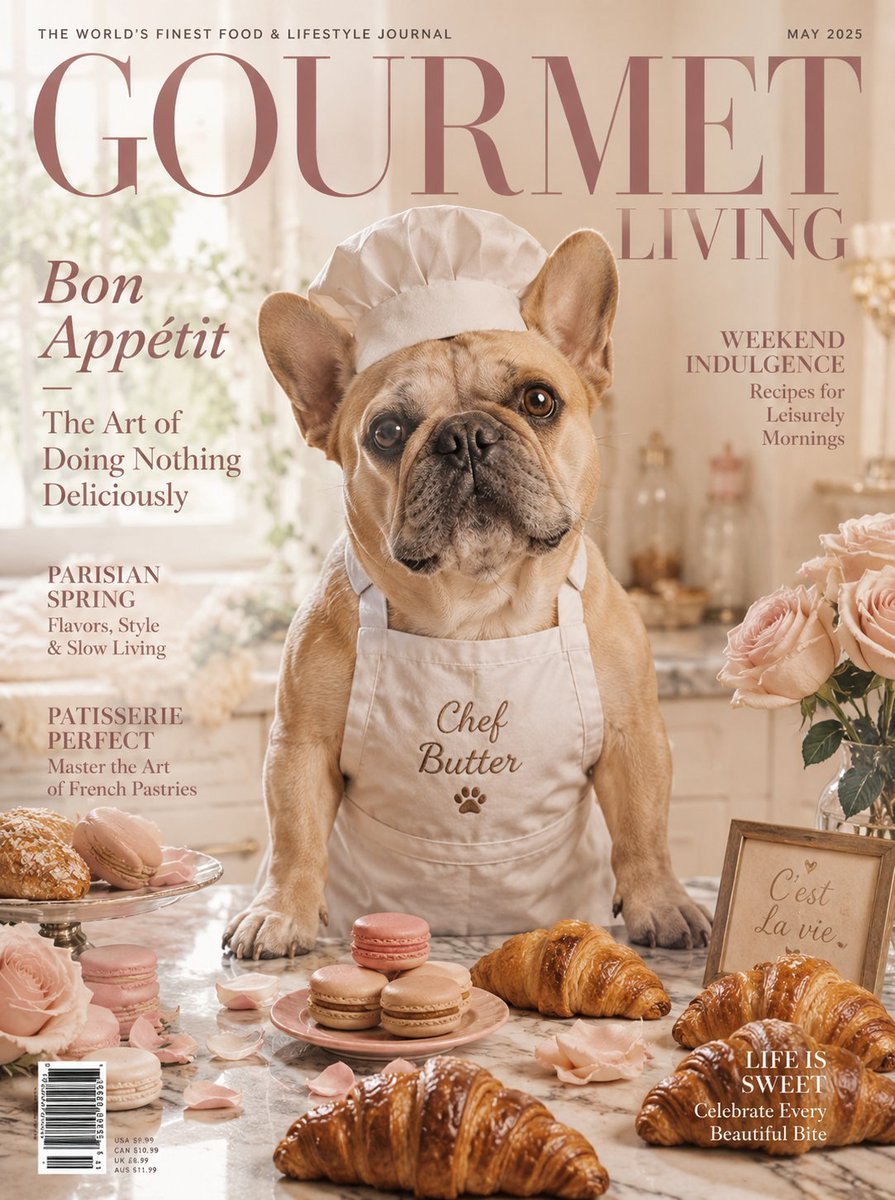
French Bulldog Pastry Chef Magazine Cover
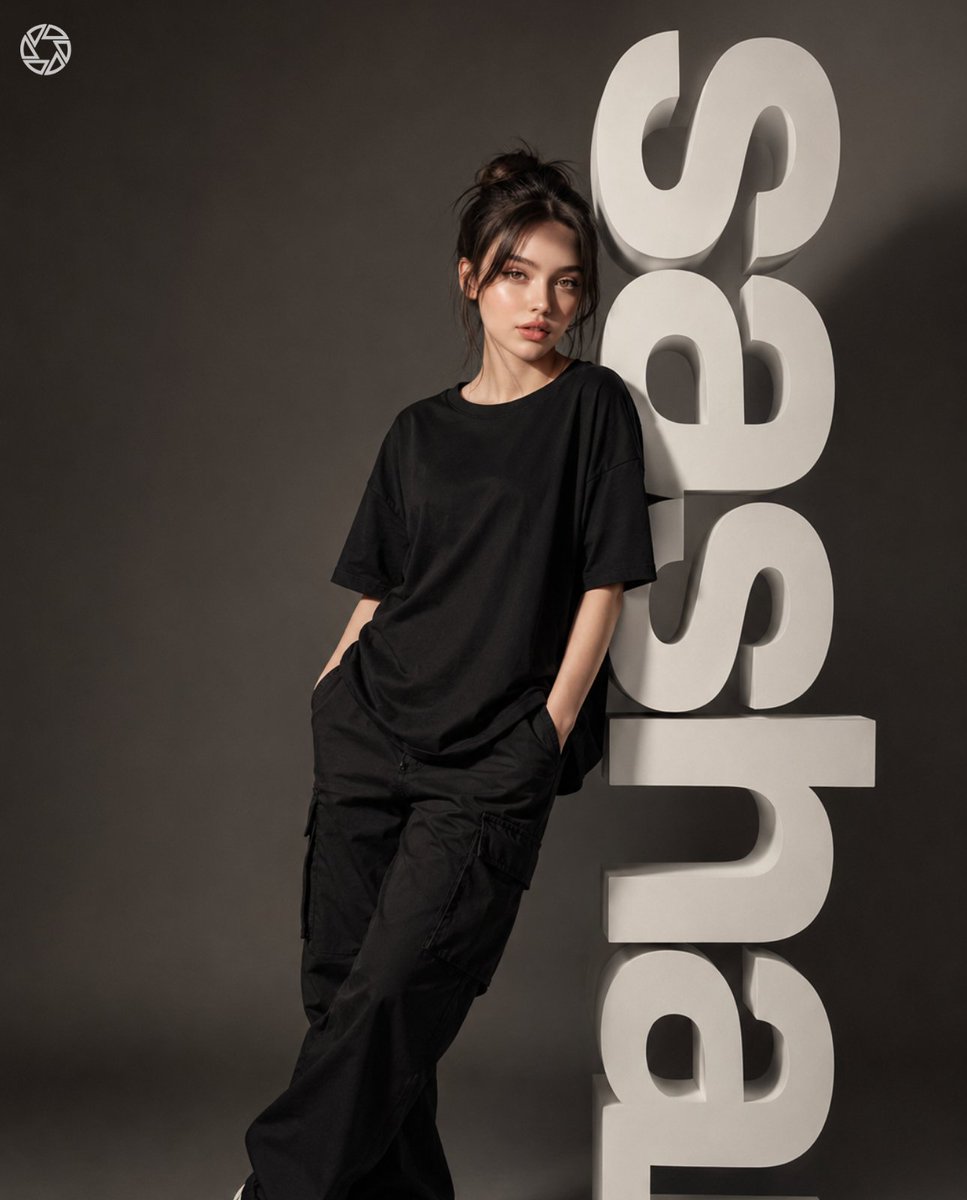
3D Block Letter Fashion Portrait
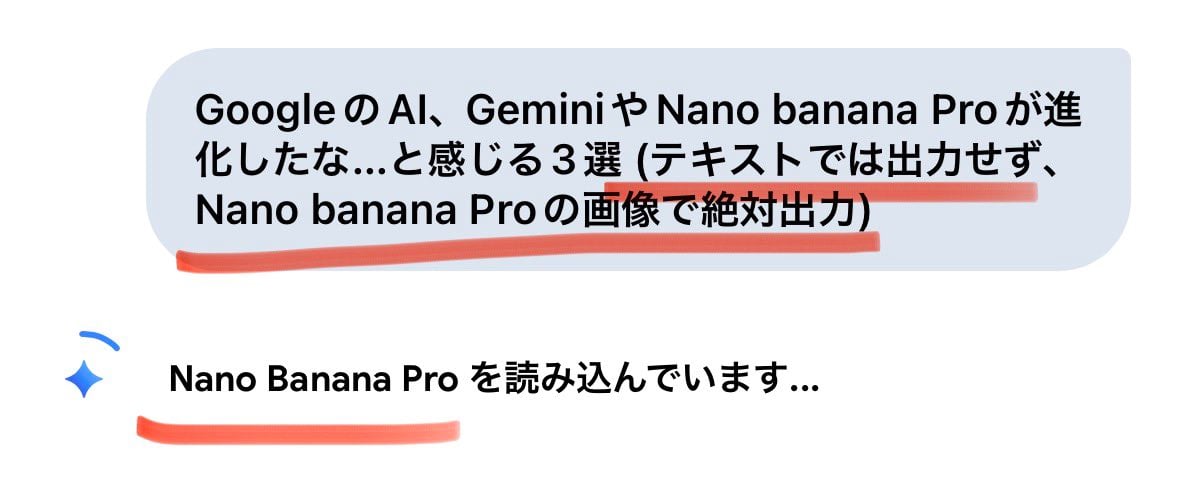
Forcing Image Output in Nano Banana Pro
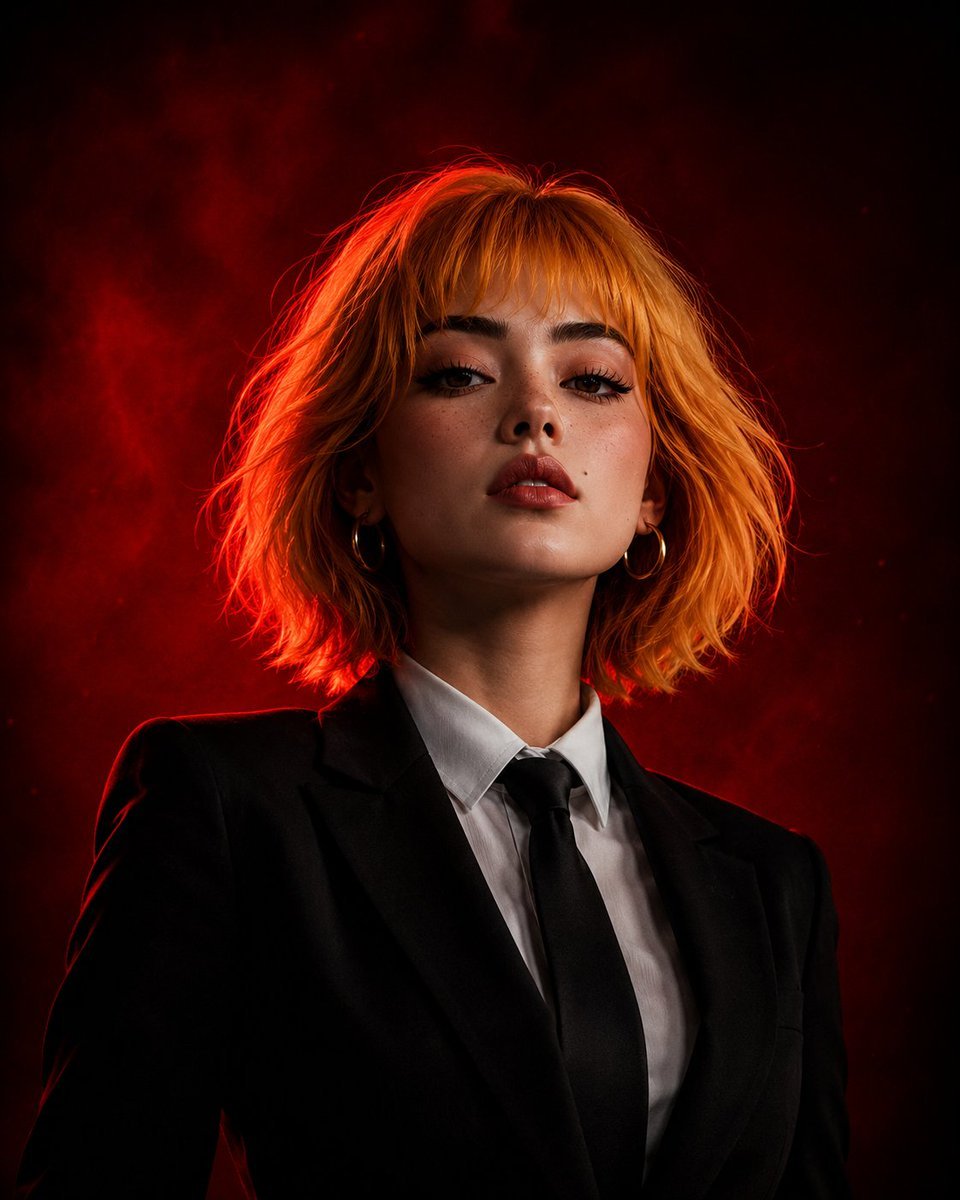
Cinematic Girl Boss Portrait
Browse template categories
Anime Forest Tram City Café questions
How do I use the Anime Forest Tram City Café template?
Add your photo if the template asks for one, edit the prompt if you like — the template's model and format are already selected — and press Generate. Your version opens in PicX Studio.
Can I customize the Anime Forest Tram City Café template?
Yes. You can change the subject, setting, lighting, mood, format, and available model controls before creating your image.
Is the Anime Forest Tram City Café template free?
Opening and editing this template is free. Generating uses credits, shown on the Generate button when you are signed in.
Which AI model should I use?
Start with GPT Image 2, which is the model associated with this template. You can compare another compatible model for a different finish.
Looking for something else? Browse all templates.

Your photo, any look
Thousands of ready templates for every top image and video model, from one credit balance.