
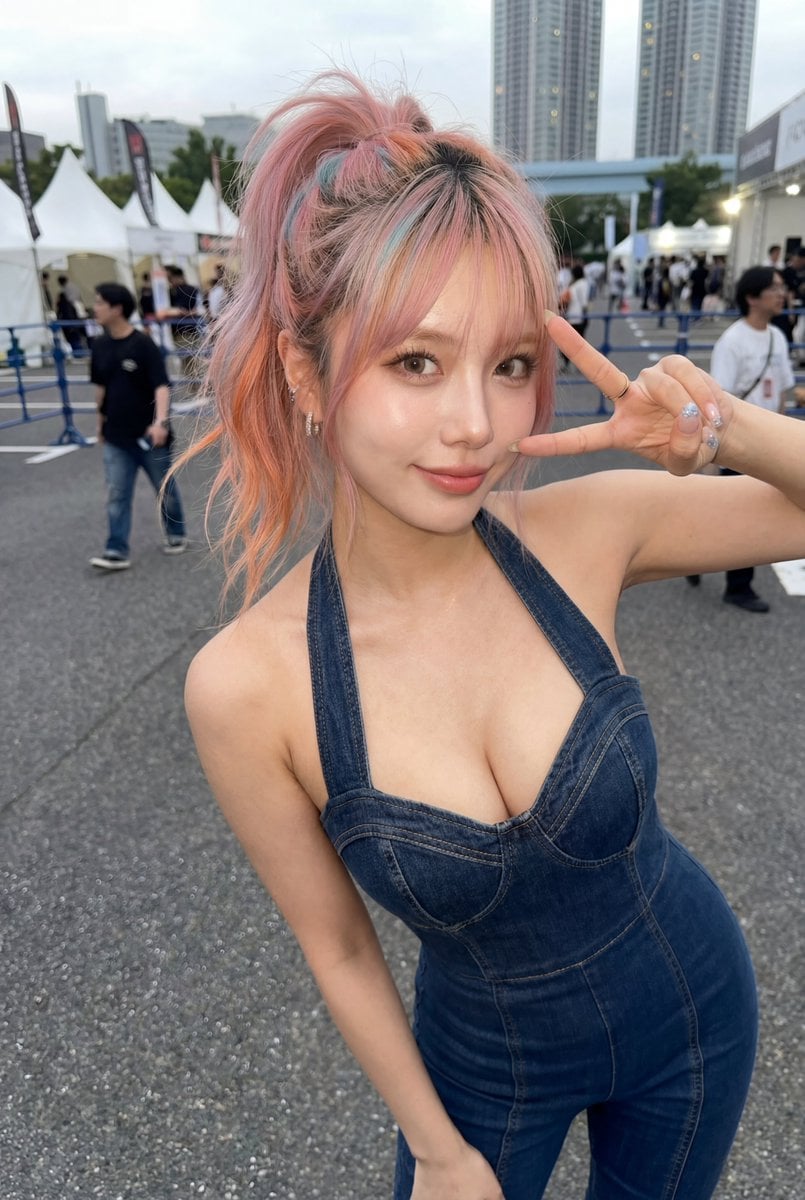
Candid Denim Overall Event Photo
A realistic vertical street-event photo of a playful young woman in dark denim overalls with colorful ponytail hair and an anonymized face.
- Prompt included
- Model and format preset
- Free template
The prompt behind this image
Copy the exact prompt behind Candid Denim Overall Event Photo, or open it in the studio and make it yours.
Create a realistic candid smartphone photo of a young woman at an outdoor city event, shot from a close slightly high-angle perspective with a wide-angle lens. She is leaning playfully toward the camera, making a sideways peace sign beside her face with her right hand, while her left arm hangs down. Her face is intentionally covered by a flat opaque square censor block in a muted skin-tone color. She has a high messy ponytail with {argument name="hair color" default="pink peach hair with a small teal-blue streak"}, loose wispy strands, small earrings, rings, and glossy decorated nails. She wears a fitted dark indigo denim halter overall jumpsuit with visible seams, structured bust cups, thick straps, and a snug waist, giving an energetic street-fashion look. The background is an outdoor festival or expo entrance on asphalt, with white peaked event tents, blue crowd-control railings, scattered pedestrians slightly motion-blurred, tall modern apartment towers, cloudy daylight sky, and shallow depth of field. Use natural lighting, realistic skin texture, casual Japanese urban atmosphere, vertical 2:3 composition, candid social-media photo style, no text, no watermark.
How to use Candid Denim Overall Event Photo in 3 steps
- 1Upload ImagePNG, JPG or paste
Add your photo
Upload the photo the template builds on. The prompt, model and format are already set.
- 2…a portrait of your subject in softgolden-hour light, 85mm…
Personalize
Edit the subject and creative details for your destination.
- 3Generate
Generate
Press Generate — your image is created in PicX Studio, so you can compare it with the original and refine one variable at a time.
More like this
Templates with the same subject, style or setup. Open one to see its prompt.

Sunday Afternoon, 1988

Our Song was on a Cassette

The Date After College

80s College Gate

1988 Mall Style

Teen Girl Alpine Lake Mountain View
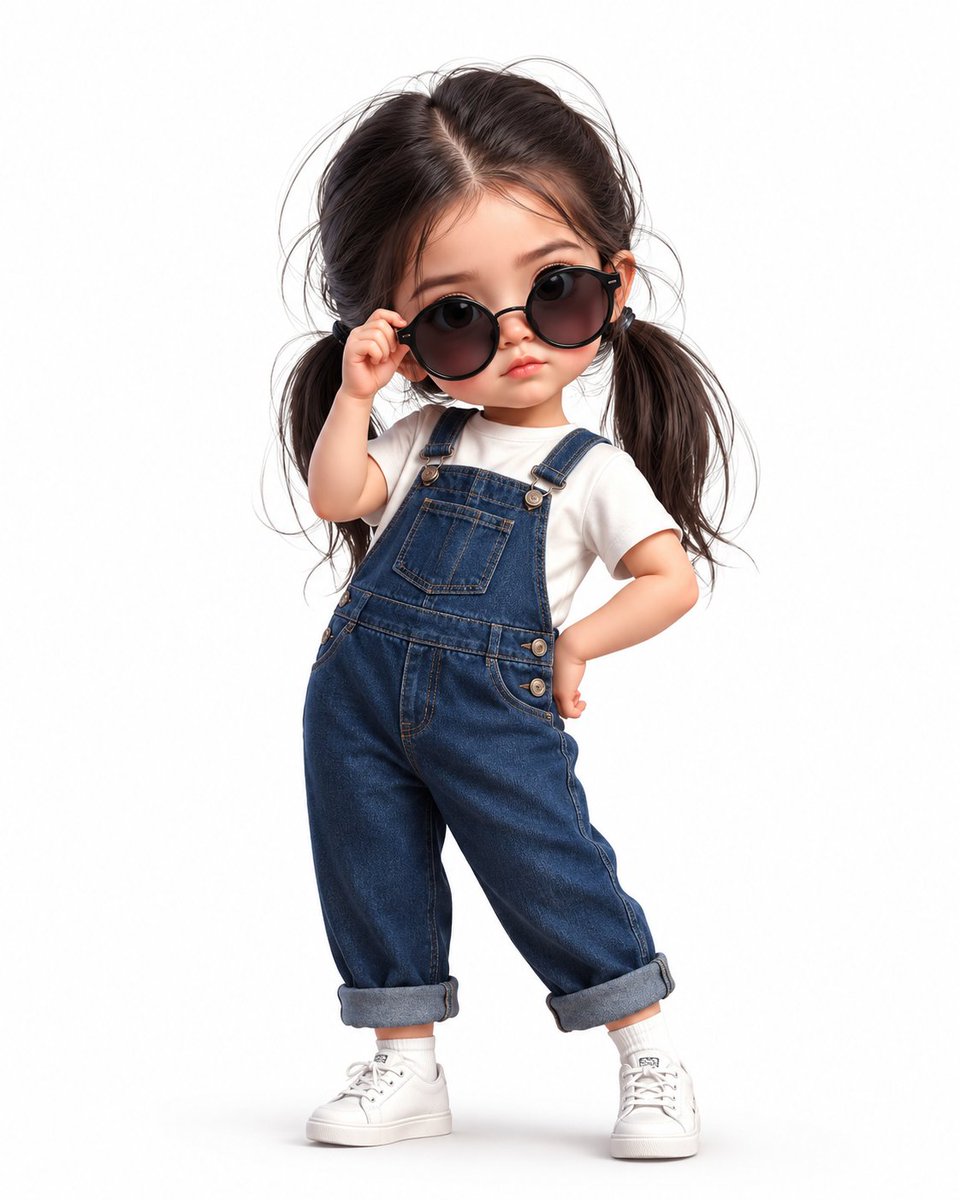
Chibi Girl in Denim Overalls

Cat Photobomb Selfie — 0.5x Wide Angle Café Chaos
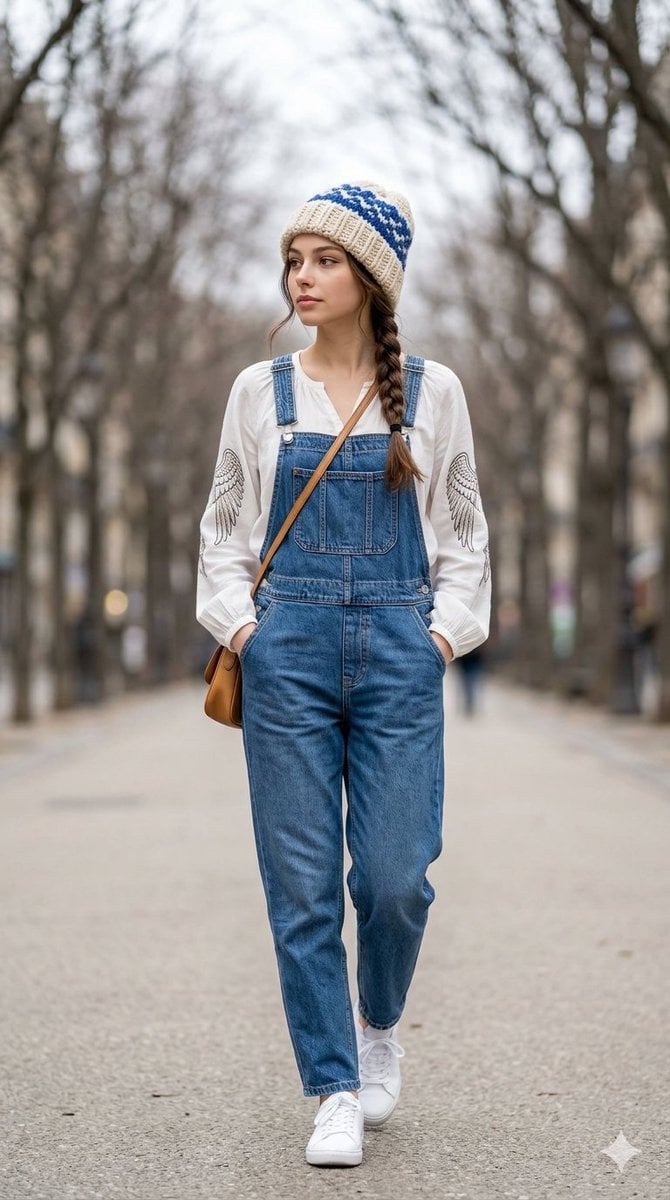
Street Fashion Walk in Denim Overalls

Cinematic Street Fashion Portrait Motion Blur Crowd

Nostalgic Digicam Café Afternoon Portrait

Neon Night Crosswalk Candid Portrait
Make it yours
Candid Denim Overall Event Photo works as-is. These are the safest ways to change it without losing the look.
Change one field
Copy a single group, rewrite it, and generate again so you can see what that field is doing.
Keep the frame, change the subject
Hold the composition and light of Candid Denim Overall Event Photo, then swap wardrobe, props or the person for a new take.
| If the result… | Why | Fix |
|---|---|---|
| The result drifts from the preview | Too many fields changed at once. | Reuse Candid Denim Overall Event Photo as-is first, then change one group — subject, light, or setting. |
| The model over-stylizes the scene | The prose prompt leaves finish and camera underspecified. | Add one camera or lighting sentence and stay on GPT Image 2. |
More GPT Image 2 templates
Other prompts made for GPT Image 2.

Six VTuber Japanese Logo Sheet

Realistic Portrait of Woman and Deer

The Vista Modular Condo Poster

AI Model Routing Comparison Infographic

2.5D Anime Art Board

Isometric Productivity Desk Scene

New York Double Exposure Poster

Four-Panel AI Landscape Comparison

Japanese Tatami Lifestyle Magazine Cover

NESCAFÉ Coffee Map Poster
More image prompts
Fresh picks from across the catalog.
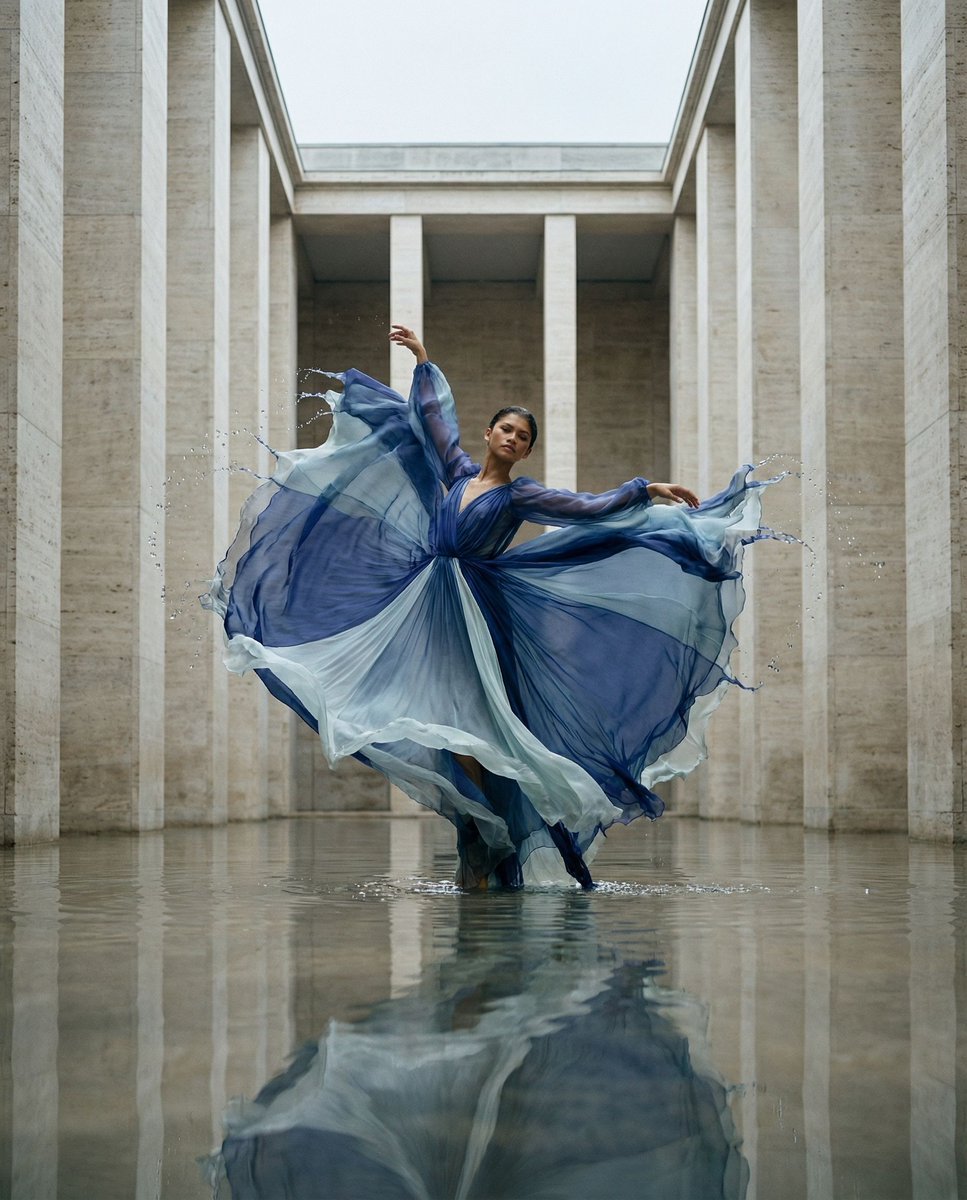
Cinematic Symmetrical Motion Portrait
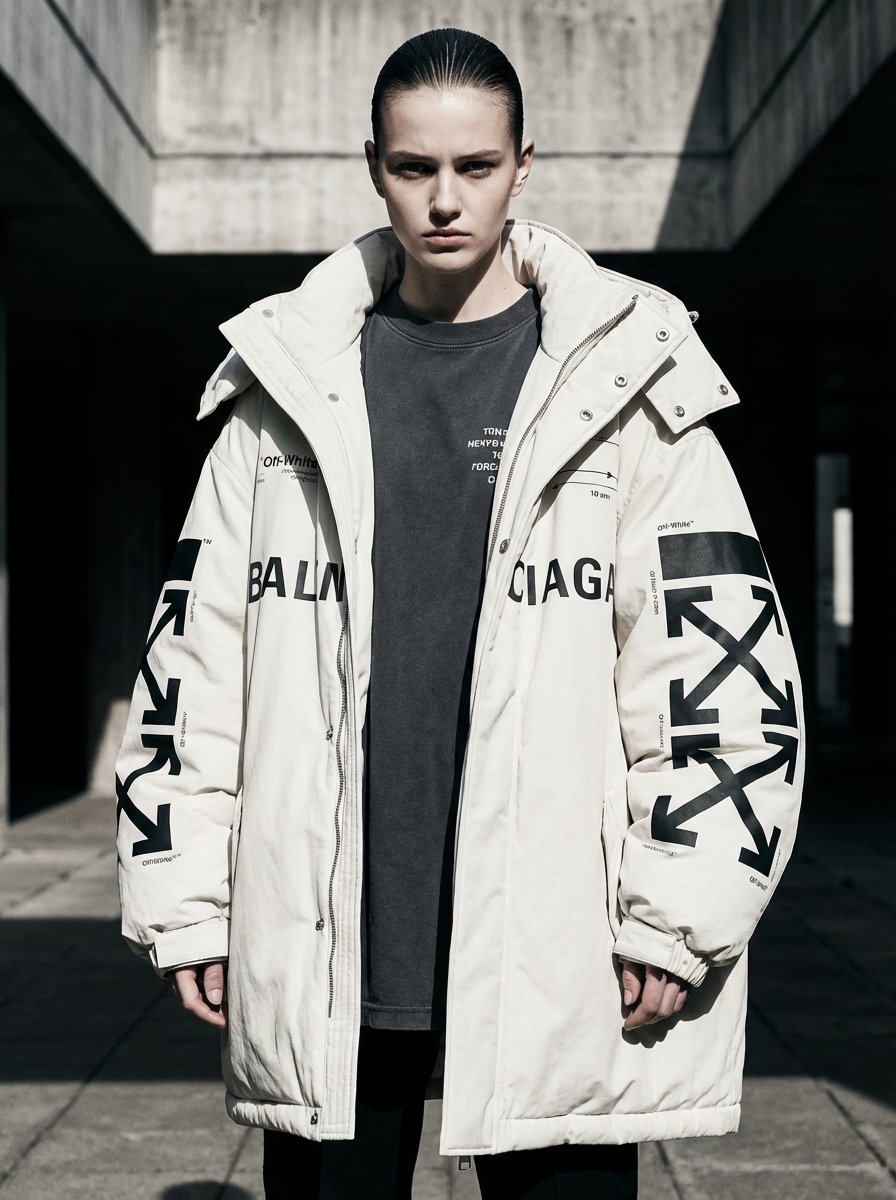
Off-White × Balenciaga Hypebeast Editorial
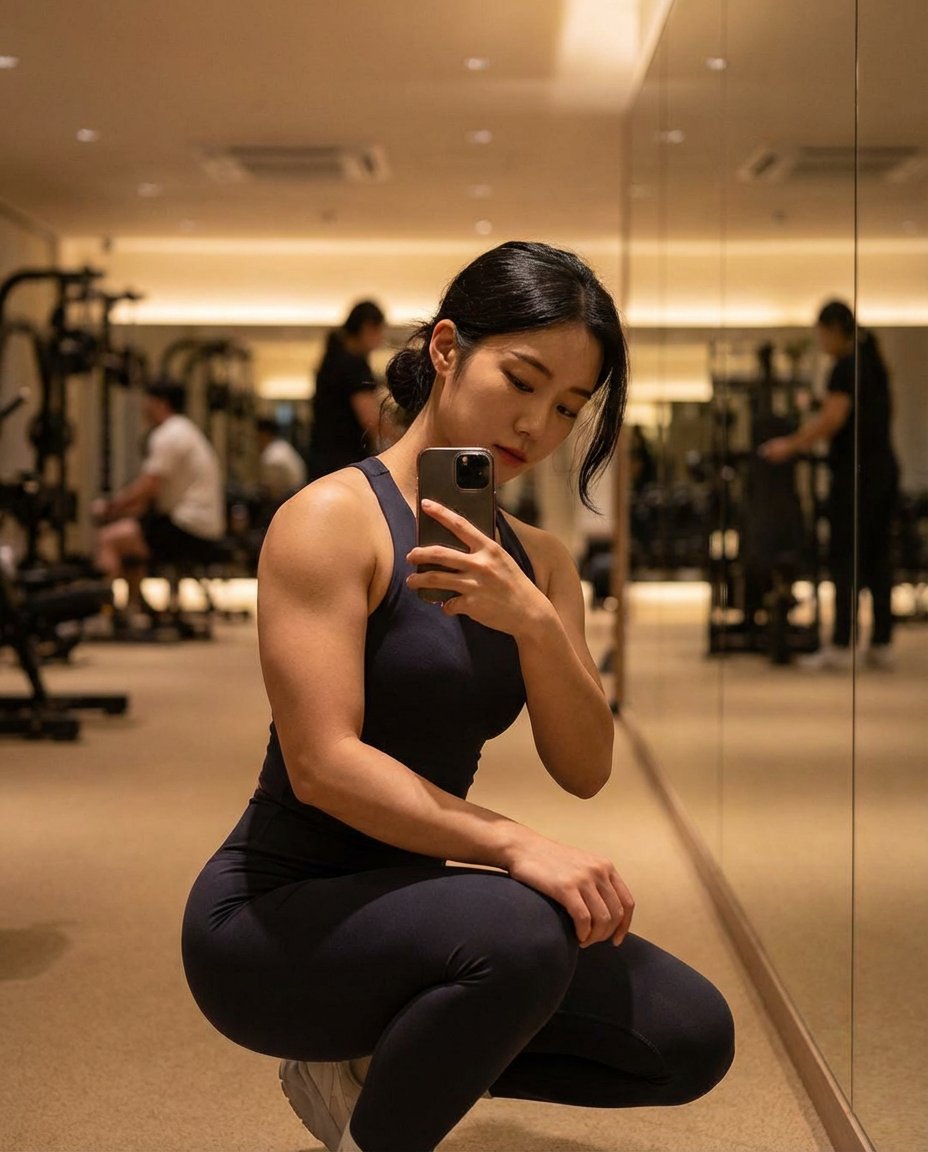
Photorealistic Gym Mirror Selfie (Mixed Heritage)
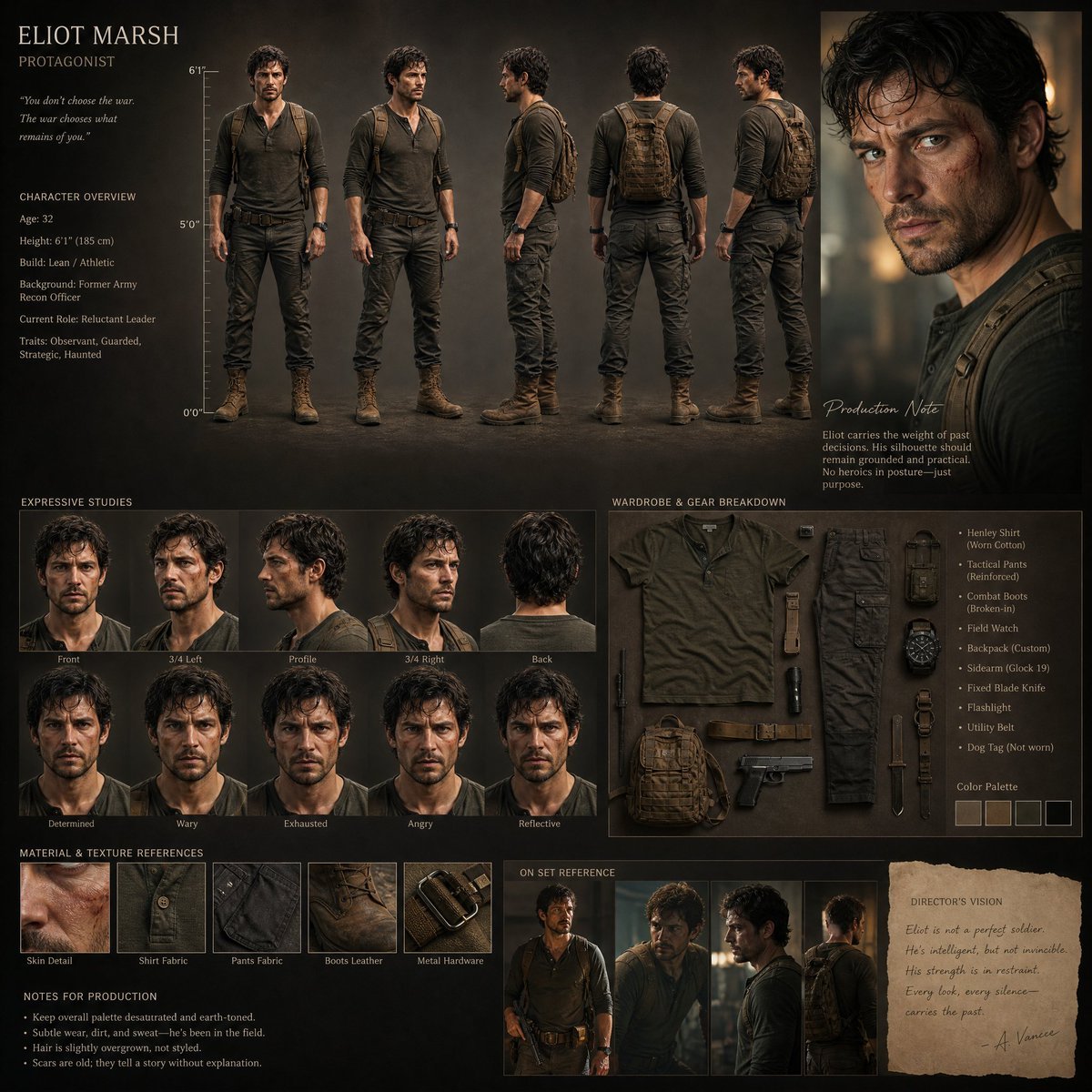
Realistic Character Design Board
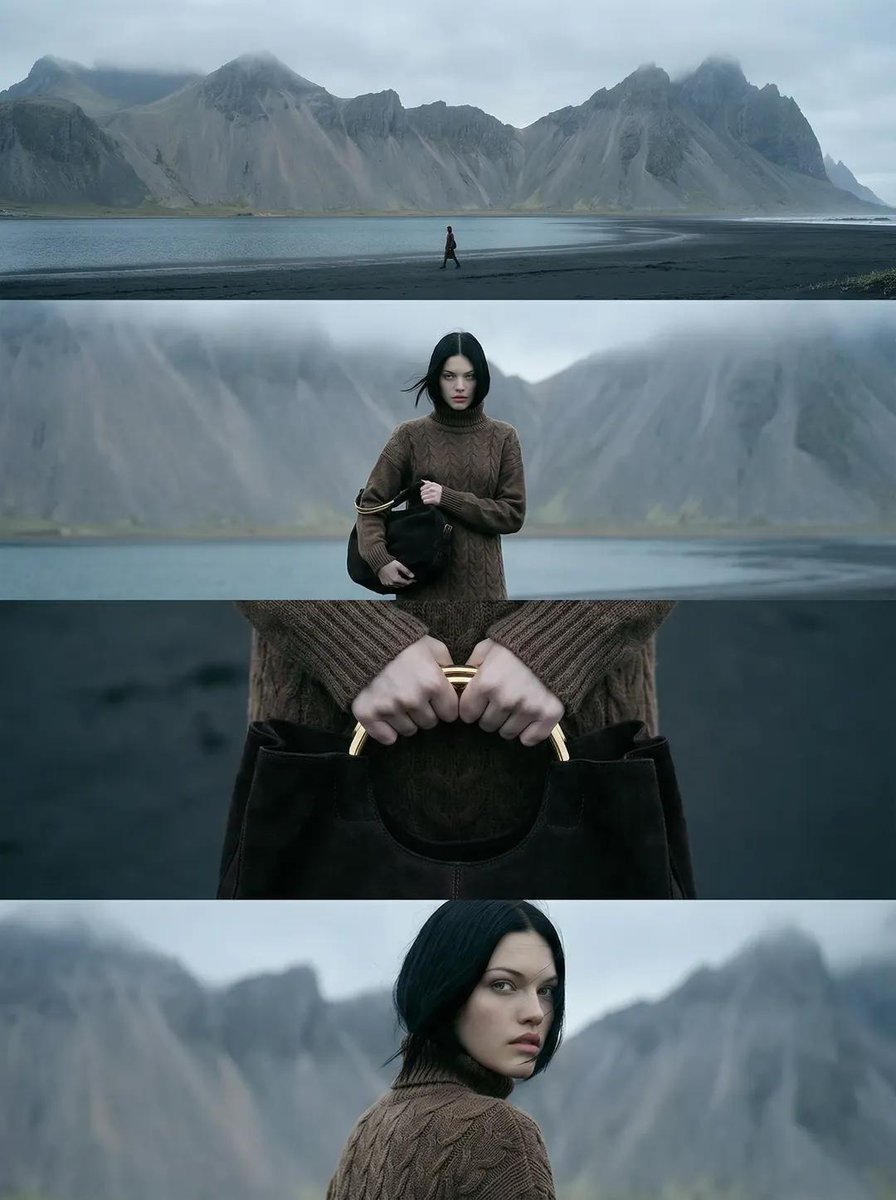
Cinematic Nordic Editorial Image Stack

GPT-Image2 E-Commerce Course Banner
Animation Style - Framer Motion
Motivational Sports Scrapbook Collage
Tiny World in Object Macro Photography

Hand-drawn Travel Journal Illustration
Browse template categories
Candid Denim Overall Event Photo questions
How do I use the Candid Denim Overall Event Photo template?
Add your photo if the template asks for one, edit the prompt if you like — the template's model and format are already selected — and press Generate. Your version opens in PicX Studio.
Can I customize the Candid Denim Overall Event Photo template?
Yes. You can change the subject, setting, lighting, mood, format, and available model controls before creating your image.
Is the Candid Denim Overall Event Photo template free?
Opening and editing this template is free. Generating uses credits, shown on the Generate button when you are signed in.
Which AI model should I use?
Start with GPT Image 2, which is the model associated with this template. You can compare another compatible model for a different finish.
Looking for something else? Browse all templates.

Your photo, any look
Thousands of ready templates for every top image and video model, from one credit balance.