How do I use the Pixar-Style 3D Avatar Generation template?
Choose the primary action to open PicX Studio with the available template settings. Review the model and format, personalize the creative direction, and generate when ready.
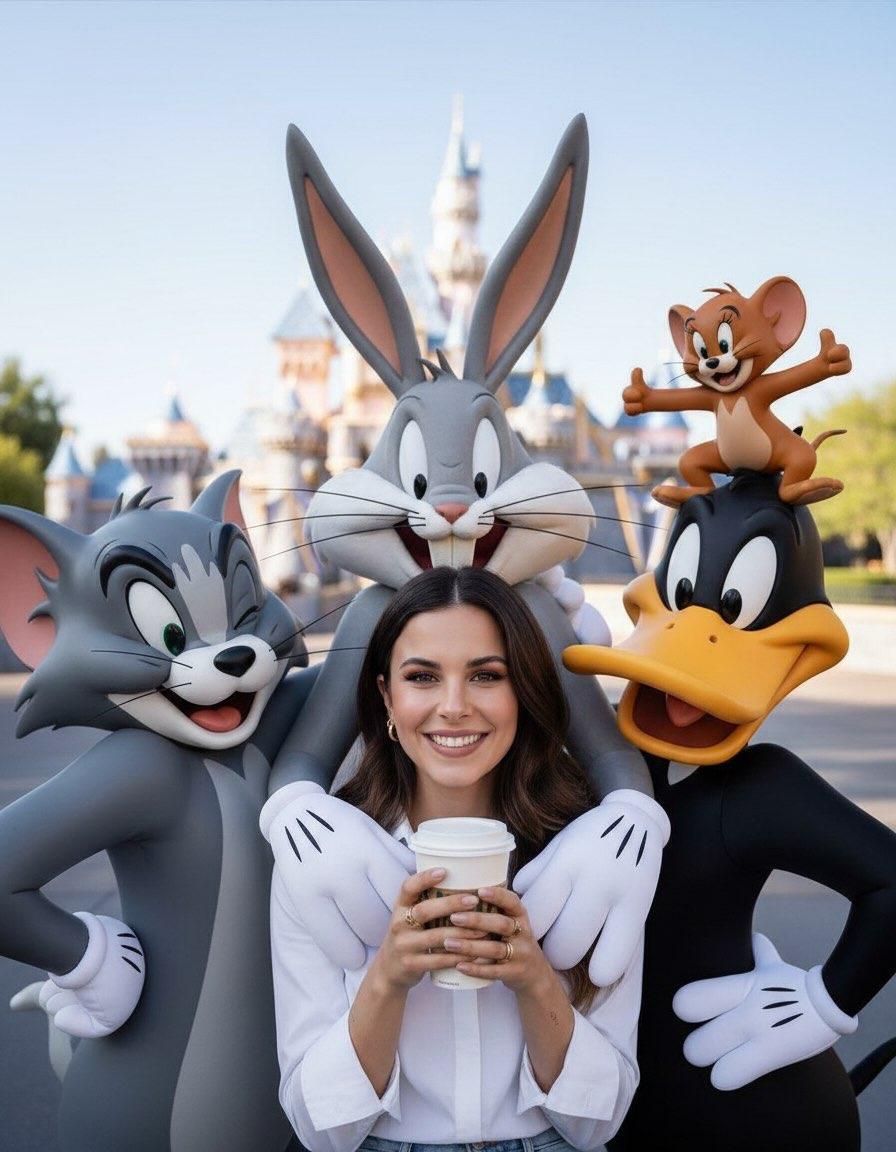
A prompt designed to convert an uploaded profile picture into a high-quality 3D avatar using a Pixar-style aesthetic, emphasizing cheerful expression, smooth te
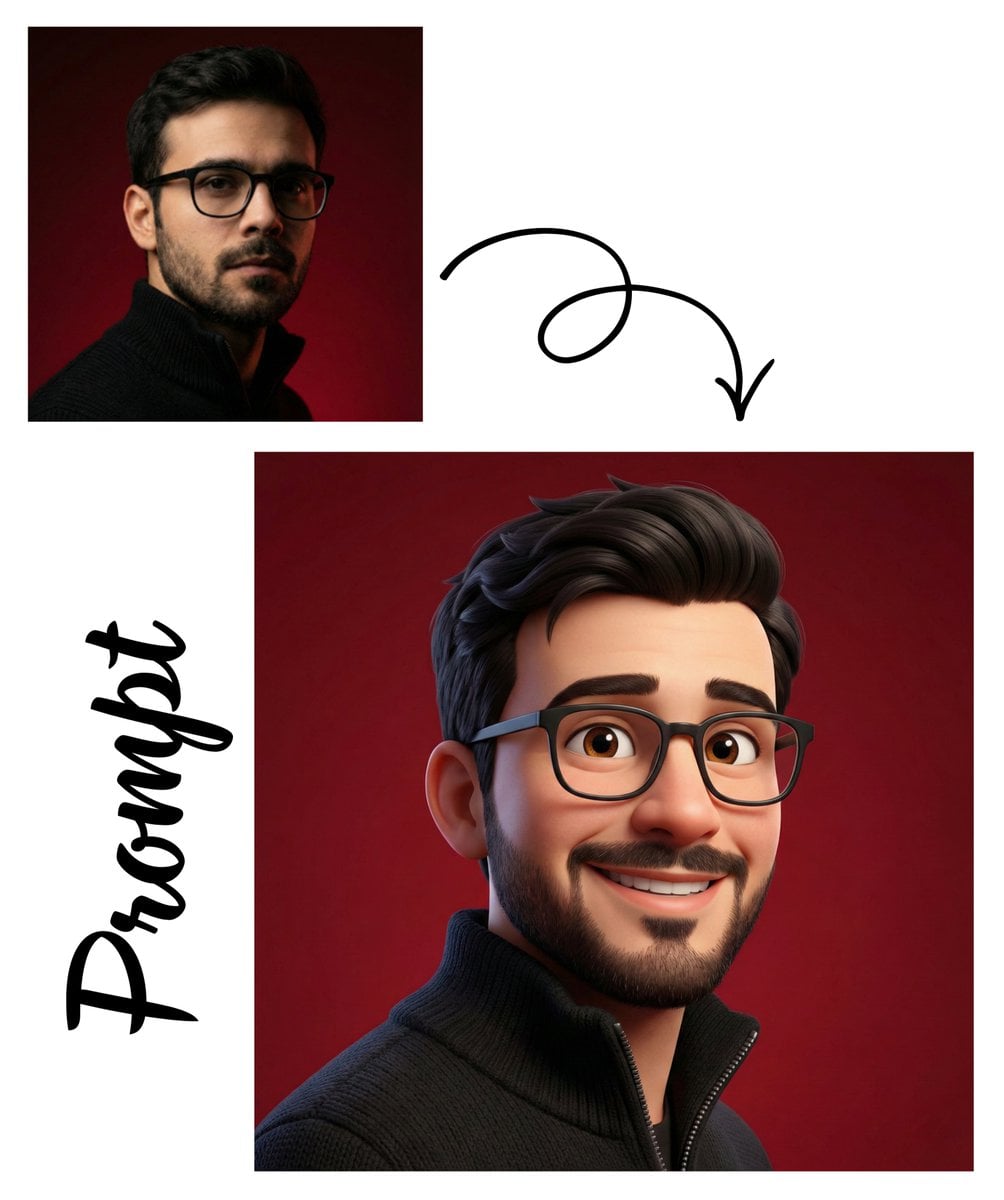
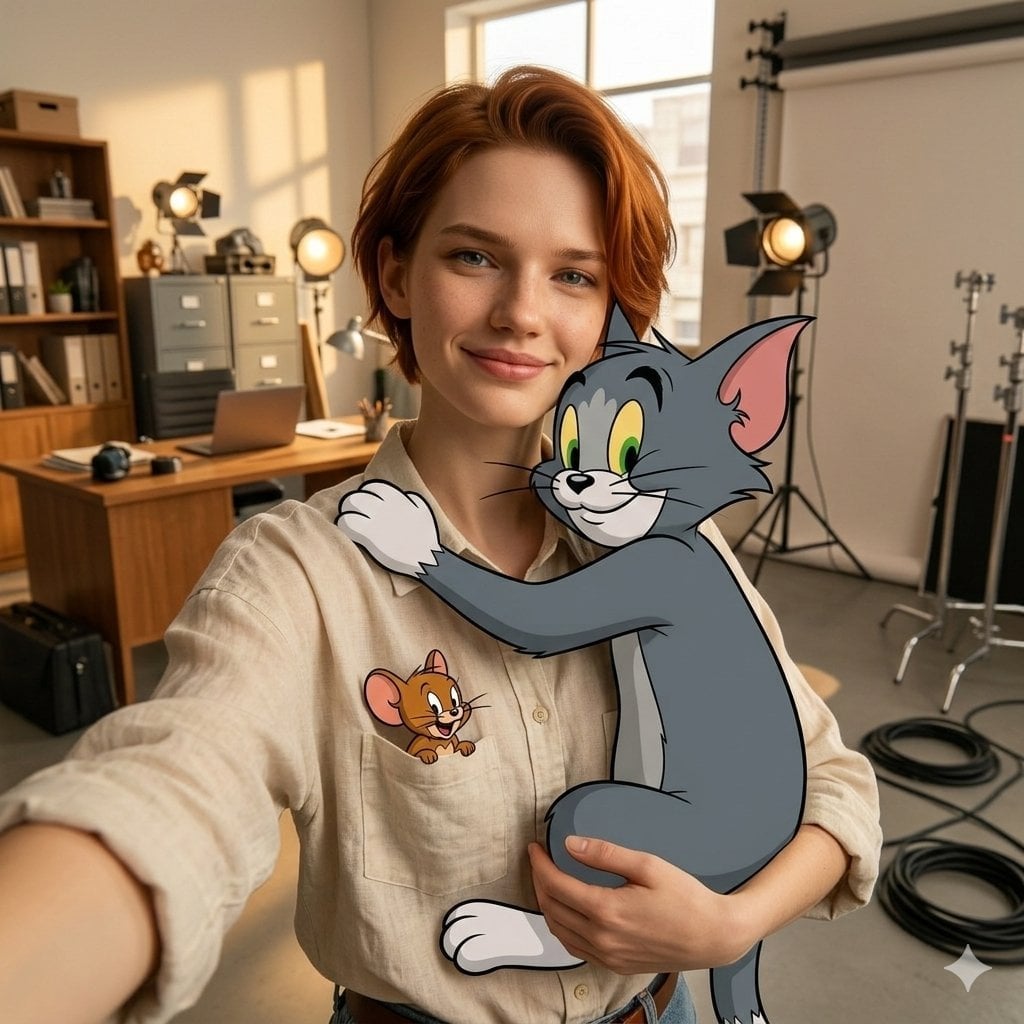
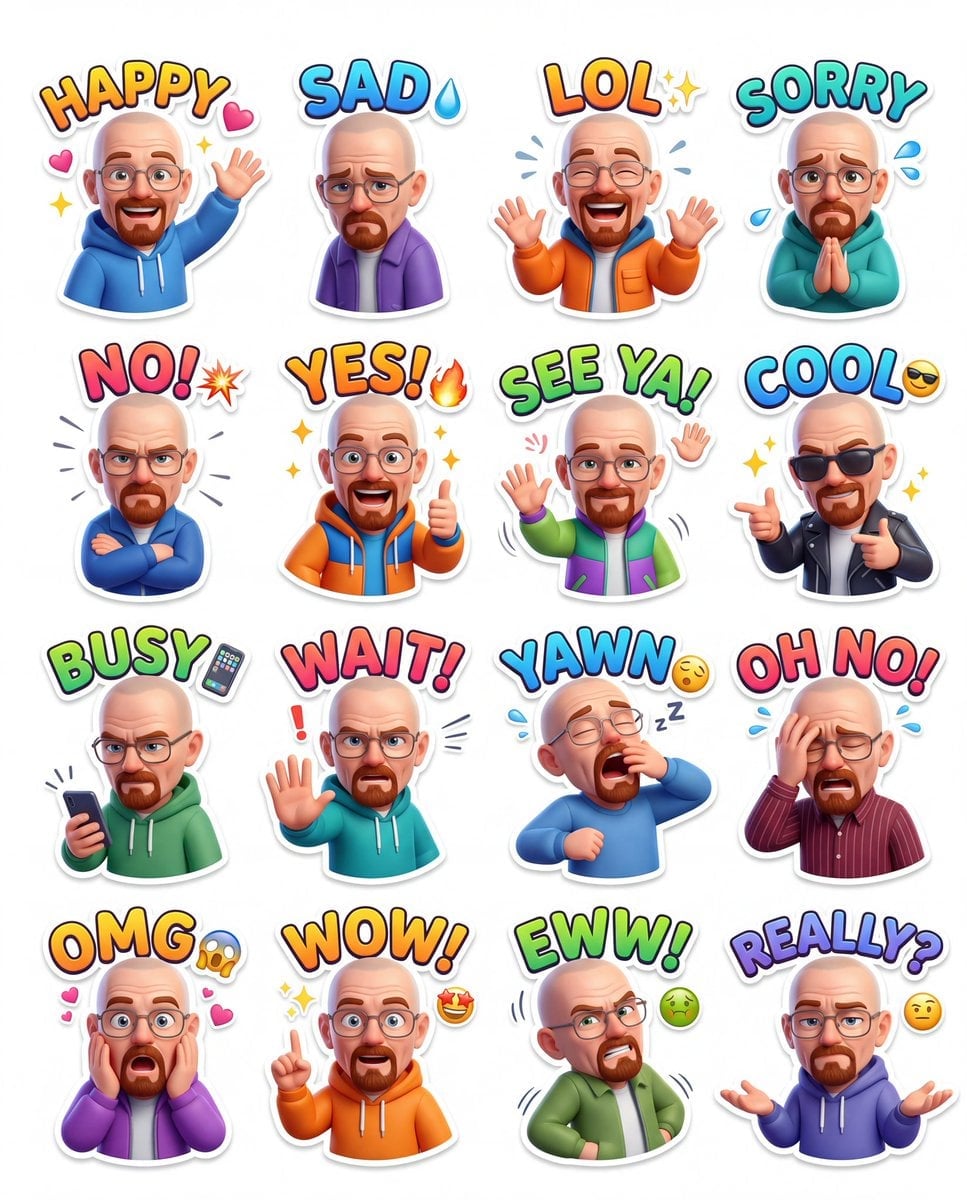
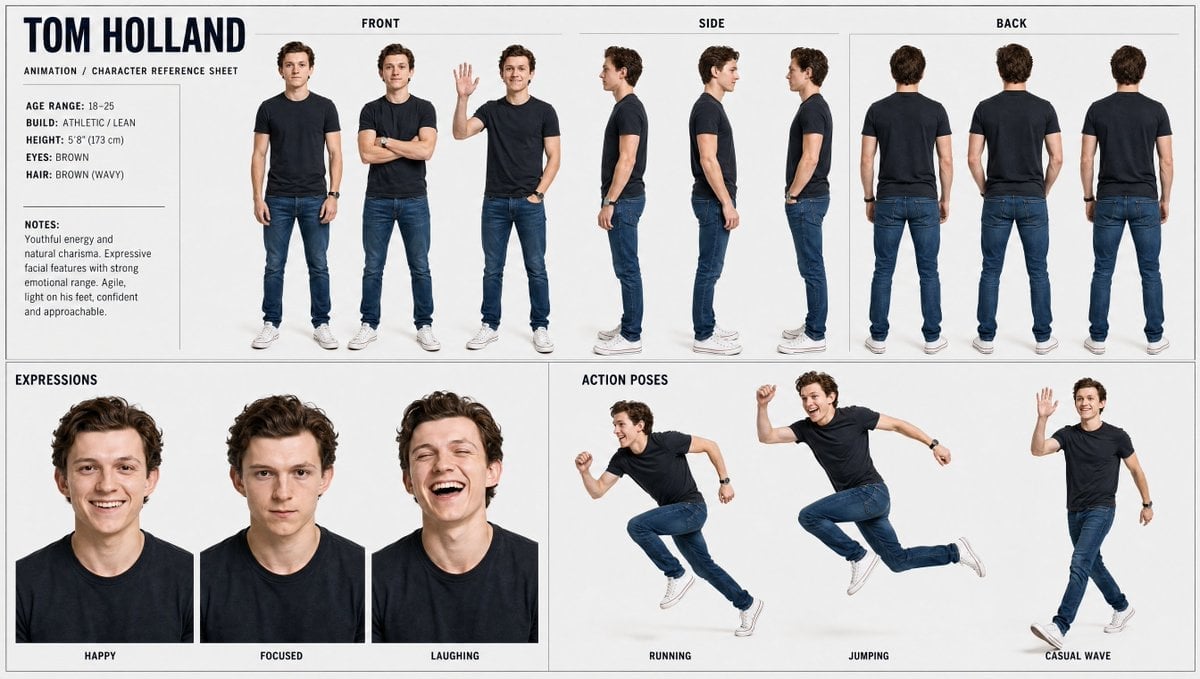
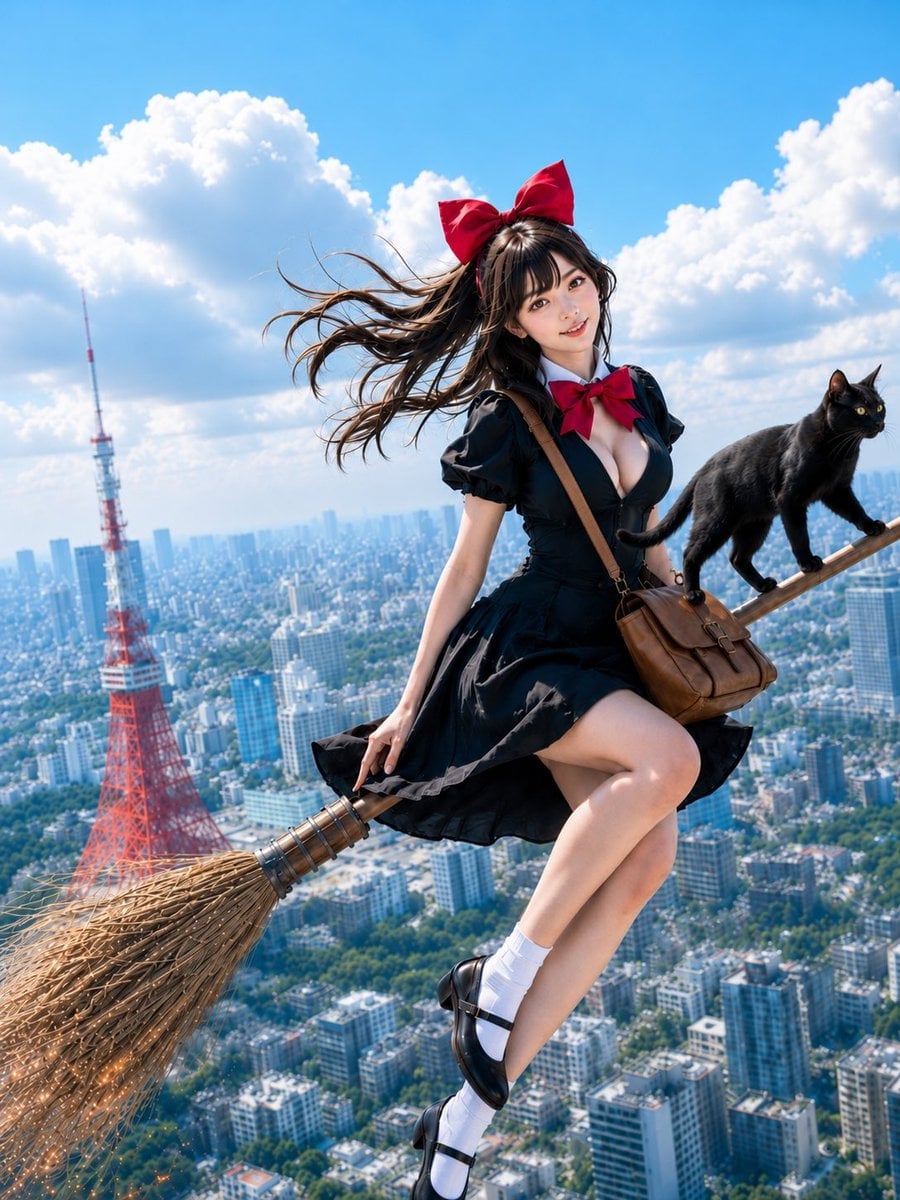
Create a high-quality 3D avatar of the person in the uploaded image with a cheerful, expressive face. The character should have a warm smile, bright eyes, and soft facial features that feel friendly and approachable. Render in a Pixar-style aesthetic with smooth textures, subtle skin shading, and slightly exaggerated proportions for a cute, animated look. Lighting should be soft and even, creating a clean studio look with gentle shadows for depth.
Choose the primary action to open PicX Studio with the available template settings. Review the model and format, personalize the creative direction, and generate when ready.
Yes. You can change the subject, setting, lighting, mood, format, and available model controls before creating your image.
This template is free to open and customize. Generation usage is shown in PicX Studio before you create.
Start with Nano Banana 2, which is the model associated with this template. You can compare another compatible model for a different finish.
Follow a topic to a crawlable collection of related PicX Studio templates.