
Hyper-realistic Indonesian Food Infographic Prompt
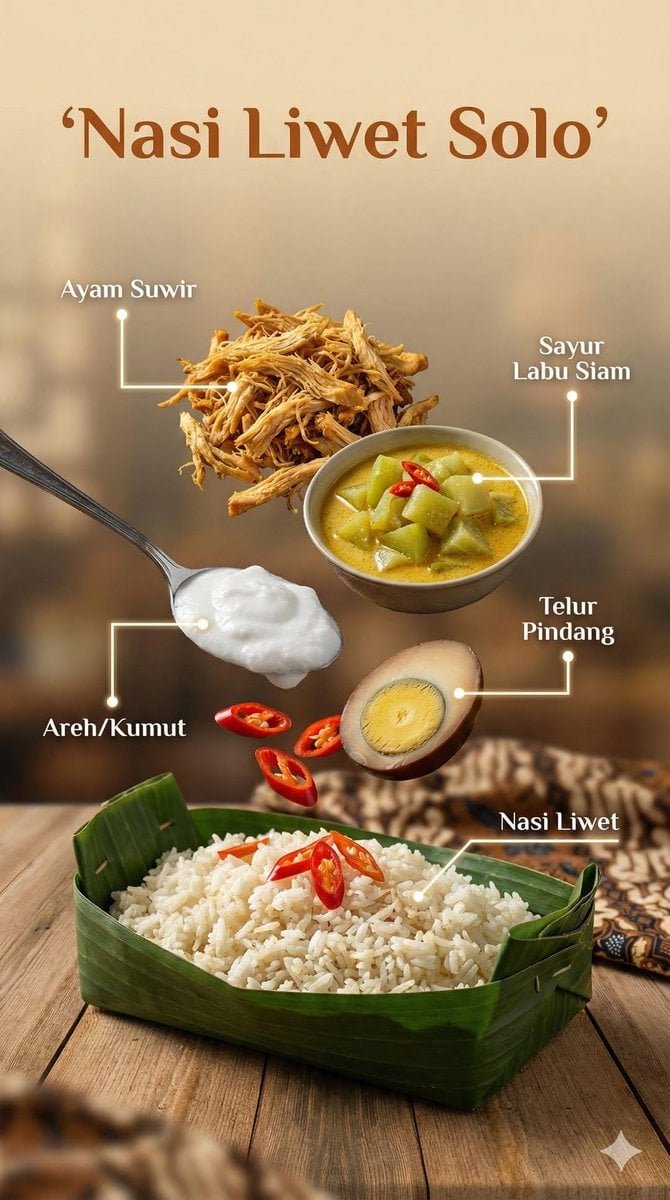
A structured JSON prompt for generating a hyper-realistic food infographic image of an Indonesian dish, featuring levitating ingredients (meat, tofu, herbs) above a bowl, emphasizing cinematic studio lighting and…
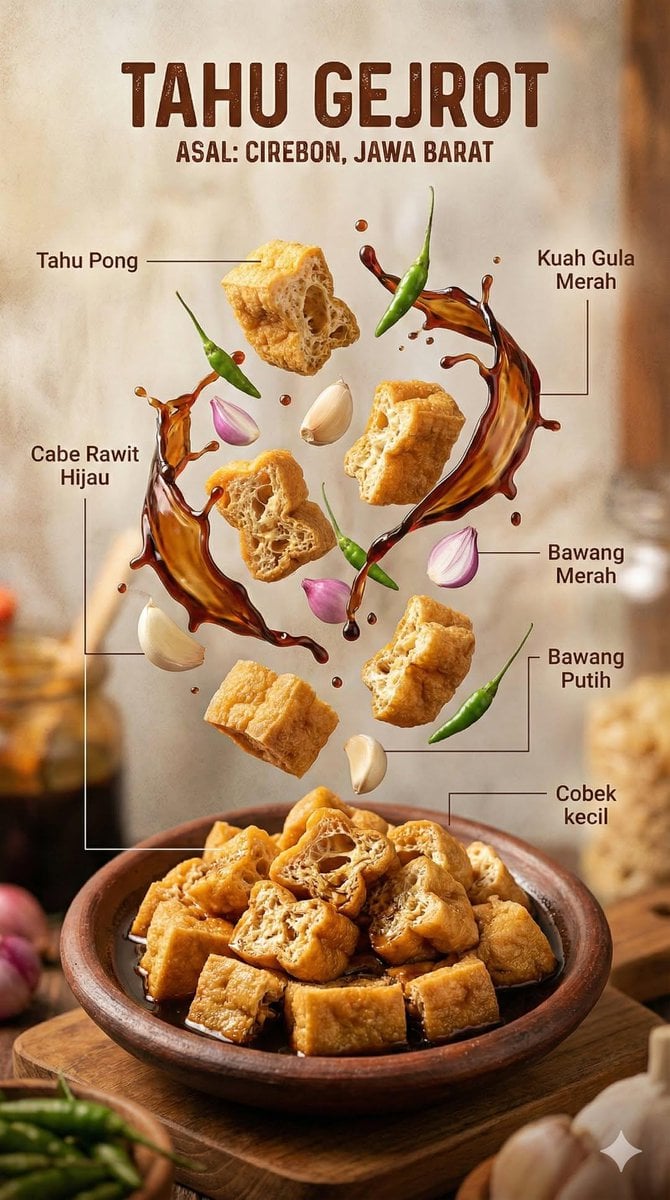
- Prompt included
- Model and format preset
- Premium template
The prompt behind this image
Copy the exact prompt behind Hyper-realistic Indonesian Food Infographic Prompt, or open it in the studio and make it yours.
- Image Prompt › Type
- Hyper-realistic food infographic
- Image Prompt › Subject › Cuisine
- Indonesian
- Image Prompt › Subject › Base Element
- Traditional bowl with steaming hot dish at the bottom
- Image Prompt › Subject › Levitating Ingredients
- Juicy meat, Crispy tofu, Glossy sauce splashes, Fresh herbs, Chilies, Lime, Garlic, Fried shallots
- Image Prompt › Composition › Layout
- Clean vertical composition
- Image Prompt › Composition › Arrangement
- Realistic gravity-defying/floating elements
- Image Prompt › Composition › Background
- Rustic wooden surface
- Image Prompt › Composition › Visual Hierarchy
- Bowl anchored at bottom, ingredients rising vertically
- Image Prompt › Graphic Design Elements › Labels
- Clear Indonesian text
- Image Prompt › Graphic Design Elements › Lines
- Thin white pointing lines
- Image Prompt › Graphic Design Elements › Style
- Editorial infographic layout, professional food magazine style
- Image Prompt › Lighting And Mood › Lighting
- Cinematic studio lighting
- Image Prompt › Lighting And Mood › Color Palette
- Warm tones
- Image Prompt › Lighting And Mood › Effects
- Dramatic steam, motion-frozen ingredients
- Image Prompt › Technical Specs › Camera Settings
- Shallow depth of field, sharp focus, DSLR look
- Image Prompt › Technical Specs › Details
- Ultra-detailed textures
- Image Prompt › Technical Specs › Resolution
- 8K ultra-realistic
Raw JSON
{
  "image_prompt": {
    "type": "Hyper-realistic food infographic",
    "subject": {
      "cuisine": "Indonesian",
      "base_element": "Traditional bowl with steaming hot dish at the bottom",
      "levitating_ingredients": [
        "Juicy meat",
        "Crispy tofu",
        "Glossy sauce splashes",
        "Fresh herbs",
        "Chilies",
        "Lime",
        "Garlic",
        "Fried shallots"
      ]
    },
    "composition": {
      "layout": "Clean vertical composition",
      "arrangement": "Realistic gravity-defying/floating elements",
      "background": "Rustic wooden surface",
      "visual_hierarchy": "Bowl anchored at bottom, ingredients rising vertically"
    },
    "graphic_design_elements": {
      "labels": "Clear Indonesian text",
      "lines": "Thin white pointing lines",
      "style": "Editorial infographic layout, professional food magazine style"
    },
    "lighting_and_mood": {
      "lighting": "Cinematic studio lighting",
      "color_palette": "Warm tones",
      "effects": "Dramatic steam, motion-frozen ingredients"
    },
    "technical_specs": {
      "camera_settings": "Shallow depth of field, sharp focus, DSLR look",
      "details": "Ultra-detailed textures",
      "resolution": "8K ultra-realistic"
    }
  }
}How to use Hyper-realistic Indonesian Food Infographic Prompt in 3 steps
- 1
Open
The prompt is already in the box next to the preview, with the template's model and format selected.
- 2…a portrait of your subject in softgolden-hour light, 85mm…
Personalize
Edit the subject and creative details for your destination.
- 3Generate
Generate
Press Generate — your image is created in PicX Studio, so you can compare it with the original and refine one variable at a time.
More like this
Templates with the same subject, style or setup. Open one to see its prompt.
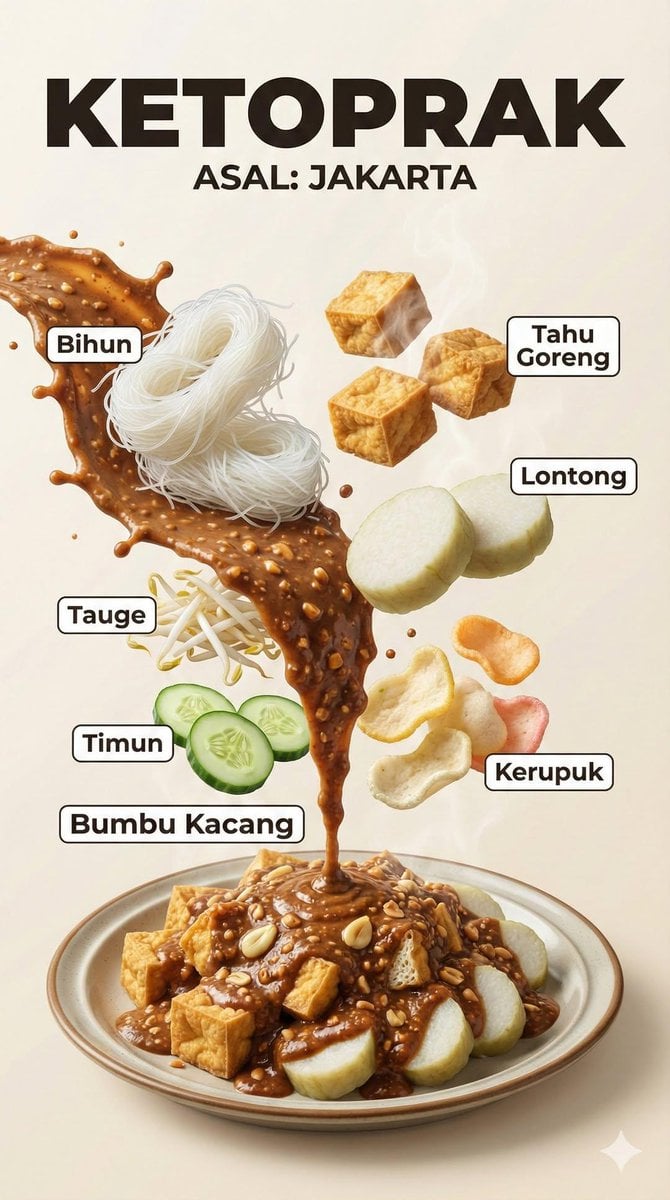
Hyper-Realistic Indonesian Food Infographic Poster
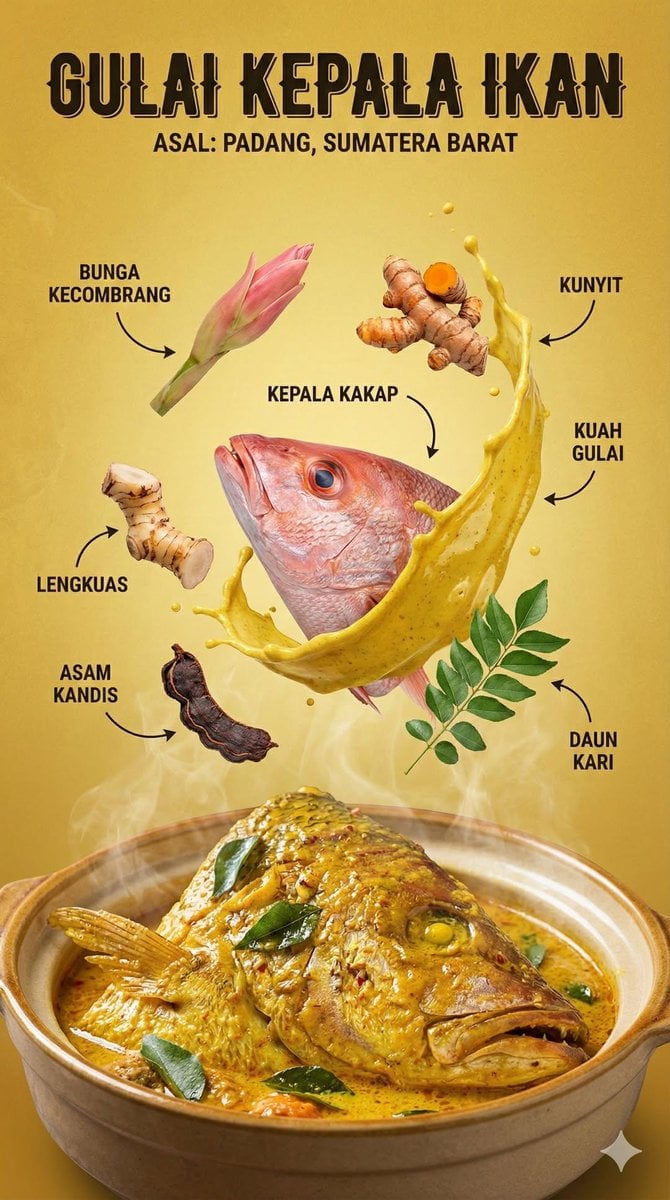
Structured Indonesian Food Infographic Prompt

Japan Travel Brochure Poster
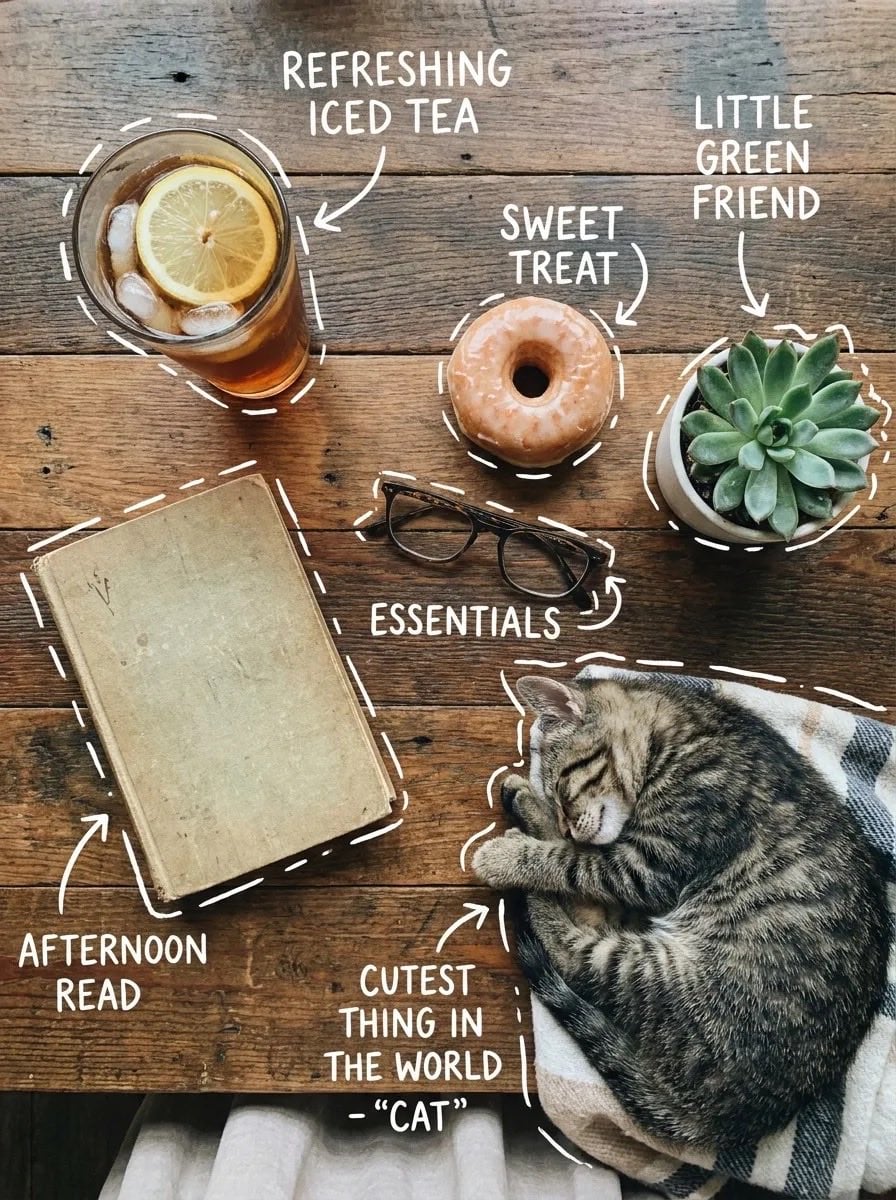
Cozy Food Flat Lay Doodle Labels
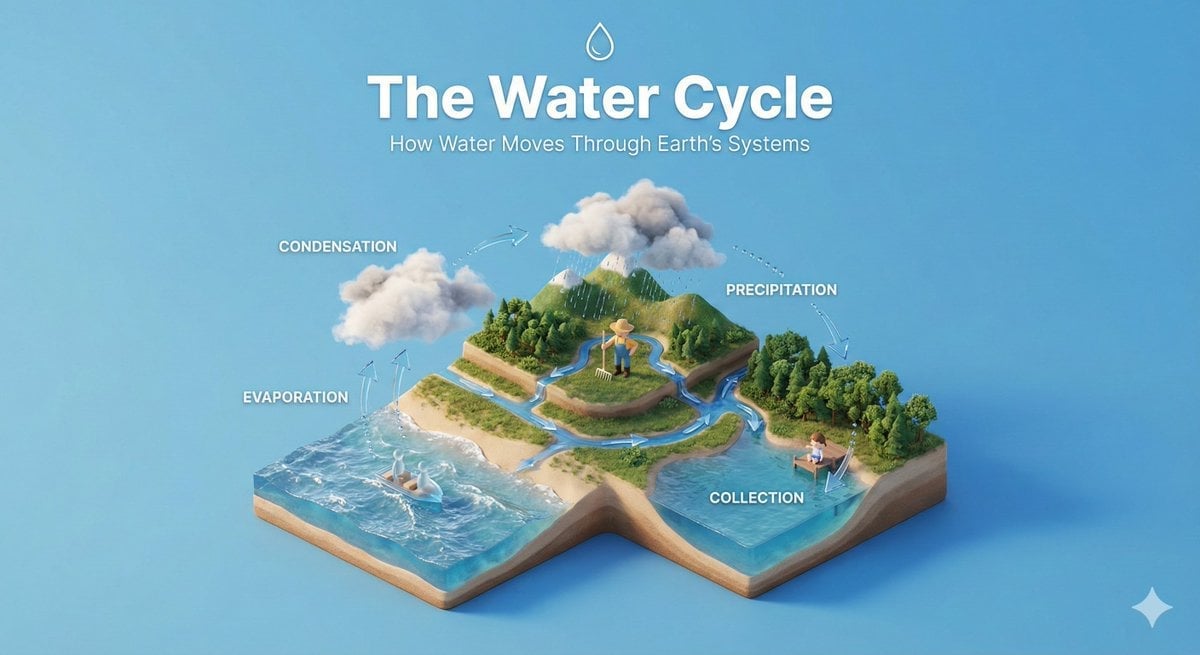
Isometric Process Educational Diorama
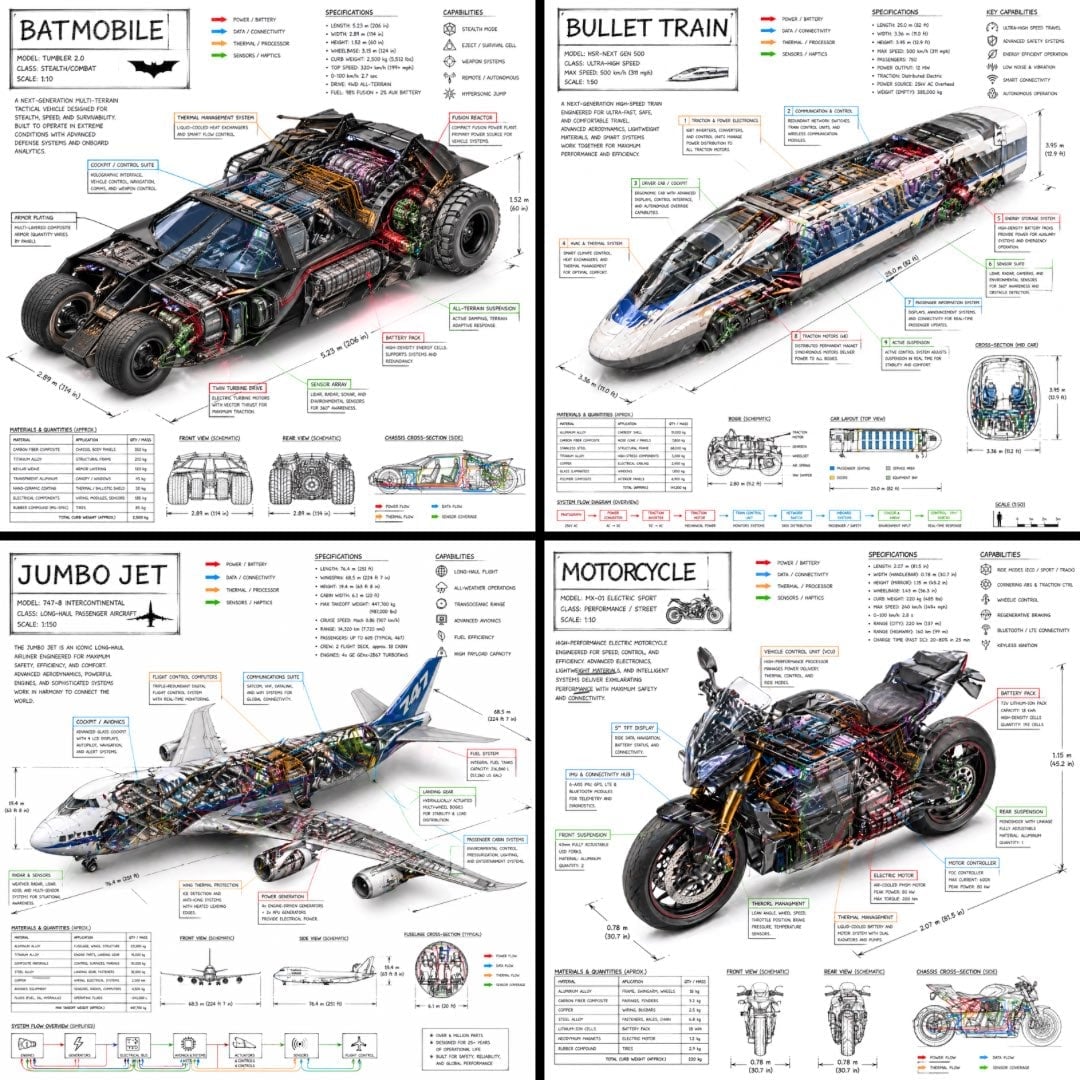
Isometric Vehicle Teardown Infographic Template
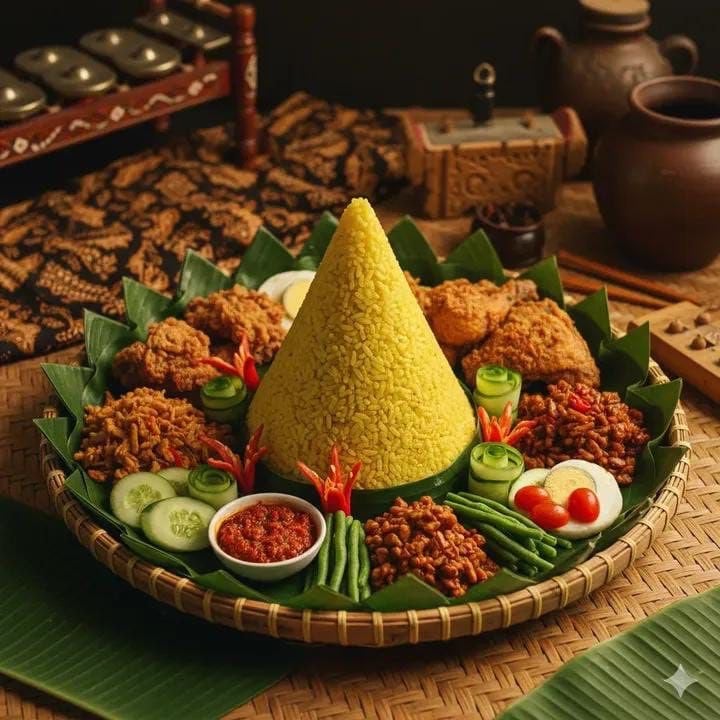
Authentic Indonesian Nasi Tumpeng Food Photography
Ultra-realistic cinematic food photography of Indonesian dish
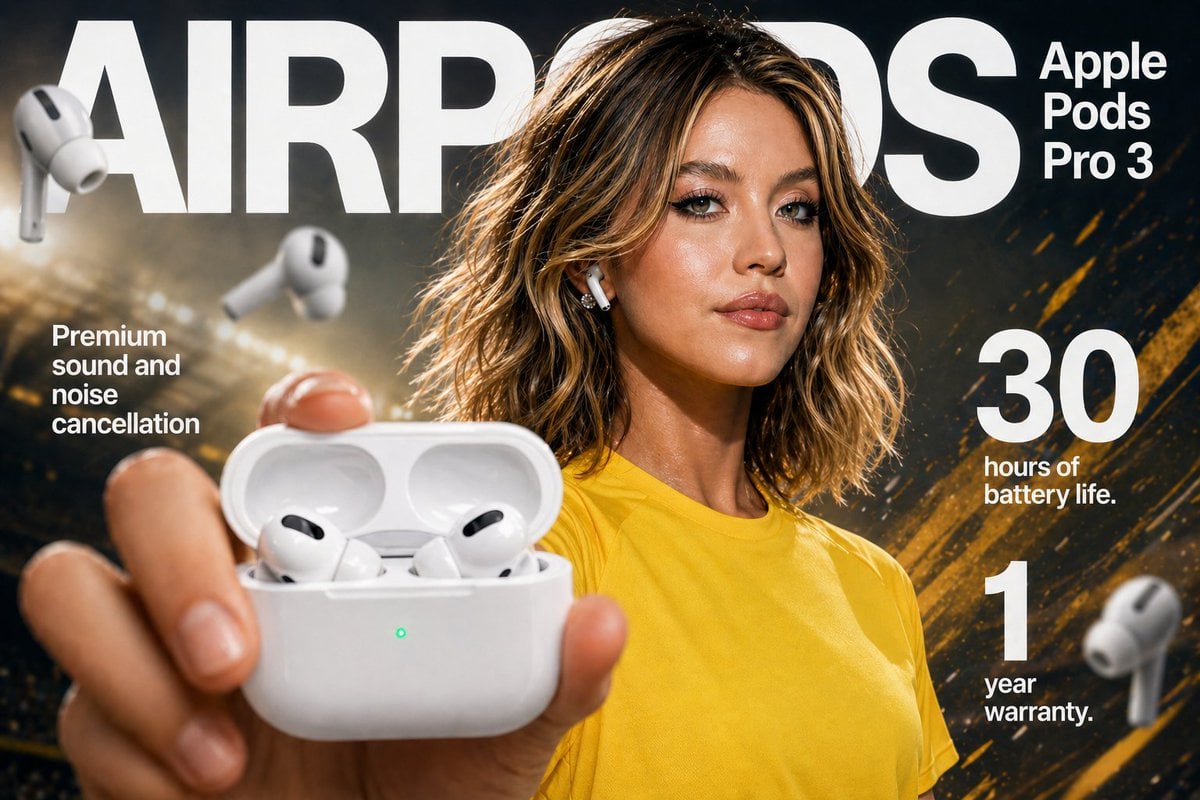
Gpt2 E Commerce Main Image Earbuds E Commerce Infographic
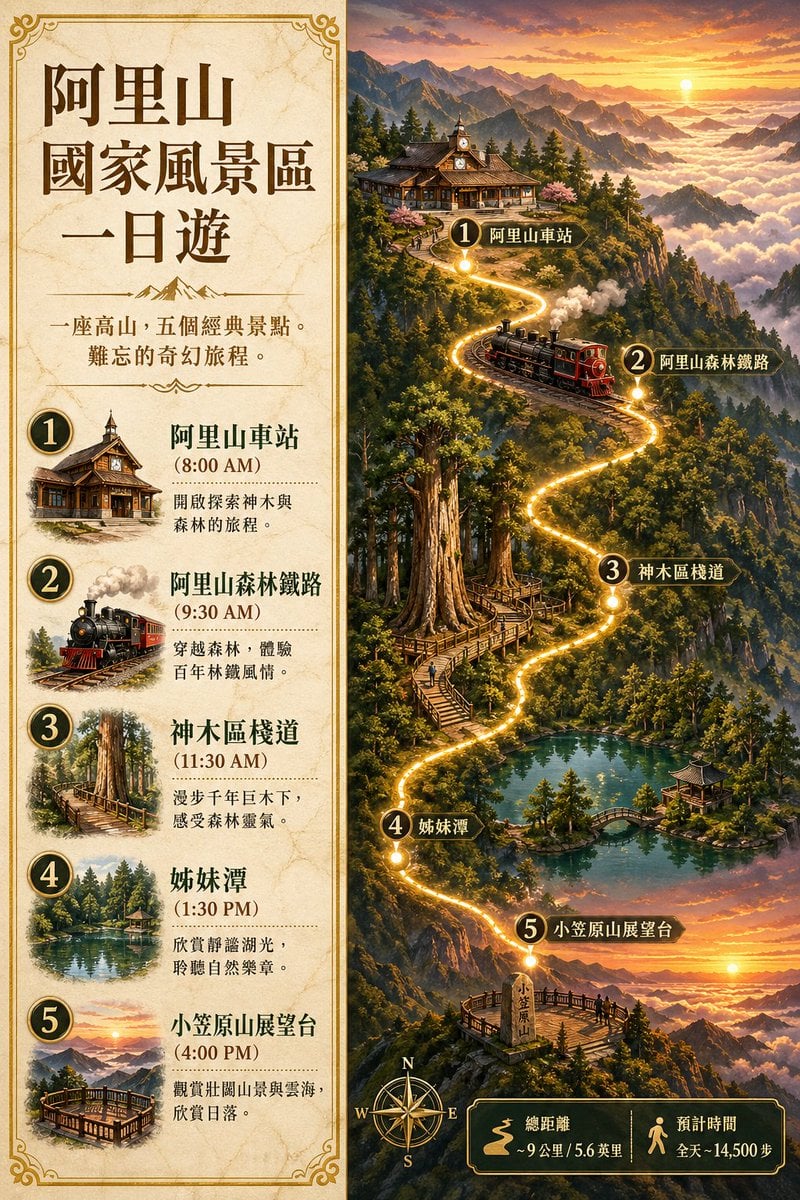
Gpt2 Infographic Edu Visual Alishan One Day Travel Poster

Gpt2 Infographic Edu Visual Ethnographic Plate for Tibetan Ceremonial Hat
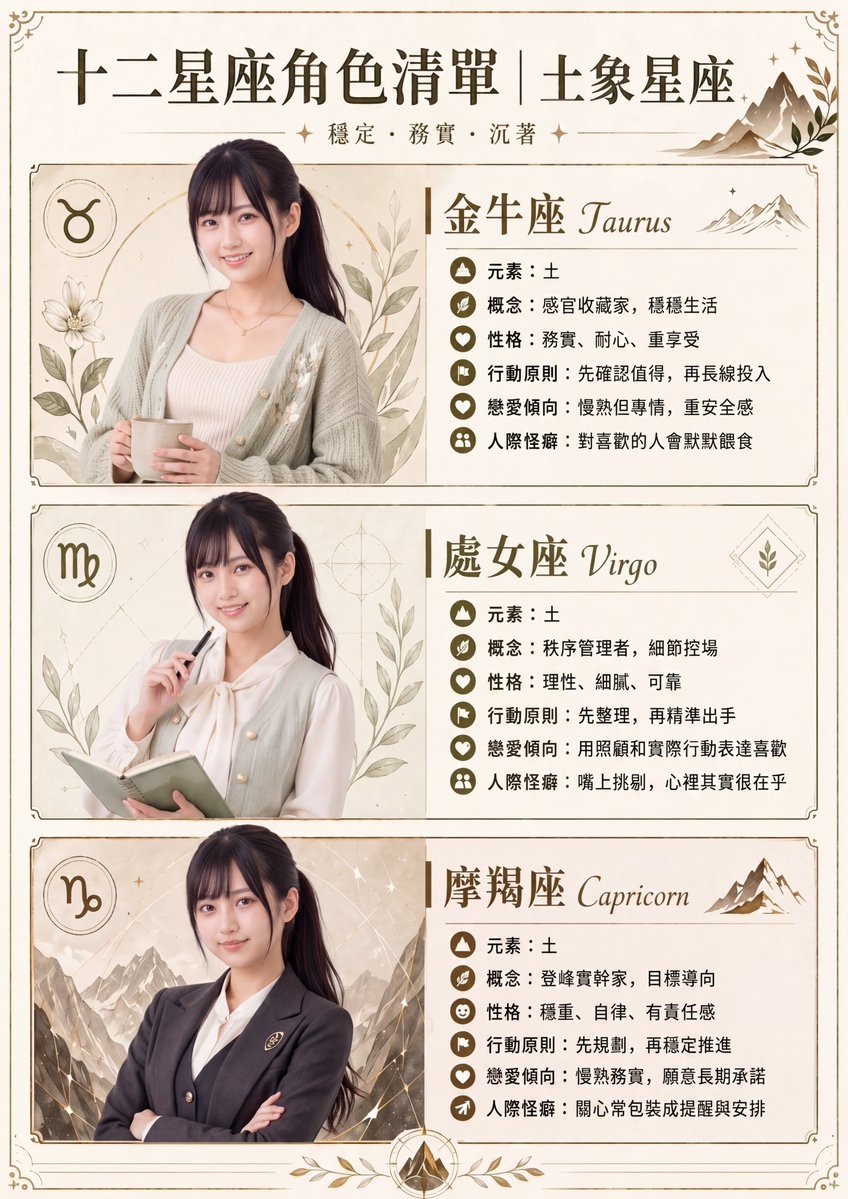
Gpt2 Infographic Edu Visual Earth Signs Zodiac Character Poster
Make it yours
Hyper-realistic Indonesian Food Infographic Prompt works as-is. These are the safest ways to change it without losing the look.
Swap the setting
Keep the rest of the prompt and replace the location block. The current setting is “Rustic wooden surface”.
Swap the light
One lighting change is enough to compare takes. Current light: “Cinematic studio lighting”.
Change one field
Copy a single group, rewrite it, and generate again so you can see what that field is doing.
| If the result… | Why | Fix |
|---|---|---|
| The result drifts from the preview | Too many fields changed at once. | Reuse Hyper-realistic Indonesian Food Infographic Prompt as-is first, then change one group — subject, light, or setting. |
| Nano Banana 2 ignores part of the JSON | Some models flatten or skip nested keys. | Keep the same values and paste them as a short paragraph instead. |
More Nano Banana 2 templates
Other prompts made for Nano Banana 2.

Photorealistic Leaf Shaped Like a Dragon

K-Pop Idol Portrait Grid for Rapid Selection

Poetic Rain Forest Portrait During Golden Hour

Urban Street Portrait with Cartoon Inner Self Duo

Candid Nighttime Photo with Cat Prompt

High-Concept 3D Diorama Generation Prompt

Cinematic Futuristic Studio Portrait Template

Skincare Editorial Photography Collage Prompt

Hyper-Realistic Commercial Product Photography (Splash Effect)

Hyper-Realistic Nightclub Portrait Prompt
More image prompts
Fresh picks from across the catalog.

High-fashion close-up portrait of a woman with simple elegance
Rainforest Clearing with Speckle Artifacts

Four-Member Anime Idol Anniversary Visual
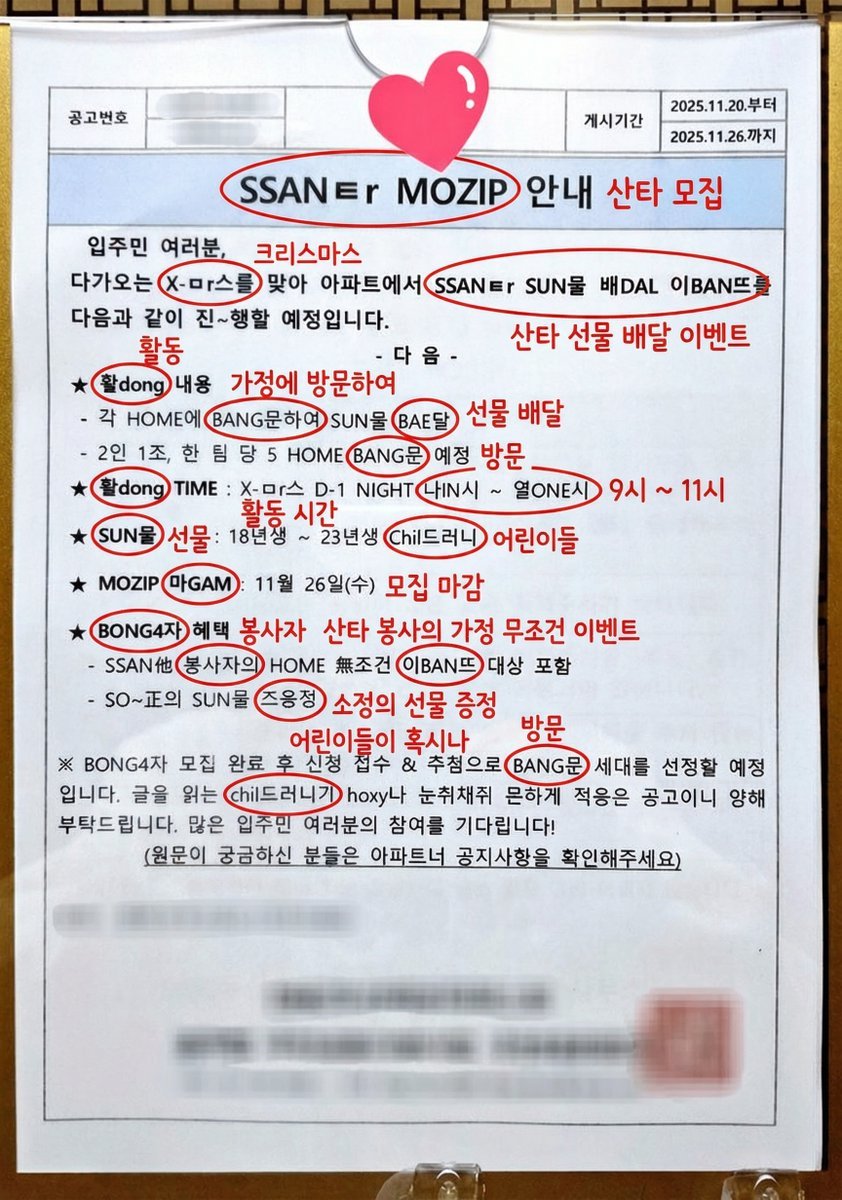
Annotated decoding of a cryptic Santa notice
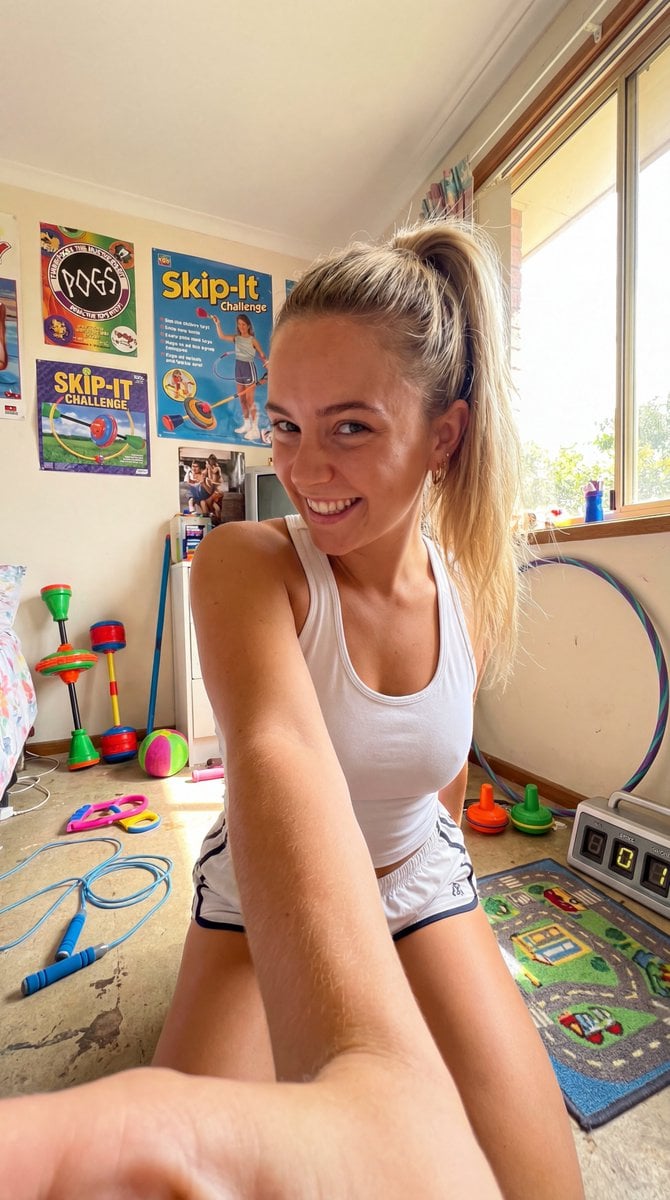
90s Skip-It Toy Selfie from Low Angle

Cinematic Saree Double Exposure Portrait
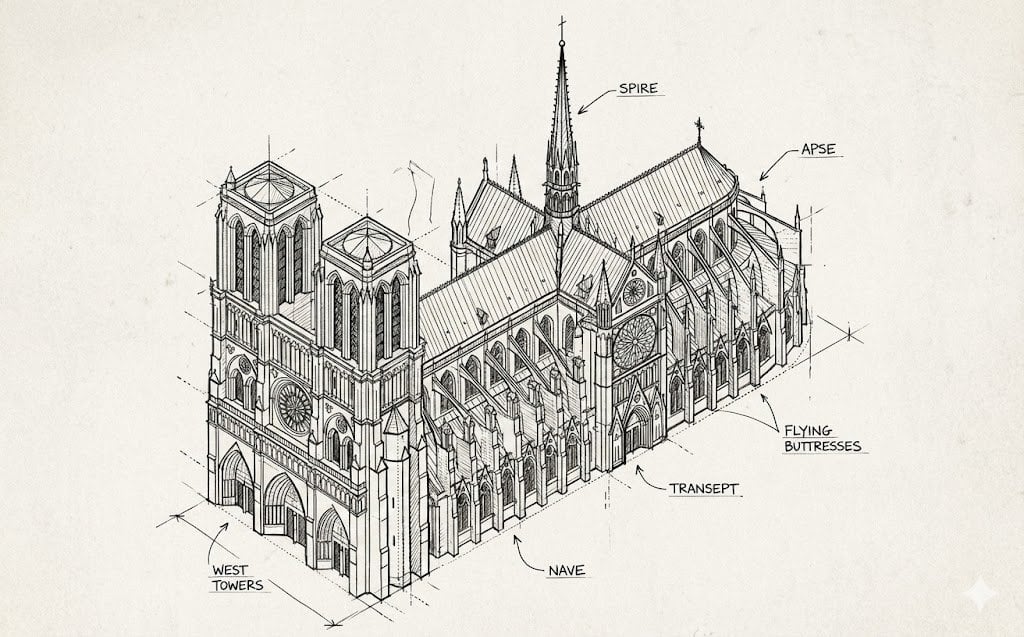
Isometric Schematic Diagram of Notre Dame Prompt
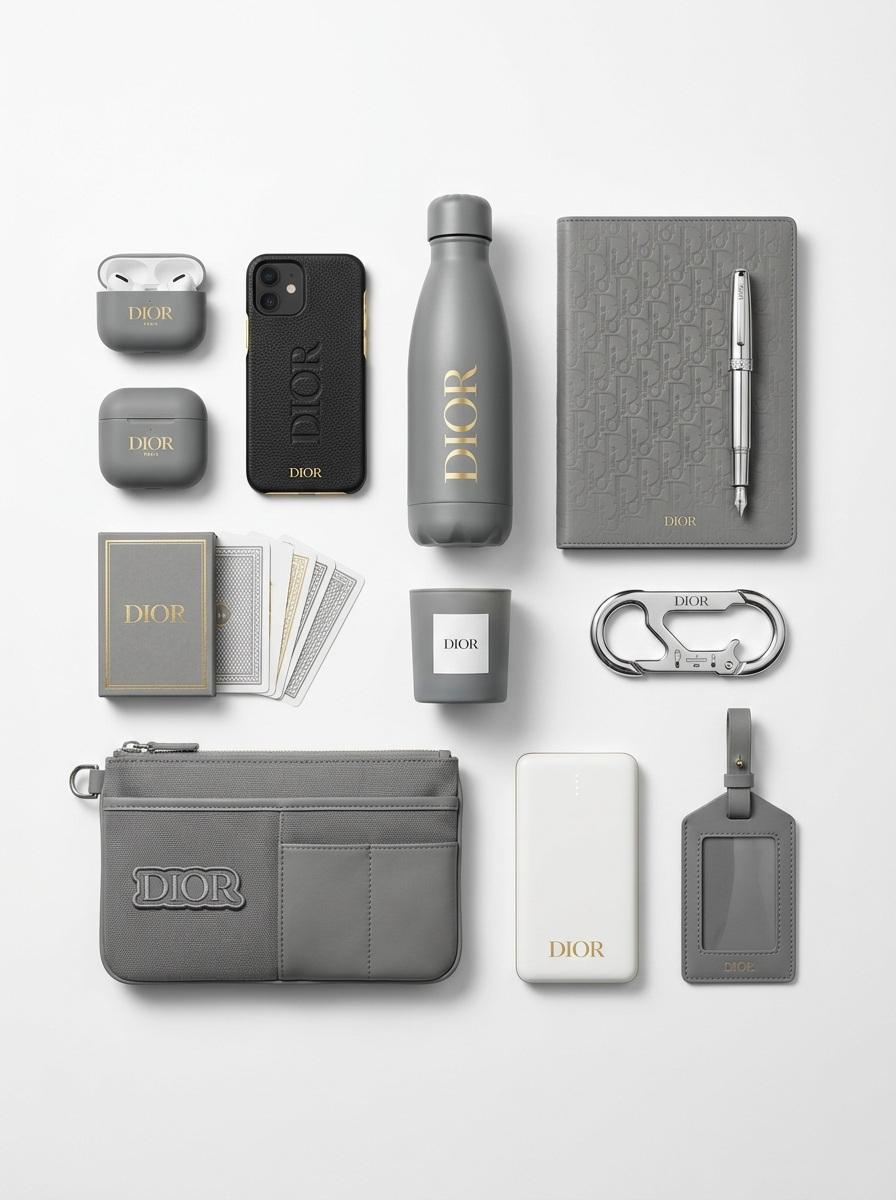
Premium Branded Merchandise Capsule Collection (Knolling Perspective)

Dreamy Cinematic Highland Portrait Prompt
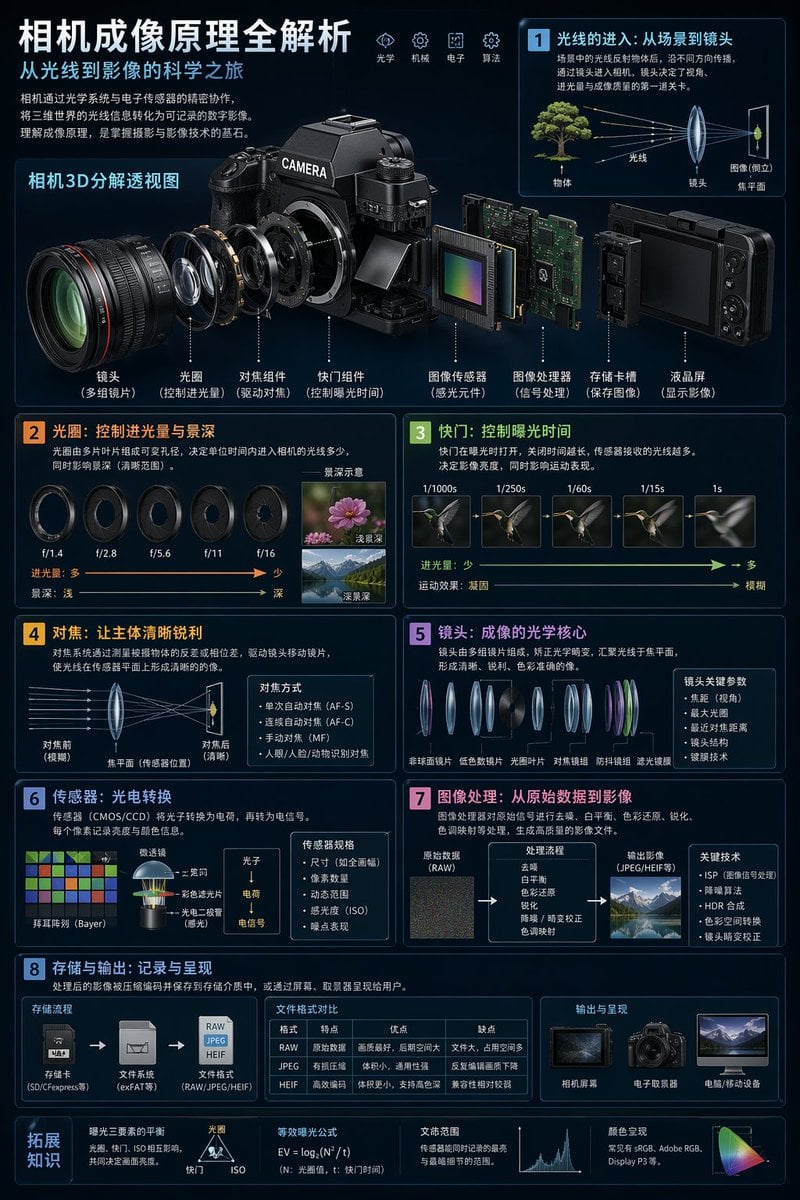
Camera Imaging Technology Infographic
Browse template categories
Hyper-realistic Indonesian Food Infographic Prompt questions
How do I use the Hyper-realistic Indonesian Food Infographic Prompt template?
Add your photo if the template asks for one, edit the prompt if you like — the template's model and format are already selected — and press Generate. Your version opens in PicX Studio.
Can I customize the Hyper-realistic Indonesian Food Infographic Prompt template?
Yes. You can change the subject, setting, lighting, mood, format, and available model controls before creating your image.
Is the Hyper-realistic Indonesian Food Infographic Prompt template free?
Opening and editing this template is free. Generating uses credits, shown on the Generate button when you are signed in.
Which AI model should I use?
Start with Nano Banana 2, which is the model associated with this template. You can compare another compatible model for a different finish.
Looking for something else? Browse all templates.

Your photo, any look
Thousands of ready templates for every top image and video model, from one credit balance.