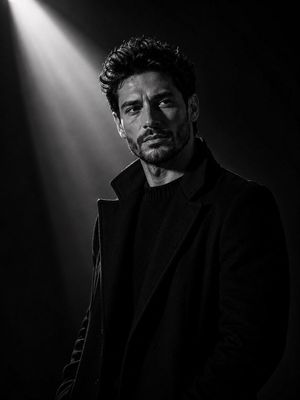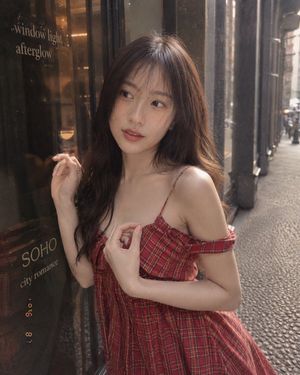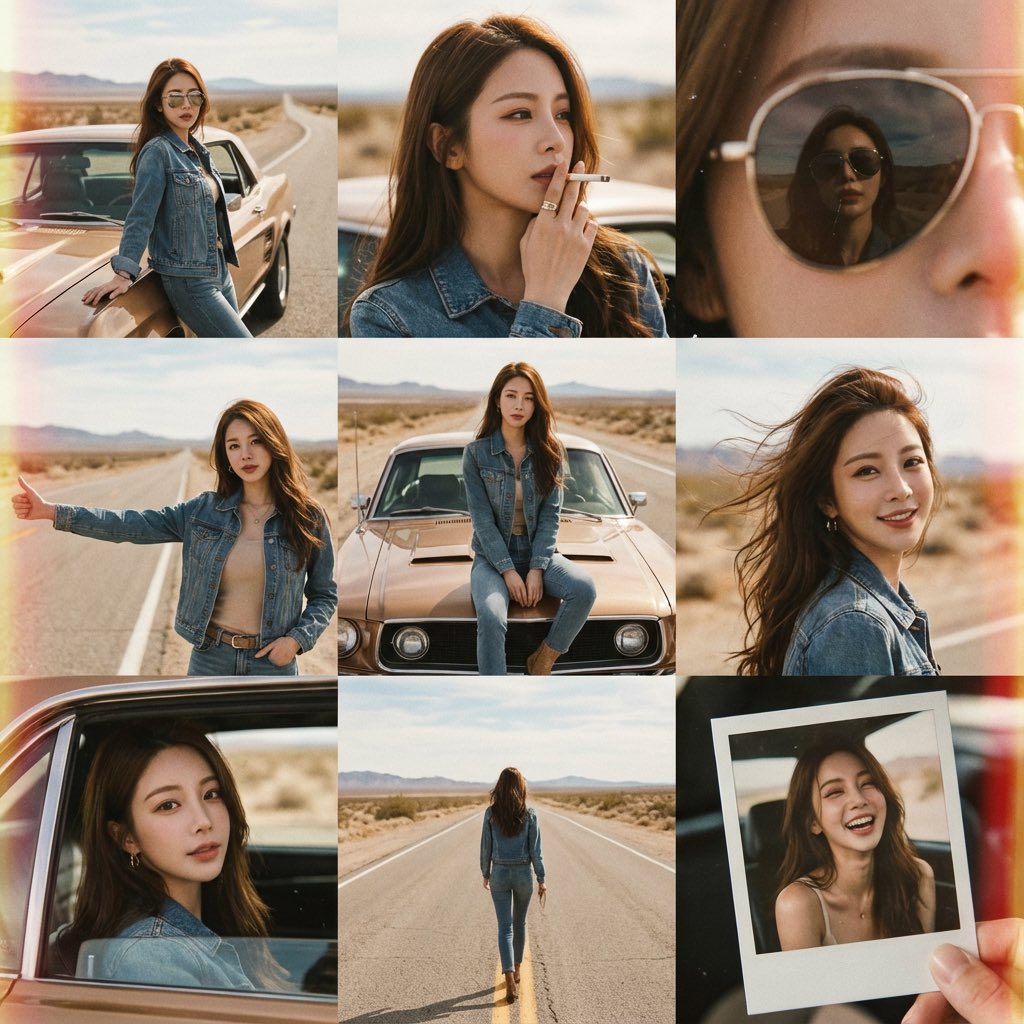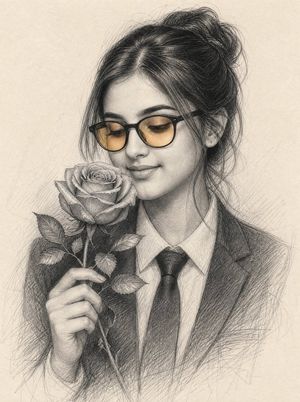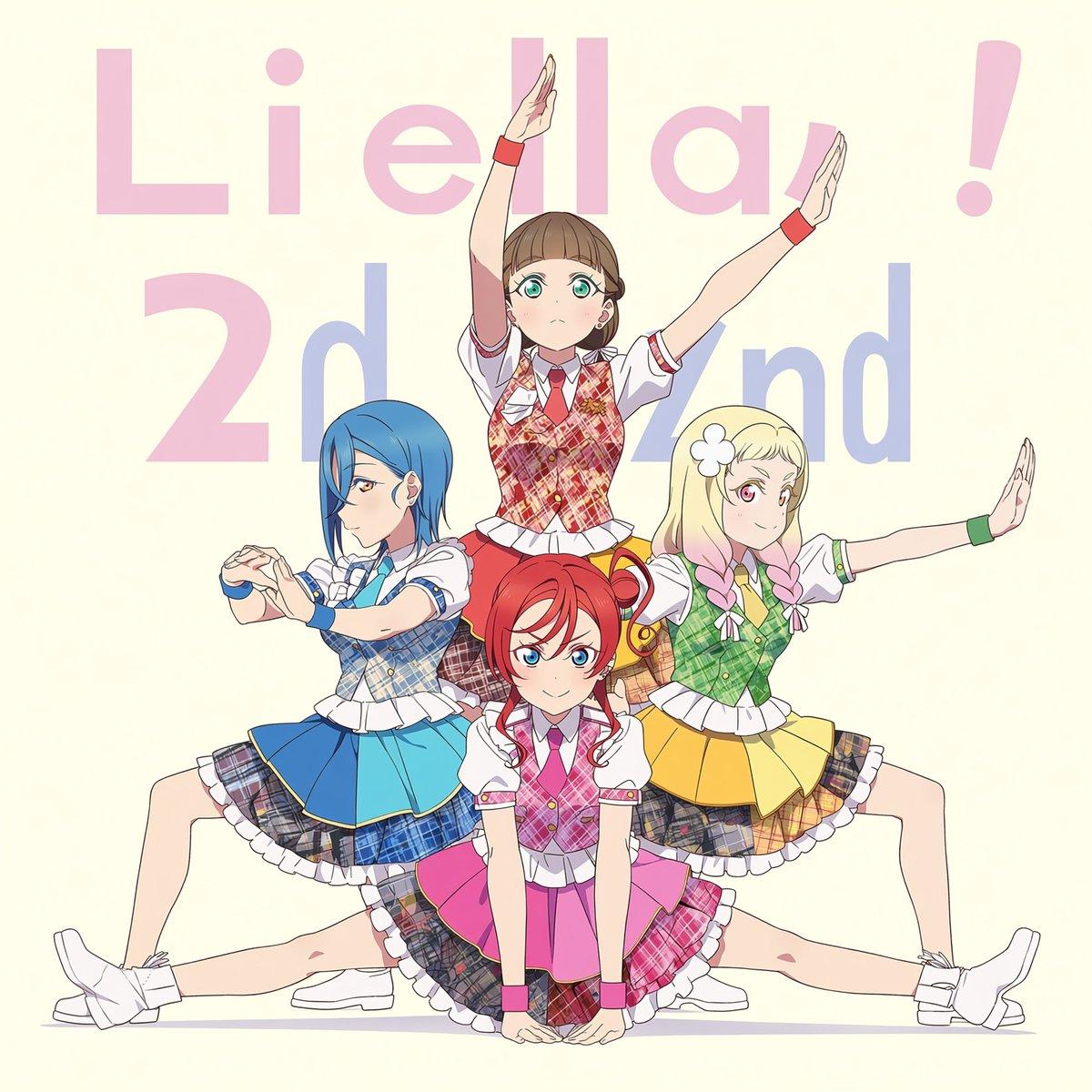
How do I use the Four-Member Anime Idol Anniversary Visual template?
Choose the primary action to open PicX Studio with the available template settings. Review the model and format, personalize the creative direction, and generate when ready.
Generates a square anime idol group key visual with four coordinated performers, pastel anniversary typography, and a symmetrical celebratory pose. (free to use) — Free AI image template on PicX Studio.
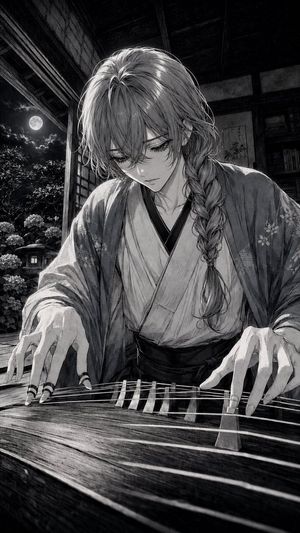
Goal: Create a clean anime idol birthday/anniversary key visual featuring a four-member school idol unit posed in a symmetrical stage formation. Canvas: Square 1:1 composition, soft cream background, full-body characters centered, crisp cel-shaded anime line art with bright pastel colors and polished official character-art quality. Background text: Place huge pale pastel typography behind the characters reading “Liella!” across the top in light pink and “2nd” behind the middle in soft lavender-blue, partially obscured by the characters. Keep the letters oversized, flat, and low contrast. Characters: Show exactly 4 teenage anime idol girls in coordinated but color-coded plaid performance costumes with white puff sleeves, frilled skirts, wristbands, neckties, white socks, and white sneakers. Use {argument name="unit name text" default="Liella!"} as the large top background word and {argument name="anniversary text" default="2nd"} as the large lower background word. Pose layout: The front-center girl is fully visible and unblurred, kneeling low with hands on the floor, bright red twin-tail hair, blue eyes, confident smile, pink-and-red plaid vest, pink skirt, magenta tie and wristbands. Behind her are exactly 3 other idol girls with intentionally anonymized faces using soft rectangular beige blur masks: left girl has long blue hair, blue plaid outfit and blue skirt, sitting in a wide side-lunge pose with both arms extended forward in a rounded hand gesture; right girl has long blonde hair with a white flower accessory, green plaid outfit and yellow skirt, sitting in a mirrored side-lunge pose with one arm extended outward and one arm bent; back-center girl has light brown hair, red plaid outfit, standing tall behind the group with both arms raised diagonally upward like a cheer pose. Set the front-center character identity as {argument name="front character" default="red-haired anime idol girl"}, with {argument name="left character hair color" default="blue"}, {argument name="right character hair color" default="blonde"}, and {argument name="back character hair color" default="light brown"}. Costume details: Include layered frills, plaid fabric panels in each character color, small bows, fitted vests, white blouse sleeves, pleated skirts, colored wrist cuffs, and simple white stage shoes. The skirts should fan outward and overlap, creating a star-like group silhouette. Style and constraints: Japanese anime idol franchise illustration style, clean white outlines and delicate shading, cheerful celebratory mood, no photorealism, no extra characters, no props, no watermark. Preserve exactly 4 characters and exactly 3 blurred face rectangles, leaving only the front-center face clear.
Use Four-Member Anime Idol Anniversary Visual to plan an AI image around gpt-image-2 generation, themes such as en and gpt-image-2. Match the preview's composition first, then personalize the subject, setting, and mood for your own project.
Use the primary action to load the template settings in PicX Studio.
Adjust the subject and creative details for your destination.
Create the image, compare the result with the preview, and refine one variable at a time.
A continuous mix — similar concepts first, woven with same-model prompts and fresh picks from the catalog.
Choose the primary action to open PicX Studio with the available template settings. Review the model and format, personalize the creative direction, and generate when ready.
Yes. You can change the subject, setting, lighting, mood, format, and available model controls before creating your image.
This template is free to open and customize. Generation usage is shown in PicX Studio before you create.
Start with gpt-image-2, which is the model associated with this template. You can compare another compatible model for a different finish.
A continuous mix — similar concepts first, woven with same-model prompts and fresh picks from the catalog.
Follow a topic to a crawlable collection of related PicX Studio templates.
36,410 public templates available. Verified via the PicX Studio public templates API; refreshed hourly.