
Mecha Ink Wash Landscape Painting
Generates a traditional Chinese landscape painting featuring a giant mecha seamlessly blended into misty mountains and ink washes.
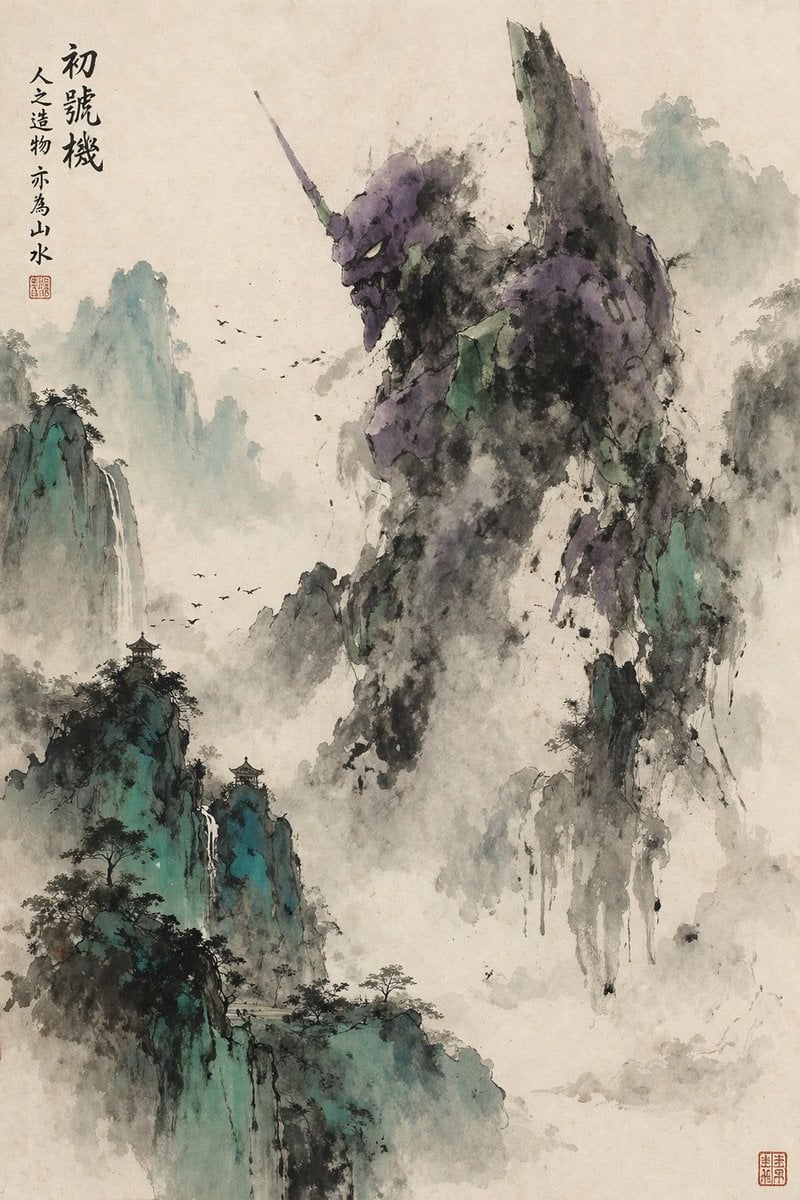
- Prompt included
- Model and format preset
- Free template
The prompt behind this image
Copy the exact prompt behind Mecha Ink Wash Landscape Painting, or open it in the studio and make it yours.
A traditional Chinese ink wash landscape painting featuring a giant mecha integrated into the misty mountains. The mecha, resembling {argument name="mecha type" default="Evangelion Unit-01"}, features a purple and green color scheme with a prominent horn and the number "01" on its shoulder. Its massive form dissolves into expressive, dripping black ink washes, seamlessly blending into the rocky mountain formations. The surrounding landscape includes steep, jagged peaks painted with teal and green washes, cascading waterfalls, ancient pine trees, and small traditional pavilions perched on the cliffs. A flock of birds flies through the dense fog filling the valleys. In the top left corner, vertical traditional Chinese calligraphy reads {argument name="main text" default="初號機"} followed by {argument name="sub text" default="人之造物 亦為山水"}, accompanied by a red artist seal stamp. Another red seal is stamped in the bottom right corner. The entire artwork is rendered on textured, aged rice paper, utilizing dynamic brushstrokes and atmospheric perspective typical of classical Shan shui art.
How to use Mecha Ink Wash Landscape Painting in 3 steps
- 1Upload ImagePNG, JPG or paste
Add your photo
Upload the photo the template builds on. The prompt, model and format are already set.
- 2…a portrait of your subject in softgolden-hour light, 85mm…
Personalize
Edit the subject and creative details for your destination.
- 3Generate
Generate
Press Generate — your image is created in PicX Studio, so you can compare it with the original and refine one variable at a time.
More like this
Templates with the same subject, style or setup. Open one to see its prompt.
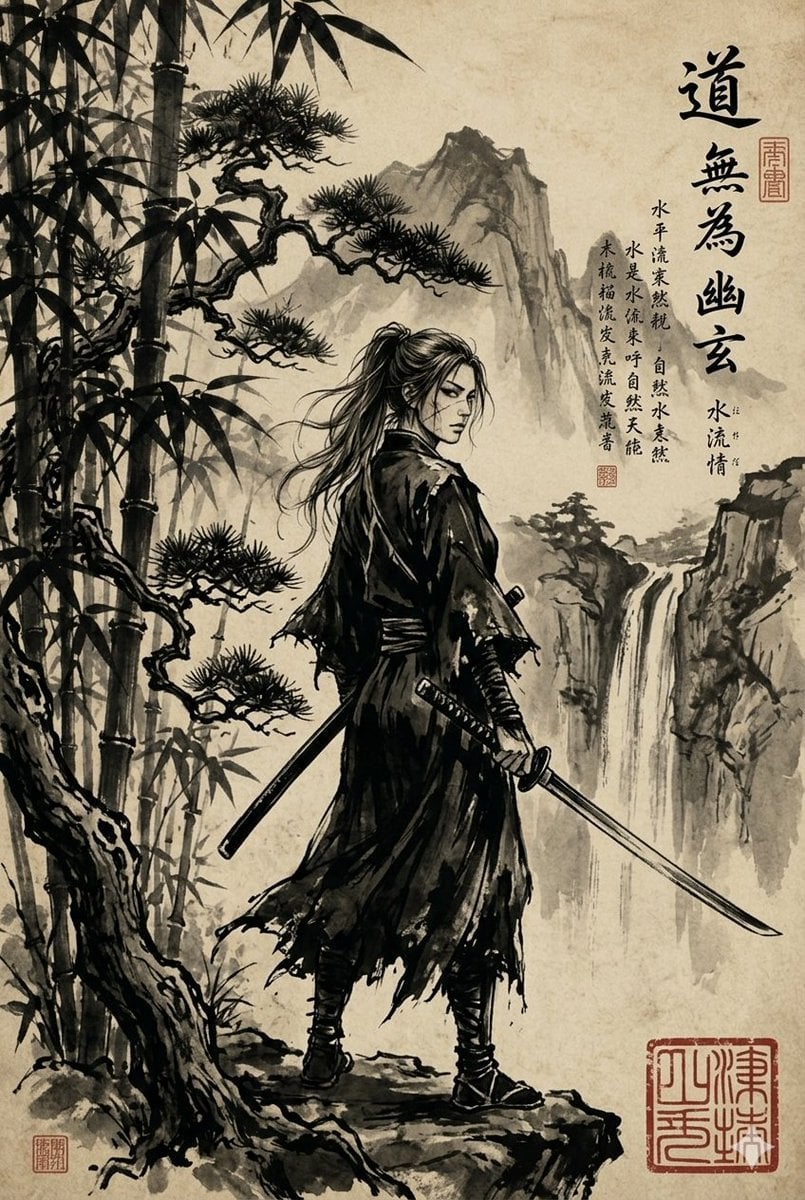
Ink-Wash Samurai Landscape
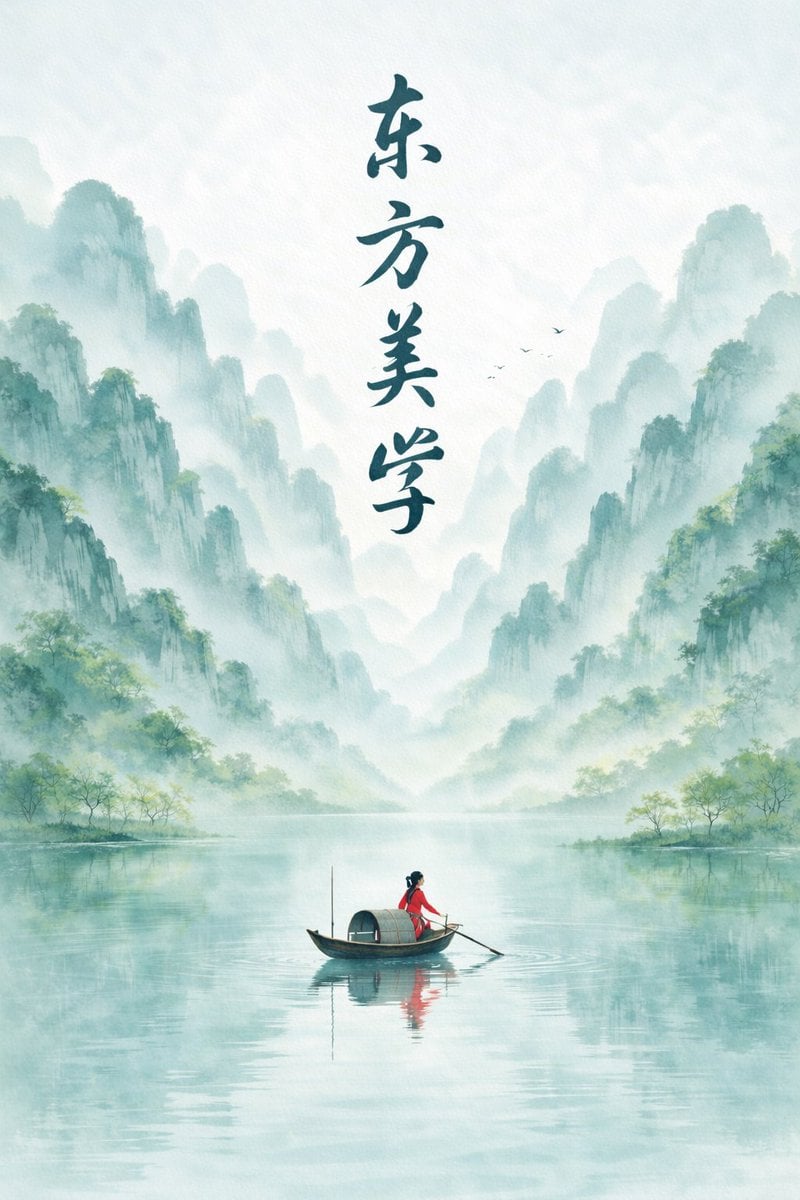
Minimalist Chinese Ink Wash Mist Painting
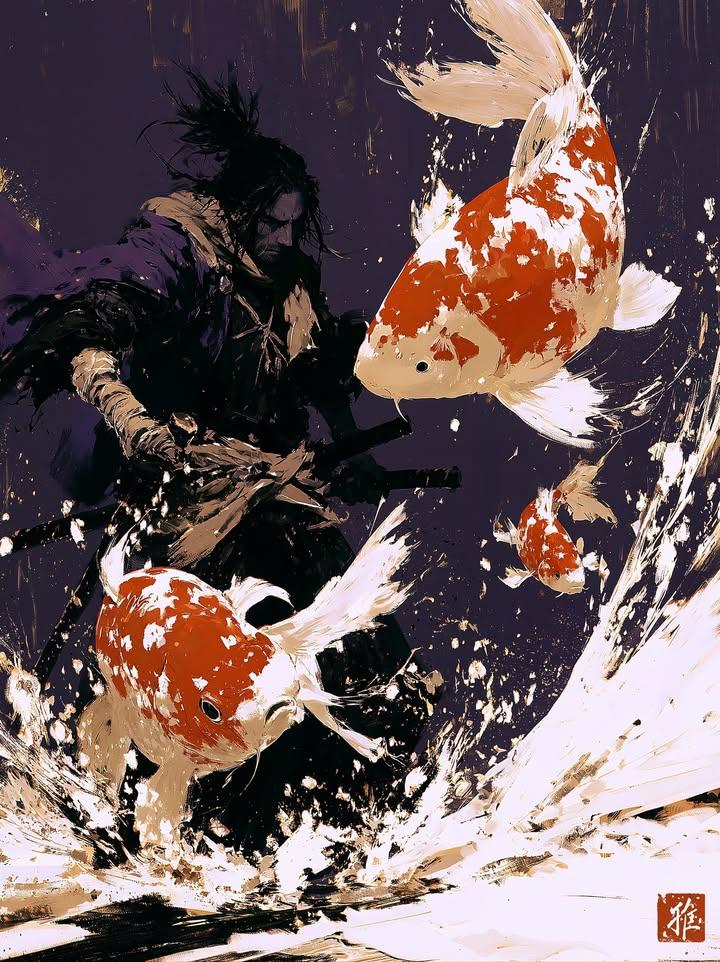
Samurai Ink Wash Painting

Teen Girl Alpine Lake Mountain View

Anime Catgirl in Chinese Ink Landscape
Ink Wash Hanfu Character Portrait
Artistic Ink Wash Portrait Sketch

Mountain Lake Sunset Landscape
Ink wash and watercolor woman portrait

Ghibli Final Takeoff Field

Ghibli Rainy Tram Interior

Ghibli Star Observatory
Make it yours
Mecha Ink Wash Landscape Painting works as-is. These are the safest ways to change it without losing the look.
Change one field
Copy a single group, rewrite it, and generate again so you can see what that field is doing.
Keep the frame, change the subject
Hold the composition and light of Mecha Ink Wash Landscape Painting, then swap wardrobe, props or the person for a new take.
| If the result… | Why | Fix |
|---|---|---|
| The result drifts from the preview | Too many fields changed at once. | Reuse Mecha Ink Wash Landscape Painting as-is first, then change one group — subject, light, or setting. |
| The model over-stylizes the scene | The prose prompt leaves finish and camera underspecified. | Add one camera or lighting sentence and stay on GPT Image 2. |
More GPT Image 2 templates
Other prompts made for GPT Image 2.

Six VTuber Japanese Logo Sheet

Realistic Portrait of Woman and Deer

The Vista Modular Condo Poster

AI Model Routing Comparison Infographic

2.5D Anime Art Board

Isometric Productivity Desk Scene

New York Double Exposure Poster

Four-Panel AI Landscape Comparison

Japanese Tatami Lifestyle Magazine Cover

NESCAFÉ Coffee Map Poster
More image prompts
Fresh picks from across the catalog.

Natural Language Prompt for Kawaii Starfish in Custom Chibi Style

Ultra-Photorealistic Cinematic Travel Photography
Winking Persian Cat Selfie

Add Santa Hat to Profile Picture (Image-to-Image)
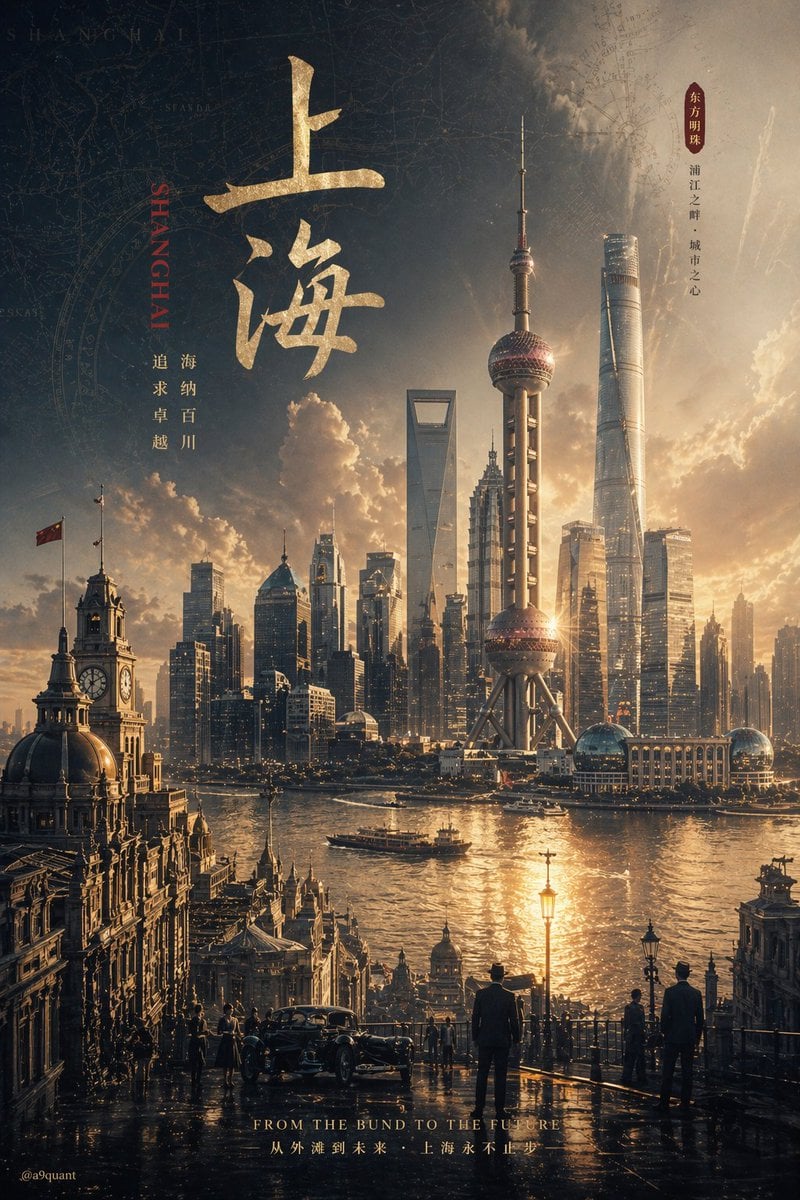
Epic Concept/Movie Poster Generator
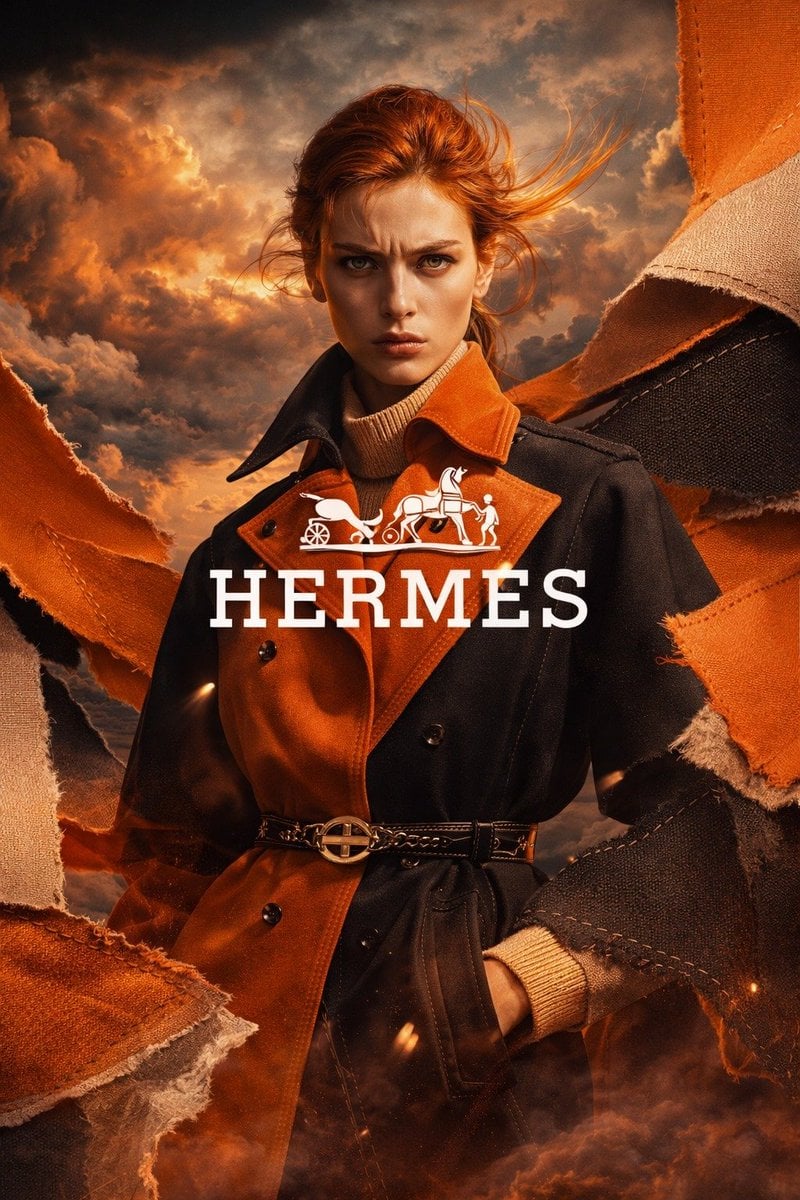
Luxury Trench Fashion Ad
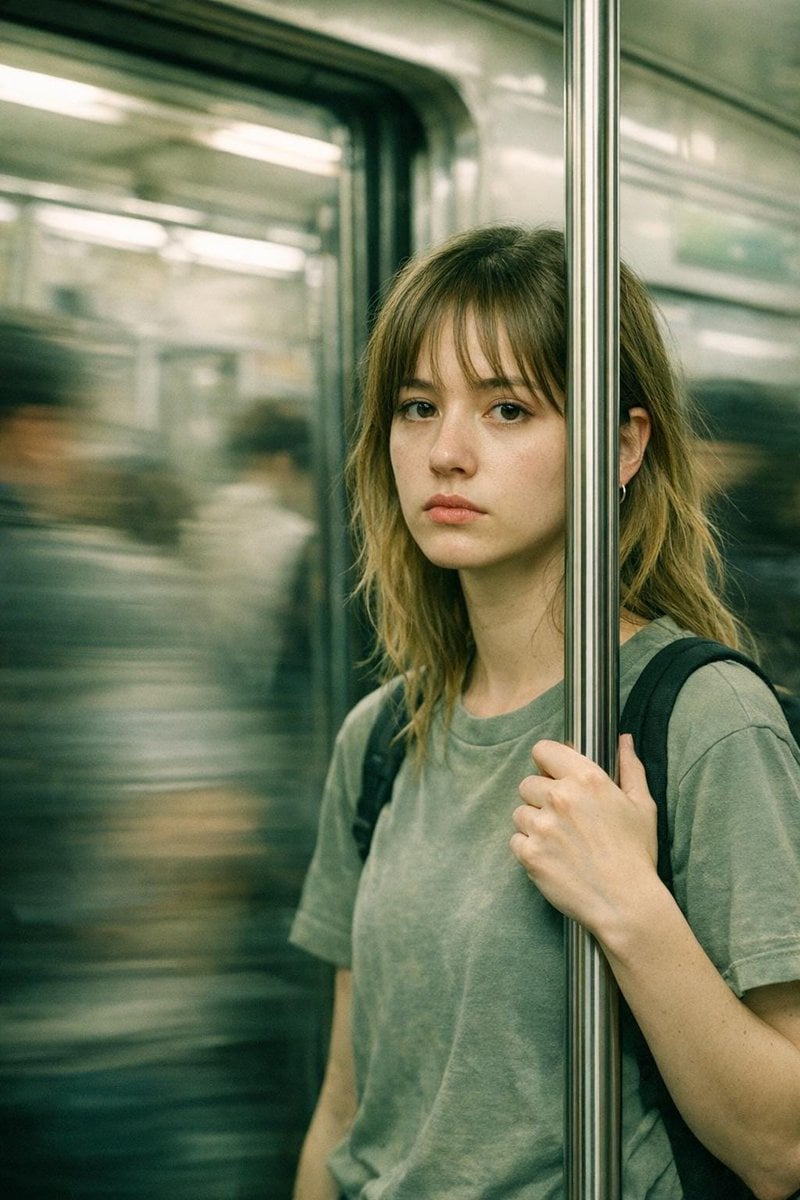
Abstract Cinematic Portrait Style Prompt
Seedance - Romantic Comedy Scene
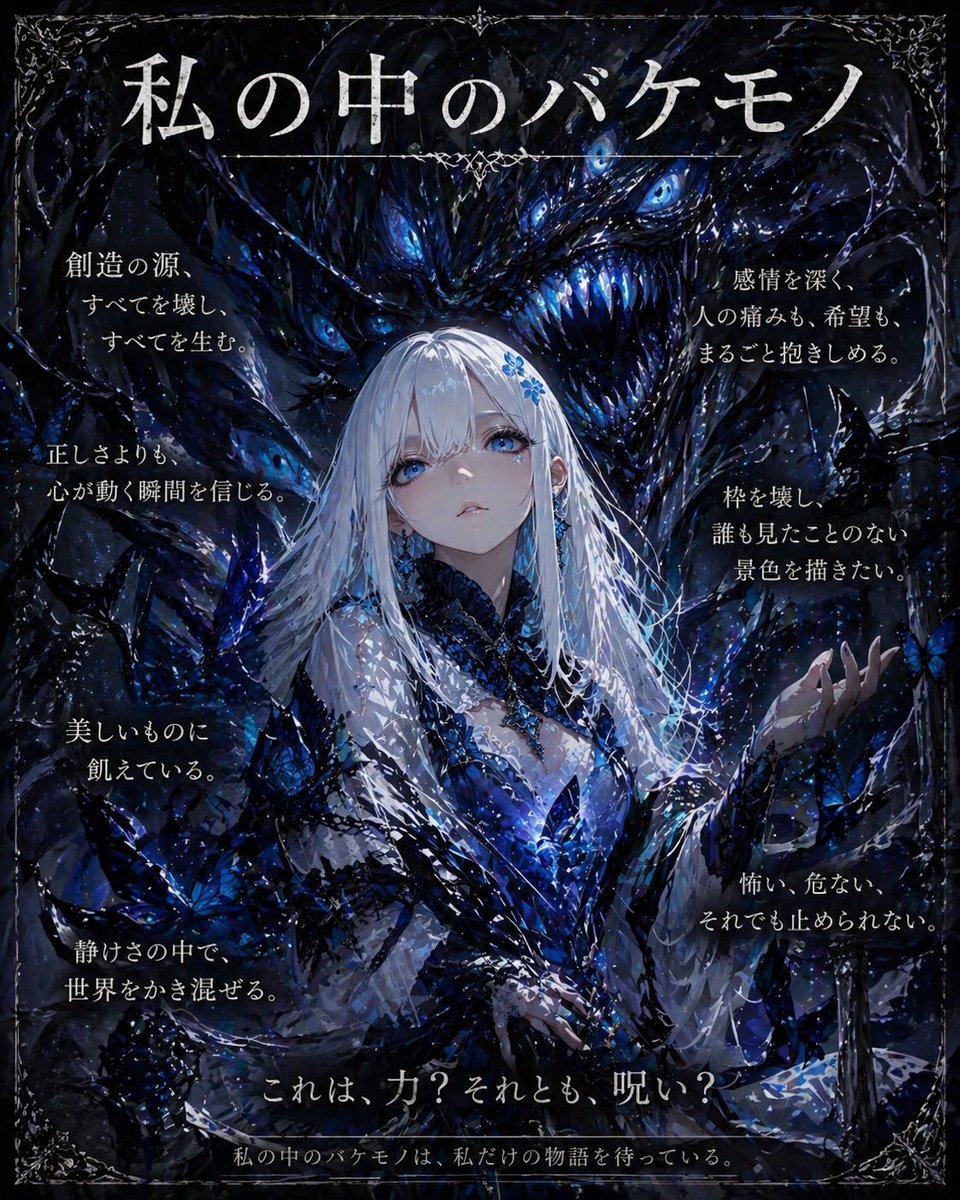
Dark Fantasy Inner Monster Poster
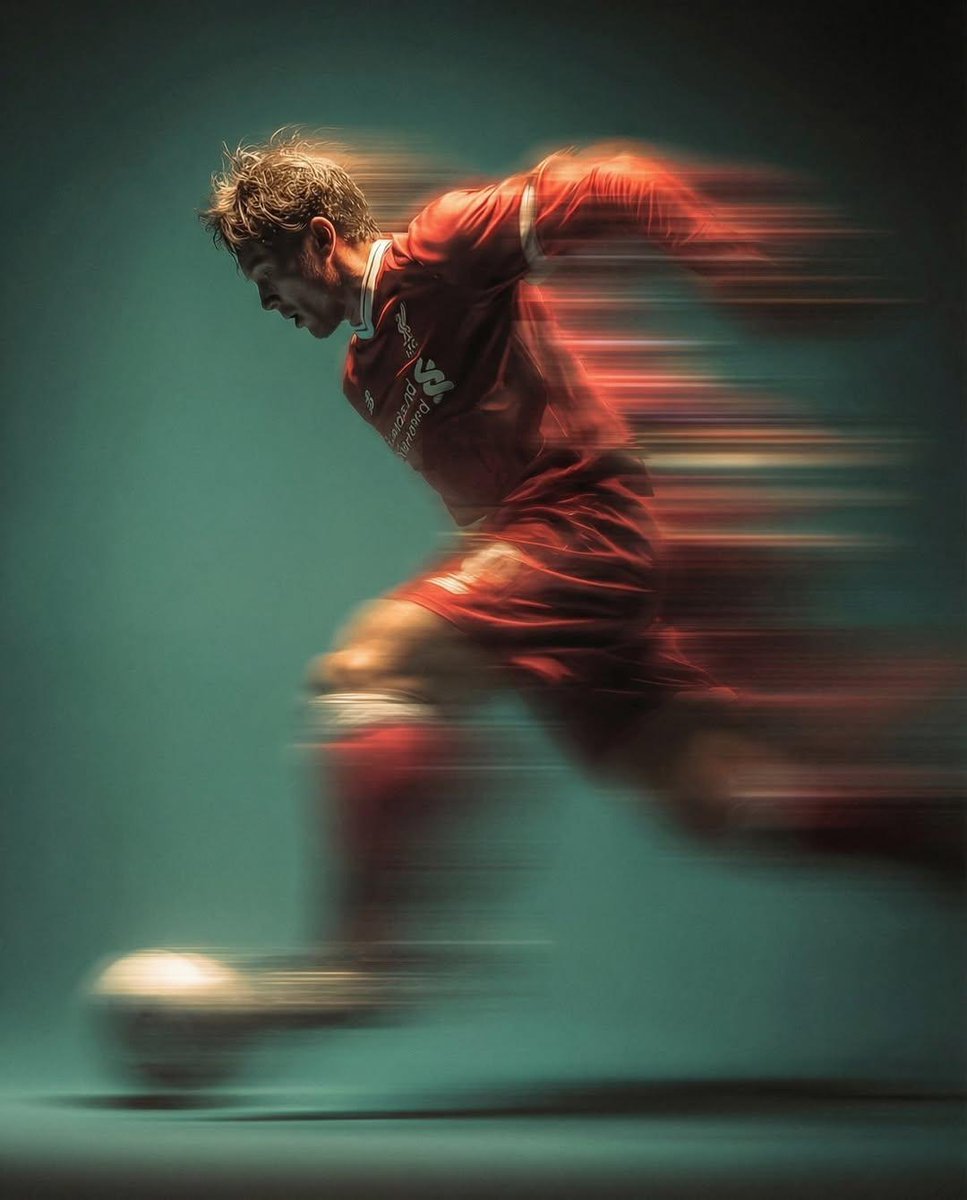
Panning shot of a soccer player kicking a ball
Browse template categories
Mecha Ink Wash Landscape Painting questions
How do I use the Mecha Ink Wash Landscape Painting template?
Add your photo if the template asks for one, edit the prompt if you like — the template's model and format are already selected — and press Generate. Your version opens in PicX Studio.
Can I customize the Mecha Ink Wash Landscape Painting template?
Yes. You can change the subject, setting, lighting, mood, format, and available model controls before creating your image.
Is the Mecha Ink Wash Landscape Painting template free?
Opening and editing this template is free. Generating uses credits, shown on the Generate button when you are signed in.
Which AI model should I use?
Start with GPT Image 2, which is the model associated with this template. You can compare another compatible model for a different finish.
Looking for something else? Browse all templates.

Your photo, any look
Thousands of ready templates for every top image and video model, from one credit balance.