
Seedance - Romantic Comedy Scene
Seedance - Romantic Comedy Scene is a ready photo look.
- Prompt included
- Model and format preset
- Free template
The prompt behind this image
Copy the exact prompt behind Seedance - Romantic Comedy Scene, or open it in the studio and make it yours.
high-end romantic comedy, deadpan flirtation, over-serious male lead, quick-witted female lead, cinematic realism, sweet-chaotic chemistry, every frame like a poster. Male lead: bespoke black suit, white shirt collar slightly open, handsome and severe, powerful aura, trying very hard to look cold and dominant, but secretly nervous and flustered, tiny tells betray him: slightly crooked tie, tight jaw, faintly trembling fingertips. Female lead: fitted slip dress / refined Chanel-inspired set, long hair slightly messy, elegant and soft-looking but emotionally sharper than him, stubborn, dryly funny, outwardly cornered for a moment, then visibly unimpressed, holding back laughter. Action + expression changes: the male lead forcefully steps in for a dramatic wall-pin pose, one hand braced on the wall, closing the distance too seriously, trying to look intense; his expression starts cold but gradually cracks into restrained embarrassment. the female lead steps back once, eyes widening, then notices his crooked tie and trembling hand; her expression changes from guarded resistance to deadpan disbelief and almost-laughing annoyance. their noses nearly touch, breathing overlaps, the tension becomes playful and absurd instead of painful. the male lead lightly lifts her chin, trying to recover his cool image; the female lead stares at him like she is watching someone forget his own script. Dialogue: Male lead: Are you done yet? Female lead: Fix your tie first. Male lead: I am being serious. Female lead: Then stop stepping on my heel. Male lead: ...That was deliberate. Female lead: Your shaking hand says otherwise.
How to use Seedance - Romantic Comedy Scene in 3 steps
- 1
Open
The prompt is already in the box next to the preview, with the template's model and format selected.
- 2…a portrait of your subject in softgolden-hour light, 85mm…
Personalize
Edit the subject and creative details for your destination.
- 3Generate
Generate
Press Generate — your image is created in PicX Studio, so you can compare it with the original and refine one variable at a time.
More like this
Templates with the same subject, style or setup. Open one to see its prompt.

Japanese Romance Short Film Seedance 2 0
Seedance - Epic Fight Scene

Transformation the Bus Seedance 2 0 Robo

Transformation the Burger Seedance 2 0 a

untitled

untitled

untitled

Ice Dragon and the Sailers - Seedance 2.0
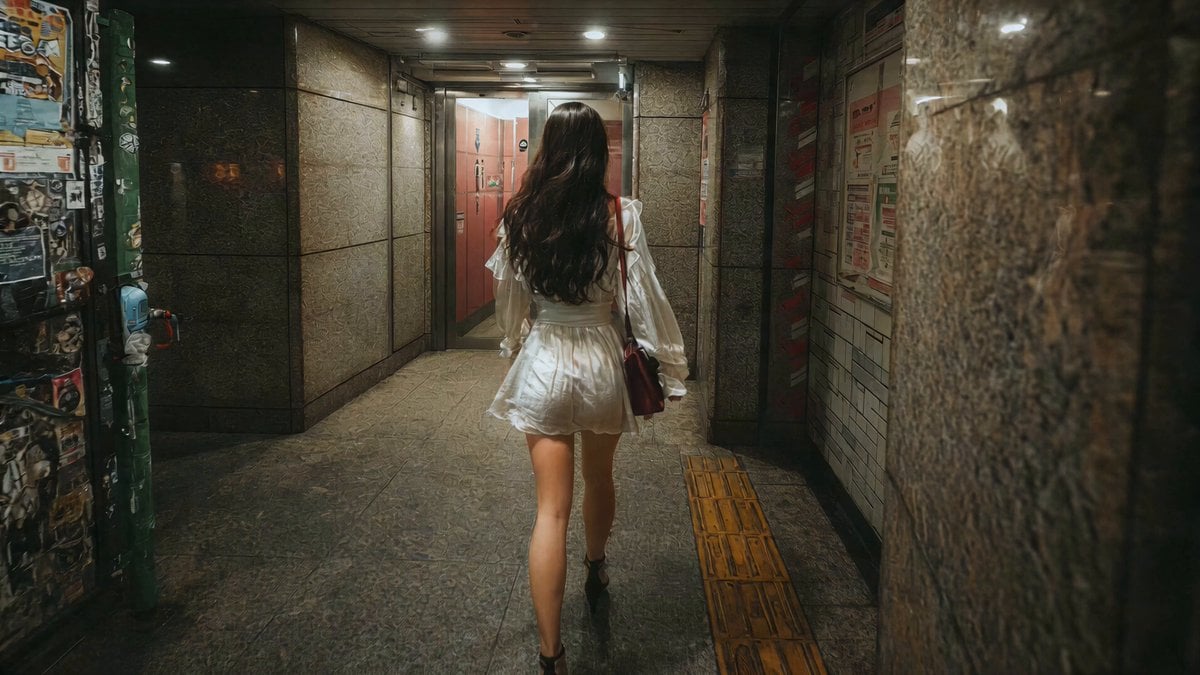
J-Horror Shibuya Station - Seedance 2.0
Seedance - Dragon vs Python Battle
Seedance - Arrow Microscopic Battle
Seedance - Street Bull Incident
Make it yours
Seedance - Romantic Comedy Scene works as-is. These are the safest ways to change it without losing the look.
Change one field
Copy a single group, rewrite it, and generate again so you can see what that field is doing.
Keep the frame, change the subject
Hold the composition and light of Seedance - Romantic Comedy Scene, then swap wardrobe, props or the person for a new take.
| If the result… | Why | Fix |
|---|---|---|
| The result drifts from the preview | Too many fields changed at once. | Reuse Seedance - Romantic Comedy Scene as-is first, then change one group — subject, light, or setting. |
| The model over-stylizes the scene | The prose prompt leaves finish and camera underspecified. | Add one camera or lighting sentence and stay on PicX Studio. |
More image prompts
Fresh picks from across the catalog.
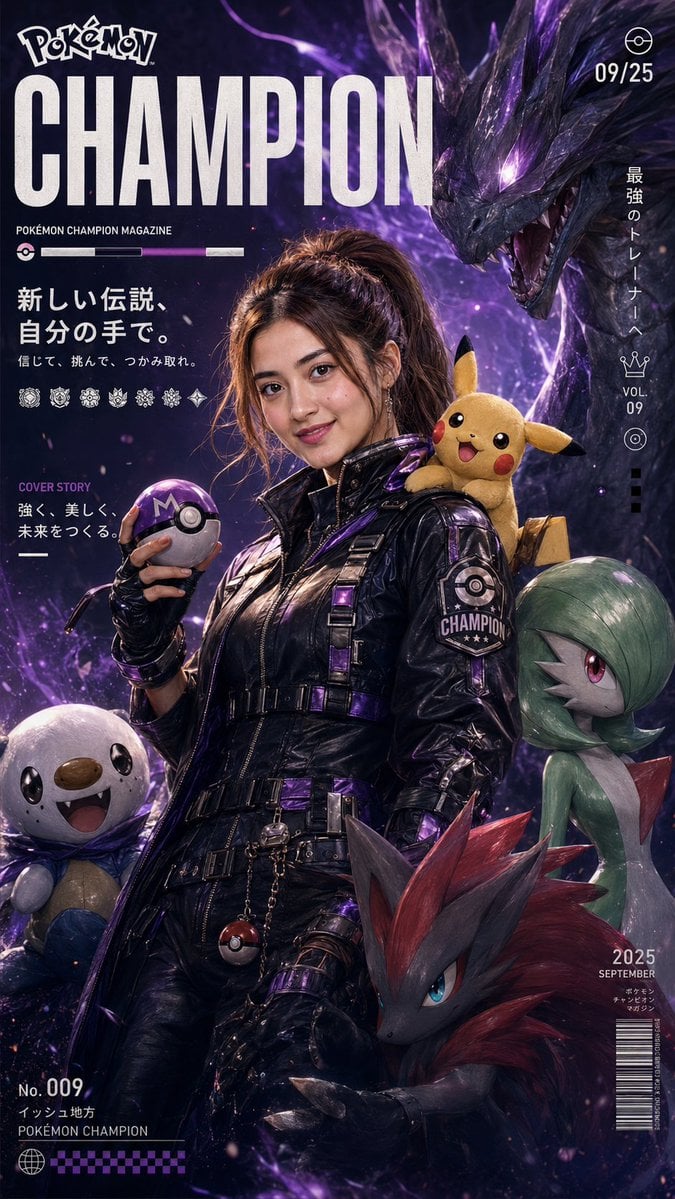
Pokemon Champion Magazine Cover

Futuristic Worldbuilding Concept Kit

Colorful Kids Advertising Poster
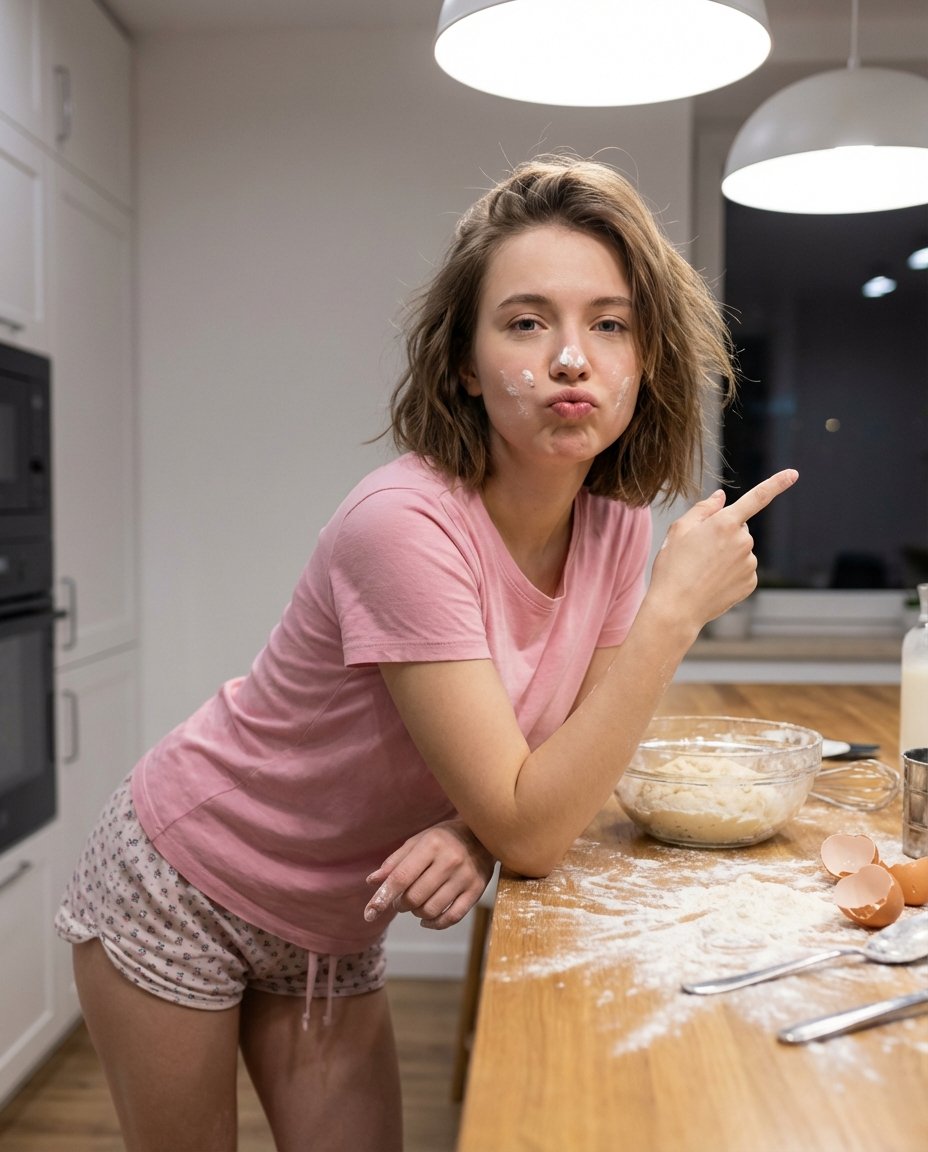
Adding Imperfections to AI Images for Realism
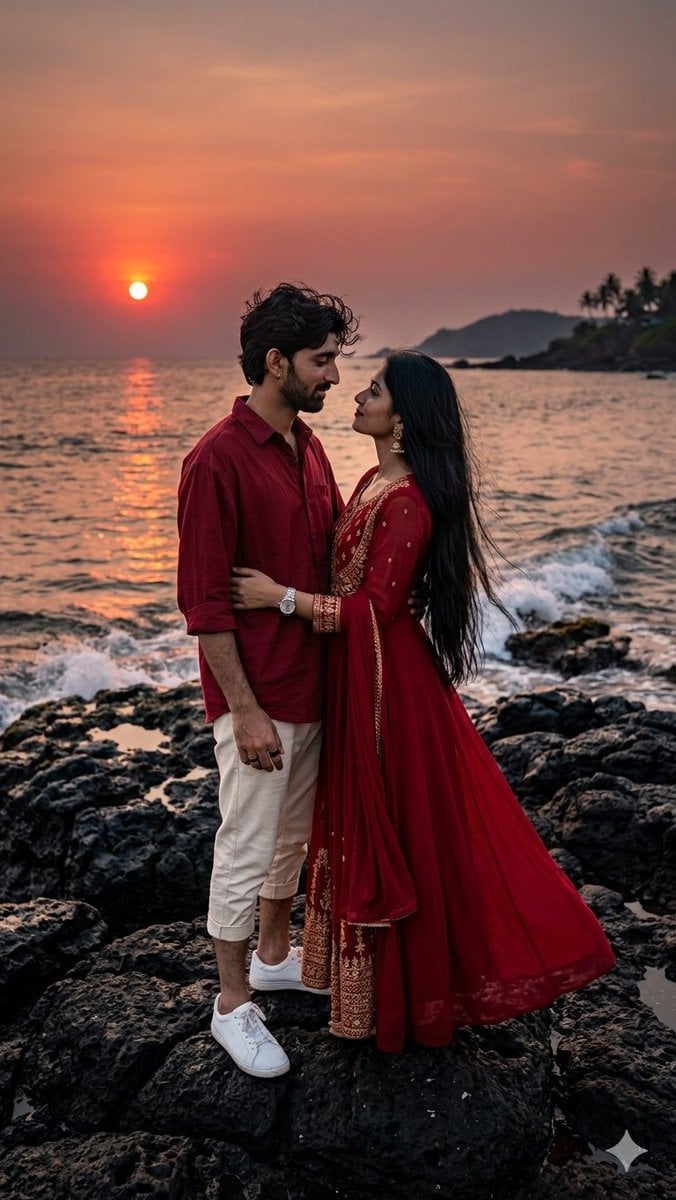
Romantic Sunset Couple Portrait
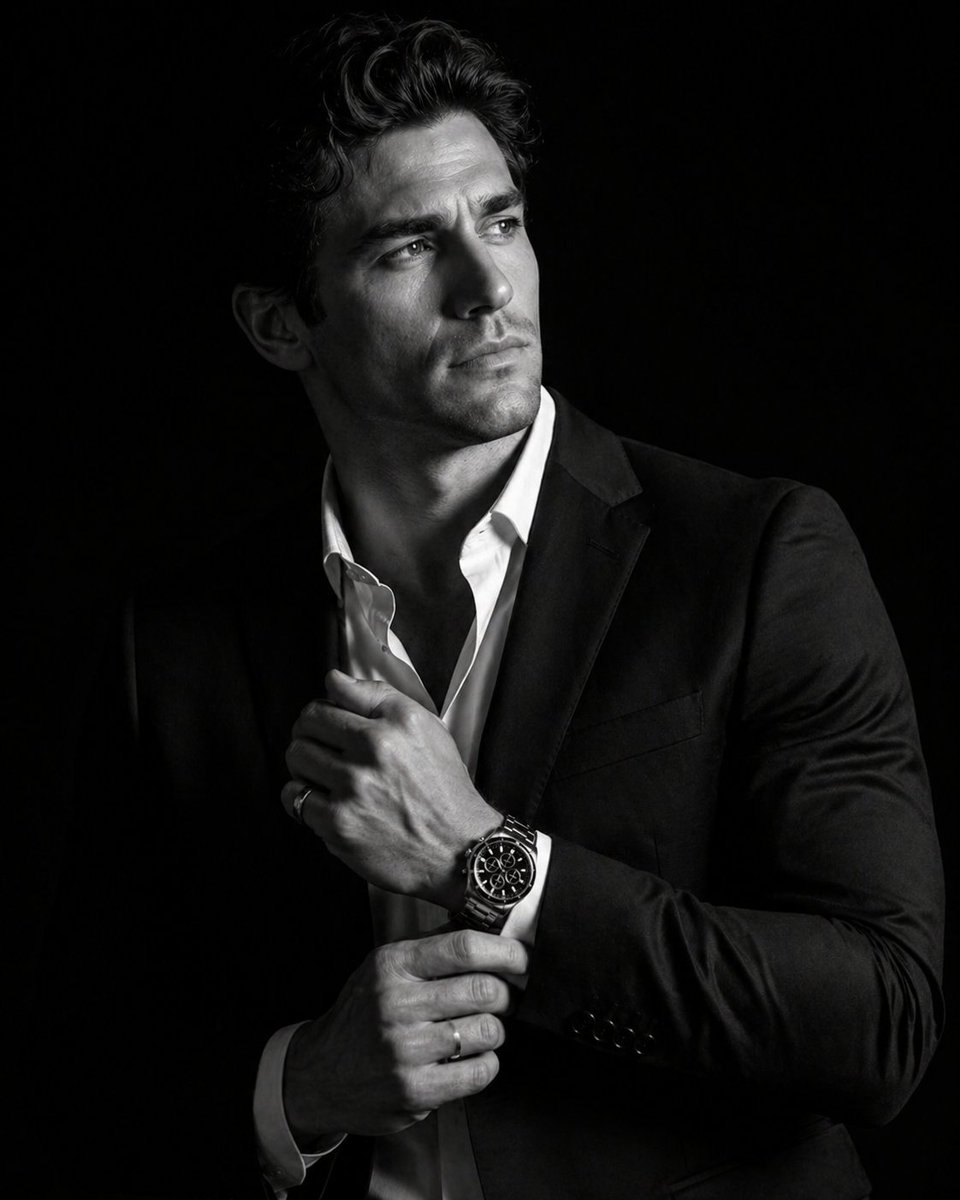
Cinematic Male Suit Portrait
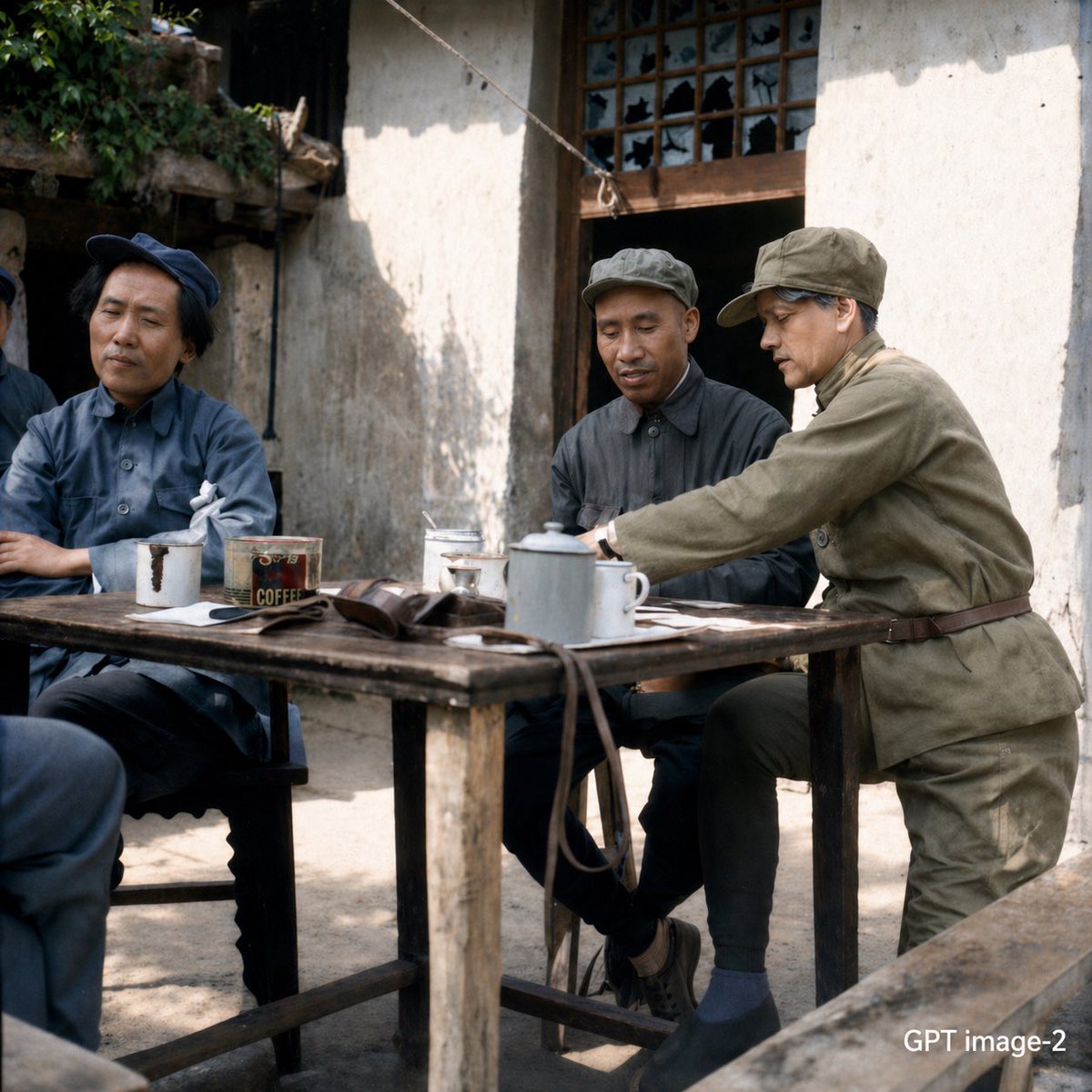
Mao-Era Courtyard Meeting Photo
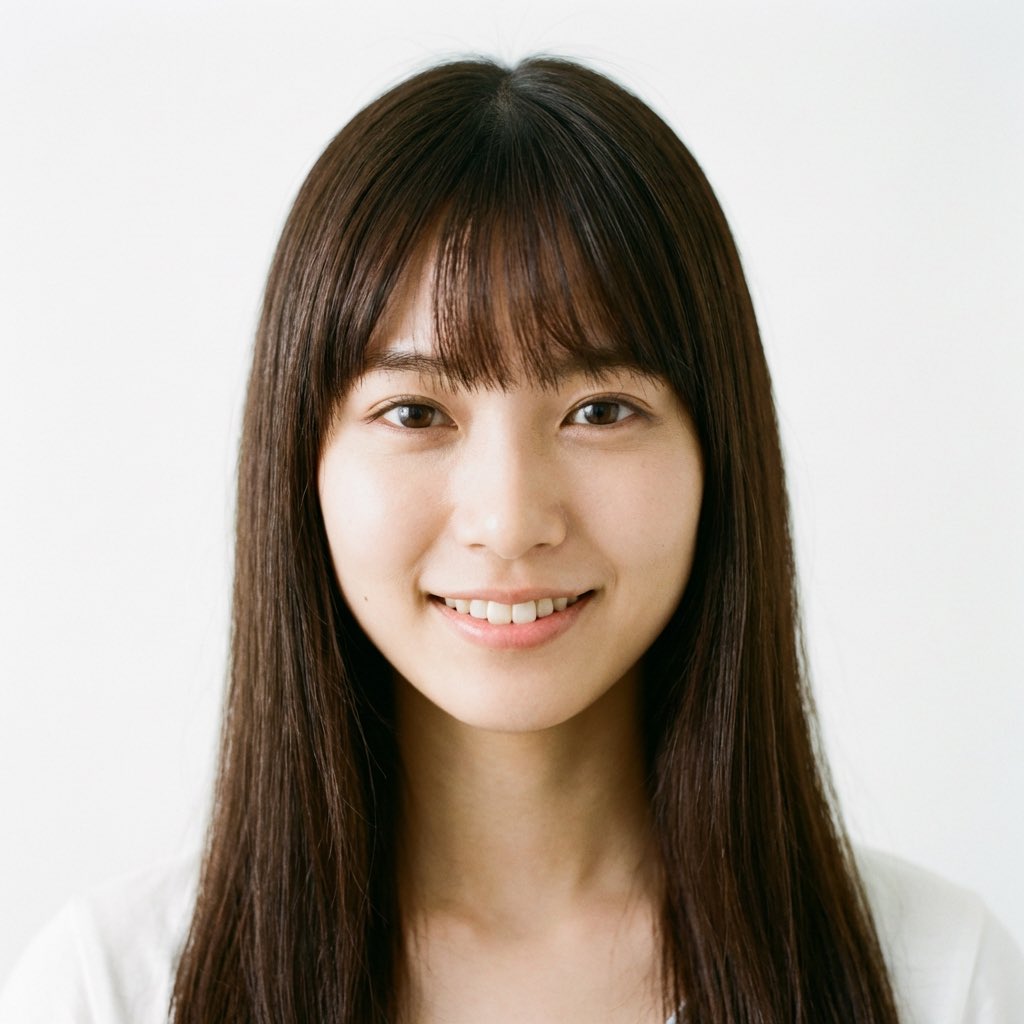
Nano Banana Pro Prompt for a Young Japanese Woman Portrait

Elegant Japanese Divorce Law LP Hero
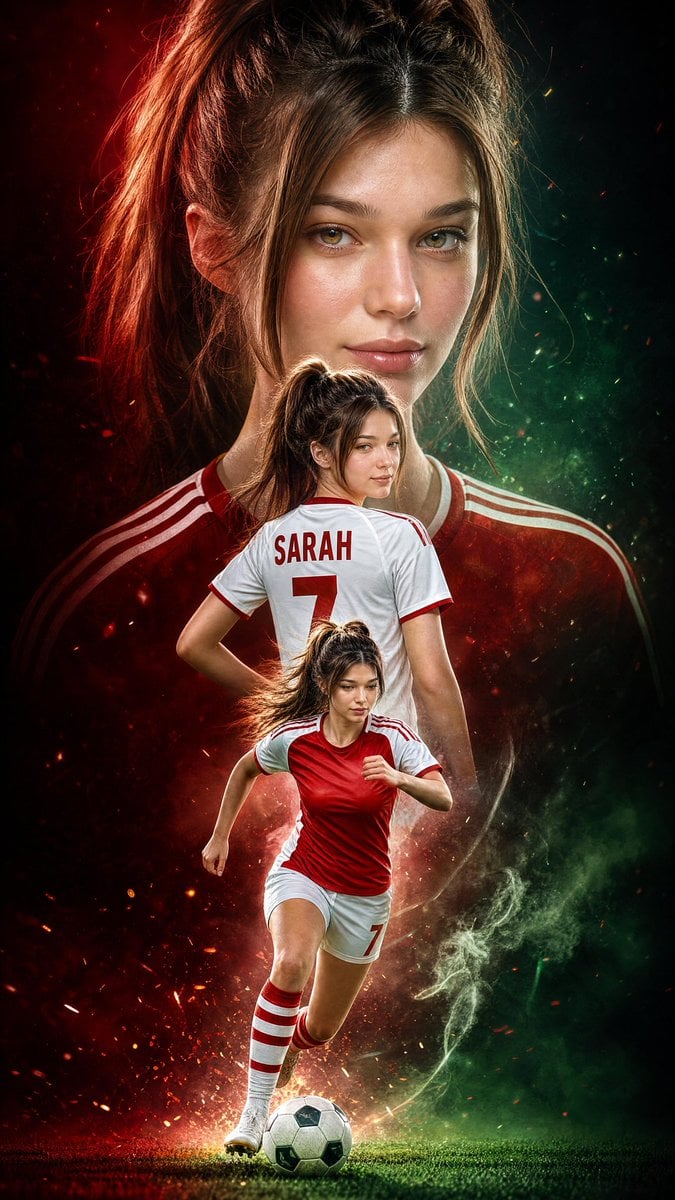
Triple Exposure Sports Poster
Browse template categories
Seedance - Romantic Comedy Scene questions
How do I use the Seedance - Romantic Comedy Scene template?
Add your photo if the template asks for one, edit the prompt if you like — the template's model and format are already selected — and press Generate. Your version opens in PicX Studio.
Can I customize the Seedance - Romantic Comedy Scene template?
Yes. You can change the subject, setting, lighting, mood, format, and available model controls before creating your image.
Is the Seedance - Romantic Comedy Scene template free?
Opening and editing this template is free. Generating uses credits, shown on the Generate button when you are signed in.
Which AI model should I use?
Choose a compatible model in PicX Studio based on the style, speed, and output controls your project needs.
Looking for something else? Browse all templates.

Your photo, any look
Thousands of ready templates for every top image and video model, from one credit balance.