
untitled
untitled is a ready photo look for Seedance 2.0 Standard.

- Prompt included
- Model and format preset
- Free template
The prompt behind this image
Copy the exact prompt behind untitled, or open it in the studio and make it yours.
Style 100% real-life filmed texture, iPhone documentary look, handheld single take feeling, natural low-light environment, slight breathing shake, subtle focus hunting, soft sensor noise in shadows. Character Reference: Use Image1 as the exact character reference. Face, body, posture, clothing must remain identical. No stylization drift. Environment A dark living room at night. Only light source: a TV screen flickering. Minimal furniture. Quiet atmosphere. Hook (0–3s) The TV glitches. For a split second, something is off. Then the room flickers into a completely different reality. 13-Second One-Take Sequence 0–2s The living room suddenly transforms into a horror scene, walls decayed, dim red lighting, distant whispering. The character doesn't react. SFX: glitch + low horror ambience 2–3s Instant flicker → now sci-fi spaceship interior. Cold blue lights. Mechanical hum. 3–5s The Netflix red glow slowly spreads from the TV across the room. Light bleeds into every surface. Music: deep cinematic build begins 5–7s The world cycles rapidly around the character: • medieval throne room • crime interrogation room • post-apocalyptic wasteland All while the character stands perfectly still in center frame. 7–9s The character slowly raises a remote. Presses pause. SFX: hard digital click 9–11s Everything freezes mid-action: • a sword mid-swing • dust particles suspended • a character mid-fall Absolute silence. 11–12s The main character looks around calmly. Steps through the frozen scene. 12–13s They sit back into their original couch position. The room snaps back to normal. On TV: "Continue Watching?" Soft Netflix red glow fades. Audio Direction SFX: glitch distortions, environment swaps, digital pause click Music: slow cinematic build → cuts to silence at pause → subtle ambient ending Important Notes Keep transitions fast but readable All environments must feel real, not stylized CGI Character must remain calm → contrast is key
How to use untitled in 3 steps
- 1Upload ImagePNG, JPG or paste
Add your photo
Upload the photo the template builds on. The prompt, model and format are already set.
- 2…a portrait of your subject in softgolden-hour light, 85mm…
Personalize
Edit the subject and creative details for your destination.
- 3Generate
Generate
Press Generate — your image is created in PicX Studio, so you can compare it with the original and refine one variable at a time.
More like this
Templates with the same subject, style or setup. Open one to see its prompt.












Make it yours
untitled works as-is. These are the safest ways to change it without losing the look.
Change one field
Copy a single group, rewrite it, and generate again so you can see what that field is doing.
Keep the frame, change the subject
Hold the composition and light of 72-untitled, then swap wardrobe, props or the person for a new take.
| If the result… | Why | Fix |
|---|---|---|
| The result drifts from the preview | Too many fields changed at once. | Reuse 72-untitled as-is first, then change one group — subject, light, or setting. |
| The model over-stylizes the scene | The prose prompt leaves finish and camera underspecified. | Add one camera or lighting sentence and stay on Seedance 2.0 Standard. |
More Seedance 2.0 Standard templates
Other prompts made for Seedance 2.0 Standard.






More image prompts
Fresh picks from across the catalog.
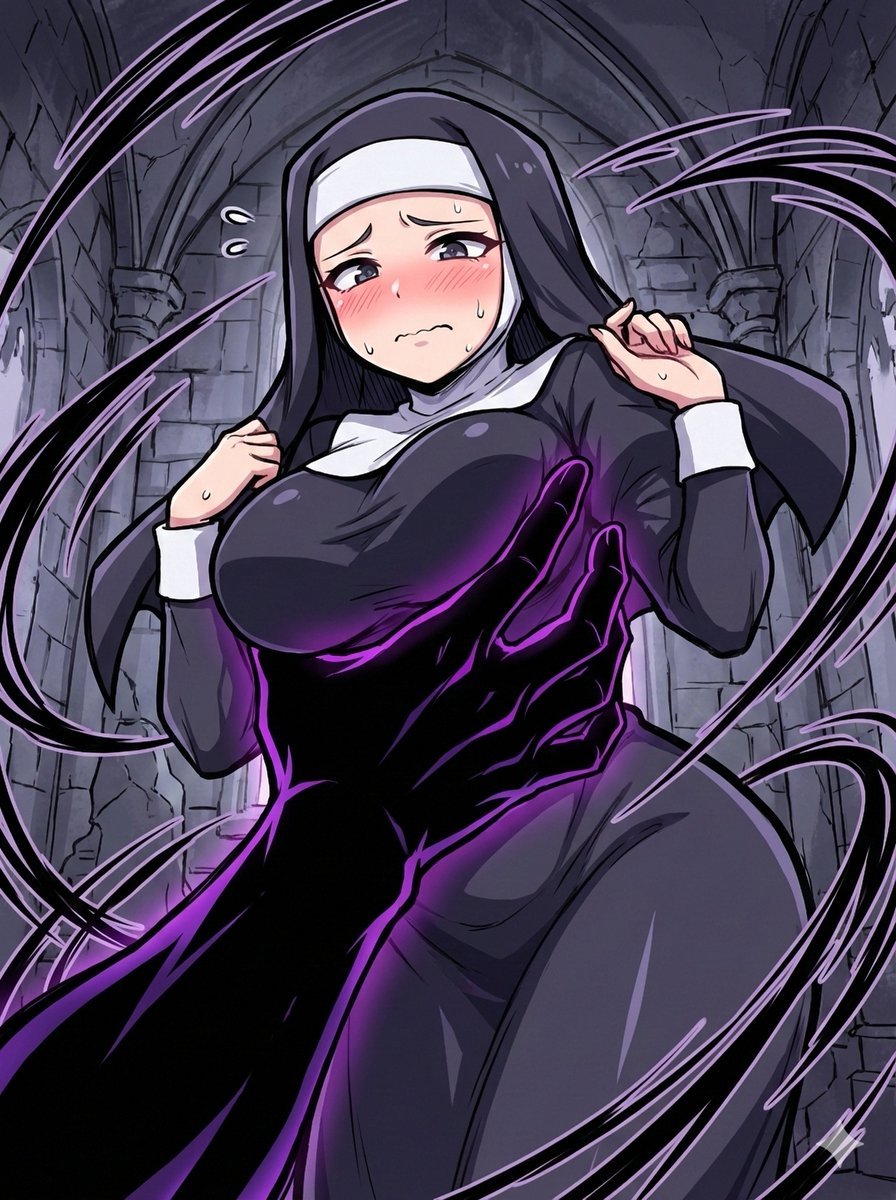
Short Prompt for AI Art Generation
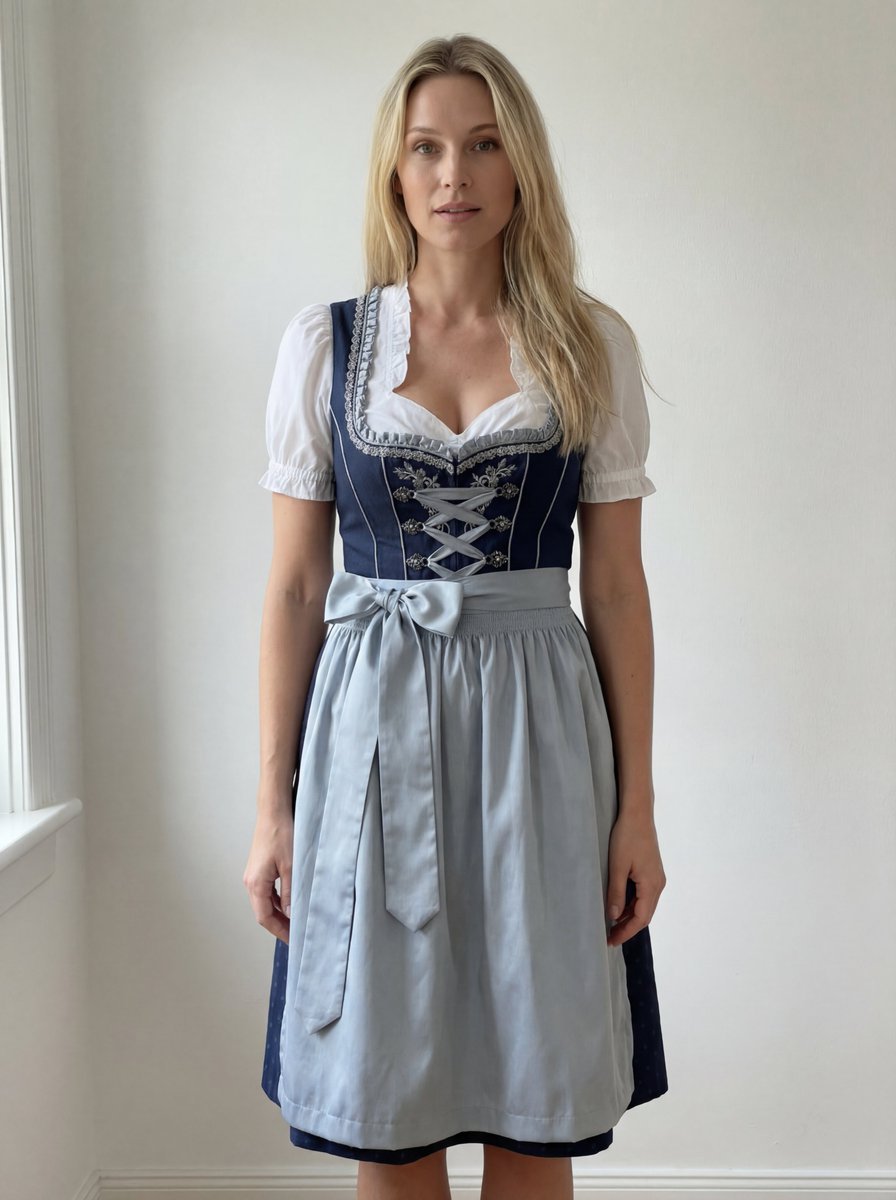
Edit Prompt: Woman in Bavarian Dirndl (Strict Background Preservation)
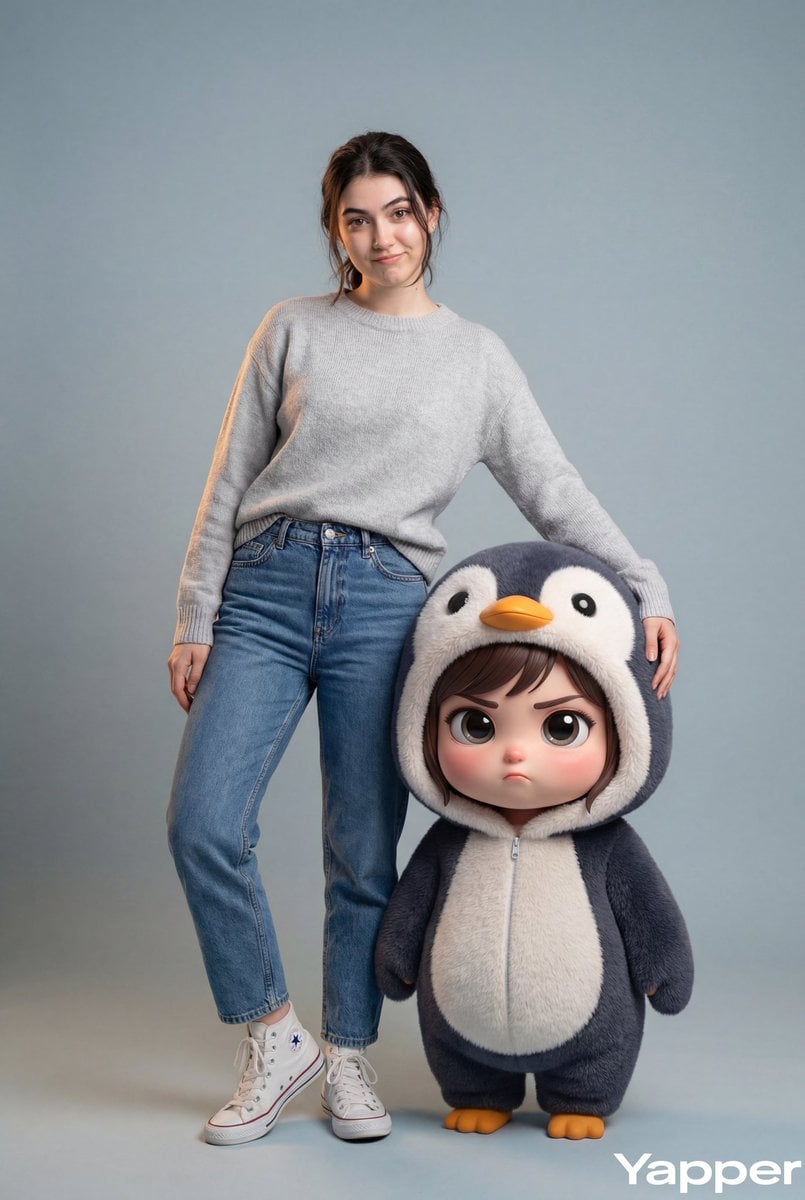
Hyper-Realistic Portrait with Chibi Penguin Character
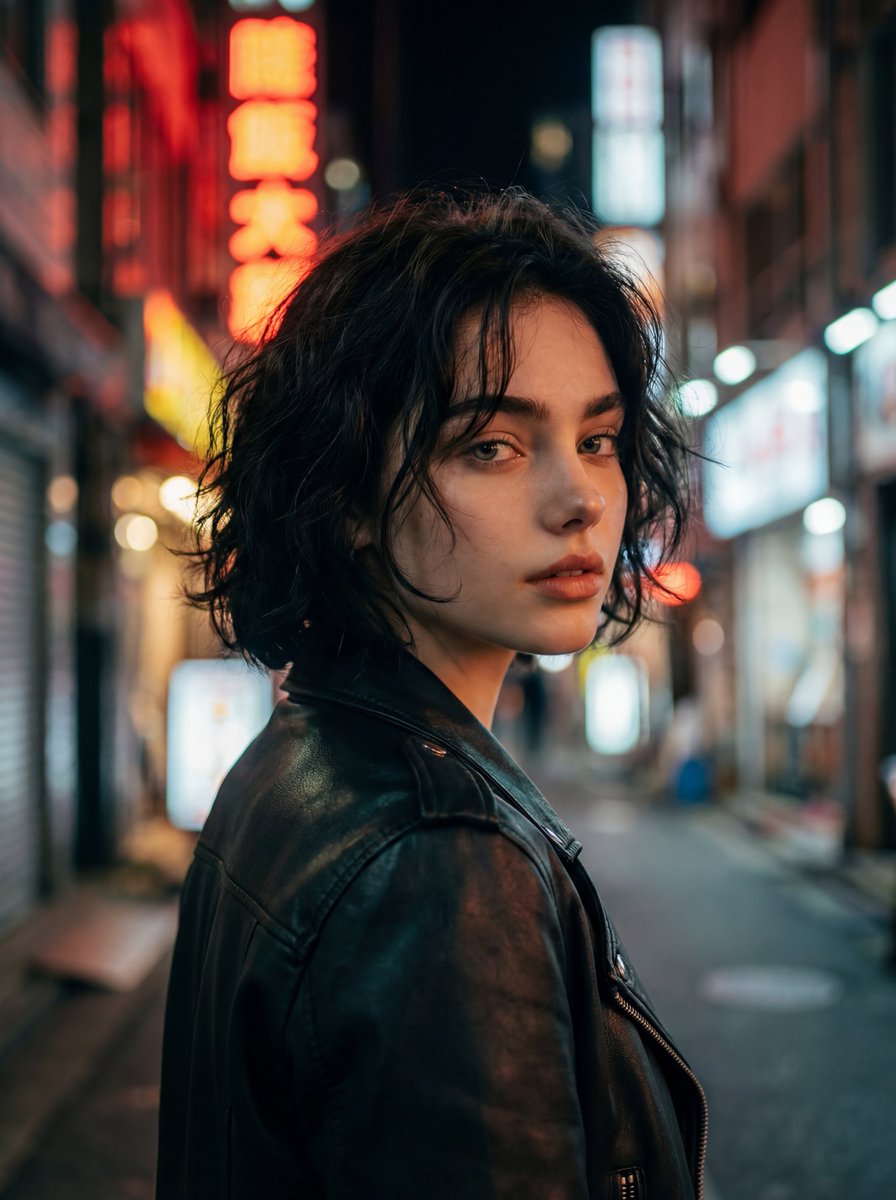
Cinematic Night Street Portrait
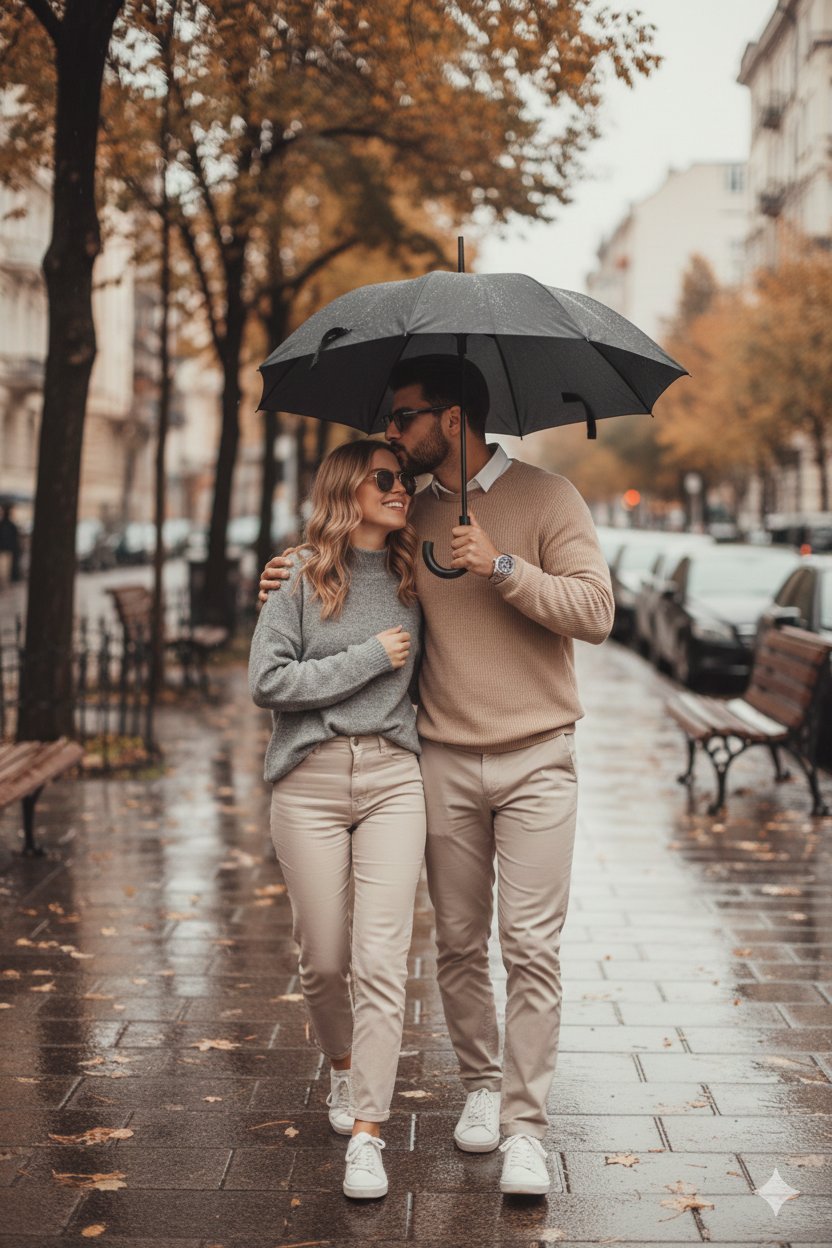
Together We Are Perfect

Stacked Smartphone Flash Selfie
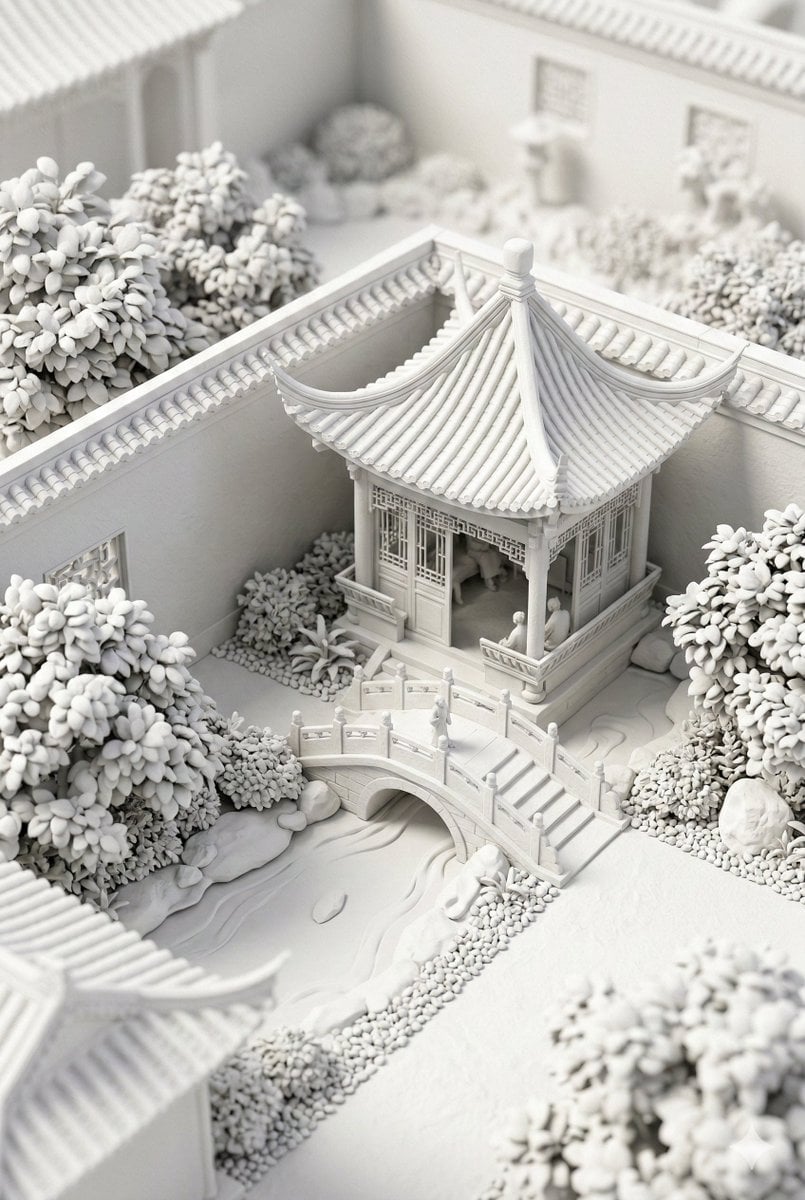
Chinese Garden Clay Render Prompt (Nano Banana 2)
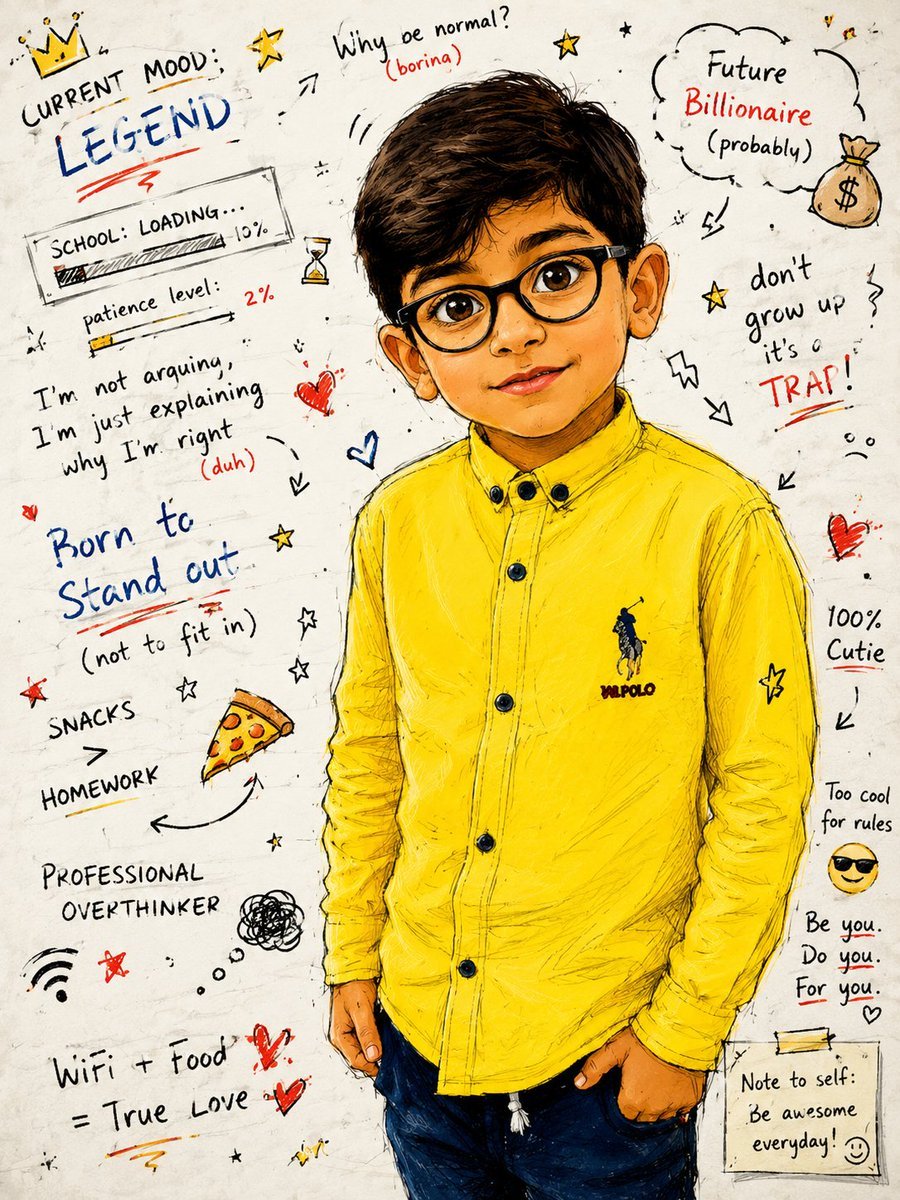
Teenage Sketchbook Caricature Effect
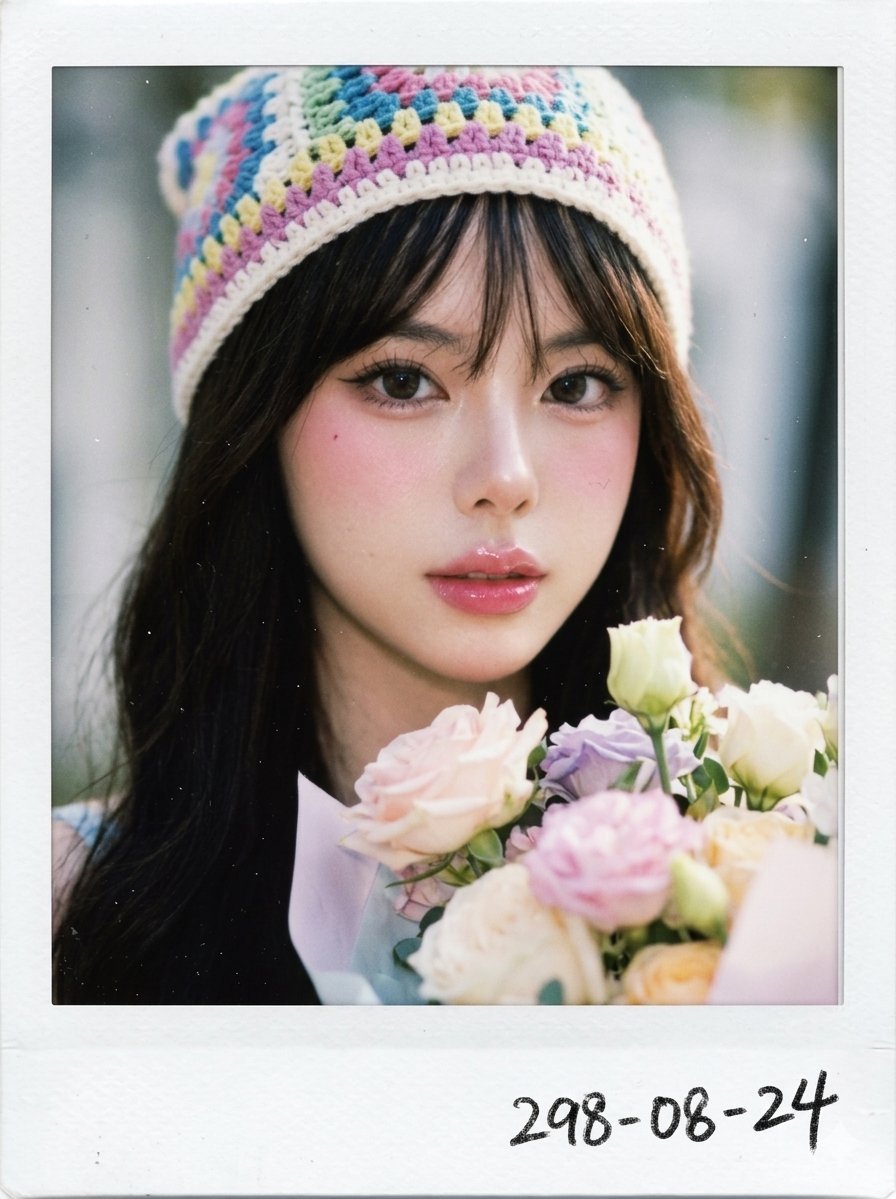
X Chryzleenprompt Create Image a Hyper Photorealistic Polaroid
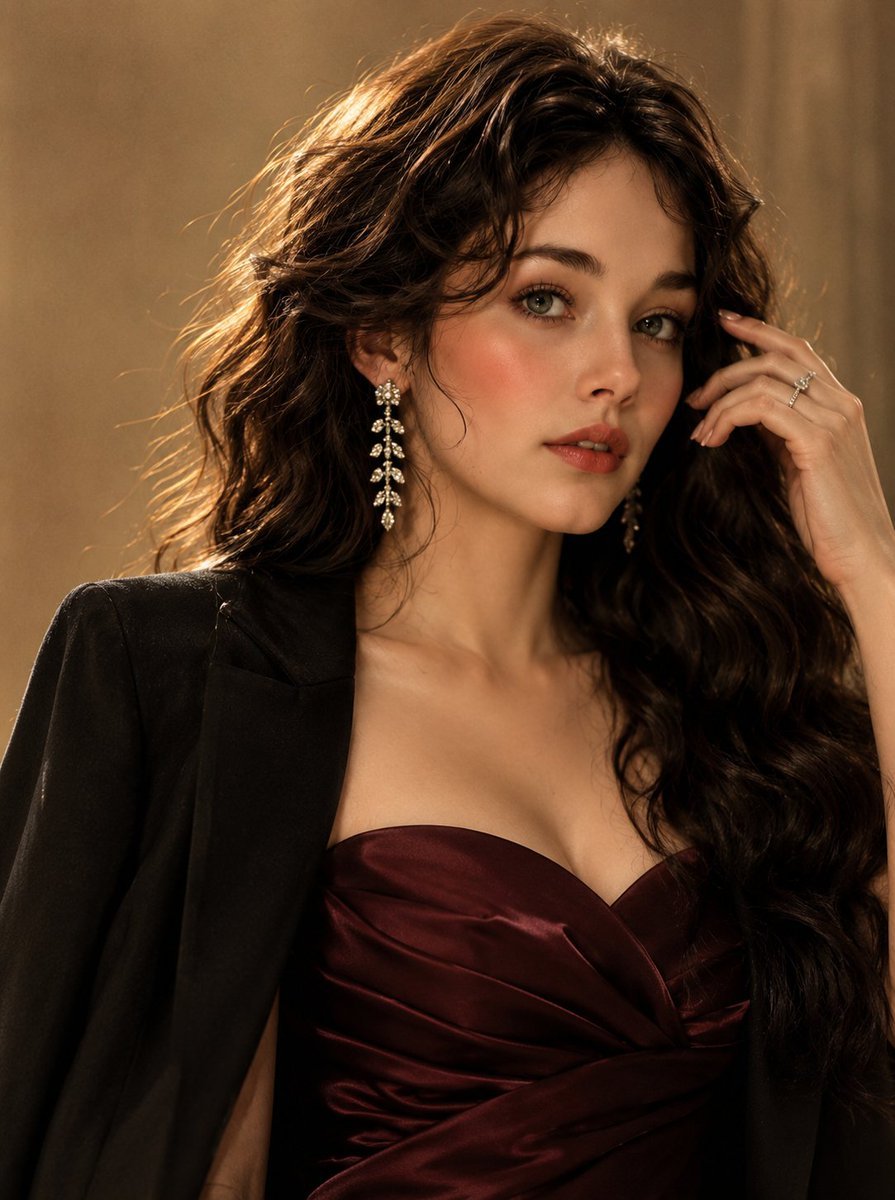
Luxury Korean Beauty Editorial
Browse template categories
untitled questions
How do I use the 72-untitled template?
Add your photo if the template asks for one, edit the prompt if you like — the template's model and format are already selected — and press Generate. Your version opens in PicX Studio.
Can I customize the 72-untitled template?
Yes. You can change the subject, setting, lighting, mood, format, and available model controls before creating your image.
Is the 72-untitled template free?
Opening and editing this template is free. Generating uses credits, shown on the Generate button when you are signed in.
Which AI model should I use?
Start with Seedance 2.0 Standard, which is the model associated with this template. You can compare another compatible model for a different finish.
Looking for something else? Browse all templates.

Your photo, any look
Thousands of ready templates for every top image and video model, from one credit balance.