
untitled
untitled is a ready photo look for Seedance 2.0 Standard.

- Prompt included
- Model and format preset
- Free template
The prompt behind this image
Copy the exact prompt behind untitled, or open it in the studio and make it yours.
Cinematic 10-second animation sequence starting from the original image. A dark armored hooded leader in intricate ornate black metallic armor with glowing teal visor stands powerfully in a desolate cracked wasteland, holding a flaming energy sword. Behind him marches an army of ethereal glowing blue ghostly warriors and other dark armored soldiers. Suddenly the ground violently shakes and erupts. A massive colossal sand monster made of swirling, shifting sand and dust rises from the earth in front of them — a giant monstrous humanoid with glowing orange eyes, huge jagged claws, and a roaring open maw formed of sand. The hooded leader raises his flaming sword and charges forward into battle. The ethereal blue ghosts and armored warriors rush behind him. Intense action: the leader slashes powerfully at the sand giant with his fiery sword, causing explosions of sand and sparks with every hit. The sand monster roars and swings its massive sandy arms and claws, smashing the ground and creating huge dust clouds. Warriors dodge, attack, and get thrown by the impacts. Swirling sandstorms, flying debris, glowing particles, dramatic orange fire light clashing with cool blue ethereal glows, cinematic camera movement with dynamic angles, slow-motion sword strikes and impacts, flowing capes and robes, epic fantasy battle atmosphere, hyper-detailed, highly dynamic motion, 10 seconds duration.
How to use untitled in 3 steps
- 1Upload ImagePNG, JPG or paste
Add your photo
Upload the photo the template builds on. The prompt, model and format are already set.
- 2…a portrait of your subject in softgolden-hour light, 85mm…
Personalize
Edit the subject and creative details for your destination.
- 3Generate
Generate
Press Generate — your image is created in PicX Studio, so you can compare it with the original and refine one variable at a time.
More like this
Templates with the same subject, style or setup. Open one to see its prompt.












Make it yours
untitled works as-is. These are the safest ways to change it without losing the look.
Change one field
Copy a single group, rewrite it, and generate again so you can see what that field is doing.
Keep the frame, change the subject
Hold the composition and light of 67-untitled, then swap wardrobe, props or the person for a new take.
| If the result… | Why | Fix |
|---|---|---|
| The result drifts from the preview | Too many fields changed at once. | Reuse 67-untitled as-is first, then change one group — subject, light, or setting. |
| The model over-stylizes the scene | The prose prompt leaves finish and camera underspecified. | Add one camera or lighting sentence and stay on Seedance 2.0 Standard. |
More Seedance 2.0 Standard templates
Other prompts made for Seedance 2.0 Standard.






More image prompts
Fresh picks from across the catalog.
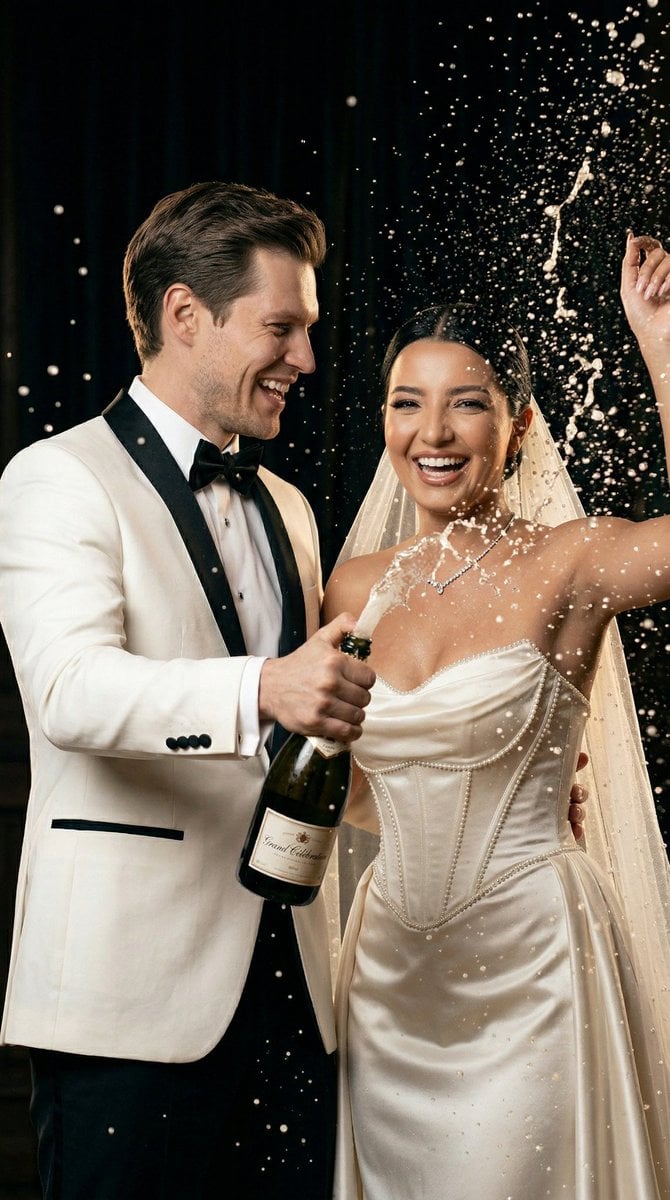
Luxury Champagne Wedding Campaign Image-to-Image Prompt for Nano Banana 2
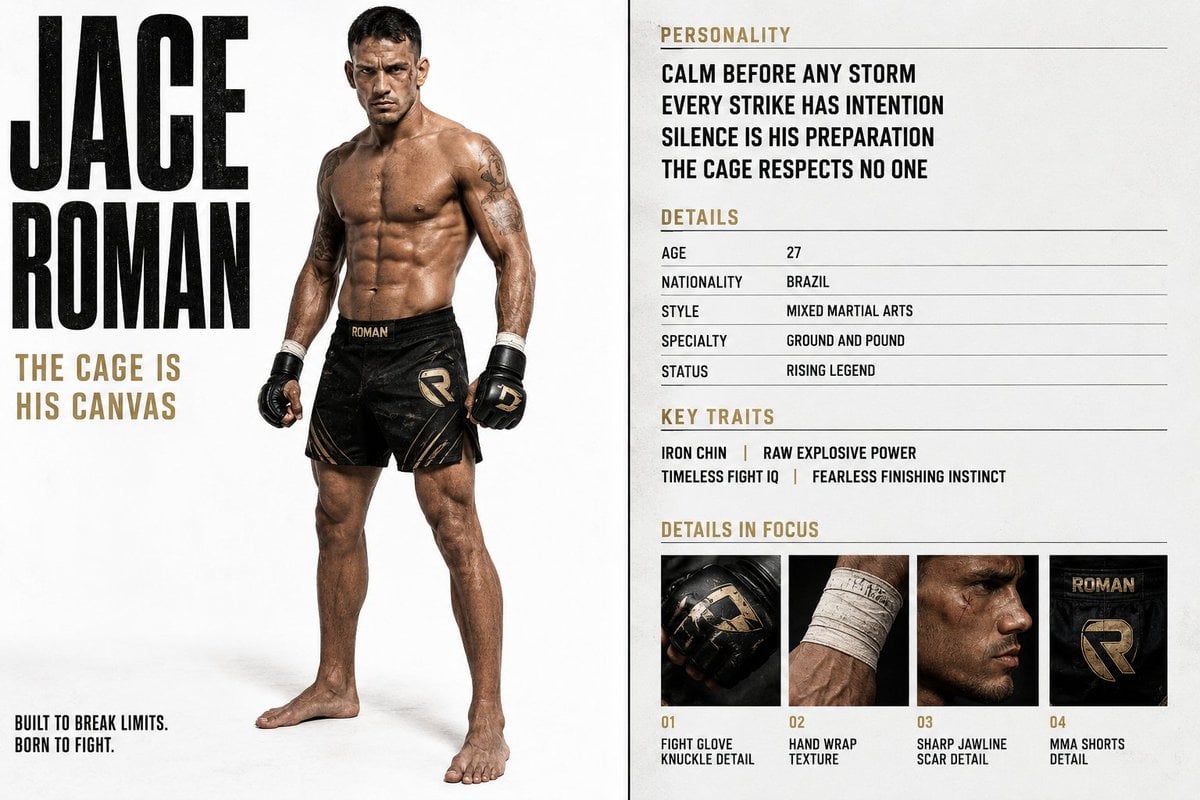
Luxury Editorial Character Spread
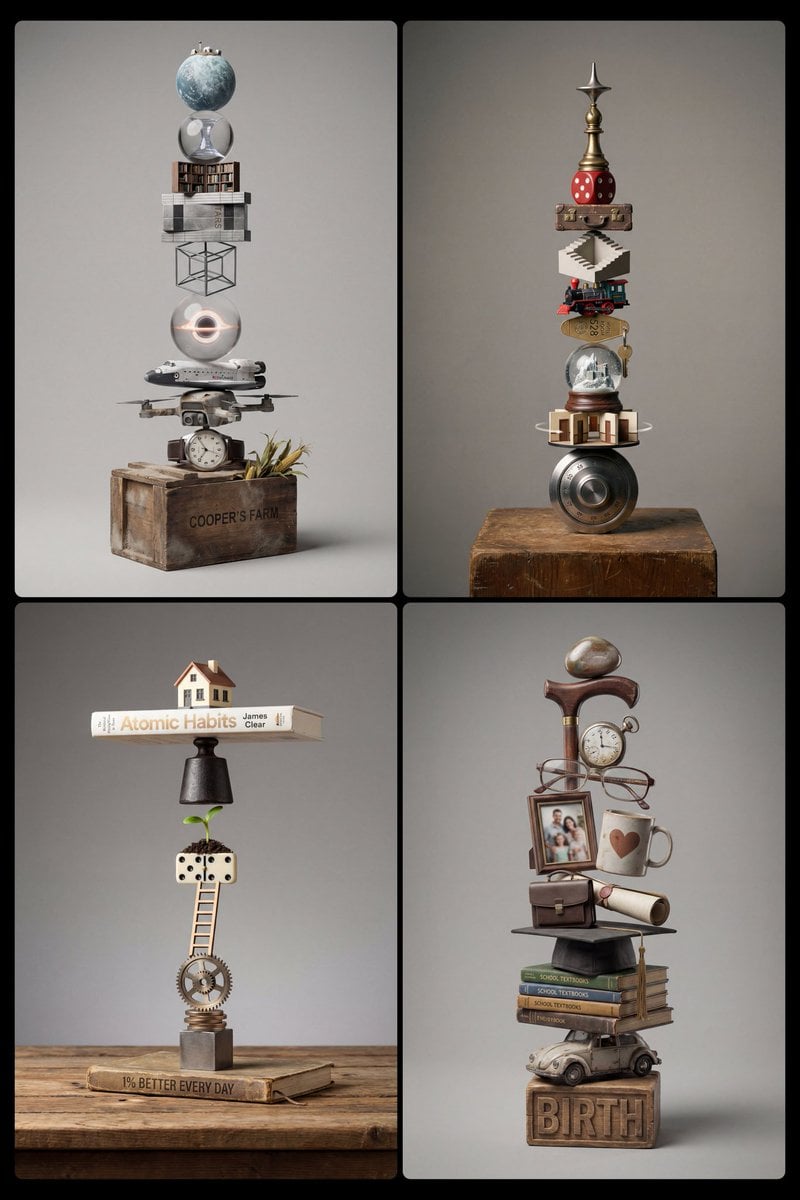
Stacked Objects Symbolizing a Concept
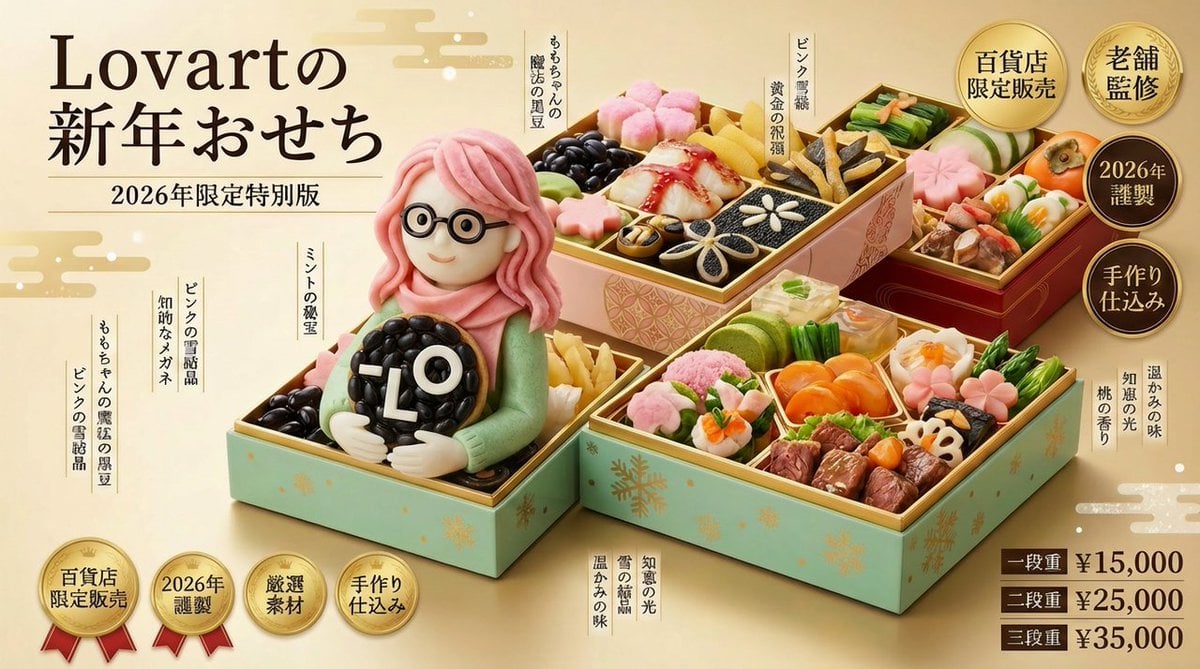
New Year's Osechi Dish Advertisement Key Visual Generation Prompt
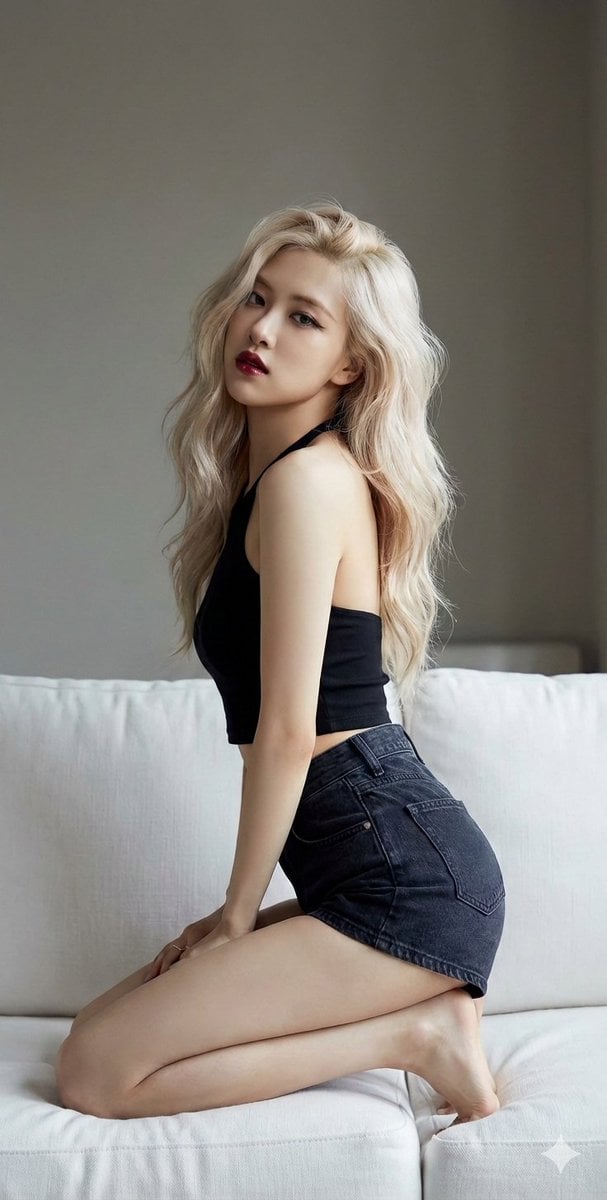
K-Pop Star Rosé High-Fashion Editorial Prompt
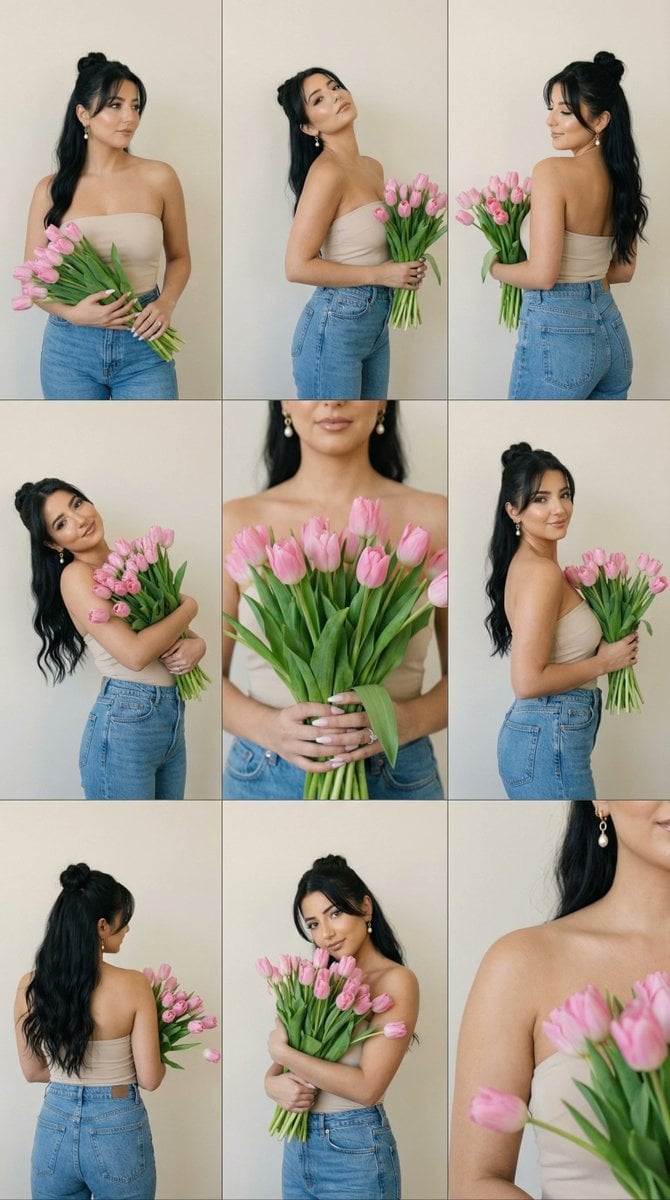
Editorial Contact Sheet Prompt: Woman with Pink Tulips
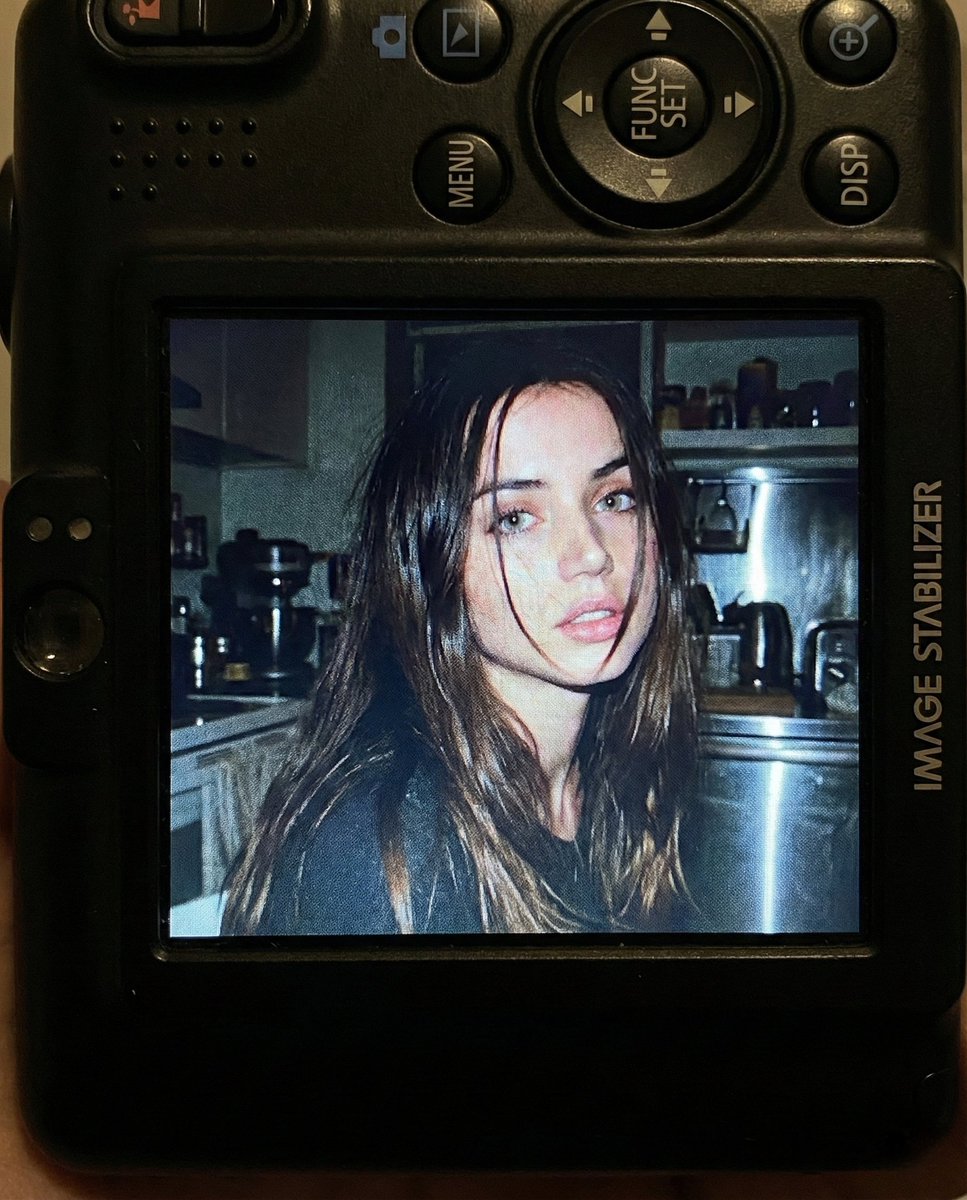
Nostalgic Early 2000s Digital Camera Portrait Prompt
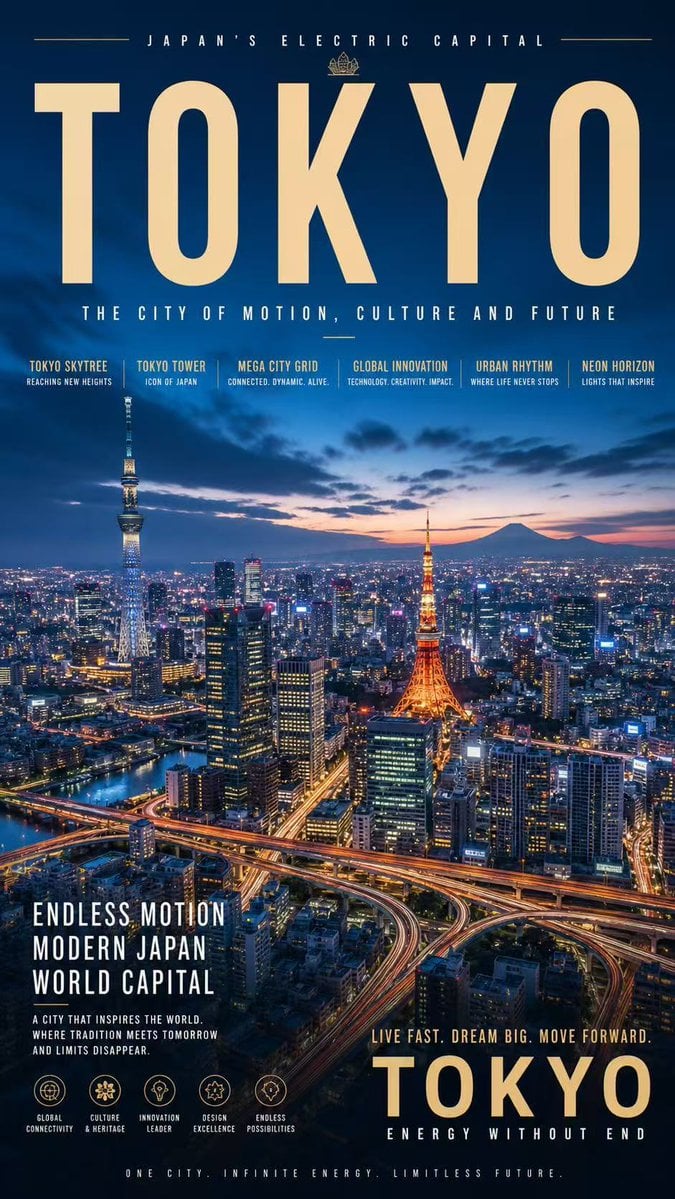
Tokyo Electric Capital Poster
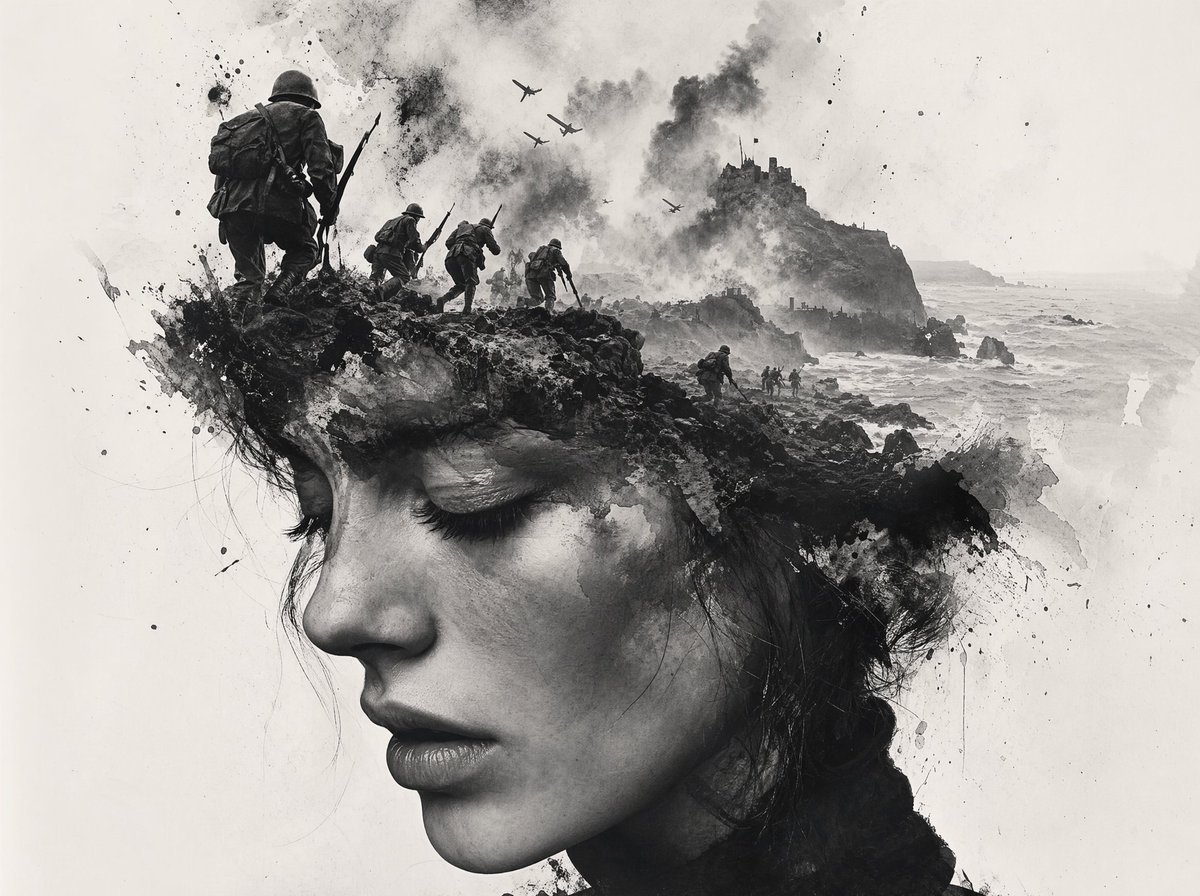
Black-and-White Wartime Ink Scene
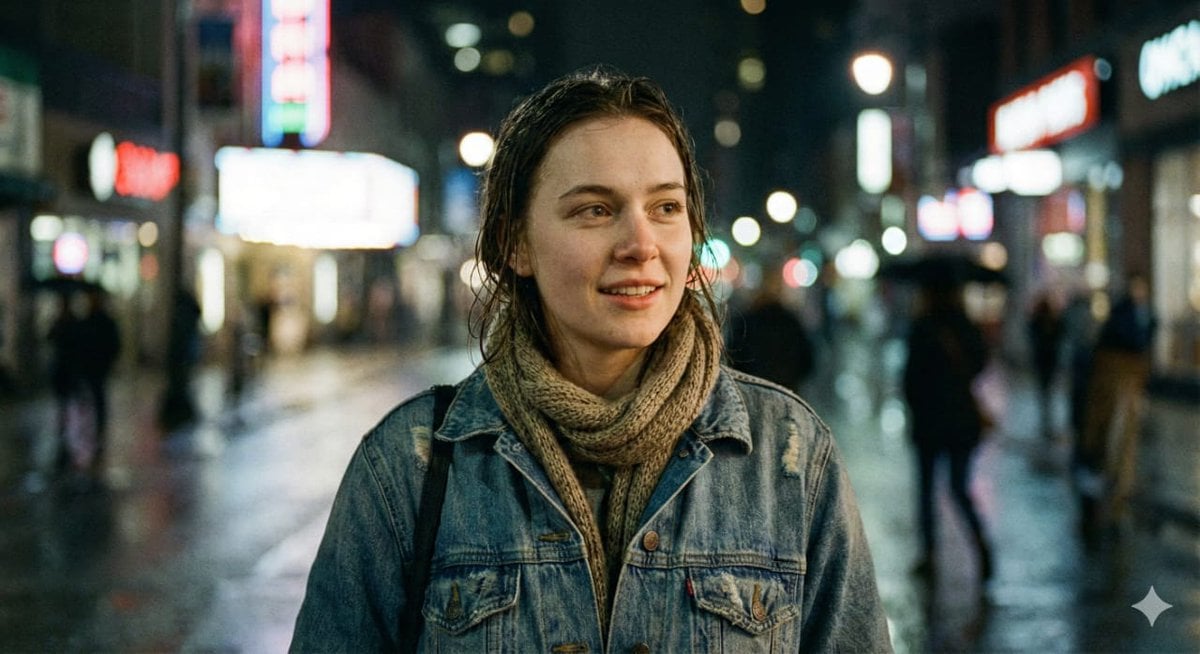
Ultra-Realistic Cinematic Street Portrait
Browse template categories
untitled questions
How do I use the 67-untitled template?
Add your photo if the template asks for one, edit the prompt if you like — the template's model and format are already selected — and press Generate. Your version opens in PicX Studio.
Can I customize the 67-untitled template?
Yes. You can change the subject, setting, lighting, mood, format, and available model controls before creating your image.
Is the 67-untitled template free?
Opening and editing this template is free. Generating uses credits, shown on the Generate button when you are signed in.
Which AI model should I use?
Start with Seedance 2.0 Standard, which is the model associated with this template. You can compare another compatible model for a different finish.
Looking for something else? Browse all templates.

Your photo, any look
Thousands of ready templates for every top image and video model, from one credit balance.