
Black-and-White Wartime Ink Scene
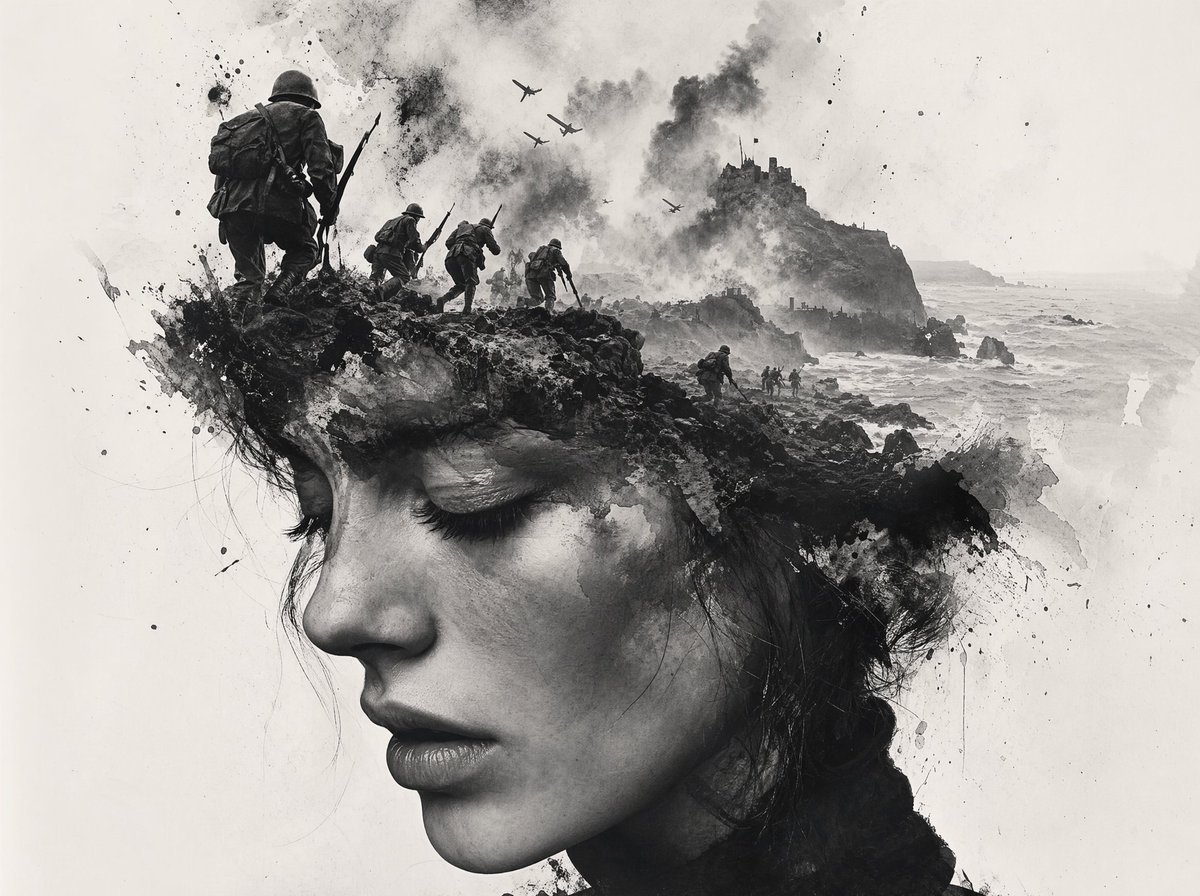
A moody monochrome battlefield concept image showing soldiers, planes, smoke, and a rocky coastal fortress, ideal for historical poster art or dramatic editorial illustration.
- Prompt included
- Model and format preset
- Free template
The prompt behind this image
Copy the exact prompt behind Black-and-White Wartime Ink Scene, or open it in the studio and make it yours.
A dramatic black-and-white ink-wash wartime illustration in a vertical composition, combining realistic World War II imagery with abstract splattered brushwork on a mostly white background. Show 4 soldiers total advancing from the left toward the center and distance: 1 large foreground soldier seen from behind on a rocky ledge, wearing a steel helmet, heavy pack, and carrying a rifle with bayonet, plus 3 smaller soldiers in a staggered line behind him moving toward the right. In the sky, show 5 warplanes flying overhead through thick smoke. On the right side, place a steep rocky island or coastal cliff with a ruined fortress or castle on top, with smoke rising around it. Below, depict a rough sea crashing against dark rocks and a narrow shoreline with tiny landing figures near the water. Use explosive black ink splashes, soot clouds, scratches, drips, and painterly debris to merge the soldiers, cliffs, and surf into one expressive composition. High contrast monochrome, misty atmosphere, desaturated grayscale only, cinematic and haunting, with lots of negative space and a fine-art concept-art feel.
How to use Black-and-White Wartime Ink Scene in 3 steps
- 1Upload ImagePNG, JPG or paste
Add your photo
Upload the photo the template builds on. The prompt, model and format are already set.
- 2…a portrait of your subject in softgolden-hour light, 85mm…
Personalize
Edit the subject and creative details for your destination.
- 3Generate
Generate
Press Generate — your image is created in PicX Studio, so you can compare it with the original and refine one variable at a time.
More like this
Templates with the same subject, style or setup. Open one to see its prompt.

Woman in Mall with Chanel Bag - Heart Gesture
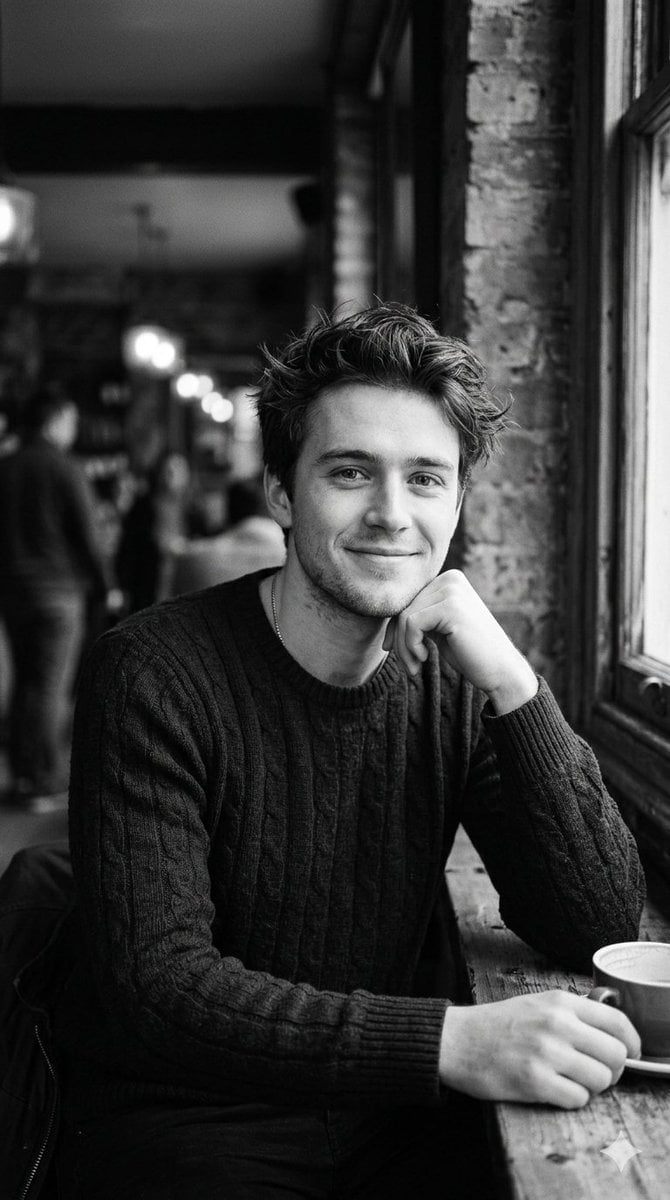
Black and White Cafe Portrait
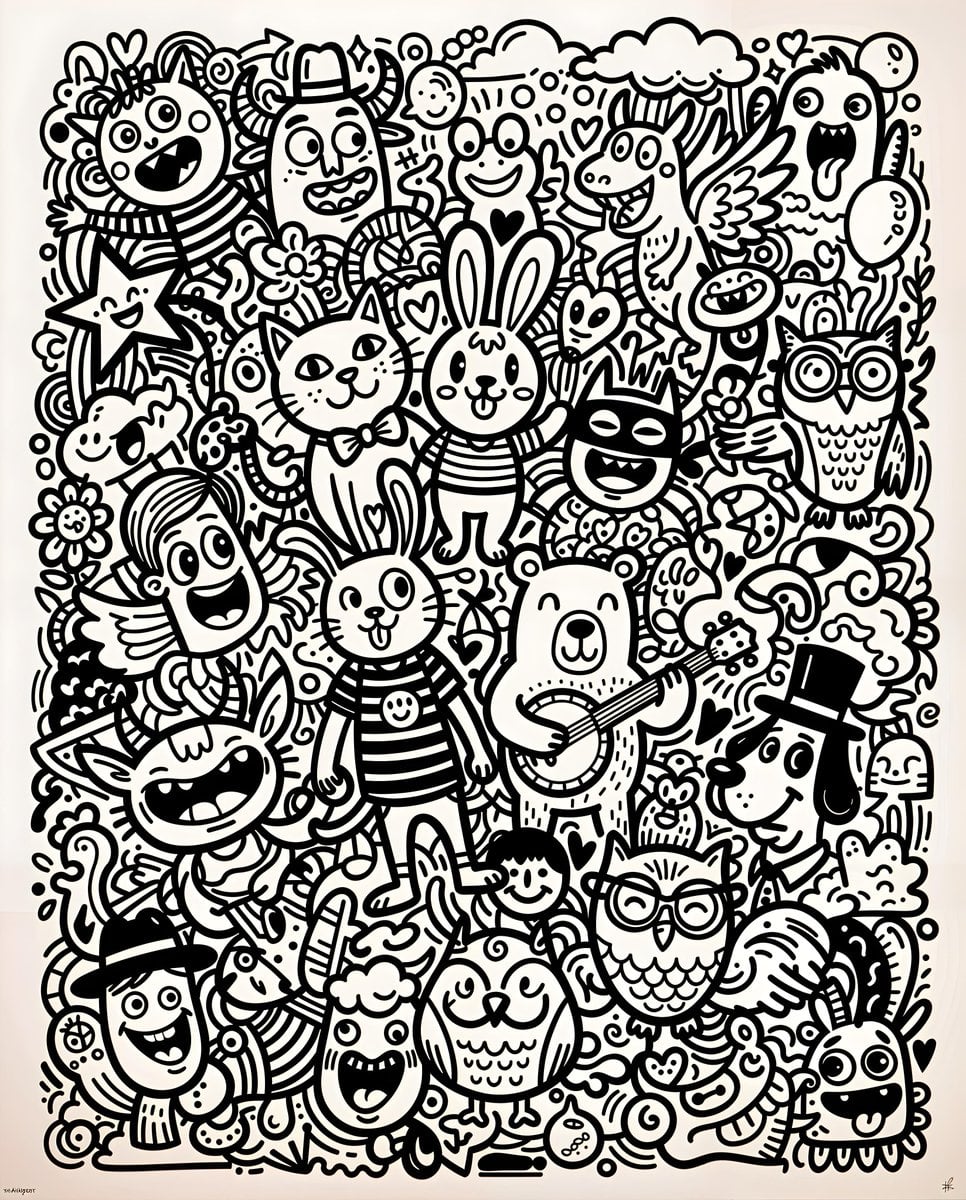
Black and White Whimsical Doodle Art
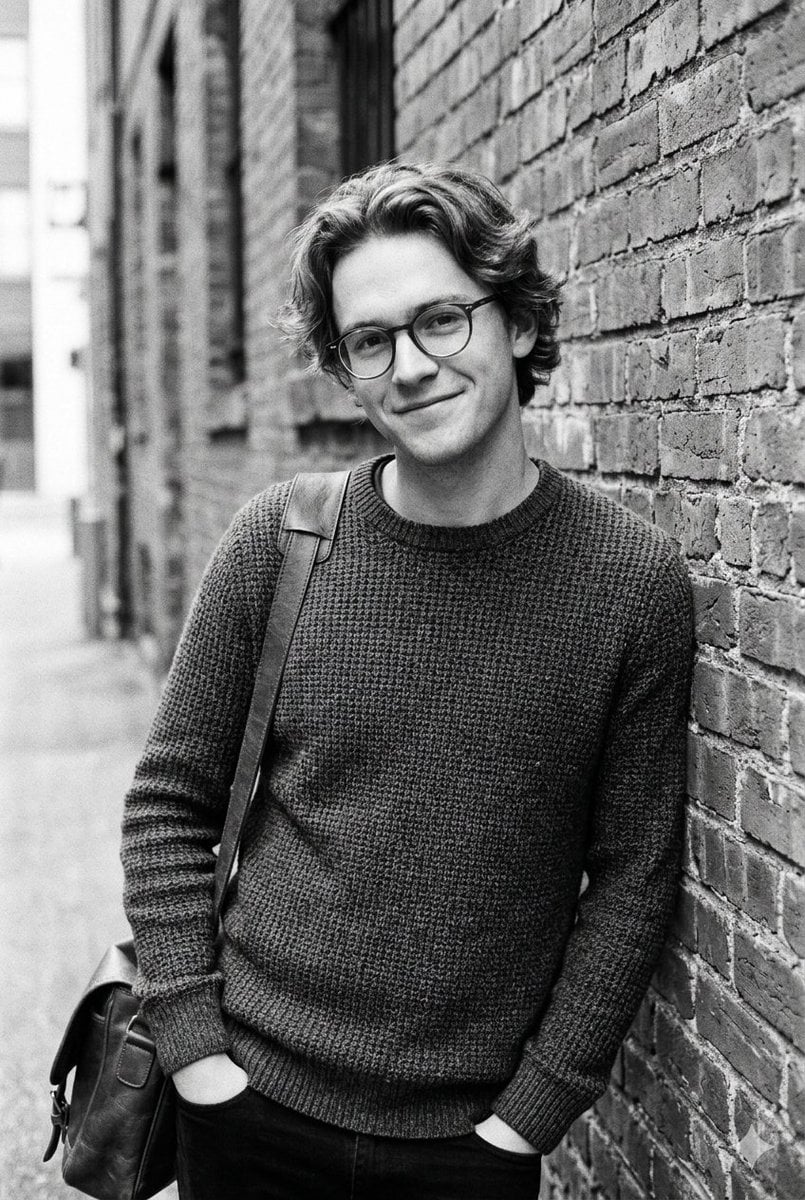
Black and White Urban Male Portrait
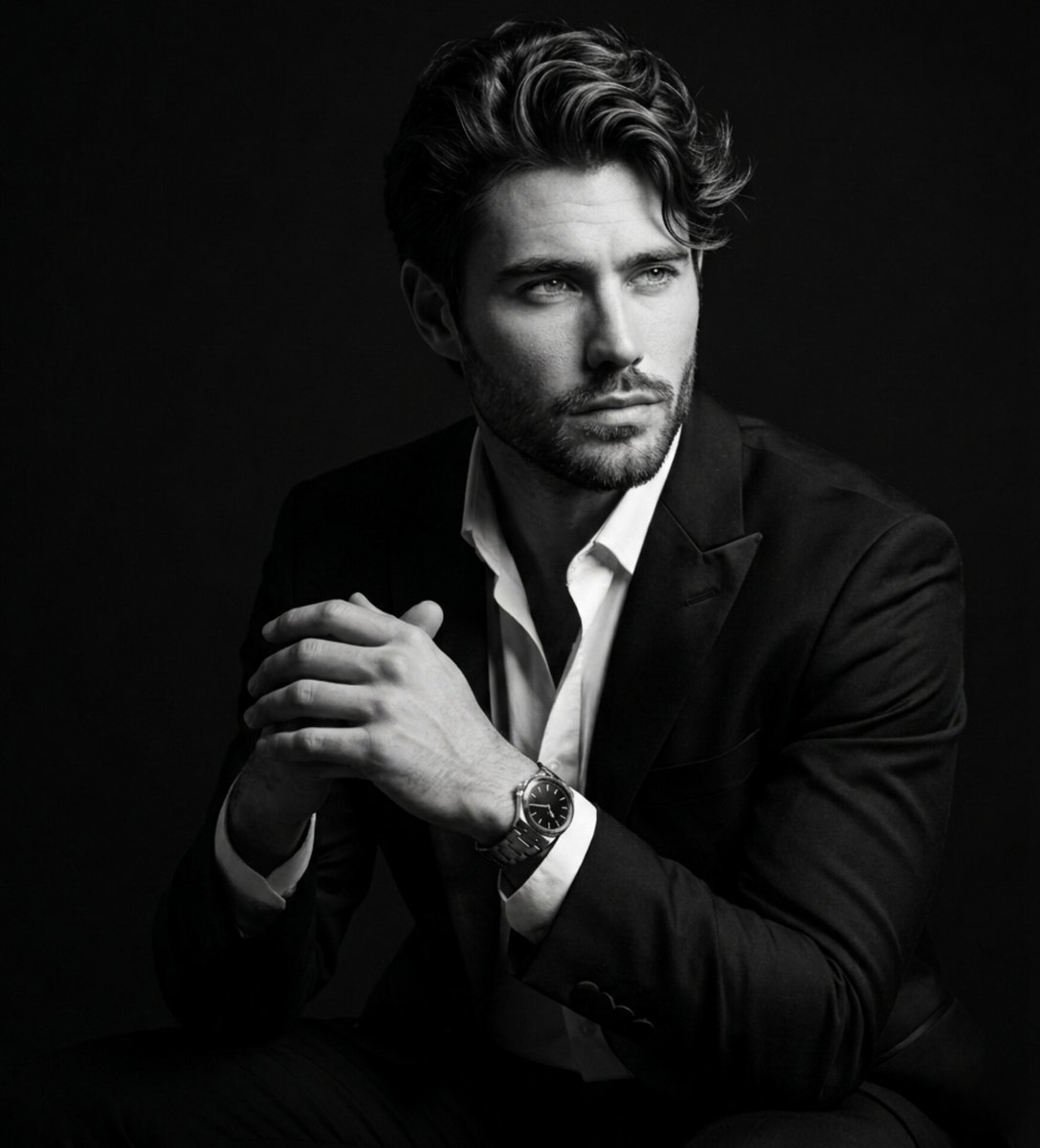
Fine Art Black and White Portrait
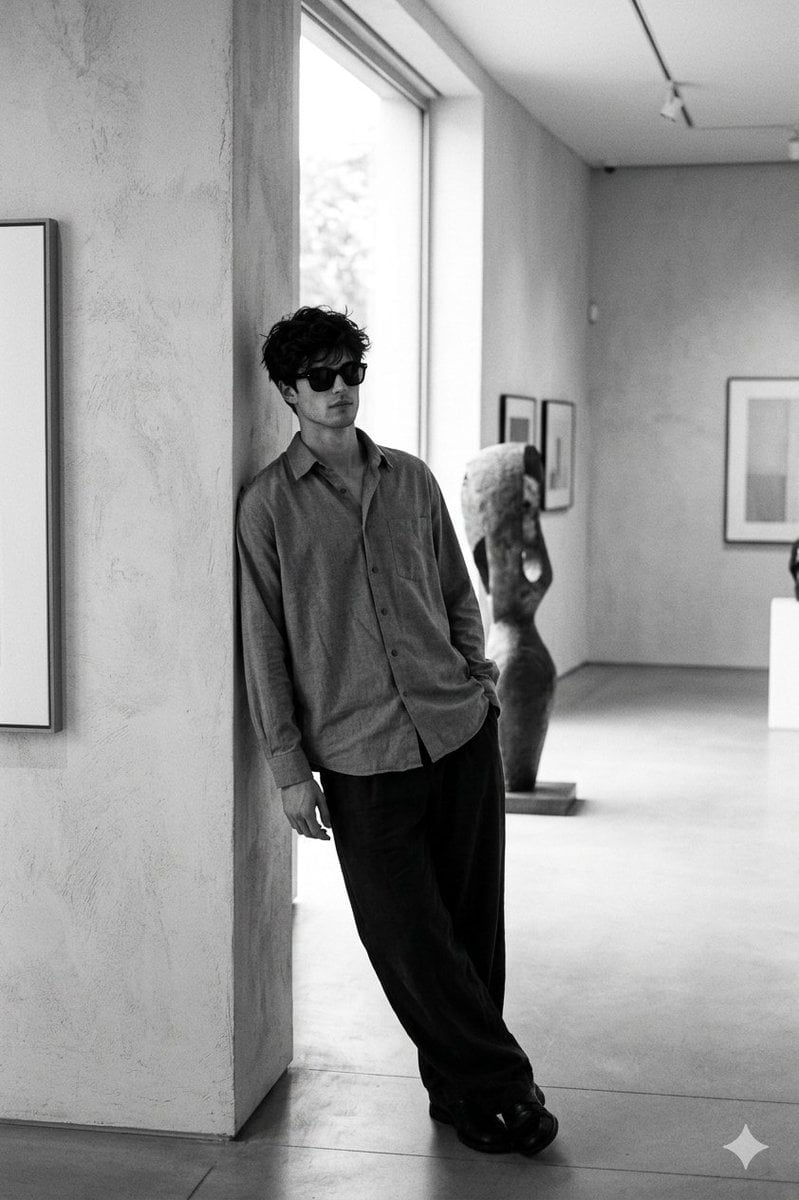
90s Black and White Film
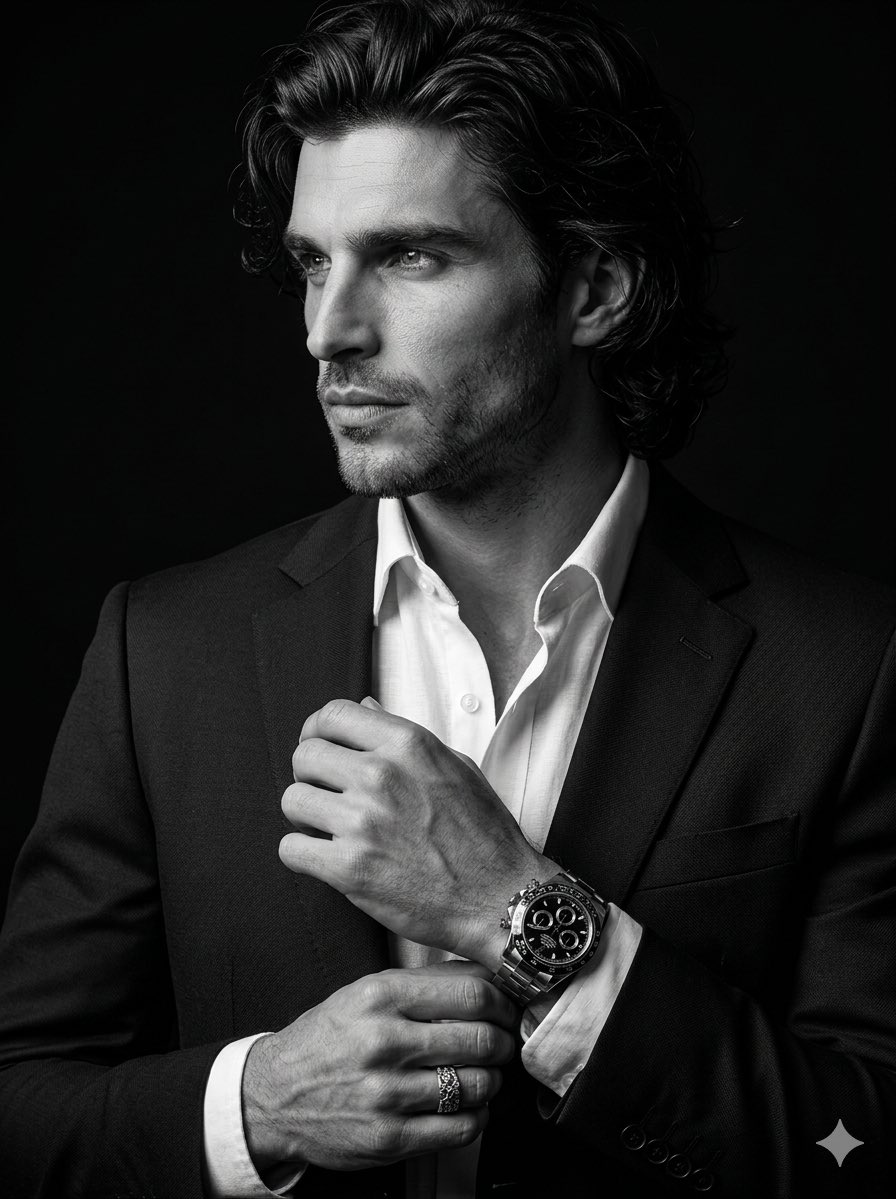
Cinematic Black-and-White Suit Portrait
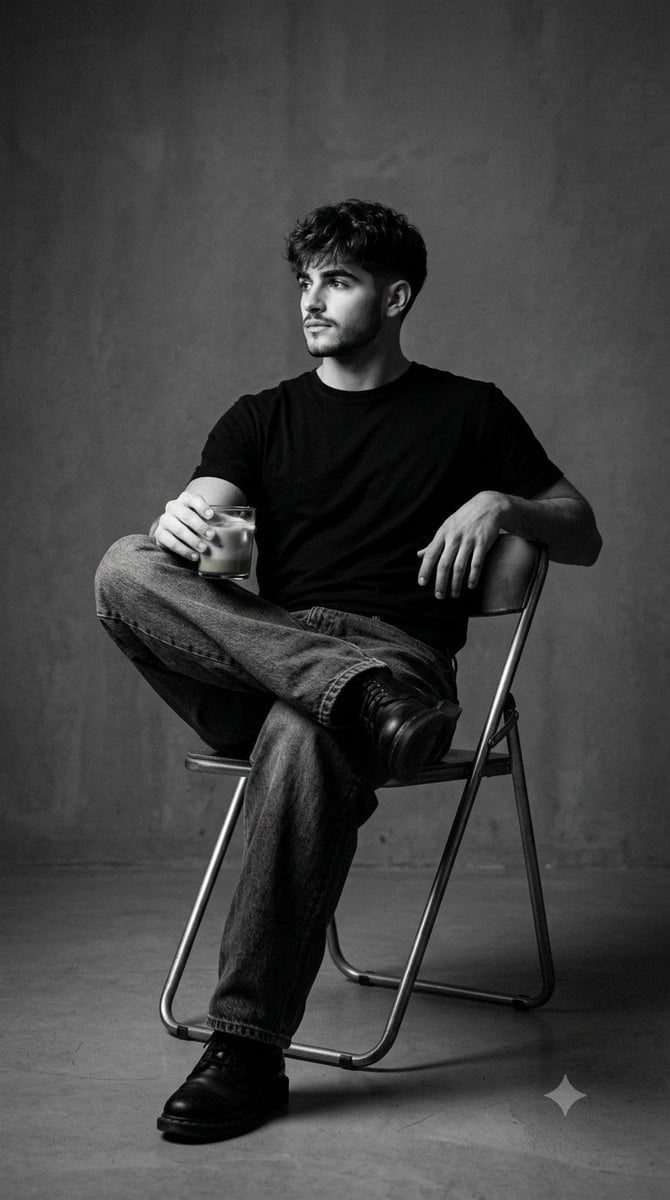
Black and White Studio Portrait
Moody Black and White Portrait
Black and White Male Studio Portrait

Dark Runway Luxury Fashion Magazine Cover

Black Liquid Cyberpunk Portrait Poster
Make it yours
Black-and-White Wartime Ink Scene works as-is. These are the safest ways to change it without losing the look.
Change one field
Copy a single group, rewrite it, and generate again so you can see what that field is doing.
Keep the frame, change the subject
Hold the composition and light of Black-and-White Wartime Ink Scene, then swap wardrobe, props or the person for a new take.
| If the result… | Why | Fix |
|---|---|---|
| The result drifts from the preview | Too many fields changed at once. | Reuse Black-and-White Wartime Ink Scene as-is first, then change one group — subject, light, or setting. |
| The model over-stylizes the scene | The prose prompt leaves finish and camera underspecified. | Add one camera or lighting sentence and stay on GPT Image 2. |
More GPT Image 2 templates
Other prompts made for GPT Image 2.

Six VTuber Japanese Logo Sheet

Realistic Portrait of Woman and Deer

The Vista Modular Condo Poster

AI Model Routing Comparison Infographic

2.5D Anime Art Board

Isometric Productivity Desk Scene

New York Double Exposure Poster

Four-Panel AI Landscape Comparison

Japanese Tatami Lifestyle Magazine Cover

NESCAFÉ Coffee Map Poster
More image prompts
Fresh picks from across the catalog.
Sleeping Anime Star Witch
Editorial Beauty Collage for Hairstyle Variations
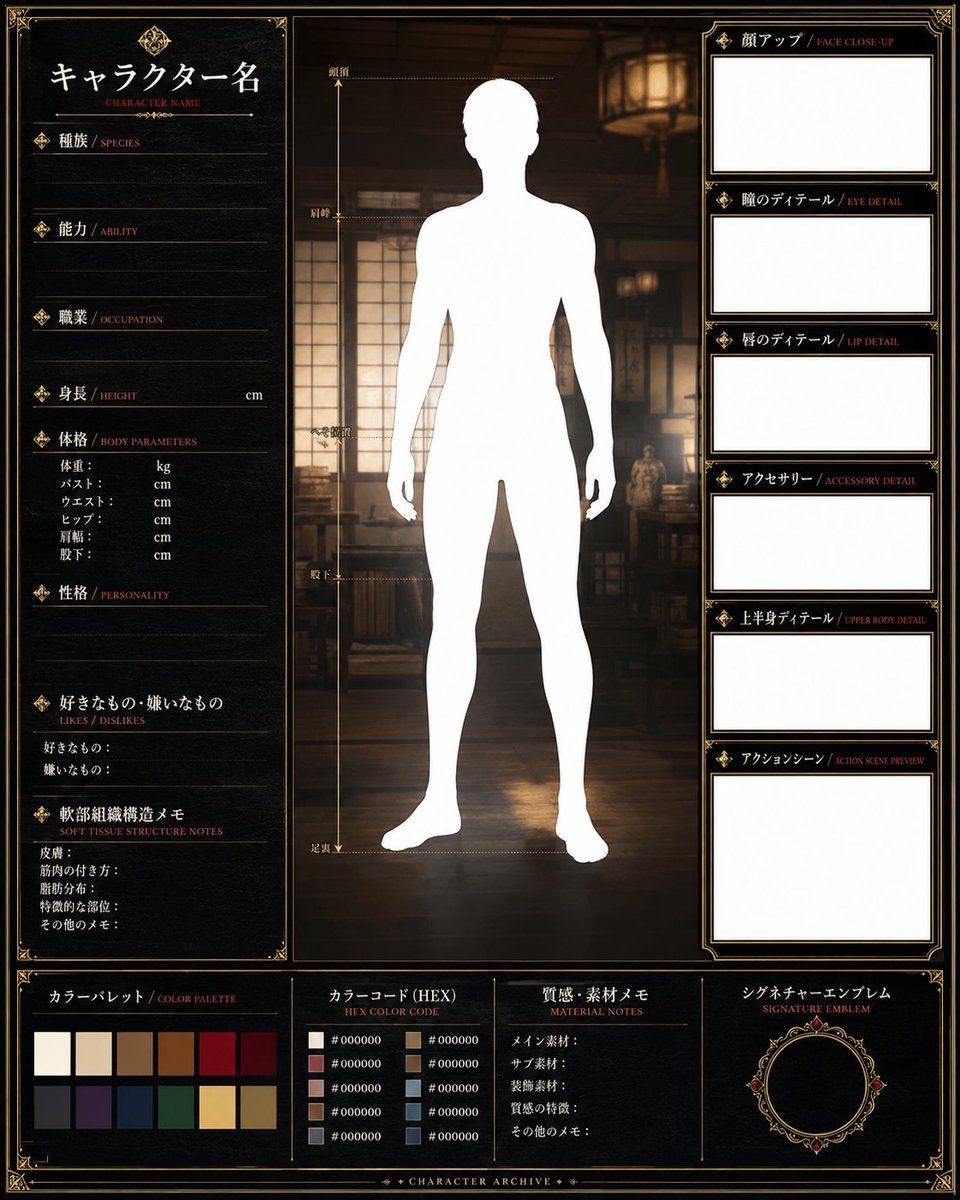
Fantasy Character Archive Sheet
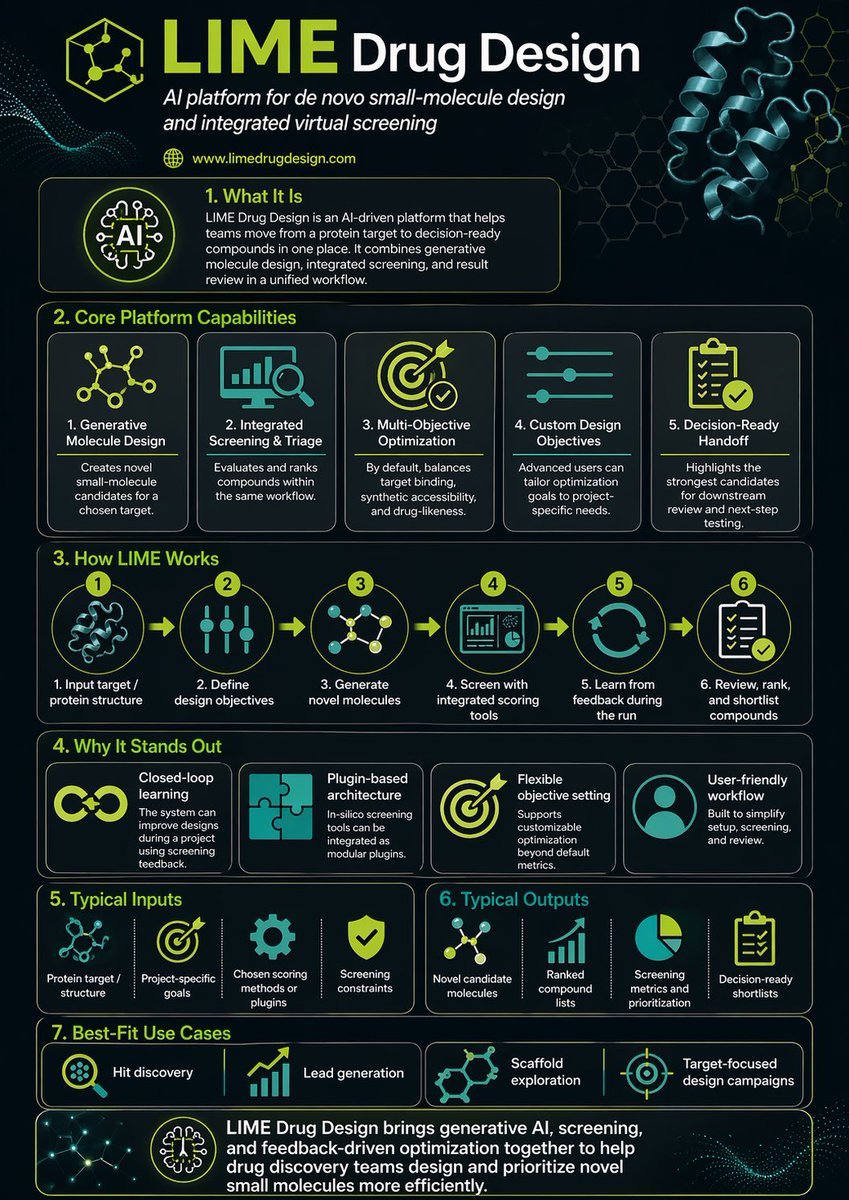
Scientific Infographic for Pharmaceutical Research
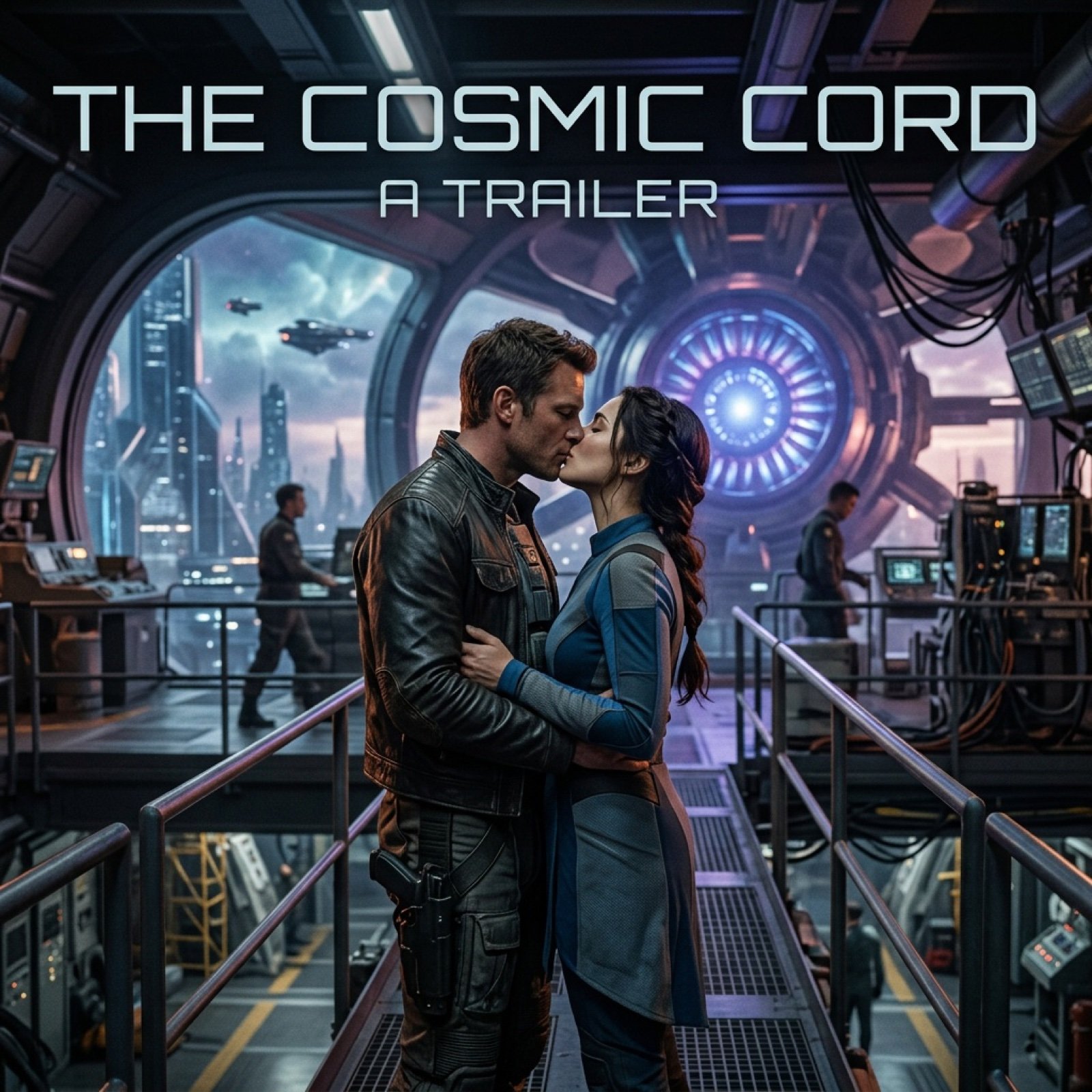
Cinematic Sci-Fi Romance Trailer Scene
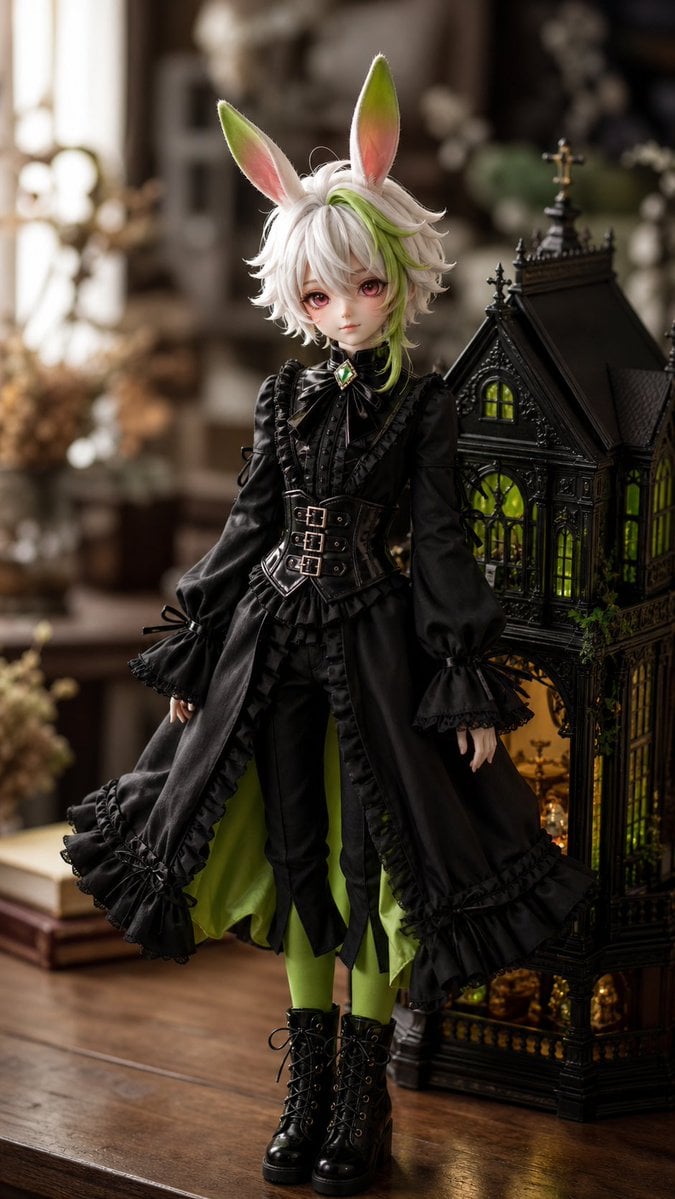
Character to Ball-Jointed Doll Conversion
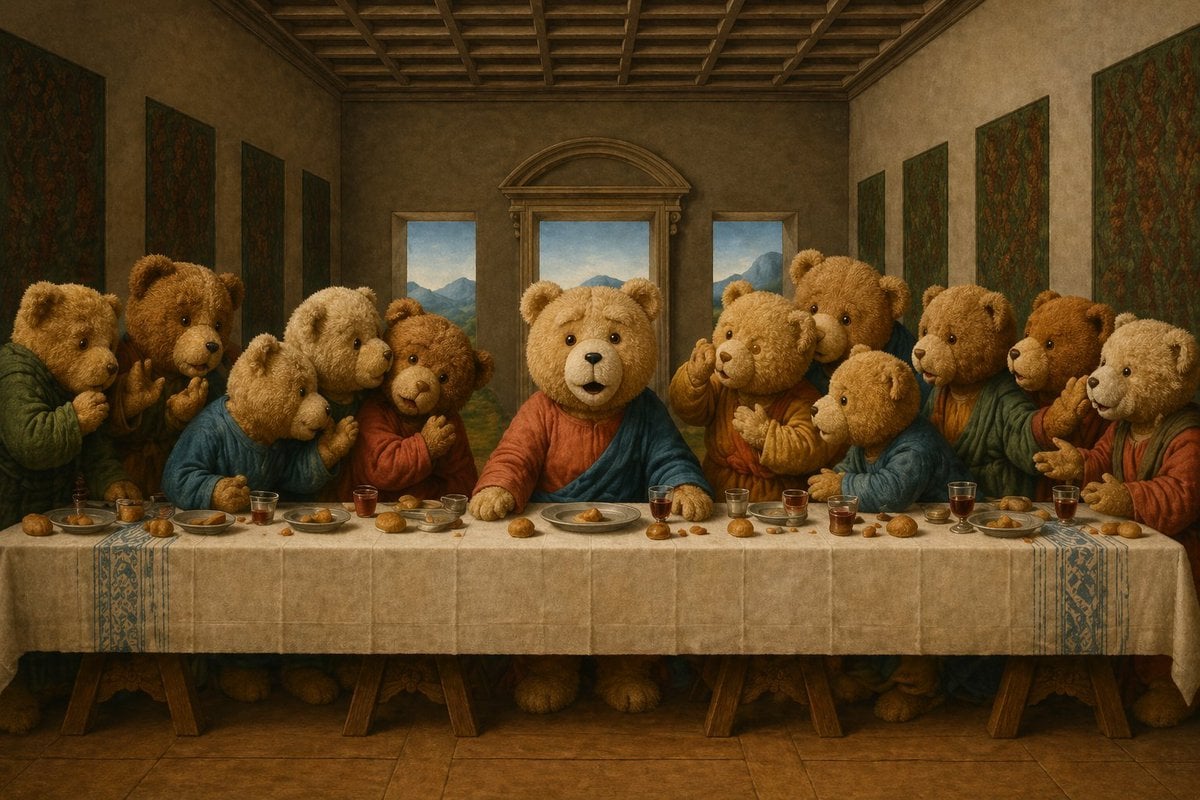
Teddy Bear Last Supper
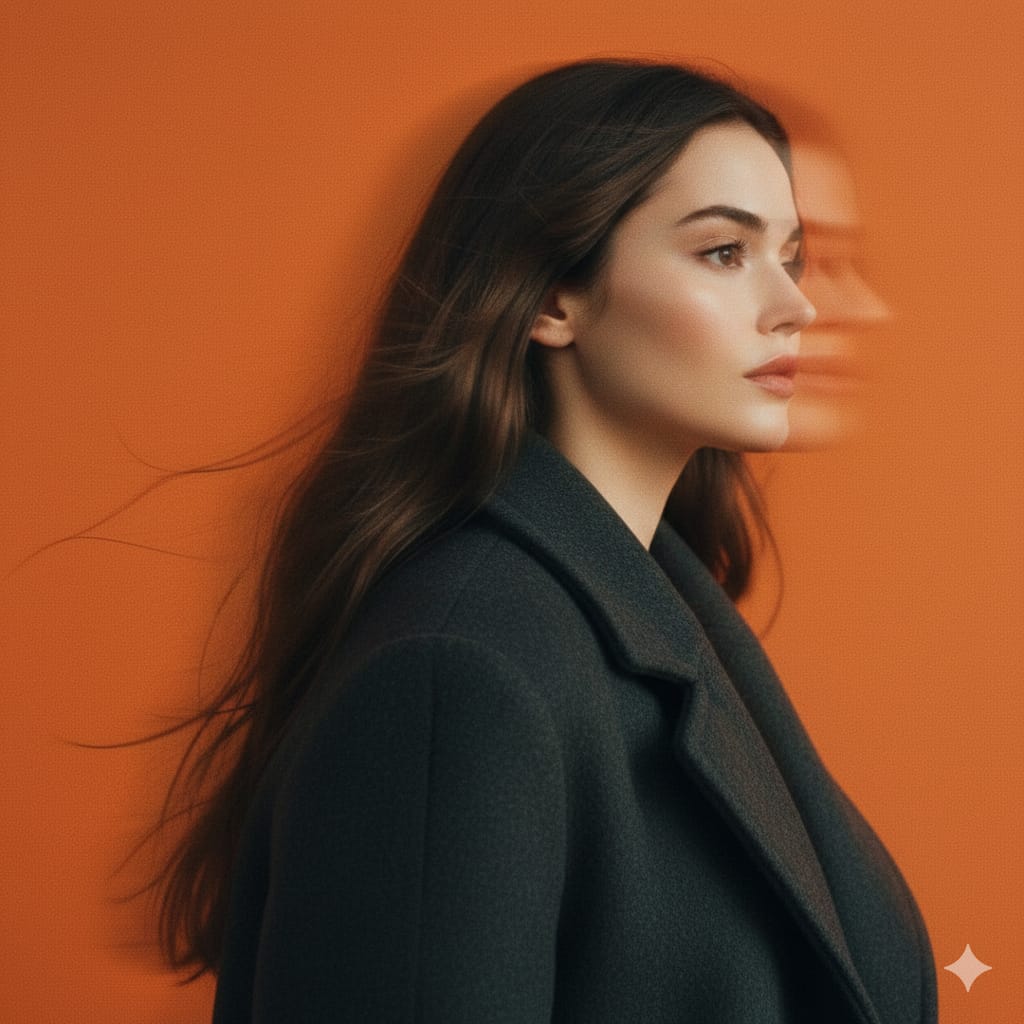
Cinematic Panning Studio Portrait with Motion Blur
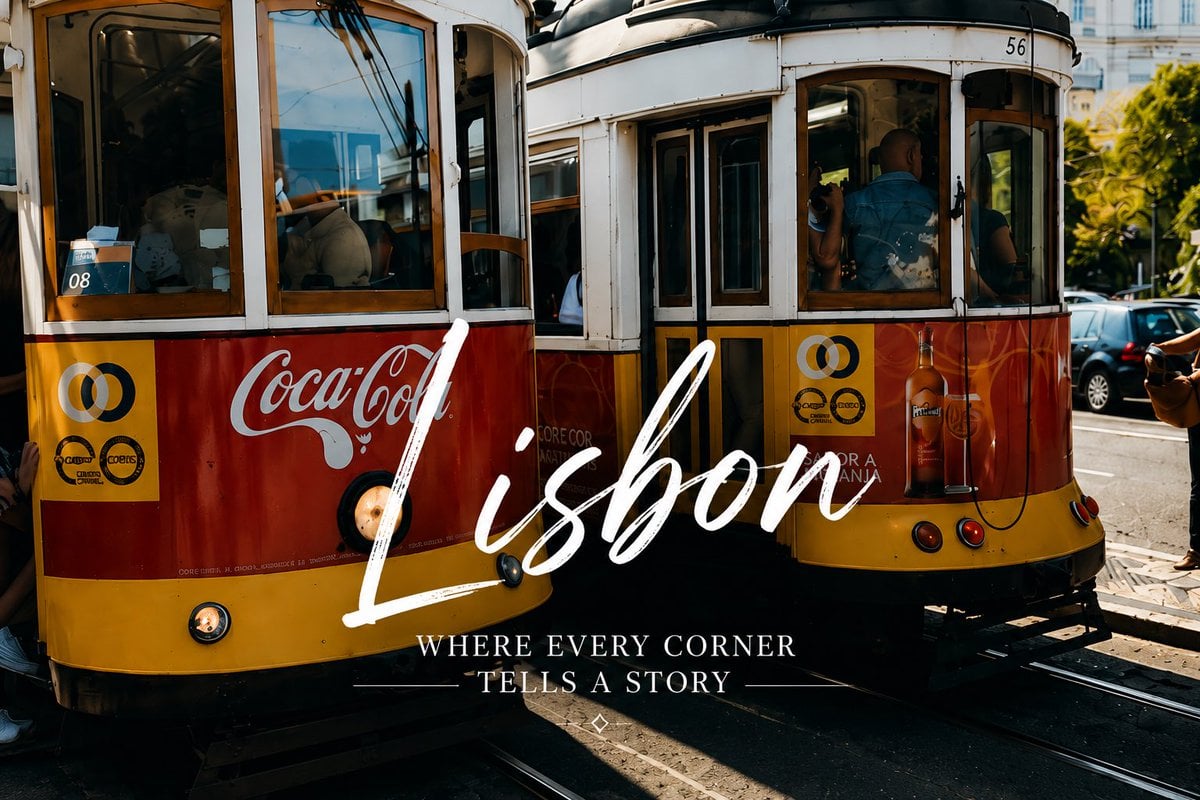
Lisbon Vintage Tram Travel Poster

Hyper-Realistic Portrait of a Pouting Oil Painting Artist
Browse template categories
Black-and-White Wartime Ink Scene questions
How do I use the Black-and-White Wartime Ink Scene template?
Add your photo if the template asks for one, edit the prompt if you like — the template's model and format are already selected — and press Generate. Your version opens in PicX Studio.
Can I customize the Black-and-White Wartime Ink Scene template?
Yes. You can change the subject, setting, lighting, mood, format, and available model controls before creating your image.
Is the Black-and-White Wartime Ink Scene template free?
Opening and editing this template is free. Generating uses credits, shown on the Generate button when you are signed in.
Which AI model should I use?
Start with GPT Image 2, which is the model associated with this template. You can compare another compatible model for a different finish.
Looking for something else? Browse all templates.

Your photo, any look
Thousands of ready templates for every top image and video model, from one credit balance.