How do I use the Lisbon Vintage Tram Travel Poster template?
Choose the primary action to open PicX Studio with the available template settings. Review the model and format, personalize the creative direction, and generate when ready.
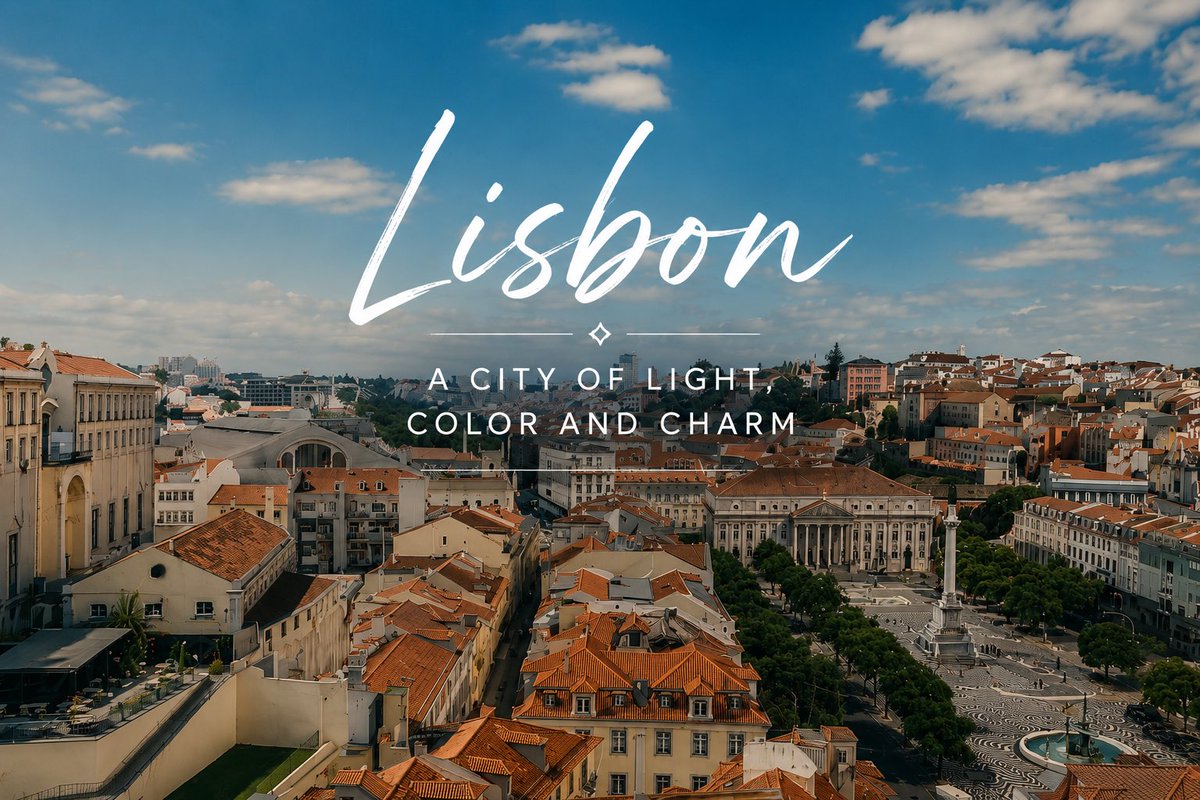
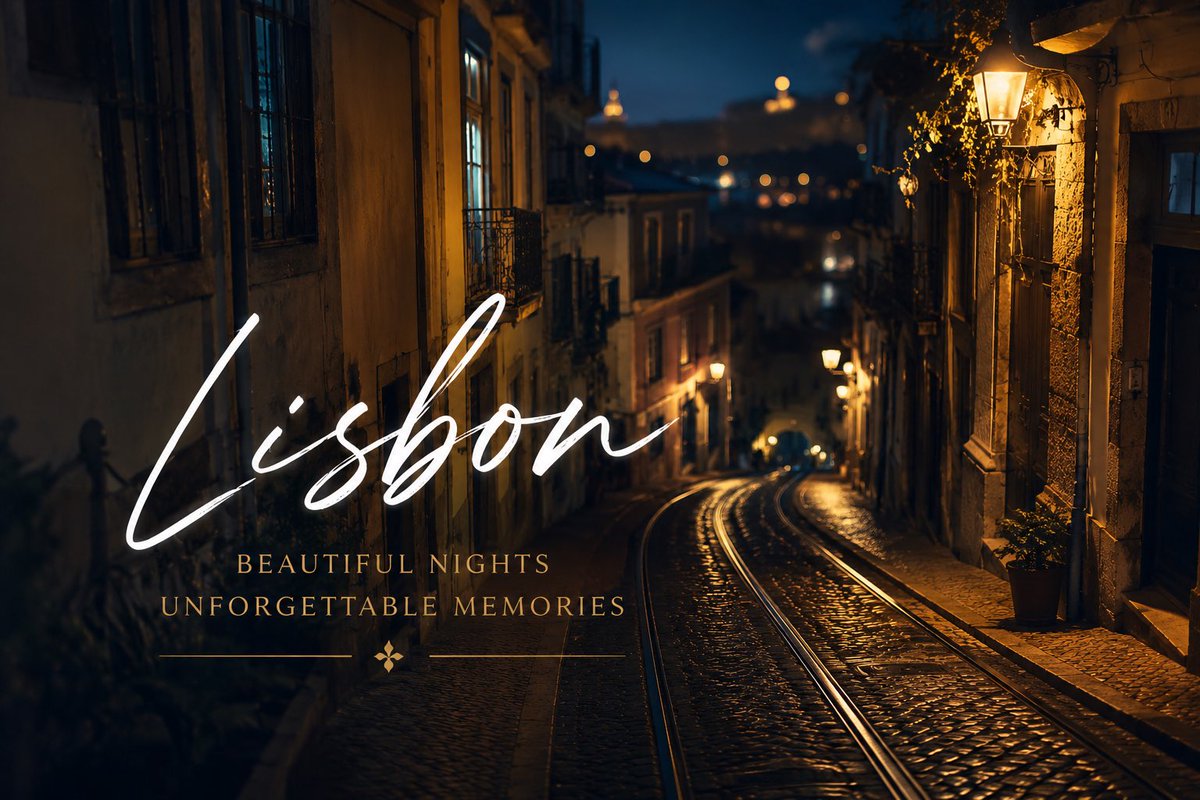
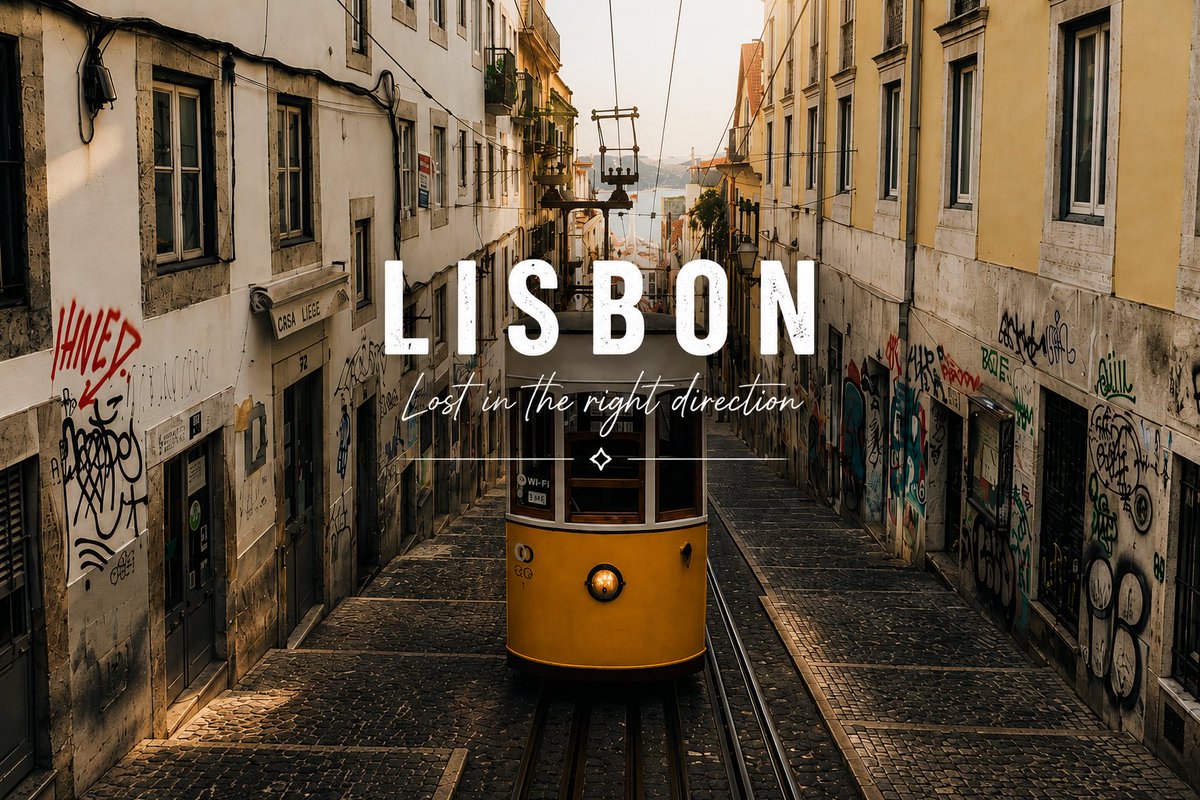
A cinematic smartphone-style travel poster featuring two Lisbon trams with elegant handwritten destination typography.

Create an emotional smartphone-style travel photograph of {argument name="city name" default="Lisbon"} in warm late-afternoon sunlight, showing exactly 2 vintage yellow-and-red street trams stopped side by side on curved tram tracks in a busy European street. The left tram is cropped close in the foreground with wooden window frames, a red side panel carrying a visible Coca-Cola advertisement, a small route sign reading “08,” and passengers partially visible through reflective windows. The right tram is slightly farther back, angled toward the viewer, with the number “56” near the roof, open doors and windows, passengers inside, and a beverage advertisement on the red lower panel. Include urban background details such as parked cars, leafy trees, bright building facades, hard shadows on asphalt, metal rails, and a candid street-photography feel. Apply high-contrast cinematic color grading, deep blacks, golden highlights, realistic lens reflections, and a nostalgic travel-poster mood. Overlay large centered white handwritten brush-script text reading {argument name="main title" default="Lisbon"} across the lower middle of the trams, with a smaller elegant all-caps serif subtitle beneath it reading {argument name="subtitle" default="WHERE EVERY CORNER TELLS A STORY"}. Add thin decorative horizontal lines around the subtitle and a tiny diamond ornament below. Keep the composition horizontal 3:2, photorealistic, slightly imperfect like a good phone snapshot, with no extra text or watermark.
Choose the primary action to open PicX Studio with the available template settings. Review the model and format, personalize the creative direction, and generate when ready.
Yes. You can change the subject, setting, lighting, mood, format, and available model controls before creating your image.
This template is free to open and customize. Generation usage is shown in PicX Studio before you create.
Start with GPT Image 2, which is the model associated with this template. You can compare another compatible model for a different finish.
© 2026 PicX Studio. All rights reserved.

Follow a topic to a crawlable collection of related PicX Studio templates.