
4x4 Time Travel Photo Album
A Chinese prompt for generating a 4x4 'time travel photo album' that transitions the subject's style across different eras, from 1880s oil painting texture and wool coats to 1960s retro street style and 2000s digital…
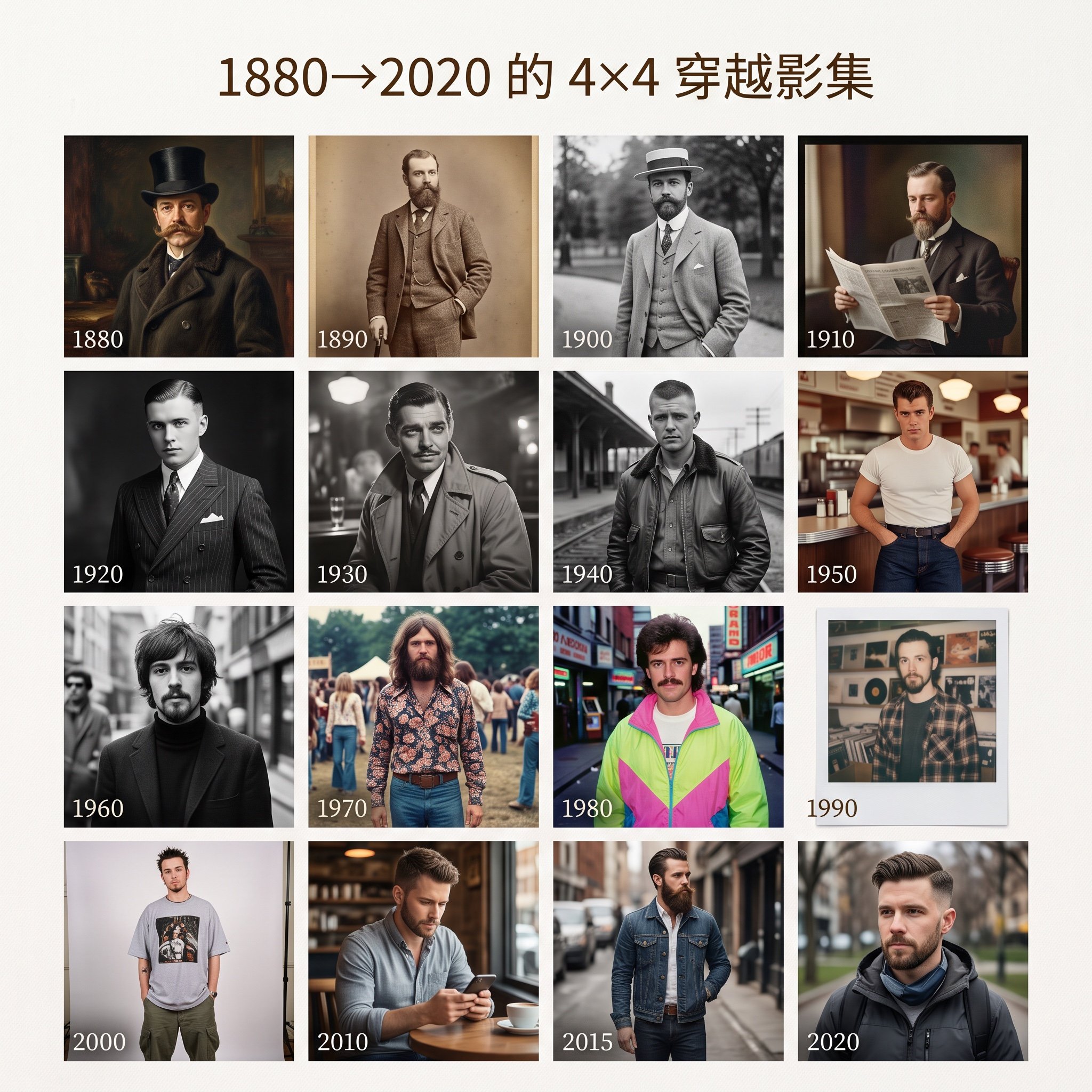
- Prompt included
- Model and format preset
- Free template
The prompt behind this image
Copy the exact prompt behind 4x4 Time Travel Photo Album, or open it in the studio and make it yours.
做一张 “1880→2020 的 4×4 穿越影集” 从 {argument name="start year" default="1880"} 年代的油画质感、羊毛大衣,到 {argument name="mid year" default="1960"} 的复古街拍,再到 {argument name="end year" default="2000"} 年代的数码相片 每一格都是不同时代的我,发型、胡子、服装、背景,全都对味。
How to use 4x4 Time Travel Photo Album in 3 steps
- 1
Open
The prompt is already in the box next to the preview, with the template's model and format selected.
- 2…a portrait of your subject in softgolden-hour light, 85mm…
Personalize
Edit the subject and creative details for your destination.
- 3Generate
Generate
Press Generate — your image is created in PicX Studio, so you can compare it with the original and refine one variable at a time.
More like this
Templates with the same subject, style or setup. Open one to see its prompt.

Japan Travel Brochure Poster
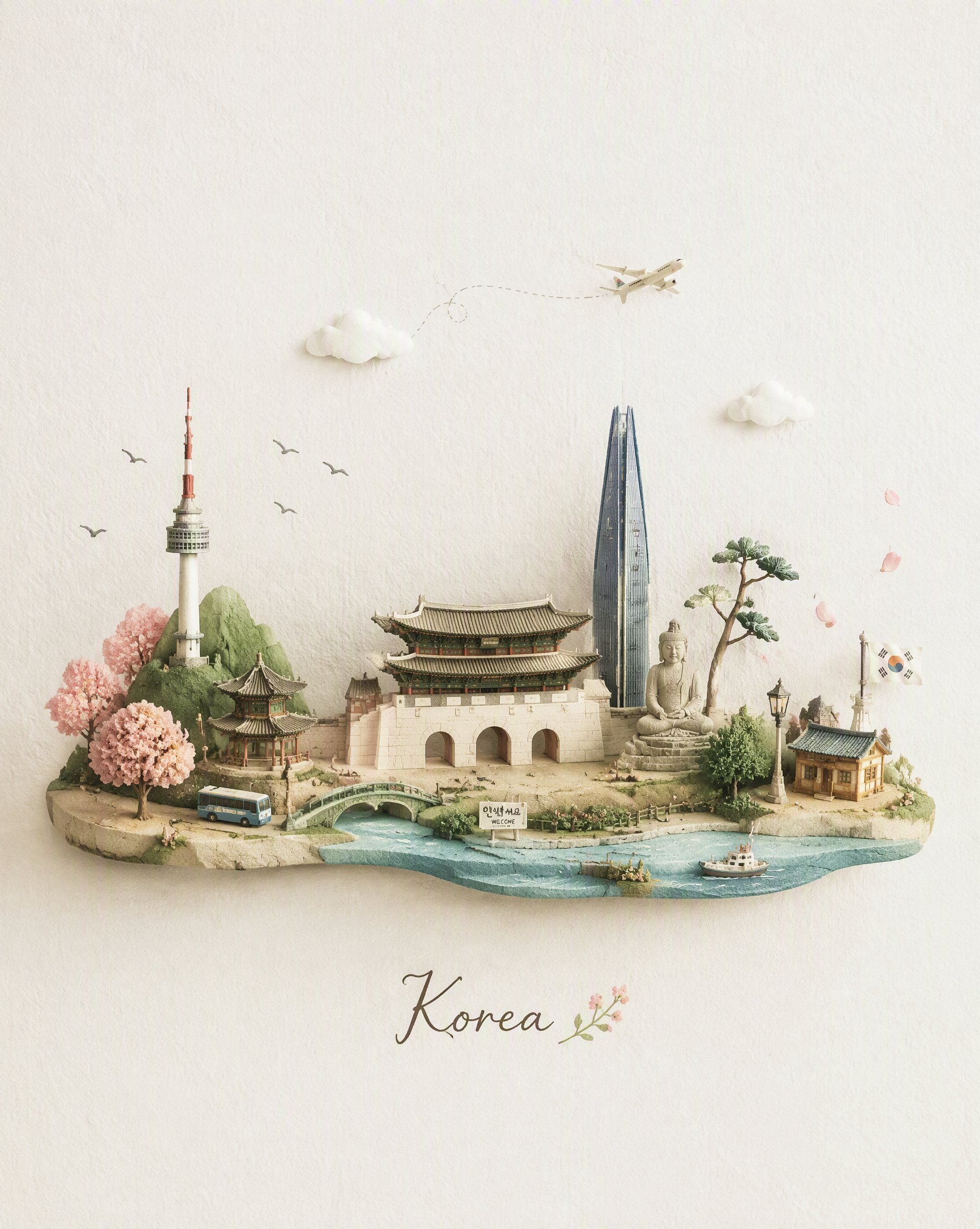
Miniature Travel Diorama Postcard
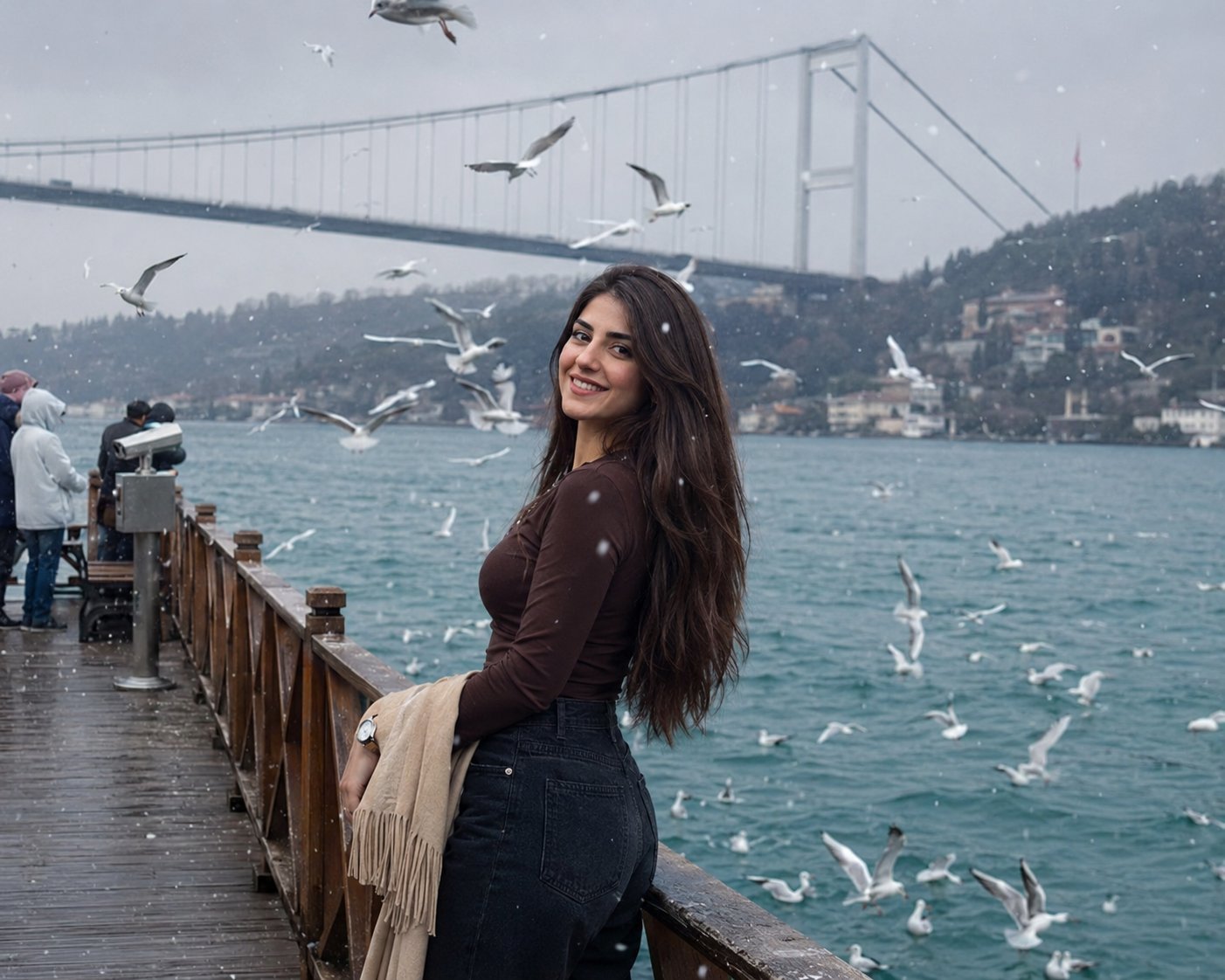
Boardwalk Fashion Portrait
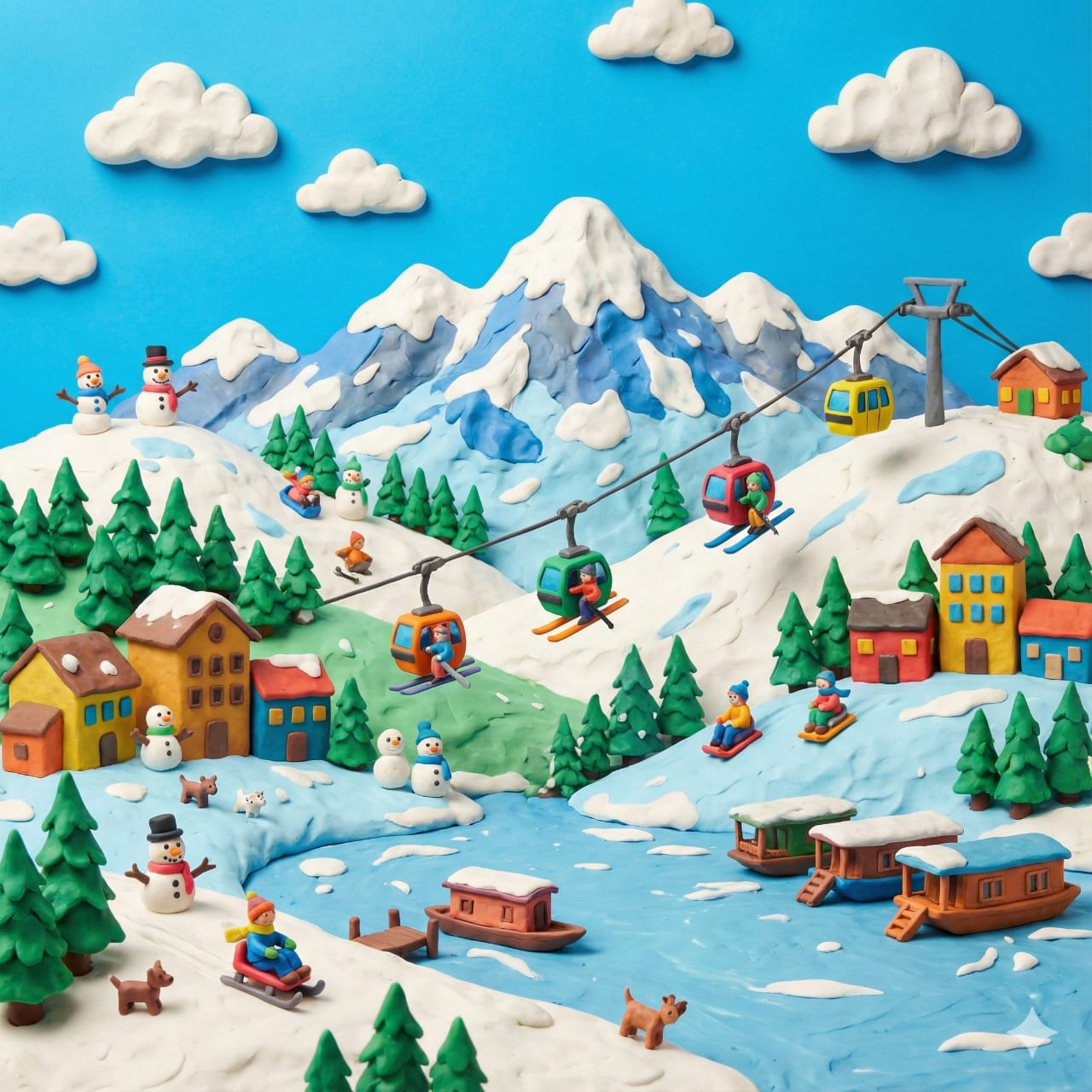
Clay Miniature Landmark Travel Diorama
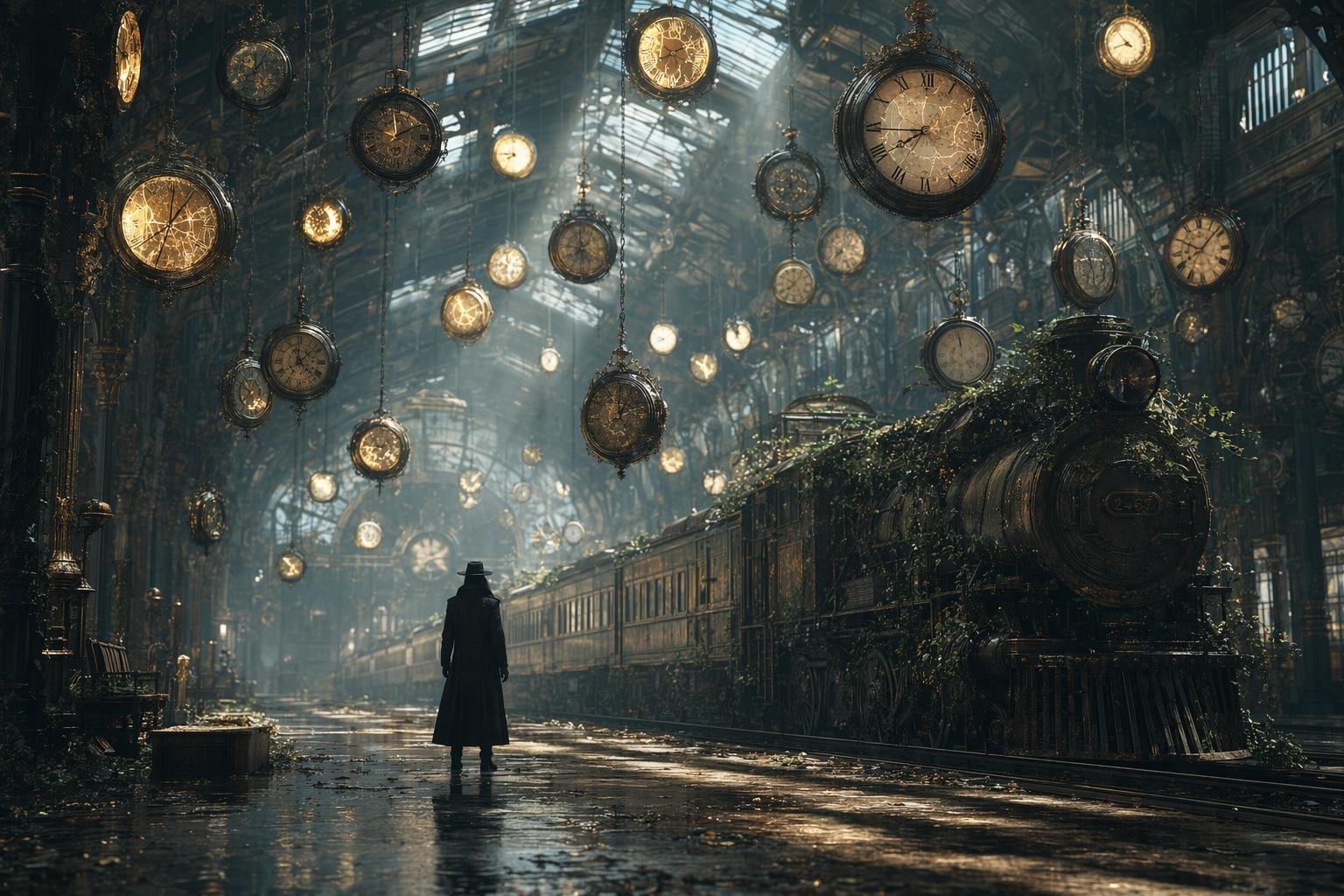
Same Traveler Different Timeline Portrait

Time Traveler Night Market Grid
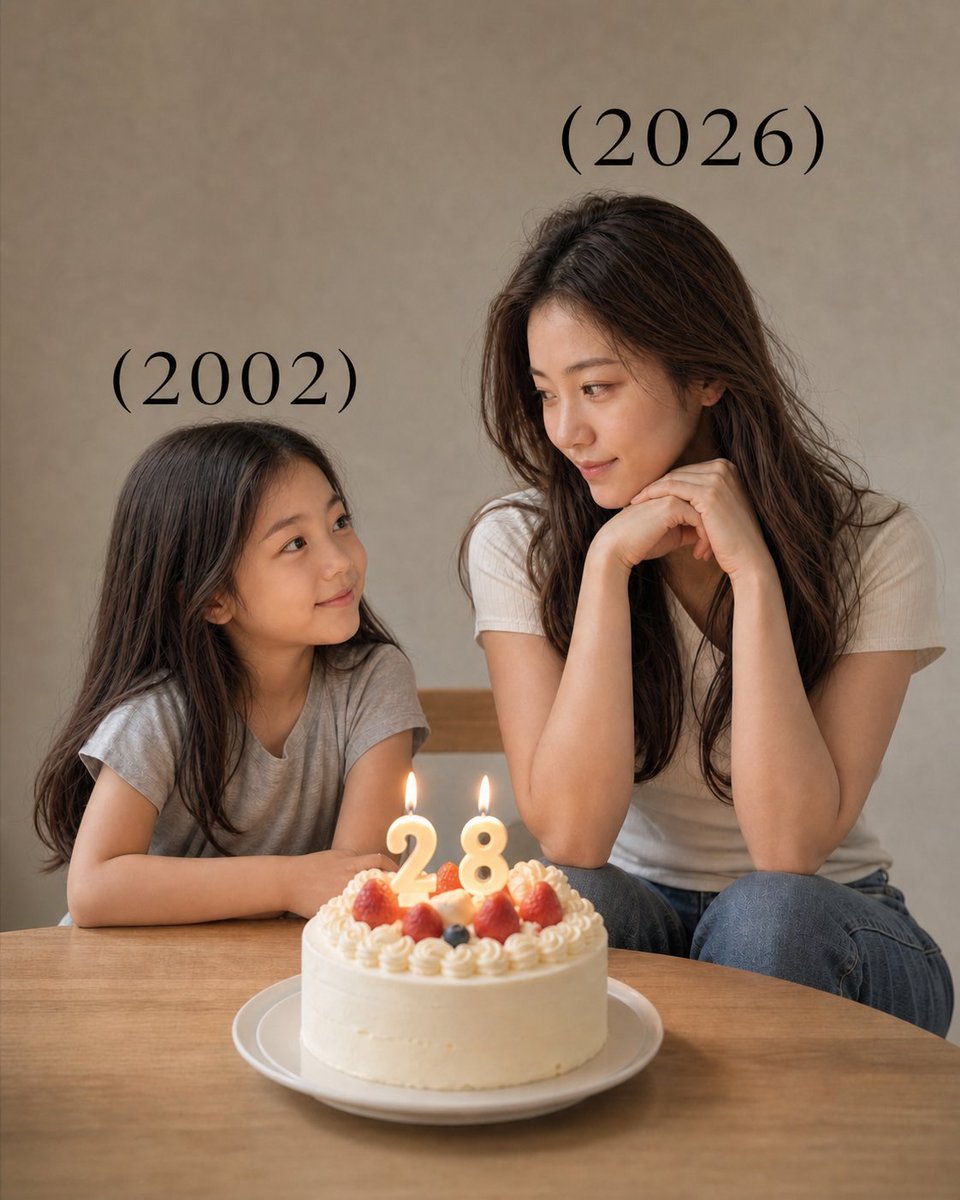
Time-Travel Birthday Reunion Portrait
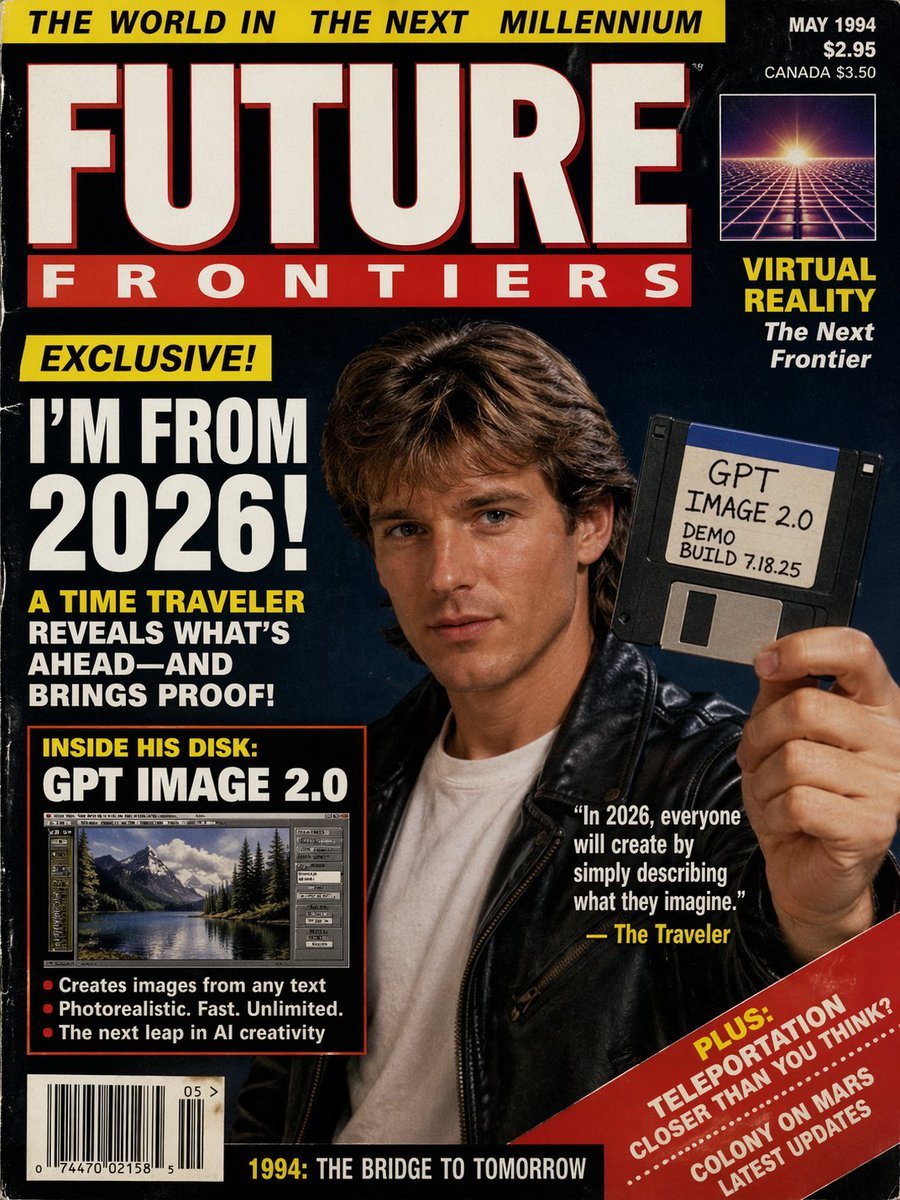
1990s Time Traveler Magazine Cover
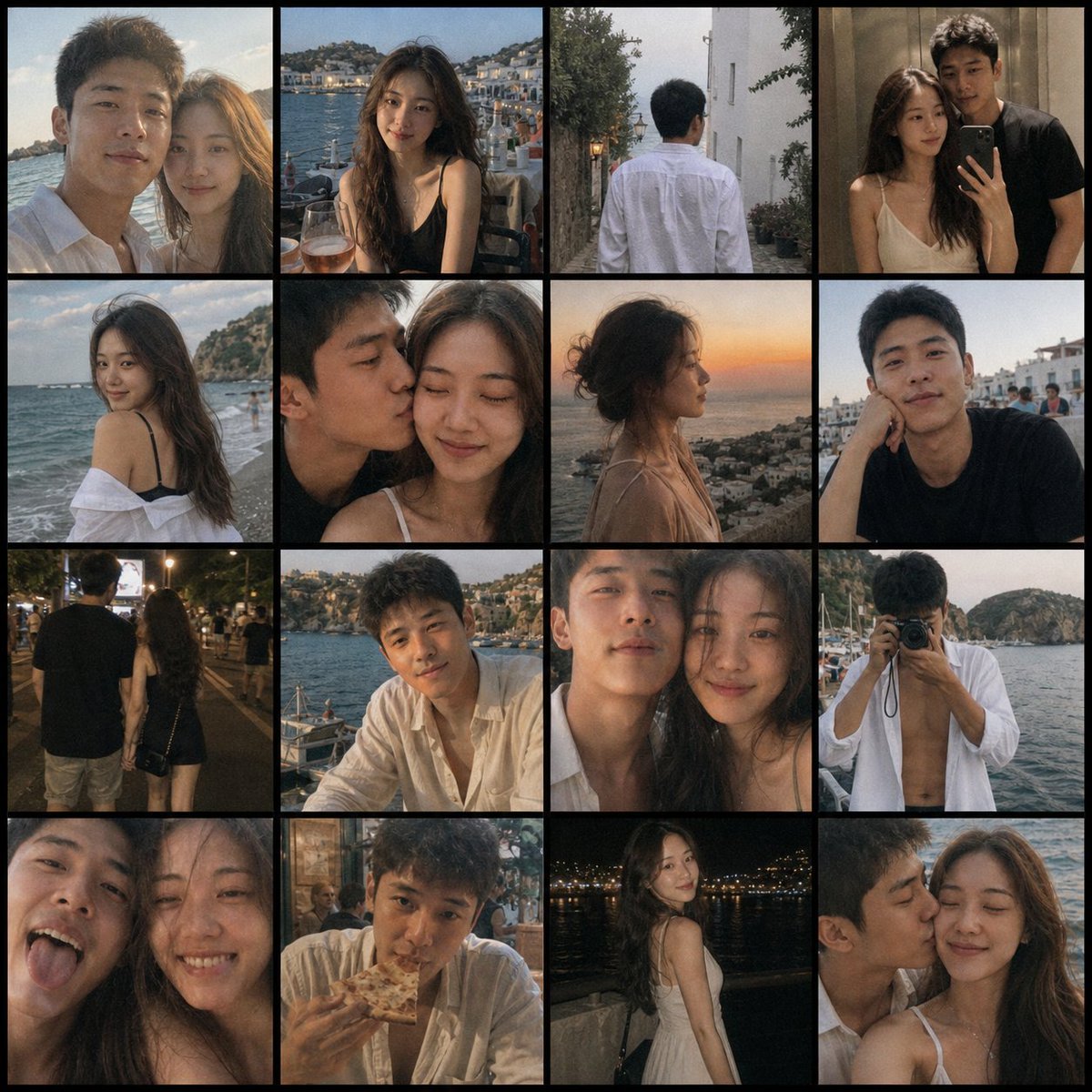
Romantic Couple Travel Album Grid
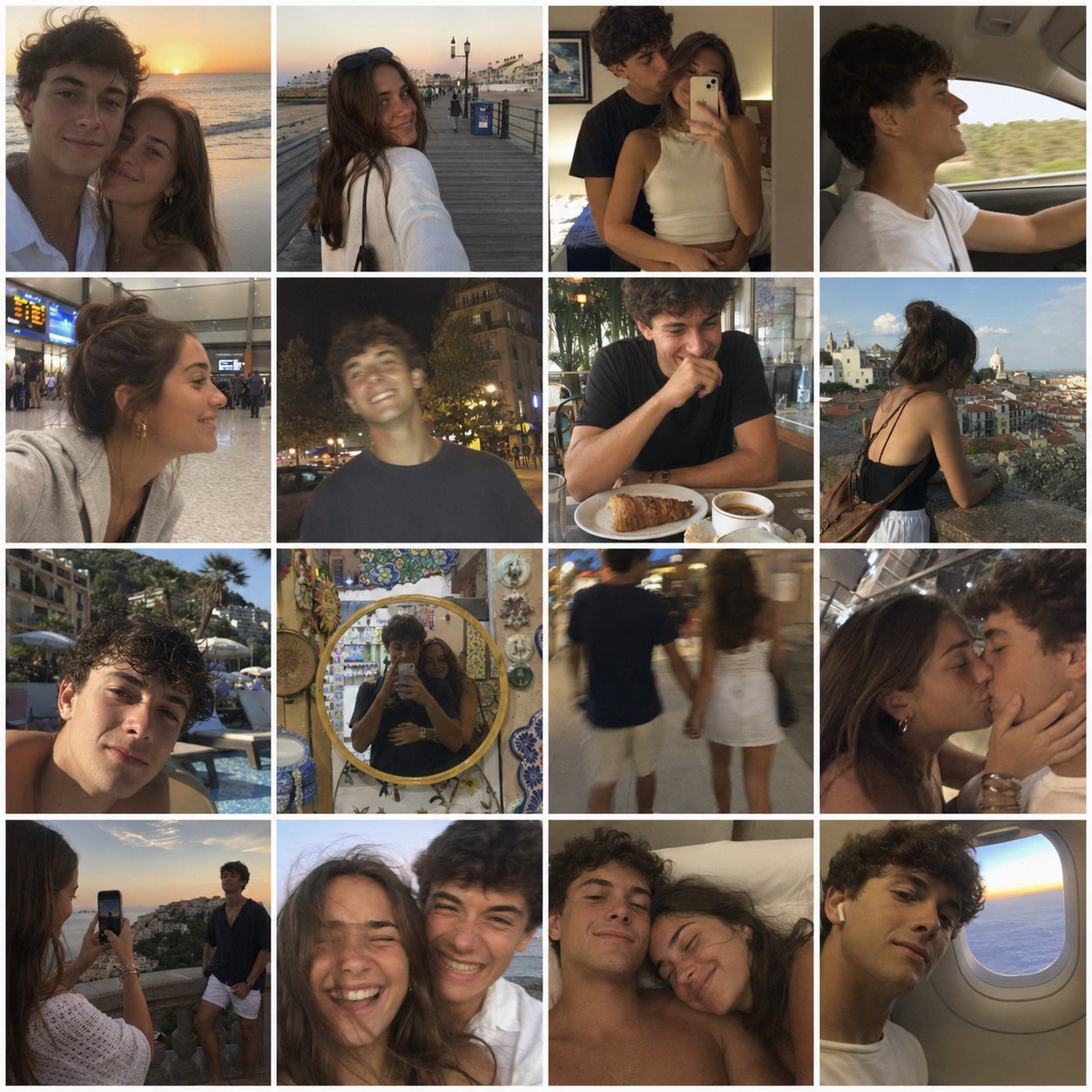
4x4 Grid - Candid Nostalgic Vacation Selfies

Split-Screen Cinematic Time Travel Prompt
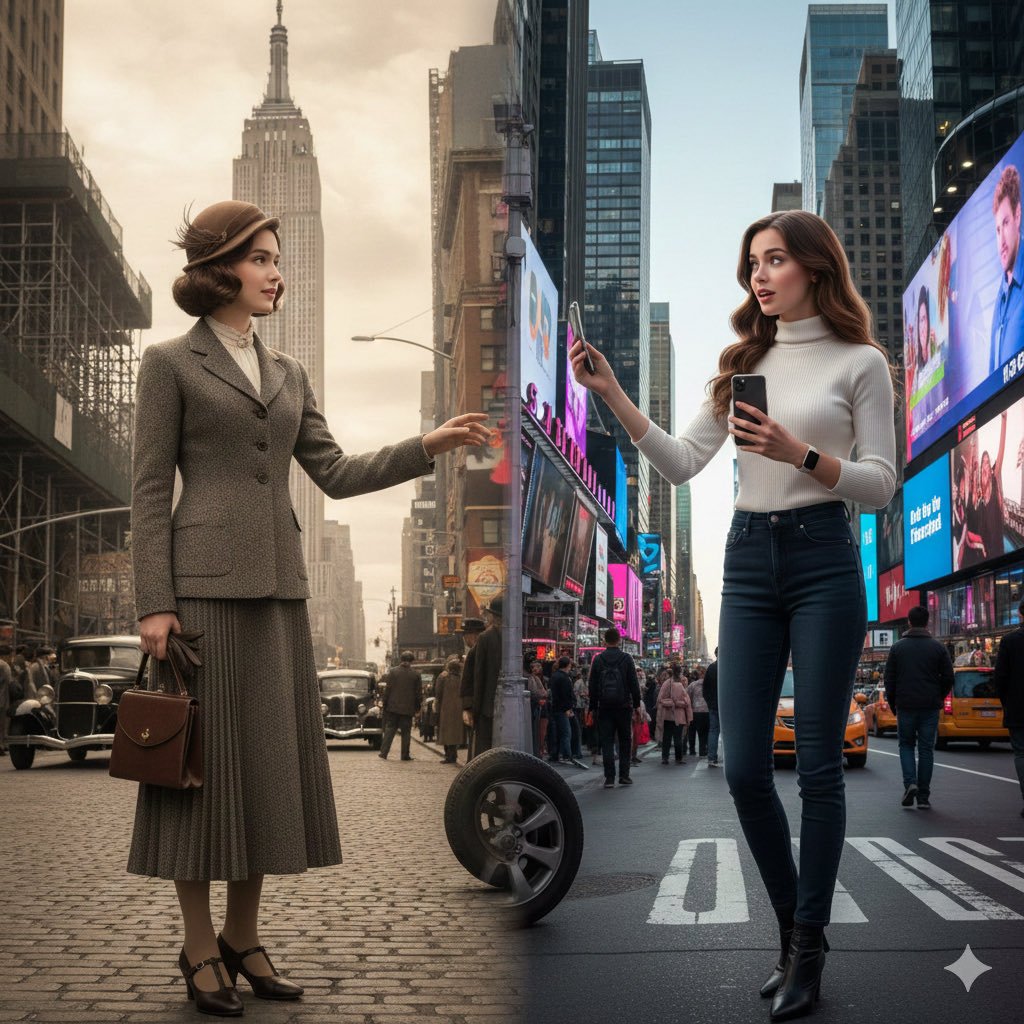
Split-Screen Cinematic Time Travel Prompt
Make it yours
4x4 Time Travel Photo Album works as-is. These are the safest ways to change it without losing the look.
Change one field
Copy a single group, rewrite it, and generate again so you can see what that field is doing.
Keep the frame, change the subject
Hold the composition and light of 4x4 Time Travel Photo Album, then swap wardrobe, props or the person for a new take.
| If the result… | Why | Fix |
|---|---|---|
| The result drifts from the preview | Too many fields changed at once. | Reuse 4x4 Time Travel Photo Album as-is first, then change one group — subject, light, or setting. |
| The model over-stylizes the scene | The prose prompt leaves finish and camera underspecified. | Add one camera or lighting sentence and stay on Nano Banana 2. |
More Nano Banana 2 templates
Other prompts made for Nano Banana 2.

Photorealistic Leaf Shaped Like a Dragon

K-Pop Idol Portrait Grid for Rapid Selection

Poetic Rain Forest Portrait During Golden Hour

Urban Street Portrait with Cartoon Inner Self Duo

Candid Nighttime Photo with Cat Prompt

High-Concept 3D Diorama Generation Prompt

Cinematic Futuristic Studio Portrait Template

Skincare Editorial Photography Collage Prompt

Hyper-Realistic Commercial Product Photography (Splash Effect)

Hyper-Realistic Nightclub Portrait Prompt
More image prompts
Fresh picks from across the catalog.

Candid Portrait in Football Jersey
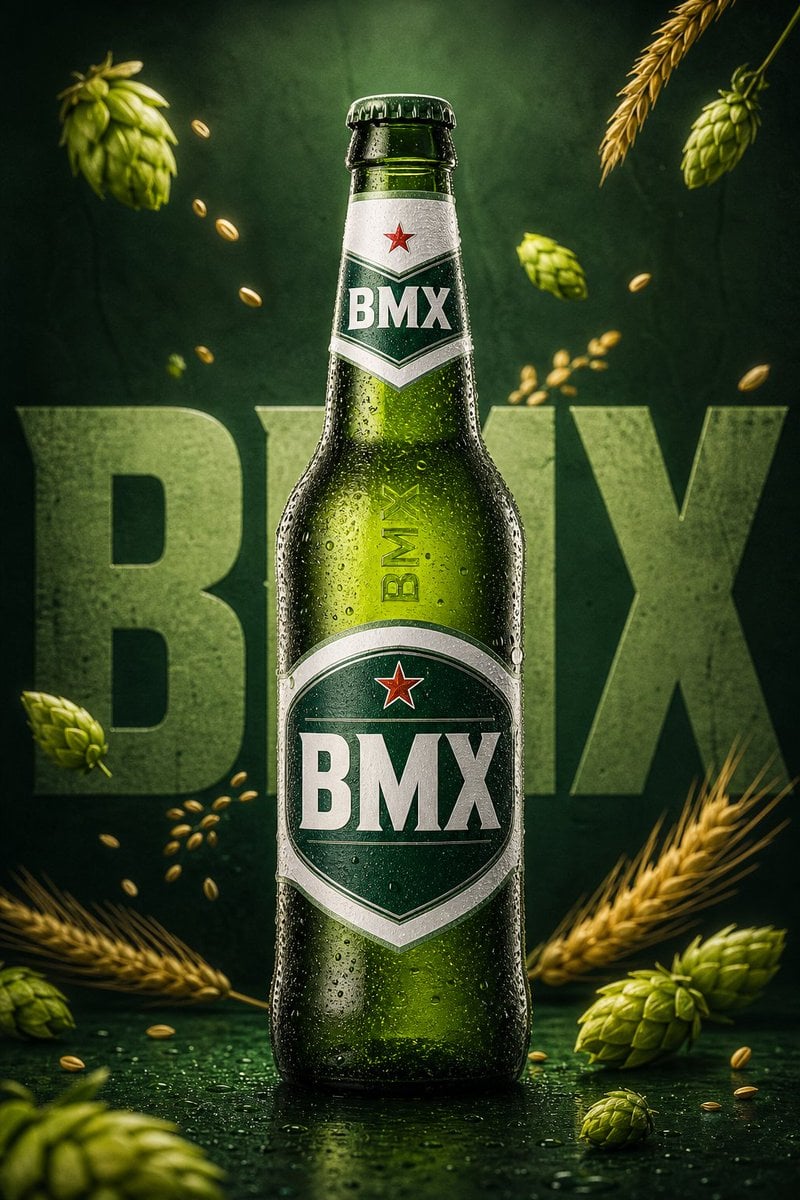
Premium Beverage Commercial Poster
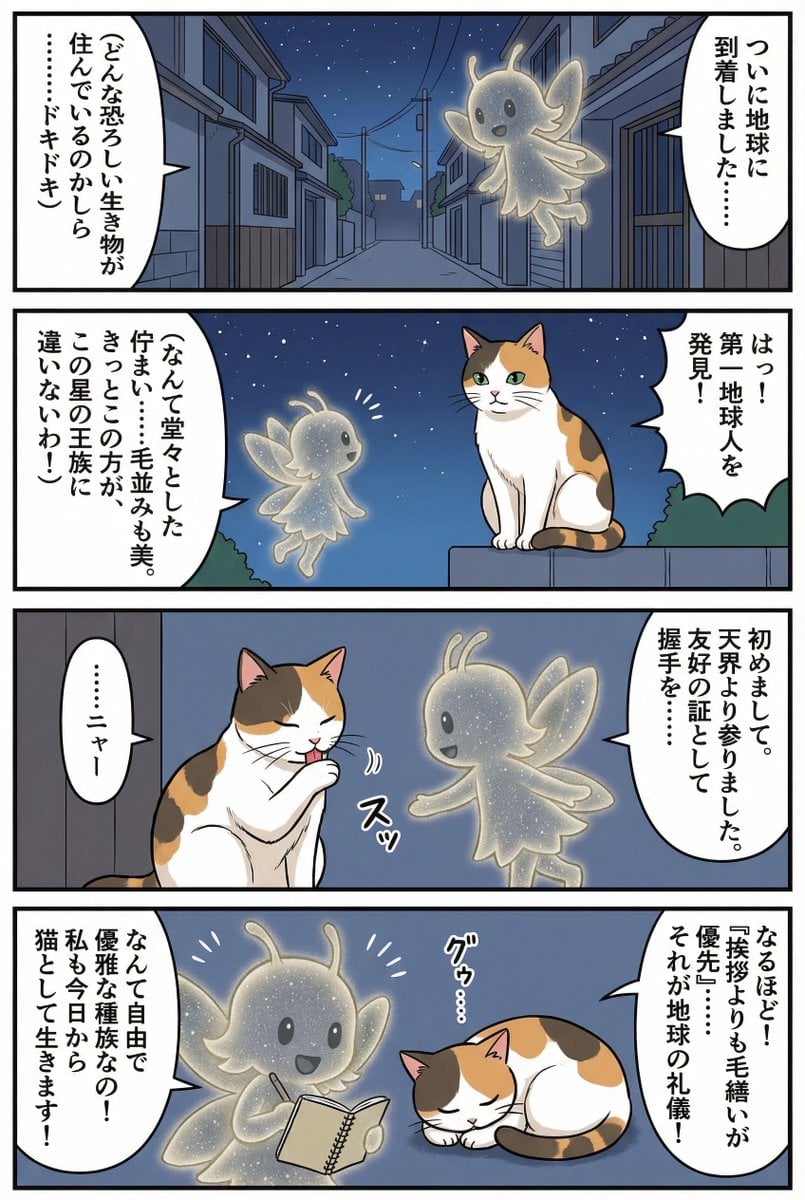
Four-panel manga of a fairy who thinks Earth is a cat planet
untitled
Cinematic Double Exposure Portrait Prompt for Nano Banana Pro

Anime Wrapped Train at Japanese Station

Photorealistic Portrait with Absolute Facial Identity Lock
Cinematic Sci-Fi Delivery Game Screenshot

Ultra-realistic selfie with F1 champion Lando Norris
Full Page Manga Illustration
Browse template categories
4x4 Time Travel Photo Album questions
How do I use the 4x4 Time Travel Photo Album template?
Add your photo if the template asks for one, edit the prompt if you like — the template's model and format are already selected — and press Generate. Your version opens in PicX Studio.
Can I customize the 4x4 Time Travel Photo Album template?
Yes. You can change the subject, setting, lighting, mood, format, and available model controls before creating your image.
Is the 4x4 Time Travel Photo Album template free?
Opening and editing this template is free. Generating uses credits, shown on the Generate button when you are signed in.
Which AI model should I use?
Start with Nano Banana 2, which is the model associated with this template. You can compare another compatible model for a different finish.
Looking for something else? Browse all templates.

Your photo, any look
Thousands of ready templates for every top image and video model, from one credit balance.