
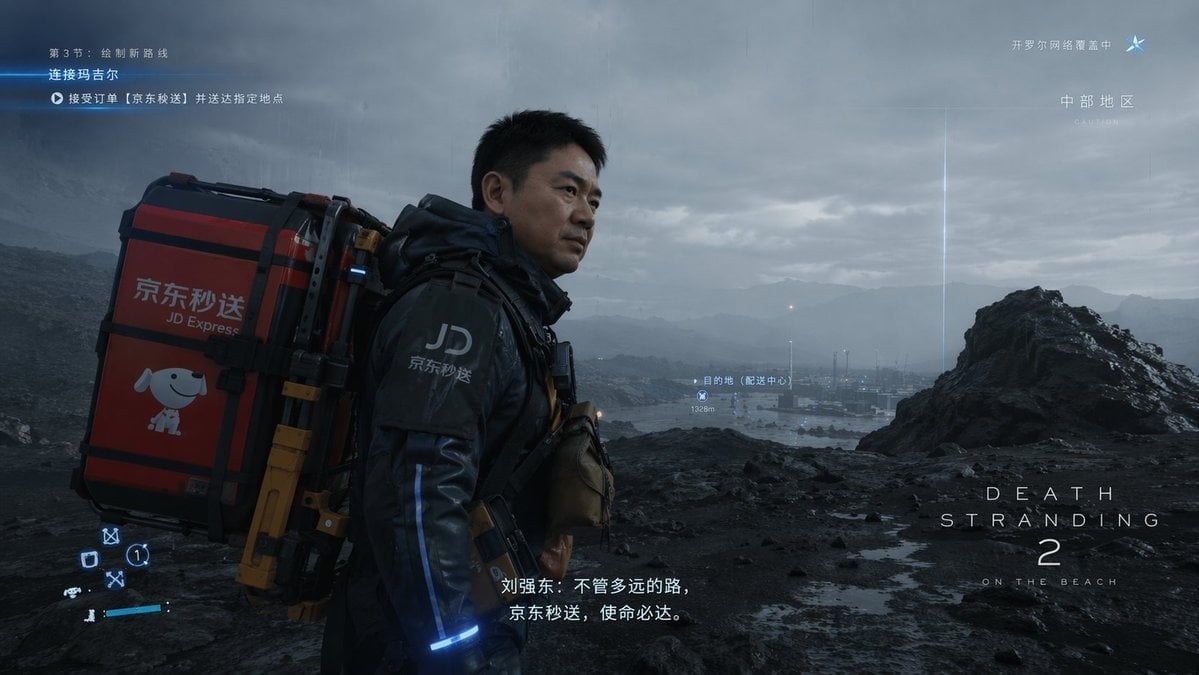
Cinematic Sci-Fi Delivery Game Screenshot
Generates a photorealistic video game screenshot of a futuristic delivery courier in a bleak landscape, complete with customizable HUD elements and subtitles.
- Prompt included
- Model and format preset
- Free template
The prompt behind this image
Copy the exact prompt behind Cinematic Sci-Fi Delivery Game Screenshot, or open it in the studio and make it yours.
- Type
- video game screenshot
- Style
- photorealistic, cinematic, post-apocalyptic sci-fi
- Scene › Character
- A {argument name="character face" default="middle-aged Asian man resembling Richard Liu"} in a futuristic black tactical delivery suit with blue glowing accents and a 'JD' logo on the shoulder. He is looking off into the distance with a serious expression.
- Scene › Equipment
- Carrying a massive, heavy-duty red and black mechanical cargo backpack. The backpack features the text '{argument name="company logo" default="京东秒送 JD Express"}' and a graphic of a {argument name="mascot" default="cartoon white dog"}.
- Scene › Environment
- Bleak, rocky, overcast wasteland with dark volcanic soil, a distant body of water, and a futuristic industrial facility in the background under a cloudy, moody sky.
- Ui Overlay › Top Left
- Quest tracker with three lines of text indicating chapter progress, current objective, and delivery order details.
- Ui Overlay › Top Right
- Network status with a star icon and text indicating network coverage and region.
- Ui Overlay › Center Right
- Waypoint marker pointing to a distant facility with text indicating destination and distance of 1328m.
- Ui Overlay › Bottom Left
- Abstract futuristic HUD status icons including circles, squares, and directional arrows.
- Ui Overlay › Bottom Center
- Cinematic subtitles reading '{argument name="subtitle text" default="刘强东:不管多远的路,京东秒送,使命必达。"}'.
- Ui Overlay › Bottom Right
- Game logo reading '{argument name="game title" default="DEATH STRANDING 2 ON THE BEACH"}'.
Raw JSON
{
  "type": "video game screenshot",
  "style": "photorealistic, cinematic, post-apocalyptic sci-fi",
  "scene": {
    "character": "A {argument name=\"character face\" default=\"middle-aged Asian man resembling Richard Liu\"} in a futuristic black tactical delivery suit with blue glowing accents and a 'JD' logo on the shoulder. He is looking off into the distance with a serious expression.",
    "equipment": "Carrying a massive, heavy-duty red and black mechanical cargo backpack. The backpack features the text '{argument name=\"company logo\" default=\"京东秒送 JD Express\"}' and a graphic of a {argument name=\"mascot\" default=\"cartoon white dog\"}.",
    "environment": "Bleak, rocky, overcast wasteland with dark volcanic soil, a distant body of water, and a futuristic industrial facility in the background under a cloudy, moody sky."
  },
  "ui_overlay": {
    "top_left": "Quest tracker with three lines of text indicating chapter progress, current objective, and delivery order details.",
    "top_right": "Network status with a star icon and text indicating network coverage and region.",
    "center_right": "Waypoint marker pointing to a distant facility with text indicating destination and distance of 1328m.",
    "bottom_left": "Abstract futuristic HUD status icons including circles, squares, and directional arrows.",
    "bottom_center": "Cinematic subtitles reading '{argument name=\"subtitle text\" default=\"刘强东:不管多远的路,京东秒送,使命必达。\"}'.",
    "bottom_right": "Game logo reading '{argument name=\"game title\" default=\"DEATH STRANDING 2 ON THE BEACH\"}'."
  }
}How to use Cinematic Sci-Fi Delivery Game Screenshot in 3 steps
- 1Upload ImagePNG, JPG or paste
Add your photo
Upload the photo the template builds on. The prompt, model and format are already set.
- 2…a portrait of your subject in softgolden-hour light, 85mm…
Personalize
Edit the subject and creative details for your destination.
- 3Generate
Generate
Press Generate — your image is created in PicX Studio, so you can compare it with the original and refine one variable at a time.
More like this
Templates with the same subject, style or setup. Open one to see its prompt.

Minecraft Next-Gen Voxel World Screenshot
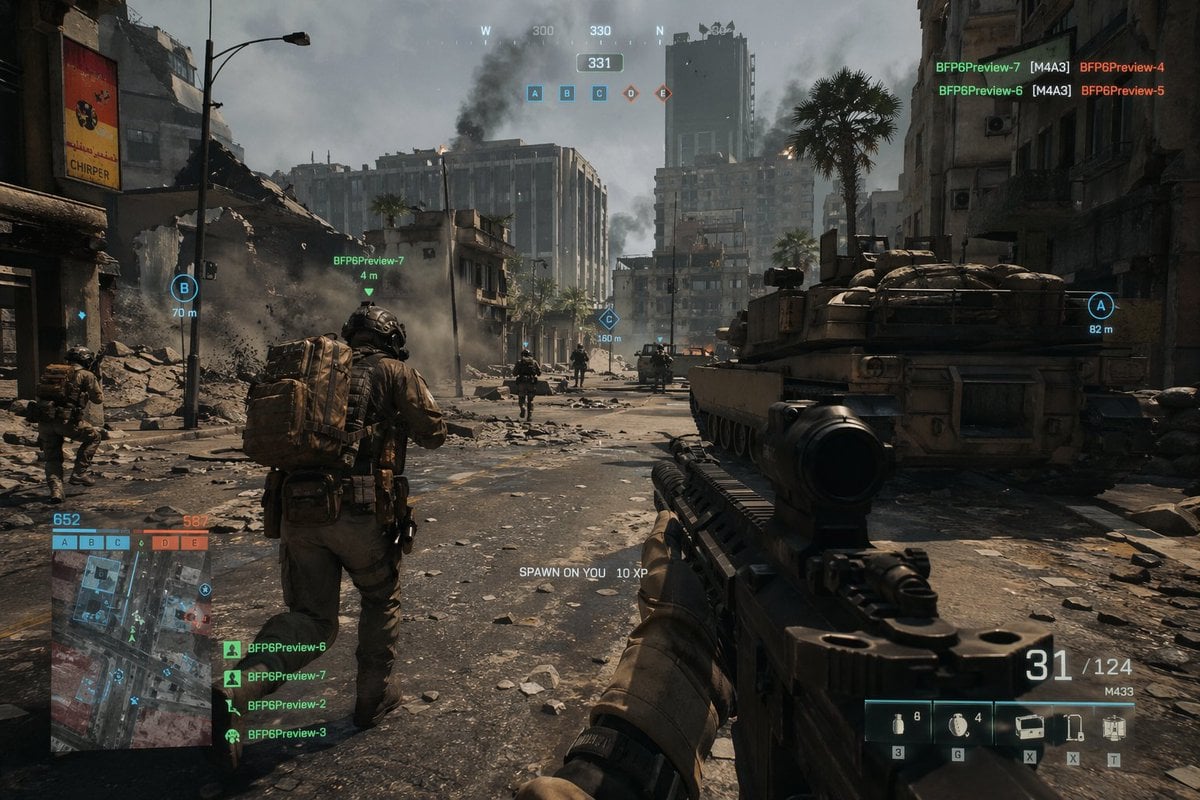
Battlefield In-game Screenshot Prompt
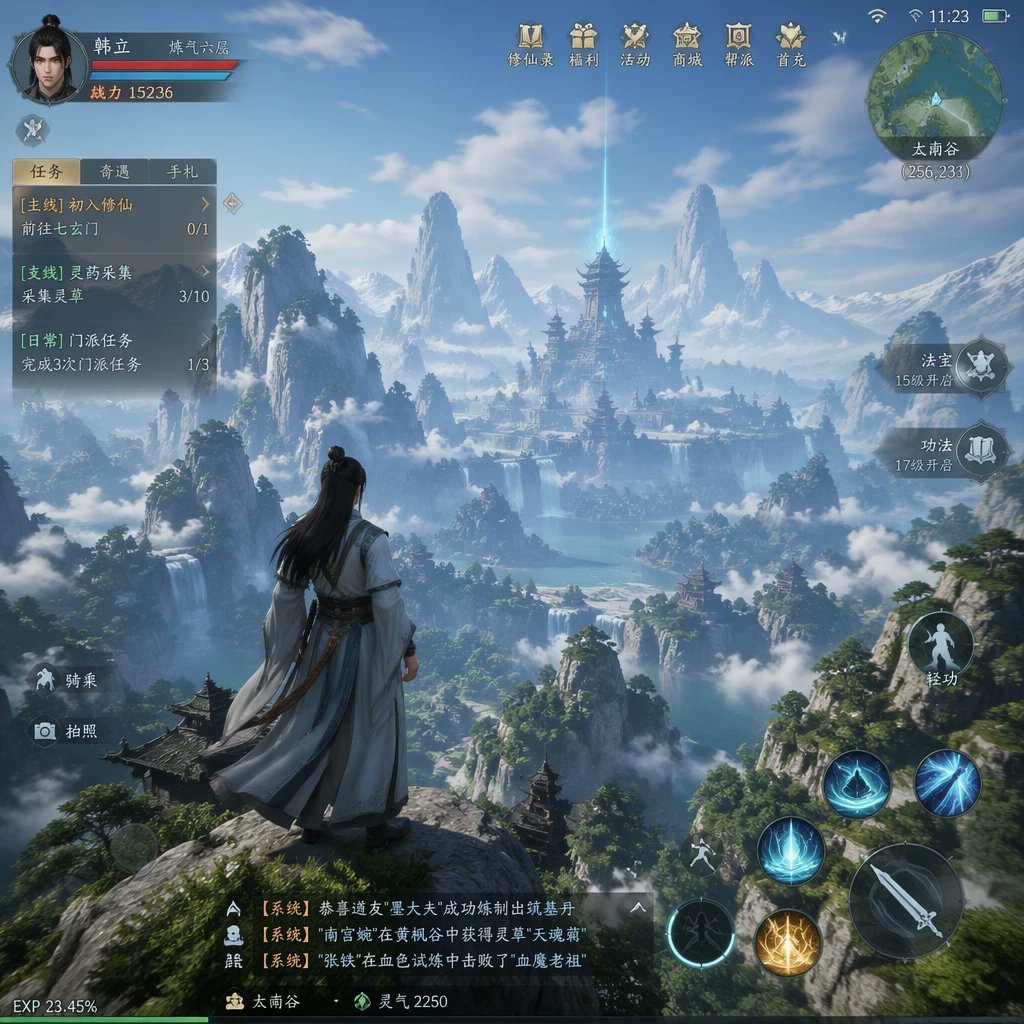
MMO Game World Screenshot
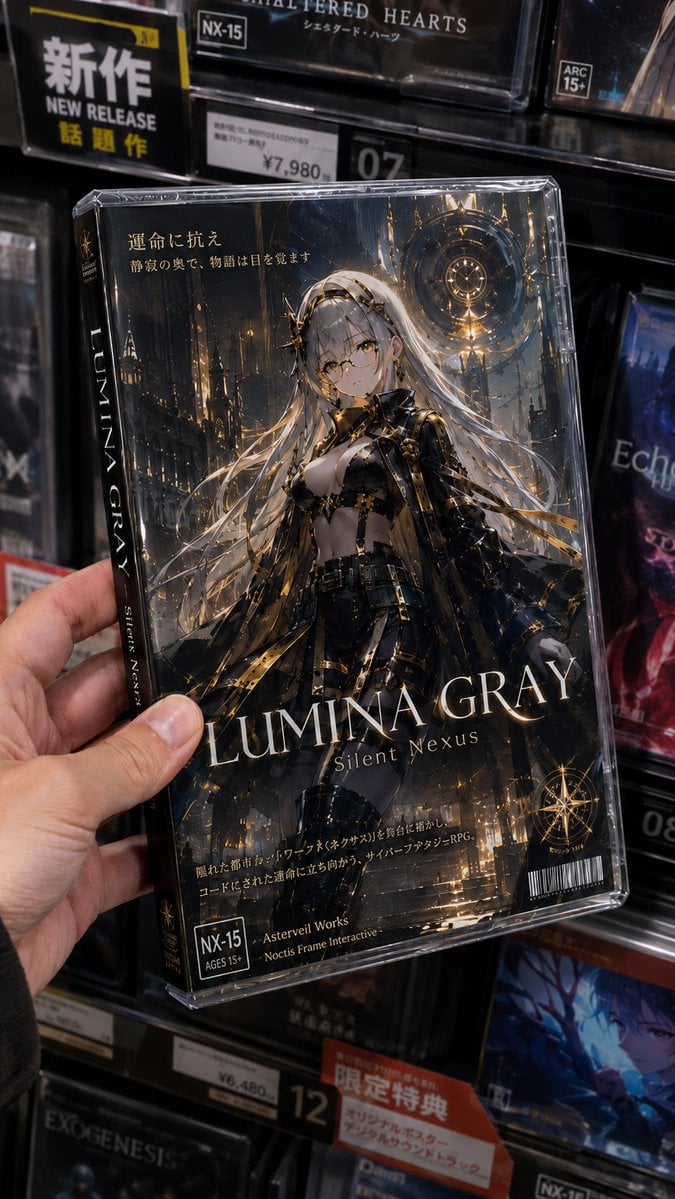
Fictional Gothic Sci-Fi Game Case Photo
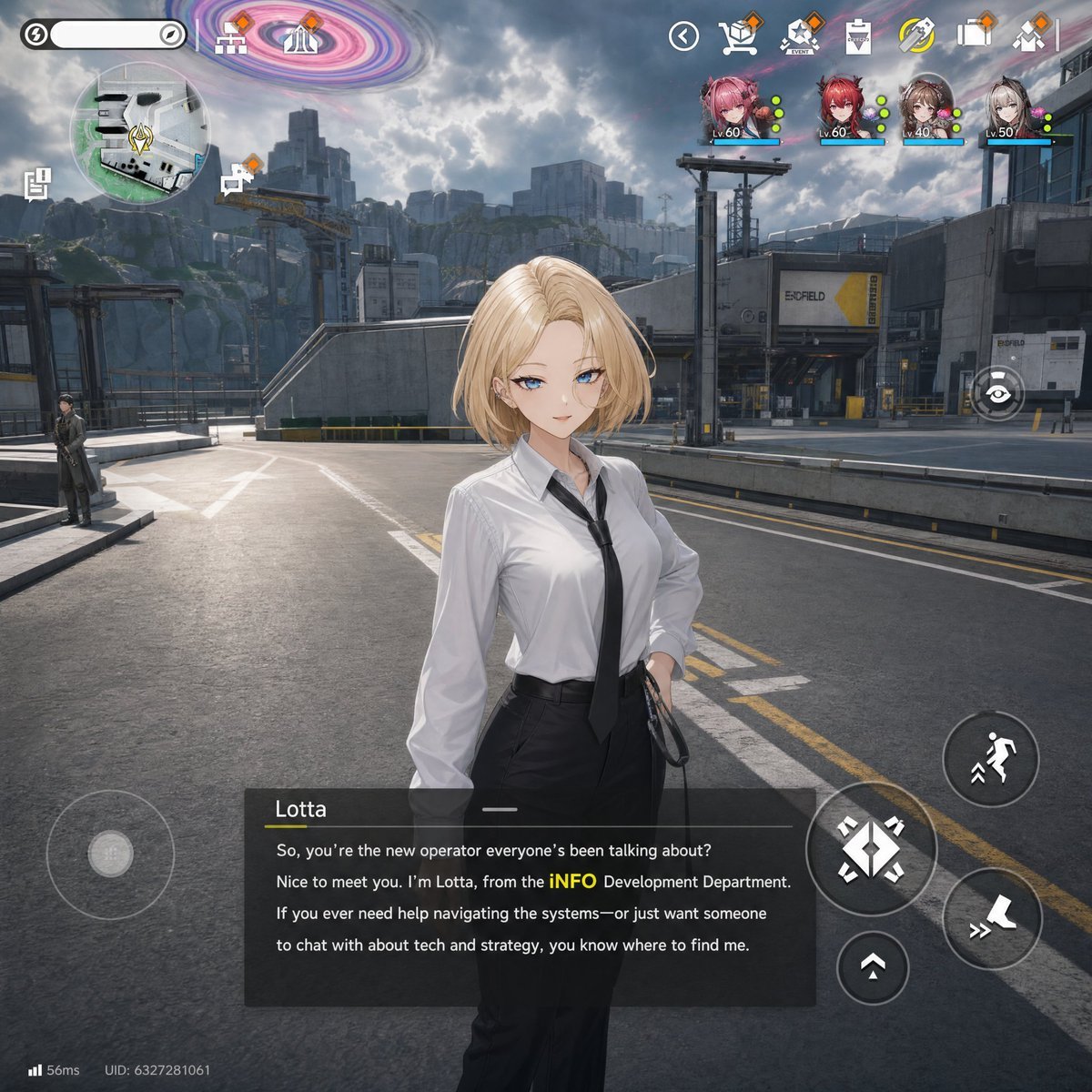
Sci-Fi Gacha RPG Dialogue Screenshot
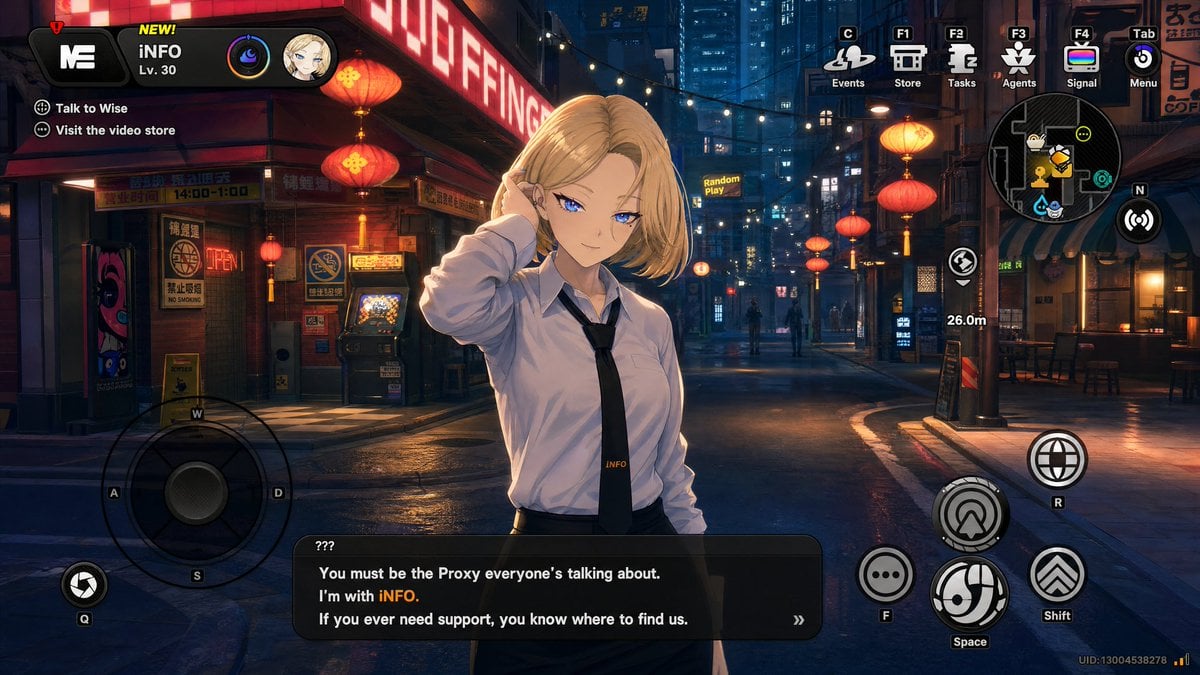
Cyberpunk Gacha Game Dialogue Screenshot
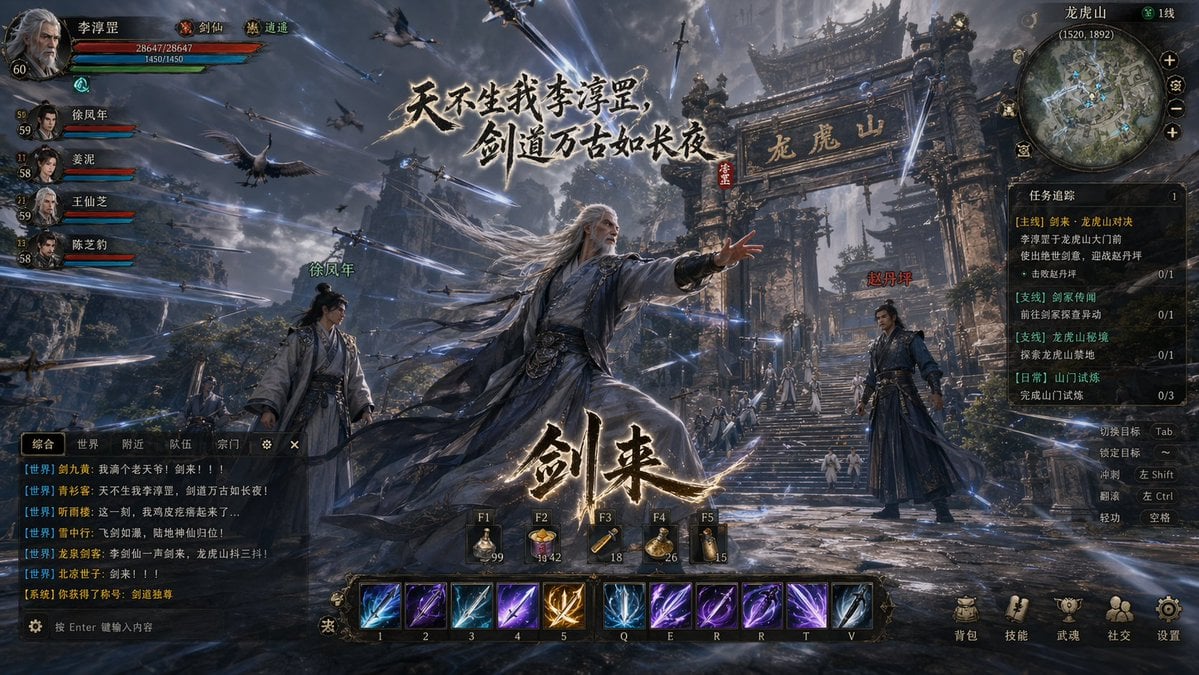
Wuxia MMORPG Gameplay Screenshot
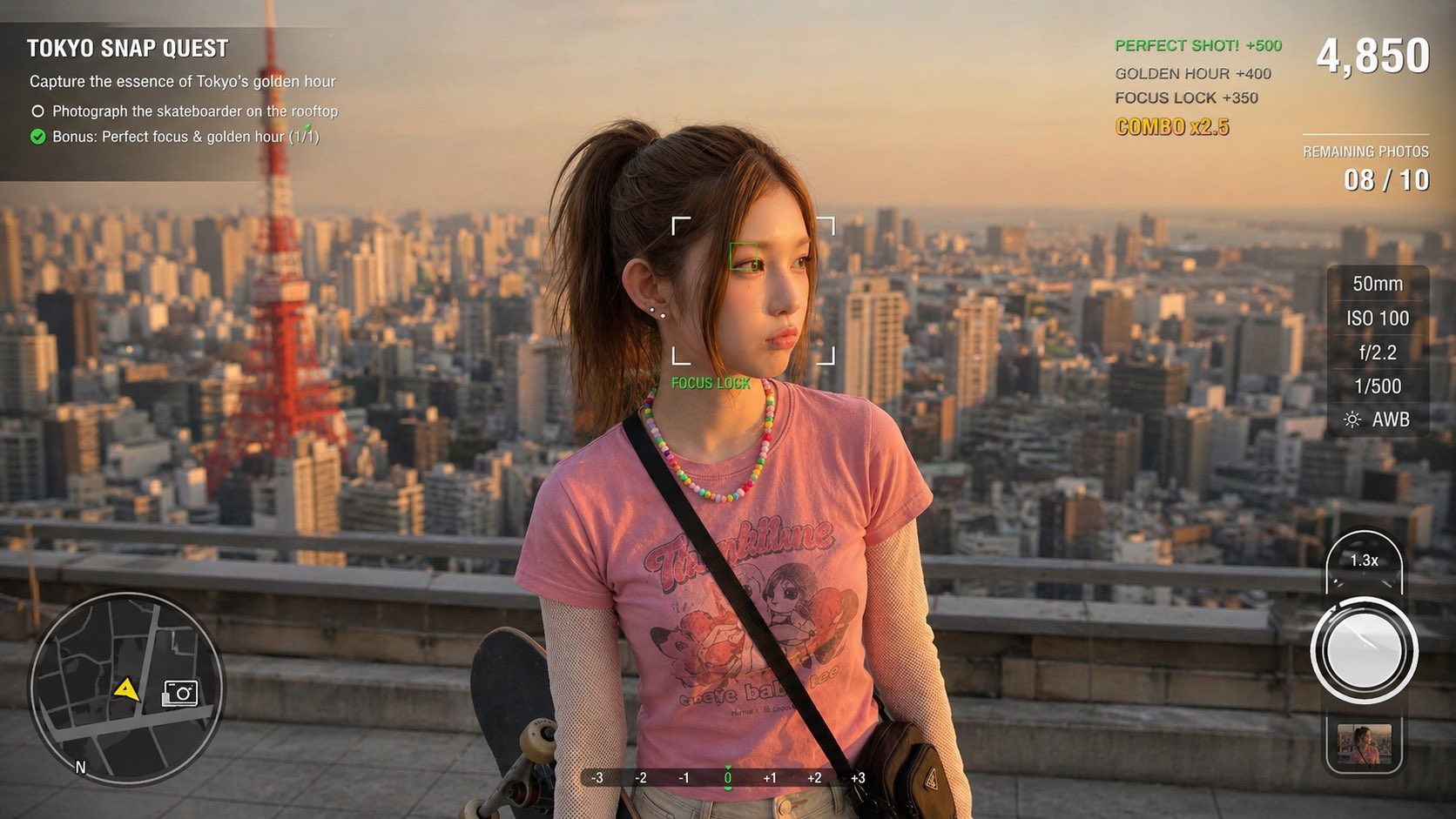
Photography Game Cinematic Capture
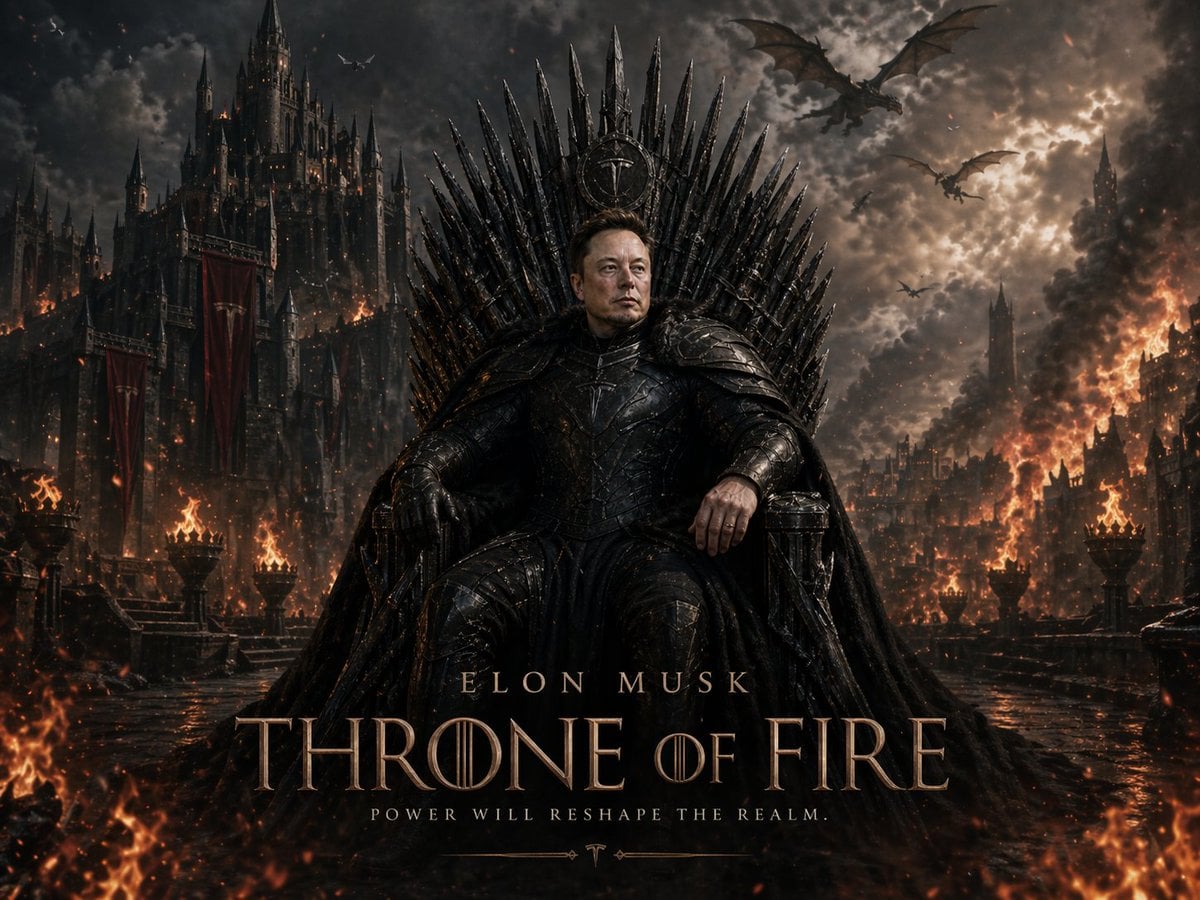
Sci-Fi AI Battle Movie Poster
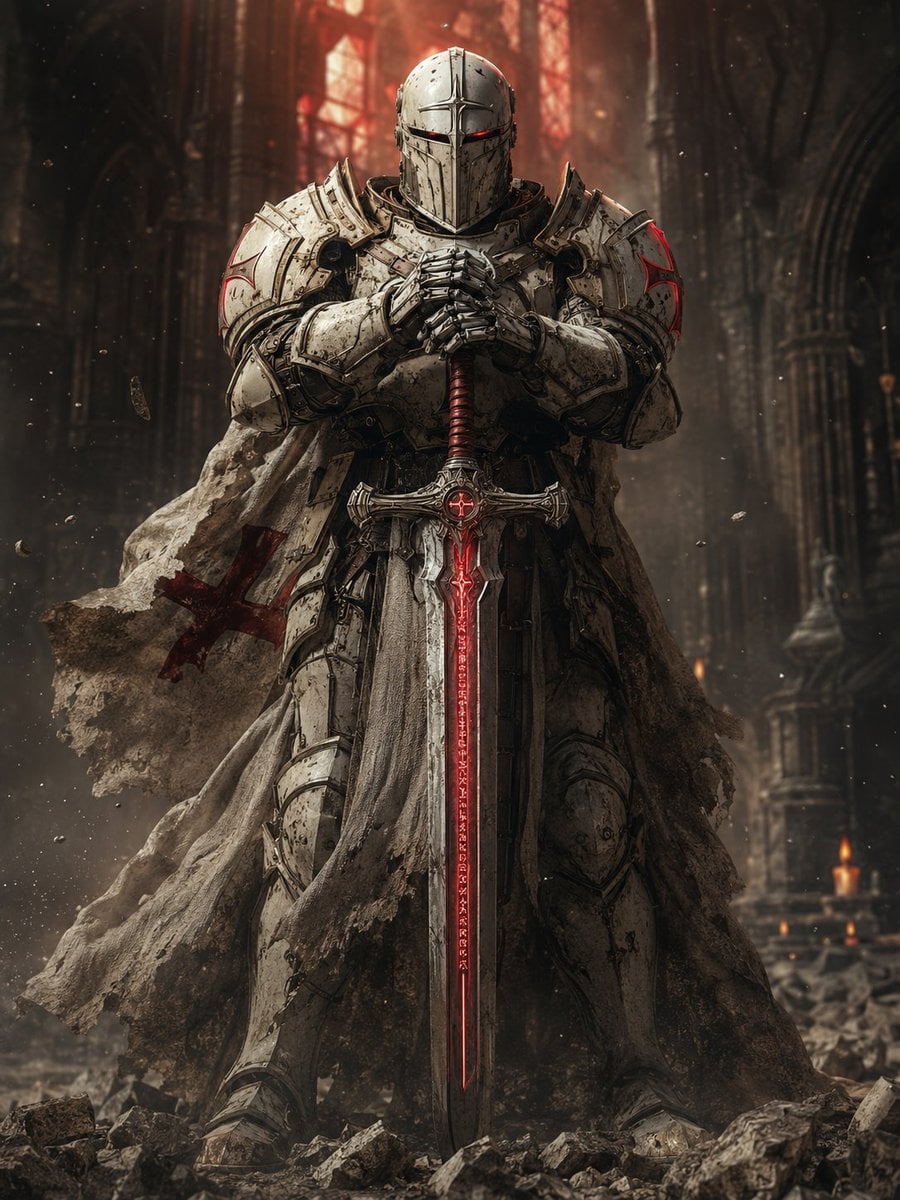
Sci-Fi Knight of the Order
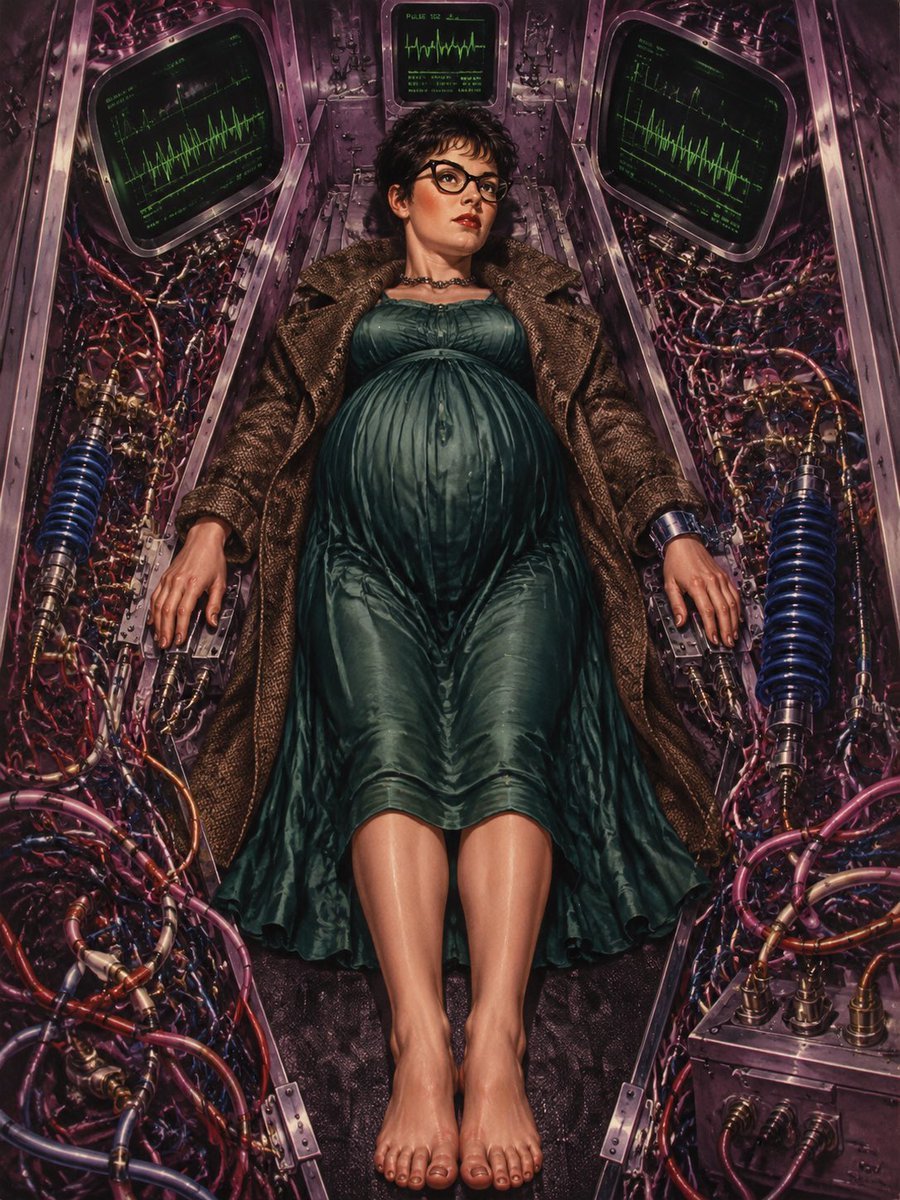
Pregnant Woman in Retro Sci-Fi Medical Pod
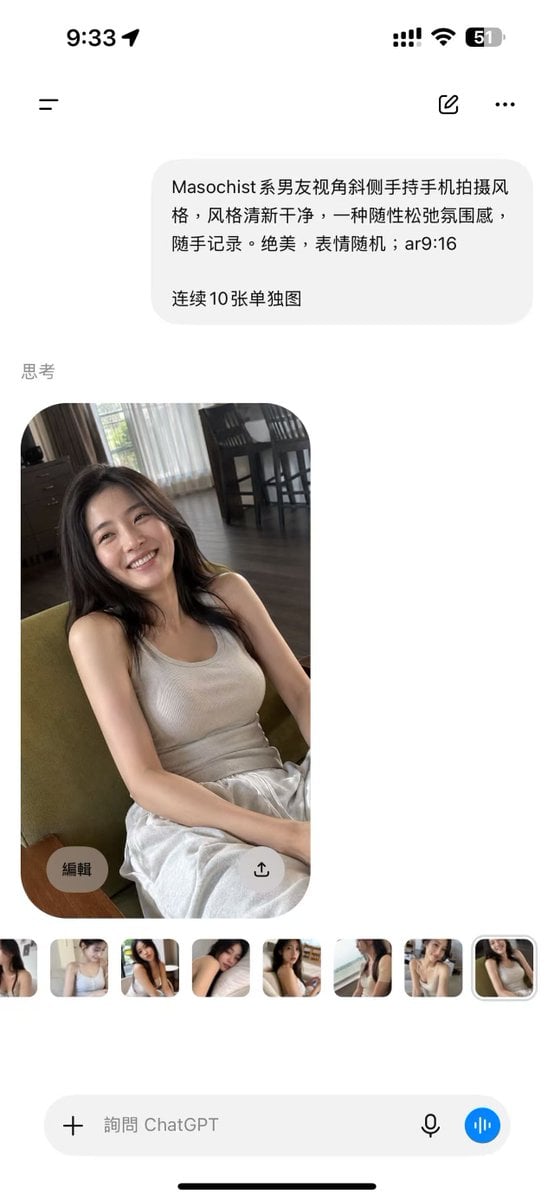
ChatGPT Mobile Photo Carousel Screenshot
Make it yours
Cinematic Sci-Fi Delivery Game Screenshot works as-is. These are the safest ways to change it without losing the look.
Swap the setting
Keep the rest of the prompt and replace the location block. The current setting is “Bleak, rocky, overcast wasteland with dark volcanic soil, a distant body of wate”.
Change one field
Copy a single group, rewrite it, and generate again so you can see what that field is doing.
Keep the frame, change the subject
Hold the composition and light of Cinematic Sci-Fi Delivery Game Screenshot, then swap wardrobe, props or the person for a new take.
| If the result… | Why | Fix |
|---|---|---|
| The result drifts from the preview | Too many fields changed at once. | Reuse Cinematic Sci-Fi Delivery Game Screenshot as-is first, then change one group — subject, light, or setting. |
| GPT Image 2 ignores part of the JSON | Some models flatten or skip nested keys. | Keep the same values and paste them as a short paragraph instead. |
More GPT Image 2 templates
Other prompts made for GPT Image 2.

Six VTuber Japanese Logo Sheet

Realistic Portrait of Woman and Deer

The Vista Modular Condo Poster

AI Model Routing Comparison Infographic

2.5D Anime Art Board

Isometric Productivity Desk Scene

New York Double Exposure Poster

Four-Panel AI Landscape Comparison

Japanese Tatami Lifestyle Magazine Cover

NESCAFÉ Coffee Map Poster
More image prompts
Fresh picks from across the catalog.
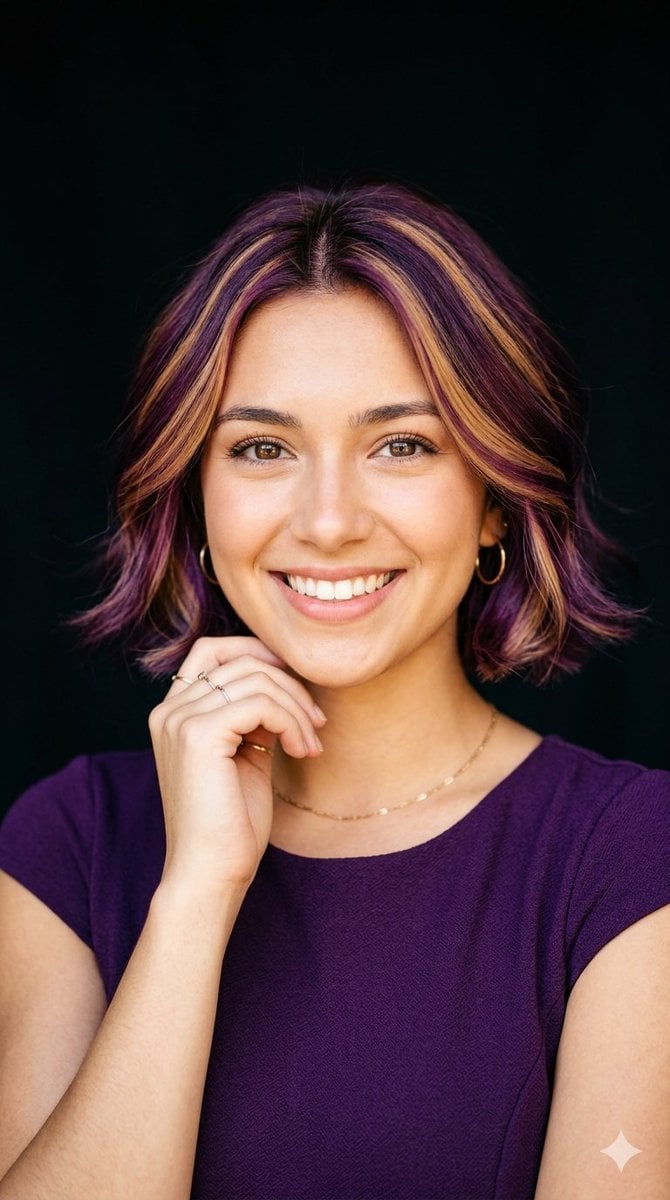
Radiant Purple Bob Portrait
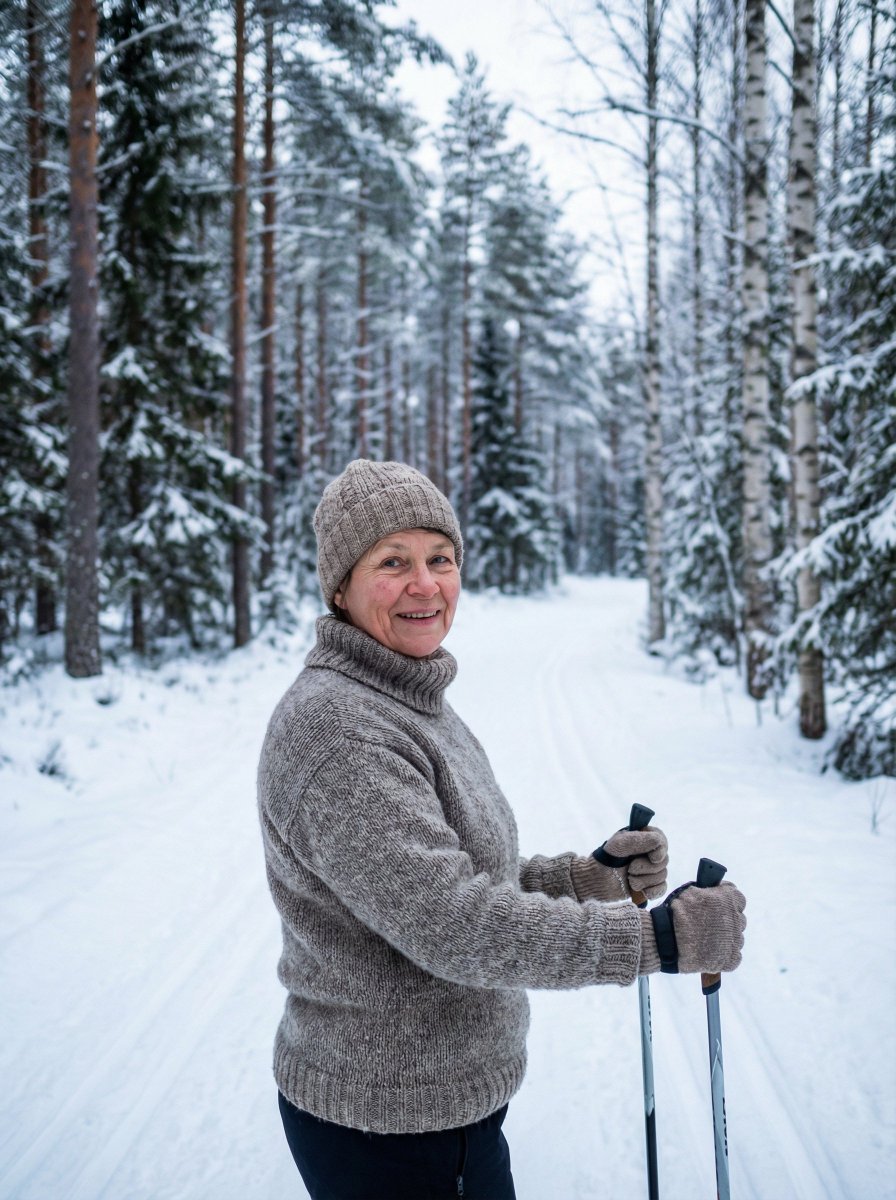
Simple Photorealistic Portrait of a Finnish Woman
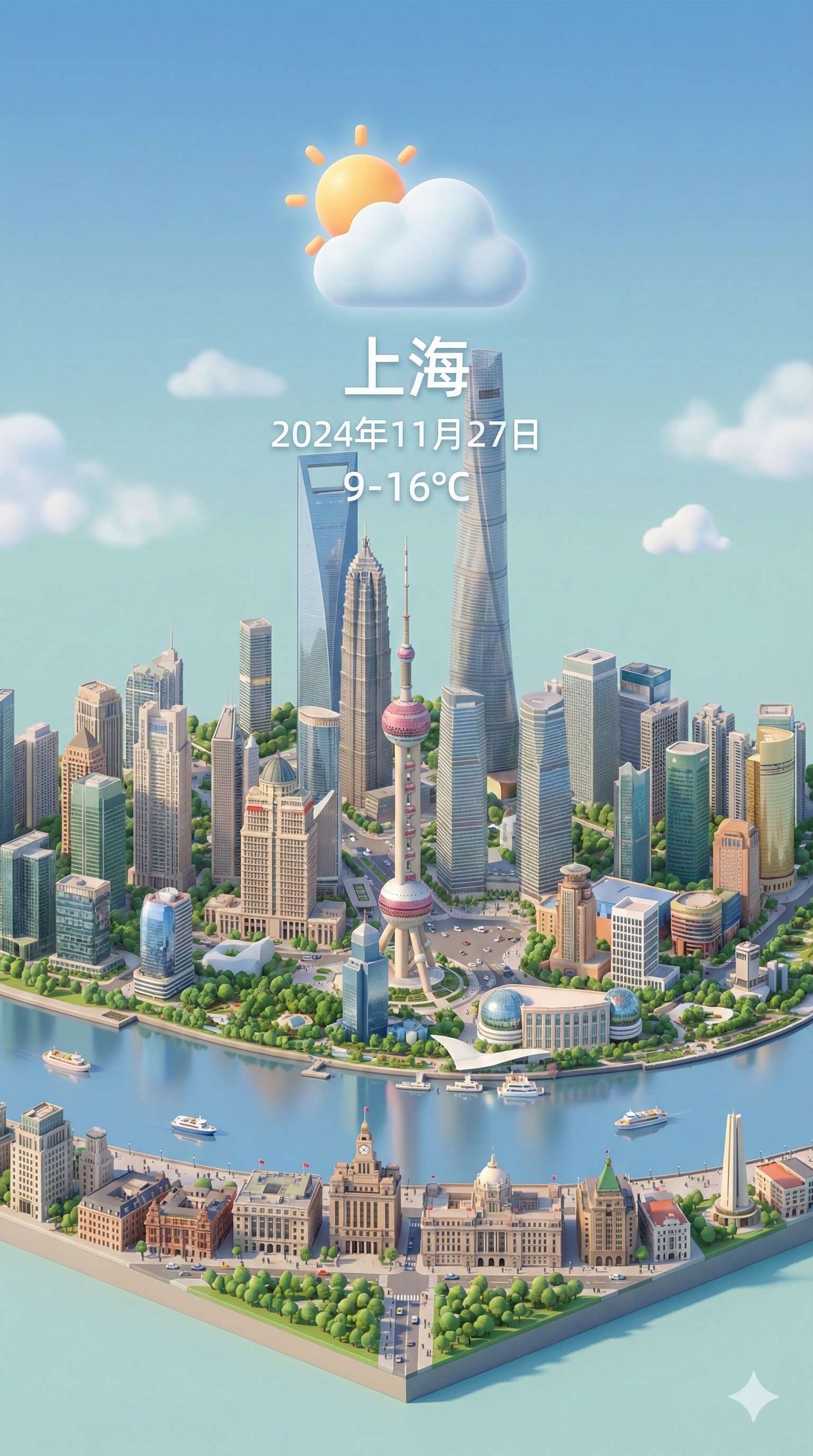
Isometric 3d Weather Card for Shanghai
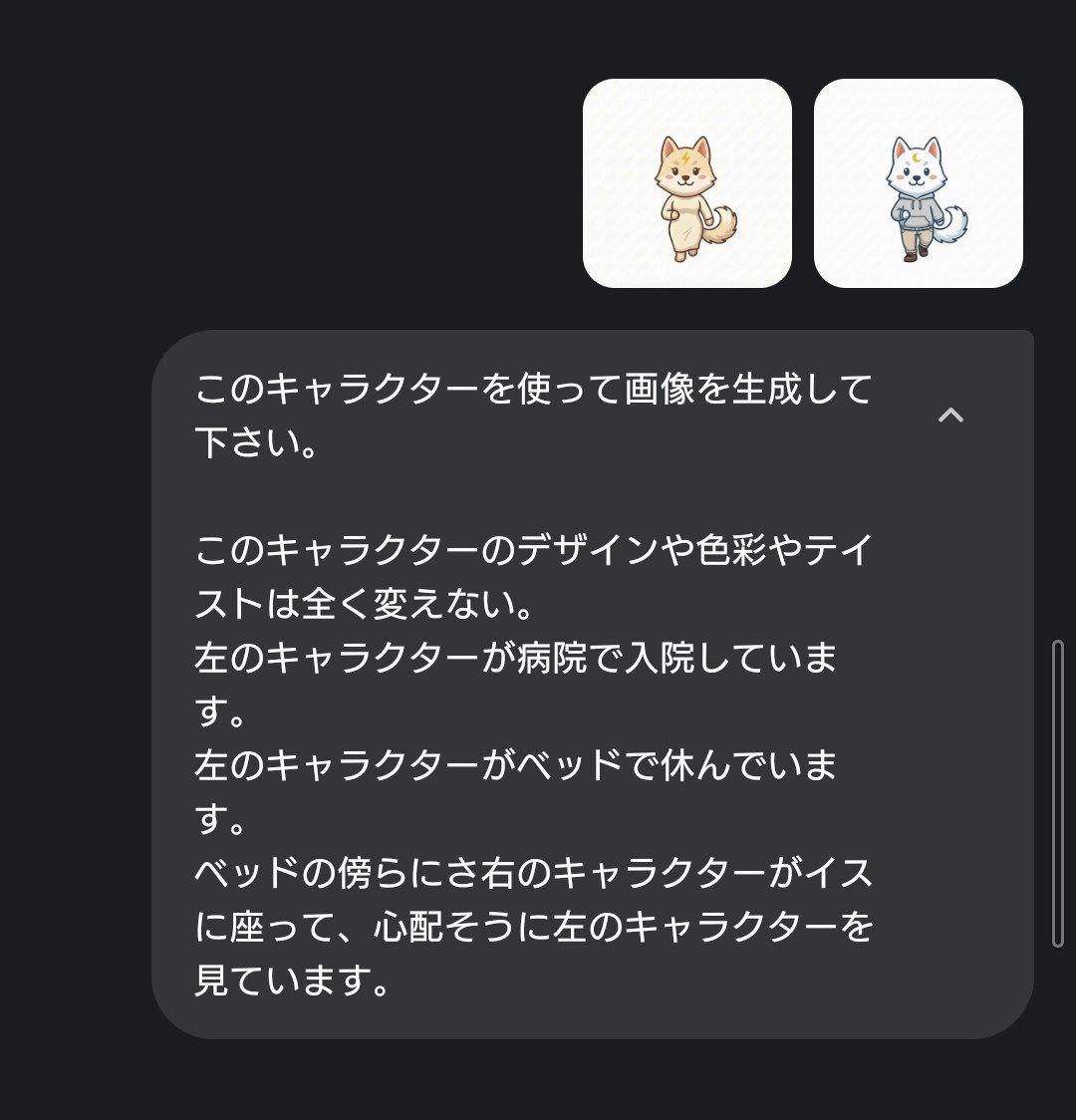
Character Hospital Scene Generation Prompt
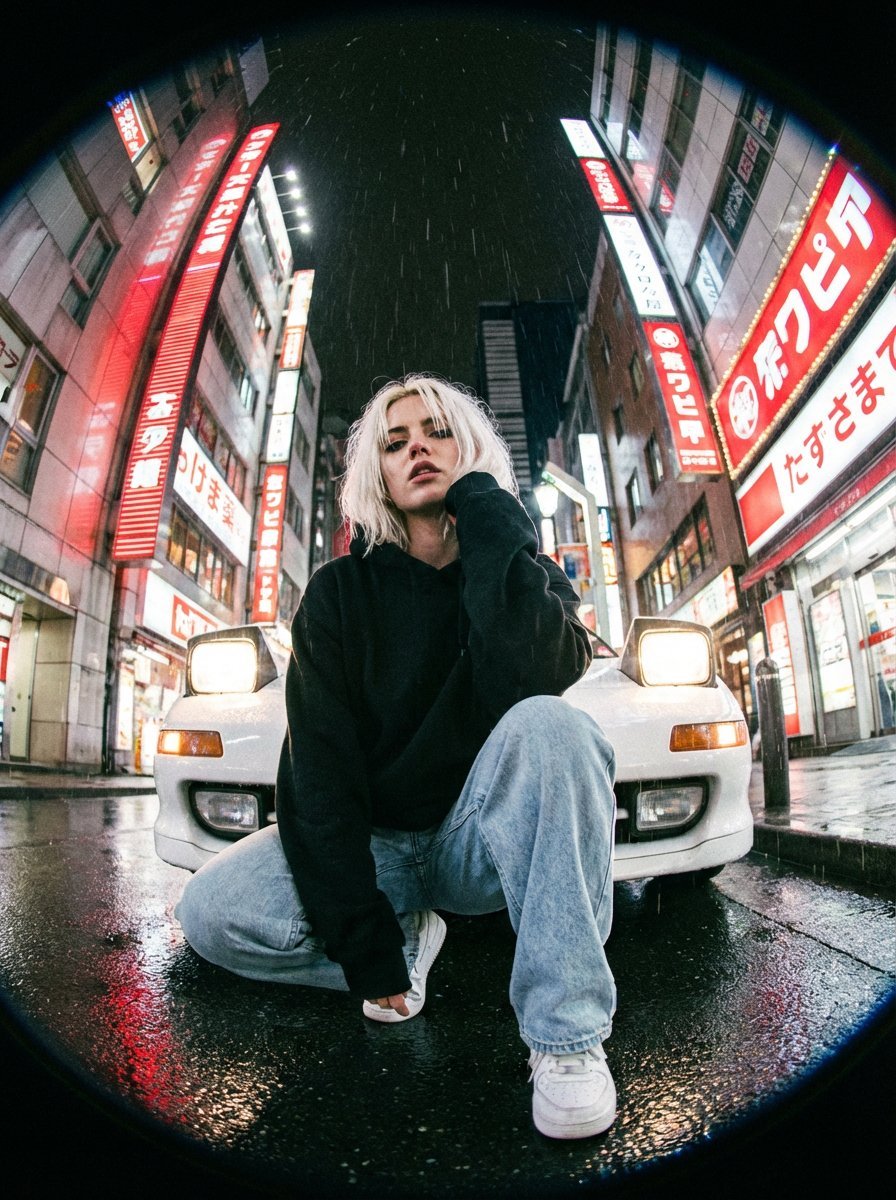
Hyper-Realistic Fisheye Street Portrait in Tokyo Rain
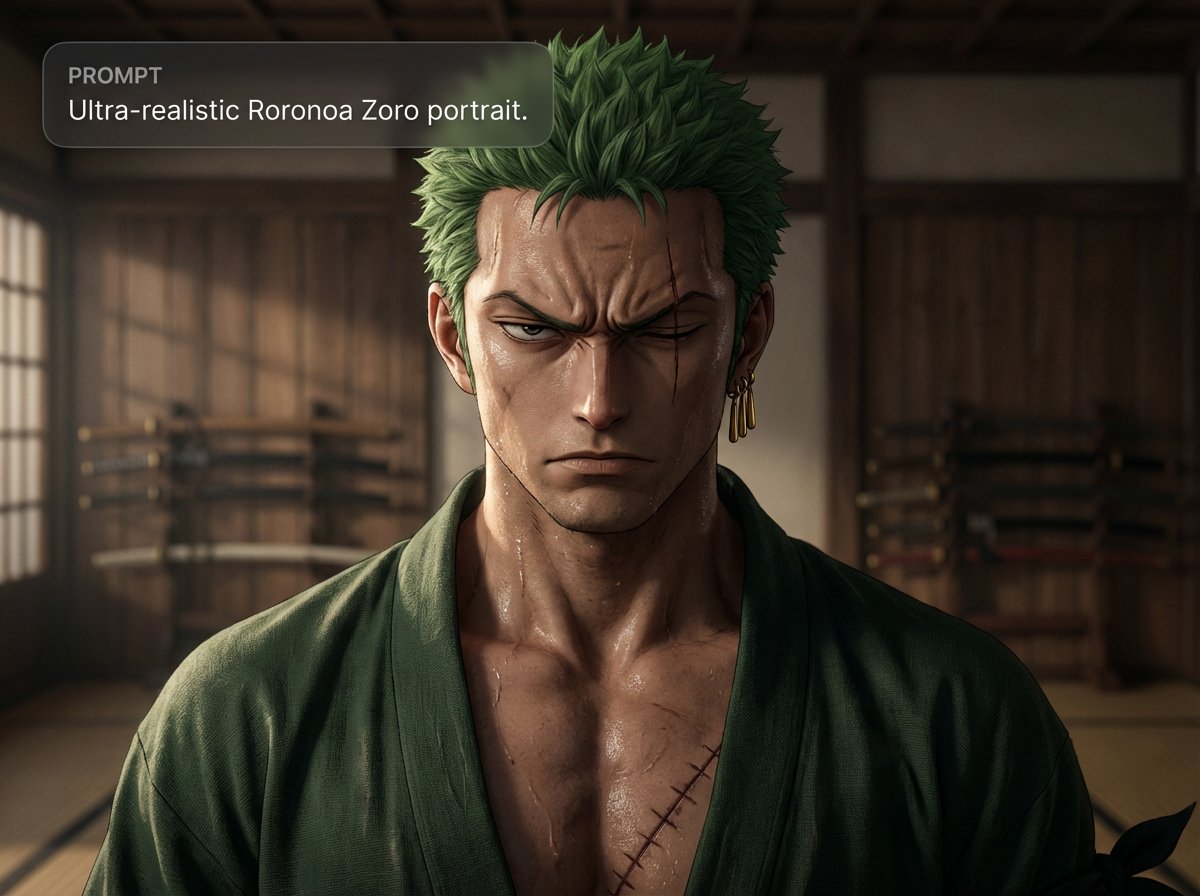
Ultra-realistic Roronoa Zoro portrait
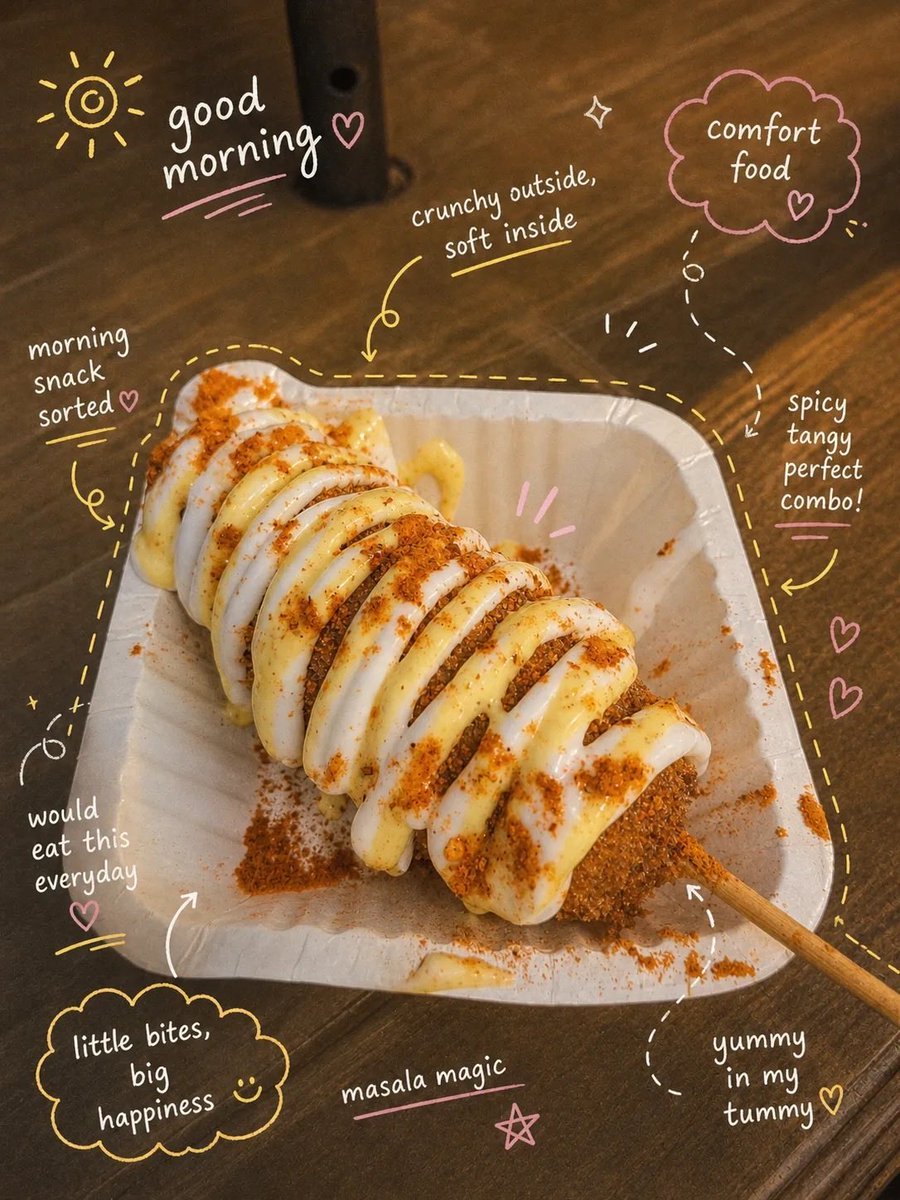
Aesthetic Instagram Food Photography

Anime Character Drive-Thru Clerk (POV)
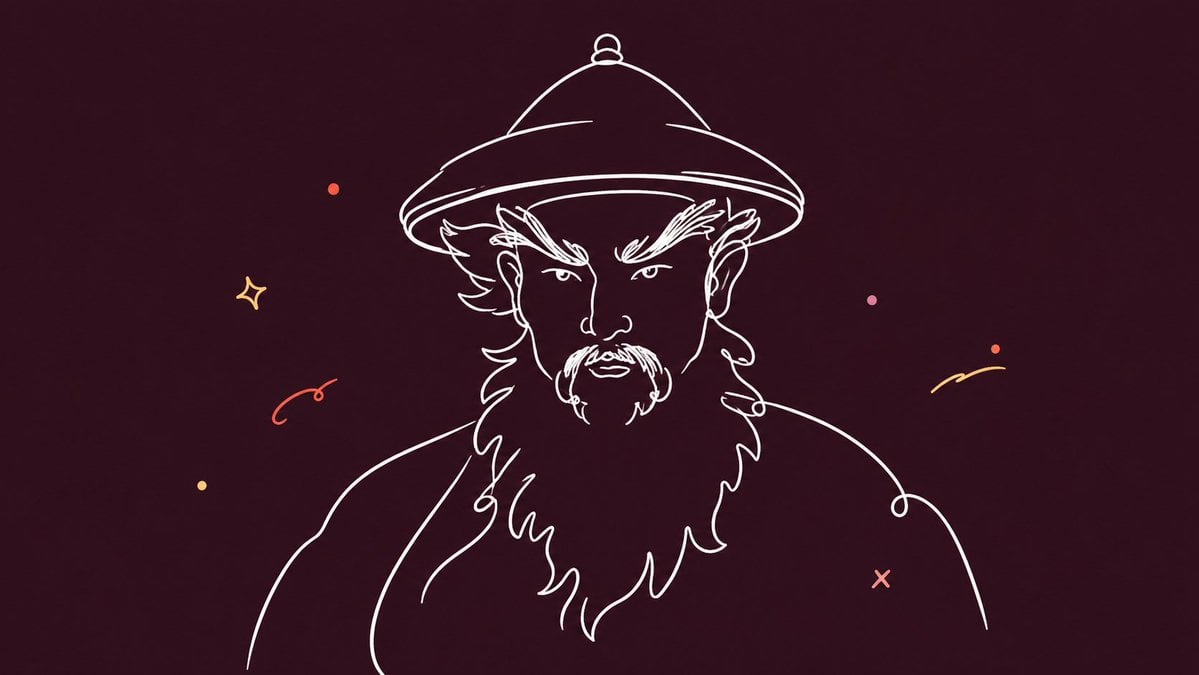
Minimalist Single Line Social Media Avatar
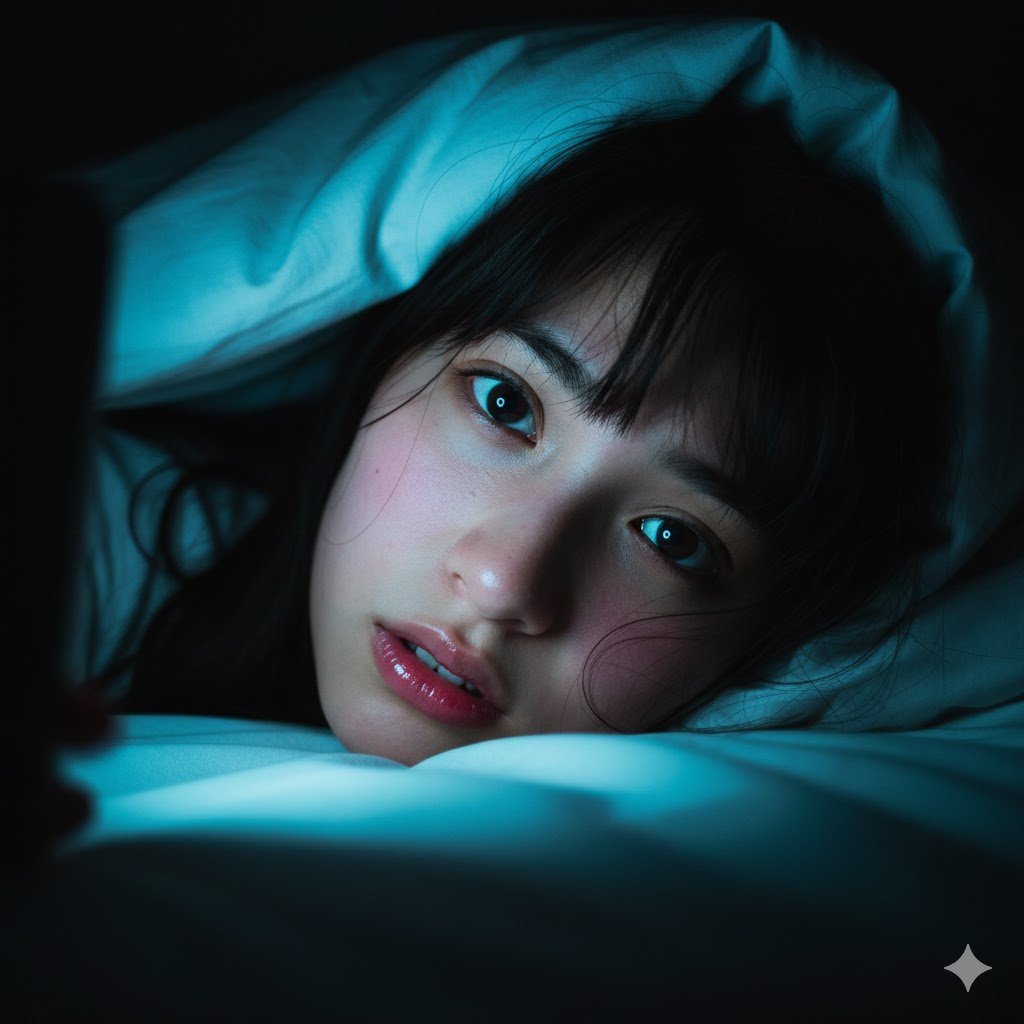
Intimate Late-Night Portrait with Screen Glow
Browse template categories
Cinematic Sci-Fi Delivery Game Screenshot questions
How do I use the Cinematic Sci-Fi Delivery Game Screenshot template?
Add your photo if the template asks for one, edit the prompt if you like — the template's model and format are already selected — and press Generate. Your version opens in PicX Studio.
Can I customize the Cinematic Sci-Fi Delivery Game Screenshot template?
Yes. You can change the subject, setting, lighting, mood, format, and available model controls before creating your image.
Is the Cinematic Sci-Fi Delivery Game Screenshot template free?
Opening and editing this template is free. Generating uses credits, shown on the Generate button when you are signed in.
Which AI model should I use?
Start with GPT Image 2, which is the model associated with this template. You can compare another compatible model for a different finish.
Looking for something else? Browse all templates.

Your photo, any look
Thousands of ready templates for every top image and video model, from one credit balance.