
Dark Runway Luxury Fashion Magazine Cover
Negative prompt: harsh exposure, messy silhouette, cluttered background, cheap poster styling, cartoon, illustration, text artifacts, watermark, logo, distorted anatomy

- Prompt included
- Model and format preset
- Premium template
The prompt behind this image
Copy the exact prompt behind Dark Runway Luxury Fashion Magazine Cover, or open it in the studio and make it yours.
Luxury high-fashion runway magazine cover with title FASHION. Elegant model walking forward in a couture show wearing a flowing silk gown. Deep matte black dominant color with warm muted gold accents and subtle gradient shadows. Dramatic spotlight from above with soft gold rim light outlining silhouette, high contrast but controlled highlights. Ultra high-end editorial photography, Paris Fashion Week aesthetic. Low angle shot with strong presence, dark runway fading into black. Cold powerful elite luxury mood. Ultra realistic, 8K, sharp focus.
How to use Dark Runway Luxury Fashion Magazine Cover in 3 steps
- 1
Open
The prompt is already in the box next to the preview, with the template's model and format selected.
- 2…a portrait of your subject in softgolden-hour light, 85mm…
Personalize
Edit the subject and creative details for your destination.
- 3Generate
Generate
Press Generate — your image is created in PicX Studio, so you can compare it with the original and refine one variable at a time.
More like this
Templates with the same subject, style or setup. Open one to see its prompt.

19 Luxury Helicopter Travel — California Series

08 Rodeo Drive Luxury Exit — California Series
Vault Wheel Two Hands
Leather Ledger Green Lamp
Gold Dust Hourglass
ATM Corridor Neon Rain
Rooftop Helipad Wealth
Briefcase Handshake Deal
Private Jet Cabin Wealth
Credit Card Levitation
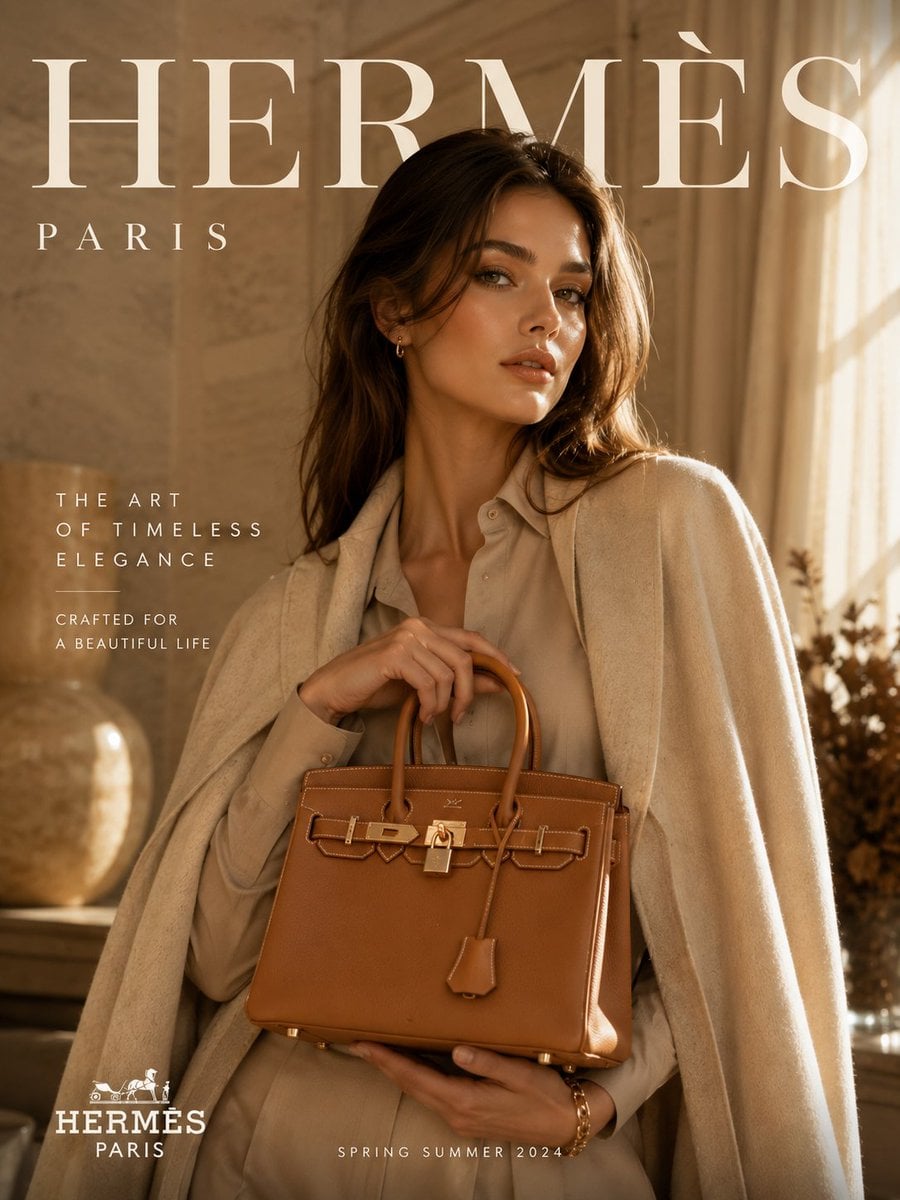
Gold Coin Rain Umbrella
Safe Deposit Box Open
Make it yours
Dark Runway Luxury Fashion Magazine Cover works as-is. These are the safest ways to change it without losing the look.
Change one field
Copy a single group, rewrite it, and generate again so you can see what that field is doing.
Keep the frame, change the subject
Hold the composition and light of Dark Runway Luxury Fashion Magazine Cover, then swap wardrobe, props or the person for a new take.
| If the result… | Why | Fix |
|---|---|---|
| The result drifts from the preview | Too many fields changed at once. | Reuse Dark Runway Luxury Fashion Magazine Cover as-is first, then change one group — subject, light, or setting. |
| The model over-stylizes the scene | The prose prompt leaves finish and camera underspecified. | Add one camera or lighting sentence and stay on PicX Studio. |
More image prompts
Fresh picks from across the catalog.

Chibi Friends on Sparkling Water
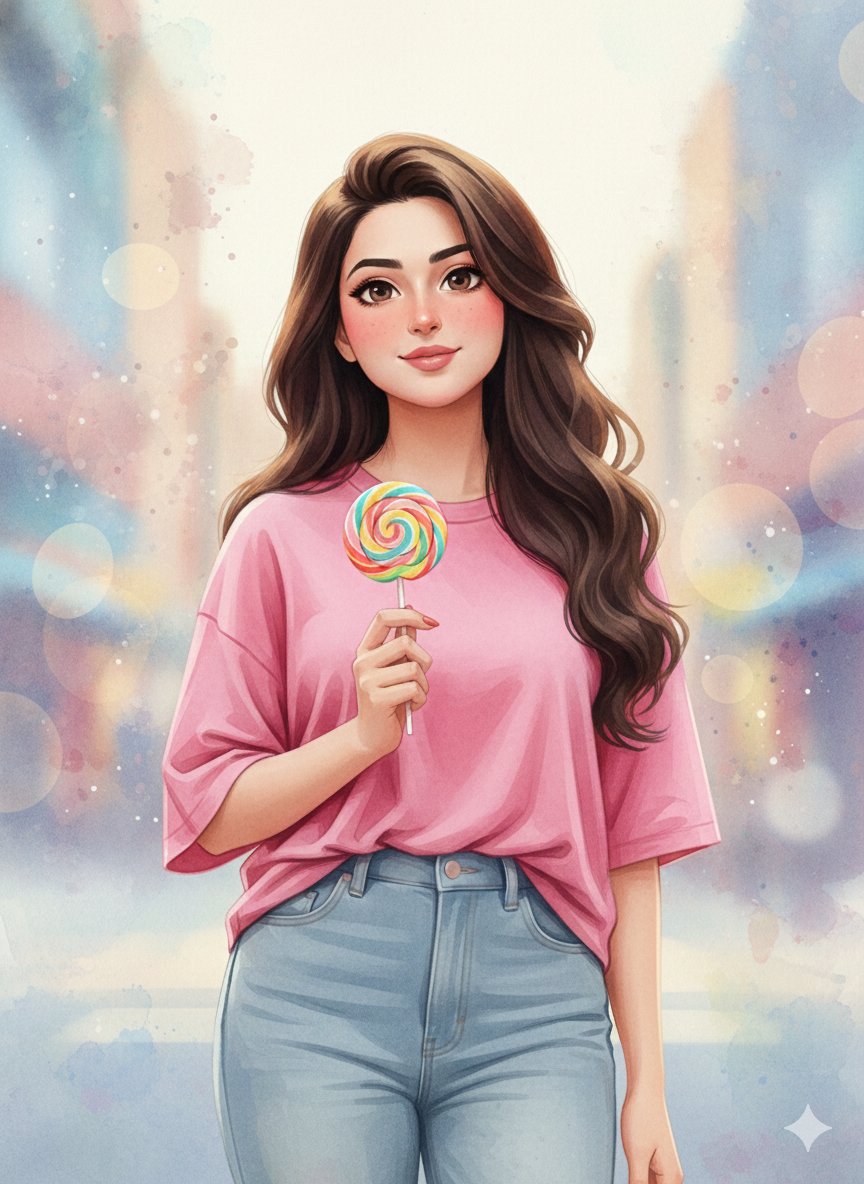
3D Anime Watercolor Style Transfer
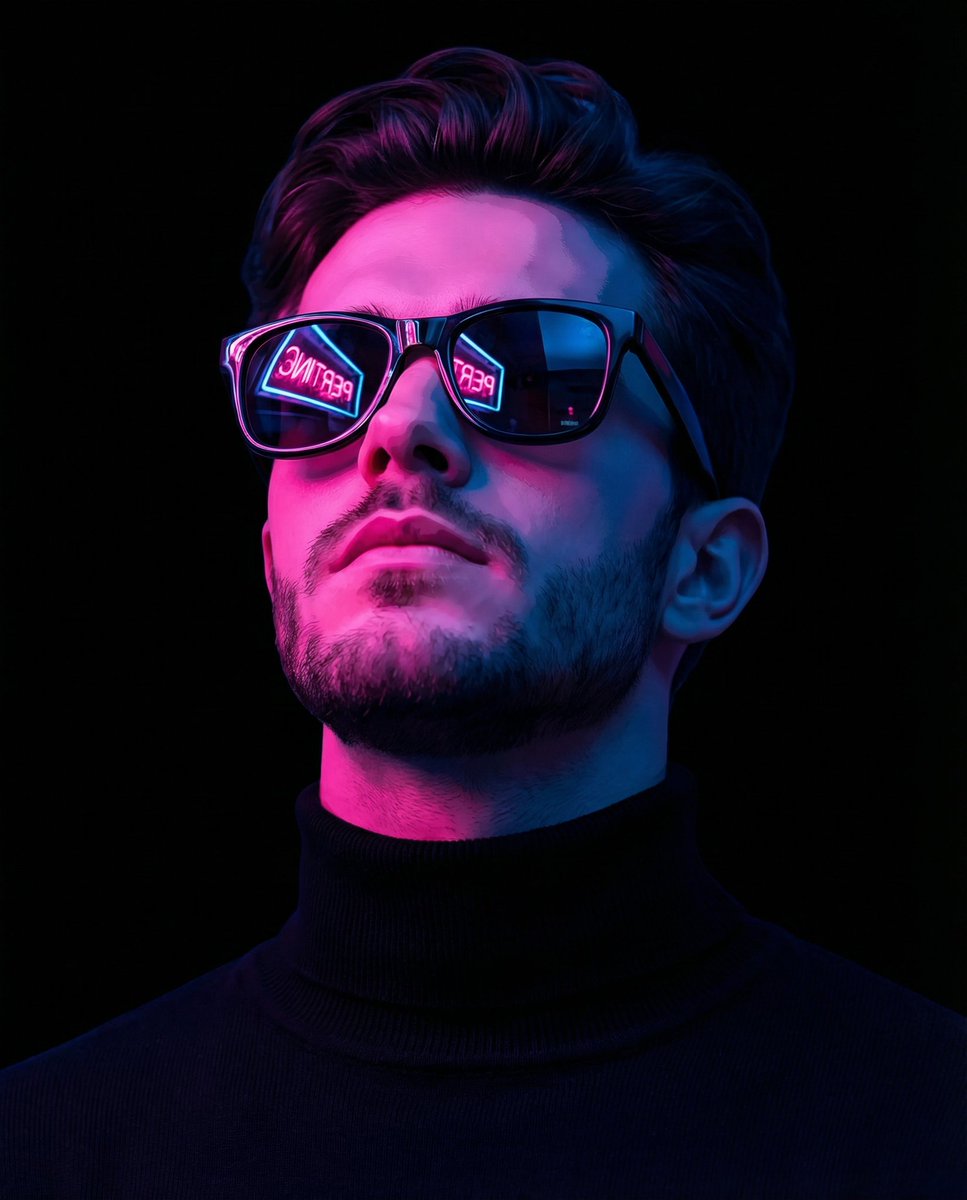
Cyber-Noir Stylized Portrait
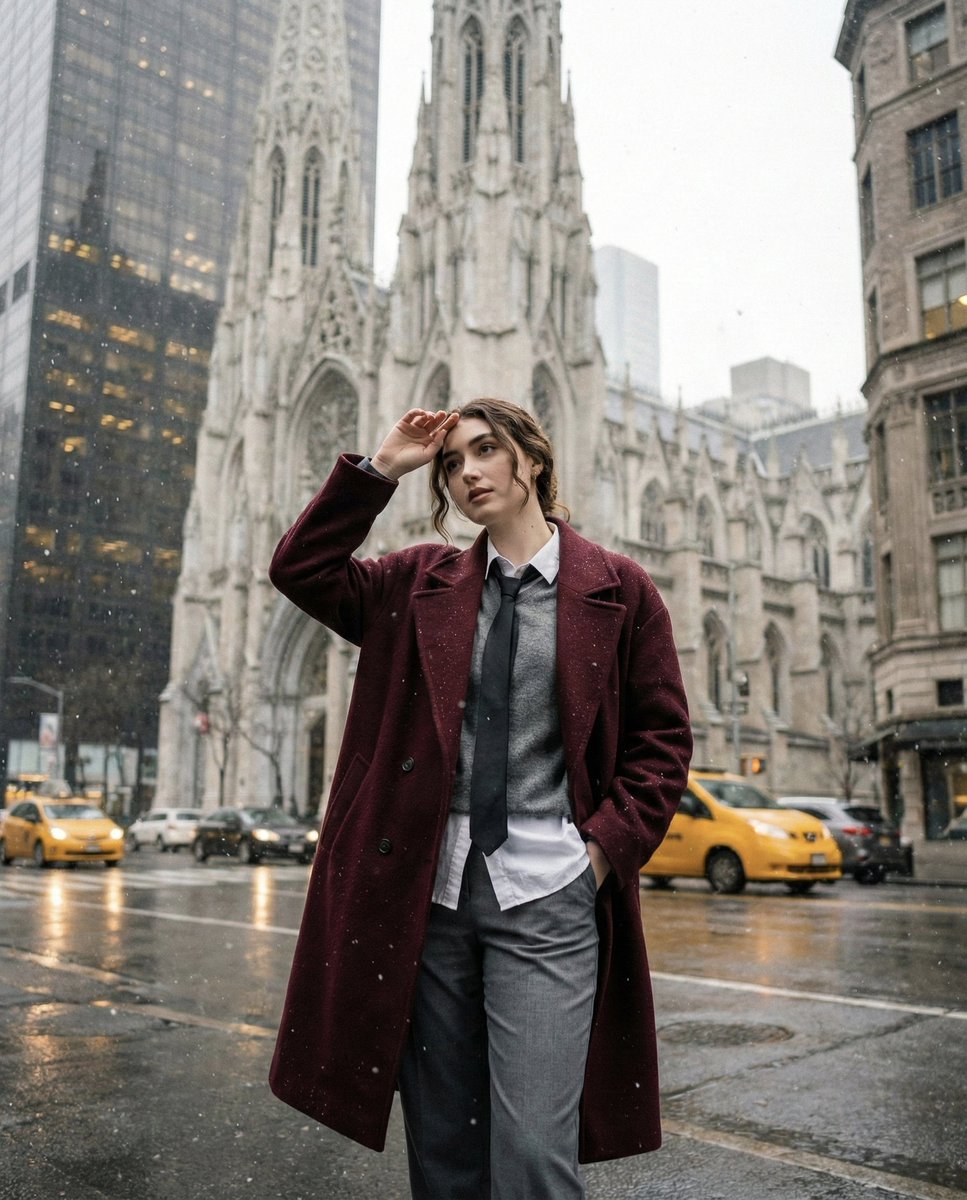
Candid Winter City Portrait during Snowfall
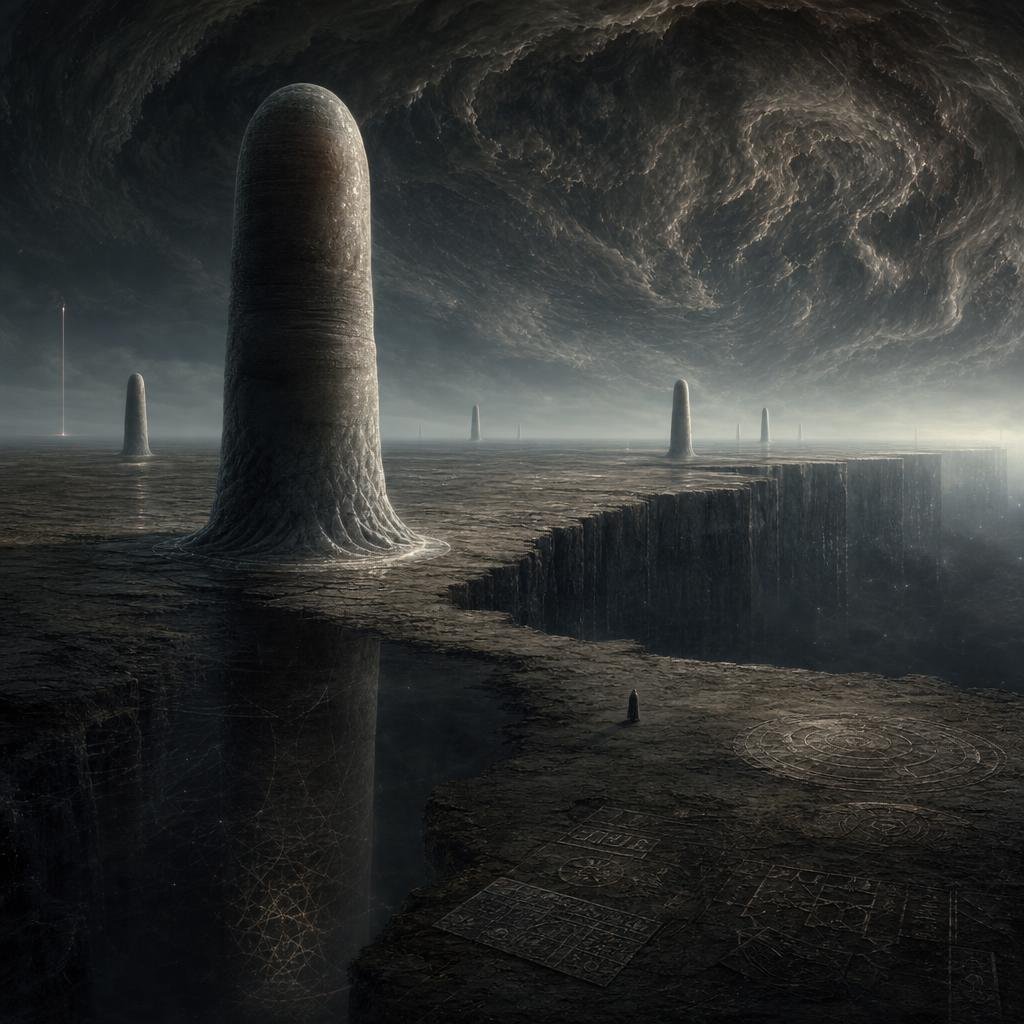
Cosmic Horror Monolith Landscape

Influencer Holding Floating Profile Card
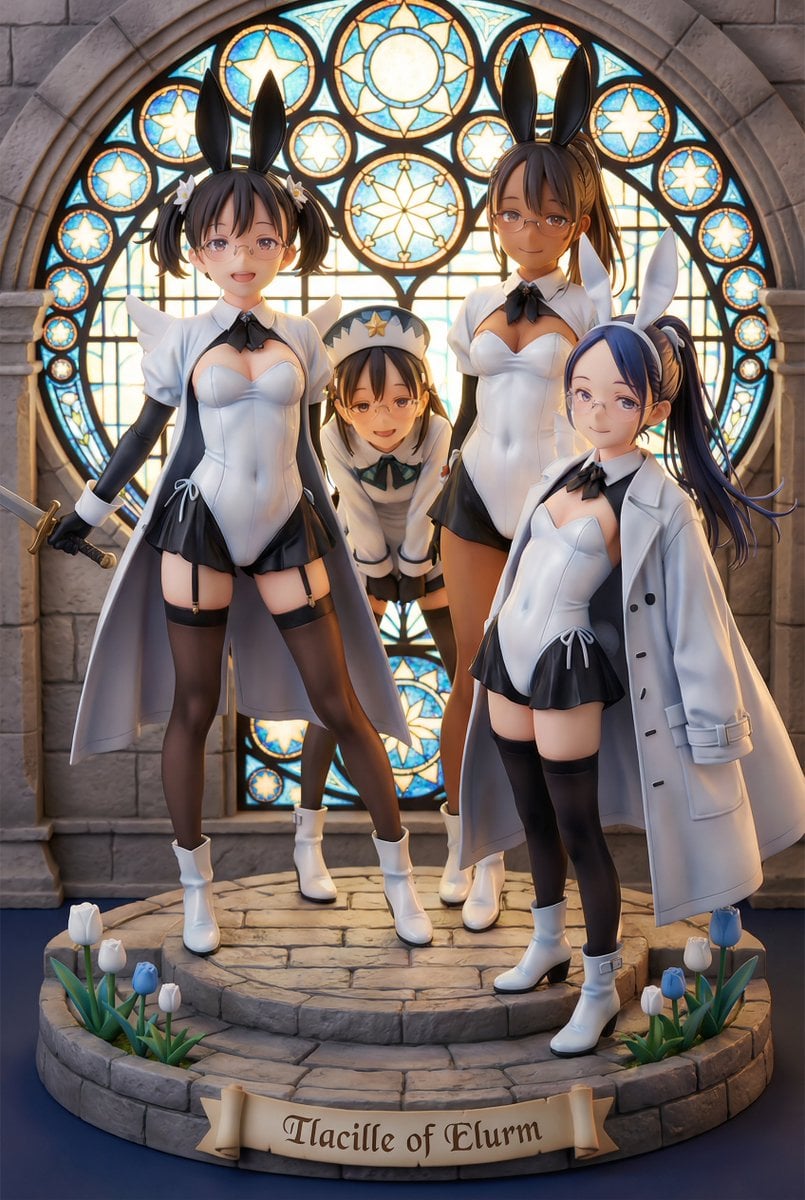
White Fairy Party Figurine Generation

untitled
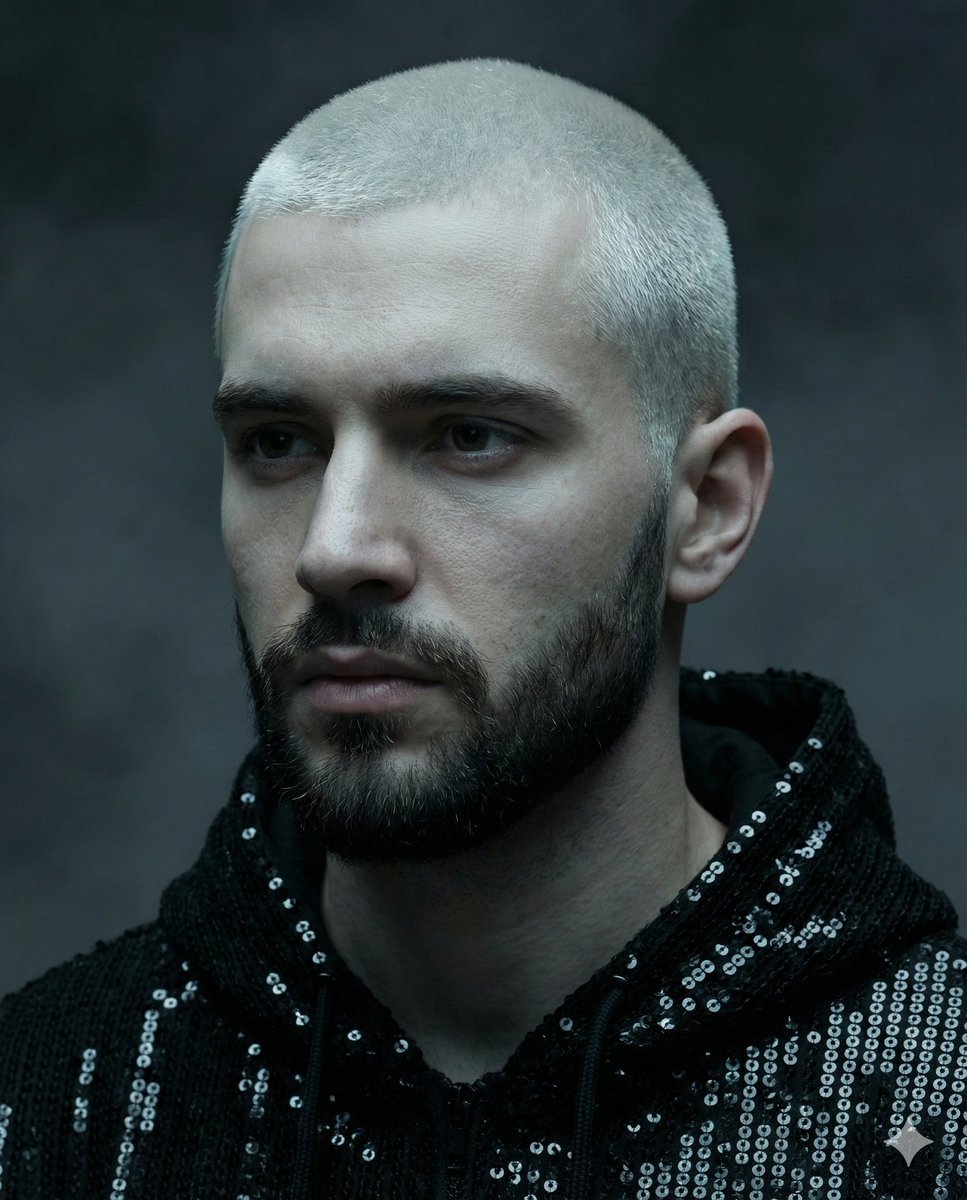
Hyper-realistic portrait of a young man with platinum buzz cut
ASCII Art Face with Korean Text
Browse template categories
Dark Runway Luxury Fashion Magazine Cover questions
How do I use the Dark Runway Luxury Fashion Magazine Cover template?
Add your photo if the template asks for one, edit the prompt if you like — the template's model and format are already selected — and press Generate. Your version opens in PicX Studio.
Can I customize the Dark Runway Luxury Fashion Magazine Cover template?
Yes. You can change the subject, setting, lighting, mood, format, and available model controls before creating your image.
Is the Dark Runway Luxury Fashion Magazine Cover template free?
Opening and editing this template is free. Generating uses credits, shown on the Generate button when you are signed in.
Which AI model should I use?
Choose a compatible model in PicX Studio based on the style, speed, and output controls your project needs.
Looking for something else? Browse all templates.

Your photo, any look
Thousands of ready templates for every top image and video model, from one credit balance.