
Chibi Friends on Sparkling Water
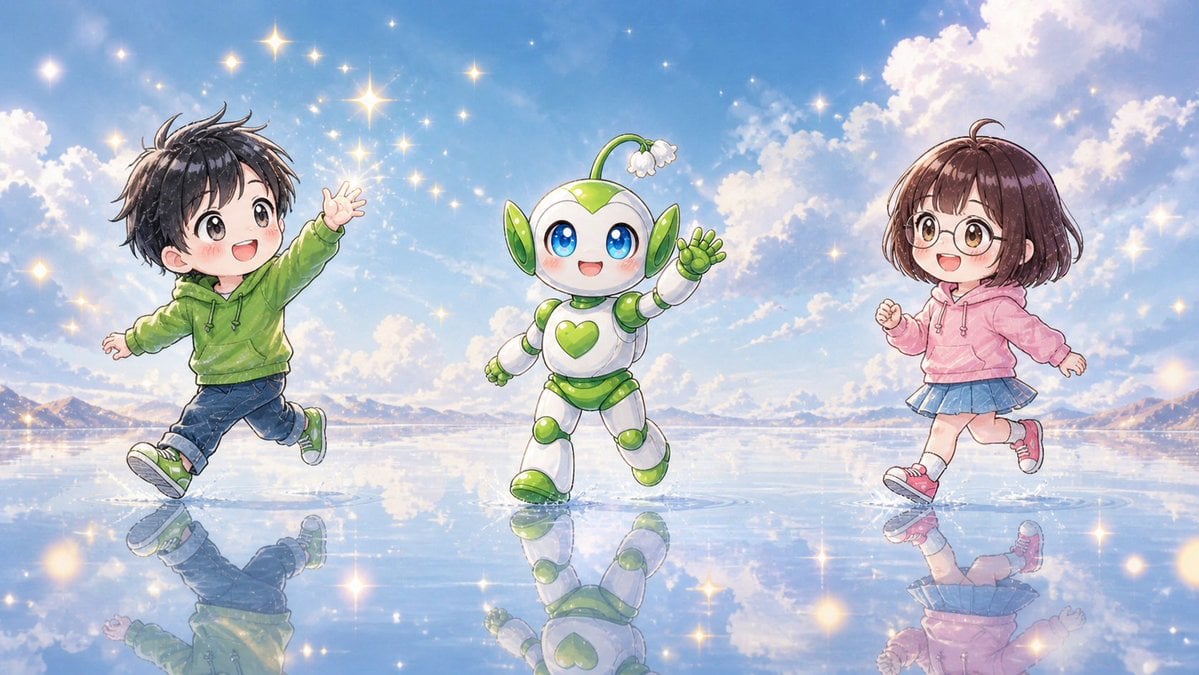
Generates a cheerful wide anime scene of two chibi children and a cute robot mascot running across a reflective magical water landscape.
- Prompt included
- Model and format preset
- Free template
The prompt behind this image
Copy the exact prompt behind Chibi Friends on Sparkling Water, or open it in the studio and make it yours.
Create a bright whimsical anime-style wide illustration of exactly 3 cute chibi figures running and dancing across a mirror-like shallow water surface under a vivid blue sky: 1 chibi boy on the left, 1 small mascot robot in the center, and 1 chibi girl on the right. The left child is {argument name="left child outfit" default="a green hoodie, dark blue cuffed jeans, and green sneakers"}, with messy short black hair, arms spread as if skipping, one leg lifted, and the face intentionally covered by a soft square blur. The center character is {argument name="mascot design" default="a white and lime-green round robot mascot with big blue eyes, green heart emblem on its chest, leaf-like green ear panels, rounded segmented limbs, and a small sprout antenna ending in a white flower"}, smiling happily and waving while stepping forward. The right child is {argument name="right child outfit" default="a pink hoodie, blue pleated skirt, white socks, and pink sneakers"}, with short brown bobbed hair, running lightly with one fist raised, and the face intentionally covered by a soft square blur. Set the scene on an expansive reflective water plain like a dreamlike salt flat, with crisp reflections of all 3 figures beneath them. Use {argument name="background setting" default="distant low mountains on the horizon, fluffy sunlit clouds, and a radiant blue afternoon sky"}. Fill the air and water with many glowing star-shaped sparkles and warm golden light flares, creating a magical cheerful atmosphere. Use polished Japanese children’s book anime rendering, soft watercolor-like shading, clean line art, pastel colors, luminous highlights, high detail, wide 16:9 composition, no text, no logos.
How to use Chibi Friends on Sparkling Water in 3 steps
- 1Upload ImagePNG, JPG or paste
Add your photo
Upload the photo the template builds on. The prompt, model and format are already set.
- 2…a portrait of your subject in softgolden-hour light, 85mm…
Personalize
Edit the subject and creative details for your destination.
- 3Generate
Generate
Press Generate — your image is created in PicX Studio, so you can compare it with the original and refine one variable at a time.
More like this
Templates with the same subject, style or setup. Open one to see its prompt.

80s College Gate

Cute Layered Paper Cut Chibi Girl

Pixar-Style Chibi Café Morning Scene

Minimalist Skincare Product Water Stone Still
Minimalist Skincare Product Water Stone Still
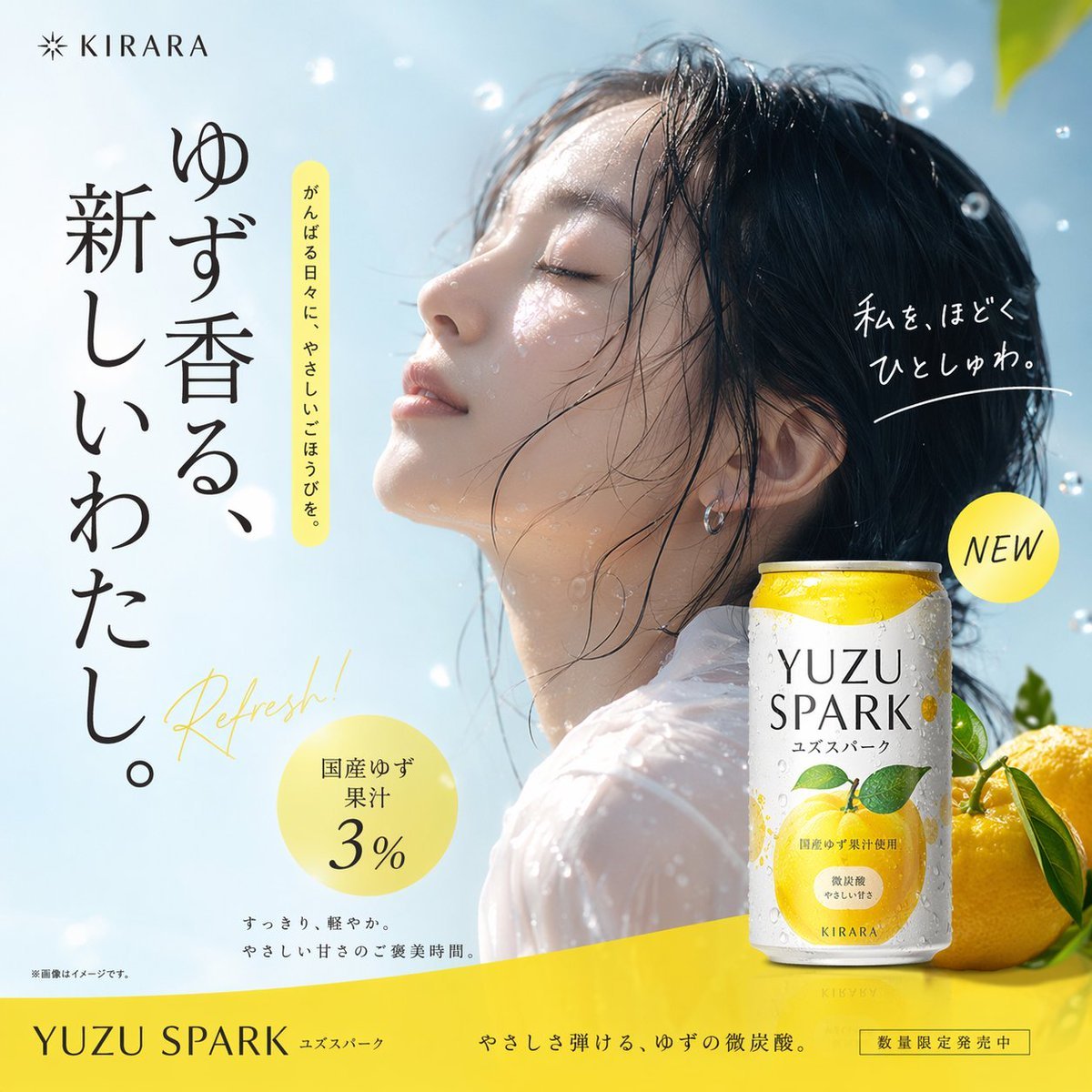
Yuzu Sparkling Water Advertisement
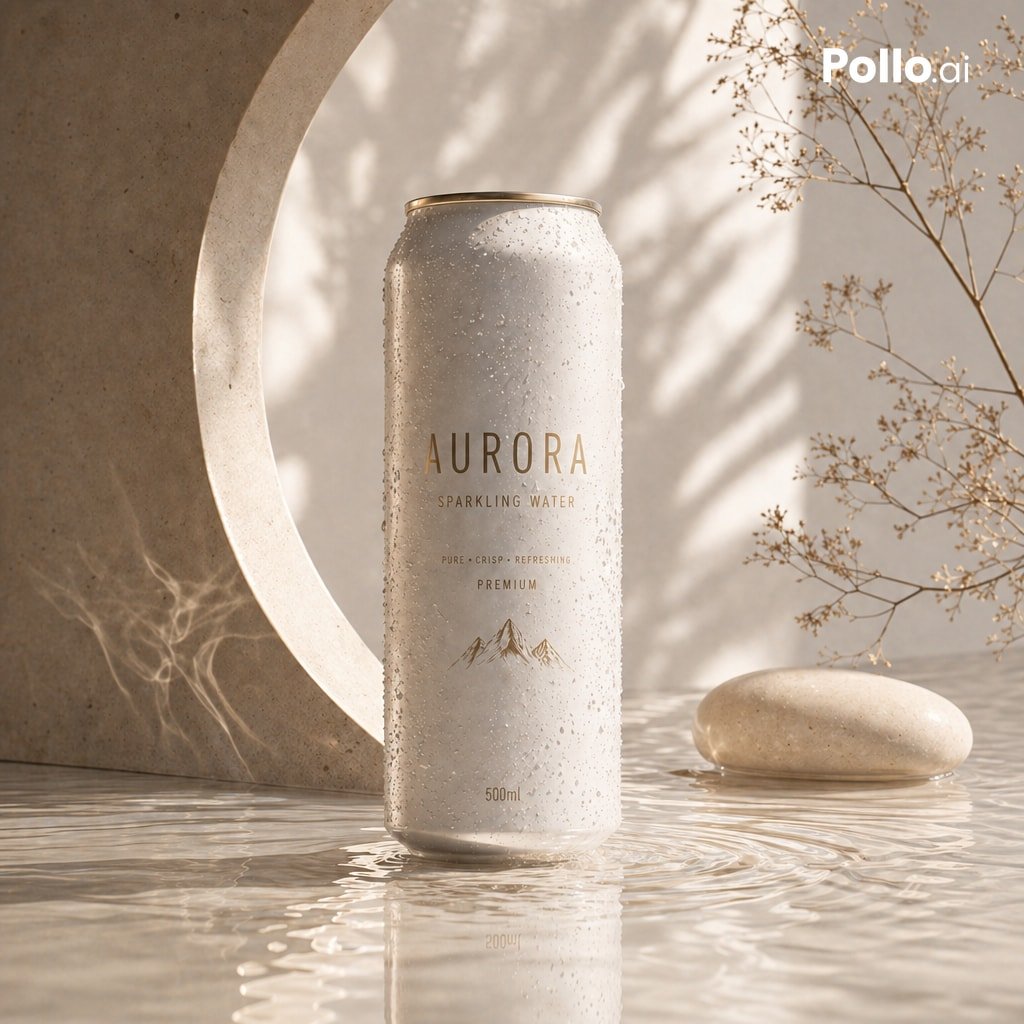
Luxury Sparkling Water Can Ad
Sparkling water product main image
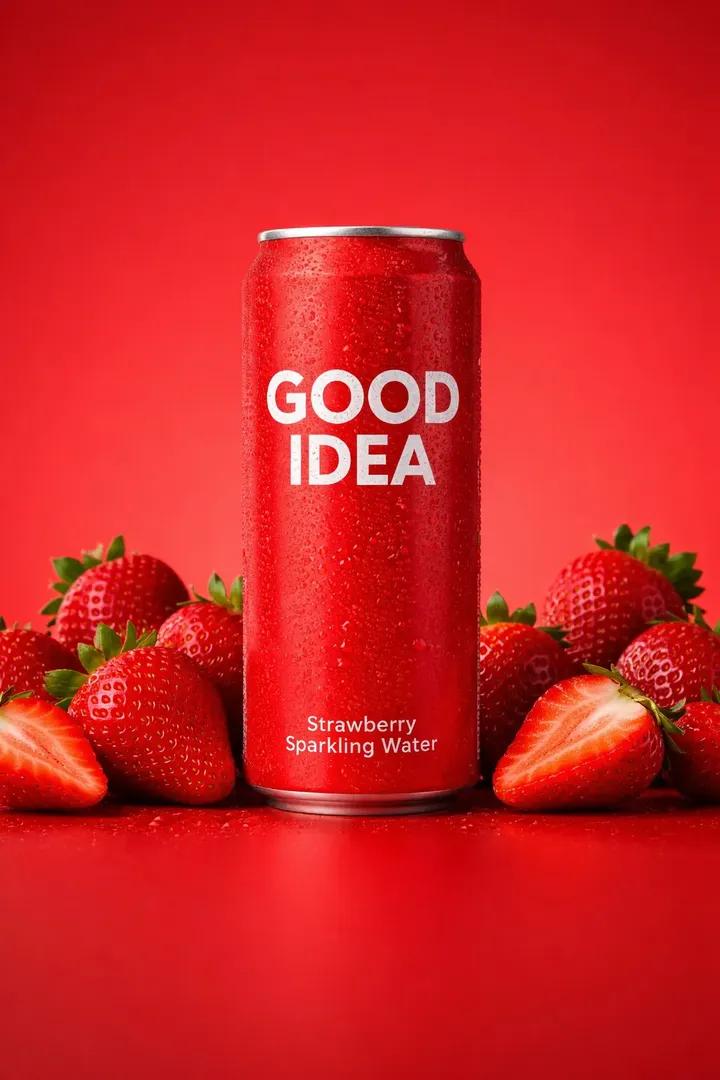
Premium Studio Product Photo of Sparkling Water Can
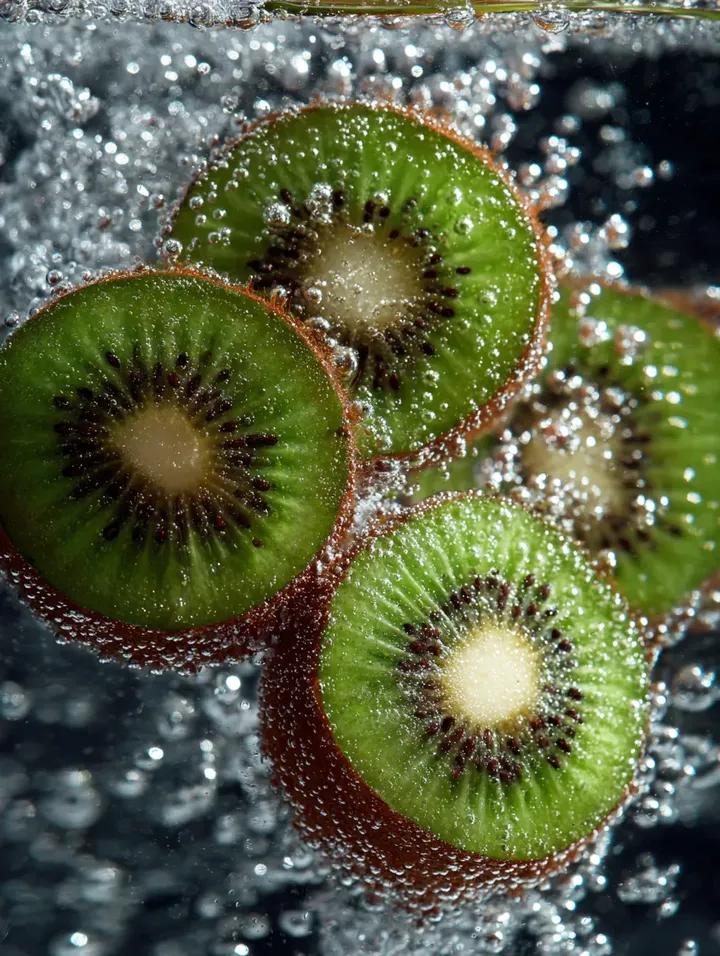
Kiwi Slices in Sparkling Water Macro Shot
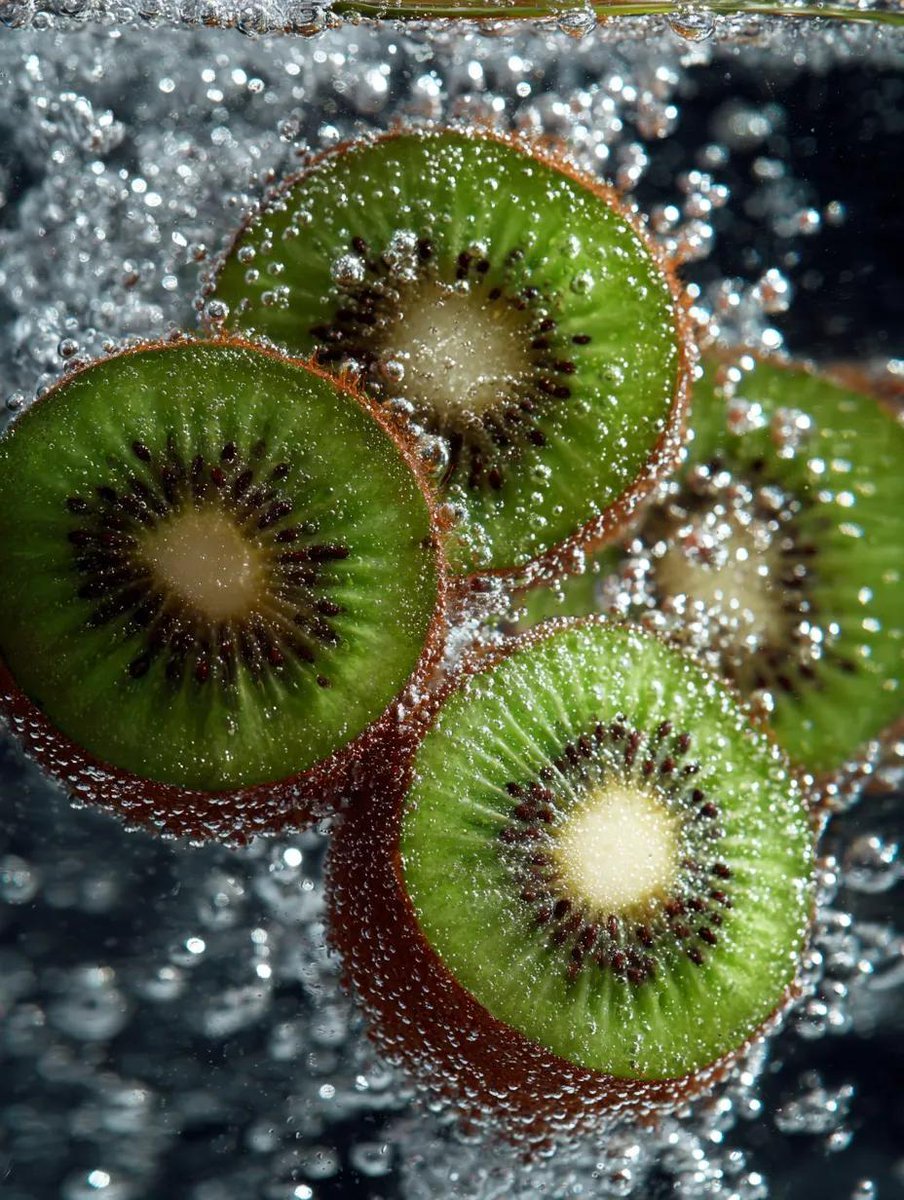
Macro Shot of Kiwi Slices in Sparkling Water

Nano Banana Pro Pink Office Chibi
Make it yours
Chibi Friends on Sparkling Water works as-is. These are the safest ways to change it without losing the look.
Change one field
Copy a single group, rewrite it, and generate again so you can see what that field is doing.
Keep the frame, change the subject
Hold the composition and light of Chibi Friends on Sparkling Water, then swap wardrobe, props or the person for a new take.
| If the result… | Why | Fix |
|---|---|---|
| The result drifts from the preview | Too many fields changed at once. | Reuse Chibi Friends on Sparkling Water as-is first, then change one group — subject, light, or setting. |
| The model over-stylizes the scene | The prose prompt leaves finish and camera underspecified. | Add one camera or lighting sentence and stay on GPT Image 2. |
More GPT Image 2 templates
Other prompts made for GPT Image 2.

Six VTuber Japanese Logo Sheet

Realistic Portrait of Woman and Deer

The Vista Modular Condo Poster

AI Model Routing Comparison Infographic

2.5D Anime Art Board

Isometric Productivity Desk Scene

New York Double Exposure Poster

Four-Panel AI Landscape Comparison

Japanese Tatami Lifestyle Magazine Cover

NESCAFÉ Coffee Map Poster
More image prompts
Fresh picks from across the catalog.
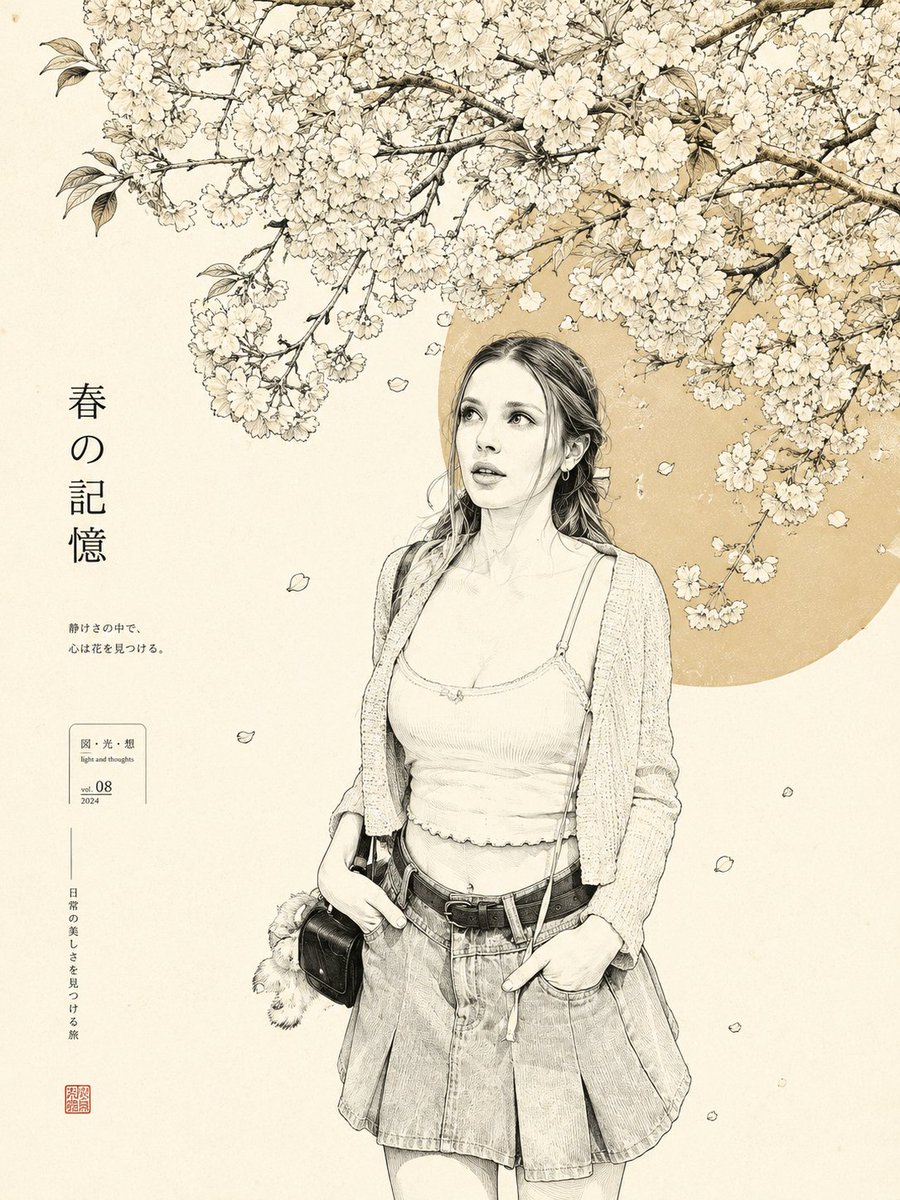
Minimalist Japanese Line Art Transformation
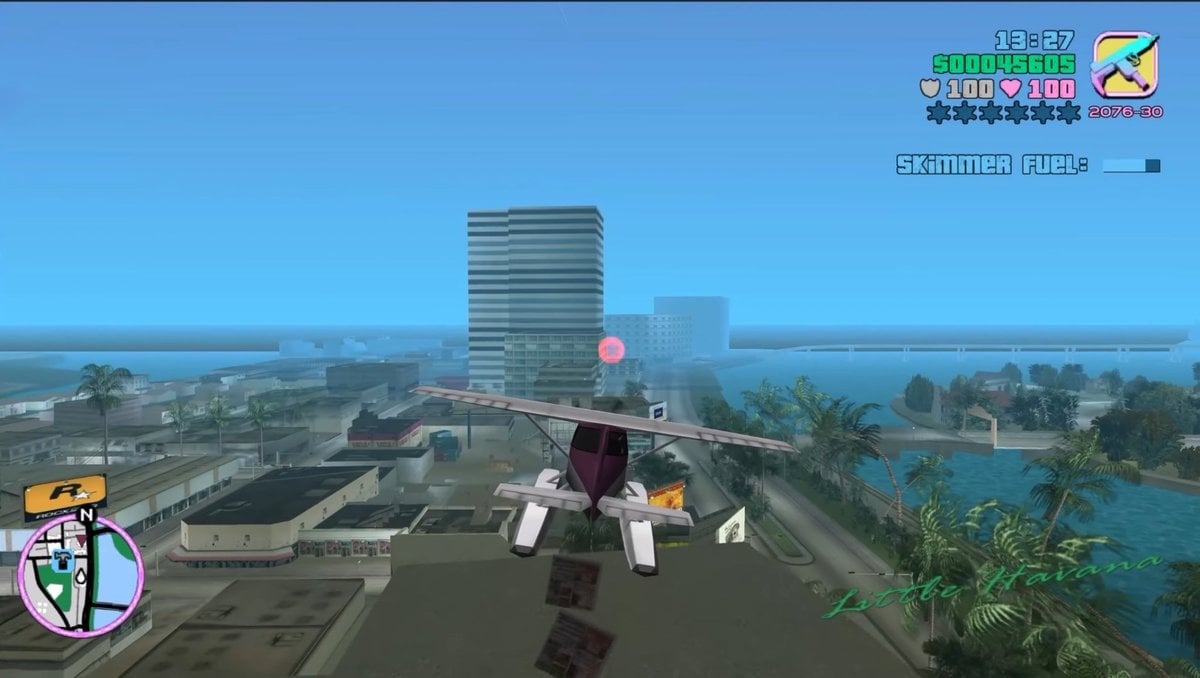
Retro Open-World Seaplane Screenshot
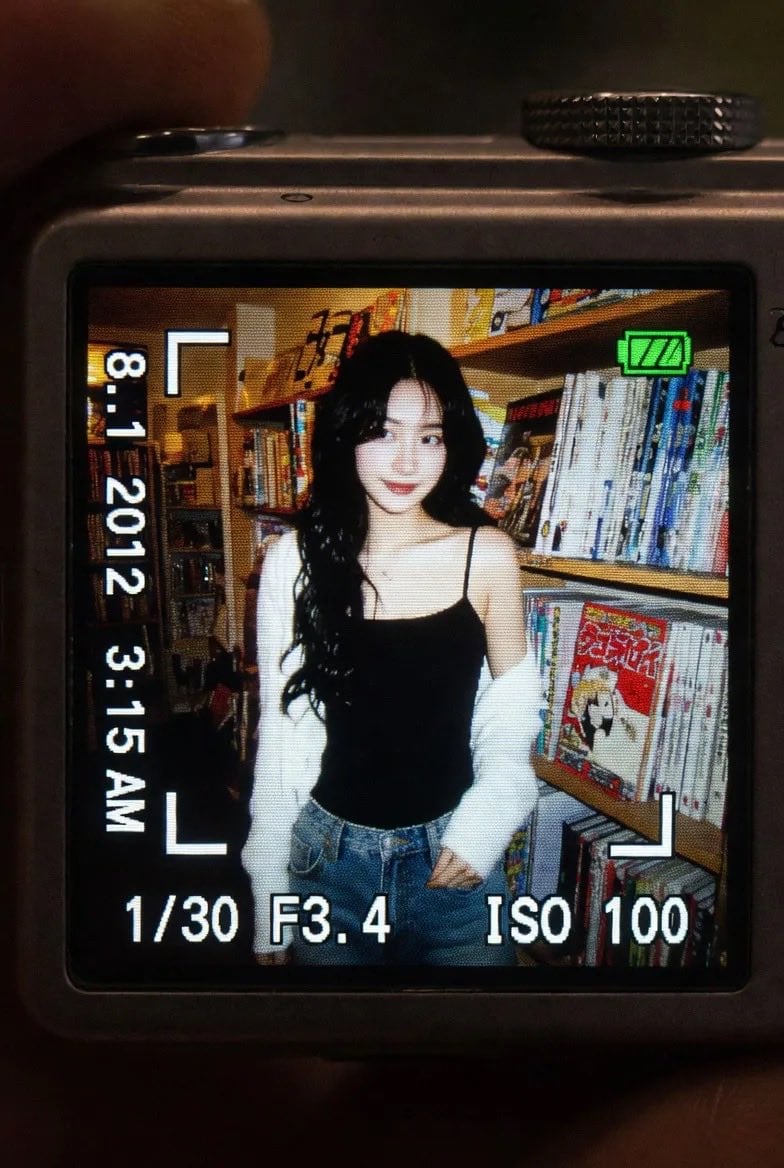
Vintage Digicam LCD Screen
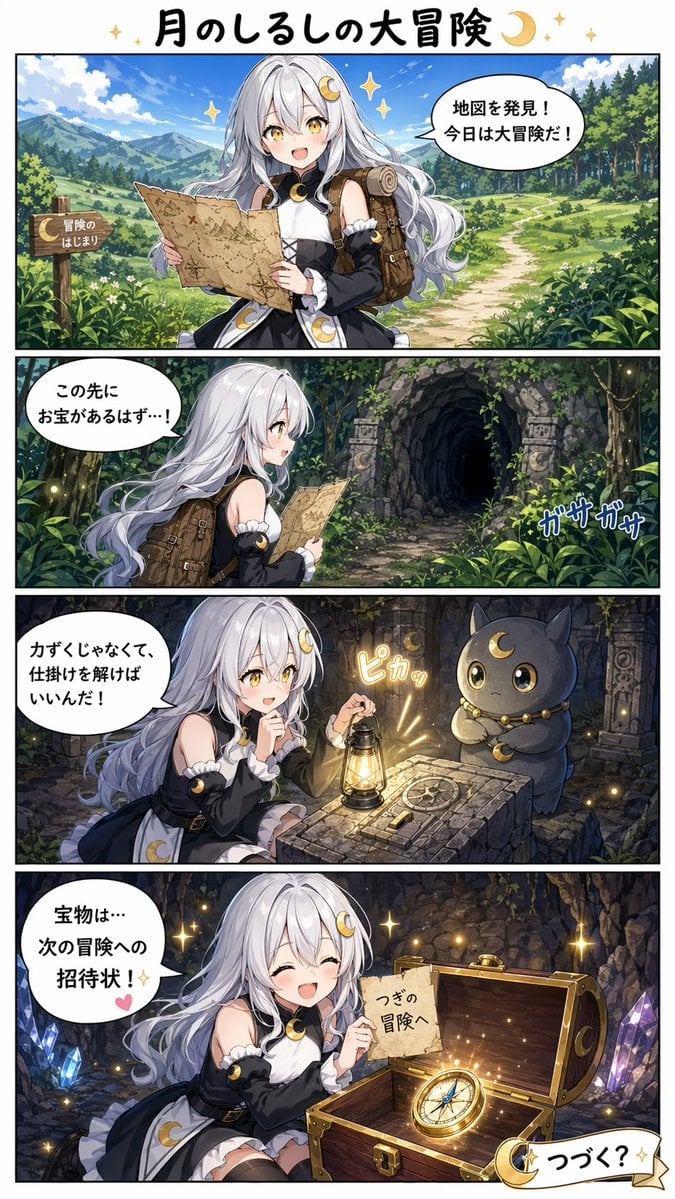
Moon Mark Adventure Comic Page
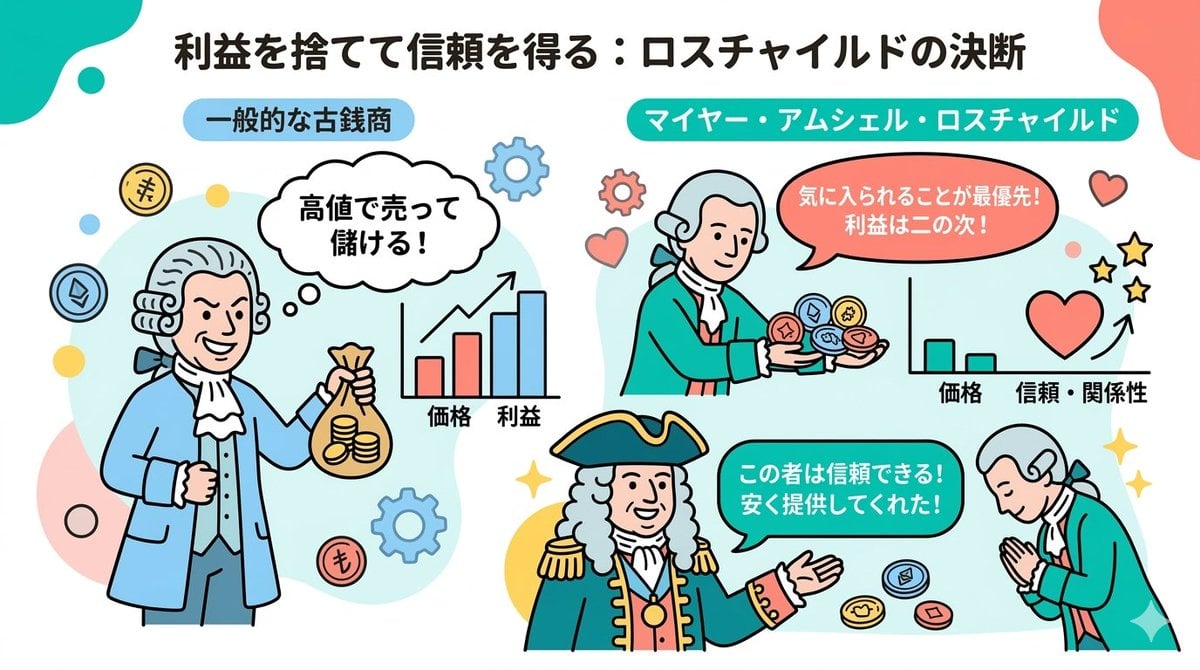
Nano Banana 2 Note Illustration Prompt (Rothschild Historical Scene)
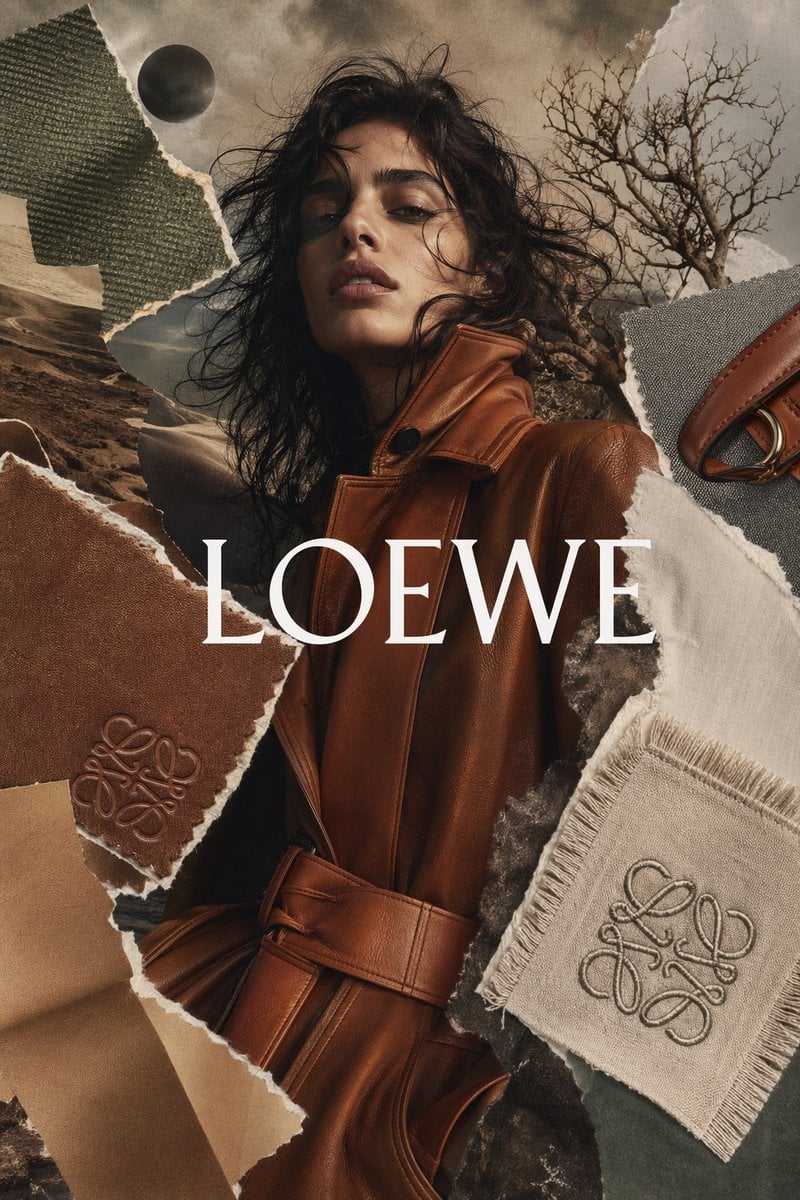
Luxury Fashion Torn-Paper Ad Collage
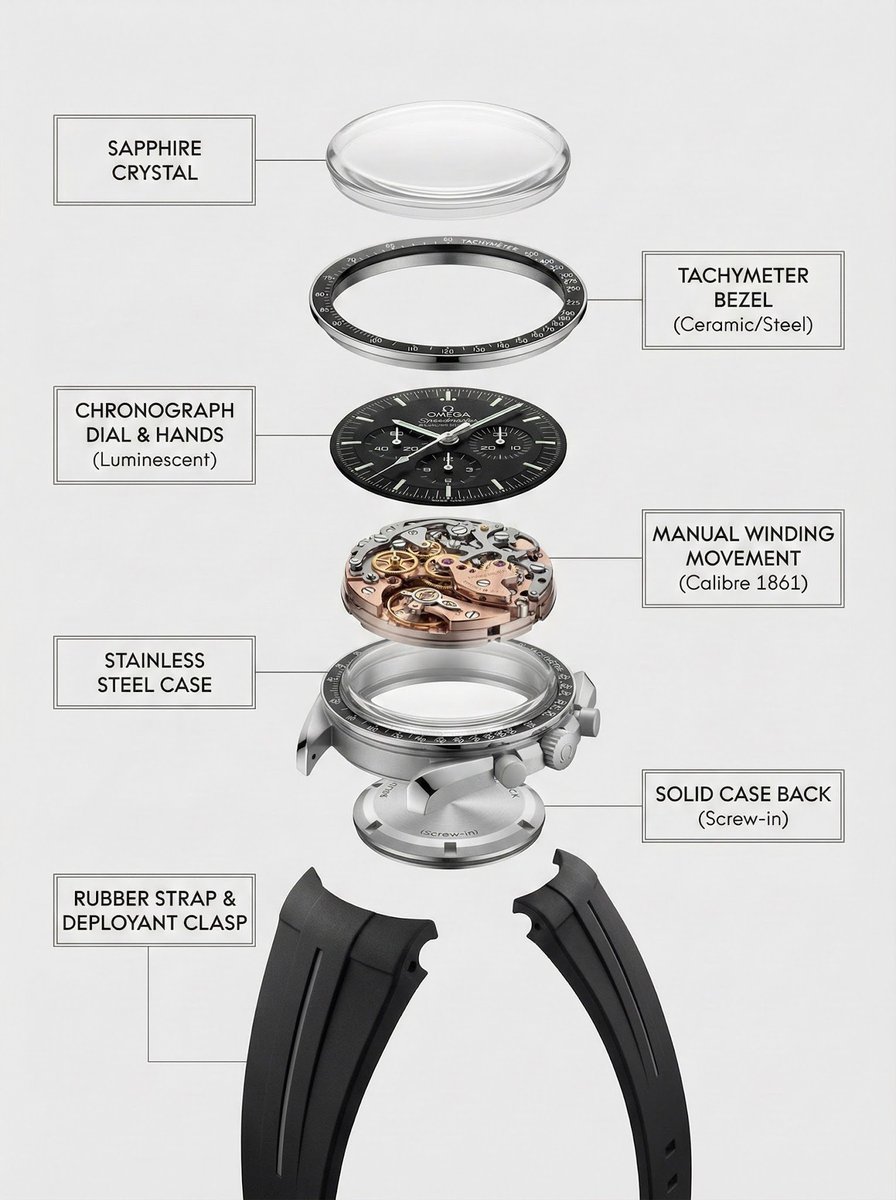
Exploded Product Breakdown Image Generation Prompt
Cinematic Monochrome Male Portrait
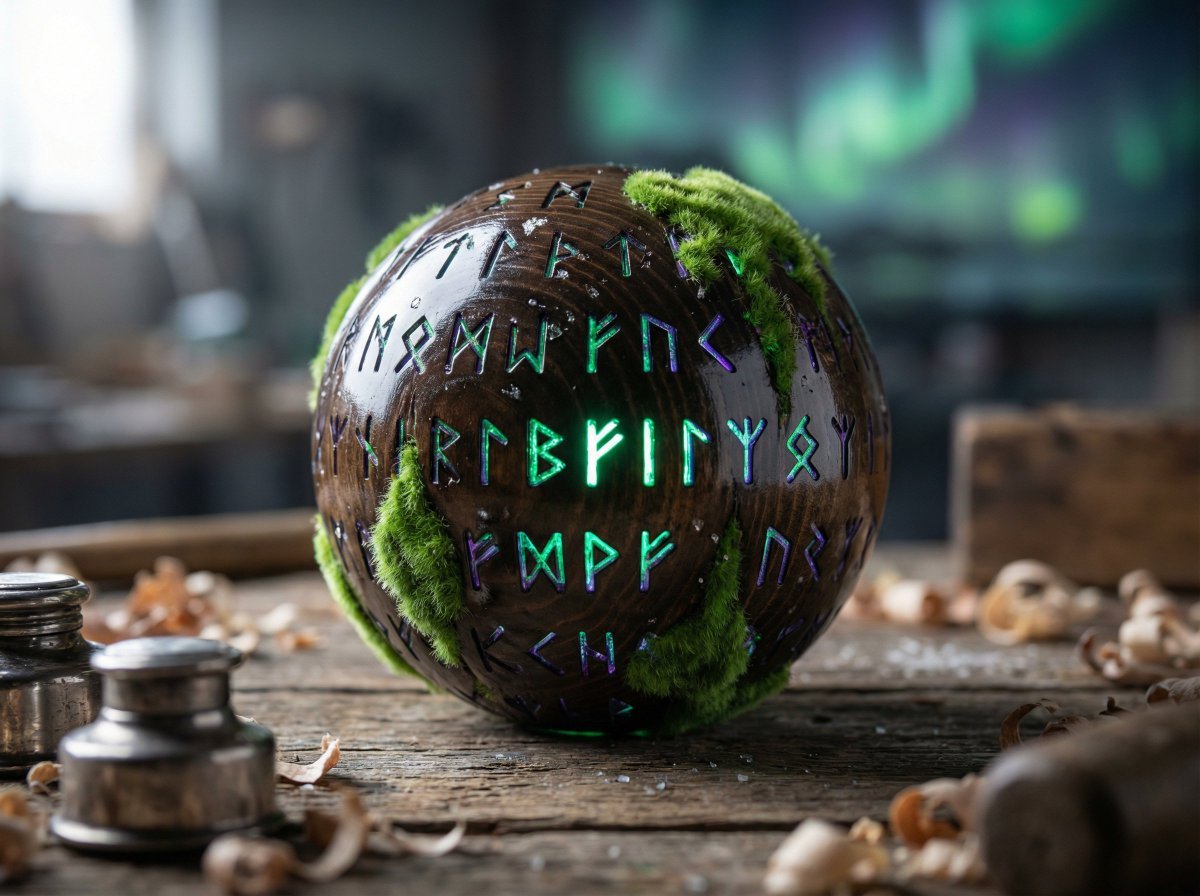
Artisan Toy Product Photography Prompt
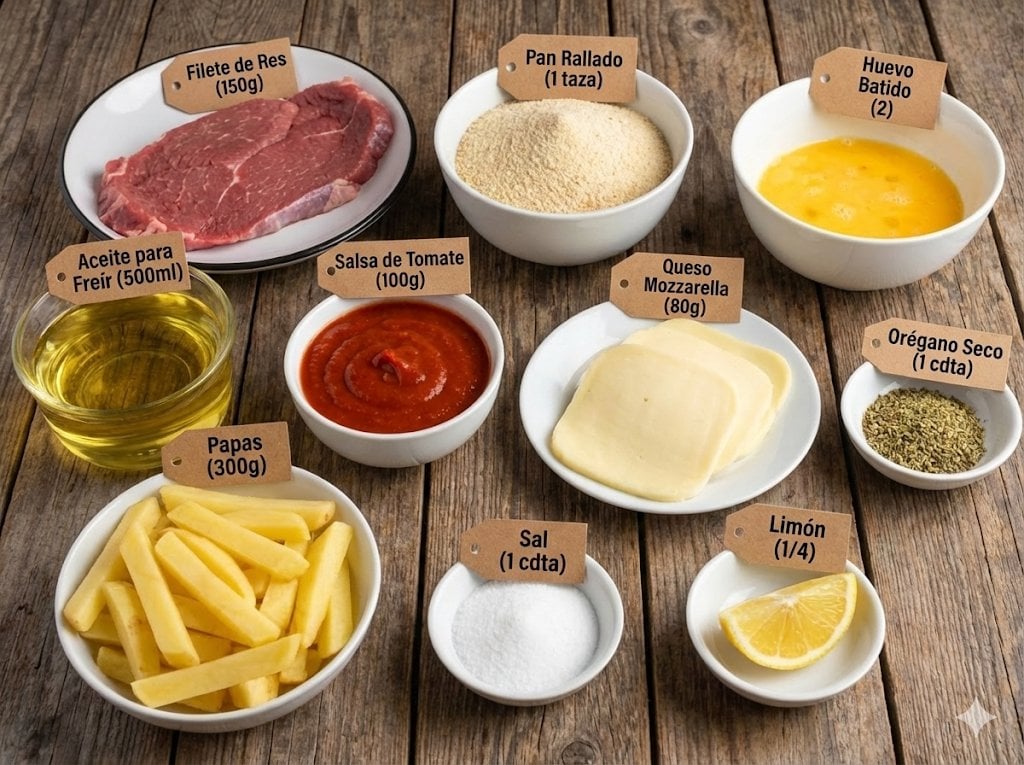
Labeled ingredients photo for a dish
Browse template categories
Chibi Friends on Sparkling Water questions
How do I use the Chibi Friends on Sparkling Water template?
Add your photo if the template asks for one, edit the prompt if you like — the template's model and format are already selected — and press Generate. Your version opens in PicX Studio.
Can I customize the Chibi Friends on Sparkling Water template?
Yes. You can change the subject, setting, lighting, mood, format, and available model controls before creating your image.
Is the Chibi Friends on Sparkling Water template free?
Opening and editing this template is free. Generating uses credits, shown on the Generate button when you are signed in.
Which AI model should I use?
Start with GPT Image 2, which is the model associated with this template. You can compare another compatible model for a different finish.
Looking for something else? Browse all templates.

Your photo, any look
Thousands of ready templates for every top image and video model, from one credit balance.