
untitled
untitled is a ready photo look for Nano Banana.

- Prompt included
- Model and format preset
- Free template
The prompt behind this image
Copy the exact prompt behind untitled, or open it in the studio and make it yours.
Ultra-realistic cinematic fine art portrait, 8K resolution, soft film grain, rich color grading with deep contrast and natural texture detail. A young woman is positioned in a dense field of wild flowers under fading evening light. The camera captures her from a slightly elevated angle, creating a balanced yet organic composition where nature surrounds her from all sides. She wears a flowing deep burgundy gown with layered fabric that drapes naturally into the grass, blending with the environment while still standing out through rich tone and texture. The material catches light subtly, revealing folds and delicate structure. Her pose feels instinctive and expressive — one arm resting near her head, the other extending gently outward, fingers relaxed as if interacting with the surrounding plants. Her face is turned softly toward the light, eyes half-closed, expression calm and distant, suggesting quiet introspection. Strands of hair fall loosely across her face, moving slightly with the breeze. Wild stems and leaves cross through the frame, partially obscuring parts of her body and adding depth. The environment feels raw, natural, and slightly untamed. Lighting is low and atmospheric, with soft directional light creating gentle highlights on skin and fabric while shadows deepen the mood. The color palette leans into earthy tones — deep reds, muted greens, and subtle purples — with a slightly cool balance in shadows and warm tones on the subject. Shallow depth of field isolates her form while keeping the surrounding textures softly visible. Style: cinematic fine art, dark romantic editorial, naturalistic composition, high-fashion mood.
How to use untitled in 3 steps
- 1
Open
The prompt is already in the box next to the preview, with the template's model and format selected.
- 2…a portrait of your subject in softgolden-hour light, 85mm…
Personalize
Edit the subject and creative details for your destination.
- 3Generate
Generate
Press Generate — your image is created in PicX Studio, so you can compare it with the original and refine one variable at a time.
More like this
Templates with the same subject, style or setup. Open one to see its prompt.

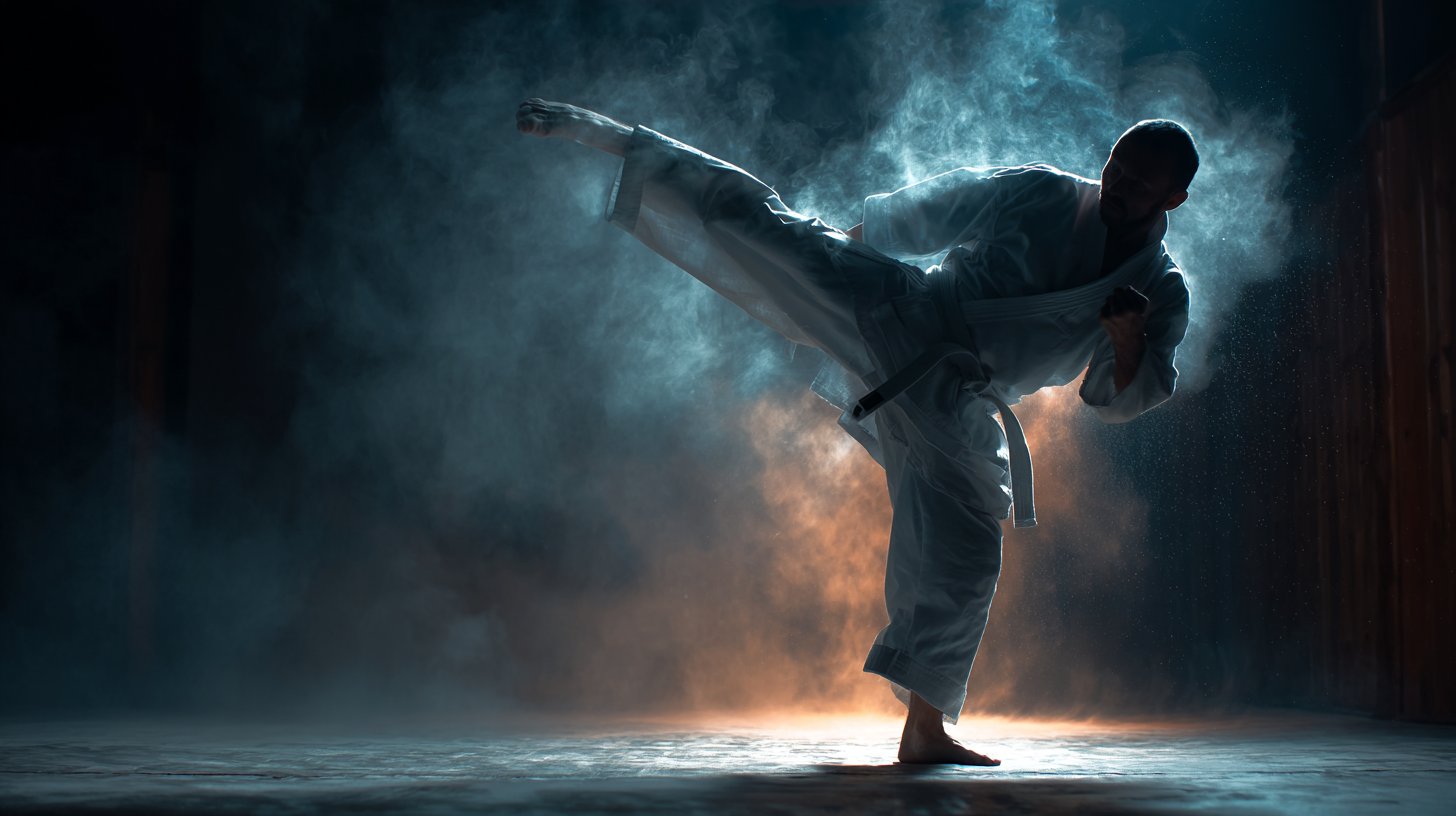










Make it yours
untitled works as-is. These are the safest ways to change it without losing the look.
Change one field
Copy a single group, rewrite it, and generate again so you can see what that field is doing.
Keep the frame, change the subject
Hold the composition and light of 80-untitled, then swap wardrobe, props or the person for a new take.
| If the result… | Why | Fix |
|---|---|---|
| The result drifts from the preview | Too many fields changed at once. | Reuse 80-untitled as-is first, then change one group — subject, light, or setting. |
| The model over-stylizes the scene | The prose prompt leaves finish and camera underspecified. | Add one camera or lighting sentence and stay on Nano Banana. |
More Nano Banana templates
Other prompts made for Nano Banana.










More image prompts
Fresh picks from across the catalog.
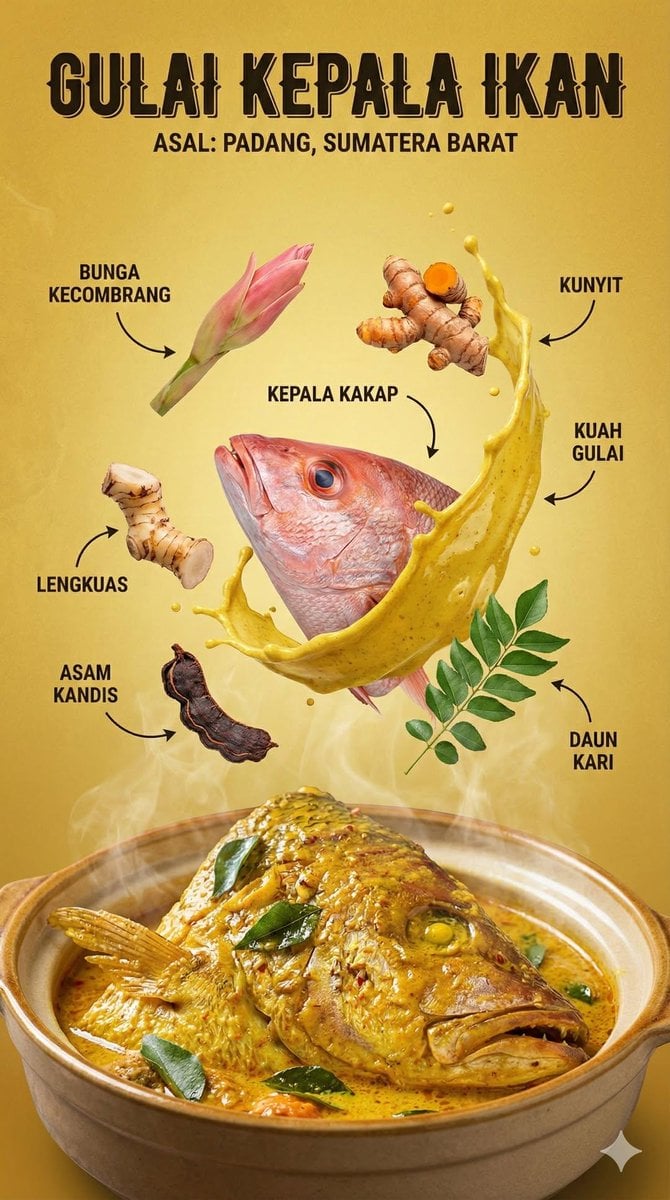
Structured Indonesian Food Infographic Prompt
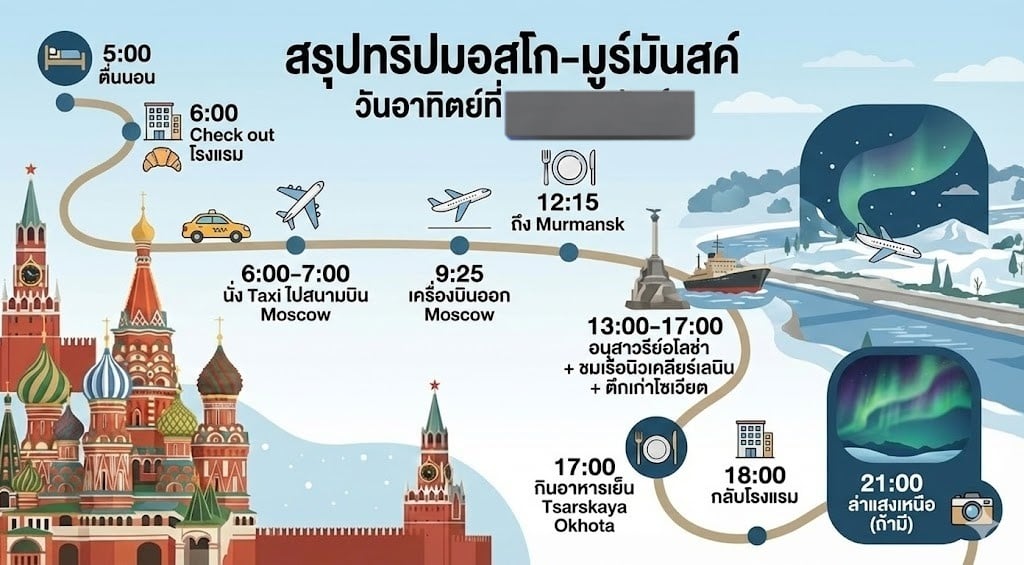
LLM Prompt for Summarizing and Reviewing Travel Plans
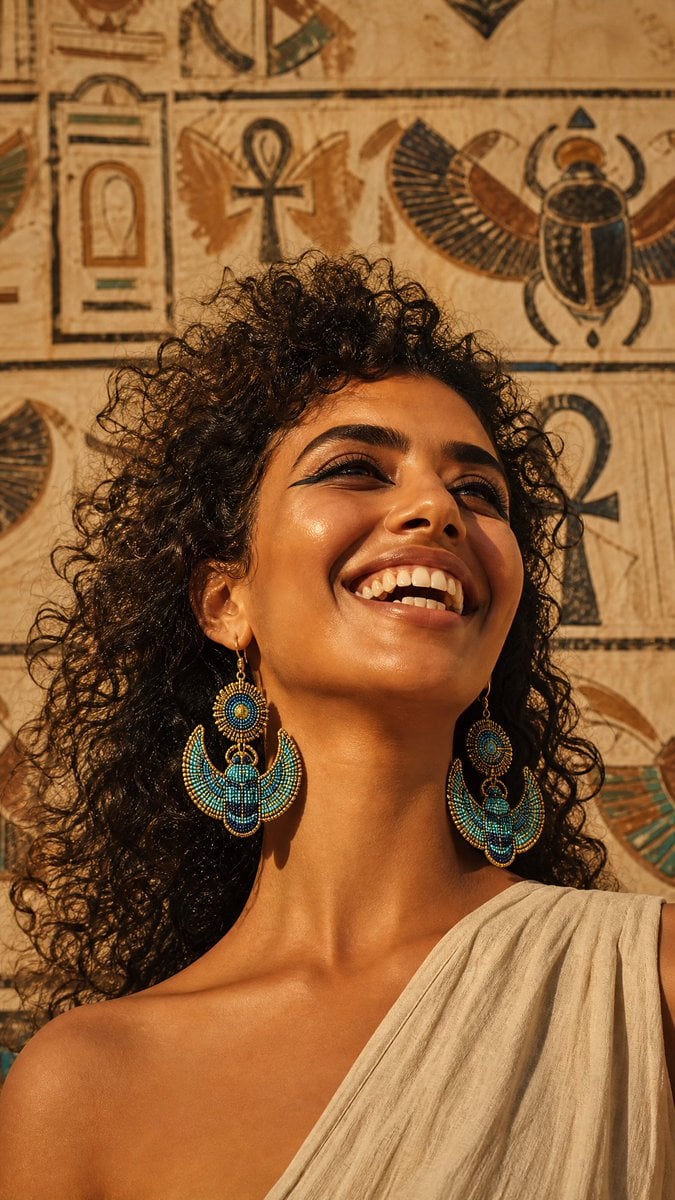
Egyptian Scarab Earring Portrait
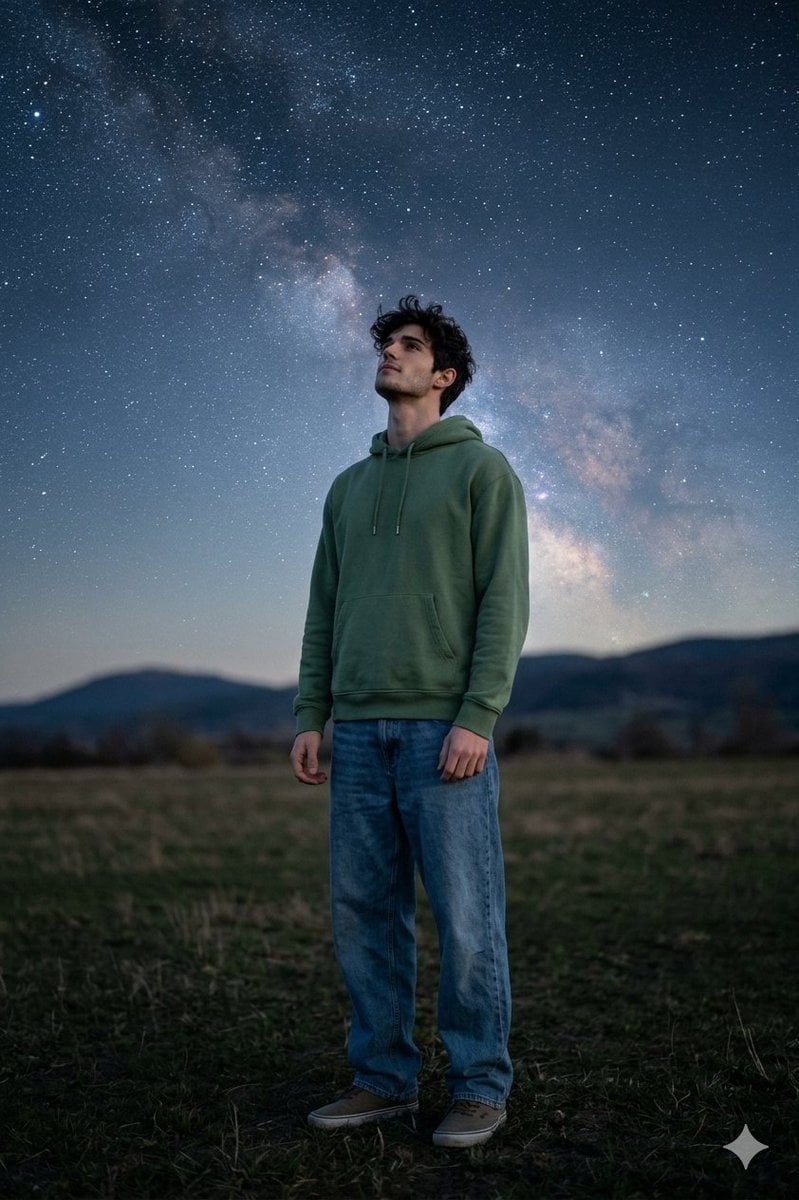
Man Under Starry Sky Cinematic Prompt
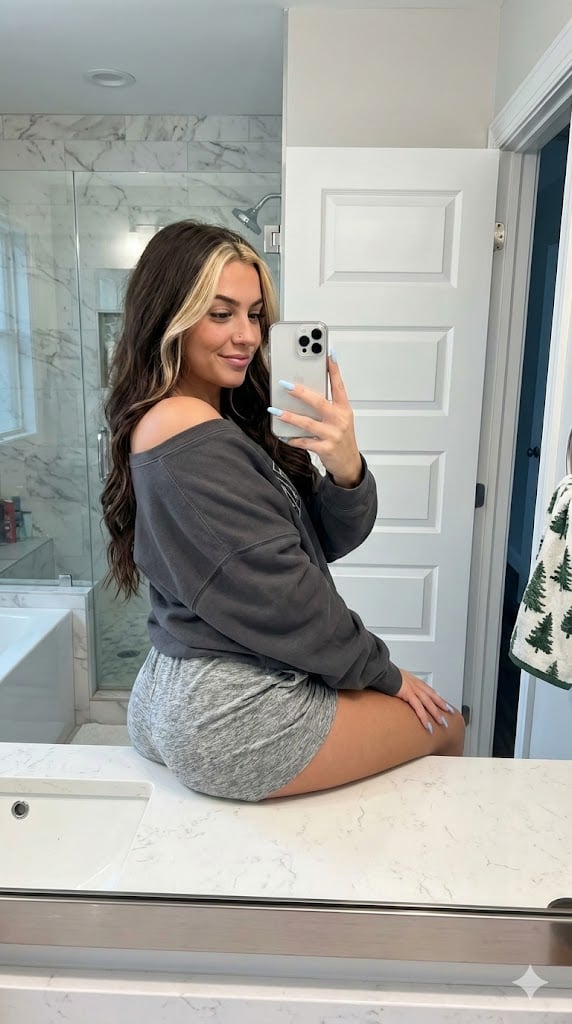
Photorealistic Bathroom Mirror Selfie with Money Piece Highlights

Character Expression and Pose Variation Prompt (20 Patterns)
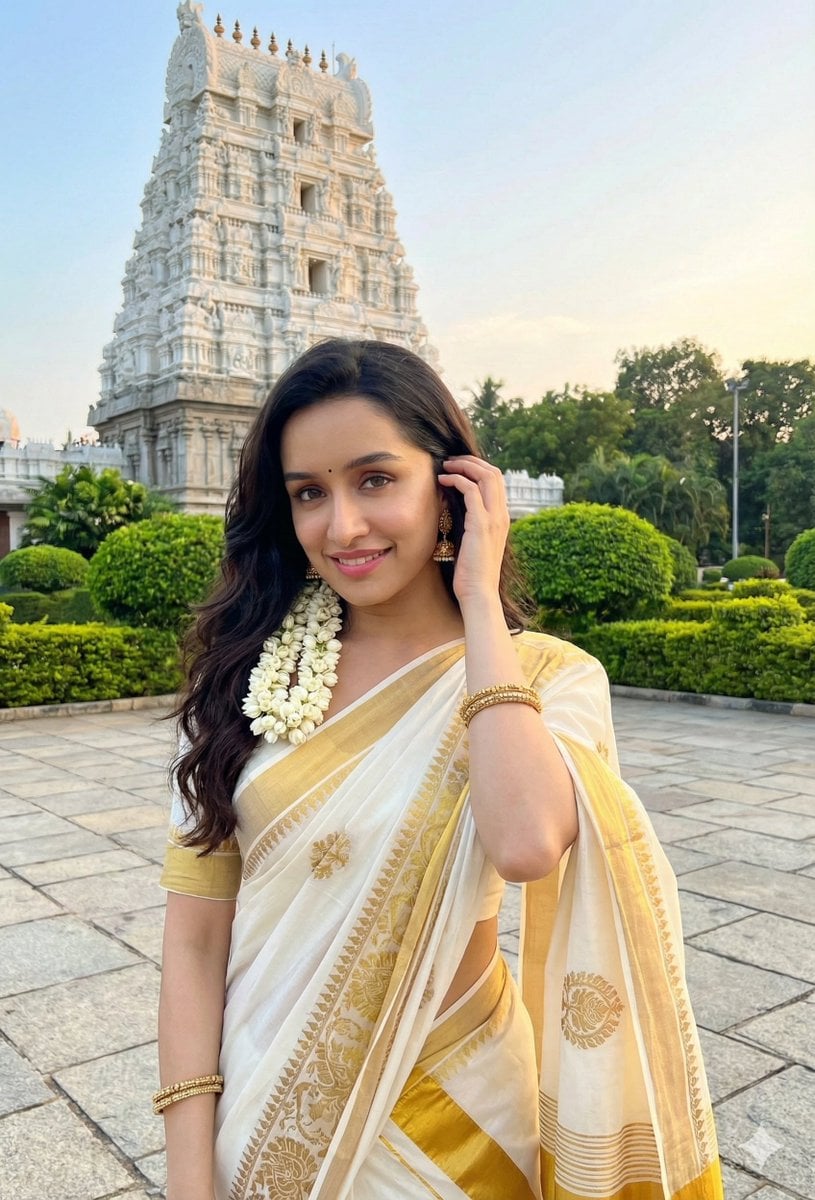
Dual Style Image Generation (Indian Traditional and Western)
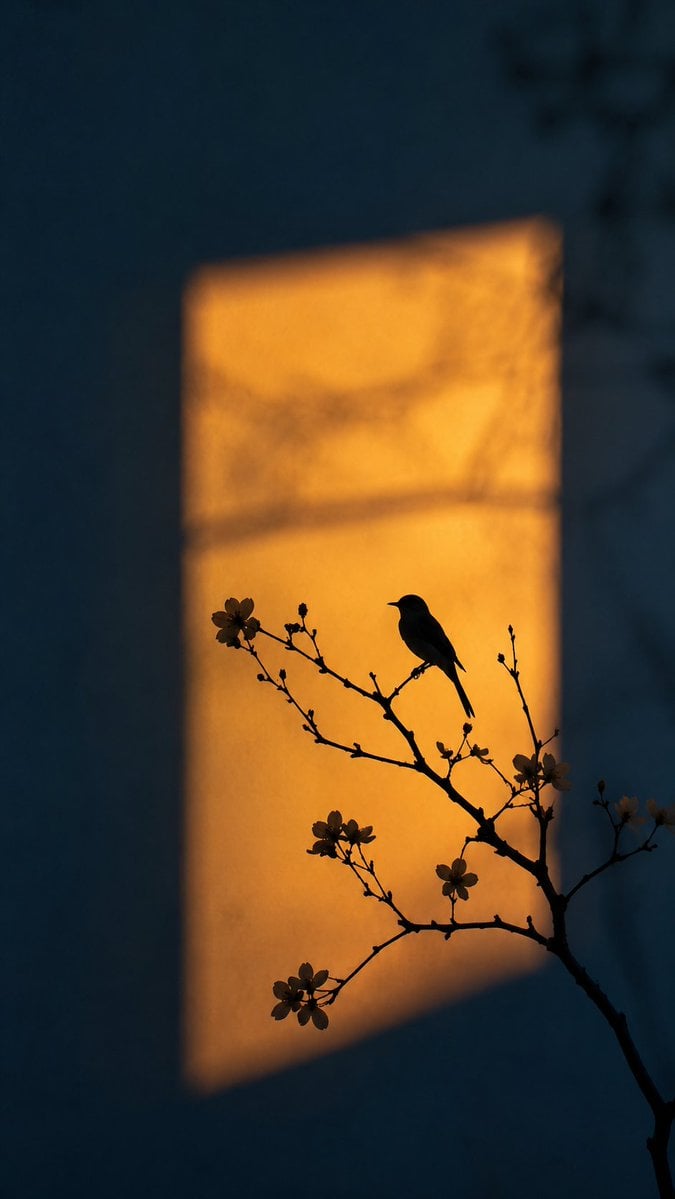
Artistic Silhouette Amber Light Photography
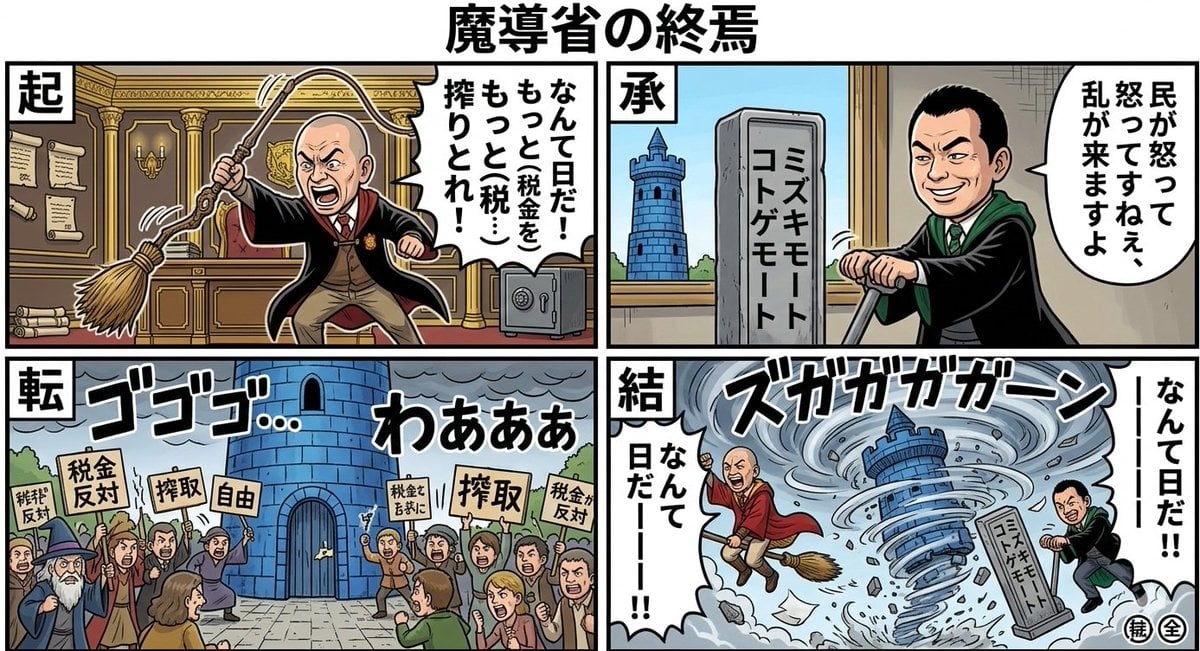
Nano Banana Pro Prompt: Magical Ministry and Viking
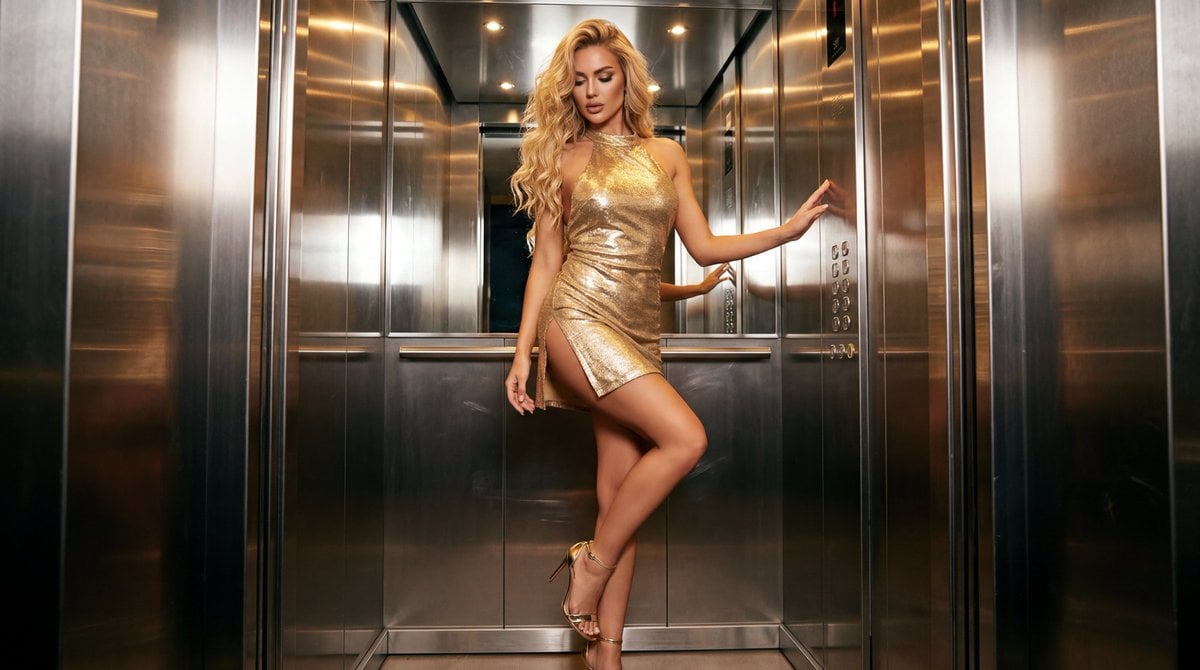
Glamorous Fashion Photoshoot in Steel Elevator
Browse template categories
untitled questions
How do I use the 80-untitled template?
Add your photo if the template asks for one, edit the prompt if you like — the template's model and format are already selected — and press Generate. Your version opens in PicX Studio.
Can I customize the 80-untitled template?
Yes. You can change the subject, setting, lighting, mood, format, and available model controls before creating your image.
Is the 80-untitled template free?
Opening and editing this template is free. Generating uses credits, shown on the Generate button when you are signed in.
Which AI model should I use?
Start with Nano Banana, which is the model associated with this template. You can compare another compatible model for a different finish.
Looking for something else? Browse all templates.

Your photo, any look
Thousands of ready templates for every top image and video model, from one credit balance.