
untitled
untitled is a ready photo look for Nano Banana.

- Prompt included
- Model and format preset
- Free template
The prompt behind this image
Copy the exact prompt behind untitled, or open it in the studio and make it yours.
FORMAT: 15s / 145 BPM / 14 SHOTS SUBJECT: @[image1] WARDROBE: Clean modern outfit ENVIRONMENT: Street / indoor transitions MOOD: Discovery → control → confidence MUSIC: Rhythmic cinematic beat COLOR LOGIC: Natural with motion blur effects STYLE: Sleek cinematic SHOT FLOW: She gestures hand → time slows People freeze mid-walk She moves freely Reverses hand → time rewinds Objects moving backward Shocked reaction Tests control again Walks through frozen moment Adjusts small detail (object/person) Releases time Everything resumes differently Subtle smile Walk away Final glance — power hinted
How to use untitled in 3 steps
- 1Upload ImagePNG, JPG or paste
Add your photo
Upload the photo the template builds on. The prompt, model and format are already set.
- 2…a portrait of your subject in softgolden-hour light, 85mm…
Personalize
Edit the subject and creative details for your destination.
- 3Generate
Generate
Press Generate — your image is created in PicX Studio, so you can compare it with the original and refine one variable at a time.
More like this
Templates with the same subject, style or setup. Open one to see its prompt.

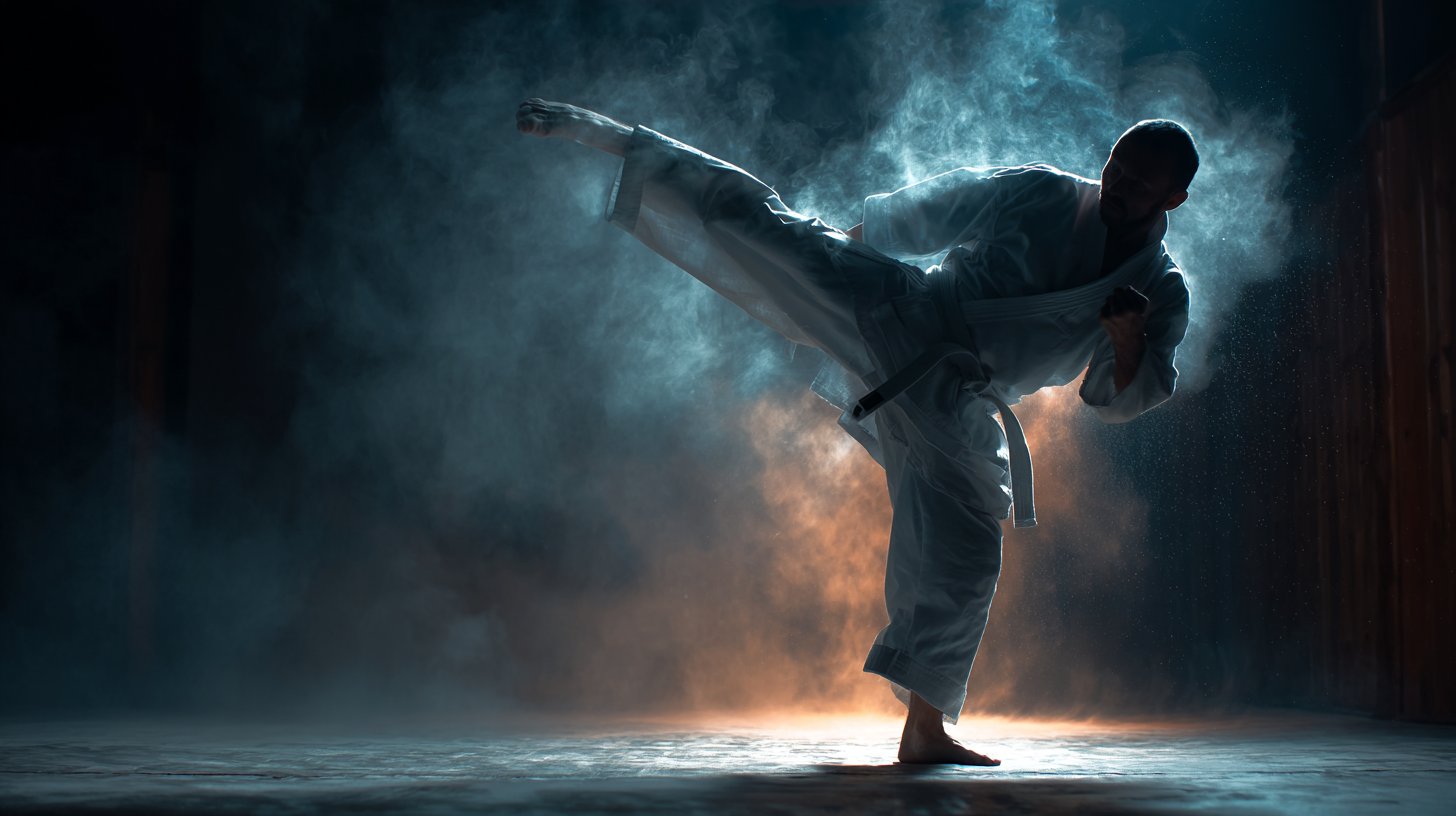










Make it yours
untitled works as-is. These are the safest ways to change it without losing the look.
Change one field
Copy a single group, rewrite it, and generate again so you can see what that field is doing.
Keep the frame, change the subject
Hold the composition and light of 69-untitled, then swap wardrobe, props or the person for a new take.
| If the result… | Why | Fix |
|---|---|---|
| The result drifts from the preview | Too many fields changed at once. | Reuse 69-untitled as-is first, then change one group — subject, light, or setting. |
| The model over-stylizes the scene | The prose prompt leaves finish and camera underspecified. | Add one camera or lighting sentence and stay on Nano Banana. |
More Nano Banana templates
Other prompts made for Nano Banana.








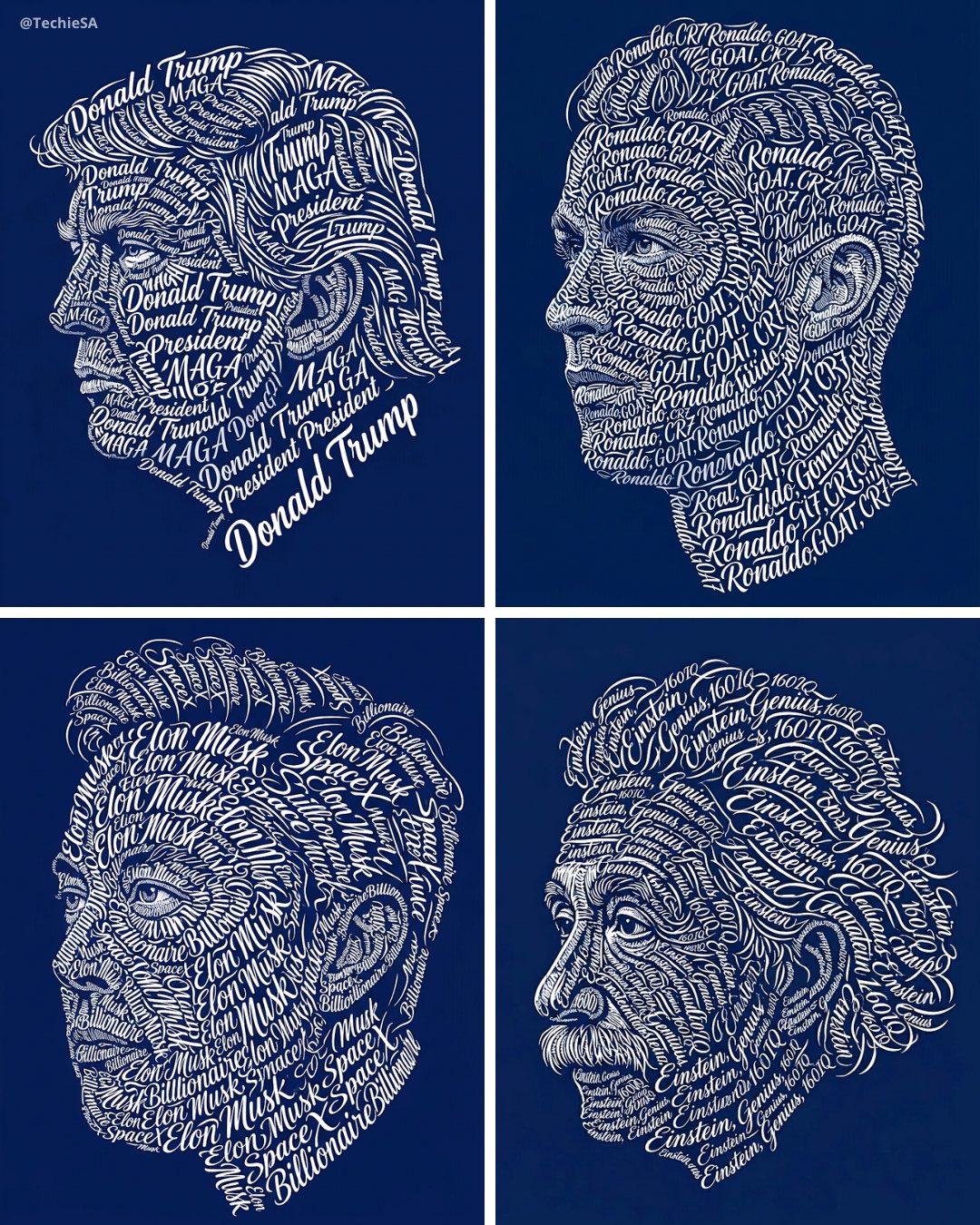

More image prompts
Fresh picks from across the catalog.
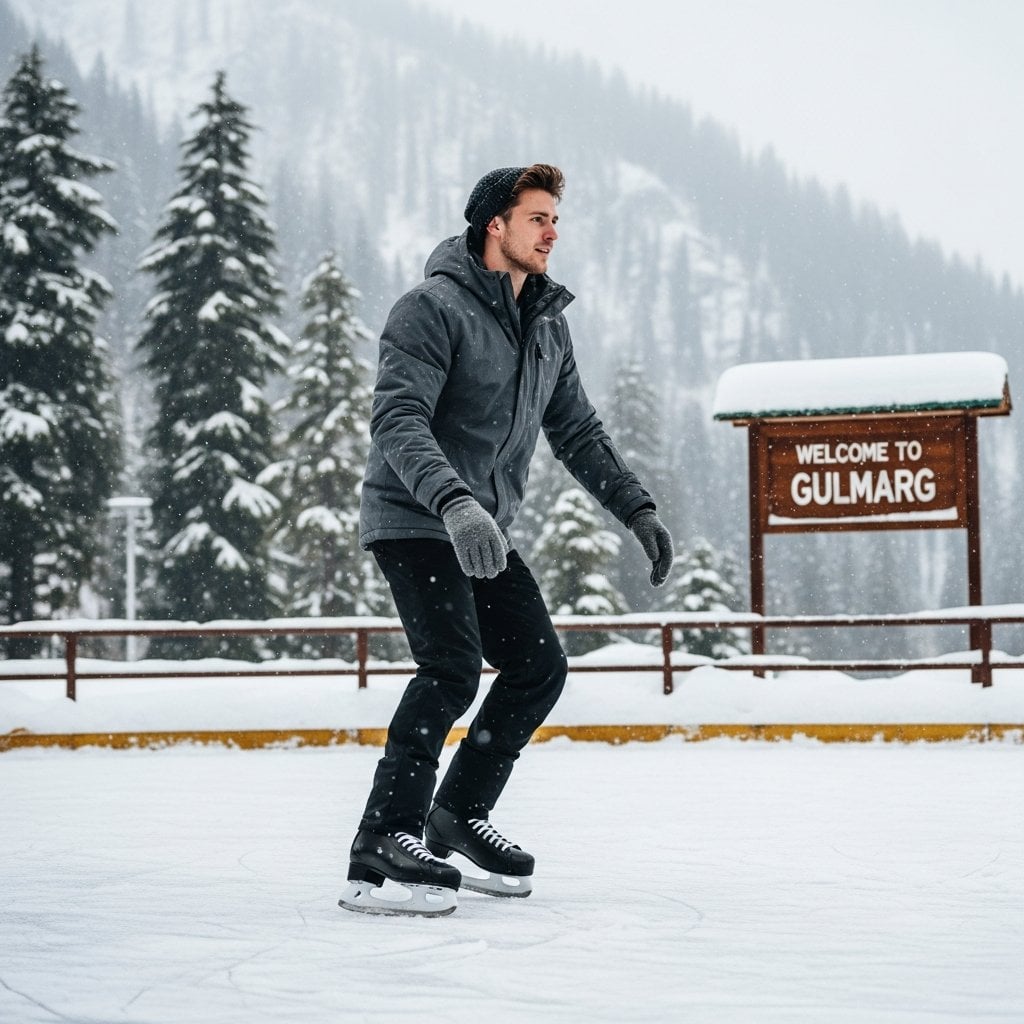
A detailed prompt for generating a photorealistic image of a nano-banana-pro
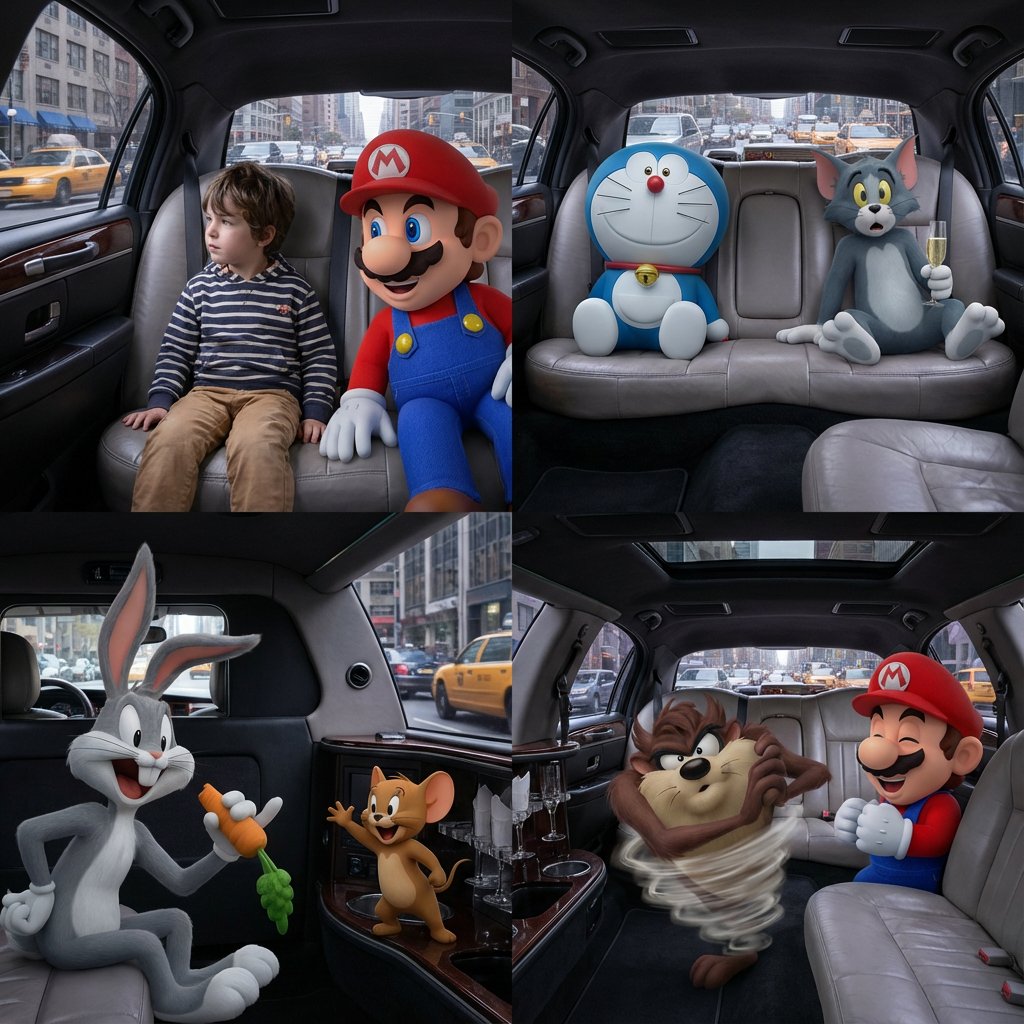
Four-Panel Composition Prompt with Location Context
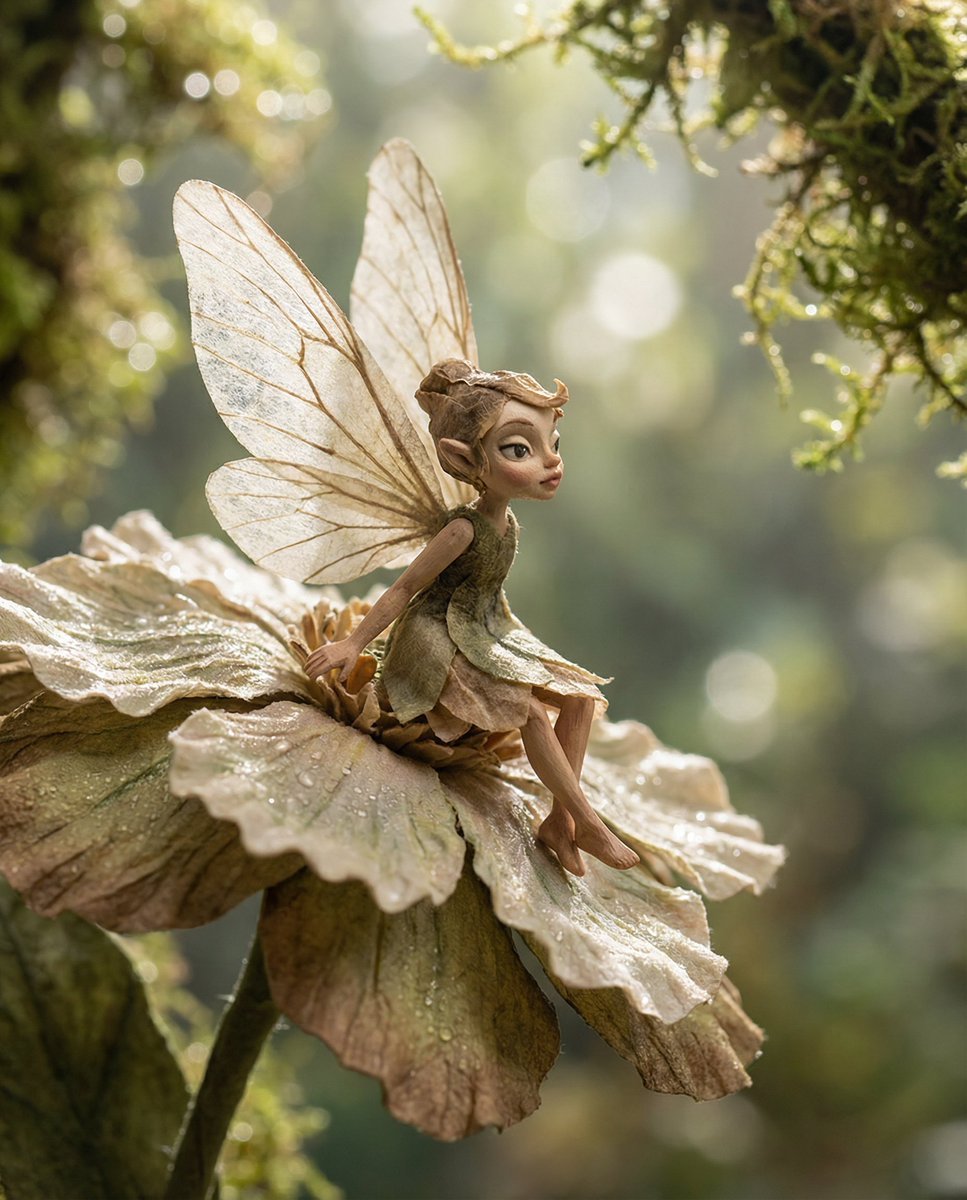
Macro Illustration of a Tiny Fairy on a Flower
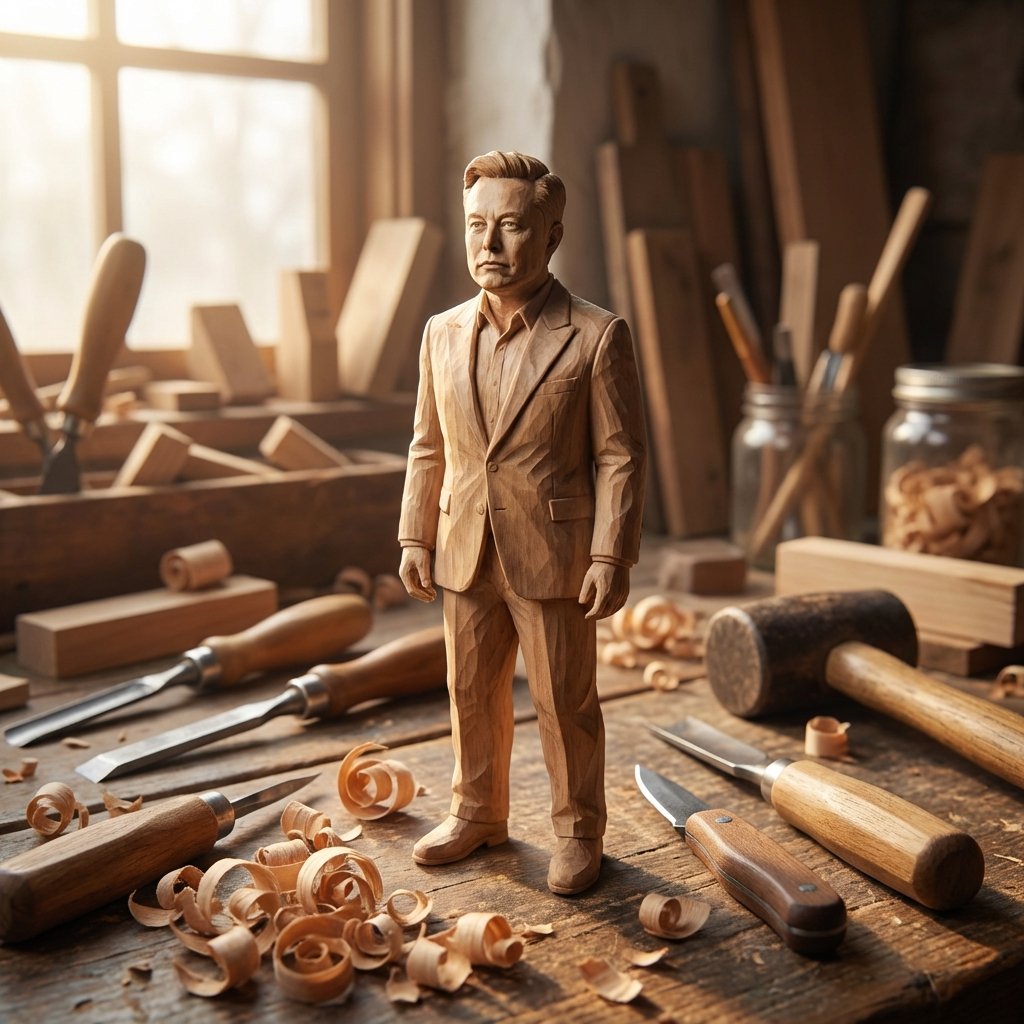
Hand-Carved Wooden Miniature Figure from Photo Reference
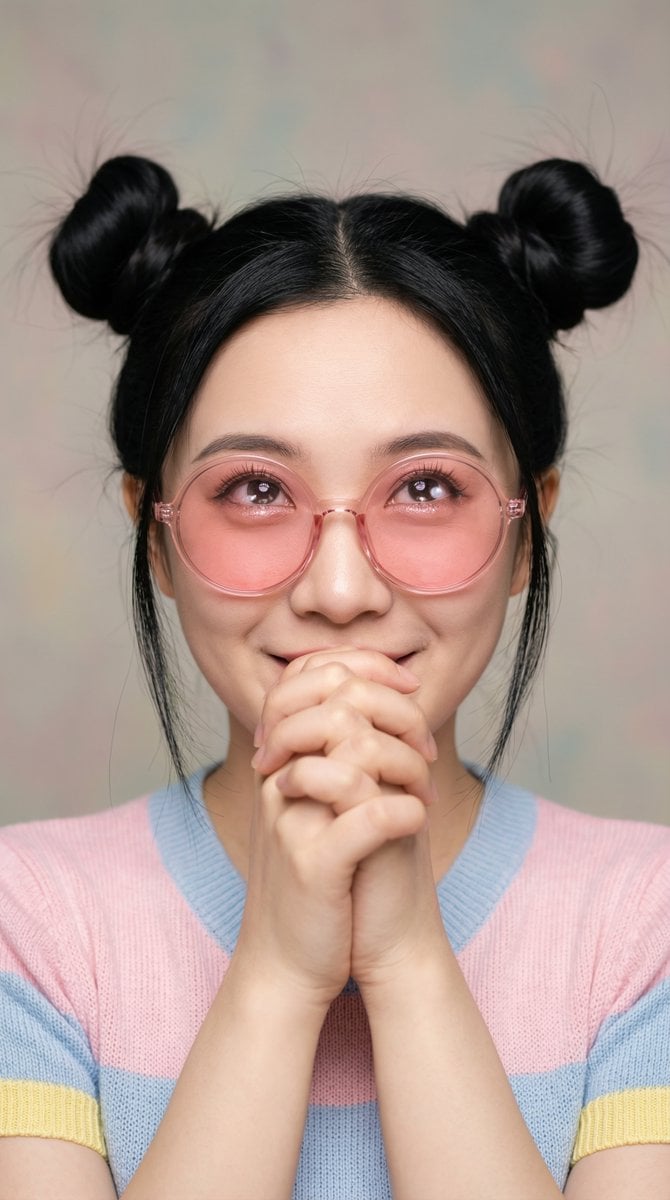
Ultra-Professional Portrait with 'Praying Hands' Motif
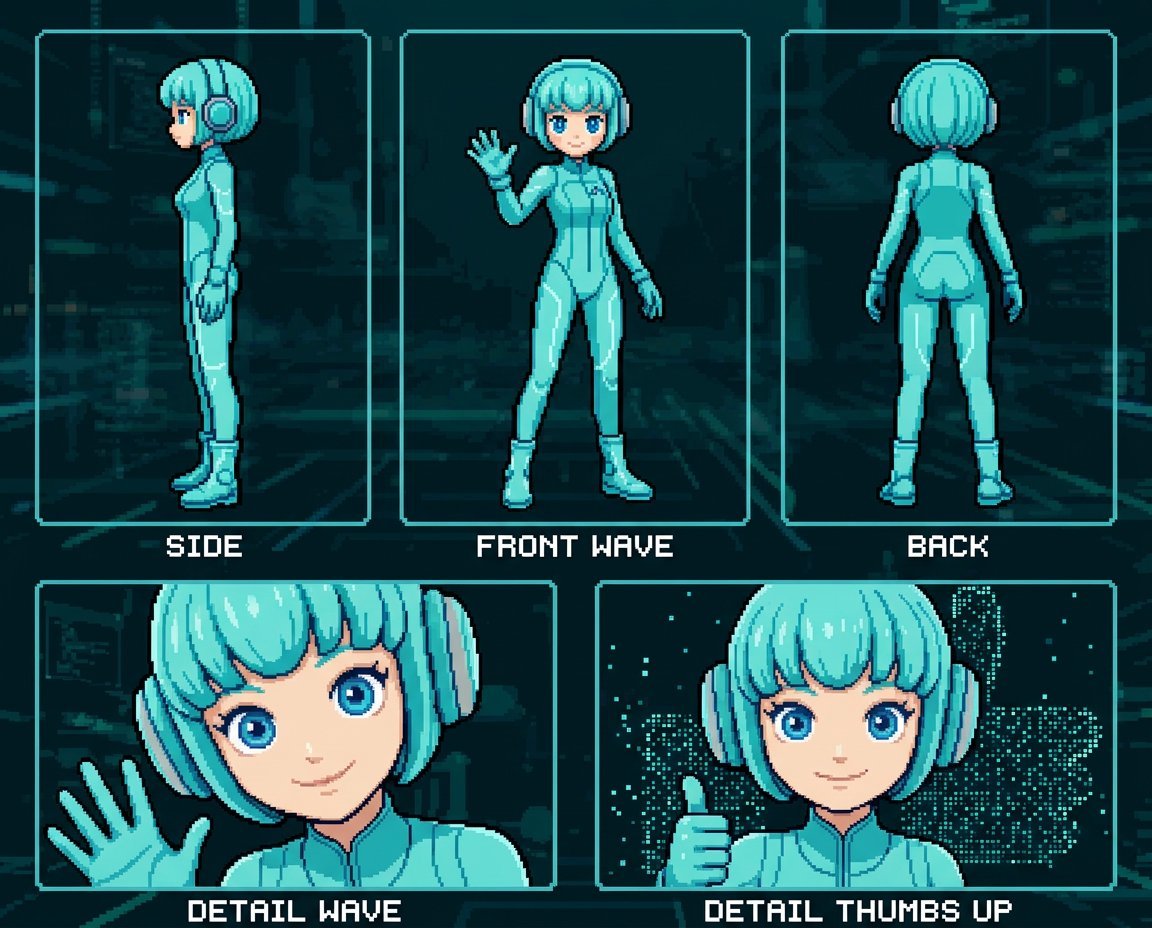
Retro 8-Bit Game Aesthetic Prompt
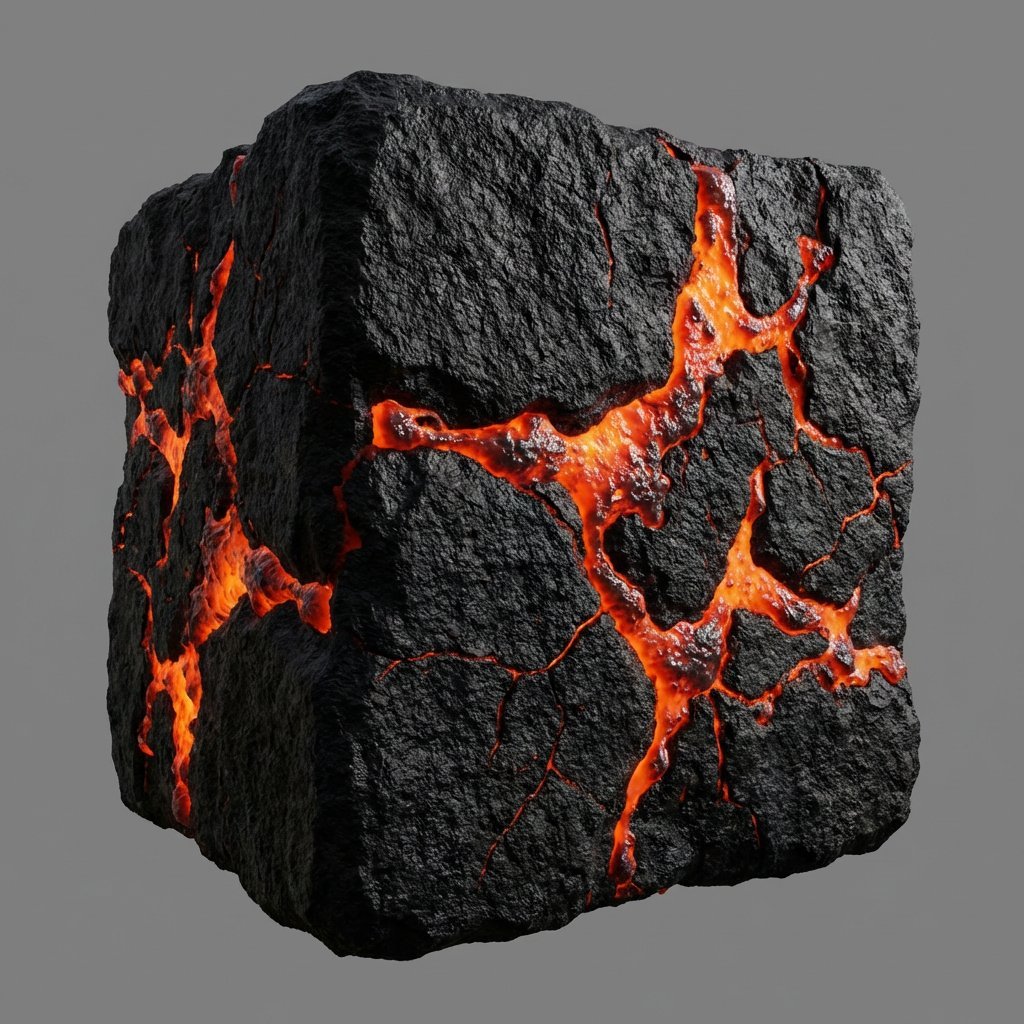
Lava Stone Texture Cube
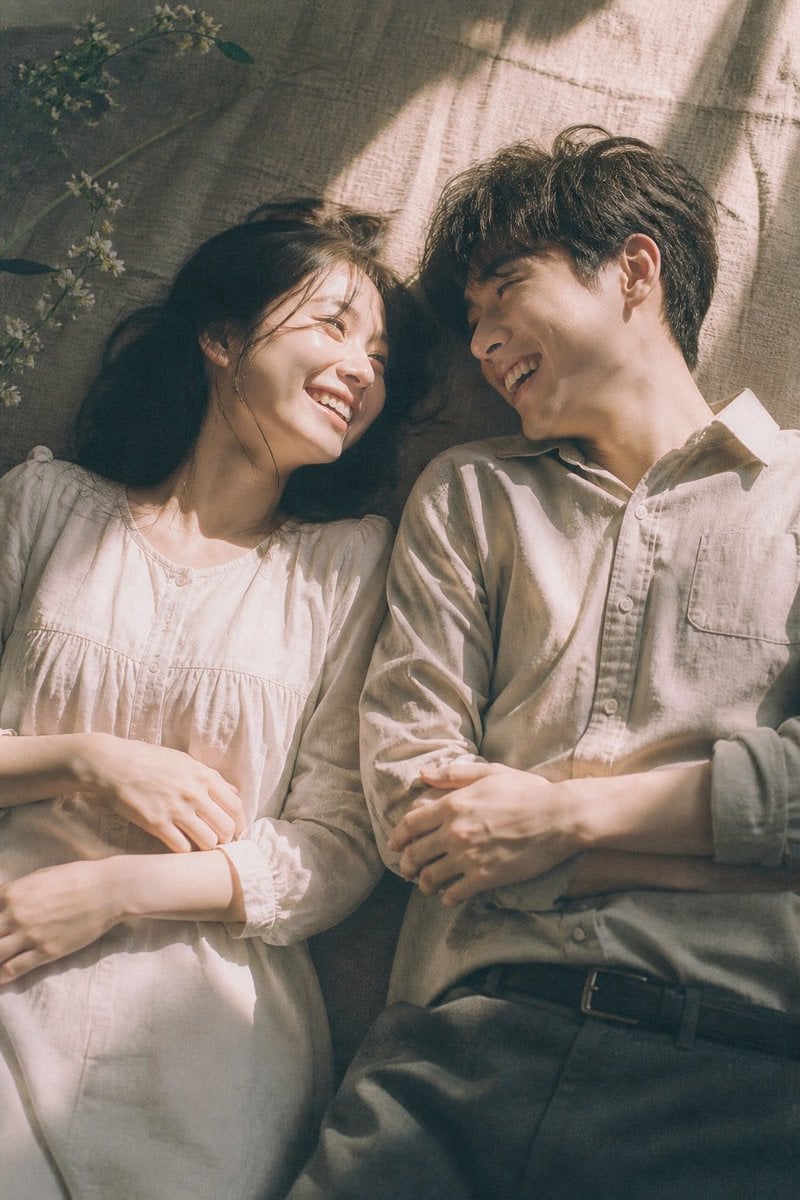
Japanese Cinematic Couple Portrait
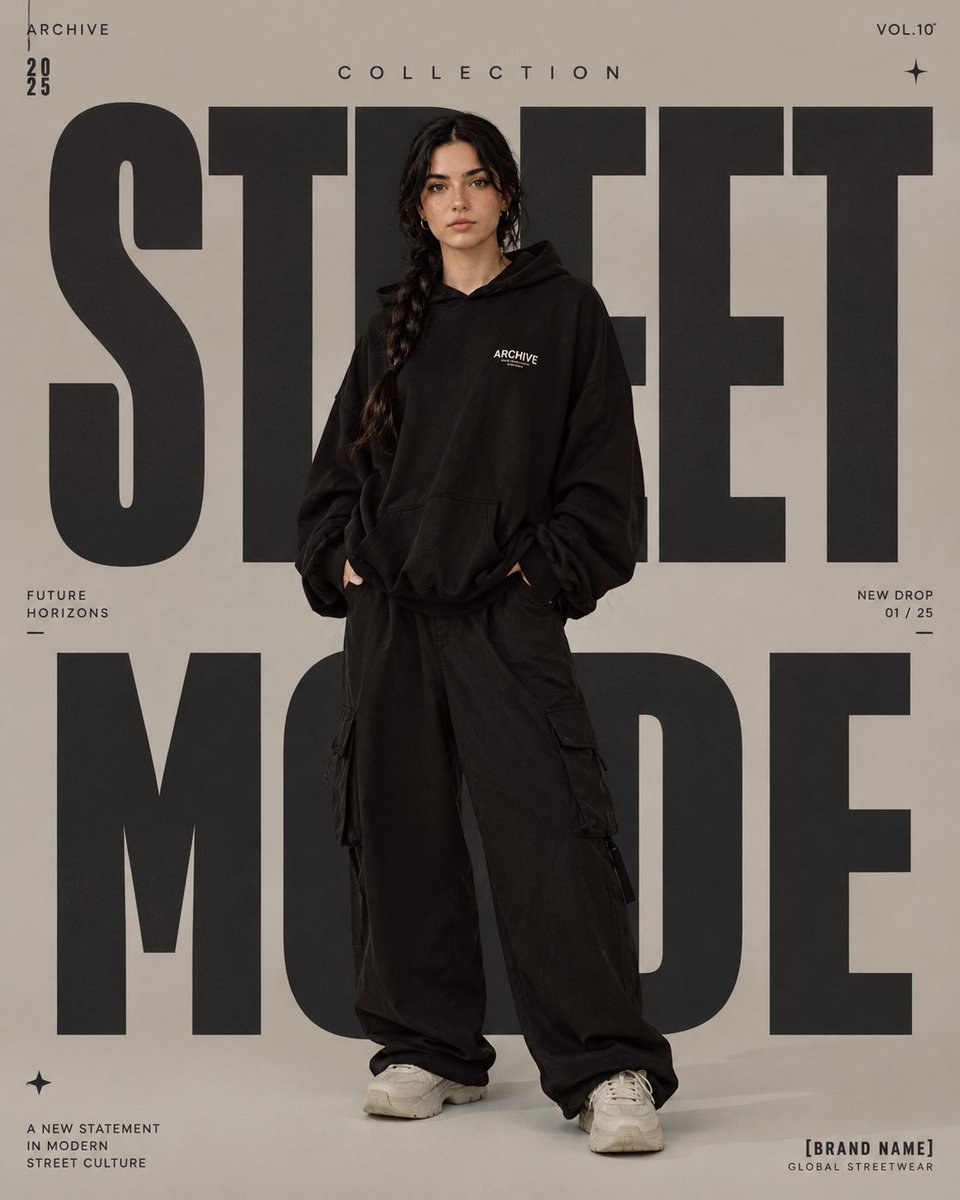
High-Fashion Editorial Magazine Poster
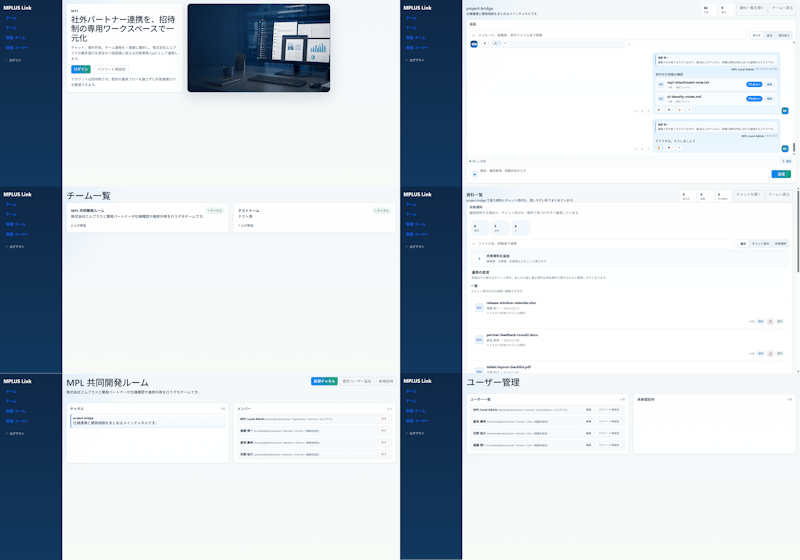
Modern MPLUS Link UI Redesign
Browse template categories
untitled questions
How do I use the 69-untitled template?
Add your photo if the template asks for one, edit the prompt if you like — the template's model and format are already selected — and press Generate. Your version opens in PicX Studio.
Can I customize the 69-untitled template?
Yes. You can change the subject, setting, lighting, mood, format, and available model controls before creating your image.
Is the 69-untitled template free?
Opening and editing this template is free. Generating uses credits, shown on the Generate button when you are signed in.
Which AI model should I use?
Start with Nano Banana, which is the model associated with this template. You can compare another compatible model for a different finish.
Looking for something else? Browse all templates.

Your photo, any look
Thousands of ready templates for every top image and video model, from one credit balance.