
Transformation the Bus Seedance 2 0 Robo
Transformation the Bus Seedance 2 0 Robo is a ready photo look for Seedance 2.0 Standard.

- Prompt included
- Model and format preset
- Free template
The prompt behind this image
Copy the exact prompt behind Transformation the Bus Seedance 2 0 Robo, or open it in the studio and make it yours.
Montage, multi-shot action Hollywood movie, don't use one camera angle or single cut, cinematic lighting, photorealistic, 35mm film quality, professional color grading, sharp focus, high detail texture, film grain, depth of field mastery, ARRI ALEXA aesthetic. Inside a suburban bus packed with passengers, a red-haired girl in white tank top, cat-eye sunglasses, cross necklace and headphones sits unbothered while outside a colossal dark-blue rocky creature with sharp shoulder horns and wide jagged teeth rampages through the street, smashing buildings. All passengers press against the left windows in terror. The girl calmly opens the right window, climbs onto the roof, transforms into a green-armored robo-girl, destroys the creature with one massive blast, then drops back inside as a human. Handheld shake throughout, escalation arc from calm to explosive to calm. Shot 1: Wide shot inside the bus, passengers screaming and pressing against left windows, the massive creature visible through glass crushing a building. The red-haired girl sits on the right side, headphones on, bobbing her head. Camera shakes from the creature's footsteps. Shot 2: Close-up on the girl as she glances left, lowers her sunglasses slightly, then deliberately pushes them back up. The contrast between the chaos outside and her complete calm creates dark comedy. Shot 3: She nonchalantly slides open the emergency exit window and climbs out onto the bus roof with casual agility. Shot 4: Extreme close-up of her face as she pulls off her headphones, expression shifting from bored to focused. She cracks her neck, and her body begins to glow green as armor plates erupt from her skin, encasing her in a sleek combat exoskeleton. Camera shakes with the transformation. Shot 5: Wide shot of the green-armored robo-girl standing on the bus roof as the creature turns toward her. She extends one arm, charges up, and fires a massive energy blast that obliterates the creature in one shot. Shockwave ripples through the street. Camera shakes with the blast. Shot 6: Medium shot as she lands back inside the bus, shrinks back to normal human form, puts her headphones back on, and sits back down like nothing happened. Total: 15s / 6 shots / 16:9
How to use Transformation the Bus Seedance 2 0 Robo in 3 steps
- 1
Open
The prompt is already in the box next to the preview, with the template's model and format selected.
- 2…a portrait of your subject in softgolden-hour light, 85mm…
Personalize
Edit the subject and creative details for your destination.
- 3Generate
Generate
Press Generate — your image is created in PicX Studio, so you can compare it with the original and refine one variable at a time.
More like this
Templates with the same subject, style or setup. Open one to see its prompt.

Transformation the Burger Seedance 2 0 a

Japanese Romance Short Film Seedance 2 0
Swat Takedown Seedance 2 0 Cinematic

80s Bollywood Star

80s Golden Hour Cinema
80 Year Old Rapper Mv Seedance 2 0 Stree

Hollywood Haute Couture Fantasy Seedance

untitled

Toddler Version of a Person in 3d Pixar

Ultra Detailed 3d Plush Cartoon Characte

Nano Banana 2

Gemini Nano Banana 2 Logo in Wet Sand Be
Make it yours
Transformation the Bus Seedance 2 0 Robo works as-is. These are the safest ways to change it without losing the look.
Change one field
Copy a single group, rewrite it, and generate again so you can see what that field is doing.
Keep the frame, change the subject
Hold the composition and light of 88-transformation-the-bus-seedance-2-0-robo, then swap wardrobe, props or the person for a new take.
| If the result… | Why | Fix |
|---|---|---|
| The result drifts from the preview | Too many fields changed at once. | Reuse 88-transformation-the-bus-seedance-2-0-robo as-is first, then change one group — subject, light, or setting. |
| The model over-stylizes the scene | The prose prompt leaves finish and camera underspecified. | Add one camera or lighting sentence and stay on Seedance 2.0 Standard. |
More Seedance 2.0 Standard templates
Other prompts made for Seedance 2.0 Standard.






More image prompts
Fresh picks from across the catalog.
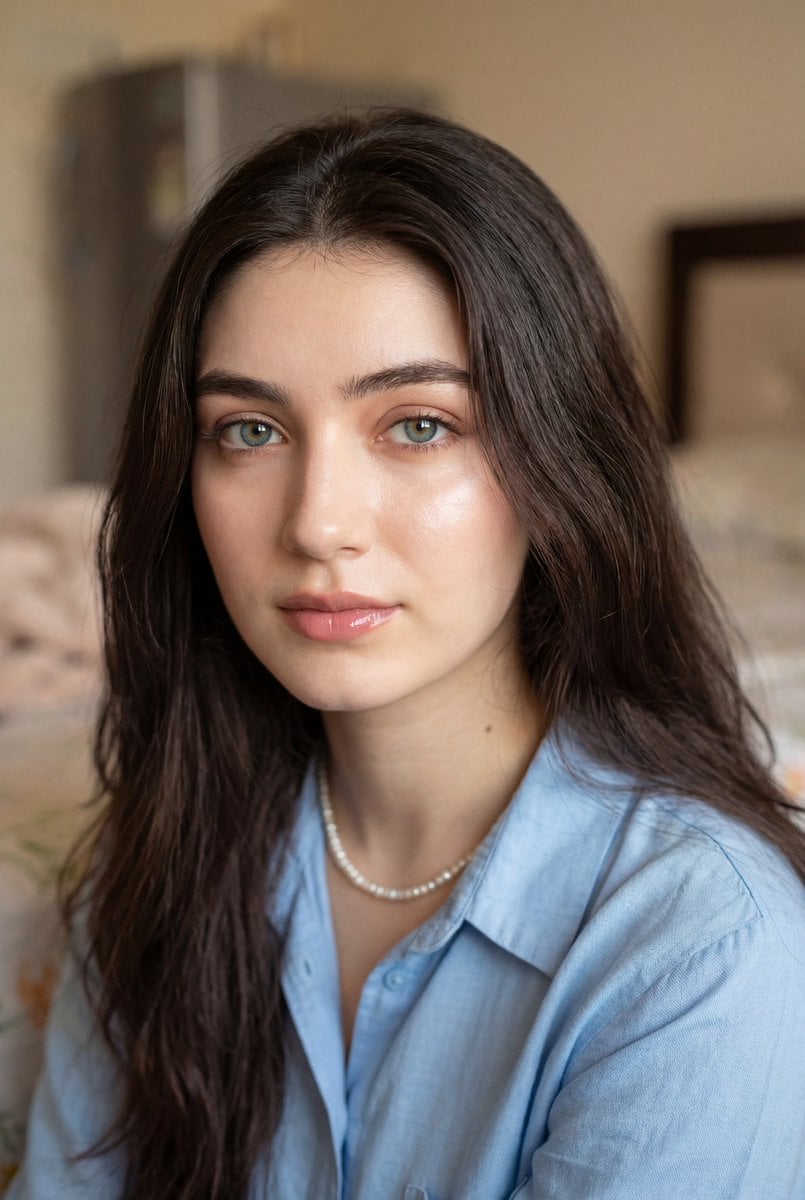
Ultra-Realistic Close-Up Portrait
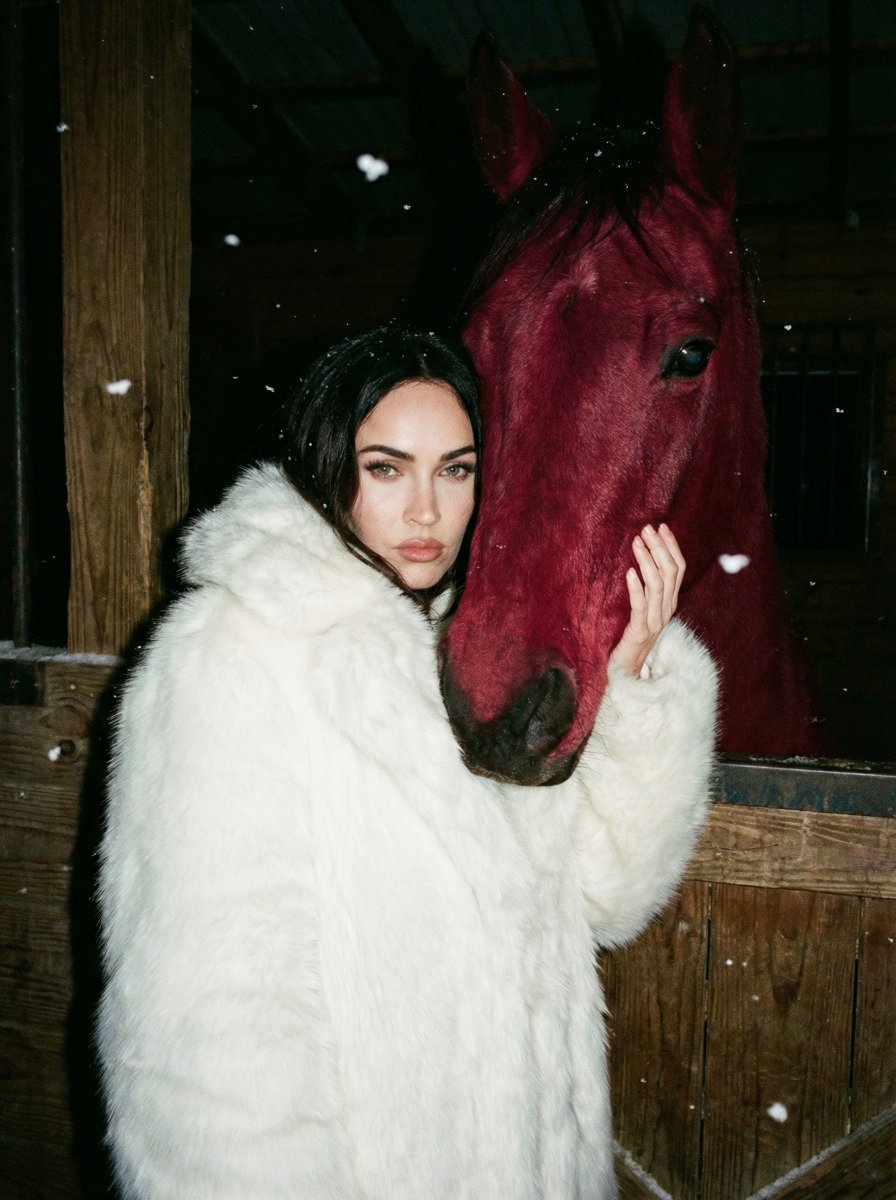
Ultra-Realistic Nighttime Photograph Prompt for Nano Banana 2 Pro
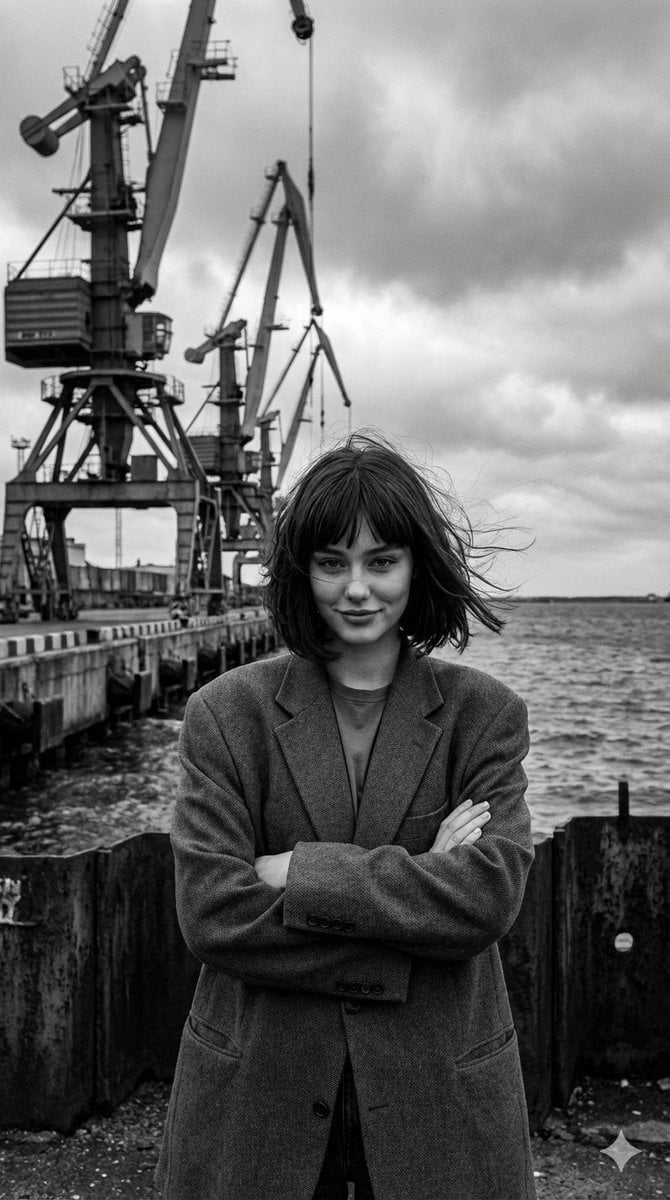
Black and White Industrial Fashion Portrait
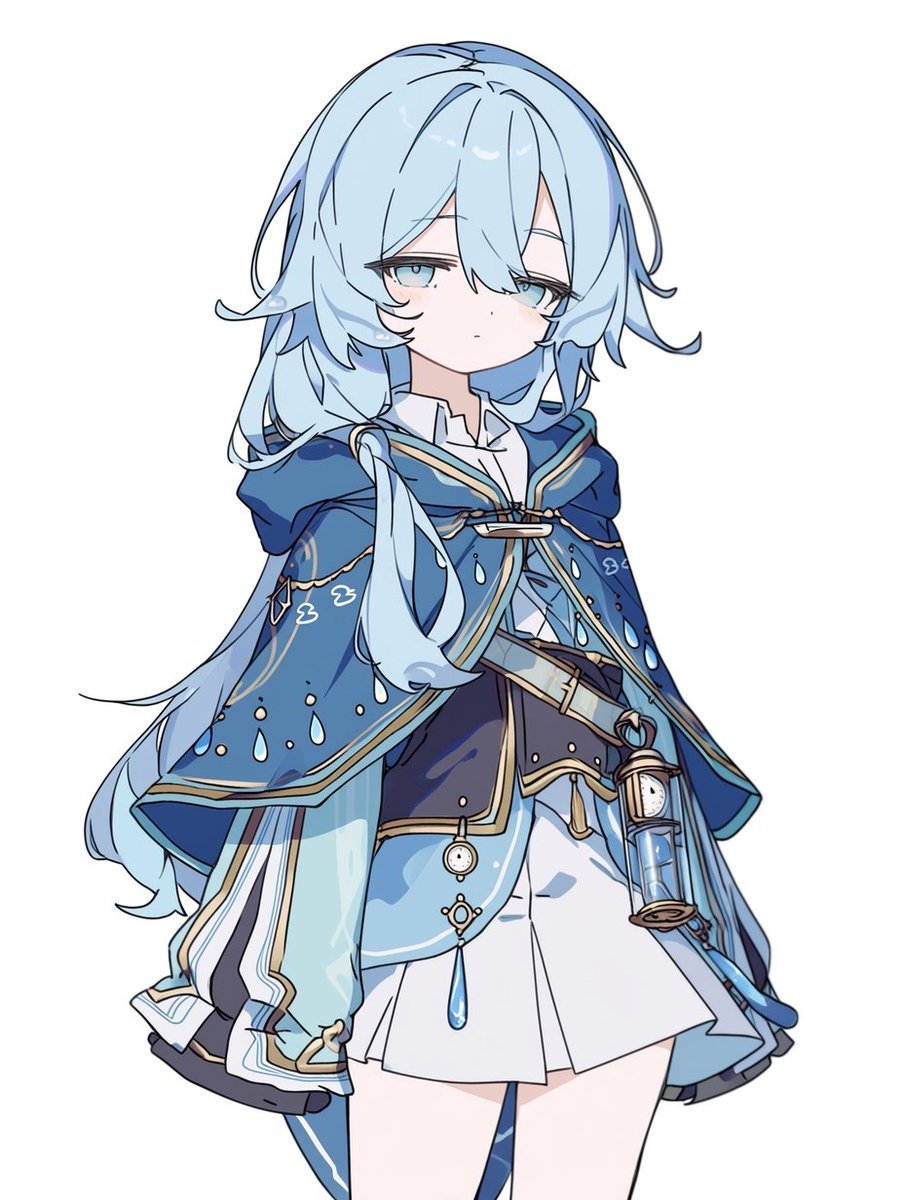
Blue Rain Mage Character Design
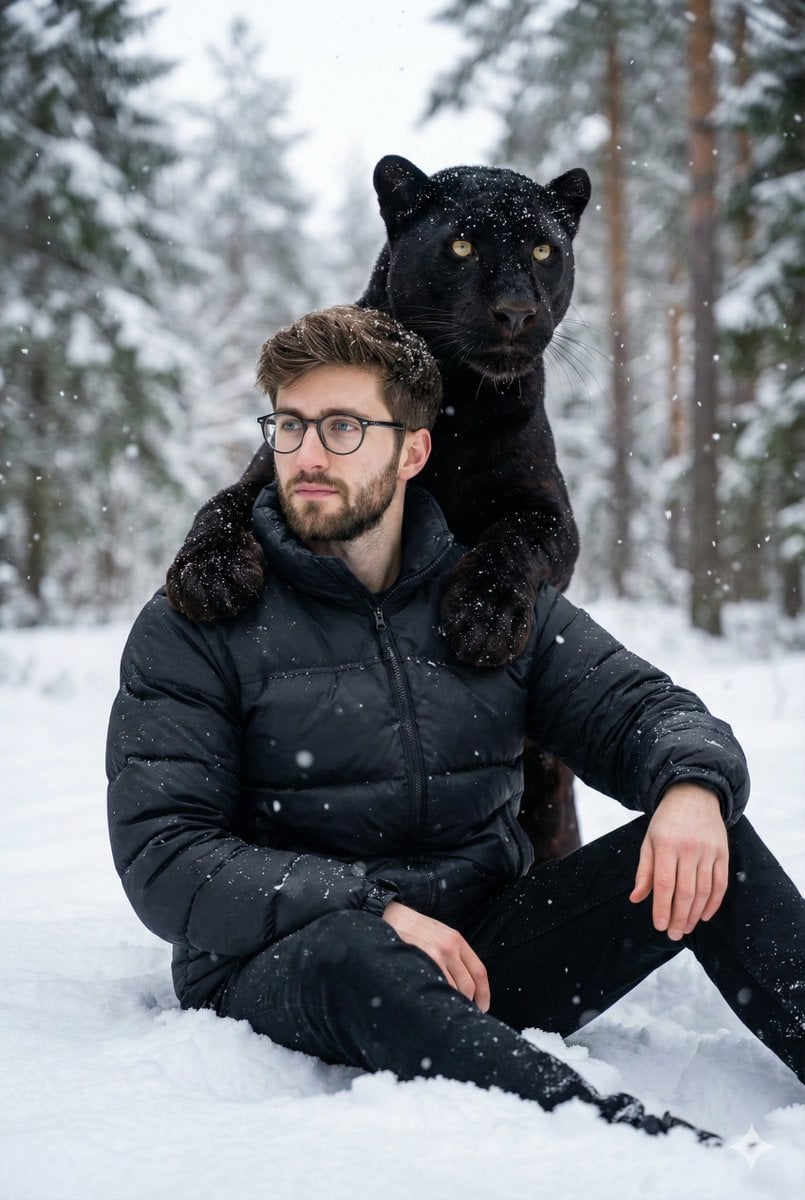
Hyper-realistic 8K image of a man and a black panther in a snowy forest
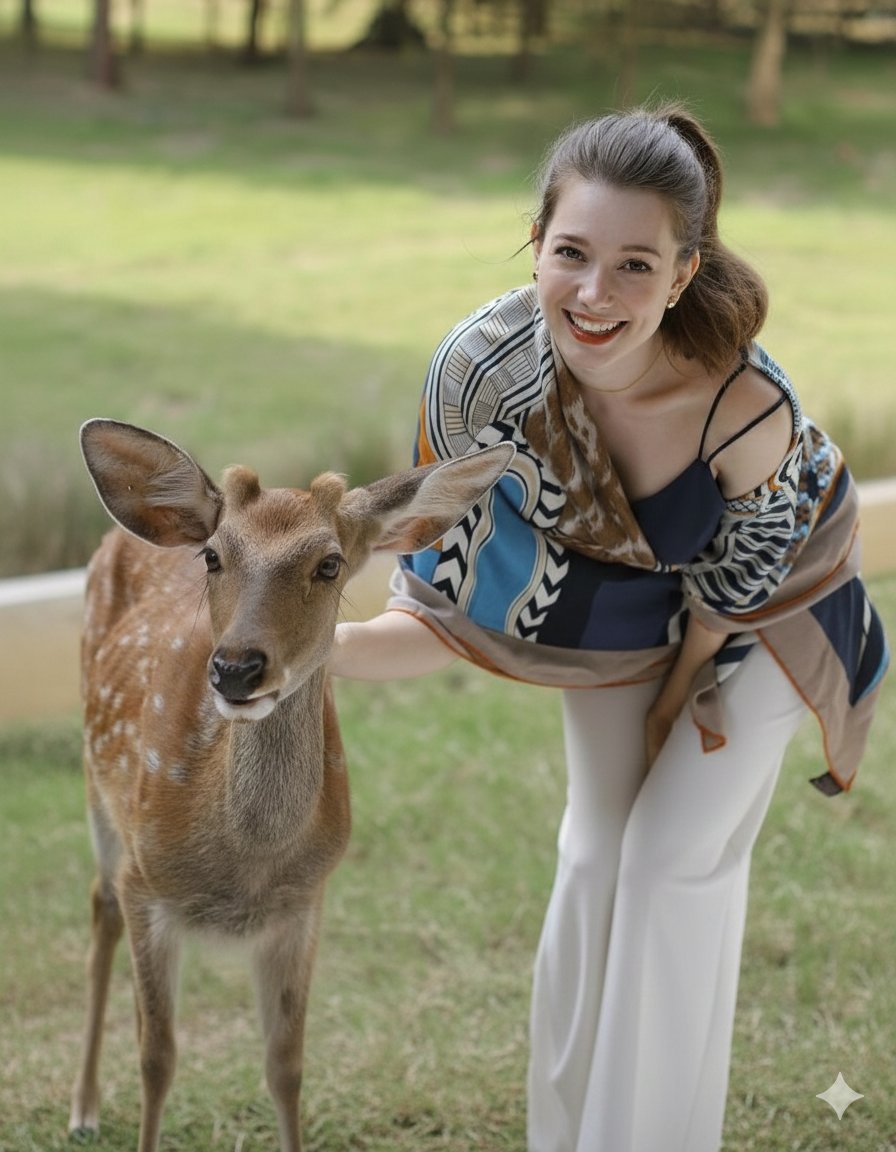
Photorealistic portrait of a woman feeding a fallow deer
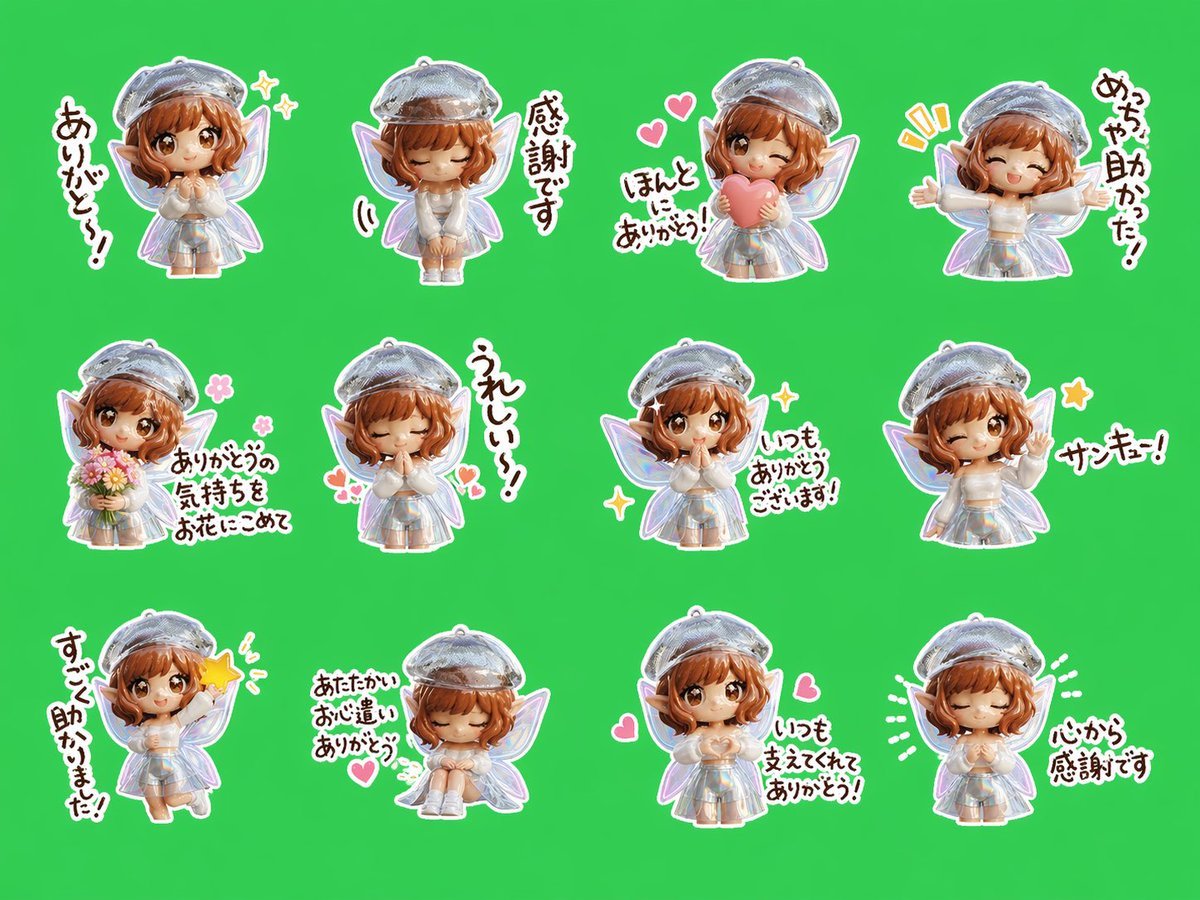
Chibi Fairy Thank-You Sticker Sheet
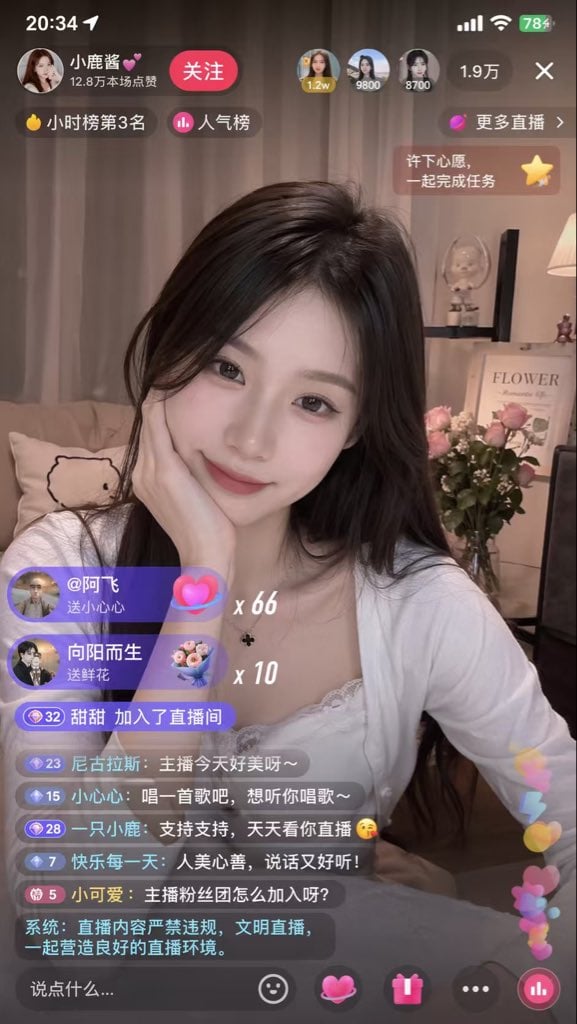
Live Streaming App UI Mockup
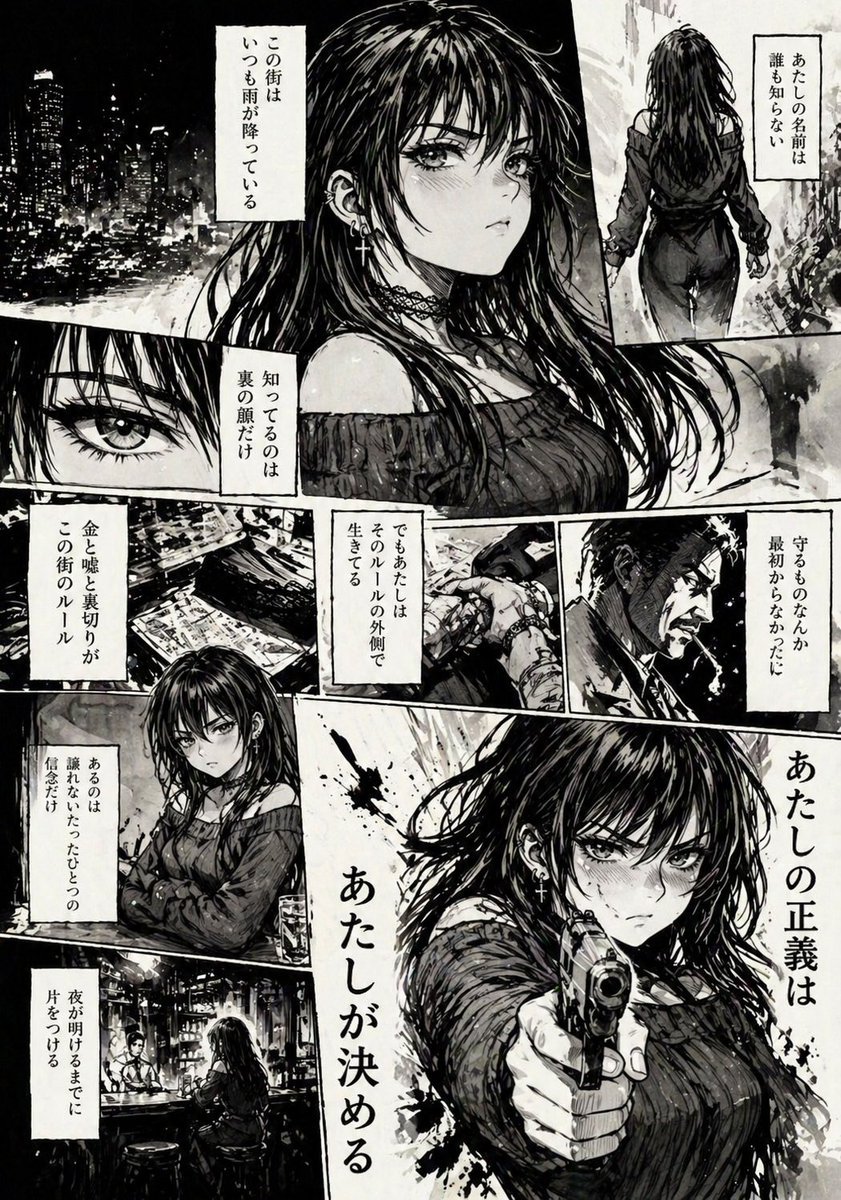
Hard-Boiled Noir Manga Woman Page
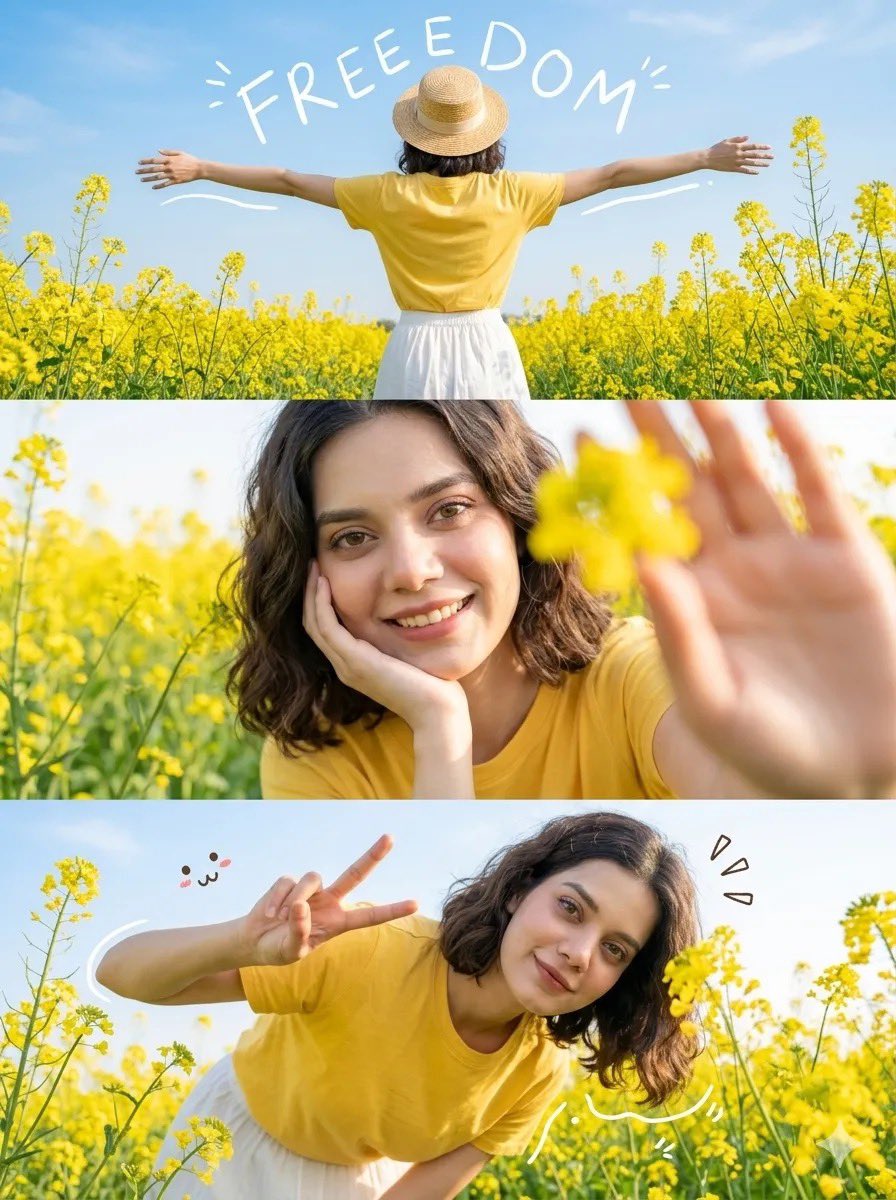
Mustard Flower Field Summer
Browse template categories
Transformation the Bus Seedance 2 0 Robo questions
How do I use the 88-transformation-the-bus-seedance-2-0-robo template?
Add your photo if the template asks for one, edit the prompt if you like — the template's model and format are already selected — and press Generate. Your version opens in PicX Studio.
Can I customize the 88-transformation-the-bus-seedance-2-0-robo template?
Yes. You can change the subject, setting, lighting, mood, format, and available model controls before creating your image.
Is the 88-transformation-the-bus-seedance-2-0-robo template free?
Opening and editing this template is free. Generating uses credits, shown on the Generate button when you are signed in.
Which AI model should I use?
Start with Seedance 2.0 Standard, which is the model associated with this template. You can compare another compatible model for a different finish.
Looking for something else? Browse all templates.

Your photo, any look
Thousands of ready templates for every top image and video model, from one credit balance.