
untitled
untitled is a ready photo look for Seedance 2.0 Standard.

- Prompt included
- Model and format preset
- Free template
The prompt behind this image
Copy the exact prompt behind untitled, or open it in the studio and make it yours.
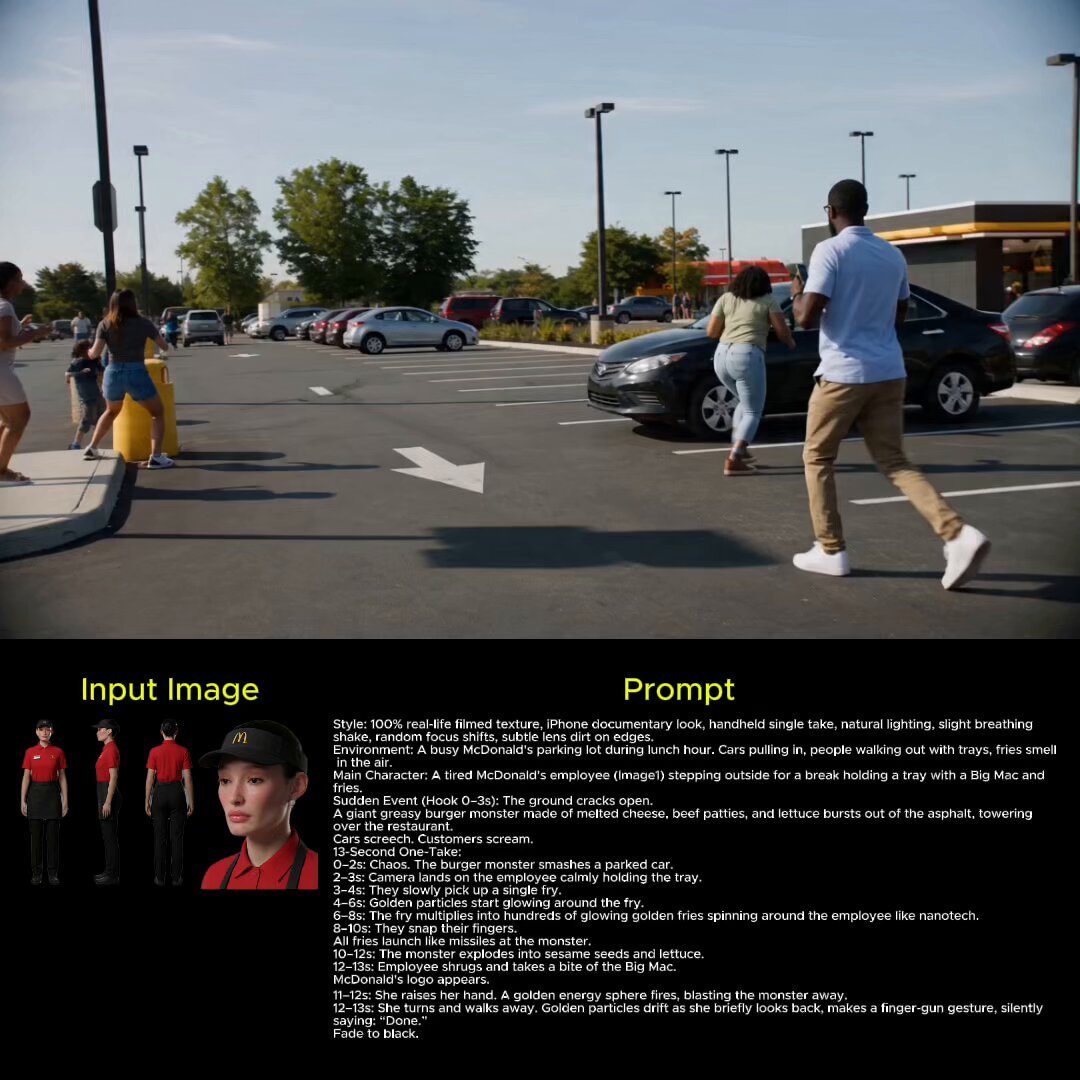
100% real-life filmed texture, iPhone documentary look, handheld tracking shot, natural daylight, motion blur, slight shake, realistic physics. Character Reference: Use @ Image1 as the exact character reference. Face, body, posture, clothing must remain identical. No stylization drift. Environment A busy city street during daytime. Cars moving, pedestrians crossing, traffic lights, urban noise. Hook (0–3s) A loud WHOOSH. A yellow package flies past the camera at extreme speed. Everything else feels normal for a split second. 13-Second One-Take Sequence 0–2s Time begins to slow down dramatically. Cars crawl. People freeze mid-step. 2–3s Only the package moves at full speed. It cuts through the slowed world perfectly. SFX: high-speed air slicing 3–5s Camera follows the package tightly. The DHL red stripes streak across it with motion blur. Music: fast rhythmic pulse 5–7s The package navigates impossible paths: • curves between cars • passes through a narrow gap • avoids a falling object mid-air Everything precise, no chaos. 7–9s It approaches a building entrance. A person stands there, frozen mid-motion. 9–10s The package gently lands in their hands perfect alignment. 10–11s Time snaps back instantly. Full speed The person looks down, surprised. 11–12s They didn't even see it arrive. Everything feels normal again. 12–13s (BRAND ENDING) Camera tilts down slightly to the box. The DHL logo locks into focus clean and sharp. Subtle motion streak fades. Cut to black. Audio Direction SFX: air slicing, urban ambience, sudden time snap Music: fast pulse → abrupt stop → clean finish
How to use untitled in 3 steps
- 1Upload ImagePNG, JPG or paste
Add your photo
Upload the photo the template builds on. The prompt, model and format are already set.
- 2…a portrait of your subject in softgolden-hour light, 85mm…
Personalize
Edit the subject and creative details for your destination.
- 3Generate
Generate
Press Generate — your image is created in PicX Studio, so you can compare it with the original and refine one variable at a time.
More like this
Templates with the same subject, style or setup. Open one to see its prompt.







Make it yours
untitled works as-is. These are the safest ways to change it without losing the look.
Change one field
Copy a single group, rewrite it, and generate again so you can see what that field is doing.
Keep the frame, change the subject
Hold the composition and light of 78-untitled, then swap wardrobe, props or the person for a new take.
| If the result… | Why | Fix |
|---|---|---|
| The result drifts from the preview | Too many fields changed at once. | Reuse 78-untitled as-is first, then change one group — subject, light, or setting. |
| The model over-stylizes the scene | The prose prompt leaves finish and camera underspecified. | Add one camera or lighting sentence and stay on Seedance 2.0 Standard. |
More Seedance 2.0 Standard templates
Other prompts made for Seedance 2.0 Standard.





More image prompts
Fresh picks from across the catalog.
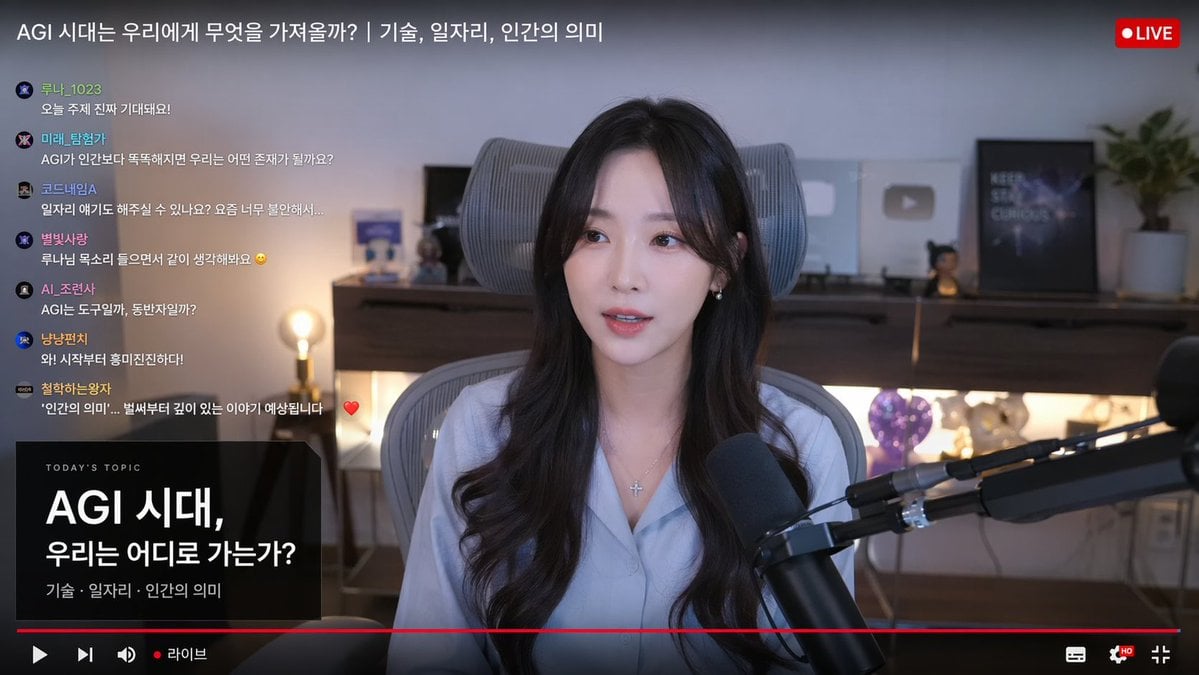
Live Stream Interface Mockup
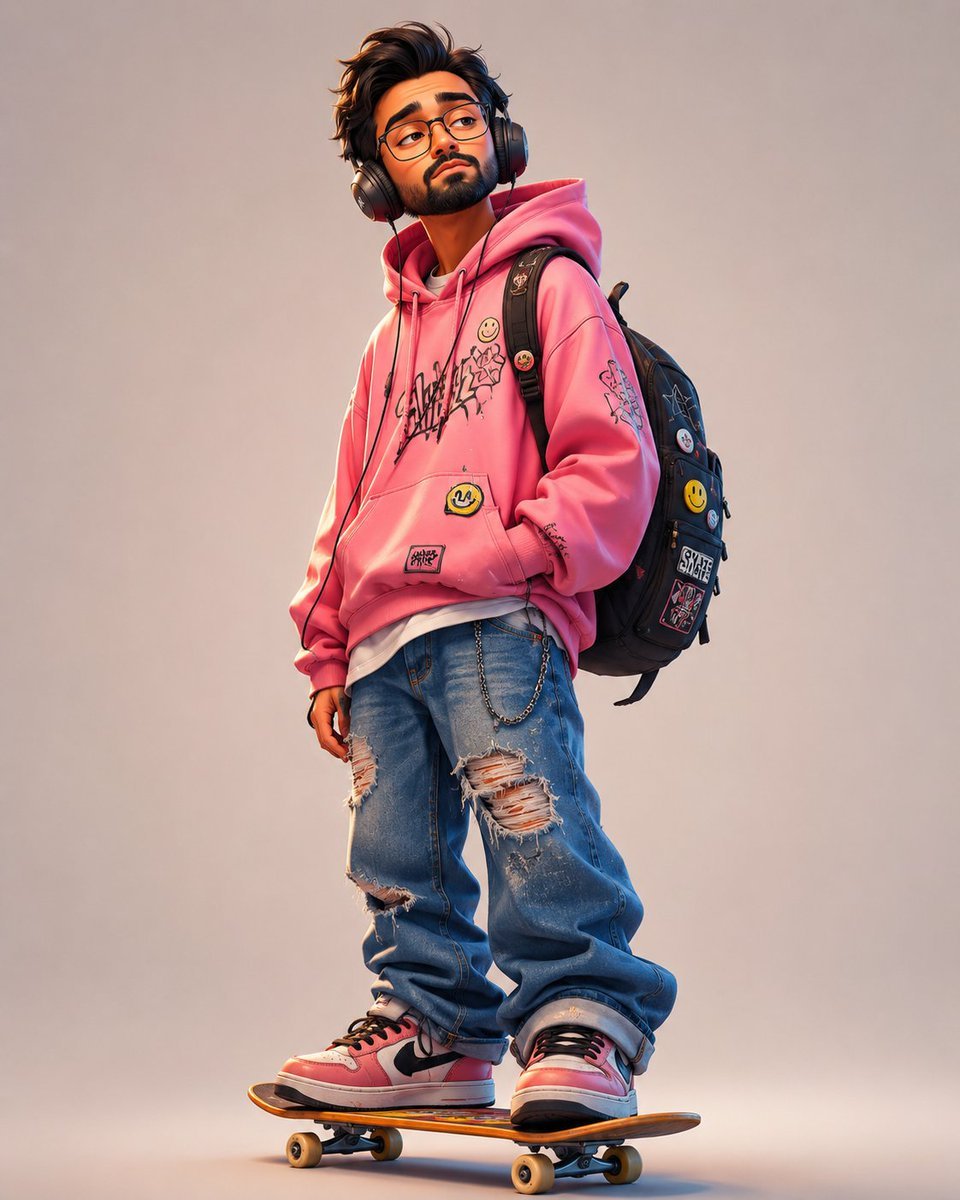
Anonymous Pink Hoodie Skater
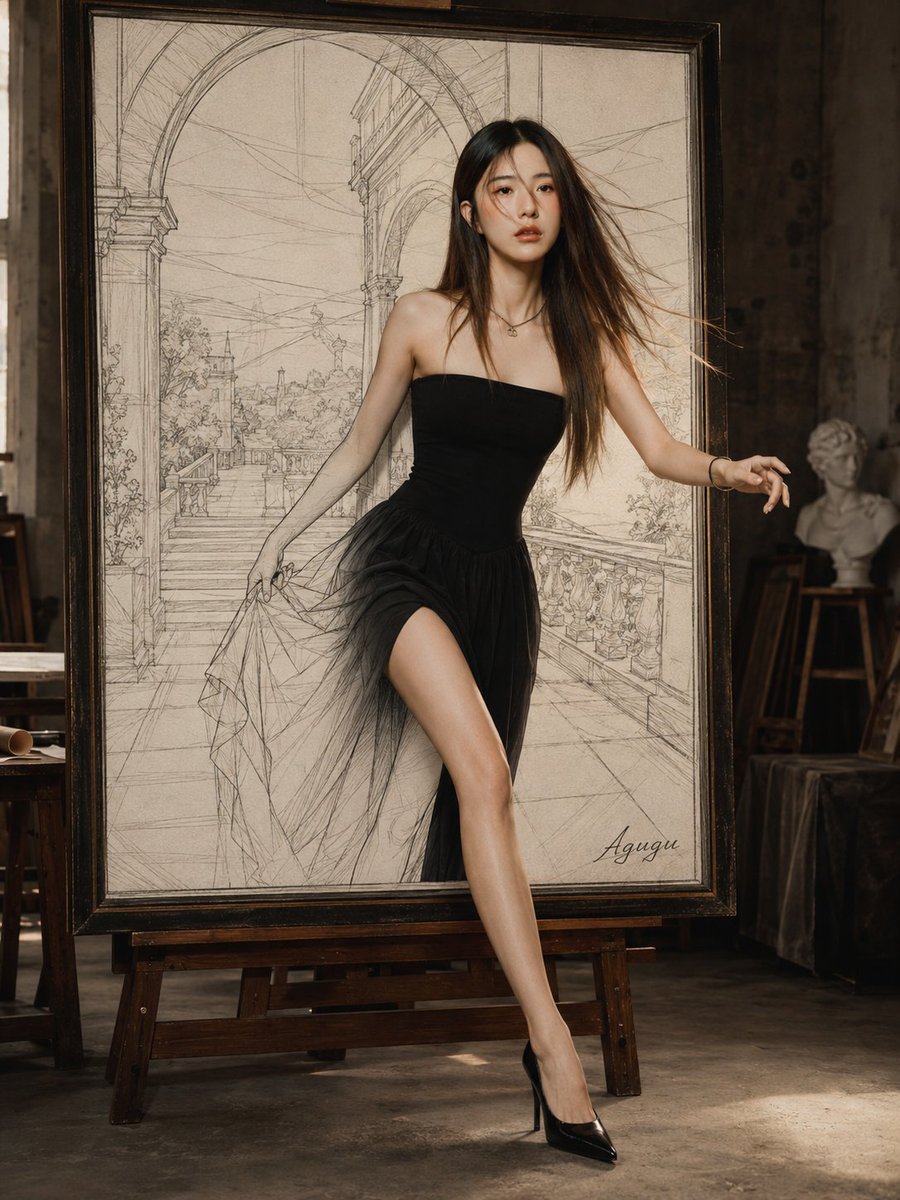
Woman Stepping Out of Sketch
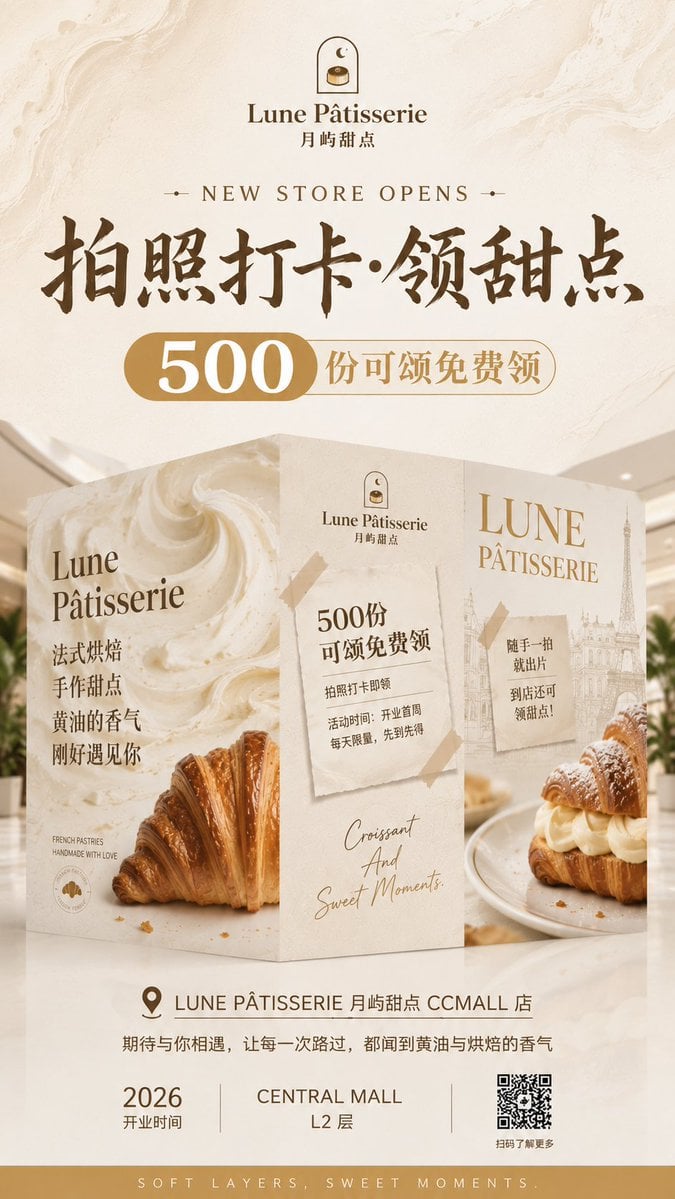
French Patisserie Opening Hoarding Poster
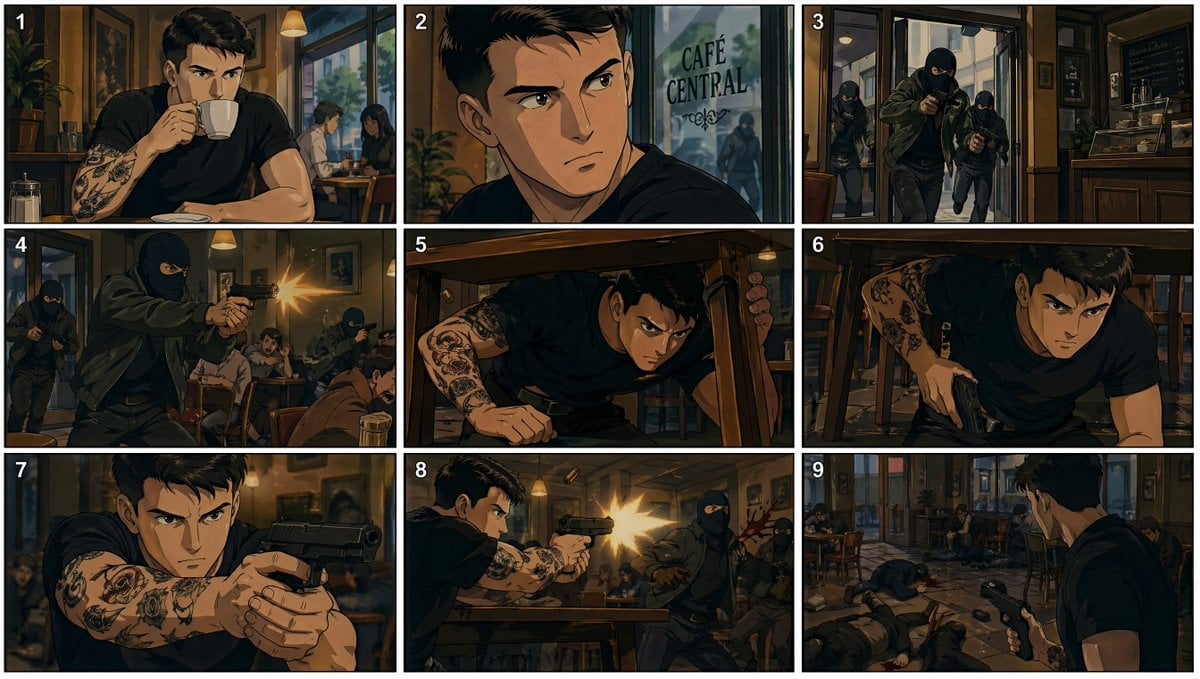
90s Anime Cafe Shootout Storyboard
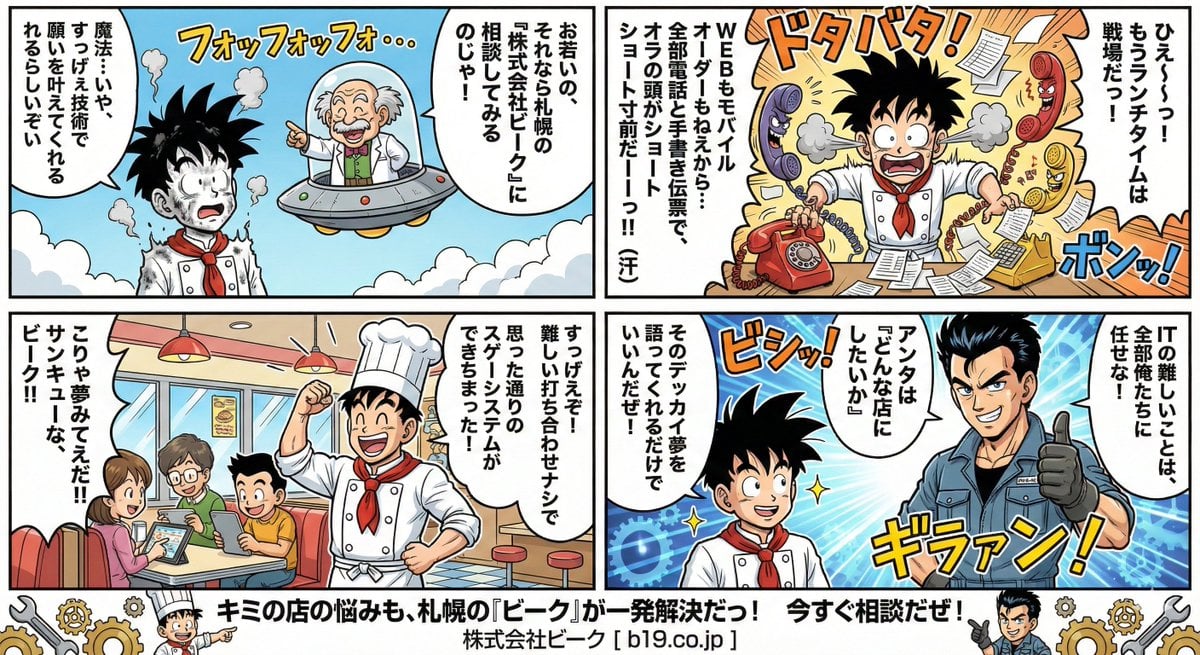
Manga Style Transfer Prompt (Toriyama Akira and Igarashi Yumiko)

Cinematic Action Scene Identity Preservation Prompt
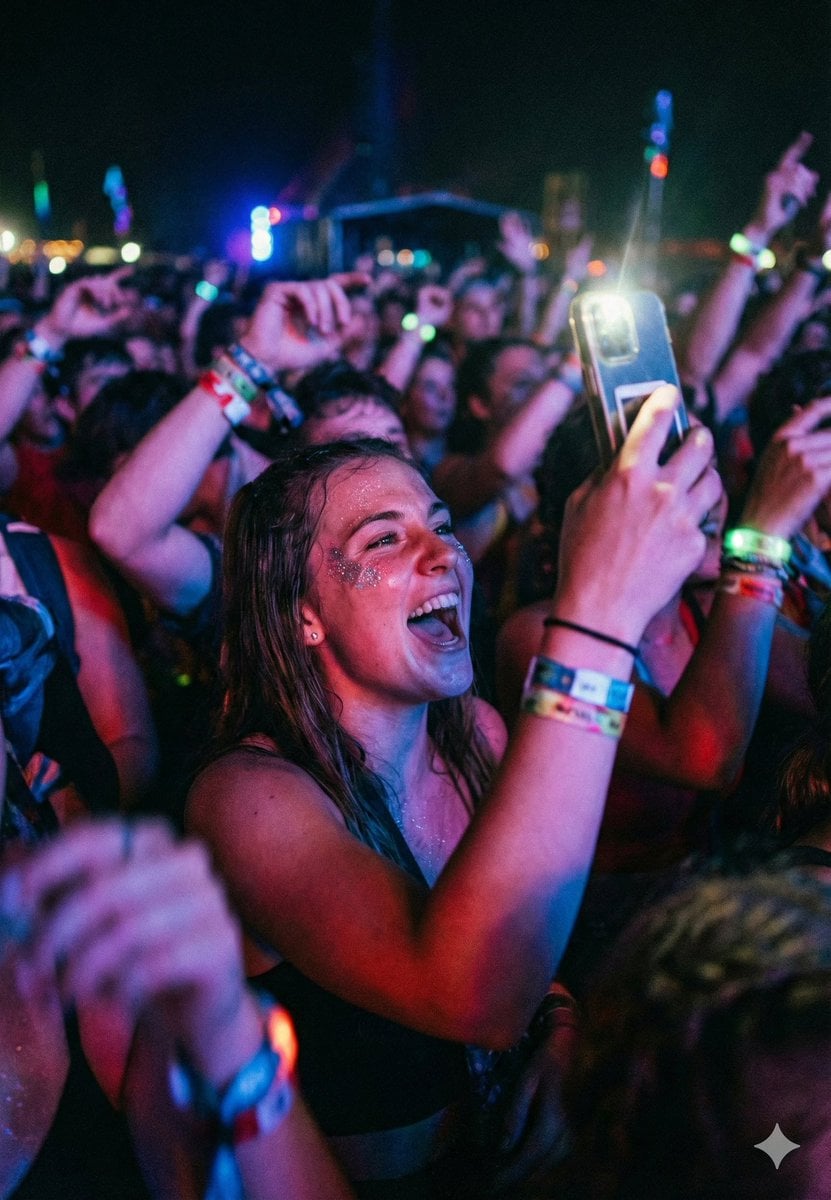
Cinematic Concert Crowd Photo Prompt
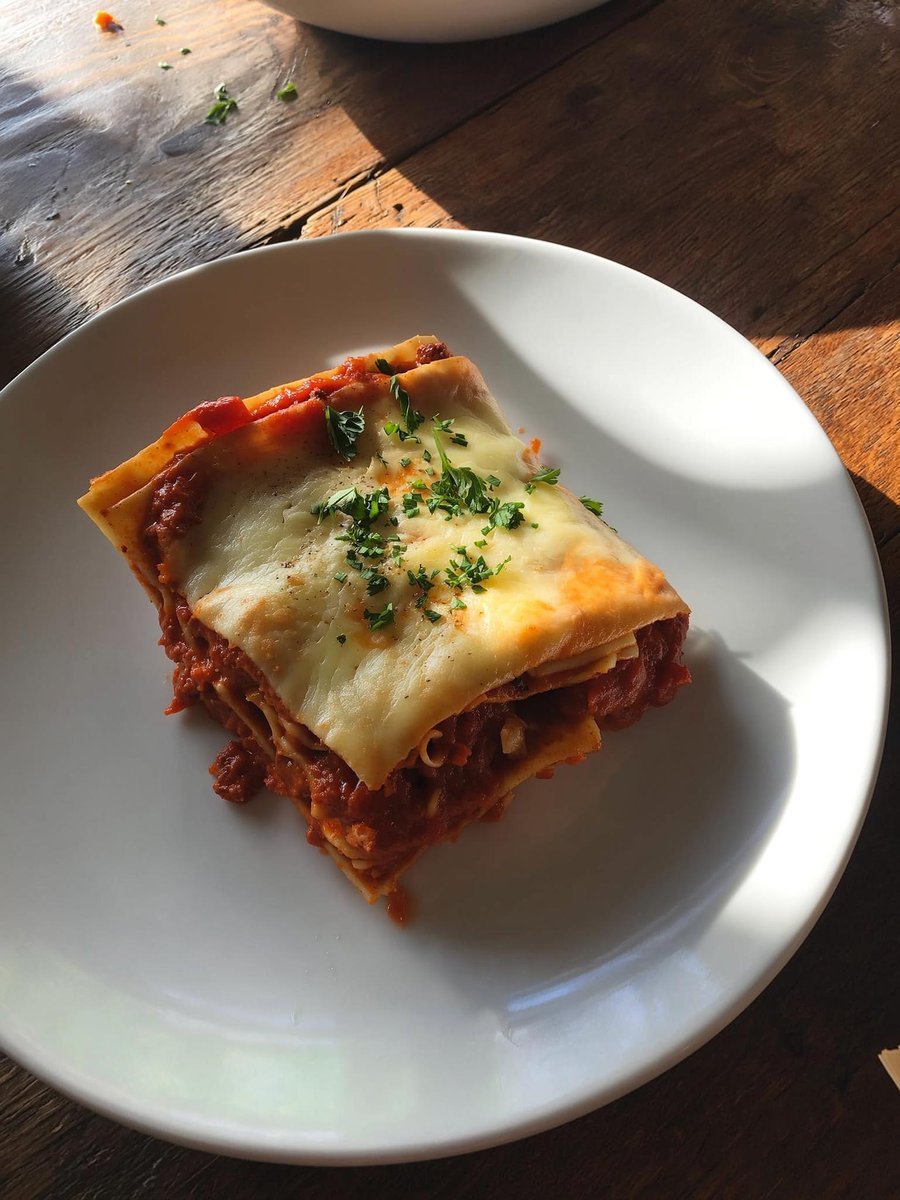
Japanese labeled-ingredients dish photo
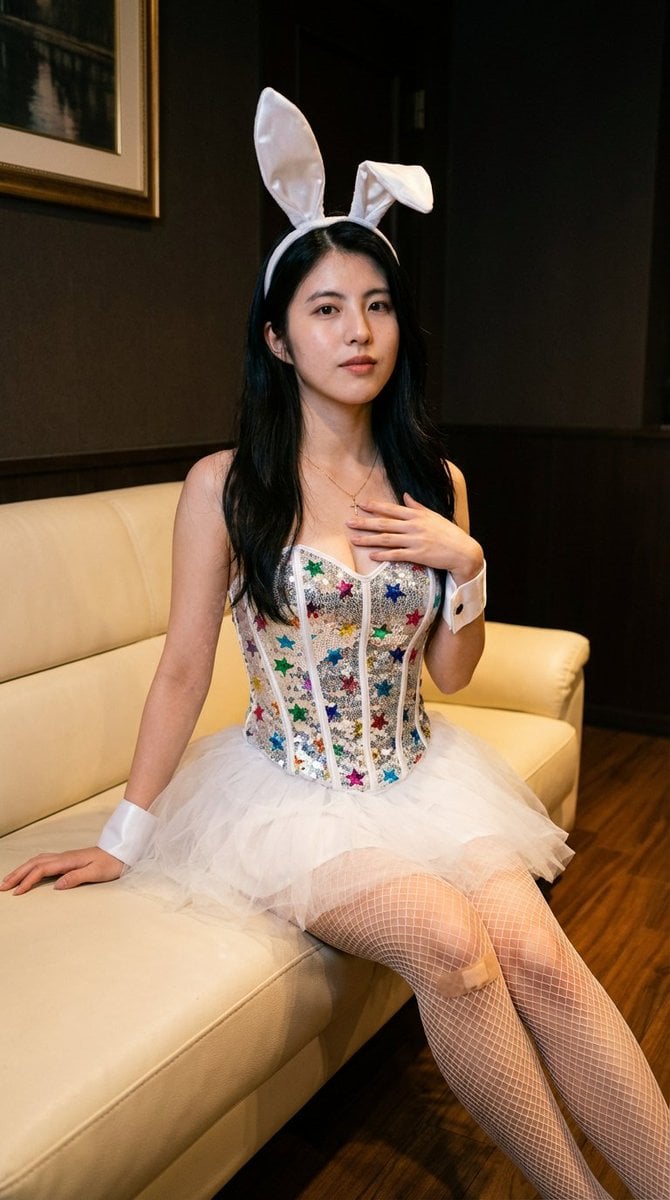
Simple image integration prompt
Browse template categories
untitled questions
How do I use the 78-untitled template?
Add your photo if the template asks for one, edit the prompt if you like — the template's model and format are already selected — and press Generate. Your version opens in PicX Studio.
Can I customize the 78-untitled template?
Yes. You can change the subject, setting, lighting, mood, format, and available model controls before creating your image.
Is the 78-untitled template free?
Opening and editing this template is free. Generating uses credits, shown on the Generate button when you are signed in.
Which AI model should I use?
Start with Seedance 2.0 Standard, which is the model associated with this template. You can compare another compatible model for a different finish.
Looking for something else? Browse all templates.

Your photo, any look
Thousands of ready templates for every top image and video model, from one credit balance.