
Anonymous Pink Hoodie Skater
A detailed studio portrait prompt for generating an anonymous streetwear skater in a pink hoodie standing on a skateboard.
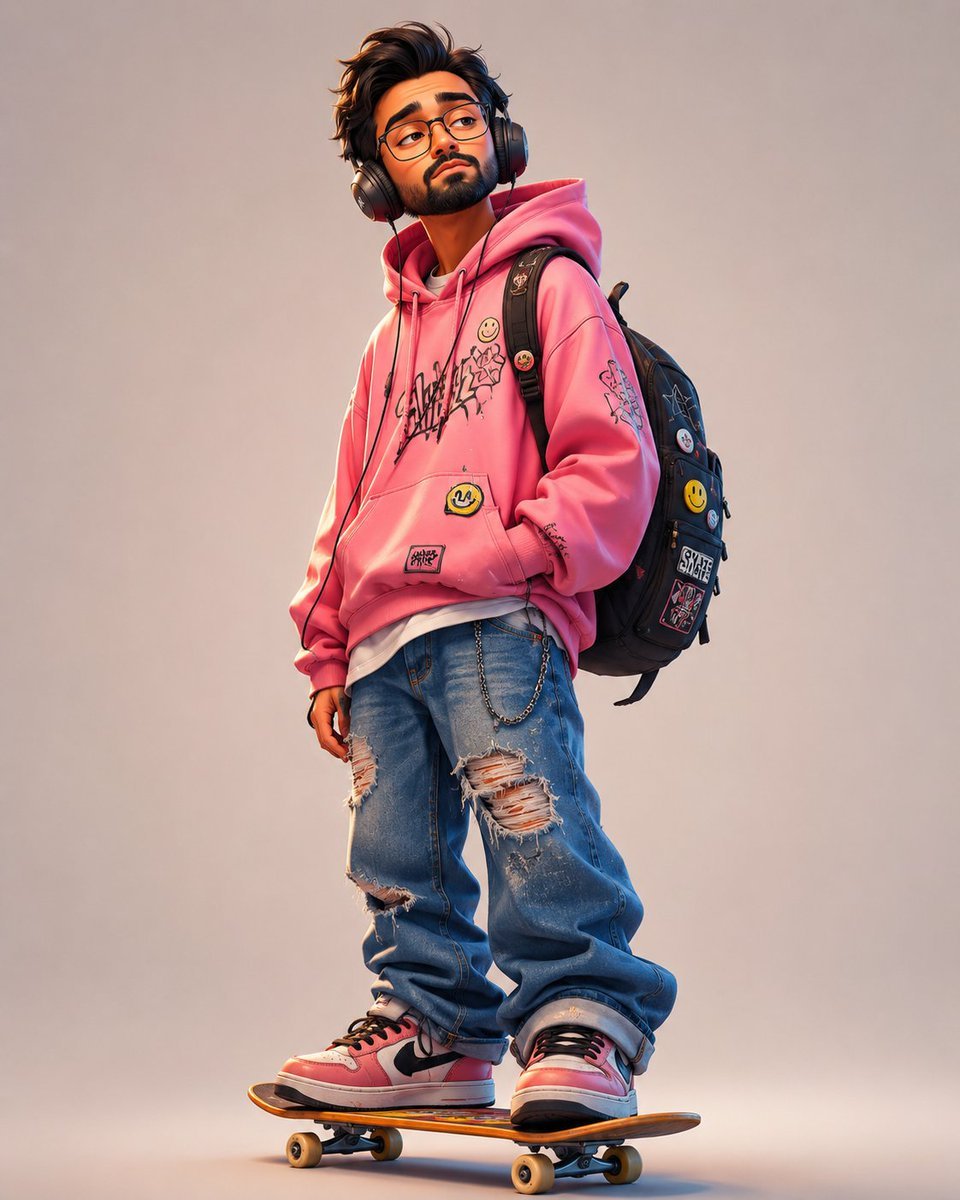
- Prompt included
- Model and format preset
- Free template
The prompt behind this image
Copy the exact prompt behind Anonymous Pink Hoodie Skater, or open it in the studio and make it yours.
Create a full-body studio fashion portrait of exactly one teenage streetwear skater standing casually on exactly one skateboard, facing slightly left with one hand in the hoodie pocket and a relaxed slouched pose. The character wears exactly six main outfit/accessory pieces: an oversized {argument name="hoodie color" default="bright bubblegum pink"} graphic hoodie with black graffiti scribbles, light blue extremely baggy ripped jeans with multiple frayed knee and thigh tears, pink-and-white Nike-style sneakers with black laces, large over-ear headphones, a black backpack, and a silver wallet chain hanging from the jeans. Make the face intentionally anonymous with a smooth square blur block covering the facial features, while messy dark brown hair remains visible above it. Add visible decorative details: on the hoodie include exactly three smiley-face patches/pins, one black graffiti chest graphic, one yellow smiley patch on the front pocket, and one small rectangular patch near the hem; on the backpack include exactly four visible patches/pins, including two yellow smiley pins and two rectangular skate-brand-style patches. The skateboard should have an orange wooden deck with black grip edge, two visible trucks, and four small tan wheels, positioned under both feet. Use a warm beige seamless studio background, soft cinematic lighting from the front-left, subtle floor shadow, high-detail realistic 3D illustration style, crisp fabric texture, scuffed shoes, distressed denim, youthful urban skate aesthetic, vertical square composition, no extra people, no text captions, no watermark.
How to use Anonymous Pink Hoodie Skater in 3 steps
- 1Upload ImagePNG, JPG or paste
Add your photo
Upload the photo the template builds on. The prompt, model and format are already set.
- 2…a portrait of your subject in softgolden-hour light, 85mm…
Personalize
Edit the subject and creative details for your destination.
- 3Generate
Generate
Press Generate — your image is created in PicX Studio, so you can compare it with the original and refine one variable at a time.
More like this
Templates with the same subject, style or setup. Open one to see its prompt.
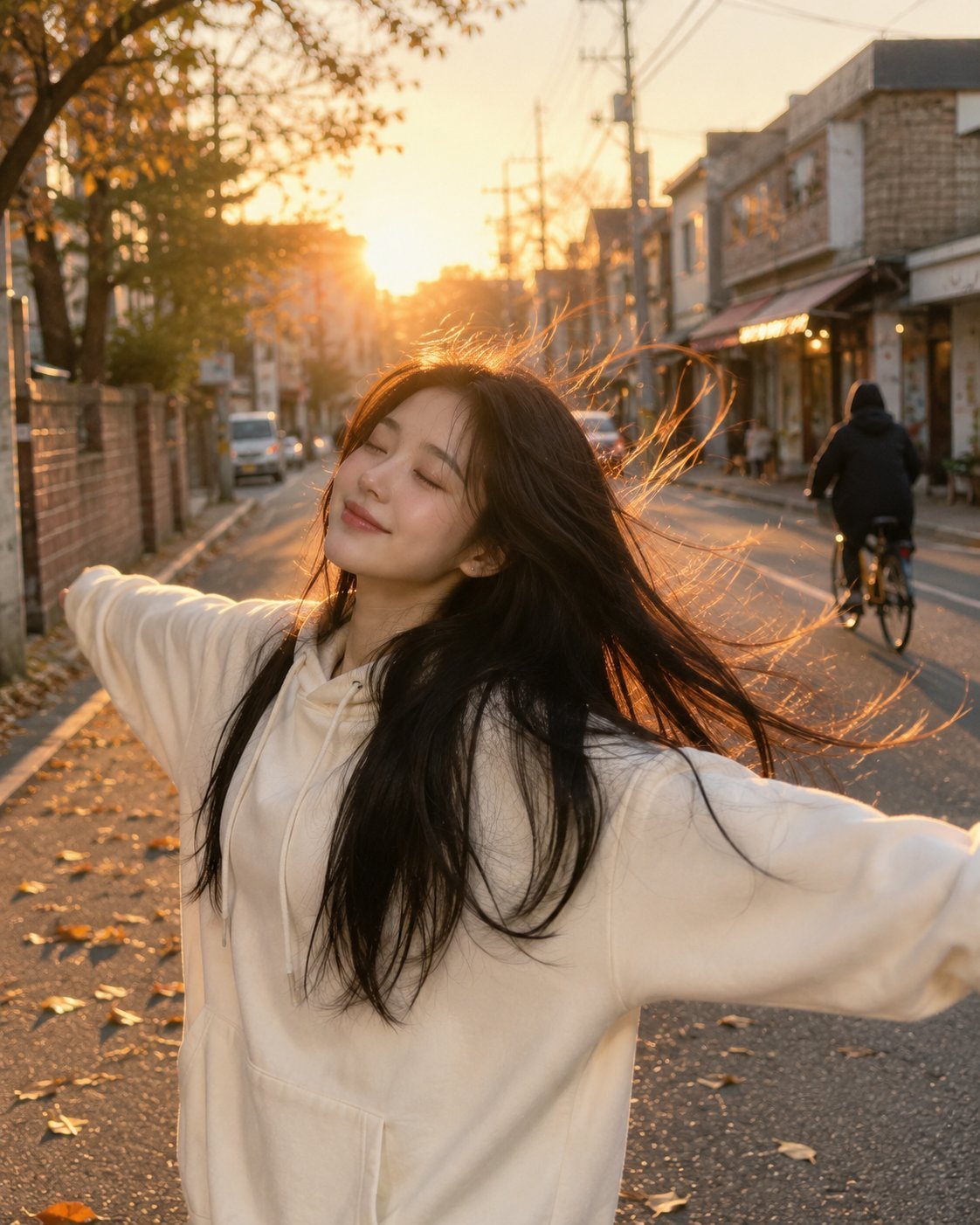
Golden Hour Street Hoodie Lifestyle Portrait
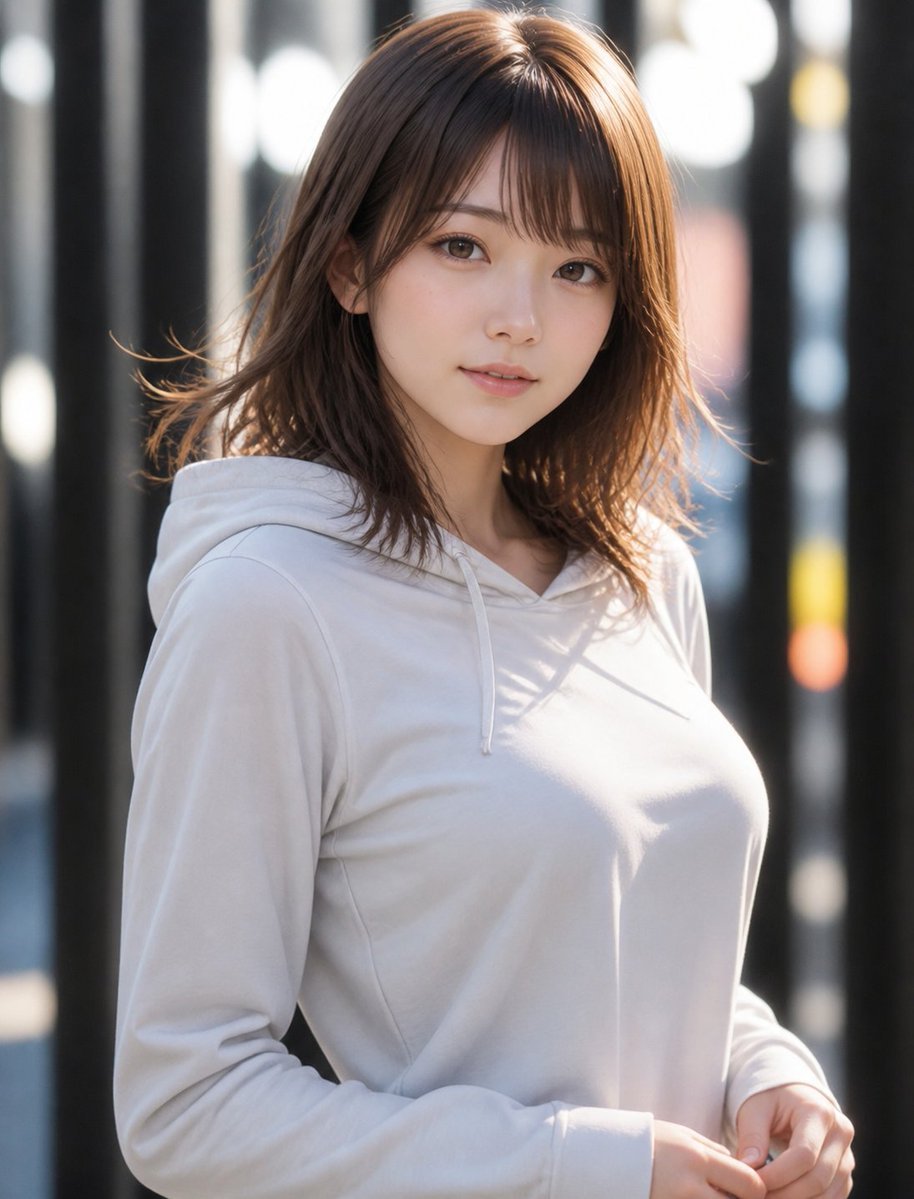
Natural Hoodie Street Portrait
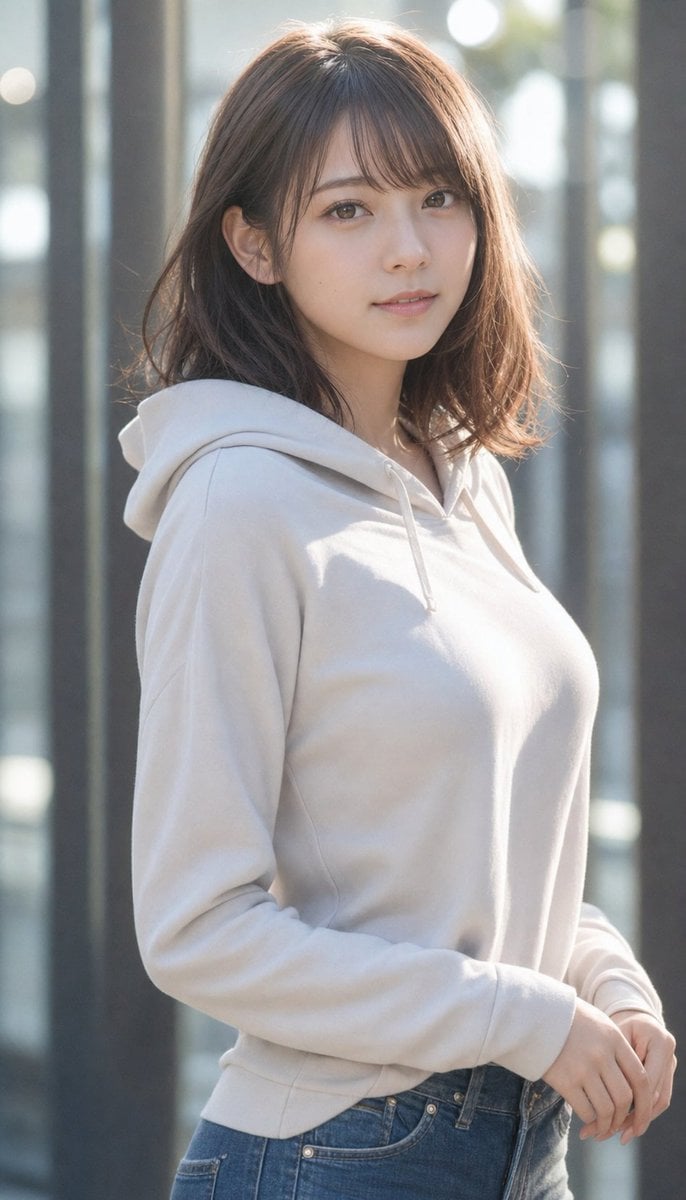
Realistic Japanese Woman Hoodie Portrait
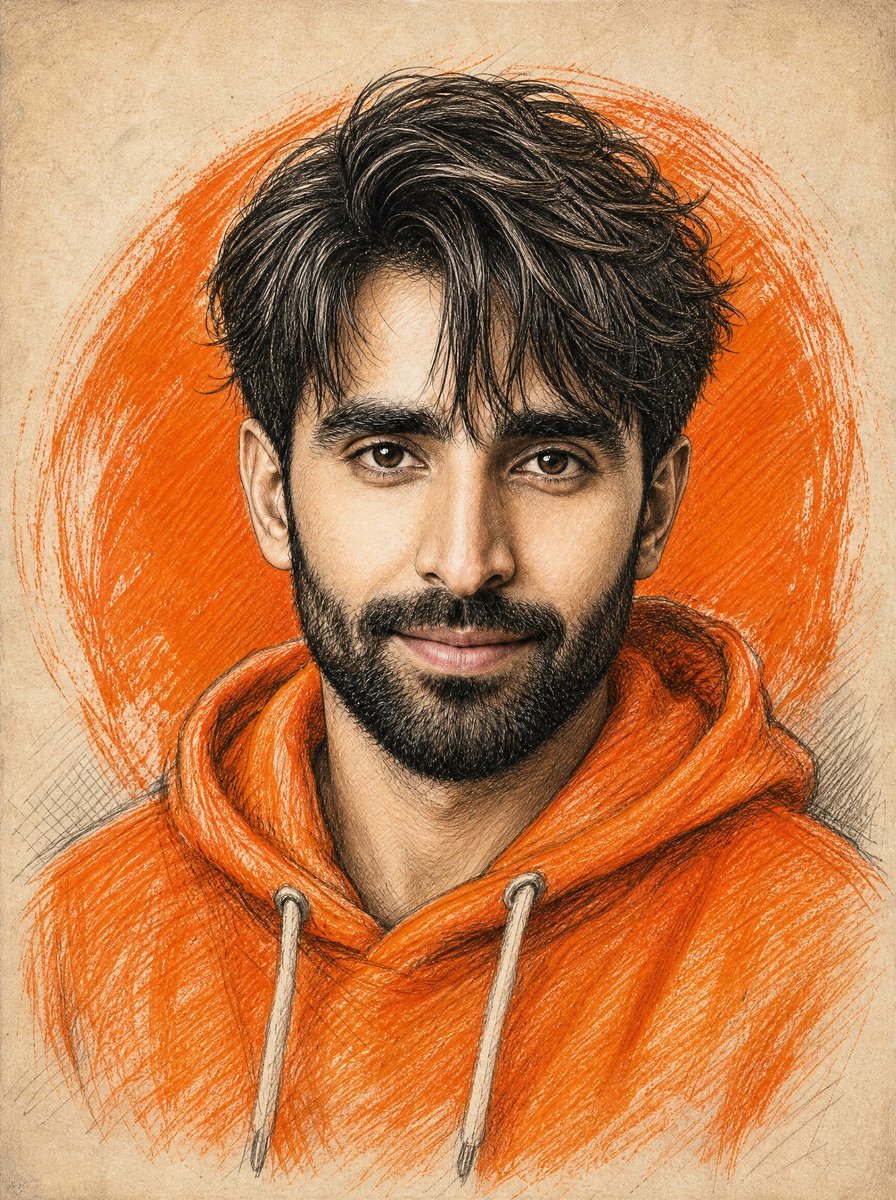
Orange Hoodie Pencil Portrait

A hyper-realistic beauty product photograph of a pink jar placed
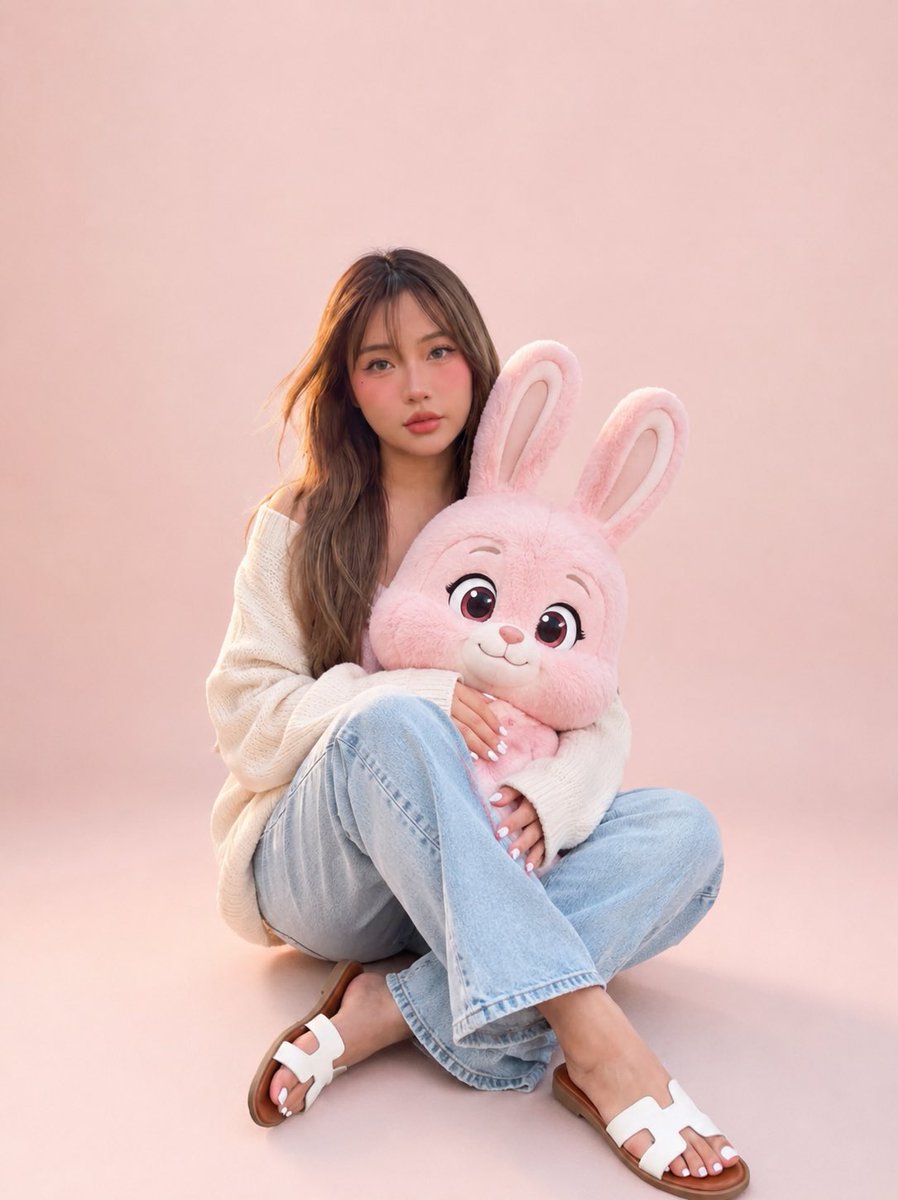
Portrait with Cartoon Pink Rabbit
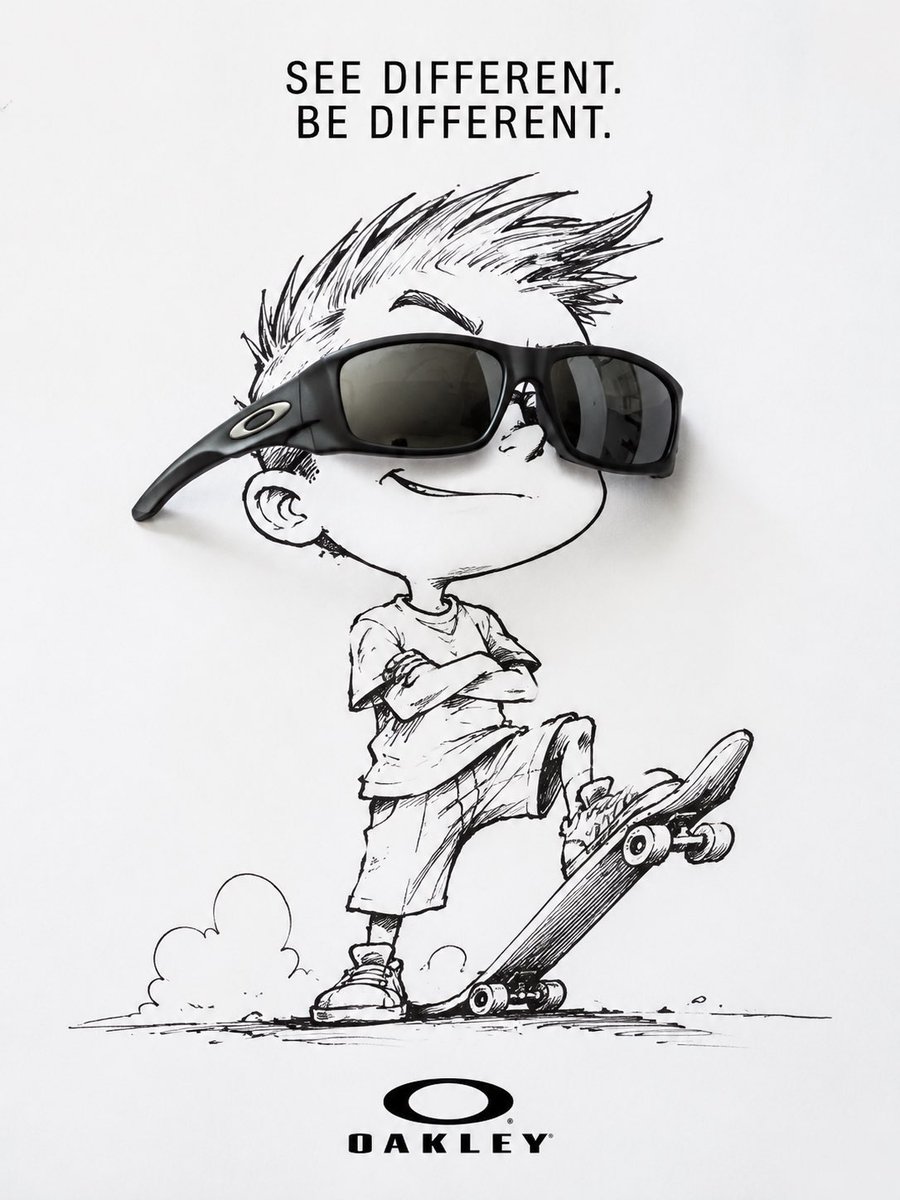
Oakley Skater Sunglasses Ad
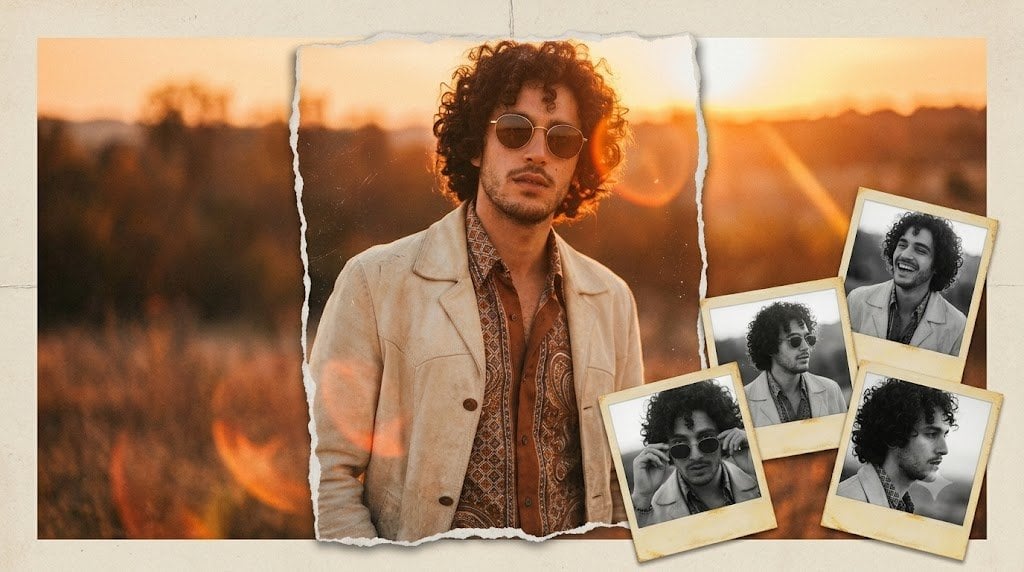
Vintage Anonymous Portrait Collage
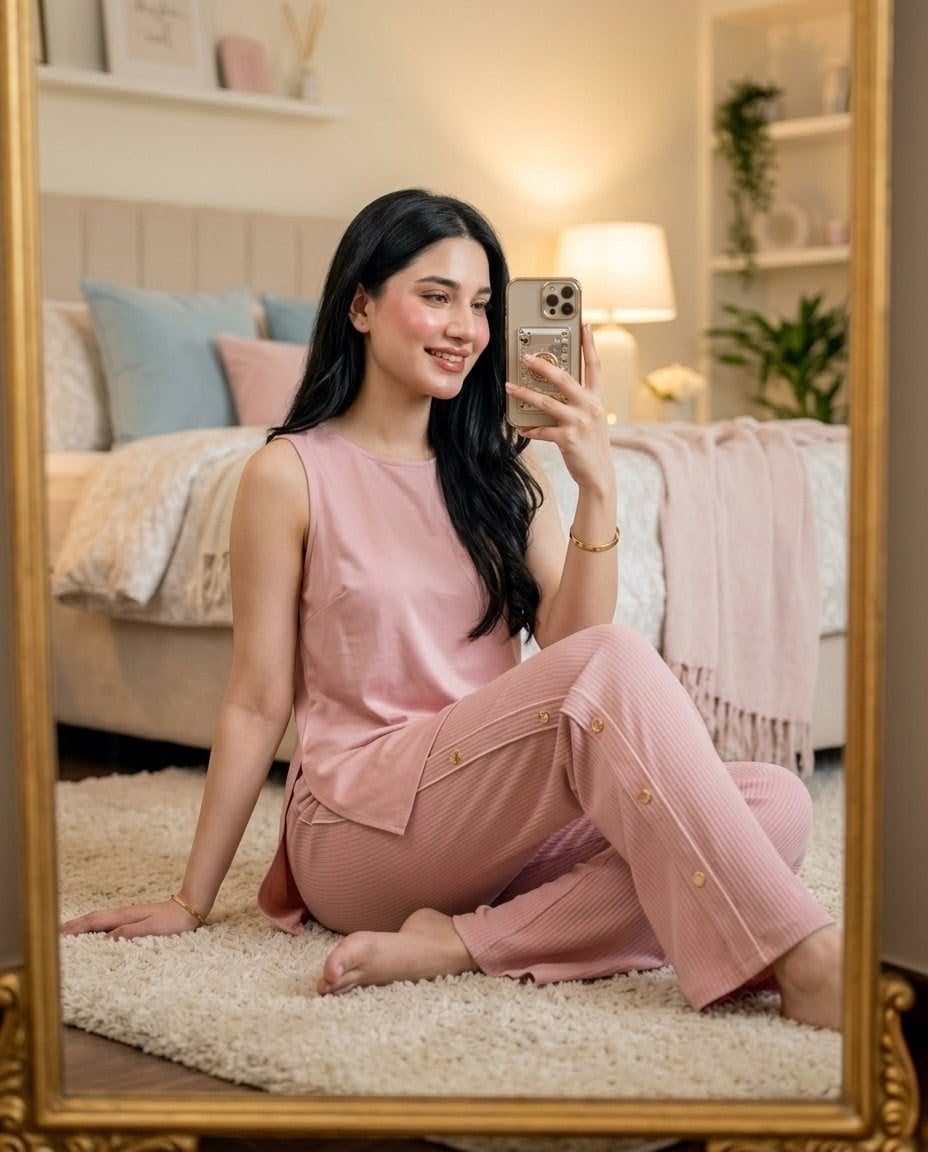
Pink Lounge Set Mirror Selfie
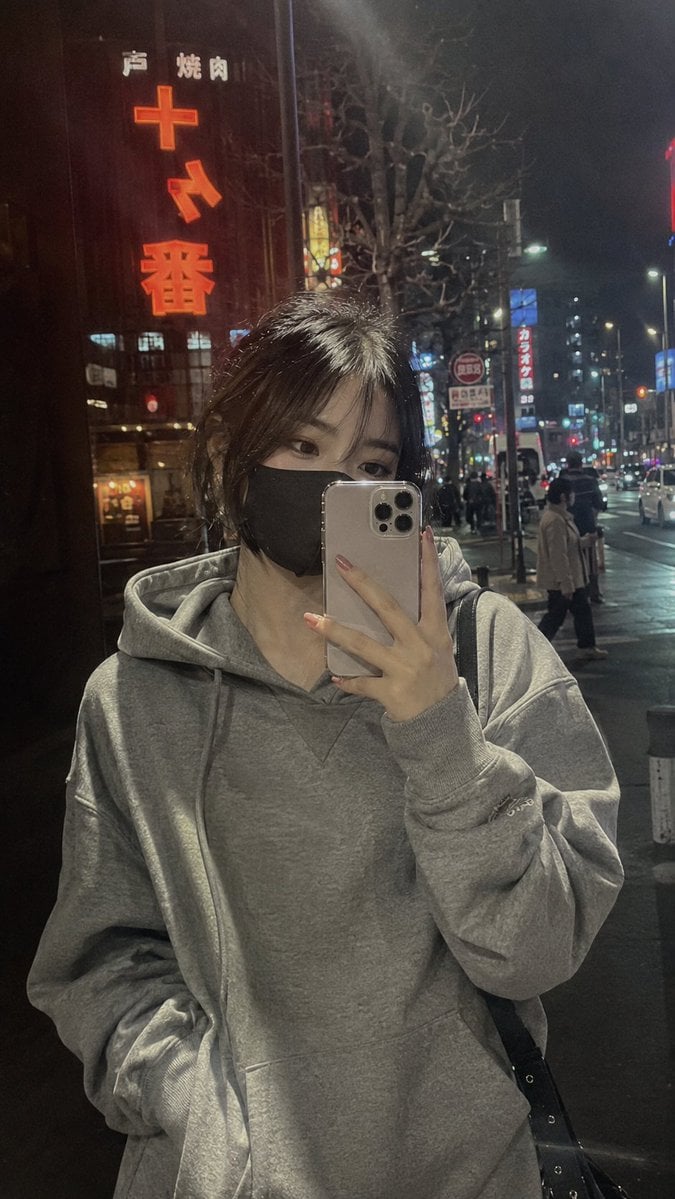
Rainy Neon Hoodie Selfie
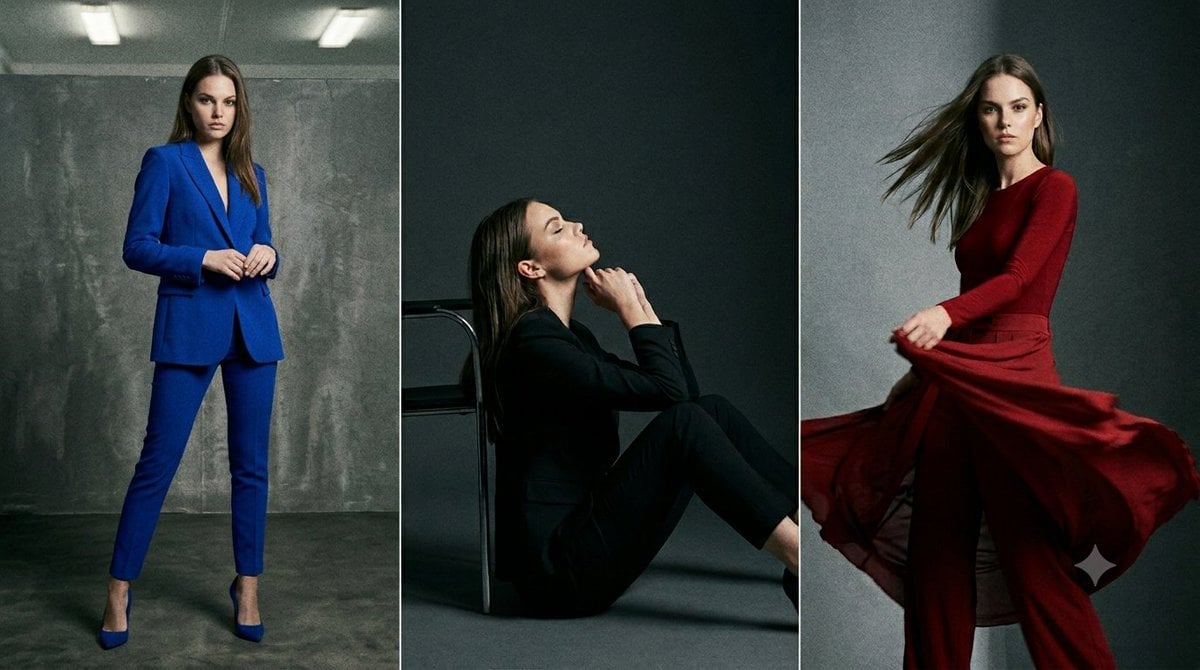
Anonymous Fashion Editorial Triptych
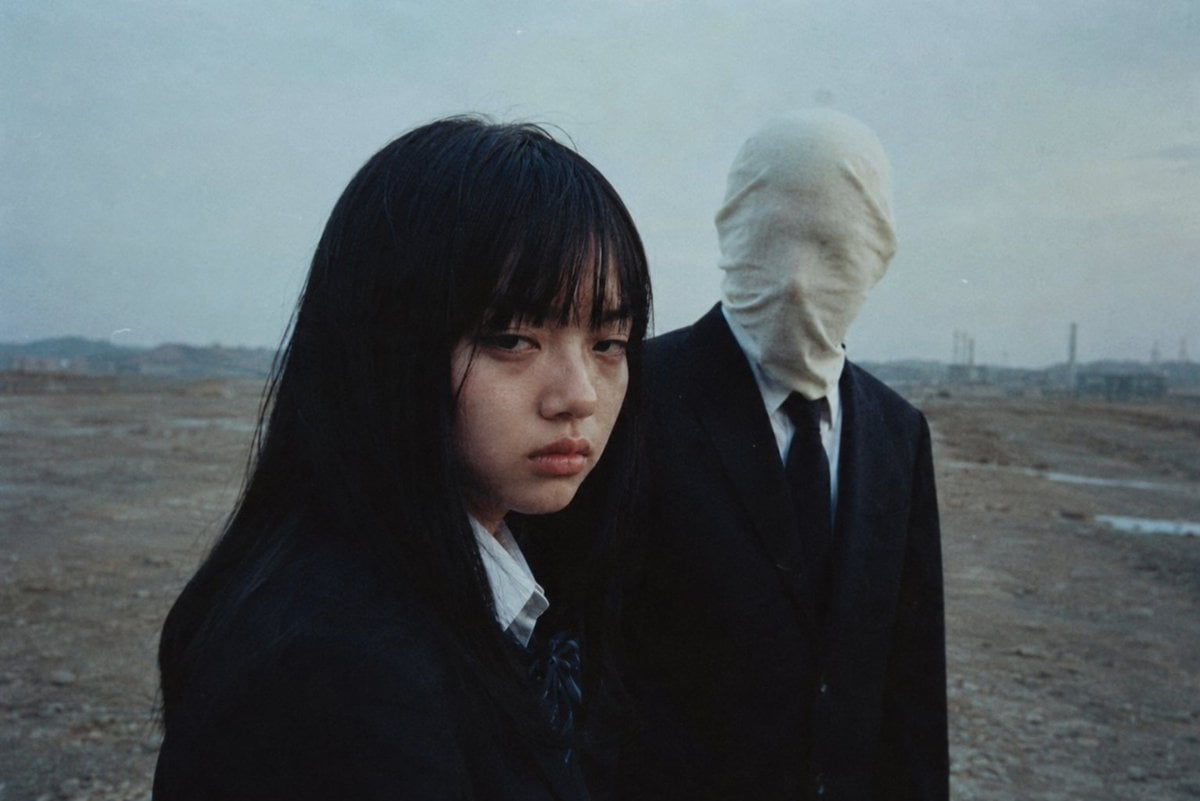
Anonymous Figures in Industrial Wasteland
Make it yours
Anonymous Pink Hoodie Skater works as-is. These are the safest ways to change it without losing the look.
Change one field
Copy a single group, rewrite it, and generate again so you can see what that field is doing.
Keep the frame, change the subject
Hold the composition and light of Anonymous Pink Hoodie Skater, then swap wardrobe, props or the person for a new take.
| If the result… | Why | Fix |
|---|---|---|
| The result drifts from the preview | Too many fields changed at once. | Reuse Anonymous Pink Hoodie Skater as-is first, then change one group — subject, light, or setting. |
| The model over-stylizes the scene | The prose prompt leaves finish and camera underspecified. | Add one camera or lighting sentence and stay on GPT Image 2. |
More GPT Image 2 templates
Other prompts made for GPT Image 2.

Six VTuber Japanese Logo Sheet

Realistic Portrait of Woman and Deer

The Vista Modular Condo Poster

AI Model Routing Comparison Infographic

2.5D Anime Art Board

Isometric Productivity Desk Scene

New York Double Exposure Poster

Four-Panel AI Landscape Comparison

Japanese Tatami Lifestyle Magazine Cover

NESCAFÉ Coffee Map Poster
More image prompts
Fresh picks from across the catalog.
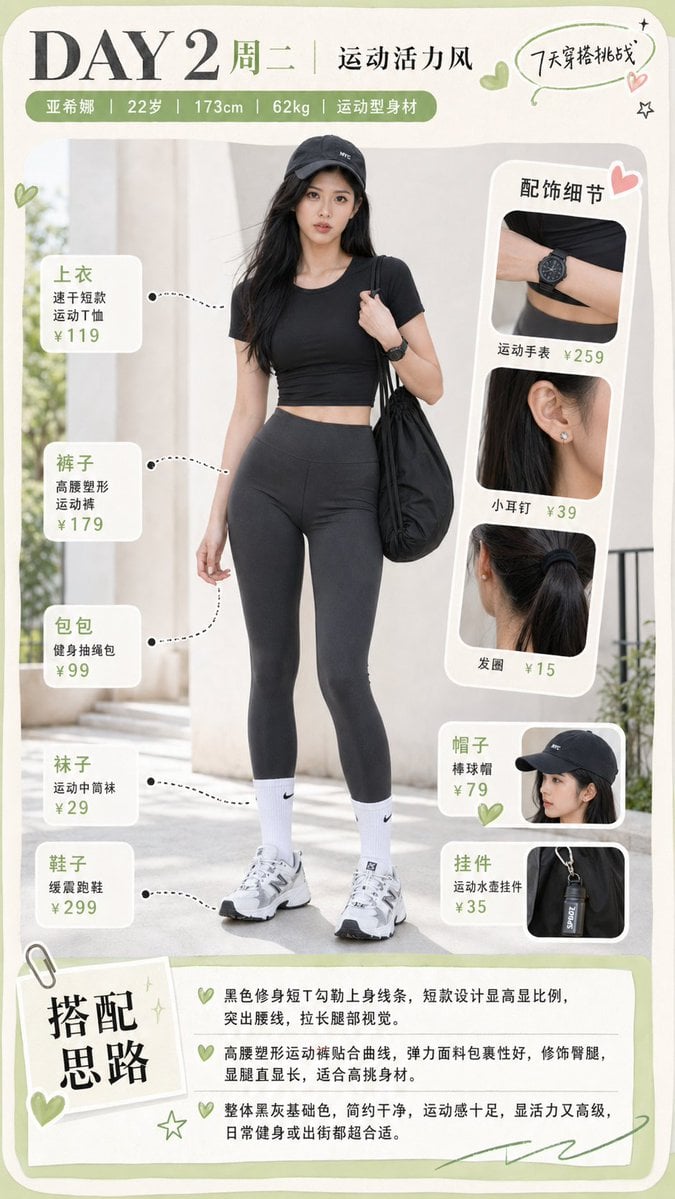
Sporty Outfit Breakdown Poster
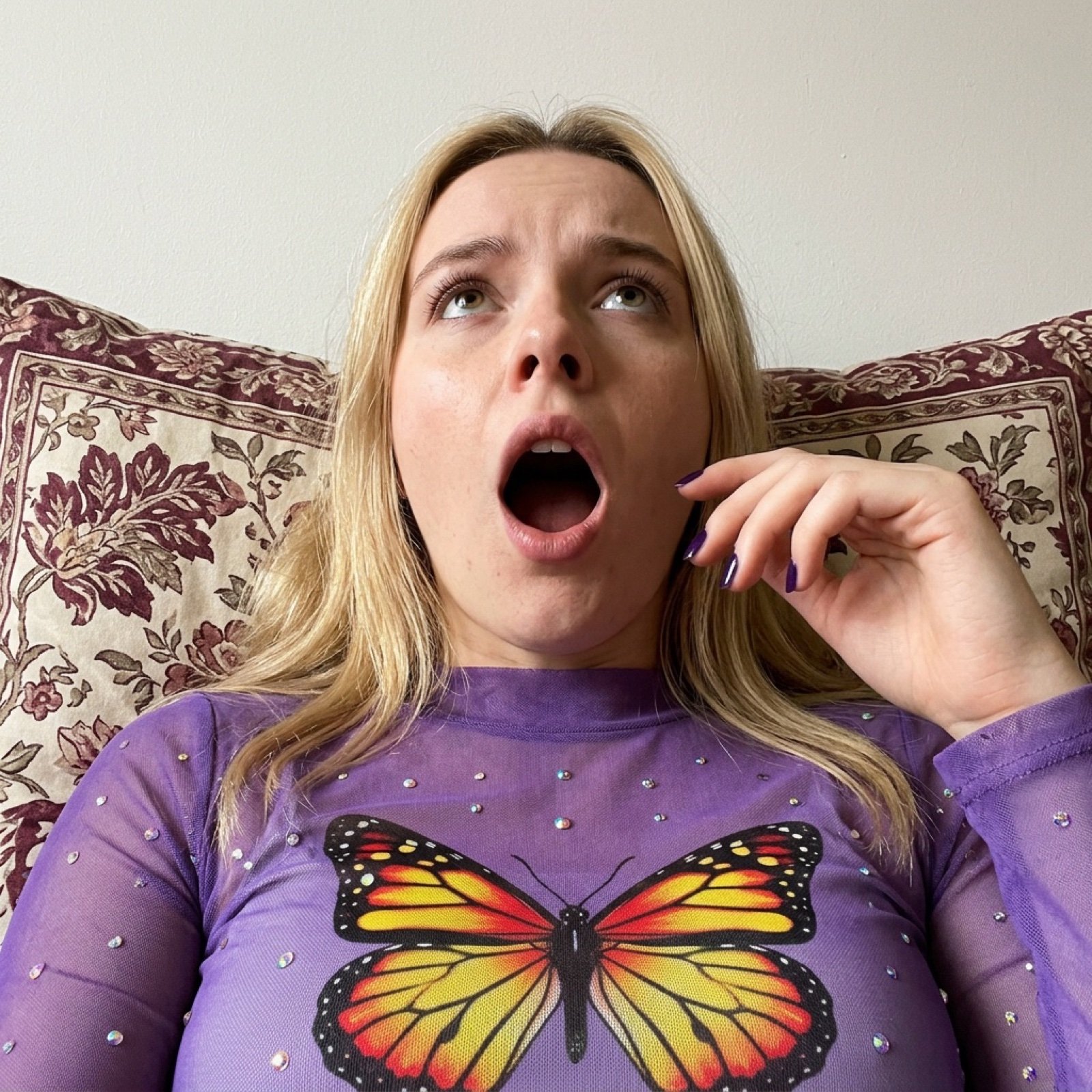
Image Generation Prompt for Shocked Young Woman
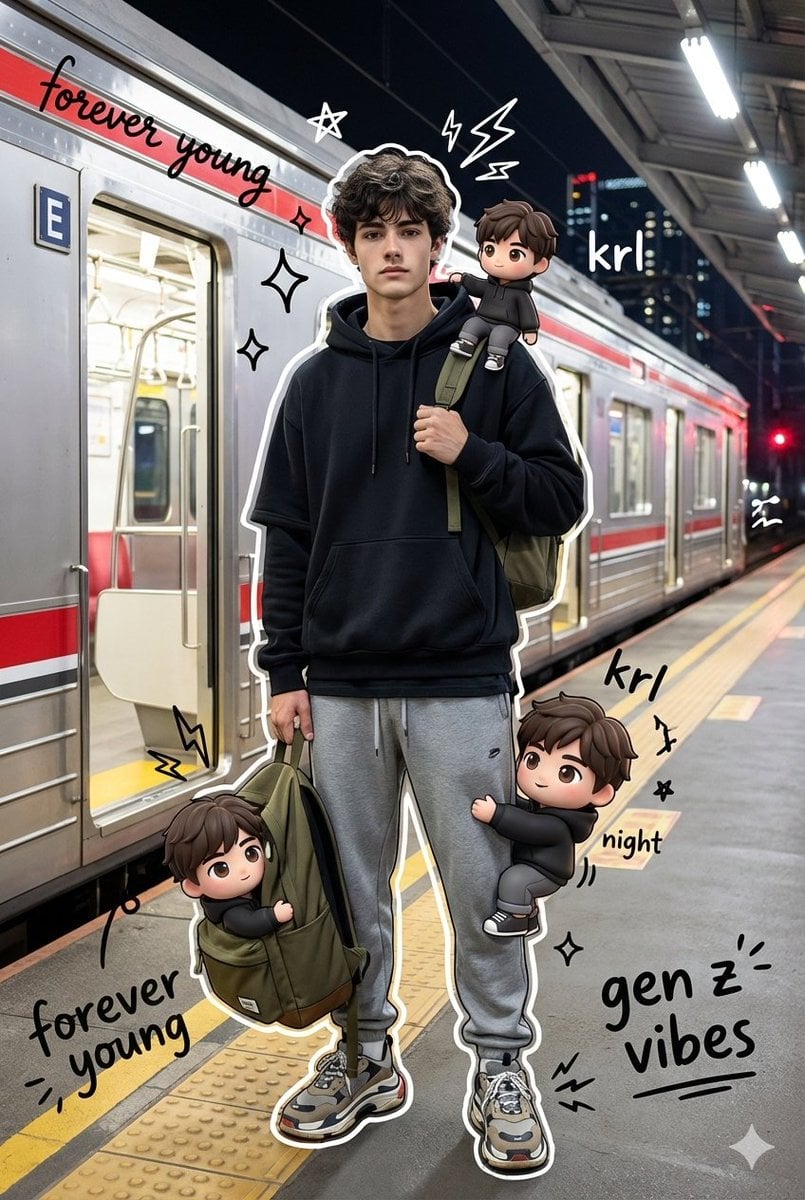
Mixed Media Portrait with Chibi Overlays
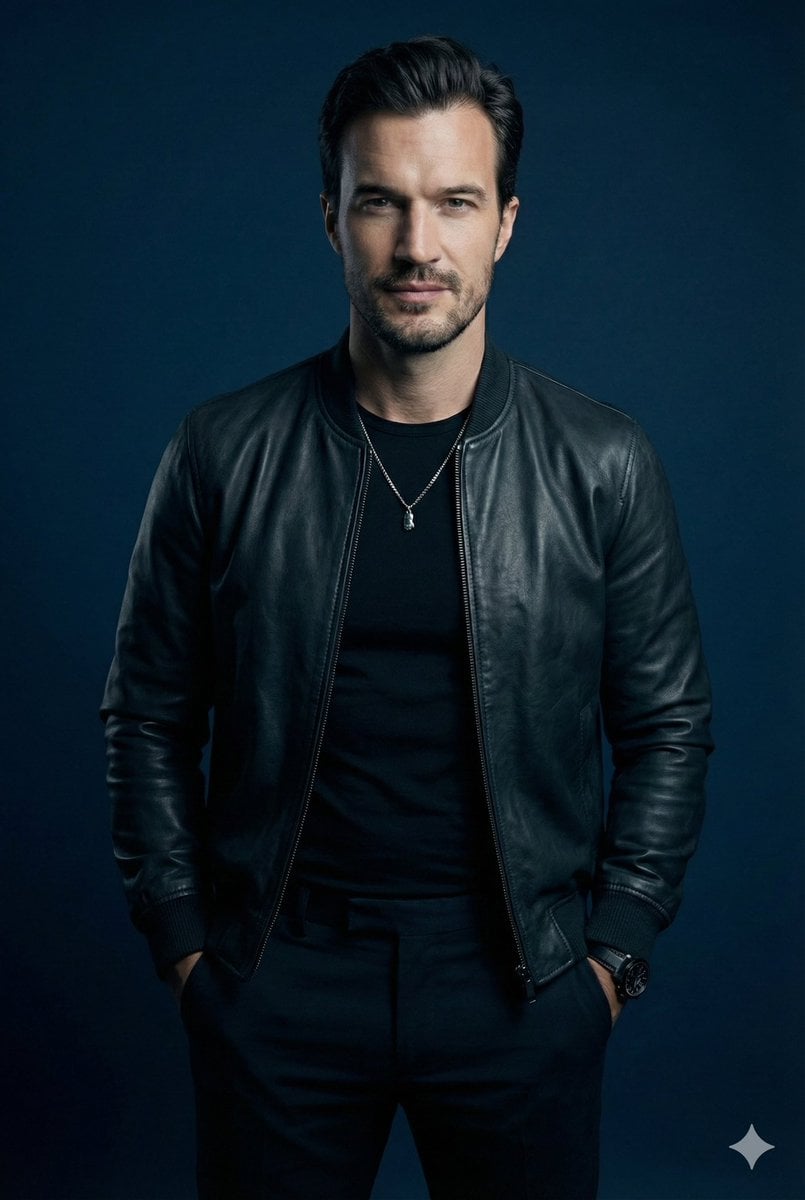
Moody Cinematic Studio Portrait Prompt
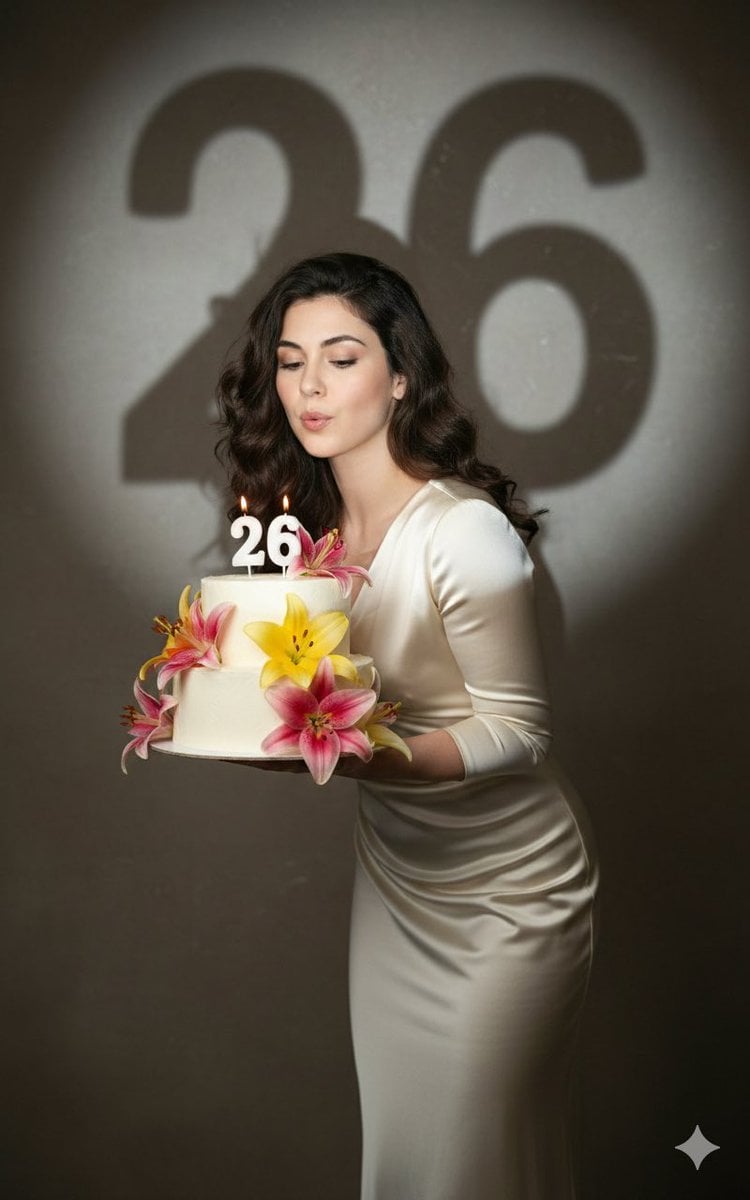
Cinematic Birthday Portrait Template
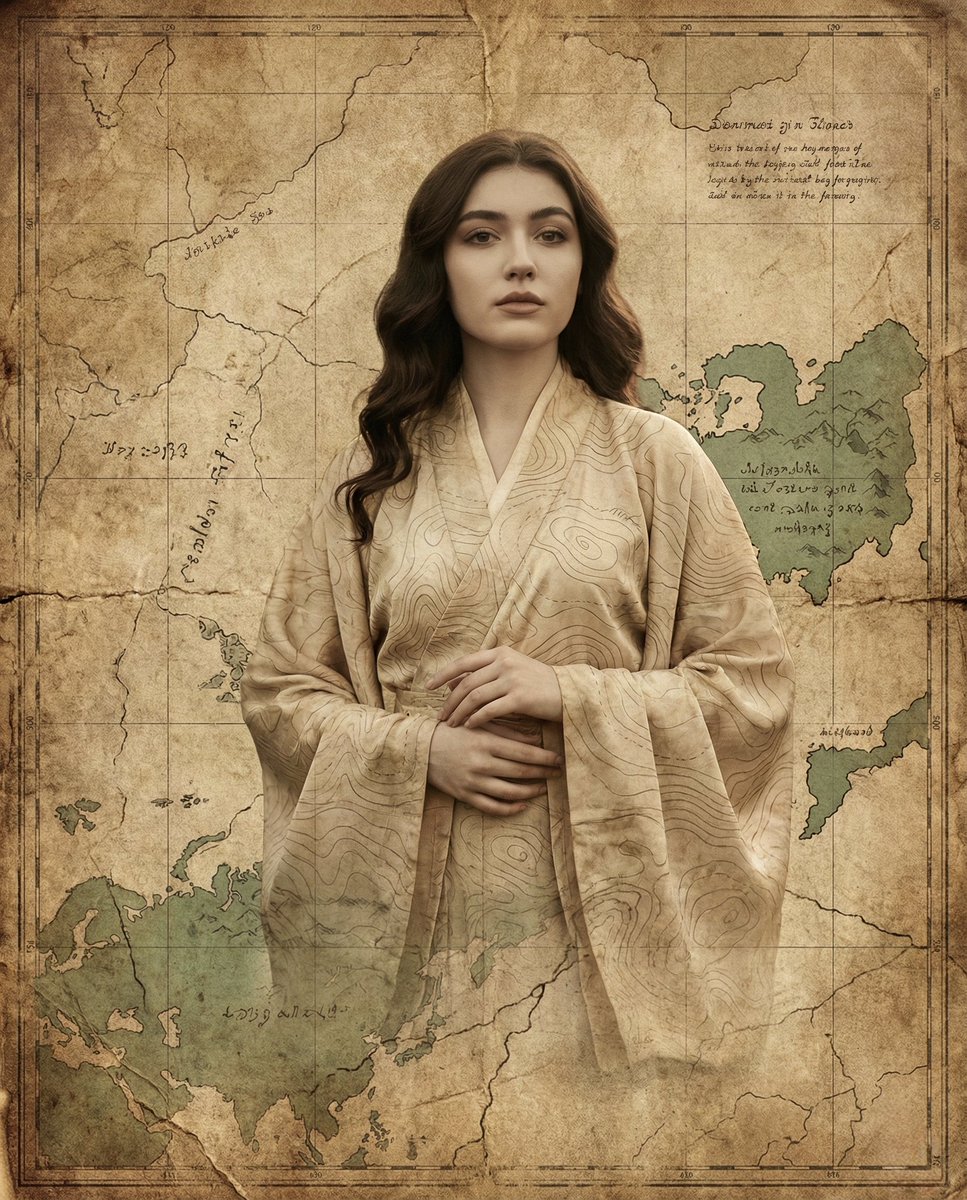
Surreal Fine-Art Portrait Emerging from Ancient Map
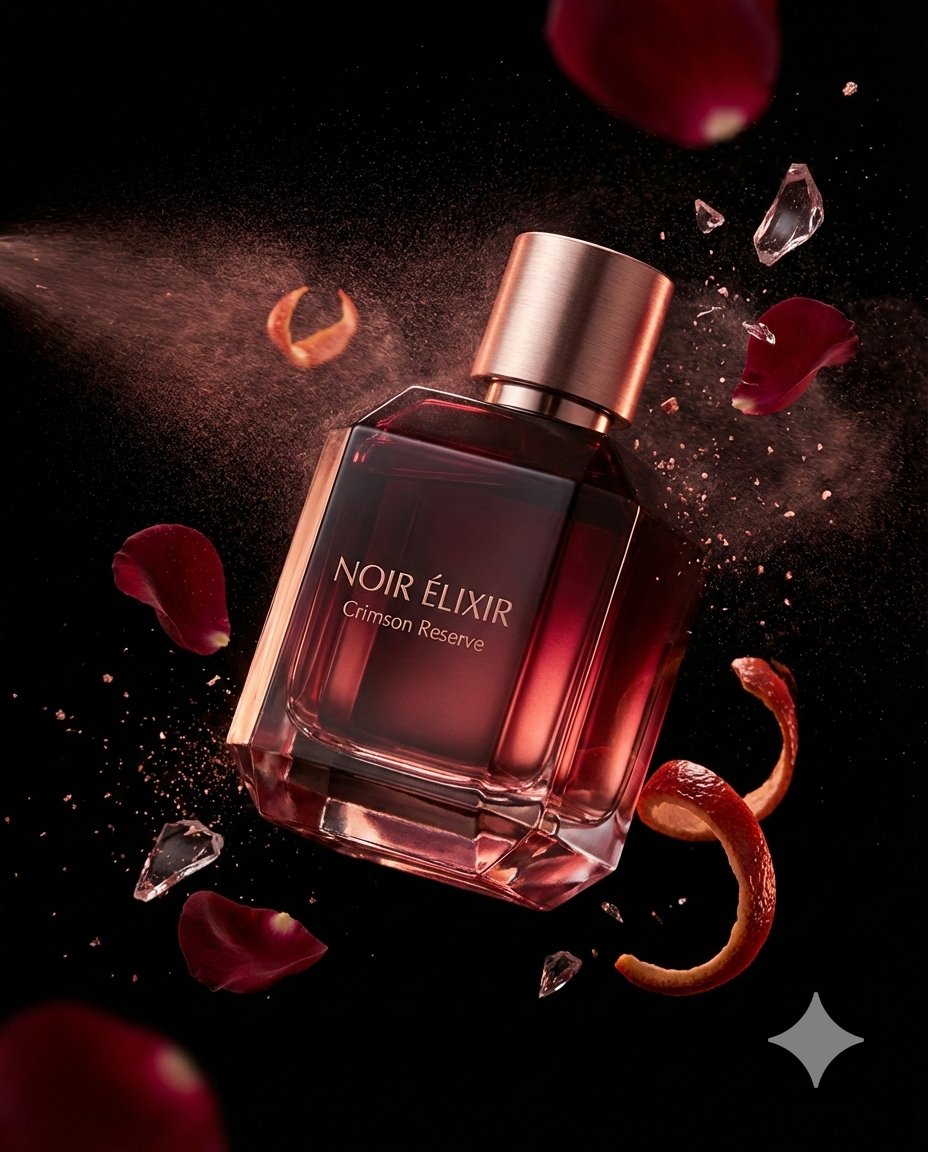
Luxury Fragrance Advertising Photography Prompt
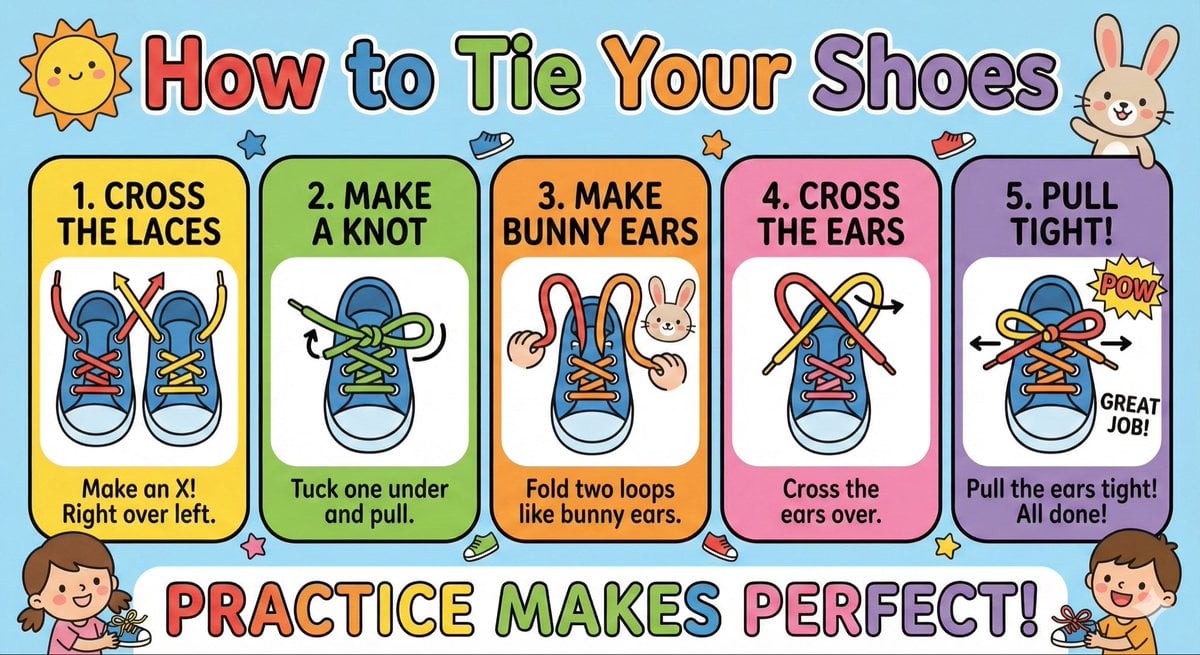
Kids' How-To Poster Prompt
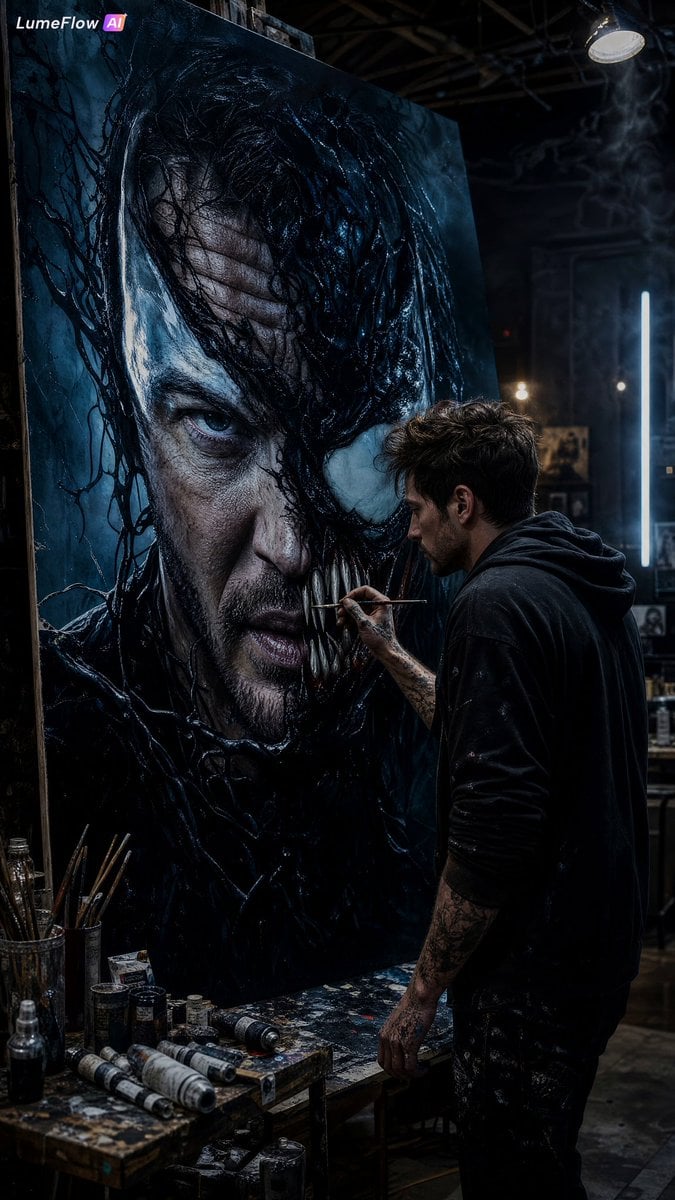
Cinematic Artist Studio Portrait
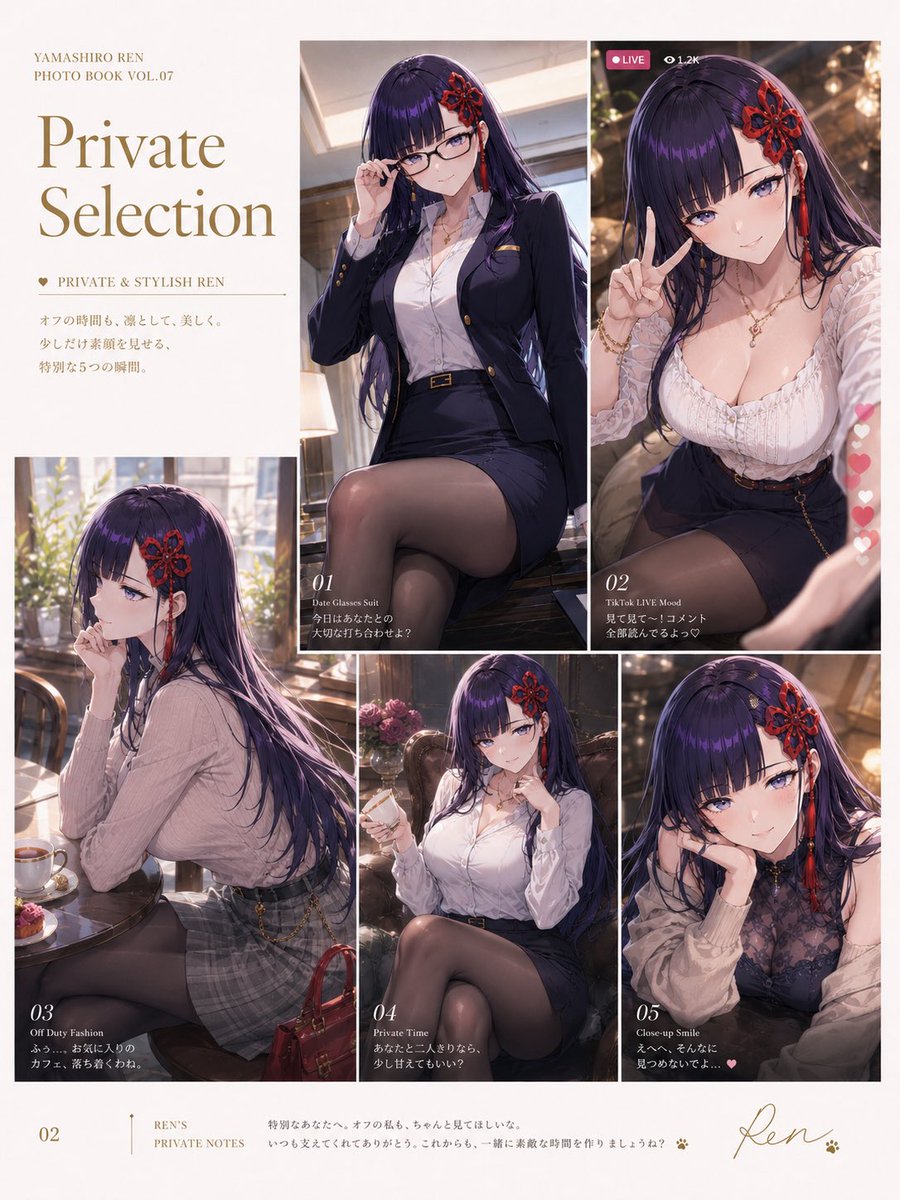
Private Selection Anime Photobook Page
Browse template categories
Anonymous Pink Hoodie Skater questions
How do I use the Anonymous Pink Hoodie Skater template?
Add your photo if the template asks for one, edit the prompt if you like — the template's model and format are already selected — and press Generate. Your version opens in PicX Studio.
Can I customize the Anonymous Pink Hoodie Skater template?
Yes. You can change the subject, setting, lighting, mood, format, and available model controls before creating your image.
Is the Anonymous Pink Hoodie Skater template free?
Opening and editing this template is free. Generating uses credits, shown on the Generate button when you are signed in.
Which AI model should I use?
Start with GPT Image 2, which is the model associated with this template. You can compare another compatible model for a different finish.
Looking for something else? Browse all templates.

Your photo, any look
Thousands of ready templates for every top image and video model, from one credit balance.