
Private Selection Anime Photobook Page
Generates a polished anime photobook collage page with five intimate lifestyle panels, gold editorial typography, captions, and luxury magazine styling.
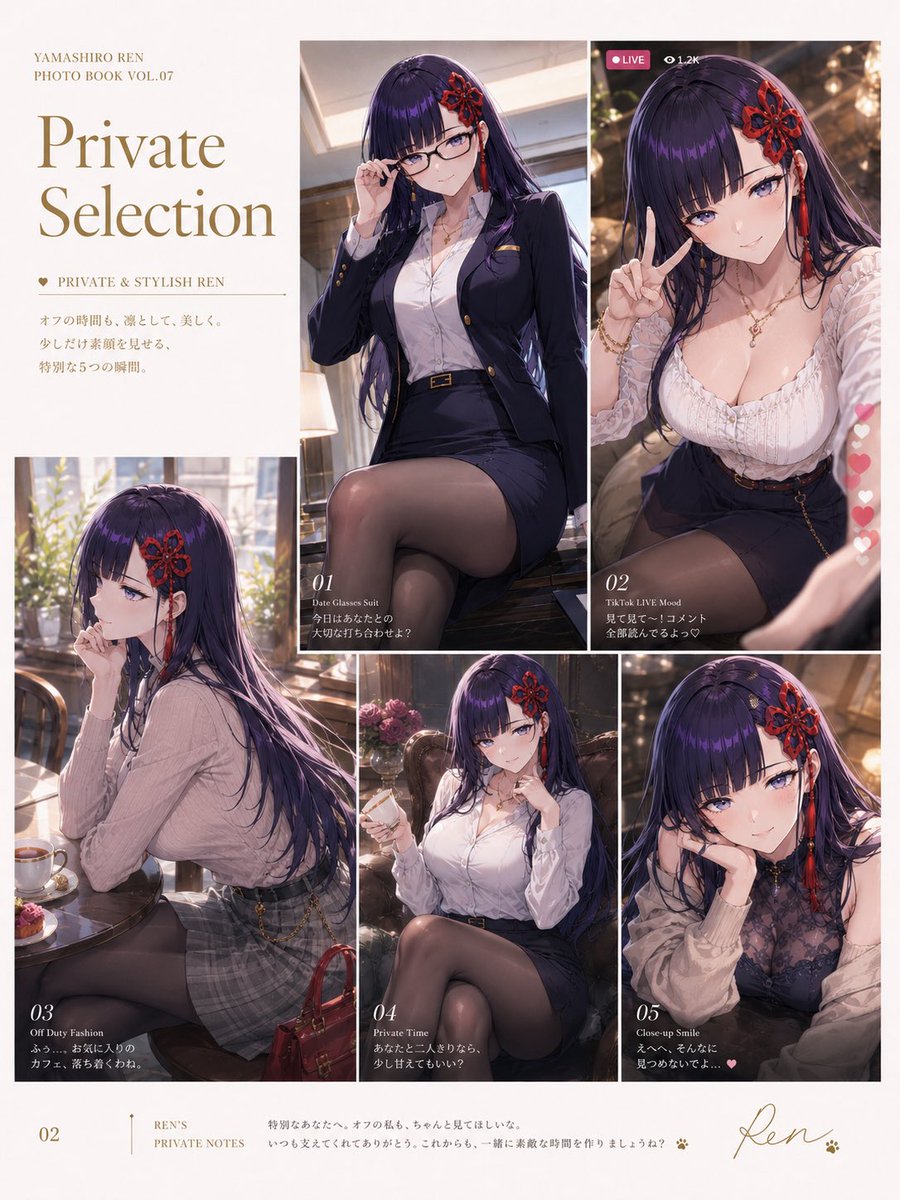
- Prompt included
- Model and format preset
- Premium template
The prompt behind this image
Copy the exact prompt behind Private Selection Anime Photobook Page, or open it in the studio and make it yours.
- Type
- anime photo book magazine collage page
- Format
- single vertical A4 editorial layout
- Subject › Character Name
- {argument name="character name" default="Yamashiro Ren"}
- Subject › Appearance
- elegant adult anime woman with very long dark purple-black hair, glossy violet highlights, straight bangs, red floral hair ornament and dangling red tassel accessory on the right side, refined queenly presence, soft blurred square over the face for privacy-photo-book styling
- Subject › Mood
- private, stylish, intimate, graceful, slightly playful
- Style › Rendering
- high-end AI anime illustration with realistic lighting, glossy hair, detailed fabric, cinematic depth of field, photobook editorial polish
- Style › Palette
- warm ivory, gold typography, deep navy, burgundy red accents, soft café sunlight
- Style › Page Background
- clean cream paper with thin white gutters between images
- Typography › Main Headline
- {argument name="headline text" default="Private Selection"}
- Typography › Top Small Text
- YAMASHIRO REN PHOTO BOOK VOL.07
- Typography › Section Tag
- ♥ PRIVATE & STYLISH REN
- Typography › Japanese Intro Copy
- オフの時間も、凛として、美しく。少しだけ素顔を見せる、特別な5つの瞬間。
- Typography › Footer Page Number
- 02
- Typography › Footer Label
- REN'S PRIVATE NOTES
- Typography › Footer Note
- 特別なあなたへ、オフの私も、ちゃんと見てほしいな。いつも支えてくれてありがとう。これからも、一緒に素敵な時間を作りましょうね?
- Typography › Signature
- Ren with tiny paw prints
- Layout › Overall
- asymmetrical photo book spread on one page: text column on the upper left, five numbered photo panels arranged in a luxury magazine grid, thin white borders, small captions overlaid in white serif type
- Layout › Discrete Photo Panels Count
- 5
- Layout › Photo Panels › 0 › Number
- 01
- Layout › Photo Panels › 0 › Title
- Date Glasses Suit
- Layout › Photo Panels › 0 › Position
- upper center tall panel
- Layout › Photo Panels › 0 › Description
- the character sits indoors in a fitted navy blazer and pencil skirt suit, white blouse open at the collar, black belt with gold buckle, sheer black stockings, legs crossed, one hand lifting glasses near her face, warm office or lounge interior
- Layout › Photo Panels › 0 › Caption
- 今日はあなたとの大切な打ち合わせ?
- Layout › Photo Panels › 1 › Number
- 02
Raw JSON
{"type":"anime photo book magazine collage page","format":"single vertical A4 editorial layout","subject":{"character name":"{argument name=\"character name\" default=\"Yamashiro Ren\"}","appearance":"elegant adult anime woman with very long dark purple-black hair, glossy violet highlights, straight bangs, red floral hair ornament and dangling red tassel accessory on the right side, refined queenly presence, soft blurred square over the face for privacy-photo-book styling","mood":"private, stylish, intimate, graceful, slightly playful"},"style":{"rendering":"high-end AI anime illustration with realistic lighting, glossy hair, detailed fabric, cinematic depth of field, photobook editorial polish","palette":"warm ivory, gold typography, deep navy, burgundy red accents, soft café sunlight","page background":"clean cream paper with thin white gutters between images"},"typography":{"main headline":"{argument name=\"headline text\" default=\"Private Selection\"}","top small text":"YAMASHIRO REN PHOTO BOOK VOL.07","section tag":"♥ PRIVATE & STYLISH REN","Japanese intro copy":"オフの時間も、凛として、美しく。少しだけ素顔を見せる、特別な5つの瞬間。","footer page number":"02","footer label":"REN'S PRIVATE NOTES","footer note":"特別なあなたへ、オフの私も、ちゃんと見てほしいな。いつも支えてくれてありがとう。これからも、一緒に素敵な時間を作りましょうね?","signature":"Ren with tiny paw prints"},"layout":{"overall":"asymmetrical photo book spread on one page: text column on the upper left, five numbered photo panels arranged in a luxury magazine grid, thin white borders, small captions overlaid in white serif type","discrete photo panels count":5,"photo panels":[{"number":"01","title":"Date Glasses Suit","position":"upper center tall panel","description":"the character sits indoors in a fitted navy blazer and pencil skirt suit, white blouse open at the collar, black belt with gold buckle, sheer black stockings, legs crossed, one hand lifting glasses near her face, warm office or lounge interior","caption":"今日はあなたとの大切な打ち合わせ?"},{"number":"02","title":"TikTok LIVE Mood","position":"upper right tall panel","description":"selfie-style vertical livestream frame, character in a white frilled low-neck blouse and dark skirt, making a peace sign close to camera, warm night lights in background, social media overlay with pink LIVE badge, viewer count 1.2K, and a vertical column of floating heart icons on the right","caption":"見て見て〜!コメント全部読んでるよ♡"},{"number":"03","title":"Off Duty Fashion","position":"lower left large panel","description":"side profile café scene by a bright window, character seated at a small round table with tea cup and dessert, wearing a pale pink ribbed knit sweater and gray plaid mini skirt, red handbag on the floor, hand resting near lips, sunlight through plants","caption":"ふわっと香る紅茶。カフェ、落ち着くわね。"},{"number":"04","title":"Private Time","position":"lower middle small panel","description":"cozy lounge chair portrait, character in white blouse and dark skirt holding a drink, legs crossed in sheer stockings, flowers and warm lamp-like background, gently private atmosphere","caption":"あなたと二人きりなら、少し甘えてもいい?"},{"number":"05","title":"Close-up Smile","position":"lower right small panel","description":"close-up table pose, character leaning forward with chin on hand, wearing a sheer black lace top over innerwear with pale sleeves, intimate smile implied under face blur, golden bokeh background","caption":"えへへ、そんなに見つめないでよ…♥"}]},"outfits":{"count":5,"items":["navy business suit with white blouse and stockings","white frilled blouse with dark skirt for livestream selfie","pink knit sweater with gray plaid mini skirt","white blouse and dark skirt with drink","black lace close-up outfit with pale sleeves"]},"quality":"ultra detailed, professional photobook design, readable elegant serif text, cohesive editorial composition, no extra panels, no watermark"}How to use Private Selection Anime Photobook Page in 3 steps
- 1Upload ImagePNG, JPG or paste
Add your photo
Upload the photo the template builds on. The prompt, model and format are already set.
- 2…a portrait of your subject in softgolden-hour light, 85mm…
Personalize
Edit the subject and creative details for your destination.
- 3Generate
Generate
Press Generate — your image is created in PicX Studio, so you can compare it with the original and refine one variable at a time.
More like this
Templates with the same subject, style or setup. Open one to see its prompt.












Make it yours
Private Selection Anime Photobook Page works as-is. These are the safest ways to change it without losing the look.
Swap the setting
Keep the rest of the prompt and replace the location block. The current setting is “clean cream paper with thin white gutters between images”.
Change one field
Copy a single group, rewrite it, and generate again so you can see what that field is doing.
Keep the frame, change the subject
Hold the composition and light of Private Selection Anime Photobook Page, then swap wardrobe, props or the person for a new take.
| If the result… | Why | Fix |
|---|---|---|
| The result drifts from the preview | Too many fields changed at once. | Reuse Private Selection Anime Photobook Page as-is first, then change one group — subject, light, or setting. |
| GPT Image 2 ignores part of the JSON | Some models flatten or skip nested keys. | Keep the same values and paste them as a short paragraph instead. |
More GPT Image 2 templates
Other prompts made for GPT Image 2.

Six VTuber Japanese Logo Sheet

Realistic Portrait of Woman and Deer

The Vista Modular Condo Poster

AI Model Routing Comparison Infographic

2.5D Anime Art Board

Isometric Productivity Desk Scene

New York Double Exposure Poster

Four-Panel AI Landscape Comparison

Japanese Tatami Lifestyle Magazine Cover

NESCAFÉ Coffee Map Poster
More image prompts
Fresh picks from across the catalog.
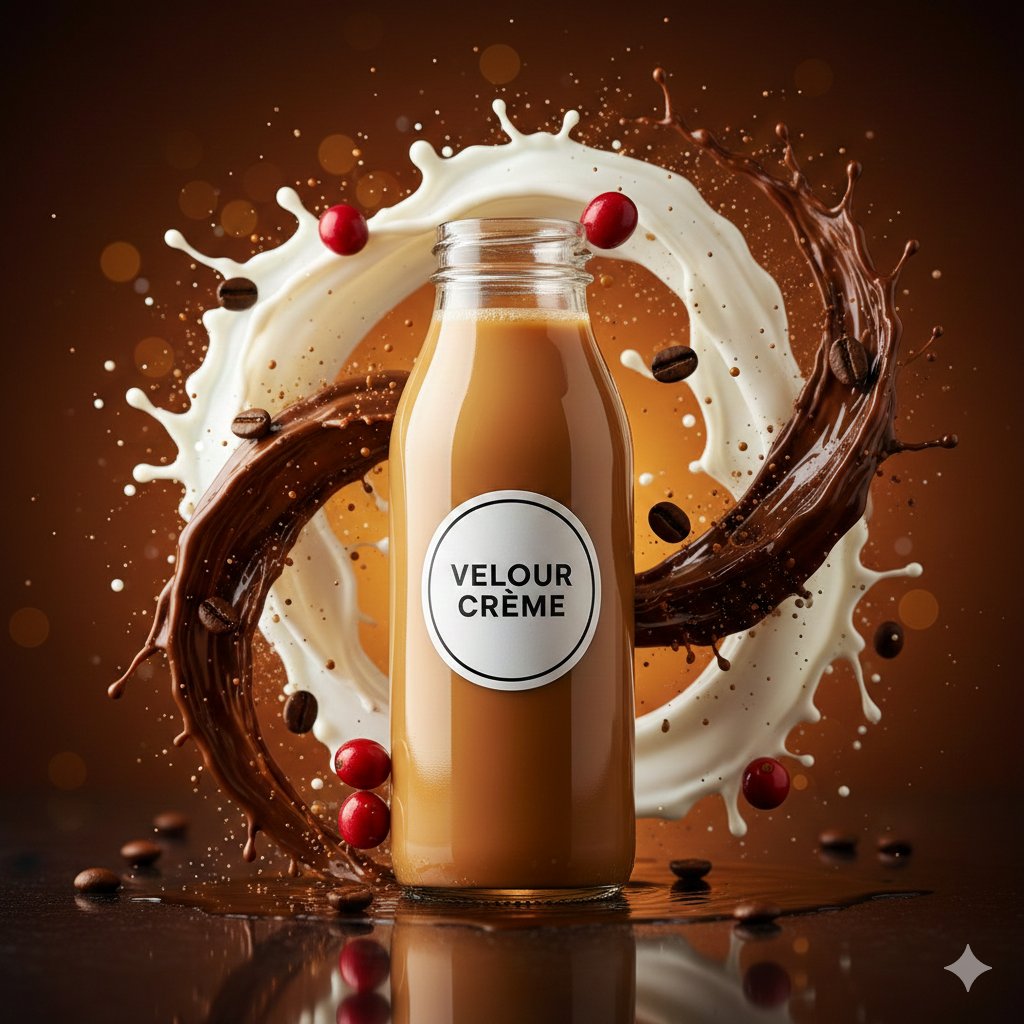
High-Speed Commercial Food Photography Prompt for Latte Bottle
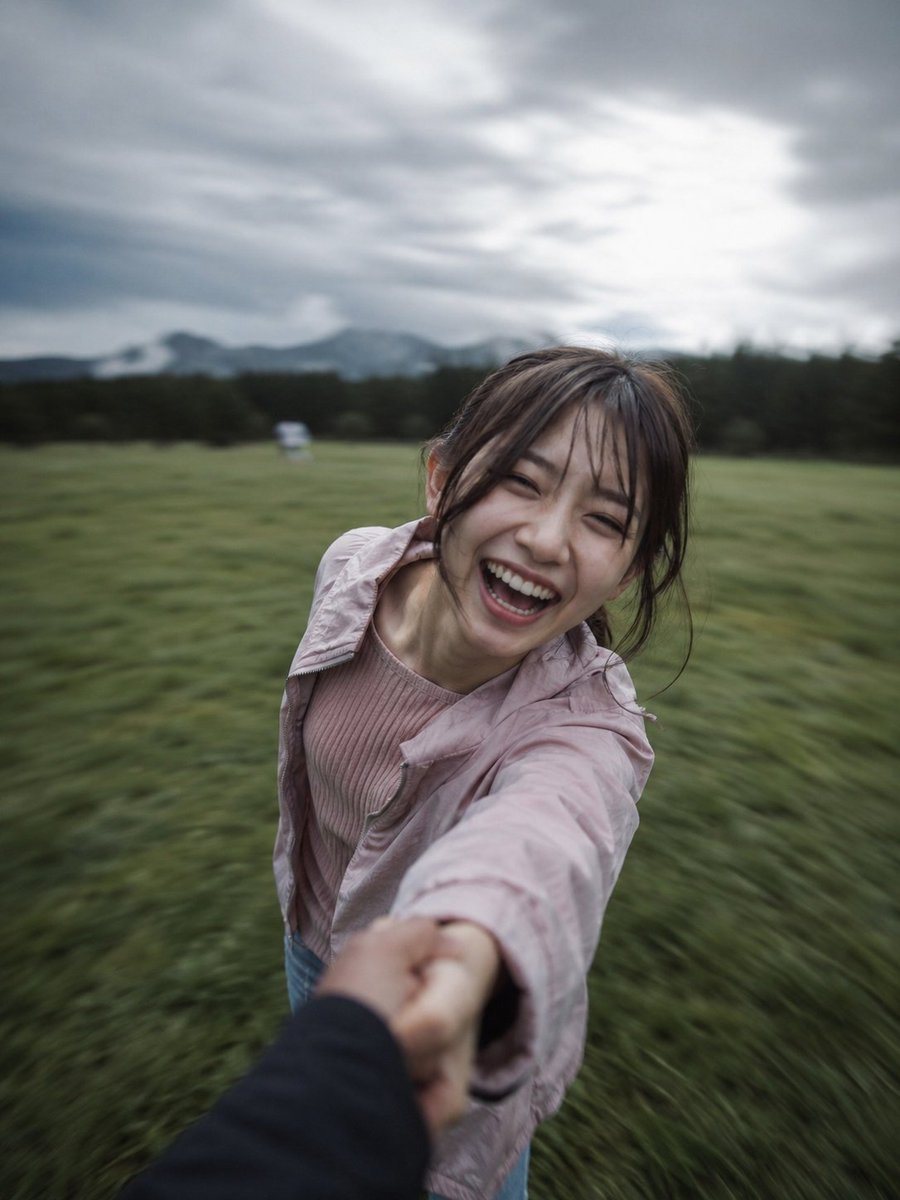
Cinematic POV Spinning Motion Photography
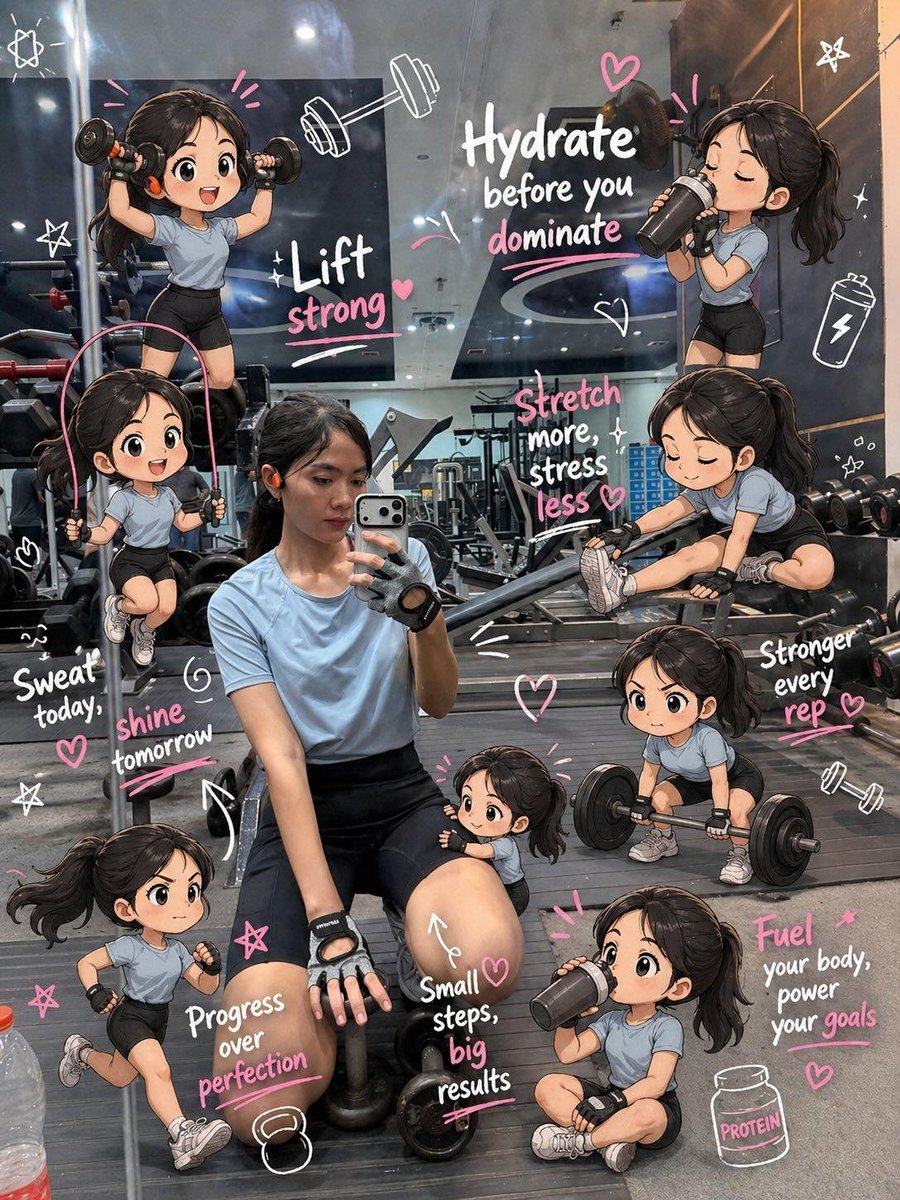
Chibi Mini Versions Photo Edit
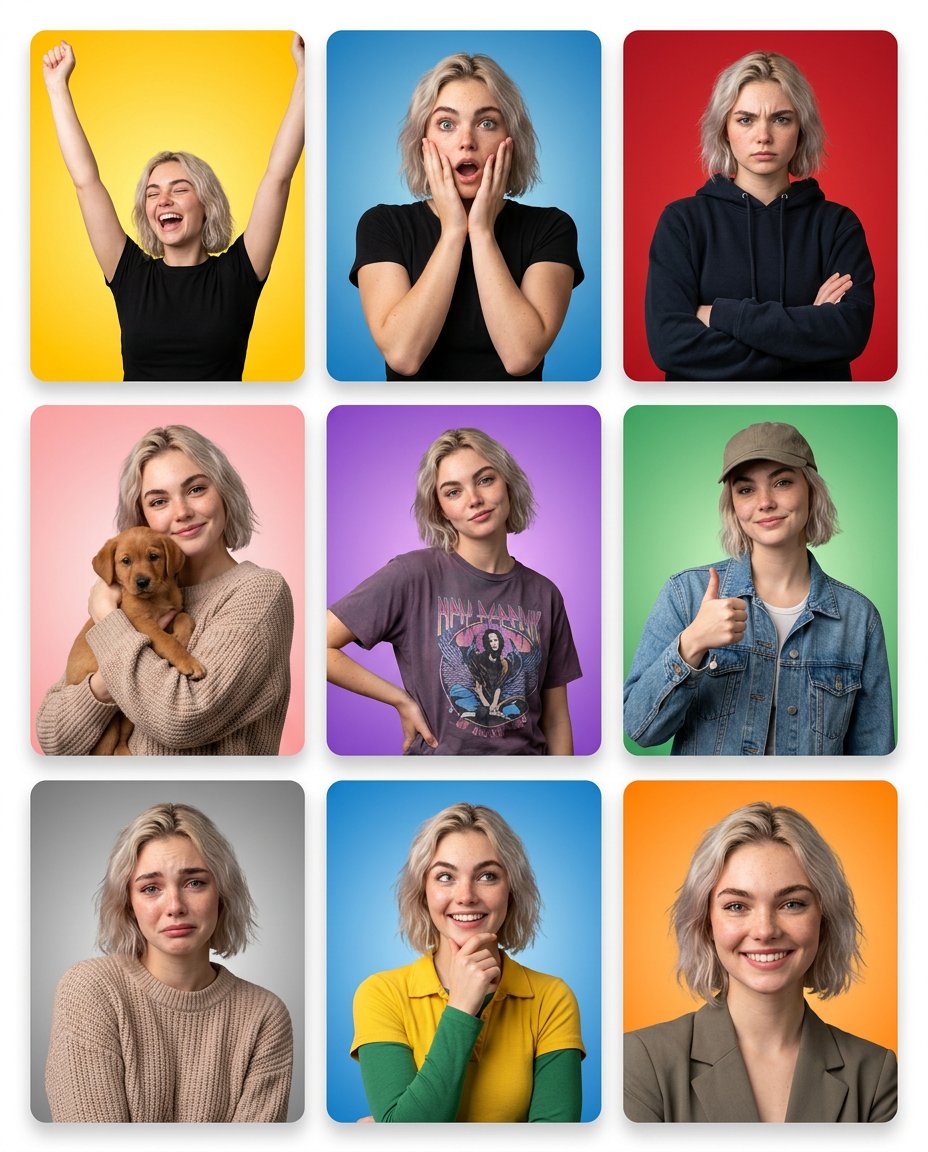
Emotion Grid with Gradient Backgrounds
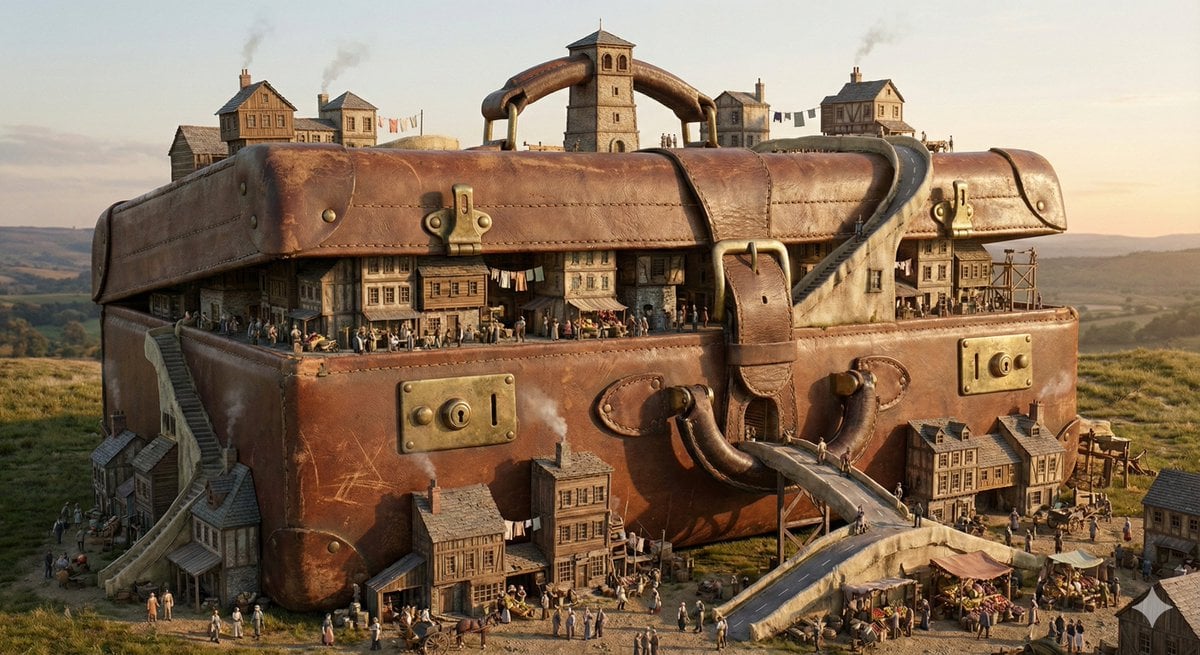
Everyday Object Reimagined as a City
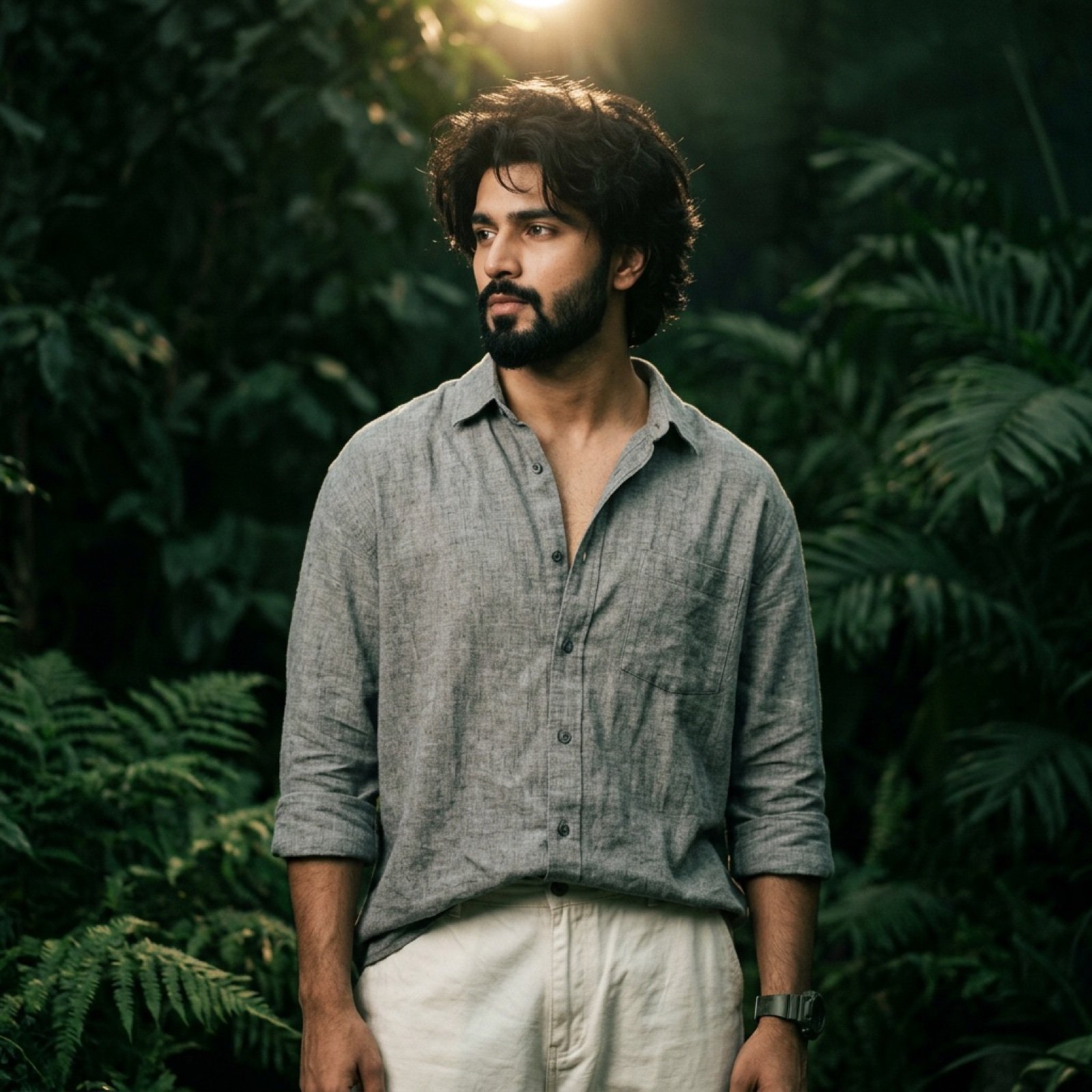
Dark Green Cinematic Male Portrait with Identity Lock

China Southern A380 Takeoff at Pudong
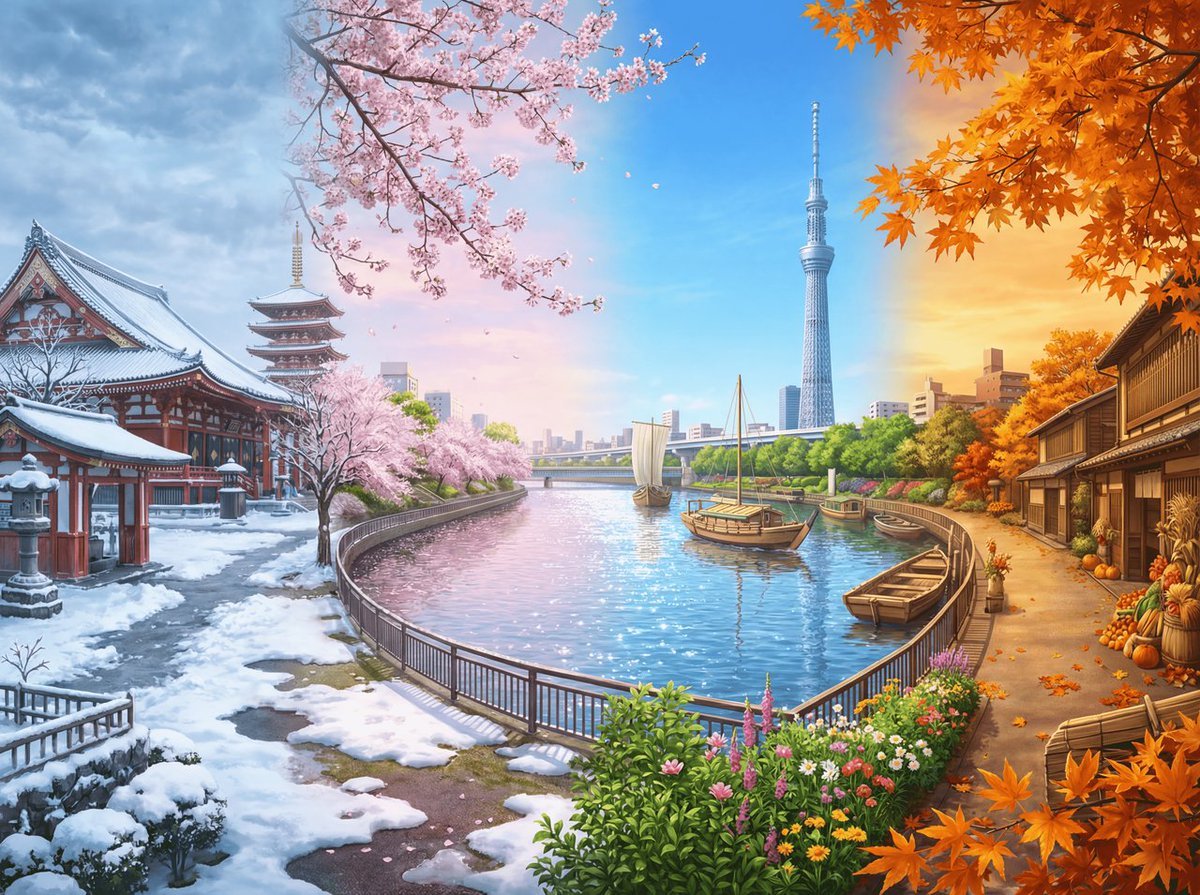
Four Seasons Panorama of Asakusa and Skytree

Cinematic Firelit Portrait Transformation
Photorealistic Ada Wong Cosplay Selfie
Browse template categories
Private Selection Anime Photobook Page questions
How do I use the Private Selection Anime Photobook Page template?
Add your photo if the template asks for one, edit the prompt if you like — the template's model and format are already selected — and press Generate. Your version opens in PicX Studio.
Can I customize the Private Selection Anime Photobook Page template?
Yes. You can change the subject, setting, lighting, mood, format, and available model controls before creating your image.
Is the Private Selection Anime Photobook Page template free?
Opening and editing this template is free. Generating uses credits, shown on the Generate button when you are signed in.
Which AI model should I use?
Start with GPT Image 2, which is the model associated with this template. You can compare another compatible model for a different finish.
Looking for something else? Browse all templates.

Your photo, any look
Thousands of ready templates for every top image and video model, from one credit balance.