
China Southern A380 Takeoff at Pudong
This prompt generates a realistic plane-spotting style photo of a China Southern A380 taking off from Shanghai Pudong Airport, useful for aviation imagery and travel-themed visuals.

- Prompt included
- Model and format preset
- Free template
The prompt behind this image
Copy the exact prompt behind China Southern A380 Takeoff at Pudong, or open it in the studio and make it yours.
A highly realistic aviation photograph of a {argument name="airline" default="China Southern"} Airbus {argument name="aircraft model" default="A380"} rotating for takeoff at {argument name="airport" default="Shanghai Pudong International Airport"}, captured from the side in a telephoto spotter style. The aircraft is climbing slightly nose-up just above the runway with landing gear still extended, all four engines visible, white fuselage with a deep blue cheatline, large Chinese airline lettering on the forward fuselage, English airline name along the side, and a bright blue tailfin with a red kapok flower logo. Show the airport terminal buildings in the background and a tall air traffic control tower on the right side, under clear daylight with mild haze and realistic airport atmosphere. Include runway edge details, taxiway signs, dry grass foreground, and at least 2 small background aircraft near the terminal, one plausibly resembling an older China Eastern livery. Natural documentary photography, sharp detail, accurate proportions, realistic lighting, 3:2 composition, no illustration styling, no dramatic sunset colors.
How to use China Southern A380 Takeoff at Pudong in 3 steps
- 1Upload ImagePNG, JPG or paste
Add your photo
Upload the photo the template builds on. The prompt, model and format are already set.
- 2…a portrait of your subject in softgolden-hour light, 85mm…
Personalize
Edit the subject and creative details for your destination.
- 3Generate
Generate
Press Generate — your image is created in PicX Studio, so you can compare it with the original and refine one variable at a time.
More like this
Templates with the same subject, style or setup. Open one to see its prompt.
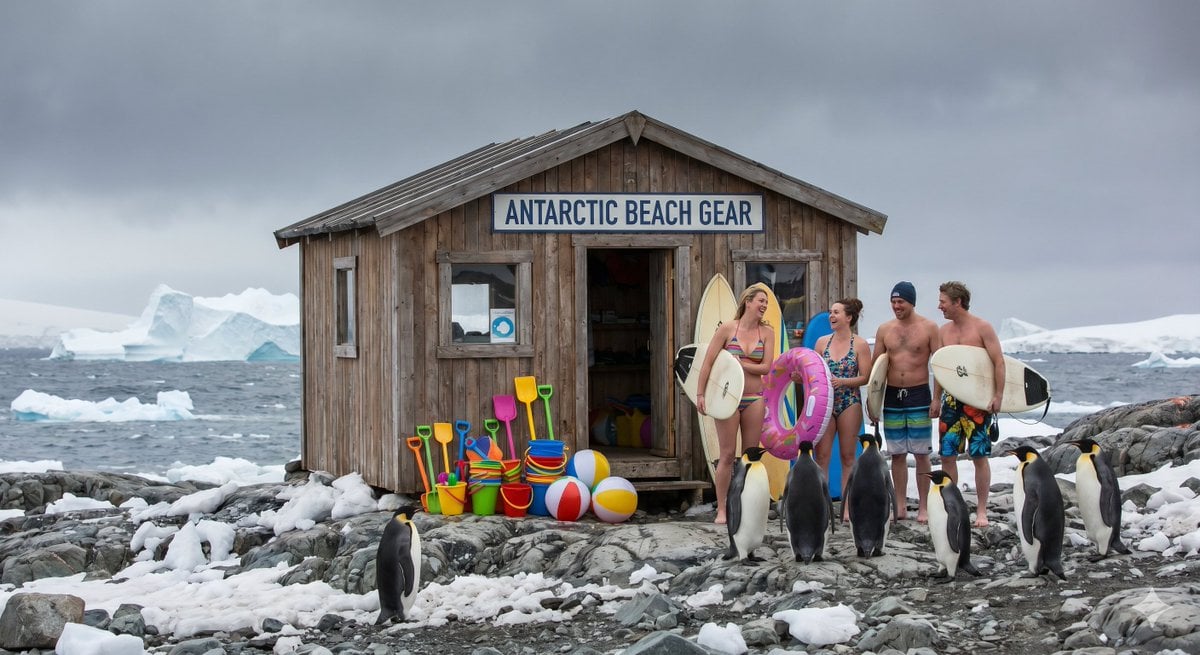
Ultimate Southern Beach Scene

Ghibli Final Takeoff Field
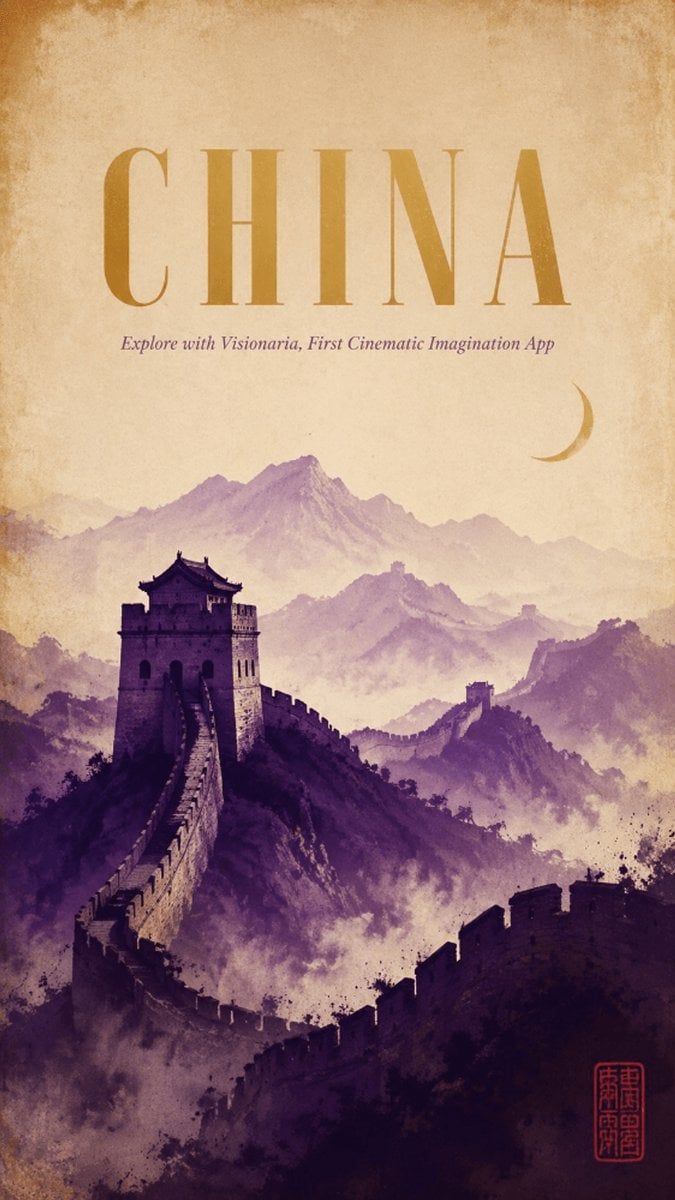
Vintage China Great Wall Poster
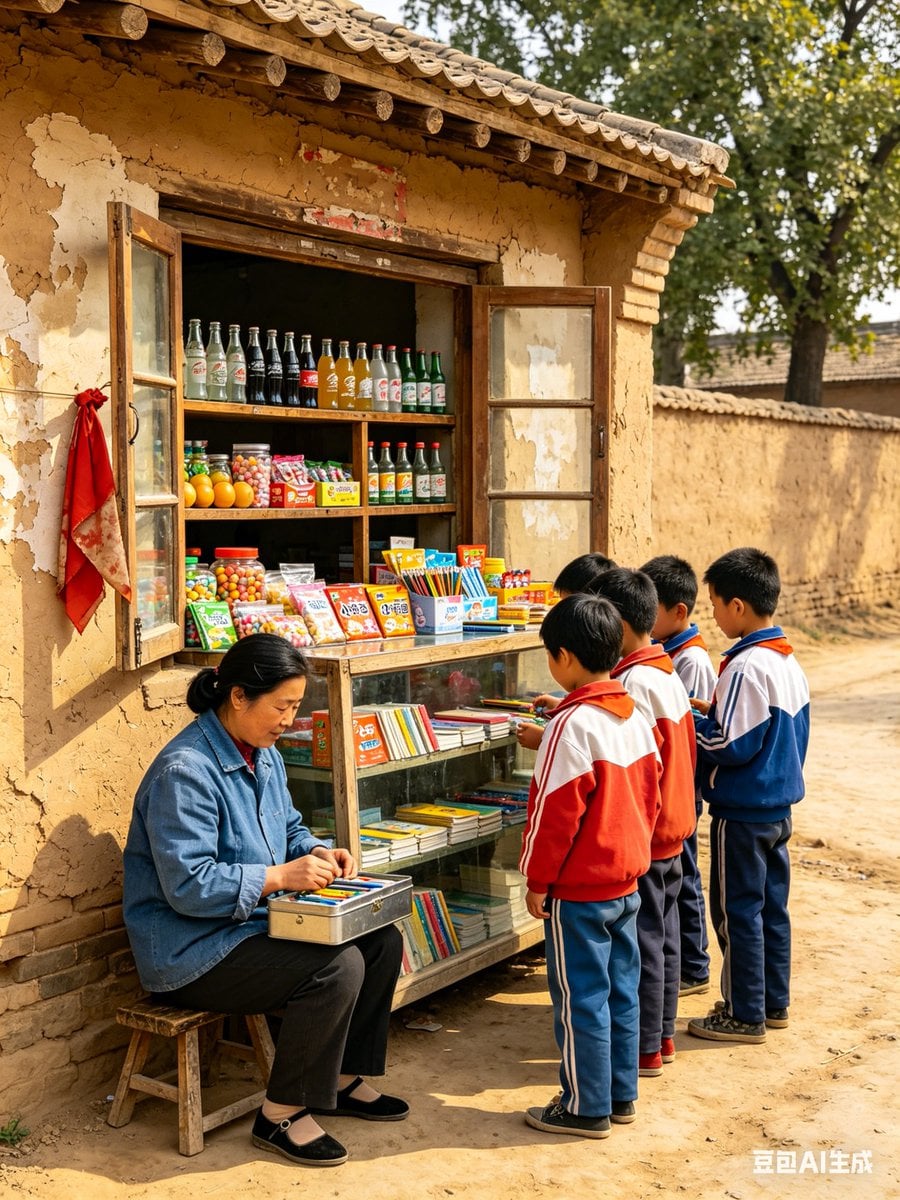
1998 Rural China School Snack Shop
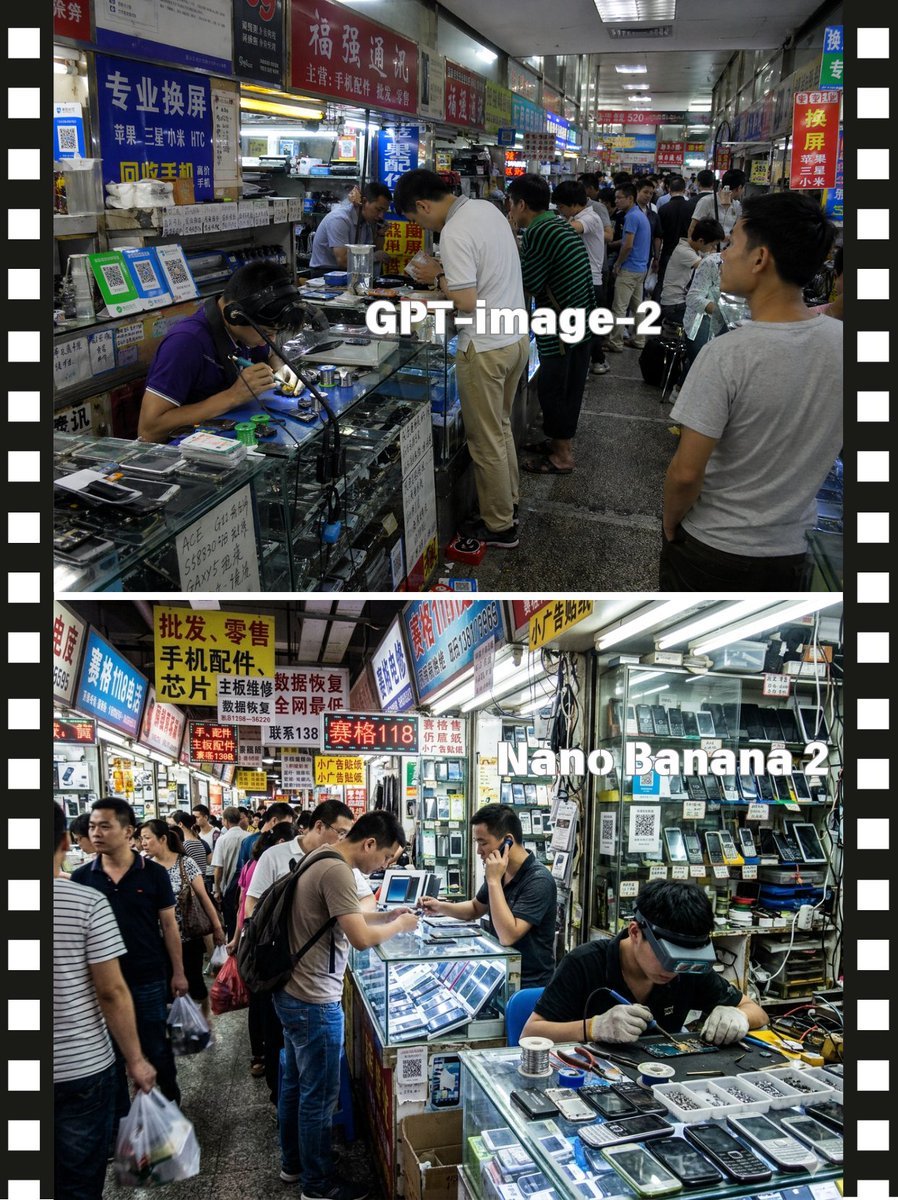
Split-Screen China Phone Market Comparison
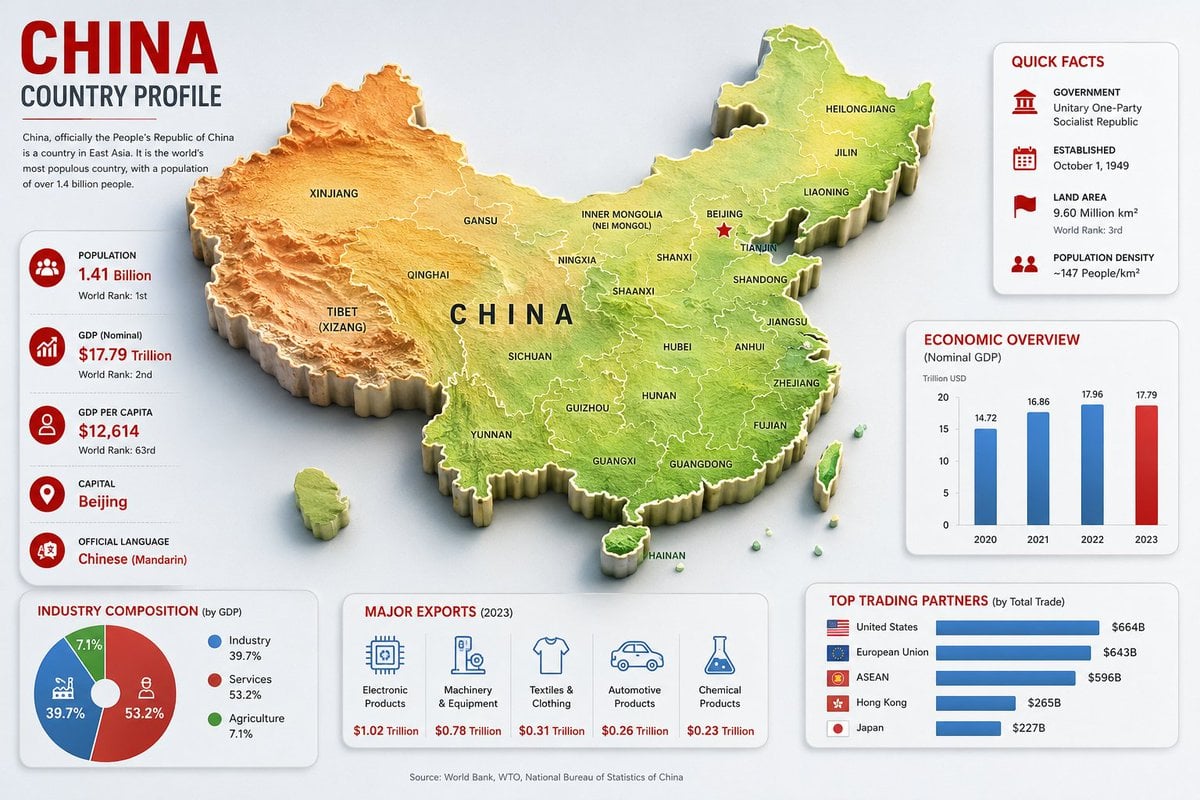
China Country Profile Infographic

Nostalgic 80s 90s China Memory Poster
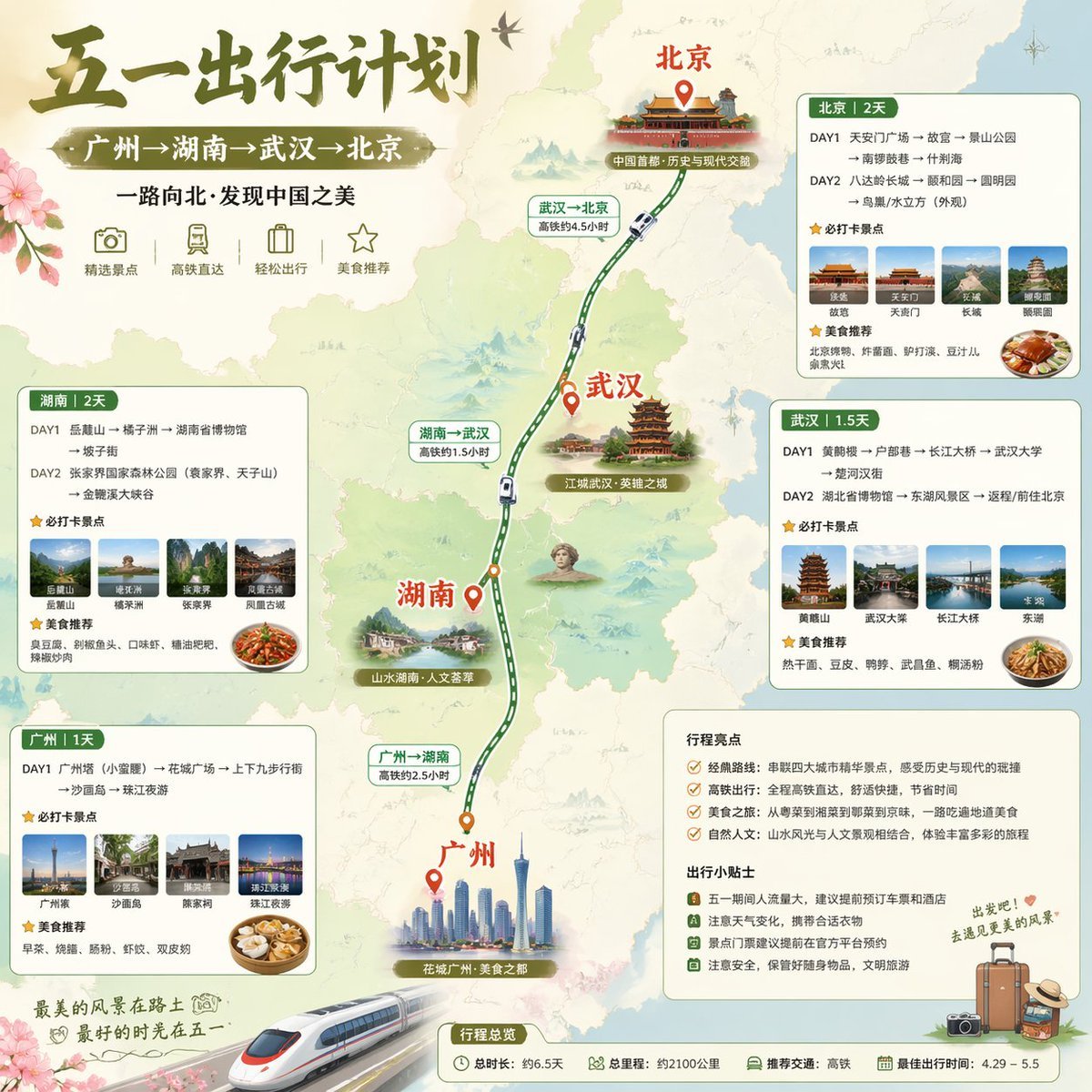
China May Day Rail Travel Infographic
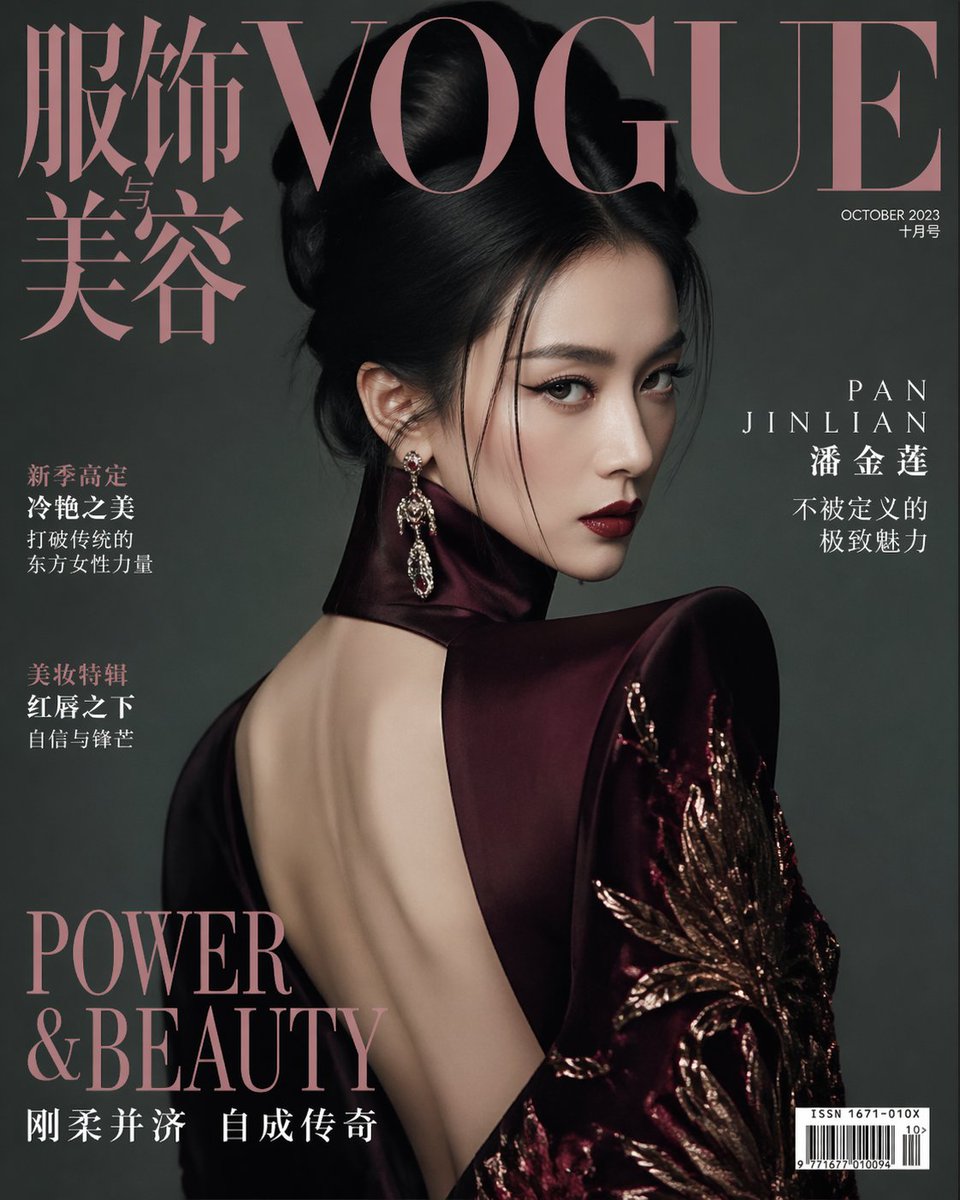
Vogue China Pan Jinlian Fashion
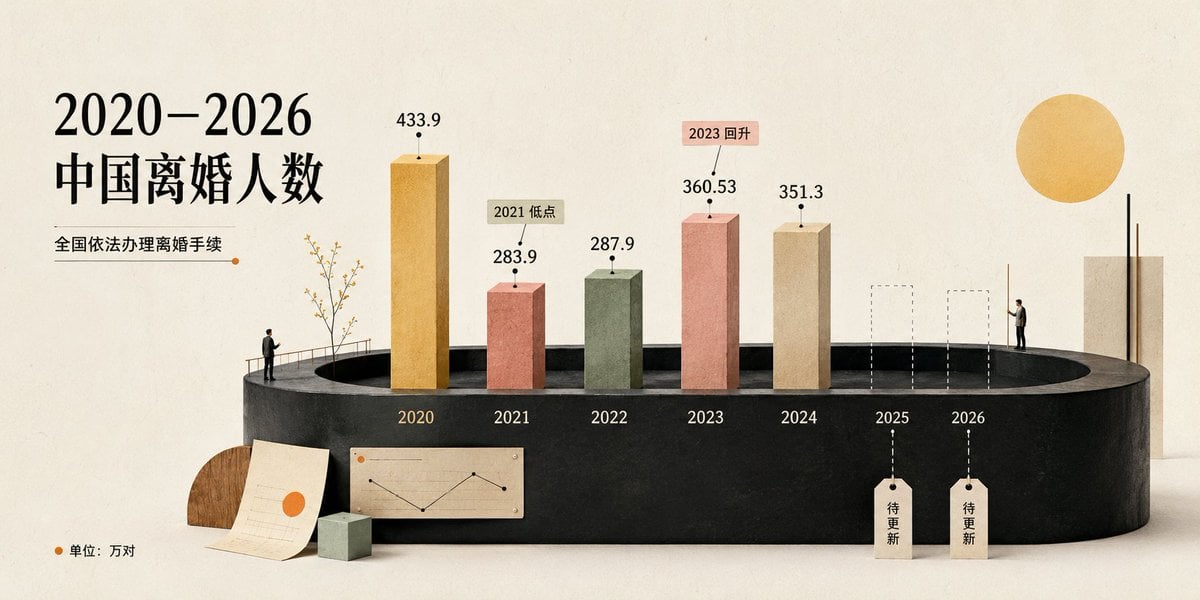
Cream 3D China Divorce Data Chart
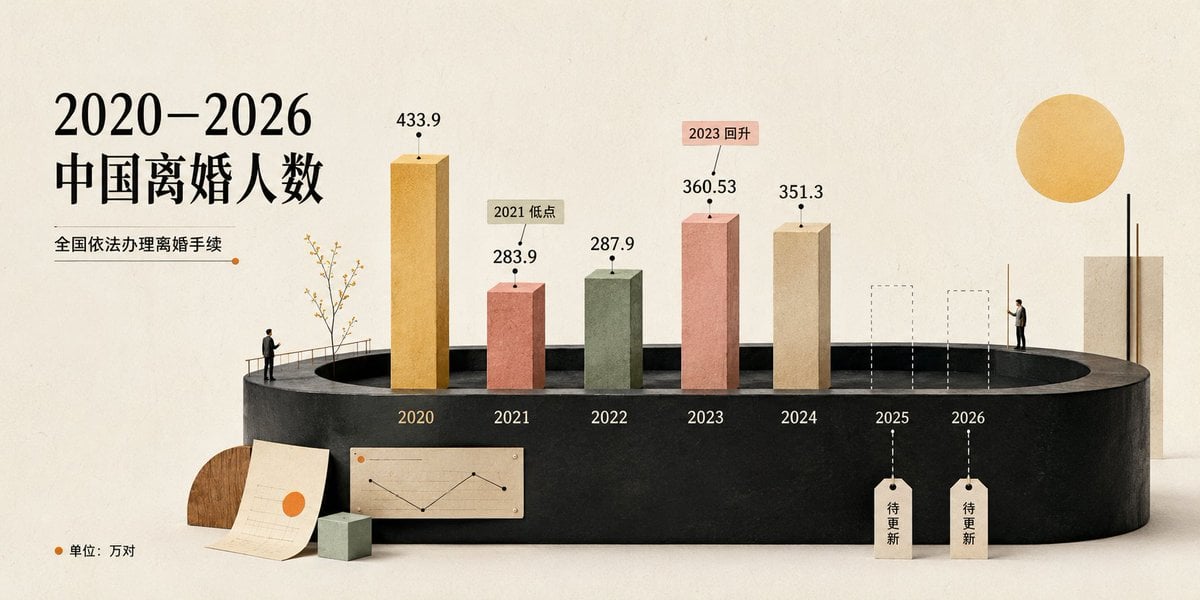
China Divorce Data 3D Infographic
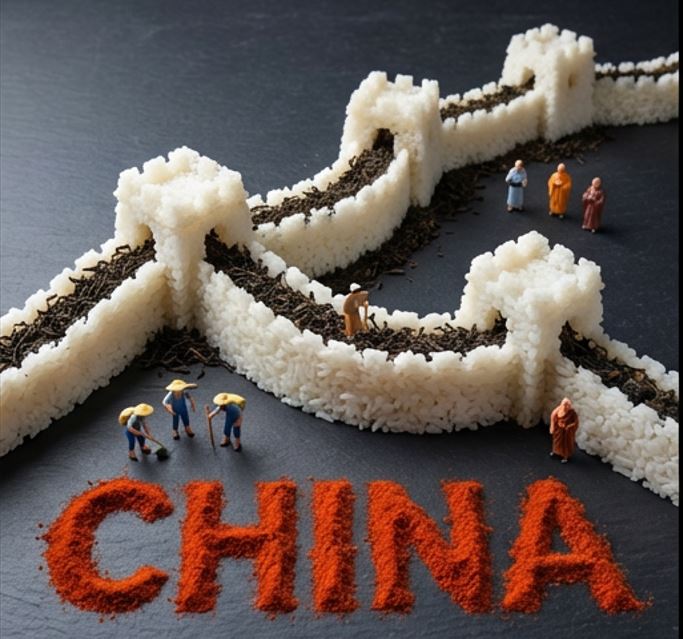
Food Art Diorama of the Great Wall of China Prompt
Make it yours
China Southern A380 Takeoff at Pudong works as-is. These are the safest ways to change it without losing the look.
Change one field
Copy a single group, rewrite it, and generate again so you can see what that field is doing.
Keep the frame, change the subject
Hold the composition and light of China Southern A380 Takeoff at Pudong, then swap wardrobe, props or the person for a new take.
| If the result… | Why | Fix |
|---|---|---|
| The result drifts from the preview | Too many fields changed at once. | Reuse China Southern A380 Takeoff at Pudong as-is first, then change one group — subject, light, or setting. |
| The model over-stylizes the scene | The prose prompt leaves finish and camera underspecified. | Add one camera or lighting sentence and stay on GPT Image 2. |
More GPT Image 2 templates
Other prompts made for GPT Image 2.

Six VTuber Japanese Logo Sheet

Realistic Portrait of Woman and Deer

The Vista Modular Condo Poster

AI Model Routing Comparison Infographic

2.5D Anime Art Board

Isometric Productivity Desk Scene

New York Double Exposure Poster

Four-Panel AI Landscape Comparison

Japanese Tatami Lifestyle Magazine Cover

NESCAFÉ Coffee Map Poster
More image prompts
Fresh picks from across the catalog.

Cat Livestream UI Mockup
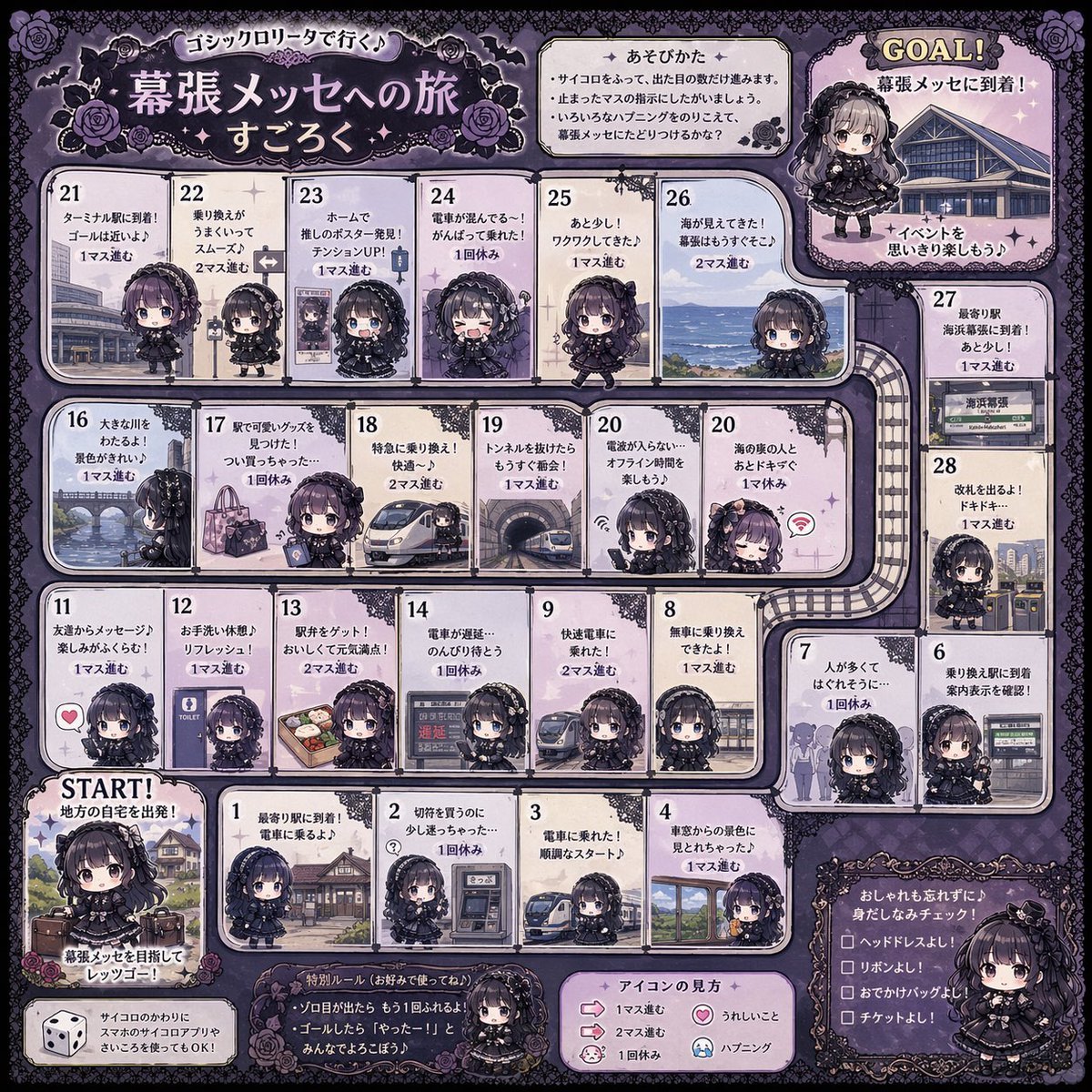
Gothic Lolita board game generator

Alternative Faction Character Success Story
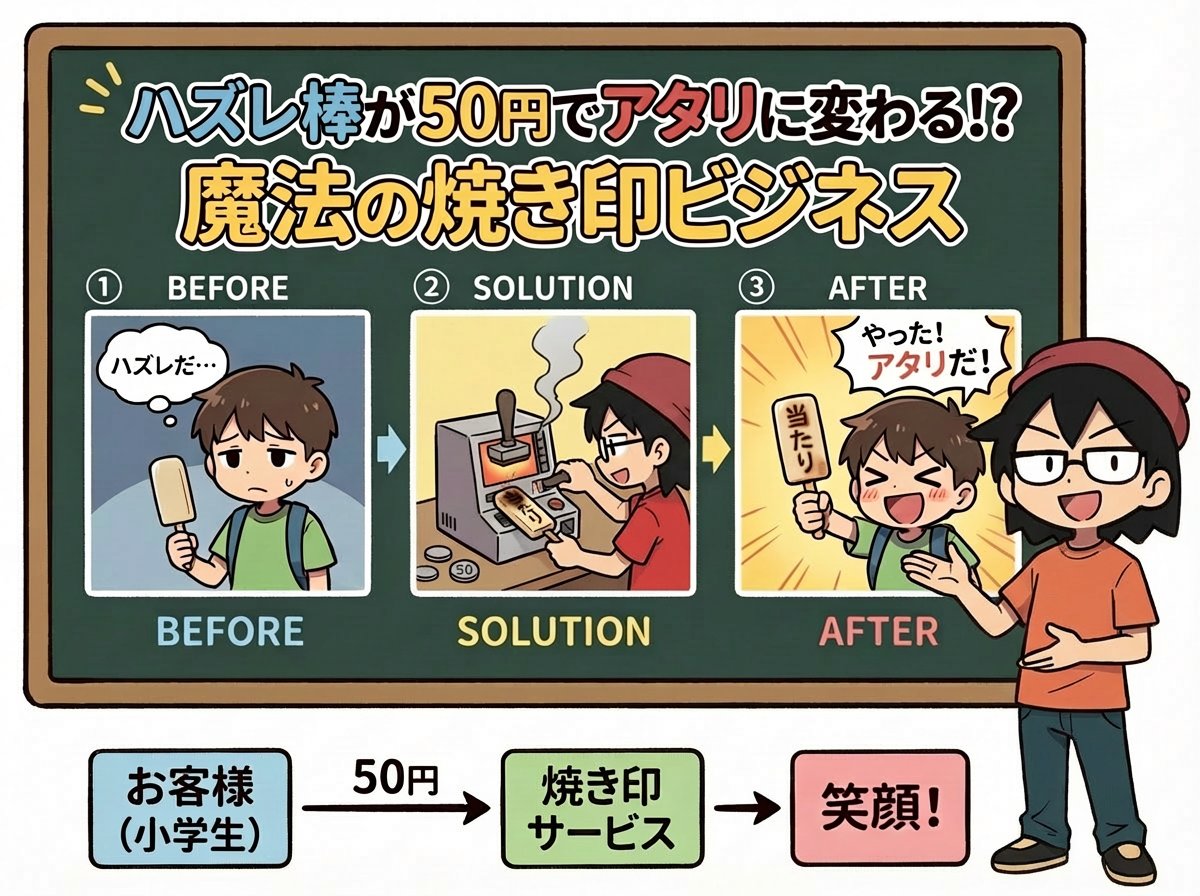
Nano Banana Pro Prompt for Fictional Business Idea

First-Person Tropical Island Warzone

Cartoon Animal Sticker Set

Cinematic Studio Portrait of Man with Watch
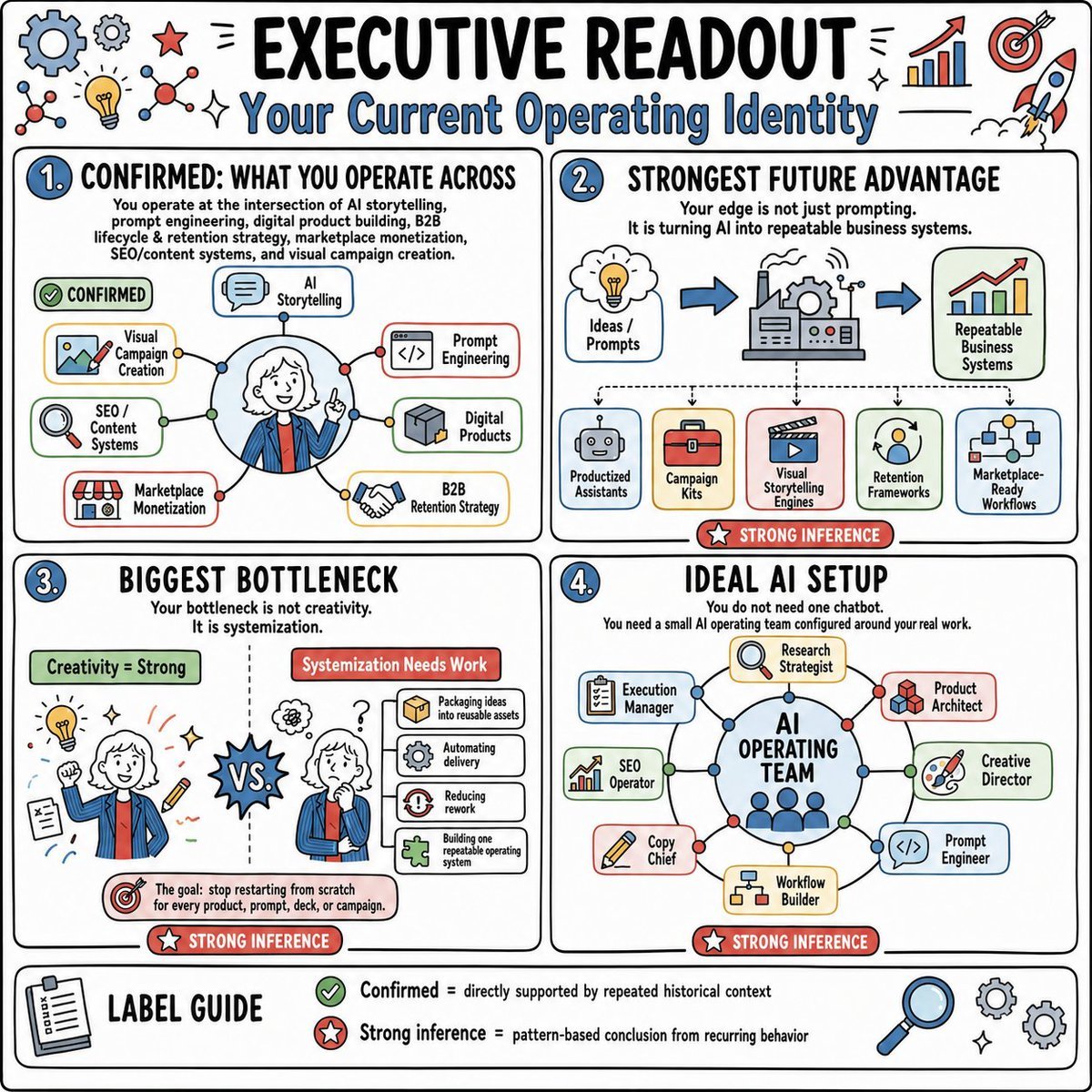
Executive AI Operating Readout

Psychological Surrealism Fashion Portrait

Cinematic SUV Selfie Portrait with Lifestyle Inset
Browse template categories
China Southern A380 Takeoff at Pudong questions
How do I use the China Southern A380 Takeoff at Pudong template?
Add your photo if the template asks for one, edit the prompt if you like — the template's model and format are already selected — and press Generate. Your version opens in PicX Studio.
Can I customize the China Southern A380 Takeoff at Pudong template?
Yes. You can change the subject, setting, lighting, mood, format, and available model controls before creating your image.
Is the China Southern A380 Takeoff at Pudong template free?
Opening and editing this template is free. Generating uses credits, shown on the Generate button when you are signed in.
Which AI model should I use?
Start with GPT Image 2, which is the model associated with this template. You can compare another compatible model for a different finish.
Looking for something else? Browse all templates.

Your photo, any look
Thousands of ready templates for every top image and video model, from one credit balance.