
Vintage China Great Wall Poster
A cinematic parchment-style poster of the Great Wall of China with misty mountains, elegant travel typography, and an antique historical mood.
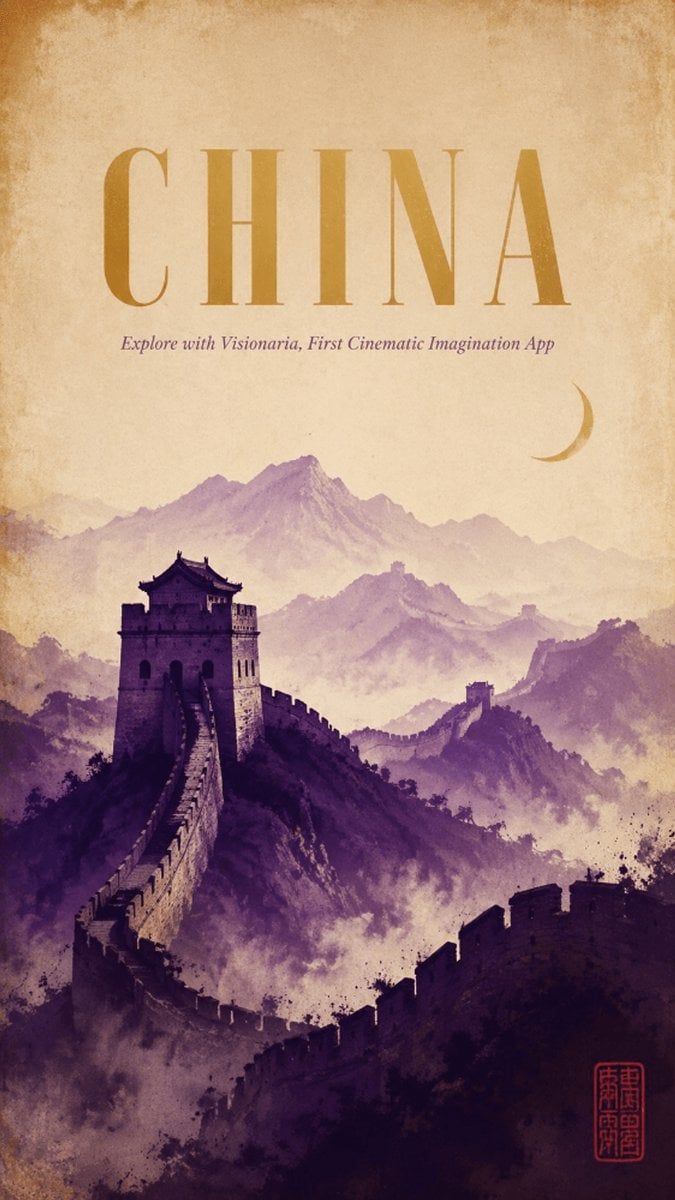
- Prompt included
- Model and format preset
- Free template
The prompt behind this image
Copy the exact prompt behind Vintage China Great Wall Poster, or open it in the studio and make it yours.
Create a vertical cinematic travel poster for {argument name="country title" default="CHINA"}, evoking an ancient historical world. The composition shows the Great Wall of China winding dramatically from the lower foreground up toward a large stone watchtower on the left-middle, then continuing across misty mountain ridges into the far distance. Use layered watercolor-like mountains in purple, mauve, and dusty violet, with atmospheric fog filling the valleys and a soft parchment sky above. Add a small golden crescent moon in the upper-right sky. The top half should feel spacious and aged, with a warm beige antique paper texture, darkened weathered edges, subtle stains, and a vintage museum-poster finish. Typography: place one huge centered headline at the top reading {argument name="country title" default="CHINA"} in tall elegant high-contrast serif capitals, colored muted ochre gold. Directly below it, add a small italic subtitle reading {argument name="subtitle" default="Explore with Visionaria, First Cinematic Imagination App"} in muted purple. In the bottom-right corner, include one small red Chinese-style seal stamp as a decorative mark, not a logo. Visual style: cinematic historical fantasy poster, painterly ink-and-watercolor texture, soft grain, sepia parchment, dramatic depth, no modern objects, no people, no extra text. Keep the layout clean and centered, with the Great Wall and mountains occupying the lower two-thirds and the title area occupying the upper third.
How to use Vintage China Great Wall Poster in 3 steps
- 1Upload ImagePNG, JPG or paste
Add your photo
Upload the photo the template builds on. The prompt, model and format are already set.
- 2…a portrait of your subject in softgolden-hour light, 85mm…
Personalize
Edit the subject and creative details for your destination.
- 3Generate
Generate
Press Generate — your image is created in PicX Studio, so you can compare it with the original and refine one variable at a time.
More like this
Templates with the same subject, style or setup. Open one to see its prompt.

Japan Travel Brochure Poster

B-Movie Poster Wall
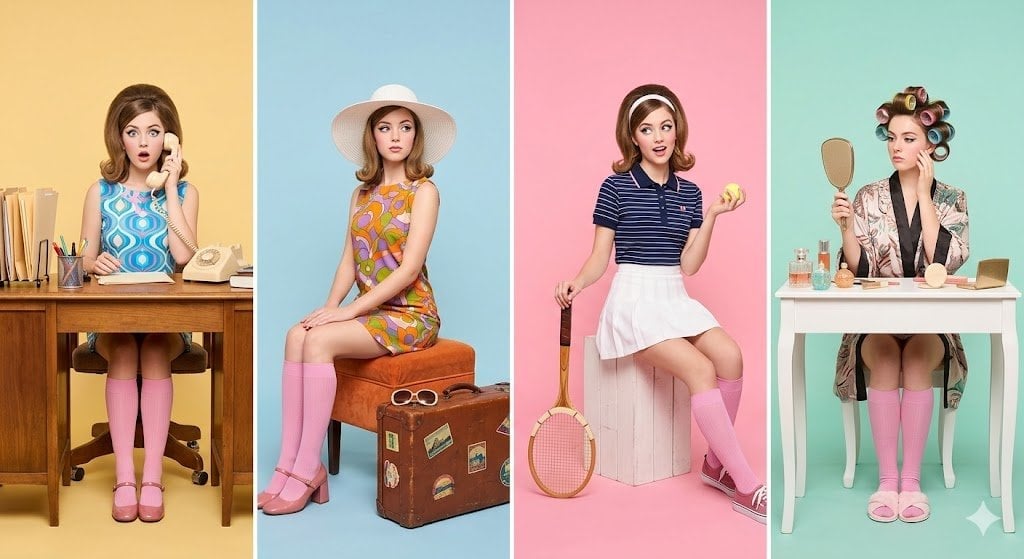
Polaroid Wall Dorm

Premium Vintage Travel Poster Landscape
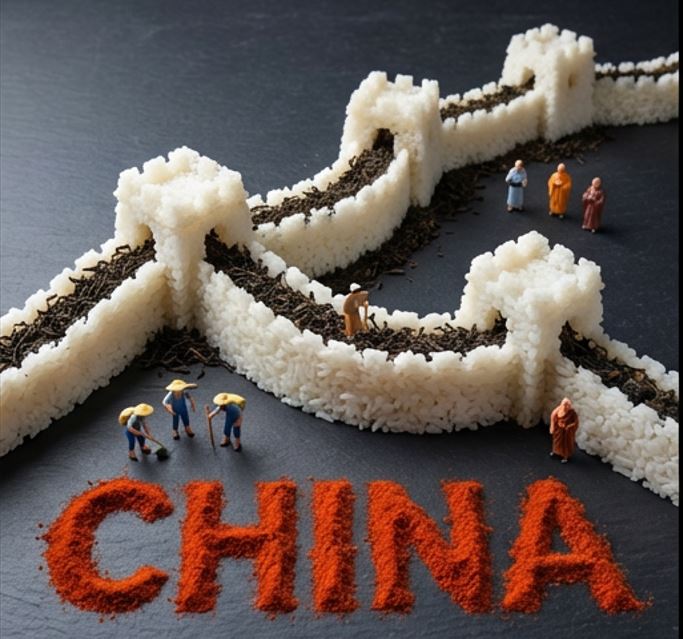
Food Art Diorama of the Great Wall of China Prompt
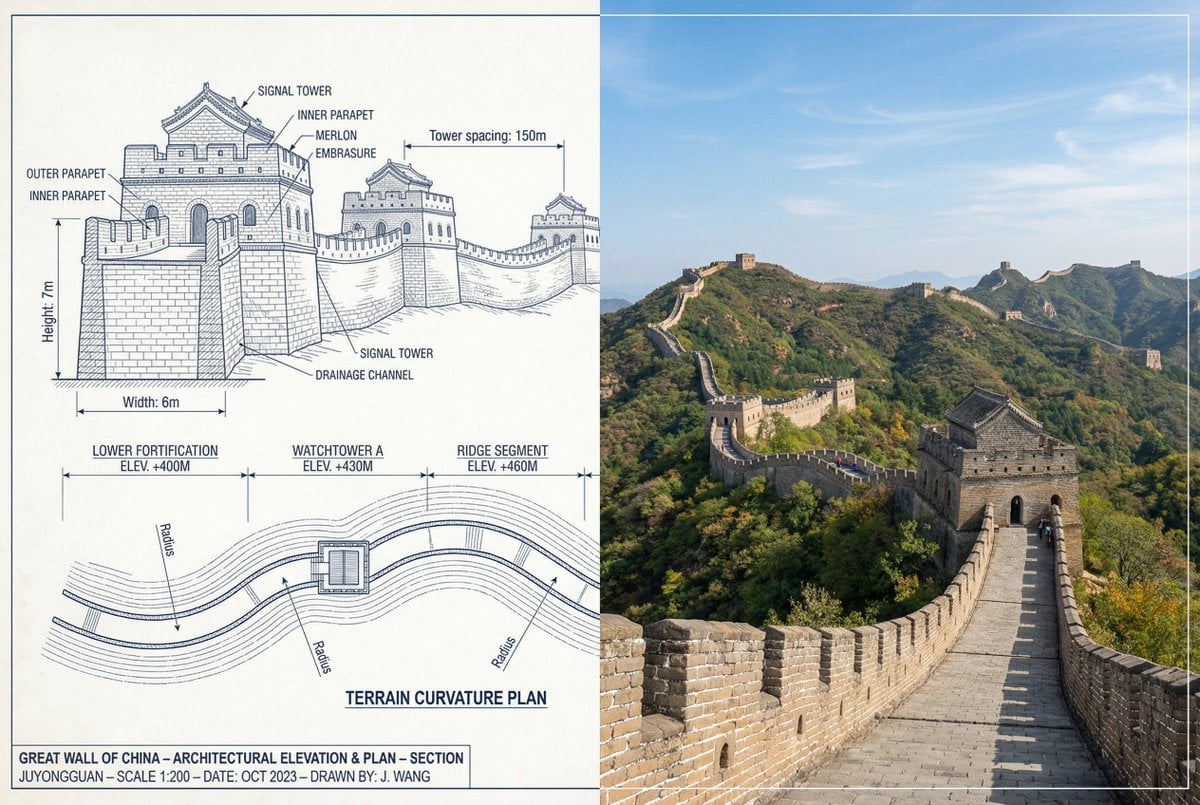
Great Wall of China Mixed Media Comparison
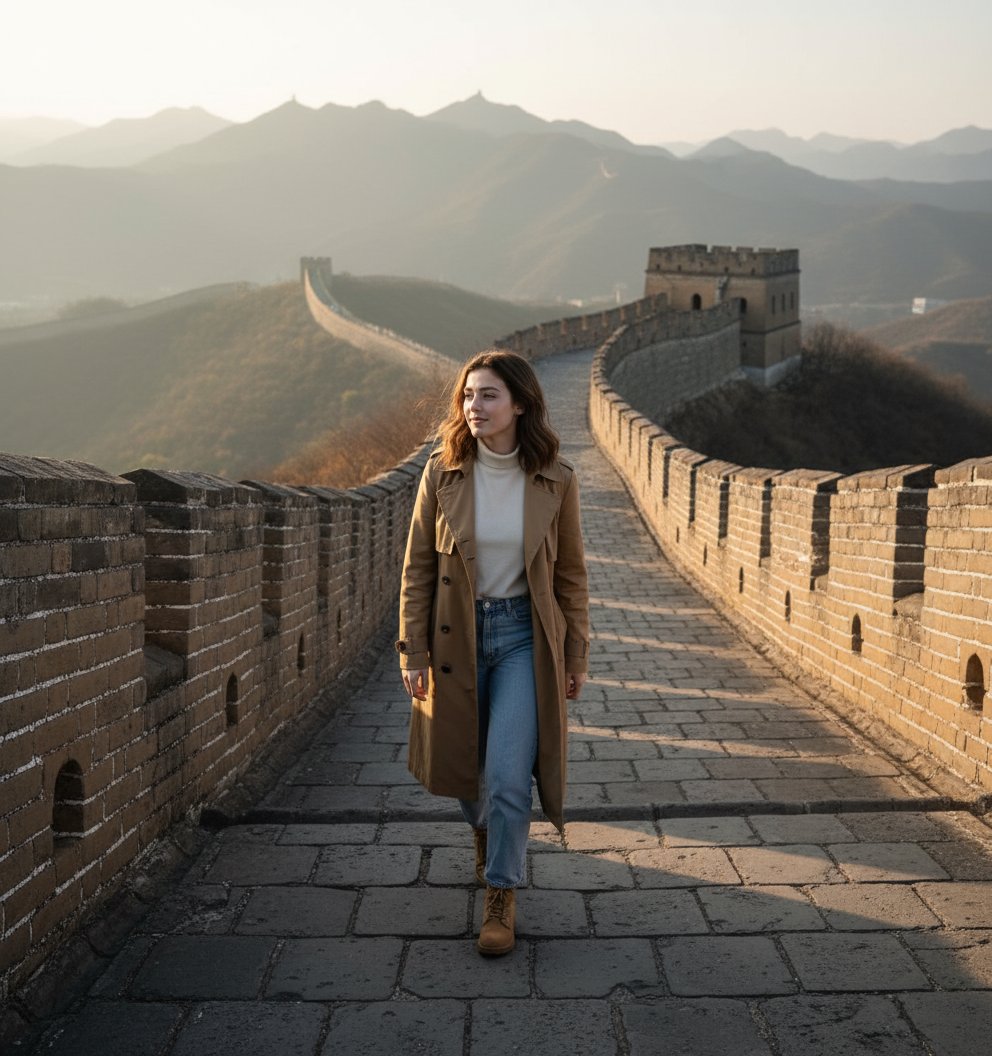
Great Wall of China Candid Portrait

Sunday Afternoon, 1988

Two Tickets, One Night

If We Met in 1985

Found Photograph: Us, 1970

One Dance Before Midnight
Make it yours
Vintage China Great Wall Poster works as-is. These are the safest ways to change it without losing the look.
Change one field
Copy a single group, rewrite it, and generate again so you can see what that field is doing.
Keep the frame, change the subject
Hold the composition and light of Vintage China Great Wall Poster, then swap wardrobe, props or the person for a new take.
| If the result… | Why | Fix |
|---|---|---|
| The result drifts from the preview | Too many fields changed at once. | Reuse Vintage China Great Wall Poster as-is first, then change one group — subject, light, or setting. |
| The model over-stylizes the scene | The prose prompt leaves finish and camera underspecified. | Add one camera or lighting sentence and stay on GPT Image 2. |
More GPT Image 2 templates
Other prompts made for GPT Image 2.

Six VTuber Japanese Logo Sheet

Realistic Portrait of Woman and Deer

The Vista Modular Condo Poster

AI Model Routing Comparison Infographic

2.5D Anime Art Board

Isometric Productivity Desk Scene

New York Double Exposure Poster

Four-Panel AI Landscape Comparison

Japanese Tatami Lifestyle Magazine Cover

NESCAFÉ Coffee Map Poster
More image prompts
Fresh picks from across the catalog.

Professional Studio Portrait Headshots

Ultra-Realistic Portrait with Tribal Markings and Painterly Realism

Gpt2 Youtube Thumbnail Anime Fantasy Travel Movie Poster
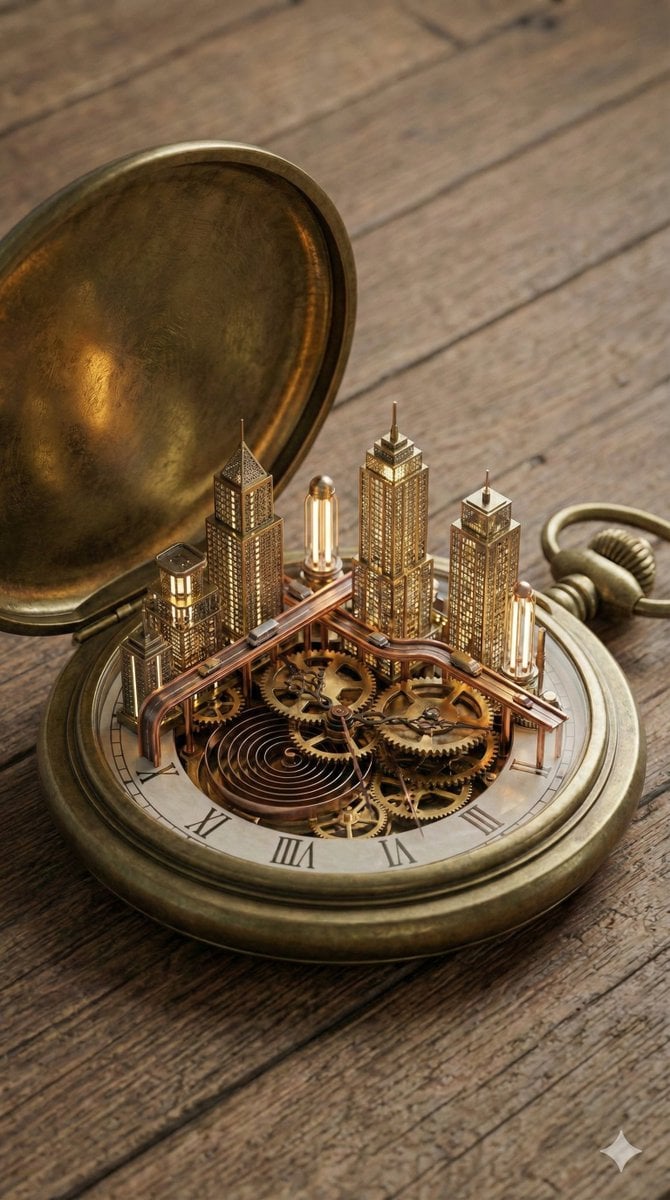
Miniature Metropolis Inside a Vintage Pocket Watch
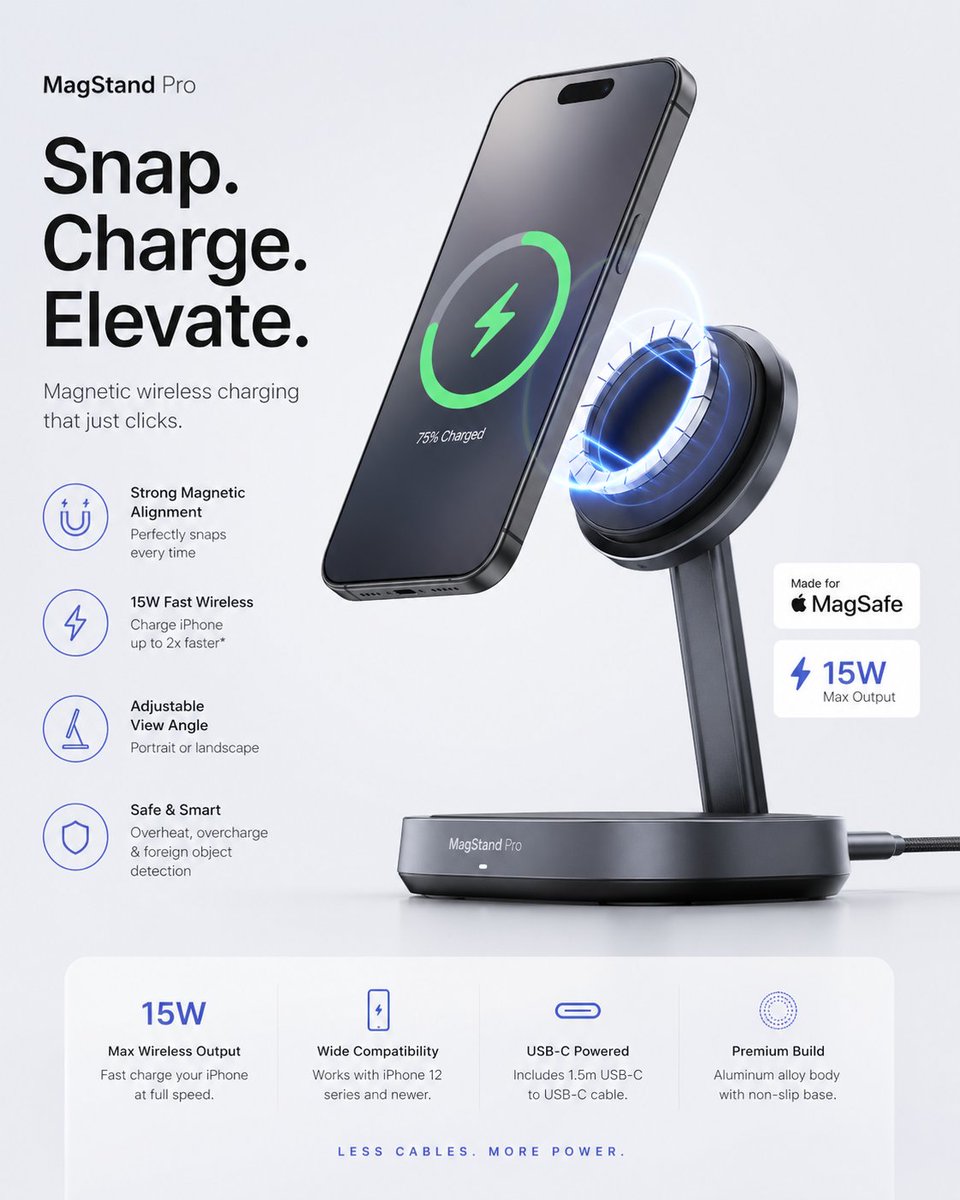
Minimalist Tech Accessory Advertisement
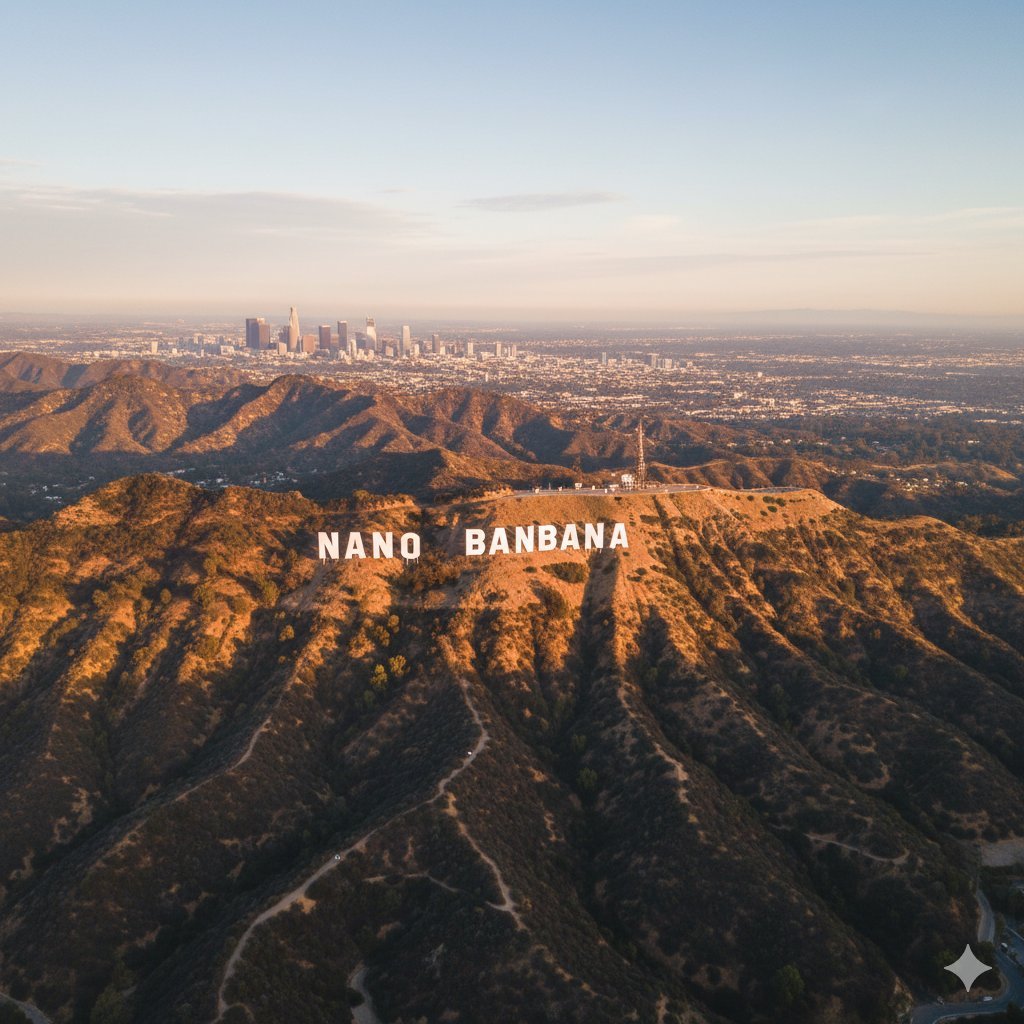
2d to 3d Realistic Cgi Figurine Conversi
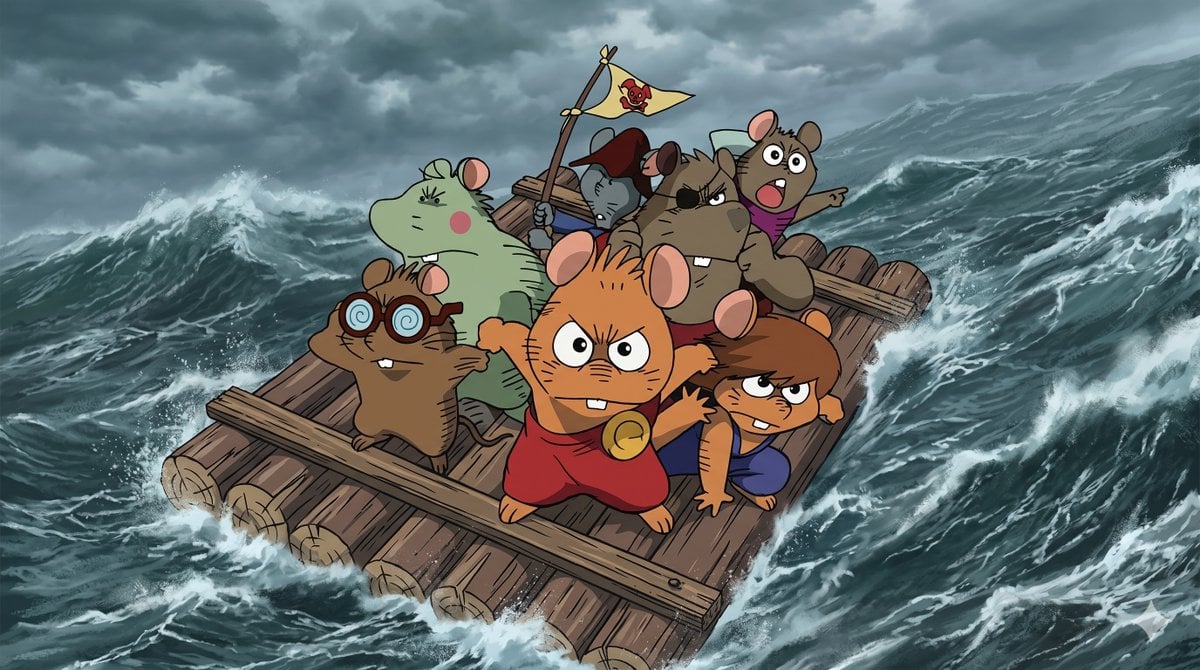
Anime Scene Reconstruction and Expansion

Cinematic Balcony Ballgown Portrait at Golden Hour
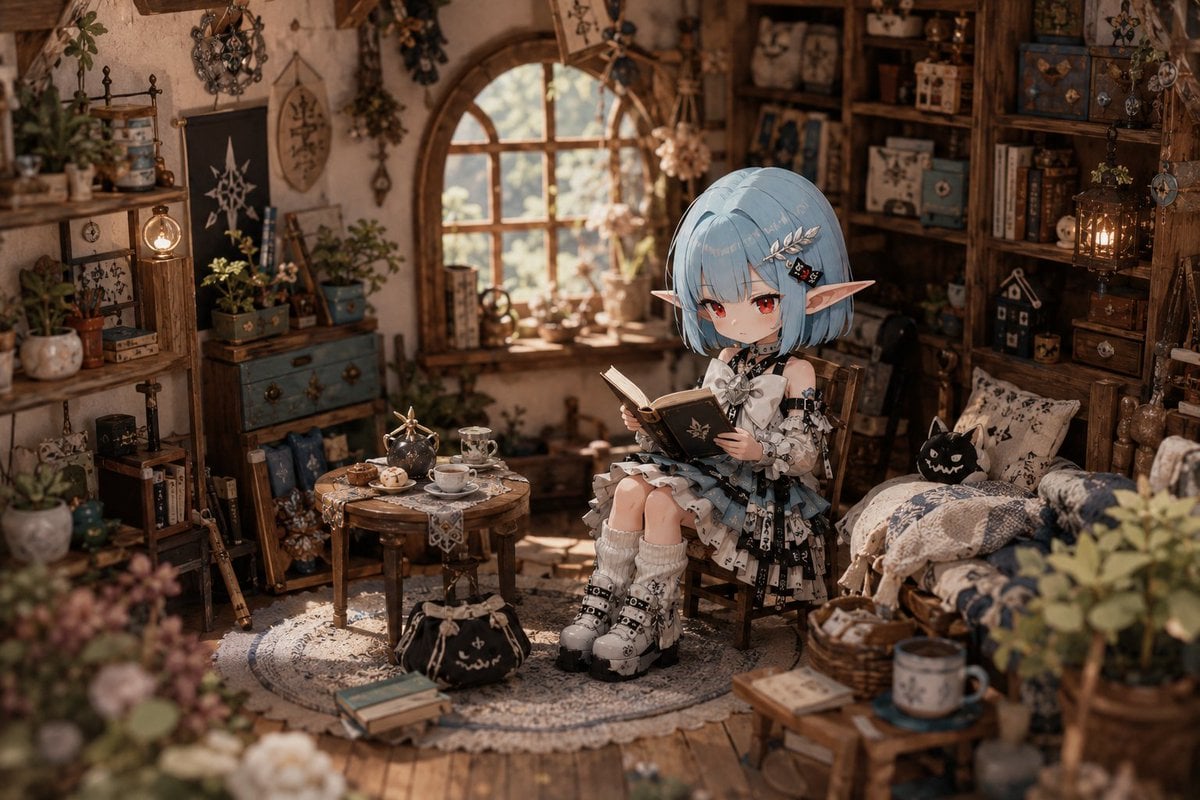
Deformed Miniature Character World

Sailor Moon Doodle Selfie
Browse template categories
Vintage China Great Wall Poster questions
How do I use the Vintage China Great Wall Poster template?
Add your photo if the template asks for one, edit the prompt if you like — the template's model and format are already selected — and press Generate. Your version opens in PicX Studio.
Can I customize the Vintage China Great Wall Poster template?
Yes. You can change the subject, setting, lighting, mood, format, and available model controls before creating your image.
Is the Vintage China Great Wall Poster template free?
Opening and editing this template is free. Generating uses credits, shown on the Generate button when you are signed in.
Which AI model should I use?
Start with GPT Image 2, which is the model associated with this template. You can compare another compatible model for a different finish.
Looking for something else? Browse all templates.

Your photo, any look
Thousands of ready templates for every top image and video model, from one credit balance.