
Sailor Moon Doodle Selfie
Generates a candid bedroom selfie with a hand-drawn magical-girl sailor costume overlay for playful social media-style edits.
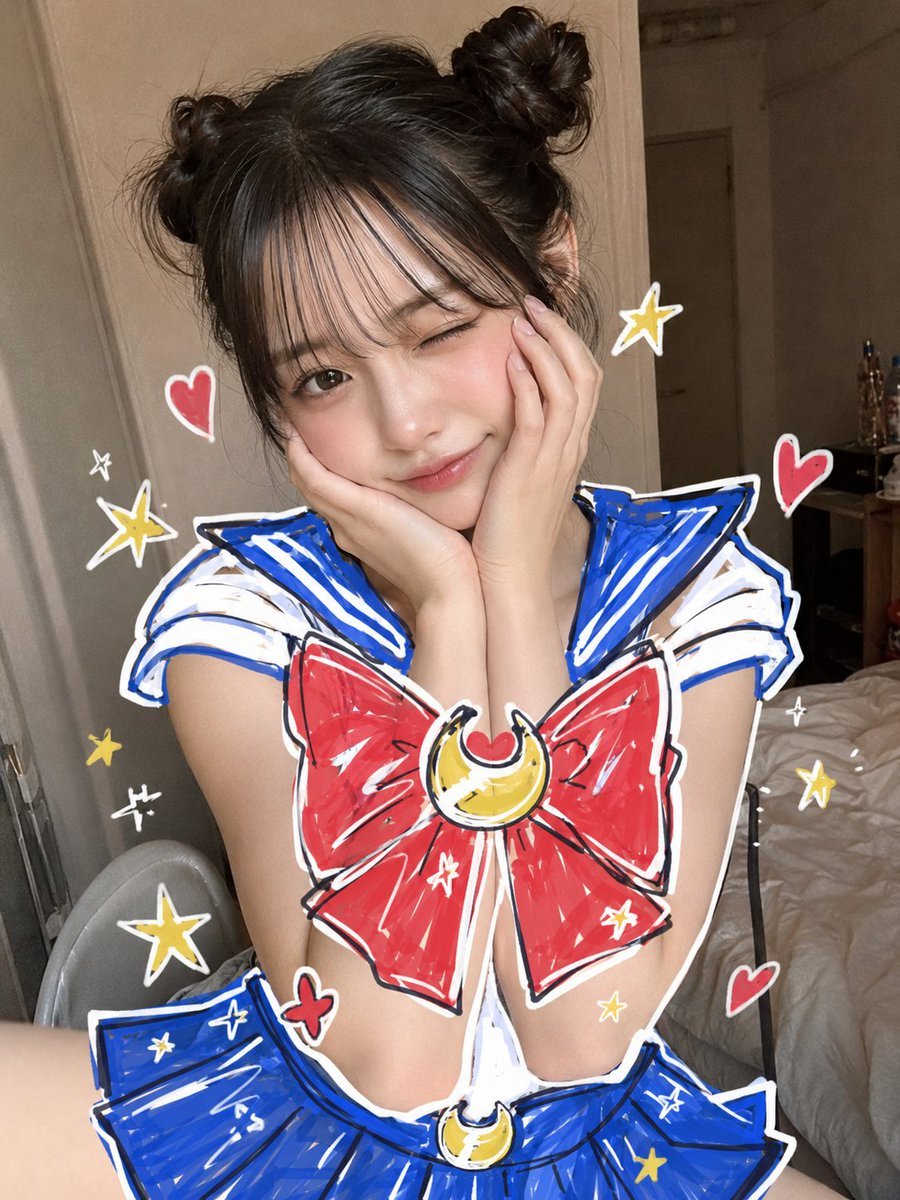
- Prompt included
- Model and format preset
- Free template
The prompt behind this image
Copy the exact prompt behind Sailor Moon Doodle Selfie, or open it in the studio and make it yours.
Create a casual vertical smartphone mirror/selfie-style bedroom photo of a young woman posing seated on a bed, face hidden by a large centered square pixelated/blur censor block in a warm beige skin-tone gradient. She has {argument name="hair style" default="dark messy twin buns with loose strands"}, elbows tucked in and both hands cupping her cheeks in a cute morning pose. Overlay the photo with a hand-drawn magical-girl sailor outfit inspired by Sailor Moon: a white top with bold blue sailor collar and shoulder stripes, a huge red chest bow outlined in thick white and black marker strokes, a yellow crescent moon brooch with a small red heart at the center, a blue pleated skirt at the bottom edge, and a matching yellow crescent moon belt ornament. The doodle overlay should look like marker art drawn directly on the photo, with rough sketch lines, white sticker-like borders, blue/red/yellow fill scribbles, and imperfect playful proportions. Surround the subject with exactly 5 red heart doodles, 7 yellow star doodles, 5 small white sparkle doodles, and 2 yellow crescent moon emblems including the chest and waist ornaments. Background: dim indoor bedroom with beige walls, a door and hallway behind her, rumpled white bedding on the right, a chair edge on the left, and a small cluttered table in the back; use realistic flash-photo lighting and a slightly tilted candid composition. Keep the image playful, cute, and homemade, like a social media post about transforming into {argument name="character inspiration" default="Sailor Moon"}.
How to use Sailor Moon Doodle Selfie in 3 steps
- 1Upload ImagePNG, JPG or paste
Add your photo
Upload the photo the template builds on. The prompt, model and format are already set.
- 2…a portrait of your subject in softgolden-hour light, 85mm…
Personalize
Edit the subject and creative details for your destination.
- 3Generate
Generate
Press Generate — your image is created in PicX Studio, so you can compare it with the original and refine one variable at a time.
More like this
Templates with the same subject, style or setup. Open one to see its prompt.
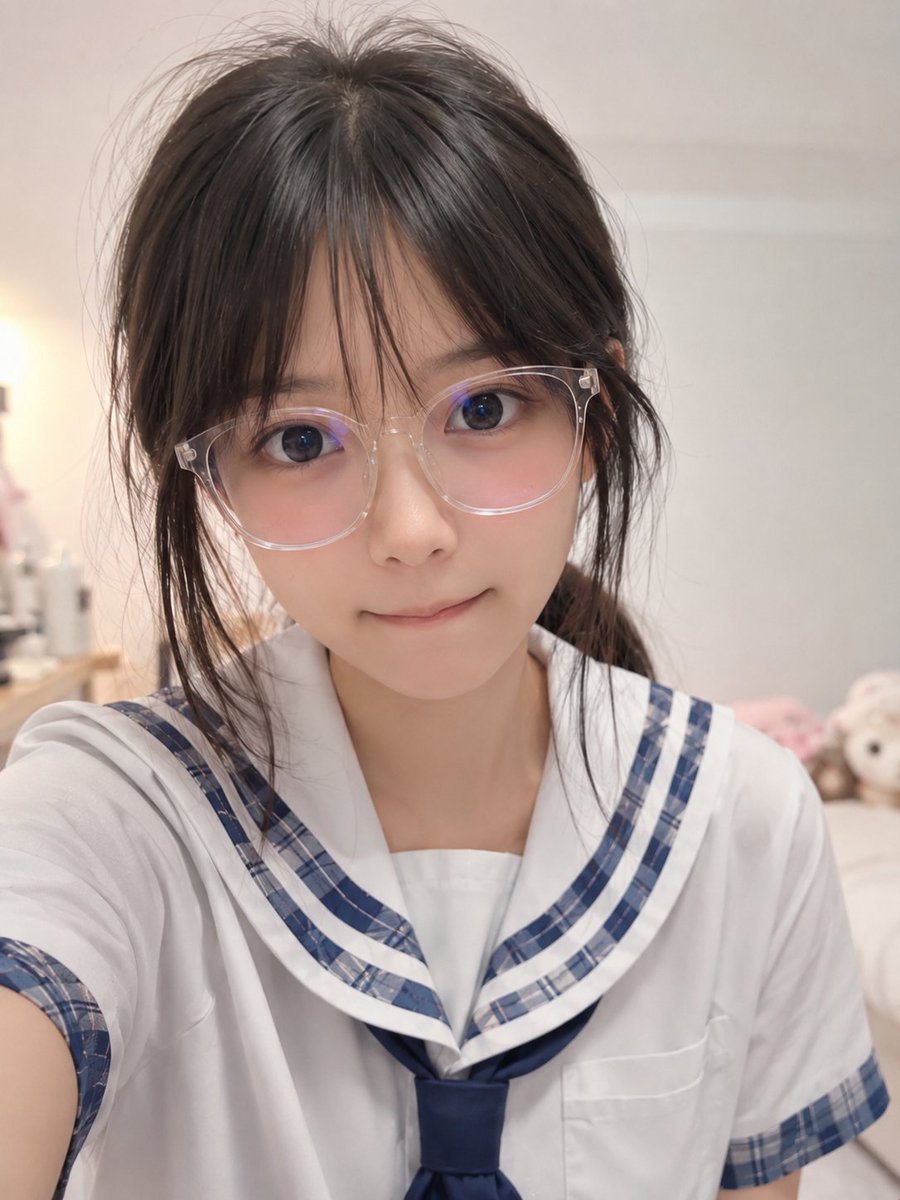
Realistic Censored Sailor Uniform Selfie
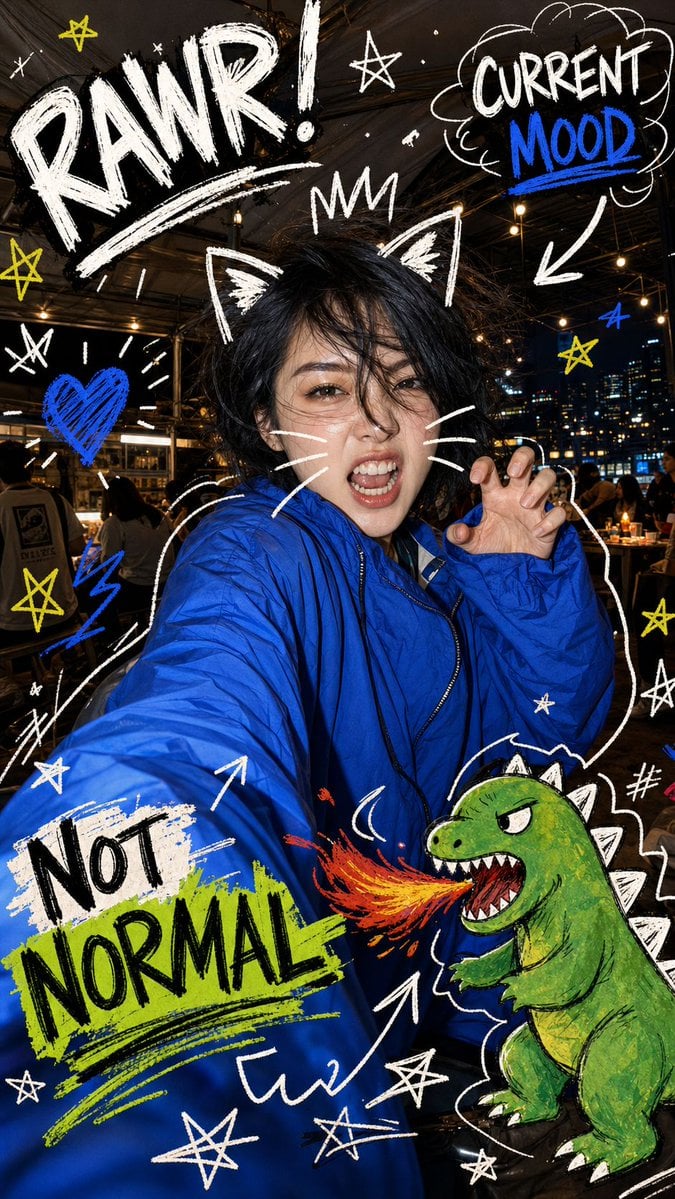
Nighttime Doodle Flash Selfie

Rooftop Fisheye — Cat-Ear Balaclava at Golden Hour

Felt & Knit 3D Character — Photo-Exact Face, Pixar-Quality Plush Figurine

Eid al-Adha Cute Chaos — Fisheye Selfie with Farm Selfie, Mosque & Animals

Cat Photobomb Selfie — 0.5x Wide Angle Café Chaos

Gen Z Triple Selfie Collage — Y2K Flash Photography

Surreal Cat Astronaut — Humanoid Face Freefall
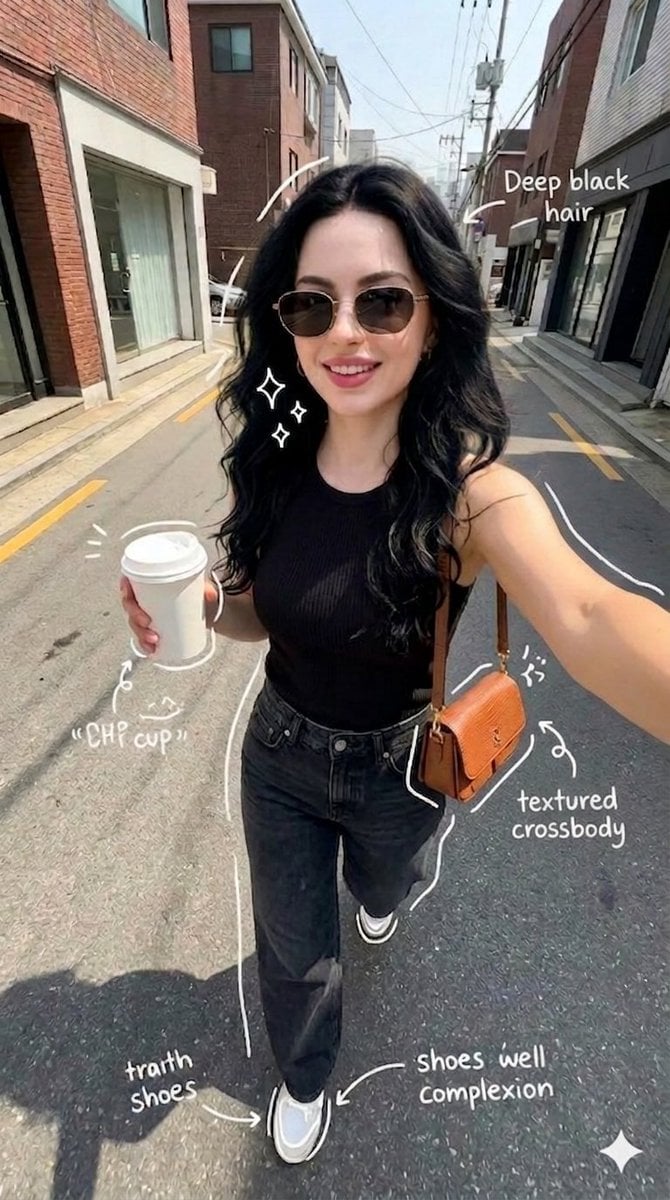
Street Style Selfie with Doodles
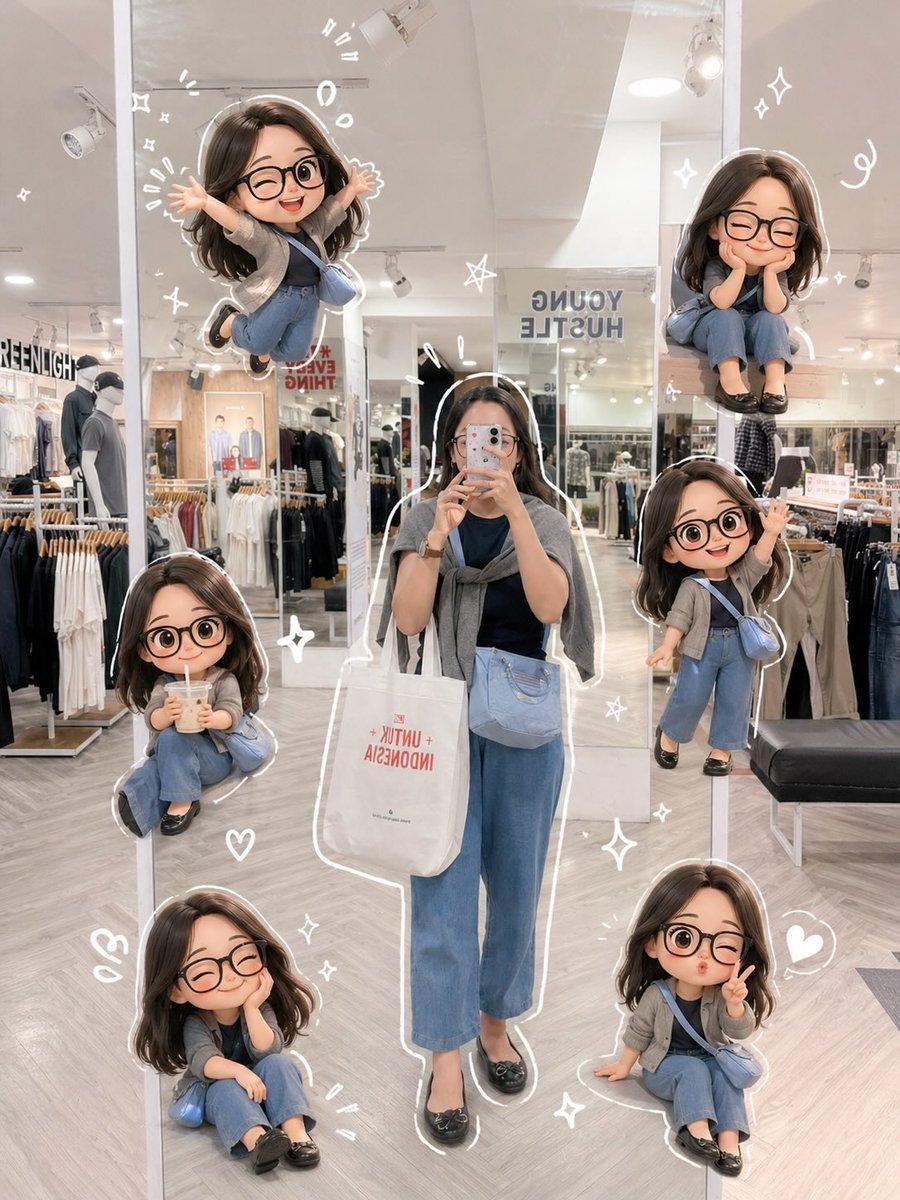
Chibi Mirror Selfie with Kawaii Doodles
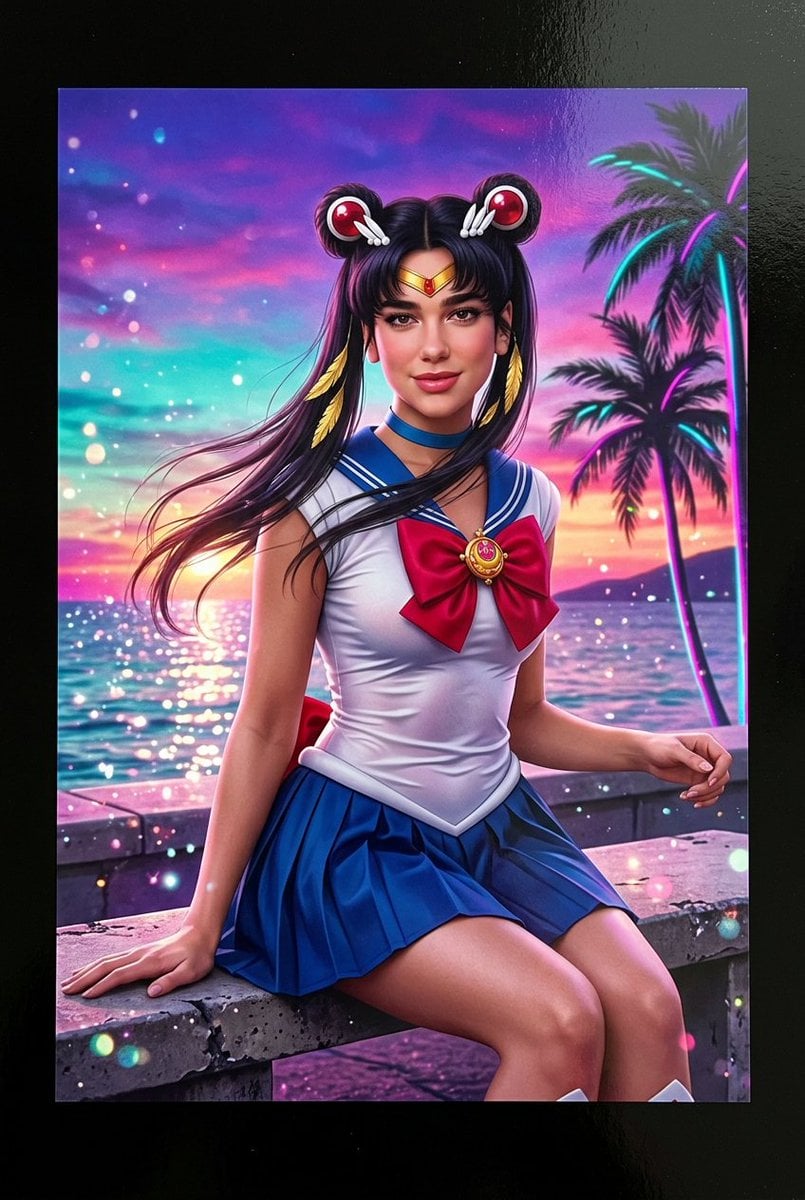
Lifelike Sailor Moon Cosplay

Real Illustration Split Portrait Transition
Make it yours
Sailor Moon Doodle Selfie works as-is. These are the safest ways to change it without losing the look.
Change one field
Copy a single group, rewrite it, and generate again so you can see what that field is doing.
Keep the frame, change the subject
Hold the composition and light of Sailor Moon Doodle Selfie, then swap wardrobe, props or the person for a new take.
| If the result… | Why | Fix |
|---|---|---|
| The result drifts from the preview | Too many fields changed at once. | Reuse Sailor Moon Doodle Selfie as-is first, then change one group — subject, light, or setting. |
| The model over-stylizes the scene | The prose prompt leaves finish and camera underspecified. | Add one camera or lighting sentence and stay on GPT Image 2. |
More GPT Image 2 templates
Other prompts made for GPT Image 2.

Six VTuber Japanese Logo Sheet

Realistic Portrait of Woman and Deer

The Vista Modular Condo Poster

AI Model Routing Comparison Infographic

2.5D Anime Art Board

Isometric Productivity Desk Scene

New York Double Exposure Poster

Four-Panel AI Landscape Comparison

Japanese Tatami Lifestyle Magazine Cover

NESCAFÉ Coffee Map Poster
More image prompts
Fresh picks from across the catalog.
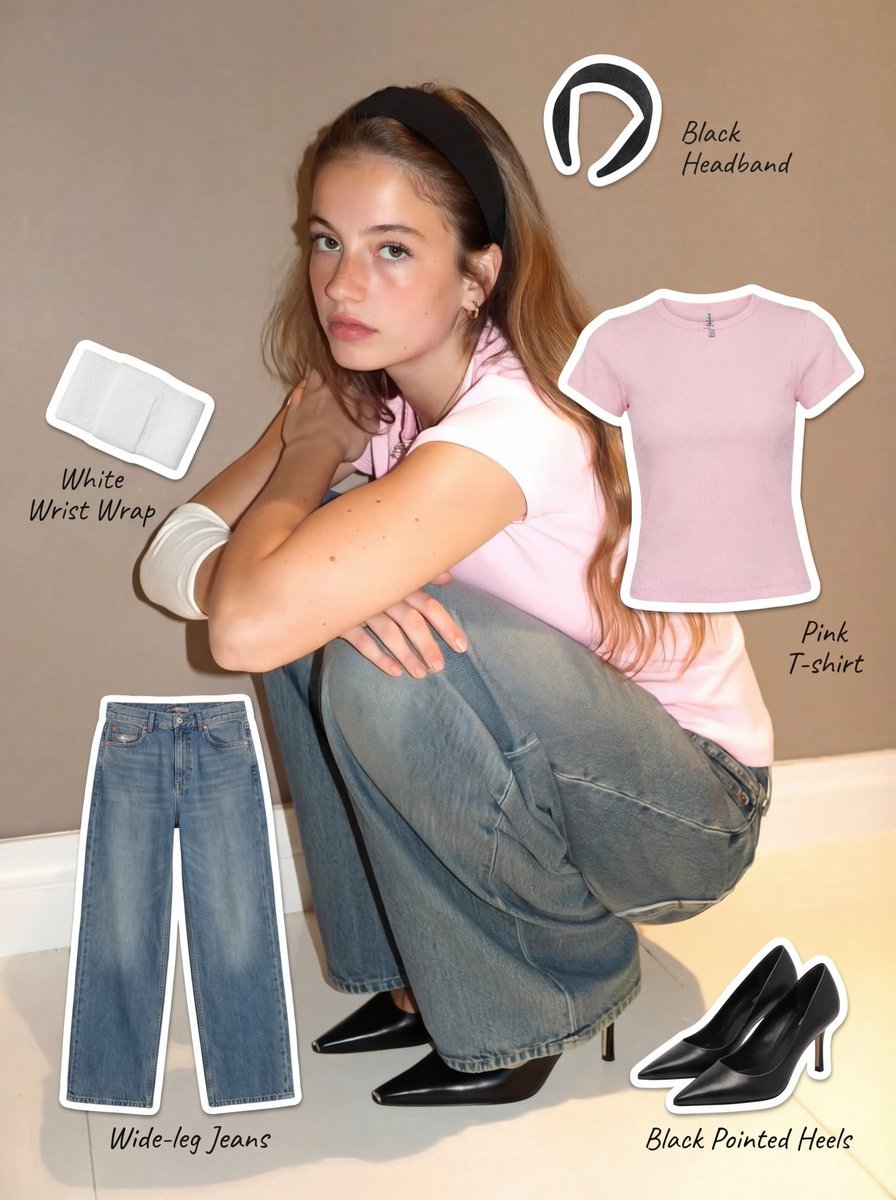
Clothing Item Cut-Out Sticker Prompt
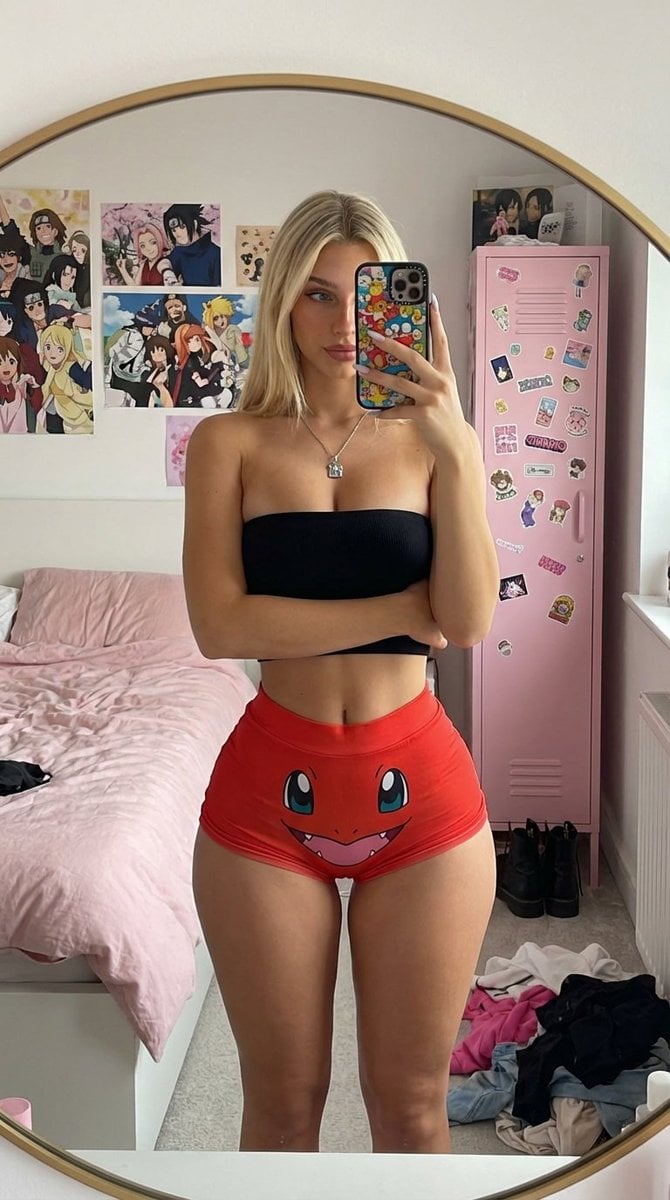
Mirror Selfie with Exaggerated Hourglass Figure and Charmander Shorts
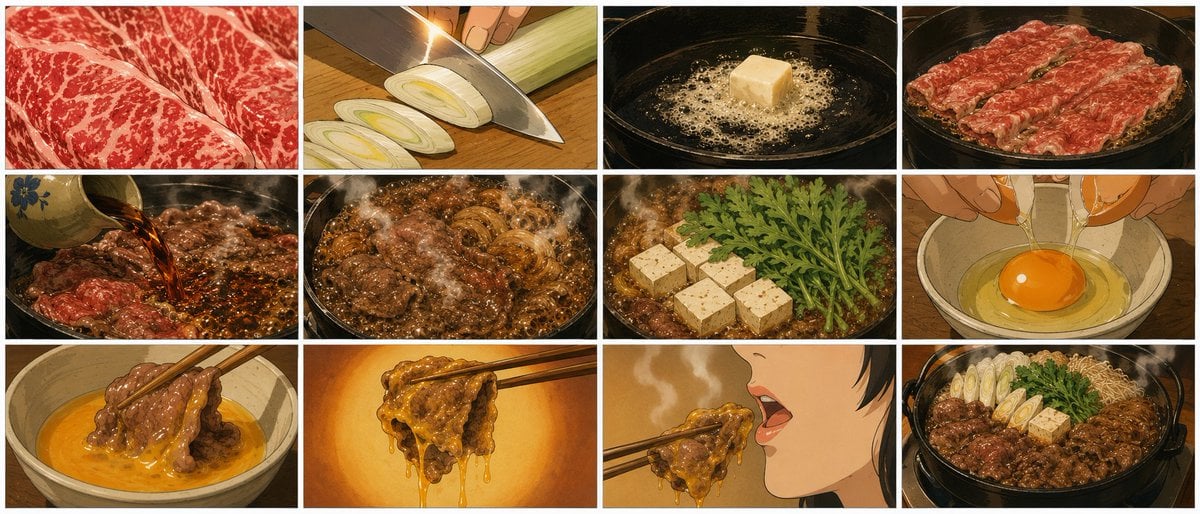
Showa Anime Sukiyaki Storyboard

World Cup Trophy Reveal Perspective

Difficulty Resizing Text in Nano Banana Pro

Photorealistic Café Lifestyle Shot Prompt
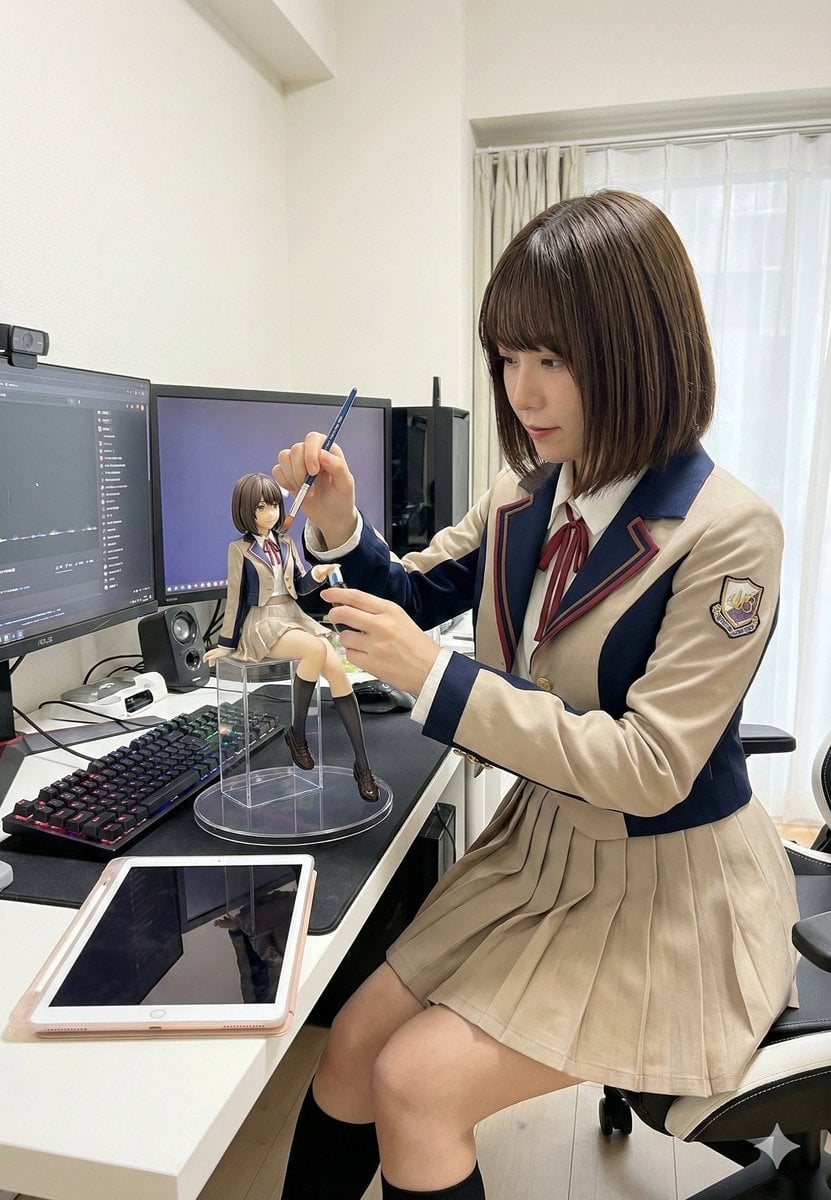
Model Cleaning Mini Me Scale Figure Prompt
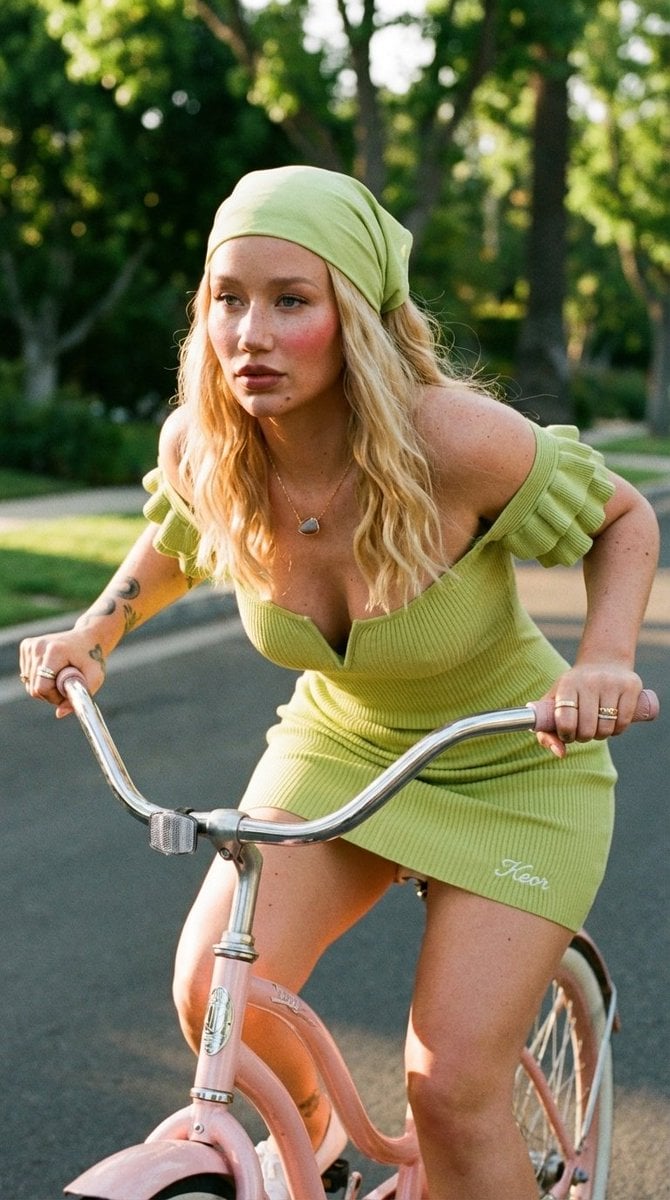
Sunlit Lifestyle Fashion Photography on a Bicycle
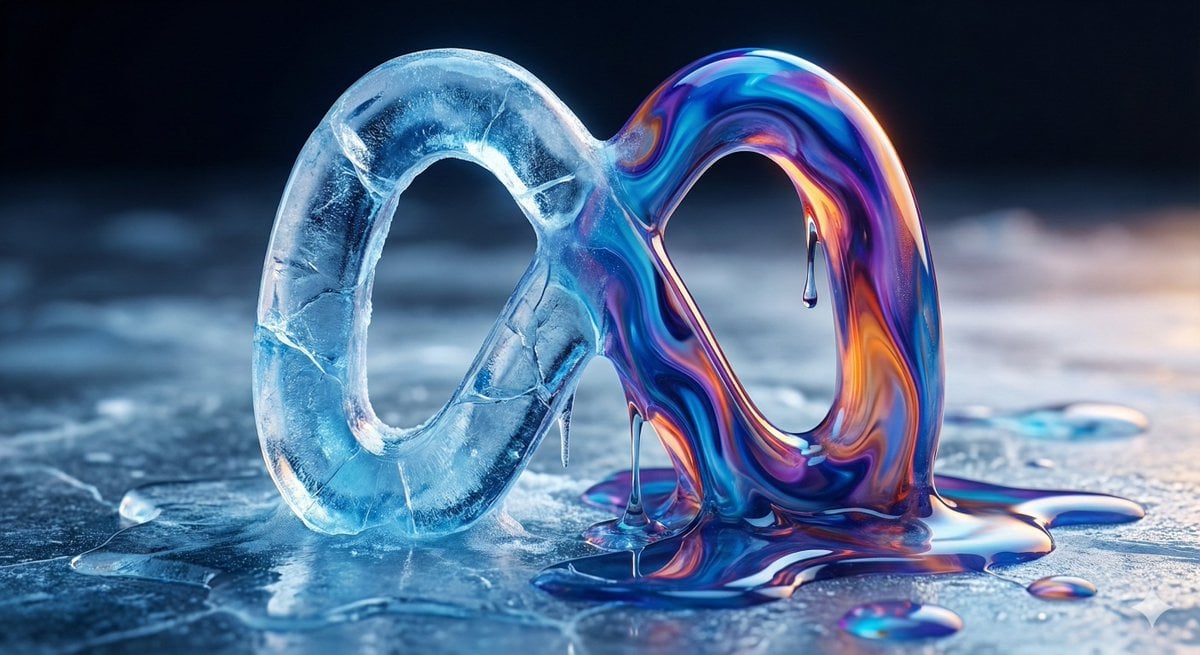
Ice and Liquid Hybrid Logo Design
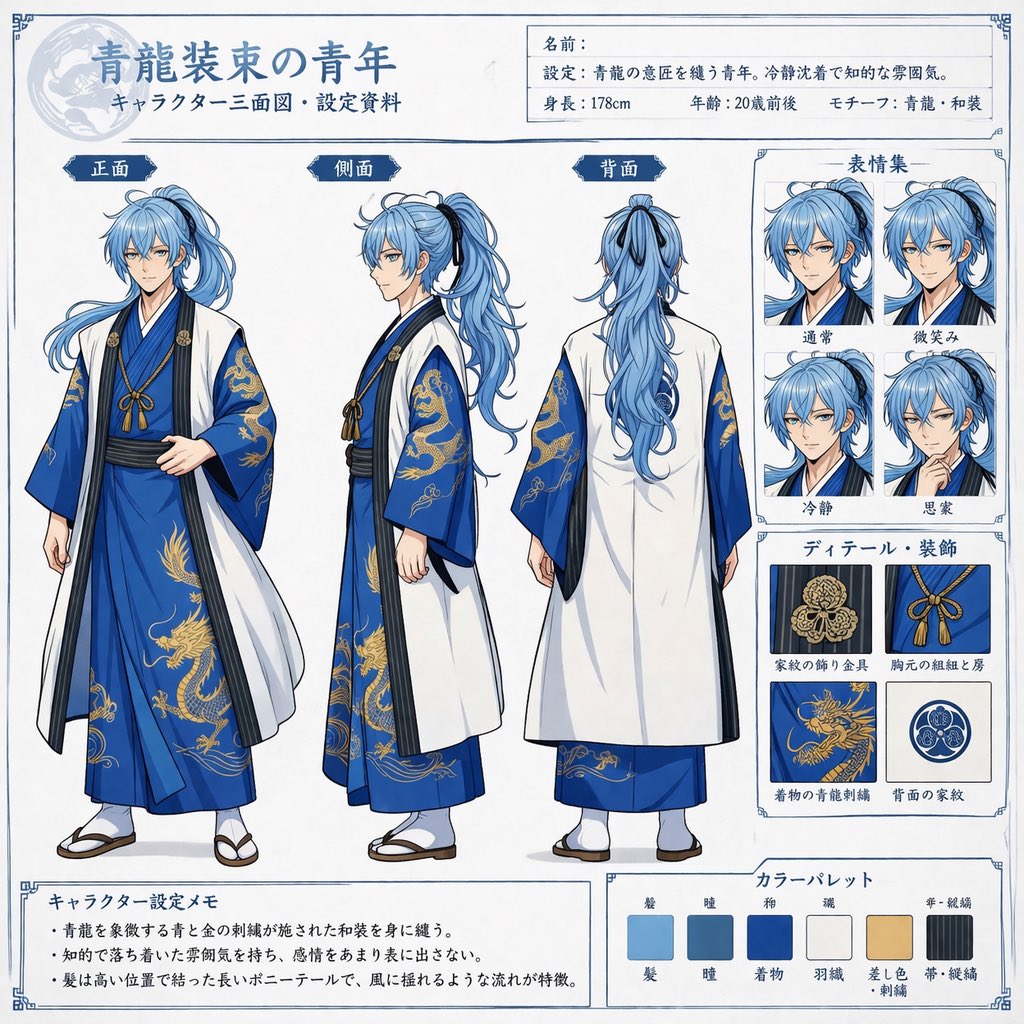
Comprehensive Anime Character Reference Sheet
Browse template categories
Sailor Moon Doodle Selfie questions
How do I use the Sailor Moon Doodle Selfie template?
Add your photo if the template asks for one, edit the prompt if you like — the template's model and format are already selected — and press Generate. Your version opens in PicX Studio.
Can I customize the Sailor Moon Doodle Selfie template?
Yes. You can change the subject, setting, lighting, mood, format, and available model controls before creating your image.
Is the Sailor Moon Doodle Selfie template free?
Opening and editing this template is free. Generating uses credits, shown on the Generate button when you are signed in.
Which AI model should I use?
Start with GPT Image 2, which is the model associated with this template. You can compare another compatible model for a different finish.
Looking for something else? Browse all templates.

Your photo, any look
Thousands of ready templates for every top image and video model, from one credit balance.