
Comprehensive Anime Character Reference Sheet
Generates a comprehensive anime-style character design sheet featuring front, side, and back views, expressions, details, and a color palette.
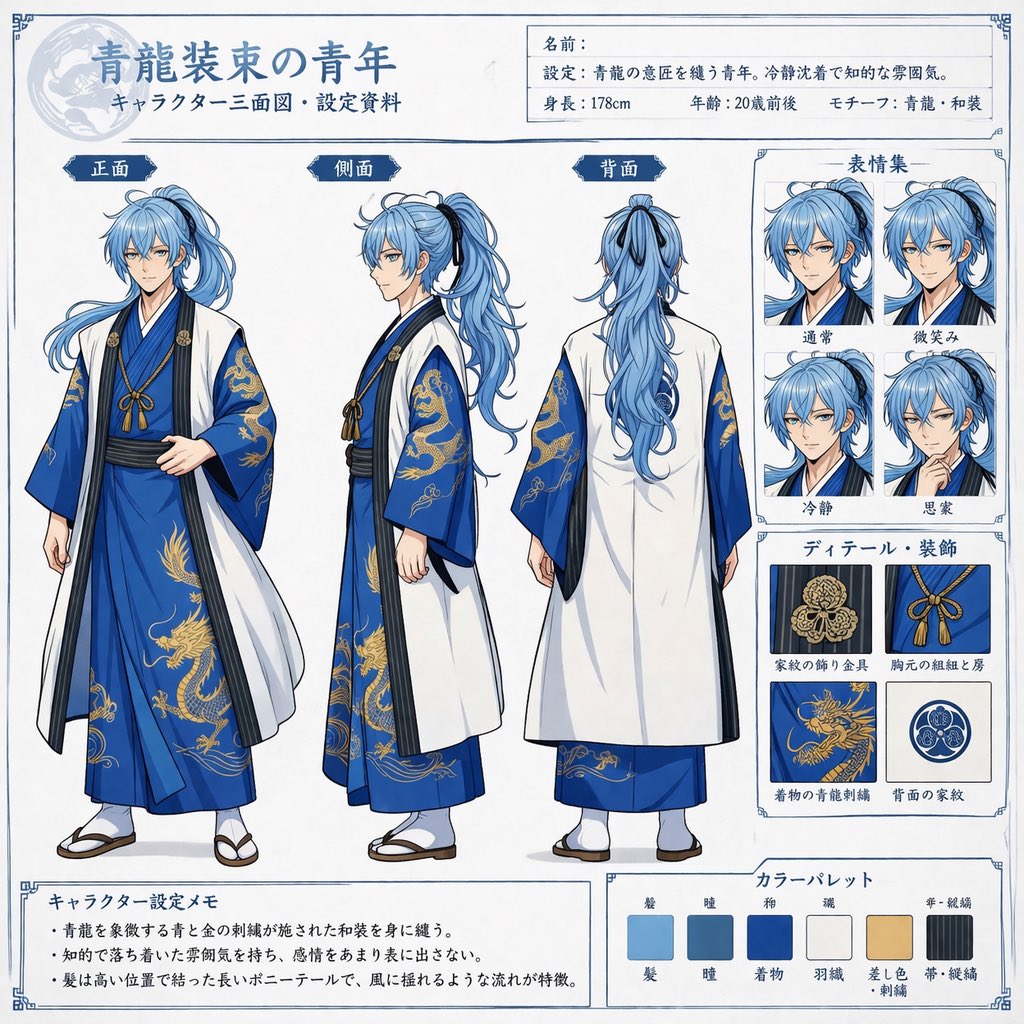
- Prompt included
- Model and format preset
- Free template
The prompt behind this image
Copy the exact prompt behind Comprehensive Anime Character Reference Sheet, or open it in the studio and make it yours.
- Type
- anime character reference sheet
- Character › Description
- young man, {argument name="hair color" default="light blue"} long hair in high ponytail, calm expression
- Character › Outfit
- {argument name="outfit style" default="blue kimono with gold dragon embroidery and white haori"}
- Layout › Header › Title
- {argument name="character title" default="青龍装束の青年"}
- Layout › Header › Subtitle
- キャラクター三面図・設定資料
- Layout › Header › Info Box › Labels
- 名前:, 設定:, 身長:{argument name="height" default="178cm"}, 年齢:20歳前後, モチーフ:{argument name="motif" default="青龍"}・和装
- Layout › Main Views › Count
- 3
- Layout › Main Views › Poses
- front, side, back
- Layout › Main Views › Labels
- 正面, 側面, 背面
- Layout › Sidebar Right › Expressions › Title
- 表情集
- Layout › Sidebar Right › Expressions › Count
- 4
- Layout › Sidebar Right › Expressions › Labels
- 通常, 微笑み, 冷静, 思案
- Layout › Sidebar Right › Details › Title
- ディテール・装飾
- Layout › Sidebar Right › Details › Count
- 4
- Layout › Sidebar Right › Details › Labels
- 家紋の飾り金具, 胸元の組紐と房, 着物の青龍刺繍, 背面の家紋
- Layout › Footer › Memo › Title
- キャラクター設定メモ
- Layout › Footer › Memo › Bullet Points Count
- 3
- Layout › Footer › Color Palette › Title
- カラーパレット
- Layout › Footer › Color Palette › Count
- 6
- Layout › Footer › Color Palette › Labels
- 髪, 瞳, 着物, 羽織, 差し色・刺繍, 帯・組紐
Raw JSON
{
  "type": "anime character reference sheet",
  "character": {
    "description": "young man, {argument name=\"hair color\" default=\"light blue\"} long hair in high ponytail, calm expression",
    "outfit": "{argument name=\"outfit style\" default=\"blue kimono with gold dragon embroidery and white haori\"}"
  },
  "layout": {
    "header": {
      "title": "{argument name=\"character title\" default=\"青龍装束の青年\"}",
      "subtitle": "キャラクター三面図・設定資料",
      "info_box": {
        "labels": ["名前:", "設定:", "身長:{argument name=\"height\" default=\"178cm\"}", "年齢:20歳前後", "モチーフ:{argument name=\"motif\" default=\"青龍\"}・和装"]
      }
    },
    "main_views": {
      "count": 3,
      "poses": ["front", "side", "back"],
      "labels": ["正面", "側面", "背面"]
    },
    "sidebar_right": {
      "expressions": {
        "title": "表情集",
        "count": 4,
        "labels": ["通常", "微笑み", "冷静", "思案"]
      },
      "details": {
        "title": "ディテール・装飾",
        "count": 4,
        "labels": ["家紋の飾り金具", "胸元の組紐と房", "着物の青龍刺繍", "背面の家紋"]
      }
    },
    "footer": {
      "memo": {
        "title": "キャラクター設定メモ",
        "bullet_points_count": 3
      },
      "color_palette": {
        "title": "カラーパレット",
        "count": 6,
        "labels": ["髪", "瞳", "着物", "羽織", "差し色・刺繍", "帯・組紐"]
      }
    }
  }
}How to use Comprehensive Anime Character Reference Sheet in 3 steps
- 1Upload ImagePNG, JPG or paste
Add your photo
Upload the photo the template builds on. The prompt, model and format are already set.
- 2…a portrait of your subject in softgolden-hour light, 85mm…
Personalize
Edit the subject and creative details for your destination.
- 3Generate
Generate
Press Generate — your image is created in PicX Studio, so you can compare it with the original and refine one variable at a time.
More like this
Templates with the same subject, style or setup. Open one to see its prompt.

Dancer Character - Four View Reference Sheet

Anime Character Charm Analysis Sheet

Anime Character Sheet Reference Prompt
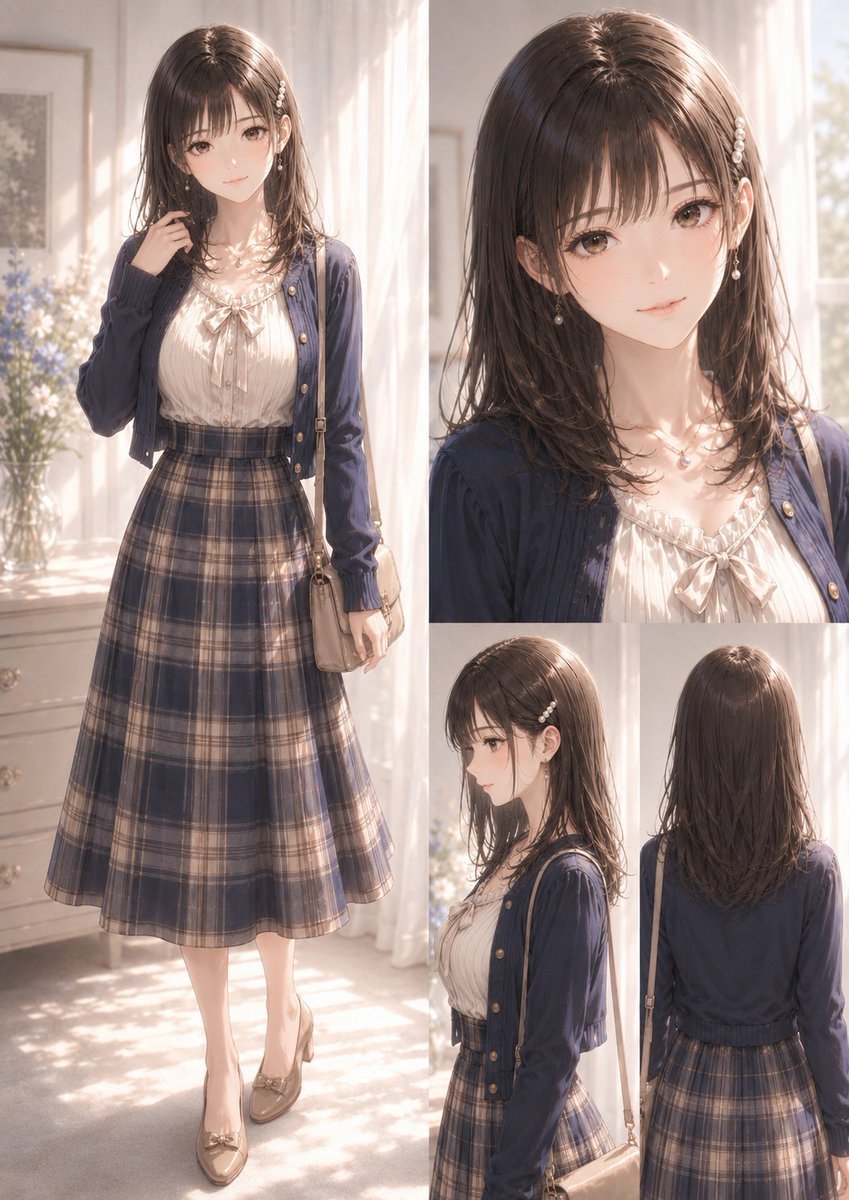
Elegant Anime Fashion Reference Sheet

Gray Studio Character Reference Sheet
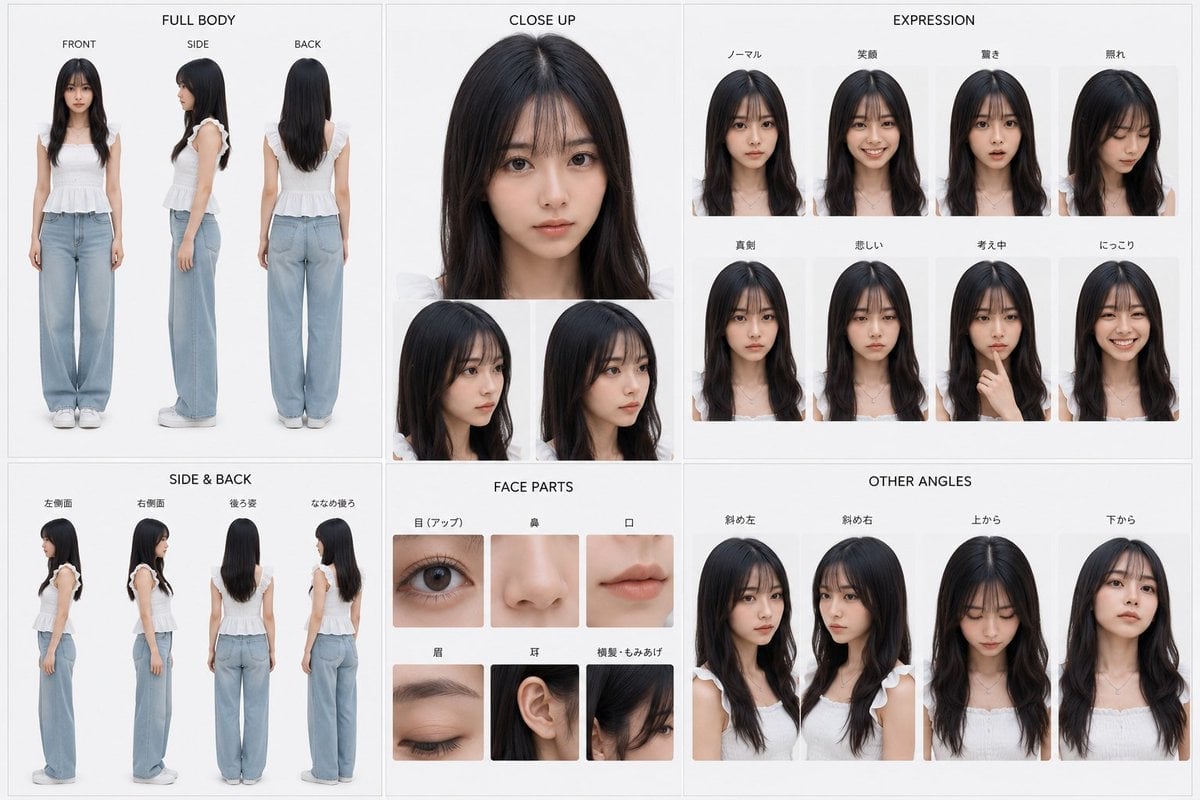
Photoreal Character Reference Sheet
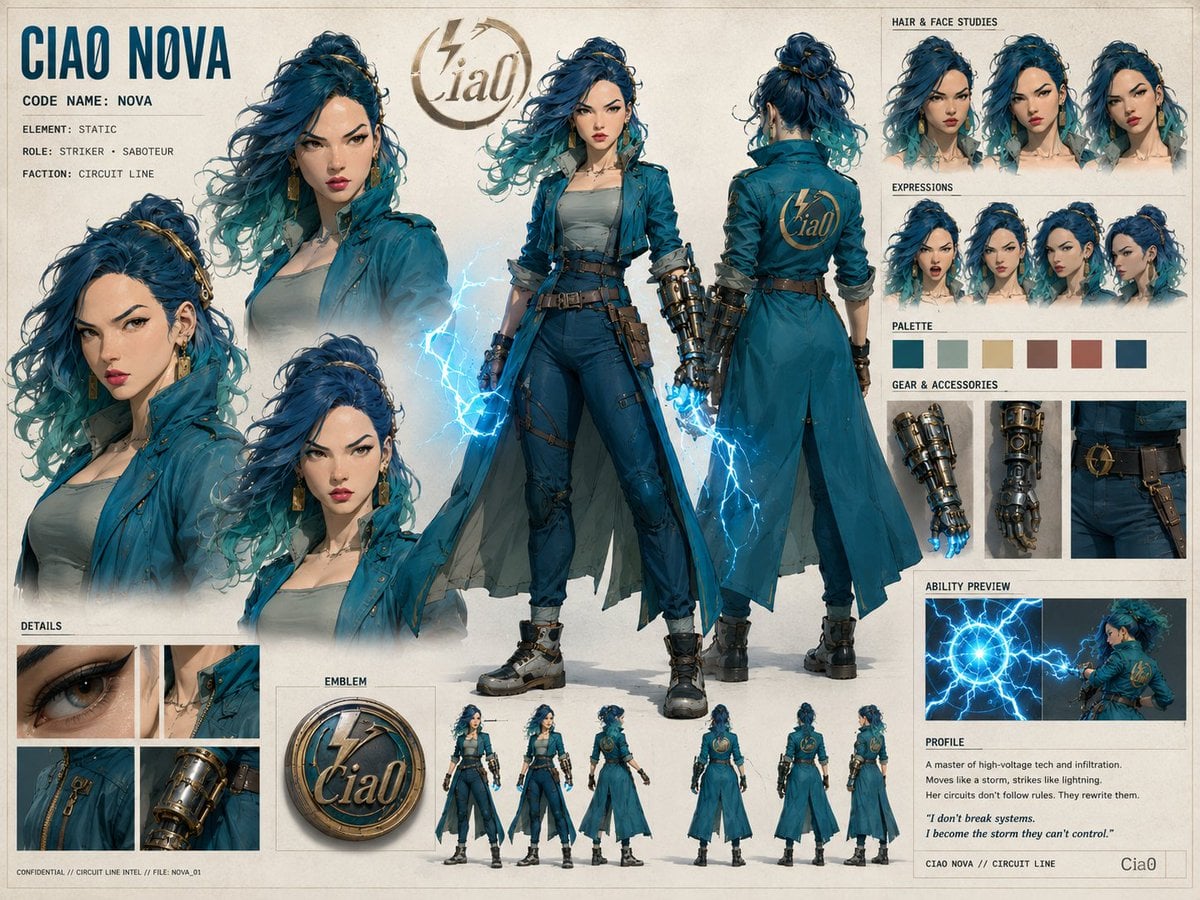
Ciao Nova Character Reference Sheet

Cel 2D Finale Fireworks

Cel 2D Garden Maze

Cel 2D Rooftop Concert

Cel 2D Bicycle Coast

Cel 2D Castle Gate
Make it yours
Comprehensive Anime Character Reference Sheet works as-is. These are the safest ways to change it without losing the look.
Change one field
Copy a single group, rewrite it, and generate again so you can see what that field is doing.
Keep the frame, change the subject
Hold the composition and light of Comprehensive Anime Character Reference Sheet, then swap wardrobe, props or the person for a new take.
| If the result… | Why | Fix |
|---|---|---|
| The result drifts from the preview | Too many fields changed at once. | Reuse Comprehensive Anime Character Reference Sheet as-is first, then change one group — subject, light, or setting. |
| GPT Image 2 ignores part of the JSON | Some models flatten or skip nested keys. | Keep the same values and paste them as a short paragraph instead. |
More GPT Image 2 templates
Other prompts made for GPT Image 2.

Six VTuber Japanese Logo Sheet

Realistic Portrait of Woman and Deer

The Vista Modular Condo Poster

AI Model Routing Comparison Infographic

2.5D Anime Art Board

Isometric Productivity Desk Scene

New York Double Exposure Poster

Four-Panel AI Landscape Comparison

Japanese Tatami Lifestyle Magazine Cover

NESCAFÉ Coffee Map Poster
More image prompts
Fresh picks from across the catalog.
Minimalist 3D Clay Render
Cinematic Cyberpunk Tokyo Street Scene Prompt
Fox Spirit Kimono Portrait

The Ultimate Nano Banana Pro Master Prom
Unrestricted Photo Restoration Parody
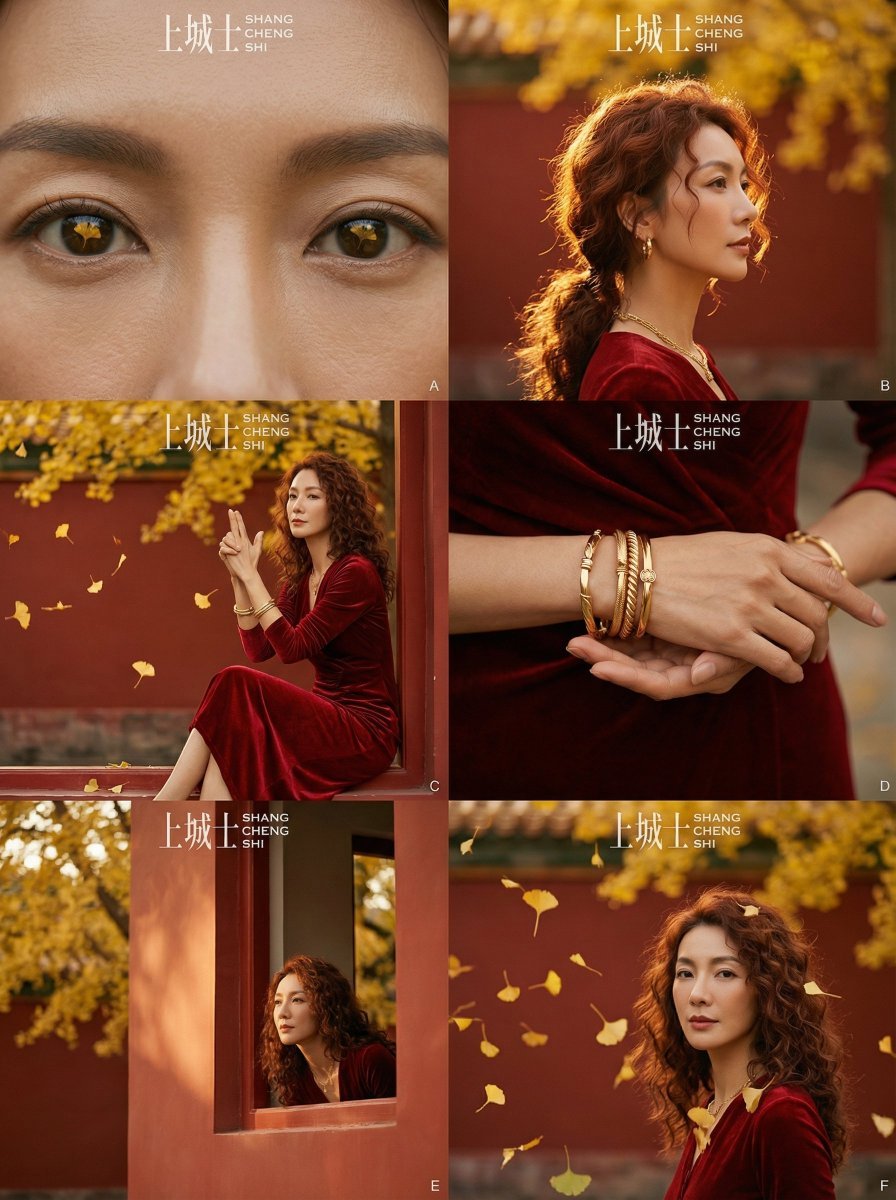
Cinematic Chinese Style Fashion Editorial (Shang Cheng Shi)
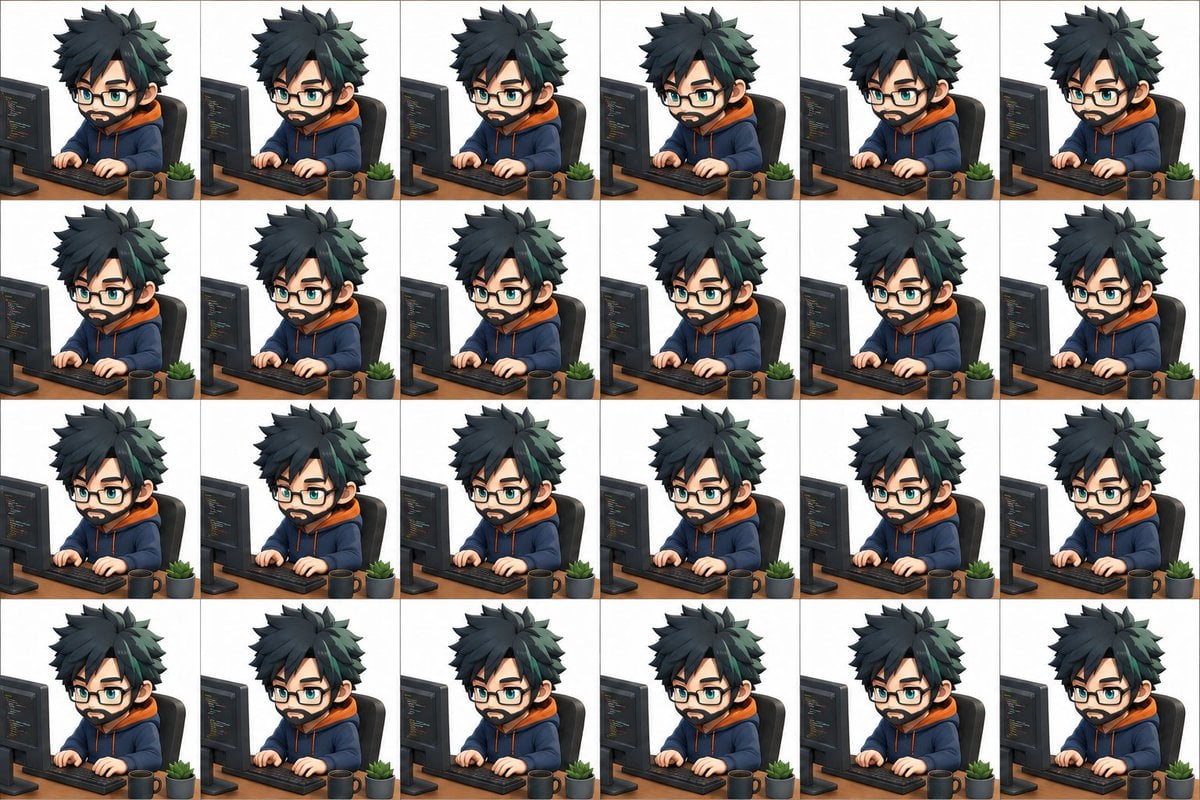
3D Chibi Sprite Sheet Generator
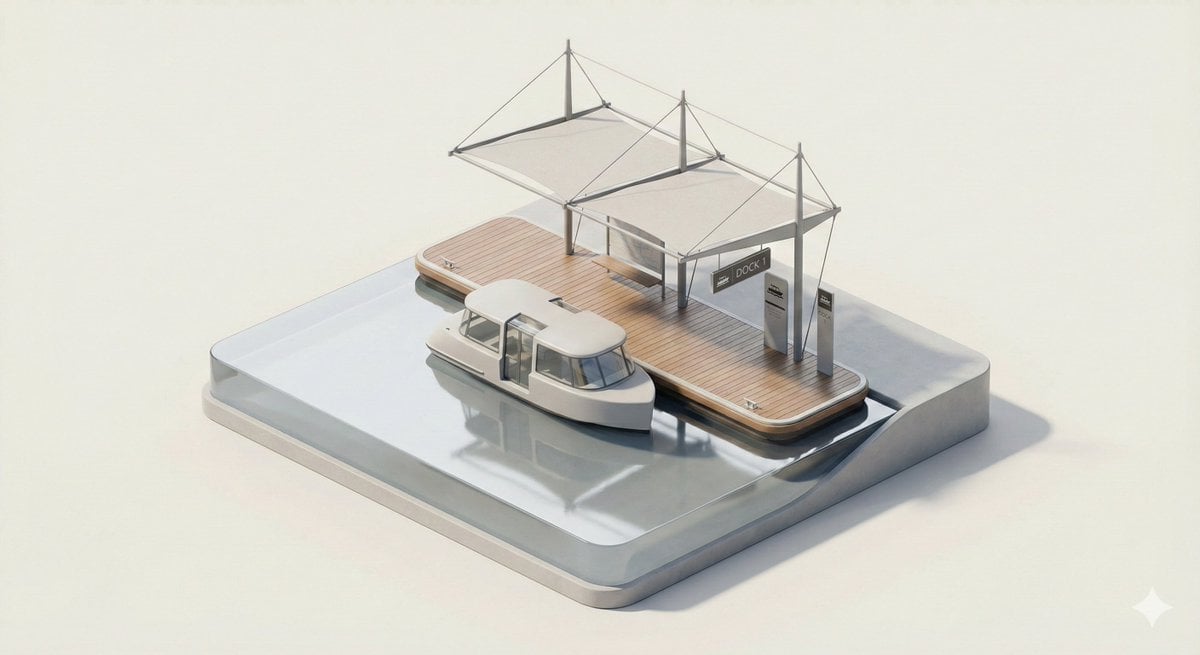
3D Isometric Urban Transit Stop Diorama Prompt
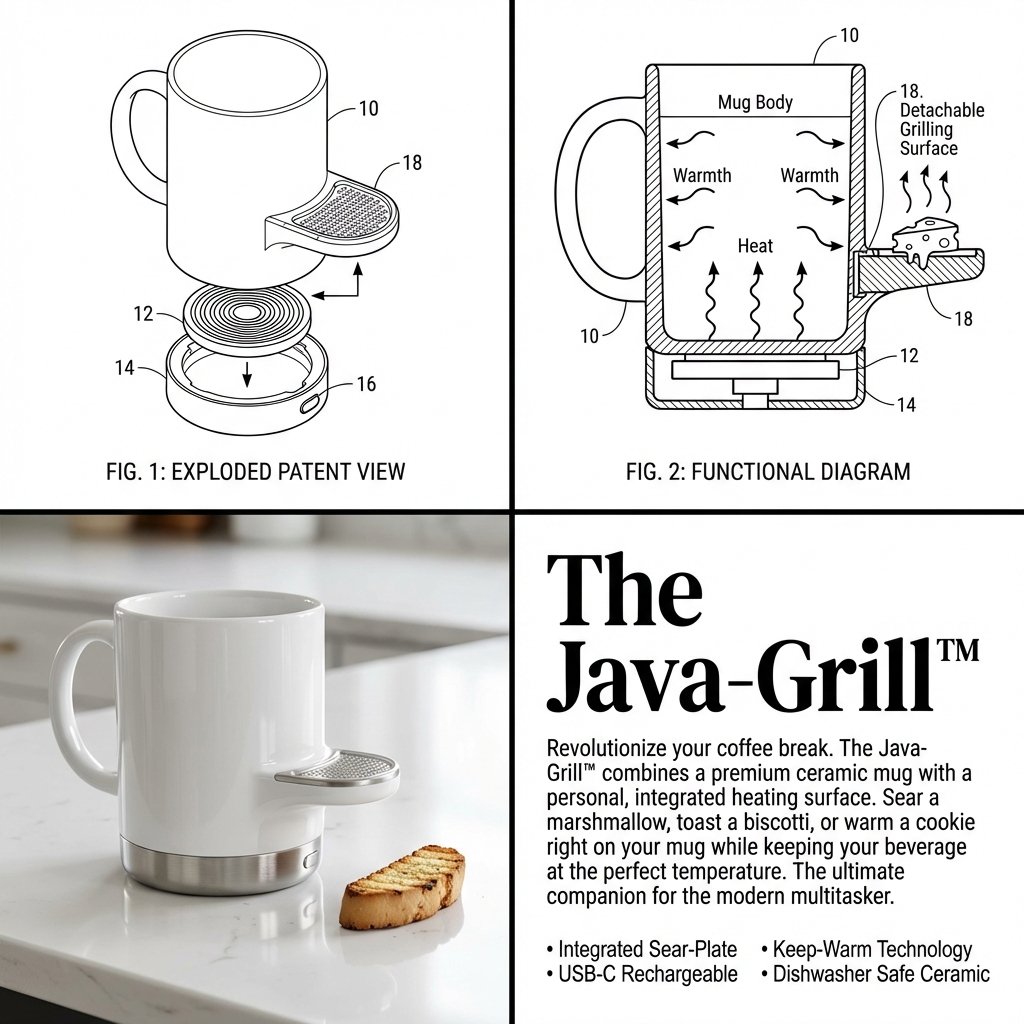
2x2 Grid Product Invention Visualization (Patent/Marketing)
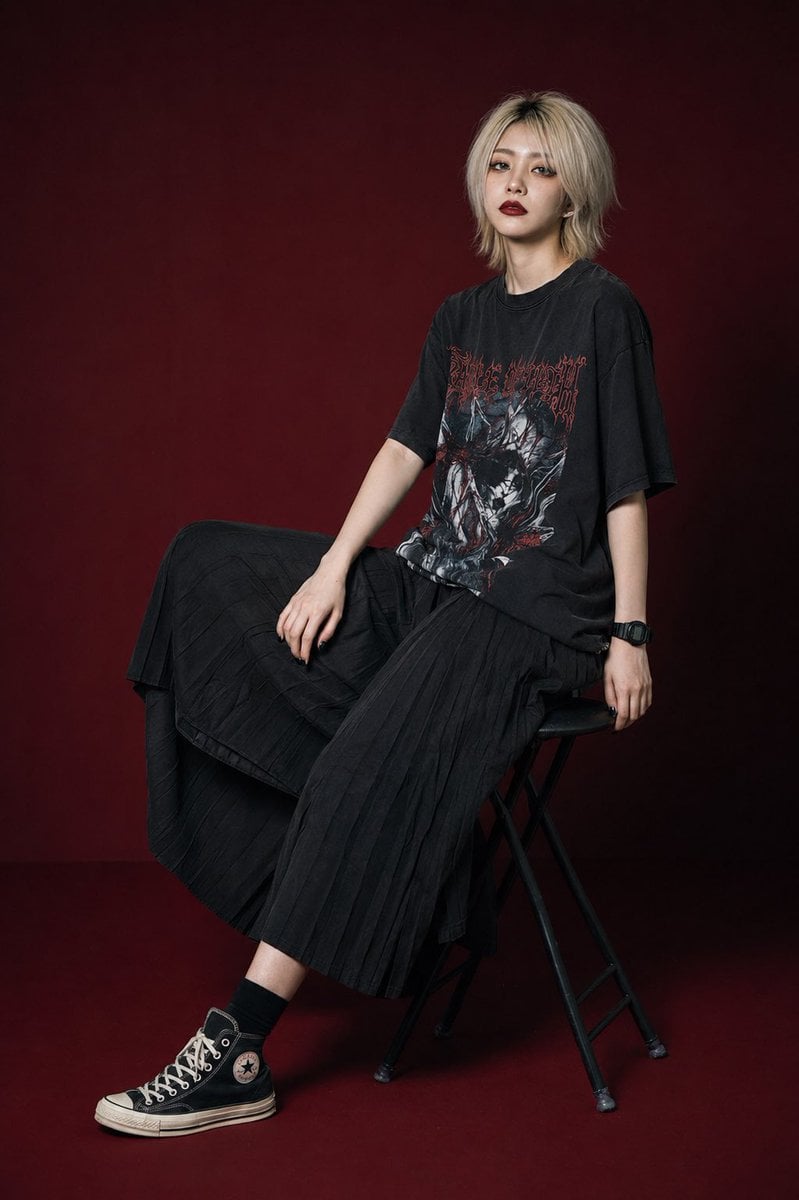
Modern Gothic High-Fashion Portrait
Browse template categories
Comprehensive Anime Character Reference Sheet questions
How do I use the Comprehensive Anime Character Reference Sheet template?
Add your photo if the template asks for one, edit the prompt if you like — the template's model and format are already selected — and press Generate. Your version opens in PicX Studio.
Can I customize the Comprehensive Anime Character Reference Sheet template?
Yes. You can change the subject, setting, lighting, mood, format, and available model controls before creating your image.
Is the Comprehensive Anime Character Reference Sheet template free?
Opening and editing this template is free. Generating uses credits, shown on the Generate button when you are signed in.
Which AI model should I use?
Start with GPT Image 2, which is the model associated with this template. You can compare another compatible model for a different finish.
Looking for something else? Browse all templates.

Your photo, any look
Thousands of ready templates for every top image and video model, from one credit balance.