
The Ultimate Nano Banana Pro Master Prom
The Ultimate Nano Banana Pro Master Prom is a ready photo look for Nano Banana.
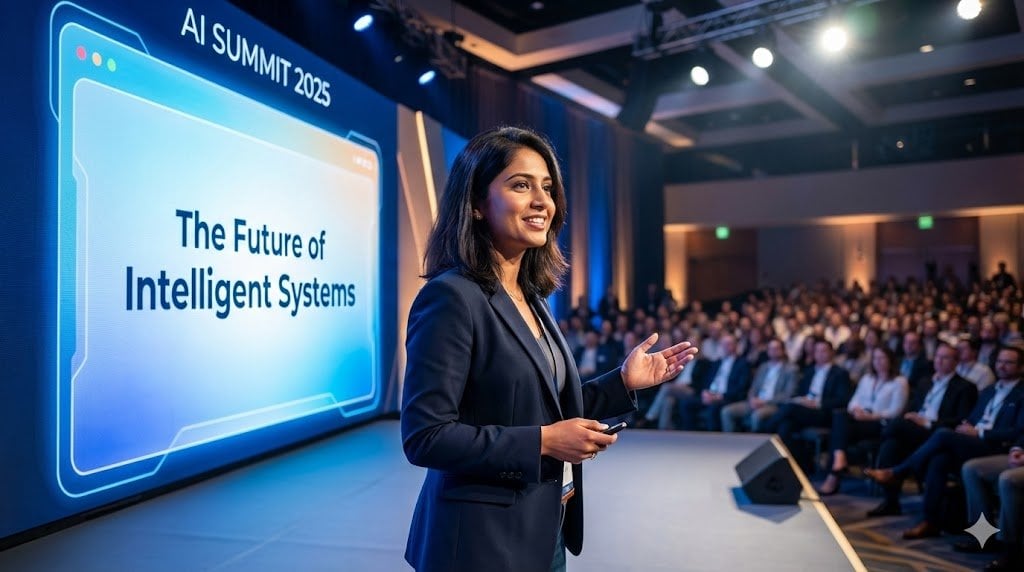
- Prompt included
- Model and format preset
- Free template
The prompt behind this image
Copy the exact prompt behind The Ultimate Nano Banana Pro Master Prom, or open it in the studio and make it yours.
{ "generation_mode": "thinking|standard", "output_specifications": { "resolution": "1K|2K|4K", "aspect_ratio": "16:9|1:1|9:16|custom", "quality_priority": "speed|balanced|quality" }, "scene_description": { "primary_subject": "[main focus of image]", "environment": "[setting and background]", "atmosphere": "[mood and feeling]", "style": "[visual aesthetic]", "time_of_day": "[if relevant]" }, "camera_controls": { "angle": "[camera perspective]", "focal_length": "[lens type - wide/standard/telephoto]", "depth_of_field": "[shallow/deep, what's in focus]", "composition": "[rule of thirds/centered/golden ratio/etc]" }, "lighting_setup": { "primary_light": { "type": "[natural/studio/dramatic/soft]", "direction": "[where light comes from]", "intensity": "[bright/moderate/moody]" }, "shadows": "[deep/subtle/minimal]", "color_temperature": "[warm/cool/neutral]", "special_effects": "[rim light/backlighting/etc if needed]" }, "color_grading": { "overall_tone": "[vibrant/muted/monochrome/etc]", "color_palette": ["primary color", "secondary color", "accent color"], "mood": "[emotional impact of colors]" }, "text_elements": [ { "text_content": "[exact text to render]", "position": "[location in image]", "font_style": "[typography description]", "size": "[relative size]", "color": "[text color]", "effects": "[glow/shadow/3D/etc]", "language": "[if not English]" } ], "reference_images": [ { "image_id": 1, "purpose": "style reference|composition reference|color reference|character reference", "extract_elements": ["specific elements to copy"], "apply_to": "[where to use these elements]", "transfer_intensity": "[0-100%]" } ], "characters": [ { "character_id": 1, "detailed_description": "[ethnicity, age, gender, facial features, hair, expression]", "clothing": "[detailed outfit description]", "pose": "[body position and gesture]", "position_in_scene": "[spatial placement]", "consistency_reference": "[image_id if maintaining across multiple generations]" } ], "grounding": { "enabled": true|false, "search_queries": ["facts to verify"], "data_requirements": ["specific information needed"], "accuracy_priority": "high|medium" }, "style_constraints": { "artistic_style": "[photorealistic/illustration/3D render/watercolor/etc]", "inspiration": "[specific artists or movements if relevant]", "must_avoid": ["elements to exclude"] }, "technical_requirements": { "intended_use": "[social media/print/web/presentation]", "safe_zones": "[areas to keep clear for text/cropping]", "brand_guidelines": ["colors/fonts/logos to include"] }, "consistency_requirements": { "maintain_across_series": true|false, "locked_elements": ["elements that must stay identic
How to use The Ultimate Nano Banana Pro Master Prom in 3 steps
- 1Upload ImagePNG, JPG or paste
Add your photo
Upload the photo the template builds on. The prompt, model and format are already set.
- 2…a portrait of your subject in softgolden-hour light, 85mm…
Personalize
Edit the subject and creative details for your destination.
- 3Generate
Generate
Press Generate — your image is created in PicX Studio, so you can compare it with the original and refine one variable at a time.
More like this
Templates with the same subject, style or setup. Open one to see its prompt.

Nano Banana Is So Addictive

Nano Banana 2 Perspective Experiment

Gemini Nano Banana 2 Isometric 3d City D

Nano Banana 2

Gemini Nano Banana 2

Gemini Nano Banana 2 Logo in Wet Sand Be

Nano Banana 2 Gourmet Ice Cream Commerci

Nano Banana Pro Photoreal Playful Couple

Nano Banana 2 High Fashion Sports Campai

Nano Banana 2 Editorial Fashion Portrait

B&W Photobooth Expression Grid 4x4 — Nano Banana

Gen Z TikTok Viral Expression Grid 4x4 — Nano Banana
Make it yours
The Ultimate Nano Banana Pro Master Prom works as-is. These are the safest ways to change it without losing the look.
Change one field
Copy a single group, rewrite it, and generate again so you can see what that field is doing.
Keep the frame, change the subject
Hold the composition and light of 64-the-ultimate-nano-banana-pro-master-prom, then swap wardrobe, props or the person for a new take.
| If the result… | Why | Fix |
|---|---|---|
| The result drifts from the preview | Too many fields changed at once. | Reuse 64-the-ultimate-nano-banana-pro-master-prom as-is first, then change one group — subject, light, or setting. |
| The model over-stylizes the scene | The prose prompt leaves finish and camera underspecified. | Add one camera or lighting sentence and stay on Nano Banana. |
More Nano Banana templates
Other prompts made for Nano Banana.










More image prompts
Fresh picks from across the catalog.
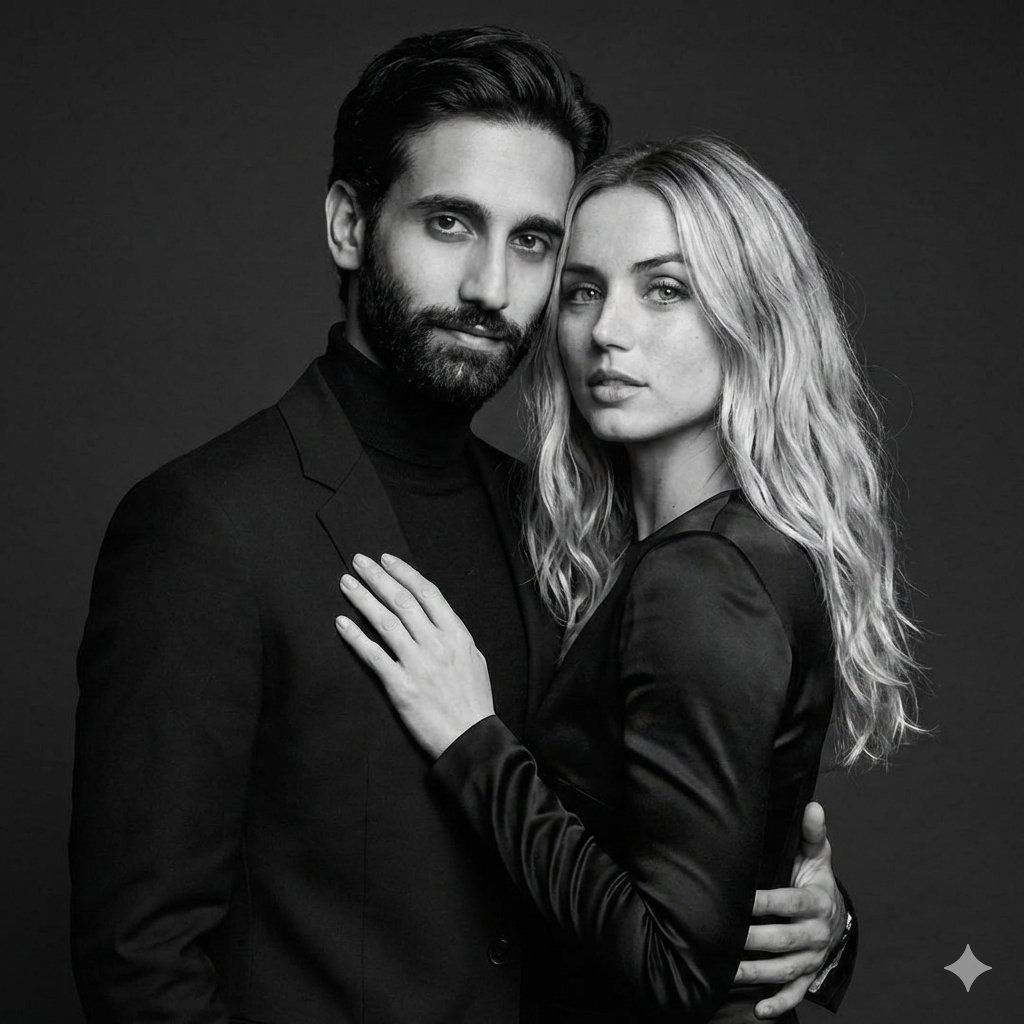
Black-and-White Studio Portrait of a Couple with Identity Lock
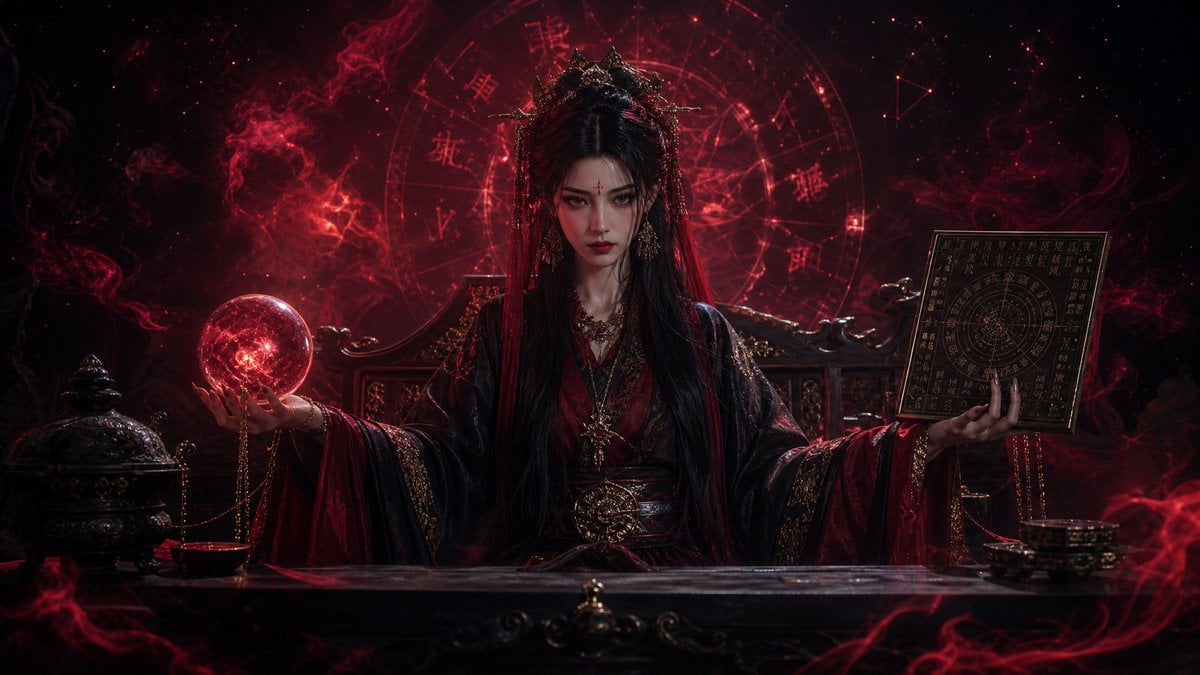
Dark Queen Oriental Diviner Portrait

Minimalist Educational Infographic Template
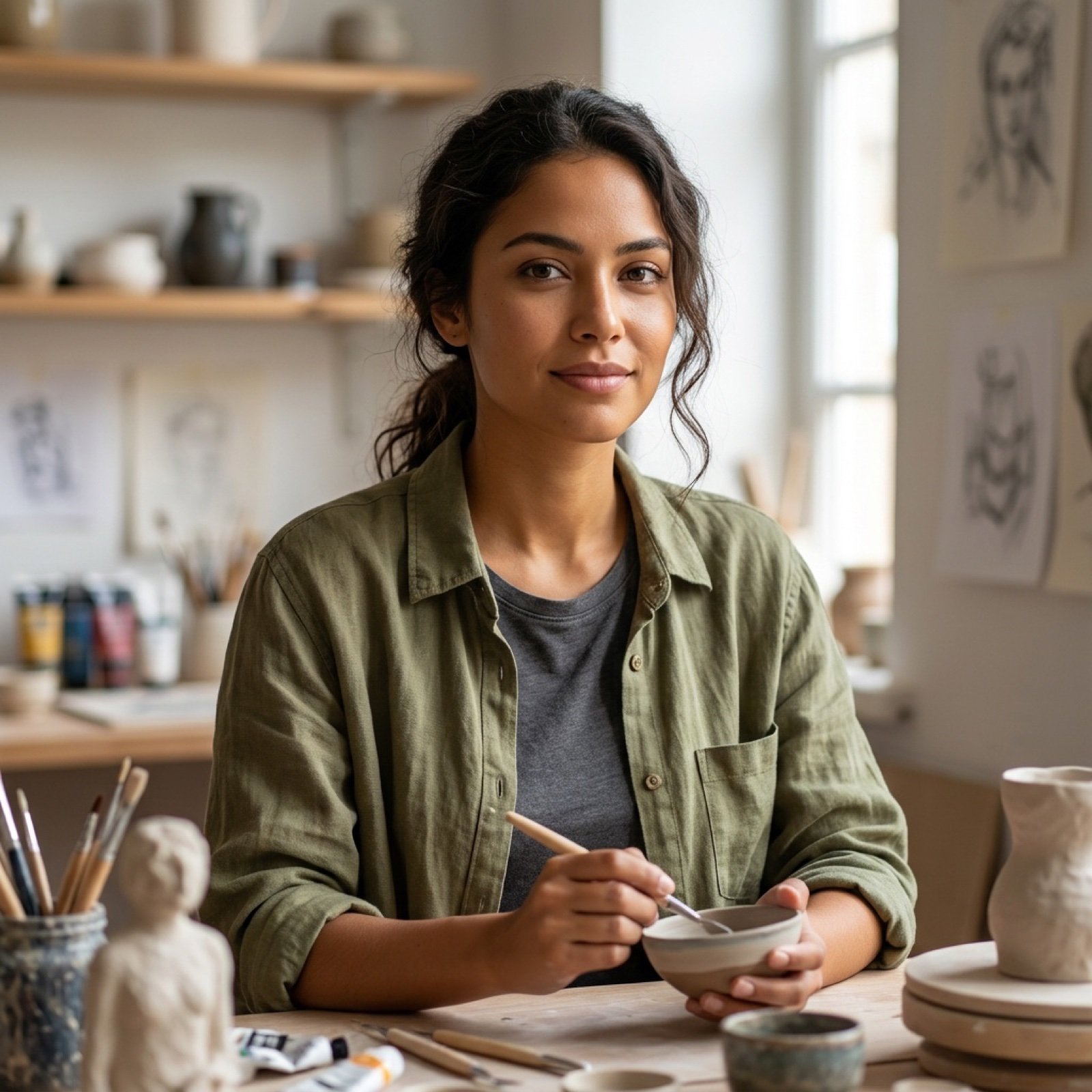
High Fidelity Face Swap Task Definition
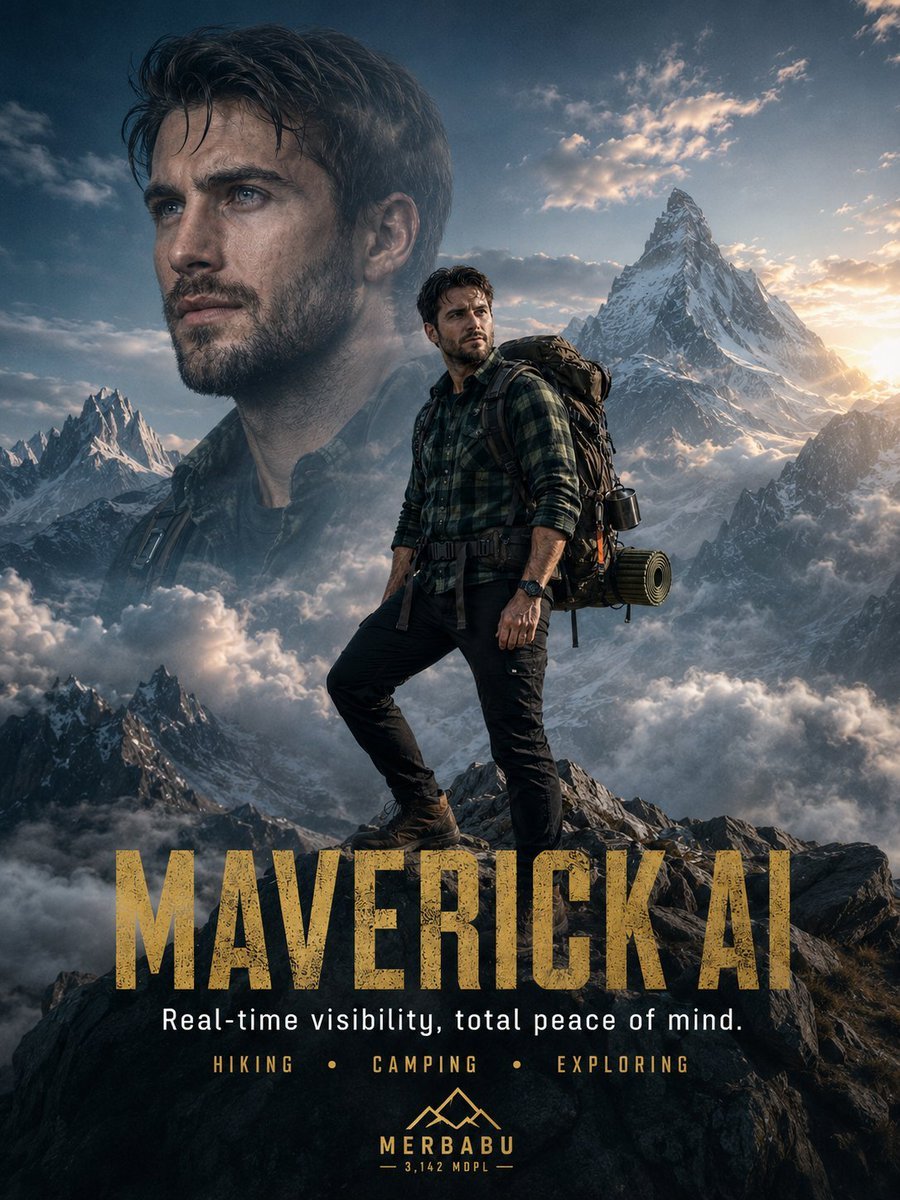
Himalayan Hiker Adventure Poster
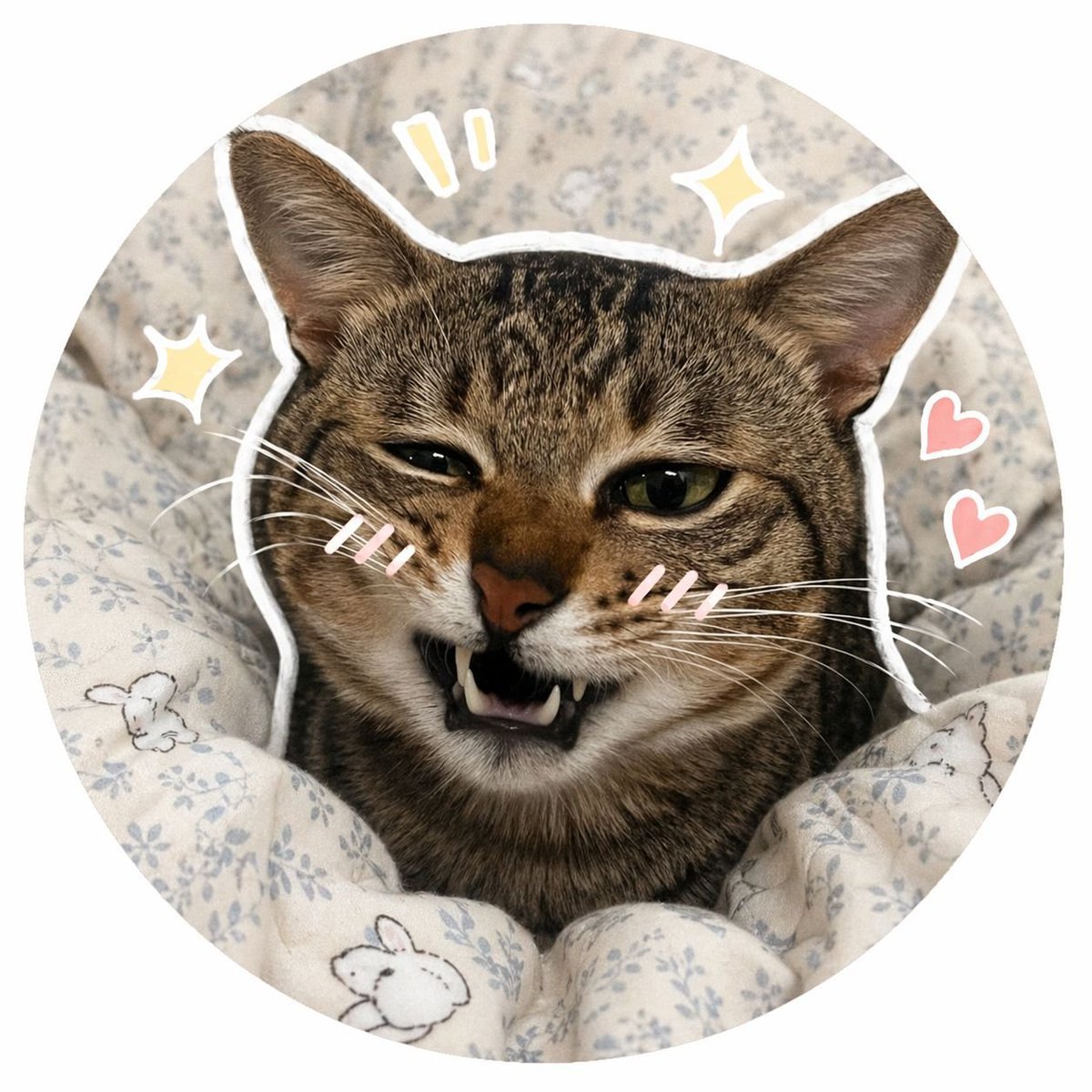
Social Media Pet Avatar Creator
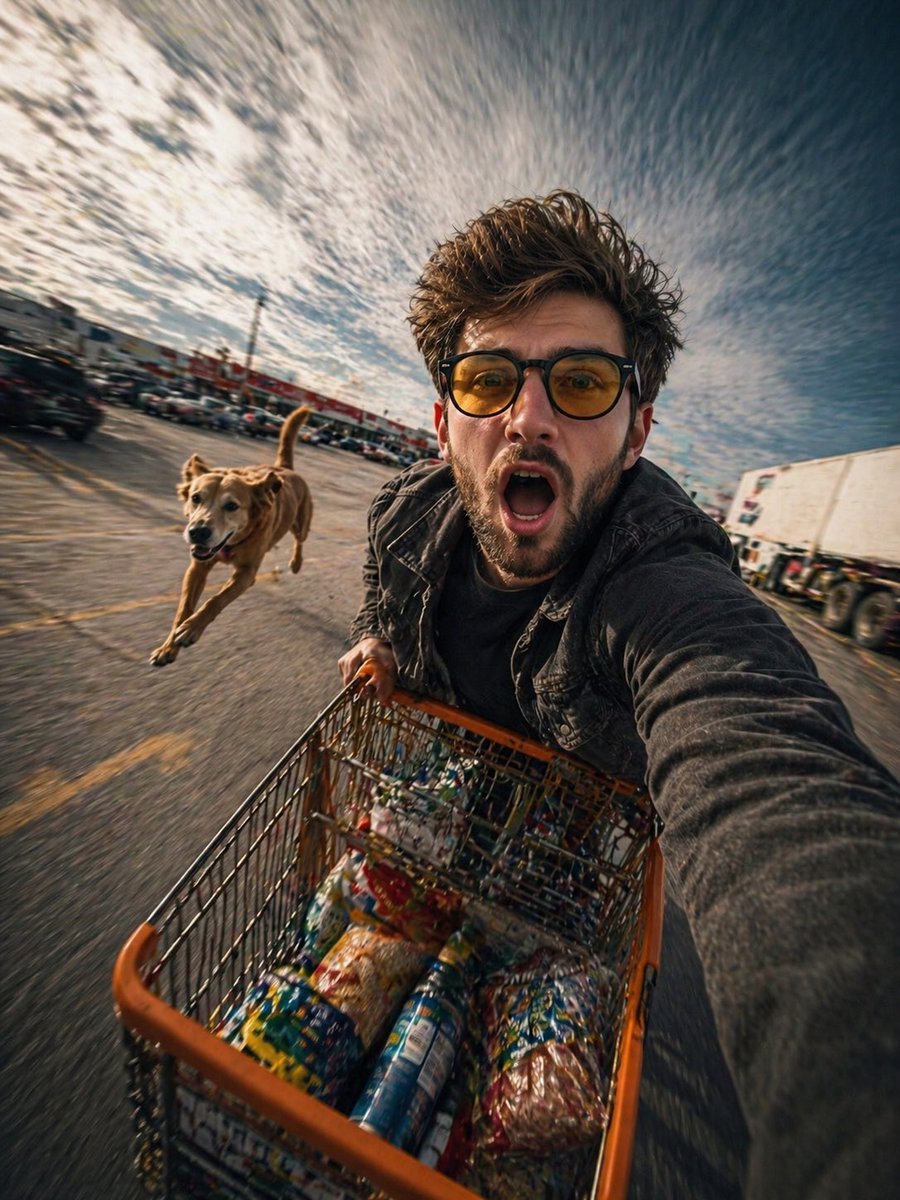
Realistic Action Selfie with Shopping Cart
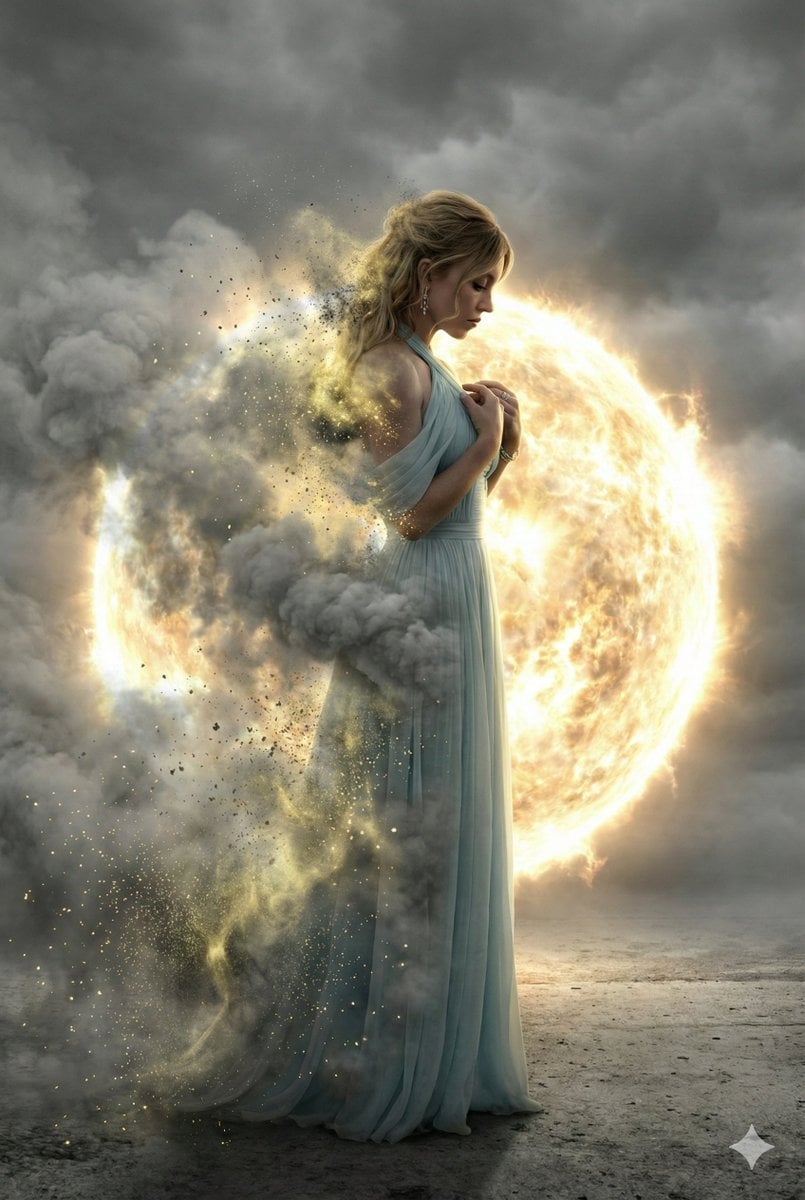
Cinematic Disintegration Effect Portrait
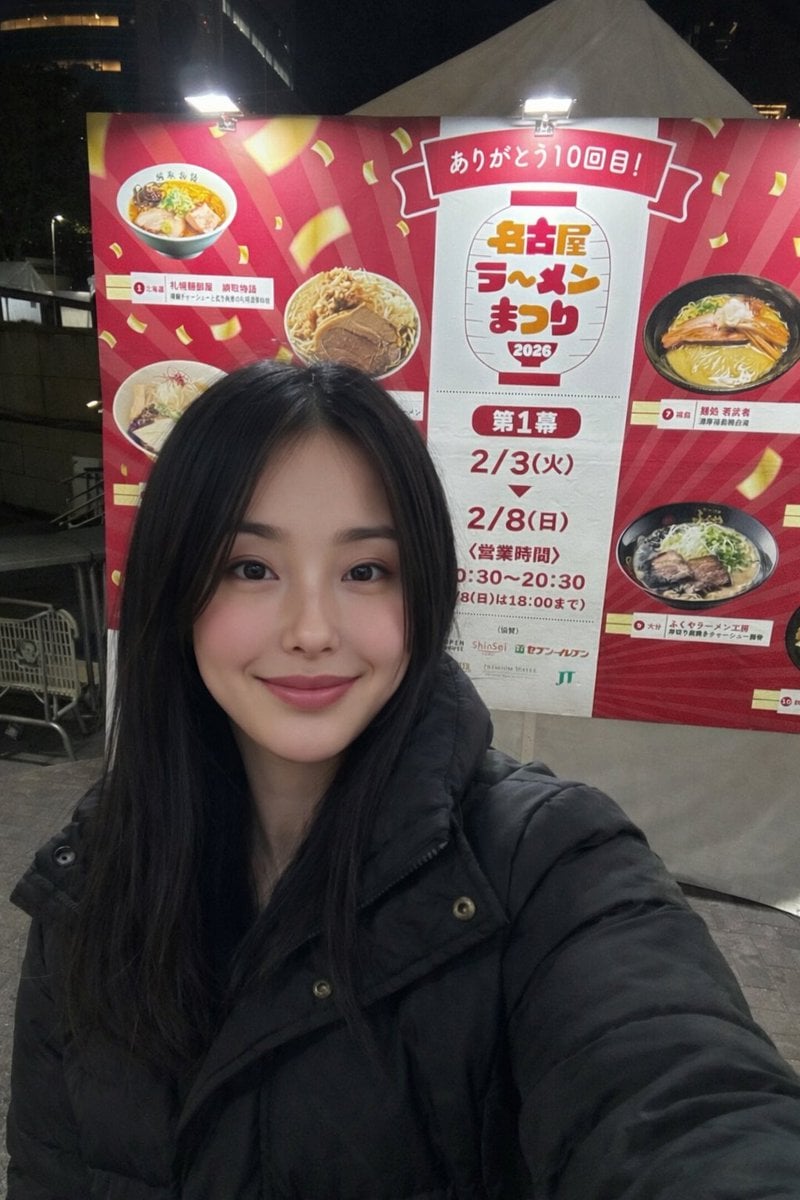
Inpainting with Nano Banana Pro and Drawthings
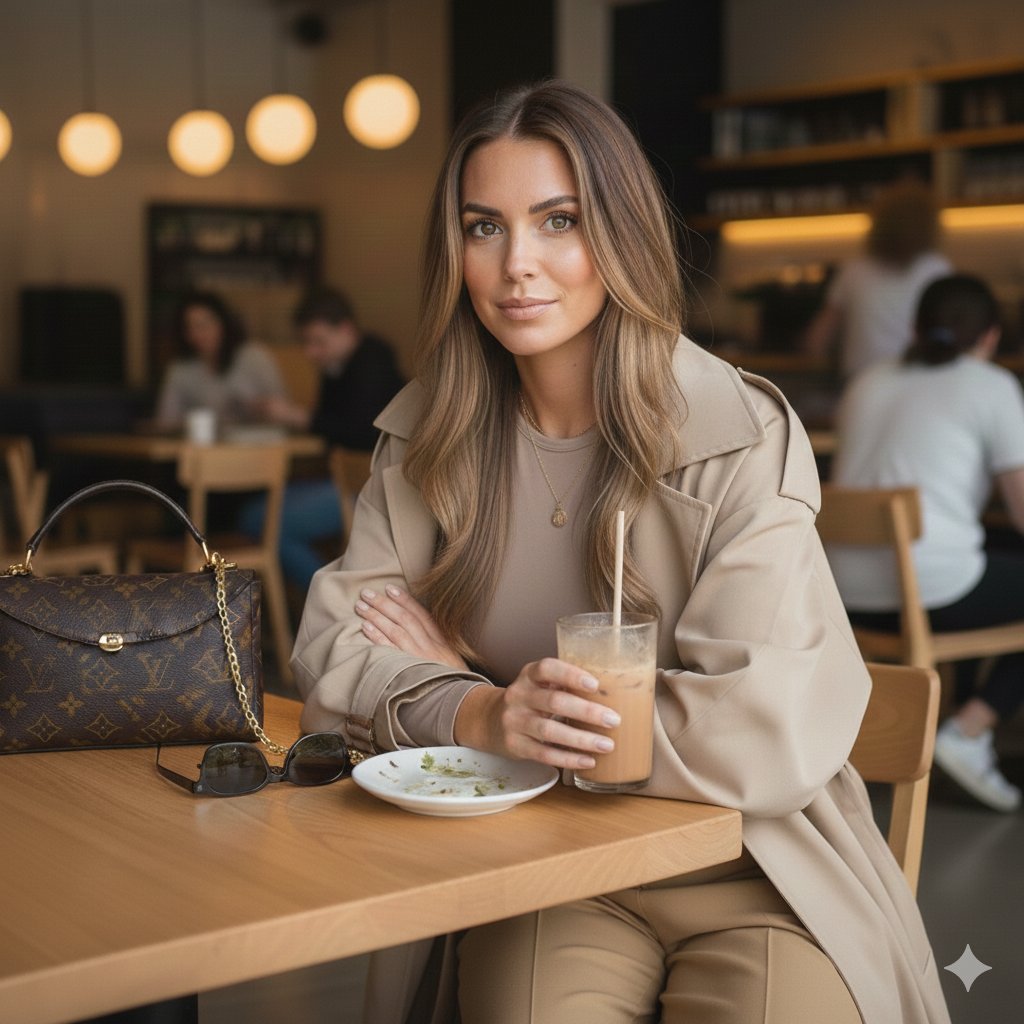
Lifestyle Café Photography Portrait
Browse template categories
The Ultimate Nano Banana Pro Master Prom questions
How do I use the 64-the-ultimate-nano-banana-pro-master-prom template?
Add your photo if the template asks for one, edit the prompt if you like — the template's model and format are already selected — and press Generate. Your version opens in PicX Studio.
Can I customize the 64-the-ultimate-nano-banana-pro-master-prom template?
Yes. You can change the subject, setting, lighting, mood, format, and available model controls before creating your image.
Is the 64-the-ultimate-nano-banana-pro-master-prom template free?
Opening and editing this template is free. Generating uses credits, shown on the Generate button when you are signed in.
Which AI model should I use?
Start with Nano Banana, which is the model associated with this template. You can compare another compatible model for a different finish.
Looking for something else? Browse all templates.

Your photo, any look
Thousands of ready templates for every top image and video model, from one credit balance.