
Minimalist Educational Infographic Template
A versatile template prompt for generating modern, clean educational infographic posters with adaptive grid layouts and clear visual hierarchies.

- Prompt included
- Model and format preset
- Free template
The prompt behind this image
Copy the exact prompt behind Minimalist Educational Infographic Template, or open it in the studio and make it yours.
A clean educational infographic poster explaining "{argument name="knowledge topic" default="the knowledge topic"}", [Overall Style] Modern minimalist UI style, Background uses soft light colors (such as cream #FAF7F2 / light gray-blue), Restrained, comfortable color scheme, suitable for long reading sessions, [Core Requirements (Key)] Organize the content modules naturally according to the information structure of the "knowledge topic", Do not force a fixed number or order of modules, Prioritize clear information logic over formal symmetry, [Layout (Adaptive)] - Use a grid layout (automatically choose 2 columns / 3 columns / irregular distribution) - The number of cards adjusts automatically based on content (usually 5–9) - Modules with high information density can be enlarged appropriately (higher visual weight) - Simple content modules can be shrunk or merged [Card Design] - White cards (#FFFFFF) - Rounded corners + slight shadow (soft layering) - Maintain consistent spacing and alignment [Each Information Module Includes] - A simple illustration (consistent style) - A clear title (strong hierarchy) - 1–3 sentences of core explanation (avoid being long-winded) - Examples / comparisons / summaries where necessary [Content Organization Principle (Key)] Automatically choose the appropriate structure based on the topic, for example: - Concept type → Definition + Principle + Characteristics + Example - Comparison type → A vs B (contrast structure) - Process type → Steps / flowchart - System type → Components + relationships - Skill type → Methods + techniques + common mistakes [Visual Hierarchy] - Title > module title > body text > supplementary information - Important information can be emphasized with color or icons [Color Suggestions] - Primary color: chosen according to the topic (technology = blue, learning = green, warning = orange) - Accent colors: 1–2 is enough - Avoid high saturation, avoid gaudiness [Style Requirements] - Lots of white space, a strong sense of breathing room - Consistent icons (linear or flat) - Prioritize high readability - Clear educational orientation [Additional Optimization (Optional)] - May include: comparison blocks / process arrows / structure diagrams - May have a "core summary" module as the visual conclusion
How to use Minimalist Educational Infographic Template in 3 steps
- 1
Open
The prompt is already in the box next to the preview, with the template's model and format selected.
- 2…a portrait of your subject in softgolden-hour light, 85mm…
Personalize
Edit the subject and creative details for your destination.
- 3Generate
Generate
Press Generate — your image is created in PicX Studio, so you can compare it with the original and refine one variable at a time.
More like this
Templates with the same subject, style or setup. Open one to see its prompt.

Isometric Process Educational Diorama
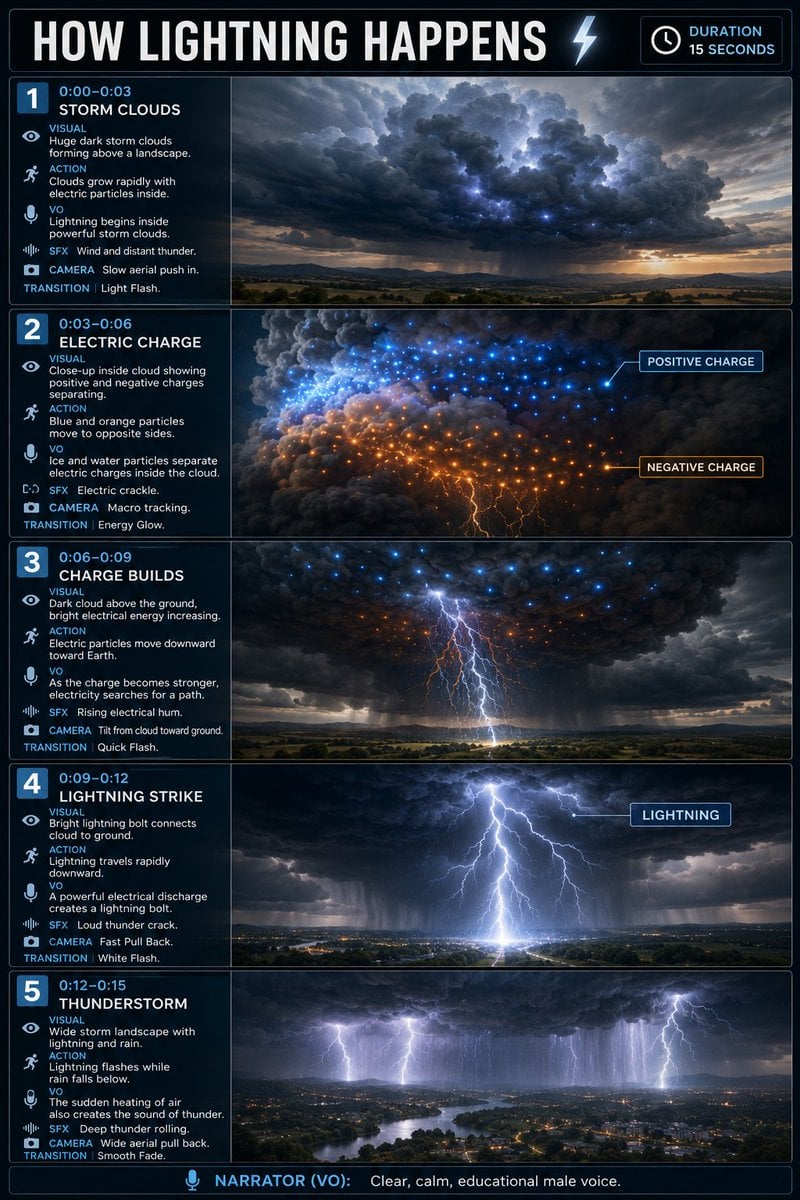
Educational Lightning Storyboard Infographic

Japan Travel Brochure Poster

Clean, minimalist fashion infographic from an uploaded reference photo
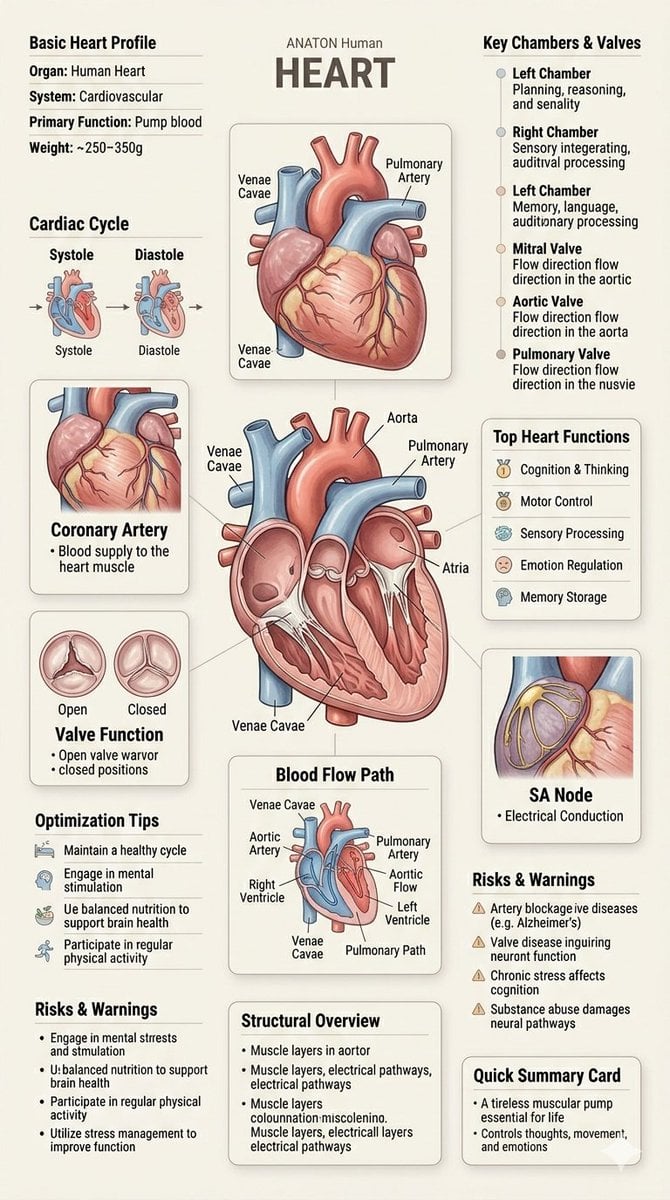
Human Anatomy Educational Infographic

Japanese Minimalist Concrete Studio Fashion Editorial

Korean Streetwear Minimalist Campaign Portrait

Minimalist Fashion Editorial Split Layout

Minimalist Scandinavian Editorial Fashion Portrait Series

Quiet Minimalist Anime Style Guide

Premium Vintage Travel Poster Landscape

Elegant Minimalist Product Photography
Make it yours
Minimalist Educational Infographic Template works as-is. These are the safest ways to change it without losing the look.
Change one field
Copy a single group, rewrite it, and generate again so you can see what that field is doing.
Keep the frame, change the subject
Hold the composition and light of Minimalist Educational Infographic Template, then swap wardrobe, props or the person for a new take.
| If the result… | Why | Fix |
|---|---|---|
| The result drifts from the preview | Too many fields changed at once. | Reuse Minimalist Educational Infographic Template as-is first, then change one group — subject, light, or setting. |
| The model over-stylizes the scene | The prose prompt leaves finish and camera underspecified. | Add one camera or lighting sentence and stay on GPT Image 2. |
More GPT Image 2 templates
Other prompts made for GPT Image 2.

Six VTuber Japanese Logo Sheet

Realistic Portrait of Woman and Deer

The Vista Modular Condo Poster

AI Model Routing Comparison Infographic

2.5D Anime Art Board

Isometric Productivity Desk Scene

New York Double Exposure Poster

Four-Panel AI Landscape Comparison

Japanese Tatami Lifestyle Magazine Cover

NESCAFÉ Coffee Map Poster
More image prompts
Fresh picks from across the catalog.
Neo-Traditional Tattoo Flash Prompt

Watercolor Fashion Travel Illustration
Corporate Elite Self-Reflection Portrait Prompt
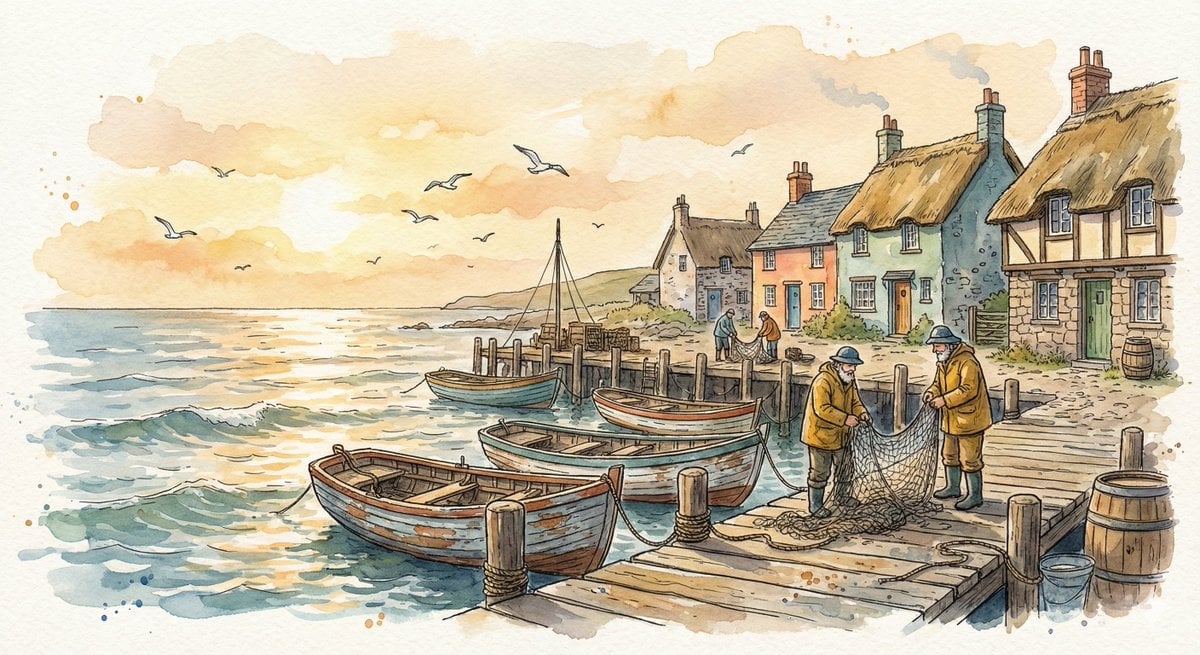
Watercolor Illustration of a Cozy Seaside Harbor Village

Korean ASCII Art and Affectionate Comment

Luxury Editorial Trio in Couture

Futuristic Urban Performance Poster
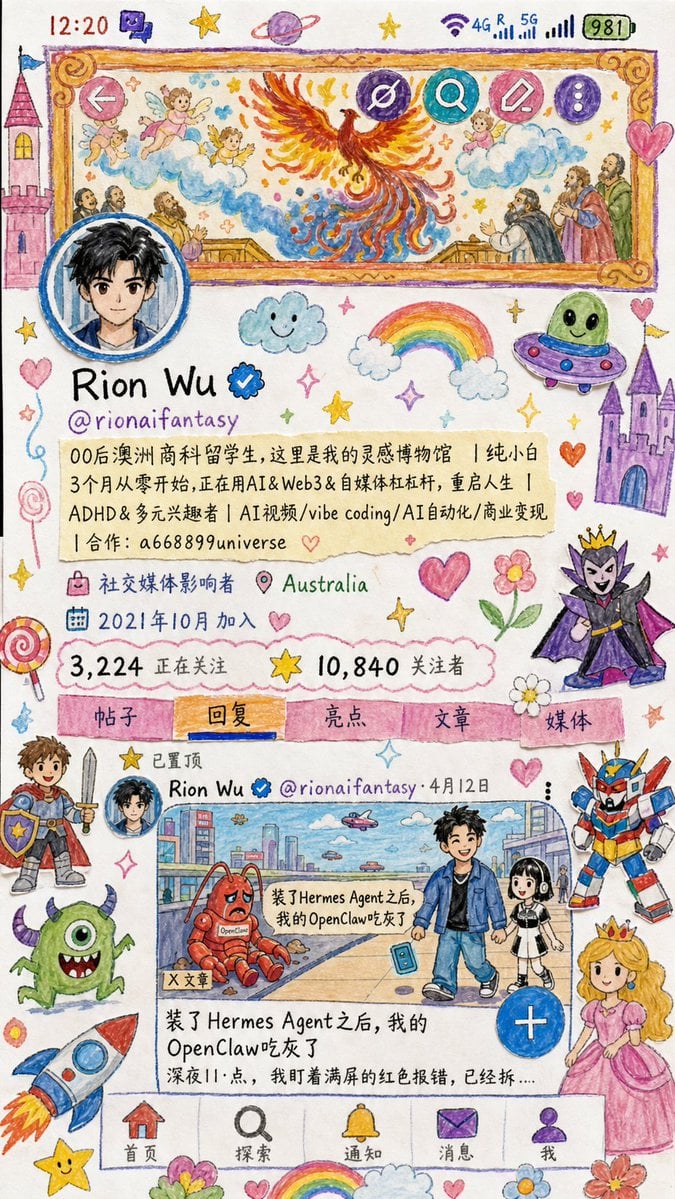
Childlike Watercolor and Crayon Art

High-Fashion Feather Tulle Glamour Portrait Prompt in JSON

Ishihara Color Blindness Test Plate
Browse template categories
Minimalist Educational Infographic Template questions
How do I use the Minimalist Educational Infographic Template template?
Add your photo if the template asks for one, edit the prompt if you like — the template's model and format are already selected — and press Generate. Your version opens in PicX Studio.
Can I customize the Minimalist Educational Infographic Template template?
Yes. You can change the subject, setting, lighting, mood, format, and available model controls before creating your image.
Is the Minimalist Educational Infographic Template template free?
Opening and editing this template is free. Generating uses credits, shown on the Generate button when you are signed in.
Which AI model should I use?
Start with GPT Image 2, which is the model associated with this template. You can compare another compatible model for a different finish.
Looking for something else? Browse all templates.

Your photo, any look
Thousands of ready templates for every top image and video model, from one credit balance.