
Childlike Watercolor and Crayon Art
A prompt that recreates an uploaded image as a charming 10-year-old's art project featuring watercolors, crayons, and paper collage elements.
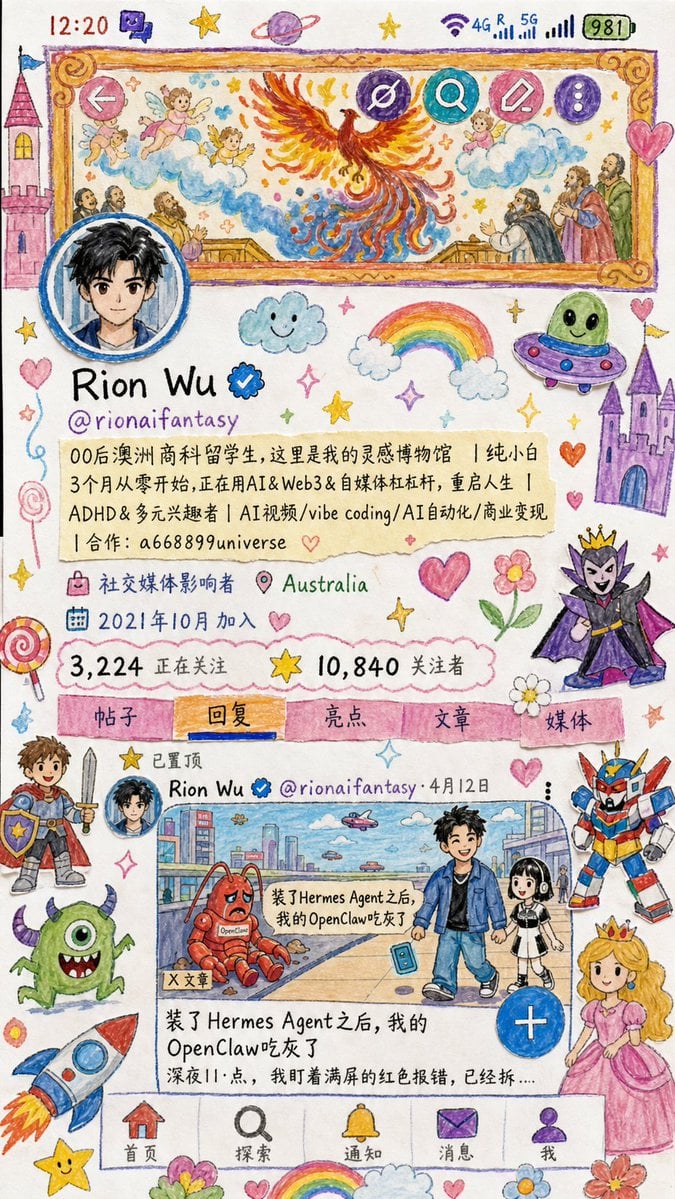
- Prompt included
- Model and format preset
- Free template
The prompt behind this image
Copy the exact prompt behind Childlike Watercolor and Crayon Art, or open it in the studio and make it yours.
Use the uploaded image as the reference image. Preserve its structure, framing, and main visual information. Recreate the provided image as a realistic handmade artwork by a clever 10-year-old child. Keep the original image’s main layout, composition, and recognizable content, but transform the entire scene into a 10-year-old child’s watercolor marker drawing mixed with crayon strokes and paper collage craft. The image should be placed on a clean white paper background. Make it look genuinely handmade, with wobbly outlines, simple shapes, uneven coloring, visible watercolor marker texture, waxy crayon strokes, cut-paper edges, slight glue marks, layered paper pieces, imperfect proportions, and charming childlike details. Do not use the original color palette. Replace it with {argument name="color theme" default="bright rainbow colors, soft pastel tones, playful candy colors, and cheerful handmade craft colors"}. Add whimsical childlike decorations naturally around the scene: {argument name="decorations" default="castles, fairy-tale towers, candy, lollipops, stars, smiling clouds, rainbows, hearts, flowers, sparkles, planets, stickers, and random doodles"}. Also add fantasy and sci-fi paper-collage characters as if the child added them for fun: {argument name="extra characters" default="a brave armored hero, a silly evil villain, a colorful mecha robot, a cute monster, a floating UFO, friendly little aliens, a lovely princess, and a fun spaceship flying through the sky"}. All visible text should be redrawn as childlike handwriting, as if written by a 10-year-old using crayons and watercolor markers. The handwriting should be uneven, slightly messy, cute, naive, with inconsistent letter sizes, irregular spacing, playful wobble, and imperfect alignment. The final image should feel realistic, smart, imaginative, innocent, colorful, and full of childlike creativity — like a charming school art project made with watercolor markers, crayons, scissors, glue, and colorful paper.
How to use Childlike Watercolor and Crayon Art in 3 steps
- 1Upload ImagePNG, JPG or paste
Add your photo
Upload the photo the template builds on. The prompt, model and format are already set.
- 2…a portrait of your subject in softgolden-hour light, 85mm…
Personalize
Edit the subject and creative details for your destination.
- 3Generate
Generate
Press Generate — your image is created in PicX Studio, so you can compare it with the original and refine one variable at a time.
More like this
Templates with the same subject, style or setup. Open one to see its prompt.

Decorative Folk Flat Paper Cut Illustration

Watercolor Anim Finale Fireworks

Watercolor Anim Garden Maze

Watercolor Anim Rooftop Concert

Watercolor Anim Bicycle Coast

Watercolor Anim Castle Gate

Watercolor Anim Kitchen Chaos

Watercolor Anim Carnival Ride

Watercolor Anim Rainy Bus Stop

Watercolor Anim Space Dock

Watercolor Anim Cafe Morning

Watercolor Anim Mountain Summit
Make it yours
Childlike Watercolor and Crayon Art works as-is. These are the safest ways to change it without losing the look.
Change one field
Copy a single group, rewrite it, and generate again so you can see what that field is doing.
Keep the frame, change the subject
Hold the composition and light of Childlike Watercolor and Crayon Art, then swap wardrobe, props or the person for a new take.
| If the result… | Why | Fix |
|---|---|---|
| The result drifts from the preview | Too many fields changed at once. | Reuse Childlike Watercolor and Crayon Art as-is first, then change one group — subject, light, or setting. |
| The model over-stylizes the scene | The prose prompt leaves finish and camera underspecified. | Add one camera or lighting sentence and stay on GPT Image 2. |
More GPT Image 2 templates
Other prompts made for GPT Image 2.

Six VTuber Japanese Logo Sheet

Realistic Portrait of Woman and Deer

The Vista Modular Condo Poster

AI Model Routing Comparison Infographic

2.5D Anime Art Board

Isometric Productivity Desk Scene

New York Double Exposure Poster

Four-Panel AI Landscape Comparison

Japanese Tatami Lifestyle Magazine Cover

NESCAFÉ Coffee Map Poster
More image prompts
Fresh picks from across the catalog.
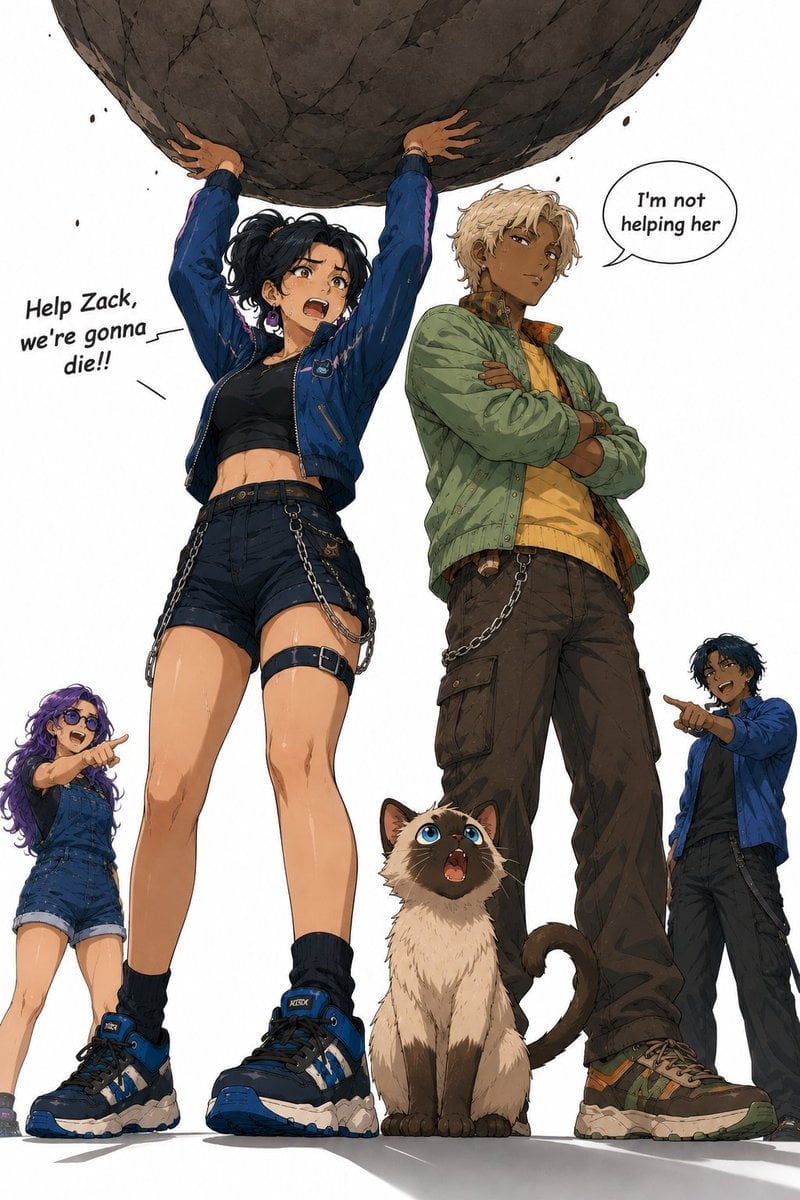
Anime Boulder Rescue Comedy Scene
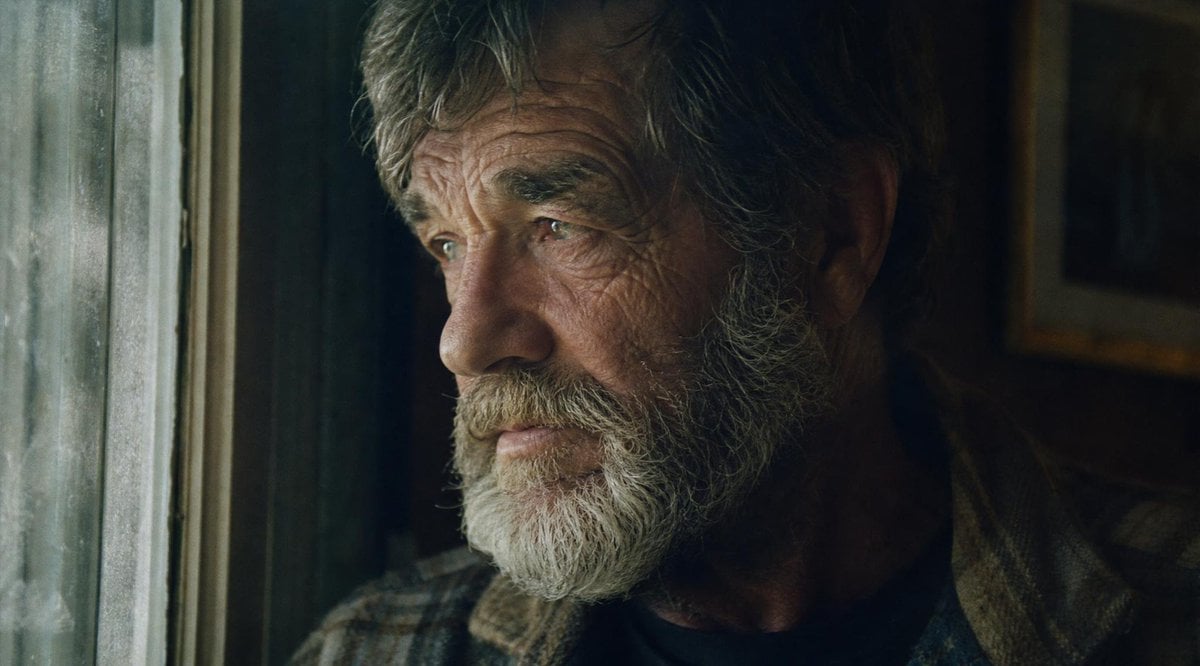
Moody Censored Film Portrait
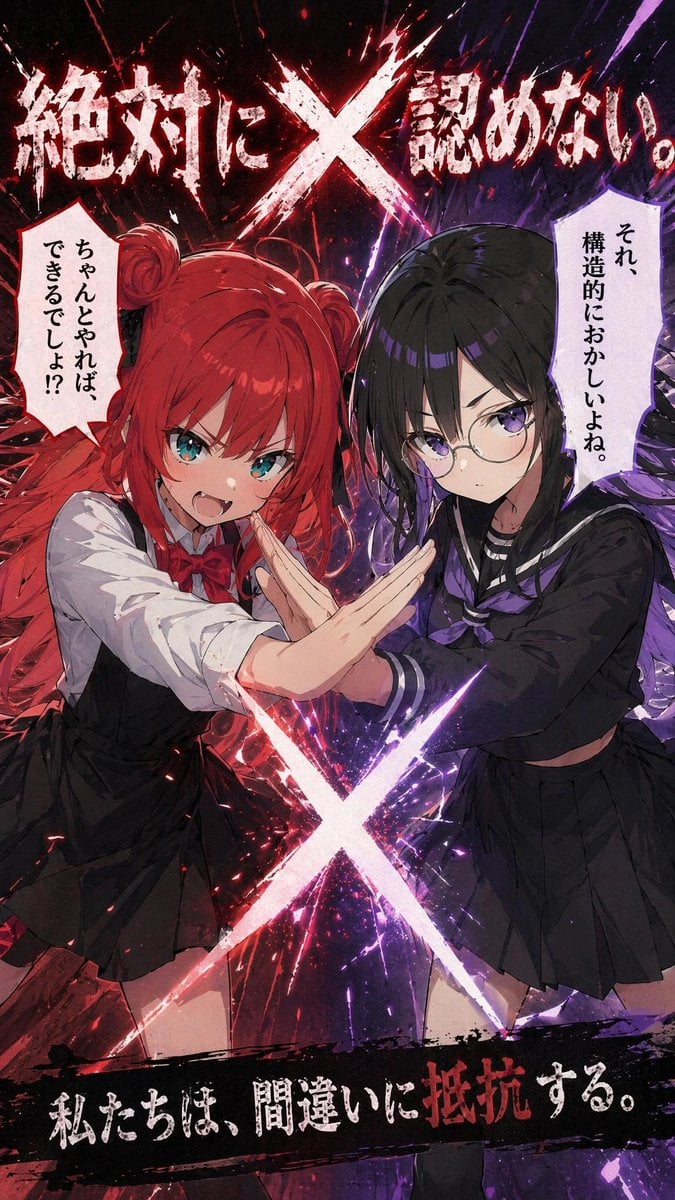
Anime X Battle Poster
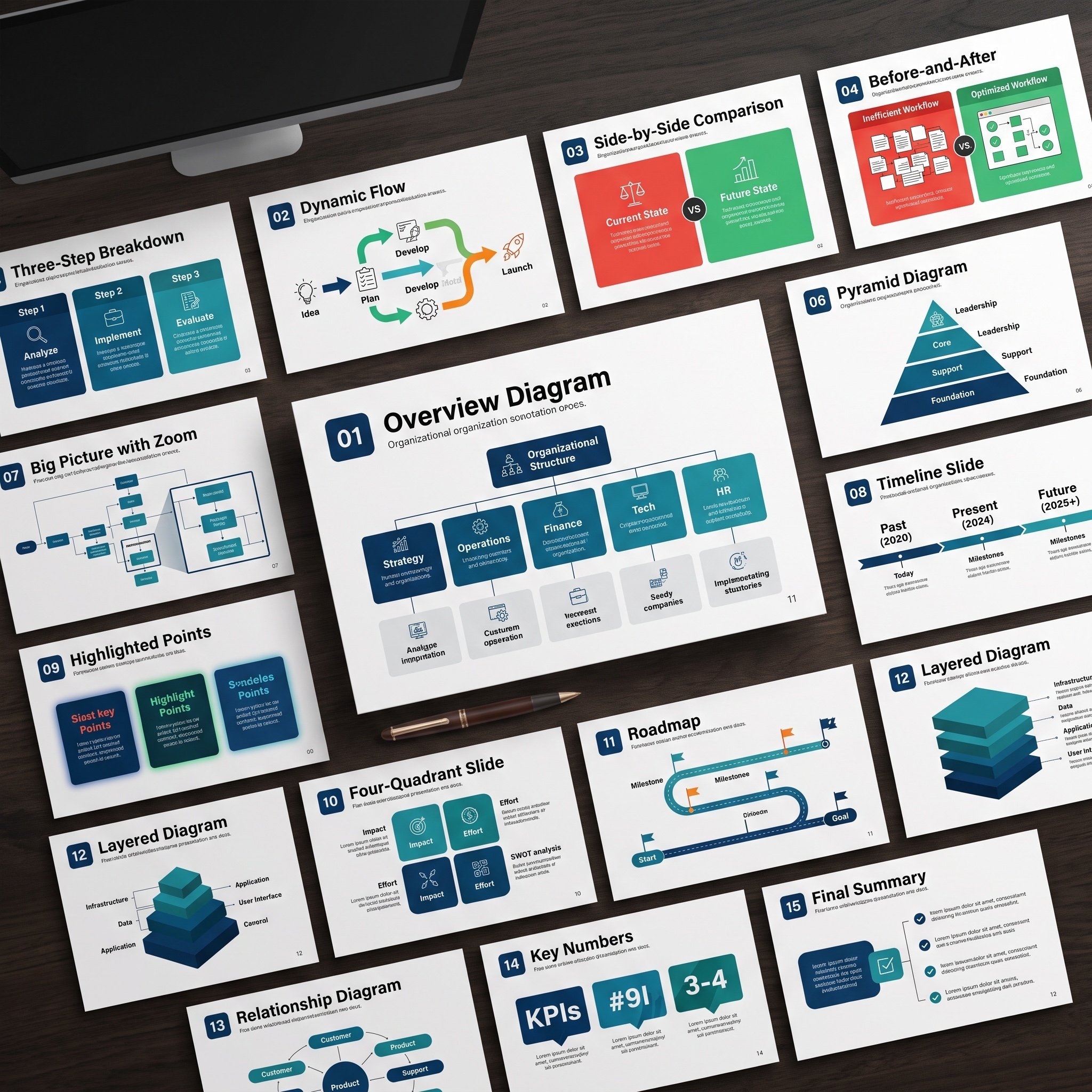
Nano Banana Pro Diagram Generation Prompts (15 Templates)
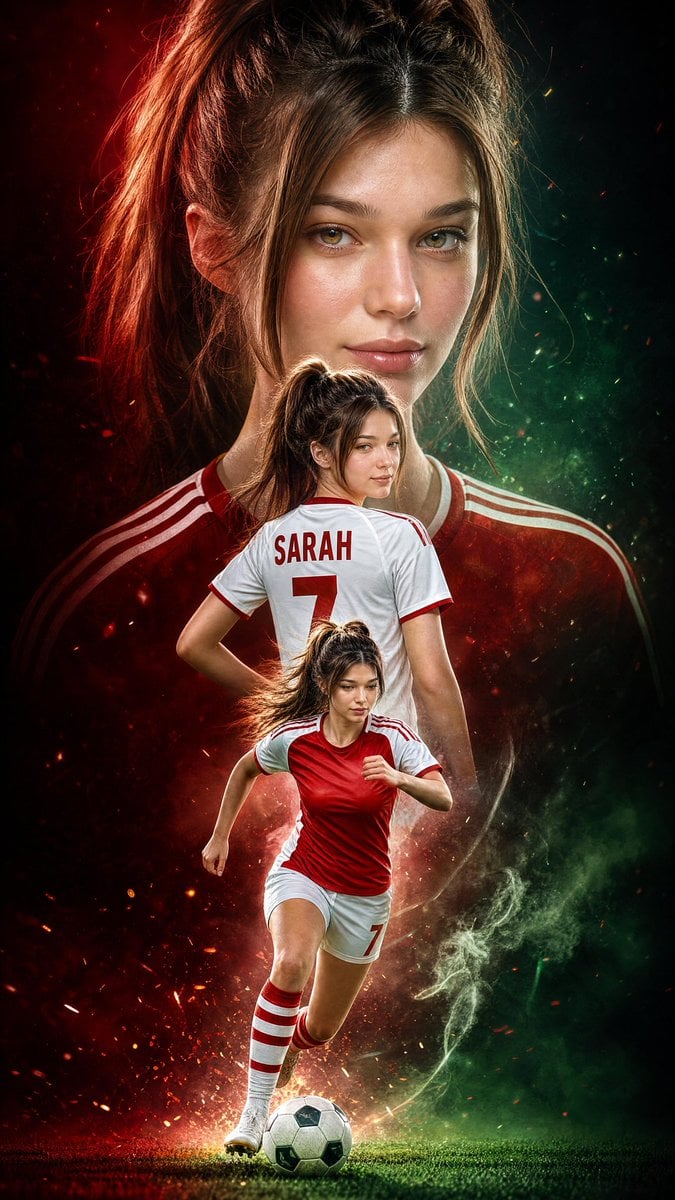
Triple Exposure Sports Poster
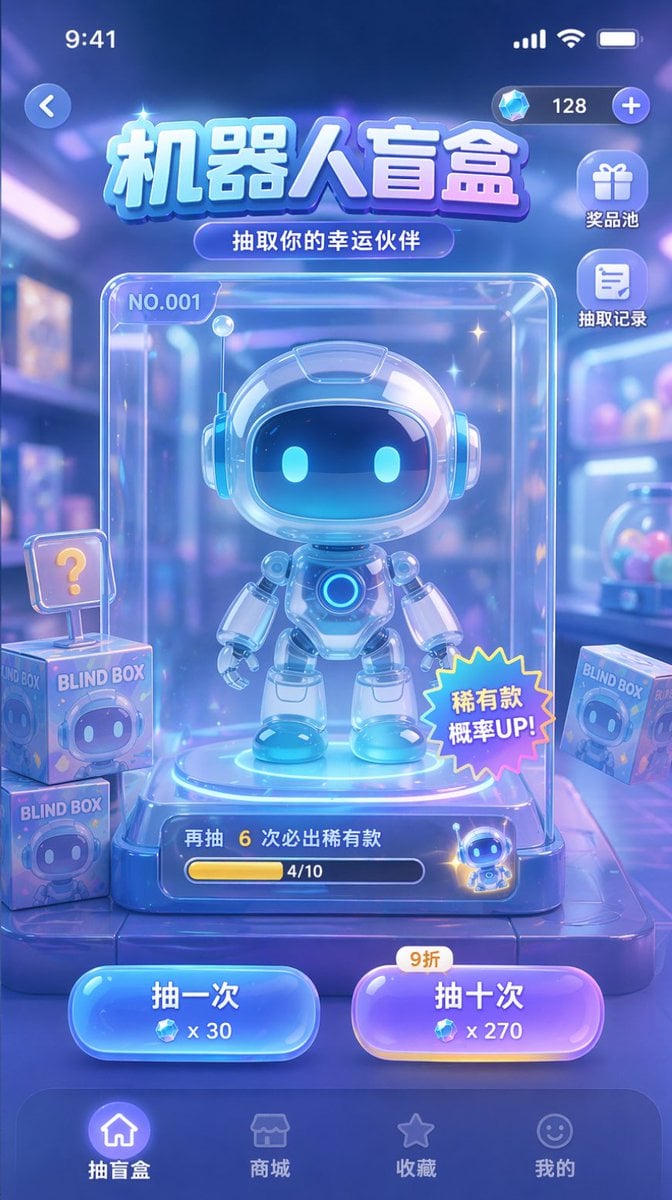
Gacha Game UI Mockup

Nano Banana Pro Photoreal Playful Couple
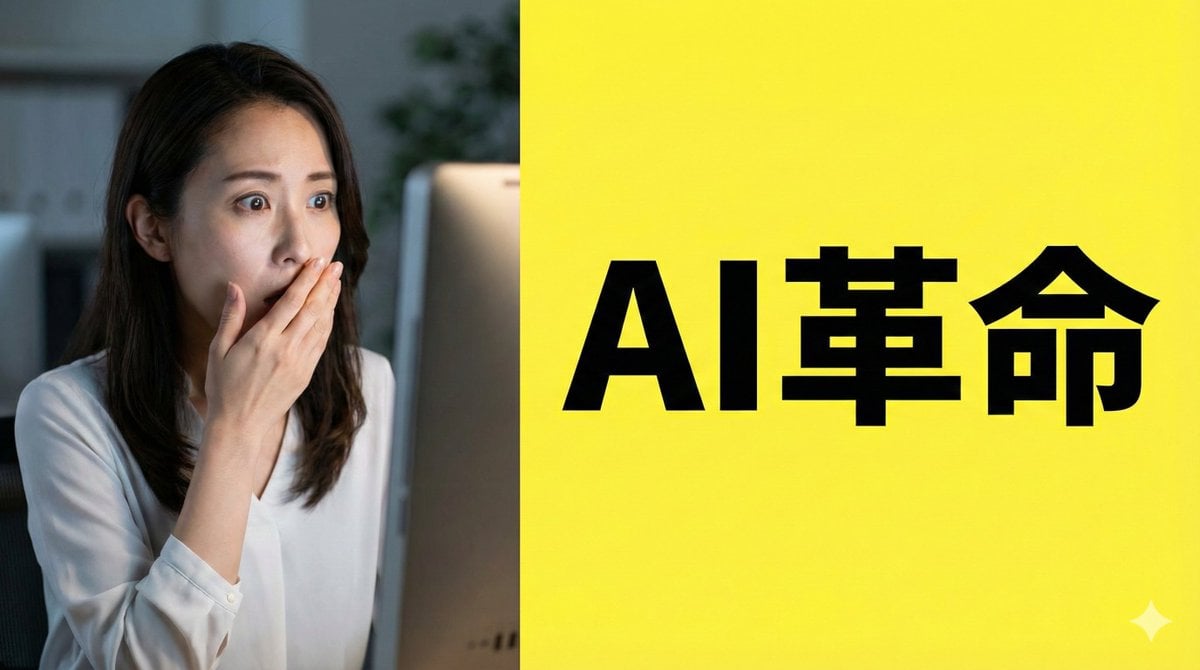
Nano Banana Pro Composition Techniques Prompts (3 Examples)
Hyper-Realistic Celestial Archivist Portrait
Epic French Dystopian Book Cover
Browse template categories
Childlike Watercolor and Crayon Art questions
How do I use the Childlike Watercolor and Crayon Art template?
Add your photo if the template asks for one, edit the prompt if you like — the template's model and format are already selected — and press Generate. Your version opens in PicX Studio.
Can I customize the Childlike Watercolor and Crayon Art template?
Yes. You can change the subject, setting, lighting, mood, format, and available model controls before creating your image.
Is the Childlike Watercolor and Crayon Art template free?
Opening and editing this template is free. Generating uses credits, shown on the Generate button when you are signed in.
Which AI model should I use?
Start with GPT Image 2, which is the model associated with this template. You can compare another compatible model for a different finish.
Looking for something else? Browse all templates.

Your photo, any look
Thousands of ready templates for every top image and video model, from one credit balance.