
Nano Banana Pro Composition Techniques Prompts (3 Examples)
A tutorial-style tweet explaining three advanced composition techniques for Nano Banana Pro: 1) using 'Text Anchors' to force negative space for thumbnails/posters, 2) using 'Physical Camera Work Specification' (like…
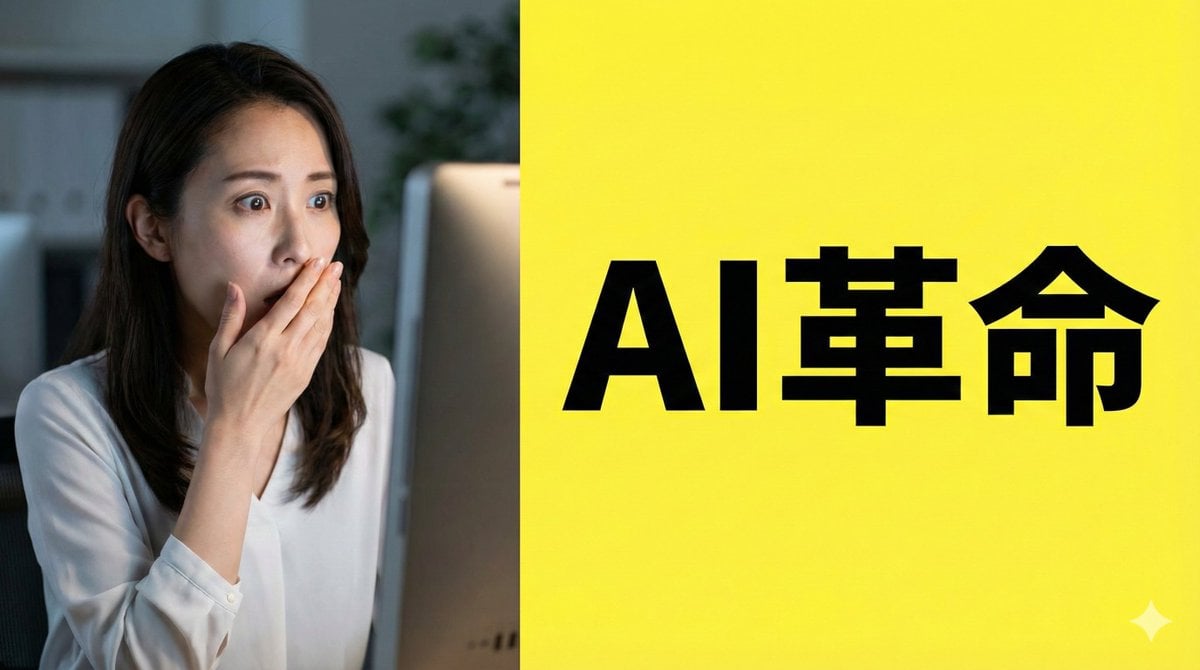
- Prompt included
- Model and format preset
- Premium template
The prompt behind this image
Copy the exact prompt behind Nano Banana Pro Composition Techniques Prompts (3 Examples), or open it in the studio and make it yours.
【役割】 あなたはプロのグラフィックデザイナーです。YouTubeのサムネイルを作成します。 【構図指示】 - 画面を左右2分割する構図(スプリットスクリーン)。 - 左側:驚いた表情の日本人女性(実写風)。背景は暗めのオフィス。 - 右側:鮮やかな黄色の背景。中央に太字のゴシック体で「{argument name="テキスト" default="AI革命"}」というテキストを配置。 - テキストの周囲には十分な余白(ネガティブスペース)を確保し、視認性を最大化してください。 【スタイル】 アニメーション映画のワンシーン、サイバーパンク 【カメラ・構図設定】 - レンズ:広角レンズ(24mm相当)を使用し、パースを強調。 - アングル:極端なローアングル(あおり)。地面すれすれからキャラクターを見上げる視点。 - 配置:キャラクターの左手をカメラの目の前に配置し、遠近感を誇張。 - 背景:高層ビル群が消失点に向かって鋭く伸びる構図。 【役割】 あなたはマニュアル作成者です。{argument name="主題" default="お好み焼きの作り方"}を作成します。 【形式】 フラットデザインのインフォグラフィック、16:9 【レイアウト指示】 - 左から右へ流れる「3ステップ」のプロセス図。 - ステップ1(左):虫眼鏡のアイコン(調査)。 - ステップ2(中央):歯車のアイコン(処理)。 - ステップ3(右):電球のアイコン(解決)。 - 各要素を矢印で接続し、等間隔に整列させてください。 - 背景は白、アイコンは青とオレンジの基調色で統一。
How to use Nano Banana Pro Composition Techniques Prompts (3 Examples) in 3 steps
- 1
Open
The prompt is already in the box next to the preview, with the template's model and format selected.
- 2…a portrait of your subject in softgolden-hour light, 85mm…
Personalize
Edit the subject and creative details for your destination.
- 3Generate
Generate
Press Generate — your image is created in PicX Studio, so you can compare it with the original and refine one variable at a time.
More like this
Templates with the same subject, style or setup. Open one to see its prompt.

Woman in Mall with Chanel Bag - Heart Gesture
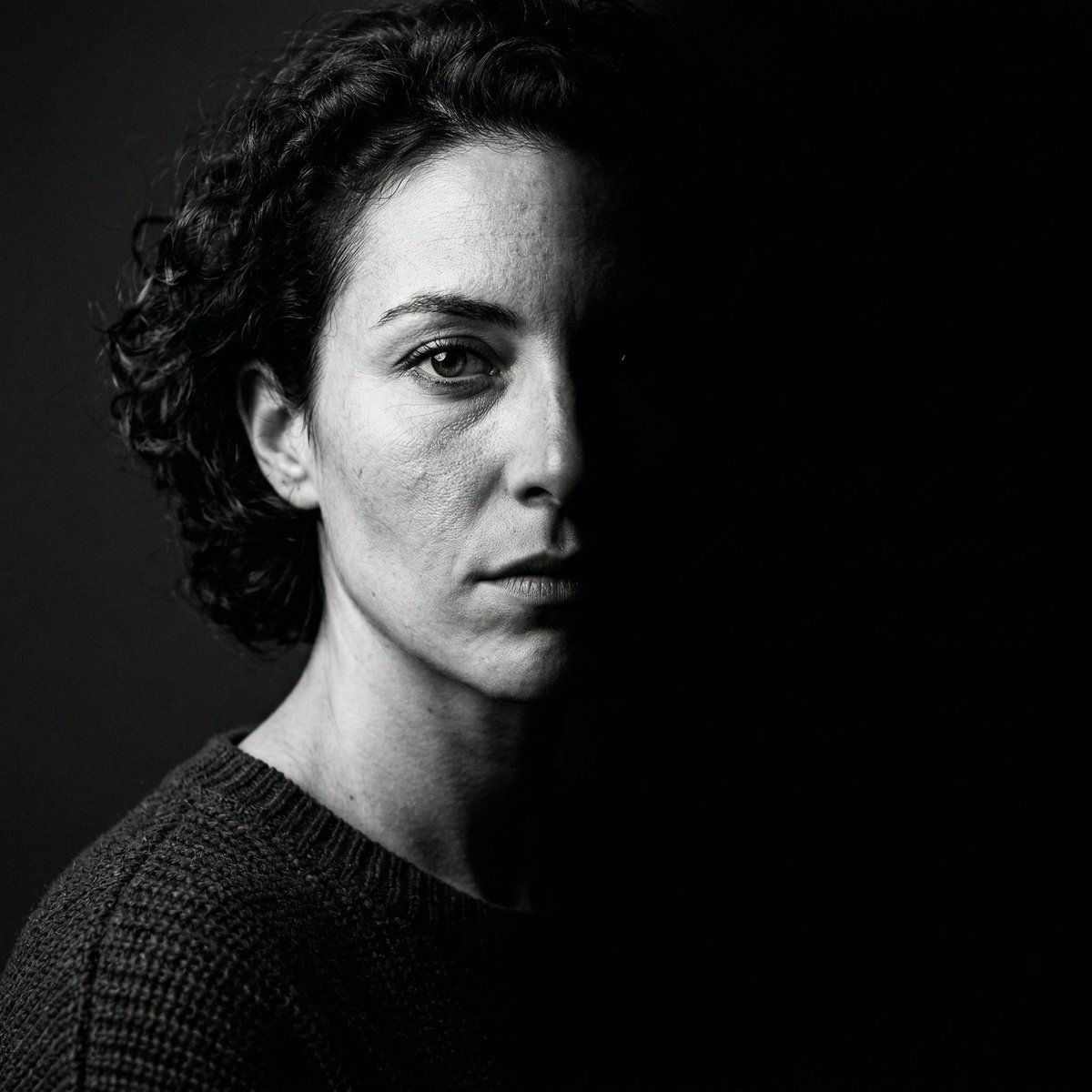
Nano Banana 2 Generation Examples and Prompts

Nano Banana Pro Identity Lock — Composition + Face Reference
Various playful test prompts for Nano Banana
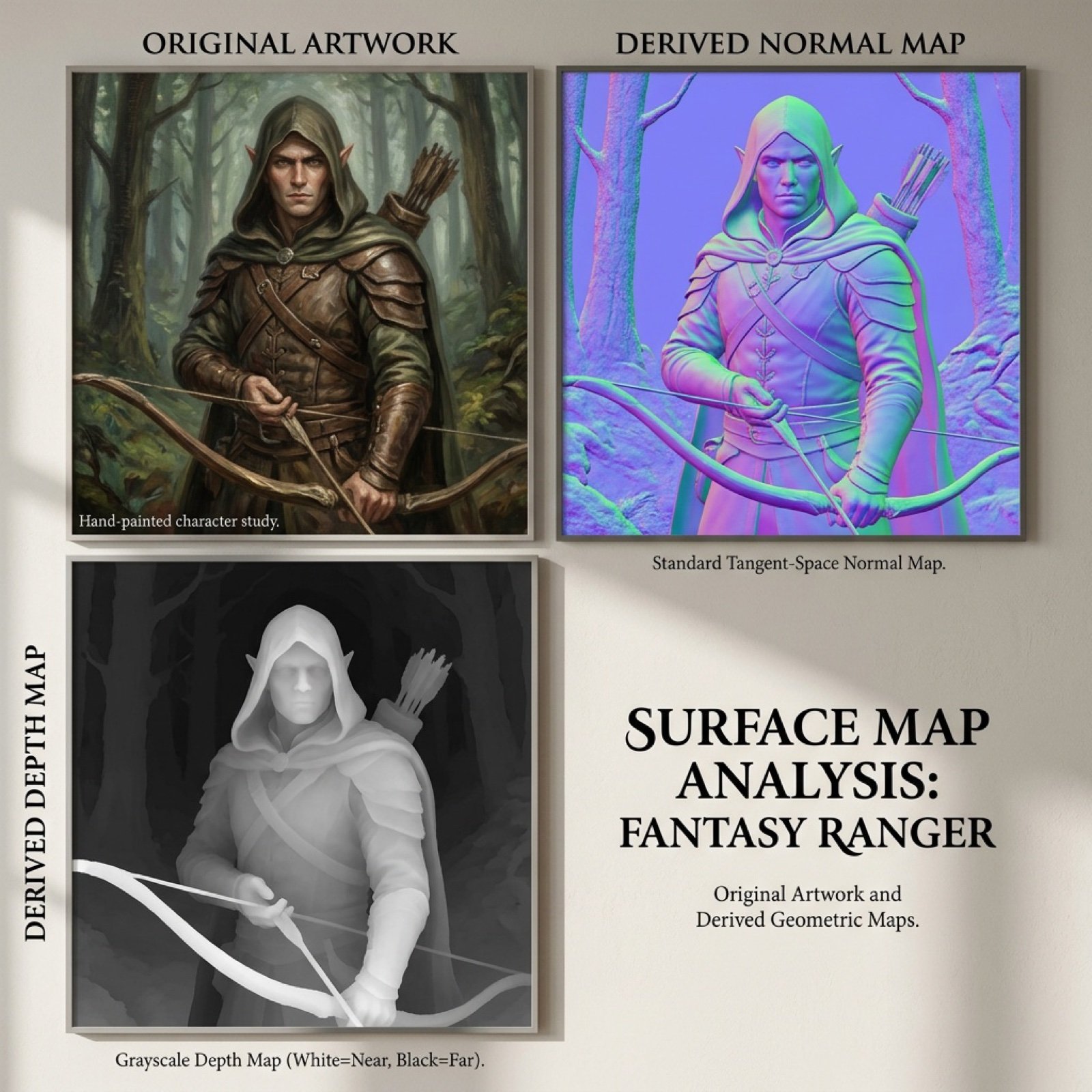
Normal and depth map generation prompts for Nano Banana Pro
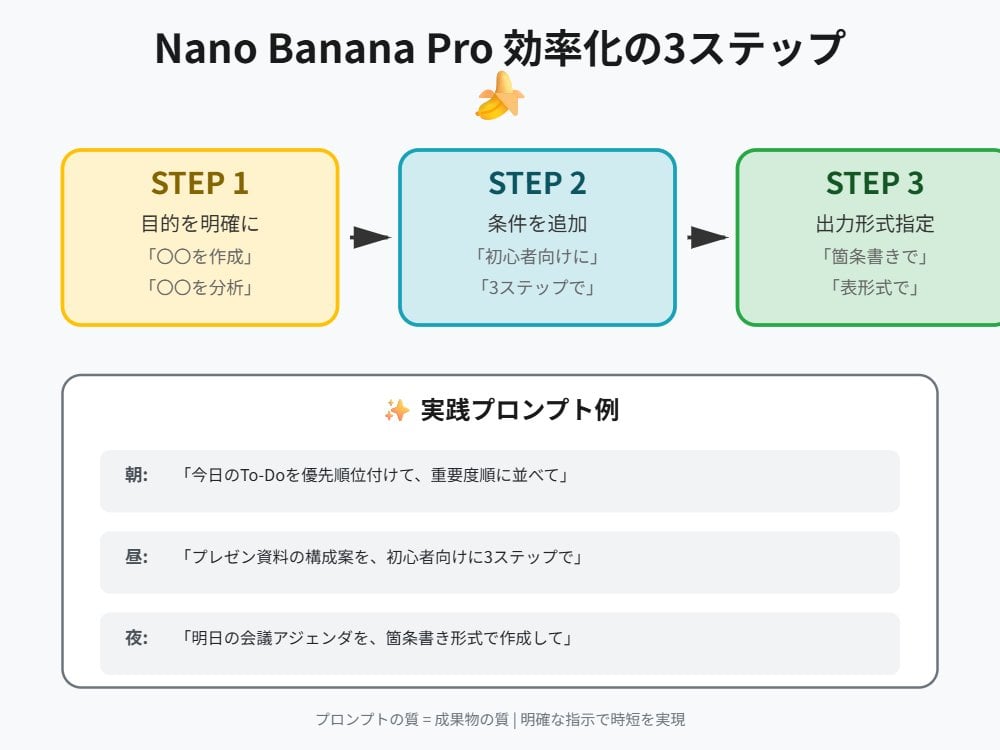
Tip for Using Nano Banana Pro: Adding Examples for Better Understanding
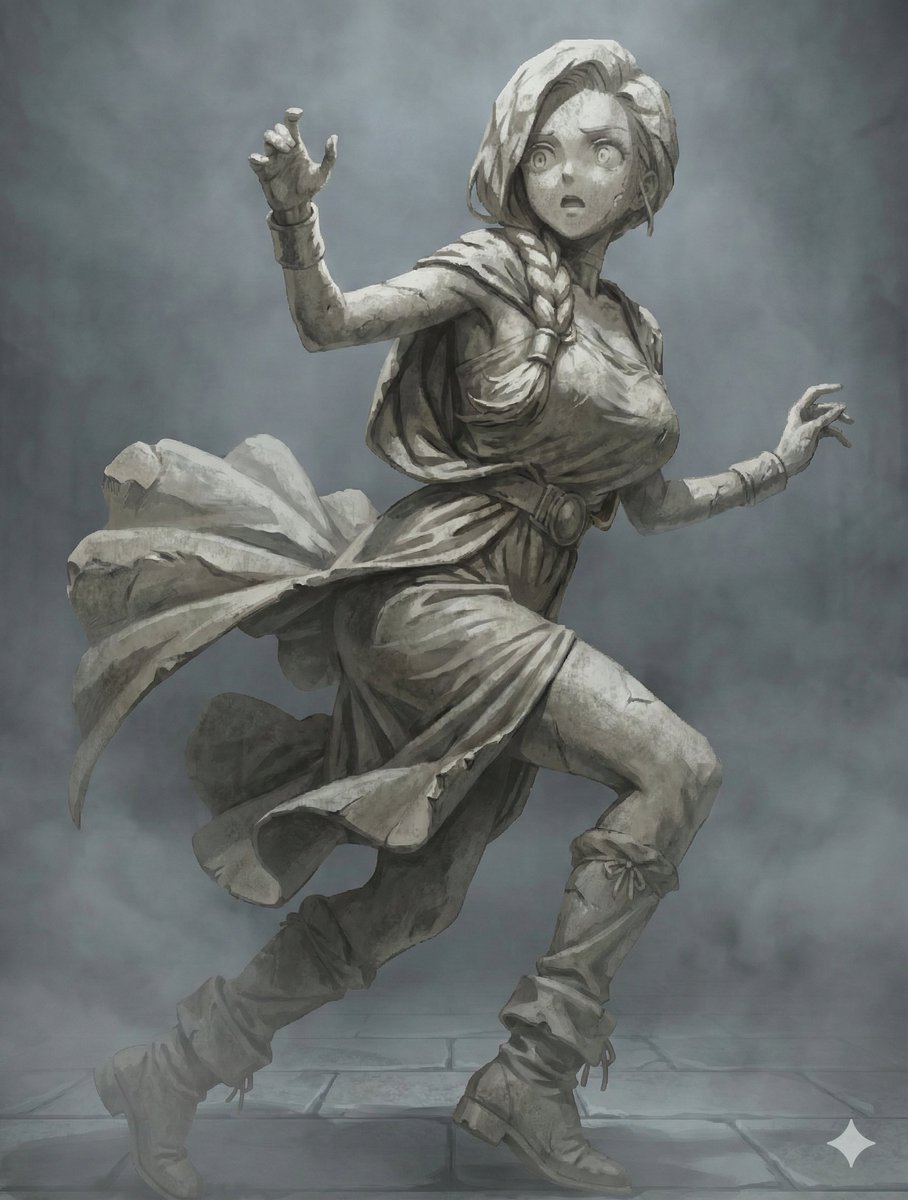
NanoBanana Petrification Expression Prompts
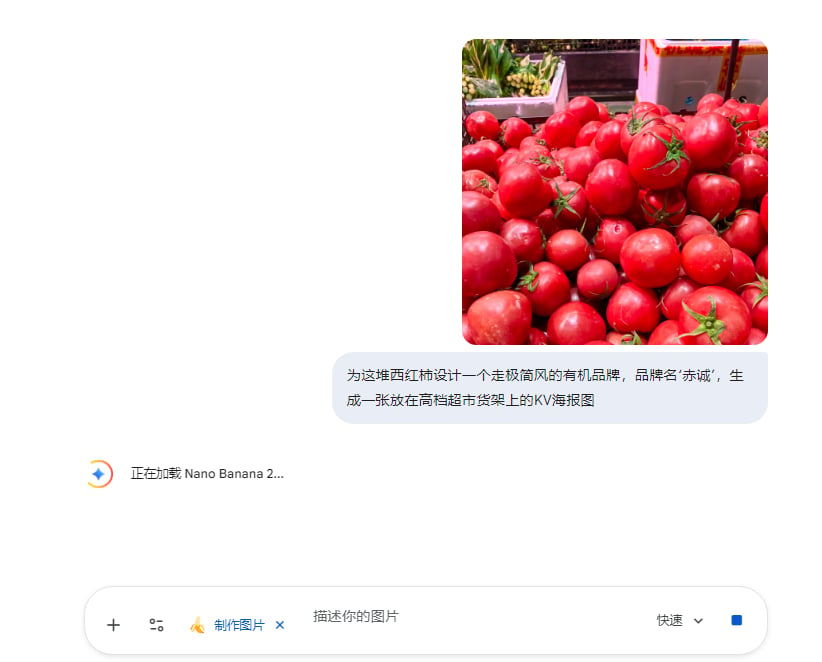
Commercial Prompts for Tomato Sales using Nano Banana 2

VFX Comparison Image Prompt (Before/After) for Nano Banana Pro

Nano Banana Prompt for Consistent Character Jumpshots

Cinematic Camera Instructions for Nano Banana Pro

Manga Generation Prompt Template for Nano Banana Pro
Make it yours
Nano Banana Pro Composition Techniques Prompts (3 Examples) works as-is. These are the safest ways to change it without losing the look.
Change one field
Copy a single group, rewrite it, and generate again so you can see what that field is doing.
Keep the frame, change the subject
Hold the composition and light of Nano Banana Pro Composition Techniques Prompts (3 Examples), then swap wardrobe, props or the person for a new take.
| If the result… | Why | Fix |
|---|---|---|
| The result drifts from the preview | Too many fields changed at once. | Reuse Nano Banana Pro Composition Techniques Prompts (3 Examples) as-is first, then change one group — subject, light, or setting. |
| The model over-stylizes the scene | The prose prompt leaves finish and camera underspecified. | Add one camera or lighting sentence and stay on Nano Banana 2. |
More Nano Banana 2 templates
Other prompts made for Nano Banana 2.

Photorealistic Leaf Shaped Like a Dragon

K-Pop Idol Portrait Grid for Rapid Selection

Poetic Rain Forest Portrait During Golden Hour

Urban Street Portrait with Cartoon Inner Self Duo

Candid Nighttime Photo with Cat Prompt

High-Concept 3D Diorama Generation Prompt

Cinematic Futuristic Studio Portrait Template

Skincare Editorial Photography Collage Prompt

Hyper-Realistic Commercial Product Photography (Splash Effect)

Hyper-Realistic Nightclub Portrait Prompt
More image prompts
Fresh picks from across the catalog.

Ultra-Cinematic Arcane Sword Close-up
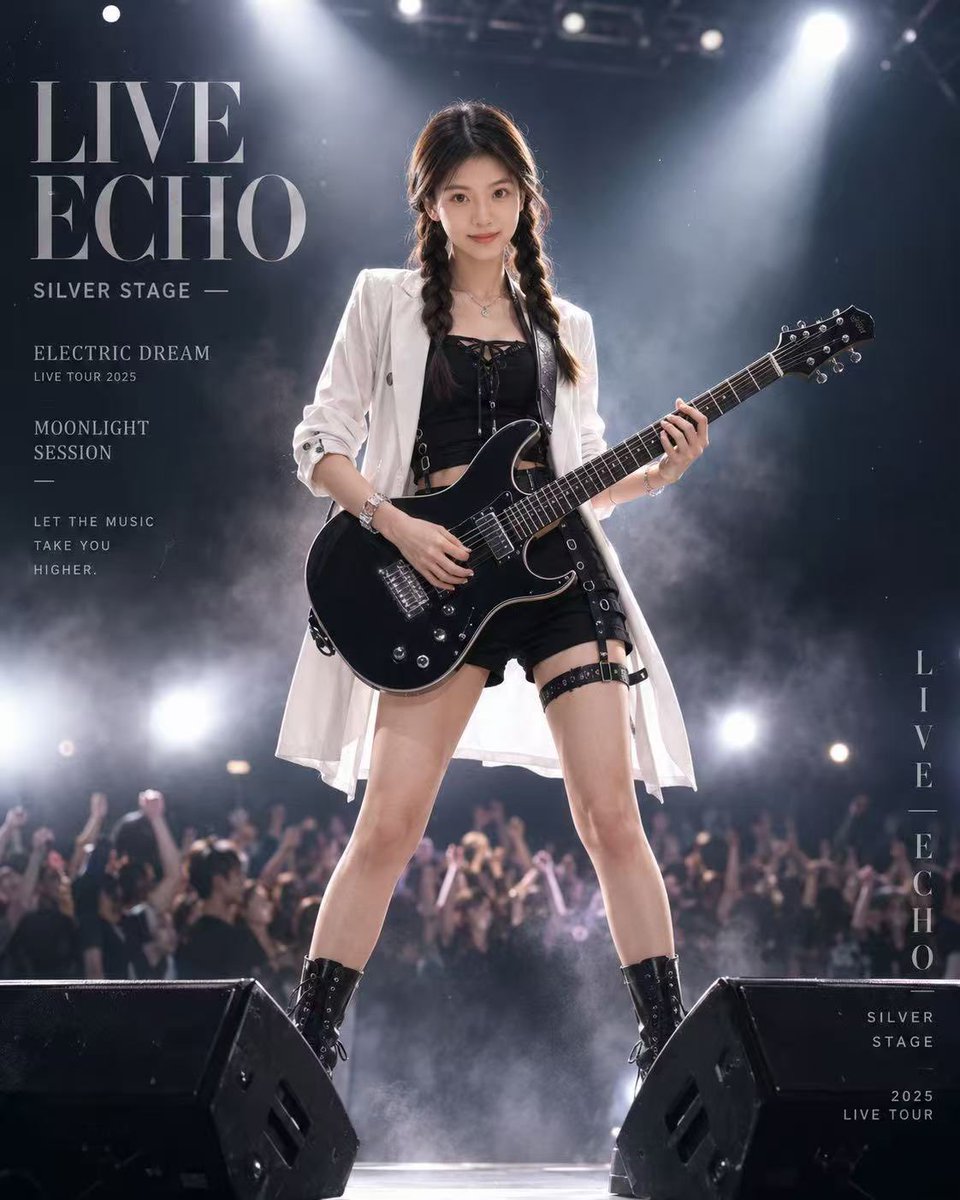
Live Rock Concert Poster
Seedance - Romantic Comedy Scene
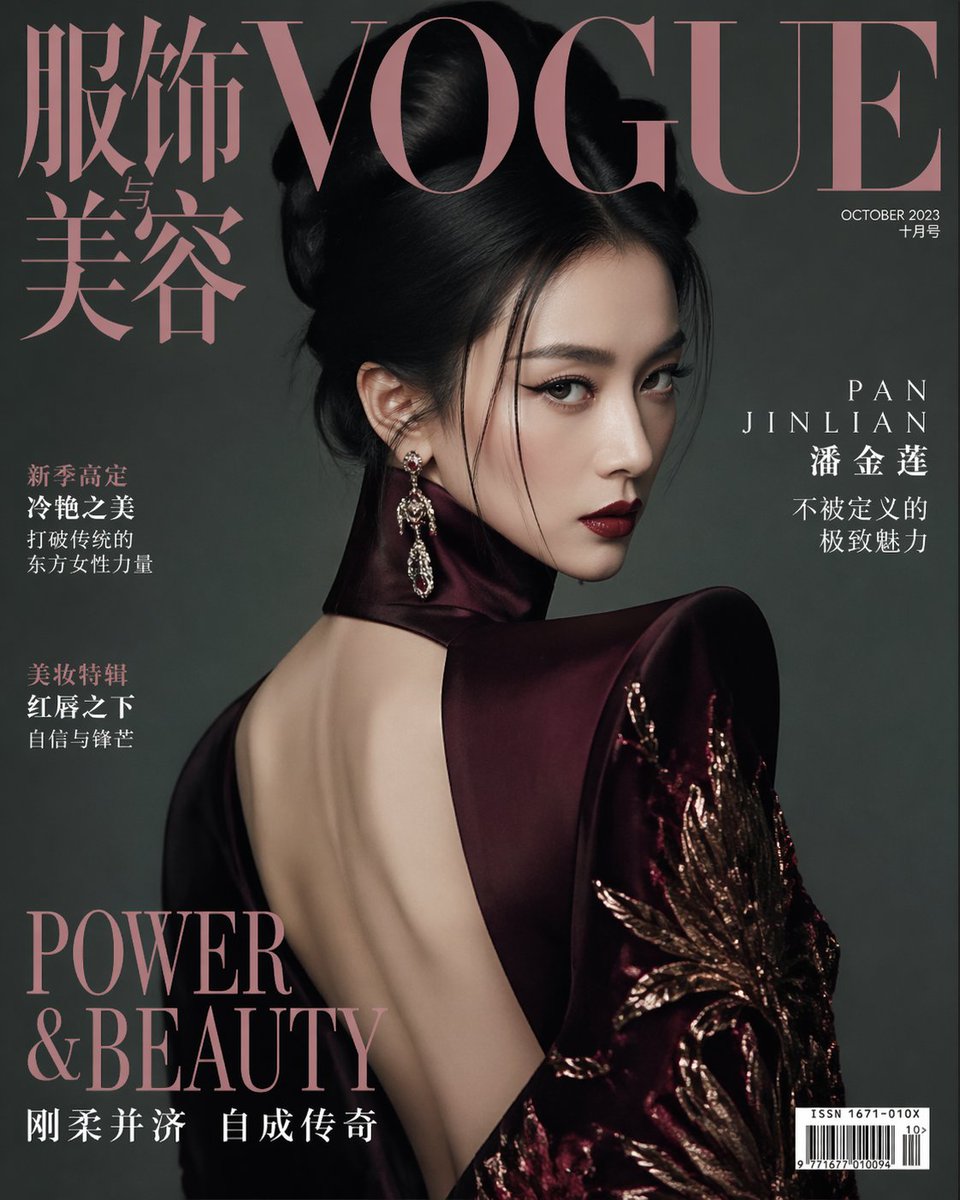
Vogue China Pan Jinlian Fashion
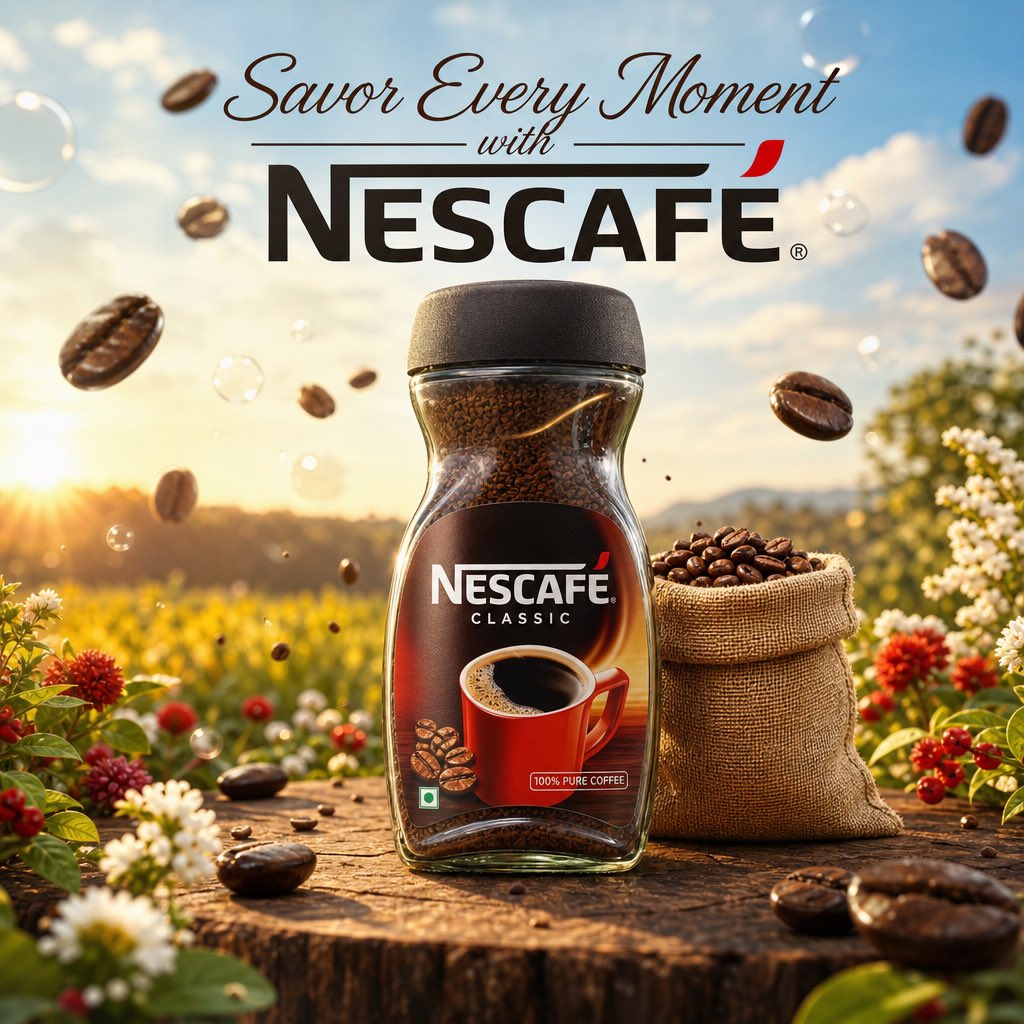
Cinematic Nescafé Product Advertisement
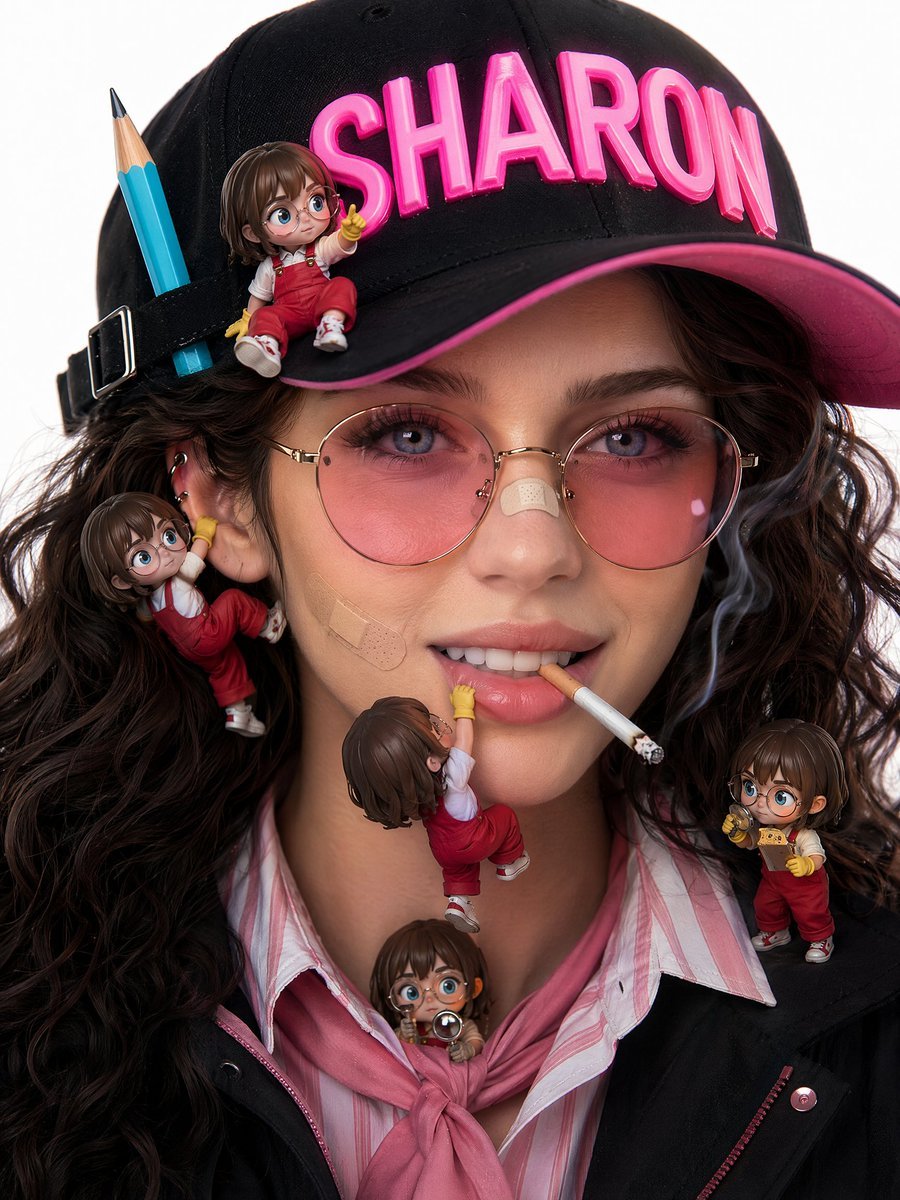
Photorealistic beauty campaign portrait prompt
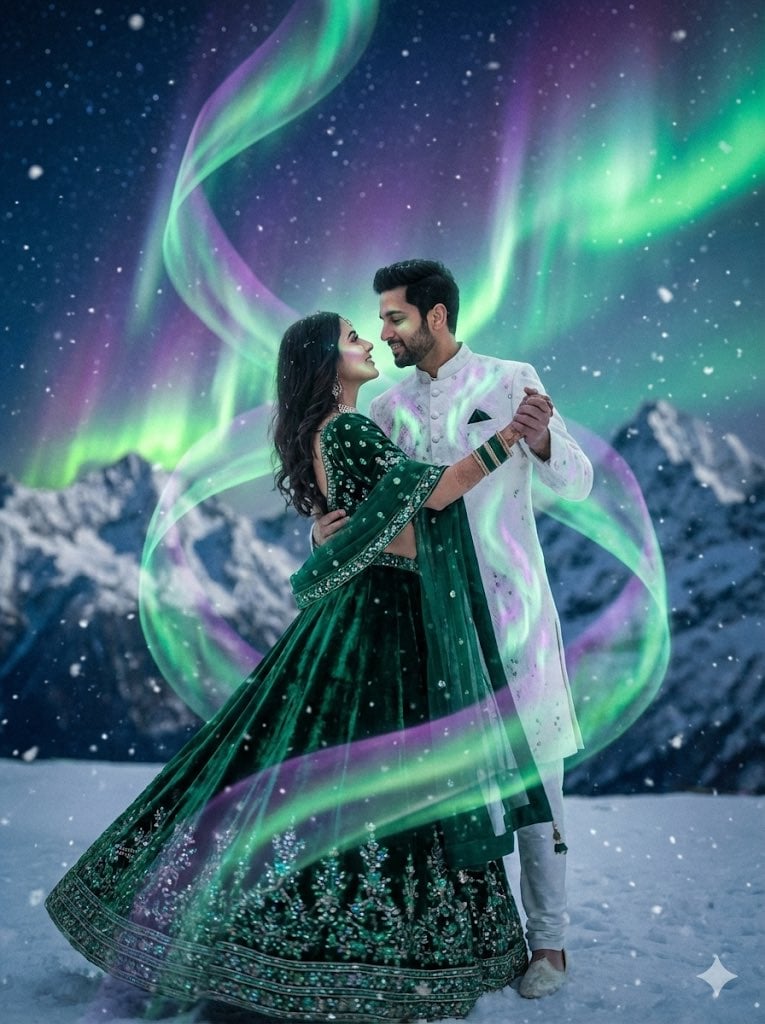
Dreamy Surreal Pre-Wedding Dance under Aurora Borealis
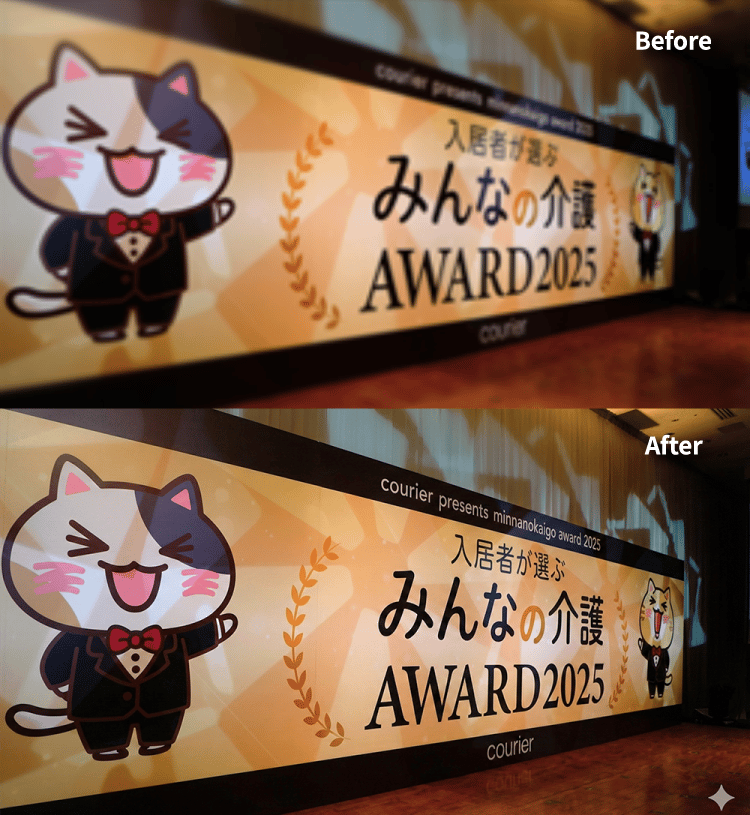
4K Upscale Prompt for Nano Banana Pro
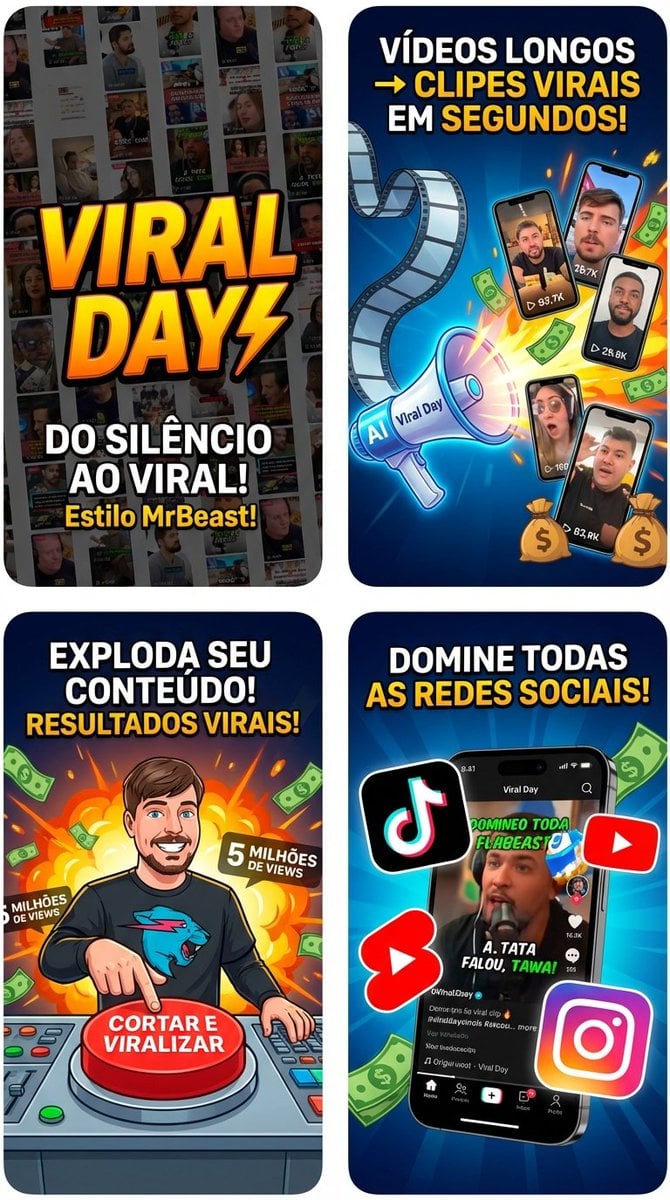
App Store Promotional Image Generation Prompt (Mr. Beast Style)
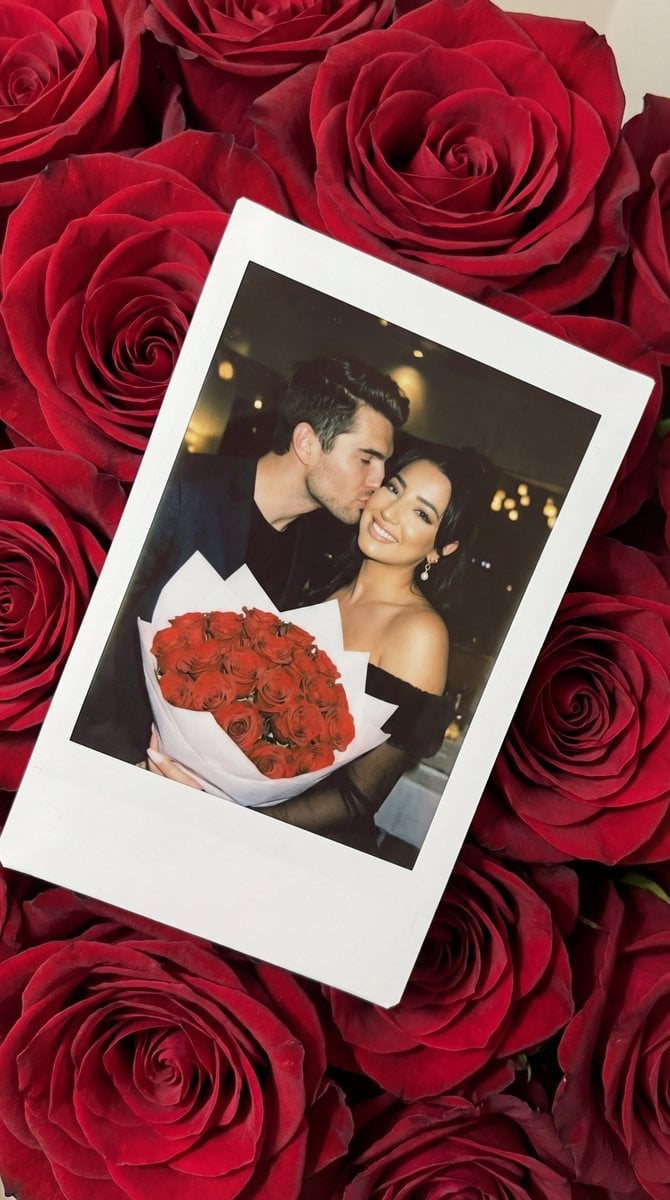
Photorealistic Polaroid Still Life on Red Roses Prompt
Browse template categories
Nano Banana Pro Composition Techniques Prompts (3 Examples) questions
How do I use the Nano Banana Pro Composition Techniques Prompts (3 Examples) template?
Add your photo if the template asks for one, edit the prompt if you like — the template's model and format are already selected — and press Generate. Your version opens in PicX Studio.
Can I customize the Nano Banana Pro Composition Techniques Prompts (3 Examples) template?
Yes. You can change the subject, setting, lighting, mood, format, and available model controls before creating your image.
Is the Nano Banana Pro Composition Techniques Prompts (3 Examples) template free?
Opening and editing this template is free. Generating uses credits, shown on the Generate button when you are signed in.
Which AI model should I use?
Start with Nano Banana 2, which is the model associated with this template. You can compare another compatible model for a different finish.
Looking for something else? Browse all templates.

Your photo, any look
Thousands of ready templates for every top image and video model, from one credit balance.