How do I use the Photorealistic beauty campaign portrait prompt template?
Edit the prompt in the box under the preview — the template's model and format are already selected — and press Generate. Your version appears right on this page.
A detailed prompt for creating high-end fashion advertisement portraits featuring a specific character aesthetic and miniature figurines.

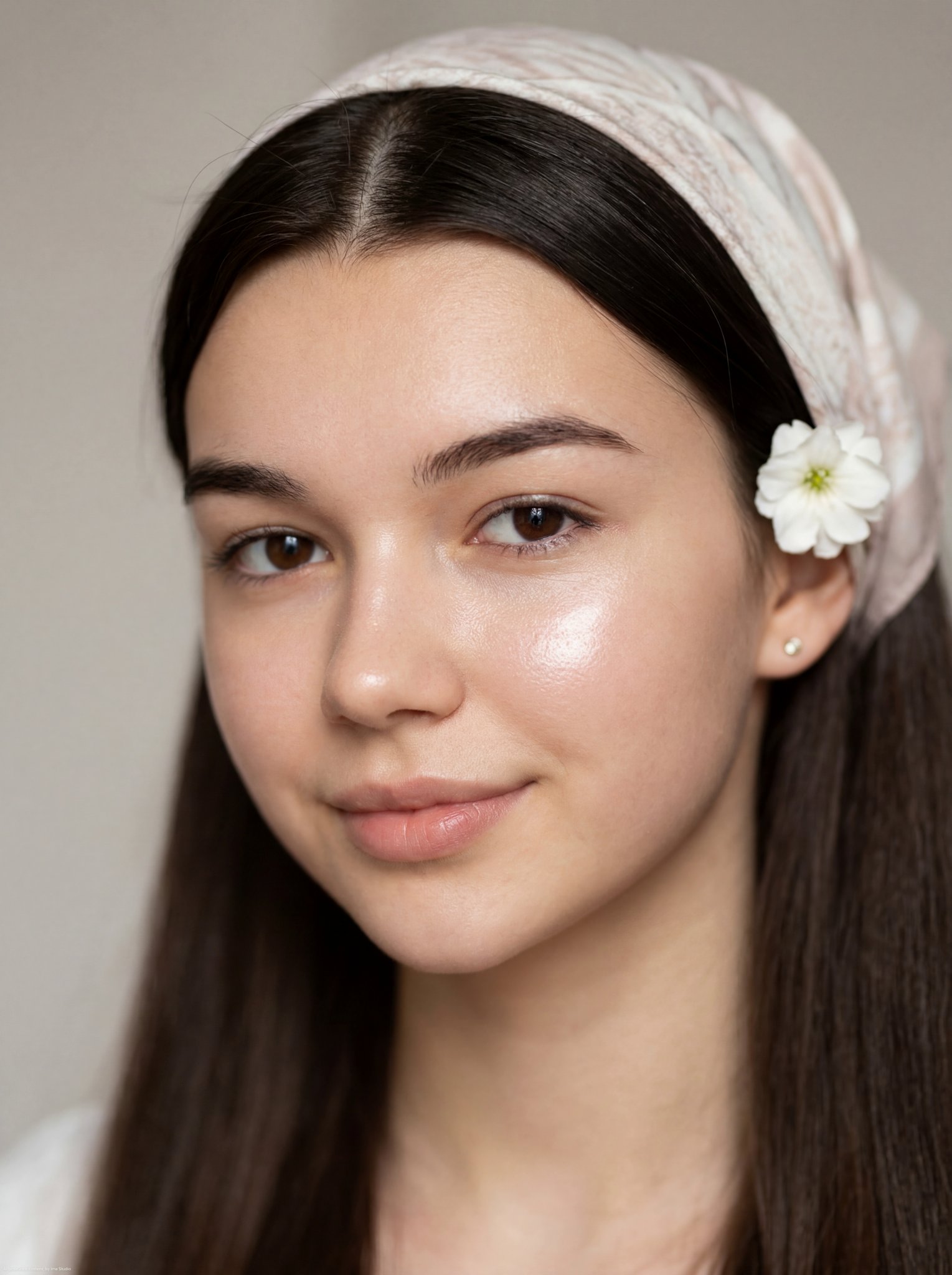
Photorealistic close-up beauty campaign portrait of a stunning young Western woman with long, voluminous curly dark hair, defined cheekbones, thick expressive eyebrows, and flawless luminous skin. Her features are sharp yet feminine, with a confident, slightly rebellious expression. She wears a premium black and {argument name="color scheme" default="hot-pink"} baseball cap featuring bold, glowing {argument name="accent color" default="hot-pink"} 3D lettering “{argument name="name" default="SHARON"}” on the front, designed like a high-end streetwear brand logo. Trendy translucent pink-tinted round glasses sit perfectly on her face. A beige band-aid is placed on the bridge of her nose and another on her left cheek, adding a stylized edgy aesthetic. A lit cigarette rests between her slightly parted lips, revealing perfect white teeth. Highly detailed miniature anime-style figurines (cute detective-inspired girl character: short brown bob haircut, oversized sparkling blue eyes, round glasses, bright red overalls, white shirt, yellow gloves) interact playfully across the composition: one sitting on the brim of the cap, one climbing her ear, one pulling her lower lip, one tucked inside her shirt collar, and one posed on her shoulder. A bold, oversized cyan pencil is tucked under the cap strap, acting as a striking graphic element. Wardrobe styling: luxury streetwear aesthetic — black structured jacket layered over a crisp white-and-pink striped collared shirt, finished with a neatly tied pink scarf. Color palette: deep blacks, vibrant hot-pink highlights, electric cyan accents, and warm yellow pops for contrast. Lighting: high-end studio lighting with soft frontal illumination and dramatic rim lighting for depth and separation. Clean white seamless background. Composition: ultra-sharp focus, editorial framing, luxury fashion advertisement style, cinematic depth, hyper-realistic textures (visible skin pores, detailed fabric weave, individual hair strands), 8K resolution, extremely intricate detailing. Mood: bold, playful, high-fashion, Gen-Z luxury streetwear campaign, blending realism with surreal miniature storytelling.
Photorealistic close-up beauty campaign portrait of a stunning young Western woman with long, voluminous curly dark hair, defined cheekbones, thick expressive eyebrows, and flawless luminous skin. Her features are sharp yet feminine, with a confident, slightly rebellious expression. She wears a premium black and {argument name="color scheme" default="hot-pink"} baseball cap featuring bold, glowing {argument name="accent color" default="hot-pink"} 3D lettering “{argument name="name" default="SHARON"}” on the front, designed like a high-end streetwear brand logo. Trendy translucent pink-tinted round glasses sit perfectly on her face. A beige band-aid is placed on the bridge of her nose and another on her left cheek, adding a stylized edgy aesthetic. A lit cigarette rests between her slightly parted lips, revealing perfect white teeth. Highly detailed miniature anime-style figurines (cute detective-inspired girl character: short brown bob haircut, oversized sparkling blue eyes, round glasses, bright red overalls, white shirt, yellow gloves) interact playfully across the composition: one sitting on the brim of the cap, one climbing her ear, one pulling her lower lip, one tucked inside her shirt collar, and one posed on her shoulder. A bold, oversized cyan pencil is tucked under the cap strap, acting as a striking graphic element. Wardrobe styling: luxury streetwear aesthetic — black structured jacket layered over a crisp white-and-pink striped collared shirt, finished with a neatly tied pink scarf. Color palette: deep blacks, vibrant hot-pink highlights, electric cyan accents, and warm yellow pops for contrast. Lighting: high-end studio lighting with soft frontal illumination and dramatic rim lighting for depth and separation. Clean white seamless background. Composition: ultra-sharp focus, editorial framing, luxury fashion advertisement style, cinematic depth, hyper-realistic textures (visible skin pores, detailed fabric weave, individual hair strands), 8K resolution, extremely intricate detailing. Mood: bold, playful, high-fashion, Gen-Z luxury streetwear campaign, blending realism with surreal miniature storytelling.
Edit the prompt in the box under the preview — the template's model and format are already selected — and press Generate. Your version appears right on this page.
Yes. You can change the subject, setting, lighting, mood, format, and available model controls before creating your image.
Opening and editing this template is free. Generating uses credits, shown on the Generate button when you are signed in.
Start with GPT Image 2, which is the model associated with this template. You can compare another compatible model for a different finish.
Follow a topic to a crawlable collection of related PicX Studio templates.