
Cinematic Disintegration Effect Portrait
An extremely detailed, structured prompt for generating an ultra-realistic, cinematic digital painting of a female subject (Sydney Sweeney reference) undergoing a dramatic disintegration effect (turning into grey smoke…
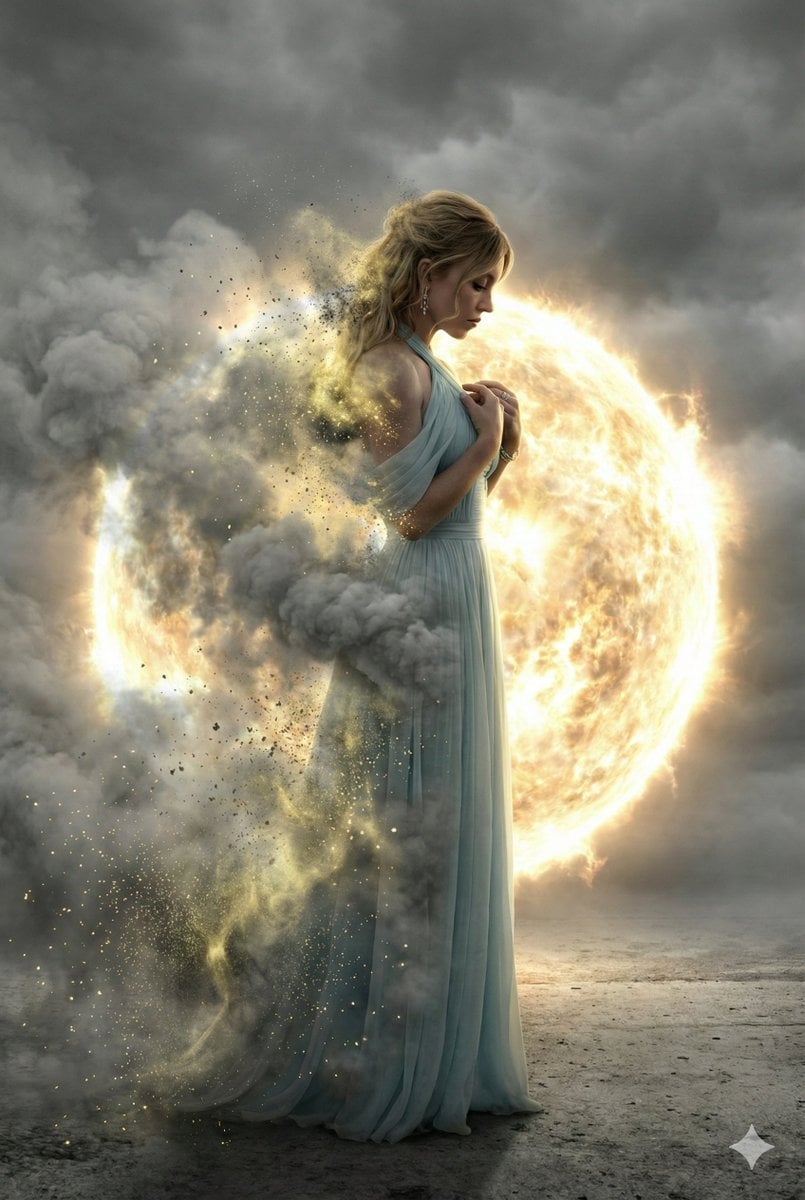
- Prompt included
- Model and format preset
- Free template
The prompt behind this image
Copy the exact prompt behind Cinematic Disintegration Effect Portrait, or open it in the studio and make it yours.
- Prompt Type
- ultra_realistic_cinematic_full_body_disintegration
- Base Style
- ultra-realistic, cinematic, photo-real digital painting, hyper-detailed, dramatic high-contrast lighting
- Quality Tags
- 8K resolution, masterpiece, best quality, ultra high detail, photorealistic textures, cinematic color grading, sharp focus, volumetric lighting, HDR, realistic skin texture, subtle film grain
- Subject › Gender
- female
- Subject › View
- full-body side profile facing right
- Subject › Face Reference
- use provided face reference exactly with zero alterations
- Subject › Facial Accuracy
- exact facial structure, skin tone, eye shape, nose, lips, bone structure, hairstyle replicated perfectly
- Subject › Expression
- deep introspection and sorrow, subtle tension in eyebrows, slightly parted lips, soft emotional heaviness
- Subject › Eyes
- looking downward with emotional depth
- Subject › Hairstyle
- copied exactly from reference image, no changes in length, texture, or styling
- Pose › Description
- elegant sorrowful stance
- Pose › Posture
- slightly forward-leaning posture, shoulders gently lowered
- Pose › Hands
- hands positioned naturally according to pose, relaxed yet emotionally expressive
- Pose › Body Language
- introspective, vulnerable, emotionally weighted
- Outfit › Description
- flowing, textured fabric outfit that reacts naturally to wind and light
- Outfit › Material Detail
- fine fabric fibers, realistic folds, subtle fabric translucency
- Outfit › Color
- muted neutral tones to complement monochrome environment
- Disintegration Effect › Coverage
- nearly half of the body dissolving
- Disintegration Effect › Affected Areas
- left arm, left shoulder, left torso, left leg, portion of hair
- Disintegration Effect › Effect Type
- thick cloud-like grey smoke
- Disintegration Effect › Particle Detail
- glowing yellow dust particles embedded within smoke
- Disintegration Effect › Transparency
- gradual transparency transitioning into luminous particle dispersion
- Disintegration Effect › Motion
- active disintegration mid-process, particles drifting outward dynamically
- Disintegration Effect › Lighting Interaction
- particles catching rim light and glowing intensely
Raw JSON
{
  "prompt_type": "ultra_realistic_cinematic_full_body_disintegration",
  "base_style": "ultra-realistic, cinematic, photo-real digital painting, hyper-detailed, dramatic high-contrast lighting",
  "quality_tags": [
    "8K resolution",
    "masterpiece",
    "best quality",
    "ultra high detail",
    "photorealistic textures",
    "cinematic color grading",
    "sharp focus",
    "volumetric lighting",
    "HDR",
    "realistic skin texture",
    "subtle film grain"
  ],
  "subject": {
    "gender": "female",
    "view": "full-body side profile facing right",
    "face_reference": "use provided face reference exactly with zero alterations",
    "facial_accuracy": "exact facial structure, skin tone, eye shape, nose, lips, bone structure, hairstyle replicated perfectly",
    "expression": "deep introspection and sorrow, subtle tension in eyebrows, slightly parted lips, soft emotional heaviness",
    "eyes": "looking downward with emotional depth",
    "hairstyle": "copied exactly from reference image, no changes in length, texture, or styling"
  },
  "pose": {
    "description": "elegant sorrowful stance",
    "posture": "slightly forward-leaning posture, shoulders gently lowered",
    "hands": "hands positioned naturally according to pose, relaxed yet emotionally expressive",
    "body_language": "introspective, vulnerable, emotionally weighted"
  },
  "outfit": {
    "description": "flowing, textured fabric outfit that reacts naturally to wind and light",
    "material_detail": "fine fabric fibers, realistic folds, subtle fabric translucency",
    "color": "muted neutral tones to complement monochrome environment"
  },
  "disintegration_effect": {
    "coverage": "nearly half of the body dissolving",
    "affected_areas": [
      "left arm",
      "left shoulder",
      "left torso",
      "left leg",
      "portion of hair"
    ],
    "effect_type": "thick cloud-like grey smoke",
    "particle_detail": "glowing yellow dust particles embedded within smoke",
    "transparency": "gradual transparency transitioning into luminous particle dispersion",
    "motion": "active disintegration mid-process, particles drifting outward dynamically",
    "lighting_interaction": "particles catching rim light and glowing intensely"
  },
  "background": {
    "environment": "minimal desolate concrete or paved surface",
    "sky": "heavily overcast dramatic sky",
    "atmosphere": "moody, cinematic, emotionally heavy"
  },
  "backlight_object": {
    "type": "massive glowing circular energy sphere",
    "light_color": "fiery golden-white plasma",
    "function": "powerful rim and backlight",
    "effect": "strong silhouette separation, dramatic edge lighting on smoke and particles",
    "plasma_detail": "radiating energy waves, subtle solar flare effects, bloom and glow"
  },
  "lighting": {
    "style": "extreme high-contrast cinematic lighting",
    "rim_light": "intense golden-whi"
  }
}How to use Cinematic Disintegration Effect Portrait in 3 steps
- 1Upload ImagePNG, JPG or paste
Add your photo
Upload the photo the template builds on. The prompt, model and format are already set.
- 2…a portrait of your subject in softgolden-hour light, 85mm…
Personalize
Edit the subject and creative details for your destination.
- 3Generate
Generate
Press Generate — your image is created in PicX Studio, so you can compare it with the original and refine one variable at a time.
More like this
Templates with the same subject, style or setup. Open one to see its prompt.

Found Photograph: Us, 1970

80s Couple Studio Portrait

80s Bollywood Star

80s Golden Hour Cinema

Me in 1985

1985 Studio Portrait

Hyper-Realistic Minecraft POV Portrait

Rooftop Fisheye — Cat-Ear Balaclava at Golden Hour

Rainy Café Window Moody Portrait
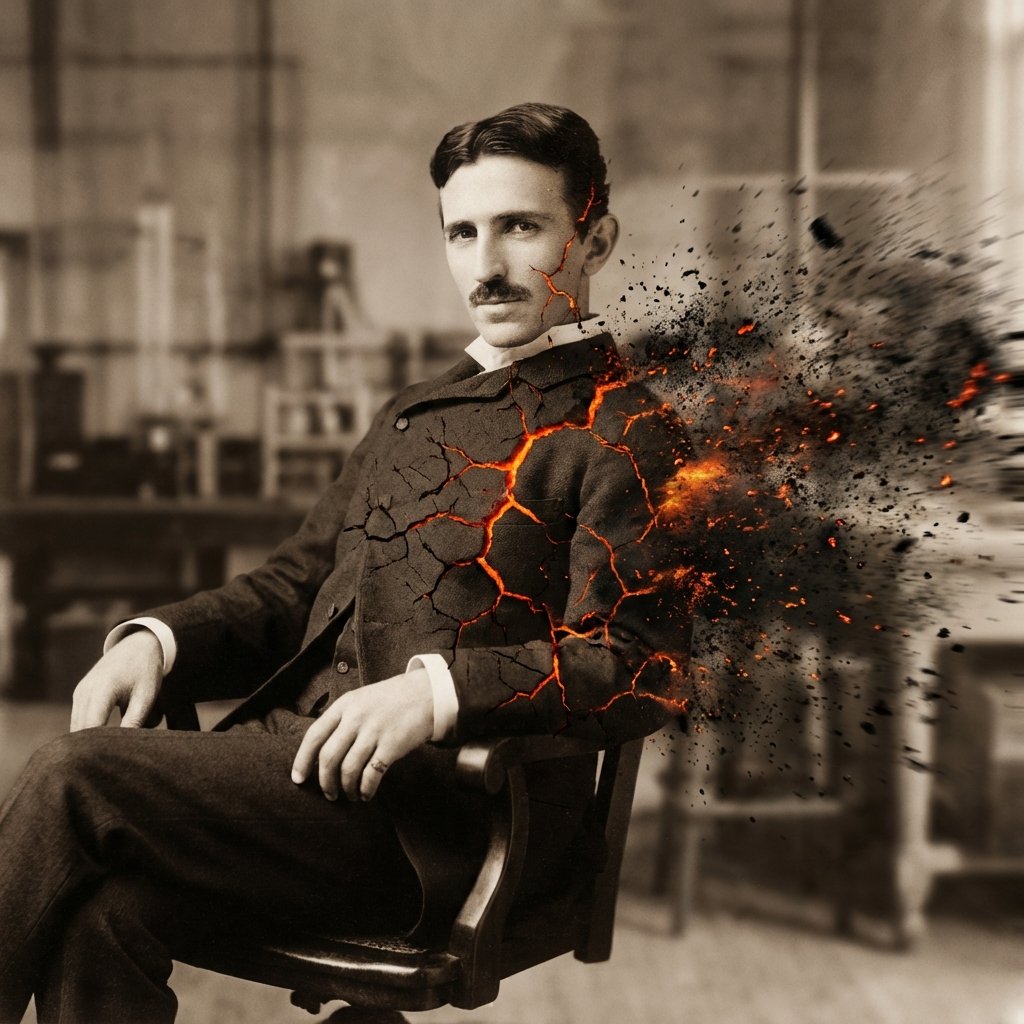
Disintegration Effect Function Prompt
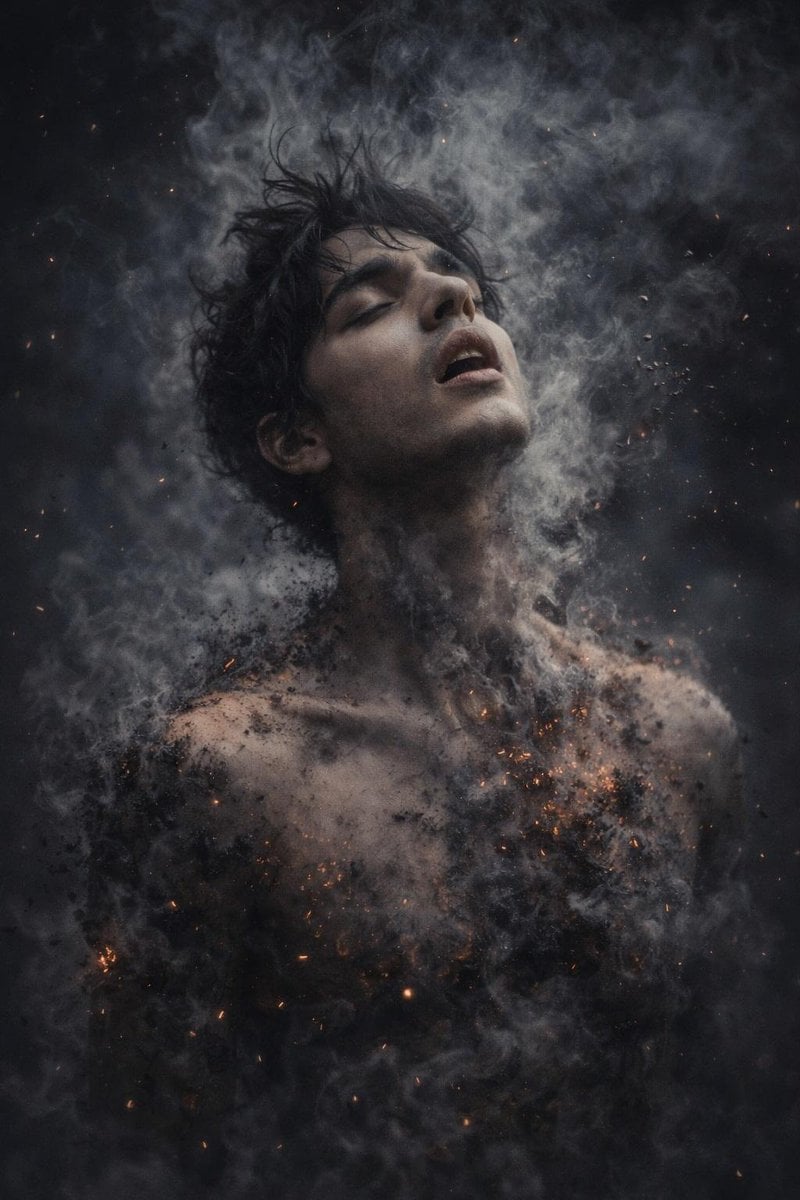
8K Photorealistic Disintegration Effect

untitled
Make it yours
Cinematic Disintegration Effect Portrait works as-is. These are the safest ways to change it without losing the look.
Swap the setting
Keep the rest of the prompt and replace the location block. The current setting is “minimal desolate concrete or paved surface”.
Swap the light
One lighting change is enough to compare takes. Current light: “particles catching rim light and glowing intensely”.
Change one field
Copy a single group, rewrite it, and generate again so you can see what that field is doing.
| If the result… | Why | Fix |
|---|---|---|
| The result drifts from the preview | Too many fields changed at once. | Reuse Cinematic Disintegration Effect Portrait as-is first, then change one group — subject, light, or setting. |
| Nano Banana 2 ignores part of the JSON | Some models flatten or skip nested keys. | Keep the same values and paste them as a short paragraph instead. |
More Nano Banana 2 templates
Other prompts made for Nano Banana 2.

Photorealistic Leaf Shaped Like a Dragon

K-Pop Idol Portrait Grid for Rapid Selection

Poetic Rain Forest Portrait During Golden Hour

Urban Street Portrait with Cartoon Inner Self Duo

Candid Nighttime Photo with Cat Prompt

High-Concept 3D Diorama Generation Prompt

Cinematic Futuristic Studio Portrait Template

Skincare Editorial Photography Collage Prompt

Hyper-Realistic Commercial Product Photography (Splash Effect)

Hyper-Realistic Nightclub Portrait Prompt
More image prompts
Fresh picks from across the catalog.
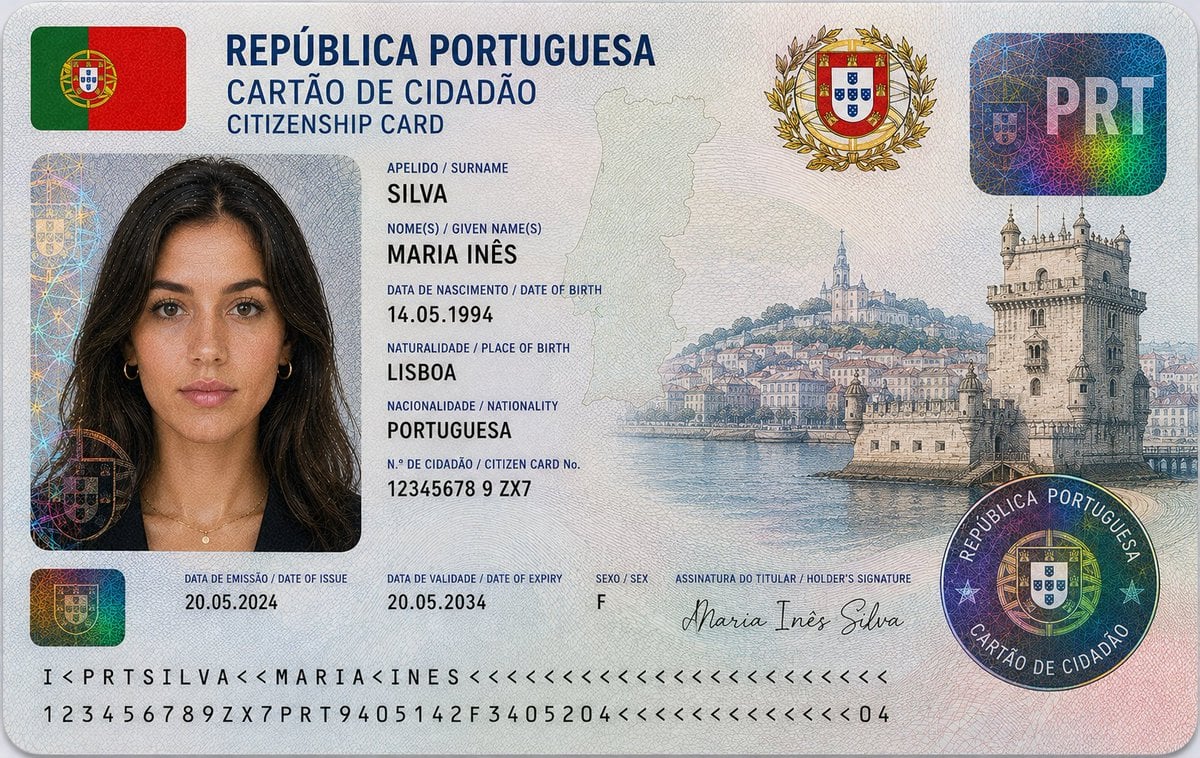
Nigerian Citizenship Identity Card Mockup
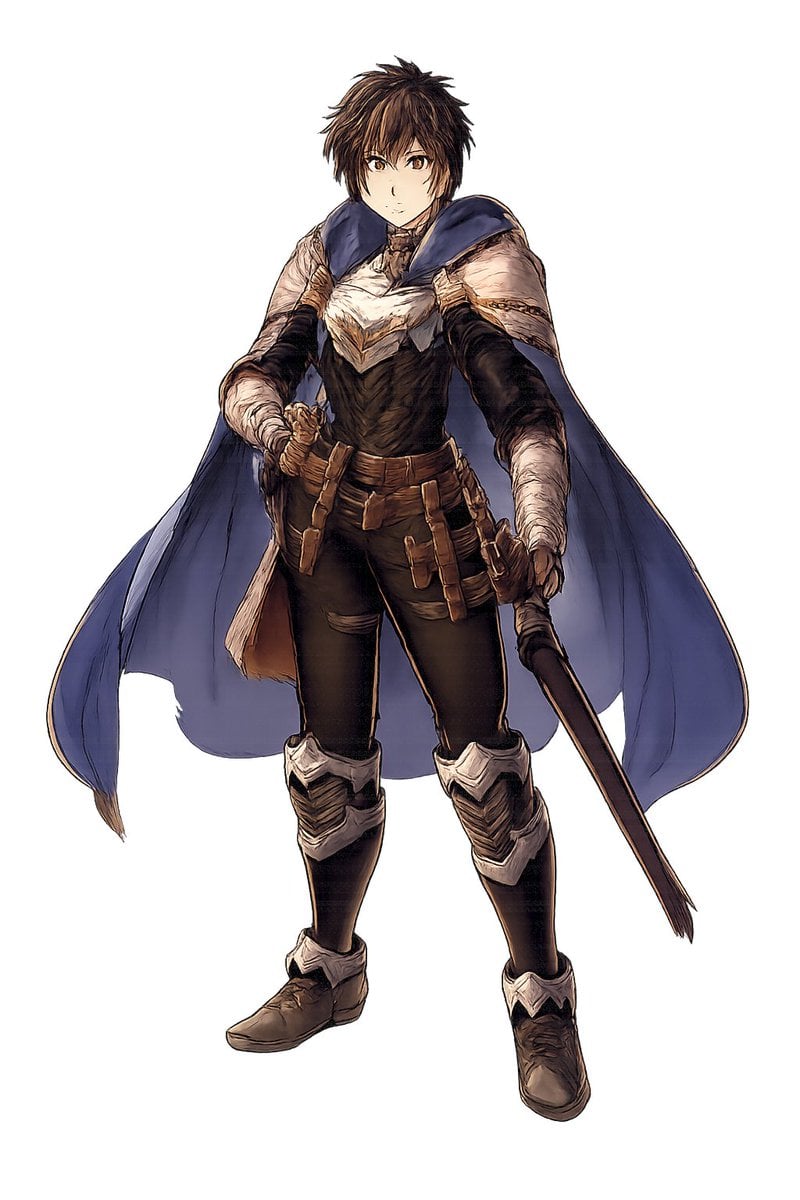
Fantasy Warrior Character Concept
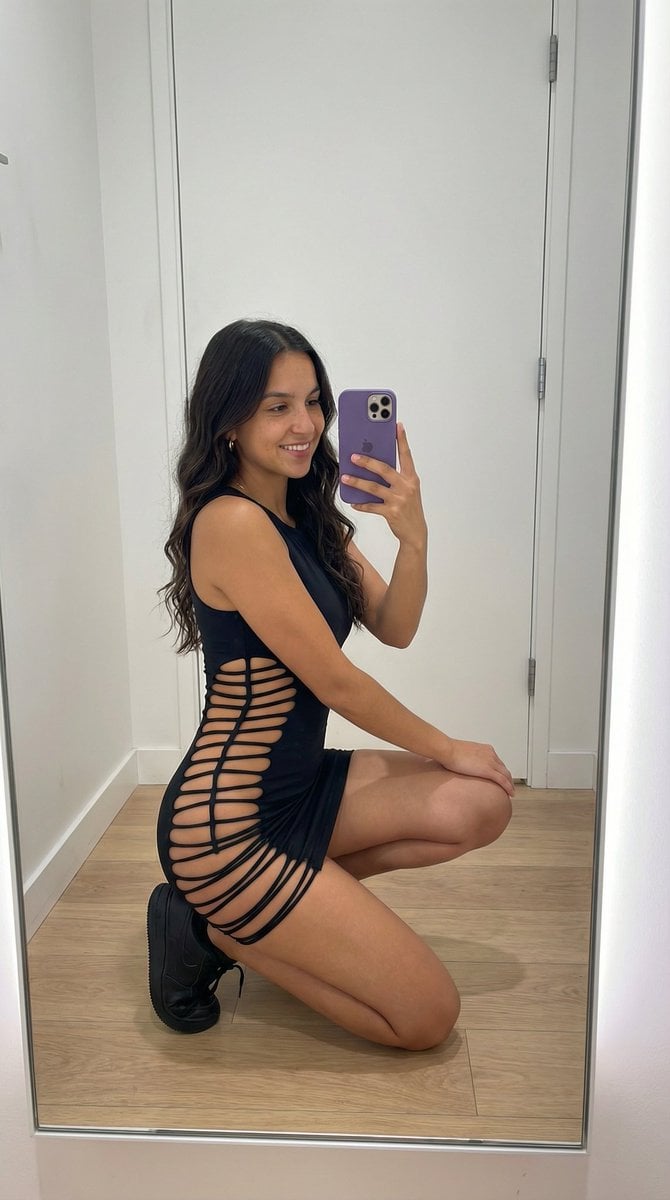
Avant-Garde Athleisure Mirror Selfie Prompt
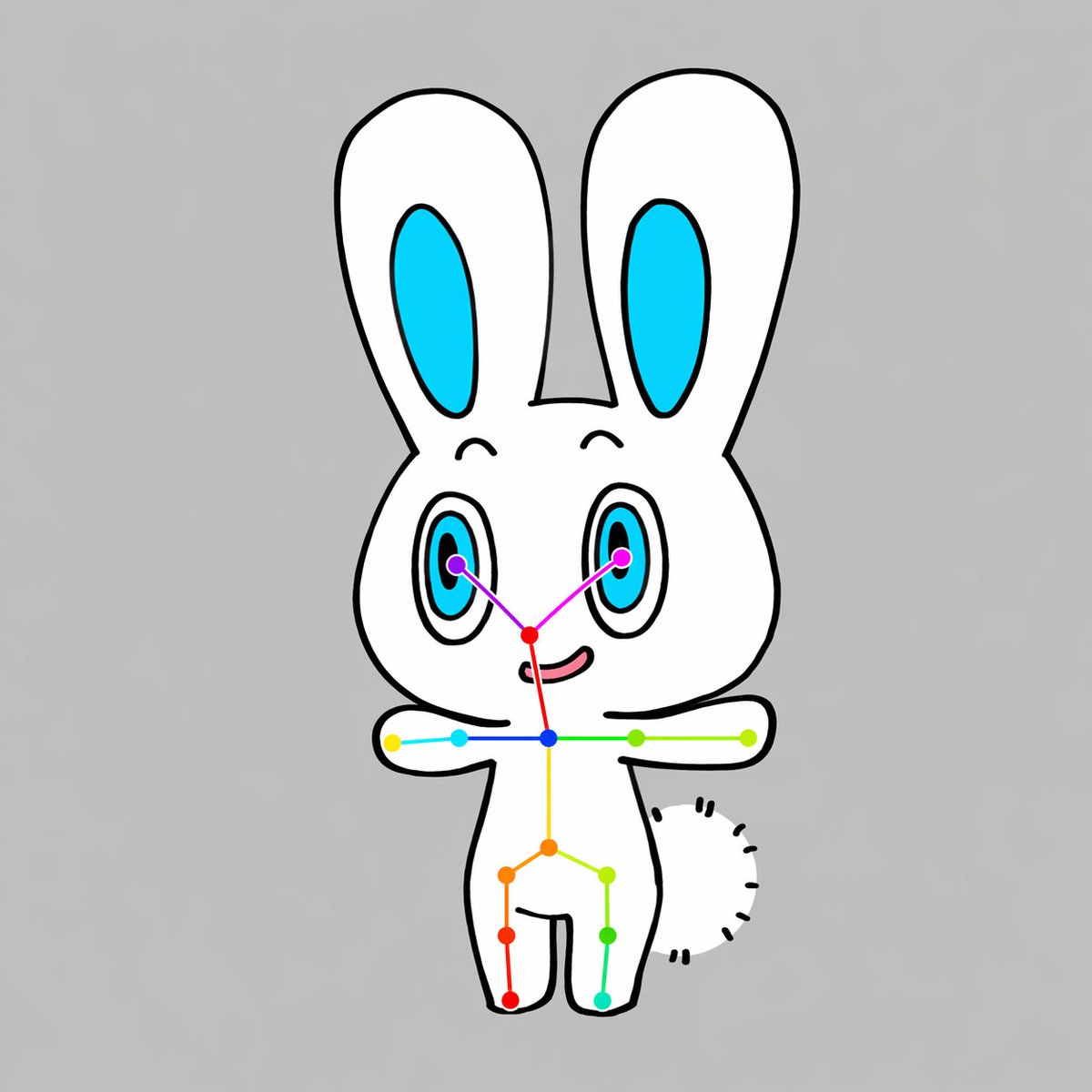
Chibi Rabbit OpenPose Diagram

Photorealistic Omikuji (Fortune Slip) Design
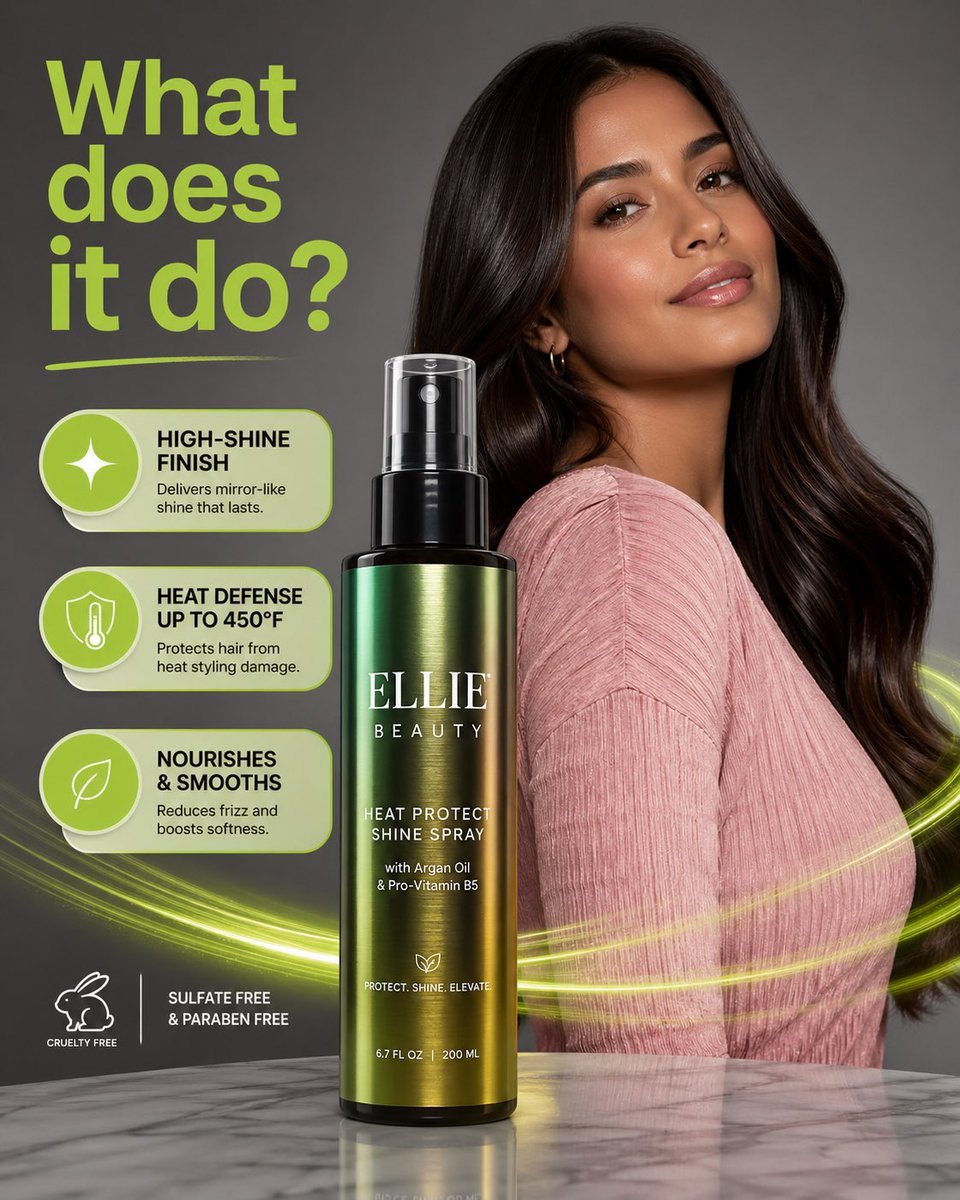
Product Photography with GPT-Image-2
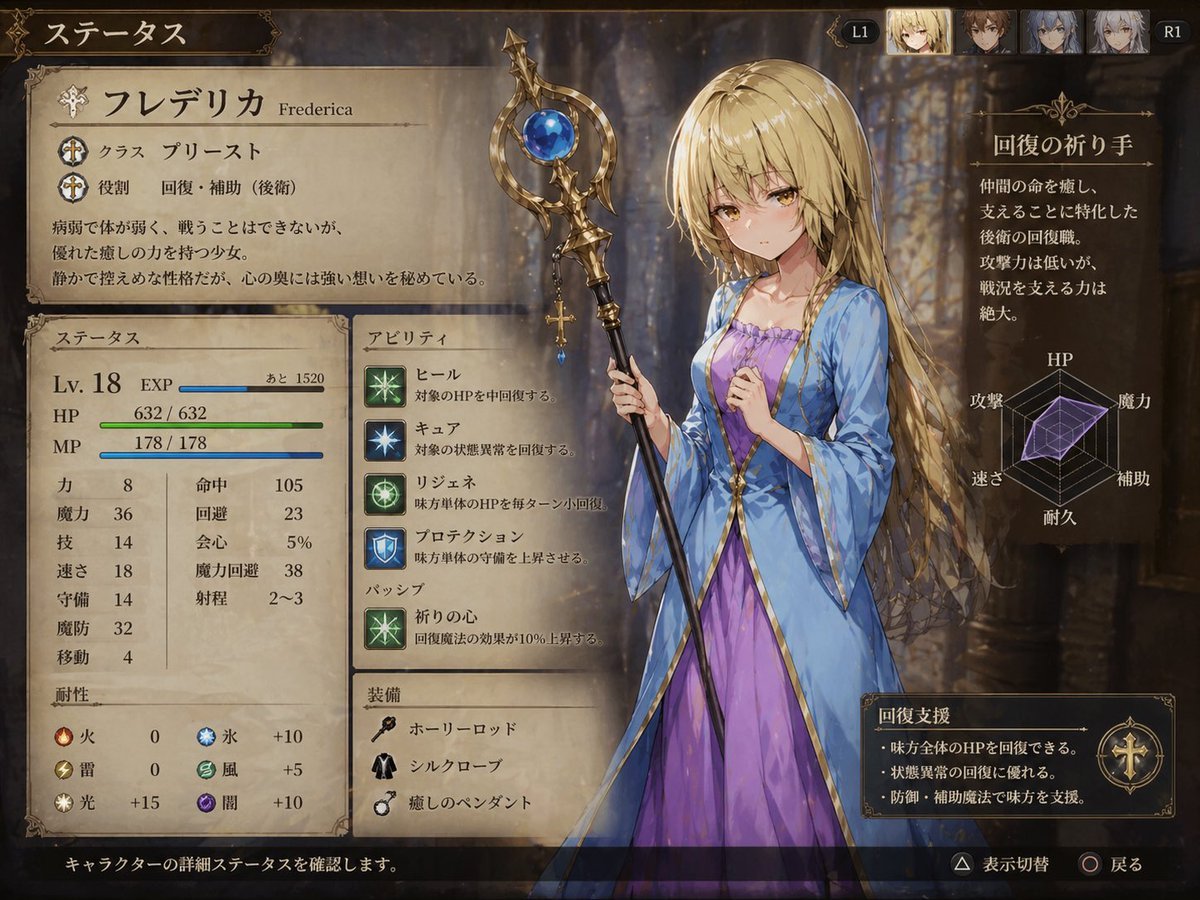
Fantasy JRPG Priest Status Screen
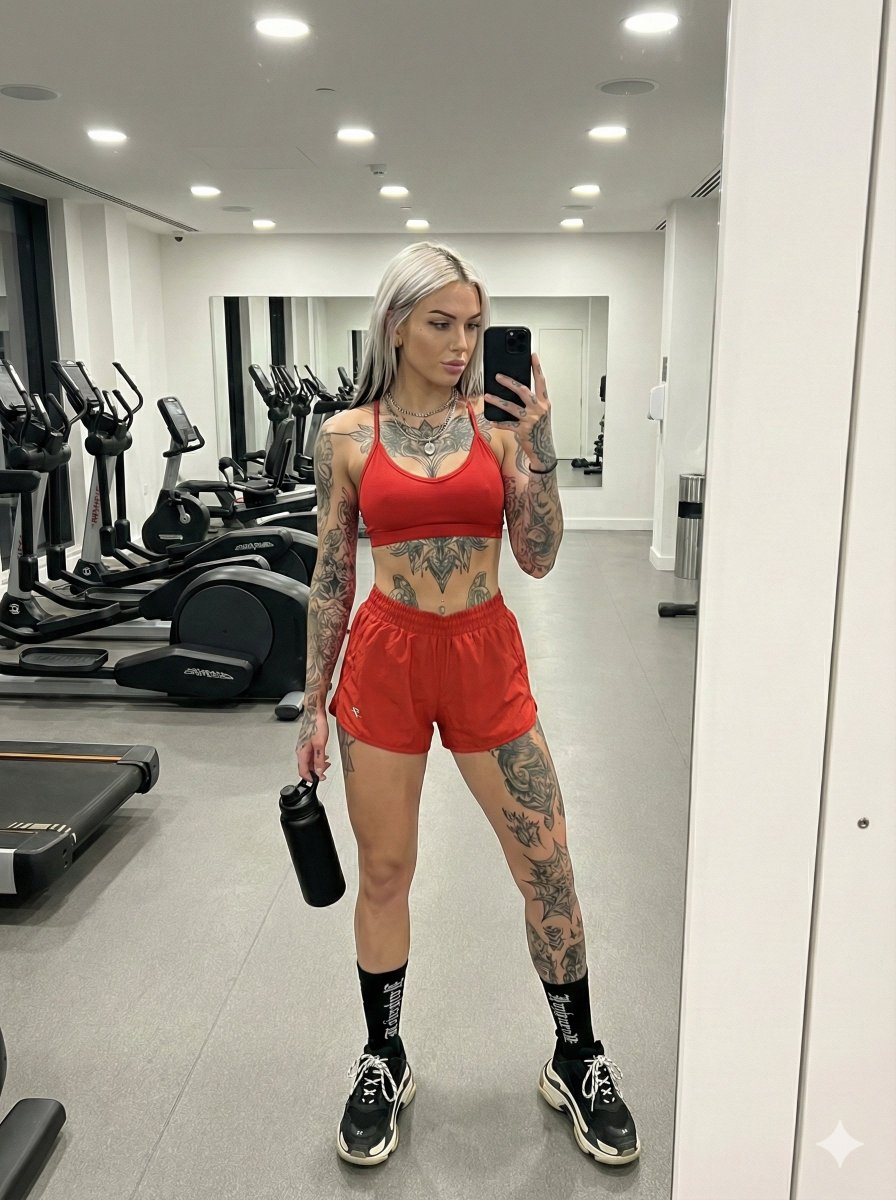
Alt-Fitness Mirror Selfie with Extensive Tattoos

Soft Glam Close-Up Portrait Prompt (Indian Woman)
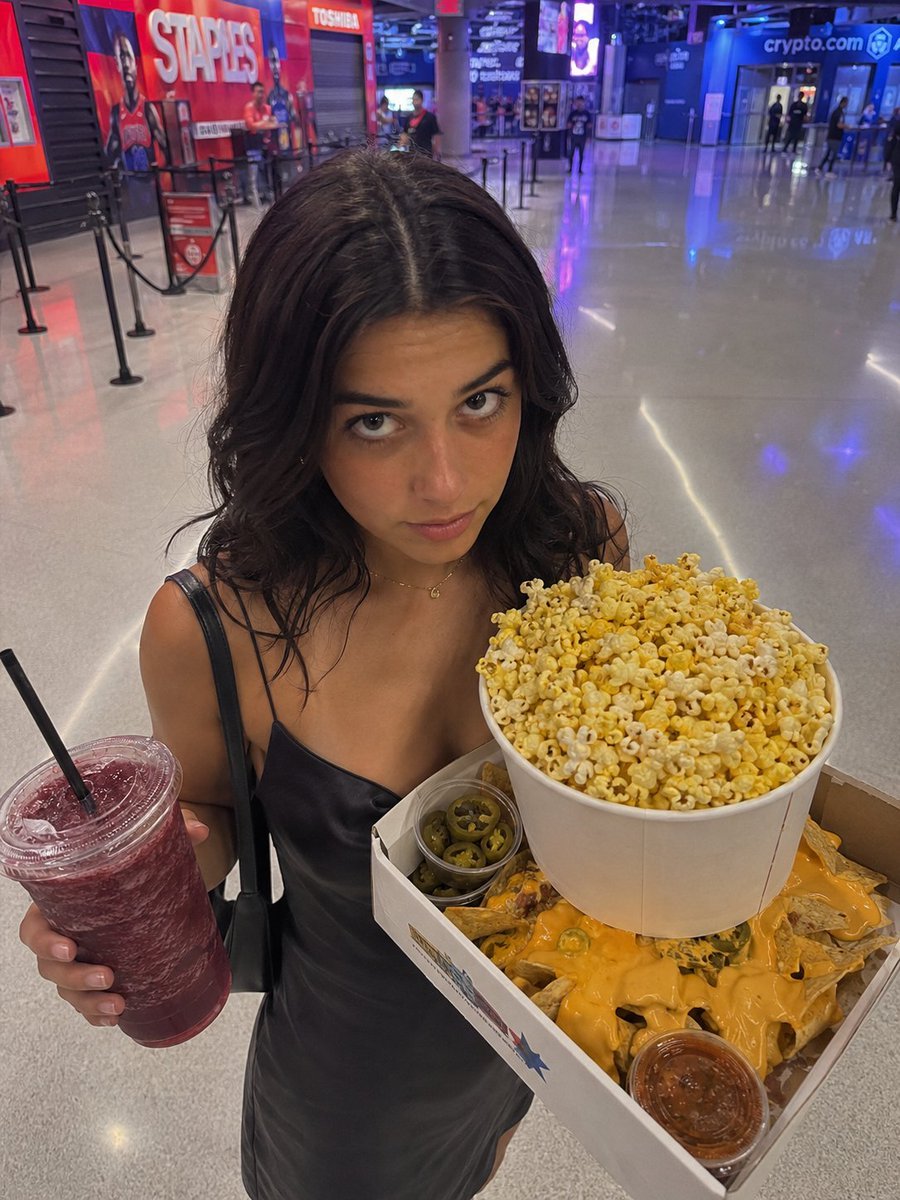
Arena Snack Snapshot
Browse template categories
Cinematic Disintegration Effect Portrait questions
How do I use the Cinematic Disintegration Effect Portrait template?
Add your photo if the template asks for one, edit the prompt if you like — the template's model and format are already selected — and press Generate. Your version opens in PicX Studio.
Can I customize the Cinematic Disintegration Effect Portrait template?
Yes. You can change the subject, setting, lighting, mood, format, and available model controls before creating your image.
Is the Cinematic Disintegration Effect Portrait template free?
Opening and editing this template is free. Generating uses credits, shown on the Generate button when you are signed in.
Which AI model should I use?
Start with Nano Banana 2, which is the model associated with this template. You can compare another compatible model for a different finish.
Looking for something else? Browse all templates.

Your photo, any look
Thousands of ready templates for every top image and video model, from one credit balance.