
Photorealistic Omikuji (Fortune Slip) Design
A highly detailed prompt for generating a photorealistic image of a Japanese 'omikuji' (fortune slip) based on a reference image of a character (our child/pet).
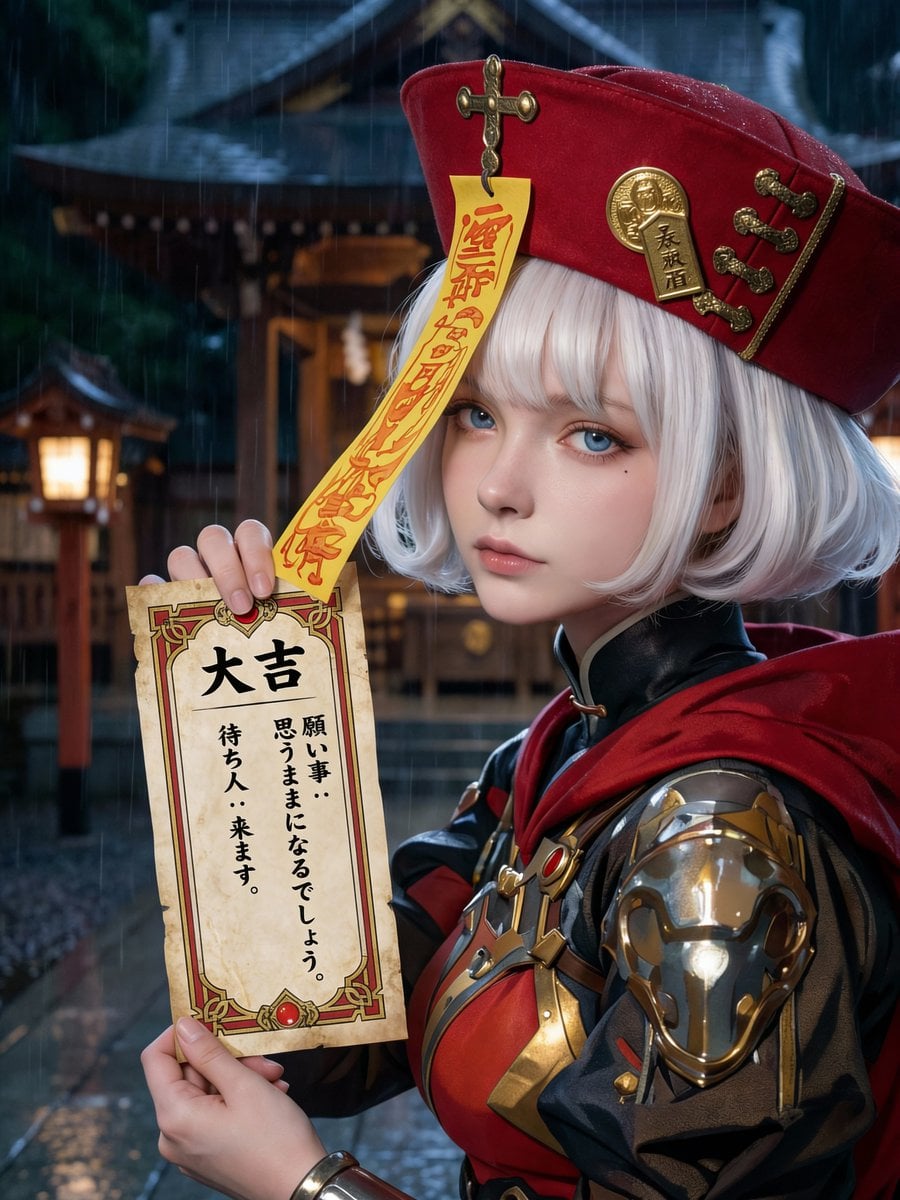
- Prompt included
- Model and format preset
- Free template
The prompt behind this image
Copy the exact prompt behind Photorealistic Omikuji (Fortune Slip) Design, or open it in the studio and make it yours.
[Purpose] Based on the attached image, generate a completely original visual of a Japanese “omikuji” fortune slip. [ABSOLUTE PRIORITY RULES] - Render strictly as photorealistic real-world photography - Illustration, anime, CG, painterly styles are strictly forbidden - Real camera optics, natural lighting, realistic depth of field are mandatory - Skin texture, pores, fine hair, fabric fibers, and paper texture must match real high-resolution photography - The attached image is used ONLY as a design reference, never as a rendering style reference [RENDERING METHOD — TOP PRIORITY] - Photorealistic live-action photograph - Natural skin tones and realistic light falloff - No stylization, no exaggerated features [COMPOSITION] - Vertical composition - Omikuji occupies approximately 25–30% of the frame - Omikuji does not cover the face - Text surface faces directly forward - Background softly blurred [OMIKUJI DESIGN — CRITICAL] - Omikuji design must be structurally derived from the attached image - Use the attached image’s main, secondary, and accent colors exactly - Convert visual motifs into borders, frames, and paper textures - Generic shrine or template designs are forbidden [FORTUNE SELECTION — RANDOM] ~Auto reasoning~ Select exactly ONE: “{argument name="運勢" default="大吉 / 中吉 / 小吉 / 吉 / 末吉 / 凶 / 大凶"}” ~End auto reasoning~ [FORTUNE TITLE] - Vertical Japanese writing - Bold, clean traditional-style font - Placed at the top of the omikuji [TEXT CONTENT — STRICT ALIGNMENT] - Content must perfectly match the selected fortune - 2–4 vertical Japanese lines only - No mixed or contradictory meanings [TEXT READABILITY] - Black ink on white paper - No glow, no shadow, no overlay - Clear spacing and legibility [PEOPLE CONTROL — STRICT] - A person may appear ONLY if a character exists in the attached image - The person must be rendered as a real human photographed in real life - No new characters may be introduced [BEAUTY & FACIAL QUALITY — CRITICAL] - The person must be visually beautiful and well-balanced in appearance - Symmetrical facial structure with harmonious proportions - Clear skin with healthy texture and natural highlights - Refined facial features without exaggeration - Calm, composed, and confident expression - Clean grooming, well-shaped hair, and tidy overall appearance - Beauty must feel natural and realistic, not artificial or stylized [FACE VISIBILITY & QUALITY] - Face fully visible and unobstructed - Eyes, nose, mouth, and jawline clearly defined - Face placed in the upper-center of the frame - Sharp focus, high resolution - No blur, deformation, cropping, or collapse [OBJECT POSITIONING] - Omikuji held at chest to upper-abdomen height - Hands visible and natural - Face and omikuji must not overlap [CAMERA FRAMING] - Bust-up or waist-up composition - Balanced resolution priority between
How to use Photorealistic Omikuji (Fortune Slip) Design in 3 steps
- 1Upload ImagePNG, JPG or paste
Add your photo
Upload the photo the template builds on. The prompt, model and format are already set.
- 2…a portrait of your subject in softgolden-hour light, 85mm…
Personalize
Edit the subject and creative details for your destination.
- 3Generate
Generate
Press Generate — your image is created in PicX Studio, so you can compare it with the original and refine one variable at a time.
More like this
Templates with the same subject, style or setup. Open one to see its prompt.
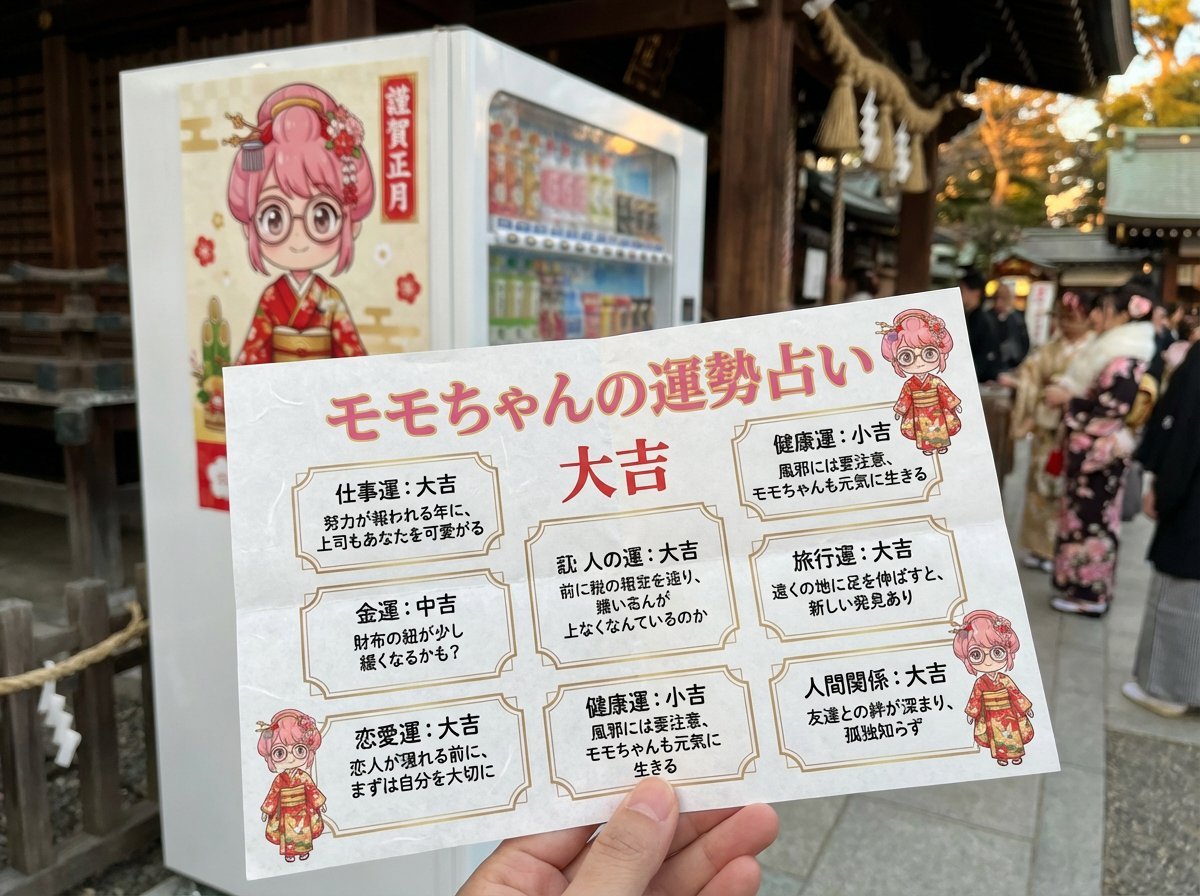
Omikuji (Fortune Slip) Generation Prompt with Character Integration

Cozy Knit Sweater Window Portrait

Gen Z Triple Selfie Collage — Y2K Flash Photography

Mountain Lake Sunset Landscape

Cinematic Destination Letter Panel Poster

Spider-Man Rooftop Golden Hour Cinematic Photo

Face-Locked Train Window Lifestyle Portrait

Face-Locked Cream Half-Zip Street Walk

Luxury Toothpaste Commercial Storyboard

Unfinished Sketch Comes Alive Portrait

Open Travel Journal Overhead Still Life

Face-Locked City Skyline Double Exposure
Make it yours
Photorealistic Omikuji (Fortune Slip) Design works as-is. These are the safest ways to change it without losing the look.
Change one field
Copy a single group, rewrite it, and generate again so you can see what that field is doing.
Keep the frame, change the subject
Hold the composition and light of Photorealistic Omikuji (Fortune Slip) Design, then swap wardrobe, props or the person for a new take.
| If the result… | Why | Fix |
|---|---|---|
| The result drifts from the preview | Too many fields changed at once. | Reuse Photorealistic Omikuji (Fortune Slip) Design as-is first, then change one group — subject, light, or setting. |
| The model over-stylizes the scene | The prose prompt leaves finish and camera underspecified. | Add one camera or lighting sentence and stay on Nano Banana 2. |
More Nano Banana 2 templates
Other prompts made for Nano Banana 2.

Photorealistic Leaf Shaped Like a Dragon

K-Pop Idol Portrait Grid for Rapid Selection

Poetic Rain Forest Portrait During Golden Hour

Urban Street Portrait with Cartoon Inner Self Duo

Candid Nighttime Photo with Cat Prompt

High-Concept 3D Diorama Generation Prompt

Cinematic Futuristic Studio Portrait Template

Skincare Editorial Photography Collage Prompt

Hyper-Realistic Commercial Product Photography (Splash Effect)

Hyper-Realistic Nightclub Portrait Prompt
More image prompts
Fresh picks from across the catalog.
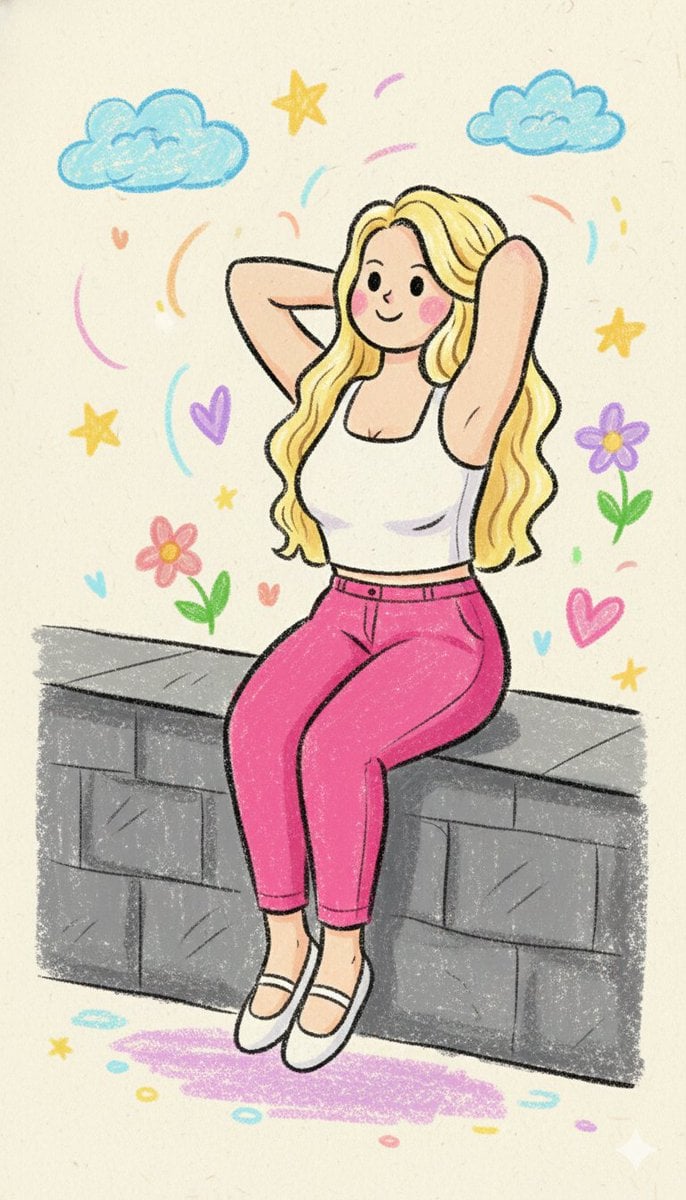
Kindergarten Crayon Doodle Illustration Prompt
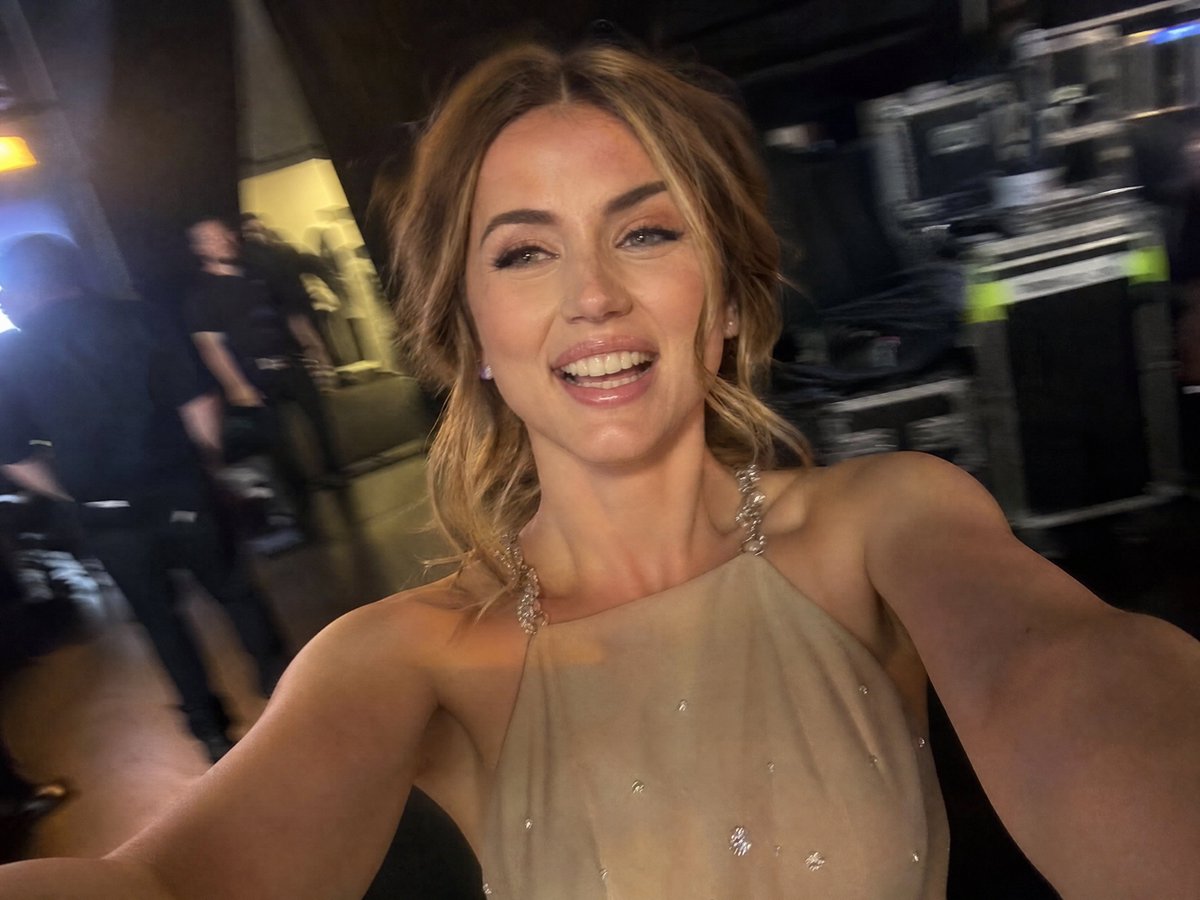
Accidental iPhone Camera Selfie
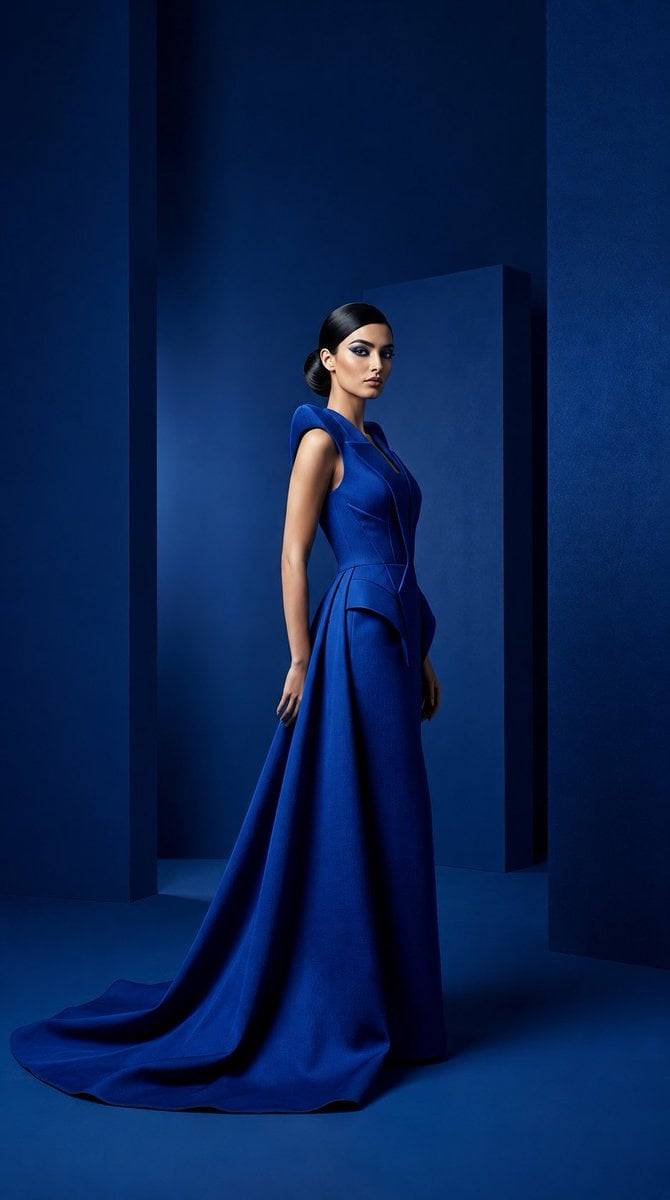
Cobalt Couture Editorial Portrait
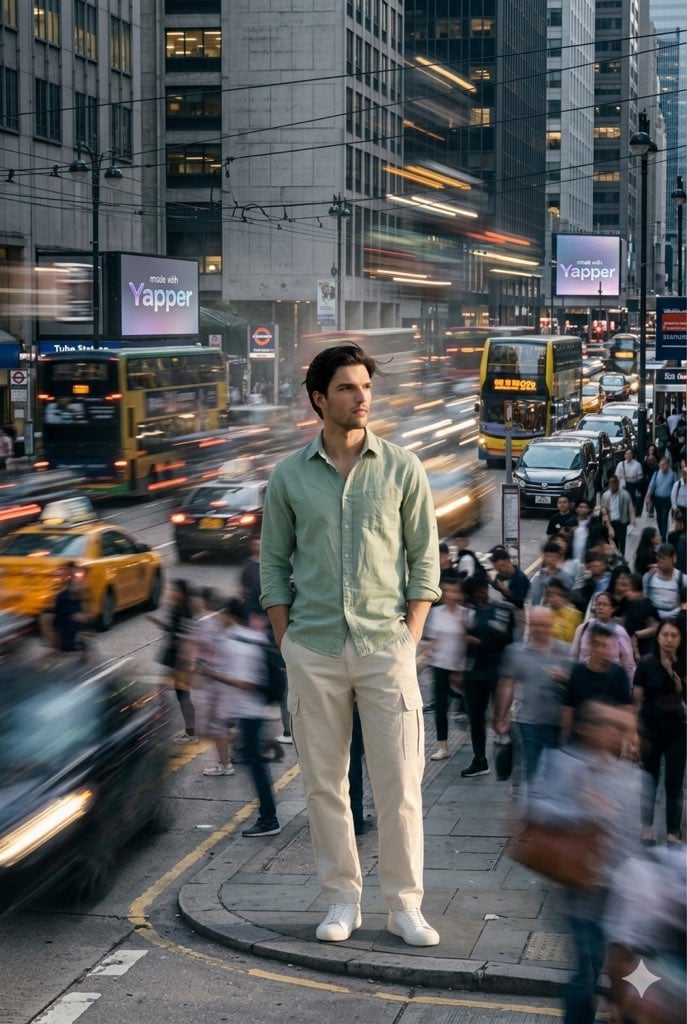
X Iamrealsnow Cinematic Motion Blur Photography Editorial
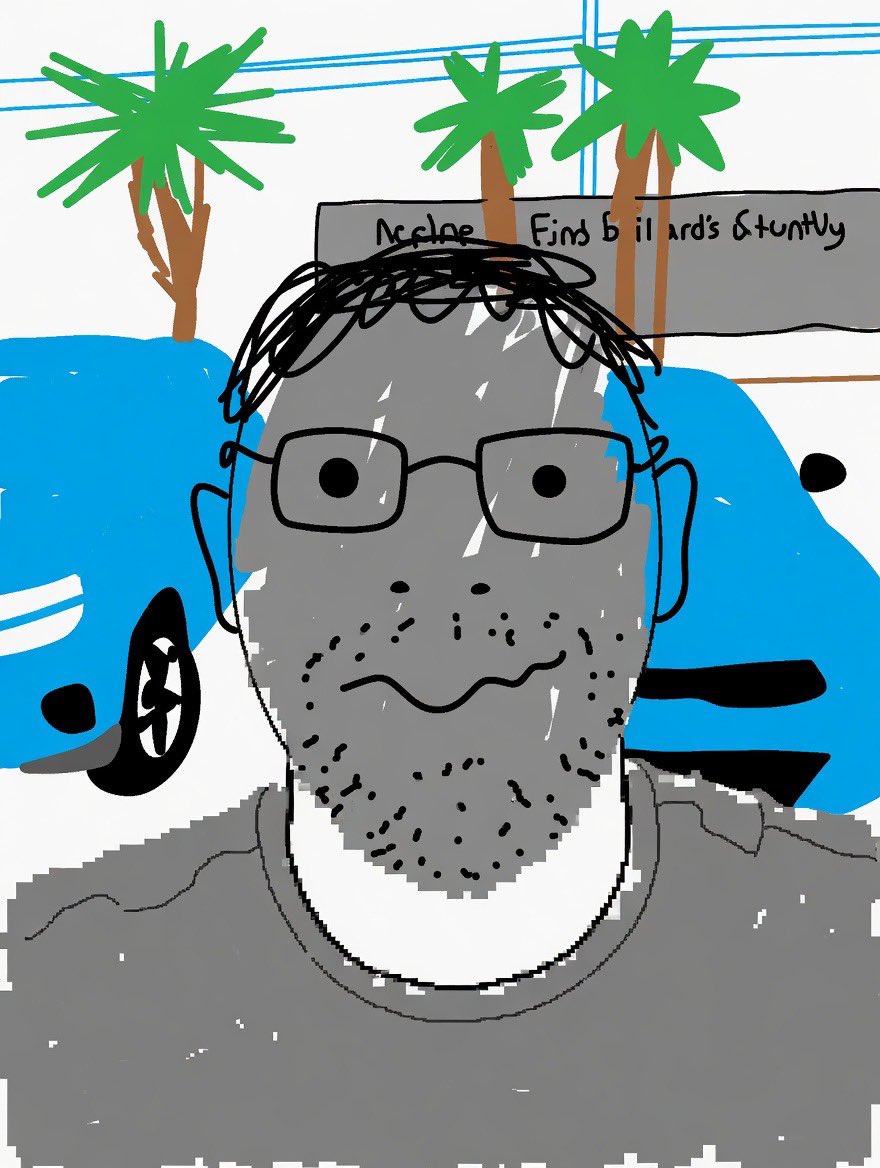
Clumsy MS Paint Style Redraw
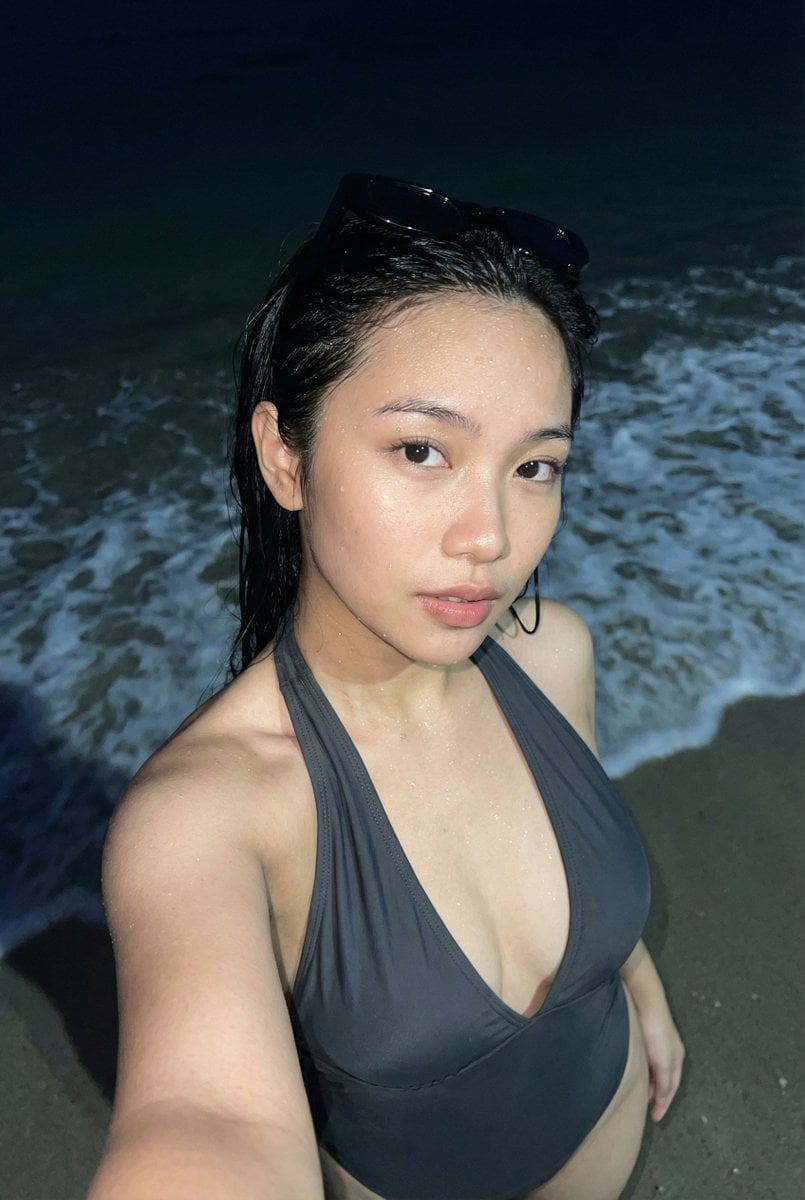
Realistic Smartphone Flash Selfie at Night Beach
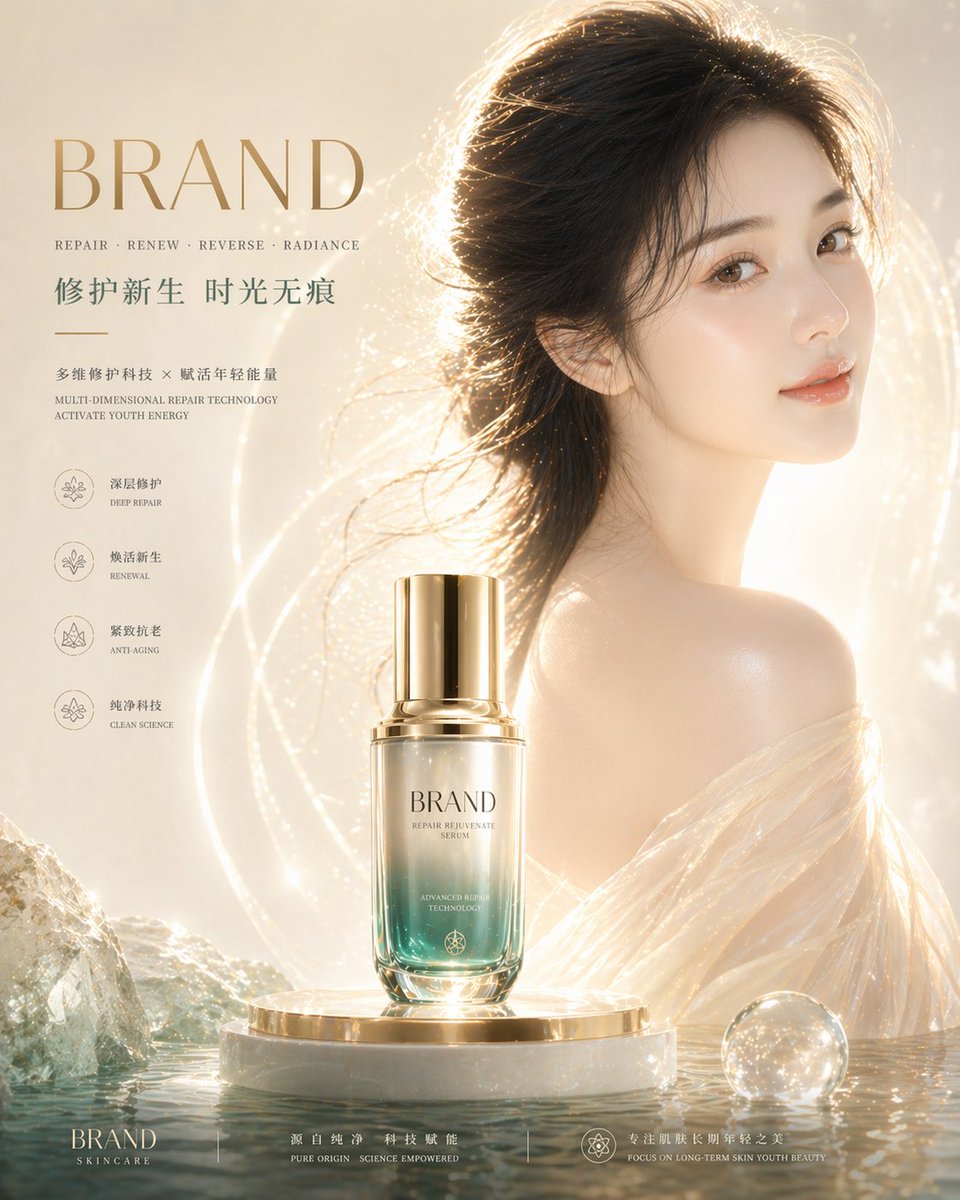
High-End Skincare Brand Key Visual
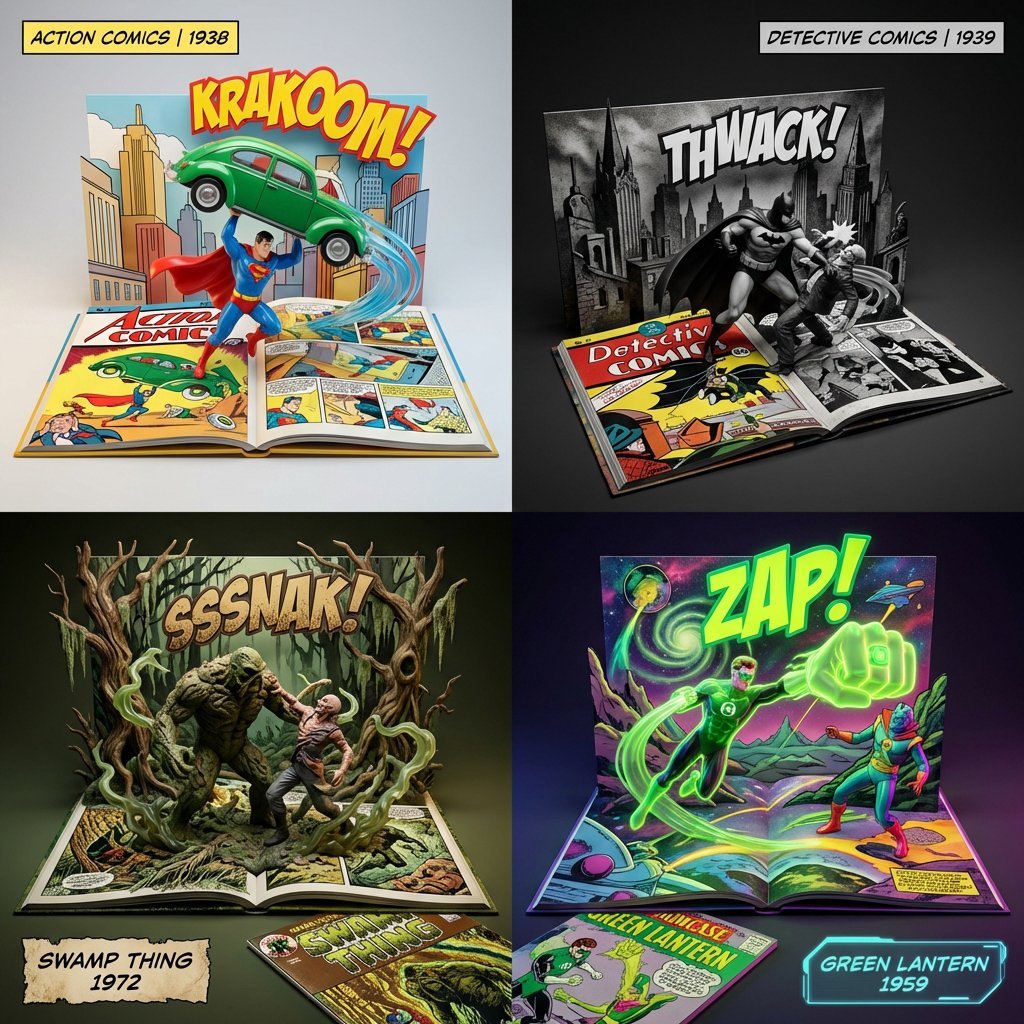
3D Diorama of Comic Book Covers and Toys
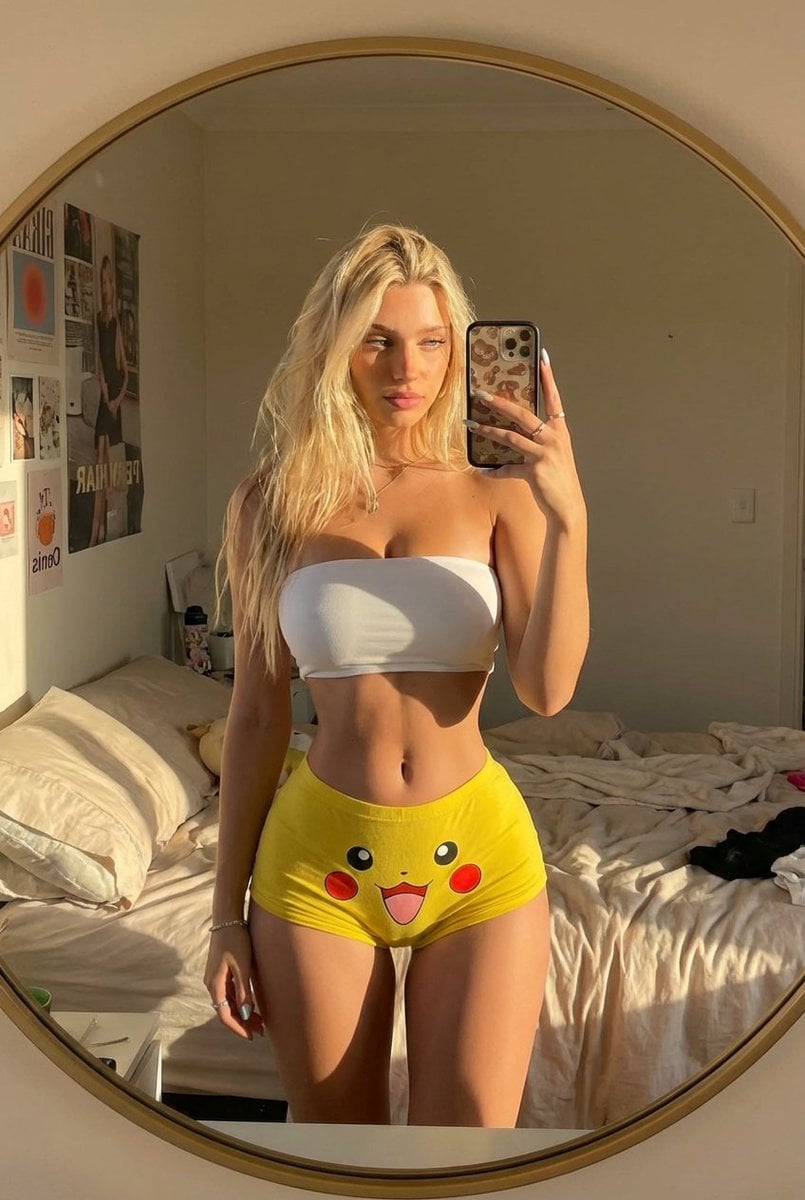
Pikachu Mirror Selfie
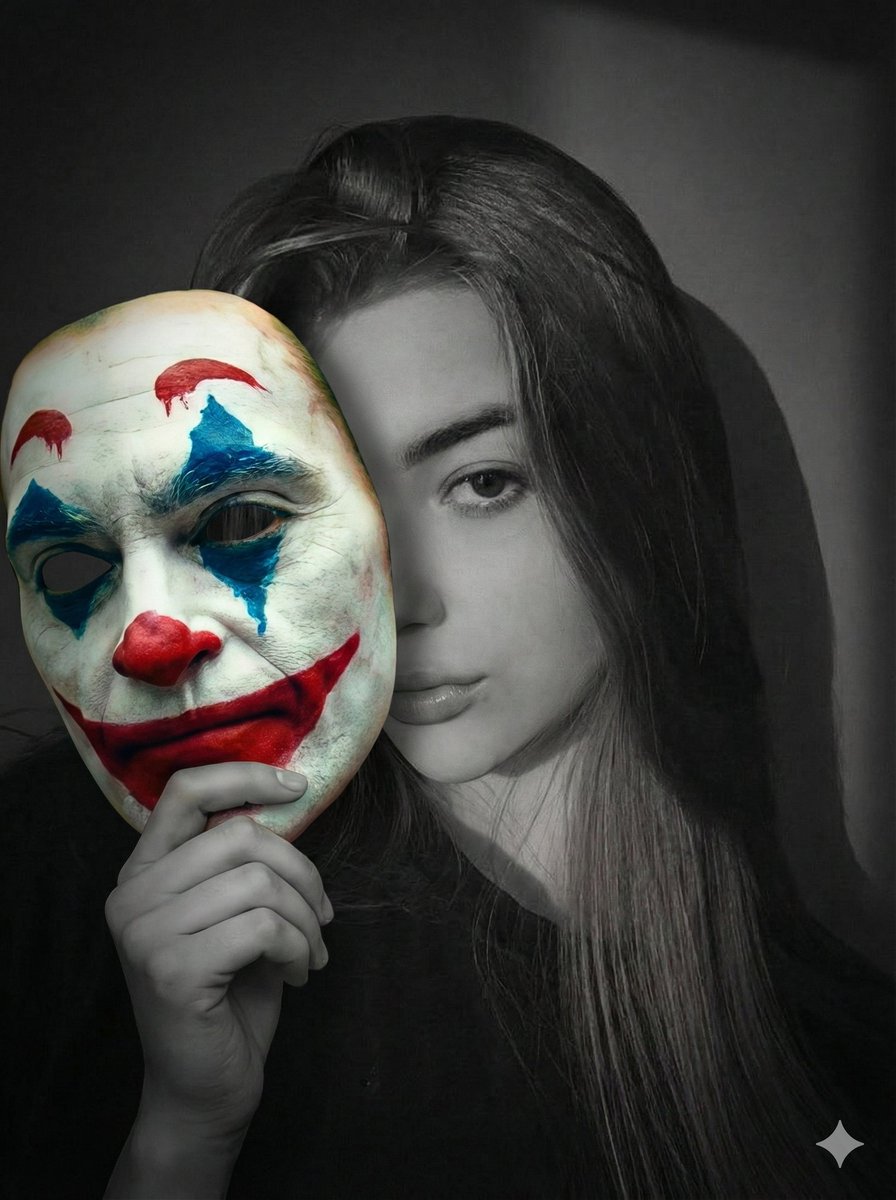
Cinematic Portrait Prompt: Grayscale Subject with Colorful Joker Mask
Browse template categories
Photorealistic Omikuji (Fortune Slip) Design questions
How do I use the Photorealistic Omikuji (Fortune Slip) Design template?
Add your photo if the template asks for one, edit the prompt if you like — the template's model and format are already selected — and press Generate. Your version opens in PicX Studio.
Can I customize the Photorealistic Omikuji (Fortune Slip) Design template?
Yes. You can change the subject, setting, lighting, mood, format, and available model controls before creating your image.
Is the Photorealistic Omikuji (Fortune Slip) Design template free?
Opening and editing this template is free. Generating uses credits, shown on the Generate button when you are signed in.
Which AI model should I use?
Start with Nano Banana 2, which is the model associated with this template. You can compare another compatible model for a different finish.
Looking for something else? Browse all templates.

Your photo, any look
Thousands of ready templates for every top image and video model, from one credit balance.