
Kindergarten Crayon Doodle Illustration Prompt
A highly detailed image generation prompt designed to convert an uploaded identity reference (person) into an ultra-cute, kindergarten-style crayon doodle illustration.
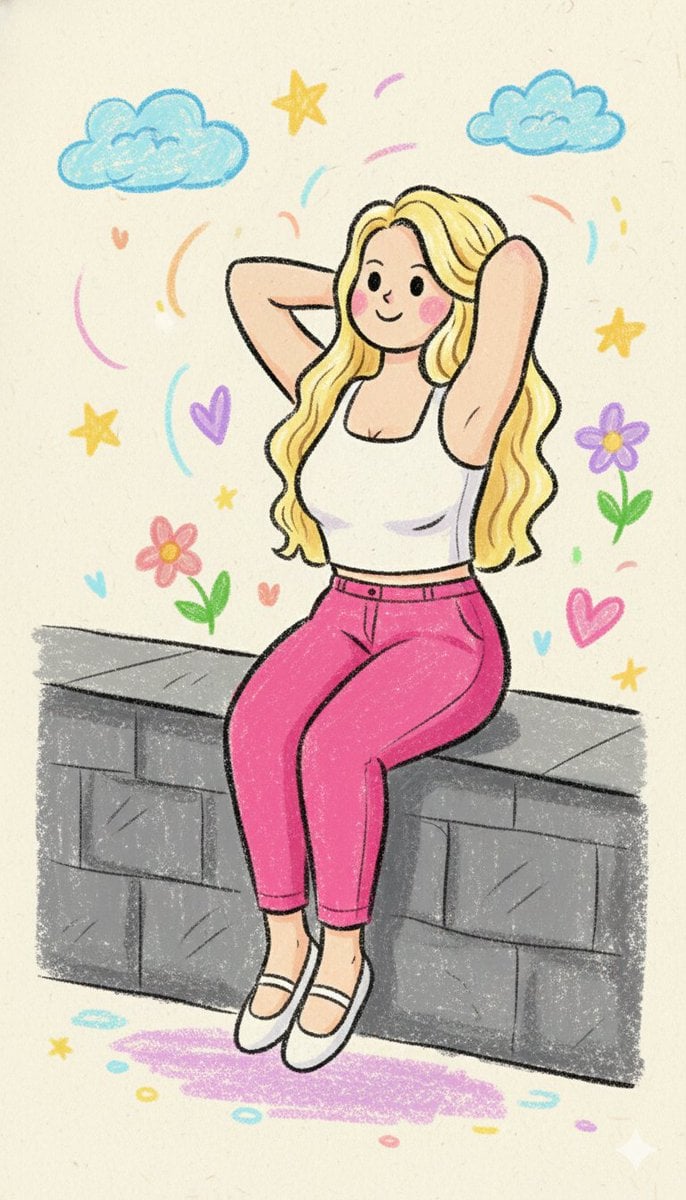
- Prompt included
- Model and format preset
- Free template
The prompt behind this image
Copy the exact prompt behind Kindergarten Crayon Doodle Illustration Prompt, or open it in the studio and make it yours.
Use the uploaded image strictly as the identity reference. Preserve the same person, facial structure, hairstyle, age, gender, body proportions, and likeness exactly. Do not add or remove any person. Do not change identity. Convert the subject into an ultra-cute kindergarten-style crayon doodle illustration. Illustration Style: Hand-drawn kindergarten doodle made with crayons and soft colored pencils. Lines should be thick, rounded, uneven, and slightly shaky, like a small child’s drawing. Outlines are imperfect, playful, and soft, never sharp or clean. Color & Texture: Bright pastel crayon colors with soft, chalky texture. Flat coloring with visible crayon grain and overlapping strokes. Colors may go slightly outside the lines to enhance the childlike feel. No realistic gradients; only simple color fills and soft watercolor-like blobs. Facial Features: Very simple and adorable facial features. Big round dot eyes, tiny curved smile, minimal or no nose. Cheeks can have soft pink crayon circles. Expression should feel innocent, happy, and friendly. Proportions & Form: Chibi-like doodle proportions — large head, small rounded body, short arms and legs. Hands and feet are simple mitten or oval shapes. Anatomy should look intentionally naive and cute. Shading & Lighting: No realistic lighting. No depth or shadows. If needed, add light pastel crayon scribbles under the character for grounding only. Mood & Atmosphere: Sweet, cozy, wholesome, and joyful. Feels like an illustration from a nursery book or a child’s school drawing. Very warm and comforting emotional tone. Background: Simple doodle background with crayon-drawn clouds, sun, stars, hearts, flowers, or soft scribbles. Use light pastel paper tones. Background must remain minimal and playful. Rendering Rules: No photorealism, no photo texture, no cinematic lighting, no digital painting, no anime, no manga, no 3D, no vector art. Everything must look hand-drawn with crayons and pencils. Final Output: An ultra-cute kindergarten-style crayon doodle illustration with childlike proportions, playful pastel colors, and innocent expressions, maintaining the exact identity from the uploaded image in a warm children’s storybook style.
How to use Kindergarten Crayon Doodle Illustration Prompt in 3 steps
- 1Upload ImagePNG, JPG or paste
Add your photo
Upload the photo the template builds on. The prompt, model and format are already set.
- 2…a portrait of your subject in softgolden-hour light, 85mm…
Personalize
Edit the subject and creative details for your destination.
- 3Generate
Generate
Press Generate — your image is created in PicX Studio, so you can compare it with the original and refine one variable at a time.
More like this
Templates with the same subject, style or setup. Open one to see its prompt.

Real Illustration Split Portrait Transition
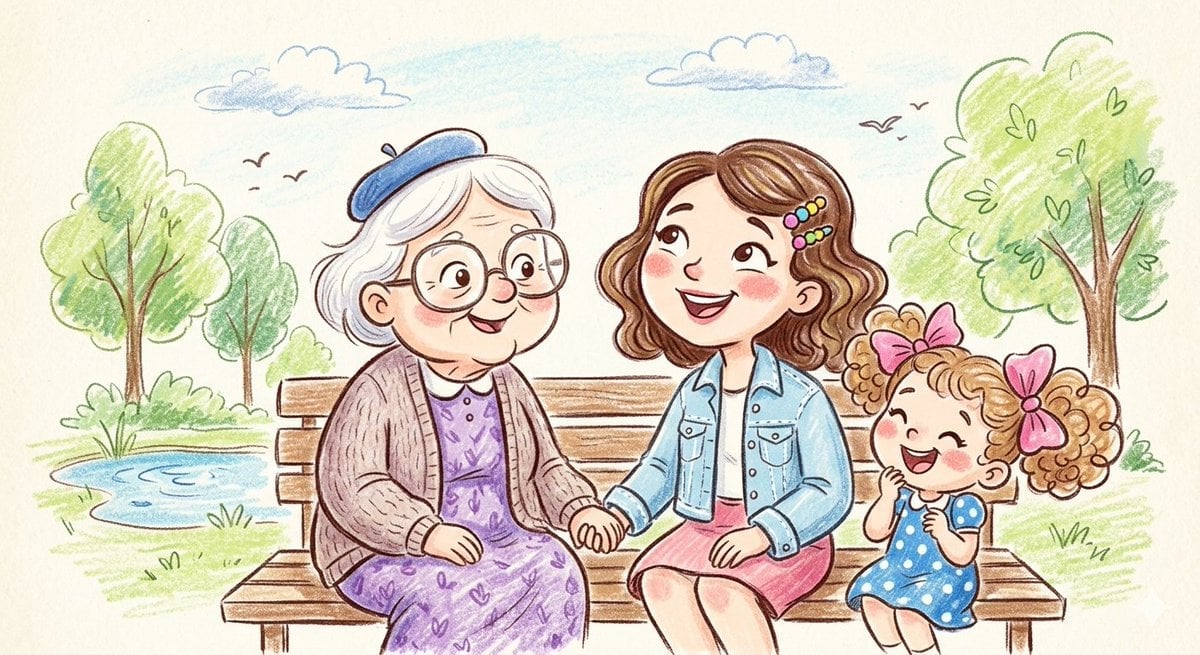
Crayon and Pencil Family Illustration
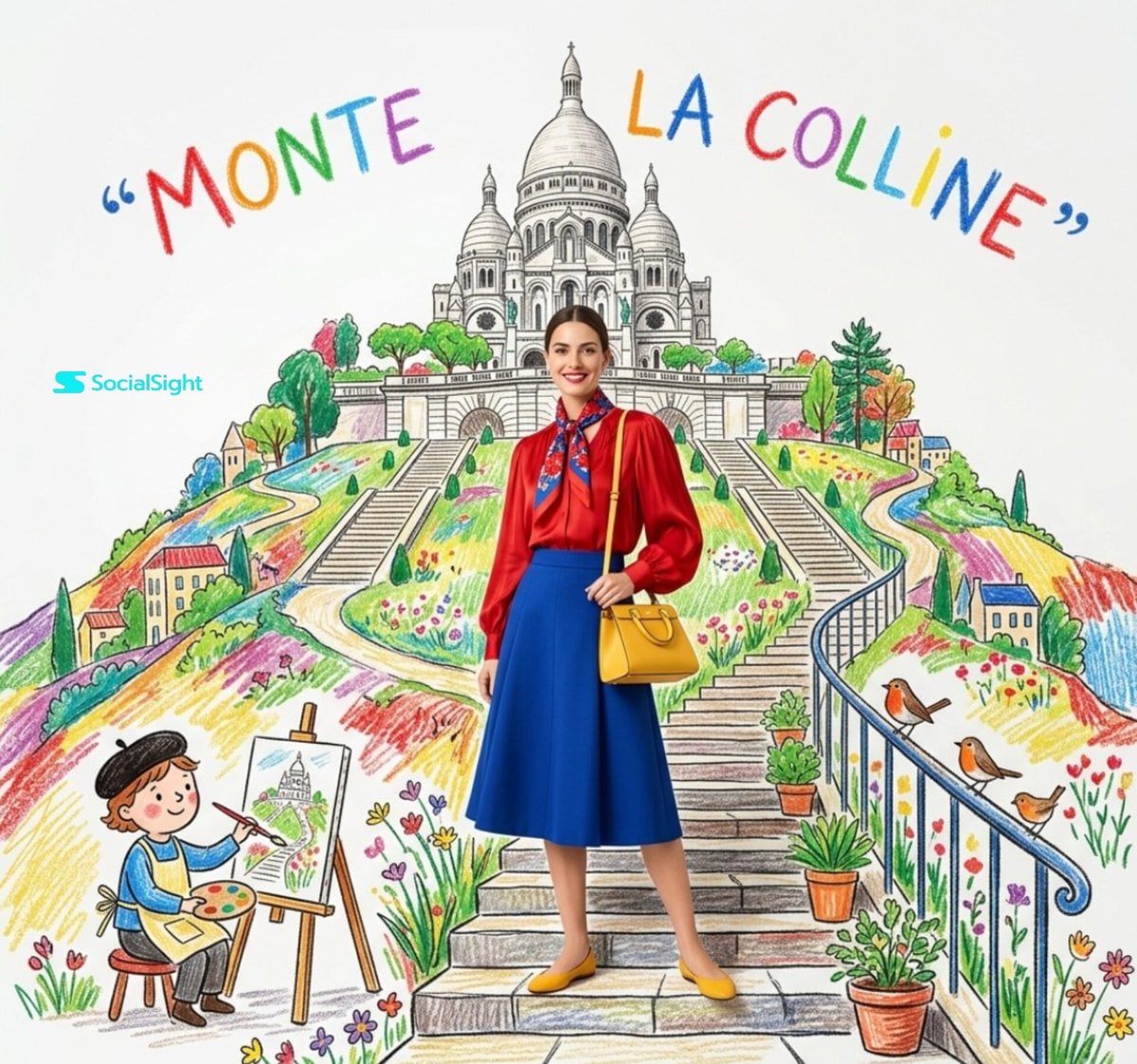
Editorial Fashion Crayon Illustration

Quiet Minimalist Anime Style Guide
Quiet Minimalist Anime Style Guide

Watercolor Café Cheesecake Editorial Illustration
Real Illustration Split Portrait Transition

Bold Side Profile Superhero Poster

Hero Portrait Comic Multi-Panel Poster

Spider-Verse Painterly Portrait Poster

Captain Tsubasa Anime World Cup Poster

Anime Character Charm Analysis Sheet
Make it yours
Kindergarten Crayon Doodle Illustration Prompt works as-is. These are the safest ways to change it without losing the look.
Change one field
Copy a single group, rewrite it, and generate again so you can see what that field is doing.
Keep the frame, change the subject
Hold the composition and light of Kindergarten Crayon Doodle Illustration Prompt, then swap wardrobe, props or the person for a new take.
| If the result… | Why | Fix |
|---|---|---|
| The result drifts from the preview | Too many fields changed at once. | Reuse Kindergarten Crayon Doodle Illustration Prompt as-is first, then change one group — subject, light, or setting. |
| The model over-stylizes the scene | The prose prompt leaves finish and camera underspecified. | Add one camera or lighting sentence and stay on Nano Banana 2. |
More Nano Banana 2 templates
Other prompts made for Nano Banana 2.

Photorealistic Leaf Shaped Like a Dragon

K-Pop Idol Portrait Grid for Rapid Selection

Poetic Rain Forest Portrait During Golden Hour

Urban Street Portrait with Cartoon Inner Self Duo

Candid Nighttime Photo with Cat Prompt

High-Concept 3D Diorama Generation Prompt

Cinematic Futuristic Studio Portrait Template

Skincare Editorial Photography Collage Prompt

Hyper-Realistic Commercial Product Photography (Splash Effect)

Hyper-Realistic Nightclub Portrait Prompt
More image prompts
Fresh picks from across the catalog.
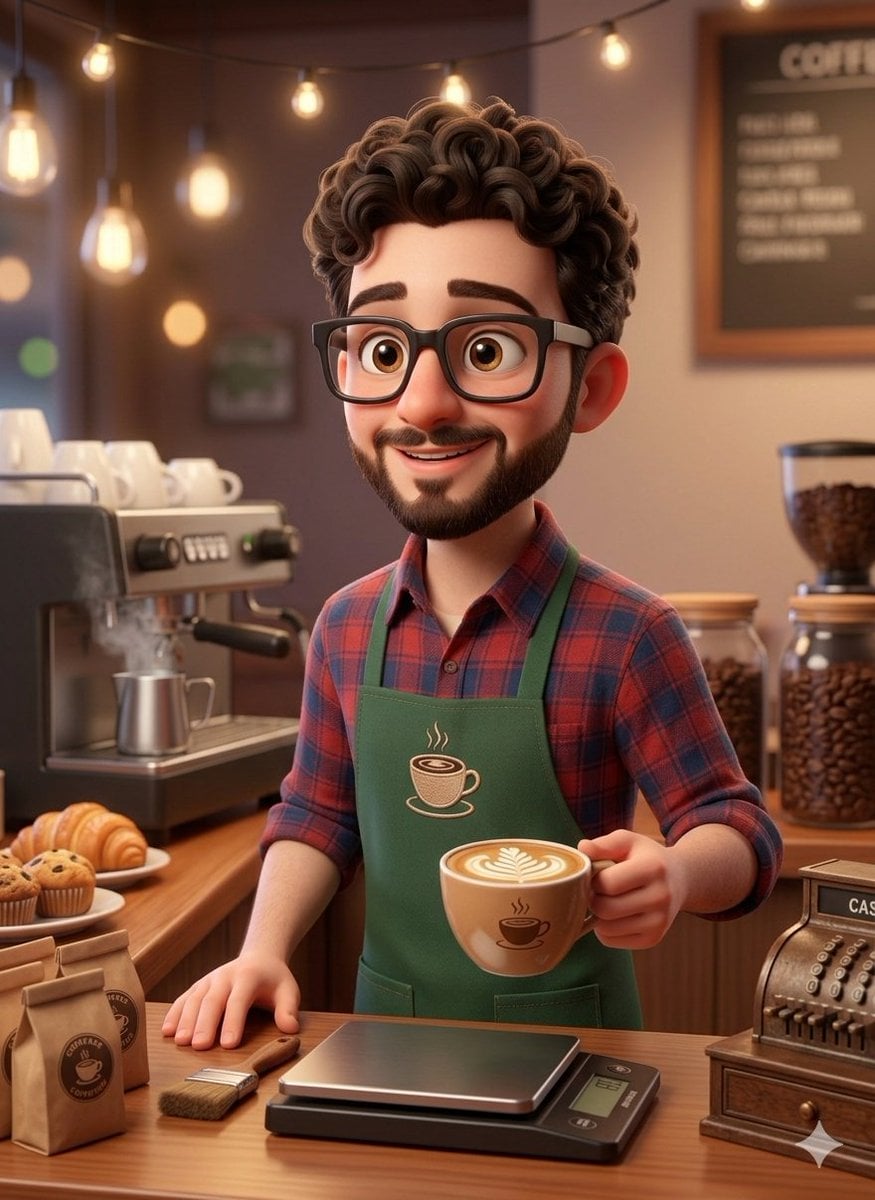
3D Rendered Barista Character in Pixar Style
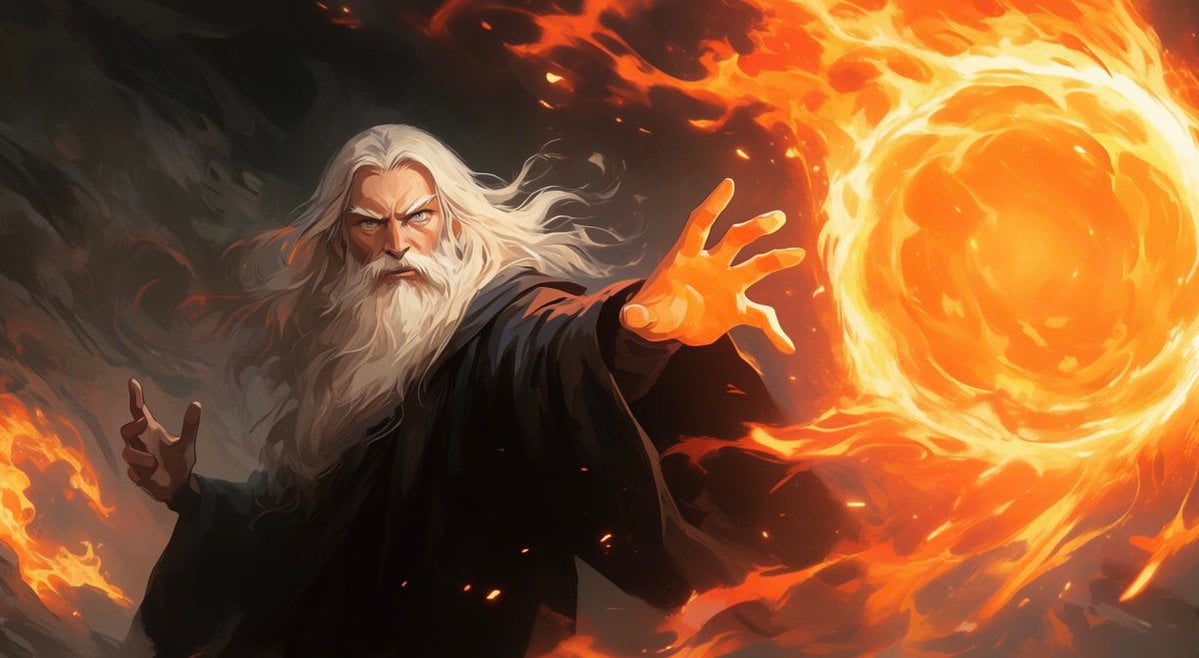
Faceless Fire Wizard Anime Scene
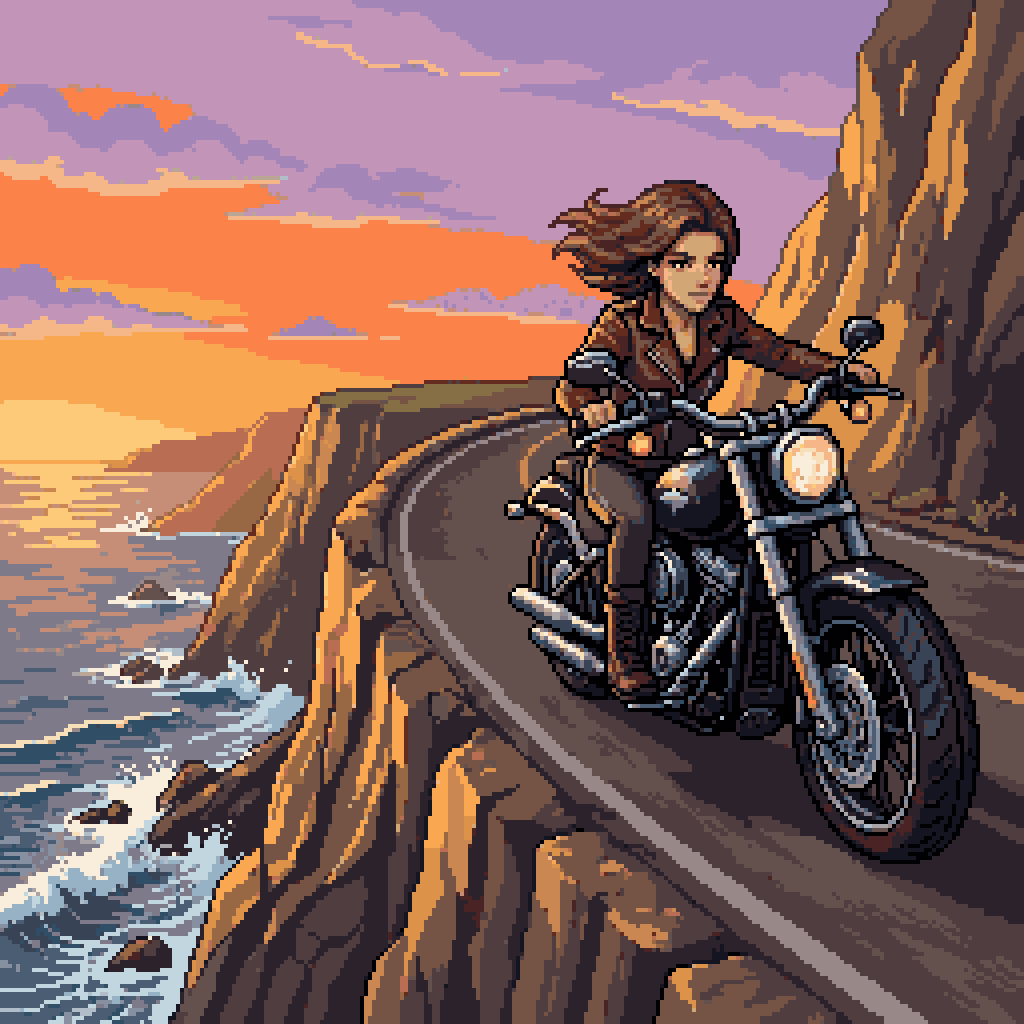
Woman Riding Motorcycle on Cliff Road
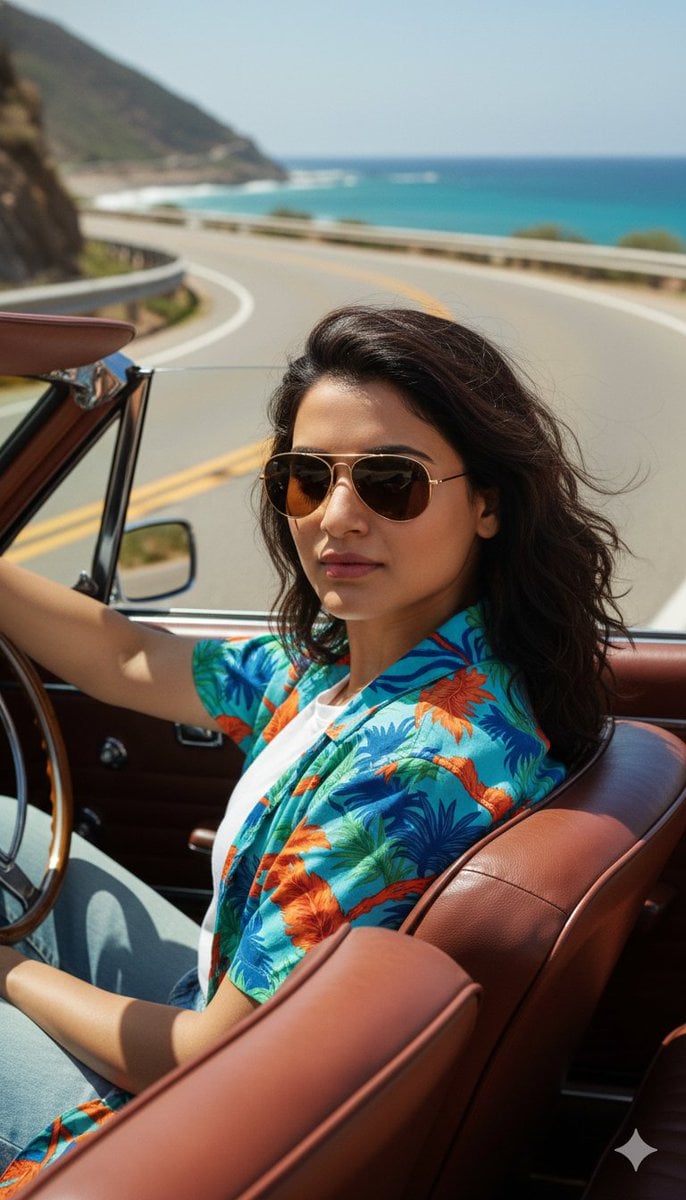
Cinematic Portrait of Man Driving Vintage Convertible
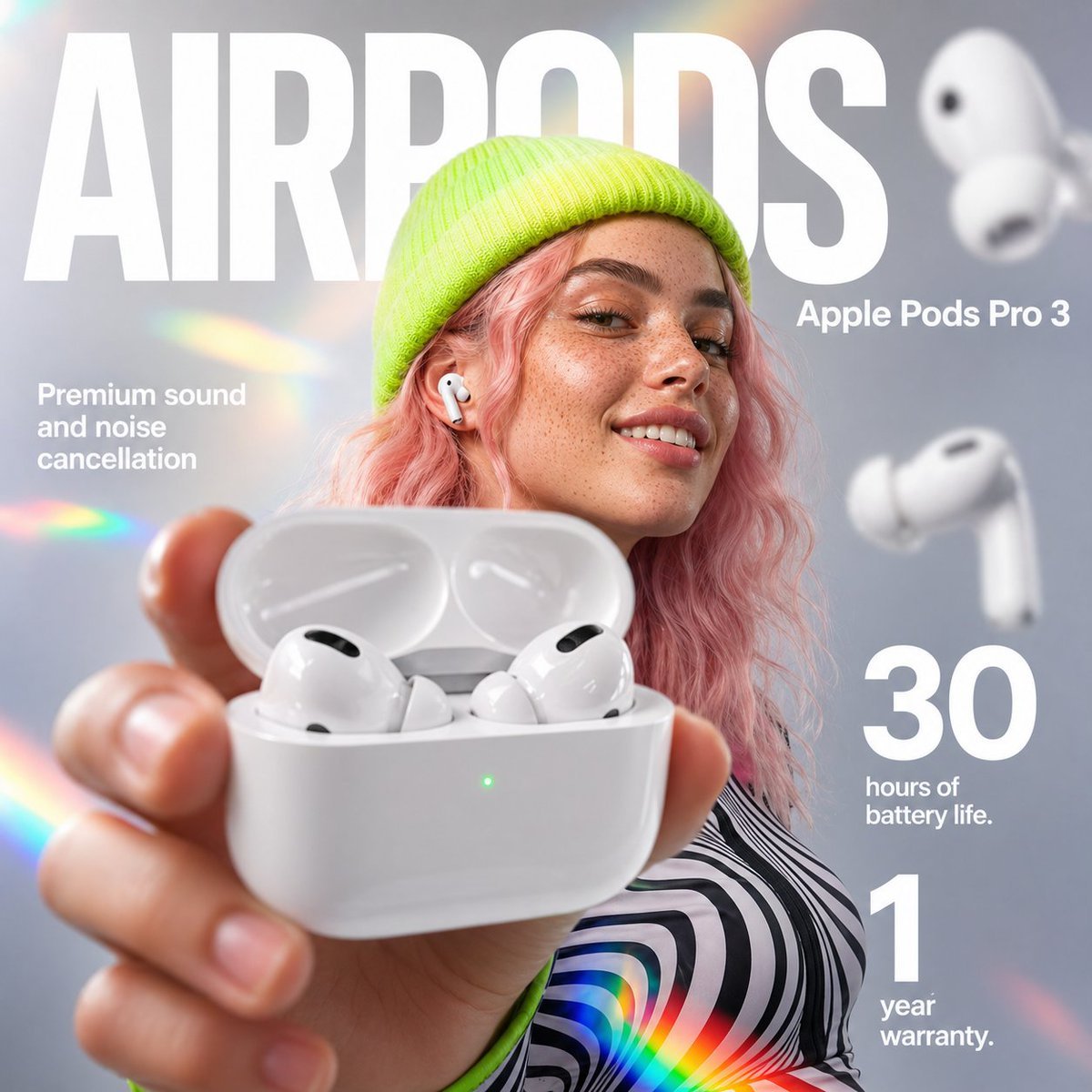
AirPods Style Tech Ad Poster
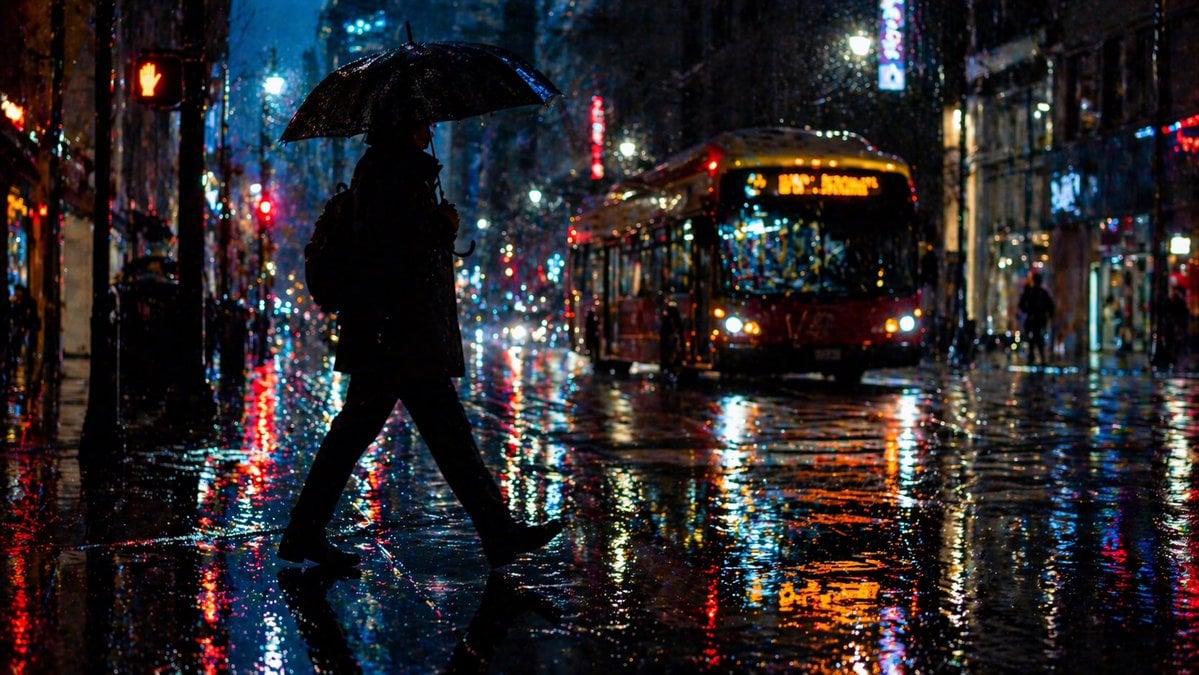
Rainy Night City Crossing
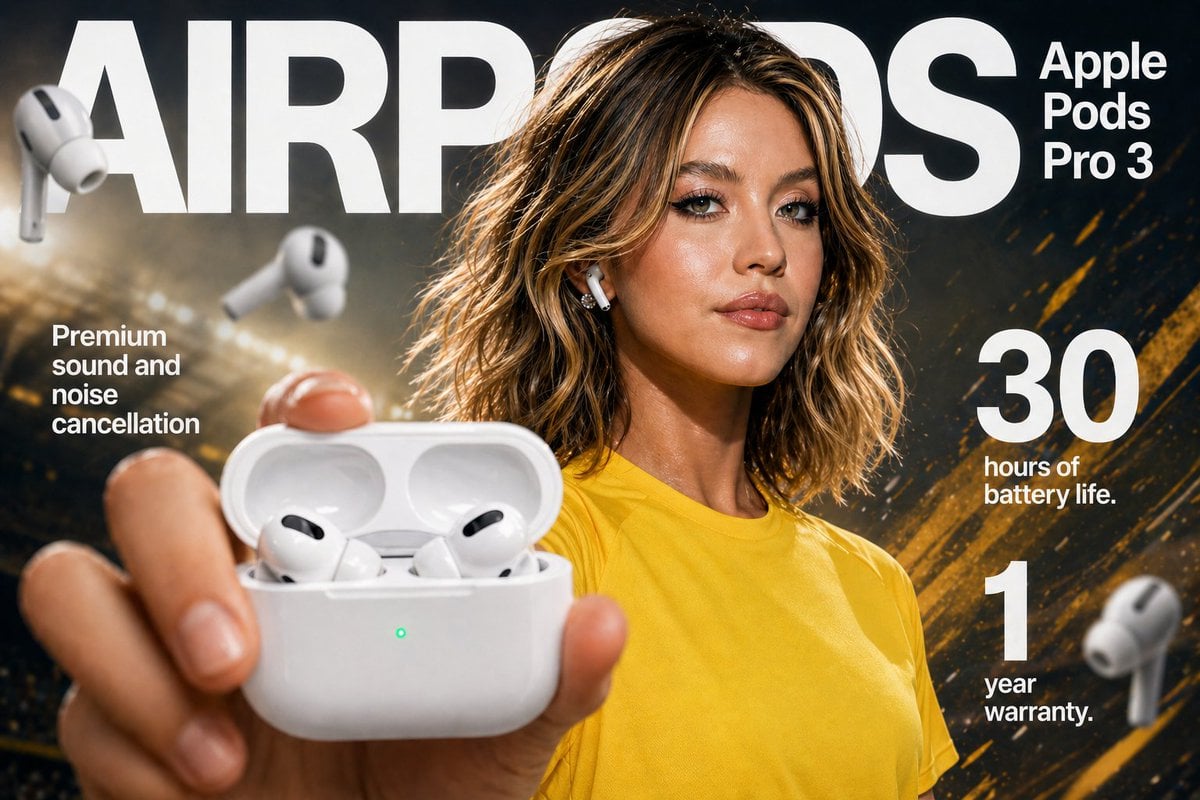
Earbuds E-commerce Infographic
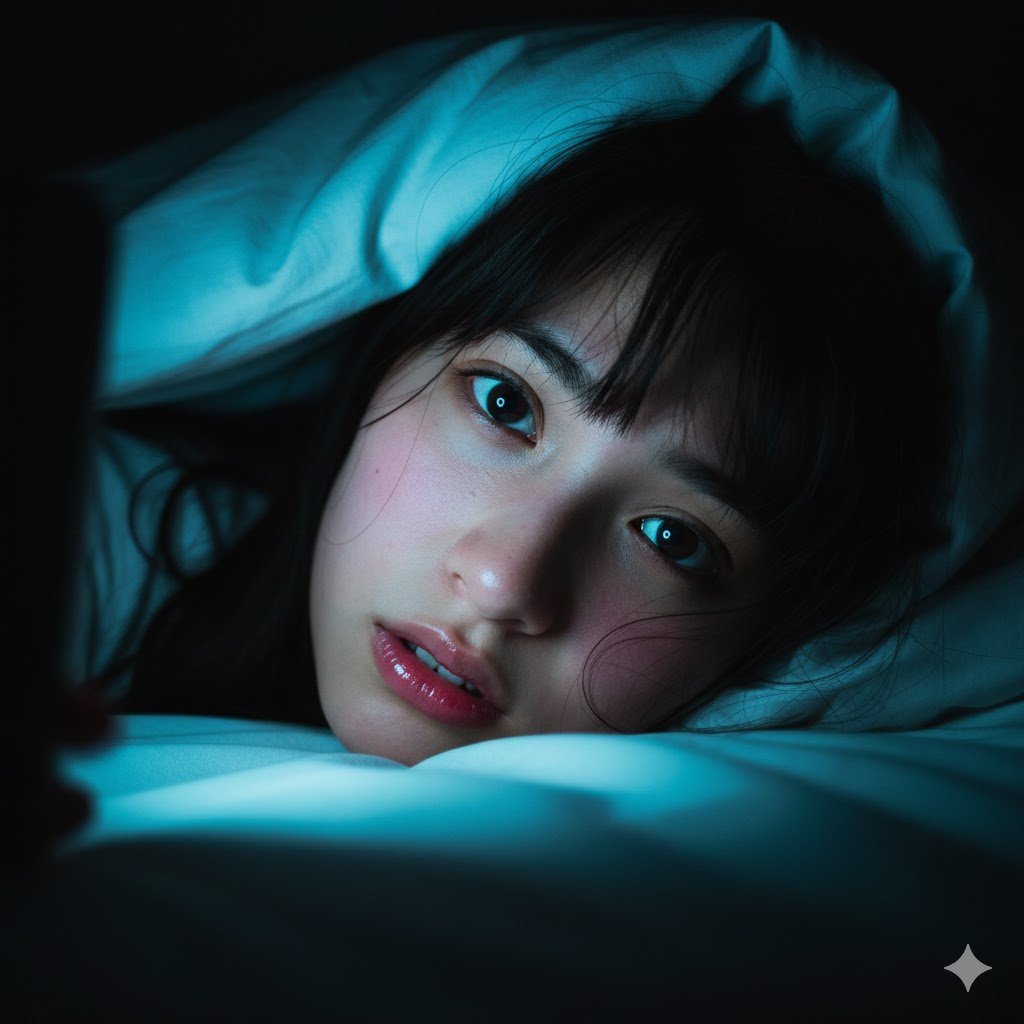
Intimate Late-Night Portrait with Screen Glow
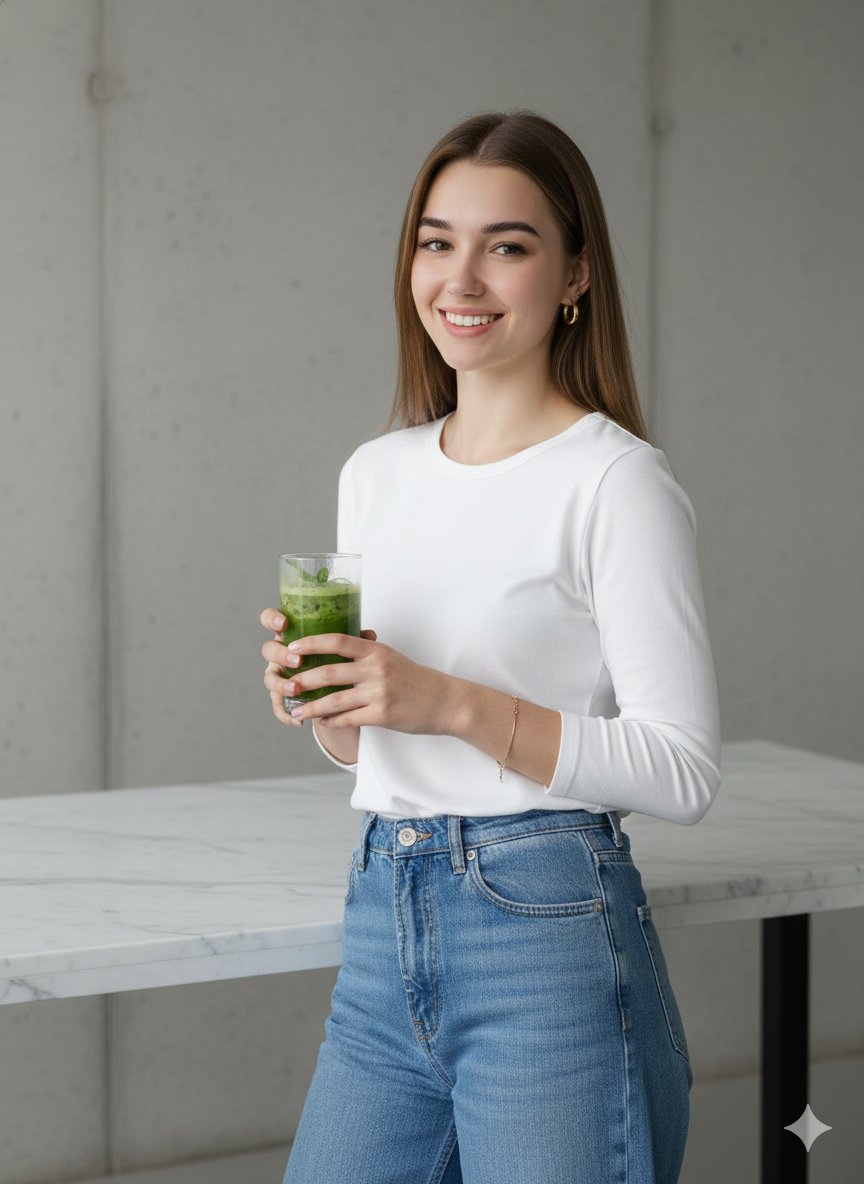
Modern Lifestyle Portrait with Strict Identity Lock
SynClub Elf Character Promo Card
Browse template categories
Kindergarten Crayon Doodle Illustration Prompt questions
How do I use the Kindergarten Crayon Doodle Illustration Prompt template?
Add your photo if the template asks for one, edit the prompt if you like — the template's model and format are already selected — and press Generate. Your version opens in PicX Studio.
Can I customize the Kindergarten Crayon Doodle Illustration Prompt template?
Yes. You can change the subject, setting, lighting, mood, format, and available model controls before creating your image.
Is the Kindergarten Crayon Doodle Illustration Prompt template free?
Opening and editing this template is free. Generating uses credits, shown on the Generate button when you are signed in.
Which AI model should I use?
Start with Nano Banana 2, which is the model associated with this template. You can compare another compatible model for a different finish.
Looking for something else? Browse all templates.

Your photo, any look
Thousands of ready templates for every top image and video model, from one credit balance.