
AirPods Style Tech Ad Poster
This prompt generates a polished square consumer-tech advertisement featuring a fashion model, oversized product text, and a close-up wireless earbud case for marketing or social media use.
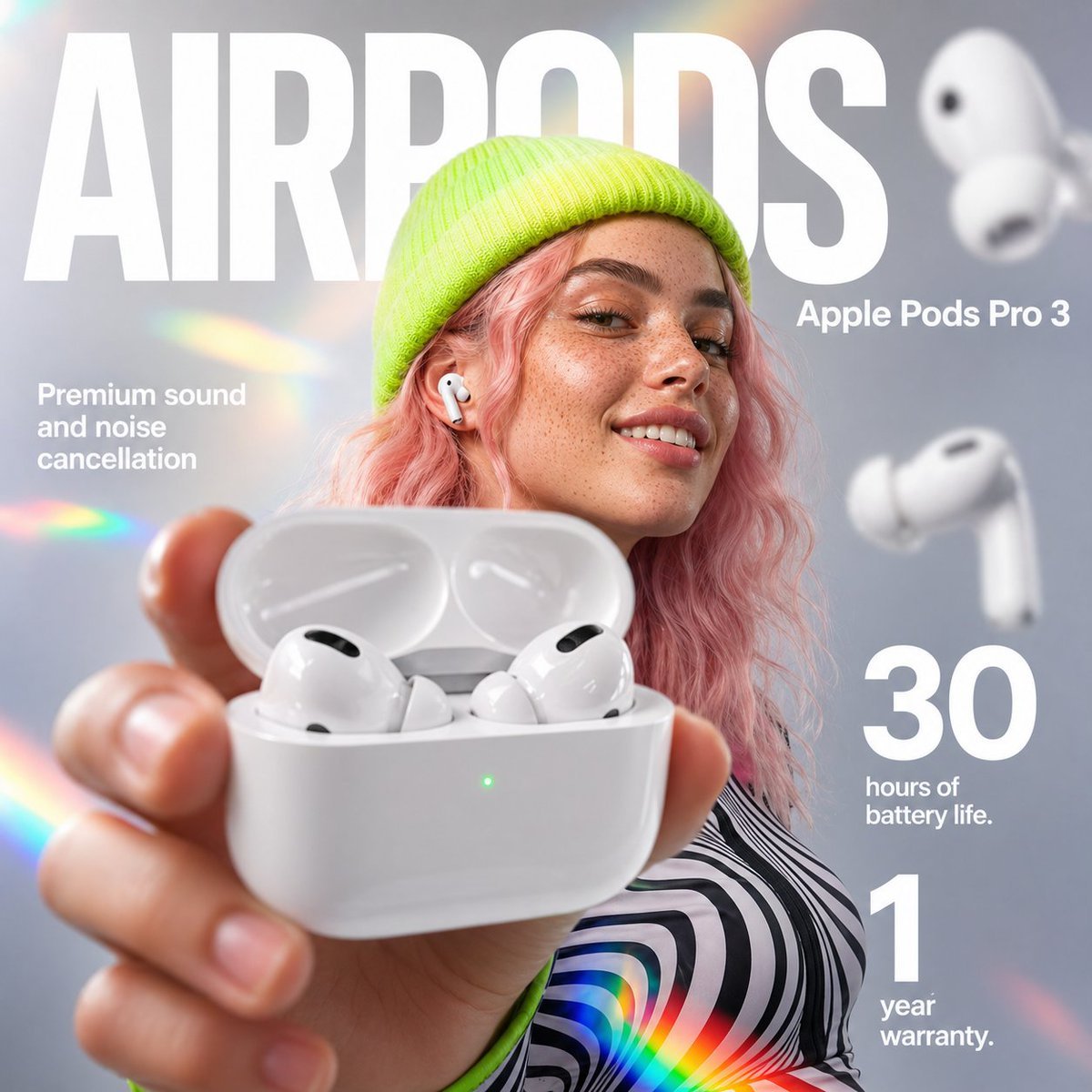
- Prompt included
- Model and format preset
- Free template
The prompt behind this image
Copy the exact prompt behind AirPods Style Tech Ad Poster, or open it in the studio and make it yours.
A premium square advertising poster for {argument name="product name" default="AirPods Pro 3"}, styled like a modern tech campaign. Show a young woman centered in a soft studio setting with a smooth cool gray background, wearing a neon lime knit beanie and a black-and-white wavy striped top with lime trim. Her wavy shoulder-length hair is pastel pink, and one white wireless earbud is visible in her ear. Her face is partially obscured by a large centered rectangular blur block in warm beige-tan, covering most facial features. In the extreme foreground, her hand reaches toward the camera holding an open glossy white charging case, presented close to the lens with strong perspective distortion; inside are two white premium wireless earbuds angled visibly, and a tiny green status LED glows on the front of the case. Add two additional floating earbuds in the background on the right side, softly blurred, to suggest product variation and depth. Use shallow depth of field, crisp product highlights, smooth commercial lighting, subtle reflections, and polished high-end product photography mixed with fashion editorial portraiture. Overlay large bold white sans-serif headline text across the top reading {argument name="headline text" default="AIRPODS"}. Place smaller white subheading text at upper right reading {argument name="subheading text" default="Apple Pods Pro 3"}. On the left side, add a 3-line white promotional copy block reading {argument name="left promo text" default="Premium sound and noise cancellation"}. On the lower right, add two large stacked numeric feature callouts in white: “30” with smaller text “hours of battery life.” and “1” with smaller text “year warranty.” Include subtle rainbow prism lens flares scattered around the image, especially near the edges and lower center, to create an iridescent futuristic feel. Composition should be clean, bold, glossy, aspirational, and unmistakably like a luxury consumer electronics social media ad.
How to use AirPods Style Tech Ad Poster in 3 steps
- 1Upload ImagePNG, JPG or paste
Add your photo
Upload the photo the template builds on. The prompt, model and format are already set.
- 2…a portrait of your subject in softgolden-hour light, 85mm…
Personalize
Edit the subject and creative details for your destination.
- 3Generate
Generate
Press Generate — your image is created in PicX Studio, so you can compare it with the original and refine one variable at a time.
More like this
Templates with the same subject, style or setup. Open one to see its prompt.

Japan Travel Brochure Poster

Cartoon TV Show Poster Pack

Trendy Cafe Drink Promo Poster

Urban Fashion Editorial Collage Streetwear Poster

Premium Fashion Editorial Cover Layout System

Polo Ralph Lauren Luxury American Heritage Fashion Campaign

Monochrome Halftone Editorial Fashion Poster

Retro Mirror Luxury Fashion Campaign Poster

Luxury Fashion Campaign Typography Poster System

Premium Fashion Editorial Campaign Poster System

Ultra-Stylized High-Fashion Streetwear Poster

Urban Fashion Editorial Collage Poster
Make it yours
AirPods Style Tech Ad Poster works as-is. These are the safest ways to change it without losing the look.
Change one field
Copy a single group, rewrite it, and generate again so you can see what that field is doing.
Keep the frame, change the subject
Hold the composition and light of AirPods Style Tech Ad Poster, then swap wardrobe, props or the person for a new take.
| If the result… | Why | Fix |
|---|---|---|
| The result drifts from the preview | Too many fields changed at once. | Reuse AirPods Style Tech Ad Poster as-is first, then change one group — subject, light, or setting. |
| The model over-stylizes the scene | The prose prompt leaves finish and camera underspecified. | Add one camera or lighting sentence and stay on GPT Image 2. |
More GPT Image 2 templates
Other prompts made for GPT Image 2.

Six VTuber Japanese Logo Sheet

Realistic Portrait of Woman and Deer

The Vista Modular Condo Poster

AI Model Routing Comparison Infographic

2.5D Anime Art Board

Isometric Productivity Desk Scene

New York Double Exposure Poster

Four-Panel AI Landscape Comparison

Japanese Tatami Lifestyle Magazine Cover

NESCAFÉ Coffee Map Poster
More image prompts
Fresh picks from across the catalog.

Static Image Generation from Anime Prompt
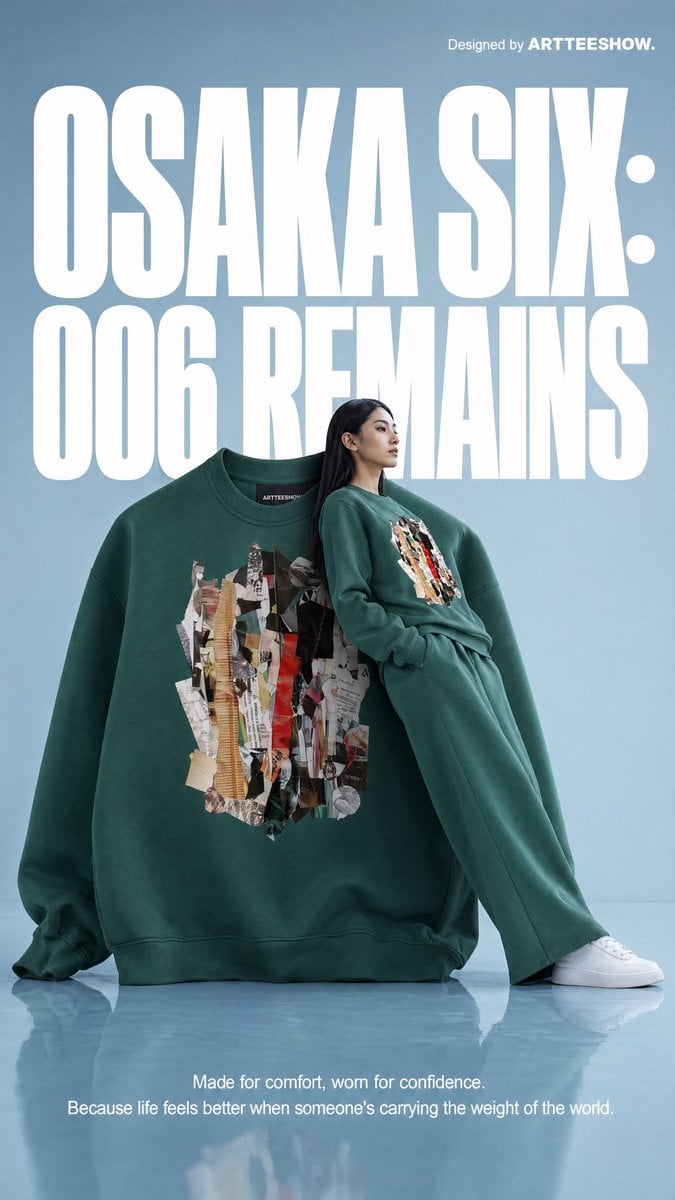
Gpt2 Product Marketing Editorial Osaka Six Sweatshirt Ad

Dark Fairy Tale, Surrealism, Gothic Psychedelic Character Generation

Japanese Legal Services LP Banner
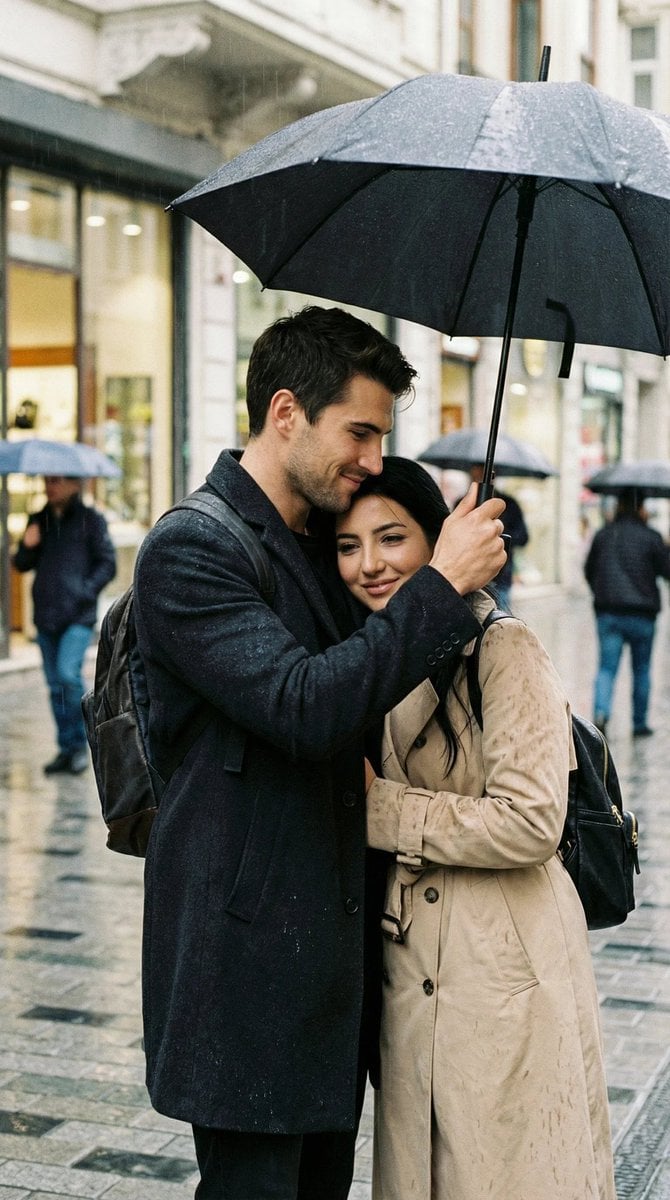
Photoreal Candid Street Romance in Istanbul Prompt
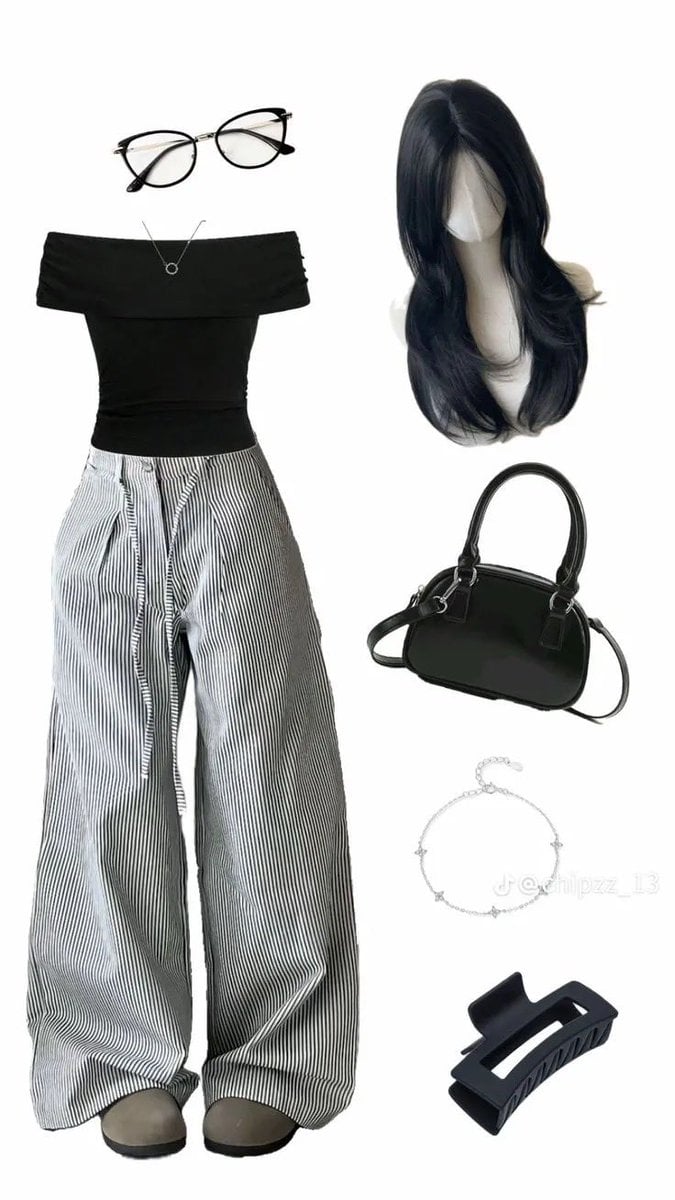
High-End Pinstripe Fashion Portrait

Miniature Set Style Portrait

Resin Charm Illustration Prompt

Crow Tengu Shrine Ensemble
Studio Photograph of Kajal Aggarwal in Teal Pantsuit
Browse template categories
AirPods Style Tech Ad Poster questions
How do I use the AirPods Style Tech Ad Poster template?
Add your photo if the template asks for one, edit the prompt if you like — the template's model and format are already selected — and press Generate. Your version opens in PicX Studio.
Can I customize the AirPods Style Tech Ad Poster template?
Yes. You can change the subject, setting, lighting, mood, format, and available model controls before creating your image.
Is the AirPods Style Tech Ad Poster template free?
Opening and editing this template is free. Generating uses credits, shown on the Generate button when you are signed in.
Which AI model should I use?
Start with GPT Image 2, which is the model associated with this template. You can compare another compatible model for a different finish.
Looking for something else? Browse all templates.

Your photo, any look
Thousands of ready templates for every top image and video model, from one credit balance.