
Resin Charm Illustration Prompt
A prompt designed to generate illustrations suitable for creating resin charms, focusing on isolating the main subject and handling backgrounds based on whether a reference image is provided with or without a background.
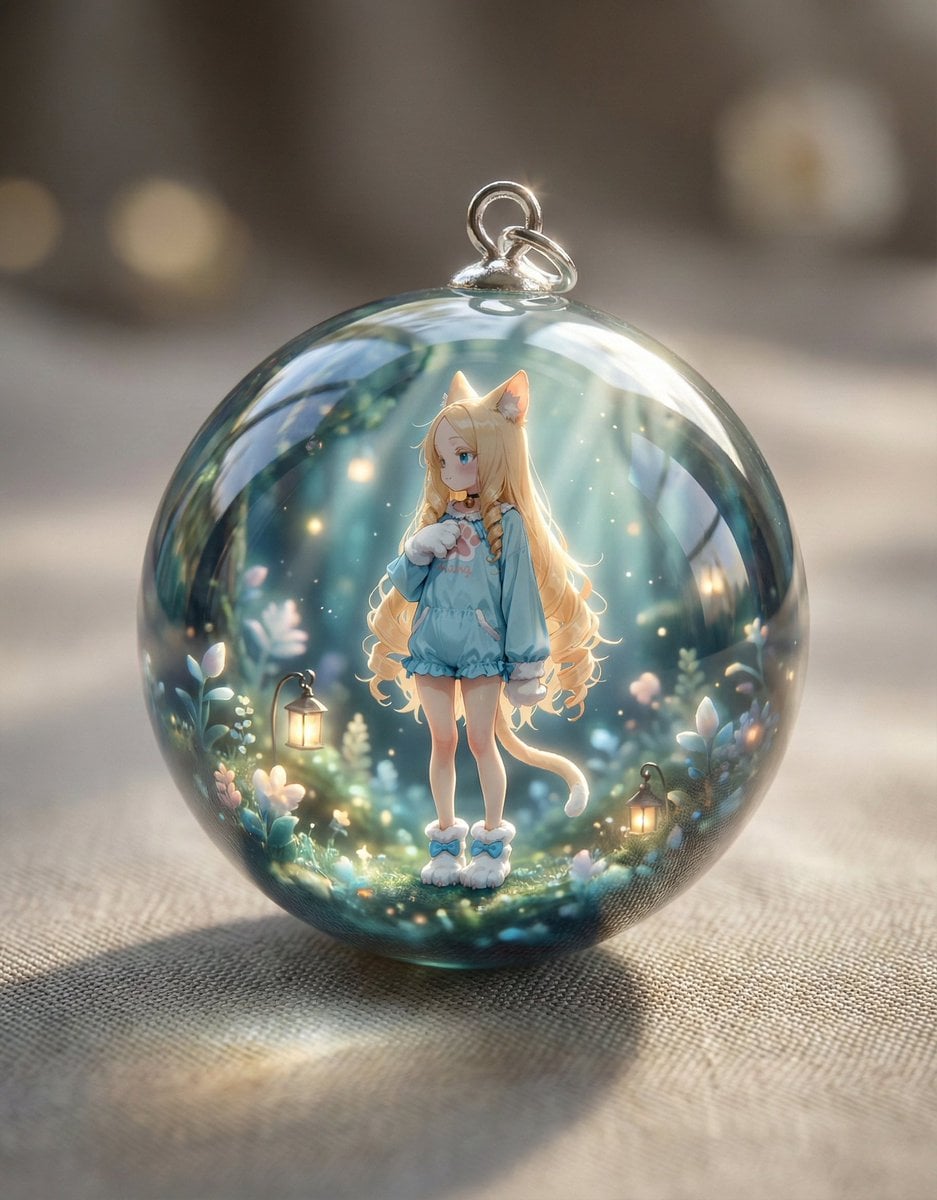
- Prompt included
- Model and format preset
- Premium template
The prompt behind this image
Copy the exact prompt behind Resin Charm Illustration Prompt, or open it in the studio and make it yours.
あなたはプロのイラストレーターです。ユーザーが添付した画像を元に、レジンチャームの素材として使用できるイラストを生成してください。 **イラストの要件:** 1. **主題の強調:** 添付された画像から主要な被写体(キャラクター、動物、物体など)を抽出し、その魅力を最大限に引き出すように描画してください。 2. **背景処理:** * 添付画像に背景がない場合(透過または単色背景)、被写体の雰囲気に合った、シンプルで可愛らしい背景(例:淡いグラデーション、小さな星やハートのパターン、水彩風のにじみ)を自動で追加してください。 * 添付画像に背景がある場合、その背景をそのまま使用し、イラストとして統合してください。 3. **スタイル:** 鮮やかでクリアな色使い、輪郭線がはっきりとした、可愛らしいデフォルメされたイラストスタイルで描いてください。レジンに封入した際に映えるように、光沢感や立体感を意識してください。 4. **出力形式:** 正方形の画像として出力してください。 **注意点:** * 高速モードではなく、必ずPROモードまたは思考モードで実行してください。 * 生成されたイラストは、レジンチャームの素材として使用することを目的としています。
How to use Resin Charm Illustration Prompt in 3 steps
- 1
Open
The prompt is already in the box next to the preview, with the template's model and format selected.
- 2…a portrait of your subject in softgolden-hour light, 85mm…
Personalize
Edit the subject and creative details for your destination.
- 3Generate
Generate
Press Generate — your image is created in PicX Studio, so you can compare it with the original and refine one variable at a time.
More like this
Templates with the same subject, style or setup. Open one to see its prompt.

Anime Character Charm Analysis Sheet

Quiet Minimalist Anime Style Guide

Real Illustration Split Portrait Transition
Quiet Minimalist Anime Style Guide

Watercolor Café Cheesecake Editorial Illustration
Real Illustration Split Portrait Transition

Bold Side Profile Superhero Poster

Hero Portrait Comic Multi-Panel Poster

Spider-Verse Painterly Portrait Poster

Captain Tsubasa Anime World Cup Poster
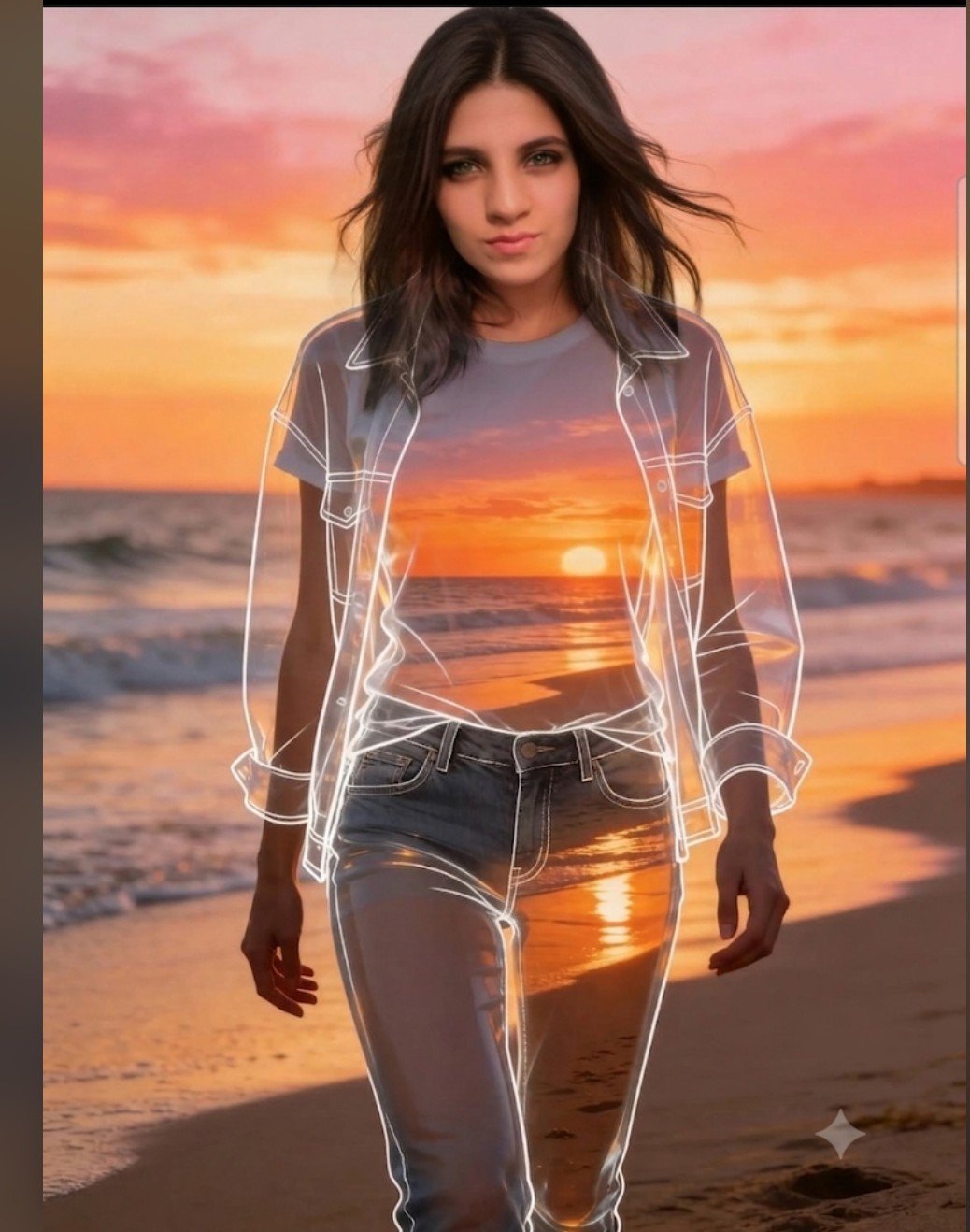
Beach Sunset Double Exposure Wireframe Portrait
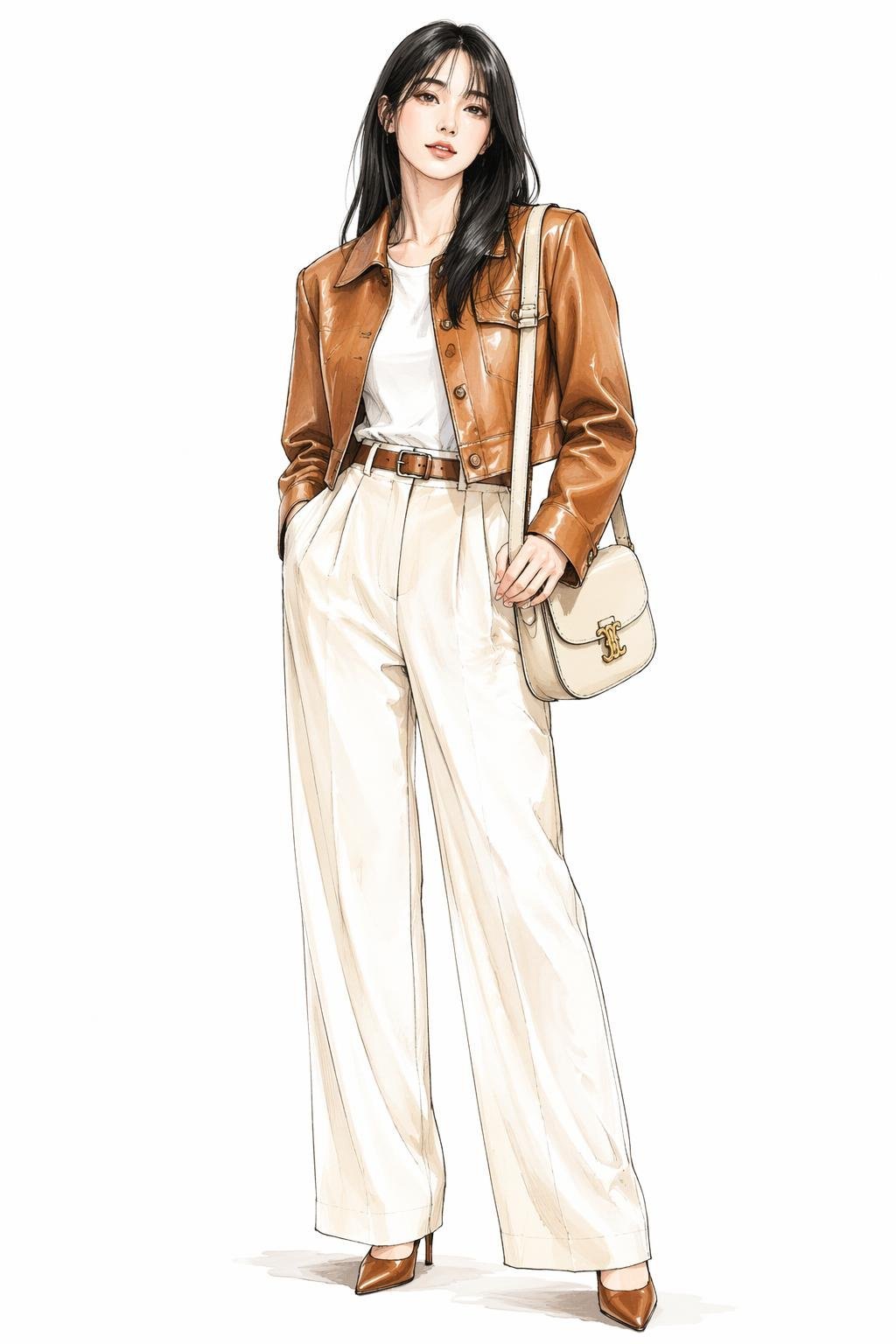
Leather Jacket Cream Trousers Fashion Sketch
Make it yours
Resin Charm Illustration Prompt works as-is. These are the safest ways to change it without losing the look.
Change one field
Copy a single group, rewrite it, and generate again so you can see what that field is doing.
Keep the frame, change the subject
Hold the composition and light of Resin Charm Illustration Prompt, then swap wardrobe, props or the person for a new take.
| If the result… | Why | Fix |
|---|---|---|
| The result drifts from the preview | Too many fields changed at once. | Reuse Resin Charm Illustration Prompt as-is first, then change one group — subject, light, or setting. |
| The model over-stylizes the scene | The prose prompt leaves finish and camera underspecified. | Add one camera or lighting sentence and stay on Nano Banana 2. |
More Nano Banana 2 templates
Other prompts made for Nano Banana 2.

Photorealistic Leaf Shaped Like a Dragon

K-Pop Idol Portrait Grid for Rapid Selection

Poetic Rain Forest Portrait During Golden Hour

Urban Street Portrait with Cartoon Inner Self Duo

Candid Nighttime Photo with Cat Prompt

High-Concept 3D Diorama Generation Prompt

Cinematic Futuristic Studio Portrait Template

Skincare Editorial Photography Collage Prompt

Hyper-Realistic Commercial Product Photography (Splash Effect)

Hyper-Realistic Nightclub Portrait Prompt
More image prompts
Fresh picks from across the catalog.
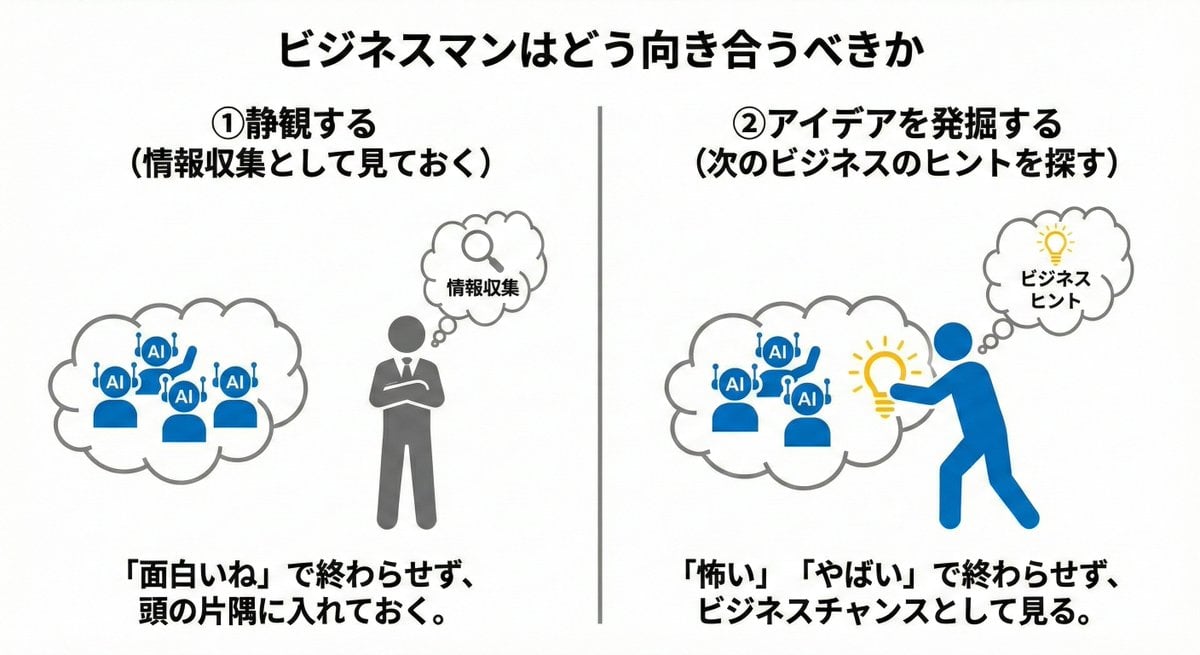
Nano Banana Pro Prompting Strategy for Stable Output
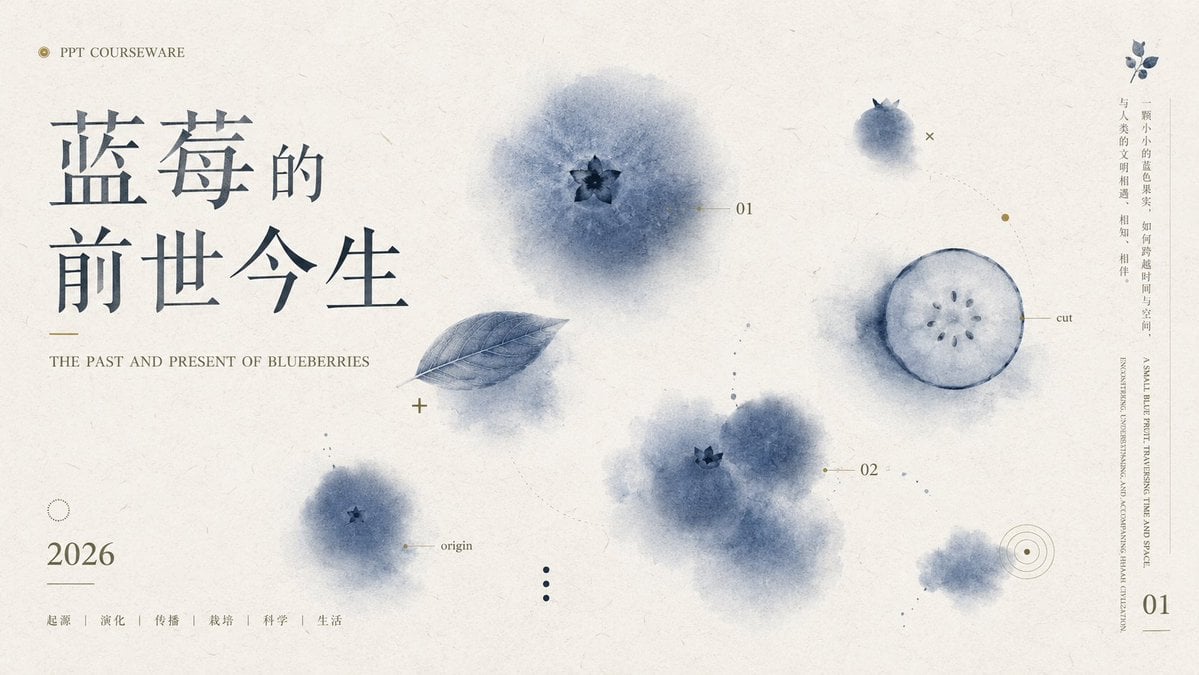
Blueberry Courseware Cover Slide
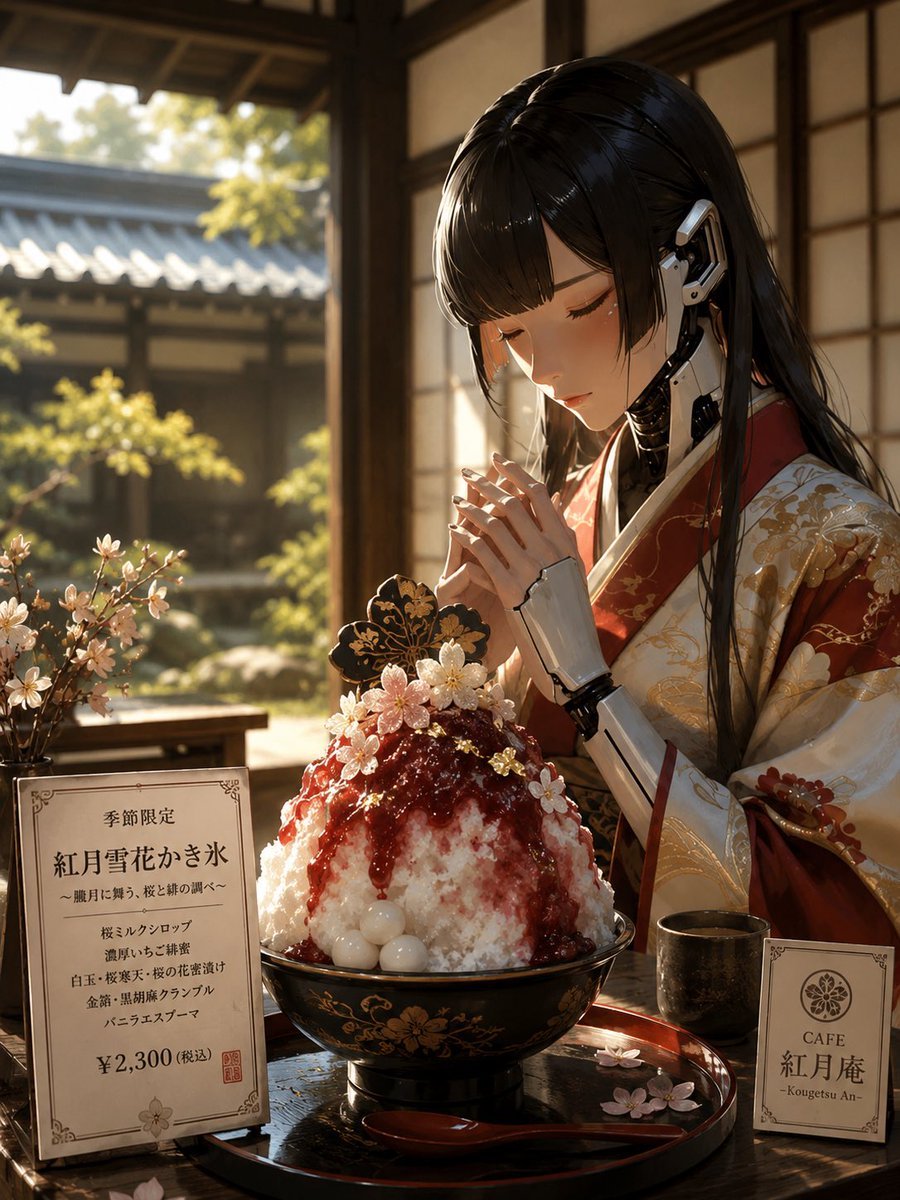
Cybernetic Kimono Shaved Ice Cafe
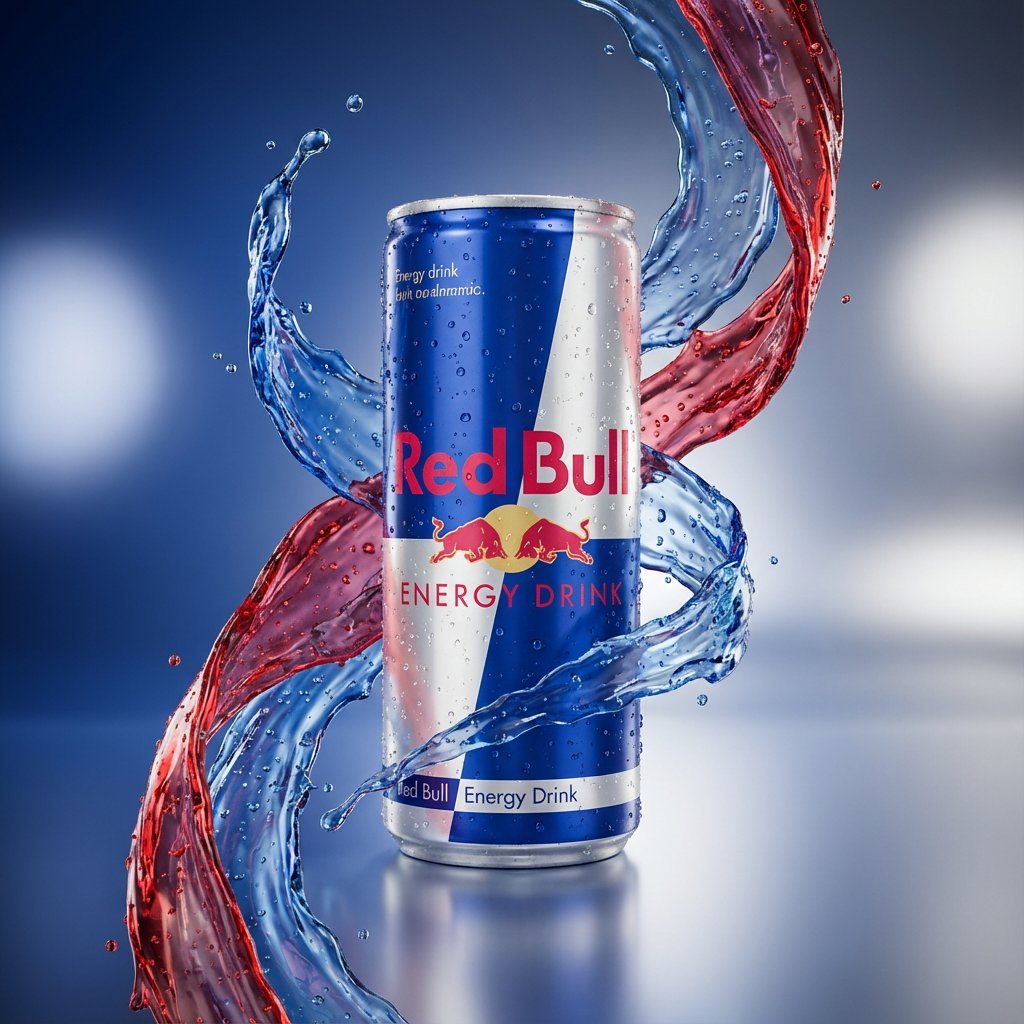
Hyper-Realistic Product Photography with Liquid Splash
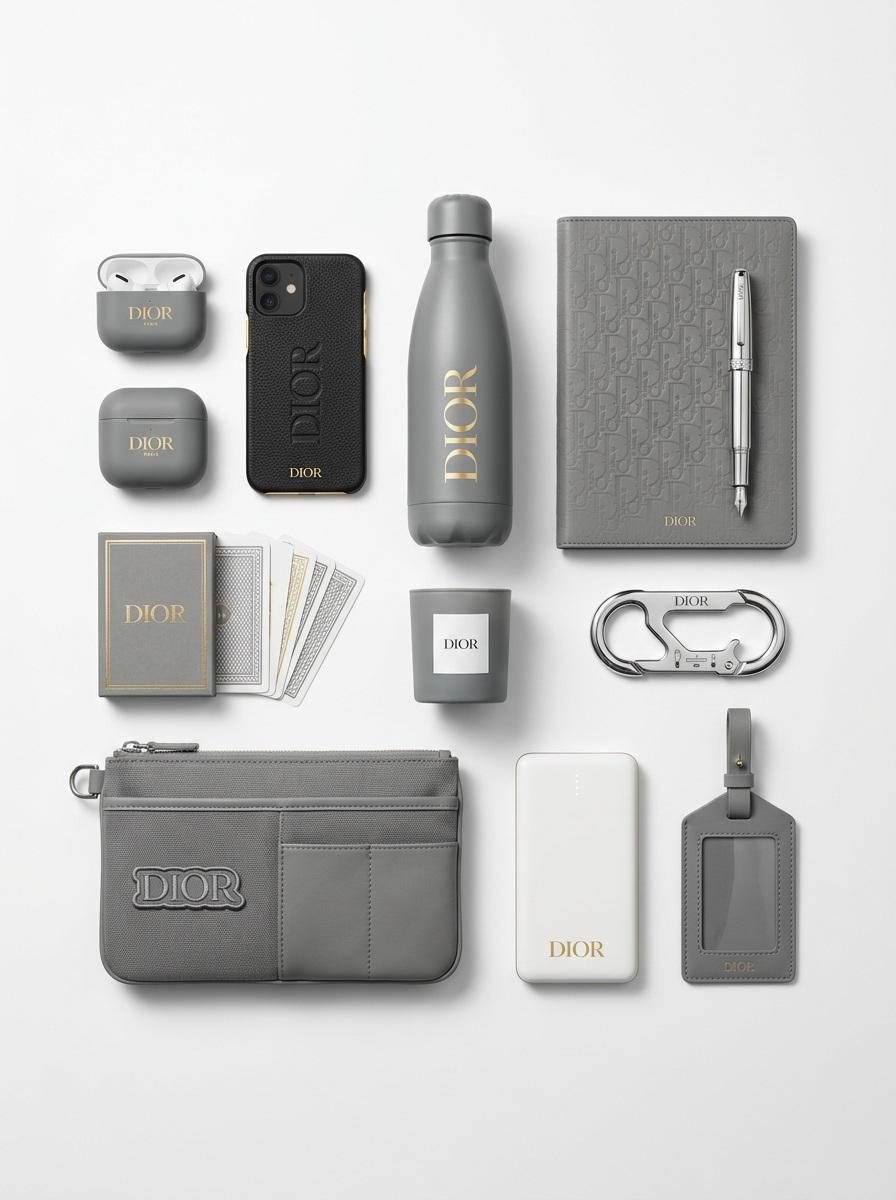
Premium Branded Merchandise Capsule Collection (Knolling Perspective)
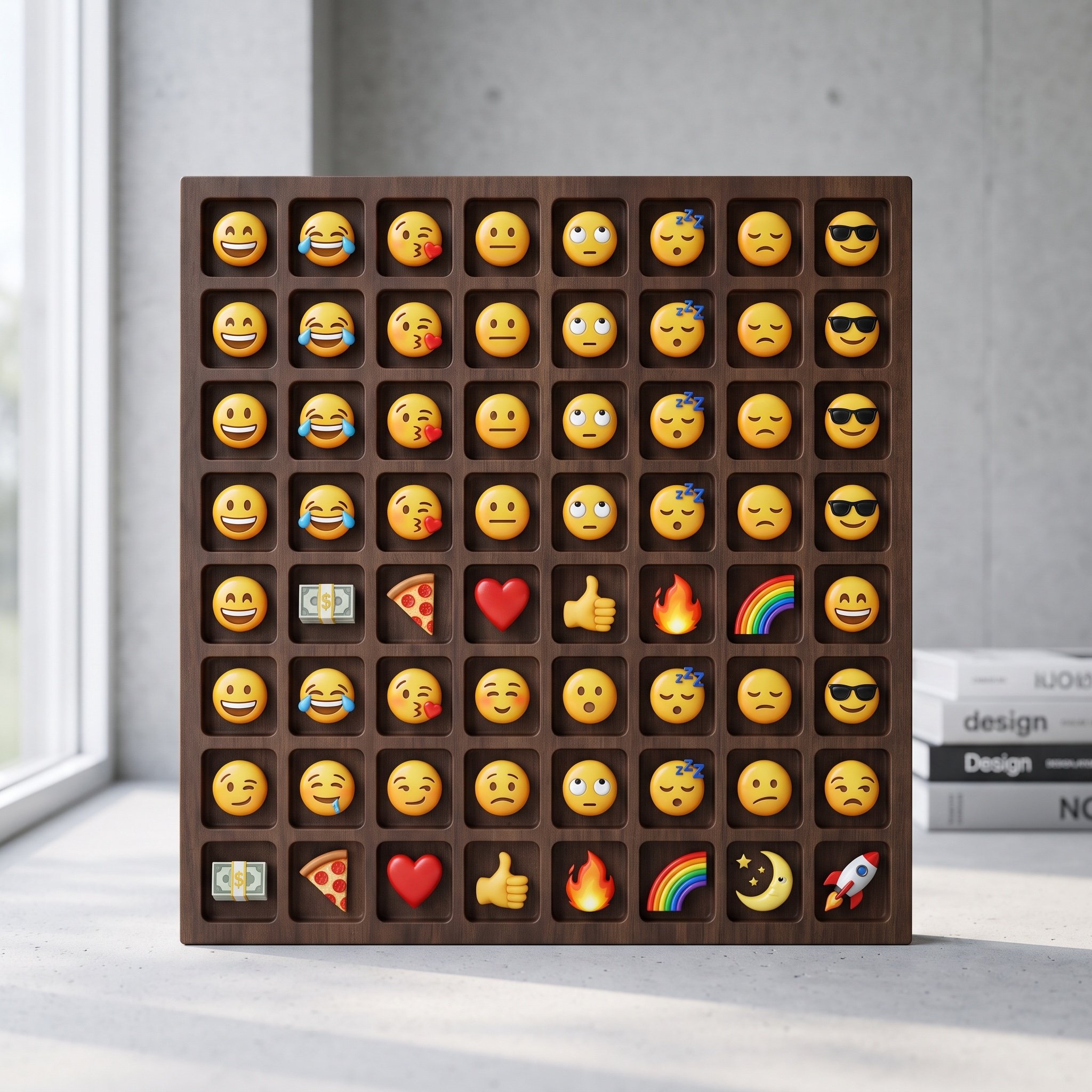
Logo-Based Emoji Grid Generation
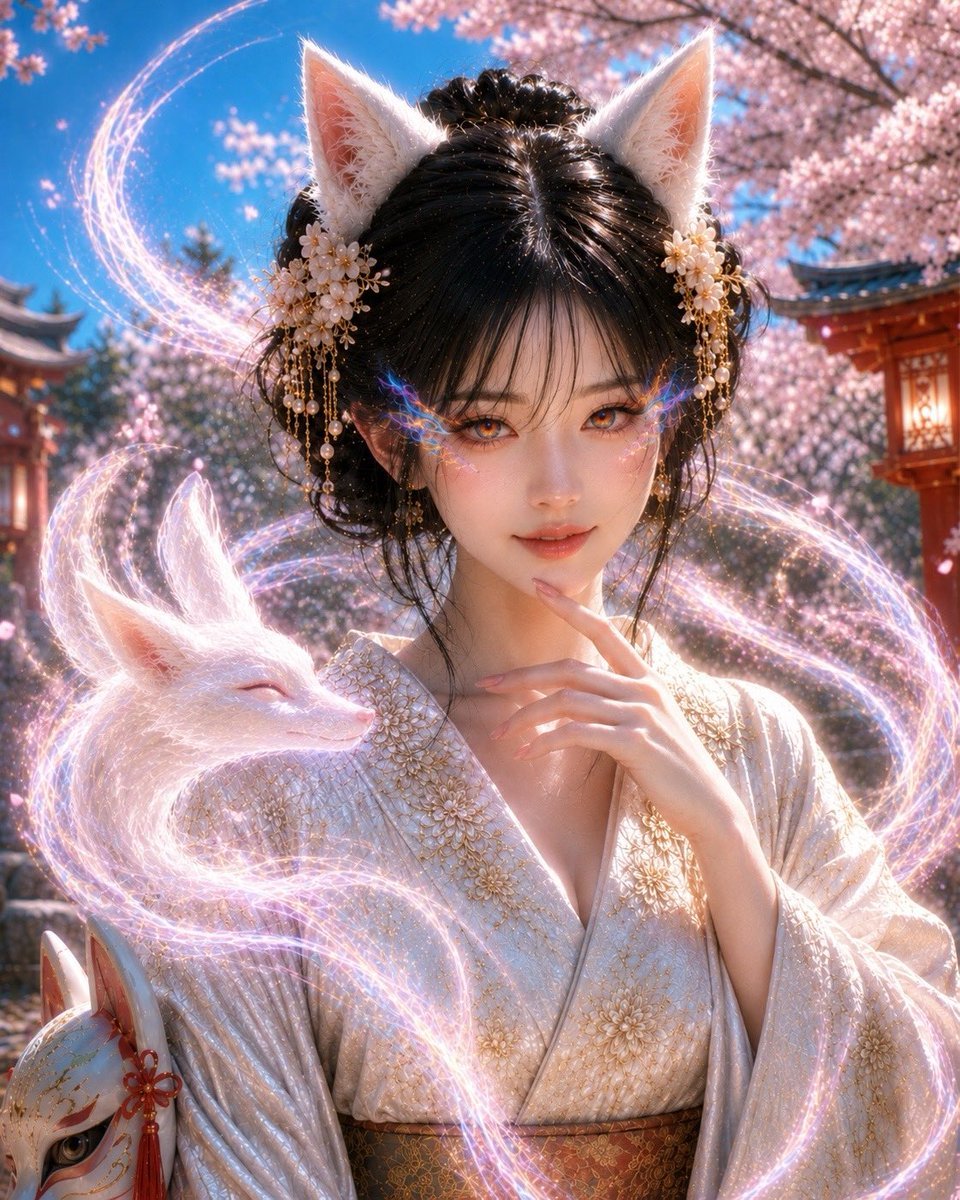
Mystical Kitsune Shrine Portrait
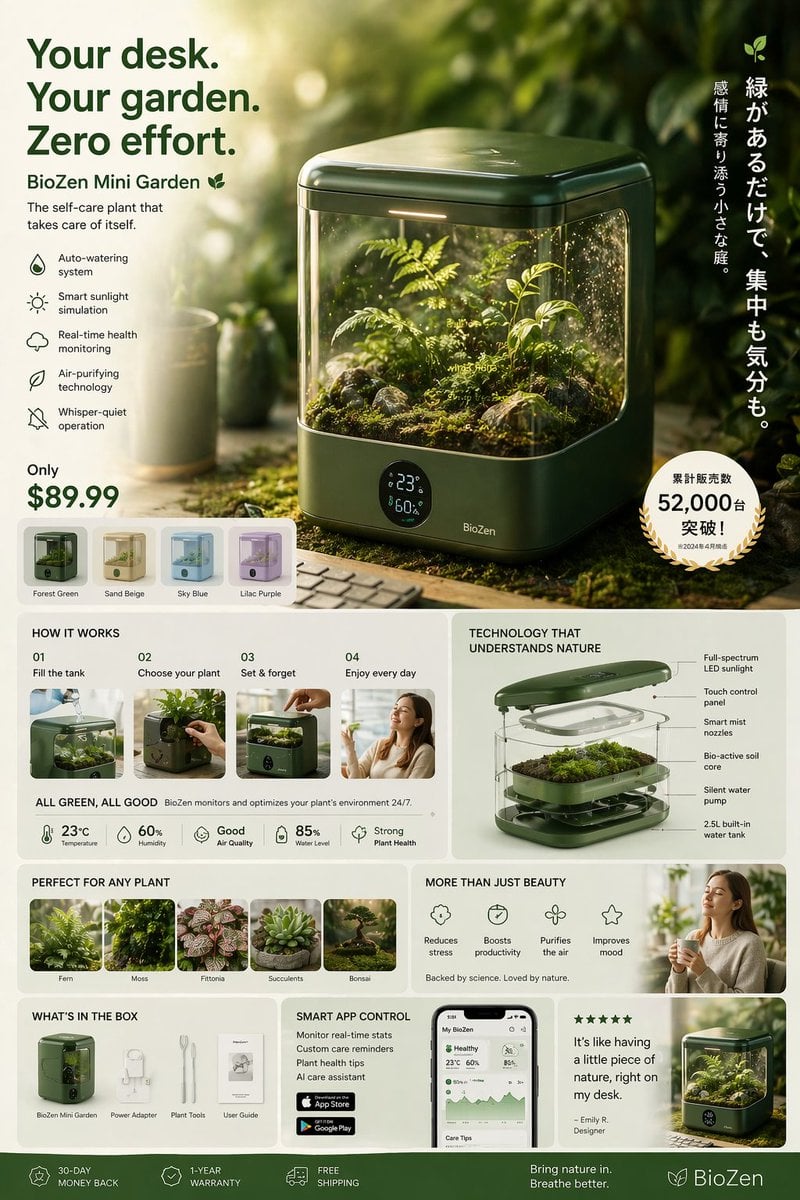
Futuristic Japanese product advertisement
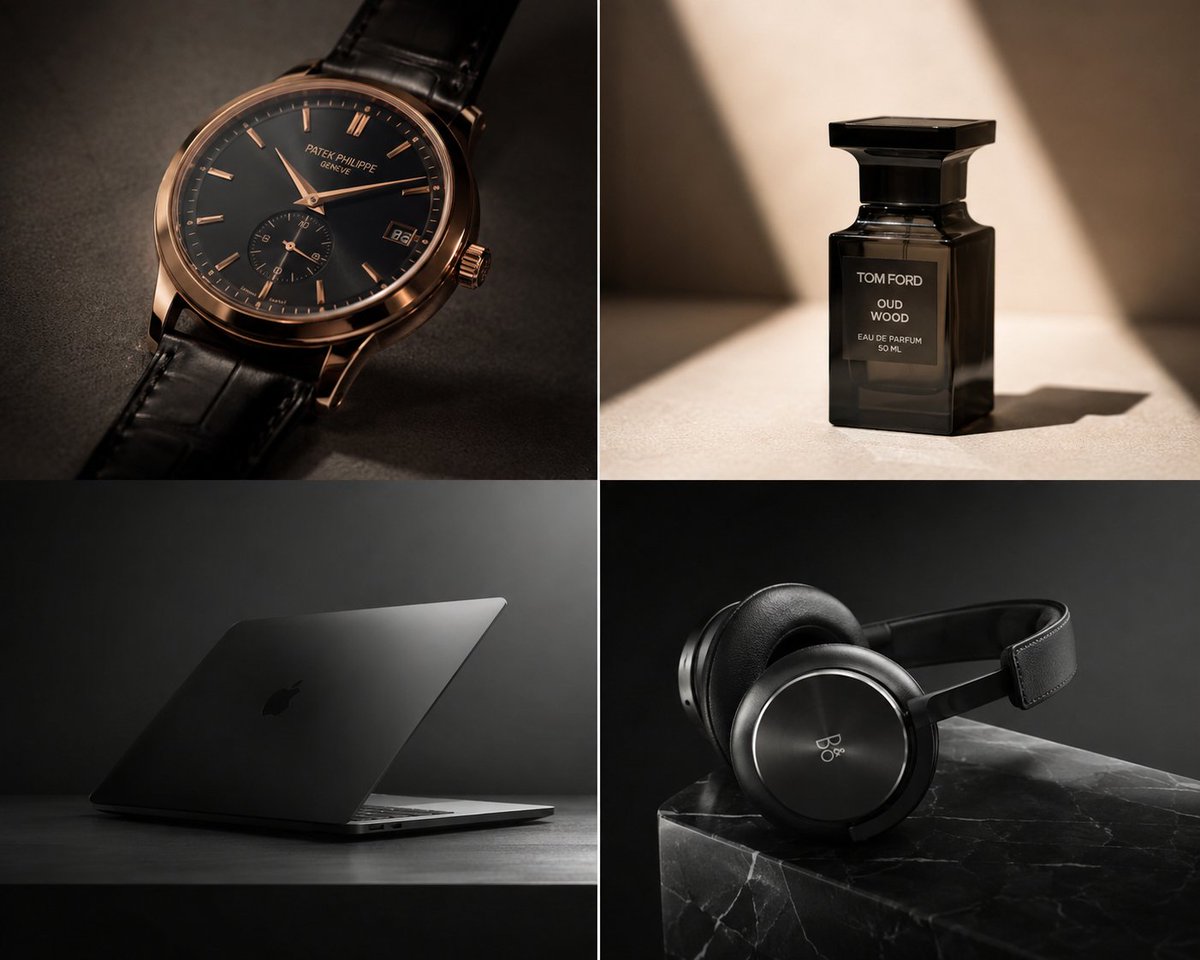
Premium Luxury Tech Editorial Style
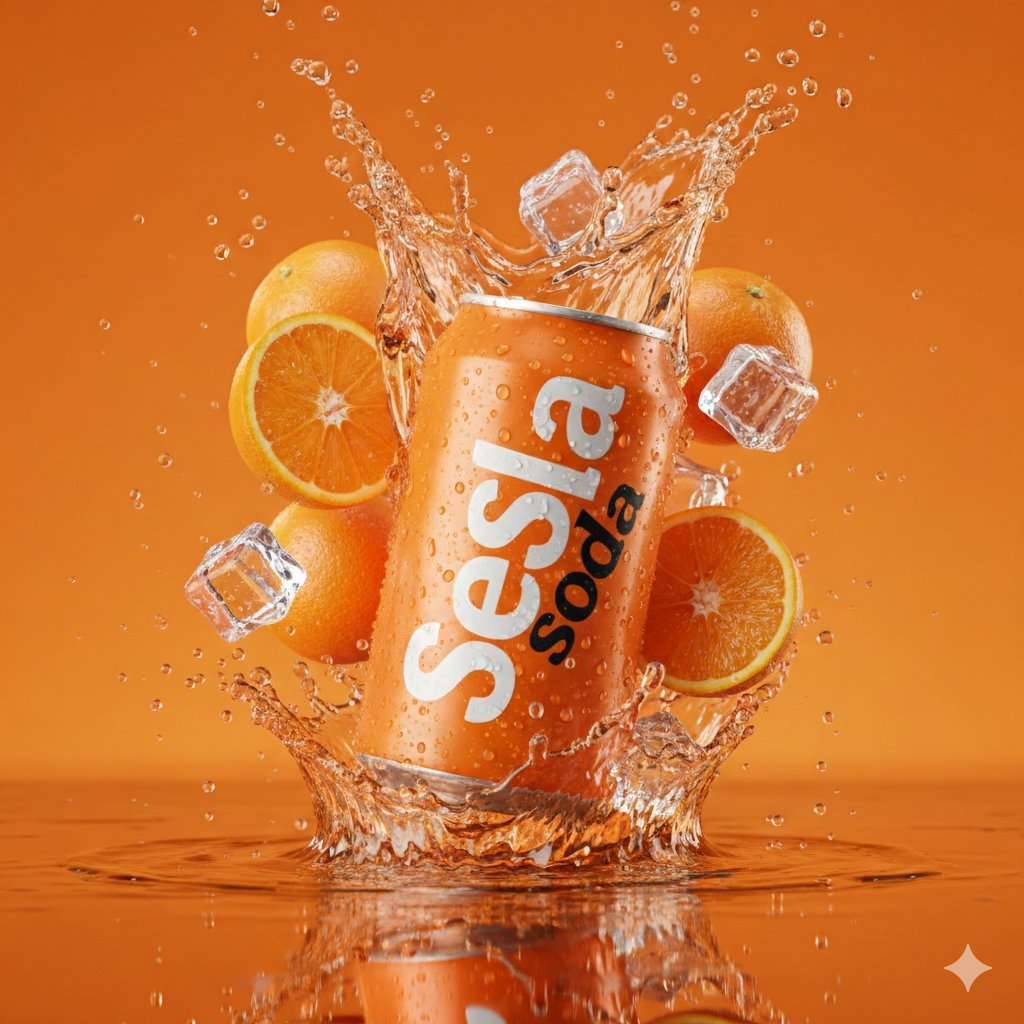
Hyper-Realistic Soda Can Splash Commercial Photo
Browse template categories
Resin Charm Illustration Prompt questions
How do I use the Resin Charm Illustration Prompt template?
Add your photo if the template asks for one, edit the prompt if you like — the template's model and format are already selected — and press Generate. Your version opens in PicX Studio.
Can I customize the Resin Charm Illustration Prompt template?
Yes. You can change the subject, setting, lighting, mood, format, and available model controls before creating your image.
Is the Resin Charm Illustration Prompt template free?
Opening and editing this template is free. Generating uses credits, shown on the Generate button when you are signed in.
Which AI model should I use?
Start with Nano Banana 2, which is the model associated with this template. You can compare another compatible model for a different finish.
Looking for something else? Browse all templates.

Your photo, any look
Thousands of ready templates for every top image and video model, from one credit balance.