
Cybernetic Kimono Shaved Ice Cafe
A photorealistic Japanese tea house scene featuring a kimono-clad android woman and an ornate red shaved ice dessert for premium cafe or seasonal dessert visuals.
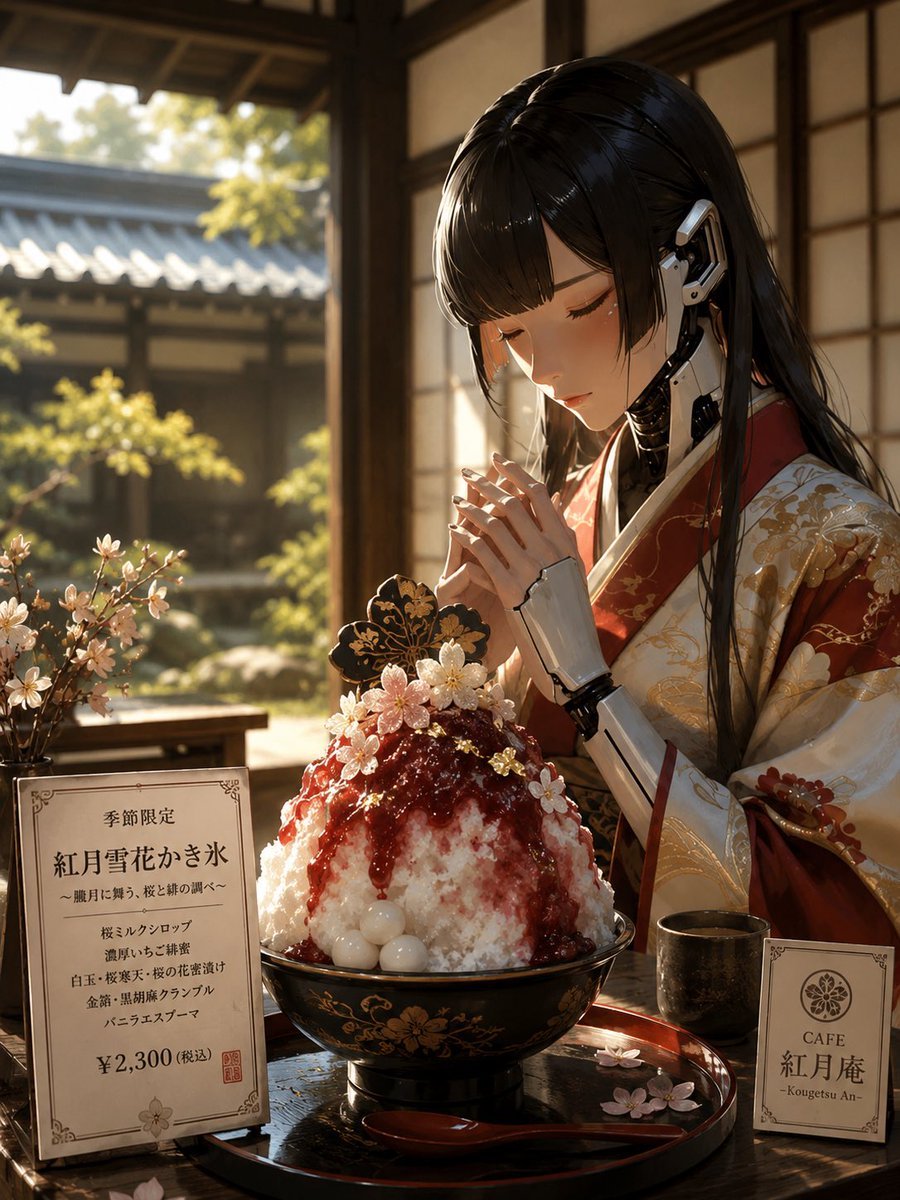
- Prompt included
- Model and format preset
- Free template
The prompt behind this image
Copy the exact prompt behind Cybernetic Kimono Shaved Ice Cafe, or open it in the studio and make it yours.
Create a photorealistic vertical 3:4 image of a serene cyberpunk Japanese tea house scene: a young woman in an ornate red-and-cream kimono with gold floral embroidery sits at a low wooden table in a traditional room with shoji screens, wooden beams, and an open view to a sunlit Japanese garden with roof tiles, greenery, and soft bokeh. Her long glossy black hair falls over her shoulders, and the right side of her head and both hands reveal elegant white-and-black android prosthetics; her face is intentionally covered by a plain warm brown rectangular privacy mask with no facial features. In front of her is an elaborate seasonal shaved ice dessert, {argument name="dessert name" default="Red Moon Snow Flower Shaved Ice"}, piled high in a black lacquer bowl with gold floral decoration. The shaved ice is white with deep red syrup cascading down the top, pale round mochi balls at the front, tiny edible white and pink blossoms, gold leaf flecks, and one black-and-gold decorative butterfly-shaped garnish. The table setting contains exactly 5 main tabletop elements: 1 large lacquer bowl of shaved ice, 1 red lacquer spoon placed on a black round tray, 1 dark ceramic tea cup to the right, 1 upright menu card on the left, and 1 small cafe logo card on the right. Add exactly 2 printed cards: the left menu card has an elegant Japanese cafe menu layout with the visible title text 「季節限定」, the large product name 「紅月雪花かき氷」, descriptive Japanese lines, and price 「¥2,300(税込)」; the right card shows a circular floral crest and the cafe name 「CAFE 紅月庵」 with small romanized text “Kougetsu An”. Add exactly 2 blossom arrangements: a small vase or branch cluster with pale cherry blossoms on the left edge of the table, and scattered loose petals on the tray. Lighting should be warm late-afternoon sunlight from the left, cinematic depth of field, realistic reflections on lacquer, delicate steamless dessert texture, high detail, cozy premium cafe atmosphere, no extra people, no watermark, no modern signage beyond the two cards.
How to use Cybernetic Kimono Shaved Ice Cafe in 3 steps
- 1Upload ImagePNG, JPG or paste
Add your photo
Upload the photo the template builds on. The prompt, model and format are already set.
- 2…a portrait of your subject in softgolden-hour light, 85mm…
Personalize
Edit the subject and creative details for your destination.
- 3Generate
Generate
Press Generate — your image is created in PicX Studio, so you can compare it with the original and refine one variable at a time.
More like this
Templates with the same subject, style or setup. Open one to see its prompt.
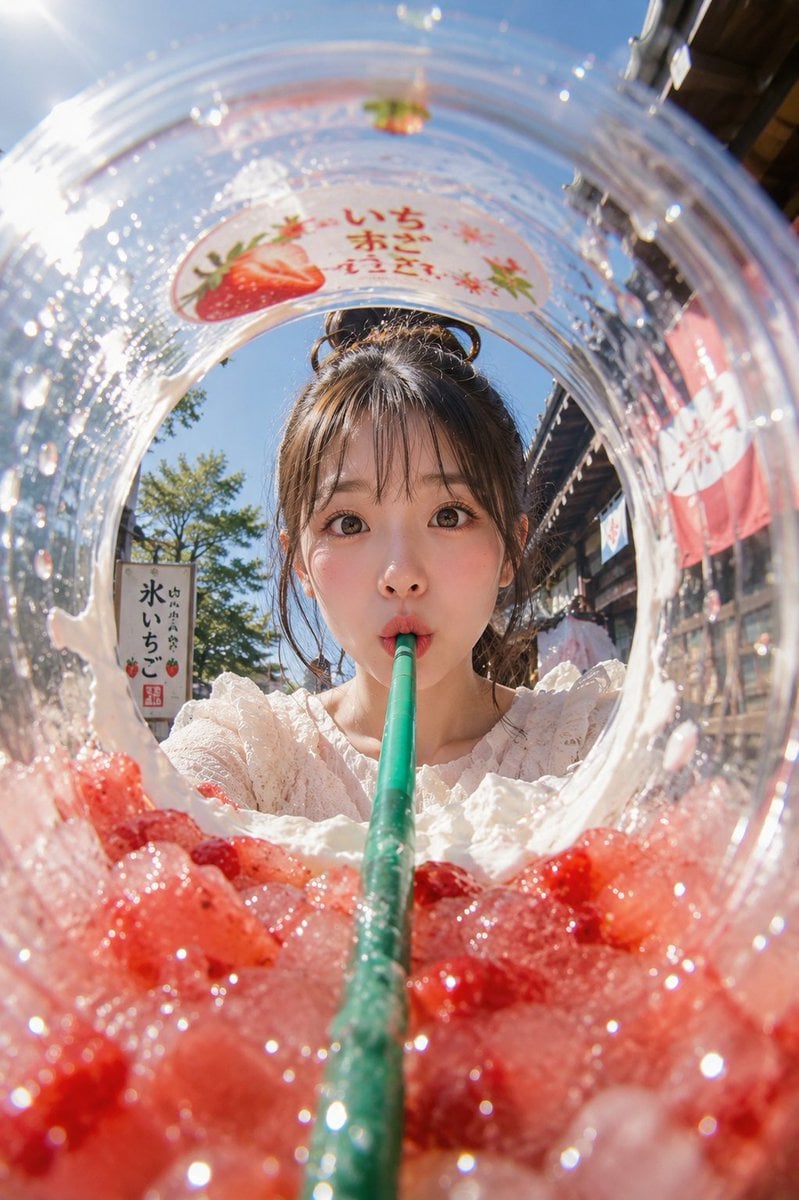
Summer Shaved Ice: Fisheye Perspective
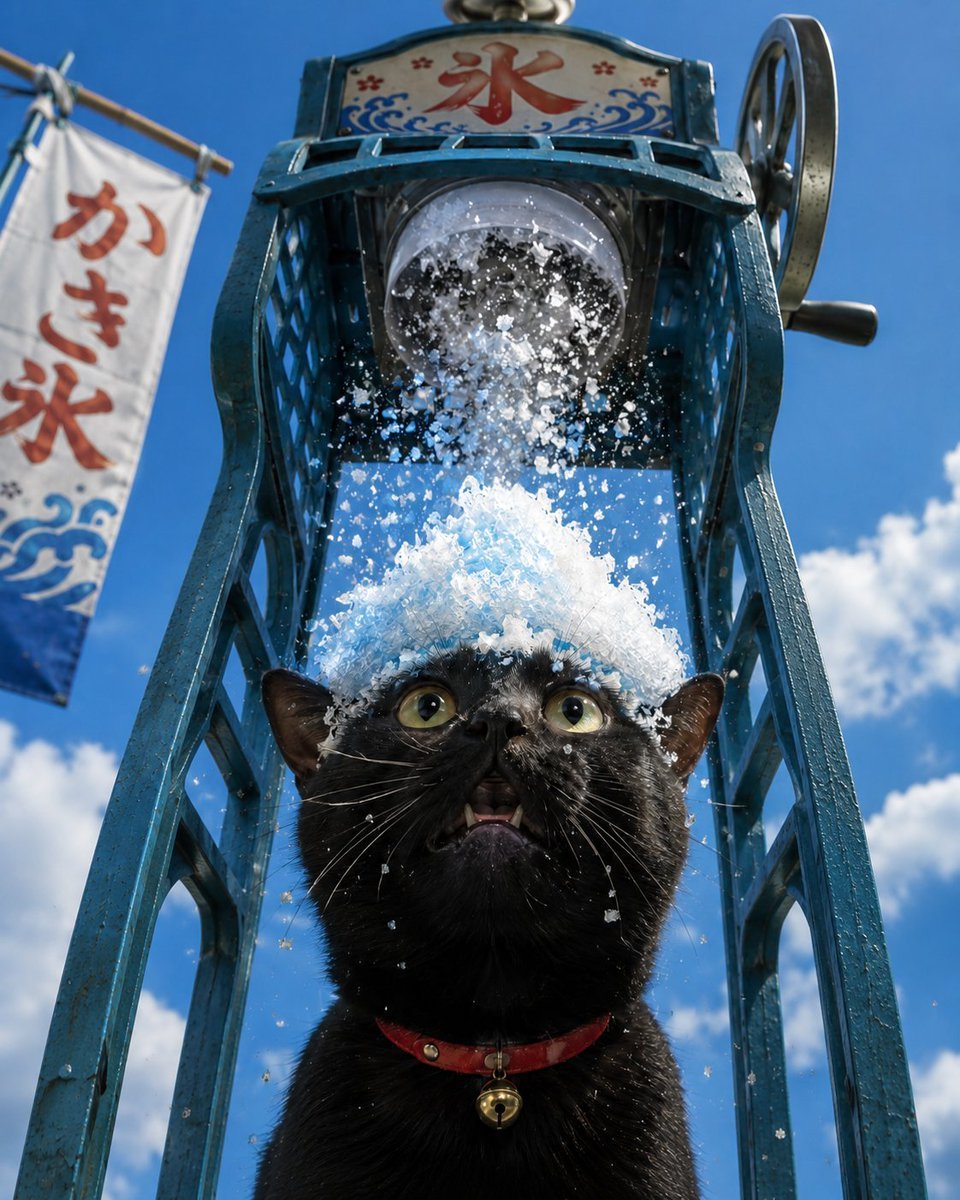
Black Cat Under Shaved Ice Machine
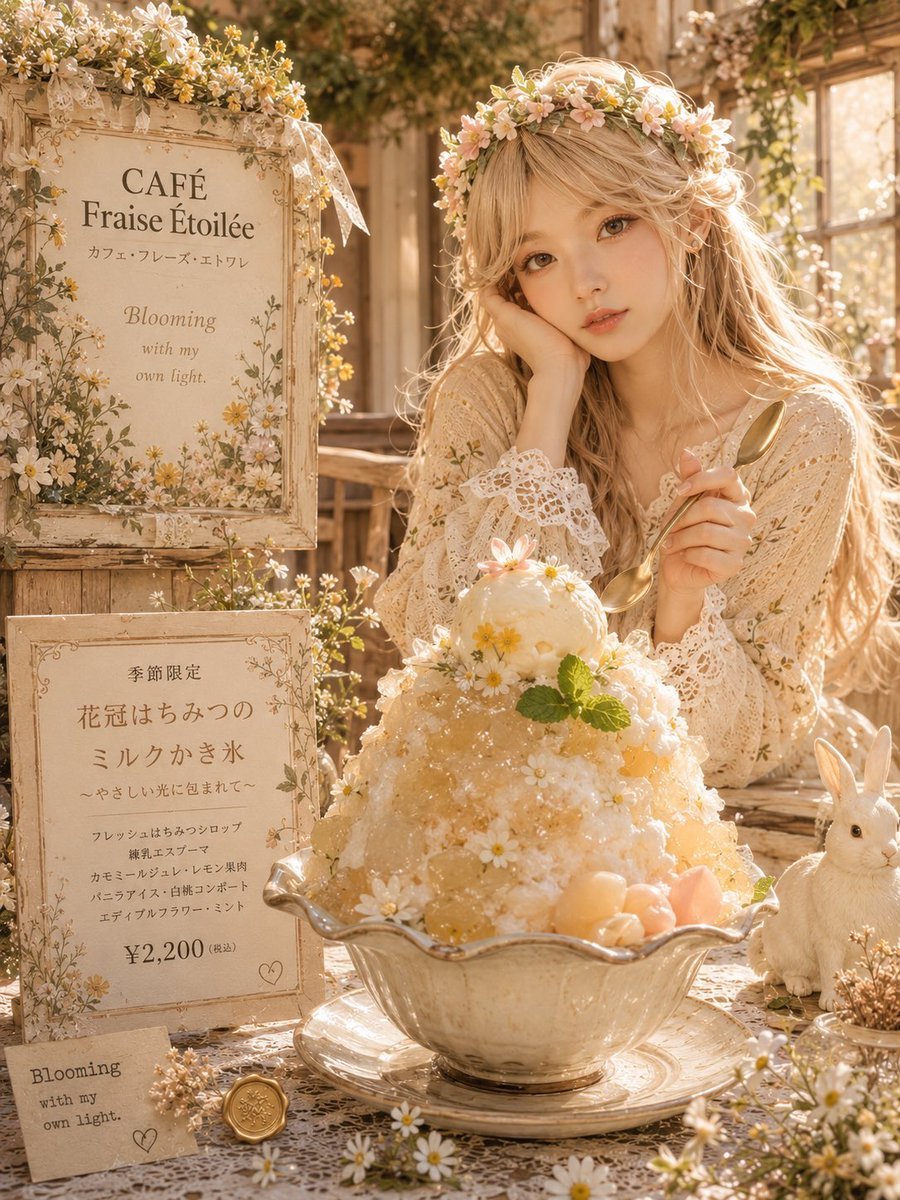
Dreamy Flower Crown Shaved Ice Café

Cat Photobomb Selfie — 0.5x Wide Angle Café Chaos

Trendy Cafe Drink Promo Poster

Nostalgic Digicam Café Afternoon Portrait

Delicate Japanese Café Lifestyle Illustration

Korean Cafe Courtyard Gold Frame Mirror Selfie
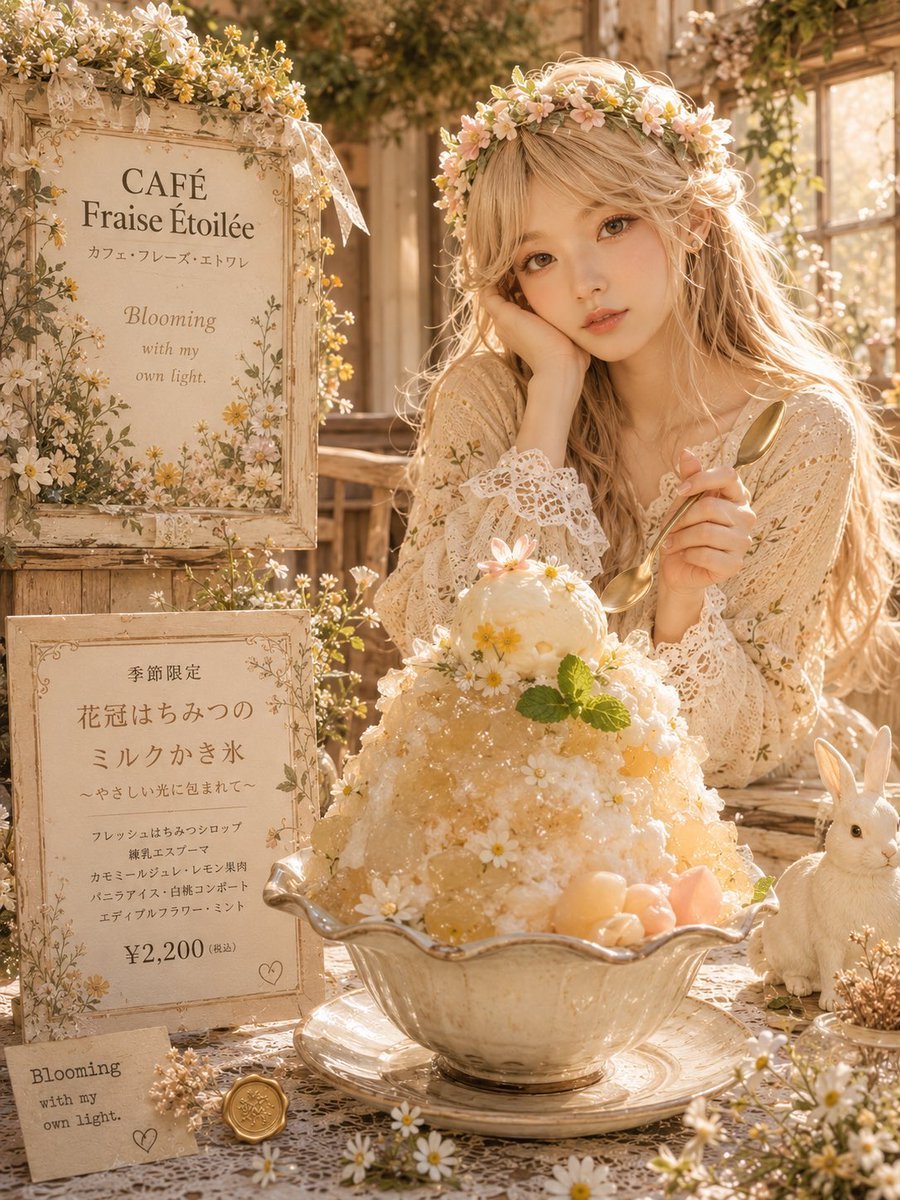
Cottagecore Shaved Ice Café Ad
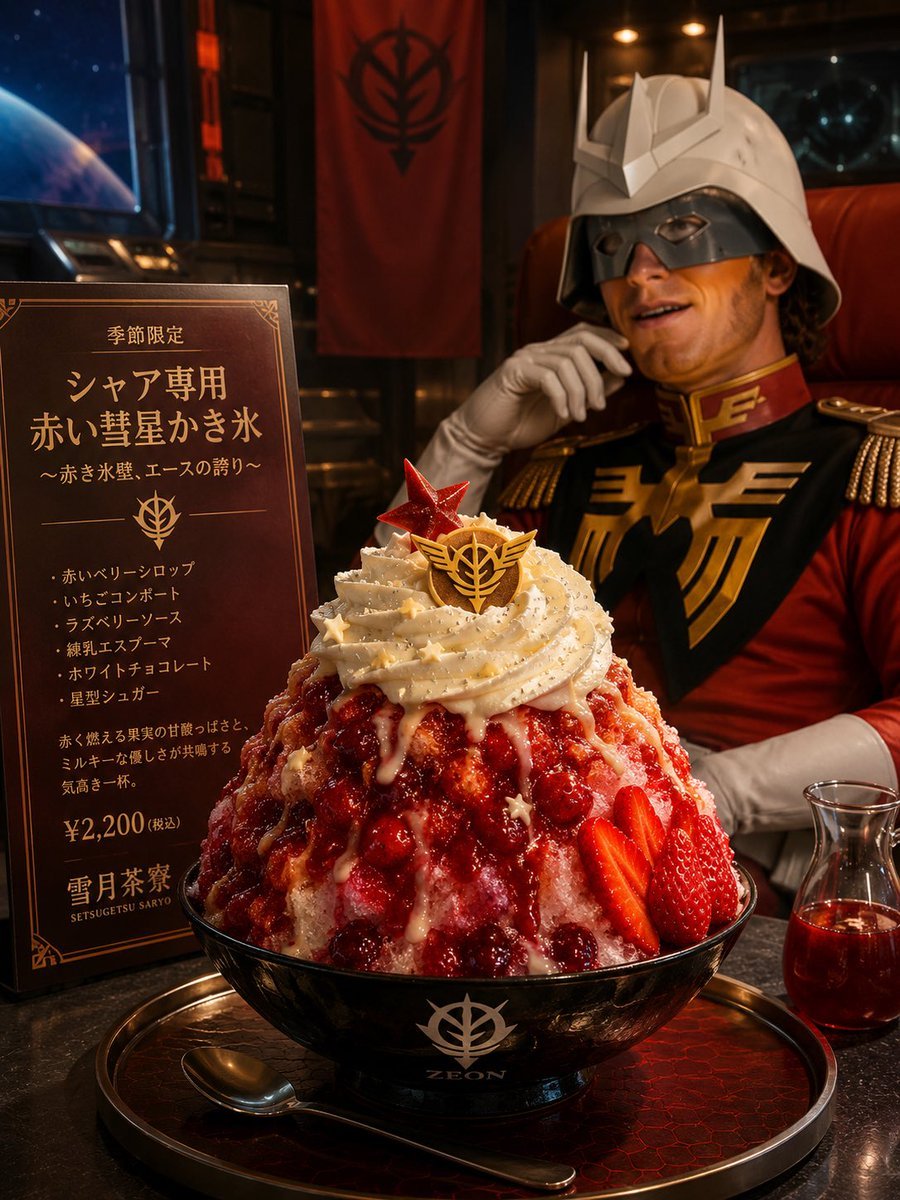
Char-Inspired Red Shaved Ice Café Ad

Outdoor Cafe Portrait — White Ruched Top Nano Banana

Nano Banana - Cozy Cafe Night
Make it yours
Cybernetic Kimono Shaved Ice Cafe works as-is. These are the safest ways to change it without losing the look.
Change one field
Copy a single group, rewrite it, and generate again so you can see what that field is doing.
Keep the frame, change the subject
Hold the composition and light of Cybernetic Kimono Shaved Ice Cafe, then swap wardrobe, props or the person for a new take.
| If the result… | Why | Fix |
|---|---|---|
| The result drifts from the preview | Too many fields changed at once. | Reuse Cybernetic Kimono Shaved Ice Cafe as-is first, then change one group — subject, light, or setting. |
| The model over-stylizes the scene | The prose prompt leaves finish and camera underspecified. | Add one camera or lighting sentence and stay on GPT Image 2. |
More GPT Image 2 templates
Other prompts made for GPT Image 2.

Six VTuber Japanese Logo Sheet

Realistic Portrait of Woman and Deer

The Vista Modular Condo Poster

AI Model Routing Comparison Infographic

2.5D Anime Art Board

Isometric Productivity Desk Scene

New York Double Exposure Poster

Four-Panel AI Landscape Comparison

Japanese Tatami Lifestyle Magazine Cover

NESCAFÉ Coffee Map Poster
More image prompts
Fresh picks from across the catalog.
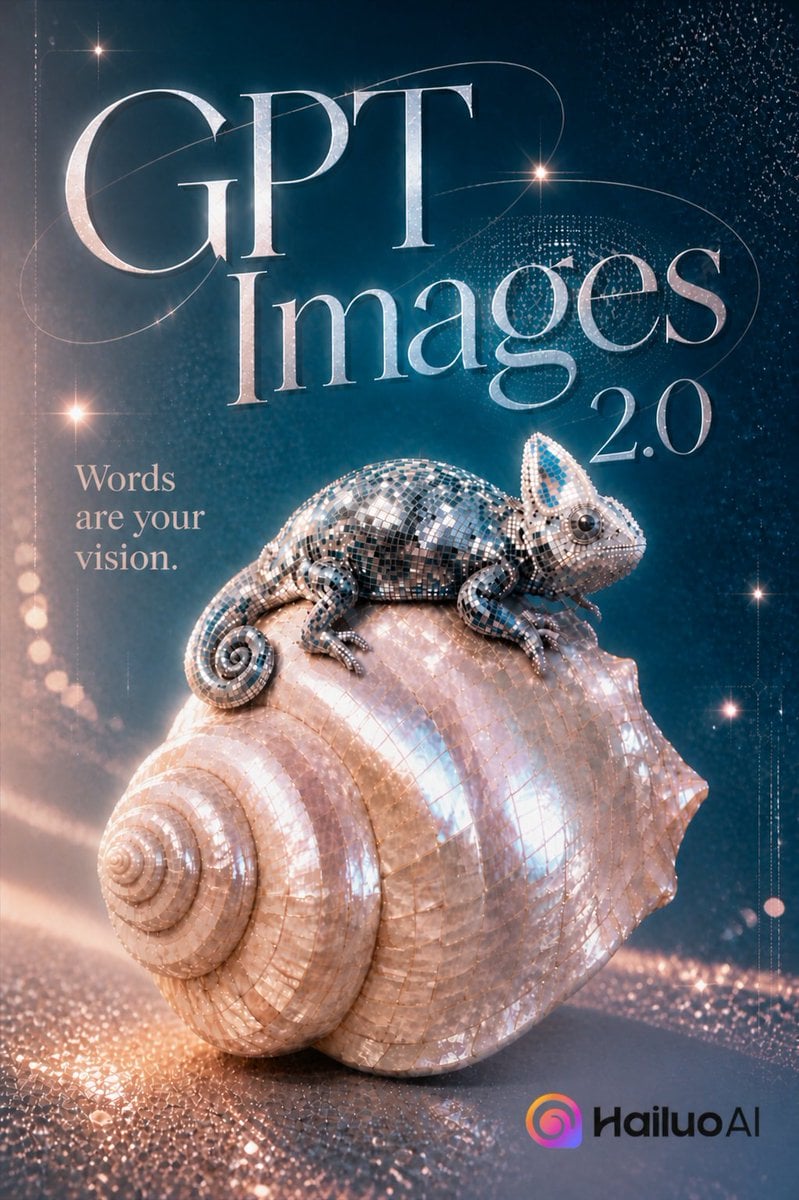
Luxury GPT Images 2.0 Launch Poster
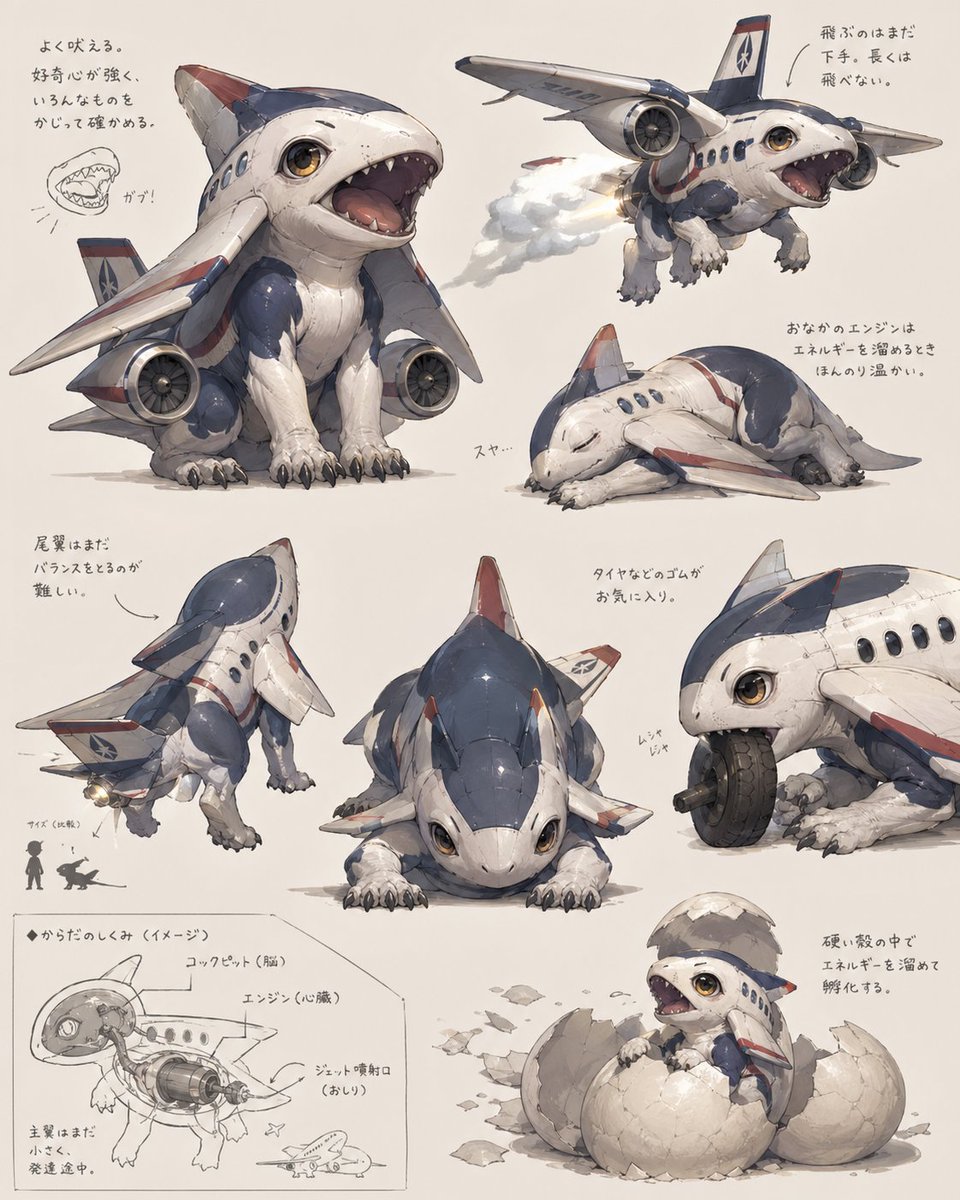
Jet Airplane Puppy Creature Sheet
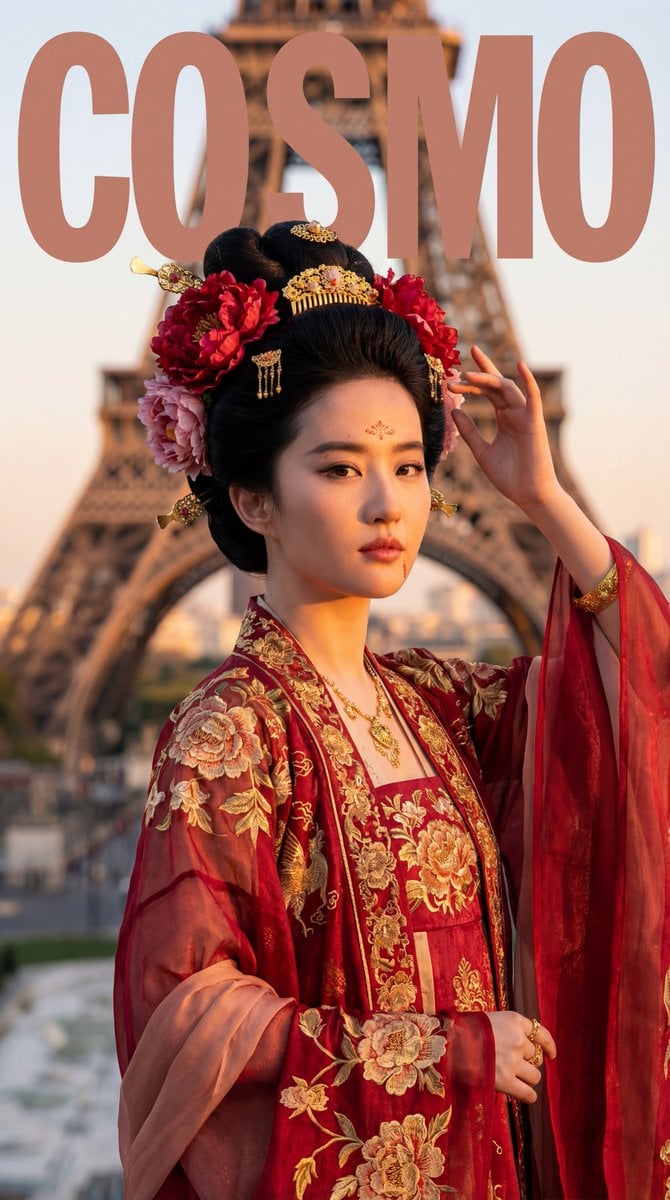
Tang Dynasty Empress in Paris Fashion Magazine Cover Prompt

Water Bottle Spilling in Desert
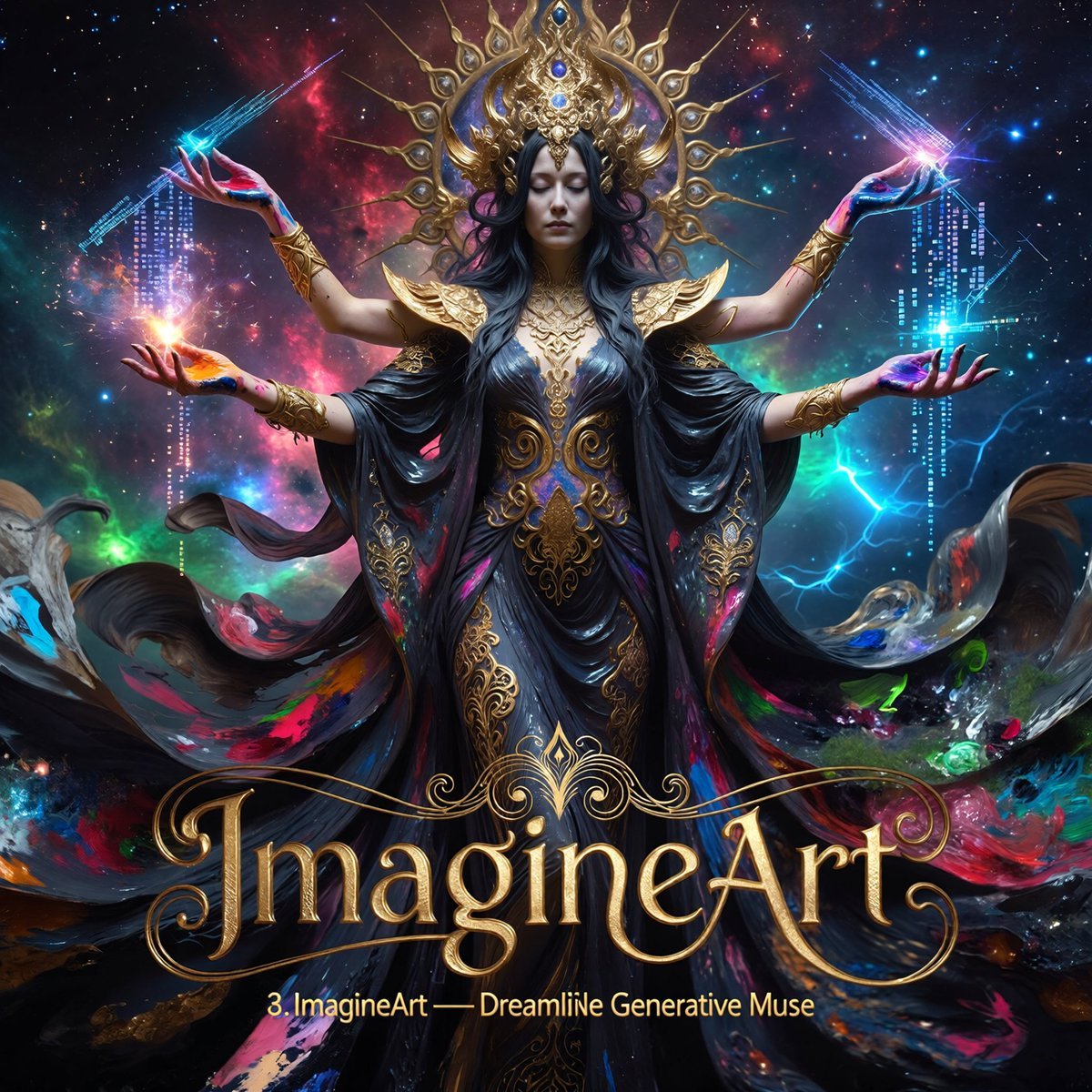
Multi-Concept AI Evolution Prompt
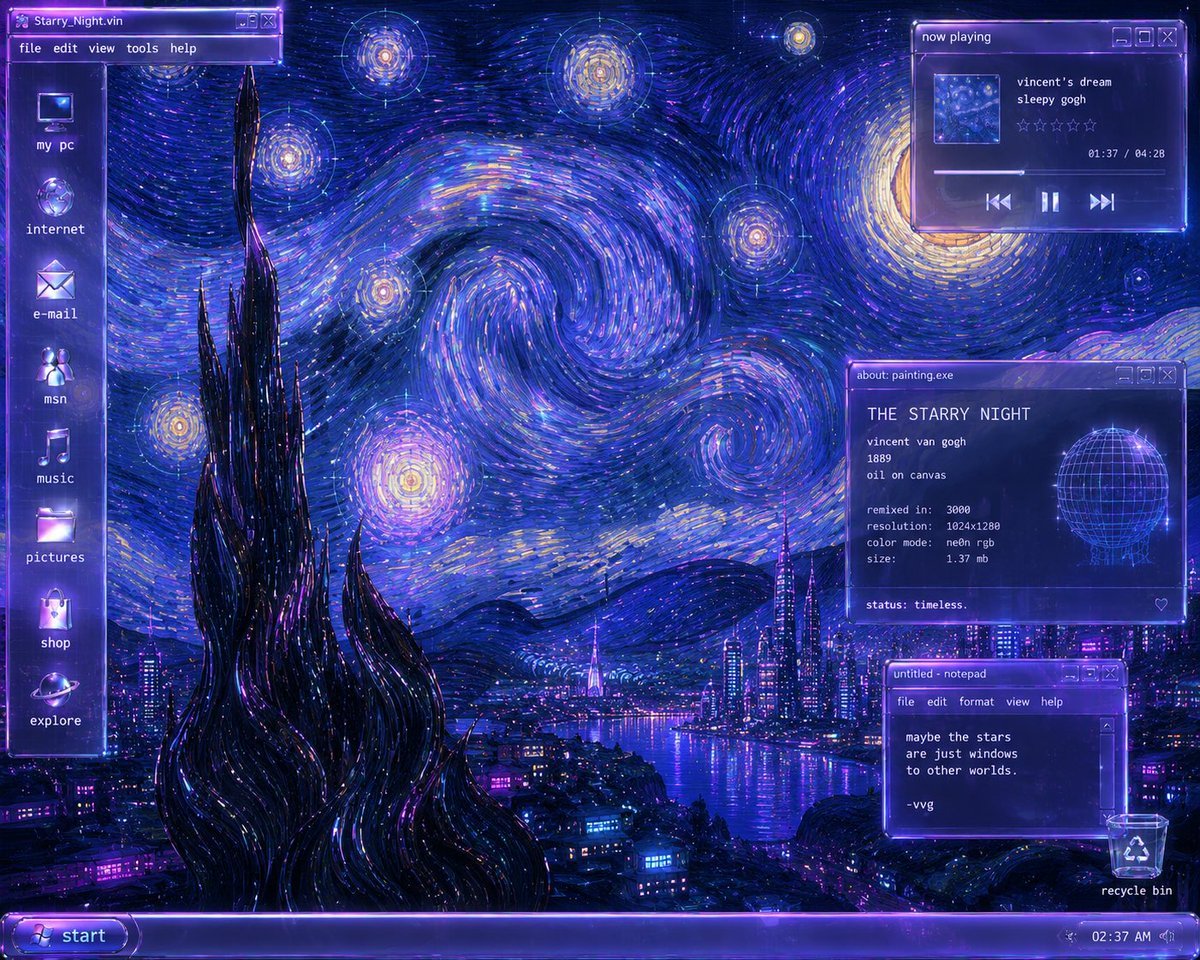
Y2K Starry Night Desktop
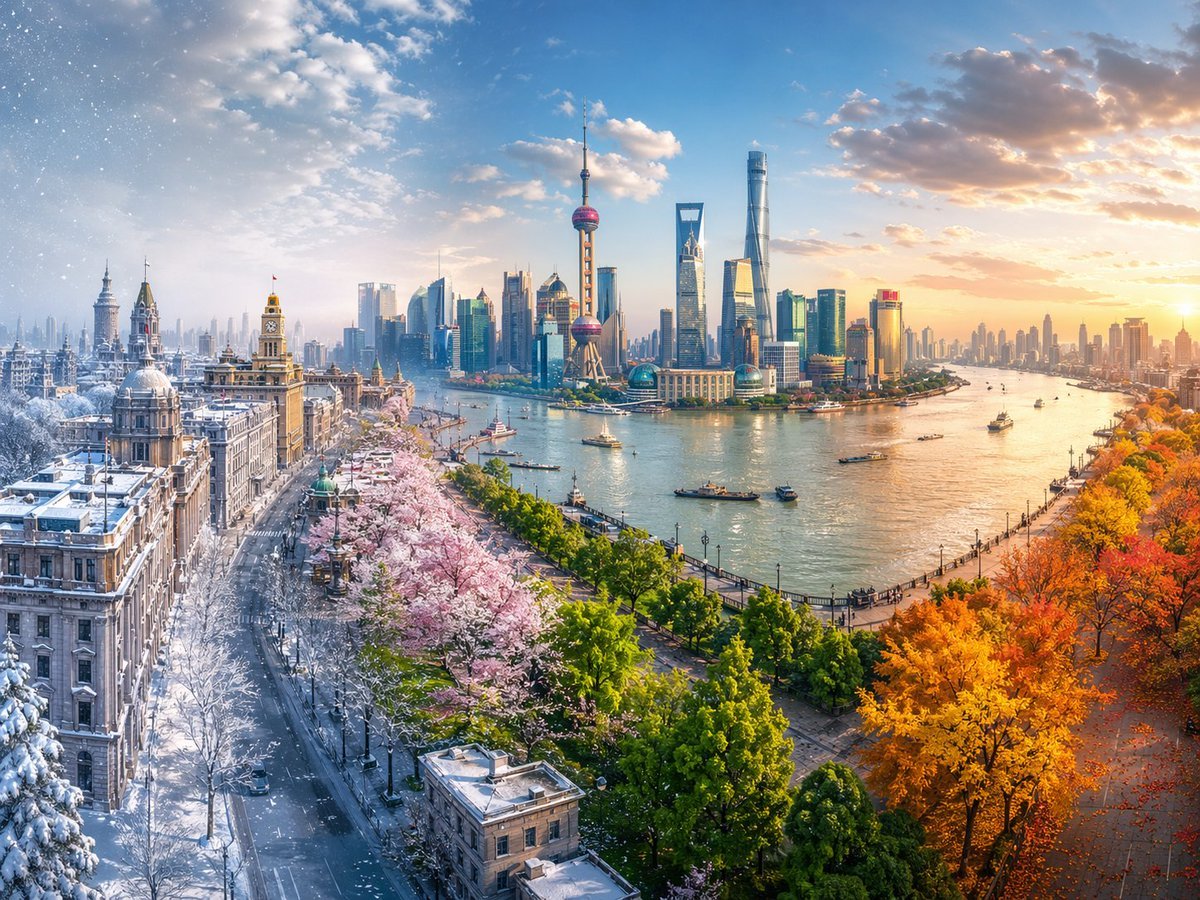
Four Seasons Continuous Panorama
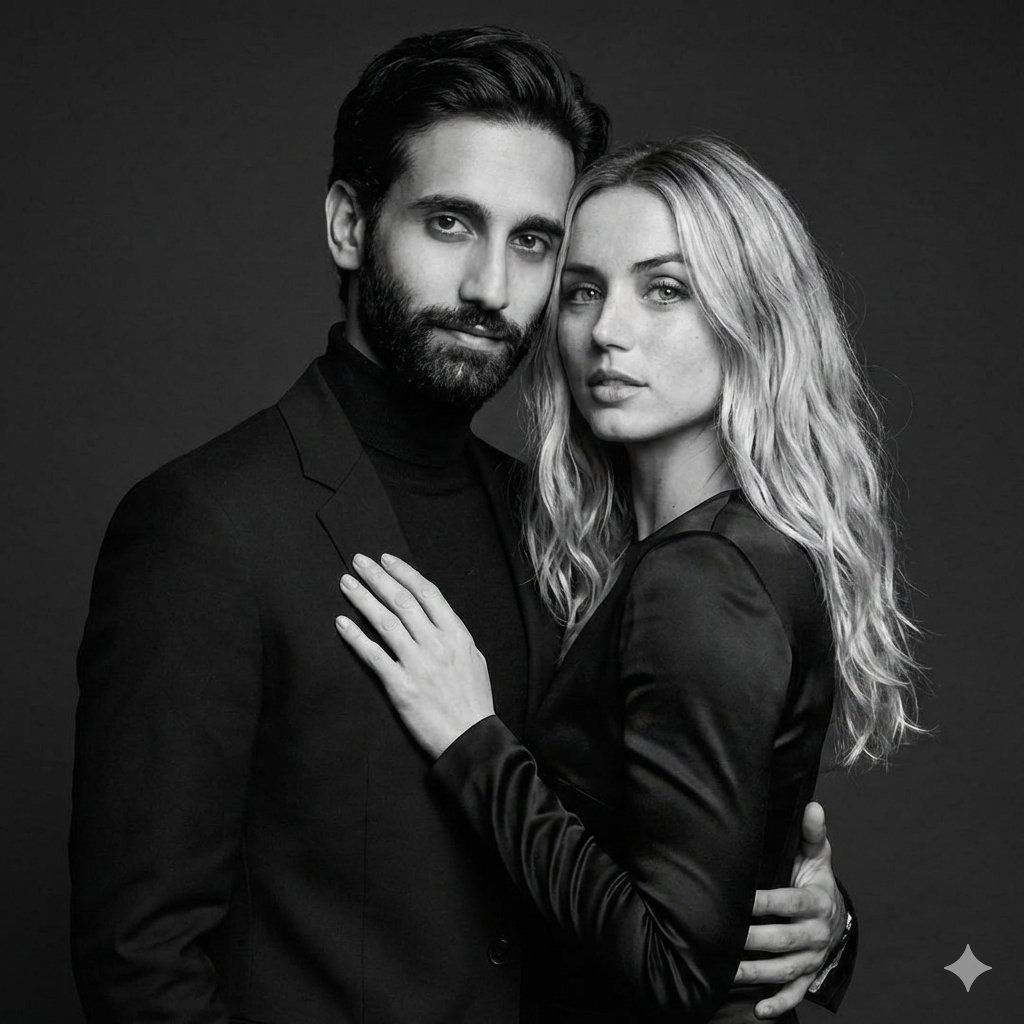
Black-and-White Studio Portrait of a Couple with Identity Lock
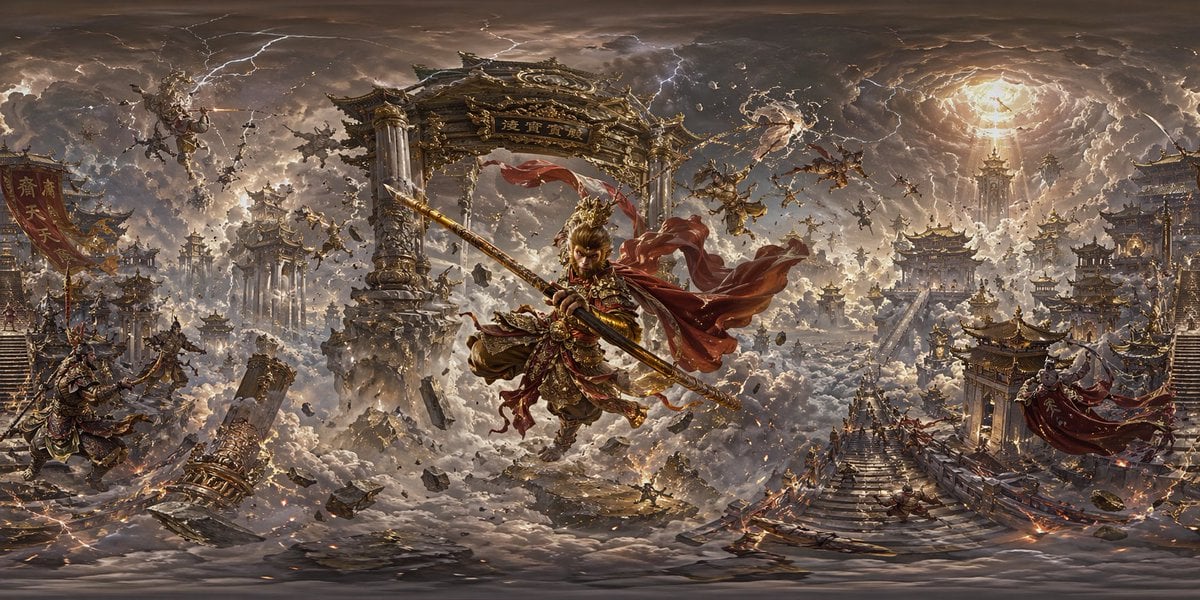
Degree Panorama Generation Formula
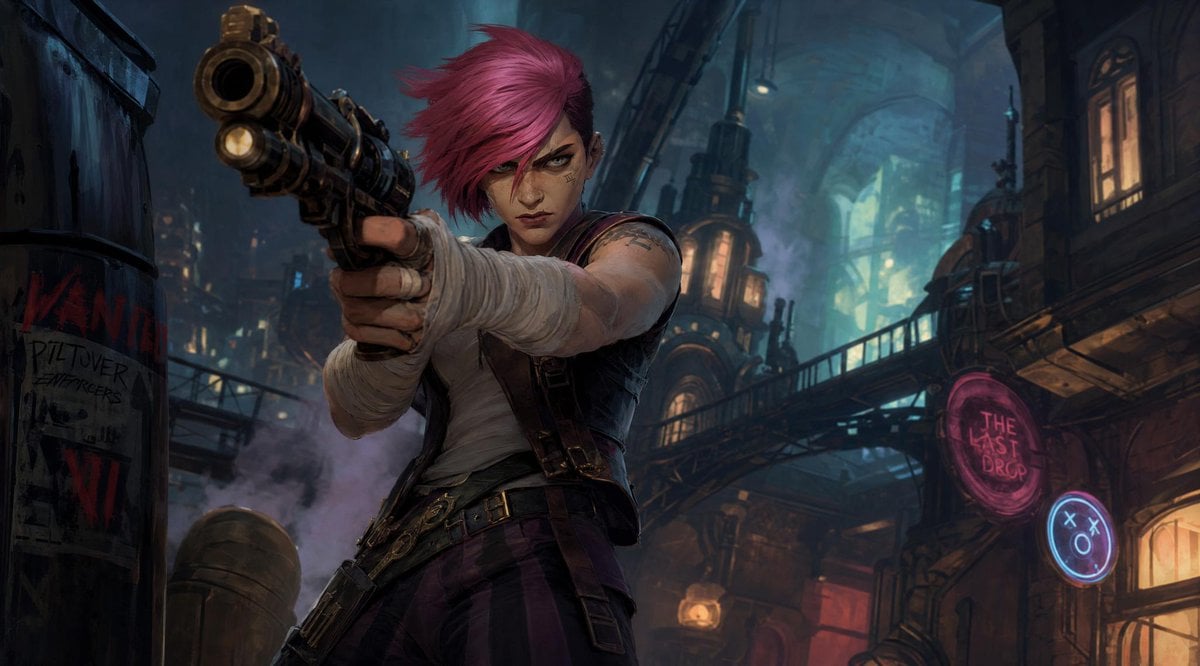
Punk Gunslinger in Steampunk Undercity
Browse template categories
Cybernetic Kimono Shaved Ice Cafe questions
How do I use the Cybernetic Kimono Shaved Ice Cafe template?
Add your photo if the template asks for one, edit the prompt if you like — the template's model and format are already selected — and press Generate. Your version opens in PicX Studio.
Can I customize the Cybernetic Kimono Shaved Ice Cafe template?
Yes. You can change the subject, setting, lighting, mood, format, and available model controls before creating your image.
Is the Cybernetic Kimono Shaved Ice Cafe template free?
Opening and editing this template is free. Generating uses credits, shown on the Generate button when you are signed in.
Which AI model should I use?
Start with GPT Image 2, which is the model associated with this template. You can compare another compatible model for a different finish.
Looking for something else? Browse all templates.

Your photo, any look
Thousands of ready templates for every top image and video model, from one credit balance.