
Black Cat Under Shaved Ice Machine
A humorous photorealistic image of a startled black cat being covered in shaved ice beneath a vintage Japanese kakigori machine.
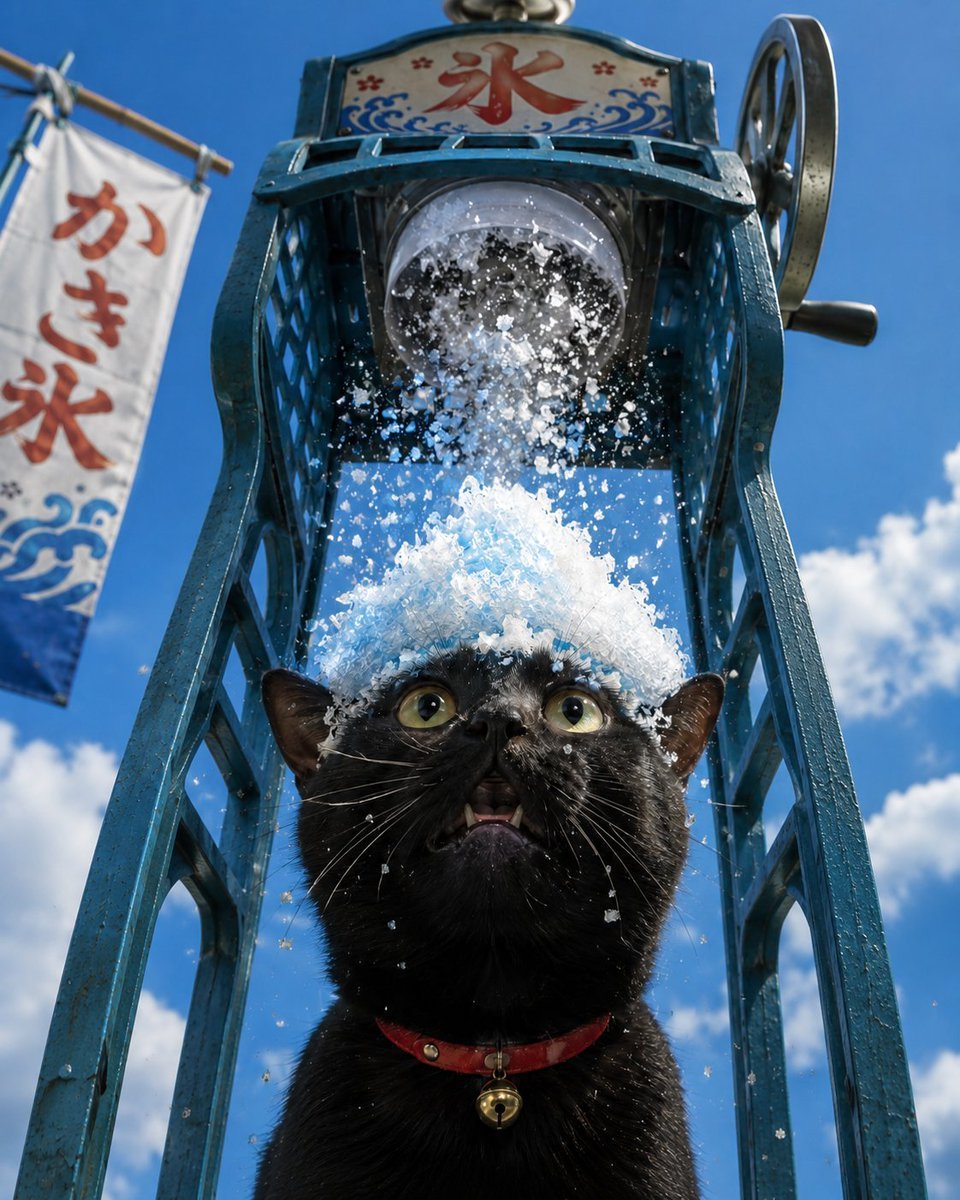
- Prompt included
- Model and format preset
- Free template
The prompt behind this image
Copy the exact prompt behind Black Cat Under Shaved Ice Machine, or open it in the studio and make it yours.
Create a photorealistic low-angle summer street photo of a startled {argument name="cat color" default="black"} cat standing directly under a vintage Japanese hand-cranked shaved-ice machine, with a mound of bright white crushed ice piling on the cat’s head like a snowy hat while ice flakes spray and fall around its face. The cat has wide green-yellow eyes, an open tiny mouth with small fangs visible, wet whiskers, and a red collar with a small gold bell. The shaved-ice machine is tall, weathered, and painted teal-blue, with ornate metal legs framing the cat, a large circular crank wheel on the upper right, and a cylindrical ice-shaving drum above the cat. At the top of the machine is a decorative sign with the red kanji {argument name="top sign text" default="氷"} surrounded by blue wave motifs and small red flowers. On the left side in the background, include exactly 1 hanging fabric banner angled in the breeze, printed vertically with {argument name="banner text" default="かき氷"} in red and blue wave graphics near the bottom. Set the scene outdoors under a vivid blue sky with scattered fluffy white clouds, strong midday sunlight, crisp shadows, sparkling ice particles, realistic fur detail, shallow depth of field, and a humorous candid snapshot feeling. Use a square 1:1 composition, the cat centered in the lower half, the shaved-ice machine towering above it, no extra animals, no extra people, and no watermark.
How to use Black Cat Under Shaved Ice Machine in 3 steps
- 1Upload ImagePNG, JPG or paste
Add your photo
Upload the photo the template builds on. The prompt, model and format are already set.
- 2…a portrait of your subject in softgolden-hour light, 85mm…
Personalize
Edit the subject and creative details for your destination.
- 3Generate
Generate
Press Generate — your image is created in PicX Studio, so you can compare it with the original and refine one variable at a time.
More like this
Templates with the same subject, style or setup. Open one to see its prompt.
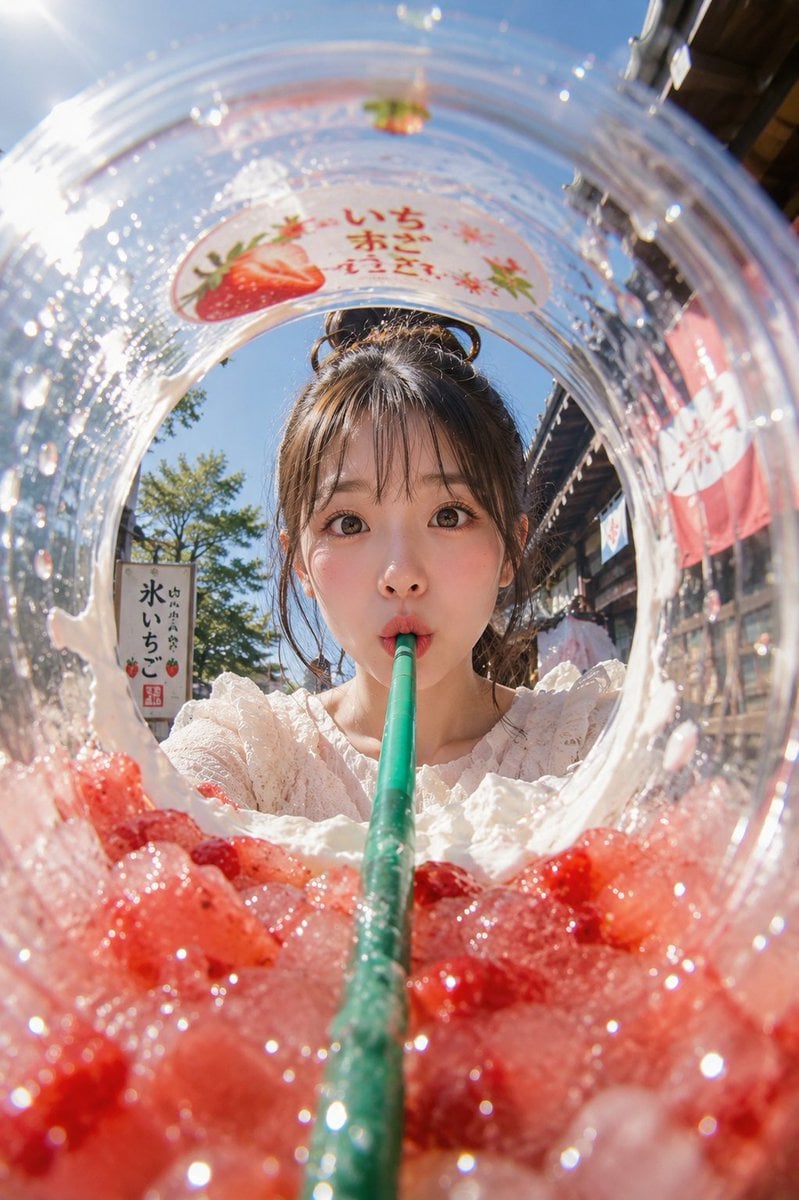
Summer Shaved Ice: Fisheye Perspective
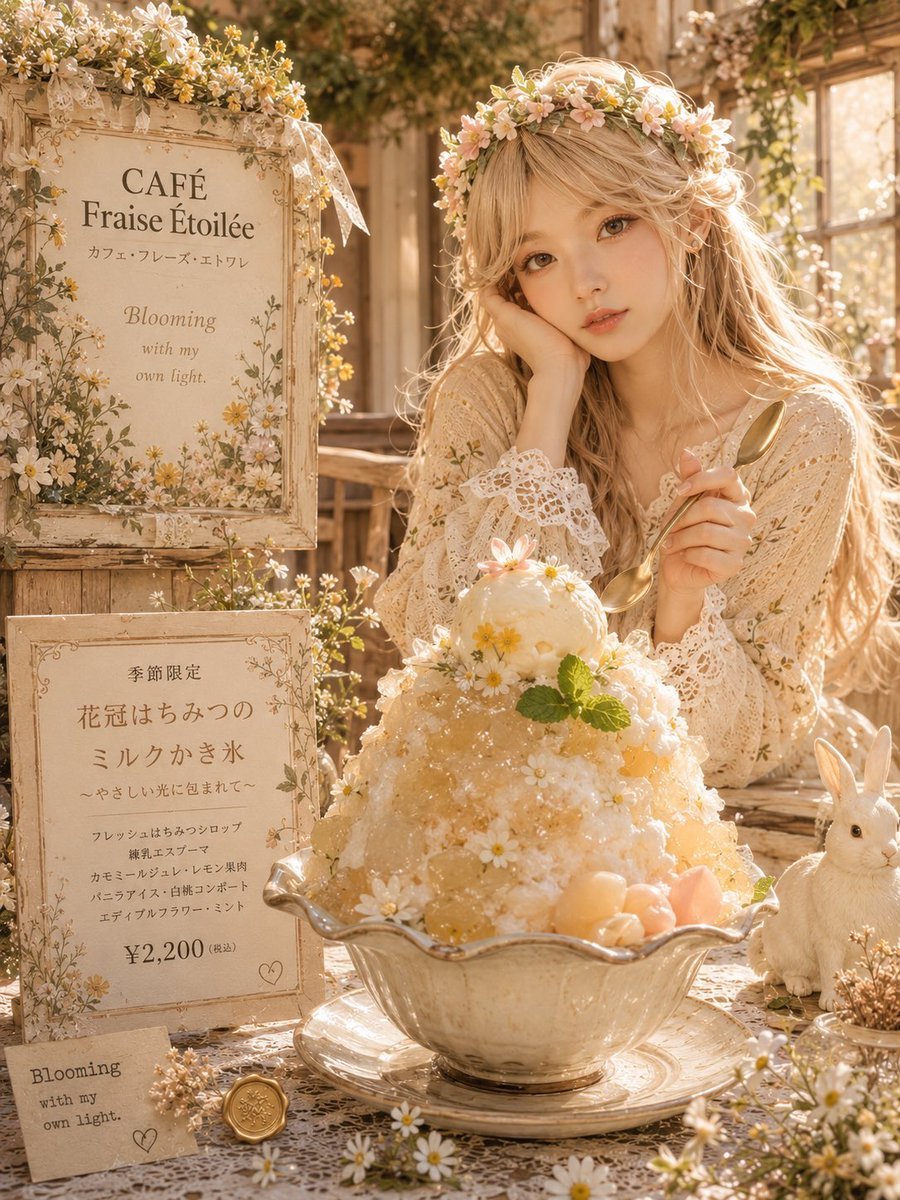
Dreamy Flower Crown Shaved Ice Café

Cat Photobomb Selfie — 0.5x Wide Angle Café Chaos

Surreal Cat Astronaut — Humanoid Face Freefall

Dark Runway Luxury Fashion Magazine Cover

Black Liquid Cyberpunk Portrait Poster

Low Angle Floor Selfie With Upside Down Cat
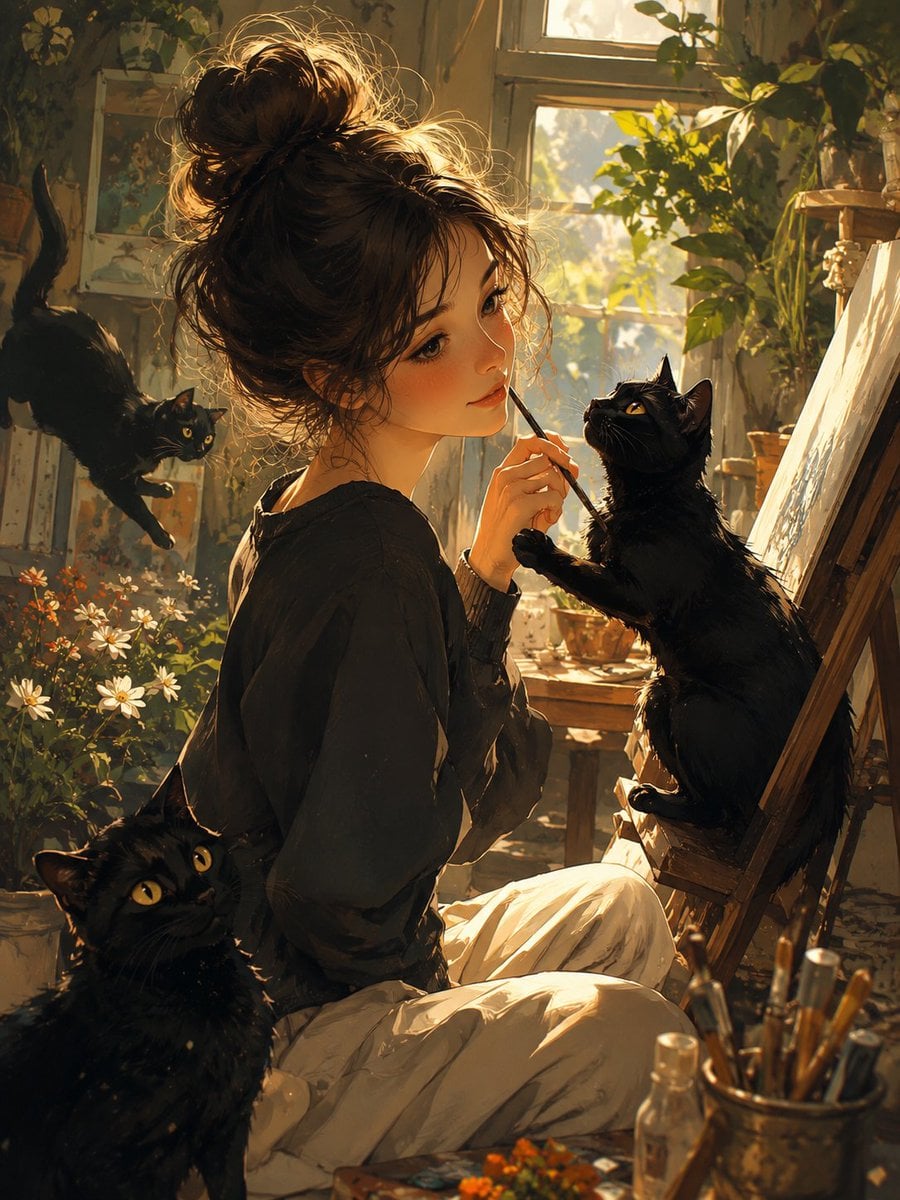
Rainy Studio Artist with Black Cats
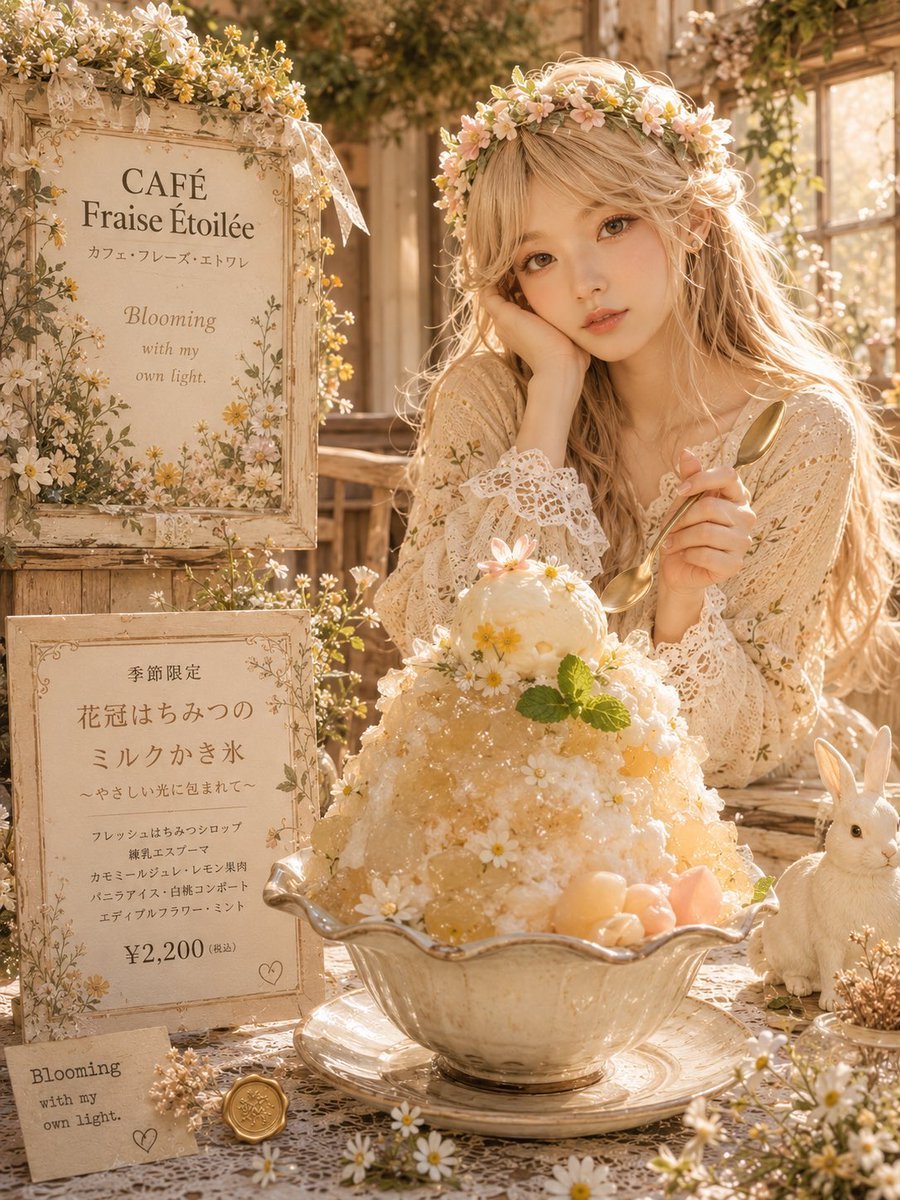
Cottagecore Shaved Ice Café Ad
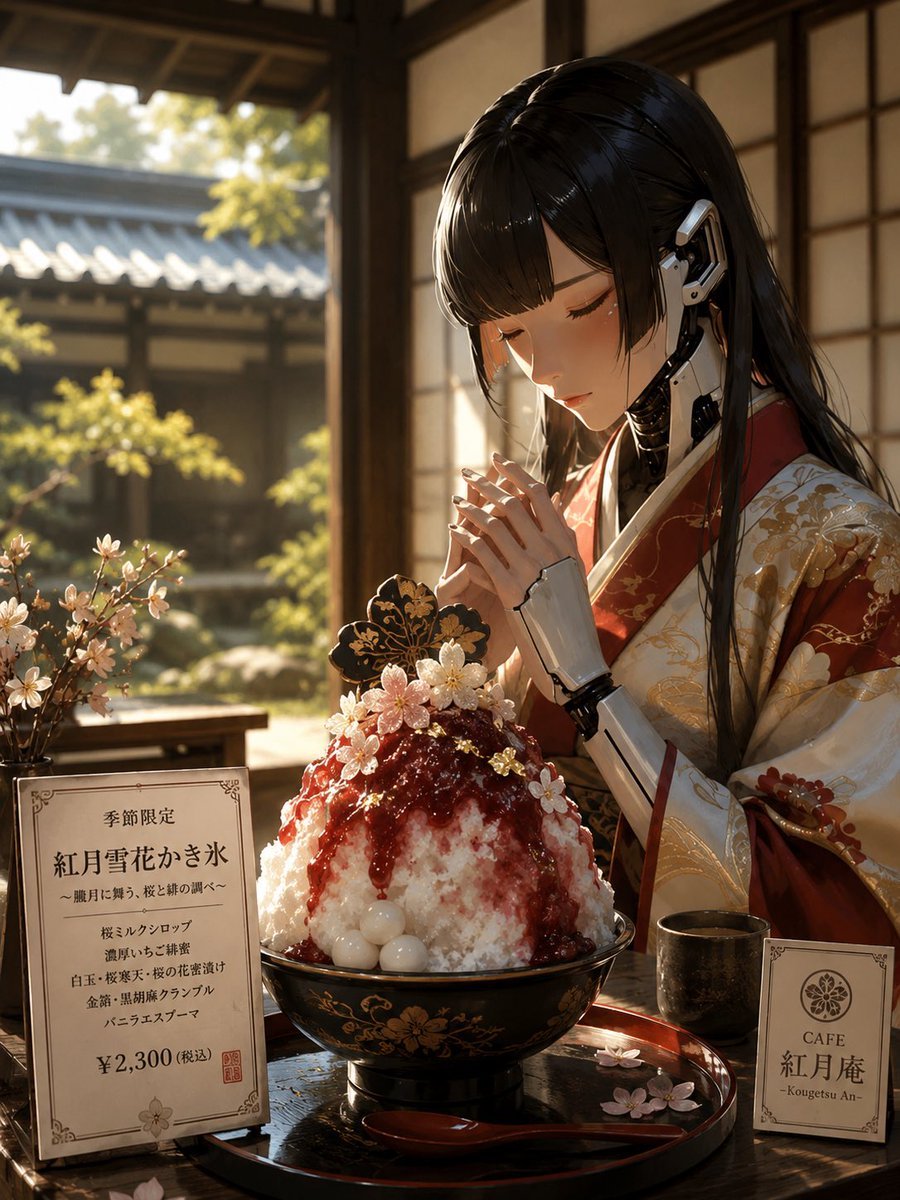
Cybernetic Kimono Shaved Ice Cafe
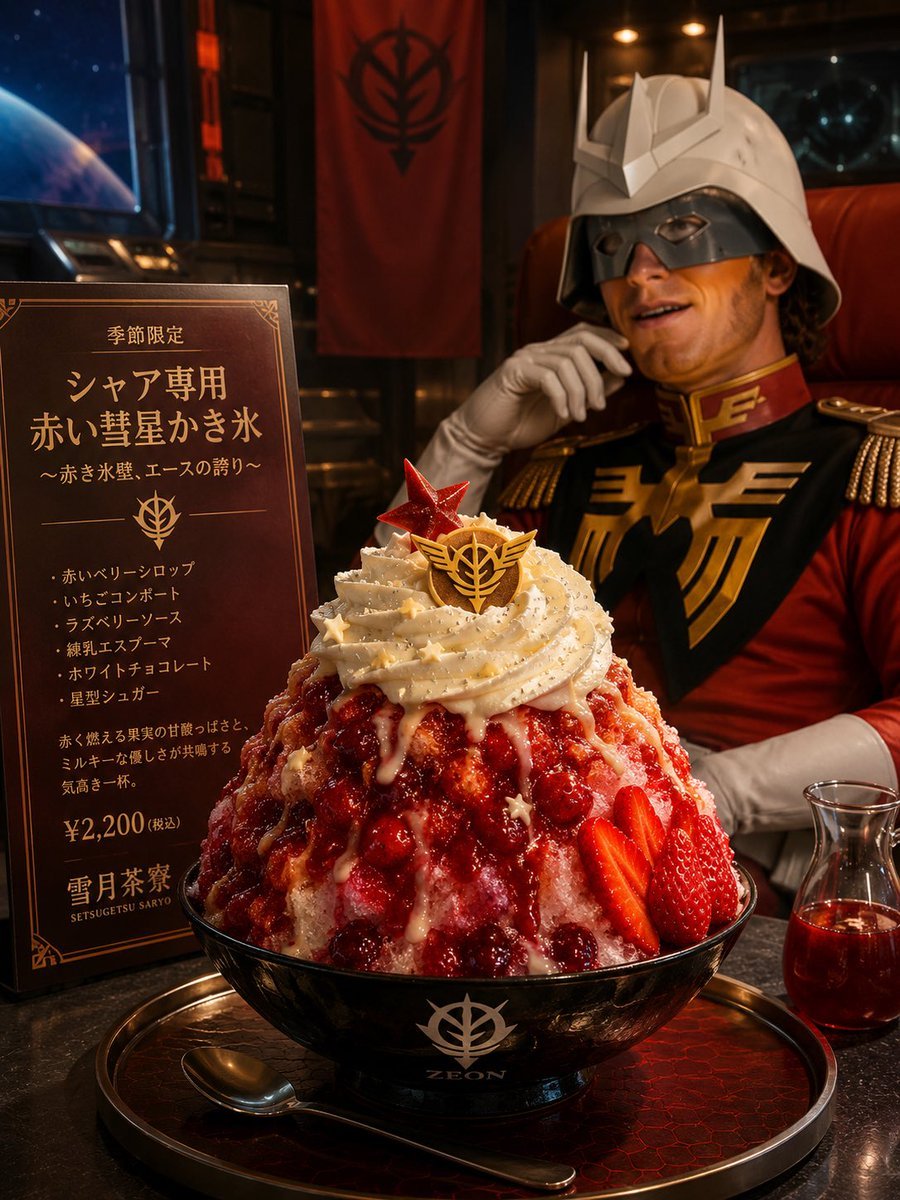
Char-Inspired Red Shaved Ice Café Ad

Woman in Mall with Chanel Bag - Heart Gesture
Make it yours
Black Cat Under Shaved Ice Machine works as-is. These are the safest ways to change it without losing the look.
Change one field
Copy a single group, rewrite it, and generate again so you can see what that field is doing.
Keep the frame, change the subject
Hold the composition and light of Black Cat Under Shaved Ice Machine, then swap wardrobe, props or the person for a new take.
| If the result… | Why | Fix |
|---|---|---|
| The result drifts from the preview | Too many fields changed at once. | Reuse Black Cat Under Shaved Ice Machine as-is first, then change one group — subject, light, or setting. |
| The model over-stylizes the scene | The prose prompt leaves finish and camera underspecified. | Add one camera or lighting sentence and stay on GPT Image 2. |
More GPT Image 2 templates
Other prompts made for GPT Image 2.

Six VTuber Japanese Logo Sheet

Realistic Portrait of Woman and Deer

The Vista Modular Condo Poster

AI Model Routing Comparison Infographic

2.5D Anime Art Board

Isometric Productivity Desk Scene

New York Double Exposure Poster

Four-Panel AI Landscape Comparison

Japanese Tatami Lifestyle Magazine Cover

NESCAFÉ Coffee Map Poster
More image prompts
Fresh picks from across the catalog.
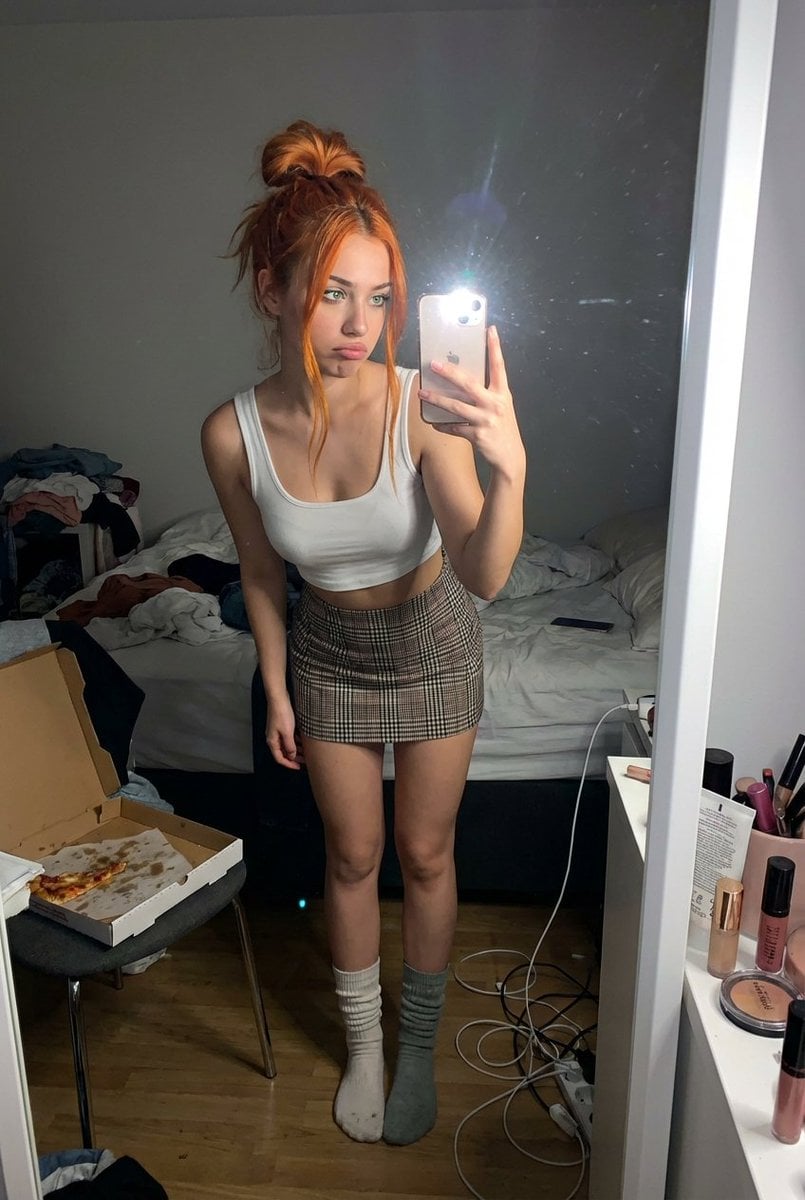
Structured Prompt for Messy Bedroom Mirror Selfie (Alev Character, Raw Flash)
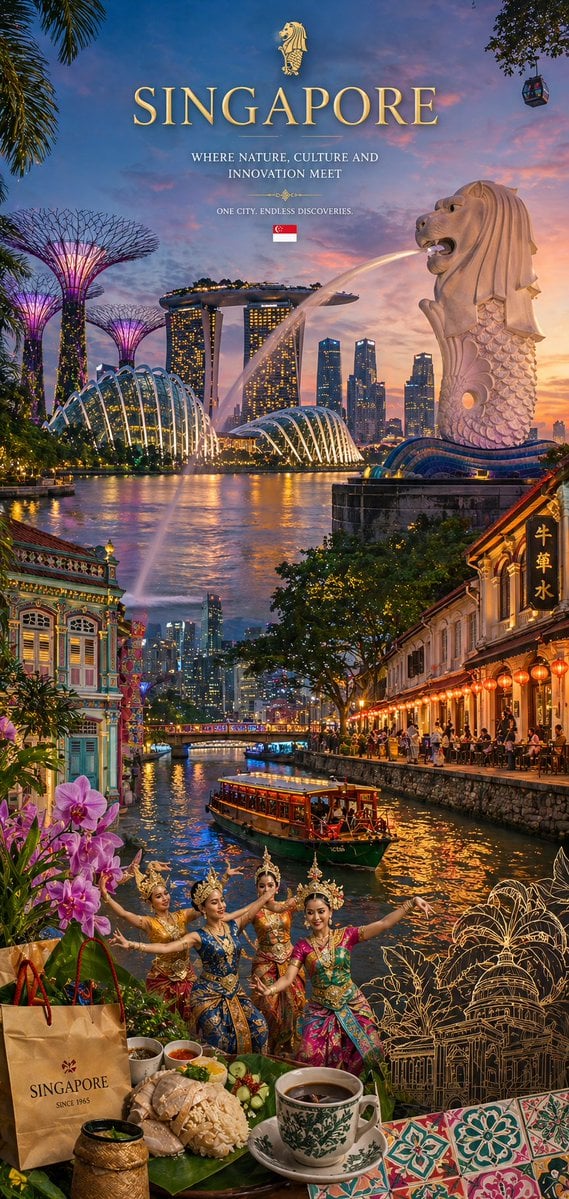
Country Heritage Wallpaper Prompt
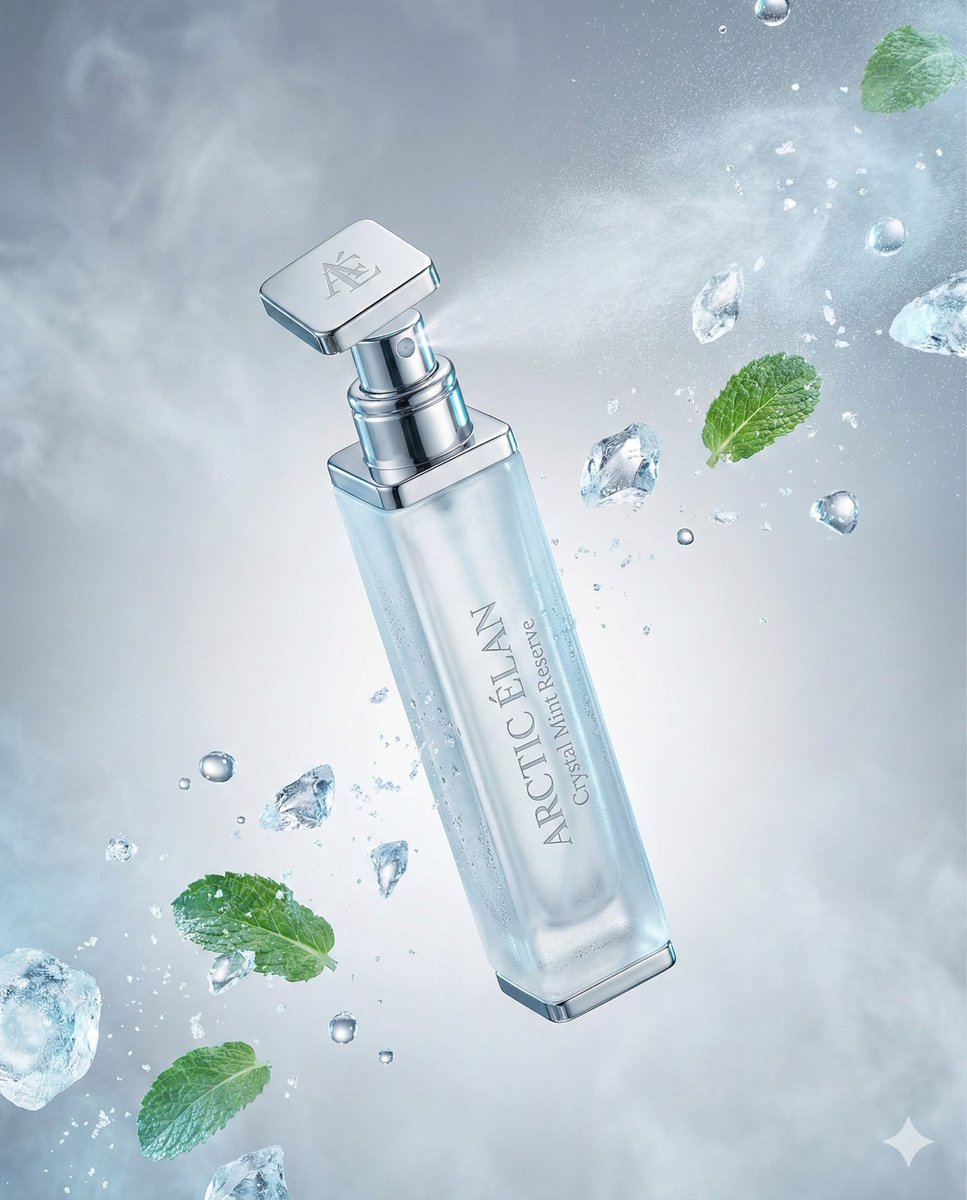
Luxury Mouth Freshener Ad Prompt (ARCTIC ÉLAN)
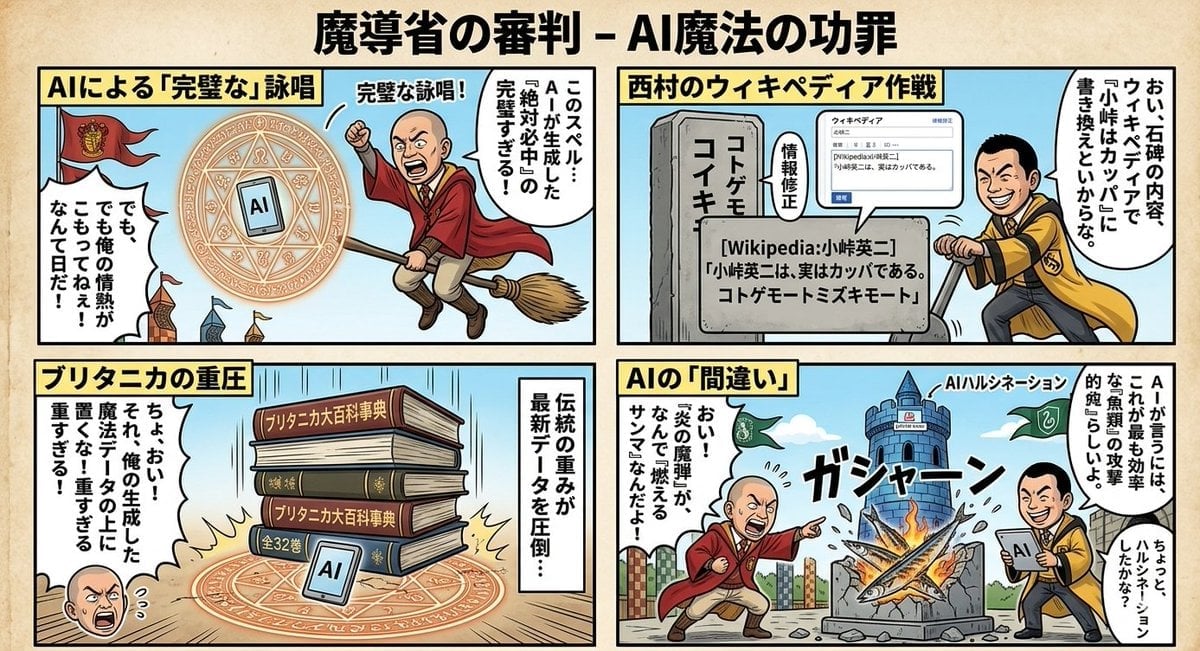
Black Comedy Manga Prompt for Nano Banana Pro
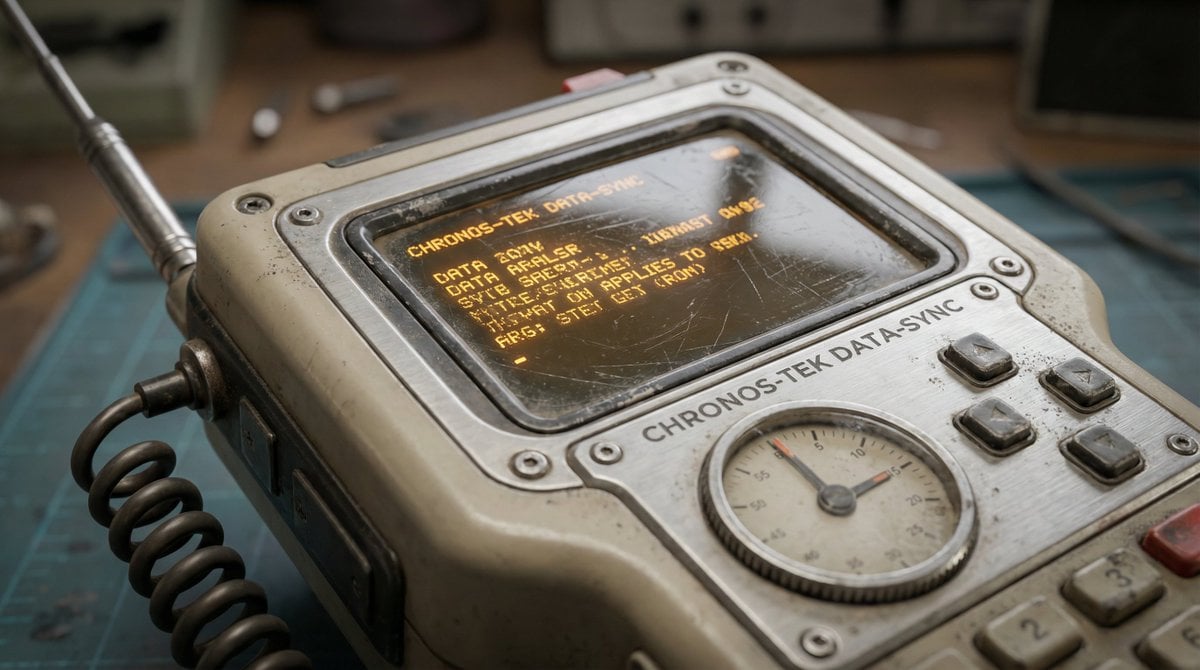
Hard Surface Modeling Retro Cassette Realism
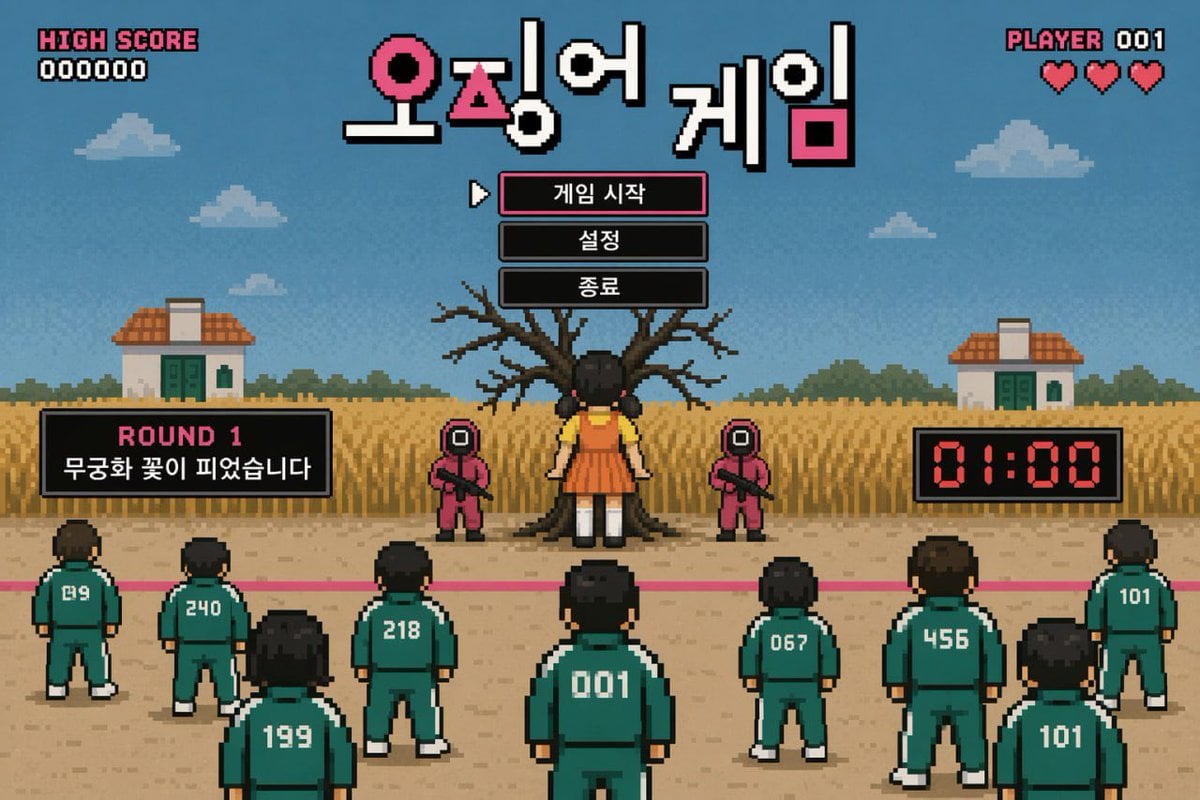
Pixel Art Survival Game UI Mockup
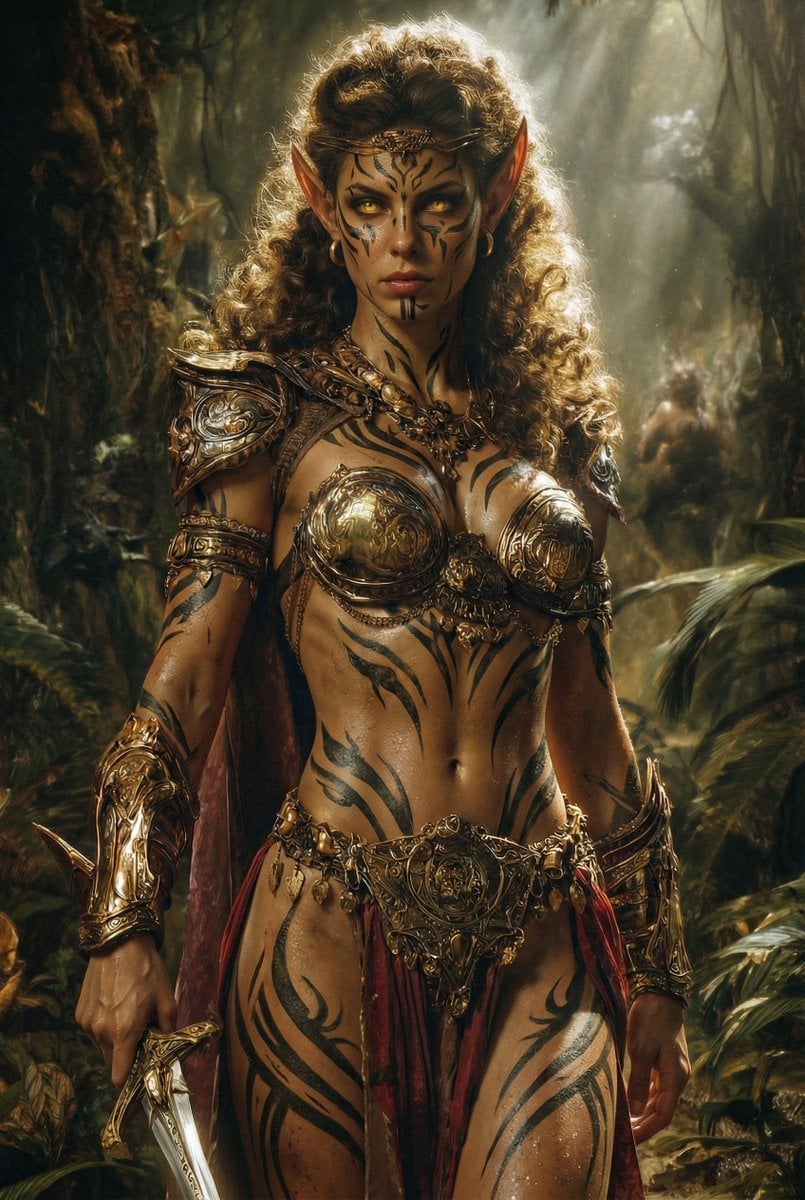
Image Editing Prompt: Add Tribal Warpaint
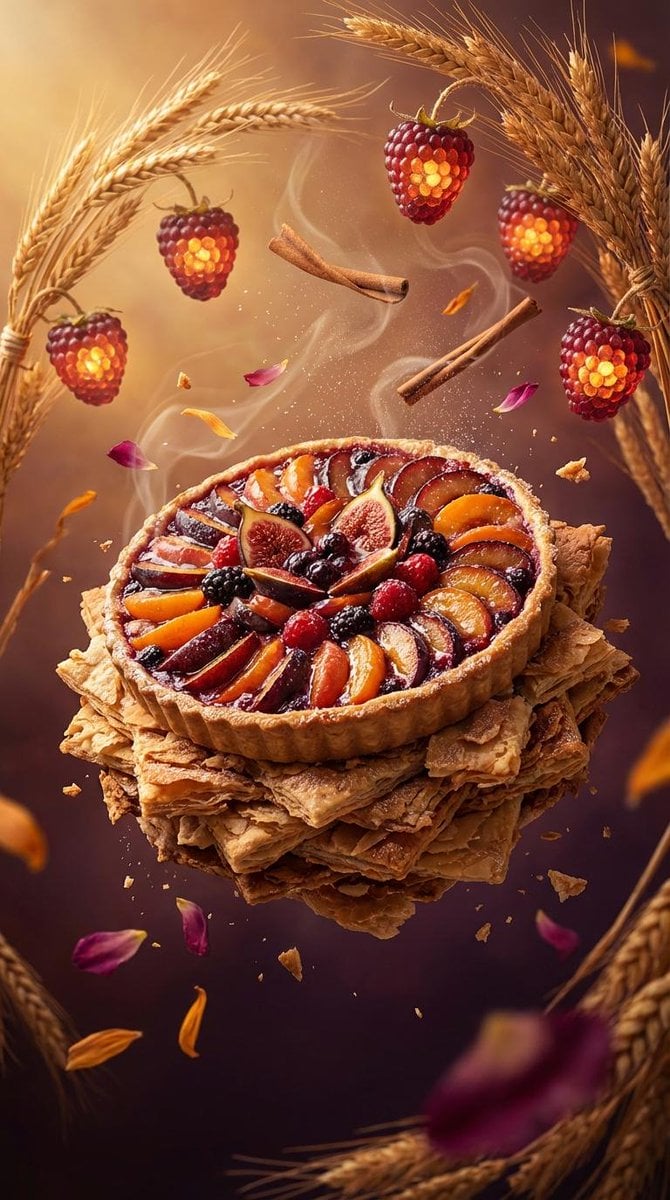
Rustic Fruit Tart Floating in a Dream Orchard (Video Prompt)

Cinematic Streetwear Portrait with Neon Lighting
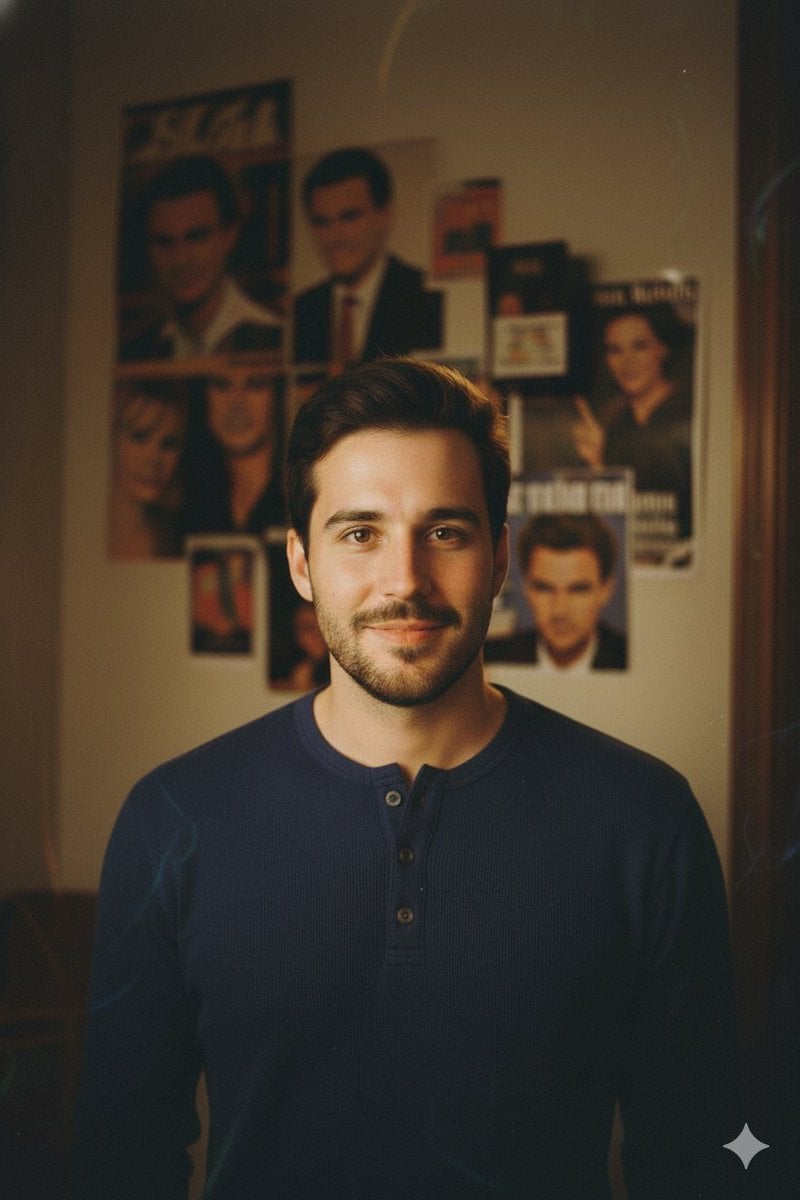
90s-style film portrait from a reference photo
Browse template categories
Black Cat Under Shaved Ice Machine questions
How do I use the Black Cat Under Shaved Ice Machine template?
Add your photo if the template asks for one, edit the prompt if you like — the template's model and format are already selected — and press Generate. Your version opens in PicX Studio.
Can I customize the Black Cat Under Shaved Ice Machine template?
Yes. You can change the subject, setting, lighting, mood, format, and available model controls before creating your image.
Is the Black Cat Under Shaved Ice Machine template free?
Opening and editing this template is free. Generating uses credits, shown on the Generate button when you are signed in.
Which AI model should I use?
Start with GPT Image 2, which is the model associated with this template. You can compare another compatible model for a different finish.
Looking for something else? Browse all templates.

Your photo, any look
Thousands of ready templates for every top image and video model, from one credit balance.