
Summer Shaved Ice: Fisheye Perspective
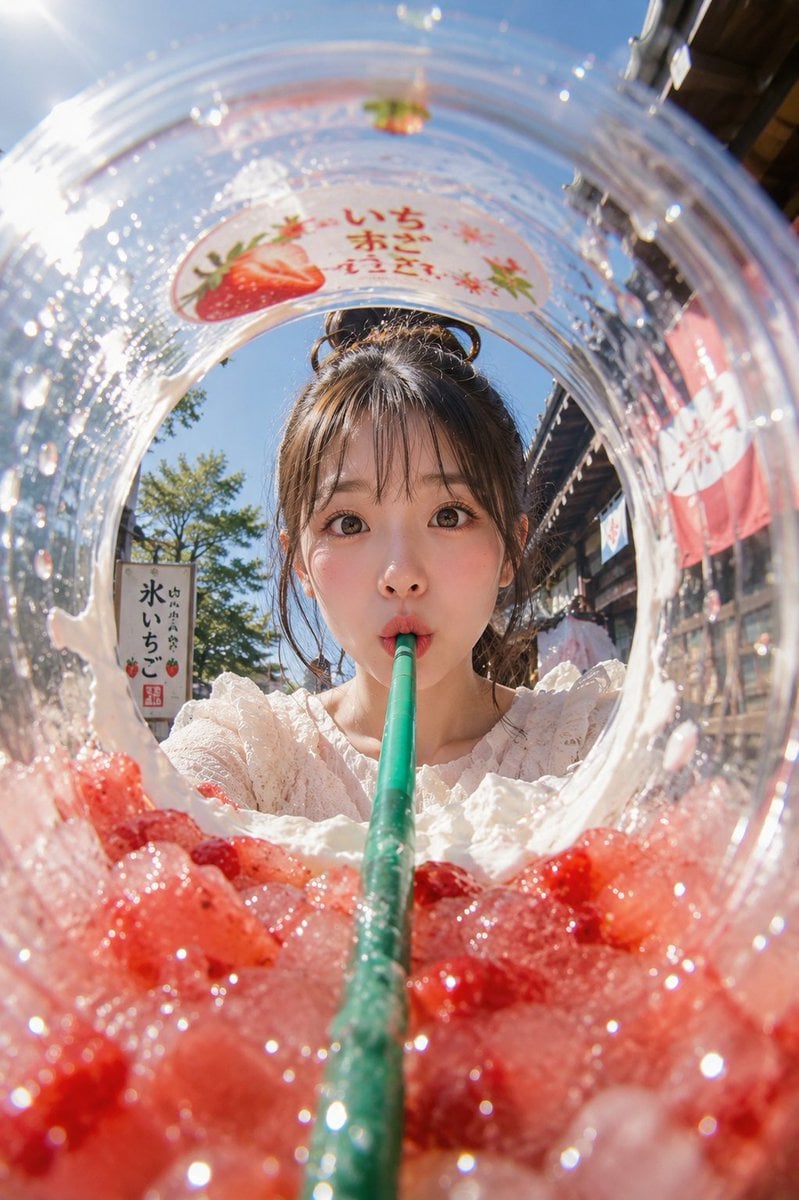
A creative fisheye prompt generating a point-of-view shot from inside a shaved ice cup, looking up at a woman sipping through a straw.
- Prompt included
- Model and format preset
- Free template
The prompt behind this image
Copy the exact prompt behind Summer Shaved Ice: Fisheye Perspective, or open it in the studio and make it yours.
主題: {argument name="主題" default="氷越しの夏"} 主体: 縦長2:3のリアル写真。透明な大型プラスチックカップの内側から見上げるような超広角フィッシュアイ構図。画面下半分いっぱいに{argument name="果肉" default="赤いいちご果肉"}とクラッシュアイスが迫り、中央から太い{argument name="ストロー" default="グリーンのストロー"}が奥へ一直線に伸びる。丸く歪んだカップの開口部の向こうに、女性の顔が中央に大きく収まる。 人物・表情: 自然で現実感のある若い女性。黒髪に近いダークブラウンの髪を高めのお団子にまとめ、薄い前髪と顔まわりの後れ毛が日差しで細く光っている。透明感のあるナチュラルメイク、淡いピンクの頬、つやのあるリップ。目を大きく開いてカメラをまっすぐ見つめ、唇を小さく丸めてストローをくわえている。少し驚いたような、可愛らしく無邪気な表情。 服装・ポーズ: 白いレース素材のブラウス。首元と肩まわりに細かなフリルがあり、夏らしく軽い質感。人物はカップの向こう側に顔を近づけ、両肩は下部に少しだけ見える。ストローは人物の口元に自然に接触し、奥から手前の赤い氷へ向かって強い奥行きを作る。 背景・光: 背景は{argument name="背景" default="晴れた夏の日の古い商店街"}。木造風の店先、かき氷屋の暖簾、苺柄の看板、白い小さな旗、街路樹が見える。文字はすべてぼかされた読めない装飾として扱う。左上から強い太陽光が入り、透明カップの水滴、カップ縁、氷、赤い果肉に細かな反射とハイライトが出る。影は右下へ落ち、白いクリームの残りがカップ内側にリング状についている。 構図・カメラ: カメラはカップの底付近、赤い氷のすぐ上に置いたような極端なローアングル。フィッシュアイレンズでカップの円形リムが大きく湾曲し、周囲の商店街も軽く歪む。画面下45%は赤い氷と果肉の前ボケ、中央はストローと女性の顔、上部は青空とカップの透明な縁。ピントは女性の目と口元、手前の氷はきらめく浅いボケ。 質感・スタイル: プロ用カメラで撮影した夏の広告写真風。透明プラスチックの屈折、水滴の粒、氷の冷たさ、いちご果肉の瑞々しさを高精細に表現。青空、赤い氷、グリーンのストロー、白いブラウスの色の対比を鮮やかにする。肌は自然な質感を残し、過度な美肌補正はしない。明るくポップで、少しユーモラスな日本の夏スイーツ写真。 ネガティブ: 実在ブランドロゴ、読める文字、商標の再現、不自然な顔、不自然な視線、歯や唇の崩れ、ストローとの接触不良、余分な指、欠けた指、手足の融合、氷の浮遊、不自然な重力、誤った遠近法、光源と矛盾する影、文字化け、透かし、過度な美肌補正、プラスチックのような肌。
How to use Summer Shaved Ice: Fisheye Perspective in 3 steps
- 1
Open
The prompt is already in the box next to the preview, with the template's model and format selected.
- 2…a portrait of your subject in softgolden-hour light, 85mm…
Personalize
Edit the subject and creative details for your destination.
- 3Generate
Generate
Press Generate — your image is created in PicX Studio, so you can compare it with the original and refine one variable at a time.
More like this
Templates with the same subject, style or setup. Open one to see its prompt.
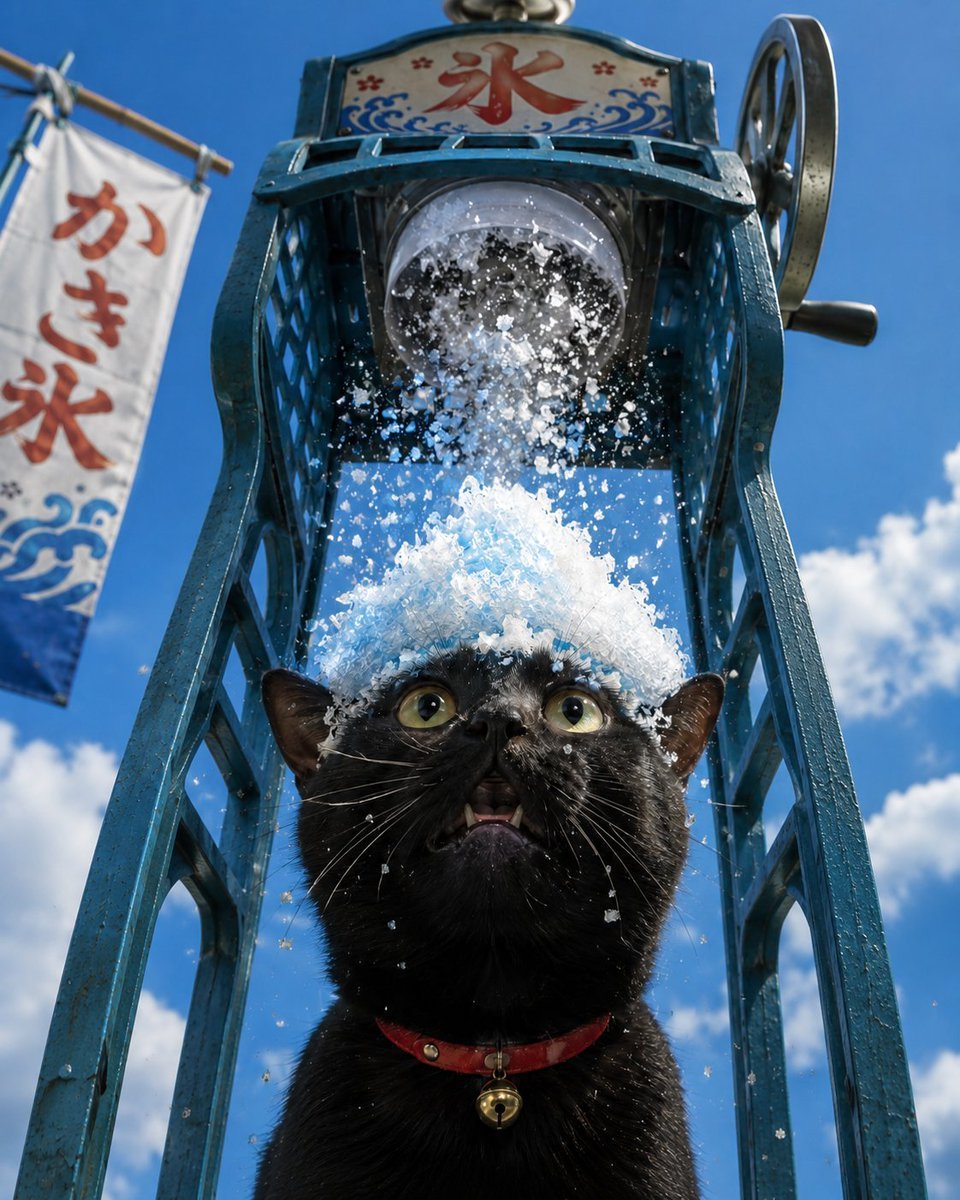
Black Cat Under Shaved Ice Machine
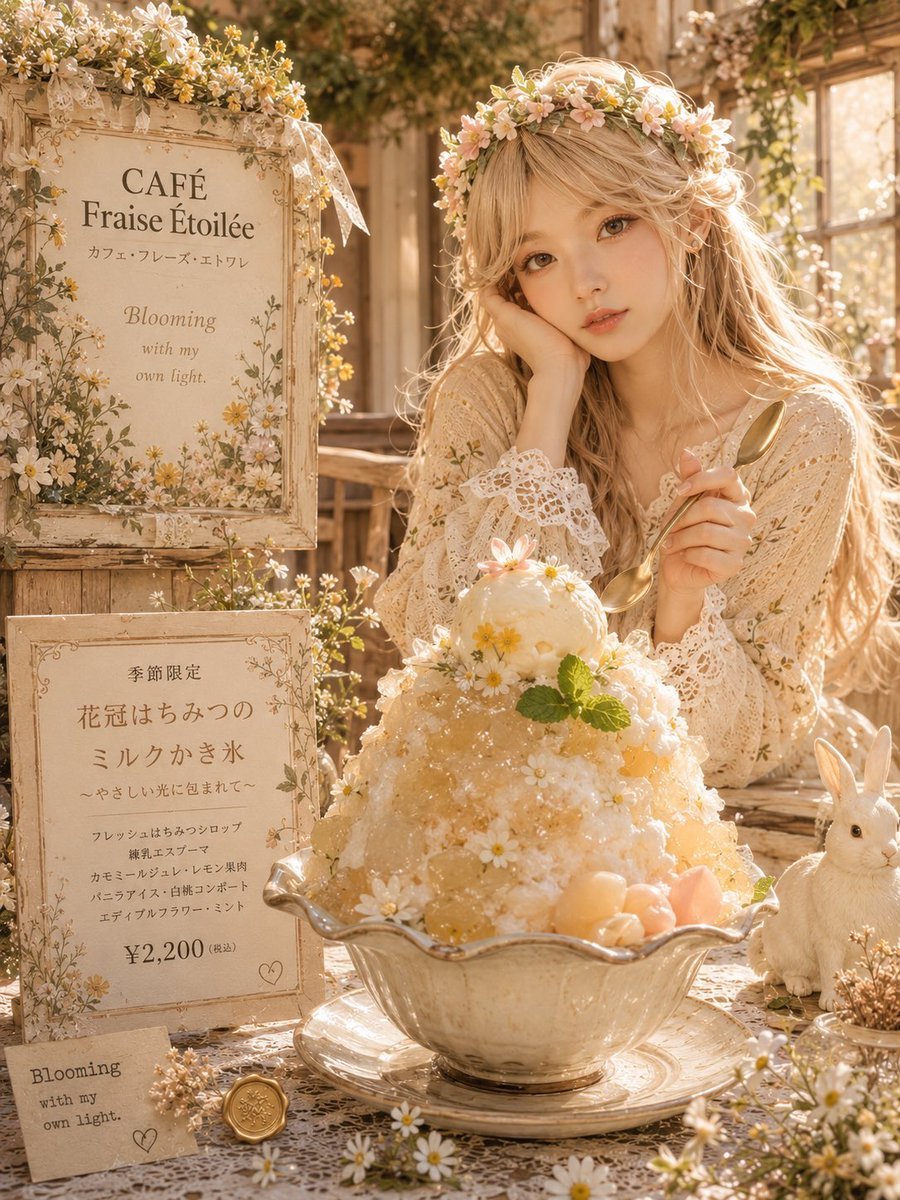
Dreamy Flower Crown Shaved Ice Café

Rooftop Fisheye — Cat-Ear Balaclava at Golden Hour

Eid al-Adha Cute Chaos — Fisheye Selfie with Farm Selfie, Mosque & Animals
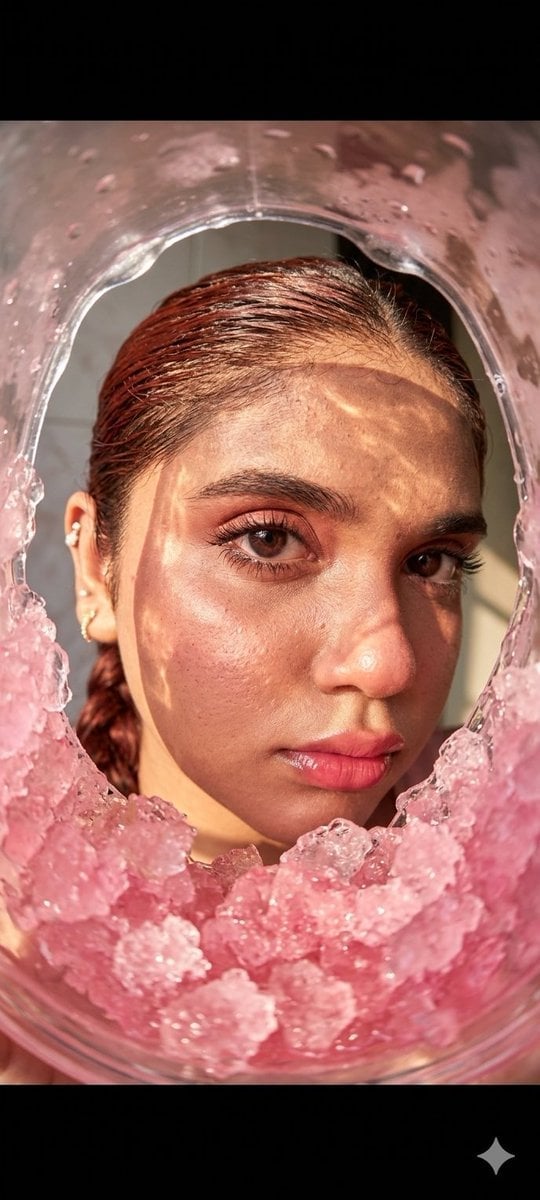
Fisheye Lens Slushy Ice Portrait
2000s Retro-Pop Fashion Cinematic Editorial Portrait

Japanese Negative Film Rooftop Summer Portrait
Pisa Tower Ice Cream Perspective Prompt
Cottagecore Shaved Ice Café Ad
Cybernetic Kimono Shaved Ice Cafe
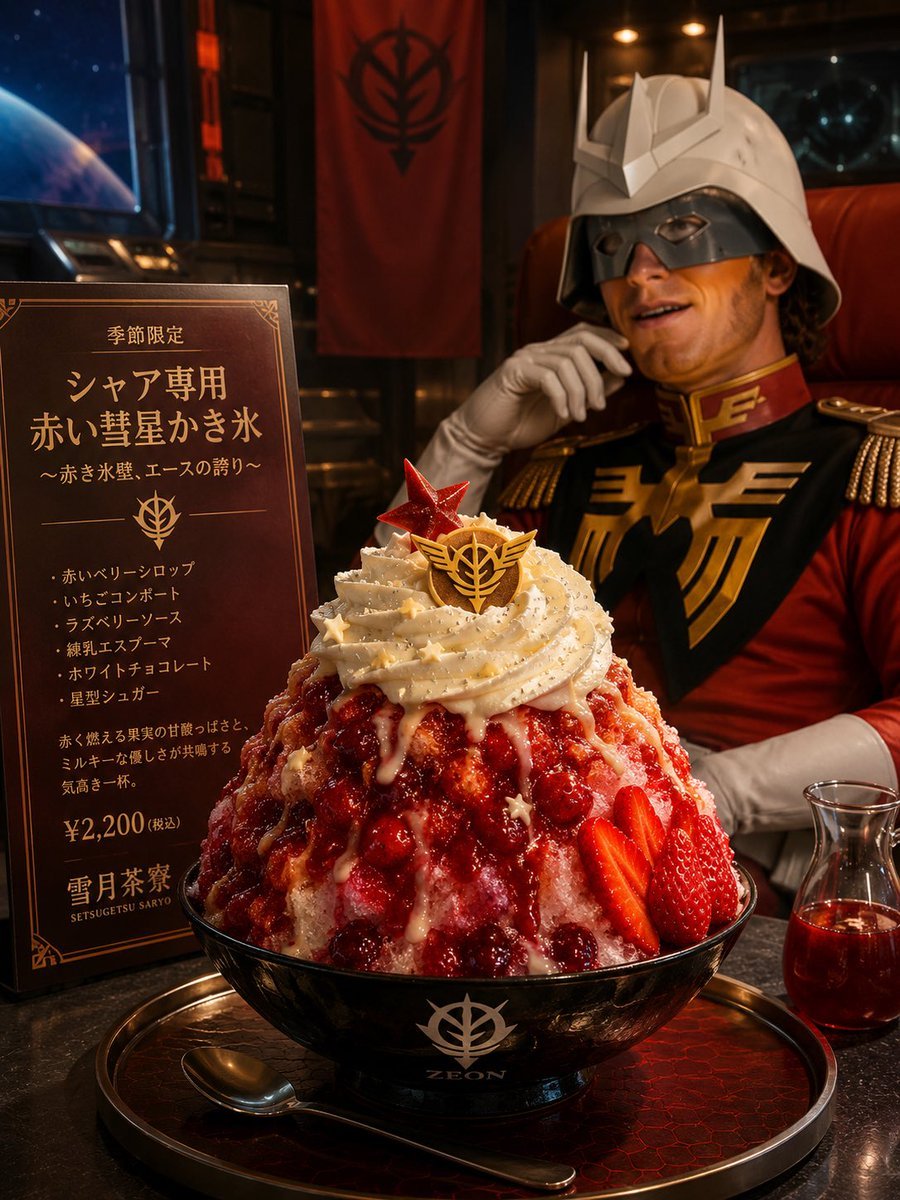
Char-Inspired Red Shaved Ice Café Ad
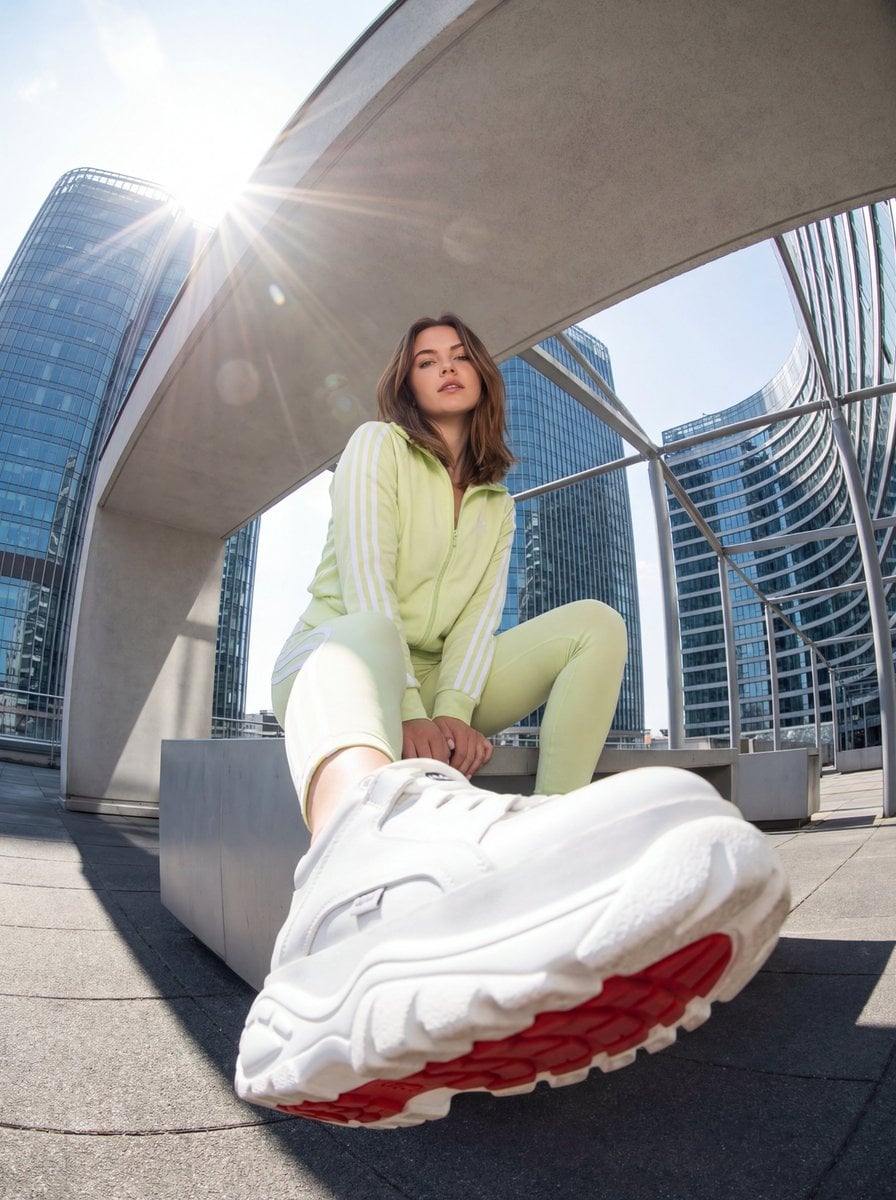
Urban Streetwear Photo with Extreme Fisheye Perspective
Make it yours
Summer Shaved Ice: Fisheye Perspective works as-is. These are the safest ways to change it without losing the look.
Change one field
Copy a single group, rewrite it, and generate again so you can see what that field is doing.
Keep the frame, change the subject
Hold the composition and light of Summer Shaved Ice: Fisheye Perspective, then swap wardrobe, props or the person for a new take.
| If the result… | Why | Fix |
|---|---|---|
| The result drifts from the preview | Too many fields changed at once. | Reuse Summer Shaved Ice: Fisheye Perspective as-is first, then change one group — subject, light, or setting. |
| The model over-stylizes the scene | The prose prompt leaves finish and camera underspecified. | Add one camera or lighting sentence and stay on GPT Image 2. |
More GPT Image 2 templates
Other prompts made for GPT Image 2.

Six VTuber Japanese Logo Sheet

Realistic Portrait of Woman and Deer

The Vista Modular Condo Poster

AI Model Routing Comparison Infographic

2.5D Anime Art Board

Isometric Productivity Desk Scene

New York Double Exposure Poster

Four-Panel AI Landscape Comparison

Japanese Tatami Lifestyle Magazine Cover

NESCAFÉ Coffee Map Poster
More image prompts
Fresh picks from across the catalog.
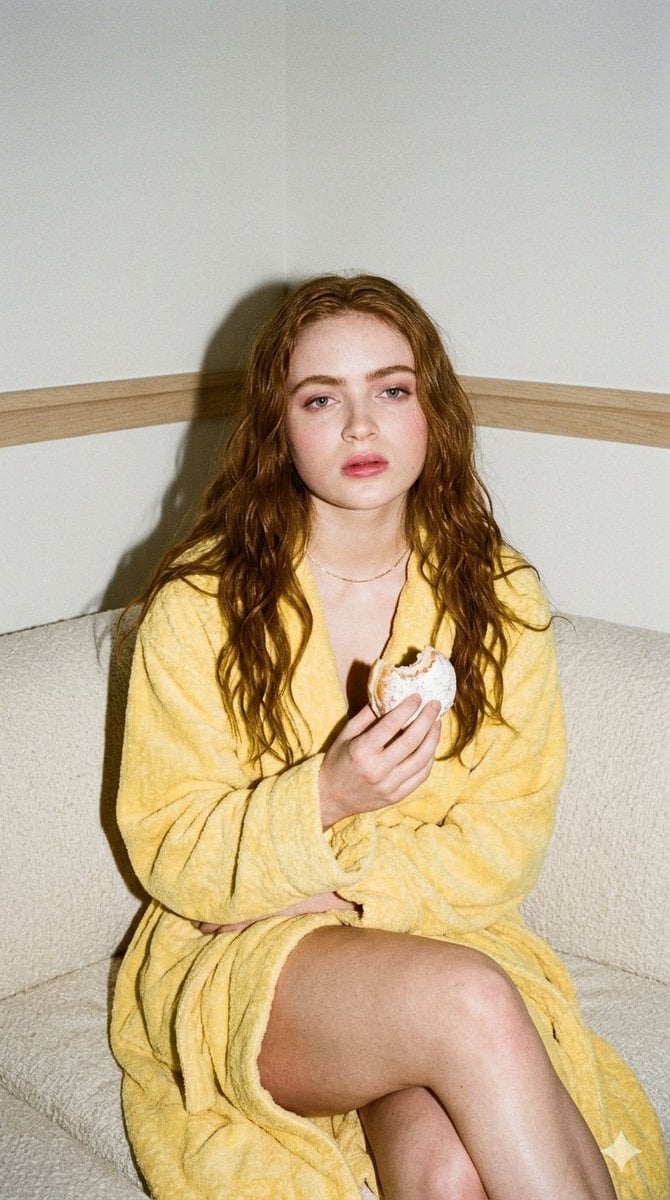
Candid 35mm Film Aesthetic Portrait with Donut Prompt for Gemini Nano Banana Pro
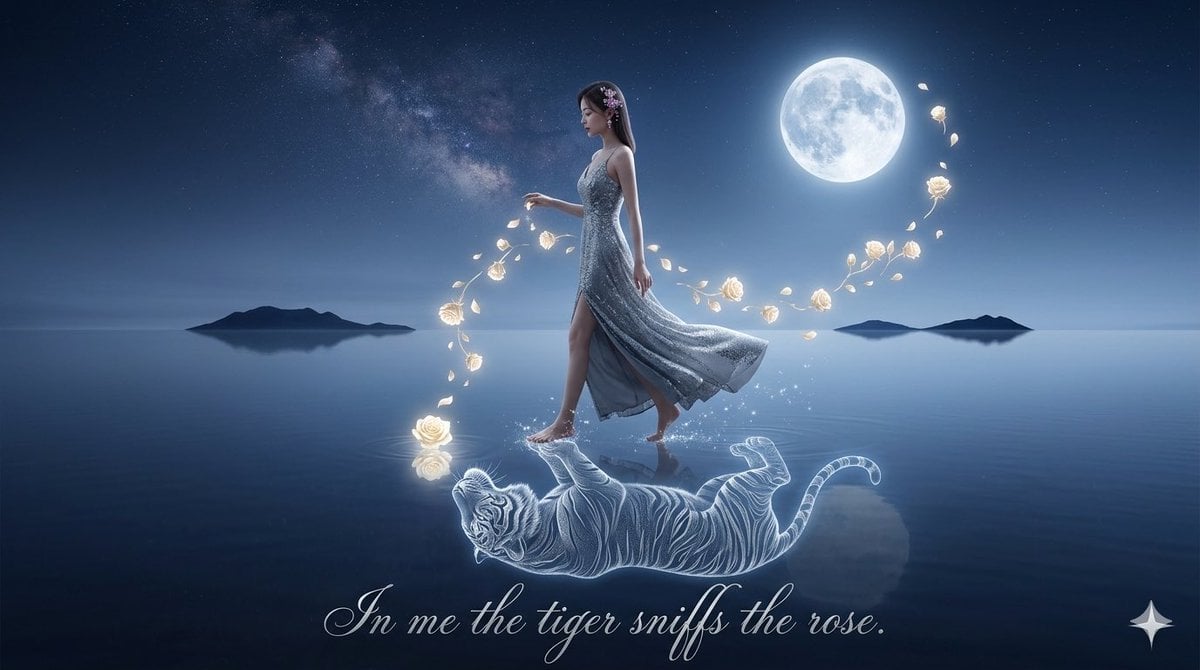
Spirit-Tiger Water Walk
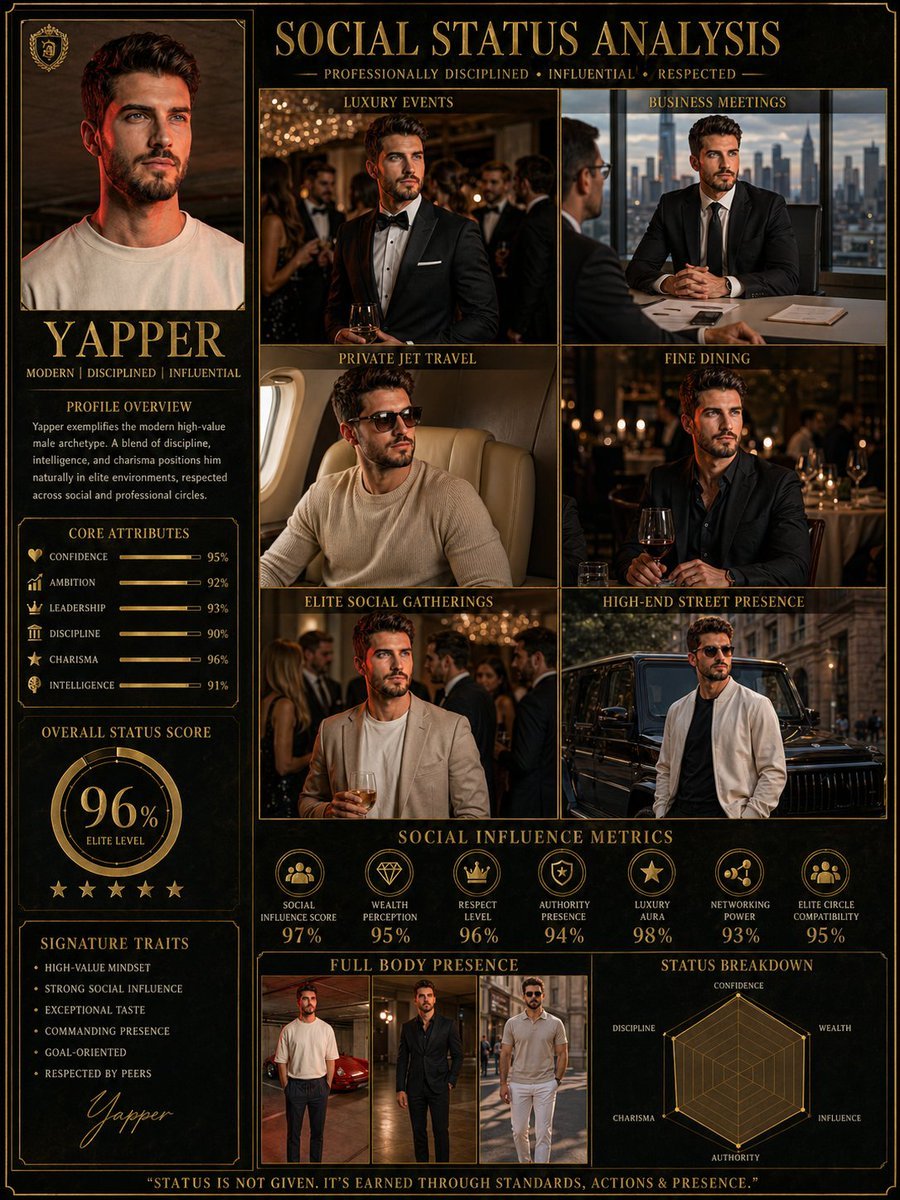
Social Status Analysis poster prompt
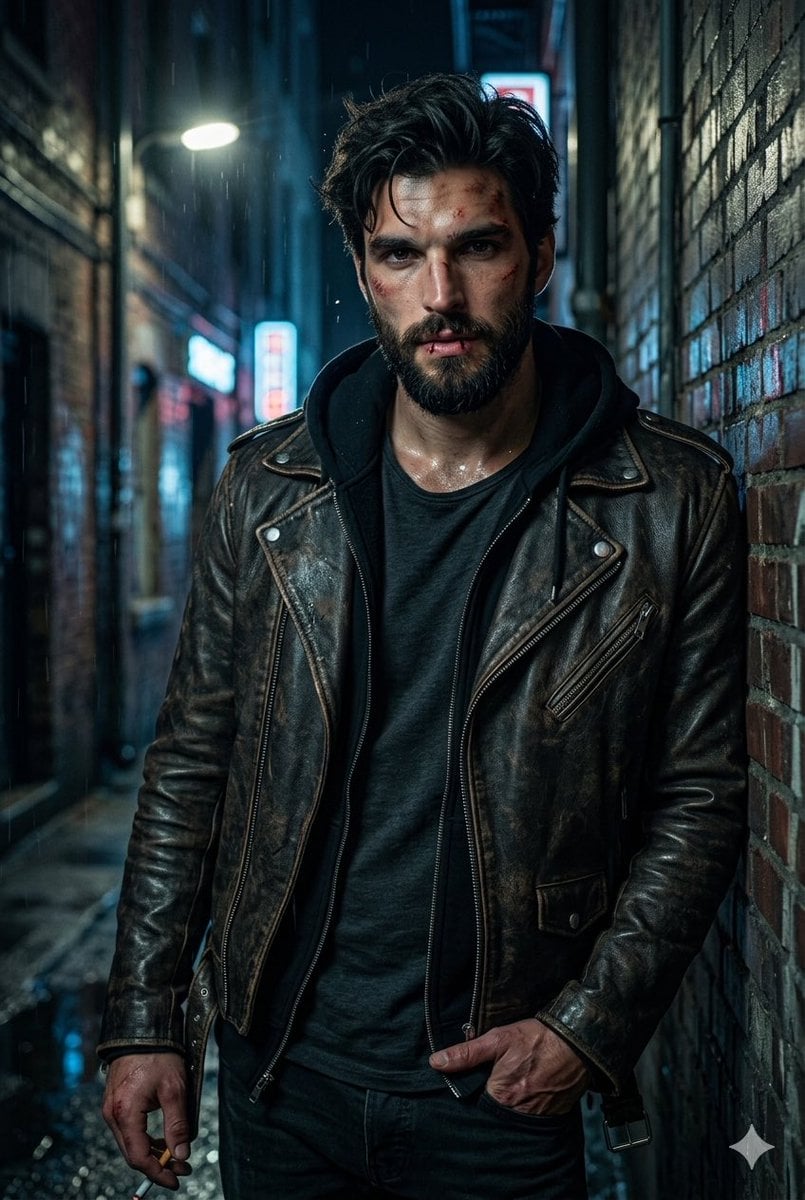
Rugged Urban Portrait
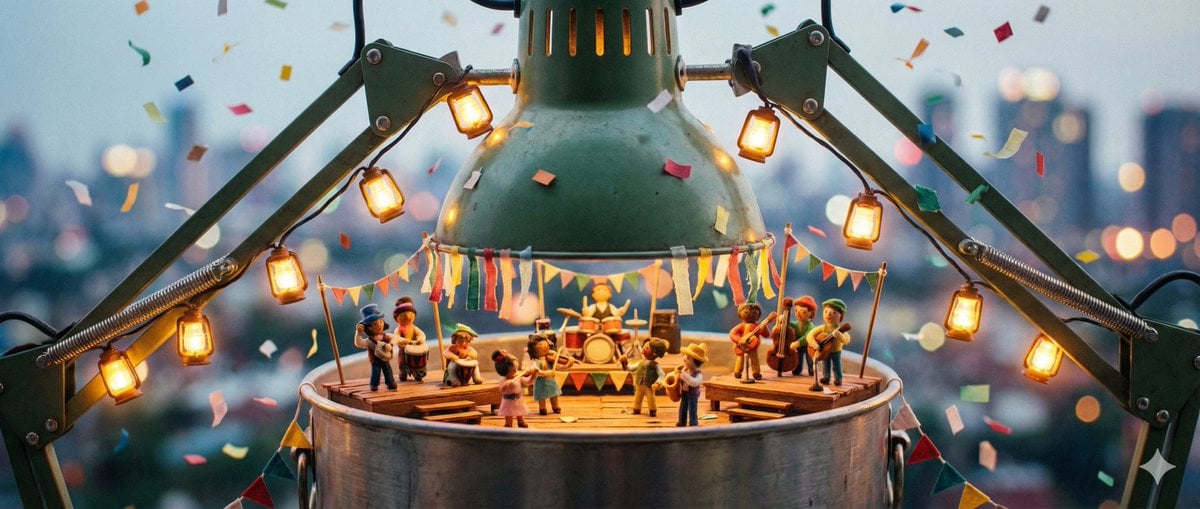
Tiny Characters Festival on Everyday Object Prompt
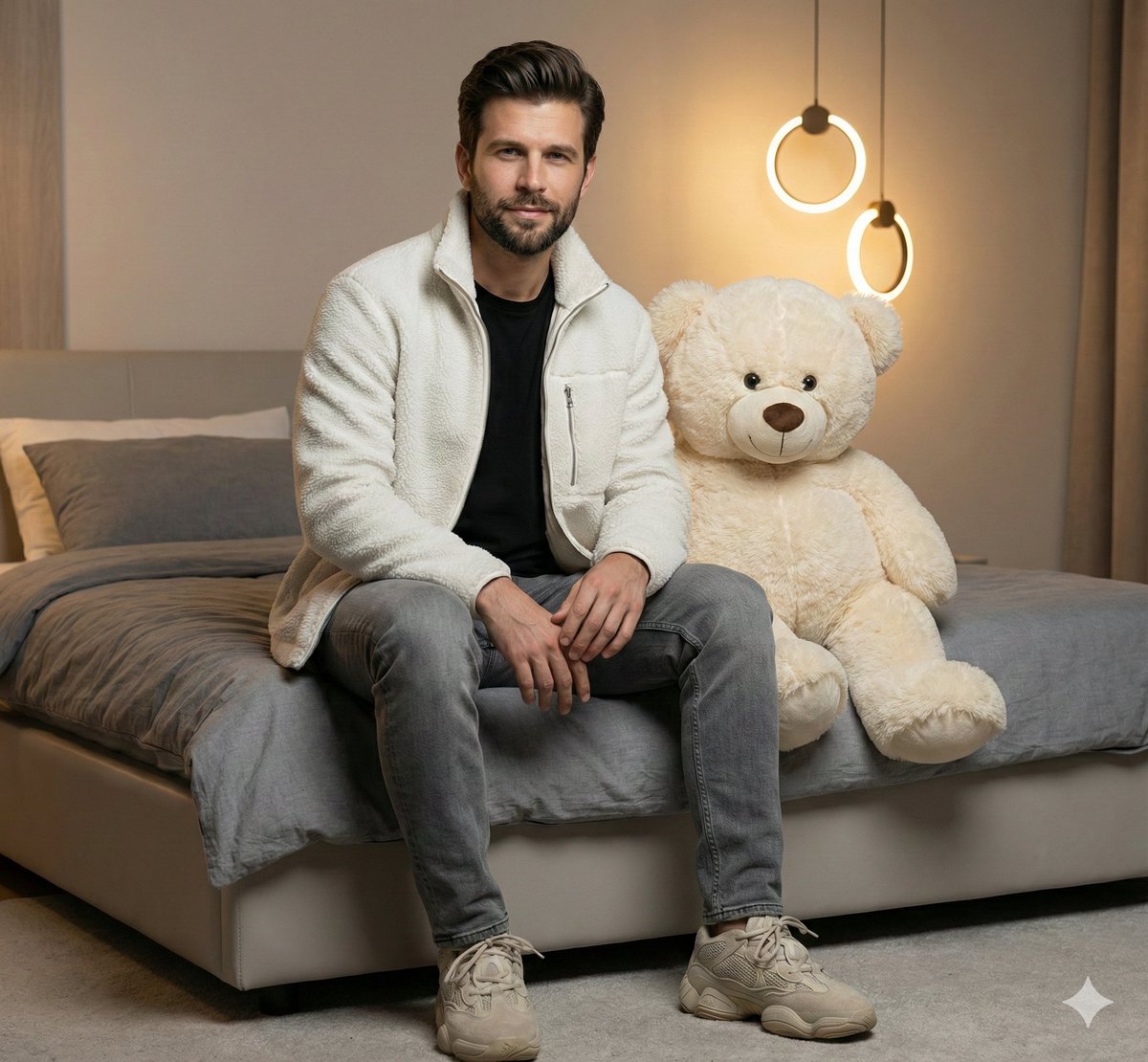
Realistic Portrait of Man with Teddy Bear
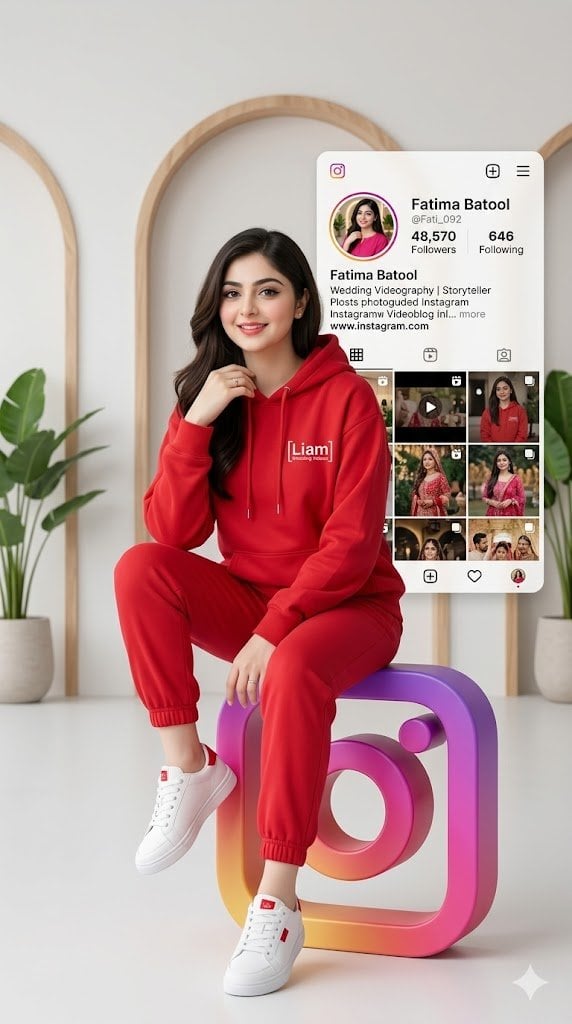
3D Social Media Profile Card
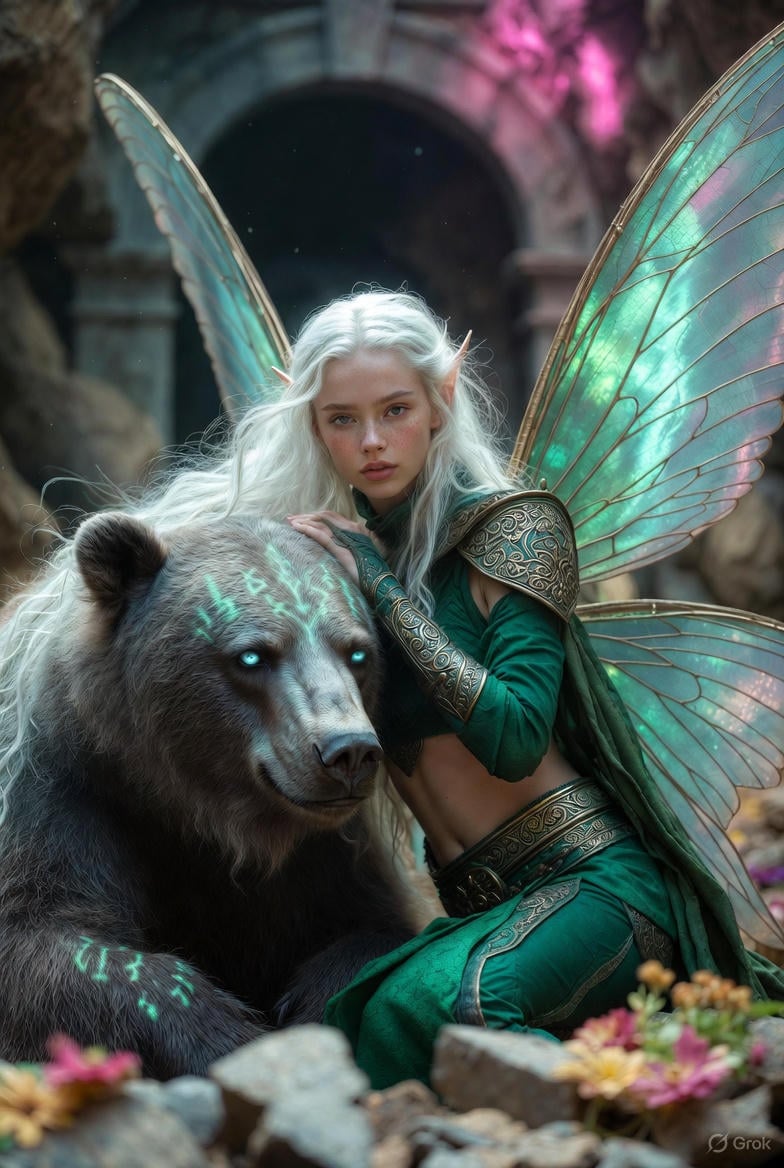
Photorealistic Fantasy Scene: Fairy and Muscular Bear in Cavern
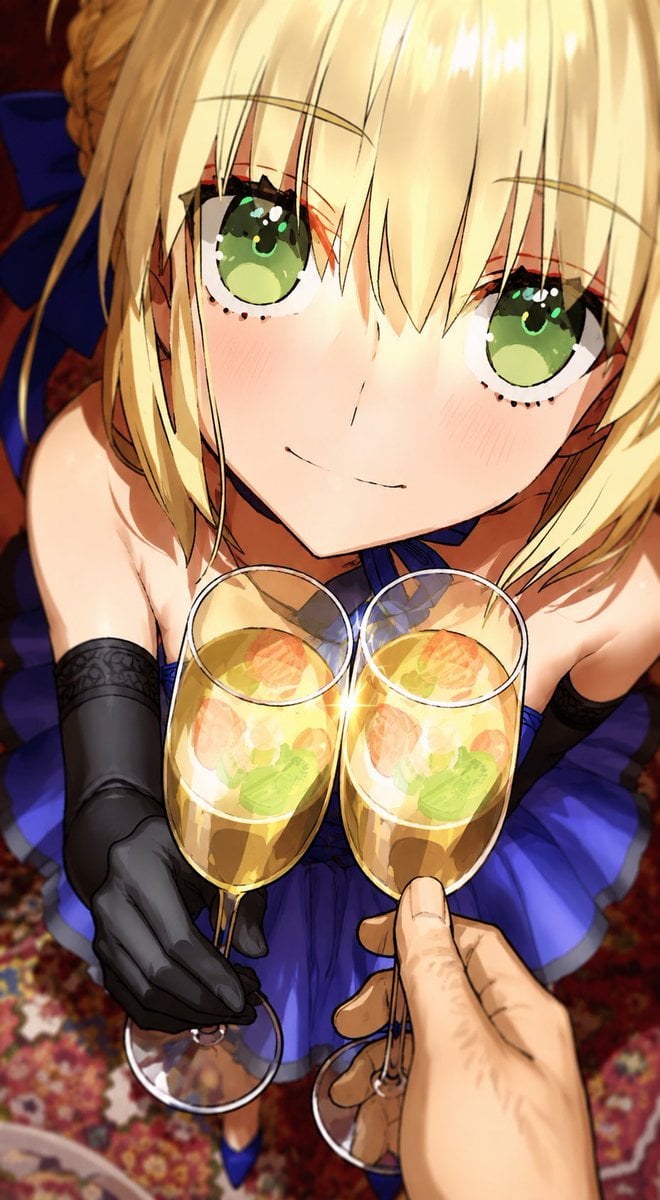
Anime Champagne Toast POV
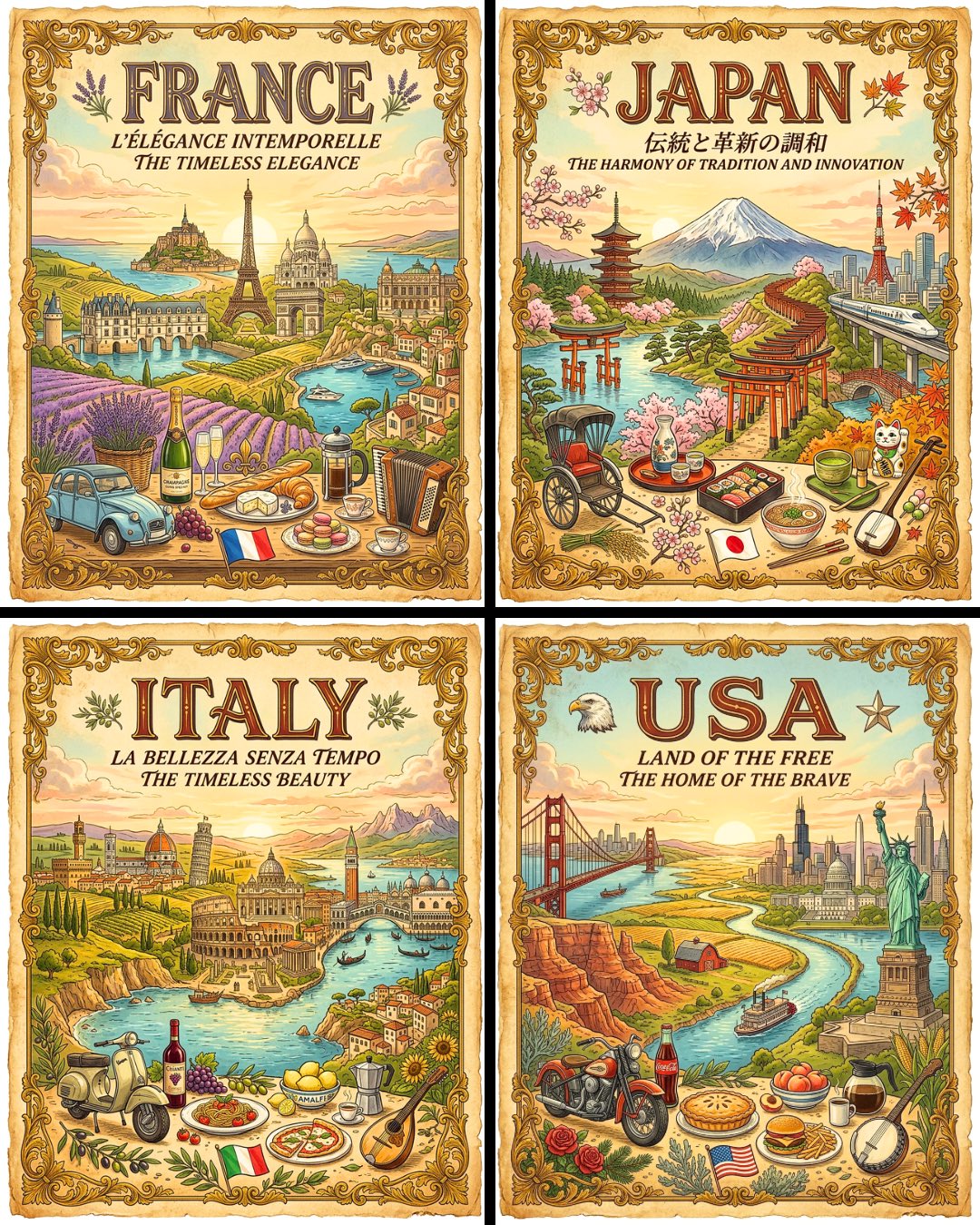
Vintage Travel Posters by Nano Banana 2
Browse template categories
Summer Shaved Ice: Fisheye Perspective questions
How do I use the Summer Shaved Ice: Fisheye Perspective template?
Add your photo if the template asks for one, edit the prompt if you like — the template's model and format are already selected — and press Generate. Your version opens in PicX Studio.
Can I customize the Summer Shaved Ice: Fisheye Perspective template?
Yes. You can change the subject, setting, lighting, mood, format, and available model controls before creating your image.
Is the Summer Shaved Ice: Fisheye Perspective template free?
Opening and editing this template is free. Generating uses credits, shown on the Generate button when you are signed in.
Which AI model should I use?
Start with GPT Image 2, which is the model associated with this template. You can compare another compatible model for a different finish.
Looking for something else? Browse all templates.

Your photo, any look
Thousands of ready templates for every top image and video model, from one credit balance.