
Pisa Tower Ice Cream Perspective Prompt
A detailed GPT Image 2 prompt creating a visual illusion where the Leaning Tower of Pisa appears to be the soft-serve ice cream on a waffle cone.
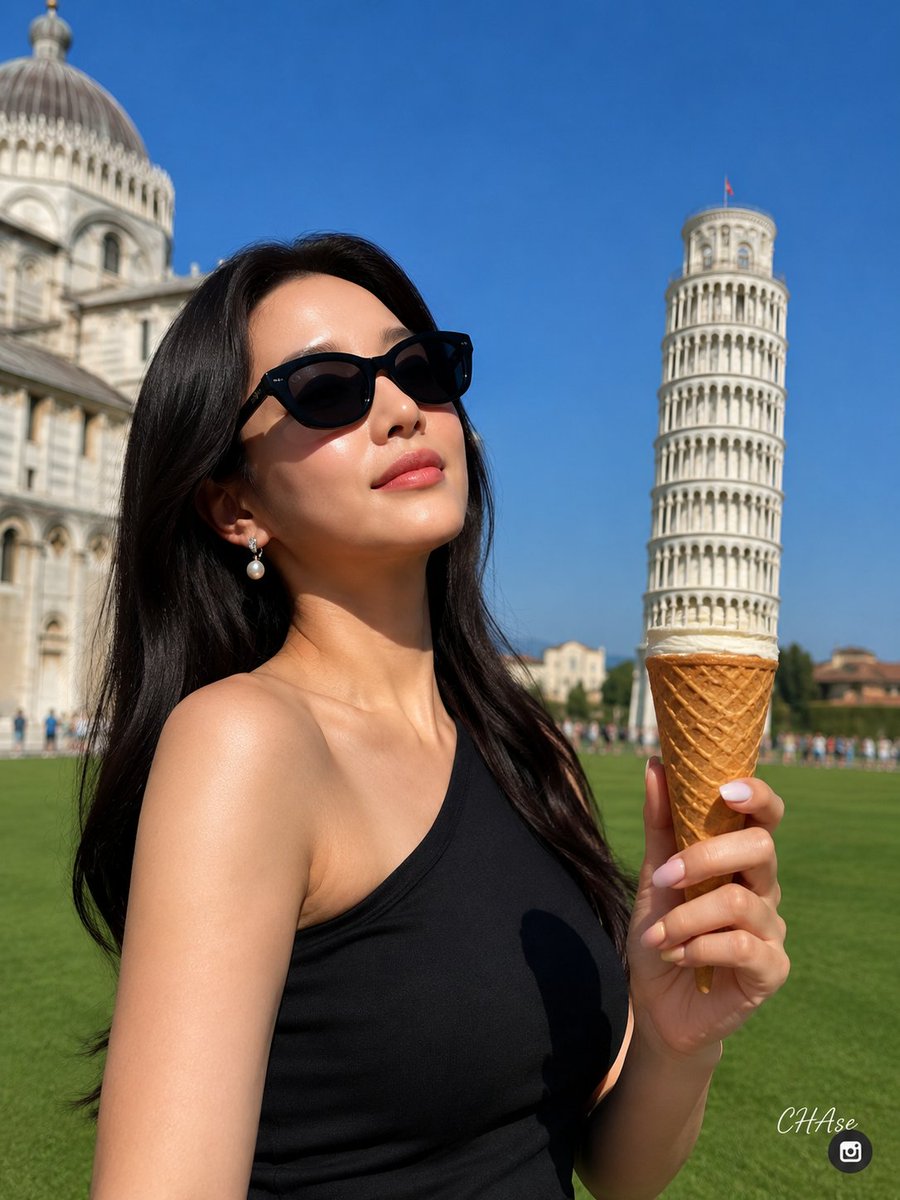
- Prompt included
- Model and format preset
- Premium template
The prompt behind this image
Copy the exact prompt behind Pisa Tower Ice Cream Perspective Prompt, or open it in the studio and make it yours.
[Subject] Reference image 1, image 2 [Subject's pose and expression] Standing against the backdrop of {argument name="location" default="the Leaning Tower of Pisa"}, with her head tilted slightly toward the upper left, wearing a satisfied smile. She holds an ice cream waffle cone in her left hand, and is posed using forced perspective so that the Leaning Tower of Pisa in the background appears as if it were the soft-serve ice cream on top of the waffle cone. The perspective should be set so that the Leaning Tower of Pisa sits exactly on top of the waffle cone the subject is holding, like a scoop of ice cream. [Subject's outfit] Wearing {argument name="outfit" default="a simple, body-hugging black one-shoulder sleeveless top"}. [Subject's hairstyle and makeup details] A neat, natural long hairstyle with a center part, draped calmly down over the front of the shoulders. She wears round black cat-eye sunglasses that cover her eyes, and drop earrings combining silver and pearl in her ears. Her nails are long, almond-shaped nail art with a pastel pink-to-yellow gradient. [Lighting and light direction] Intense midday direct sunlight on a clear day, shining from the upper right in front of the subject. Bright highlights form on the subject's face and shoulders, and the raised left hand and waffle cone cast sharp, well-defined shadows on her chest and the surface of her clothing — a high-contrast light source. [Texture and color mood] The vivid, clear blue sky, the green of the lush lawn, and the beige tones of the historic architecture form a vibrant contrast. The waffle cone's lattice texture and the smooth glossy texture of the sunglasses feel vivid and alive, creating a lively summer resort mood. [Film and camera lens depth, angle] A medium close-up snapshot at eye level, shot with an aperture of f/1.8, a focal length of 5.4mm, ISO 100 sensitivity, and a shutter speed of 1/2000 second. Reflecting the characteristics of a smartphone wide-angle camera, the subject in front and the waffle cone in her hand are in extremely precise, sharp focus, while the distant background buildings are softly out of focus due to distance. In terms of framing, the subject is on the left and the Leaning Tower of Pisa is on the right. [Background elements (optional)] The Piazza dei Miracoli (Cathedral Square) in Pisa, Italy. On the right stands the massive, tilted, white marble structure of the Leaning Tower of Pisa; on the left is the grand, domed Pisa Cathedral. Between the two buildings, a well-maintained, wide, green lawn stretches out endlessly, and a perfectly clear, cloudless blue sky fills the background. [Signature] In the lower right corner, a small Threads logo (operated by Meta) is placed, and above it, written small like a signature in white cursive script, is "{argument name="signature" default="CHAse"}". 4.5 ratio.
How to use Pisa Tower Ice Cream Perspective Prompt in 3 steps
- 1Upload ImagePNG, JPG or paste
Add your photo
Upload the photo the template builds on. The prompt, model and format are already set.
- 2…a portrait of your subject in softgolden-hour light, 85mm…
Personalize
Edit the subject and creative details for your destination.
- 3Generate
Generate
Press Generate — your image is created in PicX Studio, so you can compare it with the original and refine one variable at a time.
More like this
Templates with the same subject, style or setup. Open one to see its prompt.

Puppy and Robot Dog Ice Cream Scene
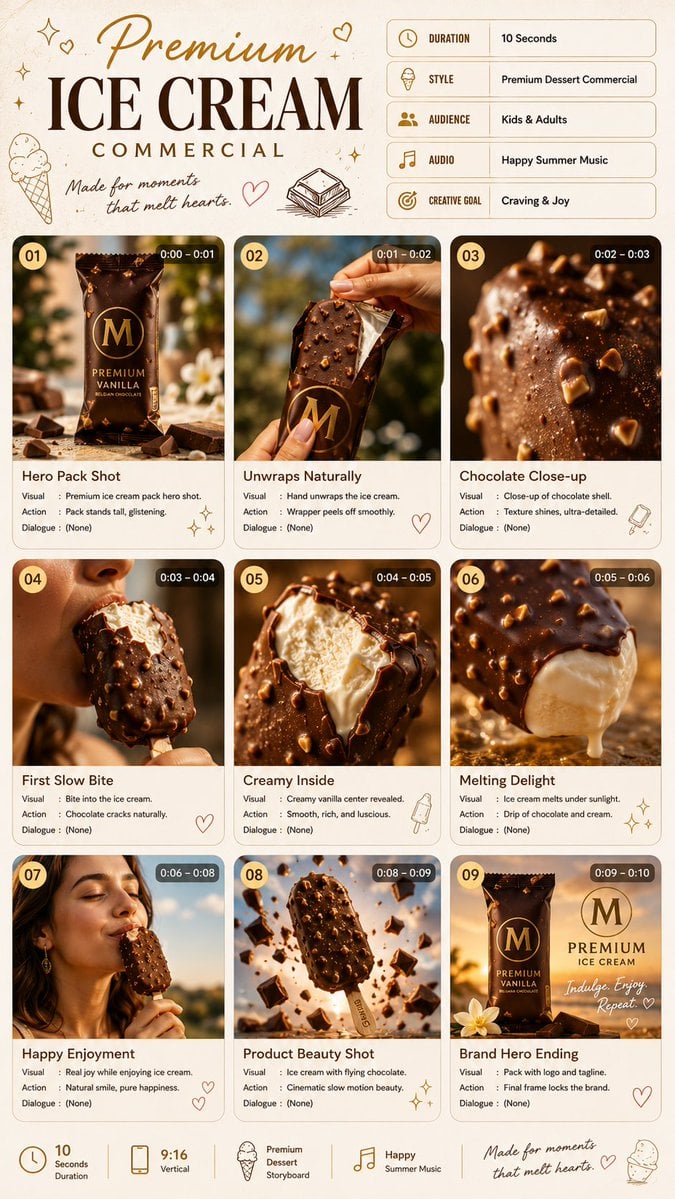
Premium Ice Cream Commercial Storyboard

Premium Ice Cream Product Grid Poster
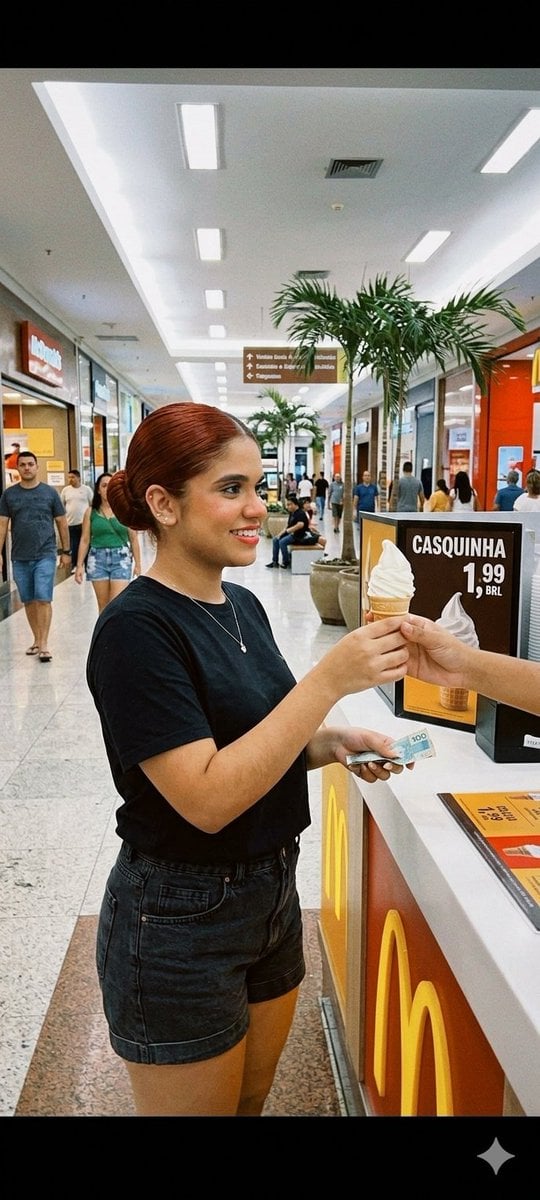
Candid Mall Ice Cream Kiosk Photo
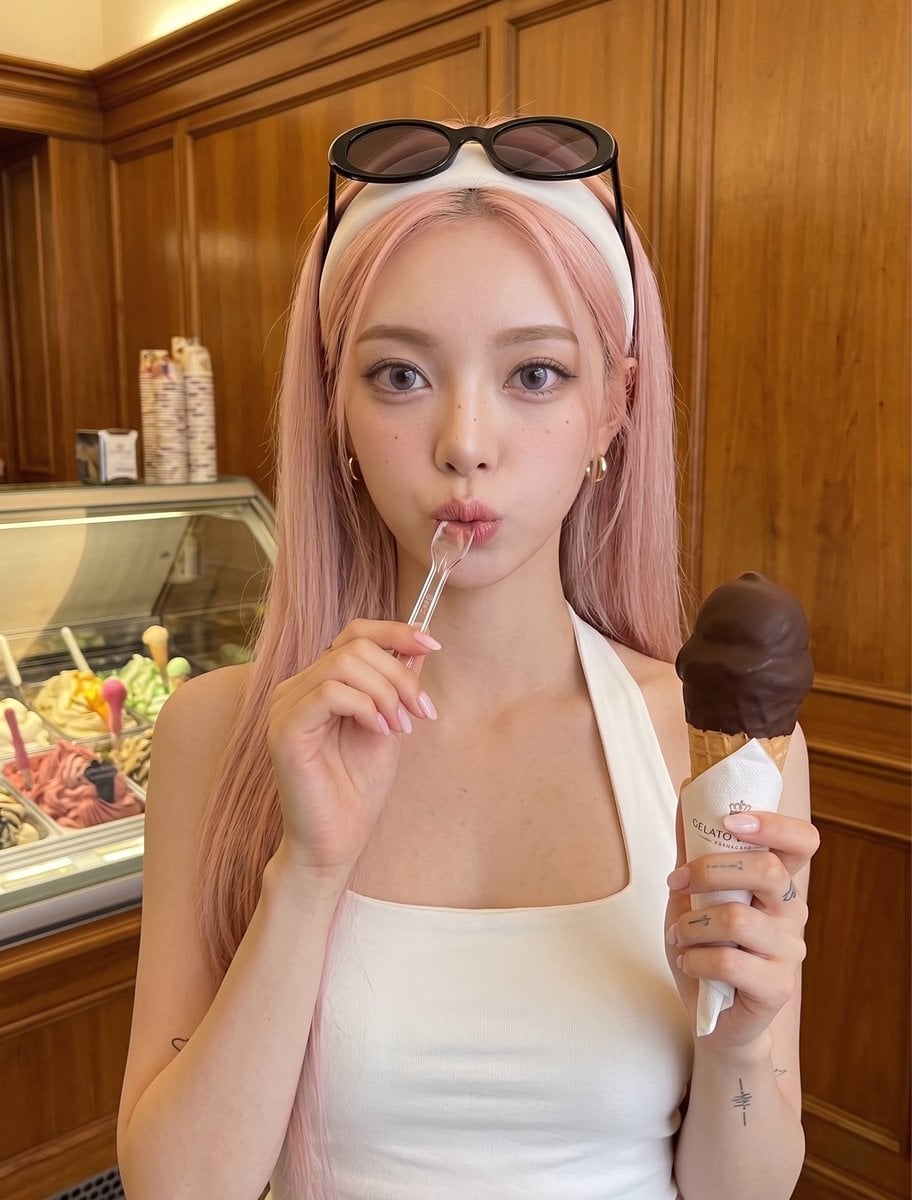
Woman with Ice Cream Shop Portrait
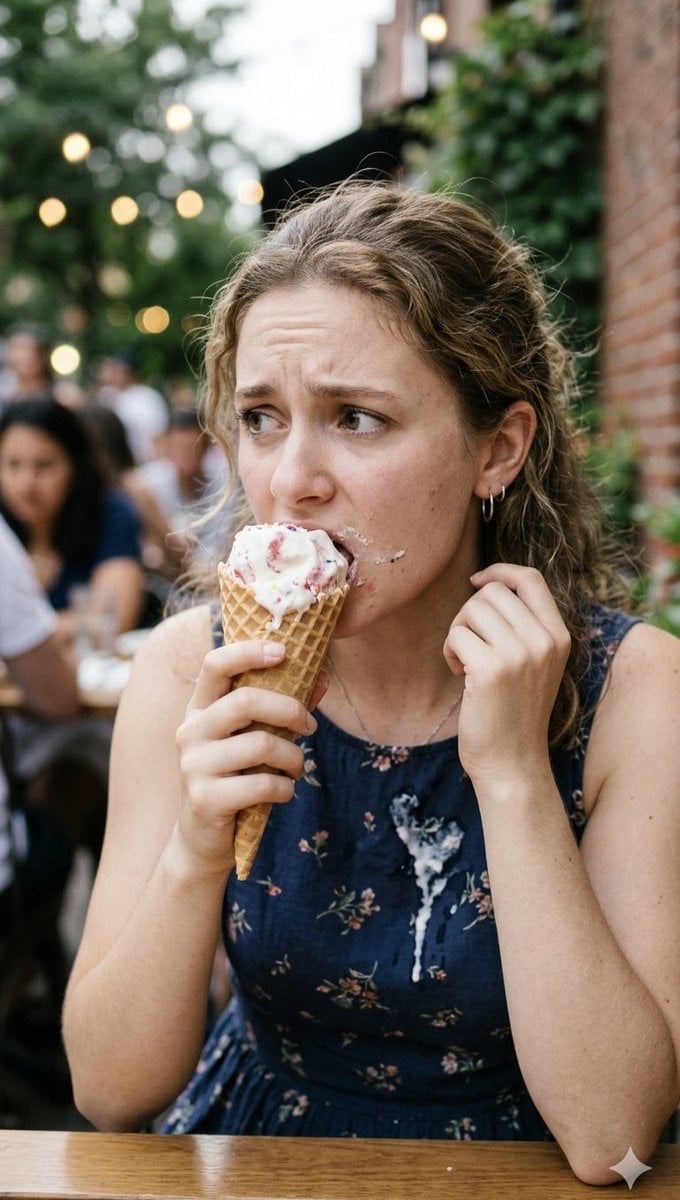
Stressed Woman with Drip Ice Cream
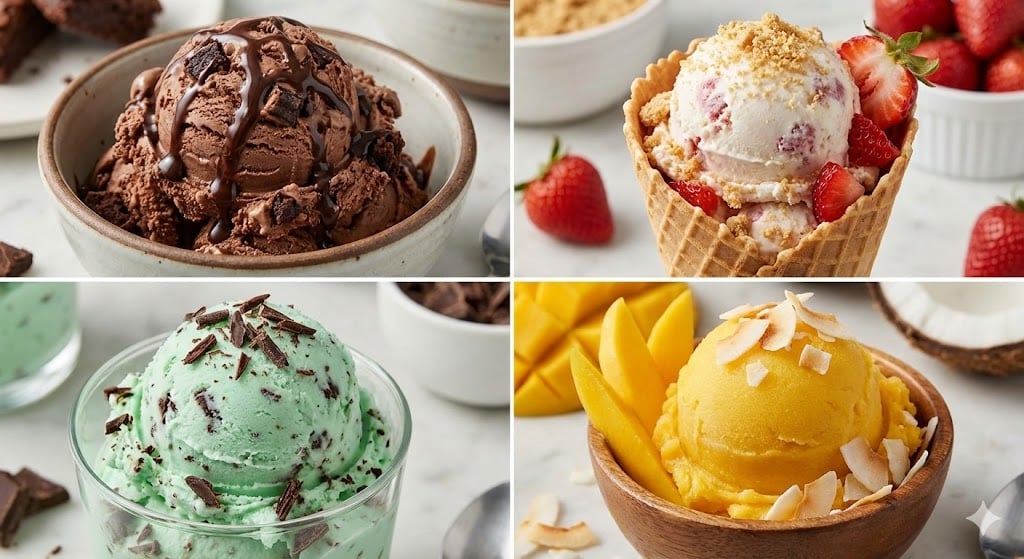
Assorted Ice Cream Flavors Grid
Anime Ice Cream Castle Cone
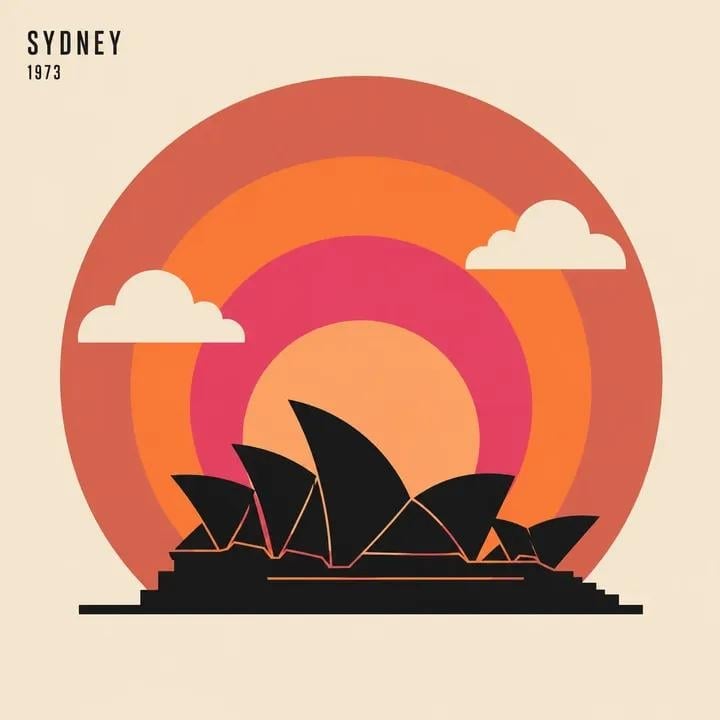
Ice Cream Truck Pastel
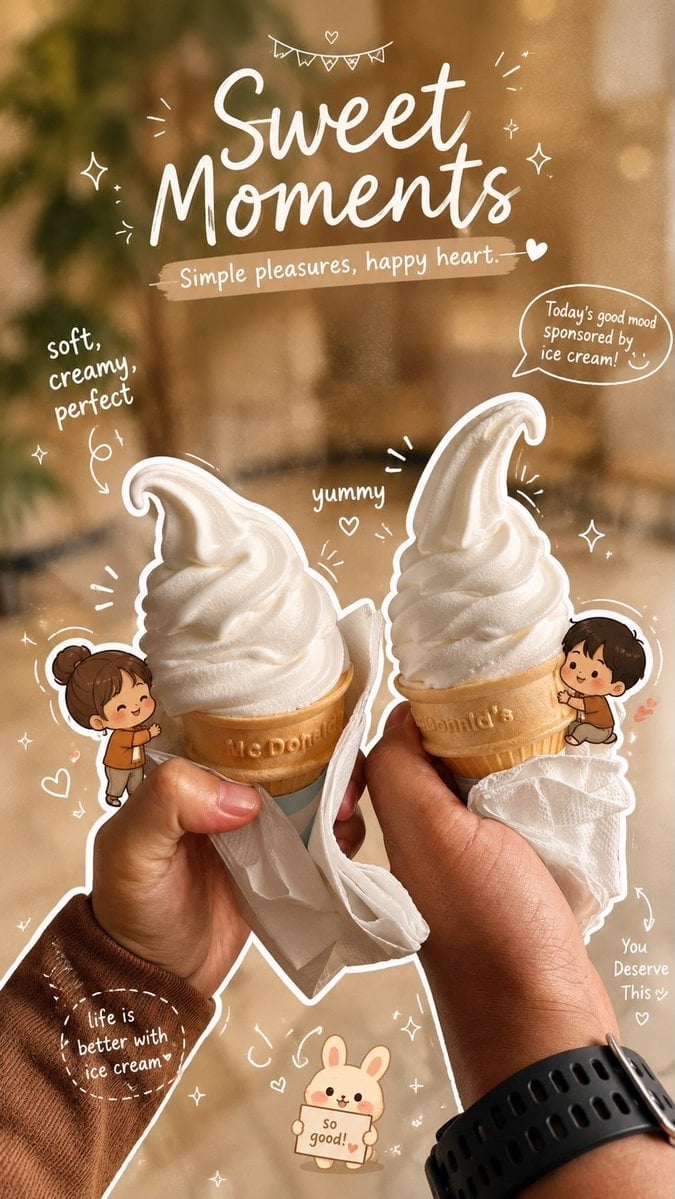
Cozy Café Ice Cream Hands Close-Up
Cozy Café Ice Cream Hands Close-Up

Blonde Anime Girl with Ice Cream
Make it yours
Pisa Tower Ice Cream Perspective Prompt works as-is. These are the safest ways to change it without losing the look.
Change one field
Copy a single group, rewrite it, and generate again so you can see what that field is doing.
Keep the frame, change the subject
Hold the composition and light of Pisa Tower Ice Cream Perspective Prompt, then swap wardrobe, props or the person for a new take.
| If the result… | Why | Fix |
|---|---|---|
| The result drifts from the preview | Too many fields changed at once. | Reuse Pisa Tower Ice Cream Perspective Prompt as-is first, then change one group — subject, light, or setting. |
| The model over-stylizes the scene | The prose prompt leaves finish and camera underspecified. | Add one camera or lighting sentence and stay on GPT Image 2. |
More GPT Image 2 templates
Other prompts made for GPT Image 2.

Six VTuber Japanese Logo Sheet

Realistic Portrait of Woman and Deer

The Vista Modular Condo Poster

AI Model Routing Comparison Infographic

2.5D Anime Art Board

Isometric Productivity Desk Scene

New York Double Exposure Poster

Four-Panel AI Landscape Comparison

Japanese Tatami Lifestyle Magazine Cover

NESCAFÉ Coffee Map Poster
More image prompts
Fresh picks from across the catalog.
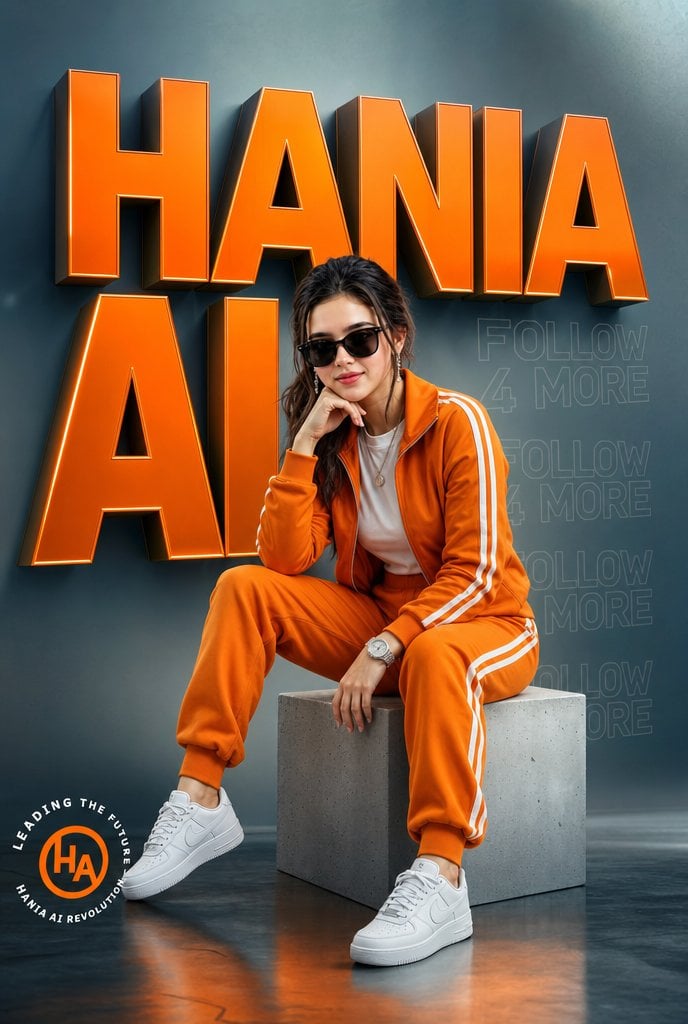
Orange Tracksuit Studio Poster
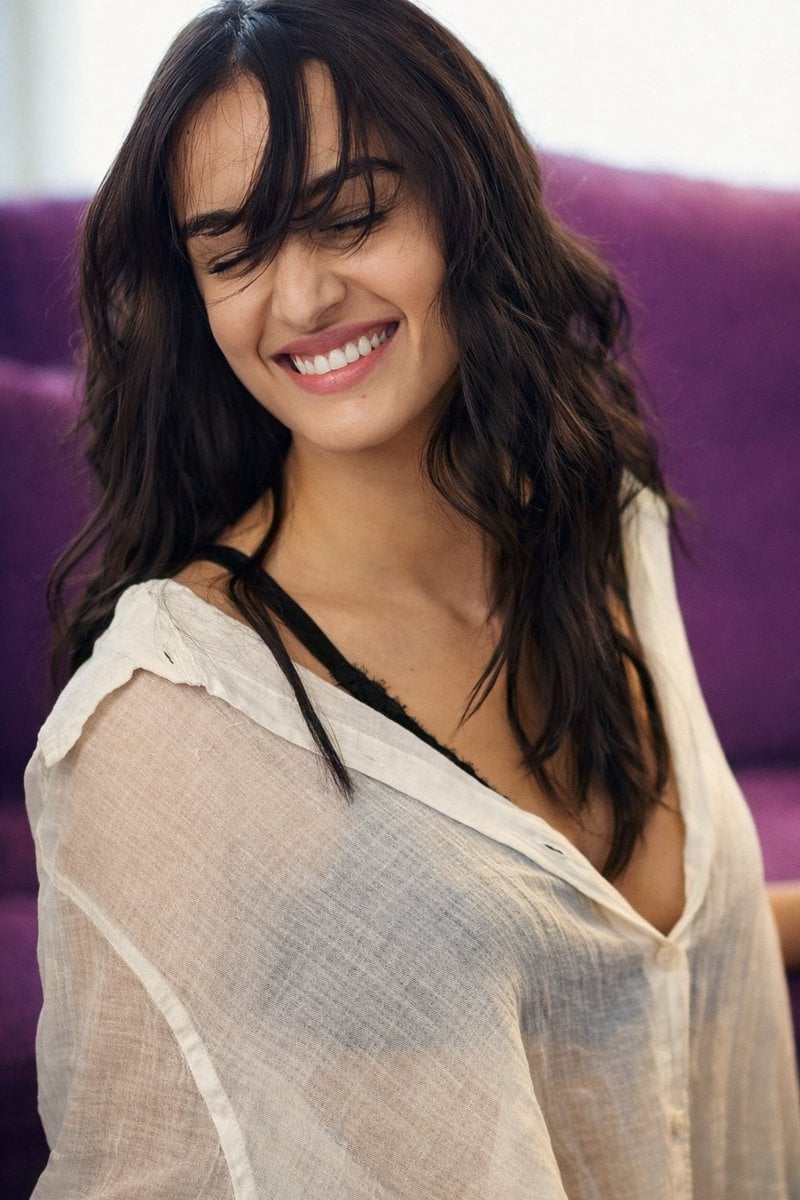
Photorealistic Image Prompt for Shraddha Kapoor in White
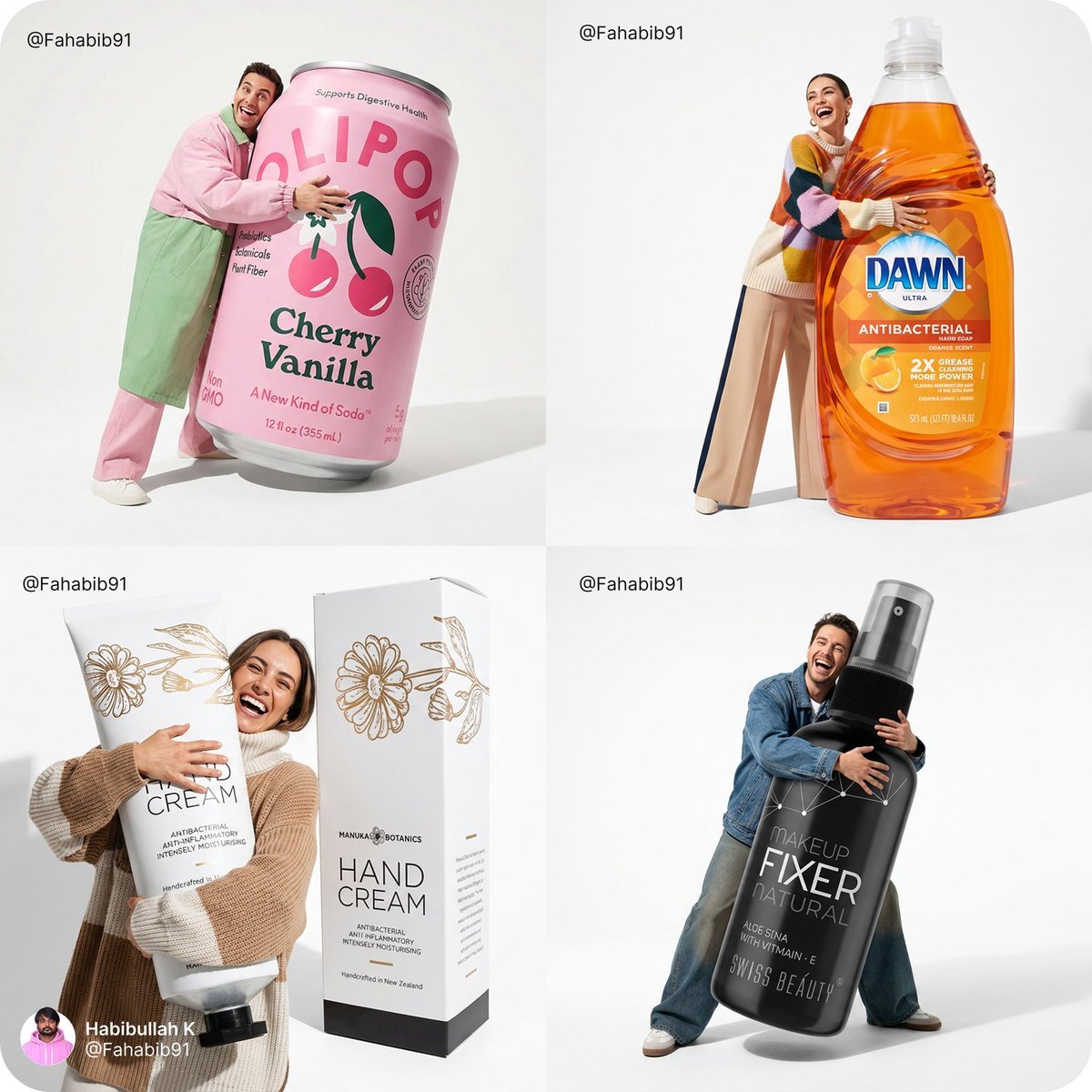
Fun Commercial Photography Prompt
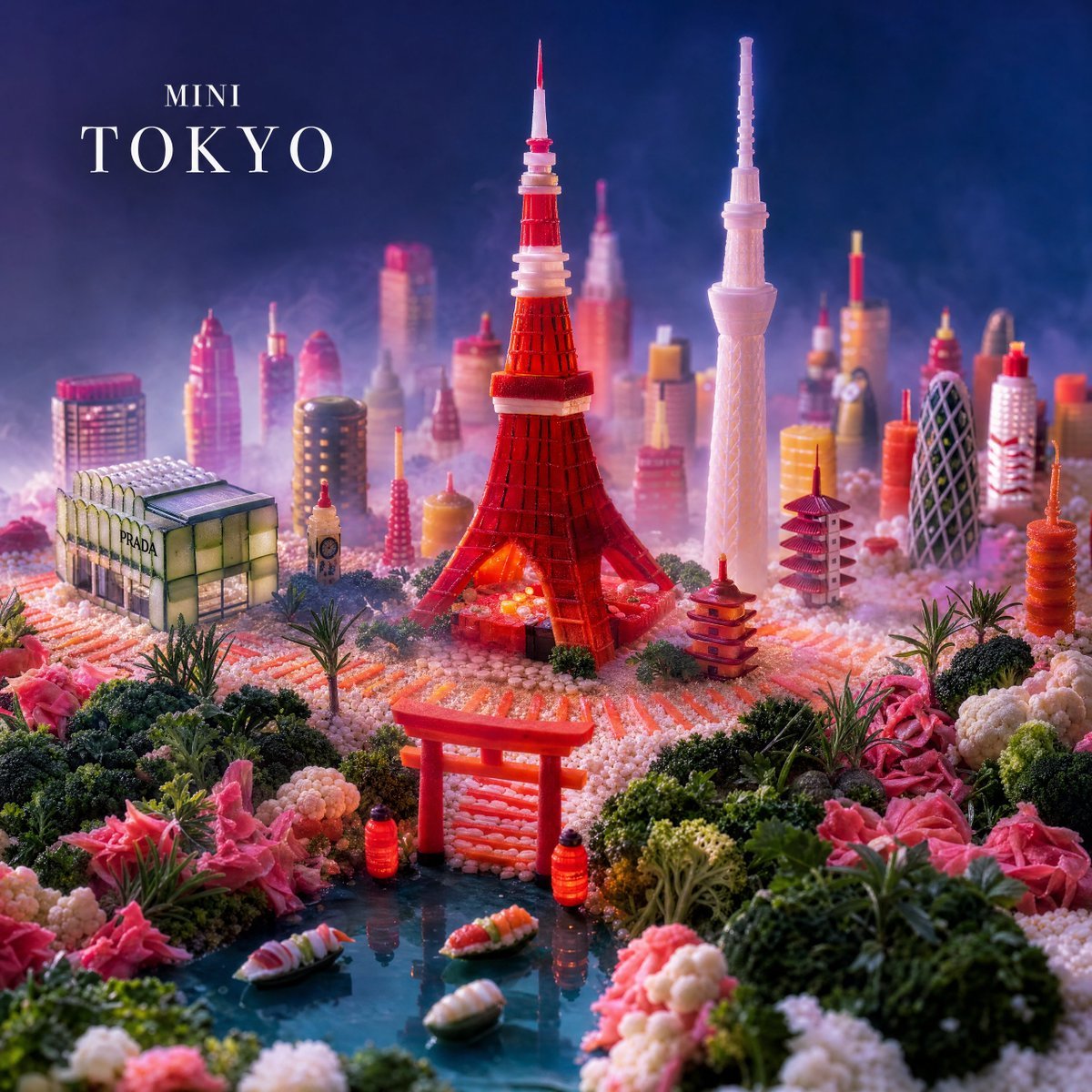
Mini Tokyo Food Landscape
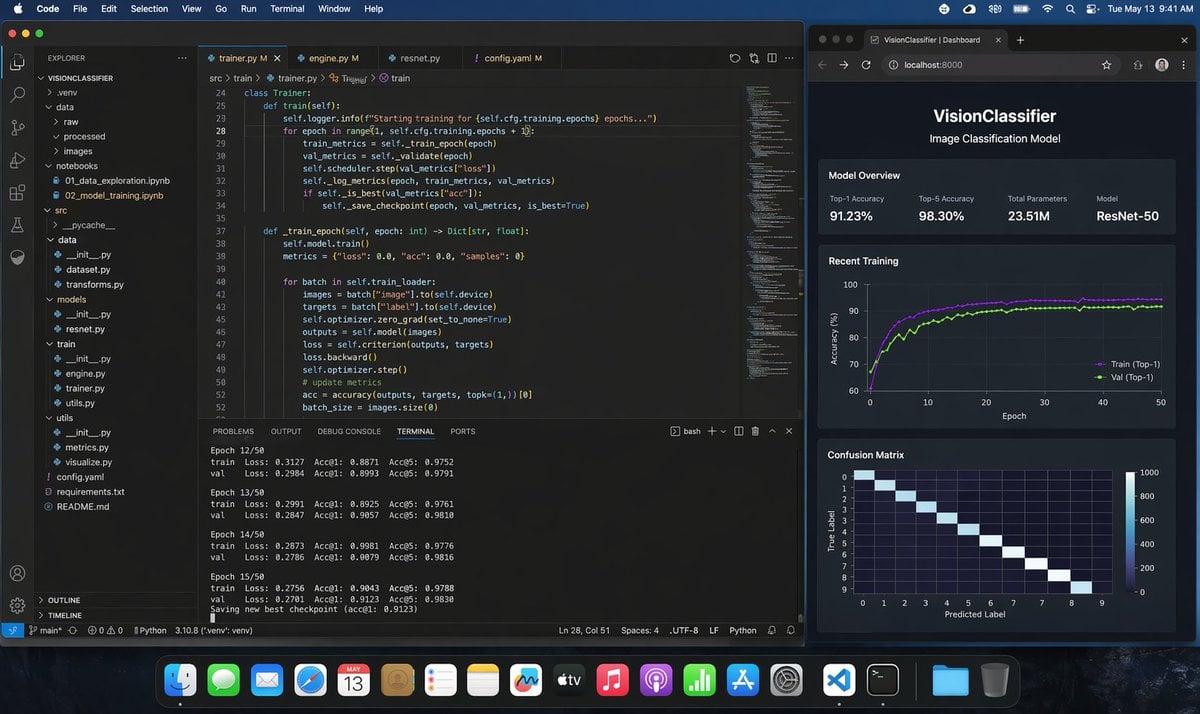
Photoreal ML Developer Desktop
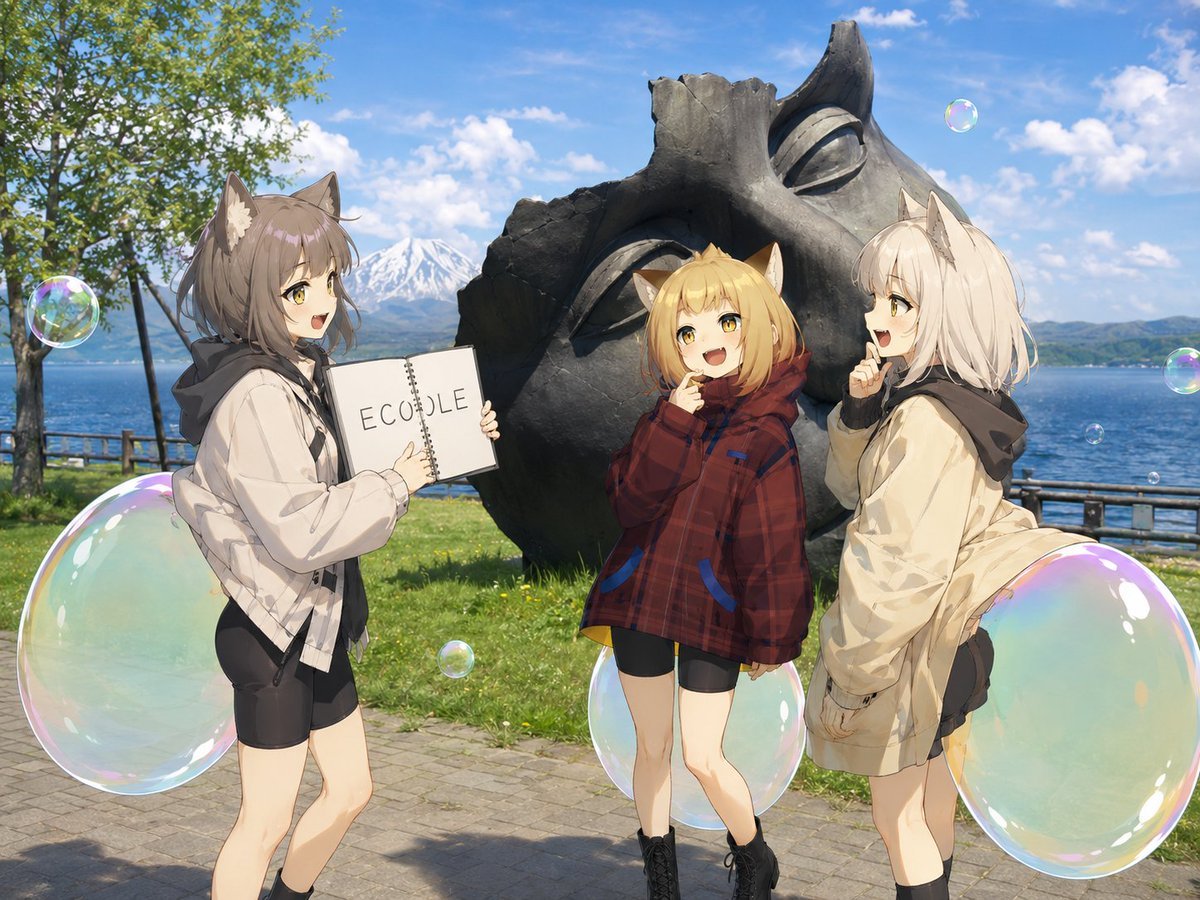
Anime Catgirls at Lakeside Statue
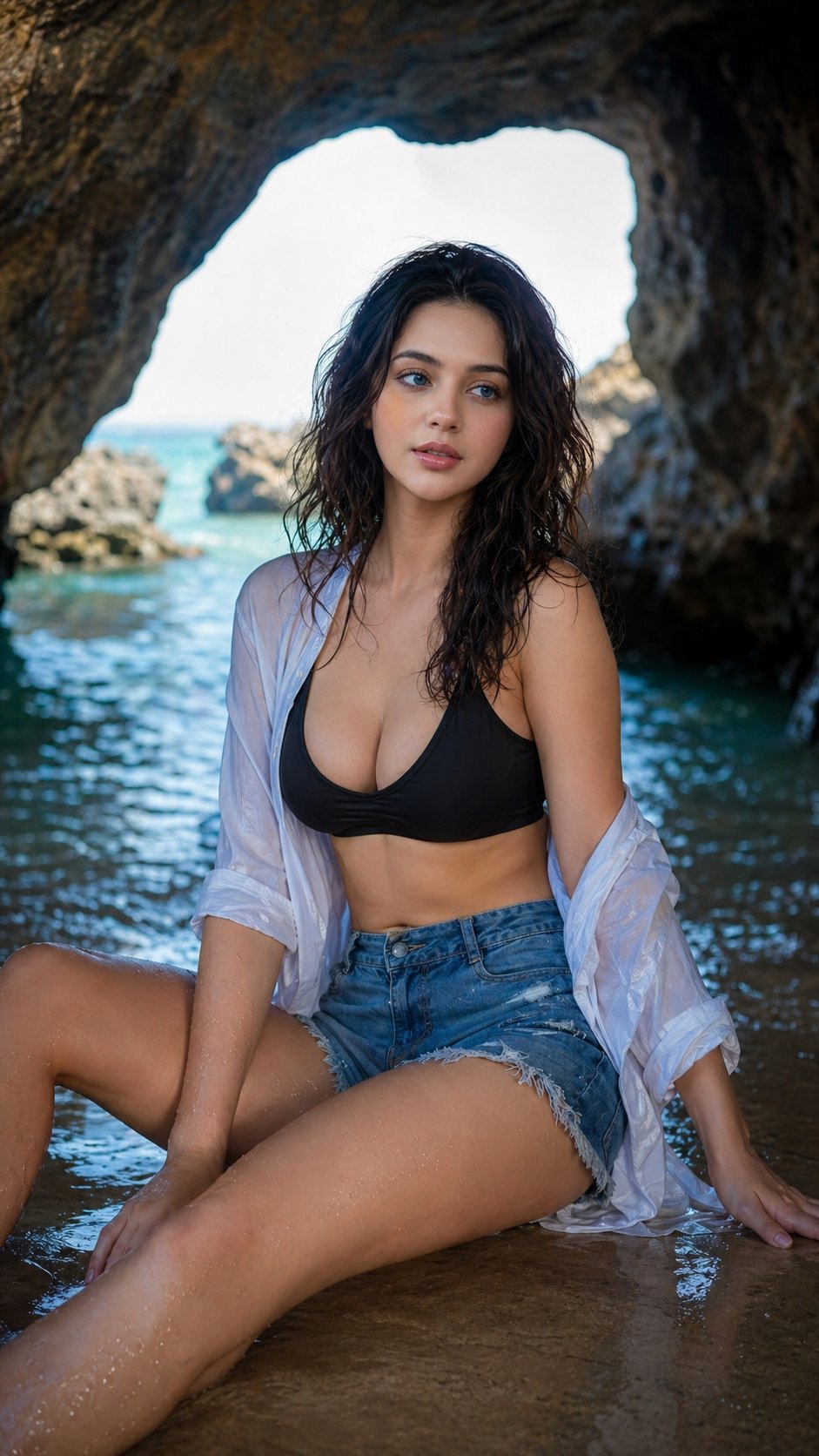
Nano Banana Sea Cave Portrait

Shiretoko Bubble Clione Selfie

Lifestyle Portrait in Car During Golden Hour
Futuristic Animation Trade Magazine Cover
Browse template categories
Pisa Tower Ice Cream Perspective Prompt questions
How do I use the Pisa Tower Ice Cream Perspective Prompt template?
Add your photo if the template asks for one, edit the prompt if you like — the template's model and format are already selected — and press Generate. Your version opens in PicX Studio.
Can I customize the Pisa Tower Ice Cream Perspective Prompt template?
Yes. You can change the subject, setting, lighting, mood, format, and available model controls before creating your image.
Is the Pisa Tower Ice Cream Perspective Prompt template free?
Opening and editing this template is free. Generating uses credits, shown on the Generate button when you are signed in.
Which AI model should I use?
Start with GPT Image 2, which is the model associated with this template. You can compare another compatible model for a different finish.
Looking for something else? Browse all templates.

Your photo, any look
Thousands of ready templates for every top image and video model, from one credit balance.