
Anime Catgirls at Lakeside Statue
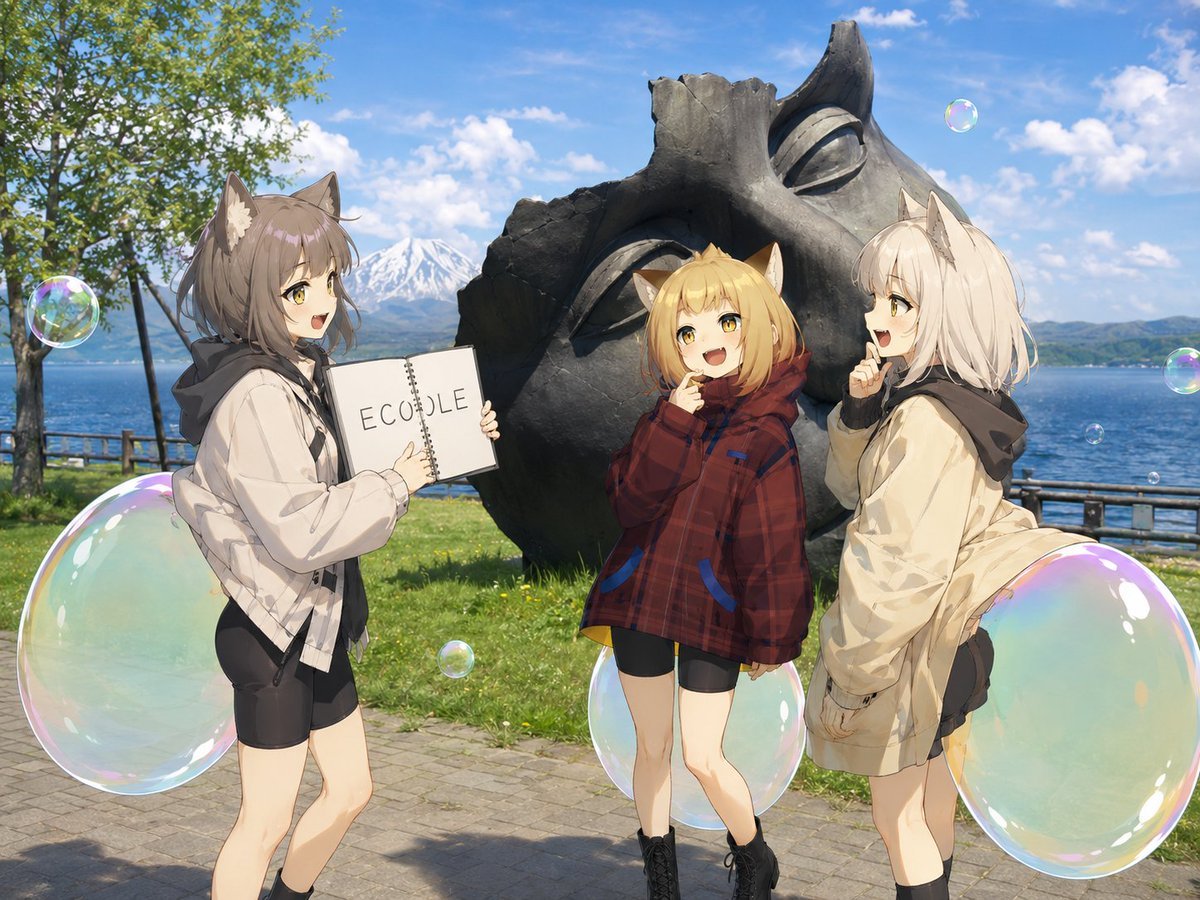
Generates a cheerful anime-photo composite of three cat-eared girls posing at a scenic lakeside statue with an ECOLE notebook and floating soap bubbles.
- Prompt included
- Model and format preset
- Free template
The prompt behind this image
Copy the exact prompt behind Anime Catgirls at Lakeside Statue, or open it in the studio and make it yours.
Create a bright, high-resolution anime-and-real-photo composite scene at a lakeside tourist spot. Three cute anime cat-eared girls stand in the foreground in front of a large dark bronze abstract statue shaped like a tilted mask or shell with hollow eye-like openings. Behind them is a blue lake, wooden railing, green grass, leafy tree on the left, distant mountains including a snow-capped peak, and a sunny blue sky with scattered white clouds. The style should blend detailed anime characters with a realistic outdoor travel-photo background, cheerful meme-like atmosphere, crisp daylight, soft shadows, and vibrant colors. Subject details: Show exactly 3 cat-eared girls. Left girl: brown-gray short bob hair with cat ears, smiling open mouth, wearing an oversized light beige/white hoodie jacket over black shorts, black socks, and holding a white spiral notebook toward the viewer with the text {argument name="notebook logo text" default="ECOLE"} written in simple spaced uppercase letters. Center girl: smaller blonde cat-eared girl facing forward but with her face deliberately obscured by a flat beige square censor block, wearing an oversized red plaid hooded jacket, black shorts, and black lace-up boots, hands raised near her face as if shy or hiding. Right girl: white-blonde bob hair with cat ears, smiling and pointing one finger near her mouth, wearing a cream oversized jacket with dark hood, black shorts, black socks, standing in a playful leaning pose. Add large translucent soap bubbles around the characters: exactly 8 visible bubbles total, including 2 oversized bubbles near the lower left and lower right edges, 1 large bubble near the center girl’s legs, and 5 smaller floating bubbles in the sky and midground. Keep the statue dominant behind the trio and make the composition feel like fans gathering at a pilgrimage landmark. Use {argument name="location mood" default="sunny lakeside sightseeing"}, {argument name="statue material" default="dark weathered bronze"}, and {argument name="character style" default="modern cute anime catgirl illustration"}.
How to use Anime Catgirls at Lakeside Statue in 3 steps
- 1Upload ImagePNG, JPG or paste
Add your photo
Upload the photo the template builds on. The prompt, model and format are already set.
- 2…a portrait of your subject in softgolden-hour light, 85mm…
Personalize
Edit the subject and creative details for your destination.
- 3Generate
Generate
Press Generate — your image is created in PicX Studio, so you can compare it with the original and refine one variable at a time.
More like this
Templates with the same subject, style or setup. Open one to see its prompt.












Make it yours
Anime Catgirls at Lakeside Statue works as-is. These are the safest ways to change it without losing the look.
Change one field
Copy a single group, rewrite it, and generate again so you can see what that field is doing.
Keep the frame, change the subject
Hold the composition and light of Anime Catgirls at Lakeside Statue, then swap wardrobe, props or the person for a new take.
| If the result… | Why | Fix |
|---|---|---|
| The result drifts from the preview | Too many fields changed at once. | Reuse Anime Catgirls at Lakeside Statue as-is first, then change one group — subject, light, or setting. |
| The model over-stylizes the scene | The prose prompt leaves finish and camera underspecified. | Add one camera or lighting sentence and stay on GPT Image 2. |
More GPT Image 2 templates
Other prompts made for GPT Image 2.

Six VTuber Japanese Logo Sheet

Realistic Portrait of Woman and Deer

The Vista Modular Condo Poster

AI Model Routing Comparison Infographic

2.5D Anime Art Board

Isometric Productivity Desk Scene

New York Double Exposure Poster

Four-Panel AI Landscape Comparison

Japanese Tatami Lifestyle Magazine Cover

NESCAFÉ Coffee Map Poster
More image prompts
Fresh picks from across the catalog.

Radiant Angel in Golden Clouds
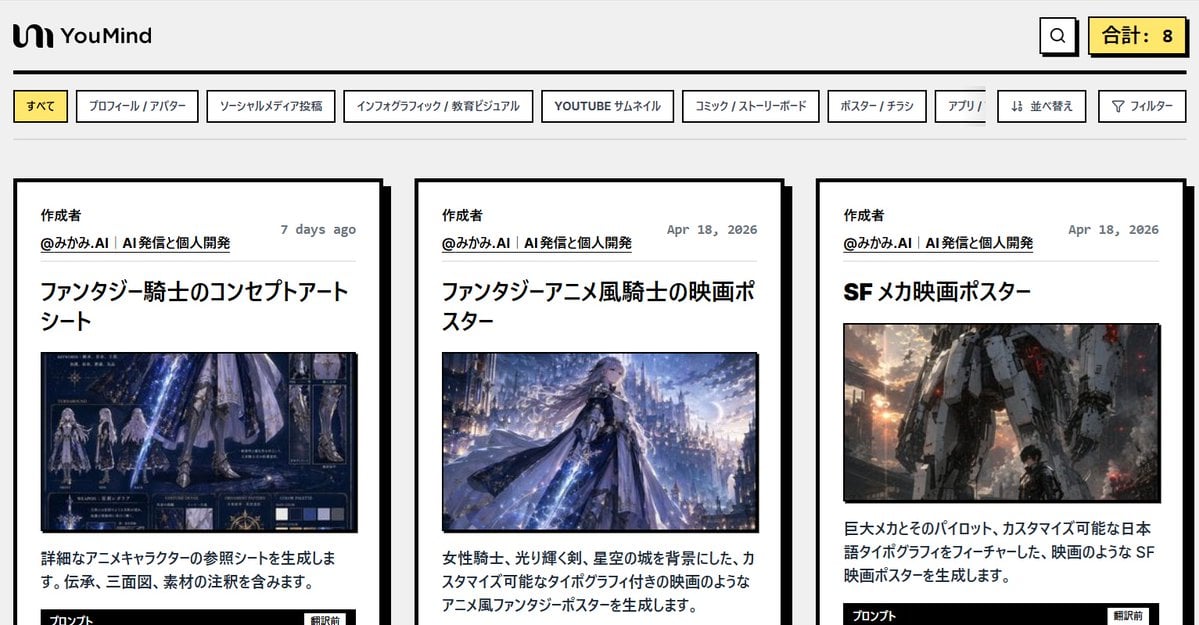
Japanese AI Prompt Gallery UI
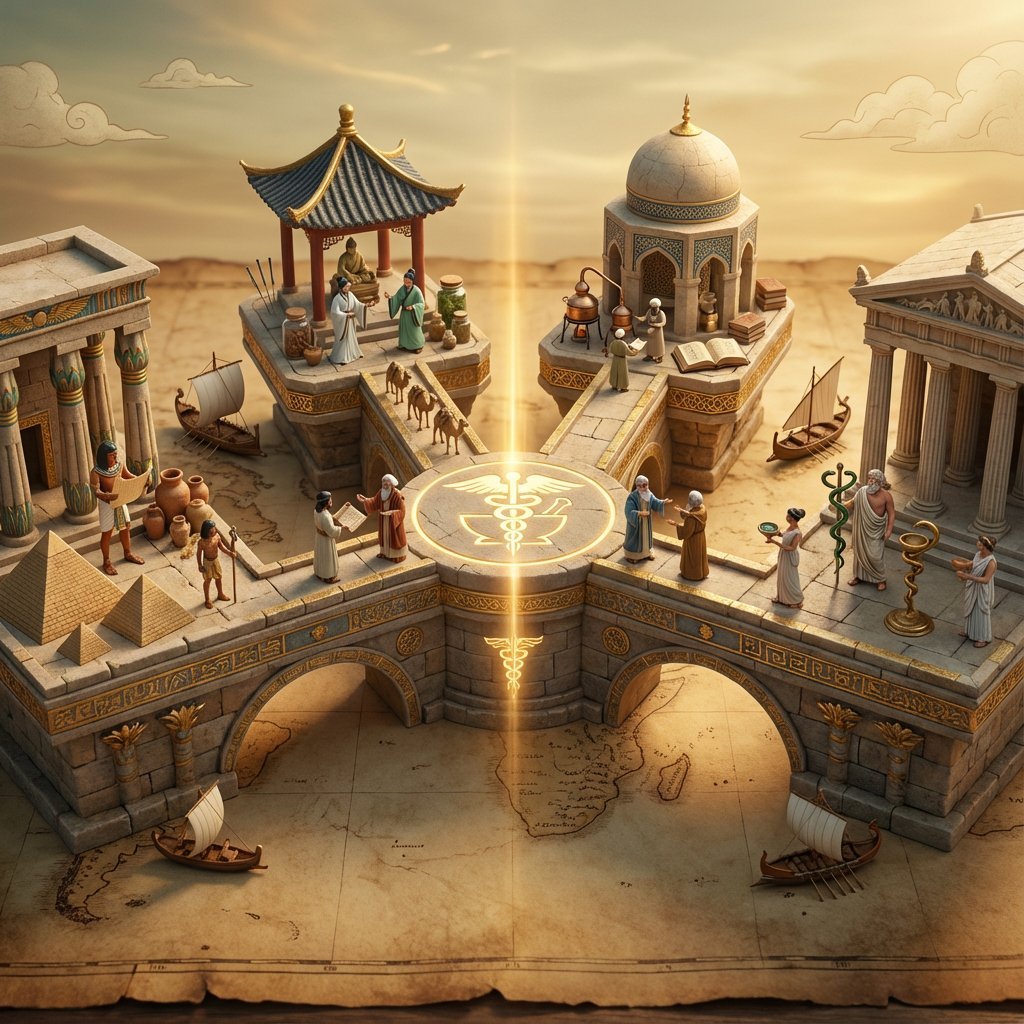
Ancient Civilizations Innovation Bridge Image Generation Prompt
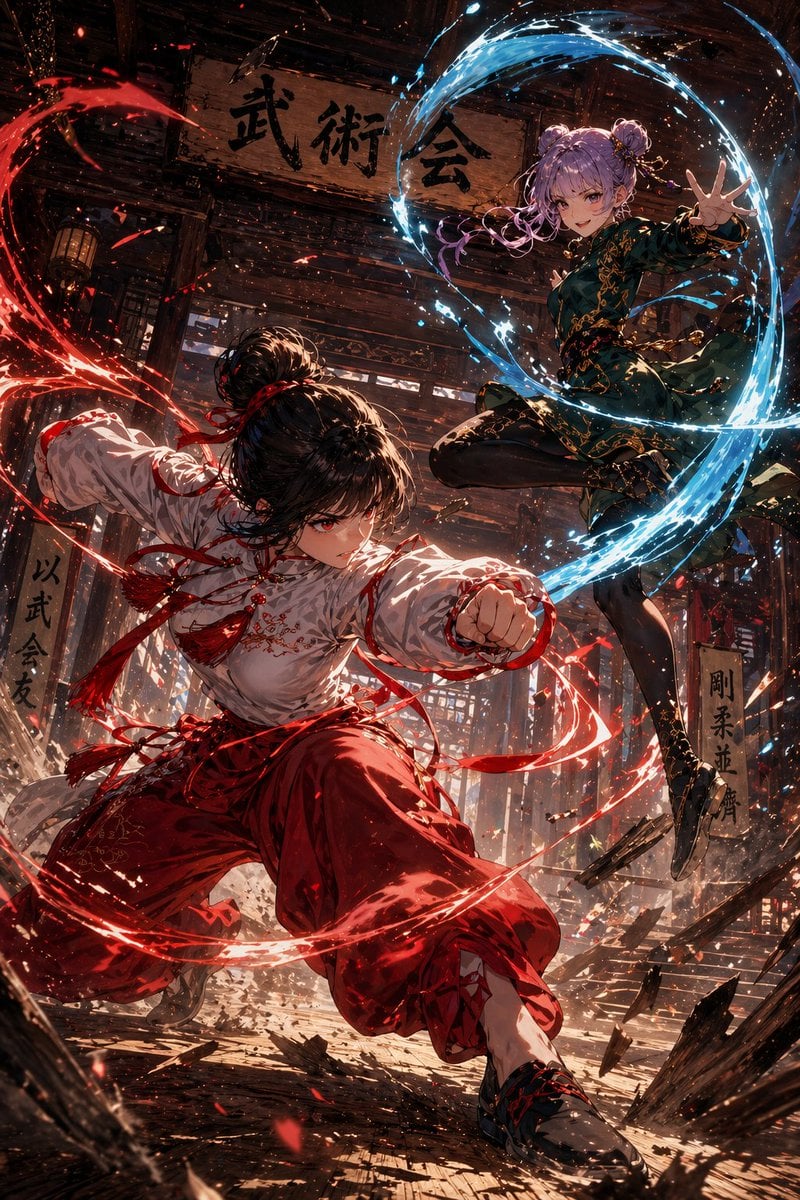
Anime Martial Arts Energy Clash

Header image with uploaded person introducing Nano Banana Pro
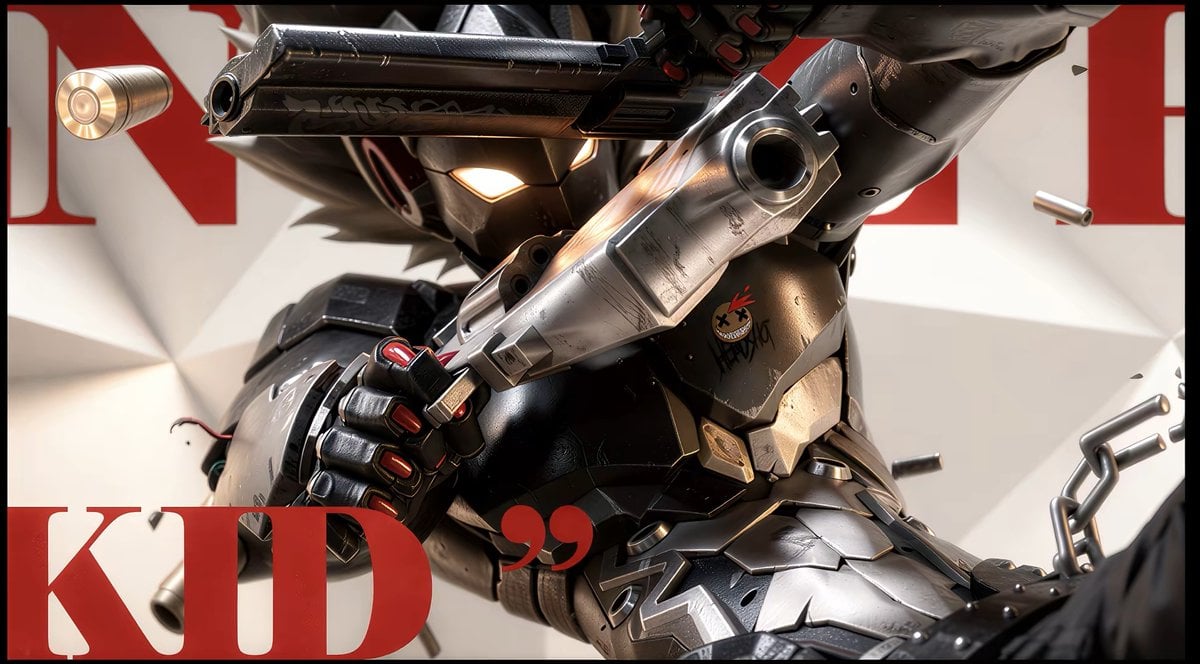
Anime Illustration to Hyperreal Photo
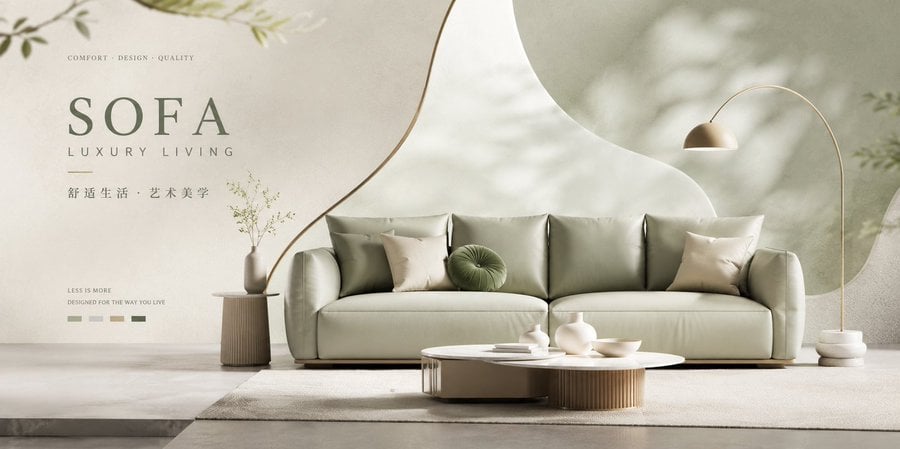
Premium Brand Visual Poster Template
Videogame Cinematic Trailer - Seedance 2.0

Nano Banana Pro Pink Office Chibi
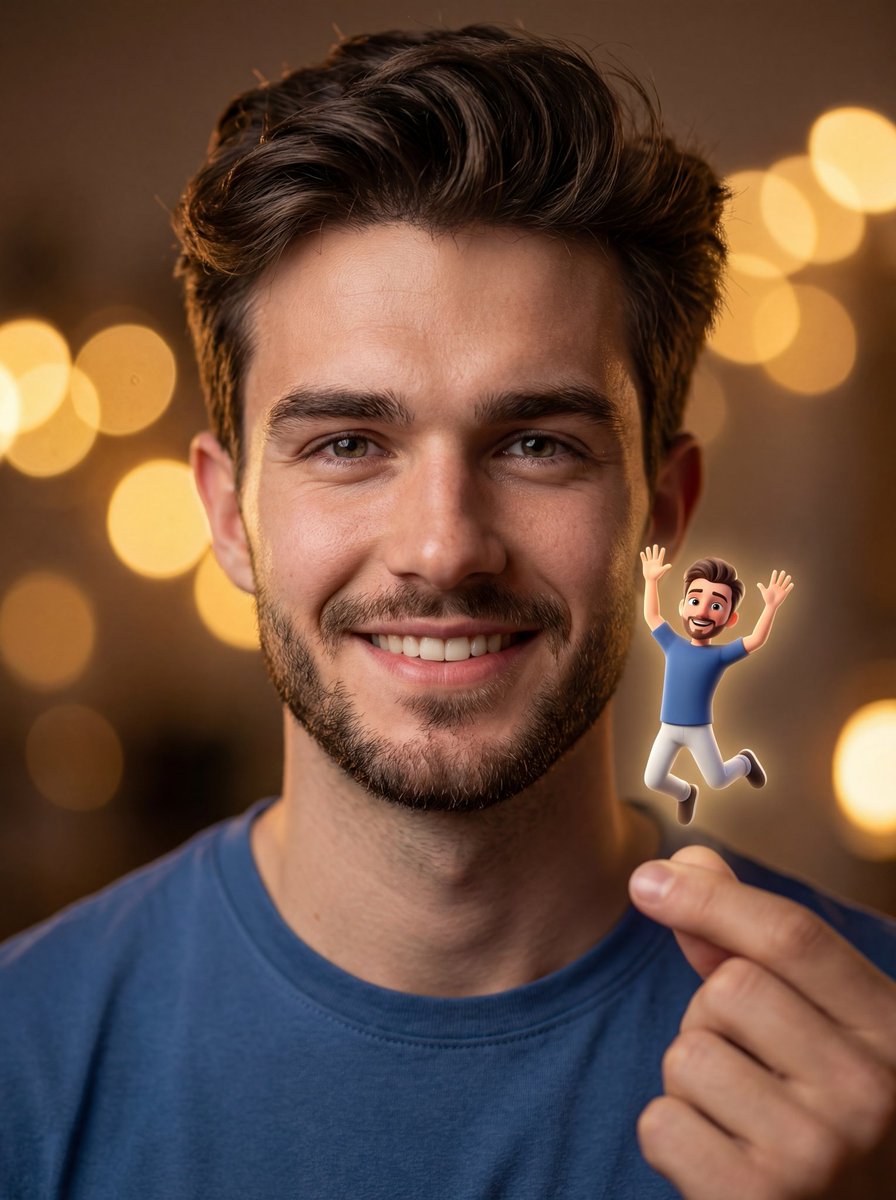
Ultra-realistic Portrait with Miniature Cartoon Self
Browse template categories
Anime Catgirls at Lakeside Statue questions
How do I use the Anime Catgirls at Lakeside Statue template?
Add your photo if the template asks for one, edit the prompt if you like — the template's model and format are already selected — and press Generate. Your version opens in PicX Studio.
Can I customize the Anime Catgirls at Lakeside Statue template?
Yes. You can change the subject, setting, lighting, mood, format, and available model controls before creating your image.
Is the Anime Catgirls at Lakeside Statue template free?
Opening and editing this template is free. Generating uses credits, shown on the Generate button when you are signed in.
Which AI model should I use?
Start with GPT Image 2, which is the model associated with this template. You can compare another compatible model for a different finish.
Looking for something else? Browse all templates.

Your photo, any look
Thousands of ready templates for every top image and video model, from one credit balance.