
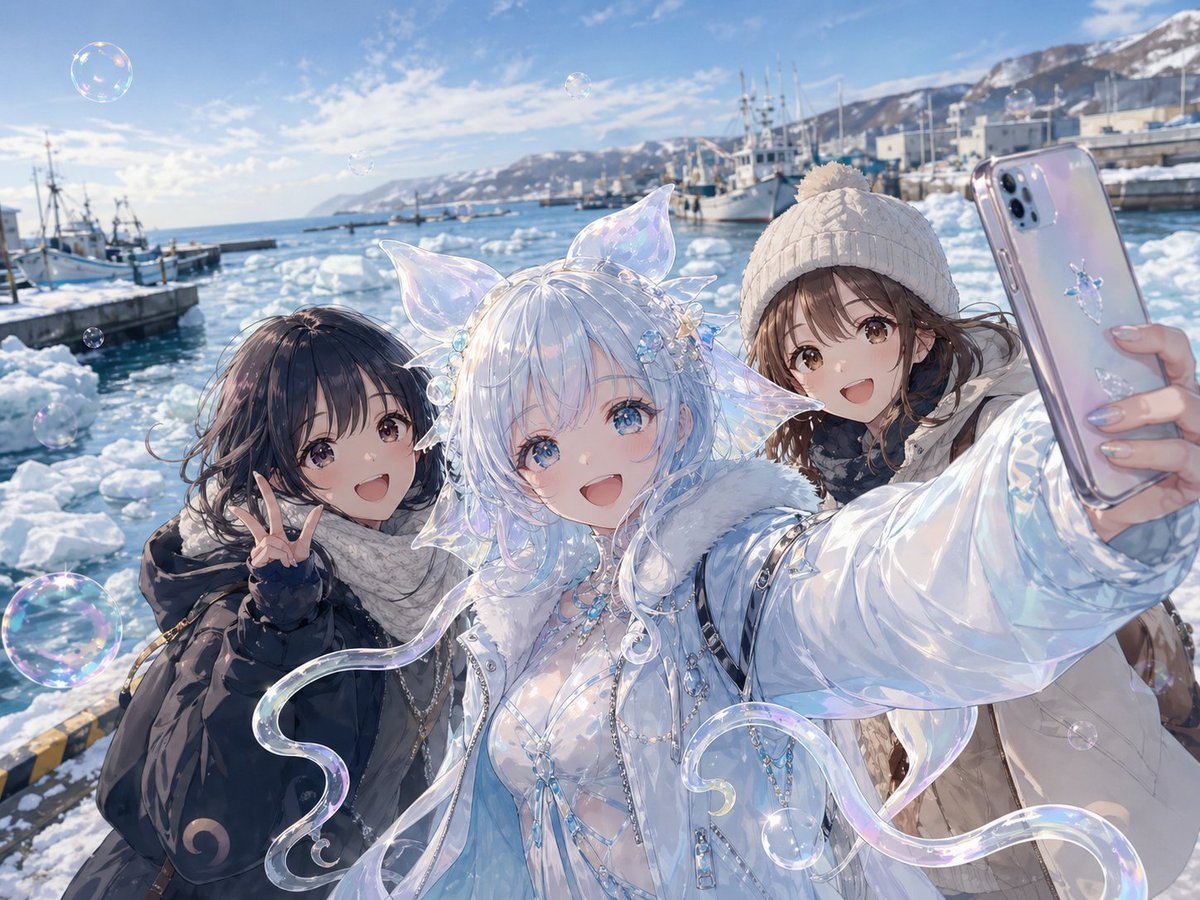
Shiretoko Bubble Clione Selfie
A polished anime winter harbor group selfie featuring a translucent fantasy Clione girl and two bundled-up friends, ideal for whimsical coastal character art.
- Prompt included
- Model and format preset
- Premium template
The prompt behind this image
Copy the exact prompt behind Shiretoko Bubble Clione Selfie, or open it in the studio and make it yours.
A highly detailed anime-style winter harbor selfie scene at the Shiretoko Peninsula in bright daytime, with 3 female figures tightly framed from the waist up taking a group photo. In the center is a fantasy "soap bubble Clione" girl with a translucent, iridescent body design inspired by a sea angel, pale icy white-blue hair, glossy opalescent skin and outfit details, 2 large crystal-clear finlike ear appendages on her head, small shell-and-flower hair ornaments, and 4 flowing jellylike tendrils curling outward around her body like transparent ribbon fins. She wears an elaborate shimmering white and ice-blue outfit with a fur-trimmed winter jacket, layered translucent fabric, pearl chains, gem accessories, and a luminous marine fantasy aesthetic. On the left is a human friend in a dark navy winter coat and thick white scarf, shoulder-length dark hair blowing in the wind, making a peace sign with one hand. On the right is another human friend in a white knit beanie with pom-pom, beige winter coat, and dark scarf, extending her arm toward the camera while holding a smartphone for the selfie. The phone case is glossy pale lavender-silver with a small cute sea-creature charm or sticker matching the Clione theme, and her nails are neatly manicured in pale glossy tones. The background shows a snowy fishing port with 4 visible boats, floating drift ice, cold blue seawater, harbor structures, and distant snow-covered mountains beneath a vivid blue sky with thin clouds. Include 7 visible soap bubbles drifting through the air at different depths, catching rainbow highlights. Composition should feel like a close wide-angle smartphone selfie, lively and intimate, with slight perspective distortion from the extended arm, sparkling winter light, crisp atmospheric detail, and a polished high-end anime illustration look.
How to use Shiretoko Bubble Clione Selfie in 3 steps
- 1Upload ImagePNG, JPG or paste
Add your photo
Upload the photo the template builds on. The prompt, model and format are already set.
- 2…a portrait of your subject in softgolden-hour light, 85mm…
Personalize
Edit the subject and creative details for your destination.
- 3Generate
Generate
Press Generate — your image is created in PicX Studio, so you can compare it with the original and refine one variable at a time.
More like this
Templates with the same subject, style or setup. Open one to see its prompt.

Rooftop Fisheye — Cat-Ear Balaclava at Golden Hour

Felt & Knit 3D Character — Photo-Exact Face, Pixar-Quality Plush Figurine

Eid al-Adha Cute Chaos — Fisheye Selfie with Farm Selfie, Mosque & Animals

Cat Photobomb Selfie — 0.5x Wide Angle Café Chaos

Gen Z Triple Selfie Collage — Y2K Flash Photography

Surreal Cat Astronaut — Humanoid Face Freefall

Photoreal Village Lanterns Minecraft Scene

Photoreal Snow Biome Name Tag UI

Photoreal Selfie Minecraft Block World

Photoreal Selfie Minecraft Village Ghast UI

Low Angle Floor Selfie With Upside Down Cat

Giant Forced Perspective Street Product Selfie
Make it yours
Shiretoko Bubble Clione Selfie works as-is. These are the safest ways to change it without losing the look.
Change one field
Copy a single group, rewrite it, and generate again so you can see what that field is doing.
Keep the frame, change the subject
Hold the composition and light of Shiretoko Bubble Clione Selfie, then swap wardrobe, props or the person for a new take.
| If the result… | Why | Fix |
|---|---|---|
| The result drifts from the preview | Too many fields changed at once. | Reuse Shiretoko Bubble Clione Selfie as-is first, then change one group — subject, light, or setting. |
| The model over-stylizes the scene | The prose prompt leaves finish and camera underspecified. | Add one camera or lighting sentence and stay on GPT Image 2. |
More GPT Image 2 templates
Other prompts made for GPT Image 2.

Six VTuber Japanese Logo Sheet

Realistic Portrait of Woman and Deer

The Vista Modular Condo Poster

AI Model Routing Comparison Infographic

2.5D Anime Art Board

Isometric Productivity Desk Scene

New York Double Exposure Poster

Four-Panel AI Landscape Comparison

Japanese Tatami Lifestyle Magazine Cover

NESCAFÉ Coffee Map Poster
More image prompts
Fresh picks from across the catalog.
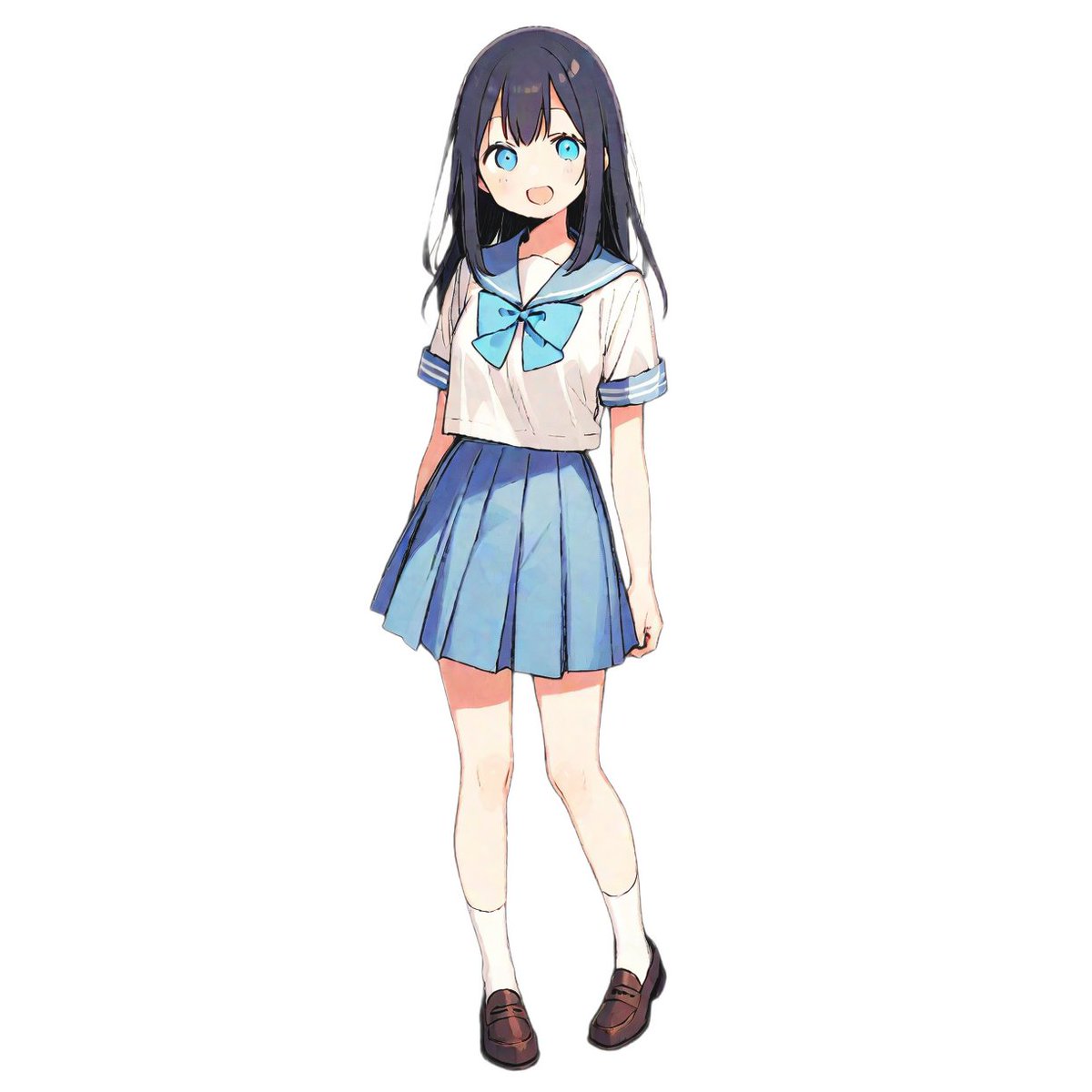
Weekly Outfit Coordination Lookbook Generation
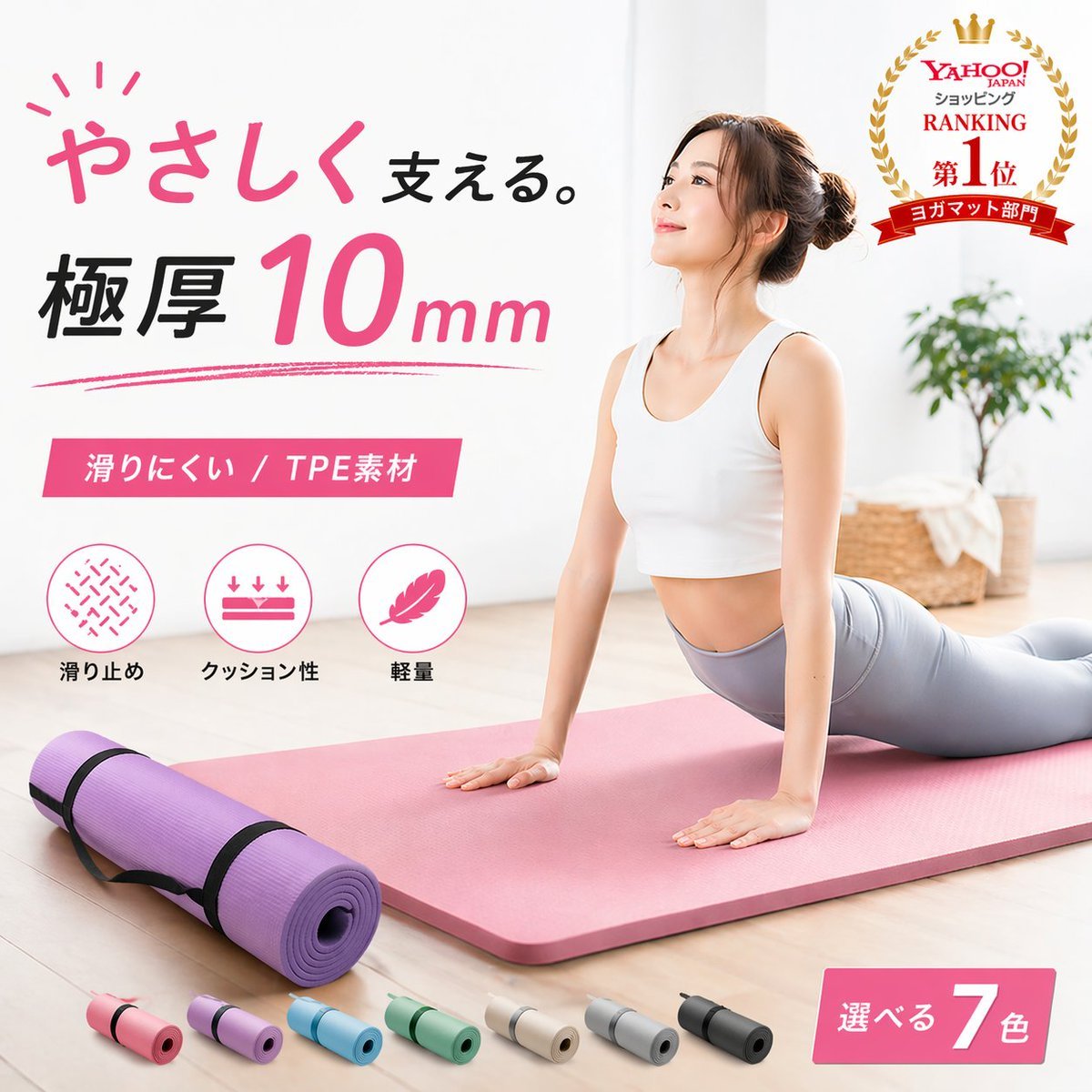
Japanese Yoga Mat E-commerce Ad
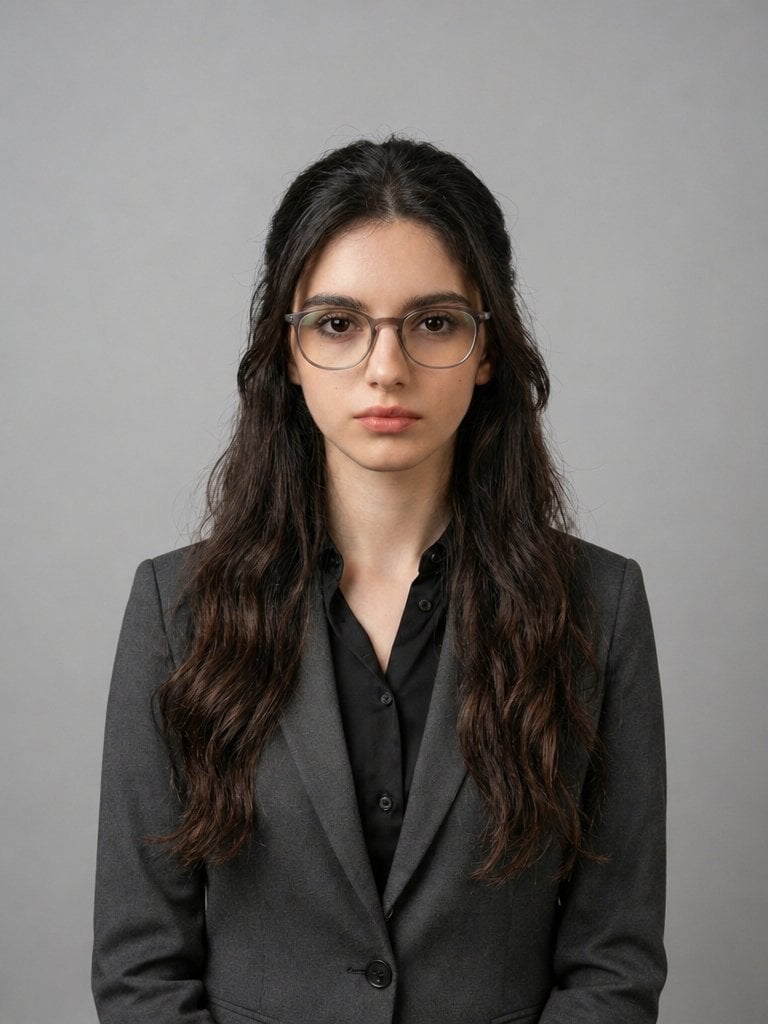
X Iqrasaifiii Pov Du Hast Gerade Erkannt Dass Du Professionelle Corporate Fotos Ganz Bequem
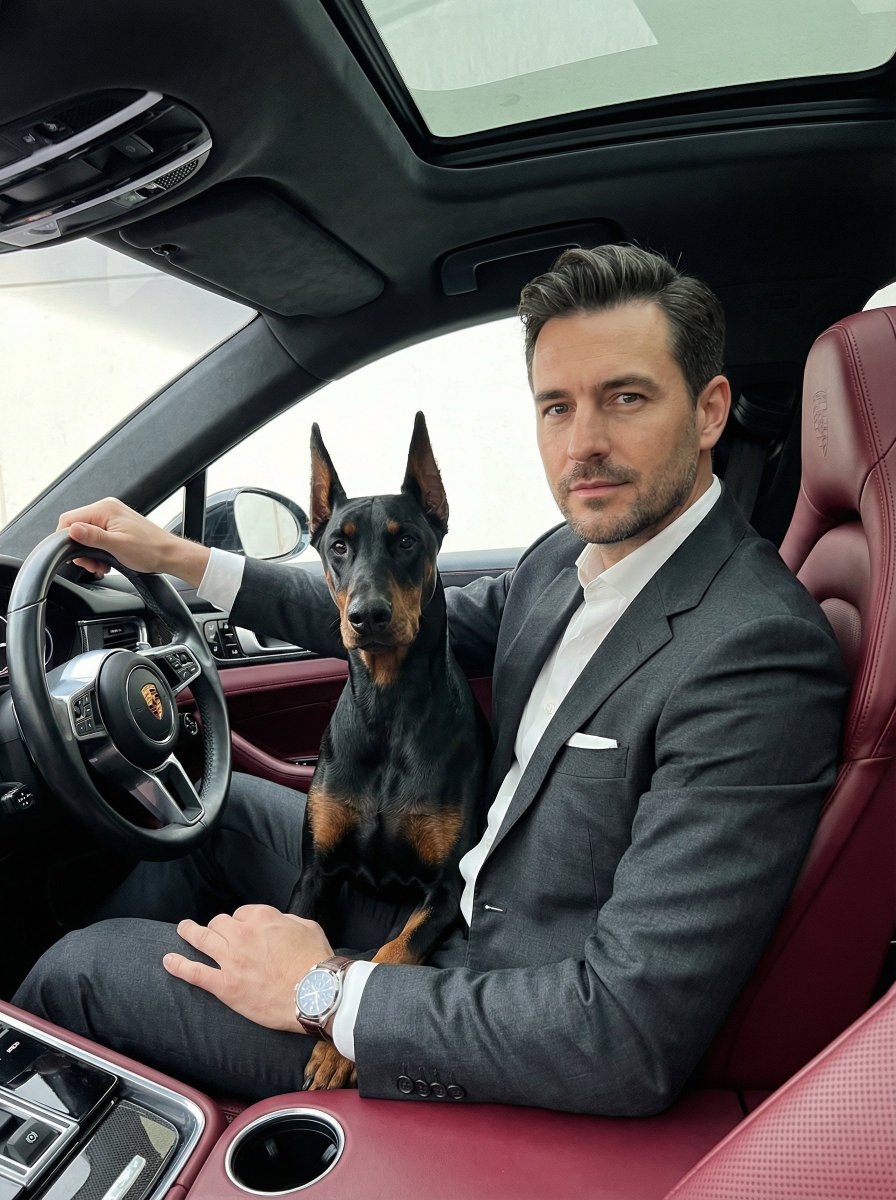
Luxury Car Portrait with Doberman
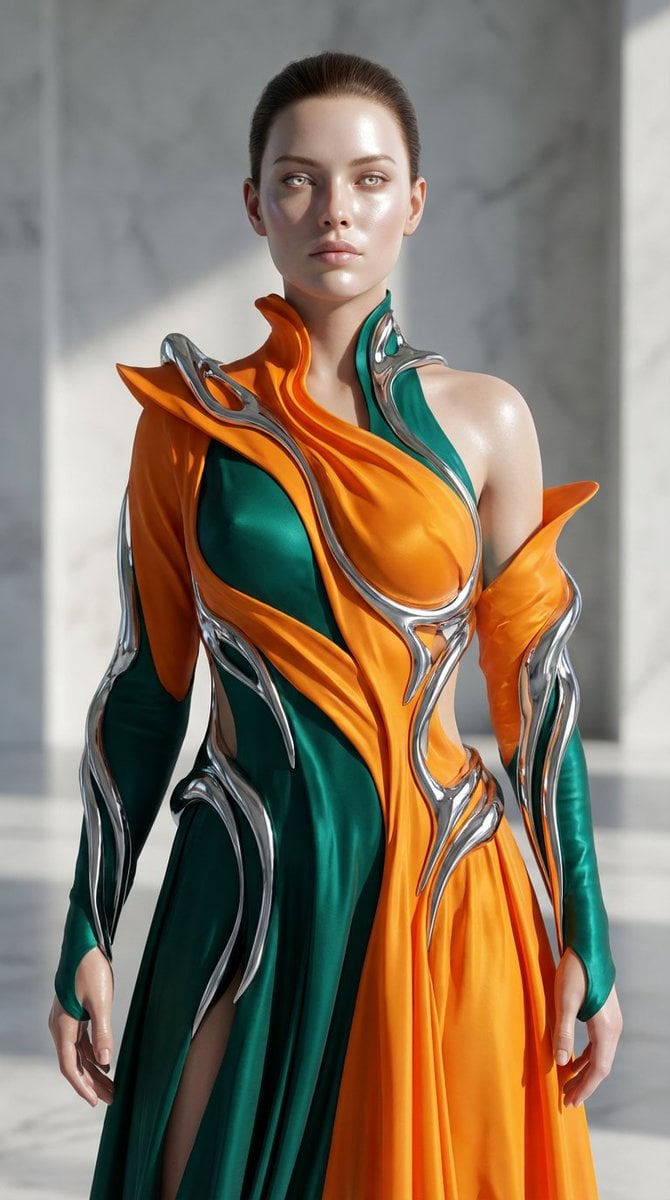
Biomorphic Art and Realism AI Woman Prompt
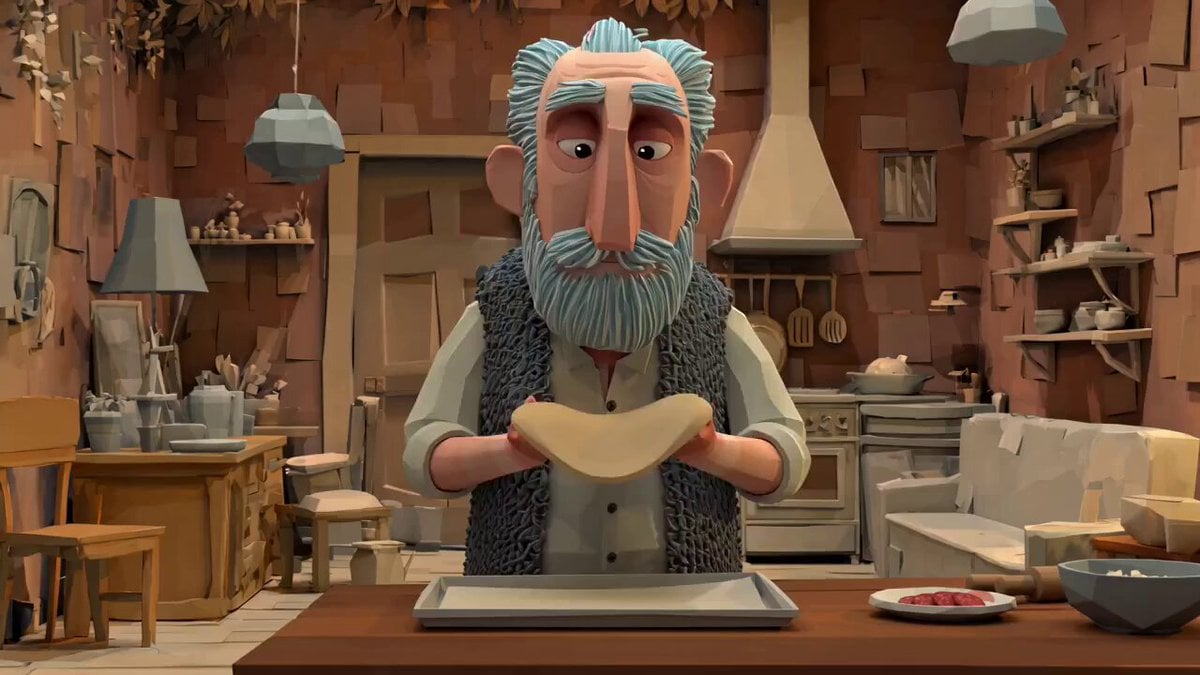
Animation Style - Framer Motion v2

untitled
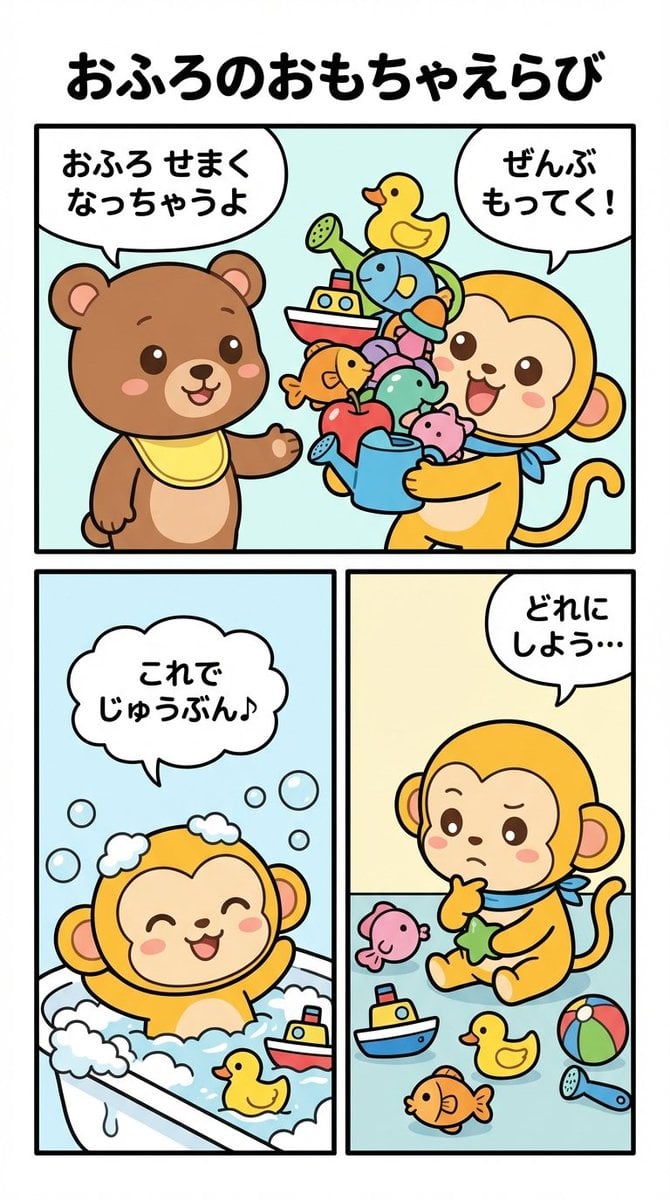
Four-Panel Manga Prompt: Choosing Bath Toys
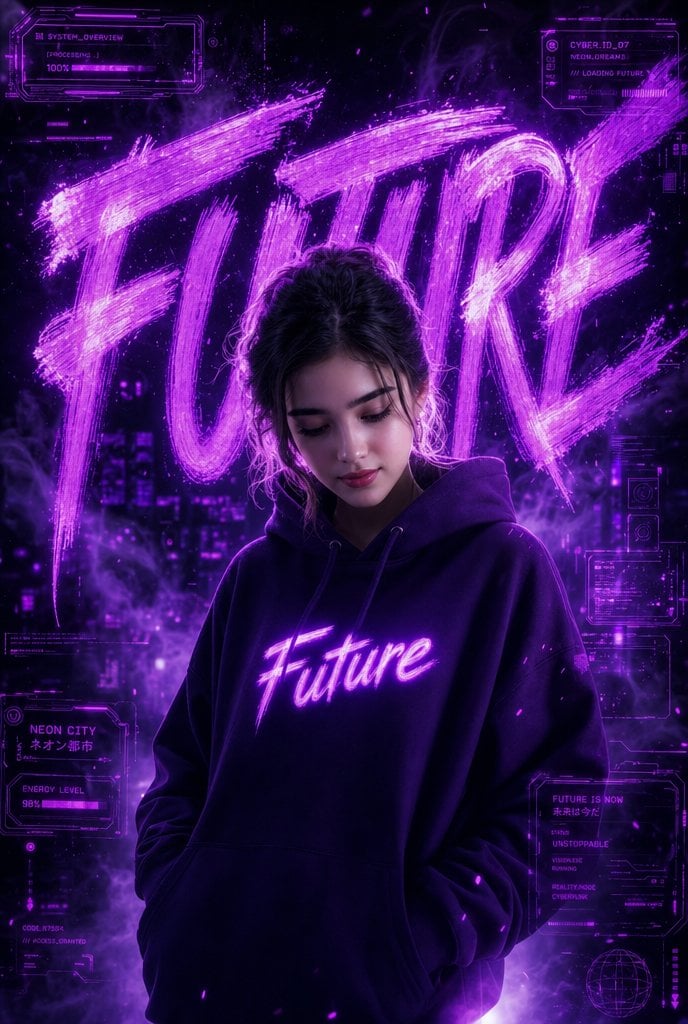
Neon Cyberpunk Future Hoodie Portrait
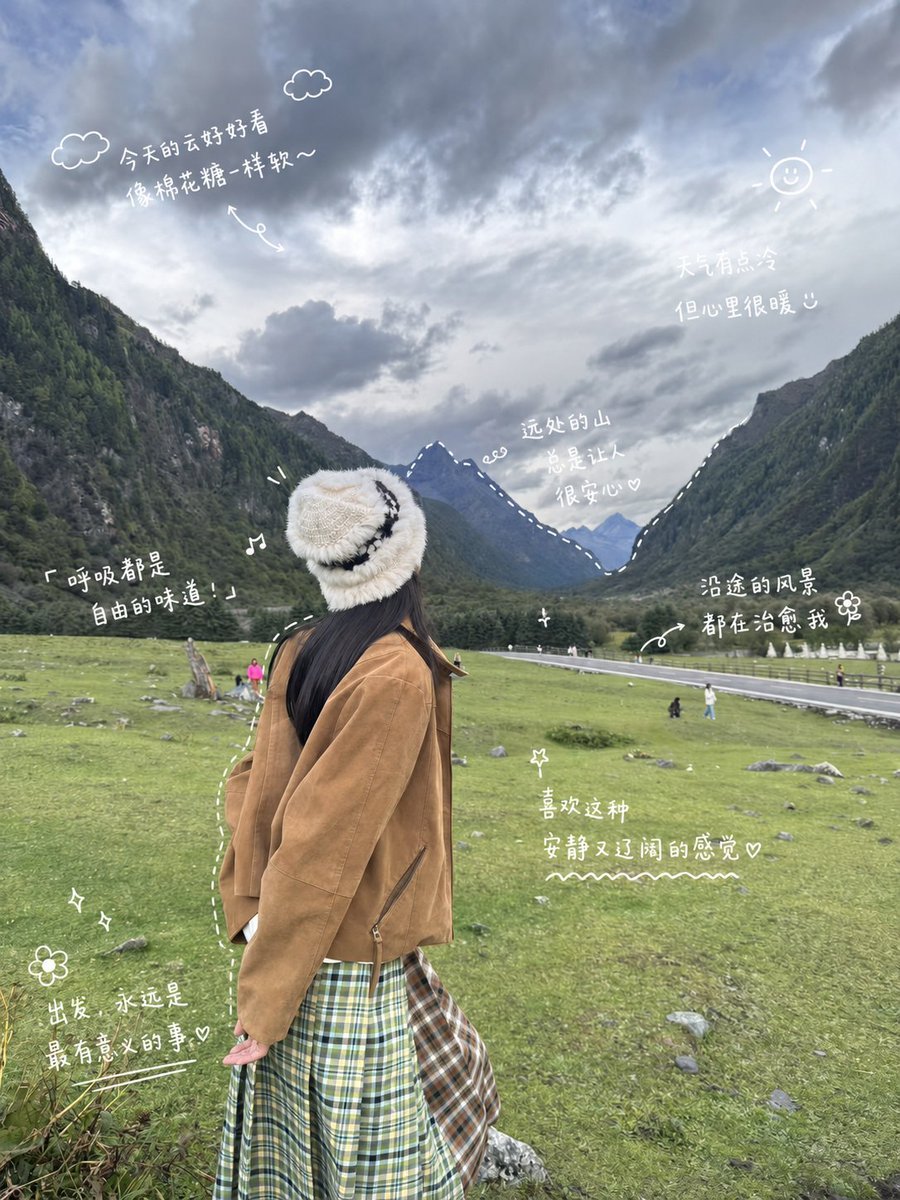
Alpine Travel Diary Photo
Browse template categories
Shiretoko Bubble Clione Selfie questions
How do I use the Shiretoko Bubble Clione Selfie template?
Add your photo if the template asks for one, edit the prompt if you like — the template's model and format are already selected — and press Generate. Your version opens in PicX Studio.
Can I customize the Shiretoko Bubble Clione Selfie template?
Yes. You can change the subject, setting, lighting, mood, format, and available model controls before creating your image.
Is the Shiretoko Bubble Clione Selfie template free?
Opening and editing this template is free. Generating uses credits, shown on the Generate button when you are signed in.
Which AI model should I use?
Start with GPT Image 2, which is the model associated with this template. You can compare another compatible model for a different finish.
Looking for something else? Browse all templates.

Your photo, any look
Thousands of ready templates for every top image and video model, from one credit balance.