
Alpine Travel Diary Photo
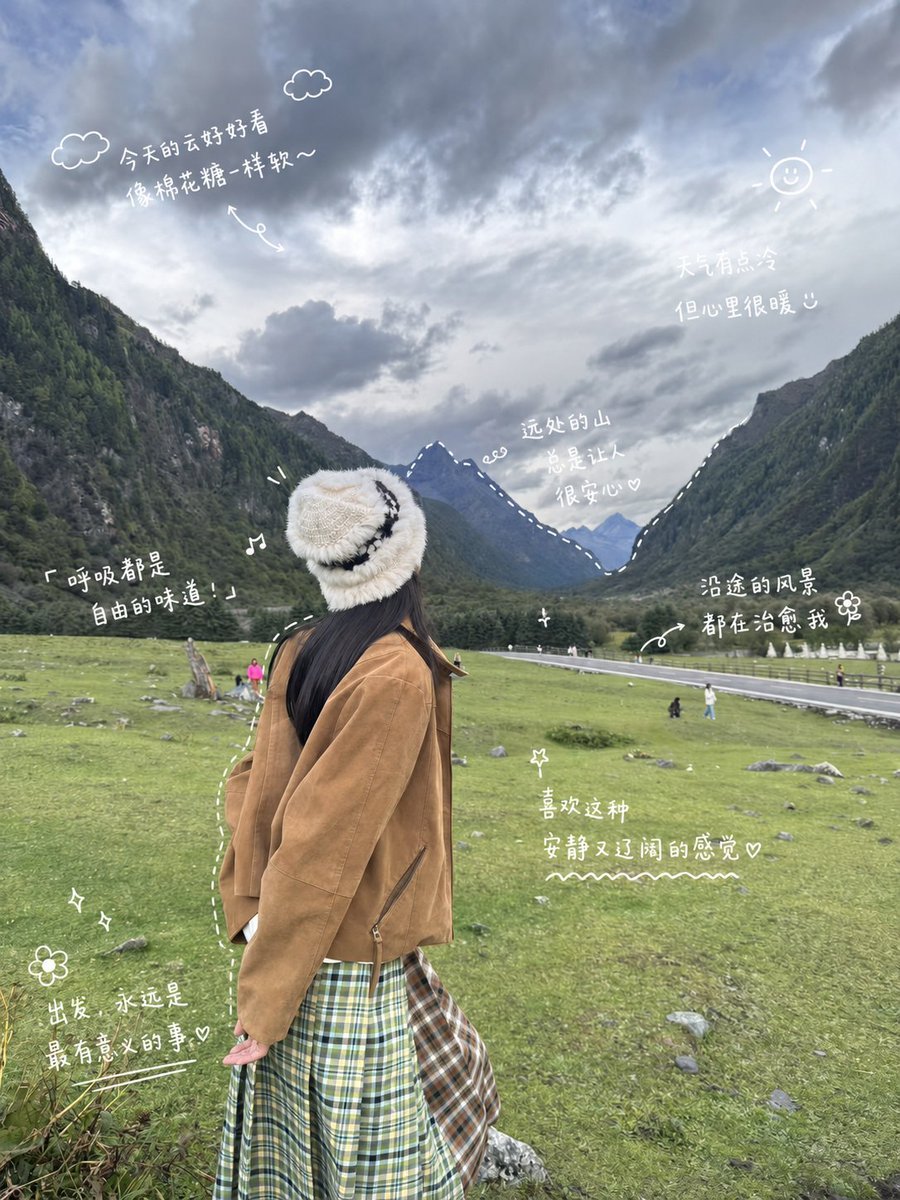
Generates a vertical mountain travel snapshot with white handwritten Chinese diary notes and cute doodles for social media posts.
- Prompt included
- Model and format preset
- Free template
The prompt behind this image
Copy the exact prompt behind Alpine Travel Diary Photo, or open it in the studio and make it yours.
- Type
- social media travel diary photo with handwritten doodle annotations
- Base Scene
- A vertical smartphone travel photo of a young woman seen from behind in a wide alpine valley. She stands in the foreground on a green grassy meadow with scattered rocks, facing distant blue-gray mountains between two forested slopes. The sky is dramatic and overcast with soft layered clouds. A narrow road, fence, and tiny tourists appear in the middle distance, creating a peaceful outdoor travel snapshot.
- Subject › Person
- single young woman, back view, relaxed posture, head turned slightly toward the mountains
- Subject › Outfit › Hat
- fluffy cream knit bucket hat with black wavy stripe
- Subject › Outfit › Jacket
- oversized camel brown suede or corduroy jacket
- Subject › Outfit › Skirt
- green and cream plaid long skirt with an additional brown plaid side panel
- Subject › Outfit › Hair
- long straight dark hair visible below the hat
- Style › Photo Style
- realistic phone photography, natural muted colors, slightly wide angle, candid travel shot
- Style › Overlay Style
- white hand-drawn travel journal markup, casual handwritten Chinese notes, doodles, arrows, dashed outlines, small hearts, stars, music notes, flowers, and a simple sun; annotations look like they were drawn with a digital white pen on top of the photo
- Style › Mood
- quiet, healing, cozy, reflective, self-media travel diary aesthetic
- Layout › Canvas
- vertical 3:4 portrait image
- Layout › Composition
- subject placed lower center-left, mountains and cloudy sky filling the upper half, meadow filling the lower half, annotations distributed around the person without blocking the main subject
- Layout › Text Annotations › Count
- 7
- Layout › Text Annotations › Items › 0 › Position
- upper left sky
- Layout › Text Annotations › Items › 0 › Text
- {argument name="cloud note" default="今天的云好好看 像棉花糖一样软~"}
- Layout › Text Annotations › Items › 0 › Nearby Doodles
- two small outlined clouds and a curved arrow
- Layout › Text Annotations › Items › 1 › Position
- upper right sky
- Layout › Text Annotations › Items › 1 › Text
- {argument name="weather note" default="天气有点冷 但心里很暖 ◡̈"}
- Layout › Text Annotations › Items › 1 › Nearby Doodles
- small smiling sun with rays
- Layout › Text Annotations › Items › 2 › Position
- center over distant mountains
- Layout › Text Annotations › Items › 2 › Text
- {argument name="mountain note" default="远处的山 总是让人 很安心♡"}
- Layout › Text Annotations › Items › 2 › Nearby Doodles
- dashed white line tracing mountain ridge and tiny spiral
- Layout › Text Annotations › Items › 3 › Position
- left middle beside subject
- Layout › Text Annotations › Items › 3 › Text
- 「呼吸都是 自由的味道!」
Raw JSON
{"type":"social media travel diary photo with handwritten doodle annotations","base_scene":"A vertical smartphone travel photo of a young woman seen from behind in a wide alpine valley. She stands in the foreground on a green grassy meadow with scattered rocks, facing distant blue-gray mountains between two forested slopes. The sky is dramatic and overcast with soft layered clouds. A narrow road, fence, and tiny tourists appear in the middle distance, creating a peaceful outdoor travel snapshot.","subject":{"person":"single young woman, back view, relaxed posture, head turned slightly toward the mountains","outfit":{"hat":"fluffy cream knit bucket hat with black wavy stripe","jacket":"oversized camel brown suede or corduroy jacket","skirt":"green and cream plaid long skirt with an additional brown plaid side panel","hair":"long straight dark hair visible below the hat"}},"style":{"photo_style":"realistic phone photography, natural muted colors, slightly wide angle, candid travel shot","overlay_style":"white hand-drawn travel journal markup, casual handwritten Chinese notes, doodles, arrows, dashed outlines, small hearts, stars, music notes, flowers, and a simple sun; annotations look like they were drawn with a digital white pen on top of the photo","mood":"quiet, healing, cozy, reflective, self-media travel diary aesthetic"},"layout":{"canvas":"vertical 3:4 portrait image","composition":"subject placed lower center-left, mountains and cloudy sky filling the upper half, meadow filling the lower half, annotations distributed around the person without blocking the main subject","text_annotations":{"count":7,"items":[{"position":"upper left sky","text":"{argument name=\"cloud note\" default=\"今天的云好好看\n像棉花糖一样软~\"}","nearby_doodles":"two small outlined clouds and a curved arrow"},{"position":"upper right sky","text":"{argument name=\"weather note\" default=\"天气有点冷\n但心里很暖 ◡̈\"}","nearby_doodles":"small smiling sun with rays"},{"position":"center over distant mountains","text":"{argument name=\"mountain note\" default=\"远处的山\n总是让人\n很安心♡\"}","nearby_doodles":"dashed white line tracing mountain ridge and tiny spiral"},{"position":"left middle beside subject","text":"「呼吸都是\n自由的味道!」","nearby_doodles":"music note and small emphasis marks"},{"position":"right middle above road","text":"沿途的风景\n都在治愈我 ❀","nearby_doodles":"curved arrow pointing to road, small flower"},{"position":"lower center meadow","text":"喜欢这种\n安静又辽阔的感觉♡","nearby_doodles":"small star and wavy underline"},{"position":"lower left meadow","text":"出发,永远是\n最有意义的事♡","nearby_doodles":"flower, sparkles, and underline"}]},"doodles":{"count":17,"items":["2 outlined cloud doodles","1 smiling sun doodle","1 curved arrow under the cloud note","1 dashed mountain ridge outline","1 tiny spiral near mountain note","1 music note beside freedom quote","1 curved arrow pointing to road","1 flower beside road note","1 flower at lower left","3 sparkle/star doodles","1 wavy underline under lower-center note","1 underline under lower-left note","1 dashed curved line following the subject silhouette"]}},"instructions":"Create a realistic travel photo first, then add clean white handwritten Chinese travel-diary annotations and doodles as if sketched directly on the image. Keep the handwriting legible, playful, and naturally placed in empty sky and meadow areas. Preserve the calm healing atmosphere and avoid making the overlay too dense or commercial."}How to use Alpine Travel Diary Photo in 3 steps
- 1Upload ImagePNG, JPG or paste
Add your photo
Upload the photo the template builds on. The prompt, model and format are already set.
- 2…a portrait of your subject in softgolden-hour light, 85mm…
Personalize
Edit the subject and creative details for your destination.
- 3Generate
Generate
Press Generate — your image is created in PicX Studio, so you can compare it with the original and refine one variable at a time.
More like this
Templates with the same subject, style or setup. Open one to see its prompt.

Japan Travel Brochure Poster

Miniature Travel Diorama Postcard

Boardwalk Fashion Portrait

Teen Girl Alpine Lake Mountain View

Clay Miniature Landmark Travel Diorama

Travel Poster Graphic Collage

untitled
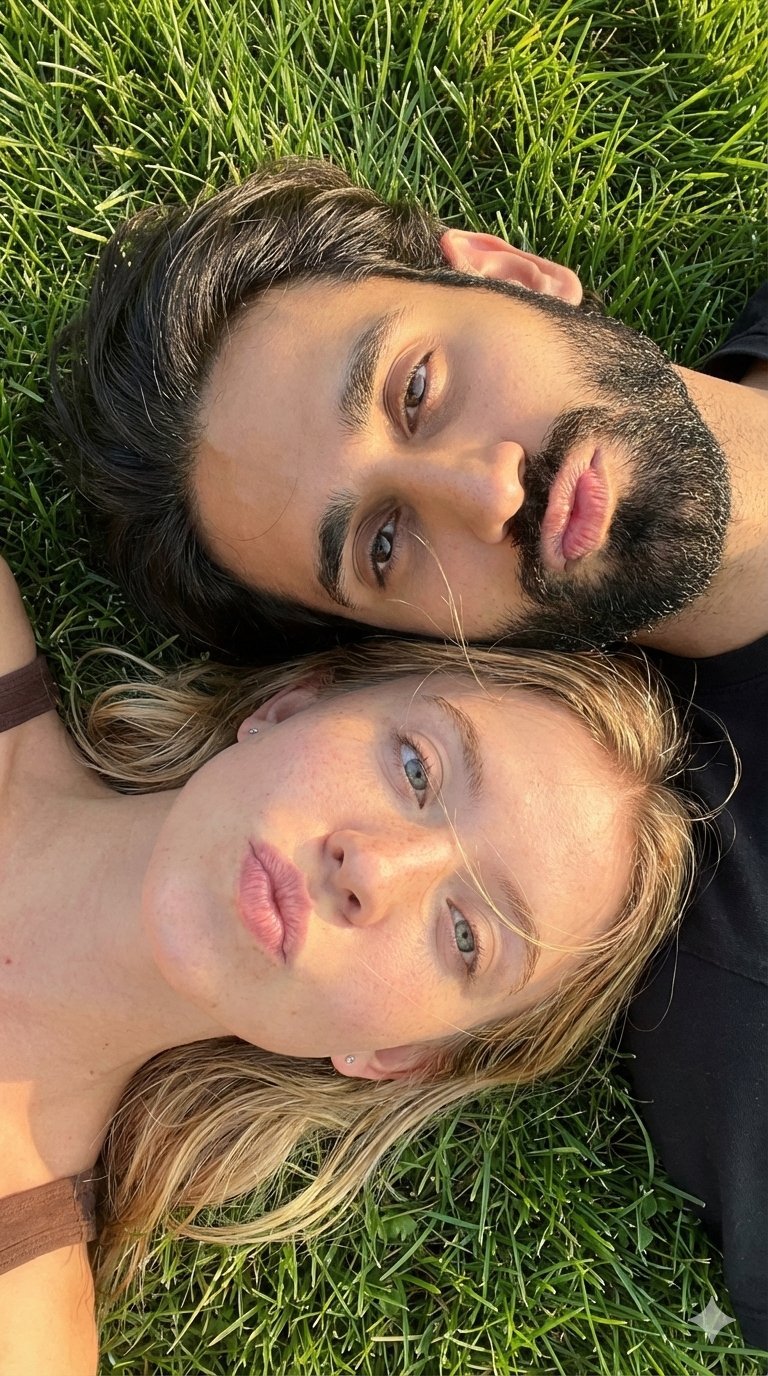
9 Grid Travel Profile Photo Series
![Nano Banana — One Day In [CITY] Travel Route](https://cdn.picxstudio.com/cdn-cgi/image/format=auto,quality=85,fit=scale-down,onerror=redirect,width=3840,metadata=none/uploads/ai_gezgini_travel_d9a86f2e-c1f5-41a8-a4ef-5d96a8a7a023.jpg)
Nano Banana — One Day In [CITY] Travel Route

Nano Banana Pro 2.0 — 3x3 Travel Profile Grid

City Posters by Nano Banana Pro
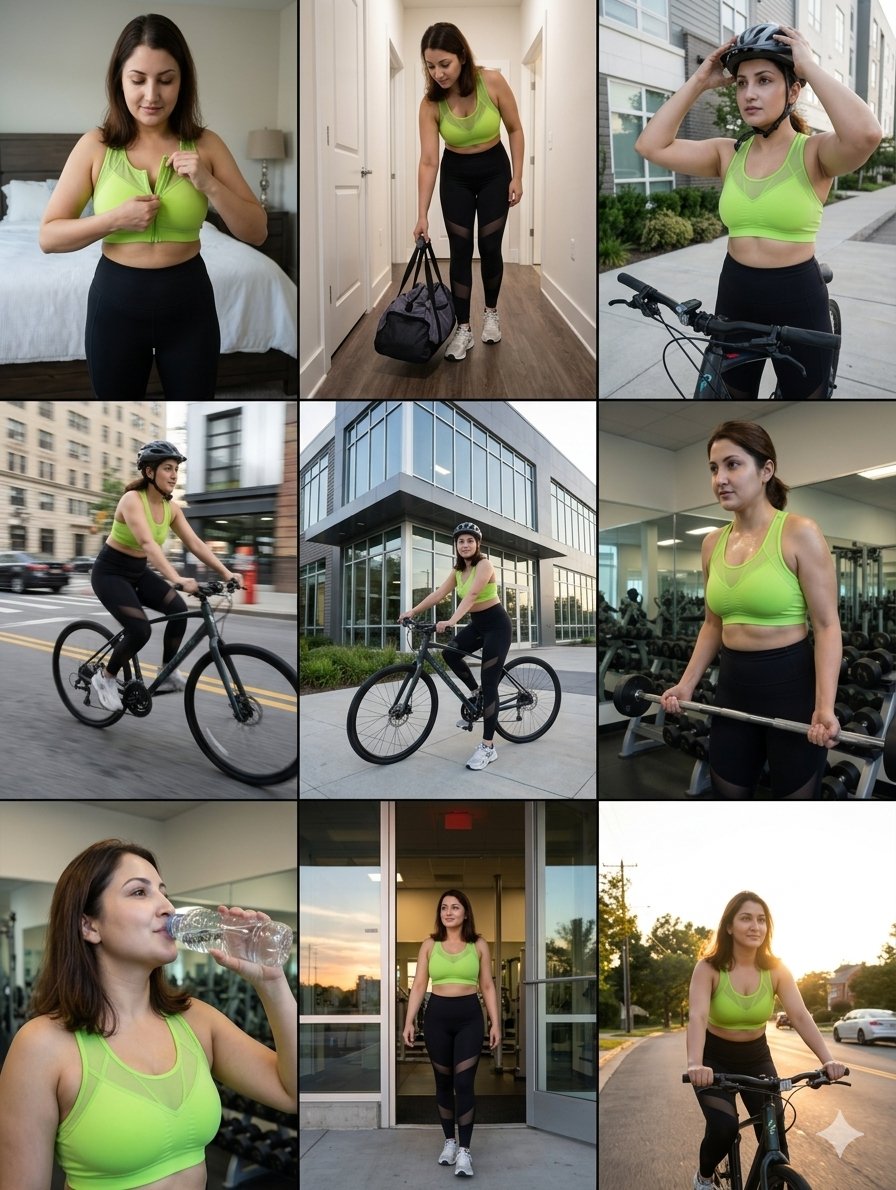
Storytelling of a Gym Girl
Make it yours
Alpine Travel Diary Photo works as-is. These are the safest ways to change it without losing the look.
Change one field
Copy a single group, rewrite it, and generate again so you can see what that field is doing.
Keep the frame, change the subject
Hold the composition and light of Alpine Travel Diary Photo, then swap wardrobe, props or the person for a new take.
| If the result… | Why | Fix |
|---|---|---|
| The result drifts from the preview | Too many fields changed at once. | Reuse Alpine Travel Diary Photo as-is first, then change one group — subject, light, or setting. |
| GPT Image 2 ignores part of the JSON | Some models flatten or skip nested keys. | Keep the same values and paste them as a short paragraph instead. |
More GPT Image 2 templates
Other prompts made for GPT Image 2.

Six VTuber Japanese Logo Sheet

Realistic Portrait of Woman and Deer

The Vista Modular Condo Poster

AI Model Routing Comparison Infographic

2.5D Anime Art Board

Isometric Productivity Desk Scene

New York Double Exposure Poster

Four-Panel AI Landscape Comparison

Japanese Tatami Lifestyle Magazine Cover

NESCAFÉ Coffee Map Poster
More image prompts
Fresh picks from across the catalog.
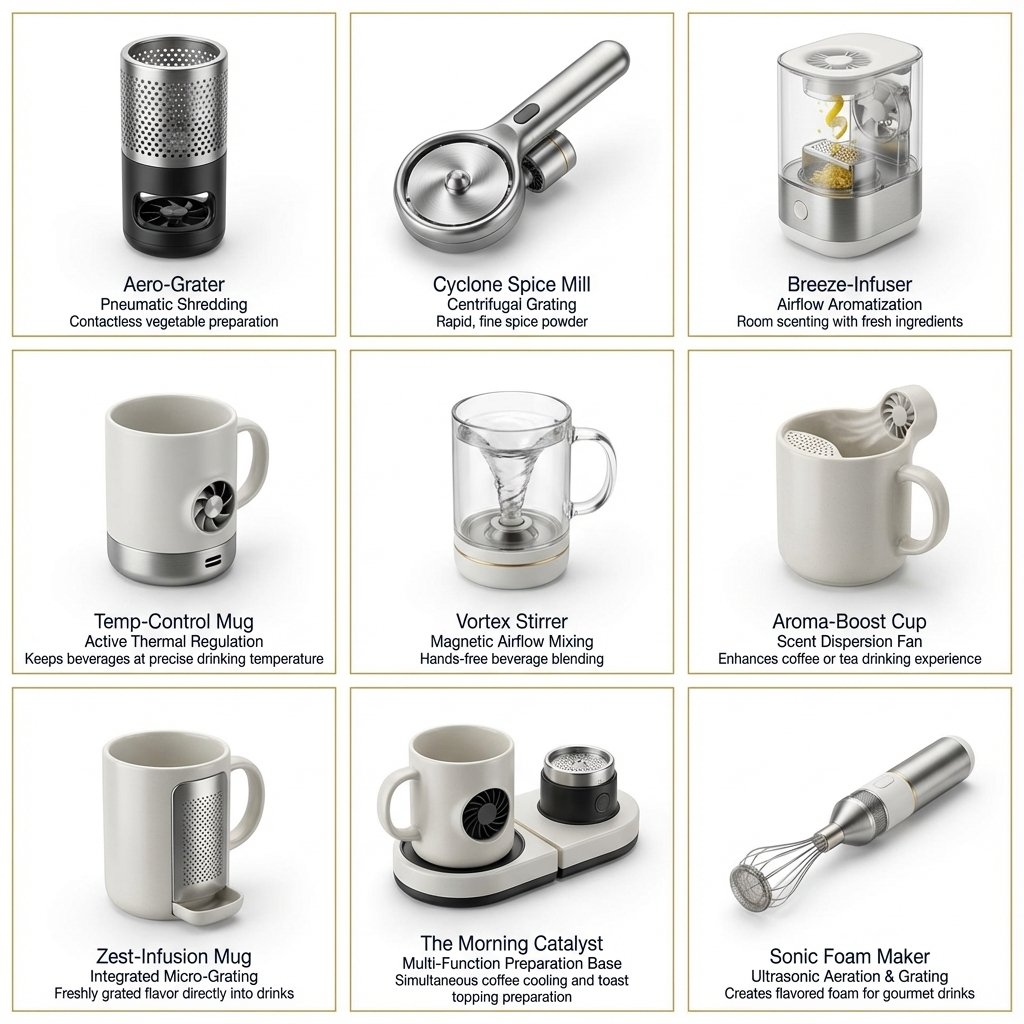
Two-Phase Prompt for Absurd Product Fusion Concepts
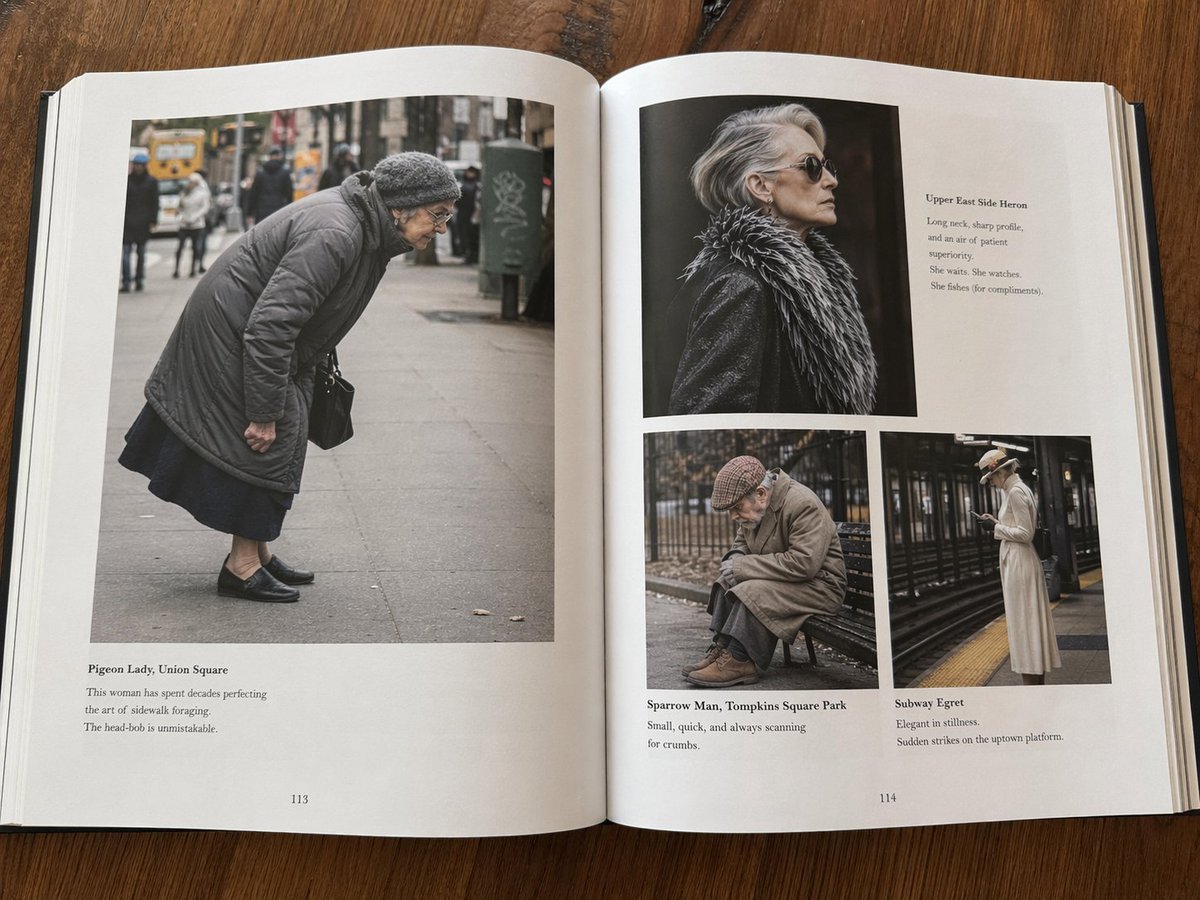
Fictional Book Page Excerpts
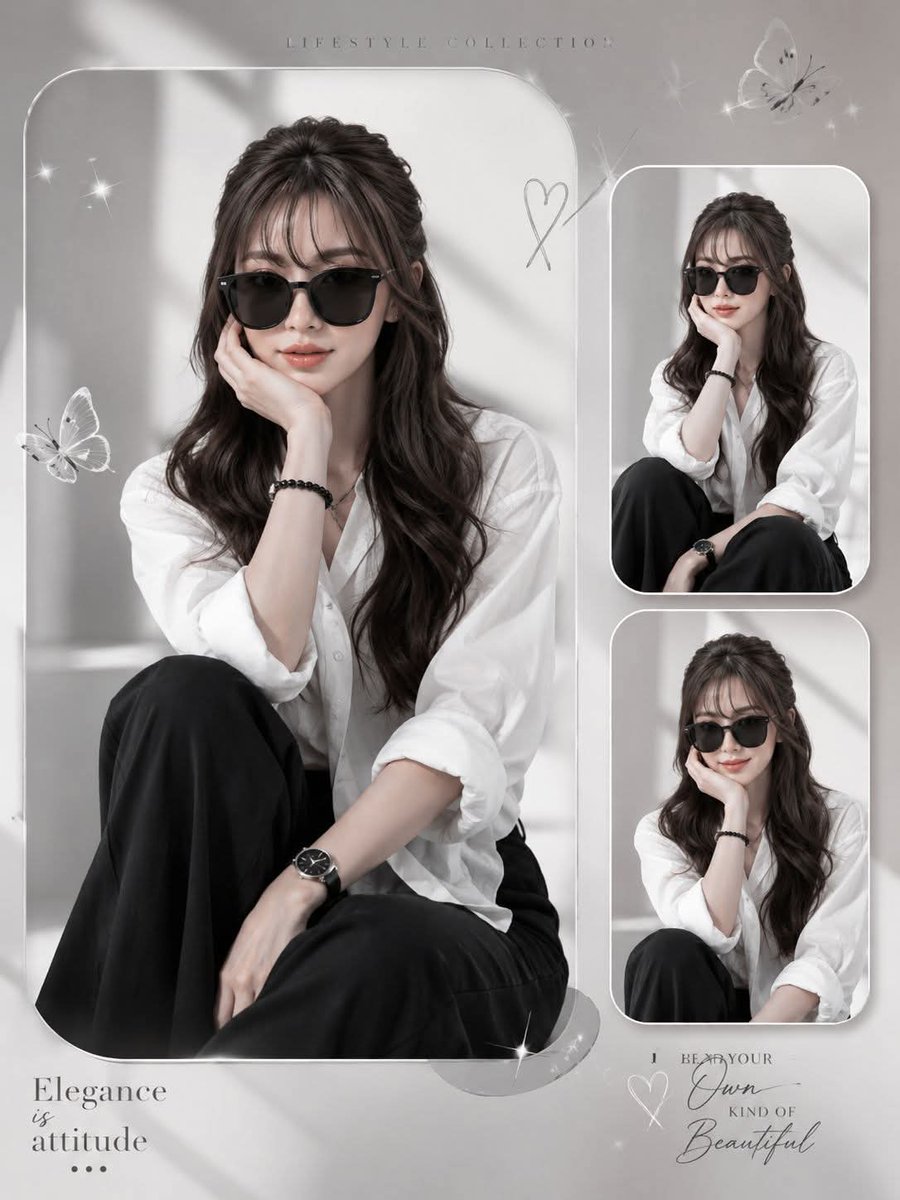
Elegant Anonymous Lifestyle Collage

Lego-style self portrait
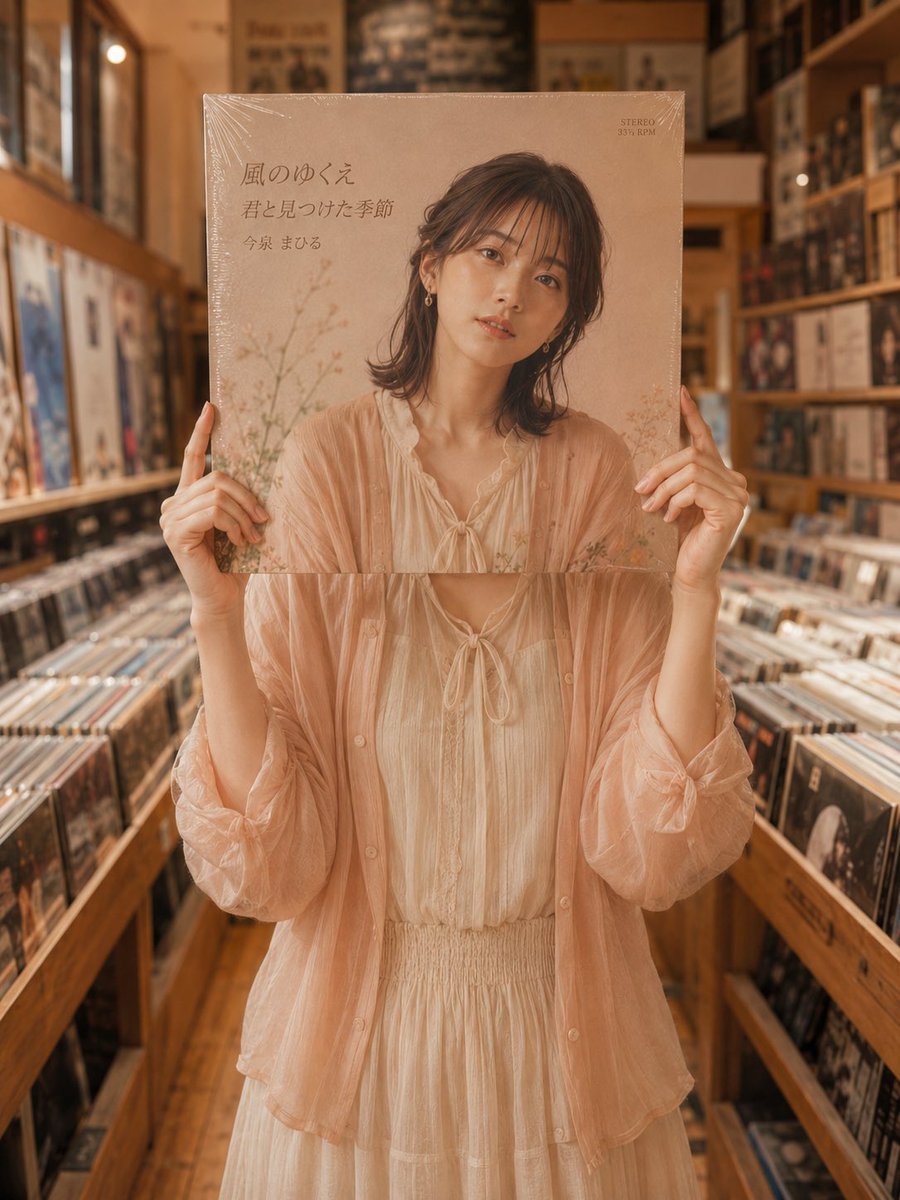
Vinyl Record Store Illusion Portrait
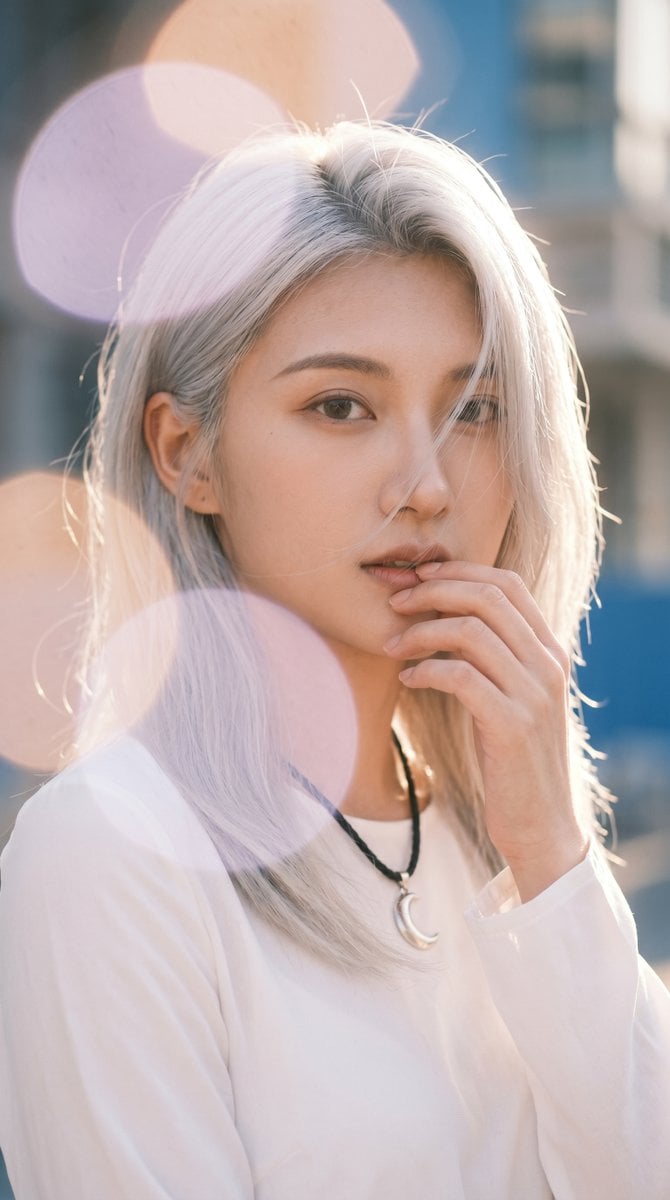
Backlit Silver-Haired Model Portrait
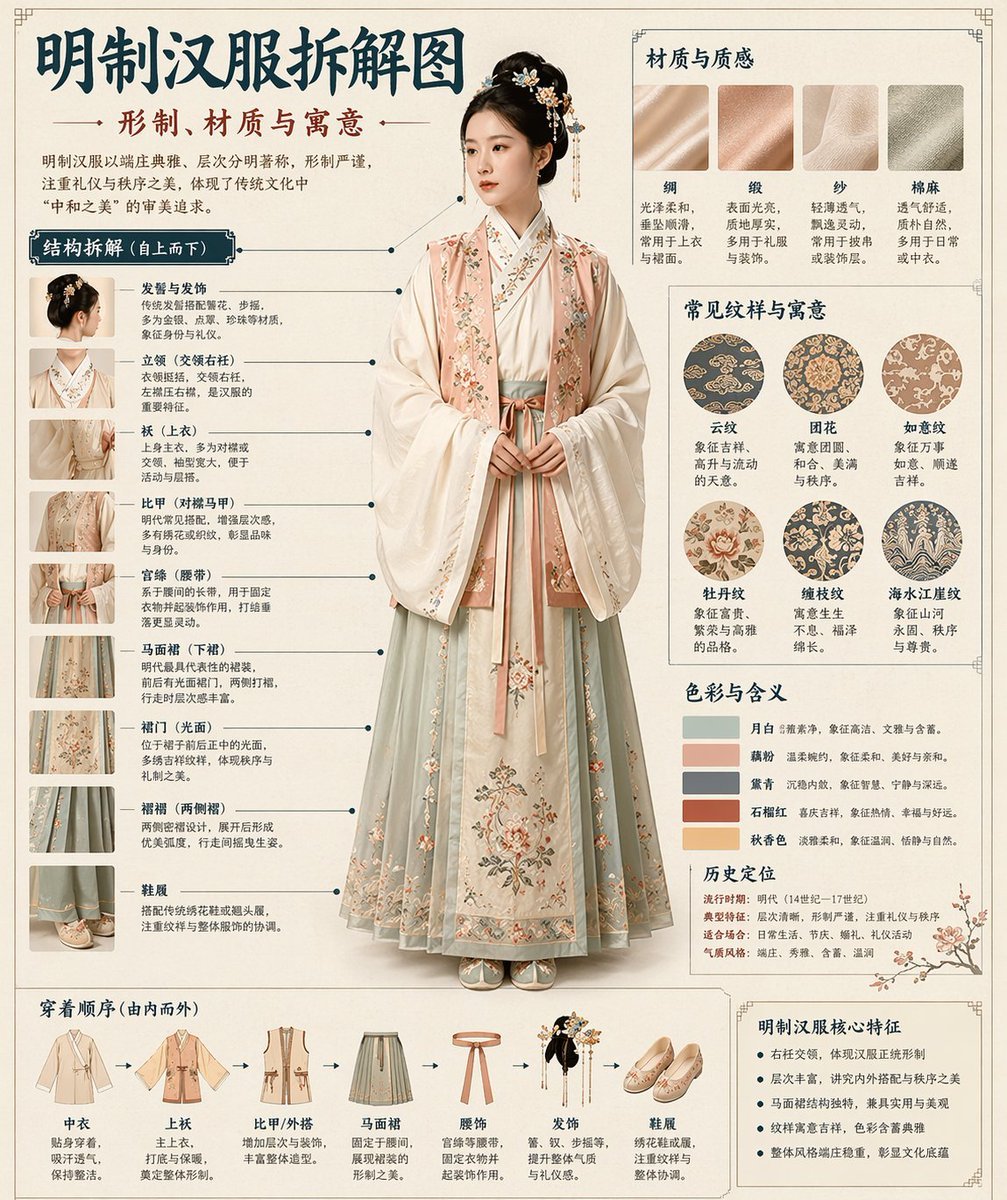
Chinese Museum Deconstruction Infographic
High-Angle Seated Portrait with Leopard Sequined Mini-Dress
Minimal Pour-Over Coffee Scene
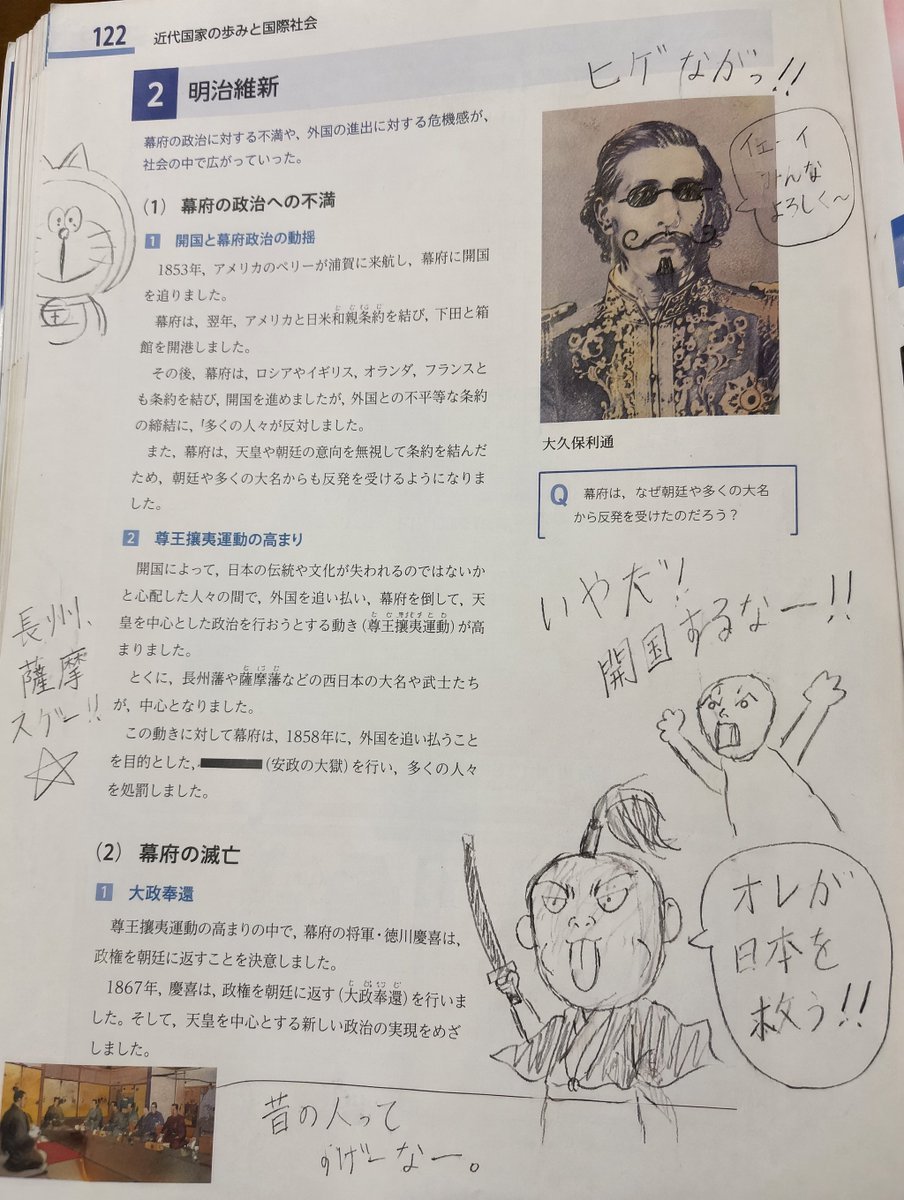
School Textbook Historical Figure Doodle
Browse template categories
Alpine Travel Diary Photo questions
How do I use the Alpine Travel Diary Photo template?
Add your photo if the template asks for one, edit the prompt if you like — the template's model and format are already selected — and press Generate. Your version opens in PicX Studio.
Can I customize the Alpine Travel Diary Photo template?
Yes. You can change the subject, setting, lighting, mood, format, and available model controls before creating your image.
Is the Alpine Travel Diary Photo template free?
Opening and editing this template is free. Generating uses credits, shown on the Generate button when you are signed in.
Which AI model should I use?
Start with GPT Image 2, which is the model associated with this template. You can compare another compatible model for a different finish.
Looking for something else? Browse all templates.

Your photo, any look
Thousands of ready templates for every top image and video model, from one credit balance.