
Char-Inspired Red Shaved Ice Café Ad
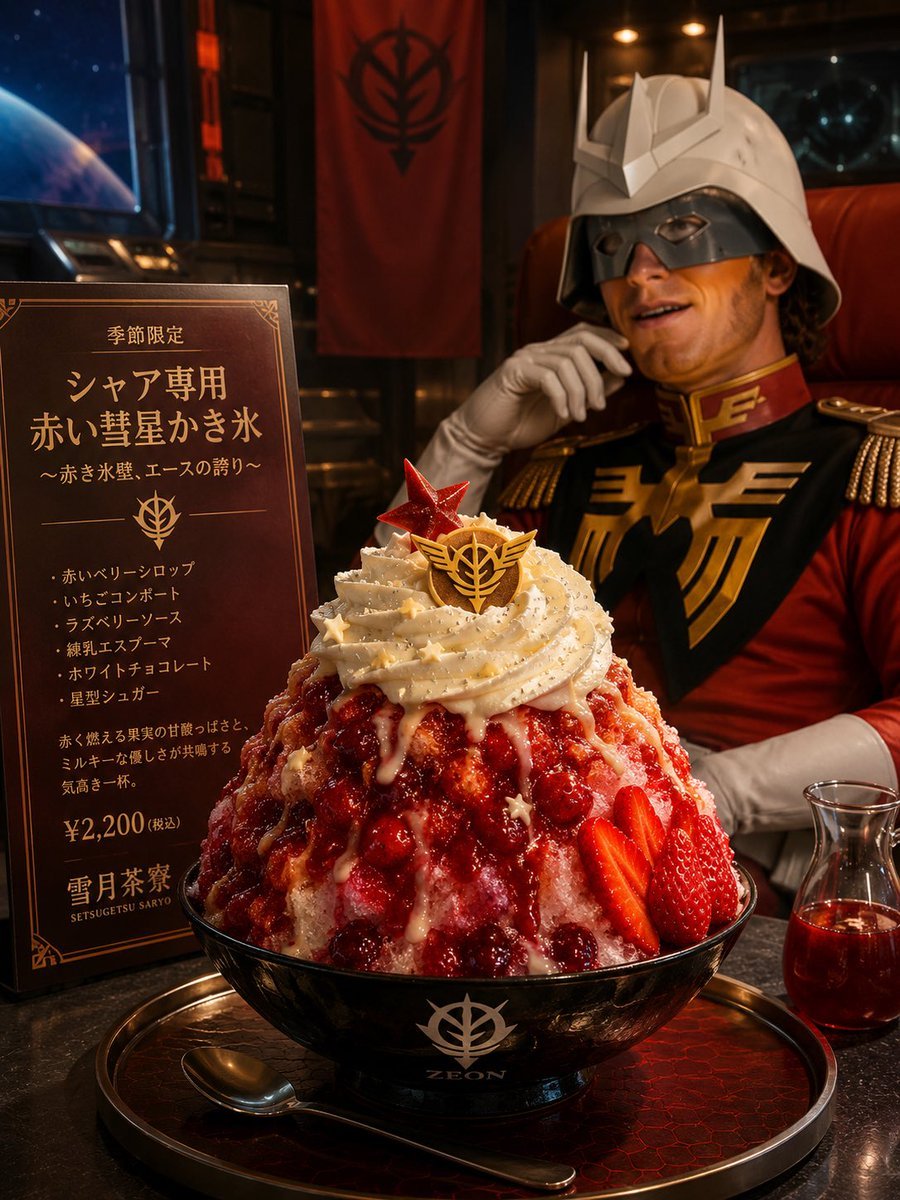
Creates a cinematic themed café food advertisement featuring a dramatic red berry shaved ice dessert with a sci-fi military cosplay background.
- Prompt included
- Model and format preset
- Free template
The prompt behind this image
Copy the exact prompt behind Char-Inspired Red Shaved Ice Café Ad, or open it in the studio and make it yours.
Goal: Create a cinematic photorealistic themed café promotional image for a limited seasonal shaved-ice dessert inspired by a red masked ace pilot aesthetic. Use {argument name="theme franchise" default="Zeon / Char-inspired sci-fi military theme"} without showing any official copyrighted logo too literally, but include a similar stylized golden emblem motif on the dessert, bowl, banner, and menu. Canvas: Vertical 3:4 composition, high-resolution, warm dramatic lighting, shallow depth of field, realistic food photography mixed with cosplay café atmosphere. Layout: Foreground center is one oversized bowl of red berry shaved ice on a dark serving tray. Left side has one upright dark-brown menu board with ornate gold borders and Japanese text. Background right has one seated helmeted red-uniform officer figure in a leather chair, slightly out of focus, with the face covered by a rectangular privacy blur. Background left shows a window with outer space and one blue planet, and the rear wall has one hanging red banner with a black military-style emblem. Subject details: The dessert is a tall mound of shaved ice in a glossy black bowl. It is covered with vivid red berry syrup, many visible red berries, several sliced strawberries on the right side, pale condensed-milk drizzle, and a large spiral of whipped cream on top. Add gold sprinkles and tiny star-shaped decorations. On the whipped cream place exactly 2 toppers: 1 translucent red star-shaped sugar crystal and 1 round chocolate medallion with a gold winged emblem. The black bowl has a white emblem and the word “ZEON” on the front. Place exactly 1 spoon on the tray in front of the bowl and exactly 1 small glass carafe of red syrup on the right. Character and environment: The background figure wears a white horned sci-fi helmet, red military jacket, black-and-gold chest armor, gold epaulettes, and white gloves. The figure is seated casually with one gloved hand near the chin. The face area must be hidden by a soft-edged rectangular blur. The room feels like a dark space-station lounge or themed café, with metal panels, warm amber lights, red accents, and cinematic reflections. Text content on the menu board: Use Japanese typography in gold on dark brown. Include the headline text {argument name="menu headline" default="シャア専用 赤い彗星かき氷"}, the subheading {argument name="menu subheading" default="〜赤き氷壁、エースの誇り〜"}, and the price {argument name="price" default="¥2,200(税込)"}. Include exactly 5 ingredient bullet lines: 1. red berry syrup, 2. strawberry compote, 3. raspberry sauce, 4. green espresso aroma, 5. white chocolate and star sugar. Add a small shop name at the bottom: {argument name="shop name" default="雪月茶寮 SETSUGETSU SARYO"}. Visual style: Photorealistic, premium café advertisement, rich blacks and reds, metallic gold highlights, sharp detailed dessert texture, realistic ice crystals, glossy syrup, soft background bokeh, theatrical warm key light from upper right, subtle cool blue space light from left. Constraints: Keep the composition vertical and centered on the dessert. Use exactly one menu board, one dessert bowl, one spoon, one syrup carafe, one seated helmeted character, one red wall banner, one visible planet, and two dessert toppers. Do not add extra people, extra bowls, watermarks, or English replacement text on the Japanese menu.
How to use Char-Inspired Red Shaved Ice Café Ad in 3 steps
- 1Upload ImagePNG, JPG or paste
Add your photo
Upload the photo the template builds on. The prompt, model and format are already set.
- 2…a portrait of your subject in softgolden-hour light, 85mm…
Personalize
Edit the subject and creative details for your destination.
- 3Generate
Generate
Press Generate — your image is created in PicX Studio, so you can compare it with the original and refine one variable at a time.
More like this
Templates with the same subject, style or setup. Open one to see its prompt.
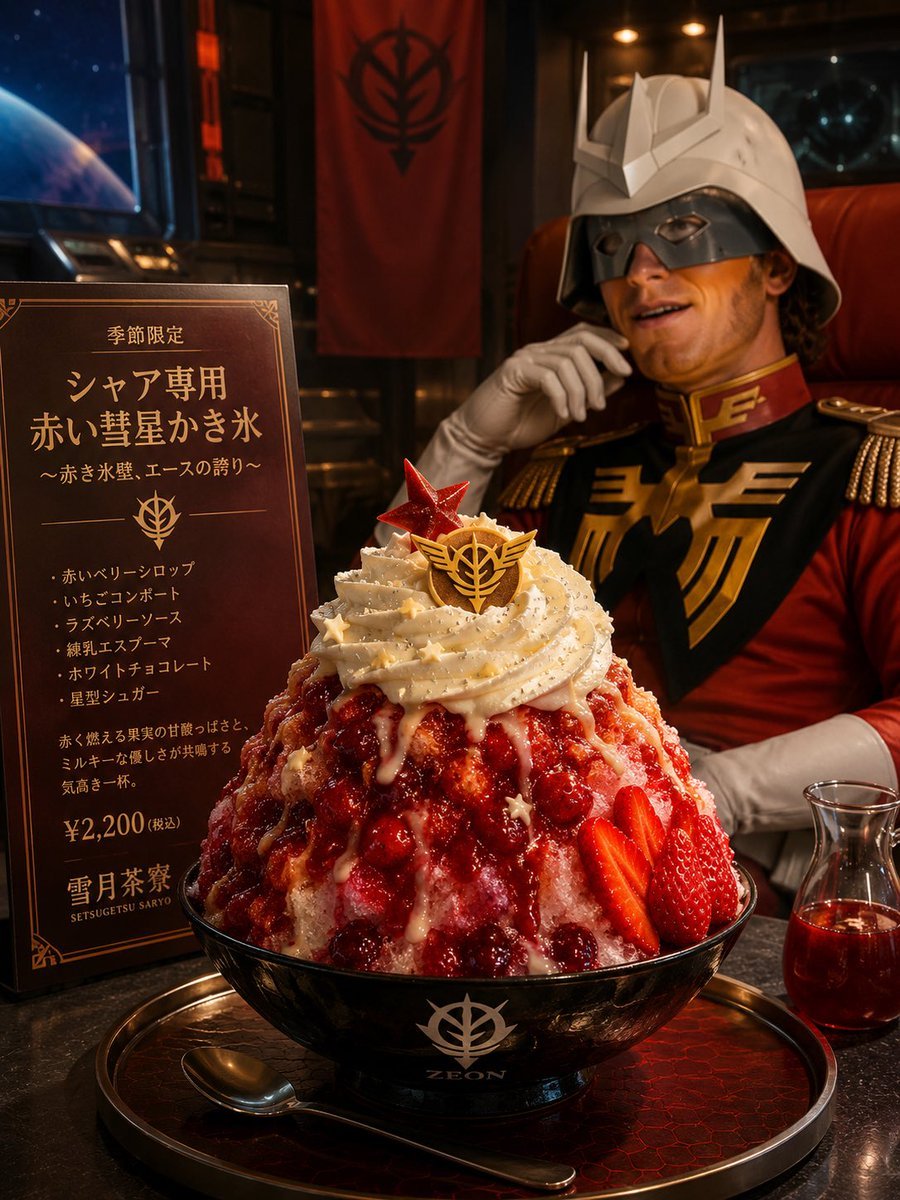
Char-Inspired Red Kakigori Café Photo
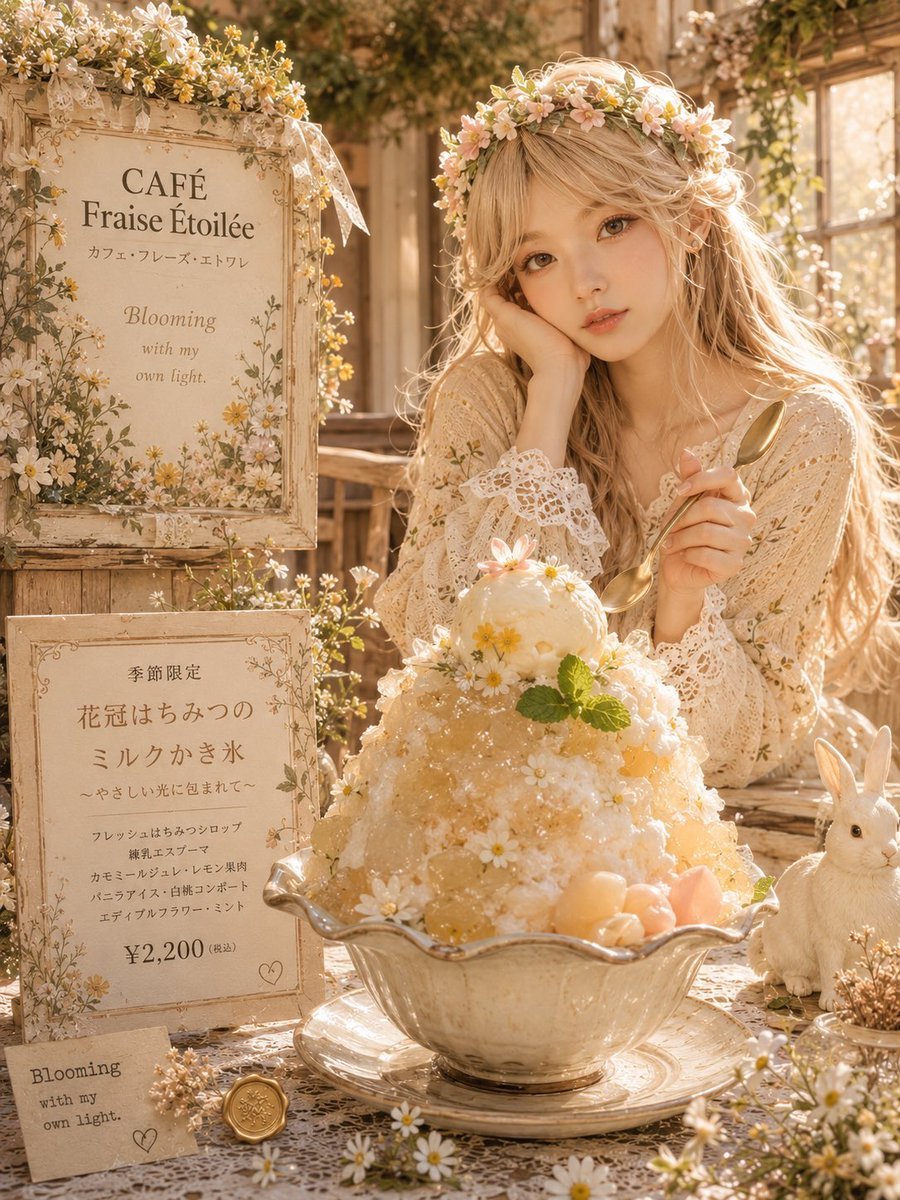
Dreamy Flower Crown Shaved Ice Café
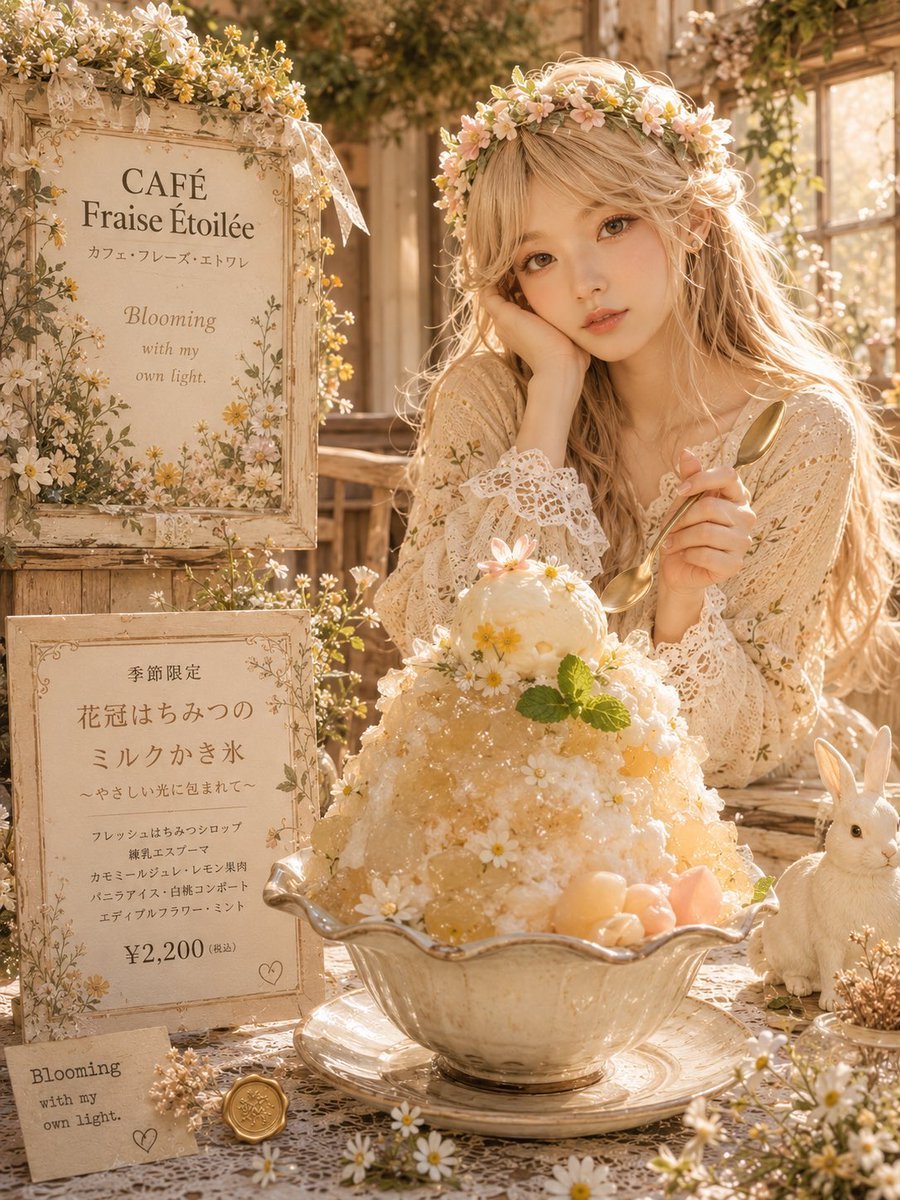
Cottagecore Shaved Ice Café Ad
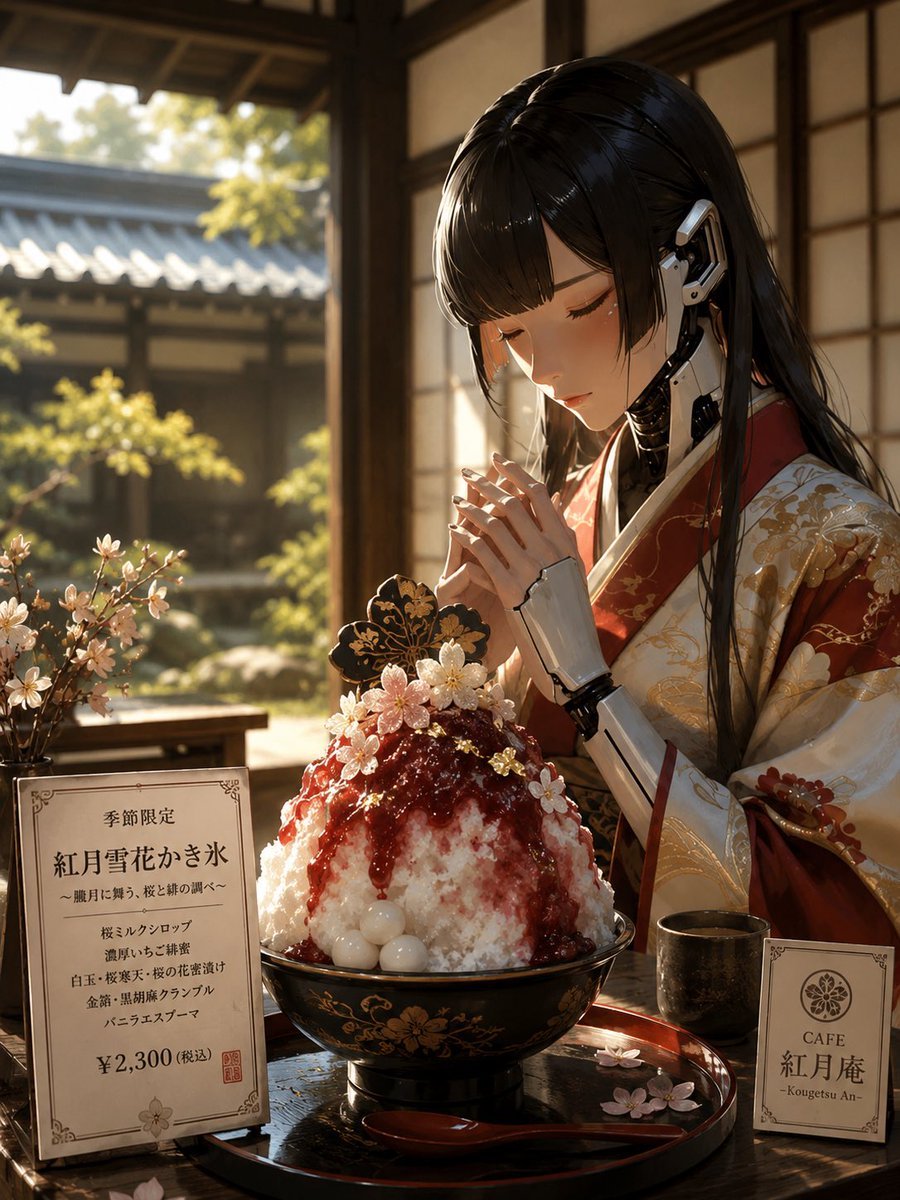
Cybernetic Kimono Shaved Ice Cafe

Dancer Character - Four View Reference Sheet
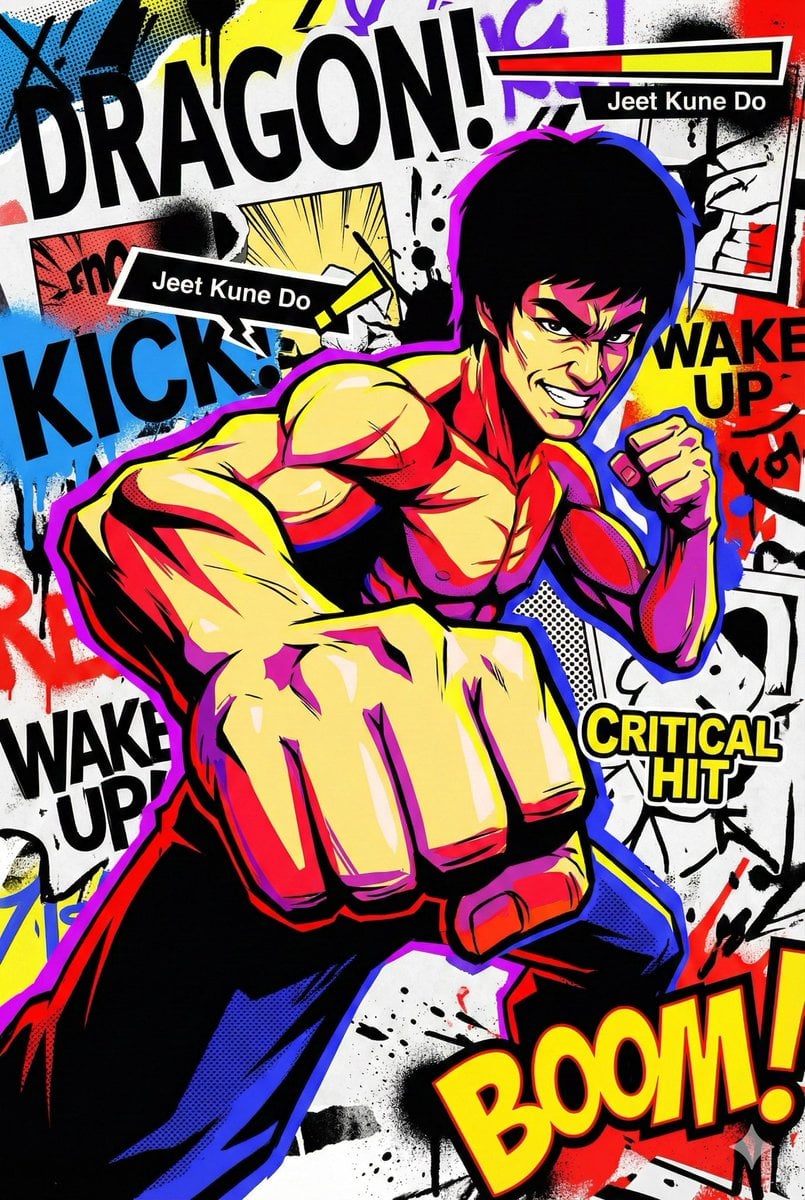
Persona 5-inspired pop-art anime poster for a custom chuunibyou character
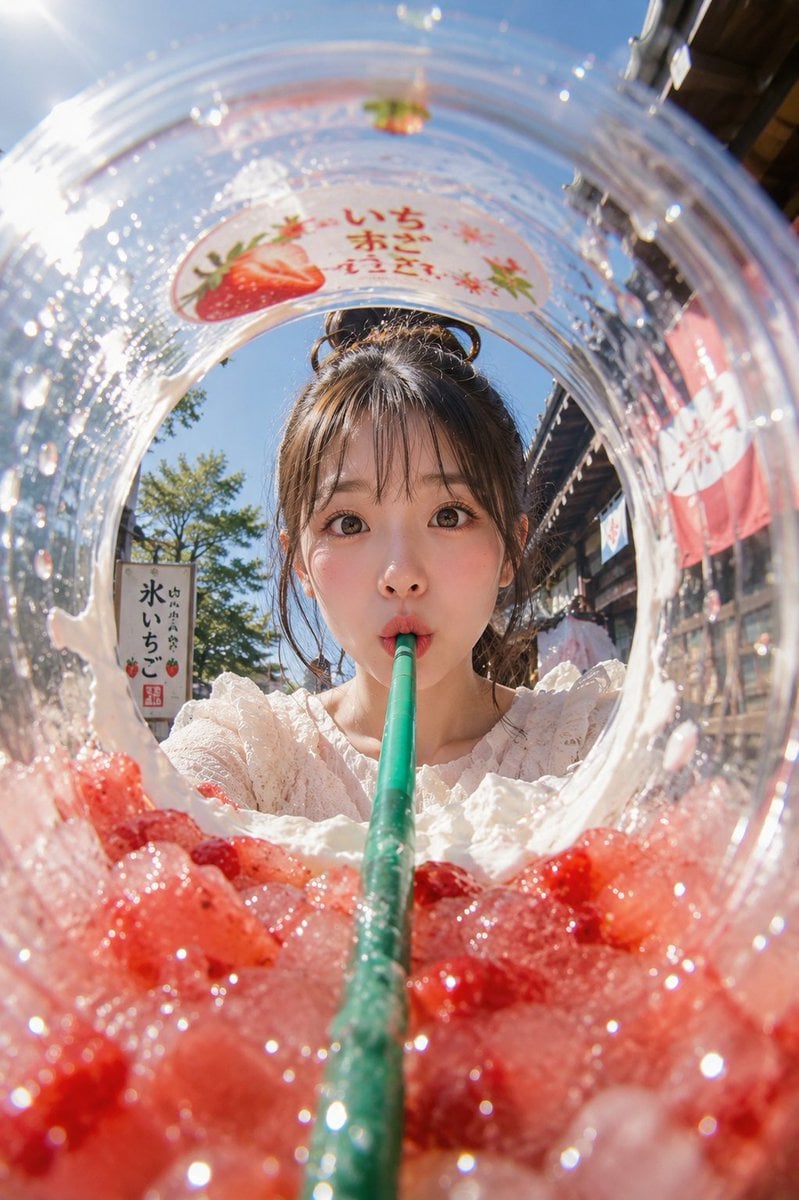
Summer Shaved Ice: Fisheye Perspective
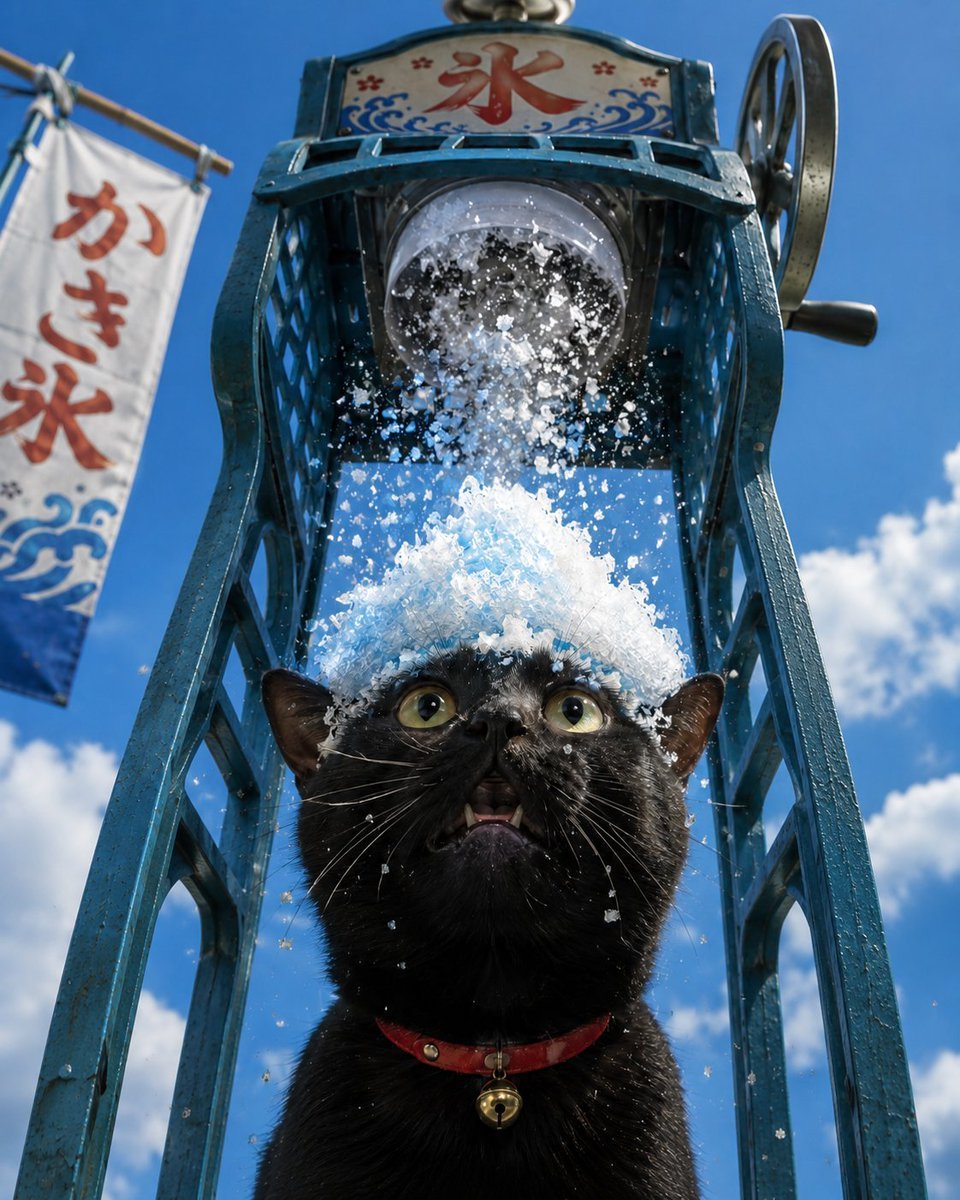
Black Cat Under Shaved Ice Machine
Ingrid Ice Storage Café Fantasy Scene

Bold Red Contrast Fashion Editorial Newspaper Room

Panning Motion Soccer Kick Poster
Korean-Inspired Whimsical Doodle Art
Make it yours
Char-Inspired Red Shaved Ice Café Ad works as-is. These are the safest ways to change it without losing the look.
Change one field
Copy a single group, rewrite it, and generate again so you can see what that field is doing.
Keep the frame, change the subject
Hold the composition and light of Char-Inspired Red Shaved Ice Café Ad, then swap wardrobe, props or the person for a new take.
| If the result… | Why | Fix |
|---|---|---|
| The result drifts from the preview | Too many fields changed at once. | Reuse Char-Inspired Red Shaved Ice Café Ad as-is first, then change one group — subject, light, or setting. |
| The model over-stylizes the scene | The prose prompt leaves finish and camera underspecified. | Add one camera or lighting sentence and stay on GPT Image 2. |
More GPT Image 2 templates
Other prompts made for GPT Image 2.

Six VTuber Japanese Logo Sheet

Realistic Portrait of Woman and Deer

The Vista Modular Condo Poster

AI Model Routing Comparison Infographic

2.5D Anime Art Board

Isometric Productivity Desk Scene

New York Double Exposure Poster

Four-Panel AI Landscape Comparison

Japanese Tatami Lifestyle Magazine Cover

NESCAFÉ Coffee Map Poster
More image prompts
Fresh picks from across the catalog.
Vintage Photo Restoration and Upscaling Prompt
Penguins vs Coconut Tree Battle
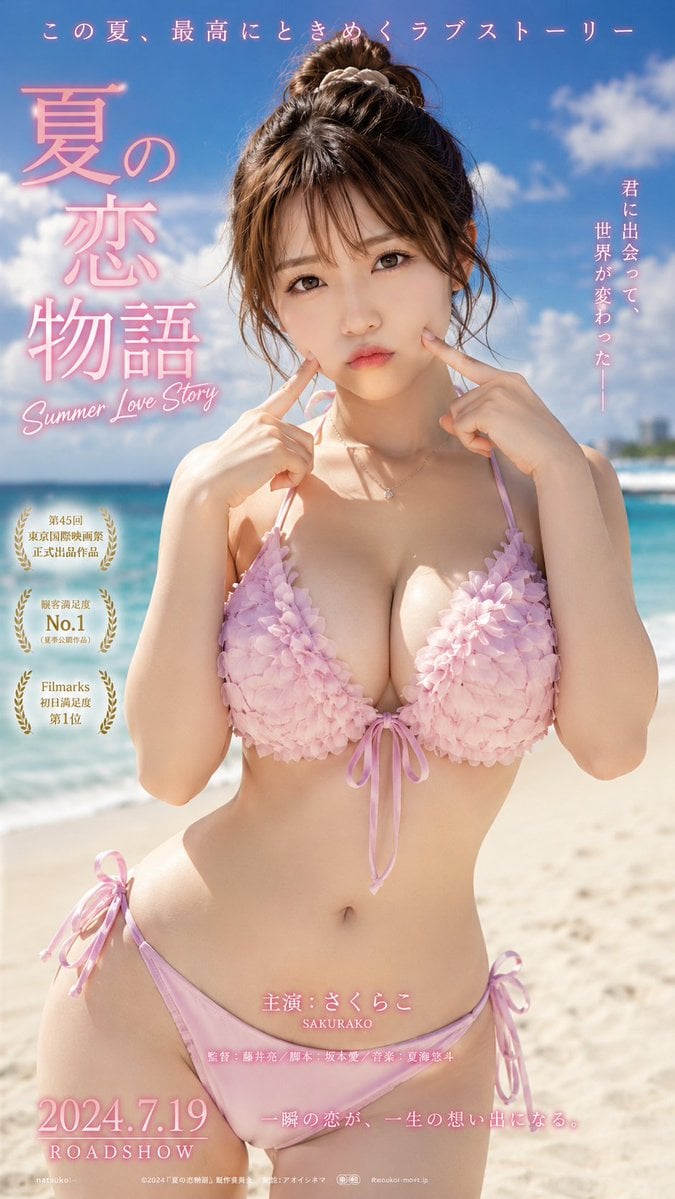
Cinematic Beachwear Model Portrait
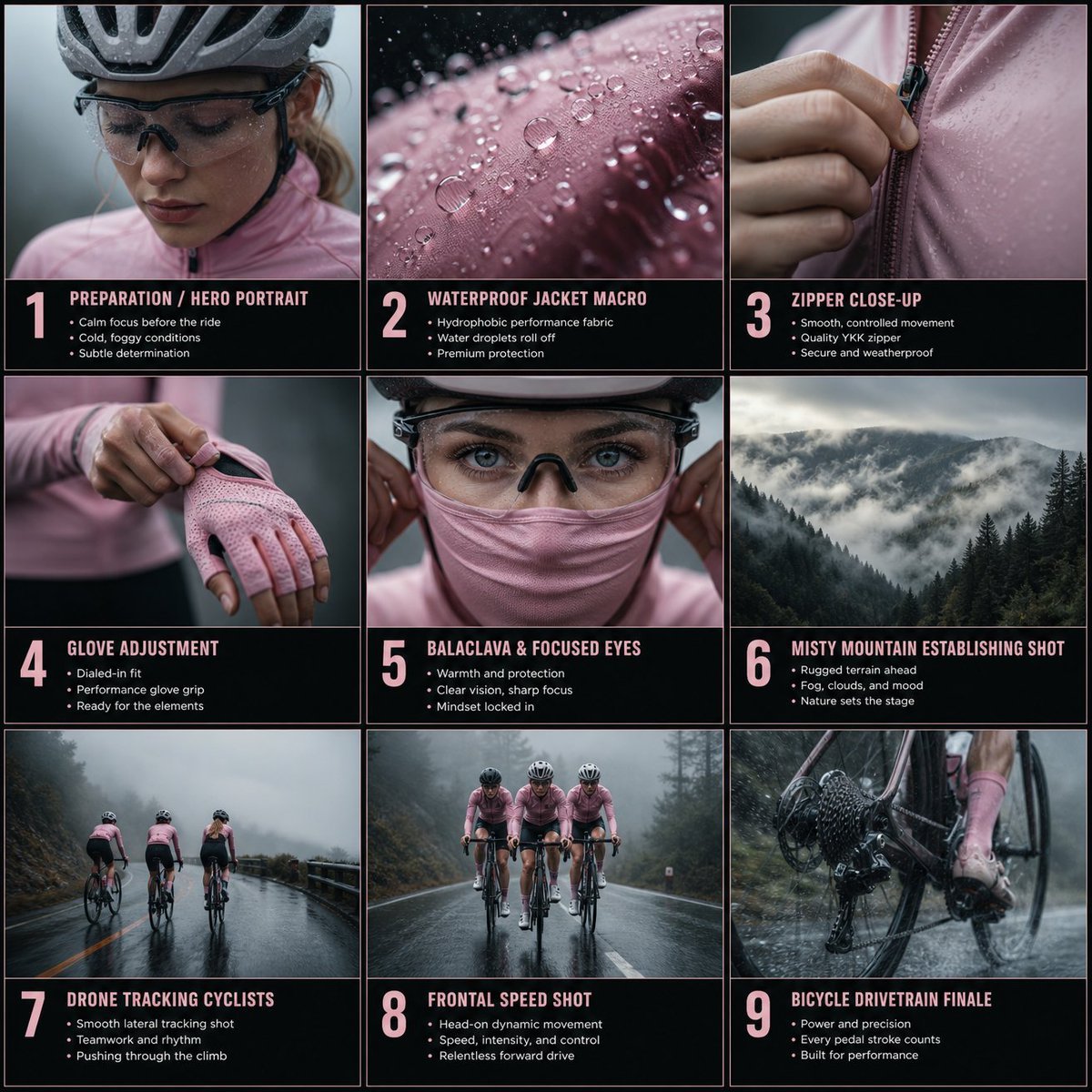
Cinematic Cycling Storyboard
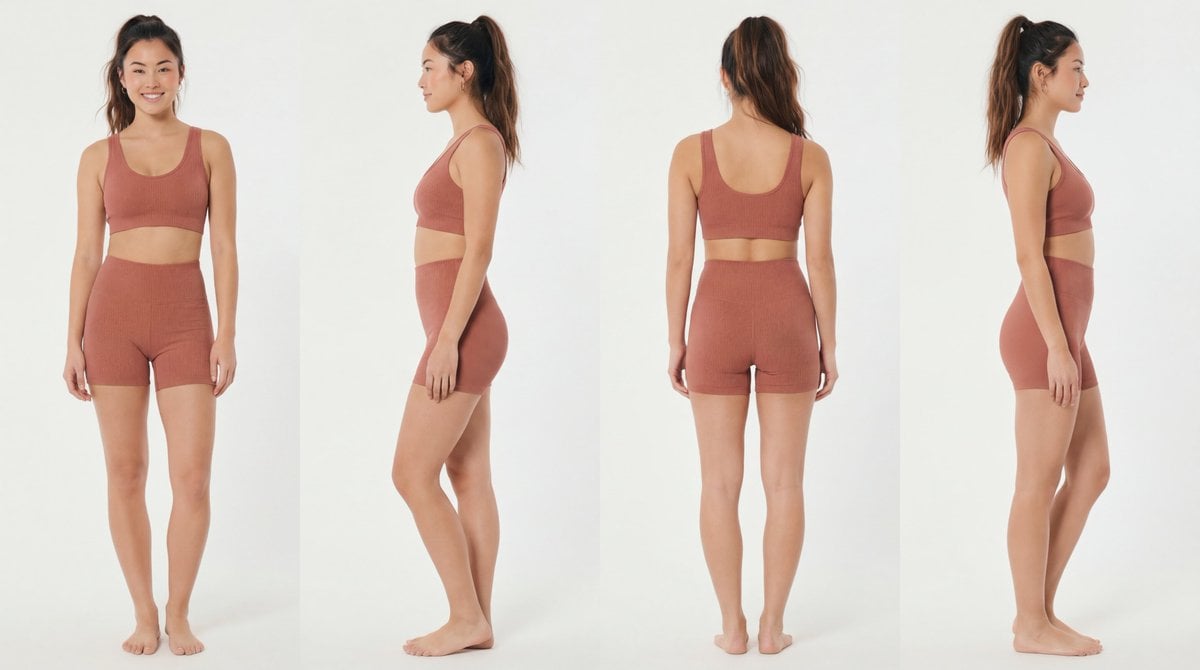
Recommended Nano Banana Pro Prompting Strategy for Consistency
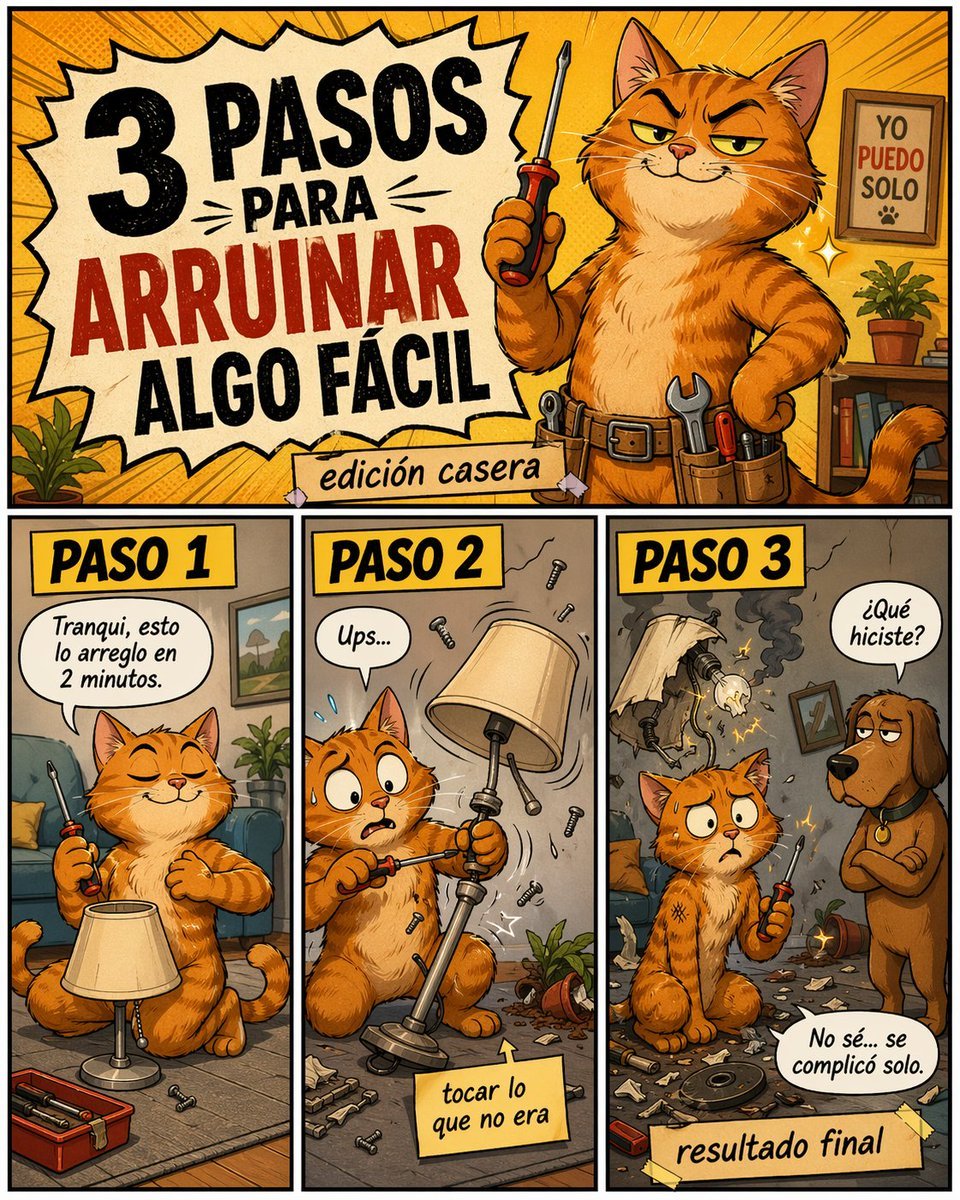
Funny DIY Disaster Cat Comic
Tiny Medieval Knight vs. Towering Pink Birthday Cake
Line and Shape Hybrid Illustration Prompt
Recursive artist painting a photo of himself painting

Handmade Claymation Style i2i
Browse template categories
Char-Inspired Red Shaved Ice Café Ad questions
How do I use the Char-Inspired Red Shaved Ice Café Ad template?
Add your photo if the template asks for one, edit the prompt if you like — the template's model and format are already selected — and press Generate. Your version opens in PicX Studio.
Can I customize the Char-Inspired Red Shaved Ice Café Ad template?
Yes. You can change the subject, setting, lighting, mood, format, and available model controls before creating your image.
Is the Char-Inspired Red Shaved Ice Café Ad template free?
Opening and editing this template is free. Generating uses credits, shown on the Generate button when you are signed in.
Which AI model should I use?
Start with GPT Image 2, which is the model associated with this template. You can compare another compatible model for a different finish.
Looking for something else? Browse all templates.

Your photo, any look
Thousands of ready templates for every top image and video model, from one credit balance.