
Luxury GPT Images 2.0 Launch Poster
Generates a premium vertical tech launch poster with metallic typography, a mirrored chameleon, a pearly shell, and HailuoAI-style branding.
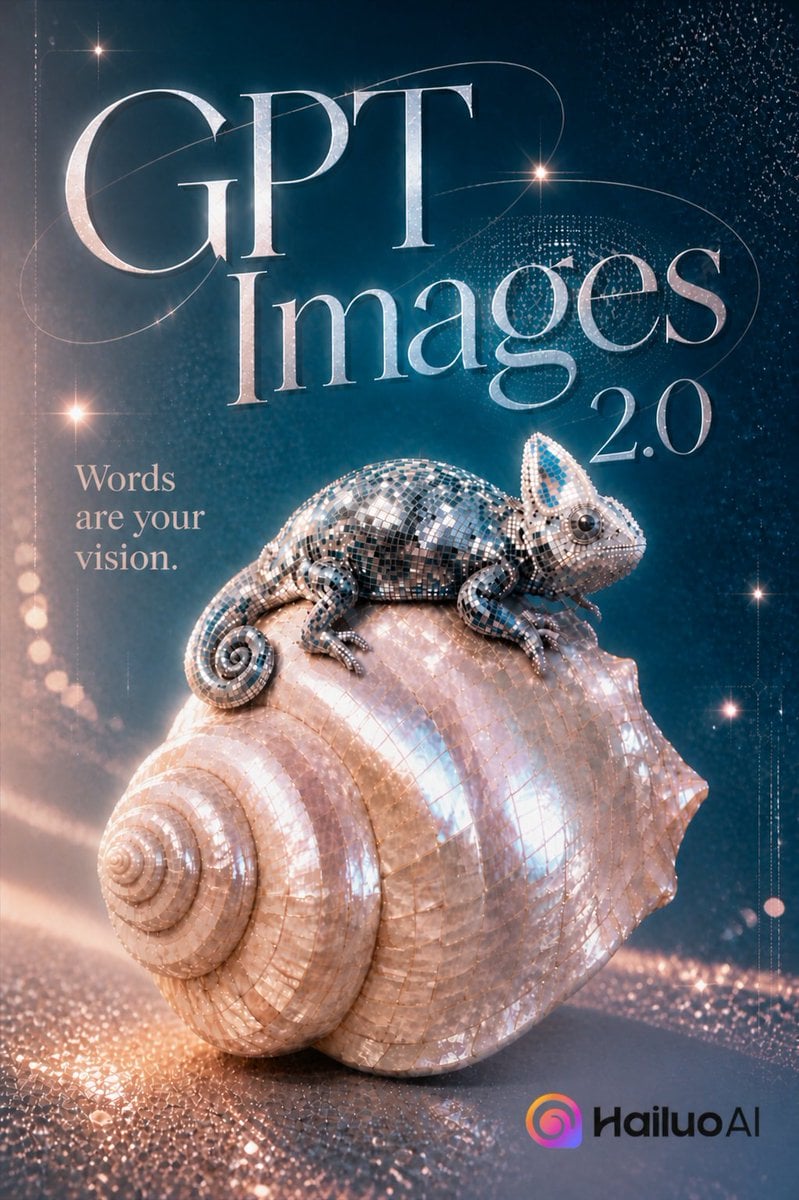
- Prompt included
- Model and format preset
- Free template
The prompt behind this image
Copy the exact prompt behind Luxury GPT Images 2.0 Launch Poster, or open it in the studio and make it yours.
Create a luxurious vertical promotional poster for {argument name="product name" default="GPT Images"} {argument name="version number" default="2.0"}, in a premium cinematic 3D style. The scene features one iridescent mosaic chameleon perched on top of one large pearly seashell, both covered in tiny reflective mirror tiles and mother-of-pearl surfaces, sparkling with rose-gold and cool cyan highlights. Use a deep teal-to-navy gradient background filled with glittering particle dust, thin elegant orbital light trails, starburst lens flares, and a shimmering reflective floor with scattered sparkling bokeh. Place the typography prominently in the upper half: 4 visible text elements total, consisting of the oversized metallic serif headline “{argument name="headline text" default="GPT Images"}”, the separate small version text “{argument name="version text" default="2.0"}” to the right, the left-side stacked tagline “{argument name="tagline" default="Words are your vision."}”, and the bottom-right brand mark reading “{argument name="brand name" default="HailuoAI"}” beside a colorful rounded swirl icon. Use elegant high-contrast Didot/Bodoni-style serif lettering for the main title, pale silver chrome material, subtle beveling, and refined spacing. The composition should feel like a high-end technology launch ad: glossy, magical, fashion editorial lighting, ultra-detailed 3D render, reflective caustics, soft volumetric glow, sharp focus on the chameleon and shell, vertical 2:3 aspect ratio.
How to use Luxury GPT Images 2.0 Launch Poster in 3 steps
- 1Upload ImagePNG, JPG or paste
Add your photo
Upload the photo the template builds on. The prompt, model and format are already set.
- 2…a portrait of your subject in softgolden-hour light, 85mm…
Personalize
Edit the subject and creative details for your destination.
- 3Generate
Generate
Press Generate — your image is created in PicX Studio, so you can compare it with the original and refine one variable at a time.
More like this
Templates with the same subject, style or setup. Open one to see its prompt.

Luxury Sliced Wordmark Player Poster
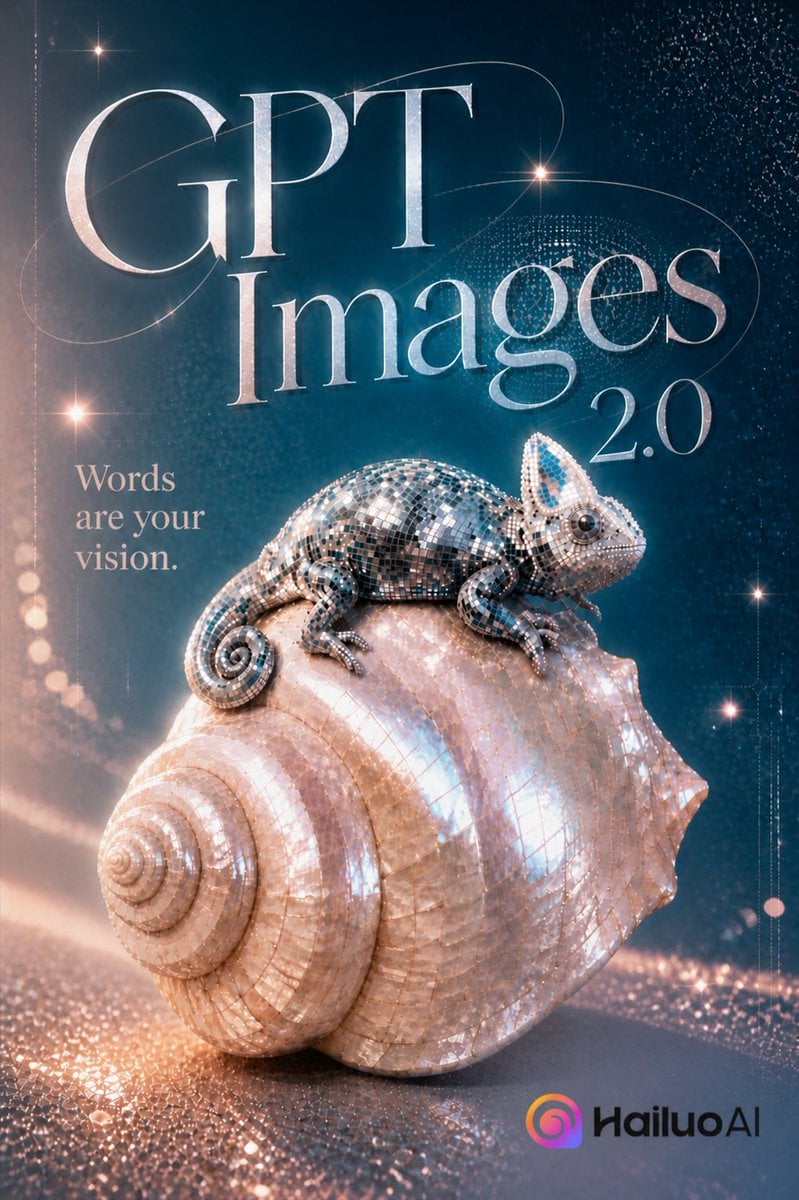
GPT Images 2.0 Chameleon Poster
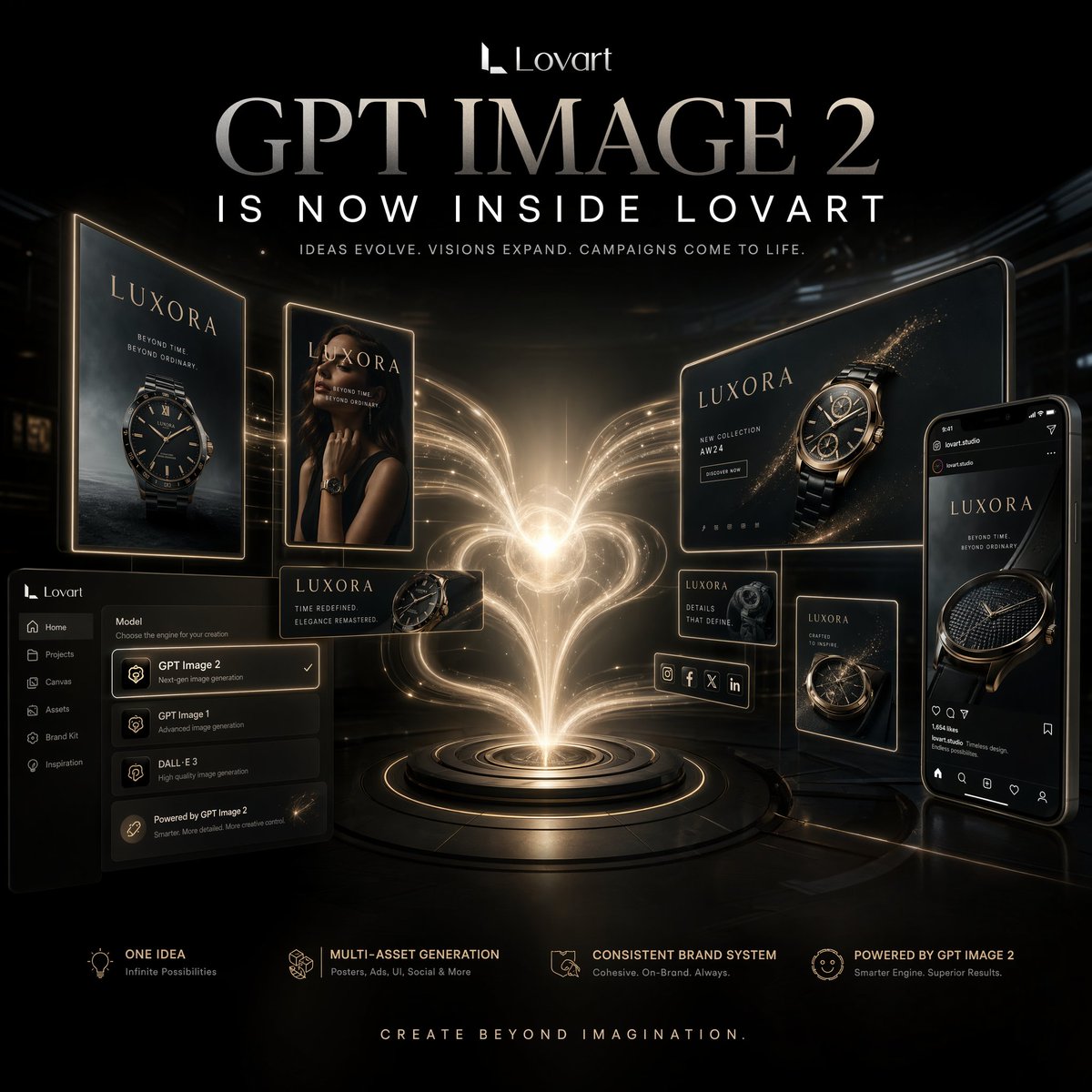
Luxury AI Campaign Launch Poster

Gpt2 Product Marketing Streetwear Sneaker Poster Ad

Gpt2 Youtube Thumbnail Wuxia Movie Character Posters

Gpt2 Youtube Thumbnail Anime Music Bootcamp Promo Poster

Gpt2 Infographic Edu Visual Ink Wash Tribute Poster for Chen Uen

Gpt2 Infographic Edu Visual Biomimetic Skyray Aircraft Poster

Gpt2 Social Media Post Cinematic Chicken Momos Ad Poster

Gpt2 Social Media Post Bmw Performance Social Poster
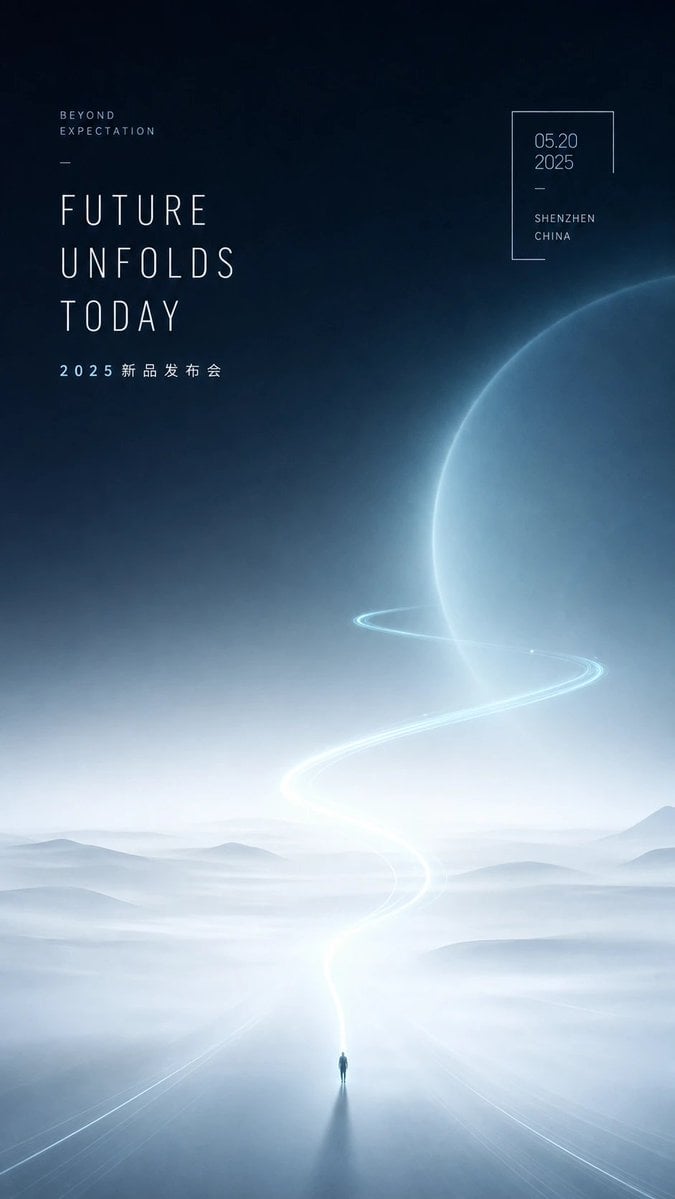
Futuristic Product Launch Poster

Japan Travel Brochure Poster
Make it yours
Luxury GPT Images 2.0 Launch Poster works as-is. These are the safest ways to change it without losing the look.
Change one field
Copy a single group, rewrite it, and generate again so you can see what that field is doing.
Keep the frame, change the subject
Hold the composition and light of Luxury GPT Images 2.0 Launch Poster, then swap wardrobe, props or the person for a new take.
| If the result… | Why | Fix |
|---|---|---|
| The result drifts from the preview | Too many fields changed at once. | Reuse Luxury GPT Images 2.0 Launch Poster as-is first, then change one group — subject, light, or setting. |
| The model over-stylizes the scene | The prose prompt leaves finish and camera underspecified. | Add one camera or lighting sentence and stay on GPT Image 2. |
More GPT Image 2 templates
Other prompts made for GPT Image 2.

Six VTuber Japanese Logo Sheet

Realistic Portrait of Woman and Deer

The Vista Modular Condo Poster

AI Model Routing Comparison Infographic

2.5D Anime Art Board

Isometric Productivity Desk Scene

New York Double Exposure Poster

Four-Panel AI Landscape Comparison

Japanese Tatami Lifestyle Magazine Cover

NESCAFÉ Coffee Map Poster
More image prompts
Fresh picks from across the catalog.
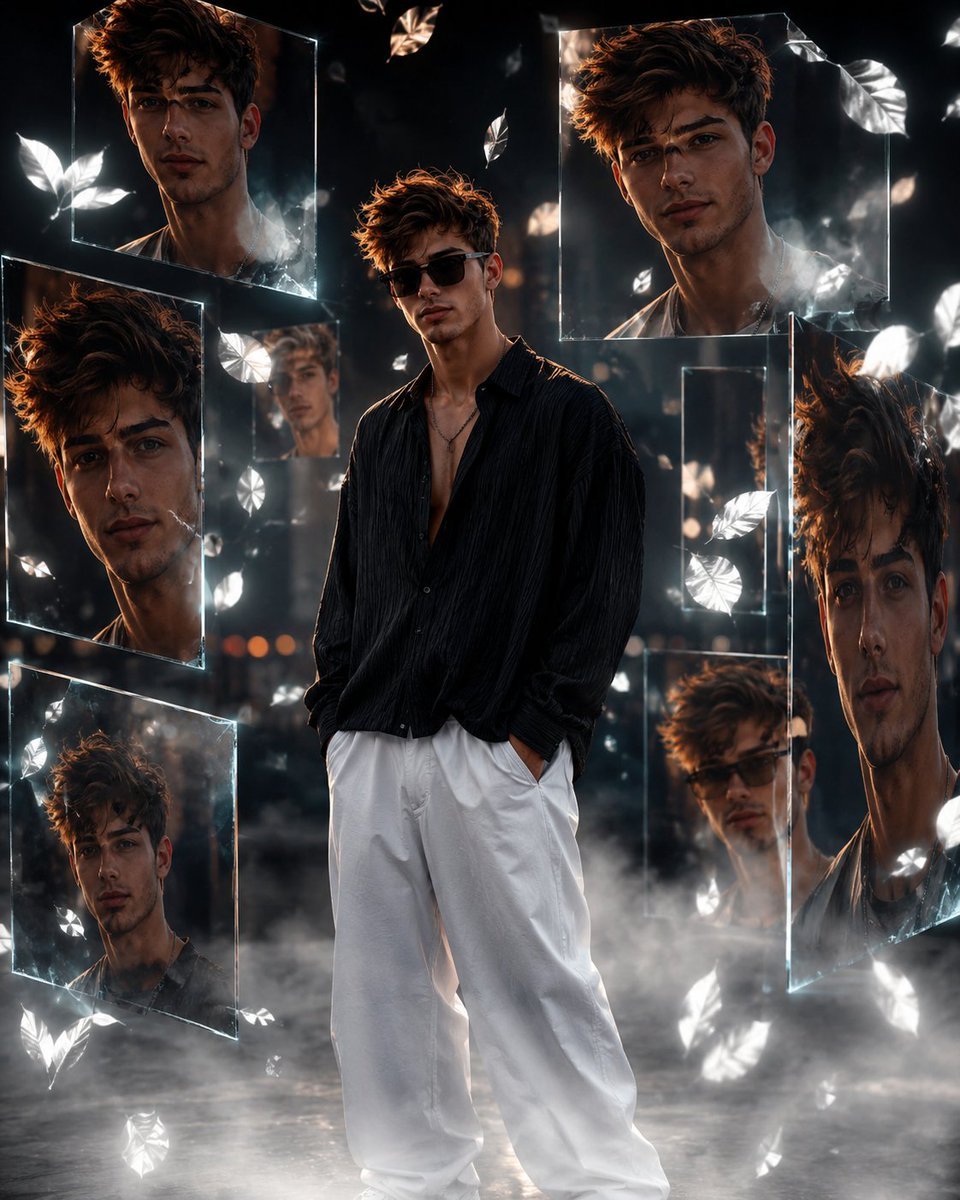
Cinematic Urban Portrait Poster
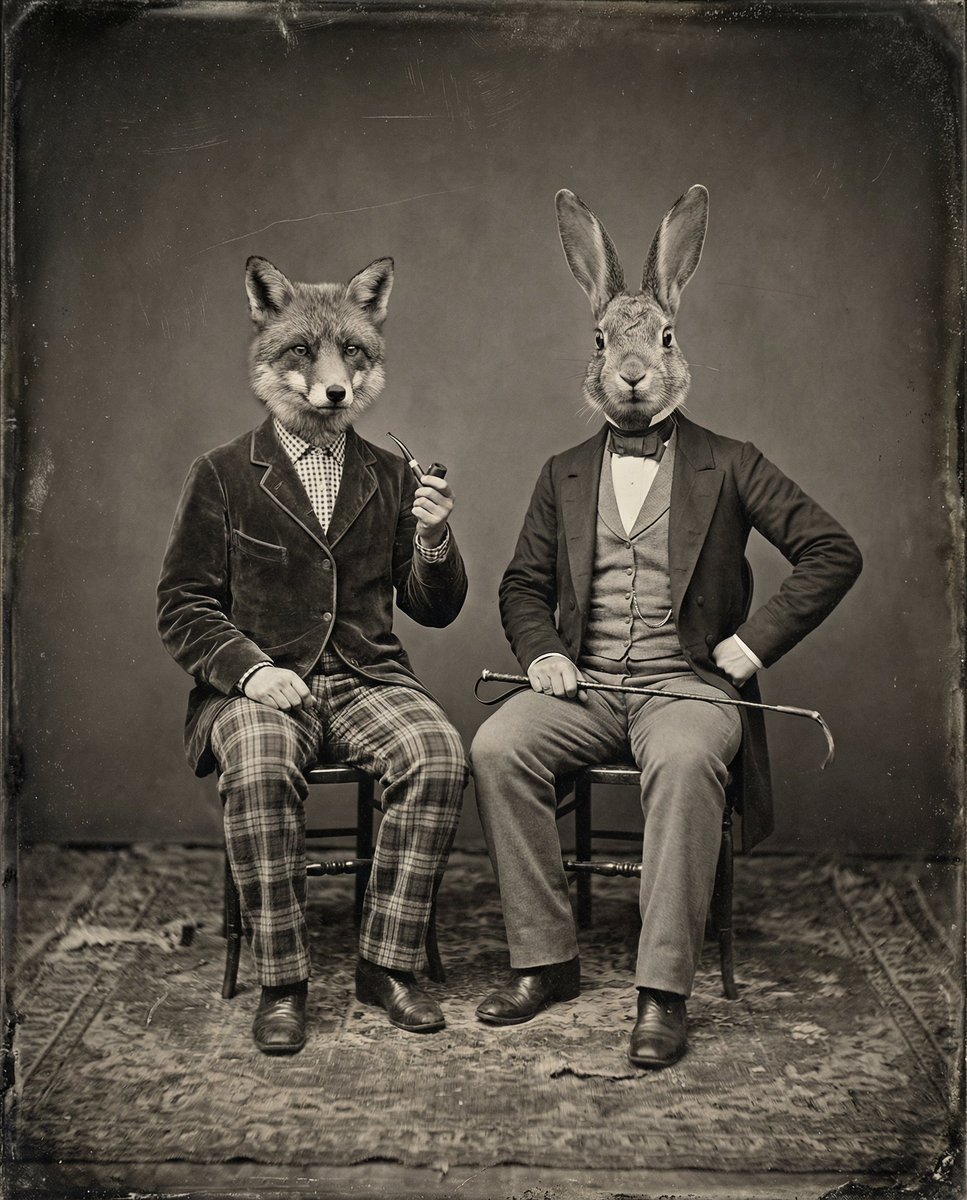
Vintage Sepia-Toned Portrait with Animal Heads
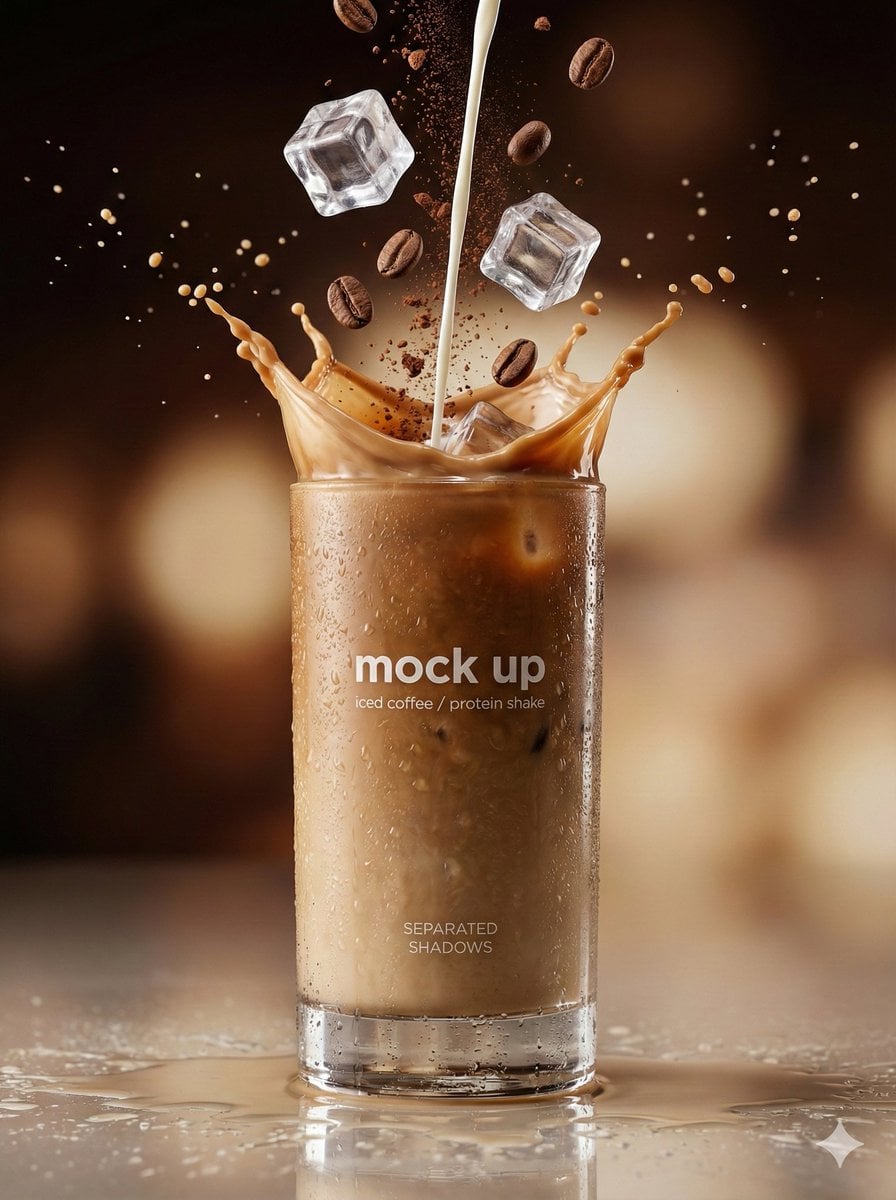
Hyper-Realistic Commercial Beverage Photography
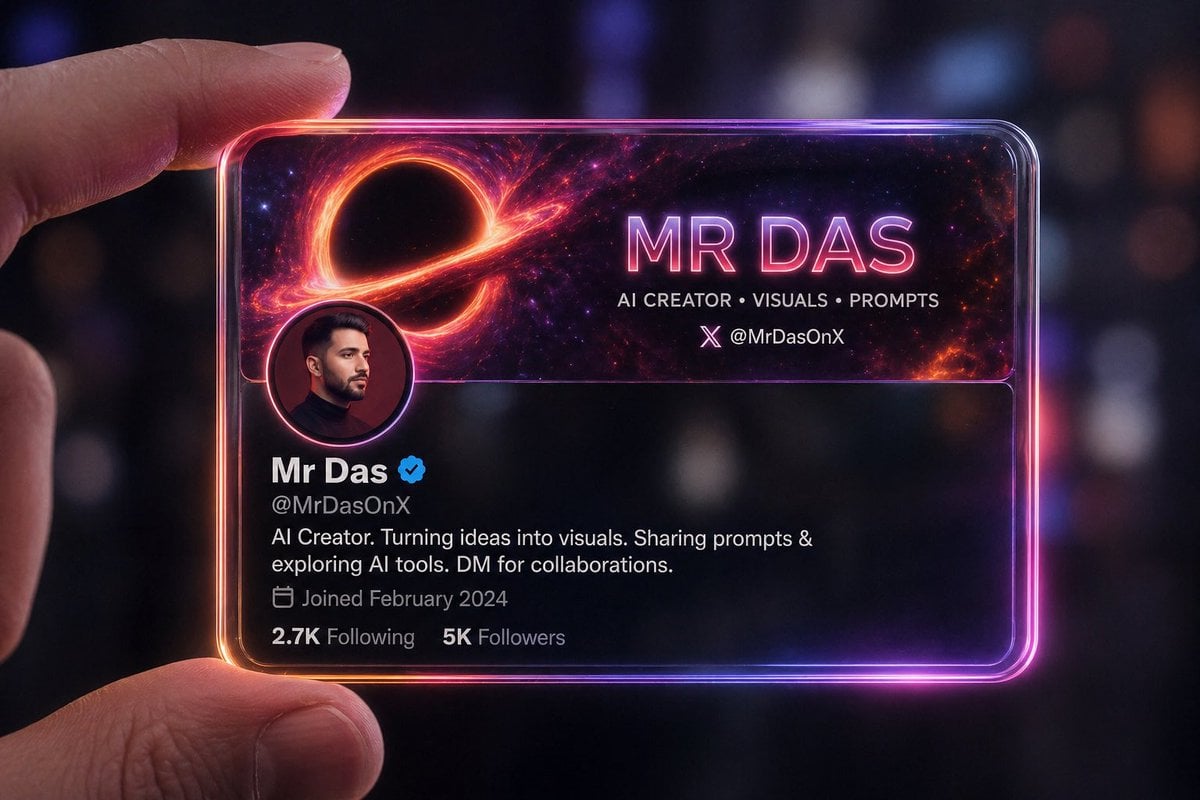
Futuristic Glass Profile ID Card

Demon Slayer Anime Character Portrait
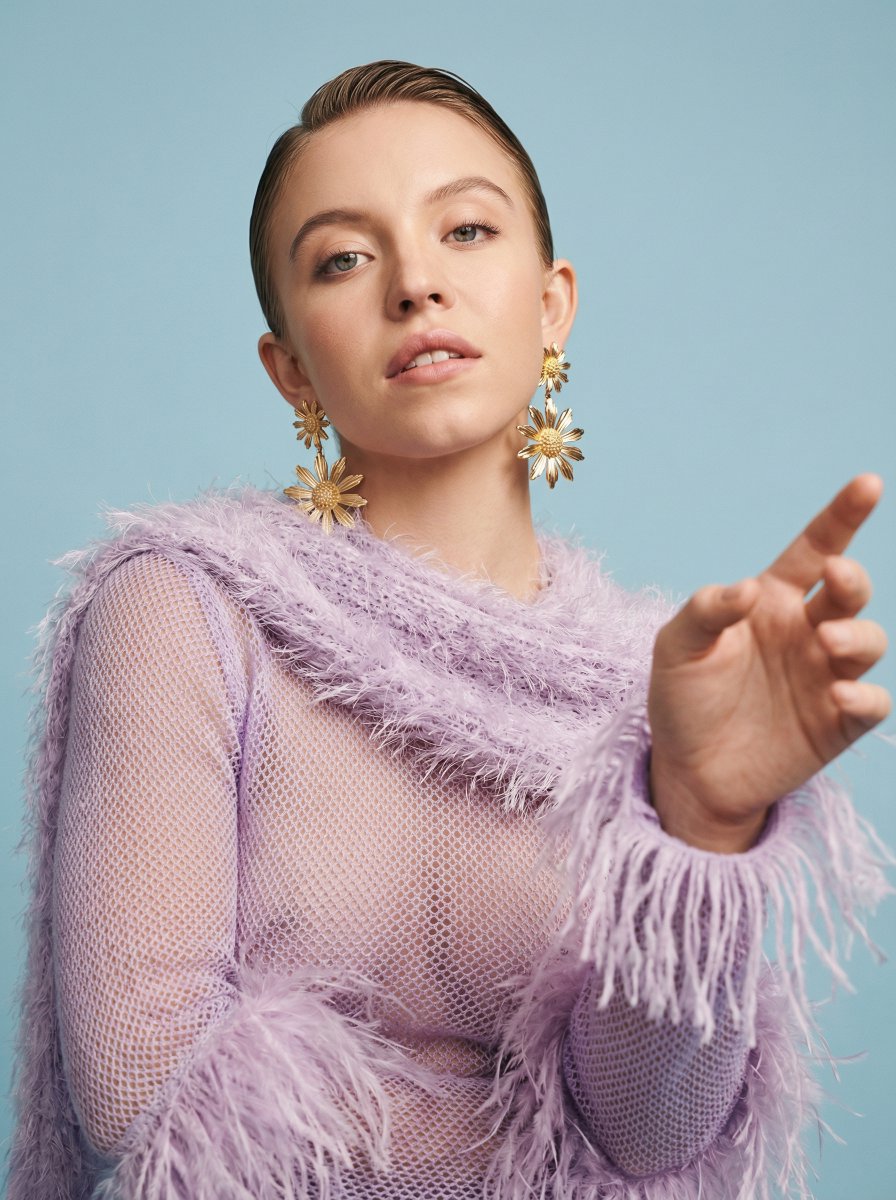
Photorealistic High-Fashion Editorial Portrait Prompt Template
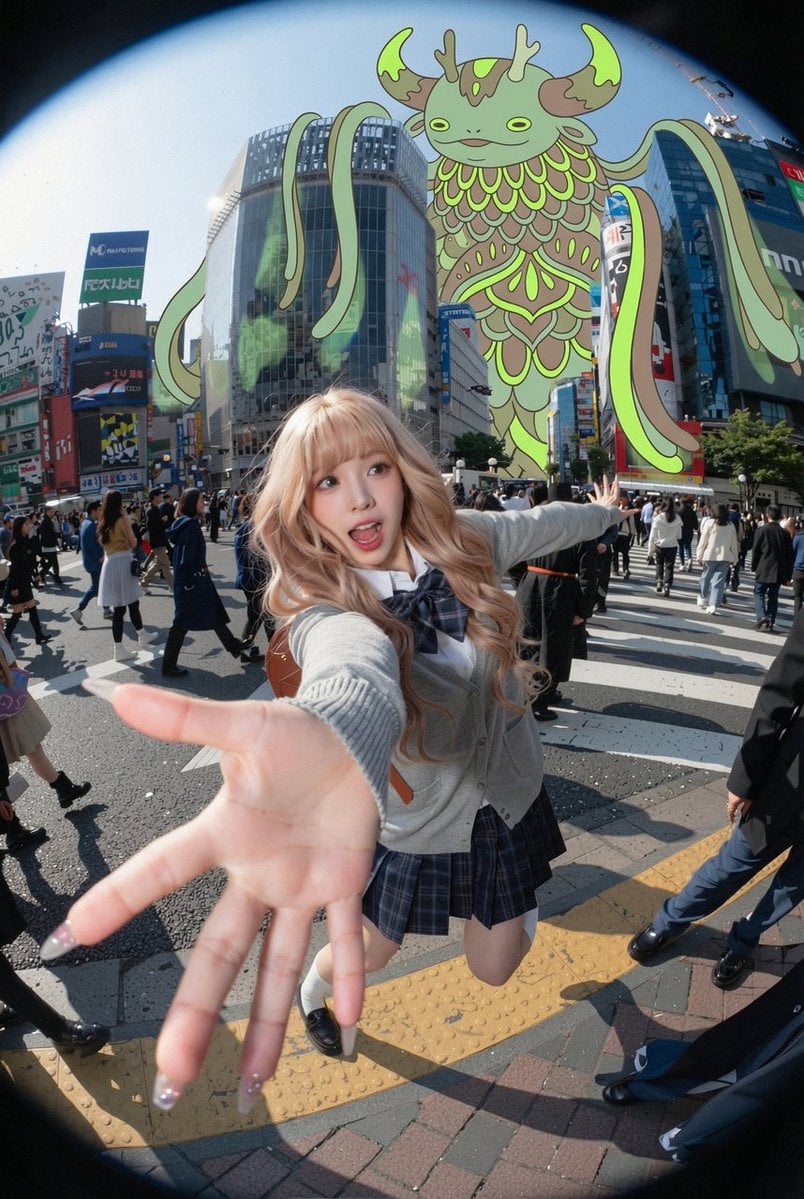
Fisheye Shibuya Yokai Selfie
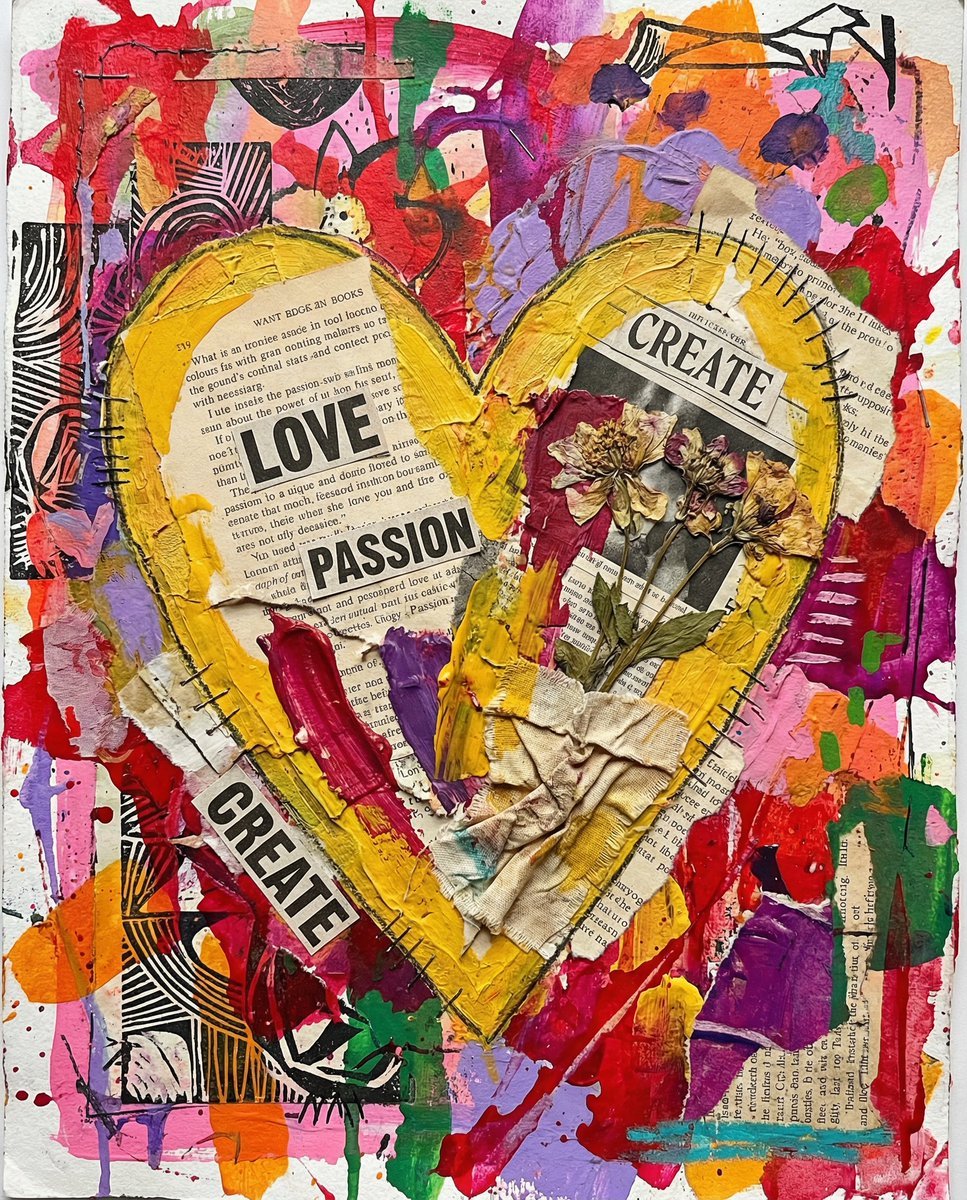
Nano Banana Pro prompt for a 3D, cute, cartoon character
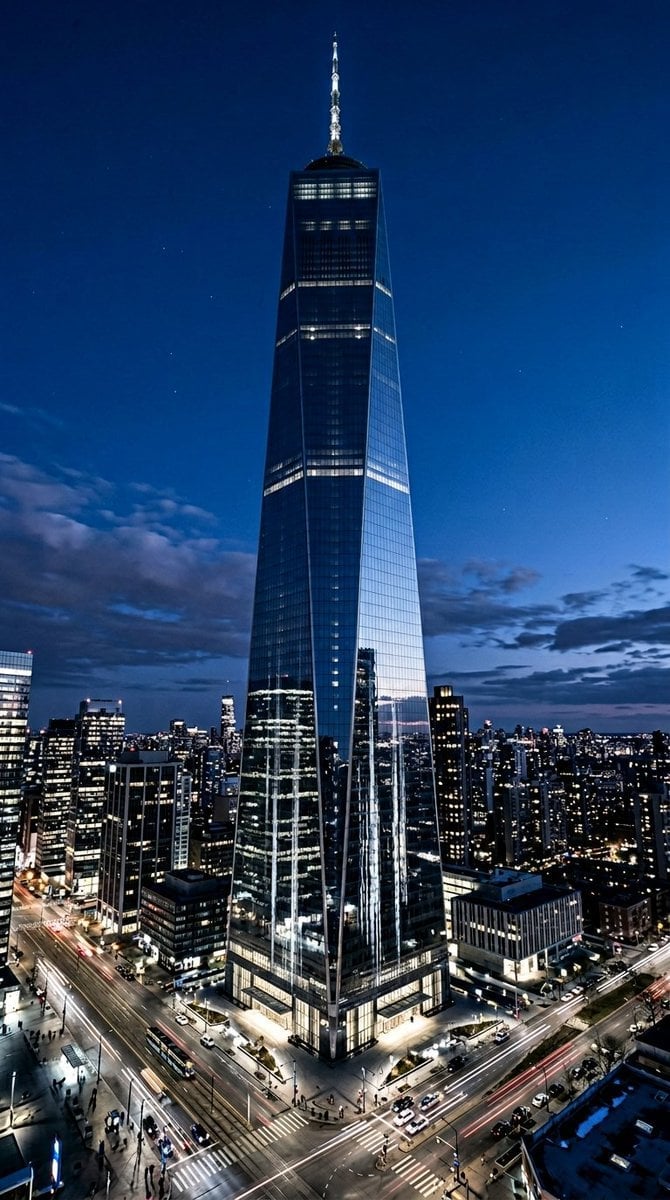
Futuristic Skyscraper Image Prompt (Nano Banana 2)
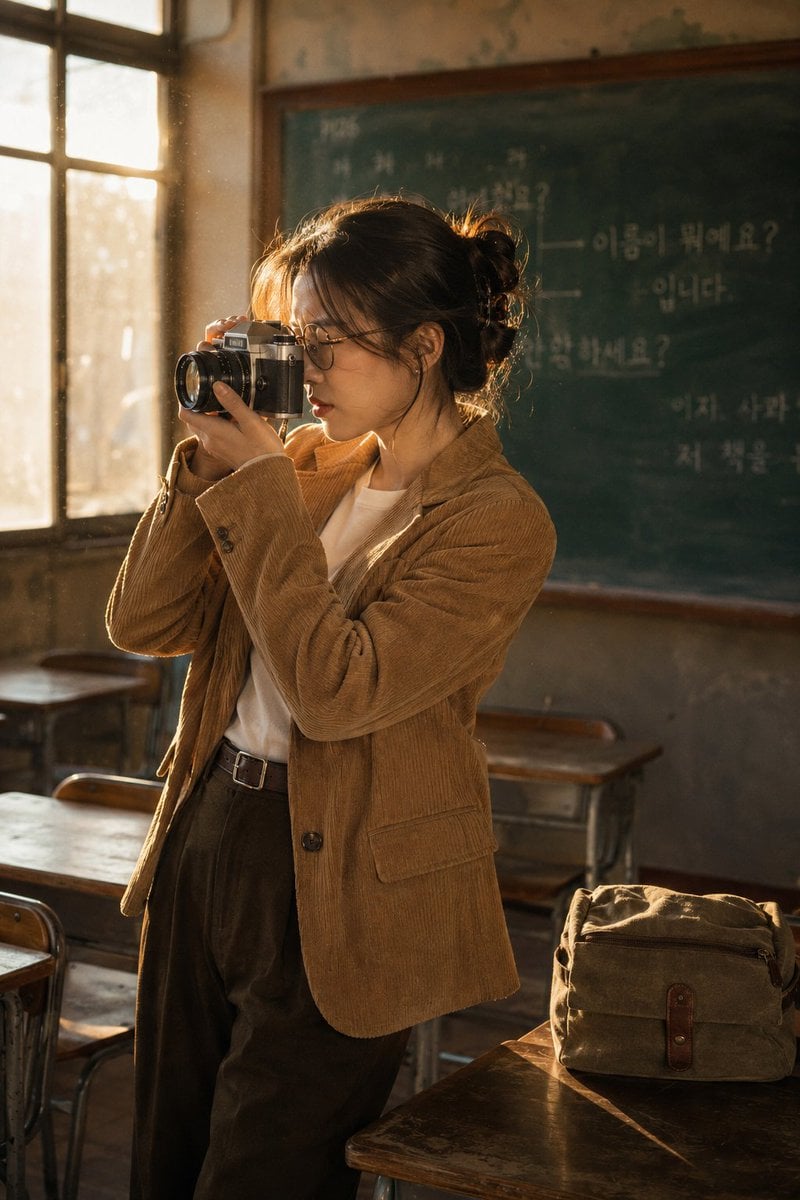
Vintage Film Camera Portrait
Browse template categories
Luxury GPT Images 2.0 Launch Poster questions
How do I use the Luxury GPT Images 2.0 Launch Poster template?
Add your photo if the template asks for one, edit the prompt if you like — the template's model and format are already selected — and press Generate. Your version opens in PicX Studio.
Can I customize the Luxury GPT Images 2.0 Launch Poster template?
Yes. You can change the subject, setting, lighting, mood, format, and available model controls before creating your image.
Is the Luxury GPT Images 2.0 Launch Poster template free?
Opening and editing this template is free. Generating uses credits, shown on the Generate button when you are signed in.
Which AI model should I use?
Start with GPT Image 2, which is the model associated with this template. You can compare another compatible model for a different finish.
Looking for something else? Browse all templates.

Your photo, any look
Thousands of ready templates for every top image and video model, from one credit balance.