
Crow Tengu Shrine Ensemble
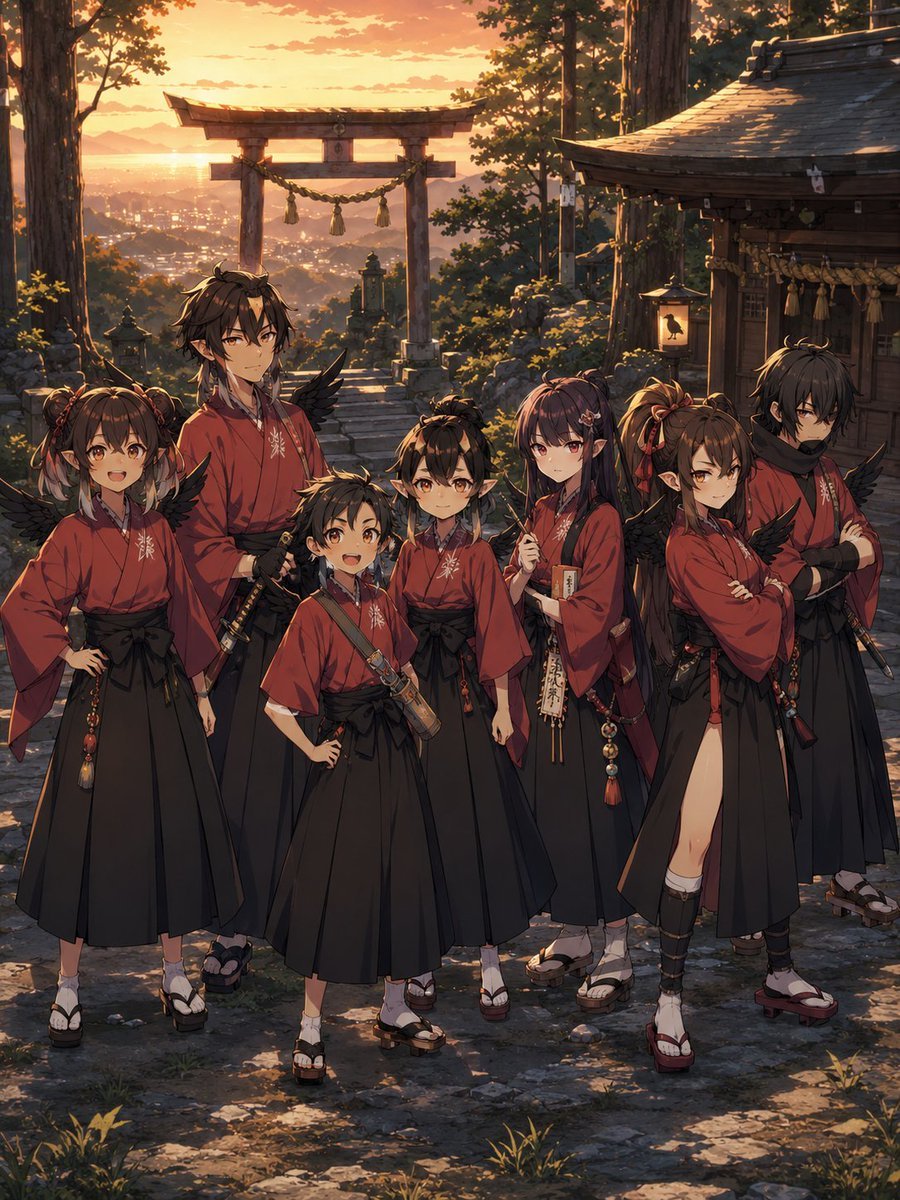
A cinematic anime group portrait of seven crow-tengu youths posing in coordinated shrine attire at a mountain torii gate during sunset.
- Prompt included
- Model and format preset
- Free template
The prompt behind this image
Copy the exact prompt behind Crow Tengu Shrine Ensemble, or open it in the studio and make it yours.
Goal: Create a cinematic anime key visual of {argument name="group name" default="Mount Takao Crow Tengu troupe"}, a young yokai warrior ensemble posing at a mountain shrine during sunset. Canvas: Vertical 3:4 composition, full-body group portrait, warm golden-hour lighting, highly detailed fantasy anime illustration with painterly backgrounds and crisp character rendering. Setting: A stone path at a traditional Japanese mountain shrine surrounded by tall cedar trees. In the background, place a large wooden torii gate with a thick shimenawa rope and hanging tassels, overlooking a distant town and layered mountains under an orange sunset sky. On the right, include a wooden shrine building with a curved tiled roof, paper talismans, rope ornaments, and a glowing lantern decorated with a black crow silhouette. Use mossy stones, small grasses, shrine lanterns, and long evening shadows for atmosphere. Characters: Show exactly 7 crow-tengu inspired youths standing together in the foreground, all wearing coordinated red kimono-style tops, black hakama or long pleated skirts, geta sandals or traditional sandals, black feathered wings, small horn-like ornaments, and subtle pointed ears. Their faces should be covered by soft rectangular blur masks as anonymized placeholders, except where visible styling is needed. Character count and placement: 1. Leftmost petite girl with twin buns and side locks, hands on hips, red robe and black hakama, small black wings. 2. Tall slim young man just left of center, long dark brown hair, sword at his waist, relaxed confident stance, red kimono and black hakama. 3. Short child in the front center, hands on hips, diagonal strap across the chest holding a small cylindrical case, red top and black skirt-like hakama. 4. Small younger child behind the center, partially hidden, short dark hair with little horn ornaments, red outfit and black wings. 5. Slender girl just right of center with long dark purple hair, holding a vertical paper talisman or wooden charm with Japanese calligraphy, red robe and black hakama. 6. Confident girl right of center with brown twin ponytails tied with red ribbons, arms crossed, red kimono with one high side slit revealing one leg wrap, black wings and many dangling bead ornaments. 7. Rightmost serious young man with messy black hair, black scarf, arms crossed, red robe over black hakama, sword at the hip, dark wings. Costume details: Use {argument name="robe color" default="deep vermilion red"} robes with small white crest embroidery on the chest, black sashes, bead charms, tassels, sword cords, scroll cases, and talisman accessories. Keep the group unified like a traditional tengu clan or mountain-school team, but give each character distinct hair, posture, and accessories. Visual style: Dramatic anime fantasy realism, intricate linework, warm rim light from the setting sun, amber highlights, soft atmospheric haze, detailed shrine architecture, no modern objects, no UI, no text captions, no watermark.
How to use Crow Tengu Shrine Ensemble in 3 steps
- 1Upload ImagePNG, JPG or paste
Add your photo
Upload the photo the template builds on. The prompt, model and format are already set.
- 2…a portrait of your subject in softgolden-hour light, 85mm…
Personalize
Edit the subject and creative details for your destination.
- 3Generate
Generate
Press Generate — your image is created in PicX Studio, so you can compare it with the original and refine one variable at a time.
More like this
Templates with the same subject, style or setup. Open one to see its prompt.
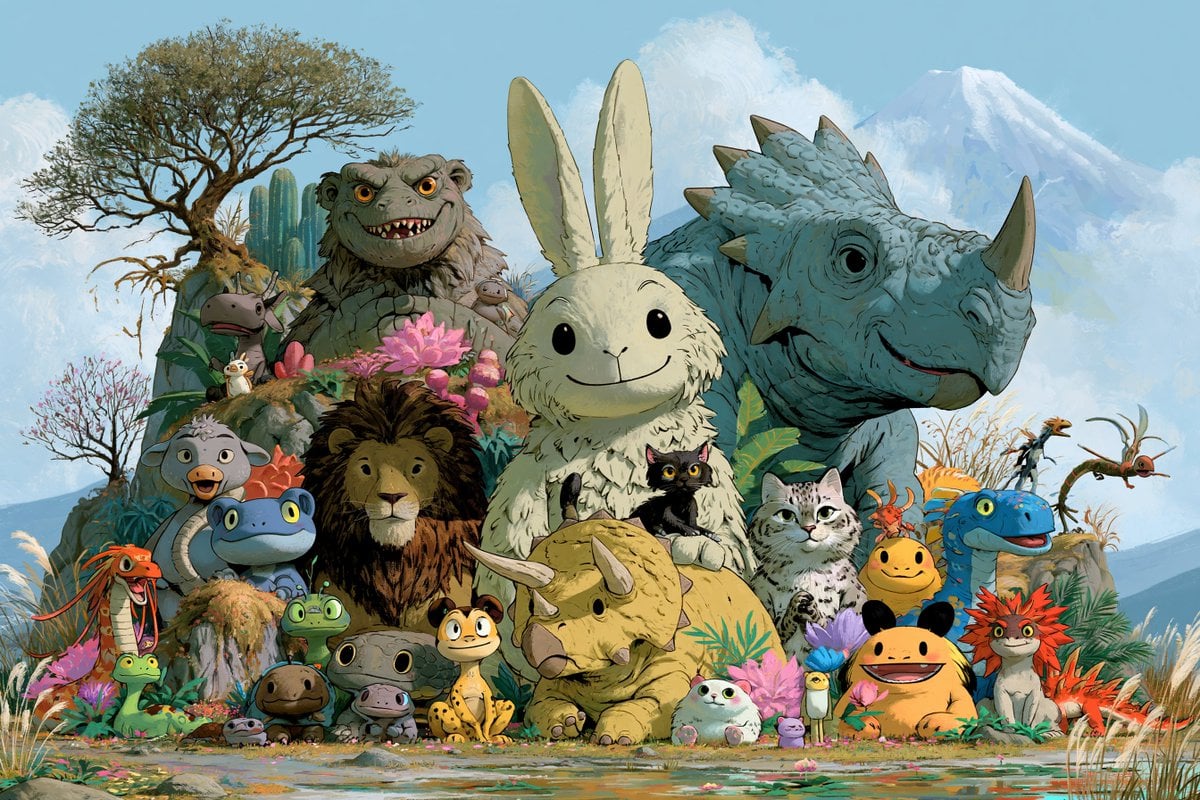
Fantasy Creature Meadow Ensemble
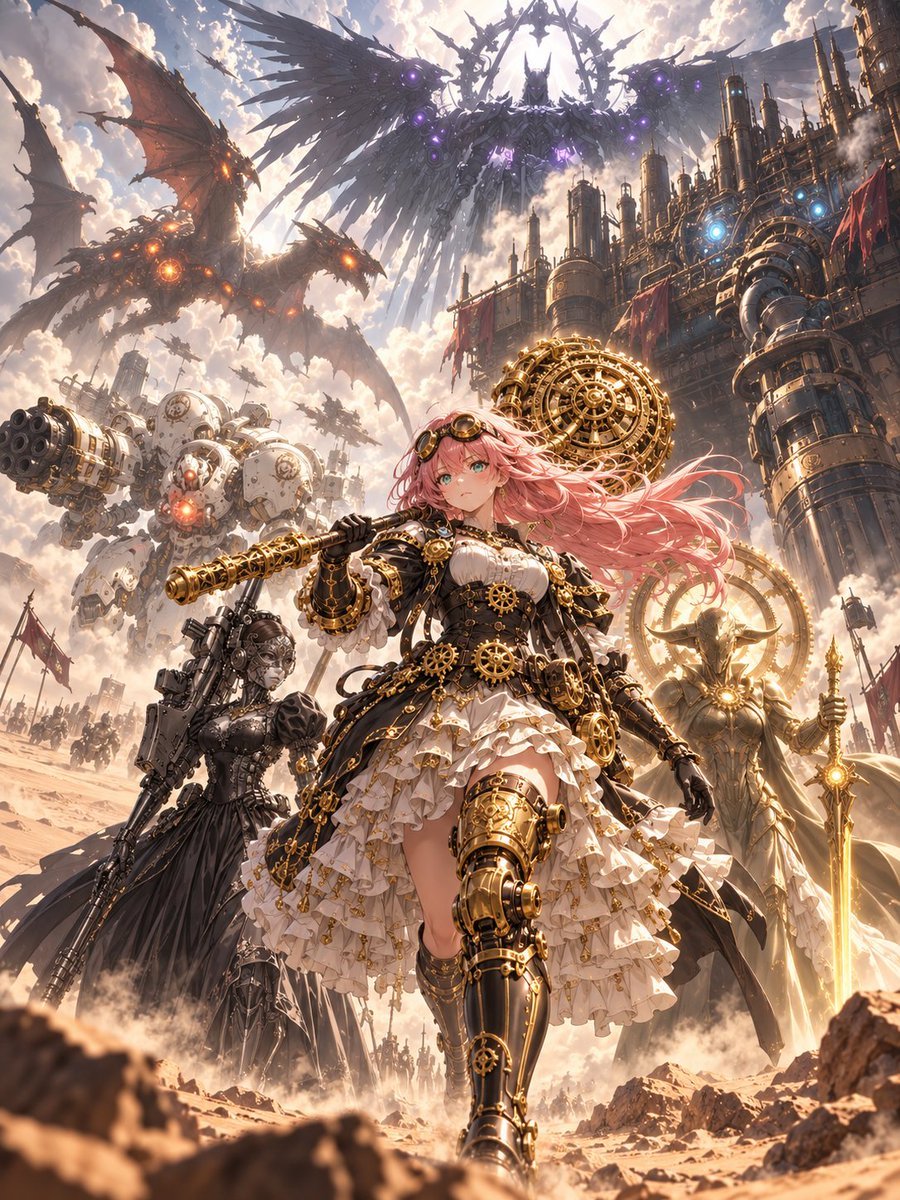
Steampunk Card Motif Ensemble

Pixar Style Ensemble Movie Poster
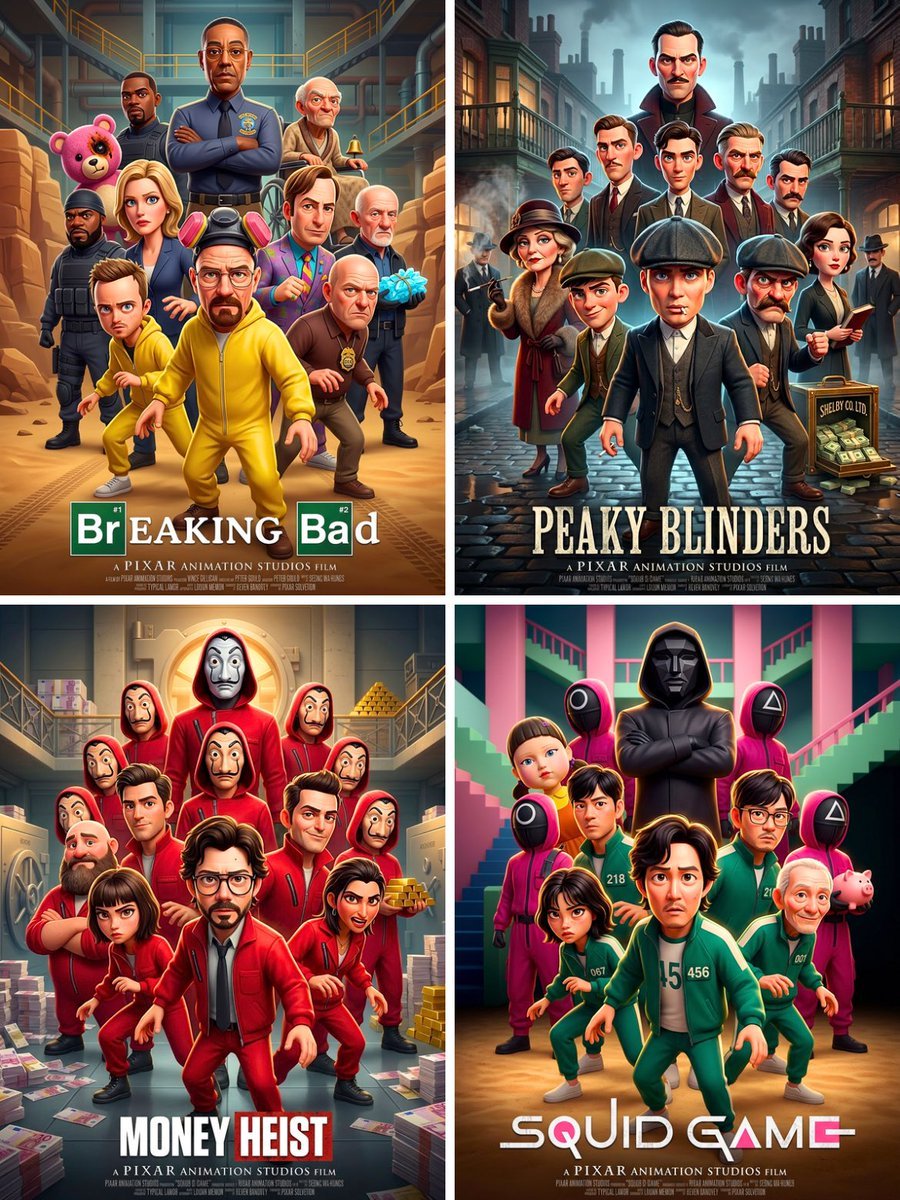
Pixar 3D CGI animated movie poster style, ensemble cast featuring
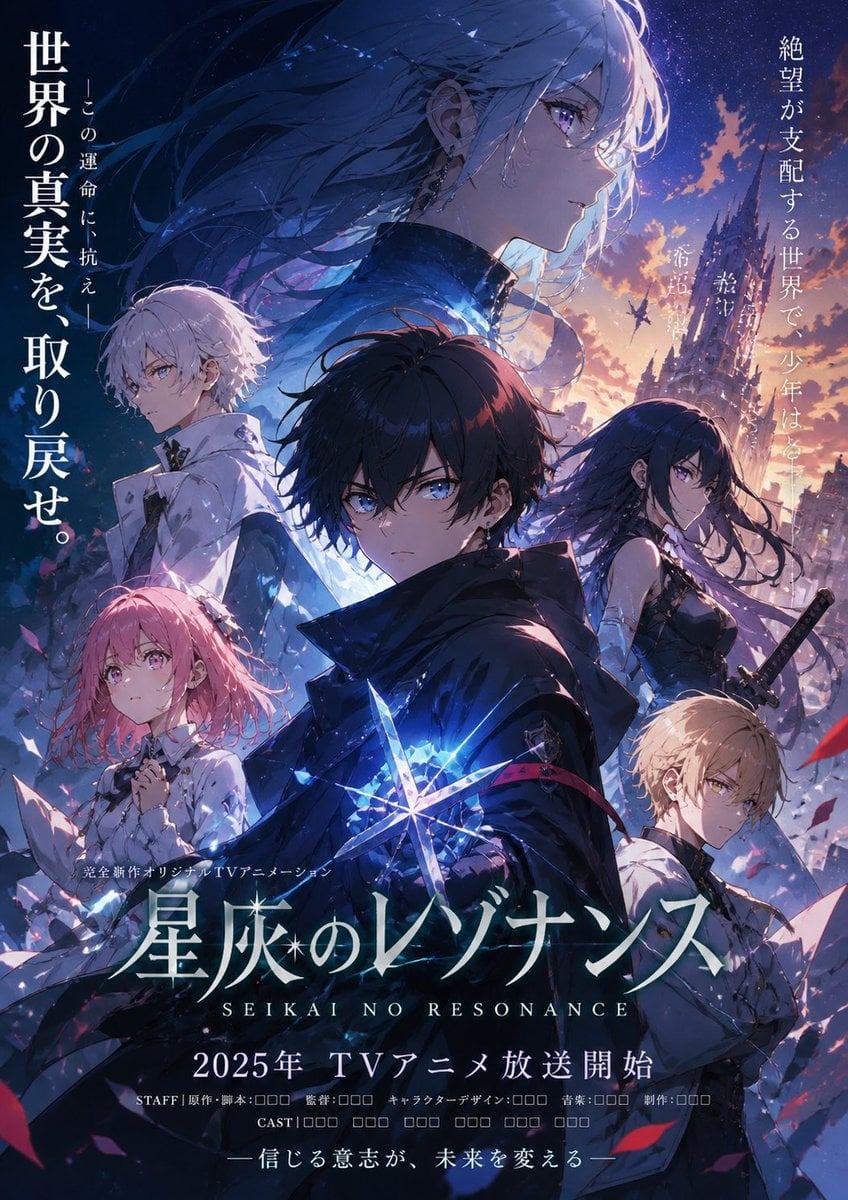
Anime Fantasy Ensemble Poster
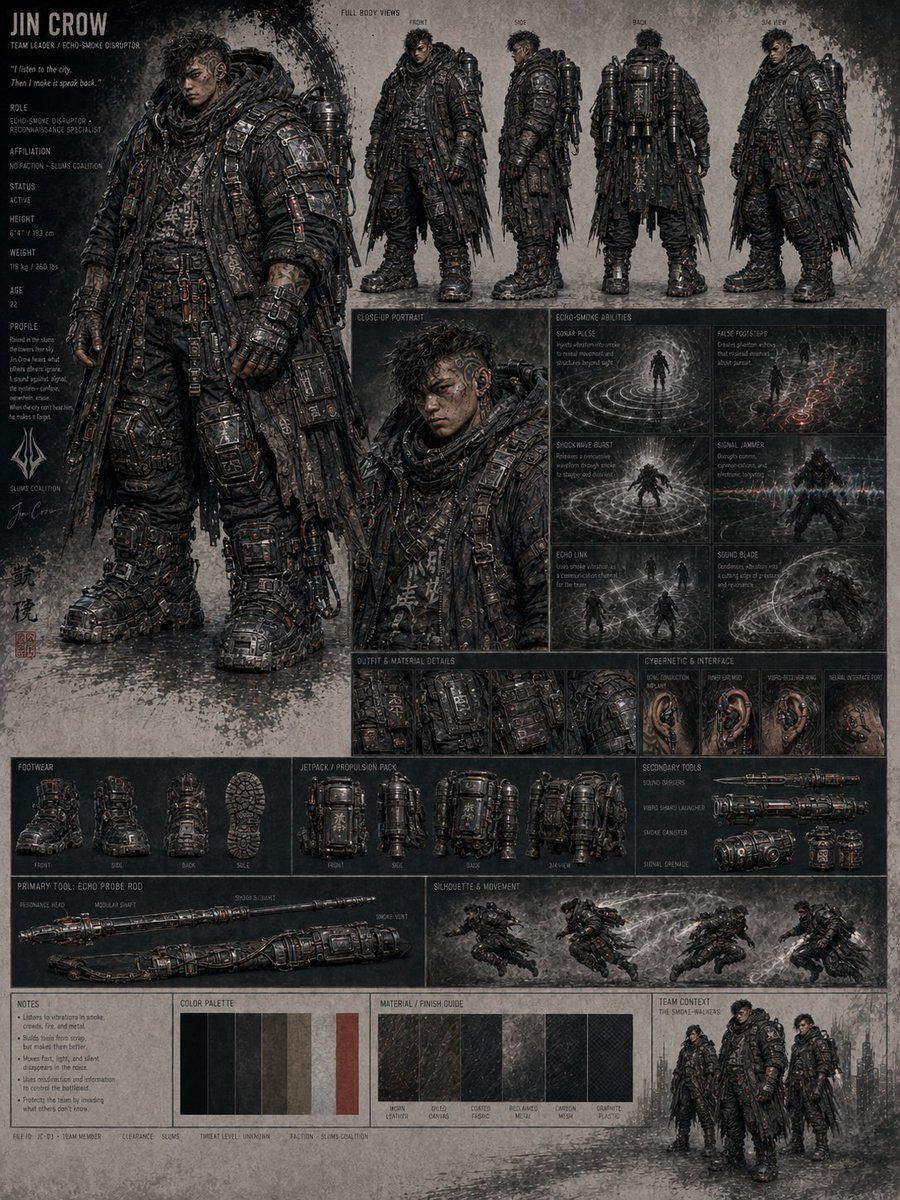
Jin Crow Sci-Fi Character Sheet
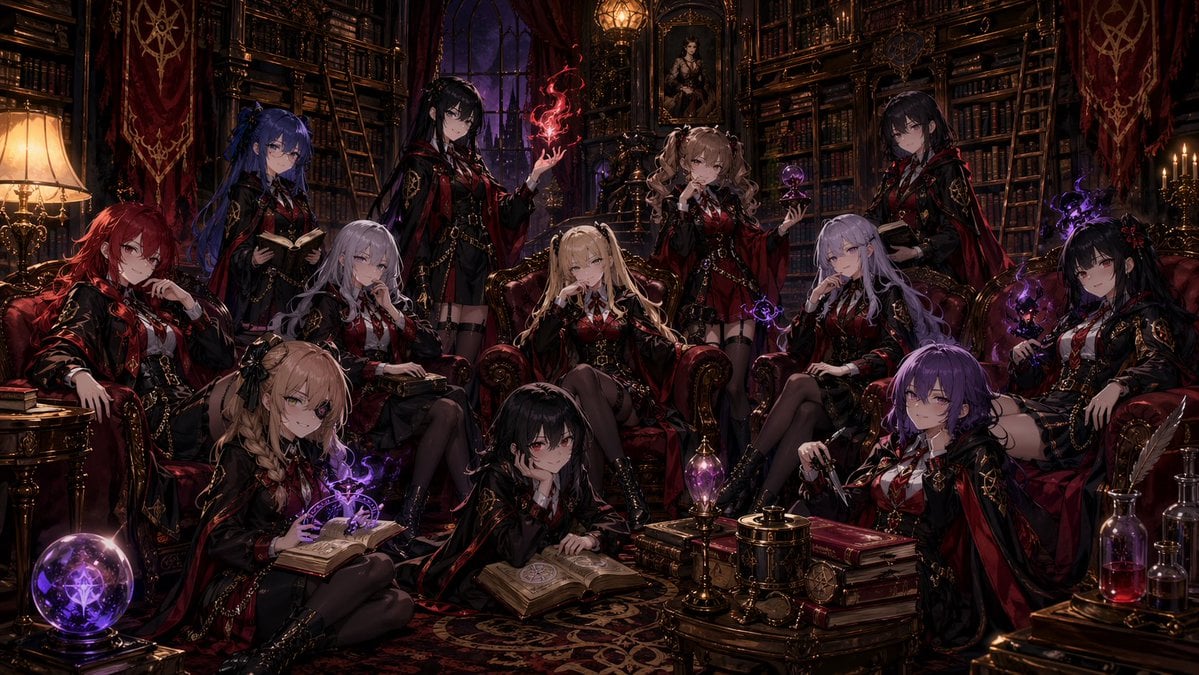
Gothic Anime Witch Library Ensemble
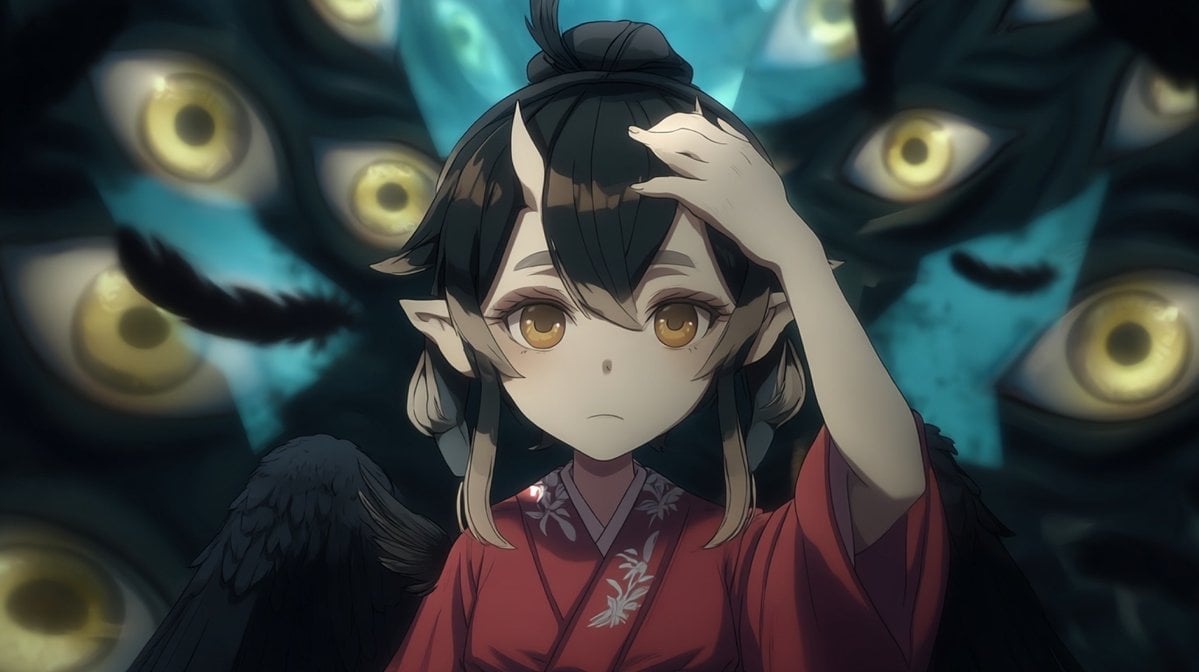
Censored Tengu Girl Among Eyes
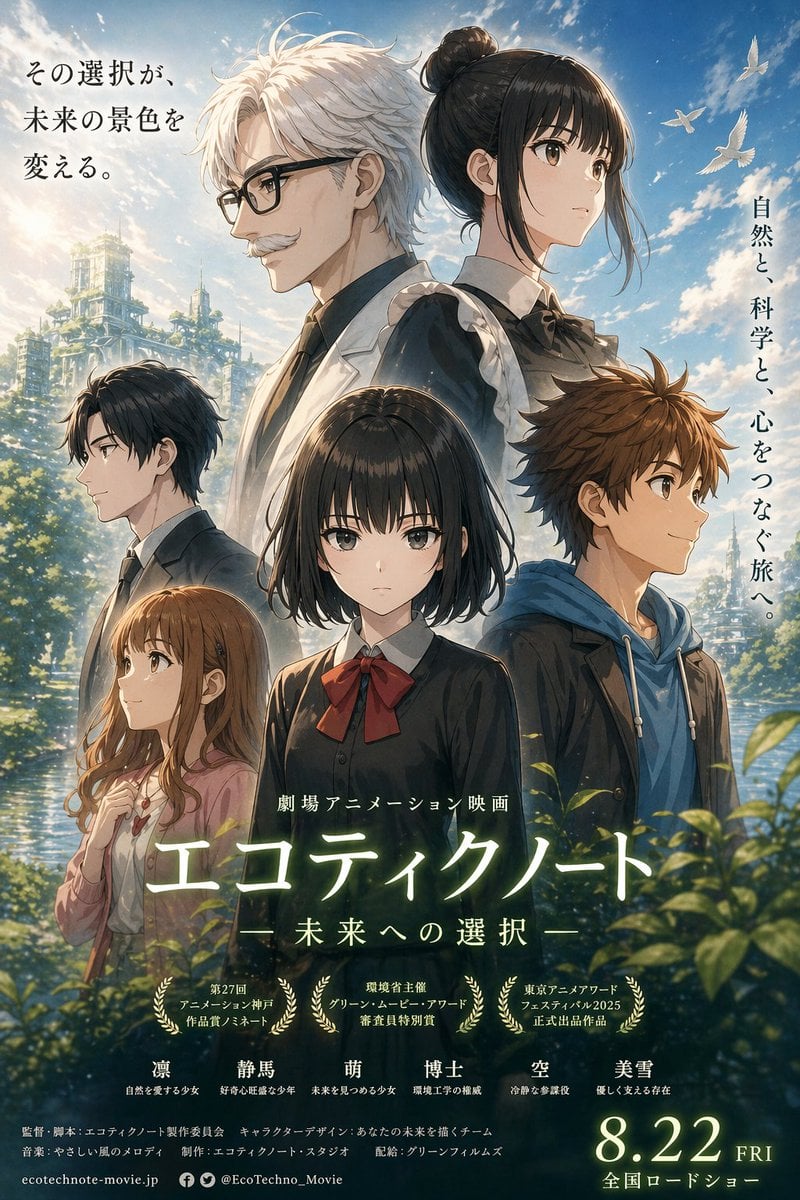
Anime Ensemble Movie Poster
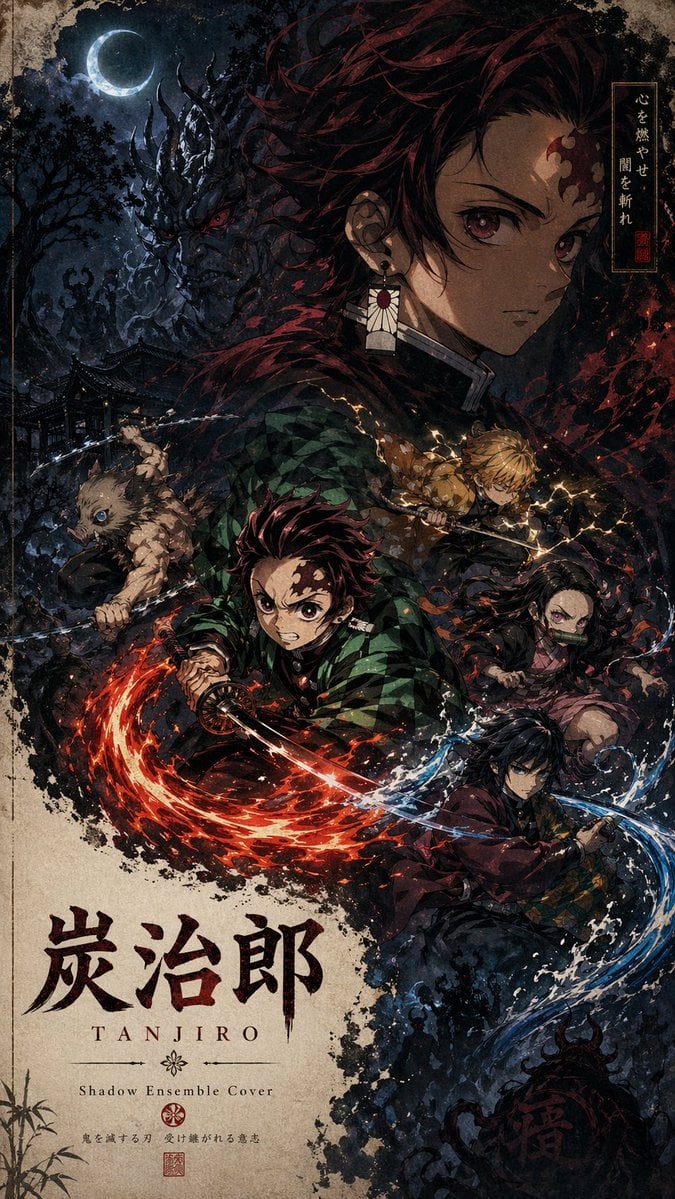
Shadow Ensemble Movie Poster Template
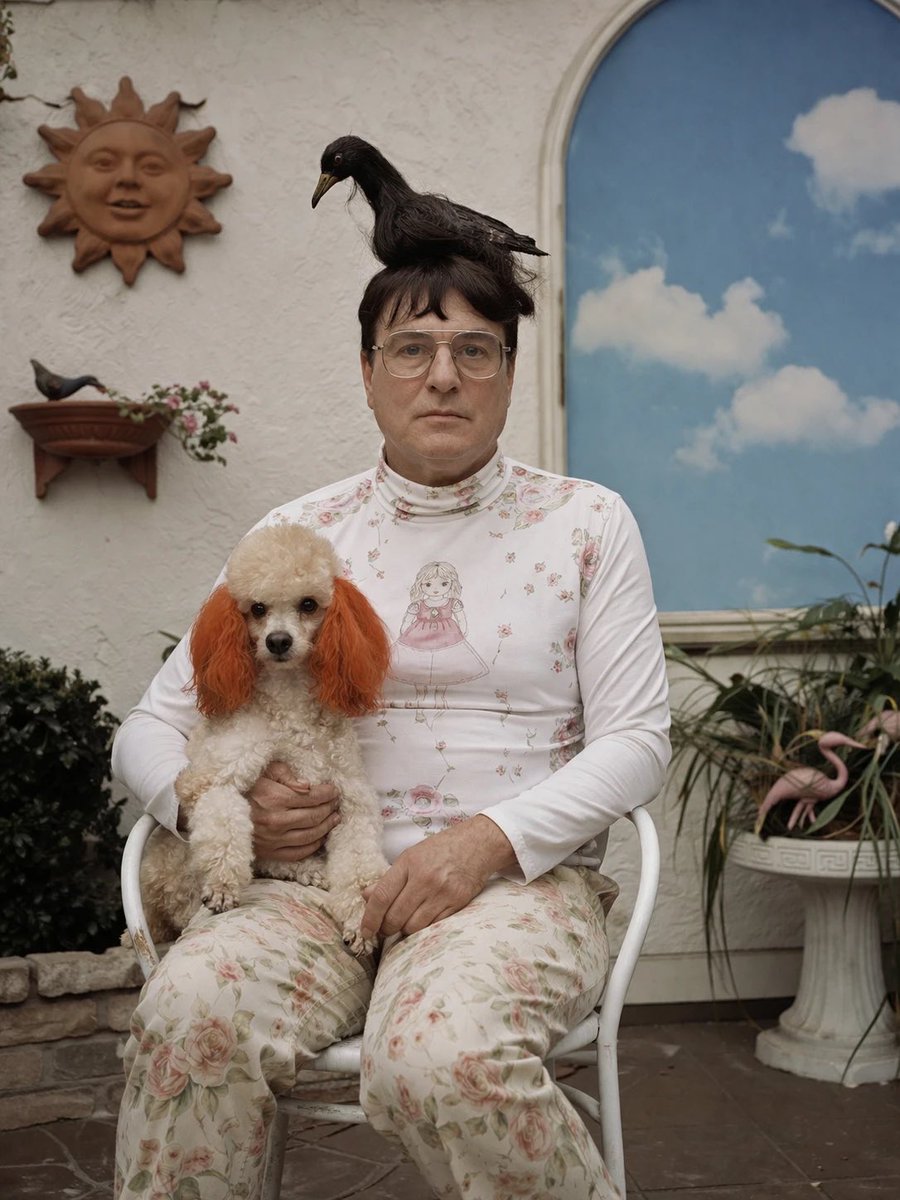
Surreal Patio Portrait with Crow and Dog

Young Woman in a Red Ensemble in an Alpi
Make it yours
Crow Tengu Shrine Ensemble works as-is. These are the safest ways to change it without losing the look.
Change one field
Copy a single group, rewrite it, and generate again so you can see what that field is doing.
Keep the frame, change the subject
Hold the composition and light of Crow Tengu Shrine Ensemble, then swap wardrobe, props or the person for a new take.
| If the result… | Why | Fix |
|---|---|---|
| The result drifts from the preview | Too many fields changed at once. | Reuse Crow Tengu Shrine Ensemble as-is first, then change one group — subject, light, or setting. |
| The model over-stylizes the scene | The prose prompt leaves finish and camera underspecified. | Add one camera or lighting sentence and stay on GPT Image 2. |
More GPT Image 2 templates
Other prompts made for GPT Image 2.

Six VTuber Japanese Logo Sheet

Realistic Portrait of Woman and Deer

The Vista Modular Condo Poster

AI Model Routing Comparison Infographic

2.5D Anime Art Board

Isometric Productivity Desk Scene

New York Double Exposure Poster

Four-Panel AI Landscape Comparison

Japanese Tatami Lifestyle Magazine Cover

NESCAFÉ Coffee Map Poster
More image prompts
Fresh picks from across the catalog.

Michael Jordan Sports Graphic Wallpaper
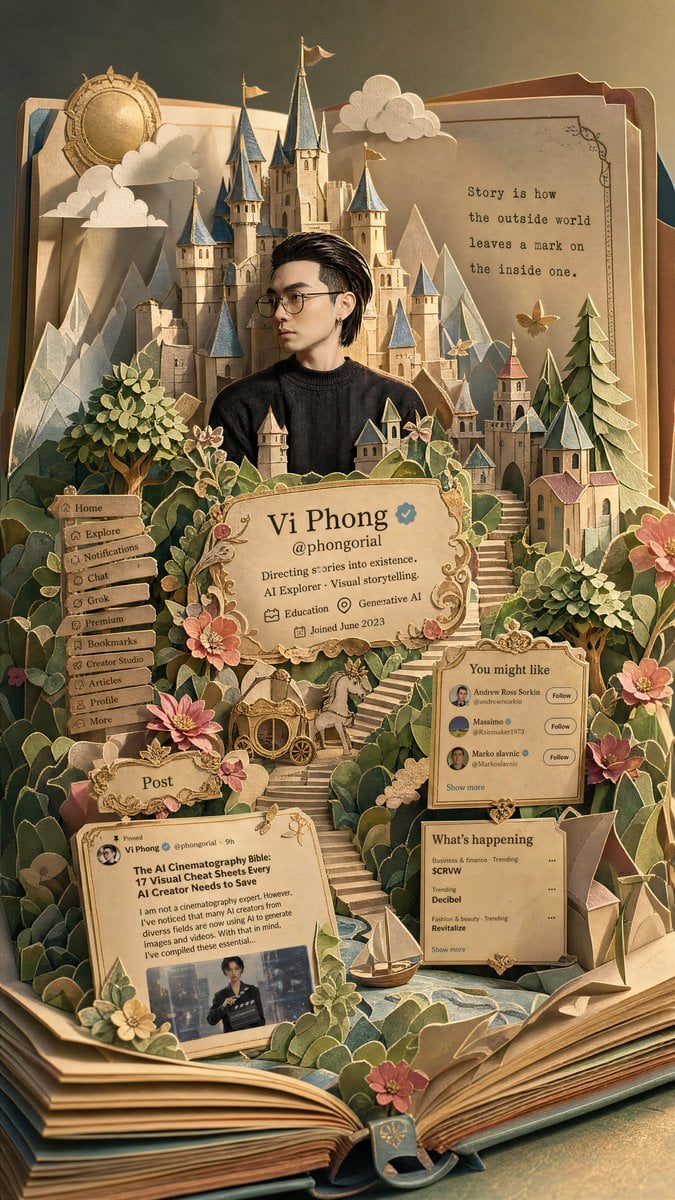
Fantasy Pop-up Book Transformation
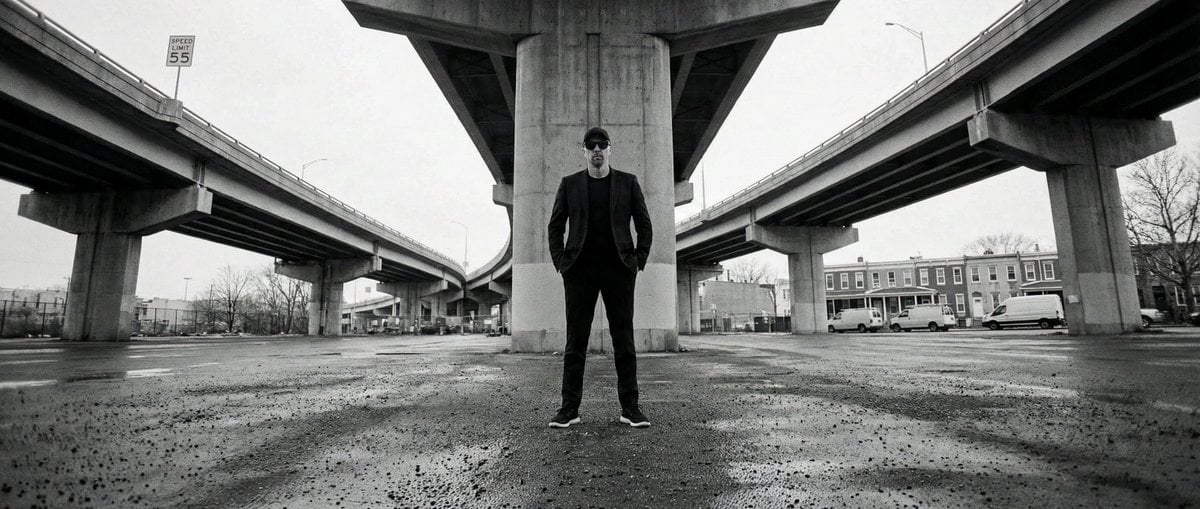
High-Contrast Documentary Photo Under a Brutalist Overpass
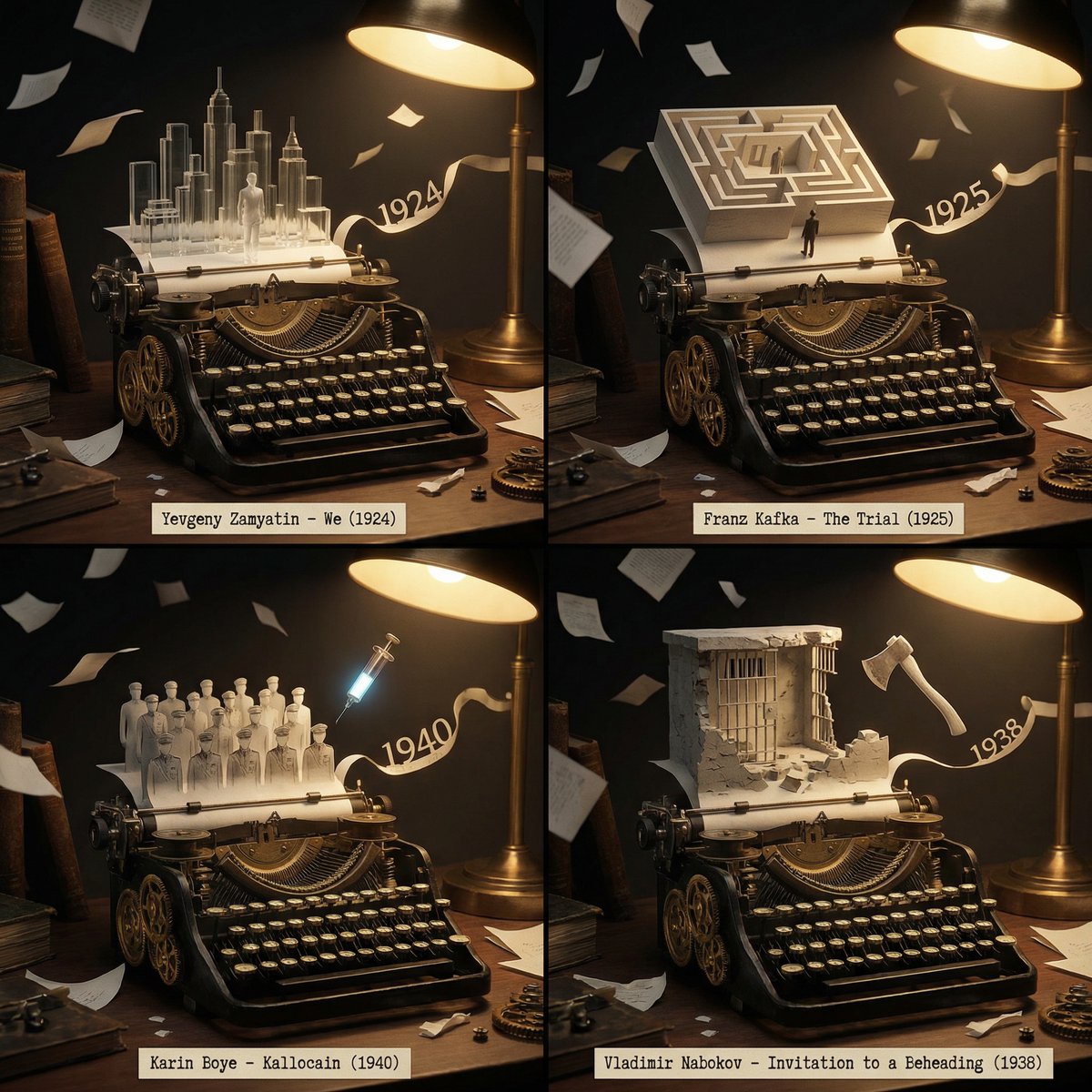
Literary Deep-Dive Recommendation Engine Prompt
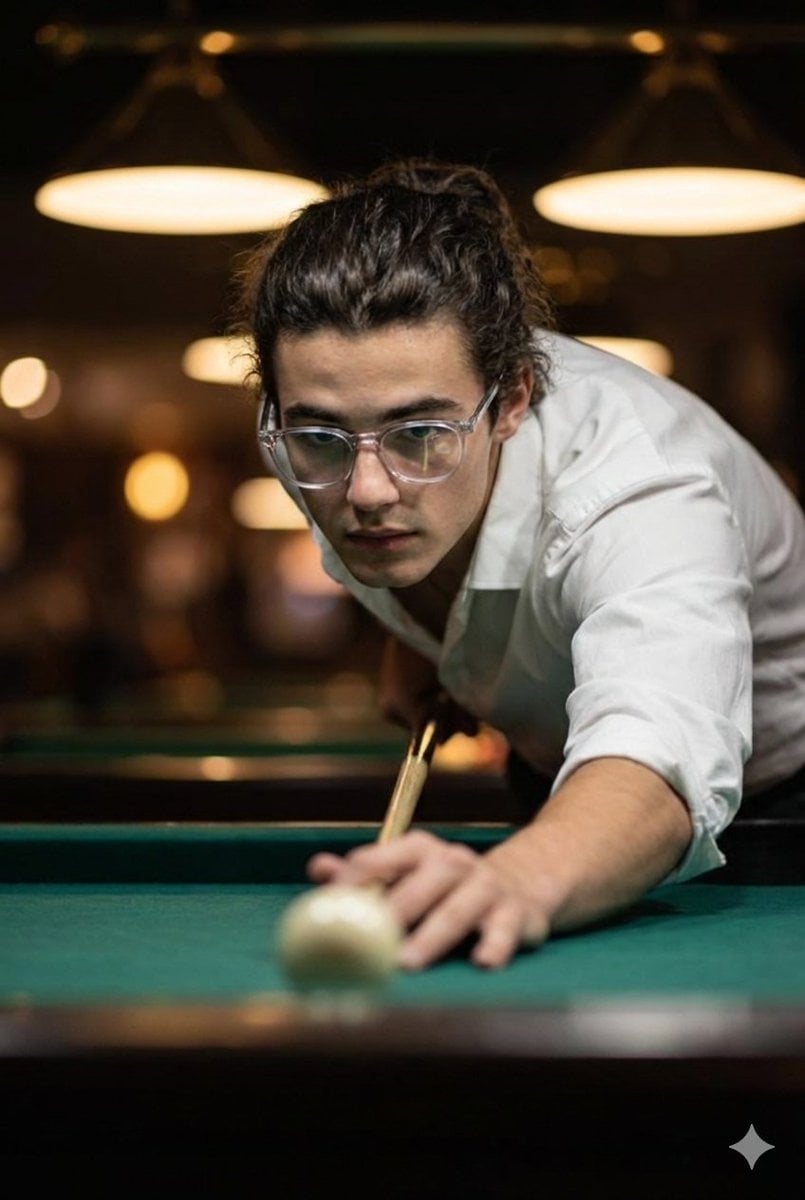
Cinematic Ultra-Realistic Billiards Shot
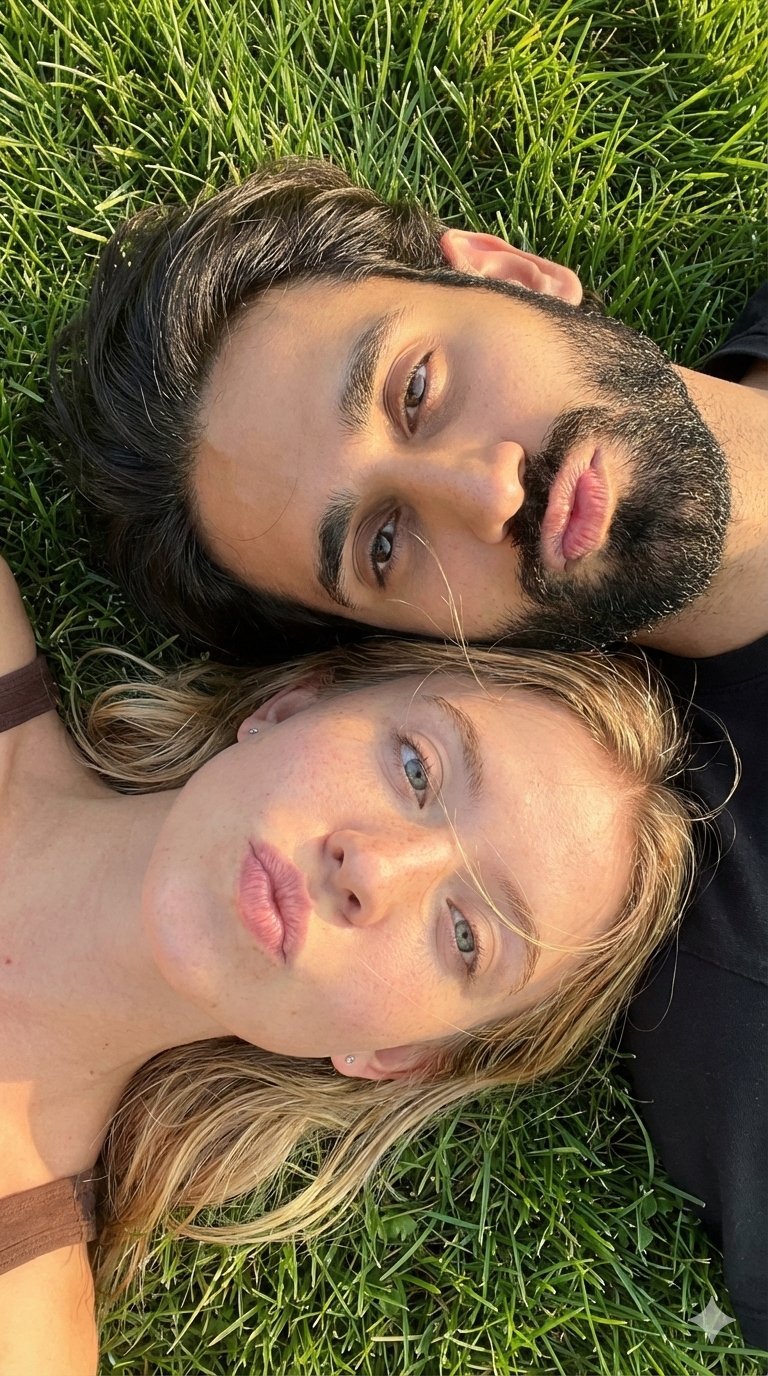
Selfie with Sydney Sweeney and Ana De Ar
3D Animated Scene of Chicks and a Monster on Lily Pads

Skin Comparison Portrait — Nano Banana Pro
Cute chibi cat-eared girl illustration
Cyberpunk Neon Alley Fashion Portrait Prompt
Browse template categories
Crow Tengu Shrine Ensemble questions
How do I use the Crow Tengu Shrine Ensemble template?
Add your photo if the template asks for one, edit the prompt if you like — the template's model and format are already selected — and press Generate. Your version opens in PicX Studio.
Can I customize the Crow Tengu Shrine Ensemble template?
Yes. You can change the subject, setting, lighting, mood, format, and available model controls before creating your image.
Is the Crow Tengu Shrine Ensemble template free?
Opening and editing this template is free. Generating uses credits, shown on the Generate button when you are signed in.
Which AI model should I use?
Start with GPT Image 2, which is the model associated with this template. You can compare another compatible model for a different finish.
Looking for something else? Browse all templates.

Your photo, any look
Thousands of ready templates for every top image and video model, from one credit balance.